
Free Fantastical alternatives
Top Scheduling & Calendars like Fantastical
The most popular alternative to Fantastical is Google Calendar, which has a free version. Other great alternatives to Fantastical are Notion Calendar, Microsoft Outlook, Calendly, and Reclaim.ai.
Most alternatives to Fantastical are in the Scheduling & Calendars category, compared here by price, platform and features.
All Fantastical alternatives
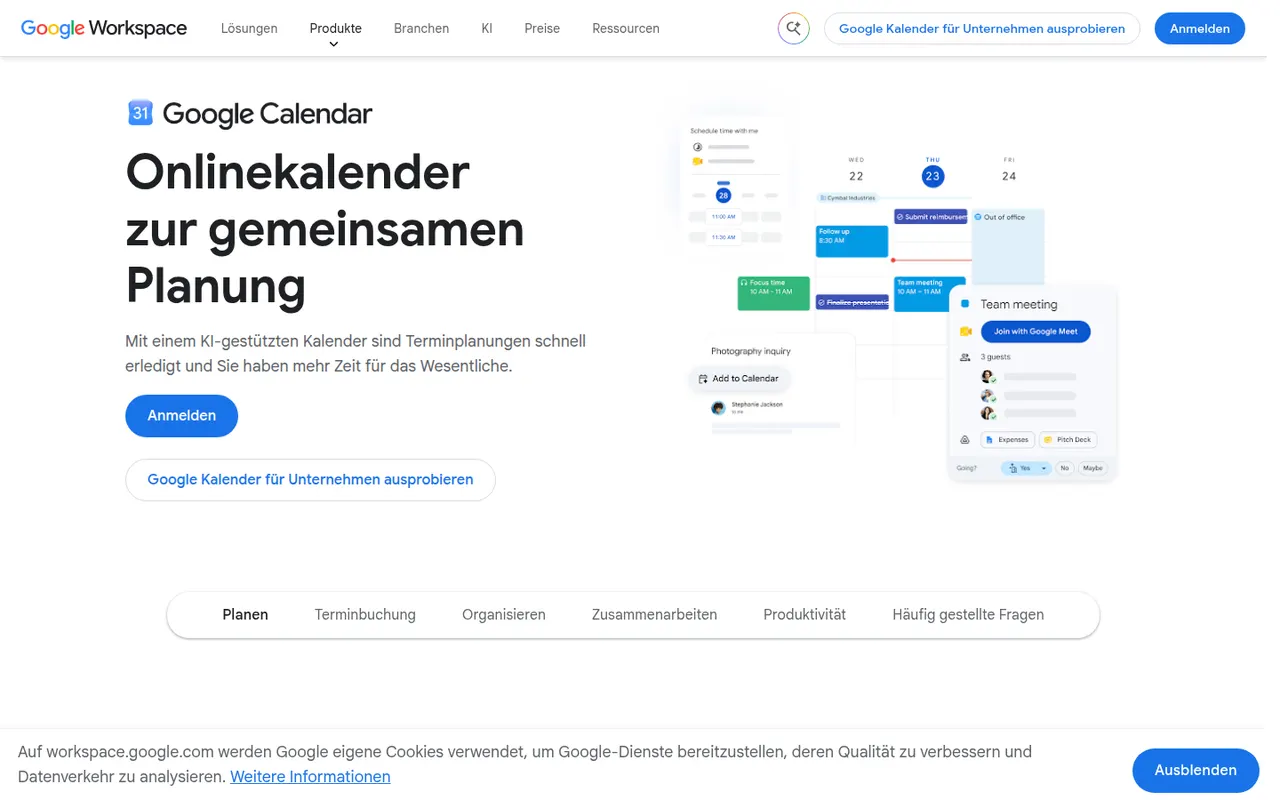
Google Calendar is a free calendar service tied to your Google account, with shared calendars, event invitations, events detected from Gmail and Google Meet links added to meetings. Appointment schedules provide simple booking pages, and Google Workspace accounts add features such as focus time, working locations and room booking.
12 Google Calendar alternativesPros
- Free and tightly integrated with Gmail and Google Meet
- Calendar sharing and event invitations are easy to manage
- Appointment schedules provide simple booking pages
Cons
- Advanced appointment schedule options require a paid Workspace plan
- No official desktop app, only web and mobile
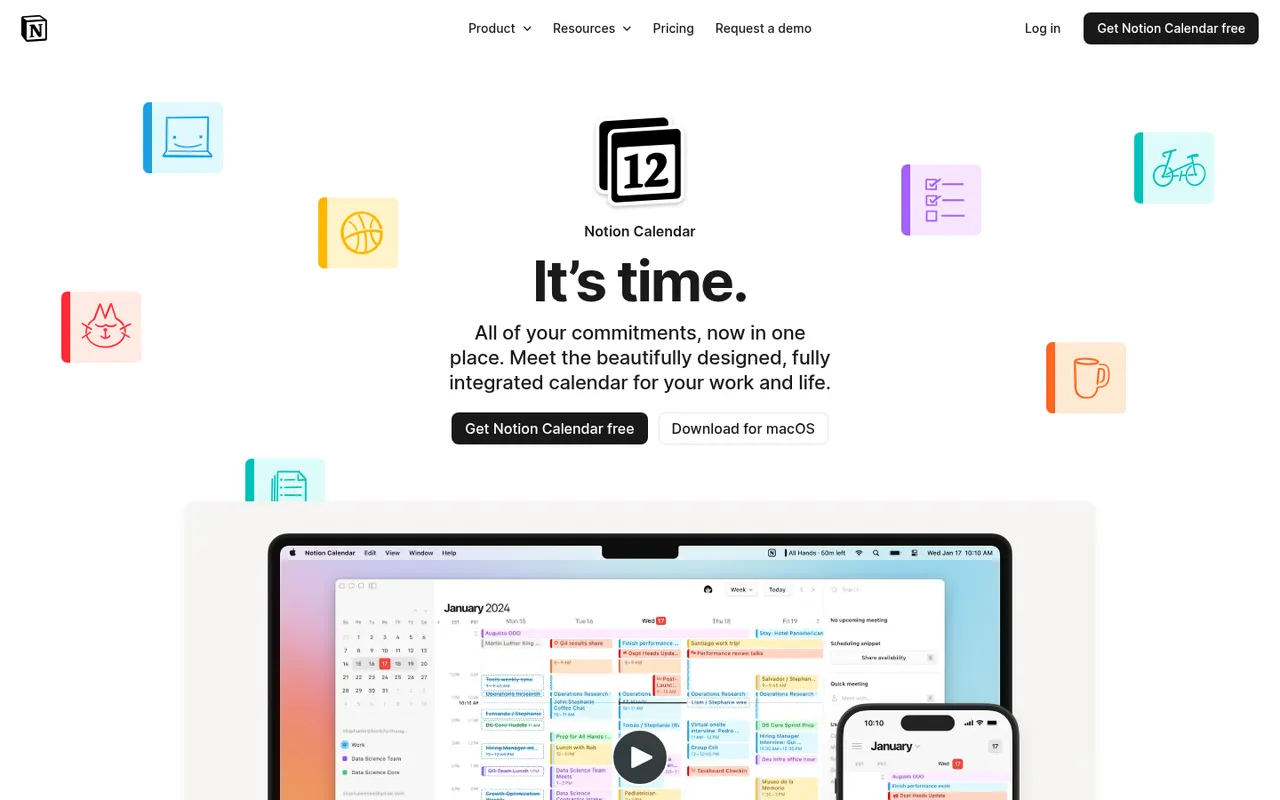
Cost / LicenseFreeProprietaryCategoriesNotion Calendar, formerly Cron, is a free calendar for desktop, web and iPhone that works on top of Google Calendar accounts and connects to Notion databases, so pages with dates appear next to meetings. It is designed for keyboard-heavy users, with many shortcuts, a menu bar for joining calls, multiple time zones and availability sharing.
8 Notion Calendar alternativesPros
- Free, fast and designed for keyboard use
- Shows dated Notion database pages next to meetings
- Handles multiple time zones and availability sharing well
Cons
- Built on Google Calendar accounts, a poor fit for Outlook or iCloud users
- Few planning features beyond the link with Notion
Cost / LicenseFreeProprietaryCategoriesMicrosoft Outlook is an email and calendar app available on Windows, Mac, mobile and the web, used with Outlook.com, Exchange and Microsoft 365 accounts as well as Gmail and other IMAP services. It combines mail with calendars, contacts and tasks, supports shared mailboxes and scheduled sending, and integrates with Teams for meetings. Copilot can draft replies and summarize threads on eligible plans.
12 Microsoft Outlook alternativesPros
- Email, calendar, contacts and tasks in one app
- Shared mailboxes and Teams integration for businesses
- Available on Windows, Mac, mobile and the web
Cons
- The move from classic to new Outlook on Windows has been disruptive
- Free Outlook.com accounts show ads
- Copilot features require an eligible paid plan
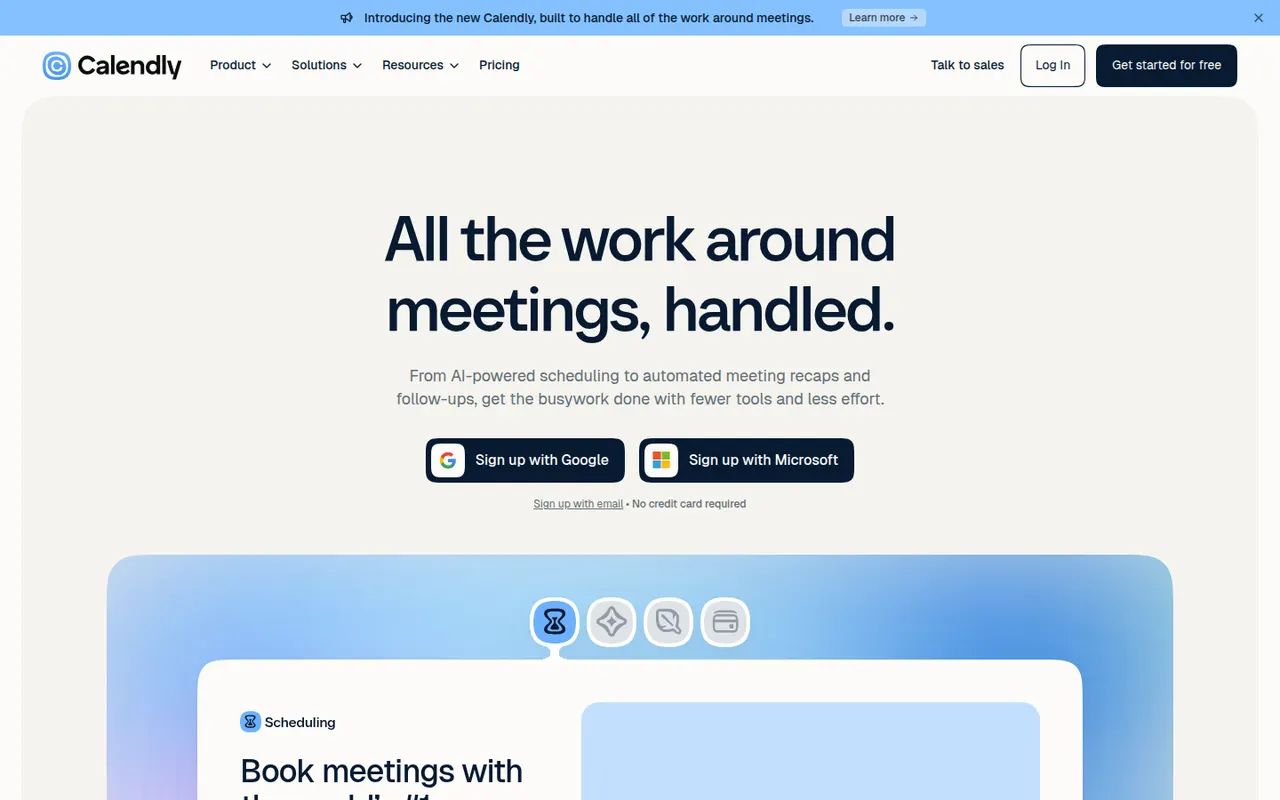
Cost / LicenseFreemiumProprietaryCalendly lets people book time with you through a shareable link that reflects your real availability across Google, Outlook and iCloud calendars. Teams can distribute meetings round robin or book them collectively, collect payments with Stripe or PayPal, and send automatic reminders and follow-ups. It targets sales, recruiting and customer success teams and connects to CRMs such as Salesforce and HubSpot.
12 Calendly alternativesPros
- Booking links reflect real availability across several calendars
- Round-robin and collective scheduling for teams
- CRM integrations with Salesforce and HubSpot
Cons
- The free plan is restrictive, with key features on paid tiers
- Costs add up for teams that need routing and CRM features
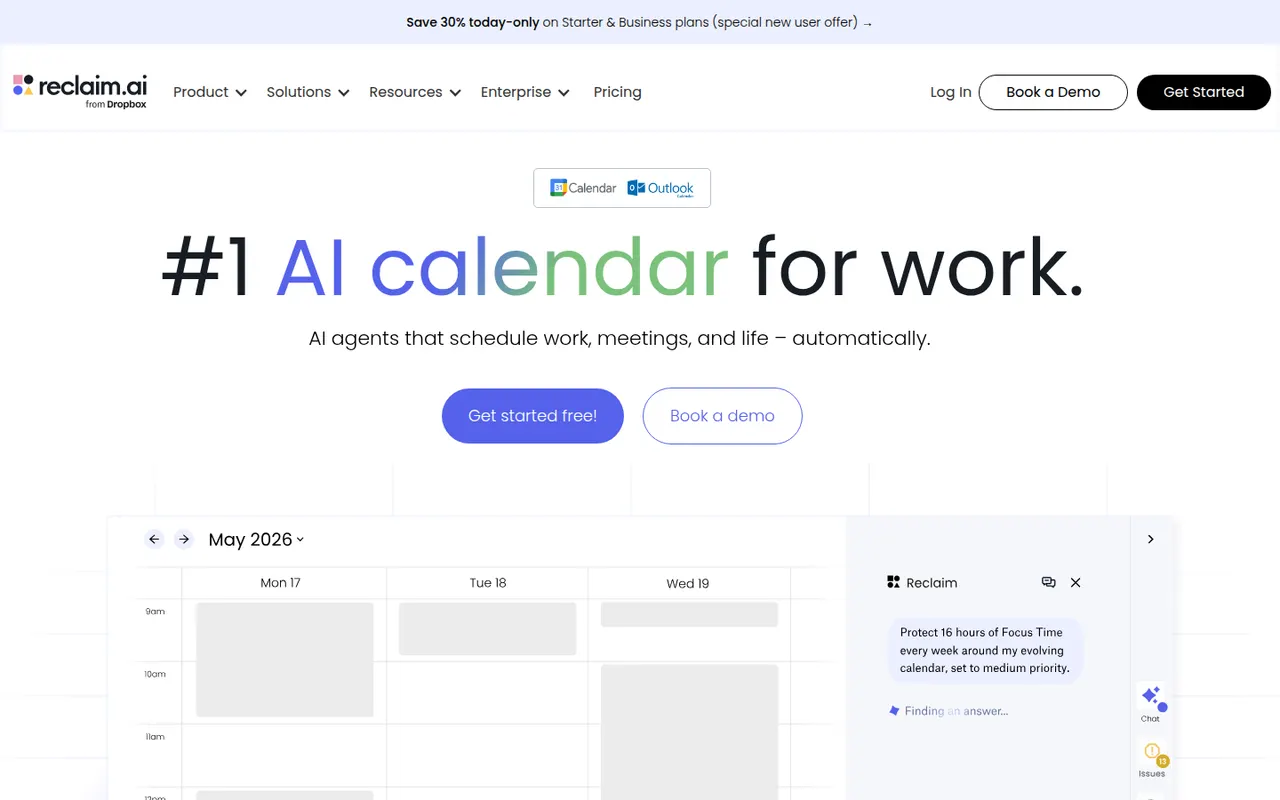
Cost / LicenseFreemiumProprietaryCategoriesPlatformsReclaim.ai is a scheduling assistant for Google Calendar and Outlook that automatically blocks time for tasks, recurring habits, focus time and breaks, then adjusts those blocks as meetings move. It syncs tasks from Asana, Todoist, Jira, ClickUp and Linear, offers scheduling links and time analytics, and has been part of Dropbox since 2024.
9 Reclaim.ai alternativesPros
- Automatically protects time for tasks, habits, focus and breaks
- Time blocks adjust automatically as meetings move
- Syncs tasks from Asana, Todoist, Jira, ClickUp and Linear
Cons
- Works only with Google Calendar and Outlook
- Heavy automatic blocking can clutter shared calendars
- Advanced features and team analytics require paid plans
Cost / LicenseFreemiumProprietaryCategoriesPlatforms










Fantastical vs its alternatives at a glance
Pricing, platforms and the key features of Fantastical, compared with its most popular alternatives.
| App | Pricing | Platforms | Booking pages | Calendar view | Cross-device sync | Integrations | Natural language input |
|---|---|---|---|---|---|---|---|
 Fantastical Fantastical | Freemium | Windows, Mac, iPhone | |||||
 Google Calendar Google Calendar | Free | Web, iPhone, Android | |||||
 Notion Calendar Notion Calendar | Free | Web, Windows, Mac, iPhone | |||||
 Microsoft Outlook Microsoft Outlook | Freemium | Web, Windows, Mac, iPhone, Android | |||||
 Calendly Calendly | Freemium | Web, iPhone, Android, Browser extension | |||||
 Reclaim.ai Reclaim.ai | Freemium | Web, Browser extension |
Fantastical alternatives: frequently asked questions
What is the best alternative to Fantastical?
The most popular alternative to Fantastical is Google Calendar: Free online calendar with sharing and appointment schedules. Other great alternatives are Notion Calendar, Microsoft Outlook, Calendly, and Reclaim.ai.
Is there a free alternative to Fantastical?
Yes, 5 alternatives are free or have a free plan, including Google Calendar, Notion Calendar, Microsoft Outlook, and Calendly.
Is there an open source alternative to Fantastical?
No open source alternative to Fantastical is listed yet.
Is Fantastical free?
Fantastical has a free plan, with paid plans that unlock more features.
Compare Fantastical with its alternatives


Sponsored listings and products made by the publisher of this site are always labeled. How we rank · Know a good alternative? Submit it