Apps with API access
99 apps
Top API access apps ranked by the community
Serpstat is a Ukrainian SEO platform that combines keyword research, competitor and PPC analysis, rank tracking, backlink analysis and site audits. It also includes AI-based content tools and an API for pulling data into reports and dashboards. It targets agencies and in-house teams that need a broad SEO toolset with API access.
8 Serpstat alternativesPros
- Combines keyword, competitor, PPC, backlink and audit tools
- API access to feed reports and dashboards
- Includes AI-based content tools
Cons
- Data accuracy and coverage vary by country
- The interface is less polished than larger competitors
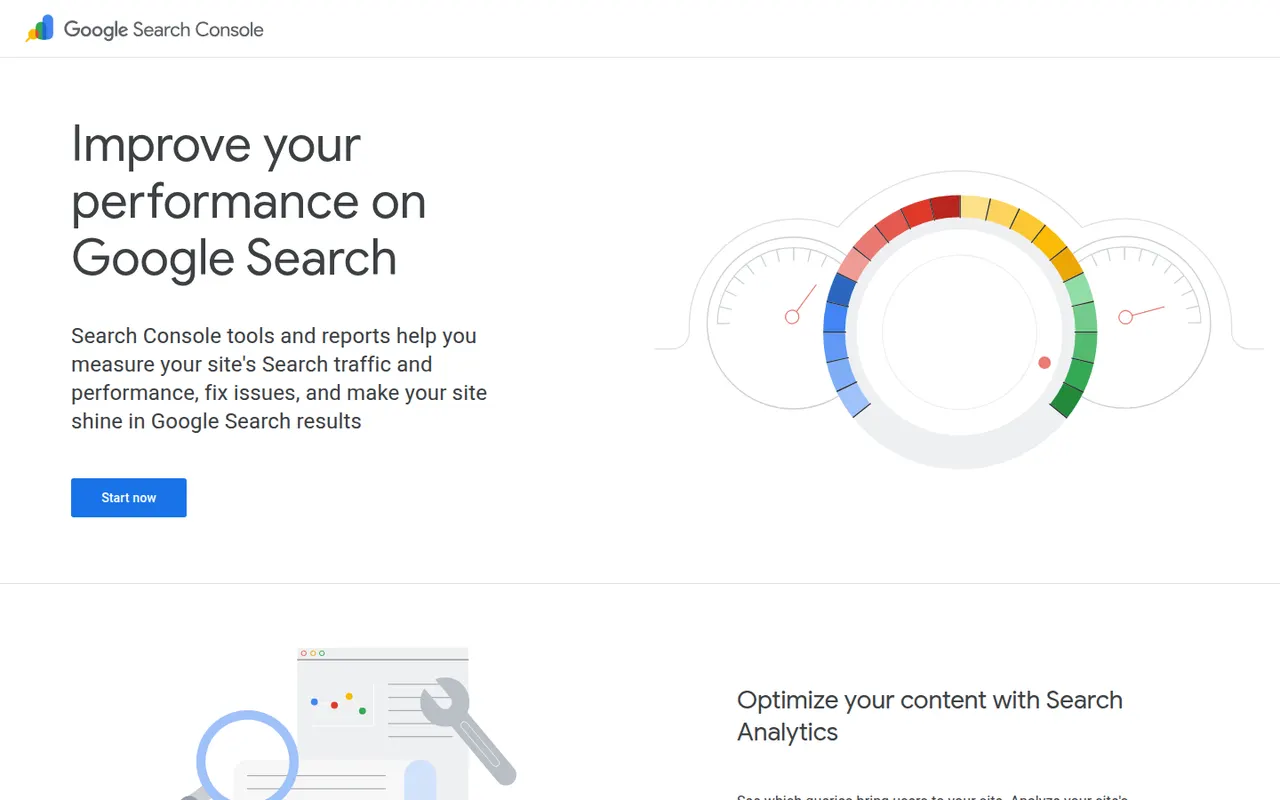
Cost / LicenseFree trialProprietaryCategoriesPlatformsGoogle Search Console is a free service from Google that shows how a website appears in Google Search: the queries that bring clicks and impressions, average positions, the indexing status of pages and Core Web Vitals. Site owners use it to submit sitemaps, inspect URLs, fix crawl and structured data issues and get alerts about security problems or manual actions. Its data can be exported through an API.
7 Google Search Console alternativesPros
- Free, first-party data on queries, clicks and impressions
- URL inspection and indexing reports straight from Google
- Alerts for security issues and manual actions
Cons
- Covers only Google Search, not other search engines
- Performance history is limited, so long-term data must be exported
- Some queries are hidden for privacy reasons
Cost / LicenseFreeProprietaryCategoriesPlatformsFeaturesGoogle Analytics 4 measures traffic and behavior on websites and mobile apps with an event-based model, offering reports on acquisition, engagement, conversions and audiences. It integrates tightly with Google Ads, Search Console and BigQuery, and adds predictive metrics and explorations for funnels and paths. The standard edition is free, and its cookie-based tracking requires a consent banner in many countries.
12 Google Analytics alternativesPros
- Free standard edition with extensive reporting
- Tight integration with Google Ads, Search Console and BigQuery
- Covers websites and mobile apps in one event-based model
Cons
- GA4 interface is complex and hard to navigate for beginners
- Cookie-based tracking needs a consent banner in many countries
- Data is processed by Google, a concern for privacy-sensitive sites
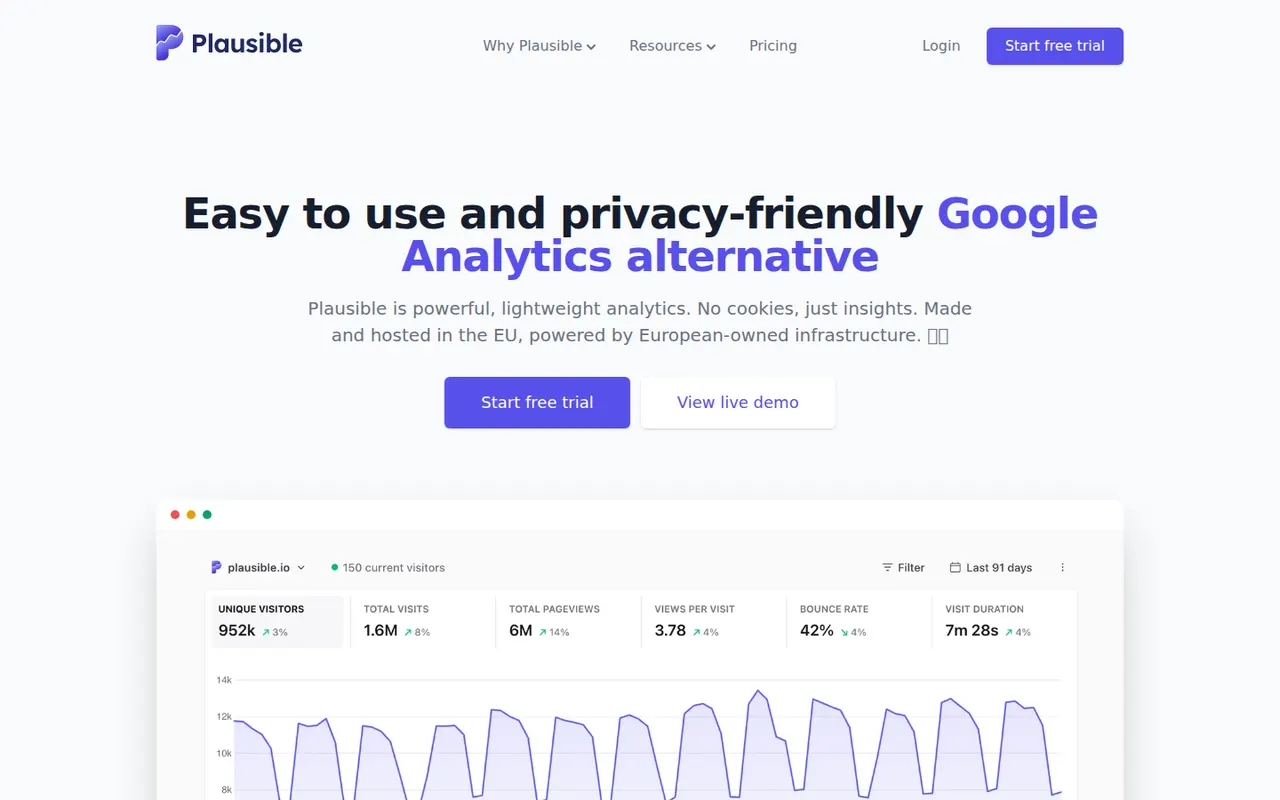
Cost / LicenseFreeProprietaryCategoriesPlausible Analytics is a privacy-focused web analytics tool that uses no cookies and collects no personal data, so it can usually run without a consent banner. Its script is very small, and a single-page dashboard shows visitors, sources, pages, goals and funnels at a glance. It is open source under the AGPL, hosted in the EU by an independent team, and can also be self-hosted as a Community Edition.
7 Plausible Analytics alternativesPros
- Cookieless tracking that usually works without a consent banner
- Very small script that barely affects page speed
- Open source and self-hostable as a Community Edition
Cons
- Hosted service is paid after the trial, so free use means self-hosting
- Less detail than Google Analytics on user behavior
- Community Edition lacks some features of the cloud version
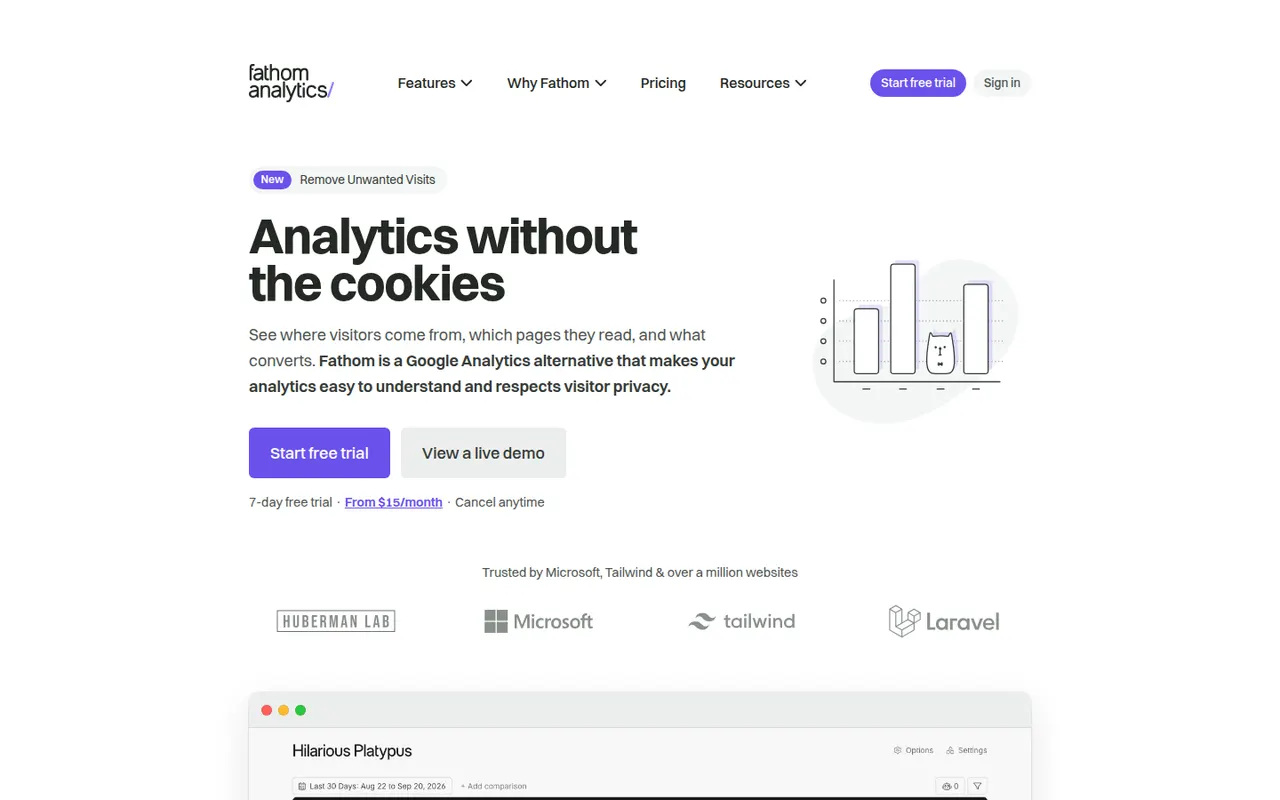
Cost / LicenseFreemiumOpen sourceCategoriesPlatformsFathom Analytics is a privacy-focused alternative to Google Analytics that tracks page views, referrers, events and conversions without cookies or personal data. Its single dashboard is easy to read for non-specialists, traffic from the EU is processed in the EU, and email reports are included. It is built by a small, independent Canadian company.
6 Fathom Analytics alternativesPros
- Cookieless tracking that avoids collecting personal data
- Single, easy-to-read dashboard for non-specialists
- EU visitor data is processed within the EU
Cons
- No free plan, only a trial before paying
- Far less depth than Google Analytics for funnels and segments
- Neither open source nor self-hostable, unlike some rivals
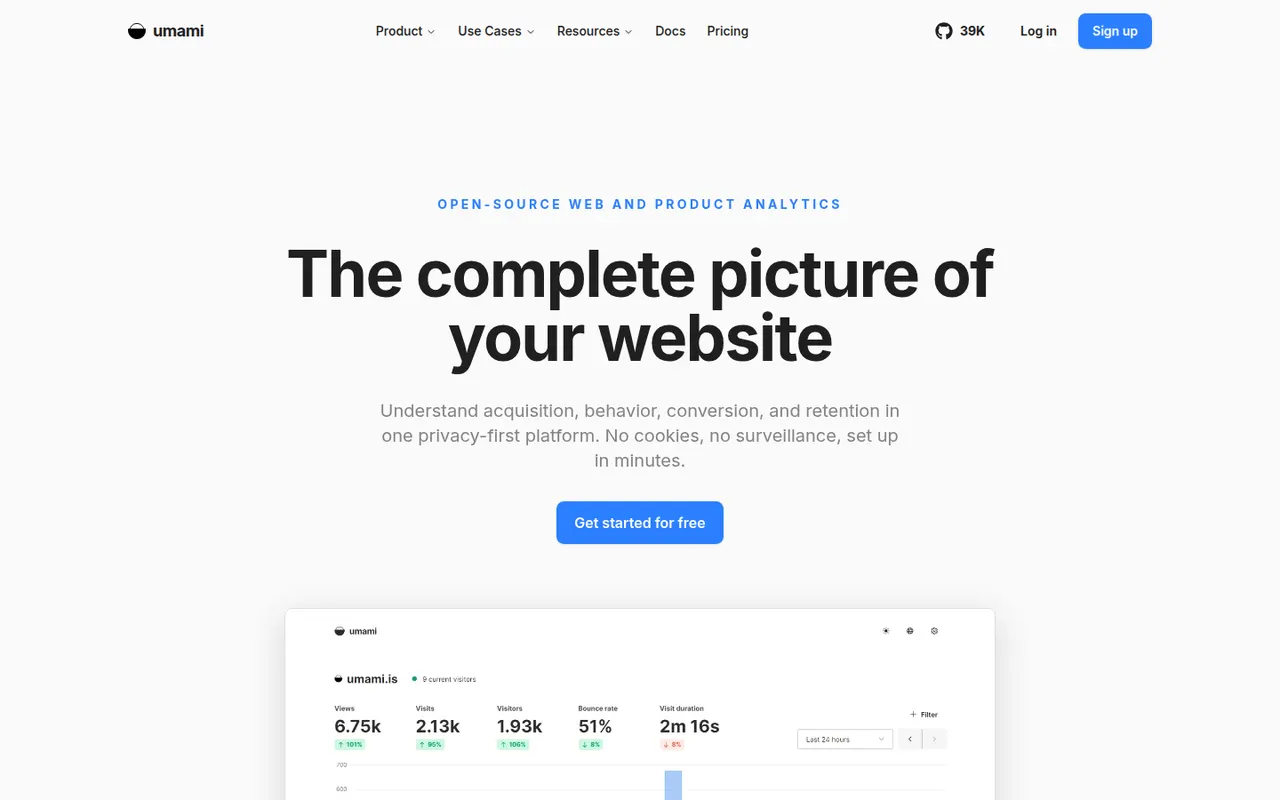
Cost / LicenseFree trialProprietaryCategoriesPlatformsUmami is an open source web analytics tool that collects anonymous usage data without cookies. Its clean dashboard covers page views, referrers, devices and events, along with more advanced reports such as funnels, retention and user journeys. It is straightforward to self-host with Docker, and Umami Cloud provides a managed version with a free tier.
6 Umami alternativesPros
- Open source and easy to self-host with Docker
- Cookieless, anonymous tracking with a clean dashboard
- Funnels, retention and journey reports on top of the basics
Cons
- Self-hosting means managing your own server and database
- Fewer integrations than commercial analytics tools
- Umami Cloud's free tier comes with usage limits
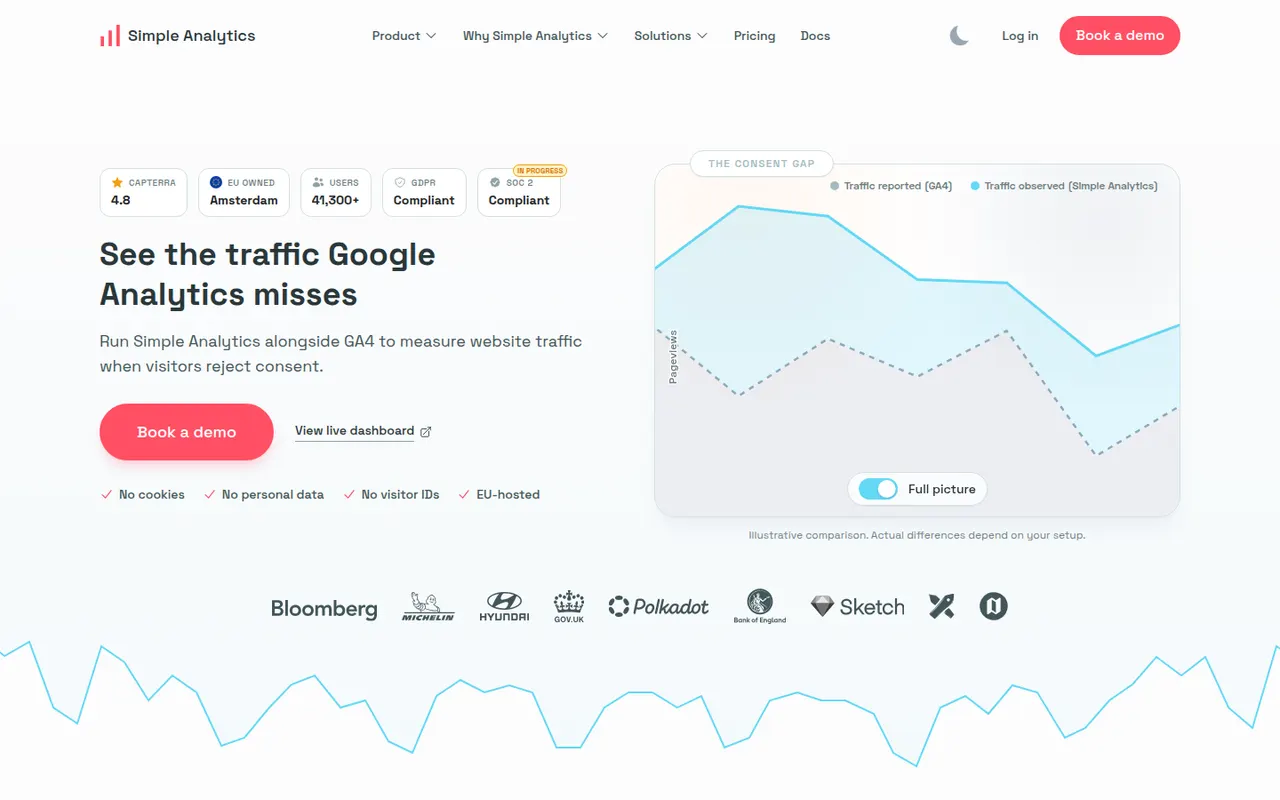
Cost / LicenseFreemiumOpen sourceCategoriesPlatformsSimple Analytics is a Dutch web analytics service that does not use cookies or collect personal data, and stores its data in the EU. It provides a clear dashboard of visits, referrers and pages, event and goal tracking, and an AI assistant that answers questions about your traffic in plain language. Its focus on GDPR compliance makes it a fit for European businesses and privacy-conscious sites.
6 Simple Analytics alternativesPros
- No cookies or personal data, with storage in the EU
- Clean dashboard that is quick to read
- AI assistant answers traffic questions in plain language
Cons
- Fewer advanced reports than full analytics suites
- Neither open source nor self-hostable, unlike some rivals
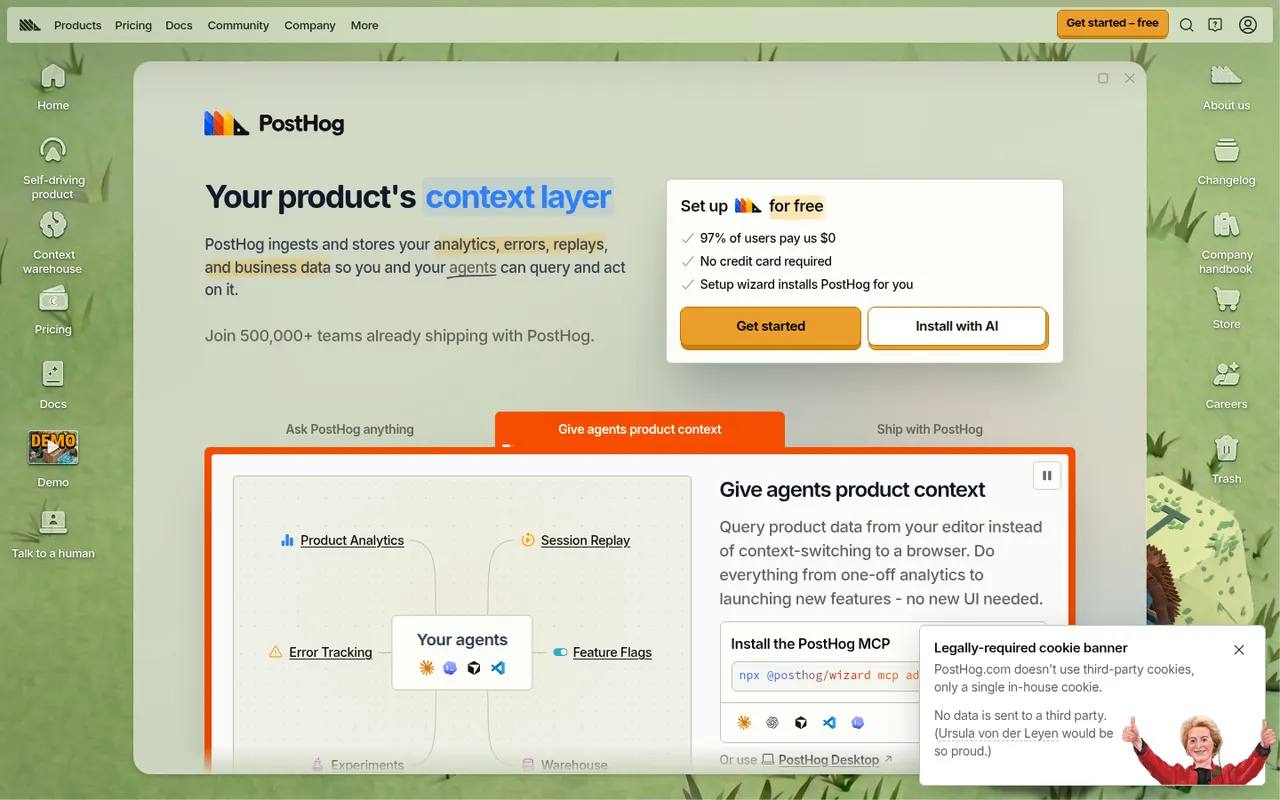
Cost / LicenseFreemiumProprietaryCategoriesPlatformsPostHog is an open source product platform that combines product and web analytics, session replay, feature flags, A/B testing, surveys and a data warehouse in one tool. It is built for engineers and product teams, with SQL access, an AI assistant and a free monthly usage allowance on PostHog Cloud. It can also be self-hosted for smaller deployments.
12 PostHog alternativesPros
- Analytics, session replay, feature flags and A/B tests in one tool
- Generous free monthly usage on PostHog Cloud
- Open source with direct SQL access to your data
Cons
- Broad feature set can feel overwhelming for non-technical users
- Usage-based billing is hard to predict as traffic grows
- Self-hosting is only recommended for smaller deployments
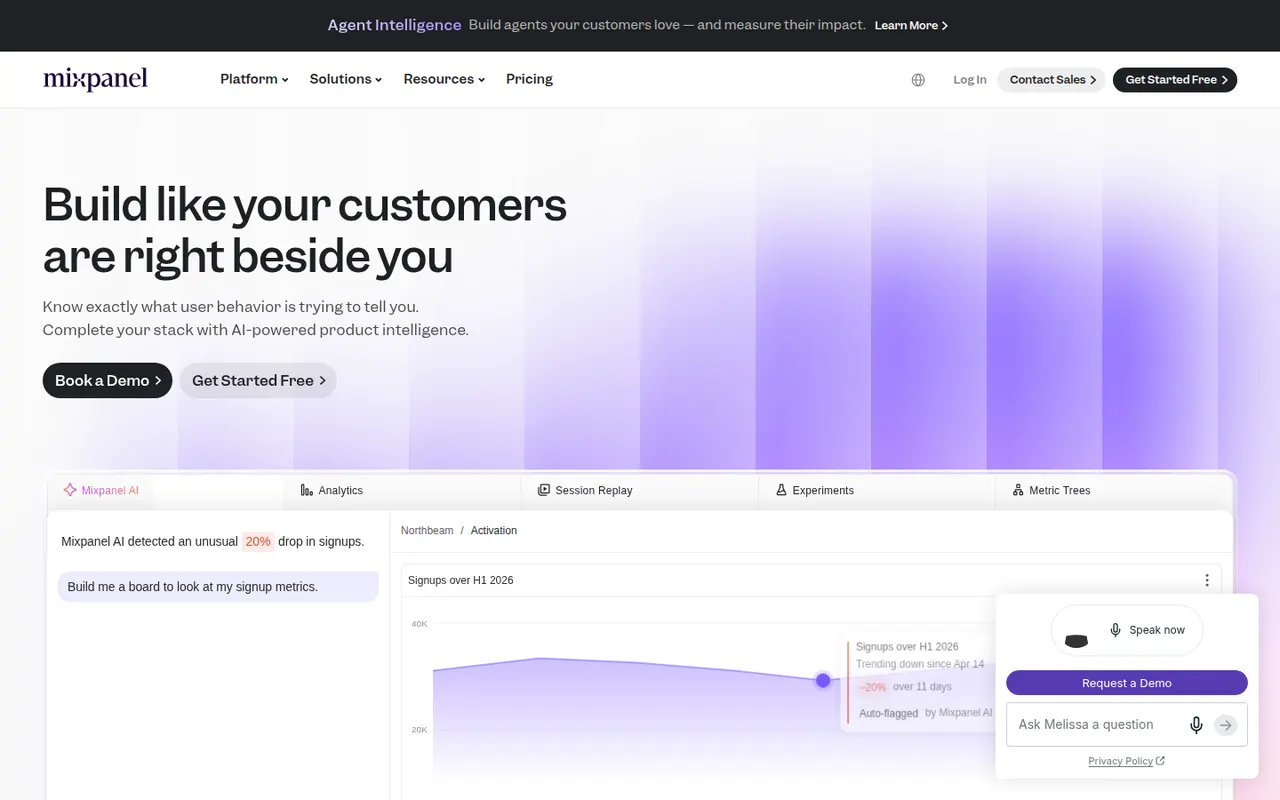
Cost / LicenseFreemiumOpen sourceCategoriesPlatformsMixpanel is a product analytics platform that tracks user actions as events and lets teams explore them through funnels, retention curves, flows and cohort segmentation without writing SQL. It also offers session replay and AI-assisted querying, and can sync data from a data warehouse. Product managers, growth teams and analysts use it to understand how features are adopted.
7 Mixpanel alternativesPros
- Funnels, retention and flows explored without writing SQL
- Interactive reports make slicing event data quick
- Usable free plan for smaller products
Cons
- Needs a well-planned event schema before data becomes useful
- Costs grow quickly with event volume on paid plans
- Less suited to marketing attribution than to product analysis
Cost / LicenseFreemiumProprietaryCategoriesPlatformsAirtable combines the look of a spreadsheet with a relational database, letting teams link records across tables and view them as grids, kanban boards, calendars, galleries or forms. Interfaces, automations and AI features turn bases into lightweight internal apps for content calendars, product roadmaps or inventories. A free plan exists, with paid plans adding capacity and admin features.
12 Airtable alternativesPros
- Linked records give spreadsheet users real relational database power
- Grid, kanban, calendar, gallery and form views on the same data
- Interfaces and automations turn bases into lightweight internal apps
Cons
- Free plan limits on records and automations are reached quickly
- Paid seats get expensive for larger teams
- Complex bases can slow down and take effort to maintain
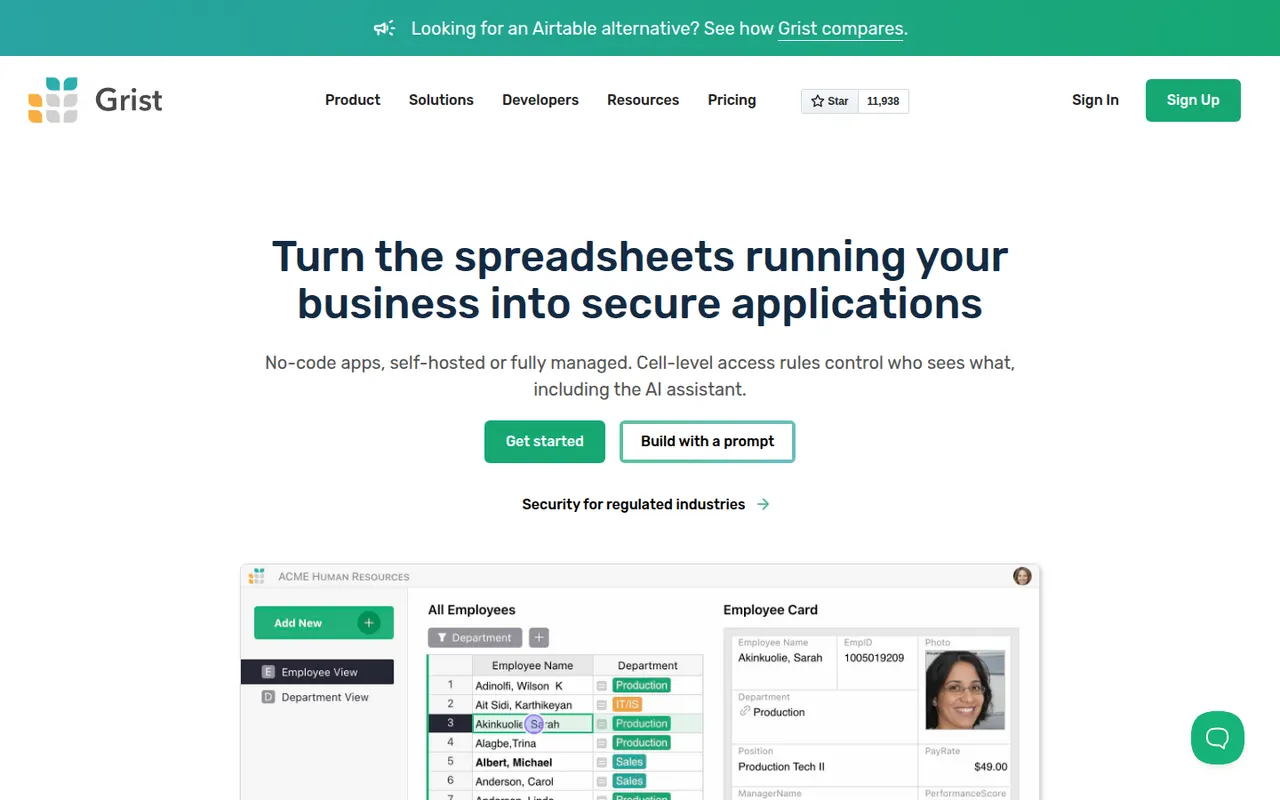
Cost / LicenseFreemiumProprietaryGrist is a relational spreadsheet from Grist Labs that combines a familiar grid with typed columns, linked tables and custom layouts. Formulas are written in Python, and granular access rules control who can see or edit each row or column. It is open source under Apache 2.0, can be self-hosted or run as a desktop app, and is also offered as a hosted service with a free tier.
8 Grist alternativesPros
- Formulas are written in Python, a big plus for technical users
- Granular access rules down to individual rows and columns
- Open source and self-hostable, with a desktop app option
Cons
- Less familiar than a classic spreadsheet for Excel users
- Smaller template and integration ecosystem than Airtable
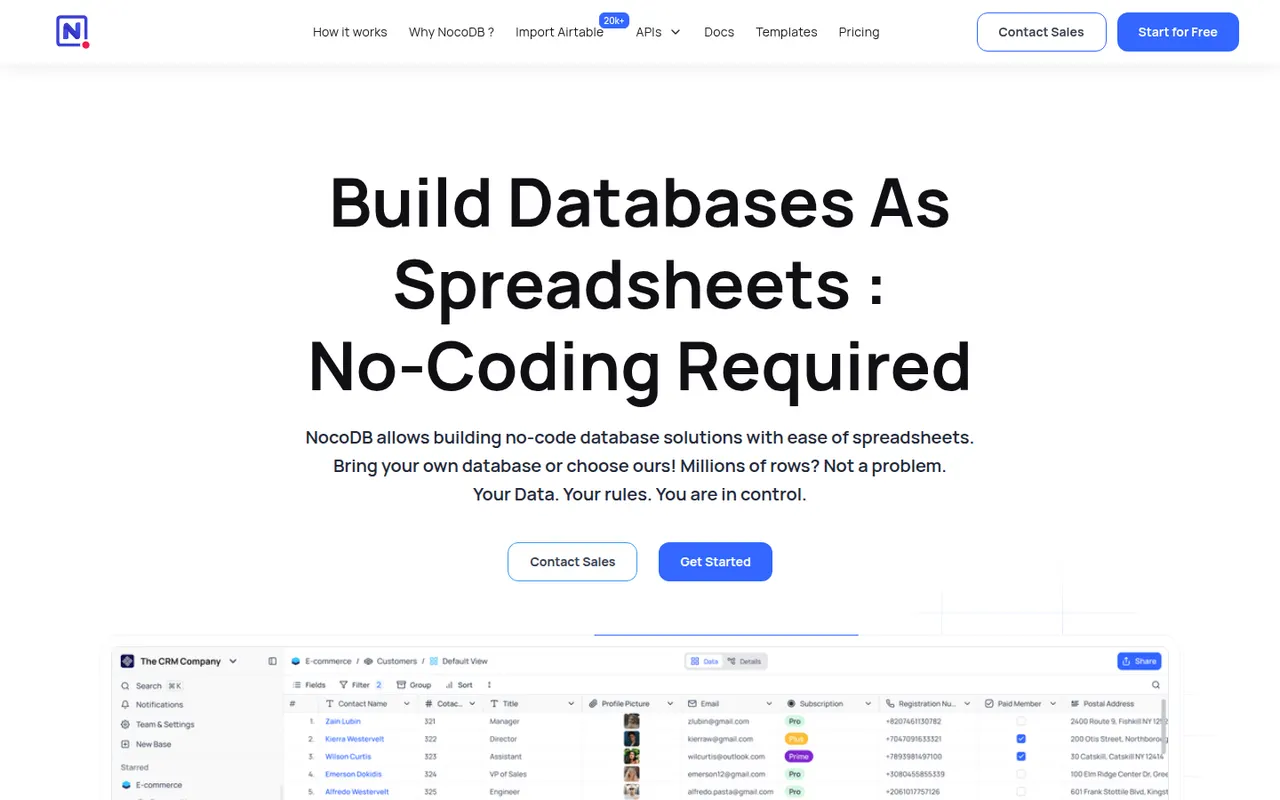
Cost / LicenseFreemiumOpen sourceCategoriesPlatformsNocoDB is a no-code database platform that puts a spreadsheet-style interface on top of new or existing PostgreSQL and MySQL databases. Teams get grid, kanban, gallery, form and calendar views, role-based access and automatically generated REST APIs. It can be self-hosted with Docker or used as a cloud service, and its source code is published under the fair-code Sustainable Use License.
8 NocoDB alternativesPros
- Connects to existing PostgreSQL and MySQL databases
- Auto-generated REST APIs for every table
- Self-hostable with Docker for full control over data
Cons
- Fair-code license is not open source in the OSI sense
- Fewer native integrations and automations than Airtable
- Self-hosting requires technical skills to maintain
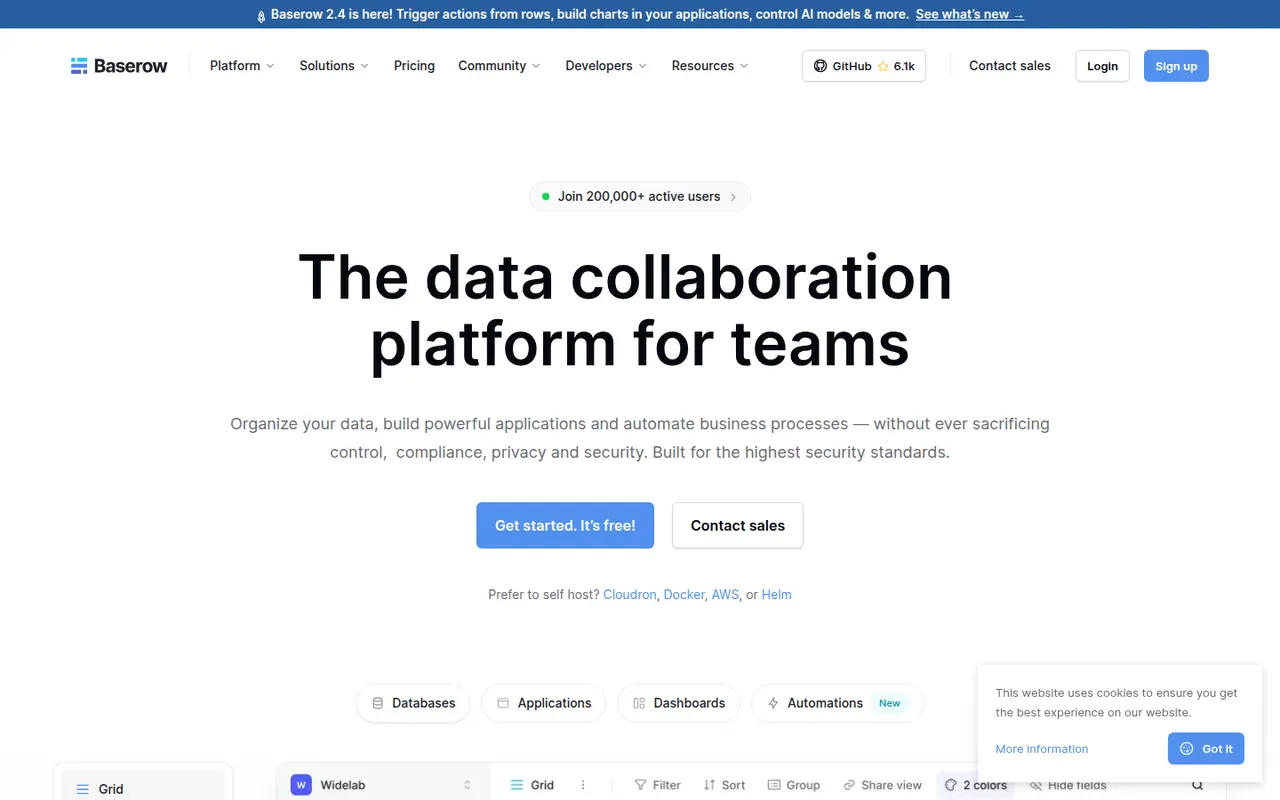
Cost / LicenseFreemiumSource availableCategoriesPlatformsBaserow is a no-code database from the Dutch company of the same name, with a spreadsheet-like interface, linked tables, multiple views and a REST API. It also includes an application builder and AI fields for turning data into internal tools. The core is open source under MIT and can be self-hosted; the cloud version, hosted in the EU, has a free plan and paid tiers.
8 Baserow alternativesPros
- Open source core that can be self-hosted at no cost
- Familiar spreadsheet-style interface with linked tables and views
- EU-hosted cloud option helps with GDPR requirements
Cons
- Smaller integration ecosystem than Airtable
- Some advanced features are reserved for paid plans
- Self-hosting requires server maintenance and updates
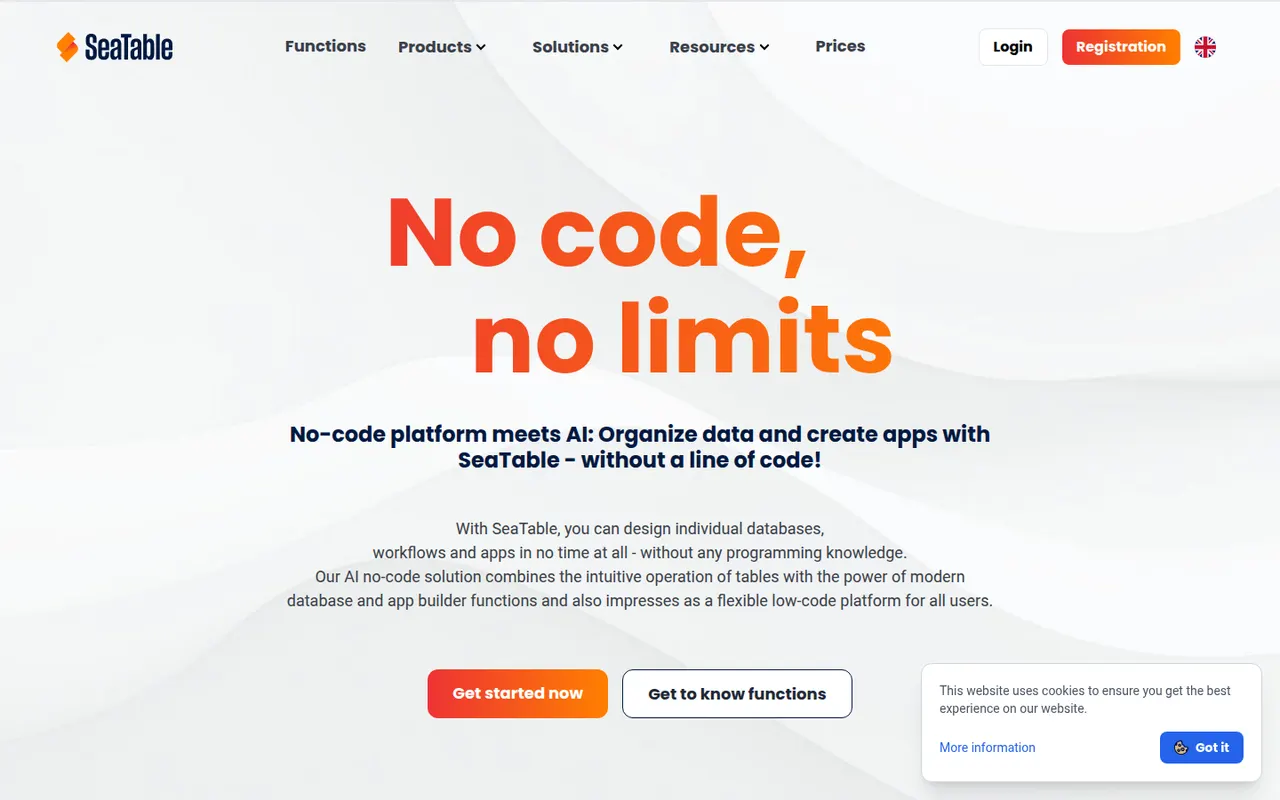
Cost / LicenseFreemiumOpen sourceCategoriesPlatformsSeaTable is a spreadsheet-style database made by SeaTable GmbH in Germany, letting teams link tables, attach files, build forms and create custom views. Automations, Python and JavaScript scripts and an API turn tables into business processes without writing a full application. It can be used in the cloud, with a free plan, or installed on your own servers.
7 SeaTable alternativesPros
- German vendor offering both GDPR-friendly cloud and self-hosting
- Python and JavaScript scripts extend tables into business processes
- Linked tables, forms and file attachments in one workspace
Cons
- Smaller community and template library than Airtable
- Advanced features are reserved for paid plans
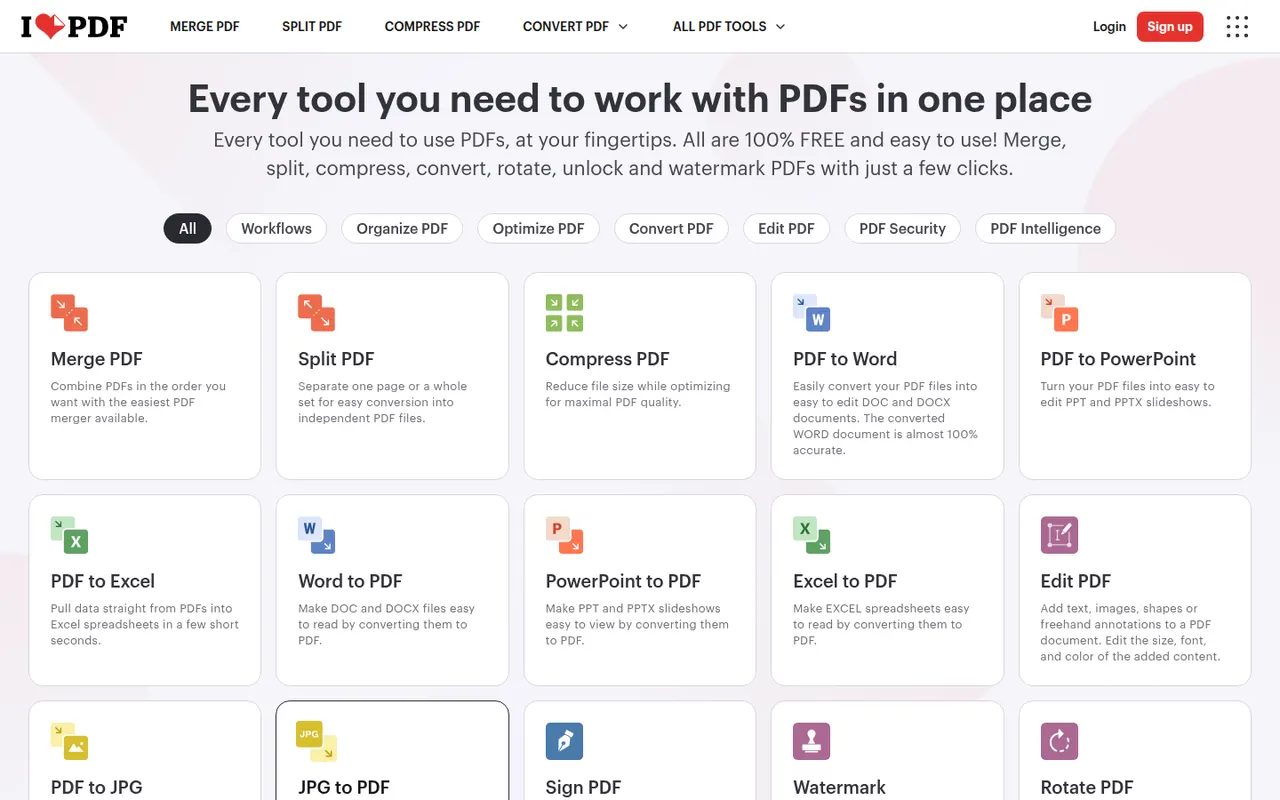
Cost / LicenseFreemiumProprietaryCategoriesPlatformsiLovePDF is a web-based PDF toolkit from a company based in Barcelona, with single-purpose tools to merge, split, compress, convert, rotate, watermark, OCR and sign PDF files. Desktop and mobile apps cover the same tasks, and a developer API is offered separately. Most tools are free with file-size and usage limits, and a Premium subscription removes them.
8 iLovePDF alternativesPros
- Simple single-purpose tools for merging, splitting and compressing
- Most tools work free in the browser, with nothing to install
- Developer API for automating PDF tasks
Cons
- Free use has file-size and usage limits
- Uploading files to a web service may not suit sensitive documents
- Text editing is basic compared with desktop editors
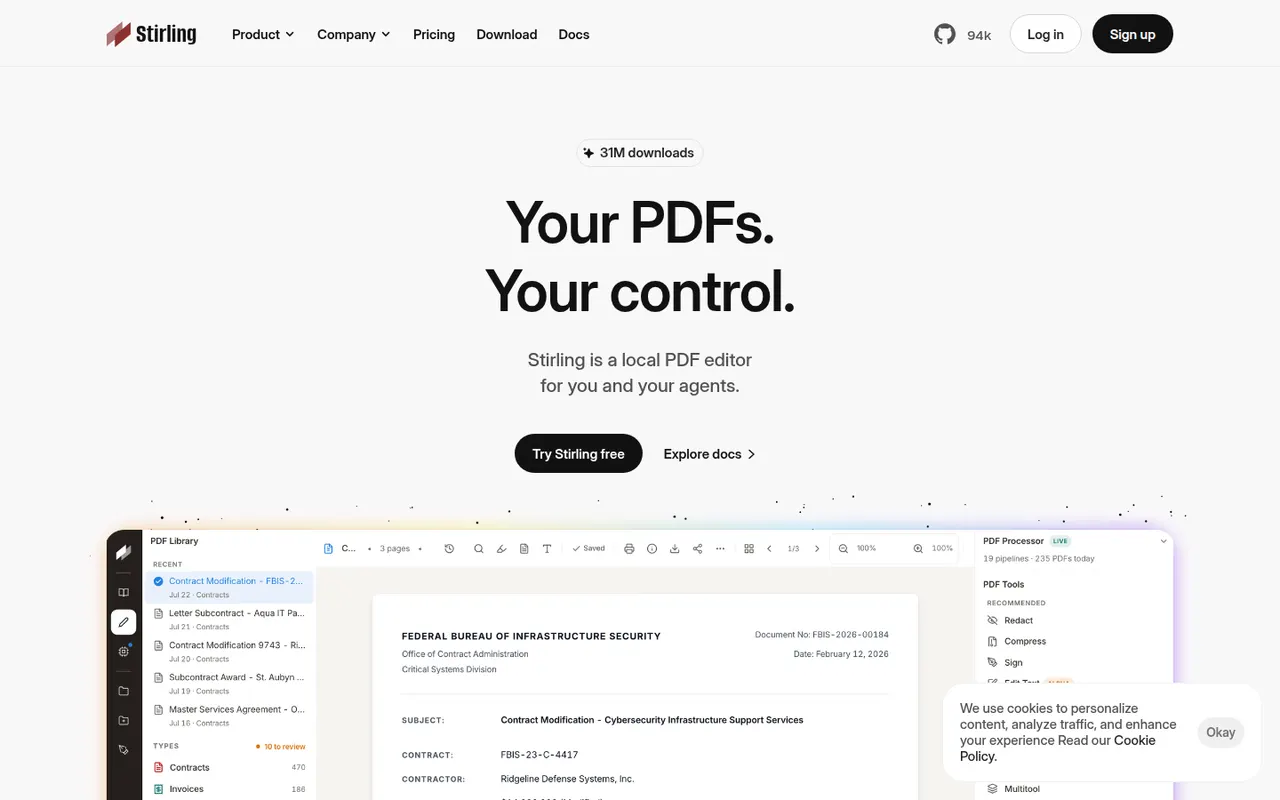
Cost / LicenseFreemiumProprietaryCategoriesStirling-PDF is an open-core PDF application you can run on your own server, typically with Docker, so documents never leave your infrastructure. It bundles tools to merge, split, compress, convert, OCR, sign, redact and edit PDFs, plus a REST API and pipelines for automating repetitive jobs. The core is MIT-licensed and free; paid plans add enterprise features such as SSO.
7 Stirling-PDF alternativesPros
- Self-hosted, so documents never leave your infrastructure
- Dozens of tools for merging, OCR, redaction and conversion
- REST API and pipelines automate repetitive jobs
Cons
- Requires running a server, typically with Docker
- SSO and other enterprise features are paid
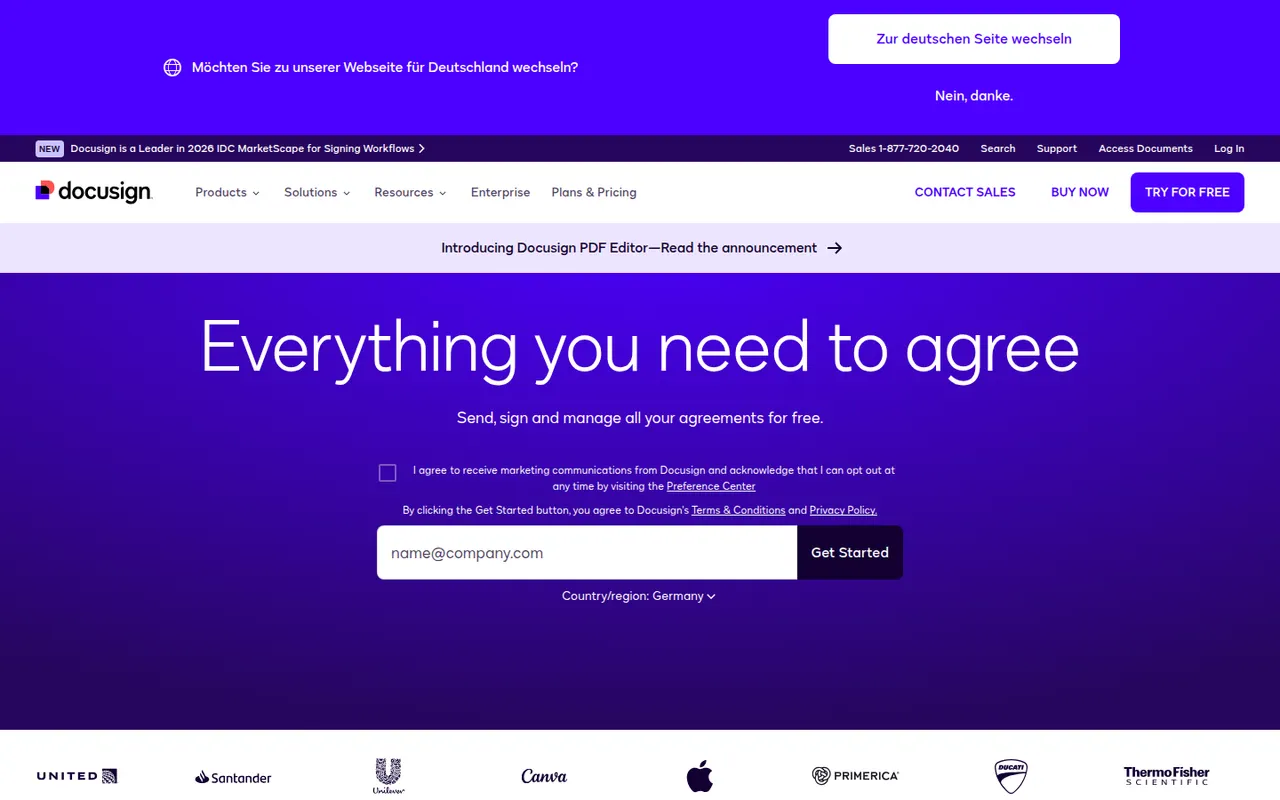
Cost / LicenseFreemiumOpen sourceCategoriesPlatformsDocusign is an e-signature service from the US company of the same name, used to send contracts and forms for legally binding signature on any device. Senders build reusable templates, define signing order and fields, track status and keep a detailed audit trail, with integrations for Salesforce, Microsoft 365 and Google Workspace and a developer API. Signing is free; sending requires a paid plan after a trial.
9 Docusign alternativesPros
- Widely recognized service that recipients already know how to use
- Detailed audit trail and flexible signing order
- Integrations with Salesforce, Microsoft 365 and Google Workspace
Cons
- Pricier than many newer e-signature tools
- Plans cap the number of envelopes you can send
- Bulk sending and advanced fields require higher tiers
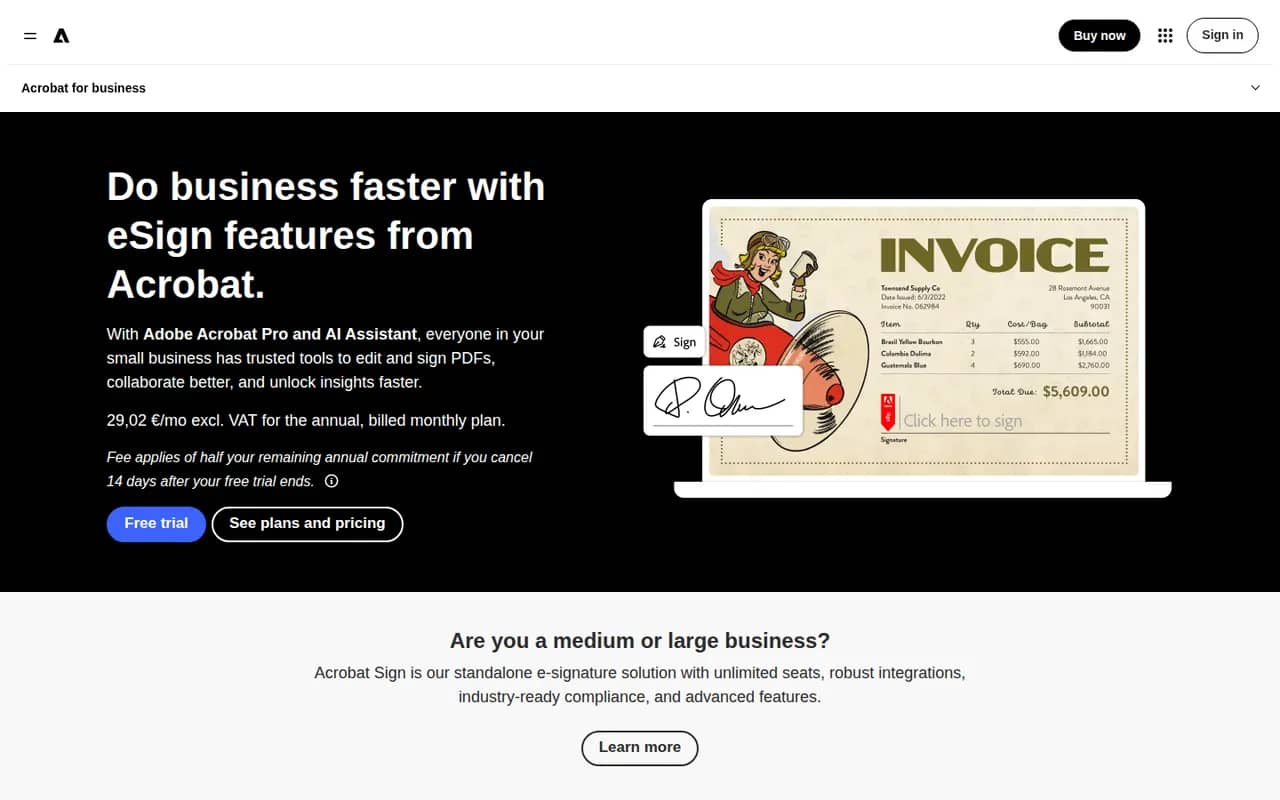
Cost / LicenseFree trialProprietaryCategoriesAdobe Acrobat Sign is Adobe's electronic signature service for sending, signing and tracking agreements from a browser, a mobile app or Acrobat itself. It supports reusable templates, web forms, bulk sending, signer authentication and audit reports, and integrates with Microsoft 365, Salesforce and Workday. It is included in some Acrobat plans and sold separately to businesses, with a free trial.
9 Adobe Acrobat Sign alternativesPros
- Built into Acrobat, so PDFs go out for signature in a few clicks
- Integrations with Microsoft 365, Salesforce and Workday
- Web forms, bulk sending and signer authentication for businesses
Cons
- Plans and bundles are confusing to compare
- Interface feels heavier than simpler e-signature tools
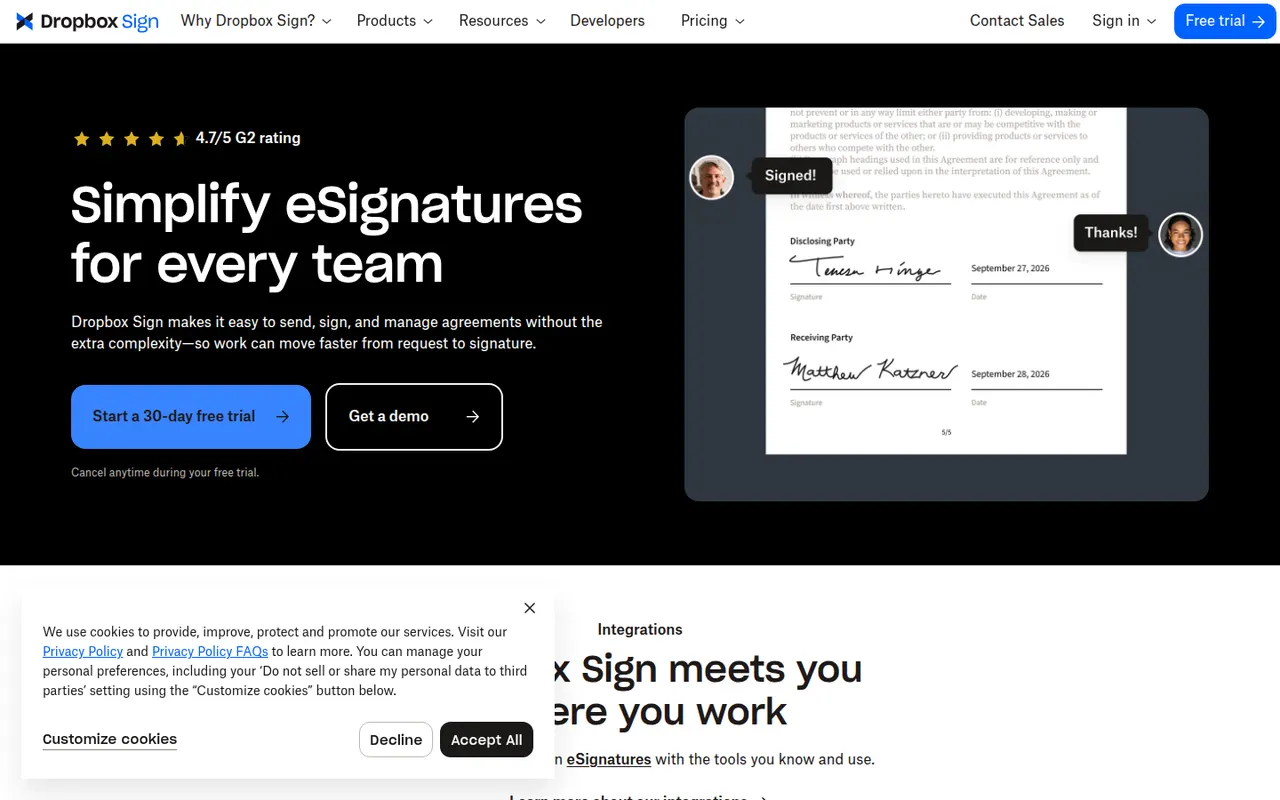
Cost / LicenseFree trialProprietaryCategoriesDropbox Sign, previously known as HelloSign, is an e-signature service owned by Dropbox for sending documents for signature and signing them online. It offers templates, reminders, signer order, audit trails and integrations with Google Workspace and Dropbox, plus an API for embedding signing in other products. A free plan allows a few signature requests per month.
9 Dropbox Sign alternativesPros
- Clean, simple signing experience for senders and signers
- Well-documented API for embedding signatures in products
- Integrates with Google Workspace and Dropbox
Cons
- Free plan only covers a few signature requests per month
- Fewer workflow and document features than all-in-one platforms
Cost / LicenseFreemiumProprietaryCategoriesPlatformsPandaDoc is a document automation platform for sales and operations teams to create proposals, quotes and contracts from templates, send them for e-signature and collect payments. It tracks when recipients open and read documents, supports approval workflows and syncs with CRMs such as HubSpot and Salesforce. A free eSign plan with a monthly document cap sits alongside paid plans.
9 PandaDoc alternativesPros
- Builds proposals, quotes and contracts from templates
- Shows when recipients open and read documents
- Syncs with HubSpot and Salesforce and can collect payments
Cons
- CRM integrations and key features need higher-priced plans
- Template editor has a learning curve for complex documents
- Free plan is limited to basic e-signatures
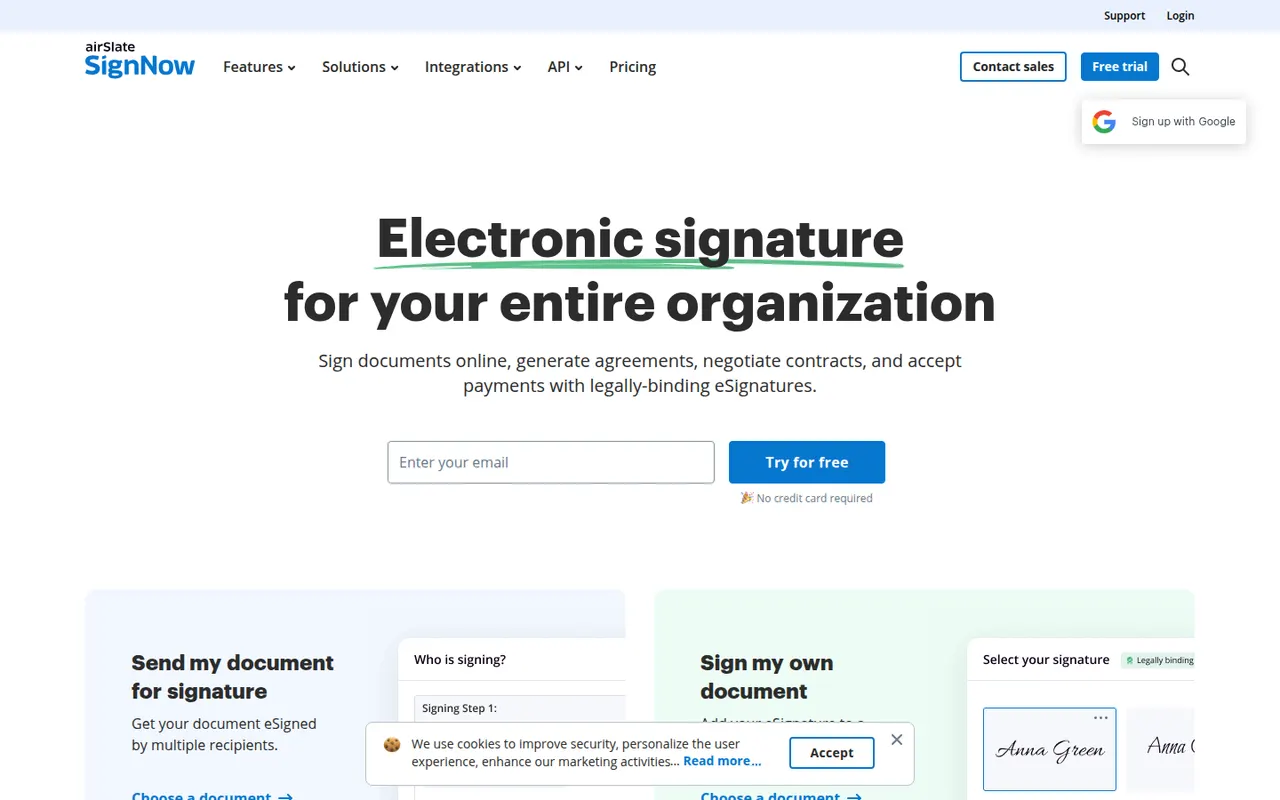
Cost / LicenseFreemiumProprietaryCategoriessignNow is an electronic signature service from airSlate for sending and signing documents from the web or mobile apps. It covers reusable templates, signing links, bulk invites, conditional fields, payment requests and an audit trail, with integrations for Google Workspace, Salesforce and Microsoft apps and a developer API. Plans are paid, with a free trial.
9 signNow alternativesPros
- Bulk invites, conditional fields and payment requests
- Templates and reusable signing links speed up repeat documents
- Integrations with Google Workspace, Salesforce and Microsoft apps
Cons
- No free plan beyond the trial
- Interface feels less polished than leading competitors
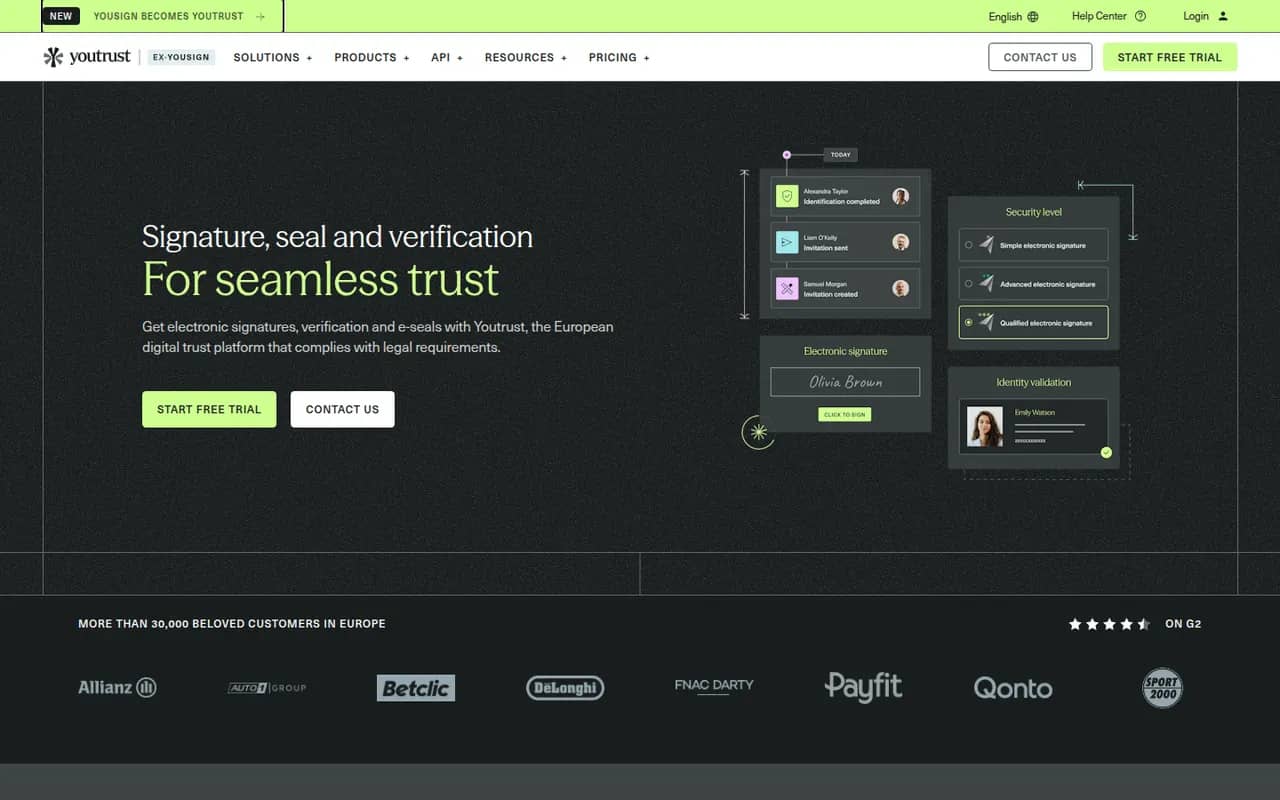
Cost / LicenseFree trialProprietaryCategoriesYoutrust (formerly Yousign) is a French e-signature service for businesses and freelancers that need legally valid signatures under the EU eIDAS regulation. It offers simple, advanced and qualified signature levels, templates, automatic reminders, audit trails and an API, with data hosted in Europe. A free plan covers a couple of signature requests each month, and paid plans scale with usage.
9 Youtrust (Yousign) alternativesPros
- Simple, advanced and qualified signatures under the EU eIDAS rules
- Data hosted in Europe, a plus for GDPR compliance
- Clear interface with automatic reminders and templates
Cons
- Free plan is limited to a handful of signature requests
- Fewer integrations than global players like Docusign
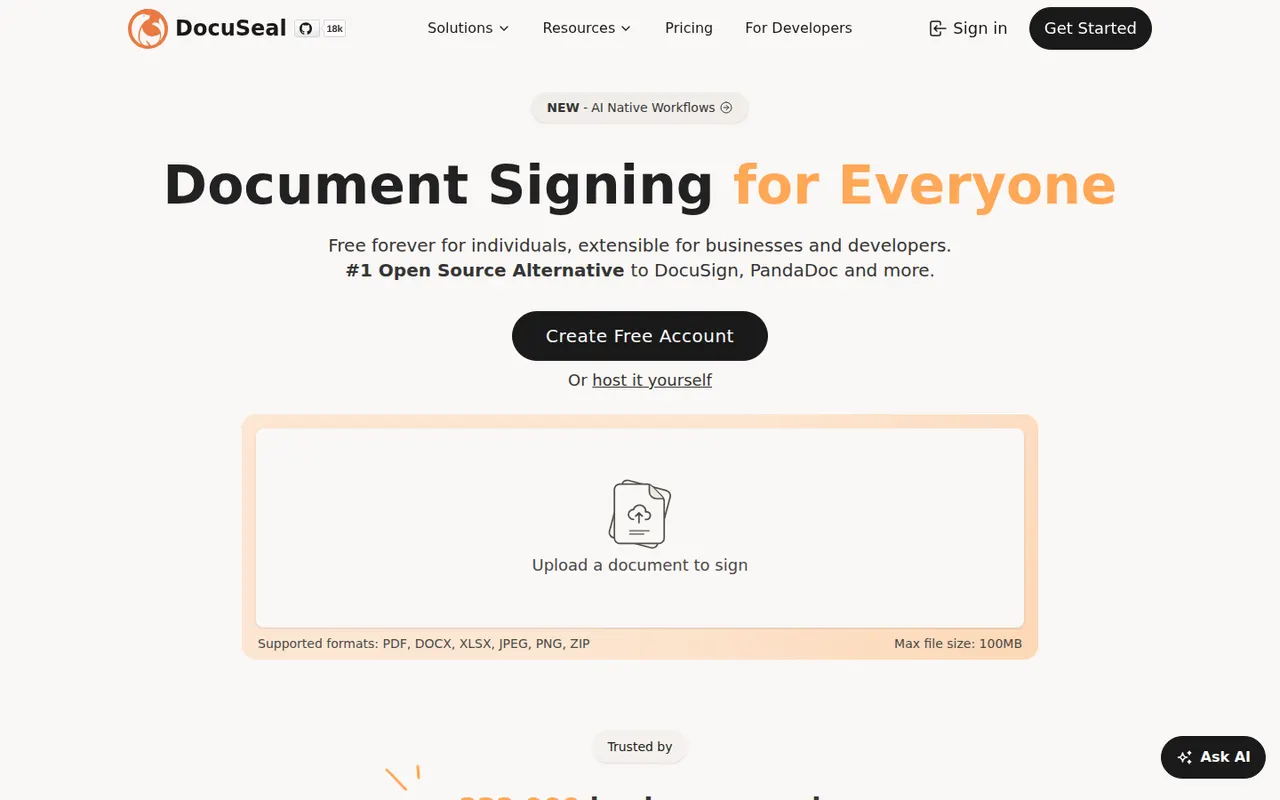
Cost / LicenseFreemiumProprietaryCategoriesPlatformsDocuSeal is an open source platform for creating fillable PDF forms and collecting e-signatures, available as a hosted service or a self-hosted Docker app. A drag-and-drop builder places signature and form fields on documents, and an API, webhooks and embeddable components let developers add signing to their own apps. The self-hosted version is free under AGPL-3.0, with paid Pro features.
9 DocuSeal alternativesPros
- Free self-hosted version that runs as a Docker app
- Drag-and-drop builder for signature and form fields
- Embeddable components and an API to add signing to your own app
Cons
- Some advanced features require a paid Pro plan
- Fewer business integrations than established signature vendors
- Self-hosting means managing your own backups and updates
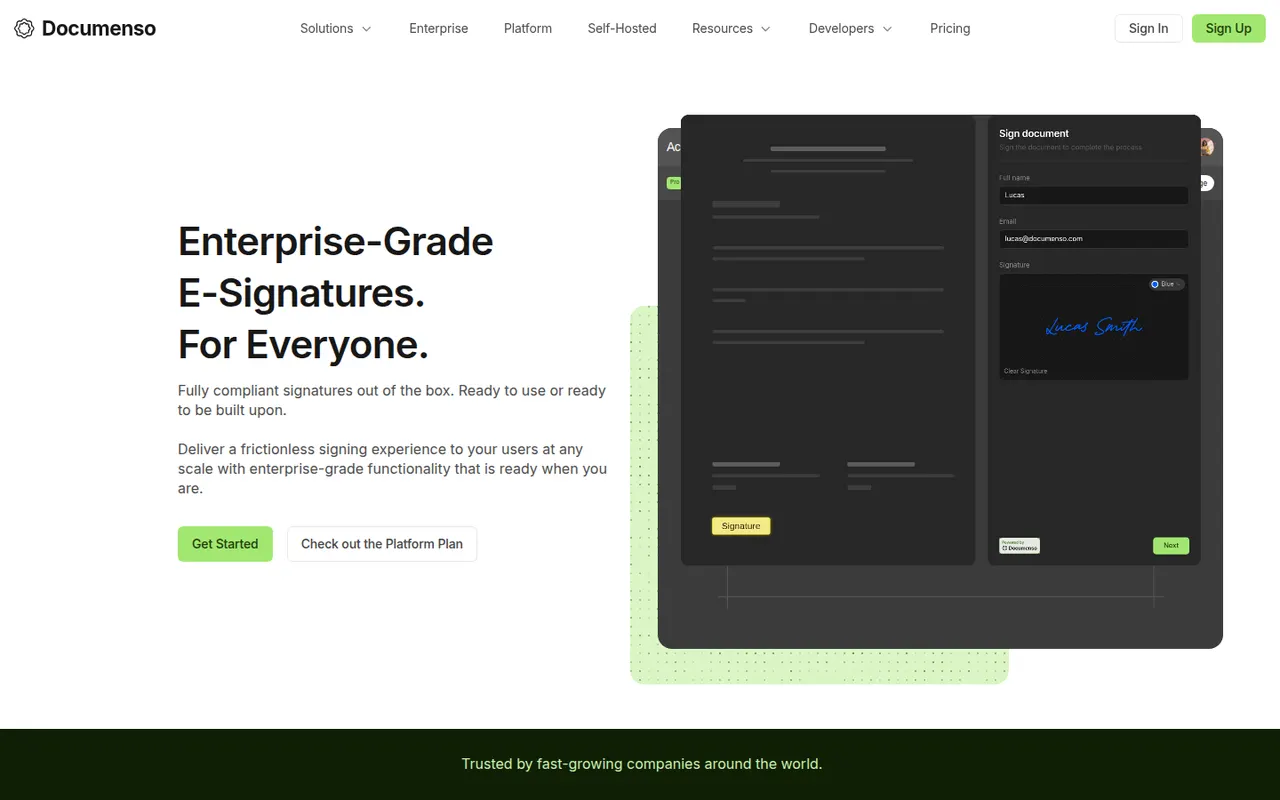
Cost / LicenseFreemiumOpen sourceCategoriesPlatformsDocumenso is an open source e-signature platform built with a focus on transparency, so anyone can inspect how documents are signed and stored. It supports templates, signing order, direct signing links, teams, webhooks and an API, and can be self-hosted or used through the hosted service. The code is published under AGPL-3.0, with a free plan and paid plans for teams.
8 Documenso alternativesPros
- Open source code lets anyone inspect how documents are signed
- Self-host it or use the hosted service with a free plan
- API, webhooks and templates for developers and teams
Cons
- Younger product with fewer integrations than Docusign
- Self-hosting requires setting up a signing certificate and email delivery
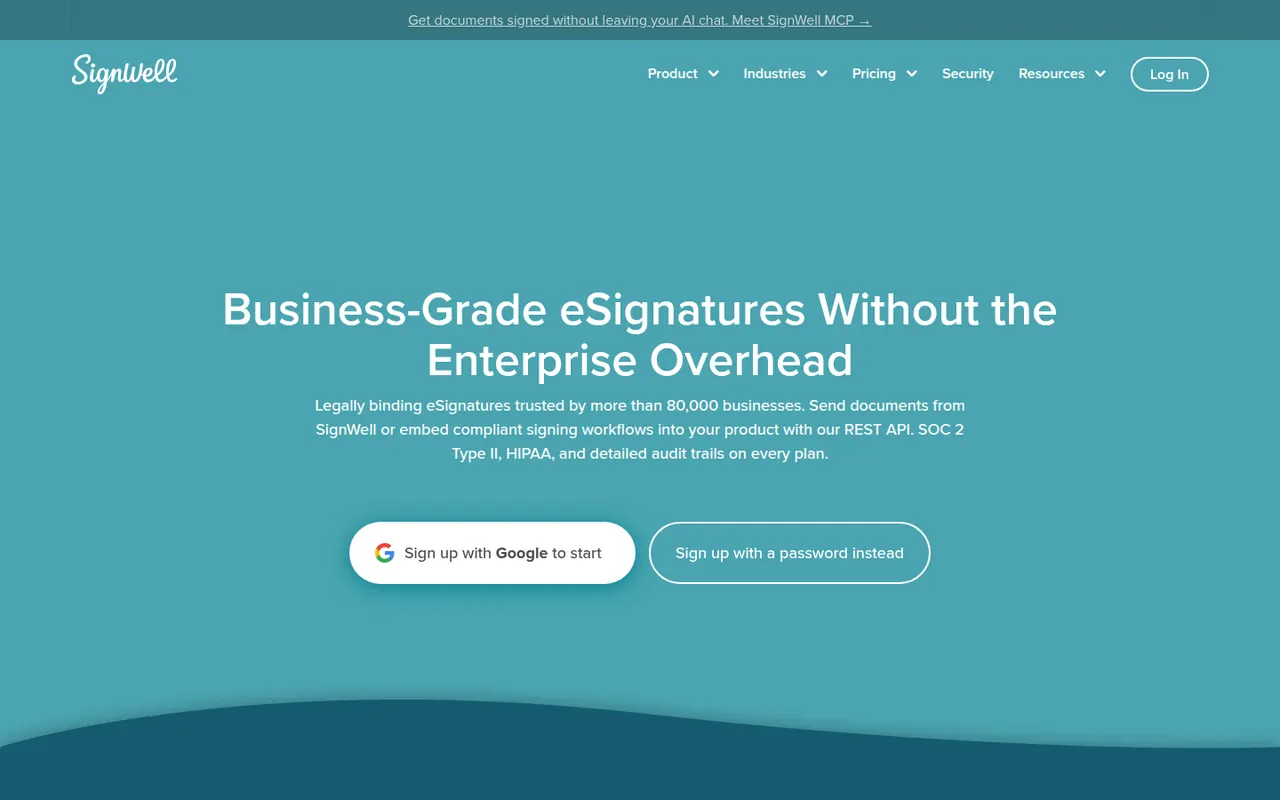
Cost / LicenseFreemiumOpen sourceCategoriesPlatformsSignWell, formerly Docsketch, is a web-based e-signature tool for small businesses that want to send contracts and forms without a complex setup. It offers reusable templates, reminders, signing order, a completion certificate with audit trail and an API for embedding signatures. A free plan includes a few documents per month, with paid plans for higher volumes and teams.
9 SignWell alternativesPros
- Free plan with a monthly allowance of documents
- Simple setup for sending contracts without any training
- Reminders, signing order and audit trail included
Cons
- Fewer integrations than larger e-signature platforms
- Team features and higher volumes require paid plans
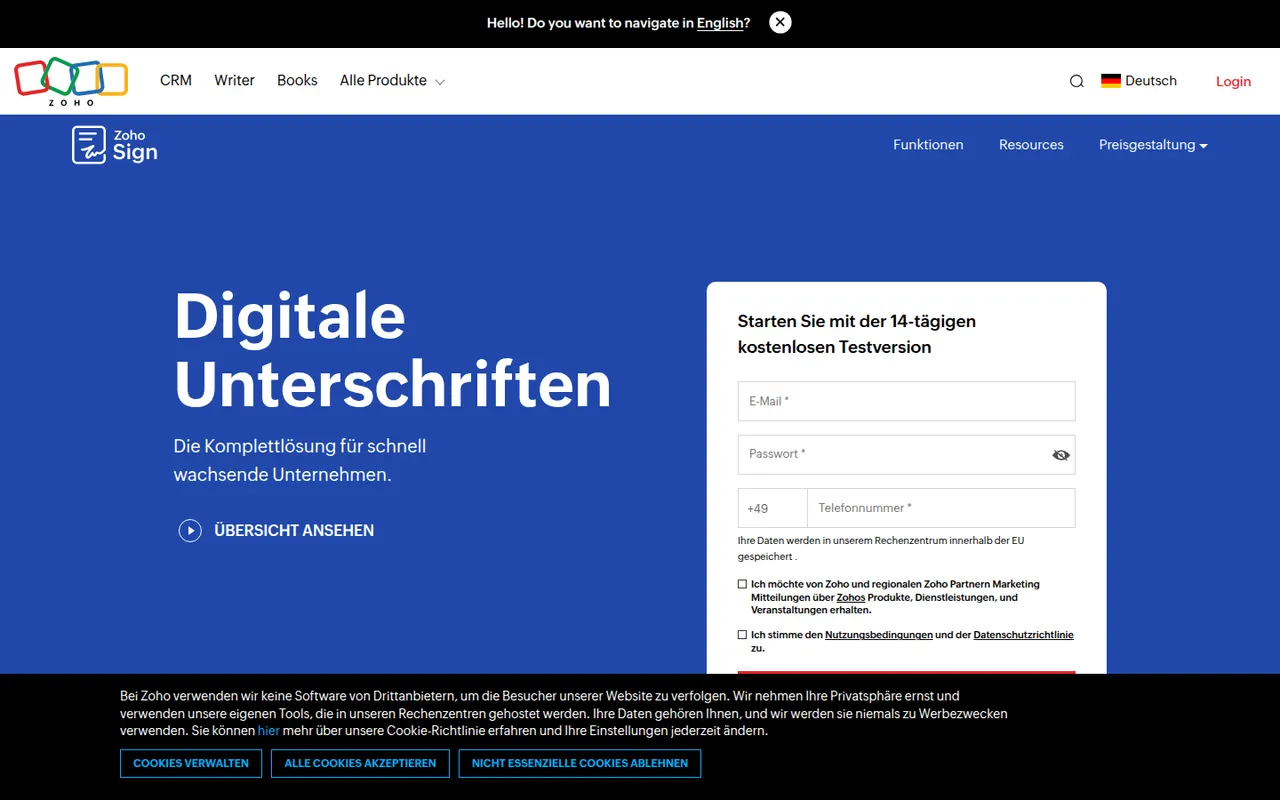
Cost / LicenseFreemiumProprietaryCategoriesPlatformsZoho Sign is the digital signature service in Zoho's suite, used to send documents for signature, sign them yourself and track progress. It supports templates, sequential or parallel signing, signer authentication, bulk sending and audit trails, and connects with Zoho CRM, Zoho Books, Google Workspace and Microsoft 365. A free plan covers a small number of documents; paid plans add volume and automation.
9 Zoho Sign alternativesPros
- Free plan for occasional signing needs
- Sequential or parallel signing with signer authentication
- Connects natively with Zoho CRM, Zoho Books and Microsoft 365
Cons
- Free volume is small, and automation sits on paid tiers
- Most valuable for teams already in the Zoho ecosystem
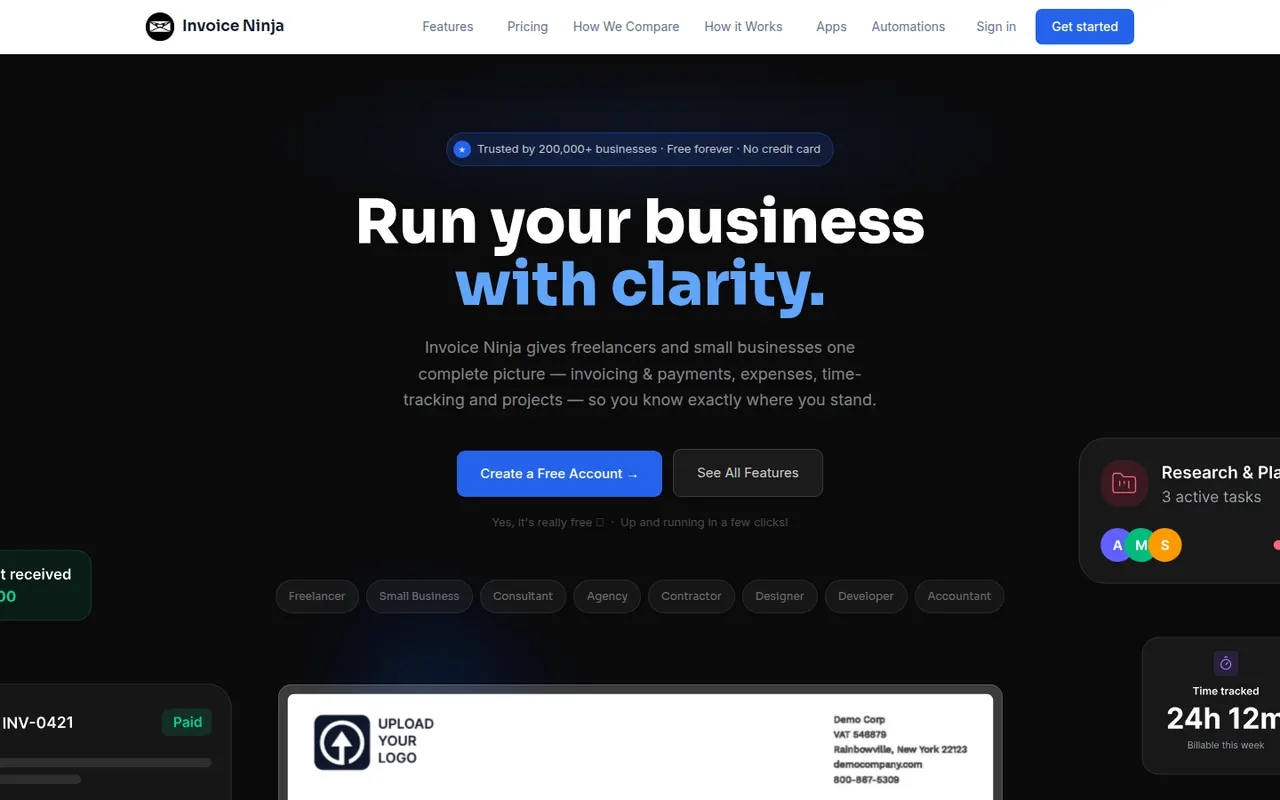
Cost / LicenseFreemiumProprietaryCategoriesInvoice Ninja is an invoicing and billing platform for freelancers and small businesses, offered as a hosted service or as software you can install on your own server. It creates quotes, invoices and recurring billing, tracks time, tasks and expenses, supports many currencies and connects to dozens of payment gateways through a client portal. The source code is available under the Elastic License.
8 Invoice Ninja alternativesPros
- Self-hostable or available as a hosted service
- Connects to dozens of payment gateways through a client portal
- Recurring invoices, quotes, time and expense tracking included
Cons
- Not a full double-entry accounting system
- Elastic License code is not open source in the strict sense
- Many settings make the initial setup time-consuming
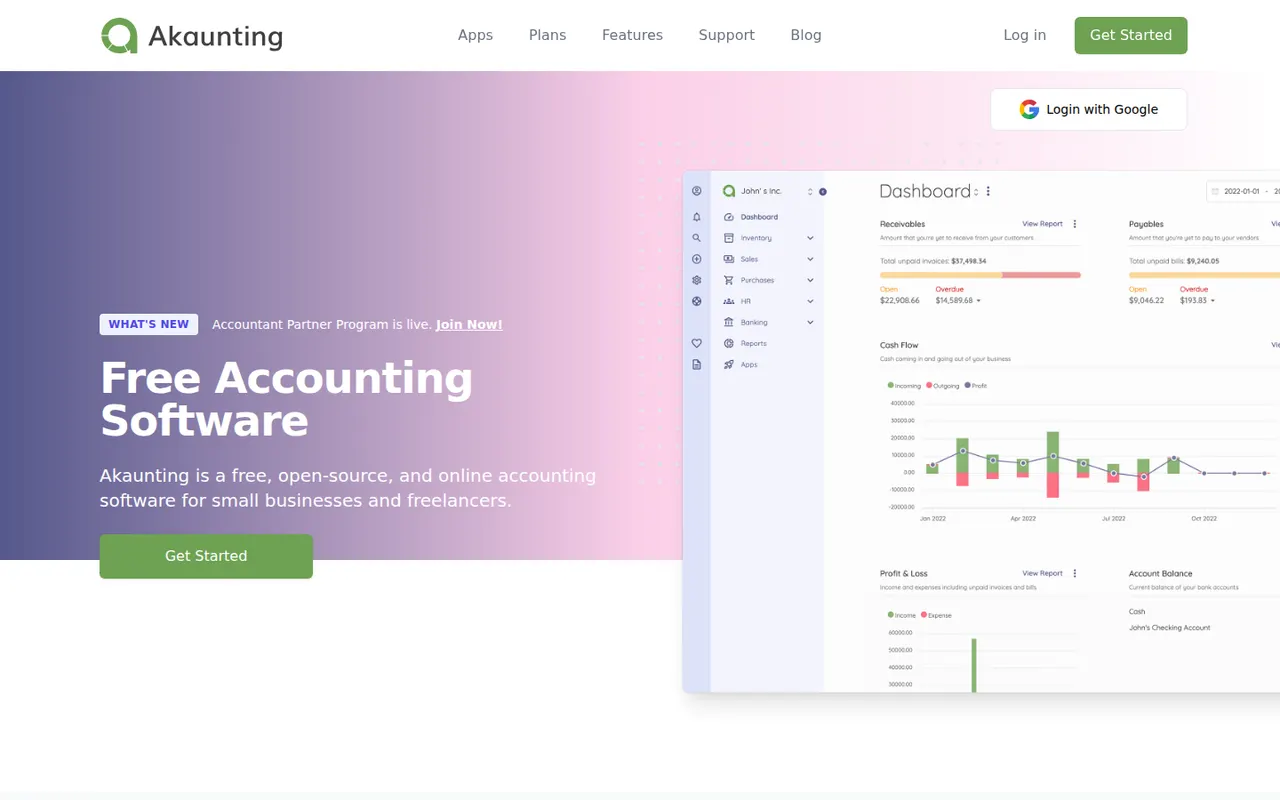
Cost / LicenseFreemiumSource availableCategoriesPlatformsAkaunting is web-based accounting software for small businesses and freelancers that can be installed on your own server or used in the cloud. The core handles invoices, bills, expenses, customers, vendors, multiple currencies and reports, while paid apps from its marketplace add features such as payroll, inventory and bank feeds. Its source code is published under the Business Source License.
8 Akaunting alternativesPros
- Can be self-hosted on your own server or used in the cloud
- Core covers invoices, bills, expenses and multiple currencies
- Marketplace apps add payroll, inventory and bank feeds
Cons
- Many useful features are paid add-ons from the marketplace
- Business Source License code is not open source in the strict sense
- Self-hosting requires technical skills to install and maintain
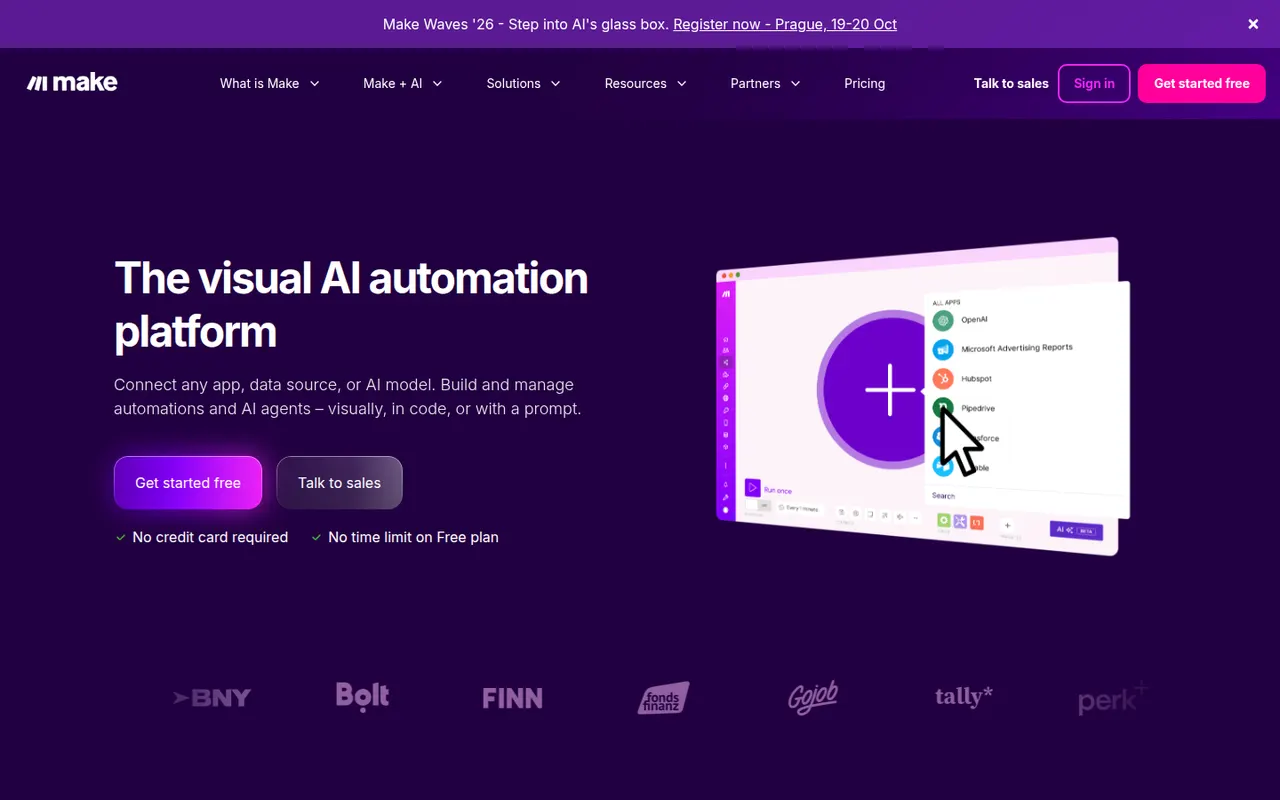
Cost / LicenseFreemiumSource availableCategoriesPlatformsMake, formerly Integromat and now part of Celonis, is a visual automation platform where workflows are built as scenarios on a canvas of connected modules. It handles routers, iterators, error handling and data mapping for complex processes across thousands of apps, plus HTTP calls, webhooks and AI agents. A free plan includes a monthly allowance of operations, with paid plans for more volume.
8 Make alternativesPros
- Visual canvas handles routers, iterators and error handling
- Finer data mapping than simpler automation tools
- HTTP module and webhooks connect to almost any API
Cons
- Steeper learning curve than Zapier for simple automations
- Operation counts add up quickly on complex or frequent scenarios
- Cloud only, with no self-hosting option
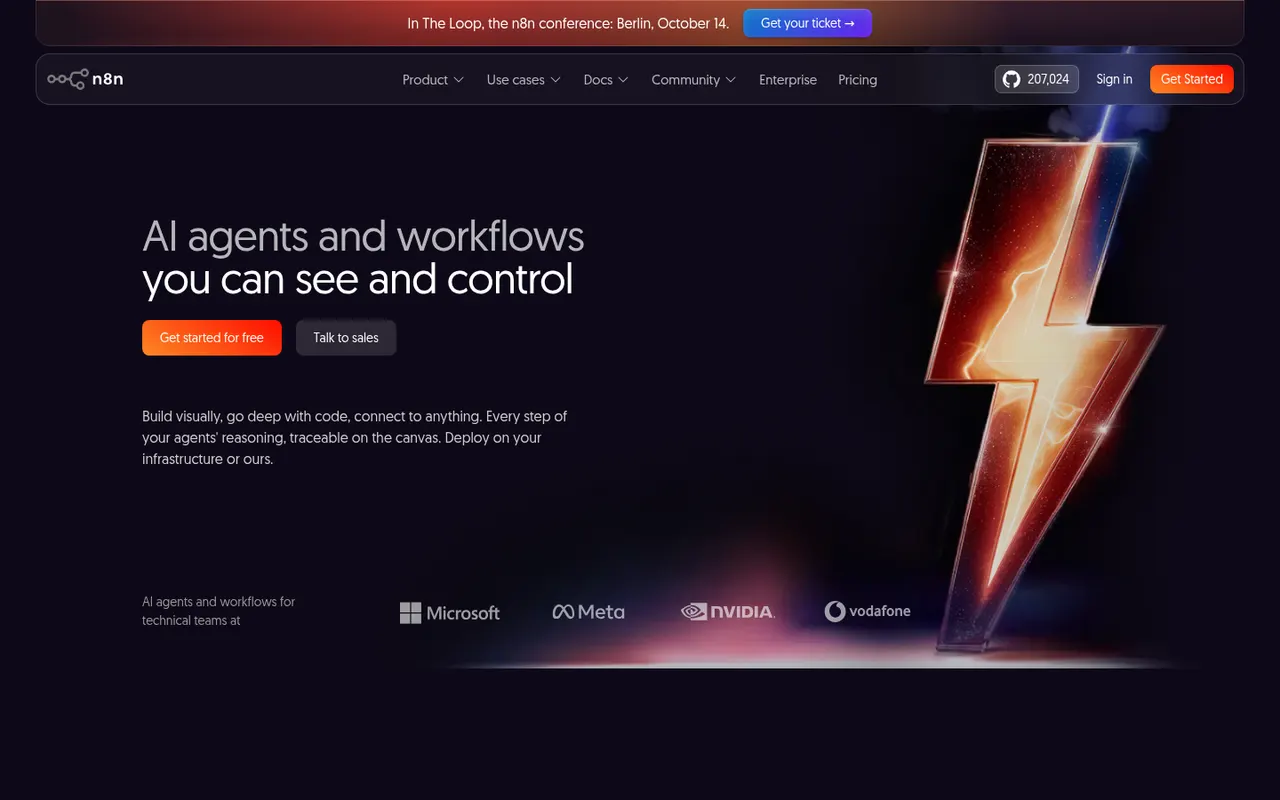
Cost / LicenseFreemiumProprietaryCategoriesPlatformsn8n is a workflow automation tool from Berlin that combines a visual node editor with the option to write JavaScript or Python, which suits technical teams. It offers hundreds of integrations, webhooks and AI agent nodes for building workflows around large language models. It can be self-hosted for free under the Sustainable Use License or used through the paid n8n Cloud.
9 n8n alternativesPros
- Free self-hosting keeps workflows and data on your own servers
- JavaScript or Python code nodes alongside the visual editor
- Capable AI agent nodes for building LLM workflows
Cons
- Sustainable Use License restricts some commercial uses, so it is not open source
- More technical than Zapier for non-developers
- Self-hosting means maintaining servers and updates yourself
Cost / LicenseFreemiumSource availableCategoriesPlatforms