Best apps for Web
433 apps
Top Web apps ranked by the community
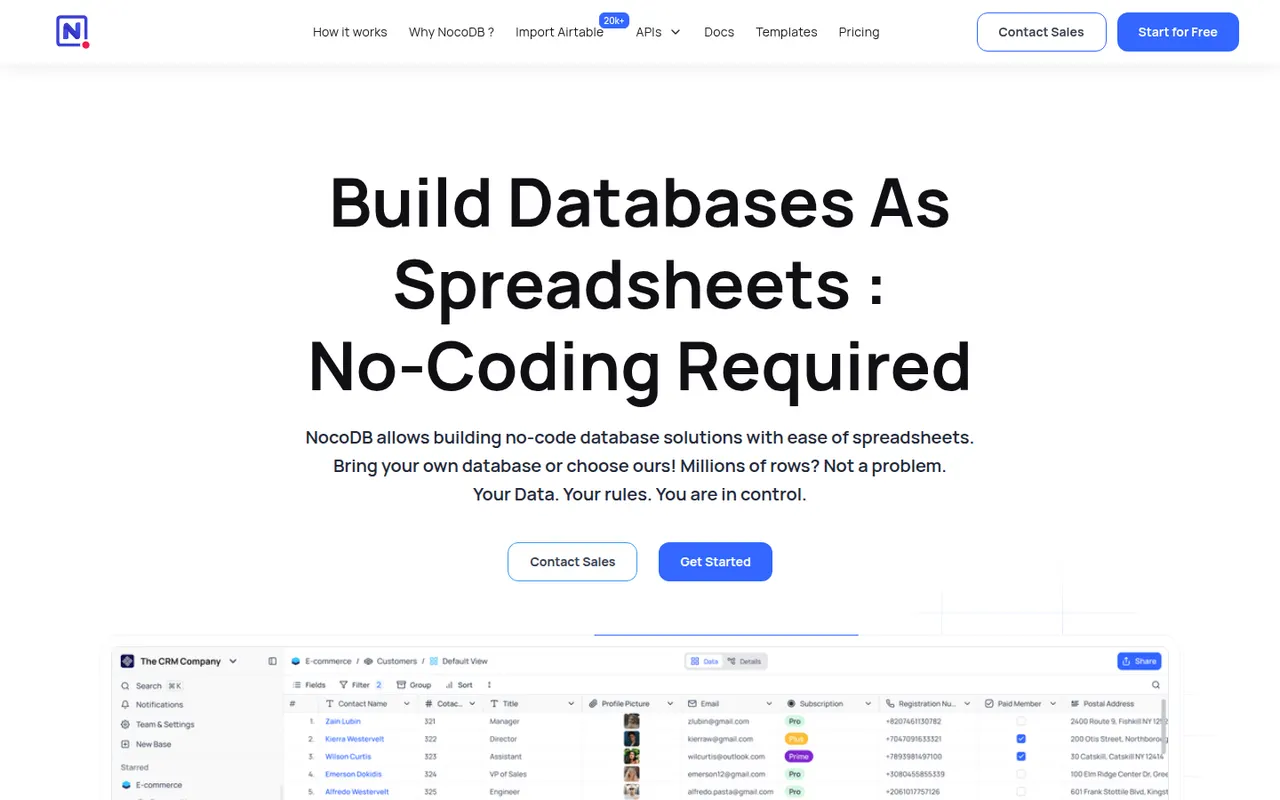
NocoDB is a no-code database platform that puts a spreadsheet-style interface on top of new or existing PostgreSQL and MySQL databases. Teams get grid, kanban, gallery, form and calendar views, role-based access and automatically generated REST APIs. It can be self-hosted with Docker or used as a cloud service, and its source code is published under the fair-code Sustainable Use License.
8 NocoDB alternativesPros
- Connects to existing PostgreSQL and MySQL databases
- Auto-generated REST APIs for every table
- Self-hostable with Docker for full control over data
Cons
- Fair-code license is not open source in the OSI sense
- Fewer native integrations and automations than Airtable
- Self-hosting requires technical skills to maintain
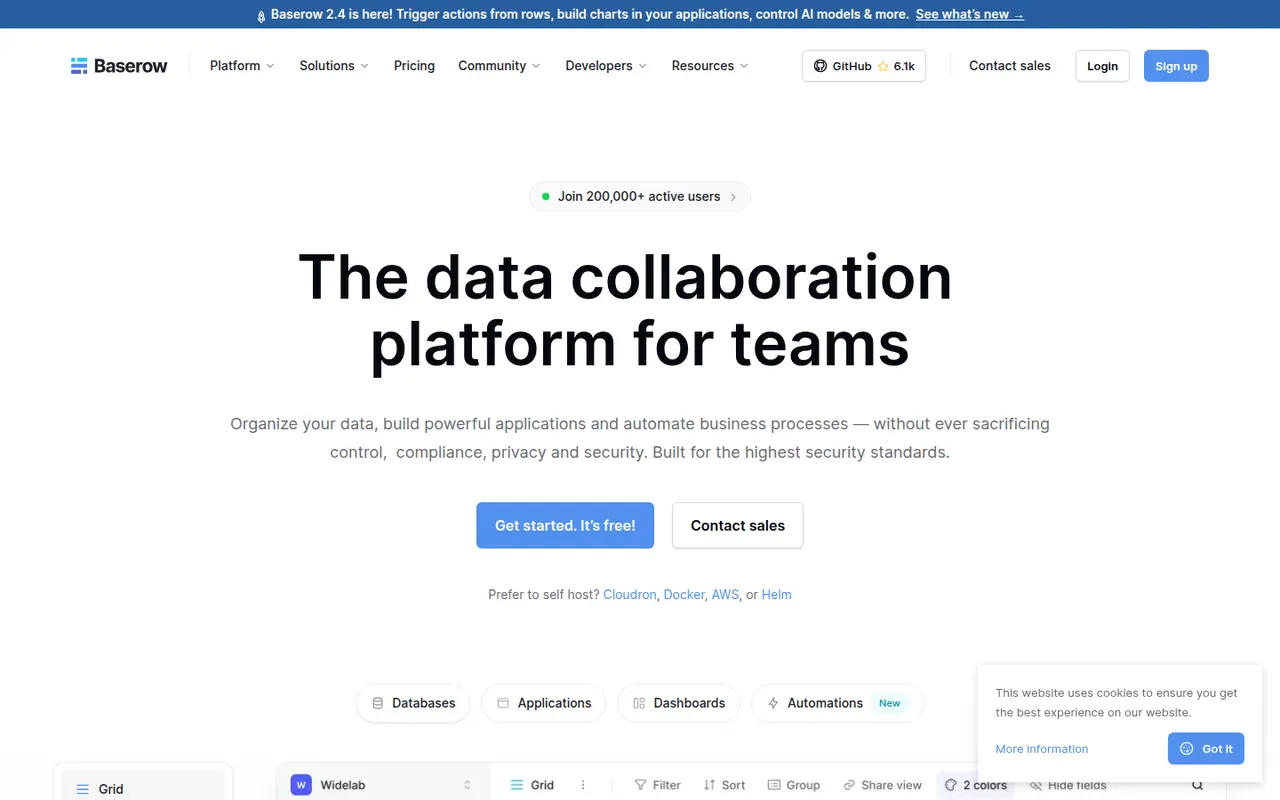
Cost / LicenseFreemiumSource availableCategoriesPlatformsBaserow is a no-code database from the Dutch company of the same name, with a spreadsheet-like interface, linked tables, multiple views and a REST API. It also includes an application builder and AI fields for turning data into internal tools. The core is open source under MIT and can be self-hosted; the cloud version, hosted in the EU, has a free plan and paid tiers.
8 Baserow alternativesPros
- Open source core that can be self-hosted at no cost
- Familiar spreadsheet-style interface with linked tables and views
- EU-hosted cloud option helps with GDPR requirements
Cons
- Smaller integration ecosystem than Airtable
- Some advanced features are reserved for paid plans
- Self-hosting requires server maintenance and updates
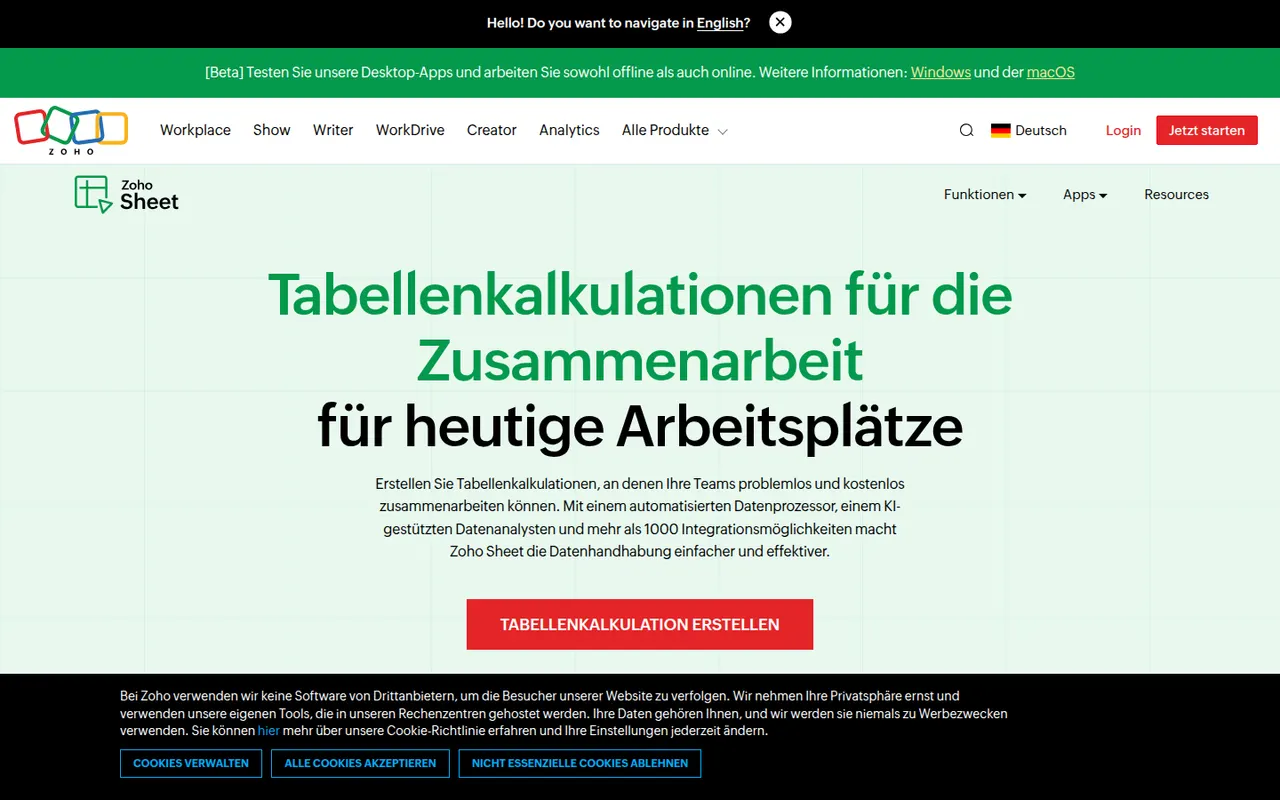
Cost / LicenseFreemiumOpen sourceCategoriesPlatformsZoho Sheet is a cloud spreadsheet from Zoho for building and sharing spreadsheets with real-time co-editing, comments and cell-level change history. It handles pivot tables, data cleaning and imports from Excel and CSV files, while the Zia assistant suggests charts and answers questions about the data. It is free for individuals and part of paid Zoho Workplace plans for businesses.
8 Zoho Sheet alternativesPros
- Free for individuals, with real-time co-editing and comments
- Cell-level change history makes edits easy to trace
- Zia assistant suggests charts and answers questions about the data
Cons
- Fewer add-ons and third-party integrations than Google Sheets
- Most valuable for companies already using the Zoho ecosystem
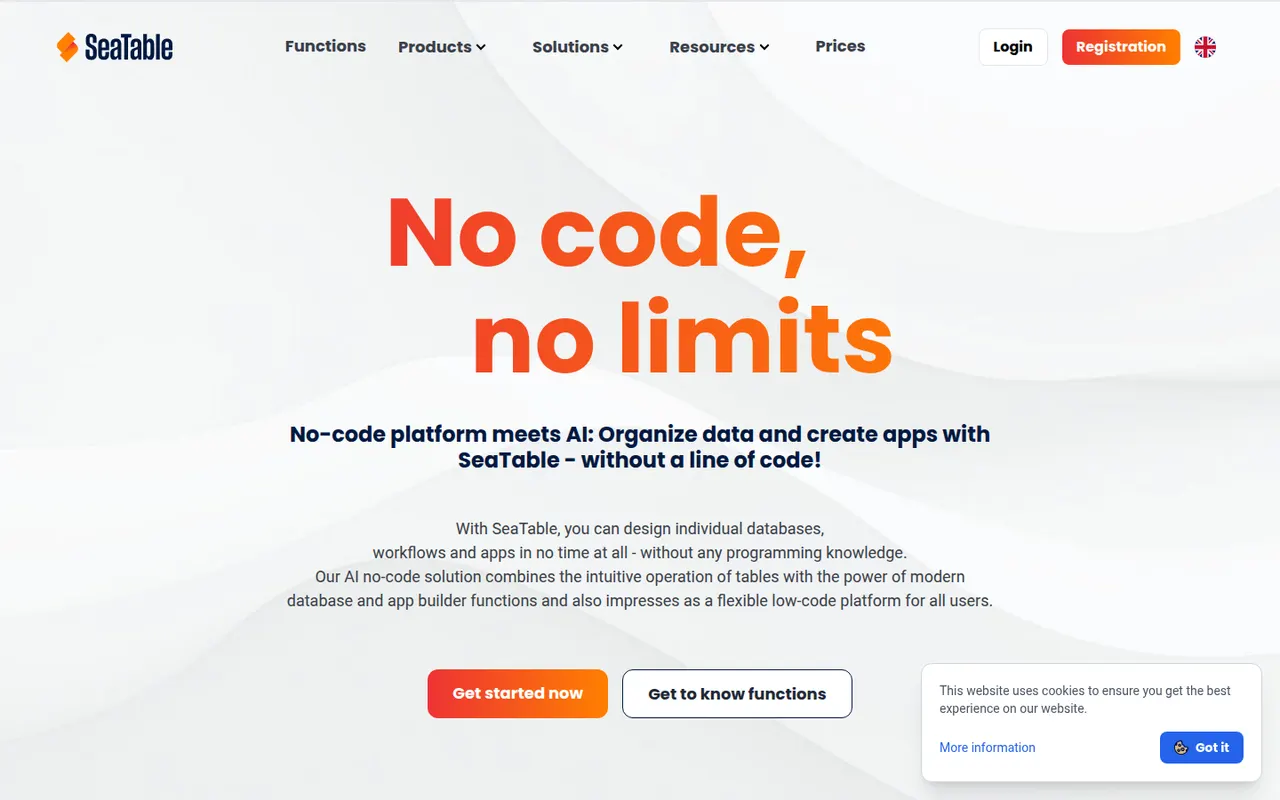
Cost / LicenseFreemiumProprietaryCategoriesSeaTable is a spreadsheet-style database made by SeaTable GmbH in Germany, letting teams link tables, attach files, build forms and create custom views. Automations, Python and JavaScript scripts and an API turn tables into business processes without writing a full application. It can be used in the cloud, with a free plan, or installed on your own servers.
7 SeaTable alternativesPros
- German vendor offering both GDPR-friendly cloud and self-hosting
- Python and JavaScript scripts extend tables into business processes
- Linked tables, forms and file attachments in one workspace
Cons
- Smaller community and template library than Airtable
- Advanced features are reserved for paid plans
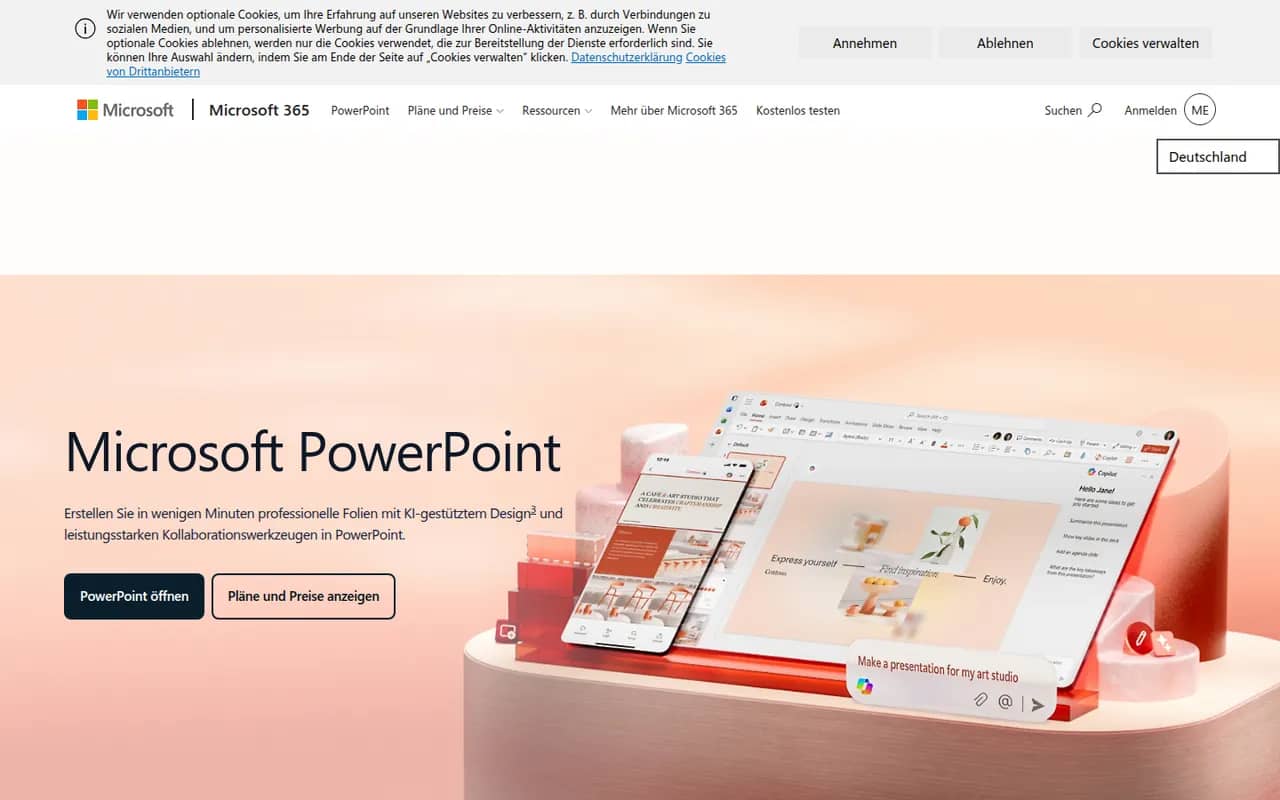
Cost / LicenseFreemiumProprietaryCategoriesPlatformsPowerPoint is the presentation app in Microsoft 365, whose .pptx format is the common exchange format for slides. It offers themes, animations and transitions, Designer layout suggestions, presenter view with speaker notes, live subtitles and recording, plus Copilot to draft decks in eligible plans. It runs on Windows, Mac, mobile and the web, where a free version is available.
10 Microsoft PowerPoint alternativesPros
- The .pptx format is the standard for exchanging slides
- Extensive control over animations, transitions and layouts
- Available on Windows, Mac, mobile and the web
Cons
- The full desktop app requires a Microsoft 365 subscription
- The free web version lacks many advanced features
- Copilot deck drafting is only available in eligible plans
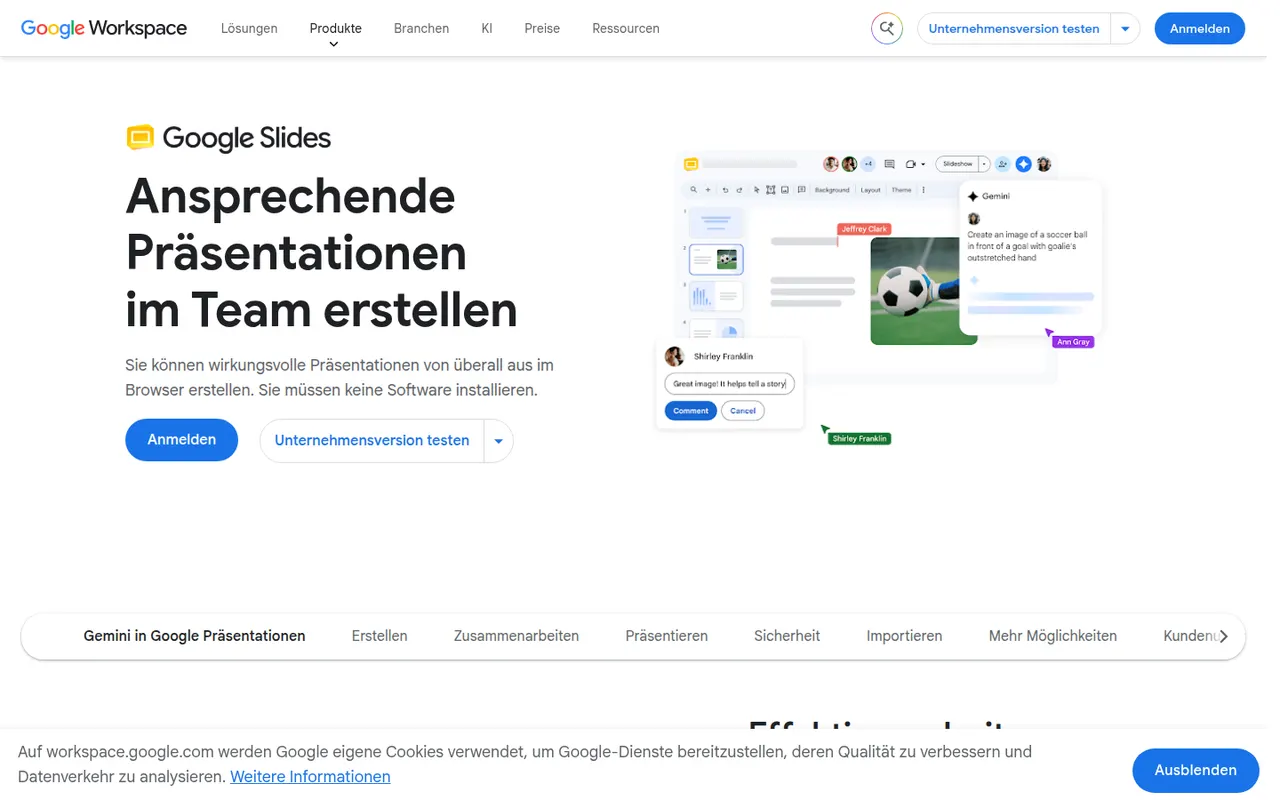
Cost / LicenseFreemiumProprietaryCategoriesGoogle Slides is Google's web-based presentation app, designed for building decks with teammates in real time. It includes themes, speaker notes and presenter view, works offline and imports and exports PowerPoint files. It is free with a Google account; paid Google Workspace plans add Gemini AI features such as generating images and slides.
9 Google Slides alternativesPros
- Real-time co-editing and comments work smoothly in the browser
- Free to use with any Google account
- Imports and exports PowerPoint files
Cons
- Fewer animation and design options than PowerPoint or Keynote
- Complex PowerPoint decks can lose formatting on import
- Gemini AI features require a paid Workspace plan
Cost / LicenseFreemiumProprietaryCategoriesKeynote is Apple's presentation app, free on Mac, iPhone and iPad and usable in a browser through iCloud.com. It is known for clean themes and smooth transitions such as Magic Move, and offers presenter view, live video feeds and remote control from an iPhone. Decks can be co-edited via iCloud and exported to PowerPoint, PDF or video.
9 Keynote alternativesPros
- Polished themes and smooth transitions such as Magic Move
- Free on Mac, iPhone and iPad, with iCloud sync
- Exports to PowerPoint, PDF and video
Cons
- No native apps for Windows or Android, only the iCloud web version
- PowerPoint exports can shift fonts, layouts and animations
- Fewer third-party add-ons and integrations than PowerPoint
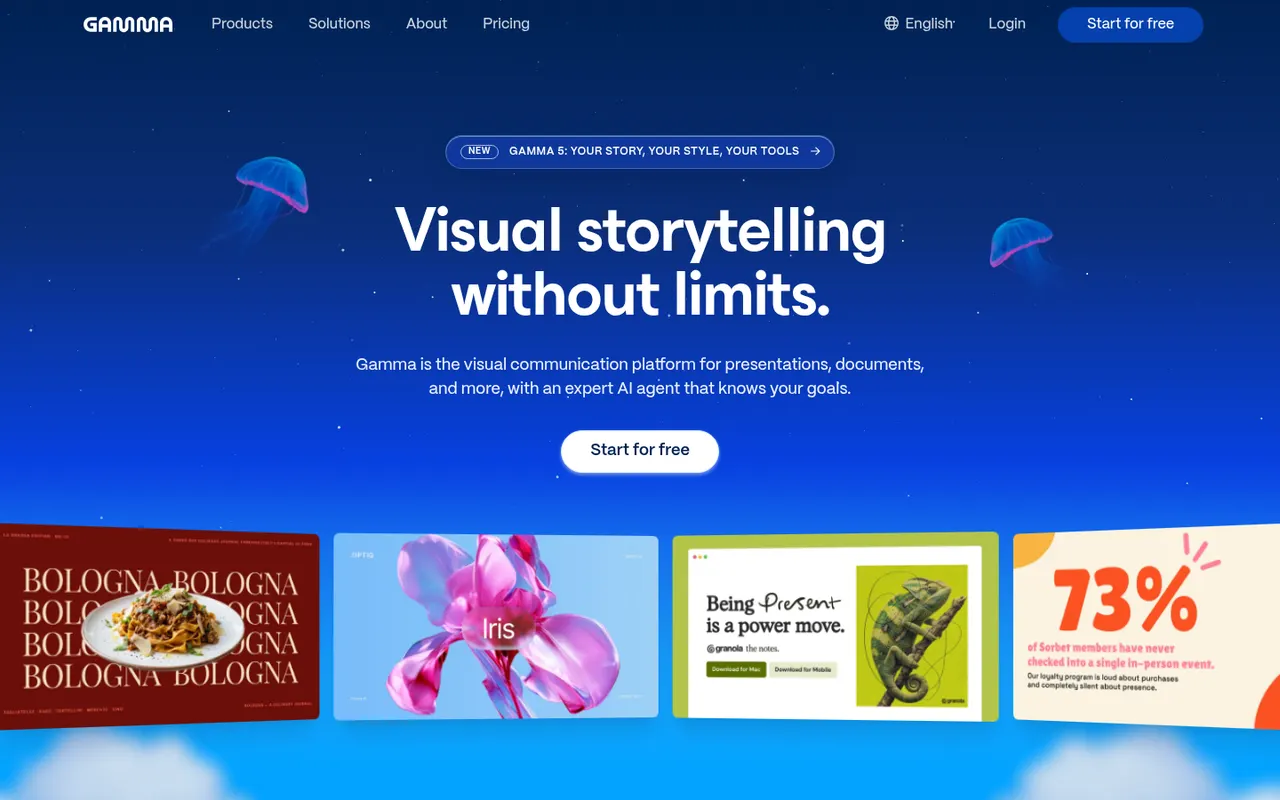
Cost / LicenseFreeProprietaryCategoriesGamma generates presentations, documents, social posts and simple websites from a prompt, notes or an imported file, using a card-based layout instead of fixed slides. Content can then be refined with an AI agent, themes and templates, shared as a link with viewer analytics or exported to PowerPoint, Google Slides or PDF. A free plan with limited AI credits is available.
9 Gamma alternativesPros
- Generates decks, documents and simple sites from a prompt
- Card-based layouts adapt well to any screen size
- Shareable links with viewer analytics
Cons
- The free plan has limited AI credits
- The card format does not always translate well to PowerPoint
- Generated content often needs editing to be accurate and on-brand
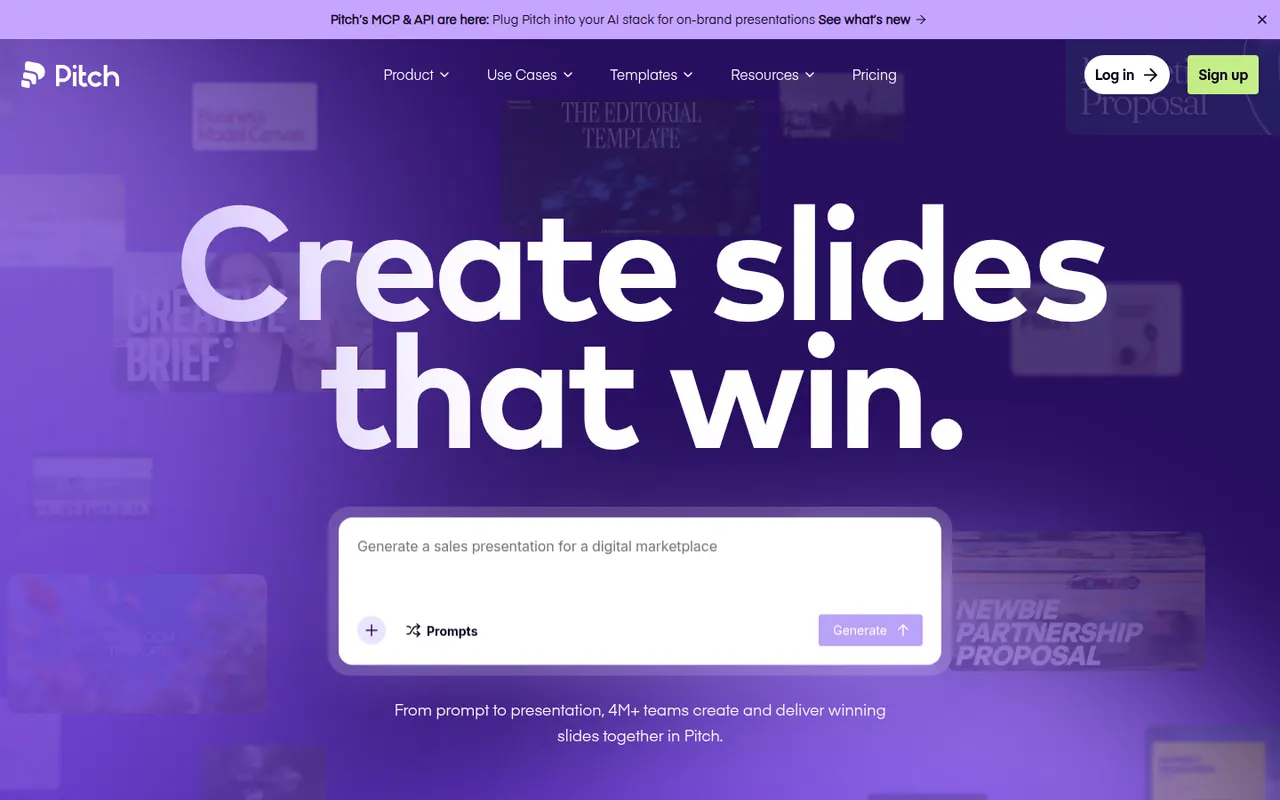
Cost / LicenseFreemiumProprietaryCategoriesPitch is a presentation tool from Berlin-based Pitch Software, built for teams that create decks together, from sales proposals to investor updates. It offers shared templates and brand settings, comments and slide assignments, link sharing with engagement analytics, and an AI agent that drafts decks from prompts and files. It runs in the browser, on desktop and on mobile, with a free plan and paid team tiers.
9 Pitch alternativesPros
- Built for decks made as a team, with comments and slide assignments
- Brand settings and shared templates keep decks consistent
- Link sharing with analytics shows how viewers engage
Cons
- Fewer advanced animation options than PowerPoint or Keynote
- Advanced team features are reserved for paid plans
- Exporting to PowerPoint may not keep every design detail
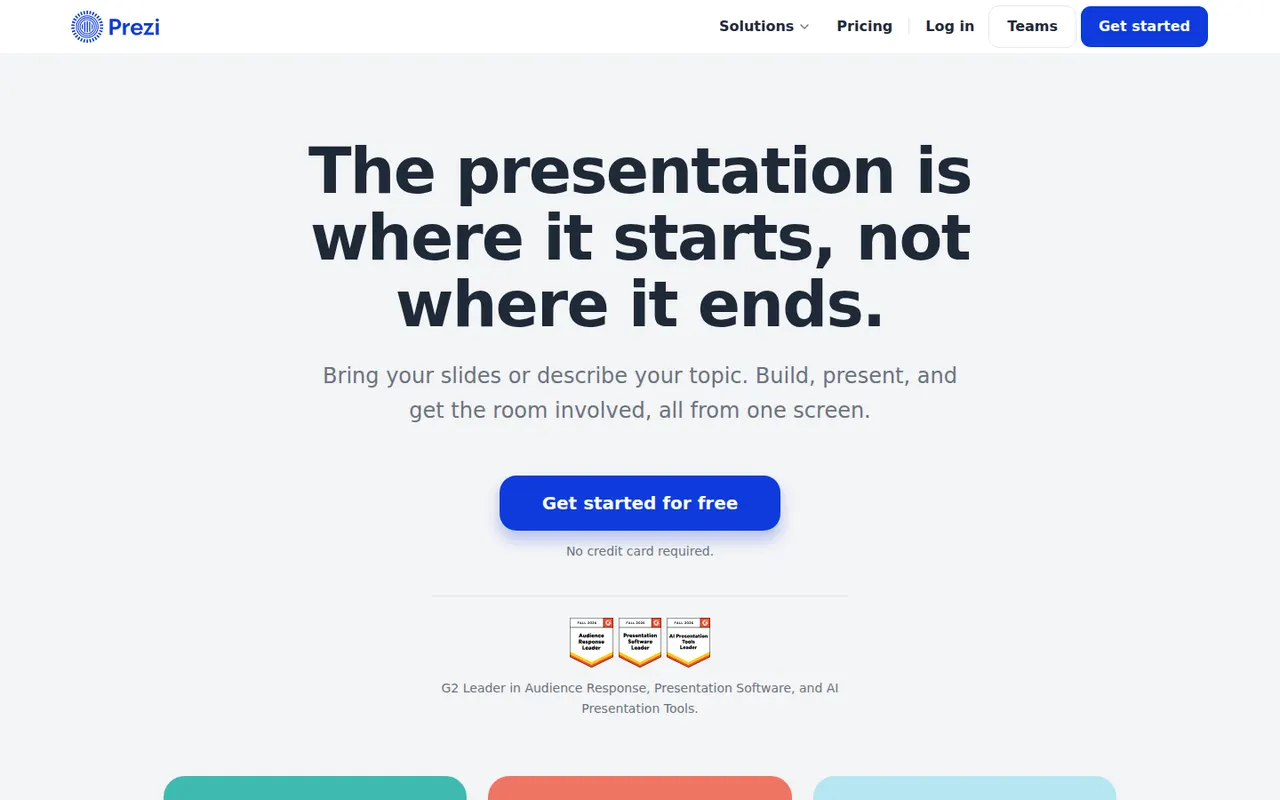
Cost / LicenseFreemiumProprietaryCategoriesPrezi is a presentation tool known for its zoomable canvas, where topics are laid out on one large surface and the presentation moves between them instead of flipping linear slides. It also offers Prezi Video for appearing on camera next to your content, and AI help to turn text into a presentation. A free plan publishes presentations publicly with a watermark; paid plans add privacy and exports.
9 Prezi alternativesPros
- Zoomable canvas offers a non-linear alternative to slides
- Prezi Video puts you on camera next to your content
- AI help turns text into a first presentation draft
Cons
- Free plan presentations are public and watermarked
- Overused zoom effects can distract or disorient the audience
- Designing a good canvas takes longer than building classic slides
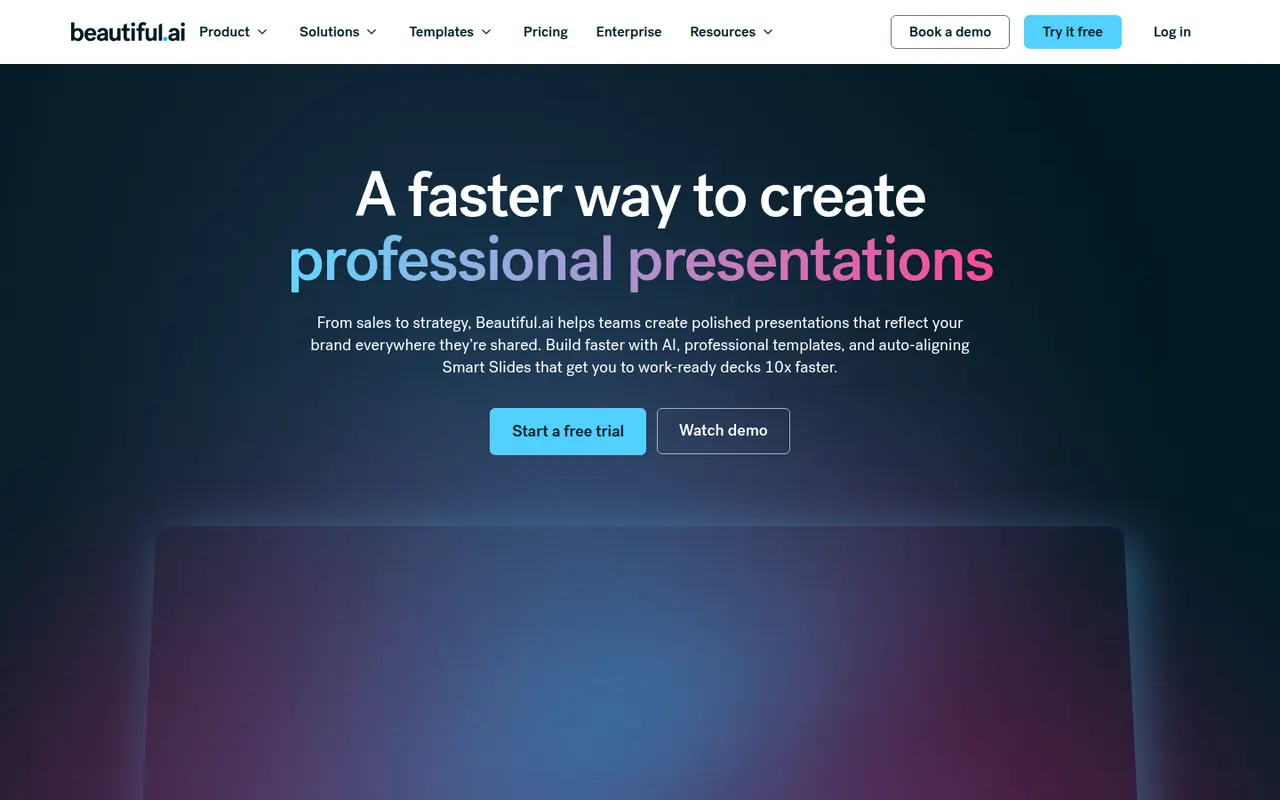
Cost / LicenseFreemiumProprietaryCategoriesBeautiful.ai is a web presentation tool whose smart slide templates adjust spacing, alignment and layout automatically as you add content, so decks stay consistent without manual formatting. It also generates draft presentations from a prompt, supports shared team themes and exports to PowerPoint. There is no free plan; paid plans start with a free trial.
8 Beautiful.ai alternativesPros
- Smart templates keep spacing and alignment consistent automatically
- Generates draft decks from a prompt
- Shared team themes and PowerPoint export
Cons
- No free plan, only a trial
- Automatic layouts limit fine control over design
- Web only, with no offline desktop app
Cost / LicenseFree trialProprietaryCategoriesPlatformsSlidev is an open source presentation tool that builds slide decks from a Markdown file, aimed at developers giving technical talks. It supports code highlighting, live code editing, Vue components, LaTeX, diagrams, themes and a presenter mode with notes, served locally and shown in the browser. Decks can be exported to PDF, PPTX or PNG, or built as a static site to host anywhere.
7 Slidev alternativesPros
- Slides written in Markdown are easy to keep in version control
- Code highlighting, live coding and Vue components suit technical talks
- Free and open source, with PDF, PPTX and static site exports
Cons
- Requires Node.js and comfort with code, so not suited to non-developers
- Custom layouts often mean writing CSS or Vue components
Cost / LicenseFreeOpen sourceCategoriesAdobe Acrobat is the PDF application from Adobe, the company that created the format. The free Acrobat Reader views, annotates and signs files, while paid Acrobat Standard and Pro add text and image editing, OCR, conversion to and from Office formats, redaction, comparison and e-signature requests. An AI Assistant can summarise documents and answer questions about them.
11 Adobe Acrobat alternativesPros
- Reference PDF tool from the company that created the format
- Free Reader for viewing, annotating and signing
- Pro adds editing, OCR, redaction, comparison and signature requests
Cons
- Editing and conversion require a costly subscription
- Heavy app with frequent prompts to upgrade
Cost / LicenseFreemiumProprietaryCategoriesFoxit PDF Editor is a commercial PDF editor from Foxit Software, positioned as an alternative to Adobe Acrobat for businesses. It edits text and images, runs OCR on scans, converts to and from Office formats, protects and redacts documents and handles e-signatures, with an AI assistant for summaries and translation. It is sold by subscription with a free trial, and the separate Foxit PDF Reader is free.
10 Foxit PDF Editor alternativesPros
- Full PDF editing, OCR, redaction and e-signatures
- Lighter alternative to Acrobat with a familiar ribbon interface
- Available on Windows, Mac, mobile and the web
Cons
- Subscription required after the free trial
- The Mac version has fewer features than the Windows one
Cost / LicenseFree trialProprietaryCategoriesSmallpdf is a Swiss PDF platform with simple tools to compress, convert, merge, split, edit and sign PDFs from the browser, plus desktop and mobile apps. It is aimed at individuals and teams with quick, occasional PDF tasks. Free users get a limited number of tasks per day, while the Pro plan removes limits and adds OCR, batch processing and AI tools for summarising documents.
8 Smallpdf alternativesPros
- Clean, simple tools for quick PDF tasks in the browser
- Compress, convert, merge, edit and sign in one place
- Desktop and mobile apps alongside the web version
Cons
- Free users get only a few tasks per day
- OCR, batch processing and AI tools require Pro
- Files are processed online, a concern for sensitive documents
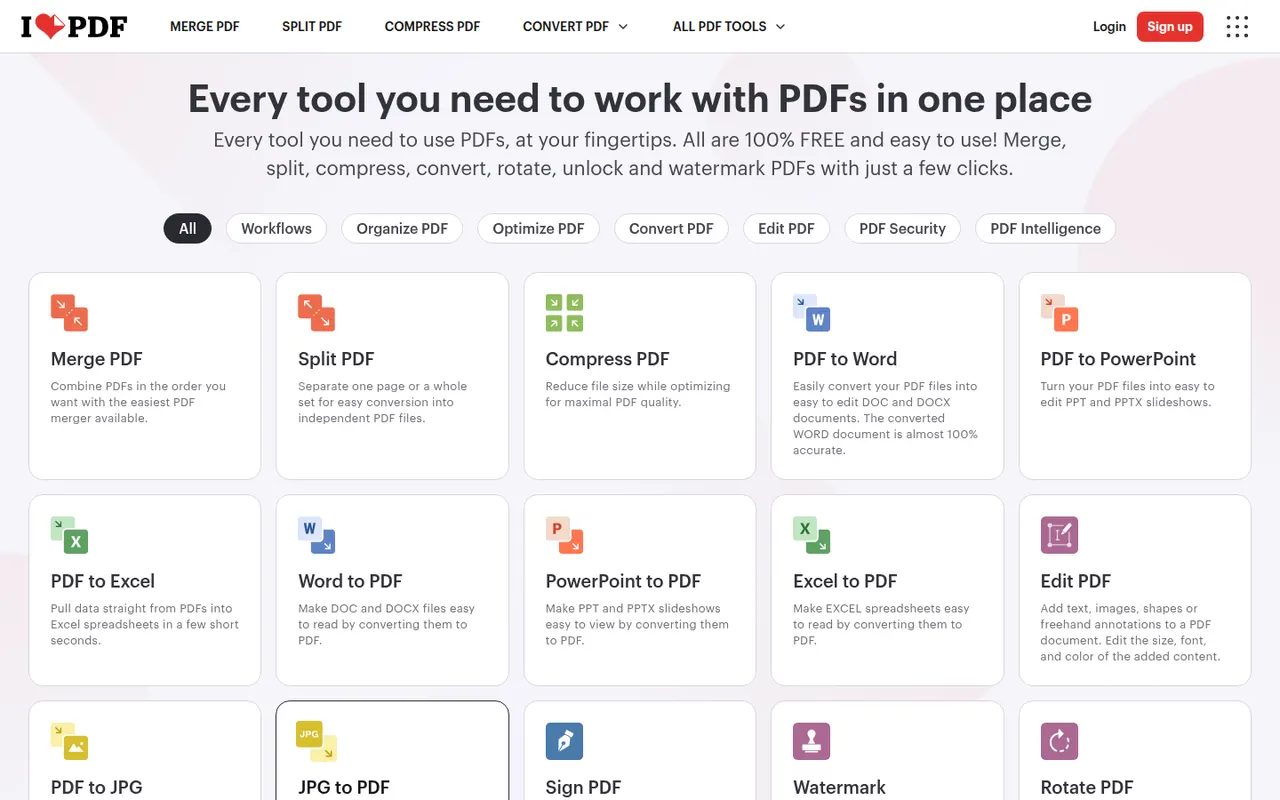
Cost / LicenseFreemiumProprietaryCategoriesiLovePDF is a web-based PDF toolkit from a company based in Barcelona, with single-purpose tools to merge, split, compress, convert, rotate, watermark, OCR and sign PDF files. Desktop and mobile apps cover the same tasks, and a developer API is offered separately. Most tools are free with file-size and usage limits, and a Premium subscription removes them.
8 iLovePDF alternativesPros
- Simple single-purpose tools for merging, splitting and compressing
- Most tools work free in the browser, with nothing to install
- Developer API for automating PDF tasks
Cons
- Free use has file-size and usage limits
- Uploading files to a web service may not suit sensitive documents
- Text editing is basic compared with desktop editors
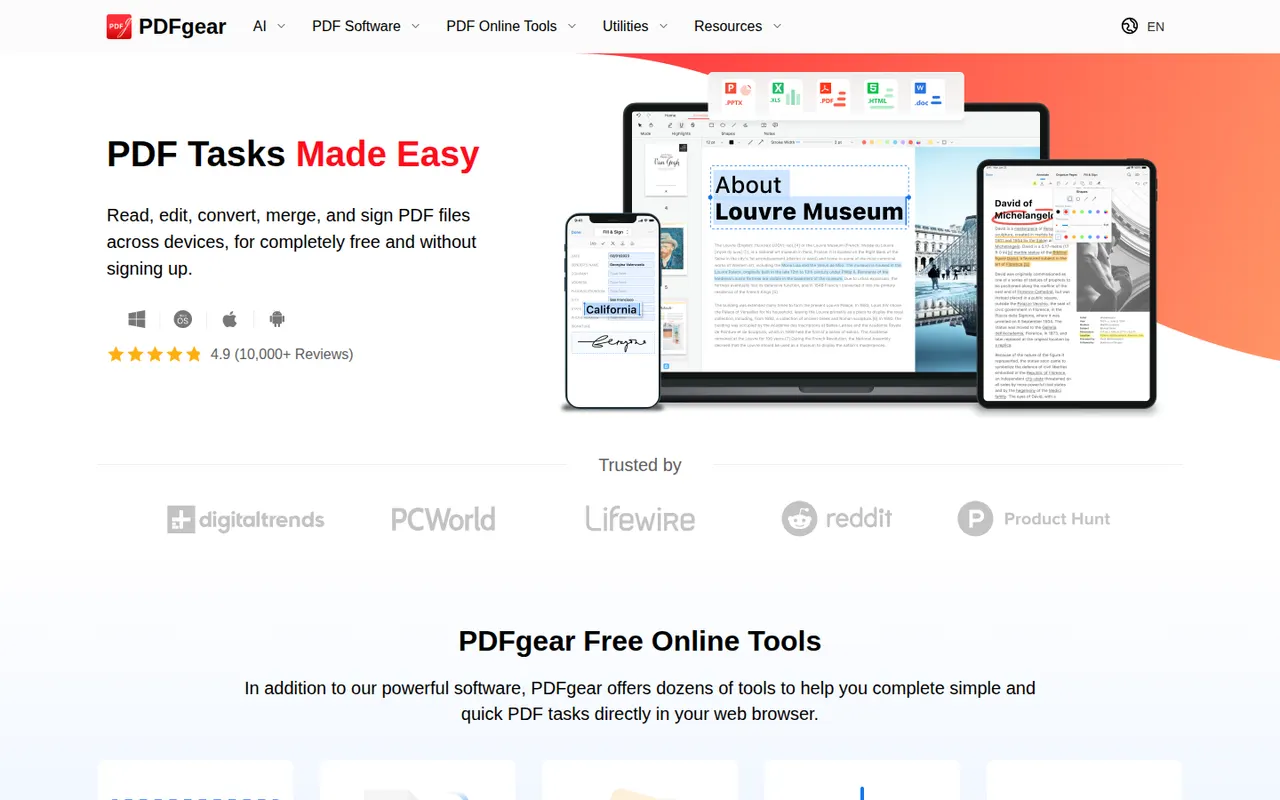
Cost / LicenseFreemiumProprietaryCategoriesPDFgear is a free PDF application from Singapore-based PDF Gear Tech for reading, editing, converting, merging, compressing and signing documents. It includes OCR for scanned files and a Copilot assistant that summarises PDFs and carries out edits from chat requests. It is available on Windows, Mac, iPhone, iPad, Android and the web, without watermarks or a required account.
10 PDFgear alternativesPros
- Free editing, conversion and signing without watermarks
- No account required to use the apps
- Copilot assistant summarises PDFs and applies edits from chat
Cons
- Text editing is less precise than in Acrobat or Foxit
- Younger product with less of a track record than established editors
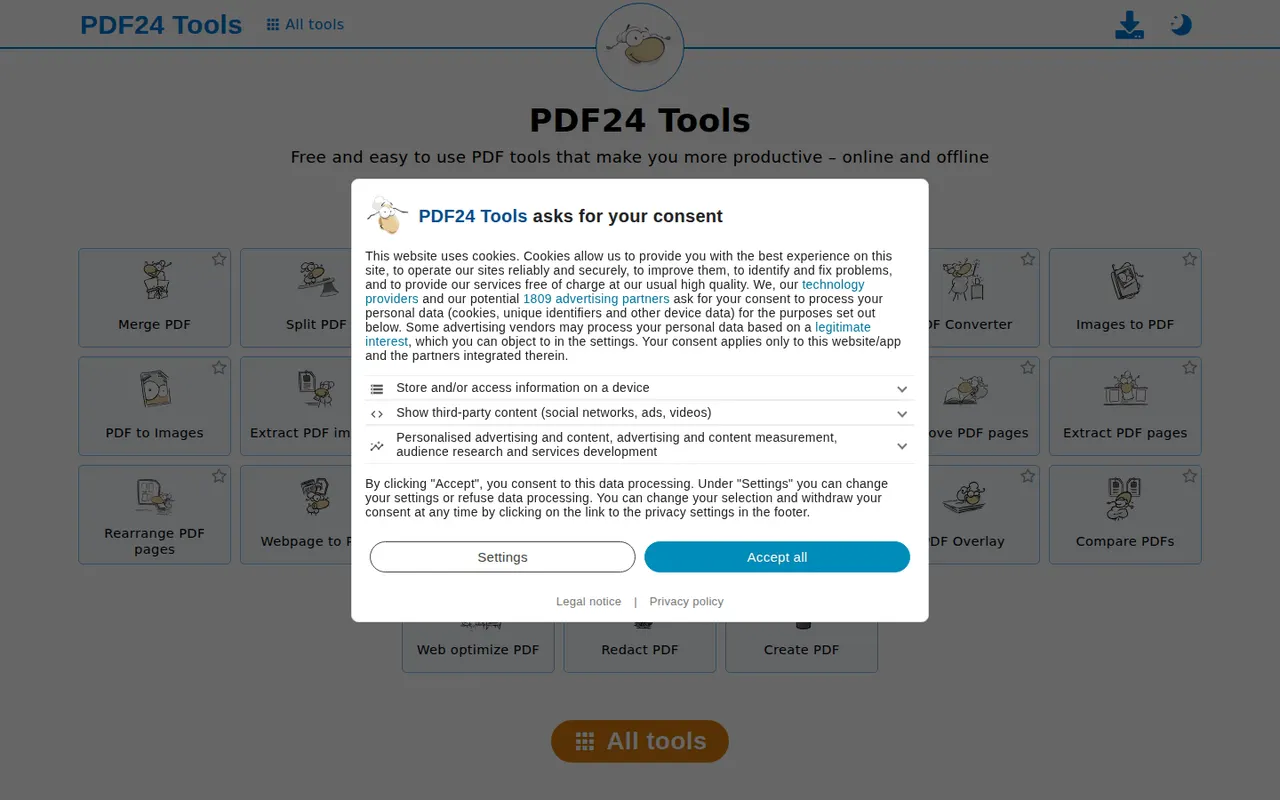
Cost / LicenseFreeProprietaryCategoriesPDF24 Tools is a free collection of PDF utilities from the German company Geek Software, covering merging, splitting, compressing, converting, OCR, editing, signing and redacting. The tools run in the browser, and the PDF24 Creator app for Windows offers the same features offline along with a virtual PDF printer. There is no paid tier, and the website shows ads.
10 PDF24 Tools alternativesPros
- Completely free, with no paid tier
- Wide range of tools, including OCR, redaction and signing
- Windows app works offline and adds a virtual PDF printer
Cons
- The website shows ads alongside the tools
- The desktop app is Windows only
- Interface is functional rather than modern
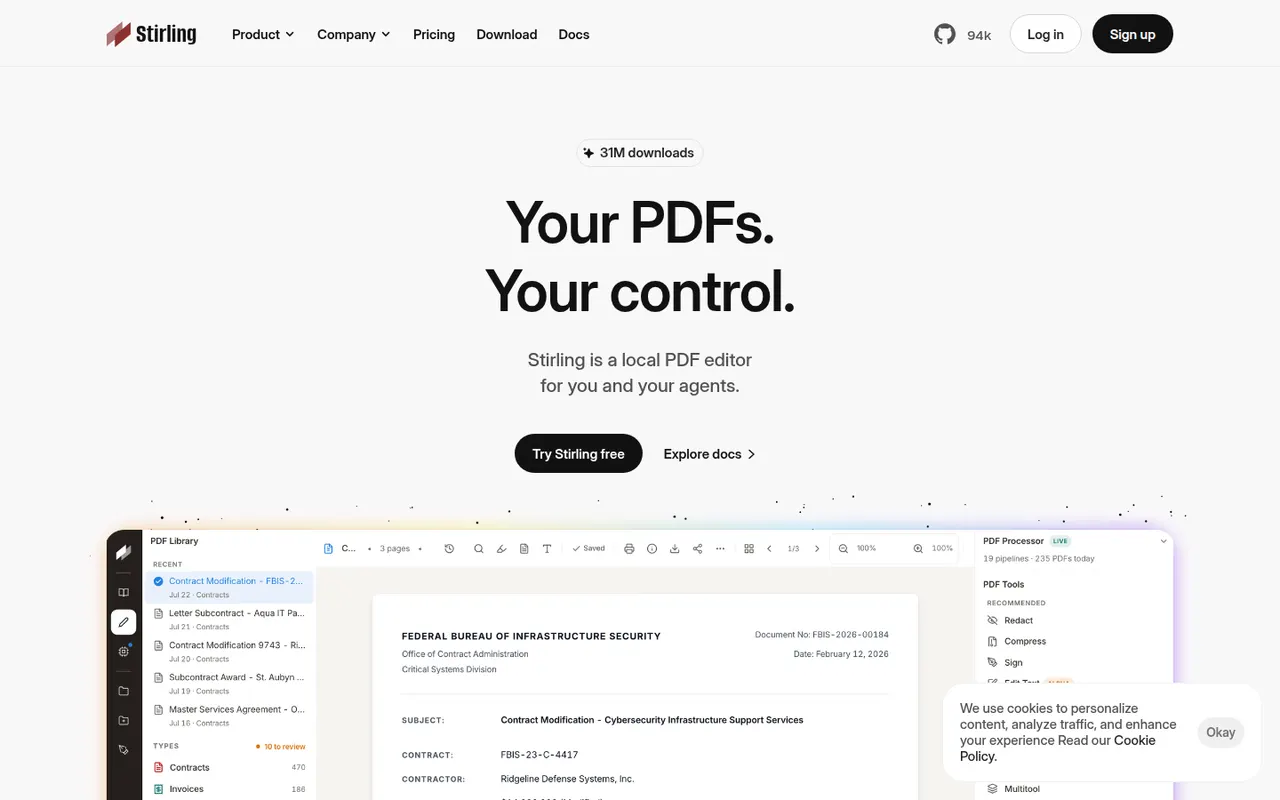
Cost / LicenseFreeProprietaryCategoriesStirling-PDF is an open-core PDF application you can run on your own server, typically with Docker, so documents never leave your infrastructure. It bundles tools to merge, split, compress, convert, OCR, sign, redact and edit PDFs, plus a REST API and pipelines for automating repetitive jobs. The core is MIT-licensed and free; paid plans add enterprise features such as SSO.
7 Stirling-PDF alternativesPros
- Self-hosted, so documents never leave your infrastructure
- Dozens of tools for merging, OCR, redaction and conversion
- REST API and pipelines automate repetitive jobs
Cons
- Requires running a server, typically with Docker
- SSO and other enterprise features are paid
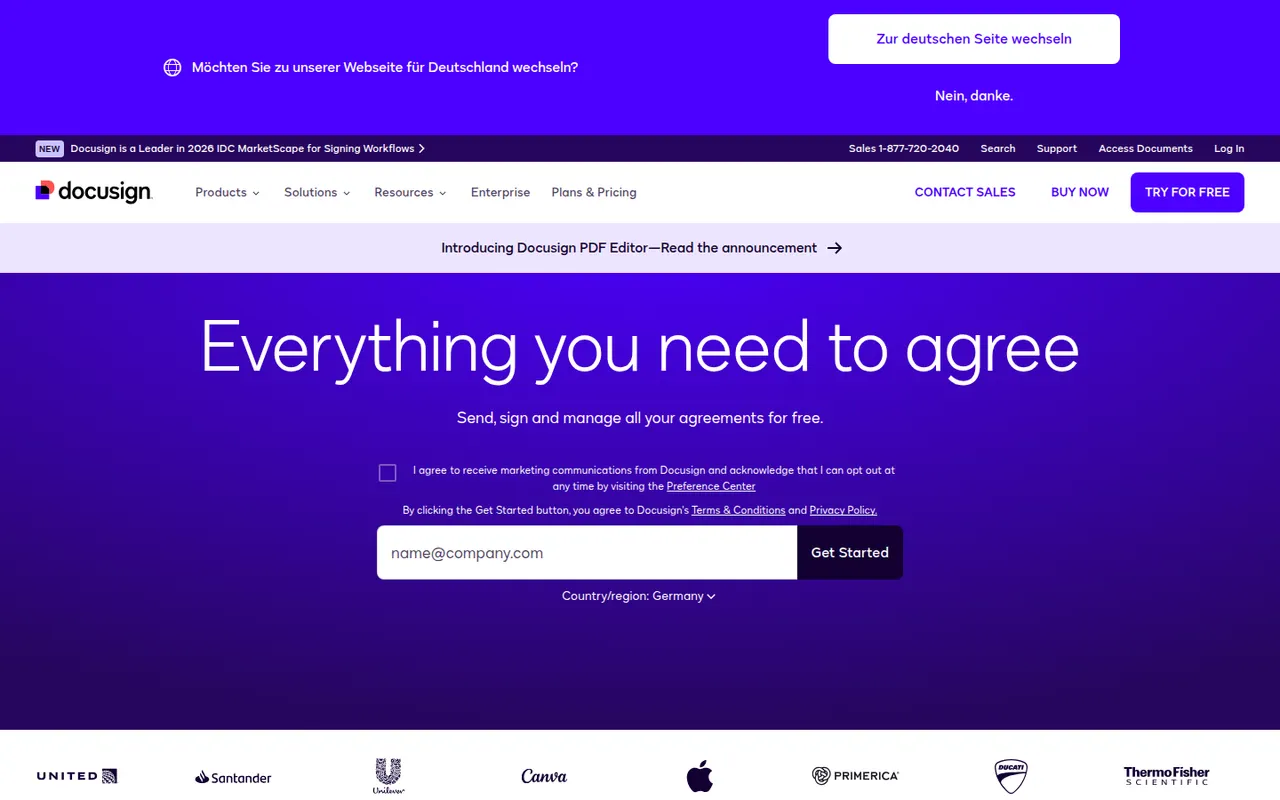
Cost / LicenseFreemiumOpen sourceCategoriesPlatformsDocusign is an e-signature service from the US company of the same name, used to send contracts and forms for legally binding signature on any device. Senders build reusable templates, define signing order and fields, track status and keep a detailed audit trail, with integrations for Salesforce, Microsoft 365 and Google Workspace and a developer API. Signing is free; sending requires a paid plan after a trial.
9 Docusign alternativesPros
- Widely recognized service that recipients already know how to use
- Detailed audit trail and flexible signing order
- Integrations with Salesforce, Microsoft 365 and Google Workspace
Cons
- Pricier than many newer e-signature tools
- Plans cap the number of envelopes you can send
- Bulk sending and advanced fields require higher tiers
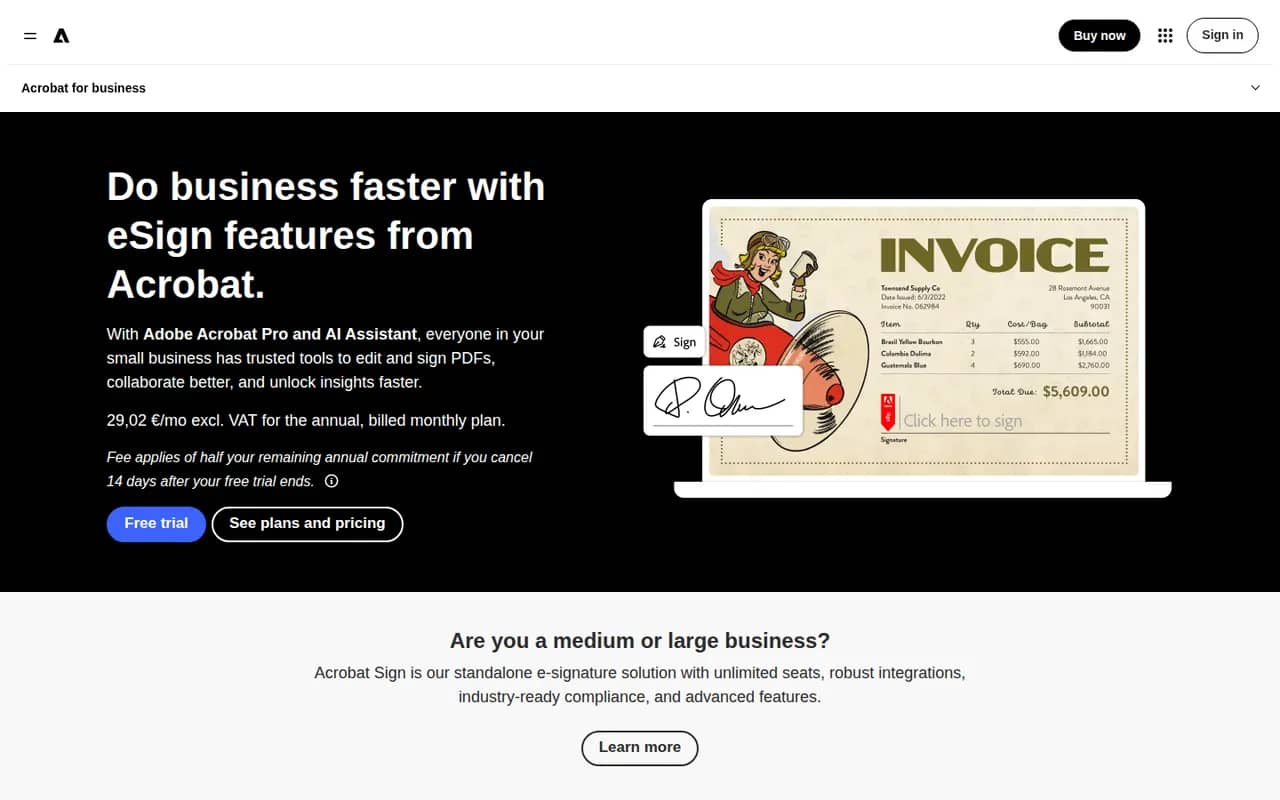
Cost / LicenseFree trialProprietaryCategoriesAdobe Acrobat Sign is Adobe's electronic signature service for sending, signing and tracking agreements from a browser, a mobile app or Acrobat itself. It supports reusable templates, web forms, bulk sending, signer authentication and audit reports, and integrates with Microsoft 365, Salesforce and Workday. It is included in some Acrobat plans and sold separately to businesses, with a free trial.
9 Adobe Acrobat Sign alternativesPros
- Built into Acrobat, so PDFs go out for signature in a few clicks
- Integrations with Microsoft 365, Salesforce and Workday
- Web forms, bulk sending and signer authentication for businesses
Cons
- Plans and bundles are confusing to compare
- Interface feels heavier than simpler e-signature tools
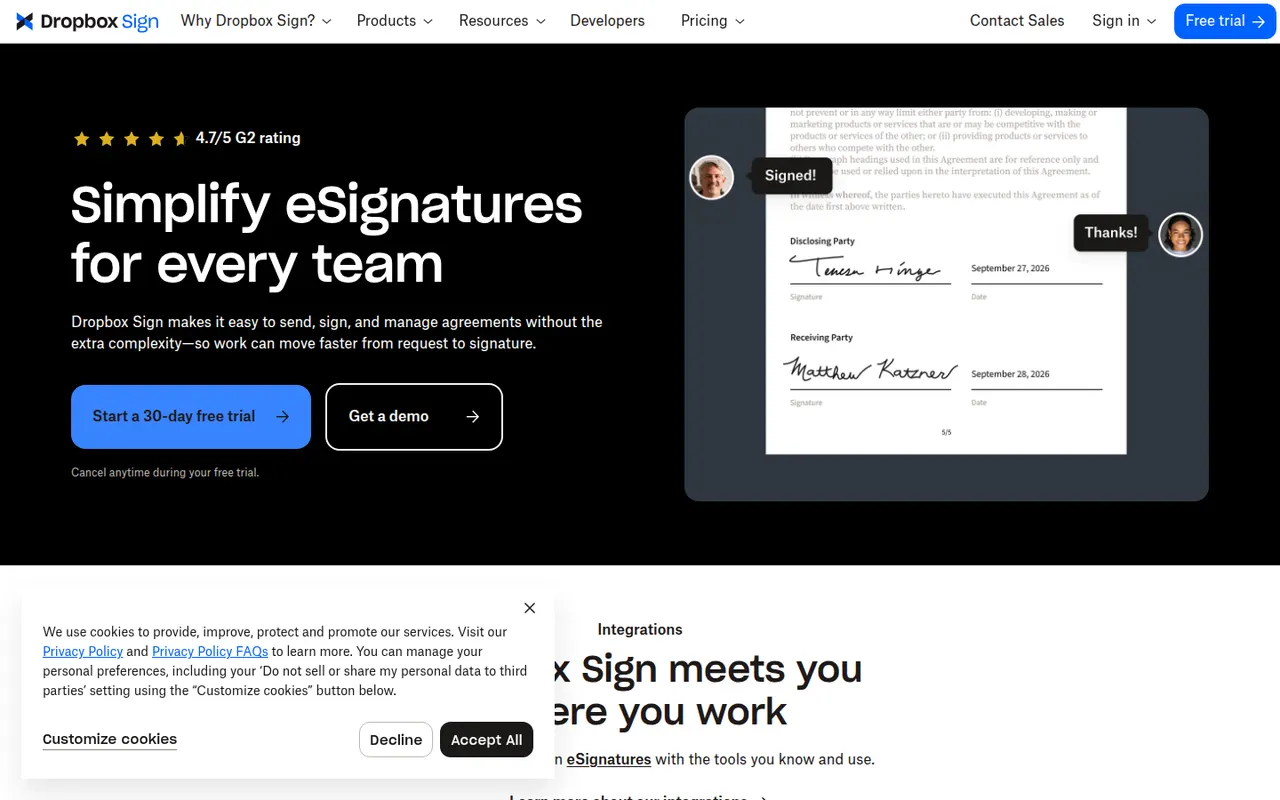
Cost / LicenseFree trialProprietaryCategoriesDropbox Sign, previously known as HelloSign, is an e-signature service owned by Dropbox for sending documents for signature and signing them online. It offers templates, reminders, signer order, audit trails and integrations with Google Workspace and Dropbox, plus an API for embedding signing in other products. A free plan allows a few signature requests per month.
9 Dropbox Sign alternativesPros
- Clean, simple signing experience for senders and signers
- Well-documented API for embedding signatures in products
- Integrates with Google Workspace and Dropbox
Cons
- Free plan only covers a few signature requests per month
- Fewer workflow and document features than all-in-one platforms
Cost / LicenseFreemiumProprietaryCategoriesPlatformsPandaDoc is a document automation platform for sales and operations teams to create proposals, quotes and contracts from templates, send them for e-signature and collect payments. It tracks when recipients open and read documents, supports approval workflows and syncs with CRMs such as HubSpot and Salesforce. A free eSign plan with a monthly document cap sits alongside paid plans.
9 PandaDoc alternativesPros
- Builds proposals, quotes and contracts from templates
- Shows when recipients open and read documents
- Syncs with HubSpot and Salesforce and can collect payments
Cons
- CRM integrations and key features need higher-priced plans
- Template editor has a learning curve for complex documents
- Free plan is limited to basic e-signatures
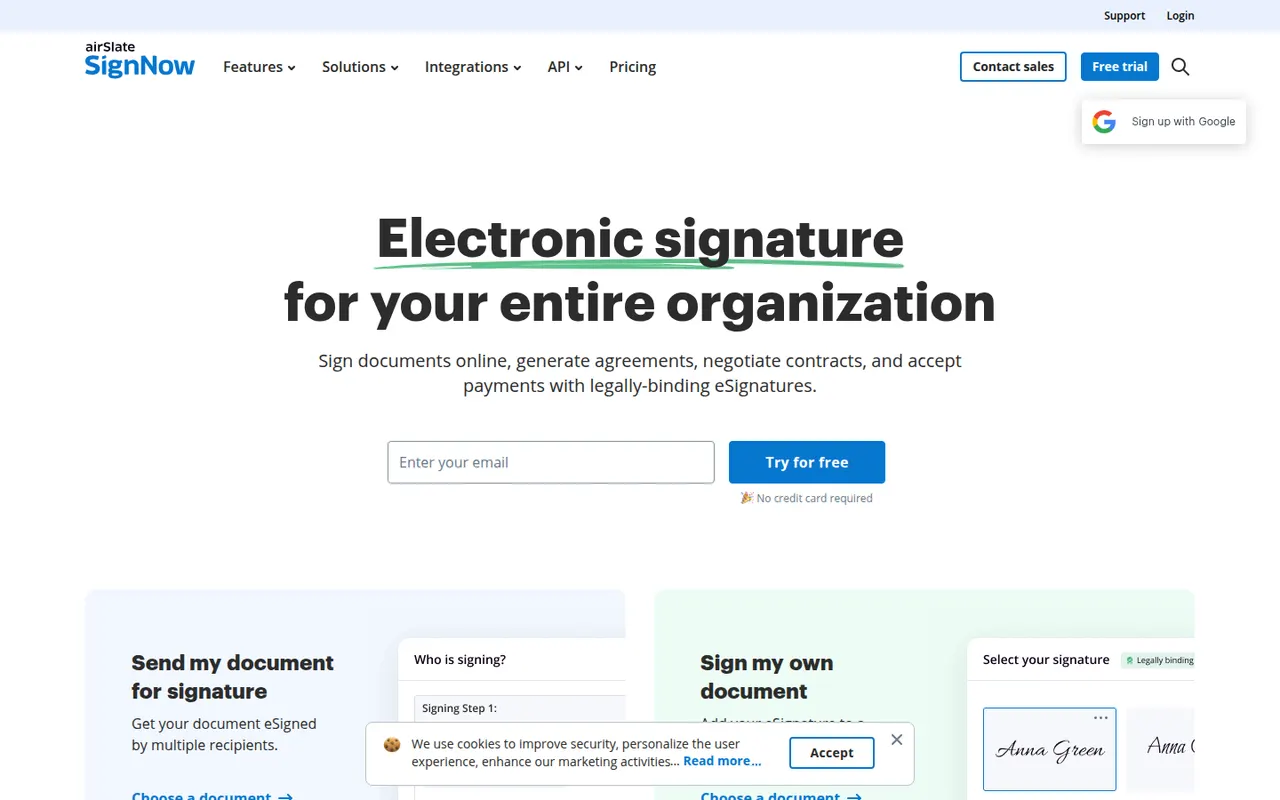
Cost / LicenseFreemiumProprietaryCategoriessignNow is an electronic signature service from airSlate for sending and signing documents from the web or mobile apps. It covers reusable templates, signing links, bulk invites, conditional fields, payment requests and an audit trail, with integrations for Google Workspace, Salesforce and Microsoft apps and a developer API. Plans are paid, with a free trial.
9 signNow alternativesPros
- Bulk invites, conditional fields and payment requests
- Templates and reusable signing links speed up repeat documents
- Integrations with Google Workspace, Salesforce and Microsoft apps
Cons
- No free plan beyond the trial
- Interface feels less polished than leading competitors
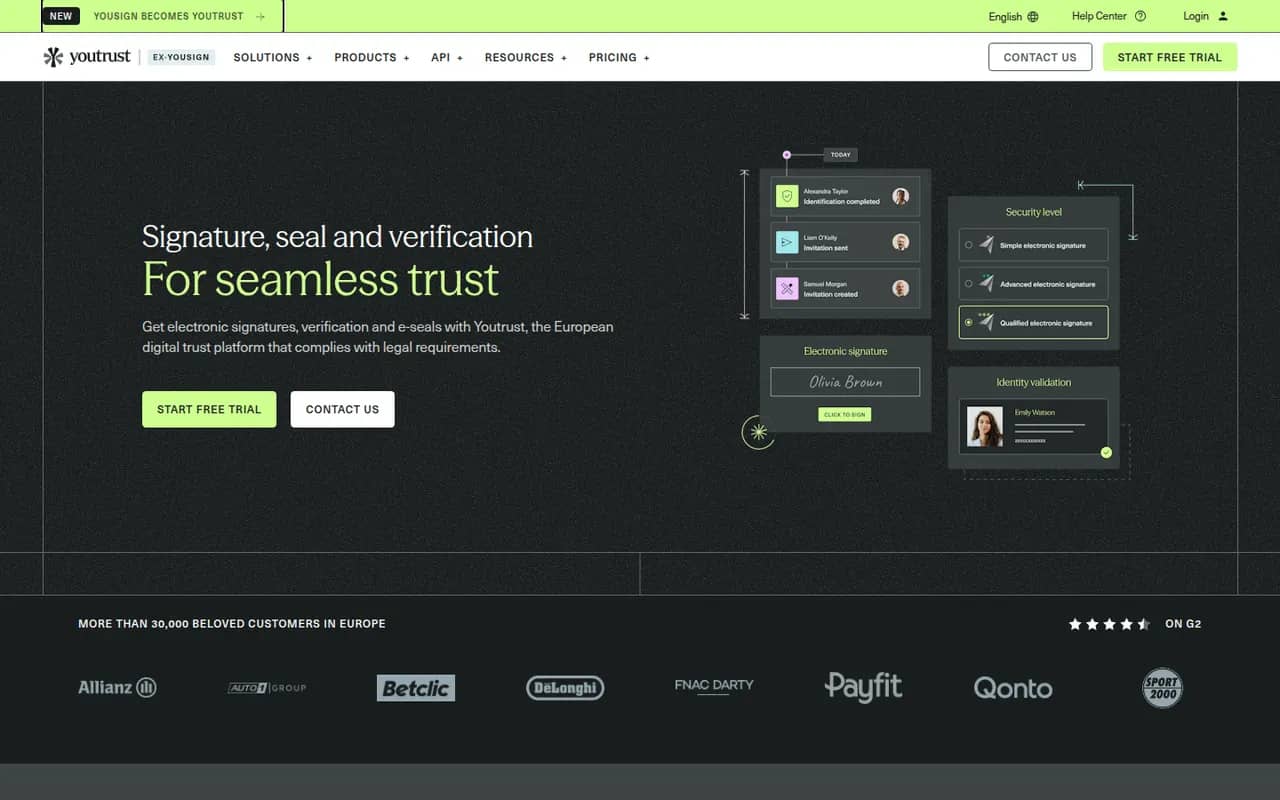
Cost / LicenseFree trialProprietaryCategoriesYoutrust (formerly Yousign) is a French e-signature service for businesses and freelancers that need legally valid signatures under the EU eIDAS regulation. It offers simple, advanced and qualified signature levels, templates, automatic reminders, audit trails and an API, with data hosted in Europe. A free plan covers a couple of signature requests each month, and paid plans scale with usage.
9 Youtrust (Yousign) alternativesPros
- Simple, advanced and qualified signatures under the EU eIDAS rules
- Data hosted in Europe, a plus for GDPR compliance
- Clear interface with automatic reminders and templates
Cons
- Free plan is limited to a handful of signature requests
- Fewer integrations than global players like Docusign
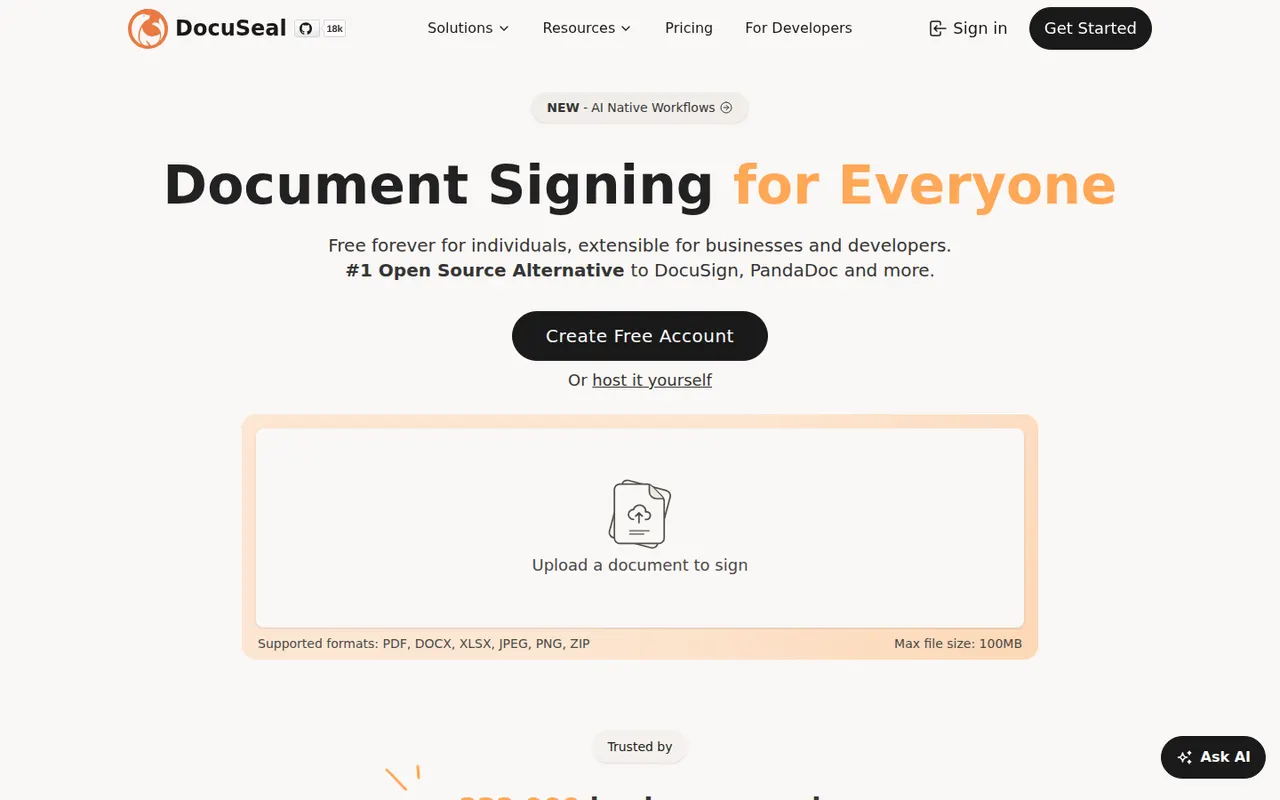
Cost / LicenseFreemiumProprietaryCategoriesPlatformsDocuSeal is an open source platform for creating fillable PDF forms and collecting e-signatures, available as a hosted service or a self-hosted Docker app. A drag-and-drop builder places signature and form fields on documents, and an API, webhooks and embeddable components let developers add signing to their own apps. The self-hosted version is free under AGPL-3.0, with paid Pro features.
9 DocuSeal alternativesPros
- Free self-hosted version that runs as a Docker app
- Drag-and-drop builder for signature and form fields
- Embeddable components and an API to add signing to your own app
Cons
- Some advanced features require a paid Pro plan
- Fewer business integrations than established signature vendors
- Self-hosting means managing your own backups and updates
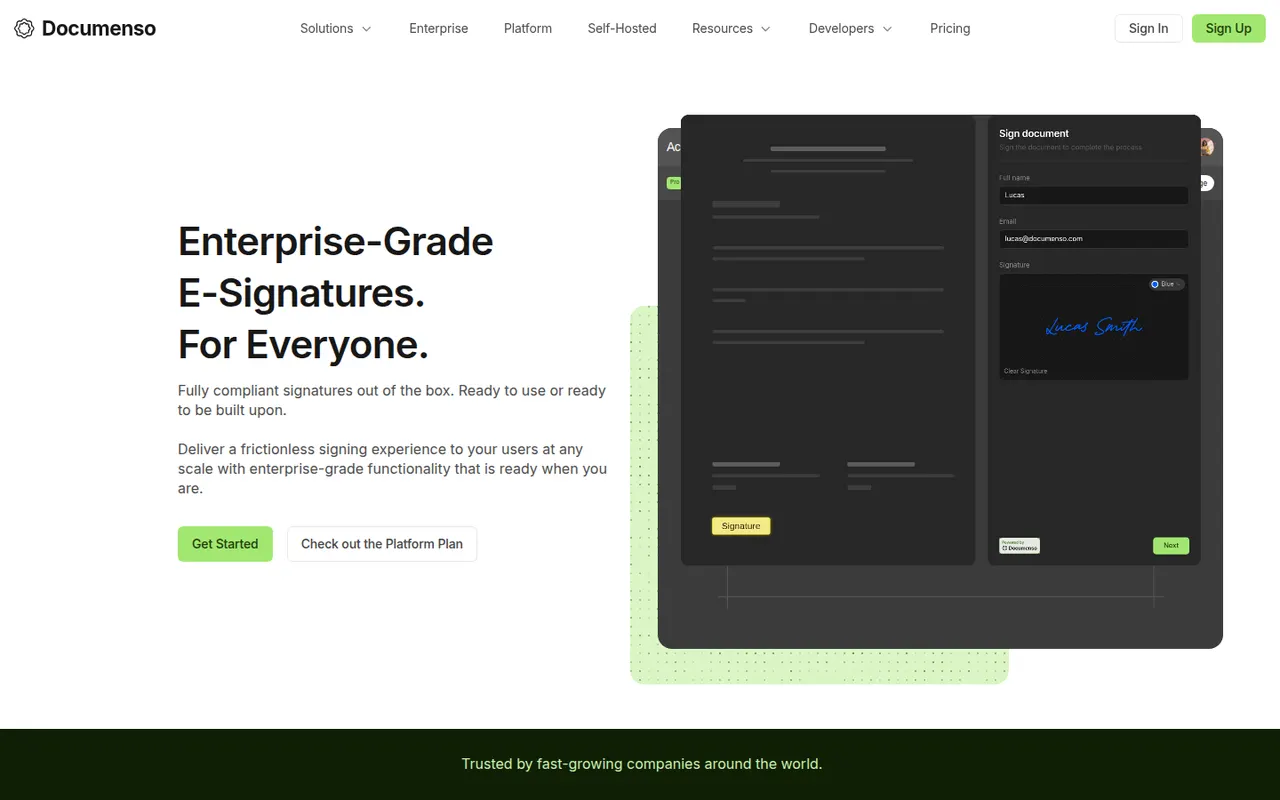
Cost / LicenseFreemiumOpen sourceCategoriesPlatformsDocumenso is an open source e-signature platform built with a focus on transparency, so anyone can inspect how documents are signed and stored. It supports templates, signing order, direct signing links, teams, webhooks and an API, and can be self-hosted or used through the hosted service. The code is published under AGPL-3.0, with a free plan and paid plans for teams.
8 Documenso alternativesPros
- Open source code lets anyone inspect how documents are signed
- Self-host it or use the hosted service with a free plan
- API, webhooks and templates for developers and teams
Cons
- Younger product with fewer integrations than Docusign
- Self-hosting requires setting up a signing certificate and email delivery
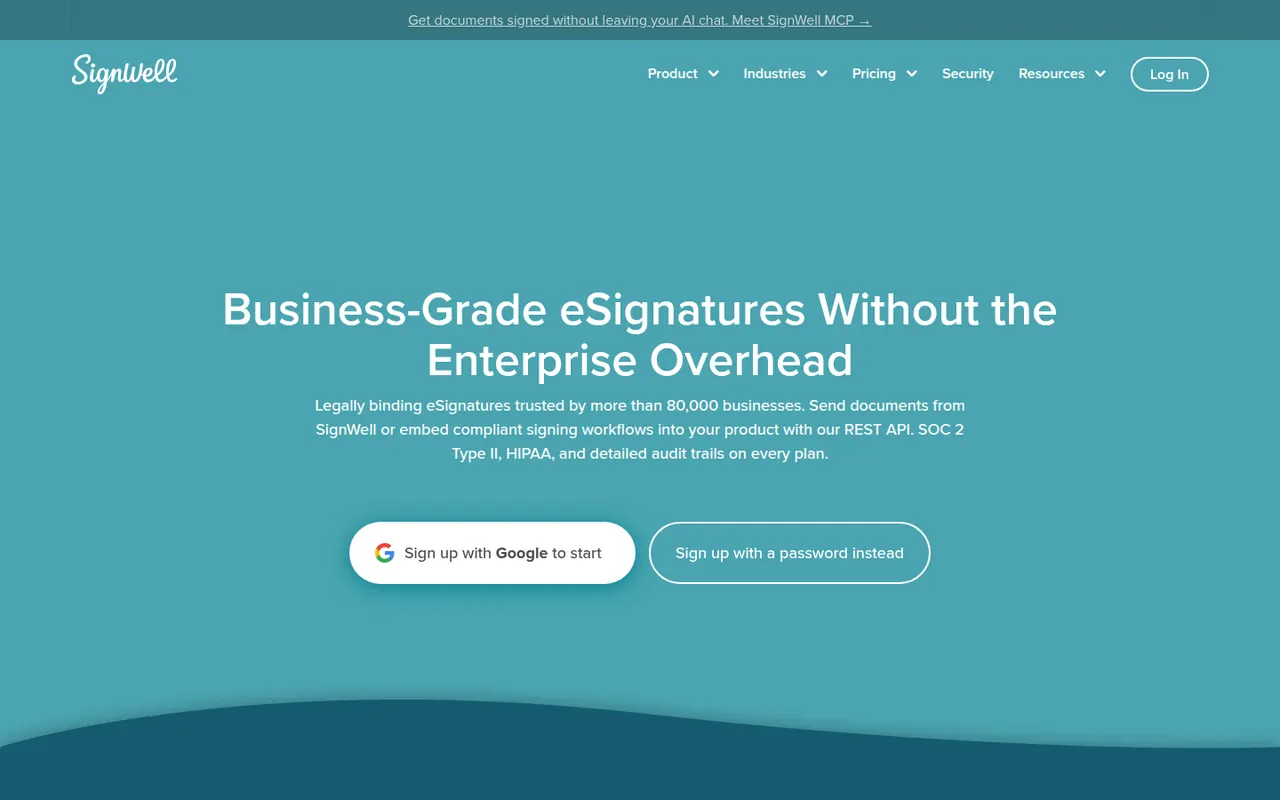
Cost / LicenseFreemiumOpen sourceCategoriesPlatformsSignWell, formerly Docsketch, is a web-based e-signature tool for small businesses that want to send contracts and forms without a complex setup. It offers reusable templates, reminders, signing order, a completion certificate with audit trail and an API for embedding signatures. A free plan includes a few documents per month, with paid plans for higher volumes and teams.
9 SignWell alternativesPros
- Free plan with a monthly allowance of documents
- Simple setup for sending contracts without any training
- Reminders, signing order and audit trail included
Cons
- Fewer integrations than larger e-signature platforms
- Team features and higher volumes require paid plans
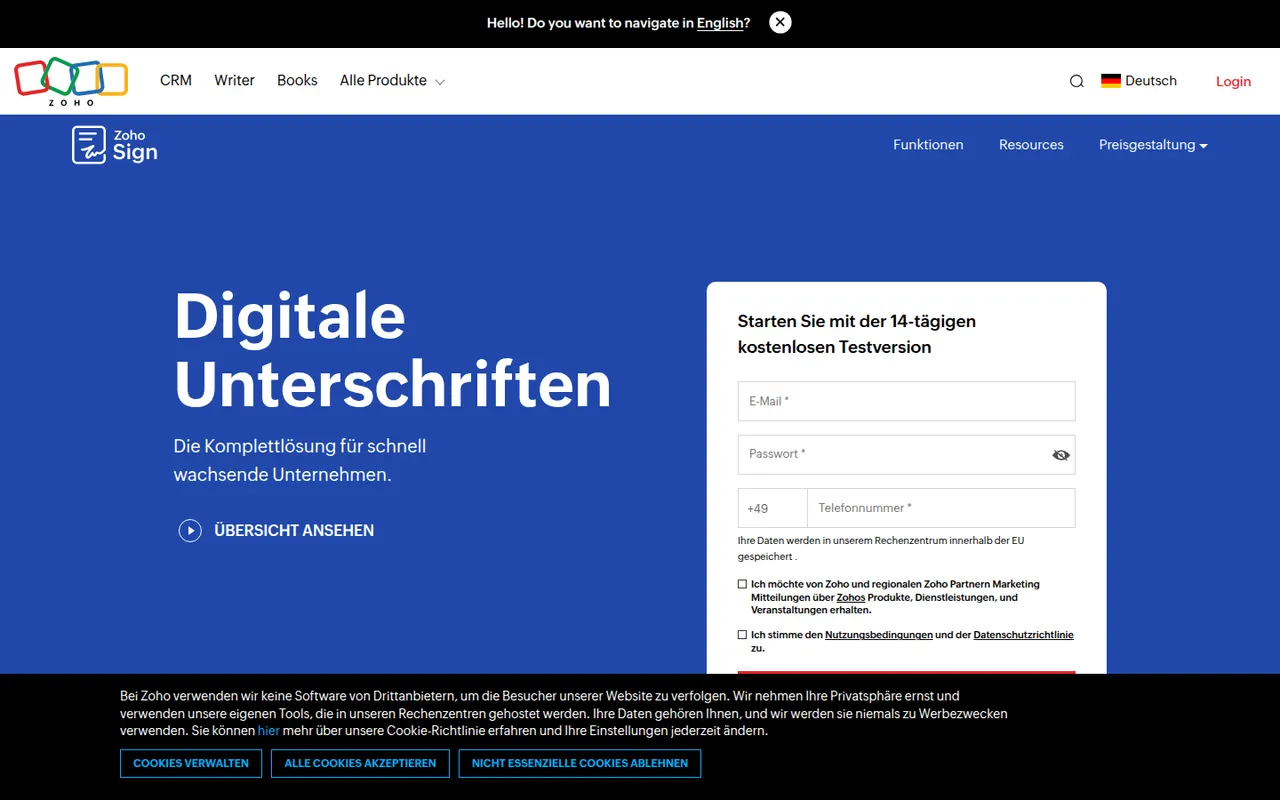
Cost / LicenseFreemiumProprietaryCategoriesPlatformsZoho Sign is the digital signature service in Zoho's suite, used to send documents for signature, sign them yourself and track progress. It supports templates, sequential or parallel signing, signer authentication, bulk sending and audit trails, and connects with Zoho CRM, Zoho Books, Google Workspace and Microsoft 365. A free plan covers a small number of documents; paid plans add volume and automation.
9 Zoho Sign alternativesPros
- Free plan for occasional signing needs
- Sequential or parallel signing with signer authentication
- Connects natively with Zoho CRM, Zoho Books and Microsoft 365
Cons
- Free volume is small, and automation sits on paid tiers
- Most valuable for teams already in the Zoho ecosystem
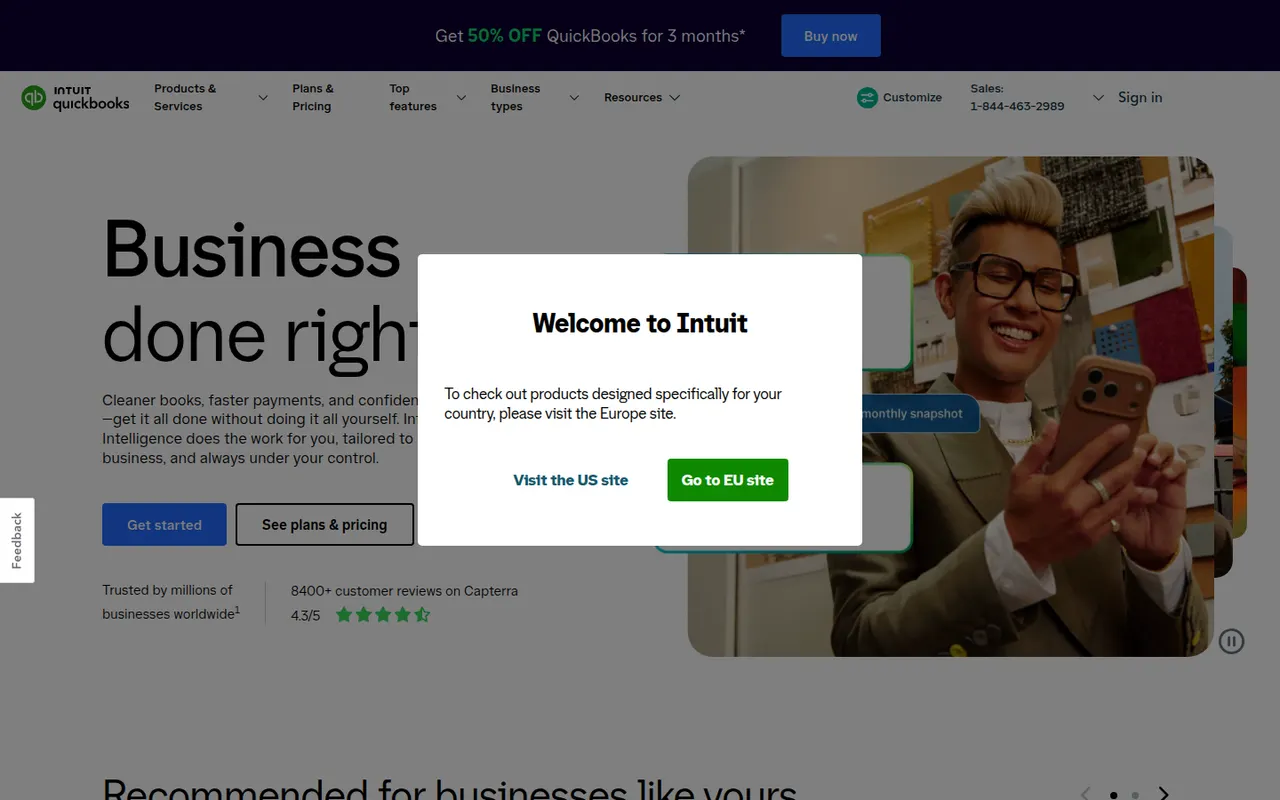
Cost / LicenseFreemiumProprietaryCategoriesQuickBooks is Intuit's accounting software for small businesses and self-employed people, offered mainly as the cloud-based QuickBooks Online, with desktop editions for Windows. It handles invoicing, bank feeds, expense and receipt tracking, sales tax, reports and payroll, and connects to many third-party apps and accountants. Intuit Assist adds AI help, and plans are paid after a free trial.
12 QuickBooks alternativesPros
- Widely known by accountants, which eases collaboration
- Large ecosystem of connected third-party apps
- Covers invoicing, bank feeds, sales tax and payroll
Cons
- Subscription costs add up, especially with payroll on top
- Features vary a lot between countries and editions
- Takes longer to learn than simpler invoicing apps
Cost / LicenseFree trialProprietaryCategories