Apps with Integrations
152 apps
Top Integrations apps ranked by the community
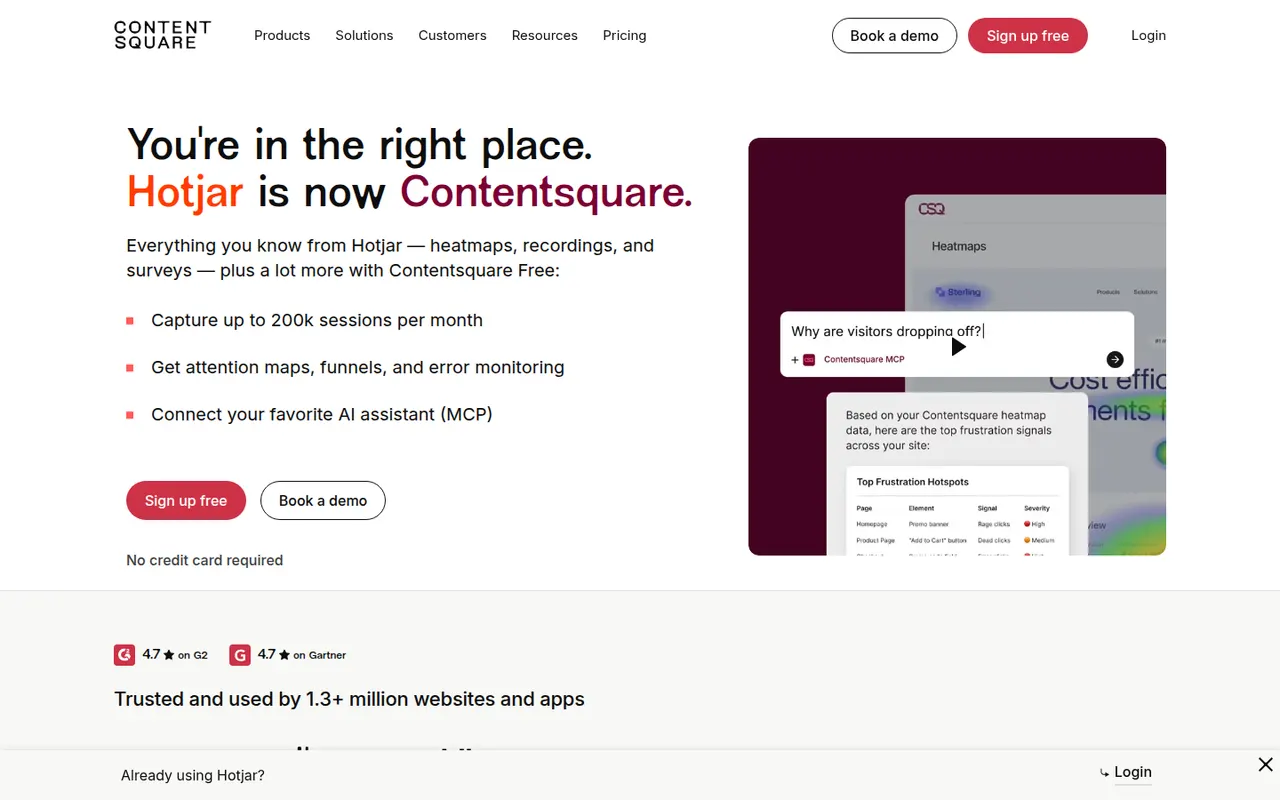
Hotjar shows how visitors use a website through heatmaps of clicks and scrolling, recordings of real sessions, and on-site surveys and feedback widgets. It complements traffic analytics by revealing where people get stuck or hesitate, and includes AI help to create surveys and summarize responses. Hotjar is part of Contentsquare and is aimed at marketers, designers and product teams.
8 Hotjar alternativesPros
- Heatmaps and session recordings that are easy to set up
- On-site surveys and feedback widgets in the same tool
- Accessible to marketers and designers without analytics expertise
Cons
- Free plan caps the number of sessions captured
- Costs rise quickly with site traffic
- Does not replace a traffic analytics tool for sources and page views
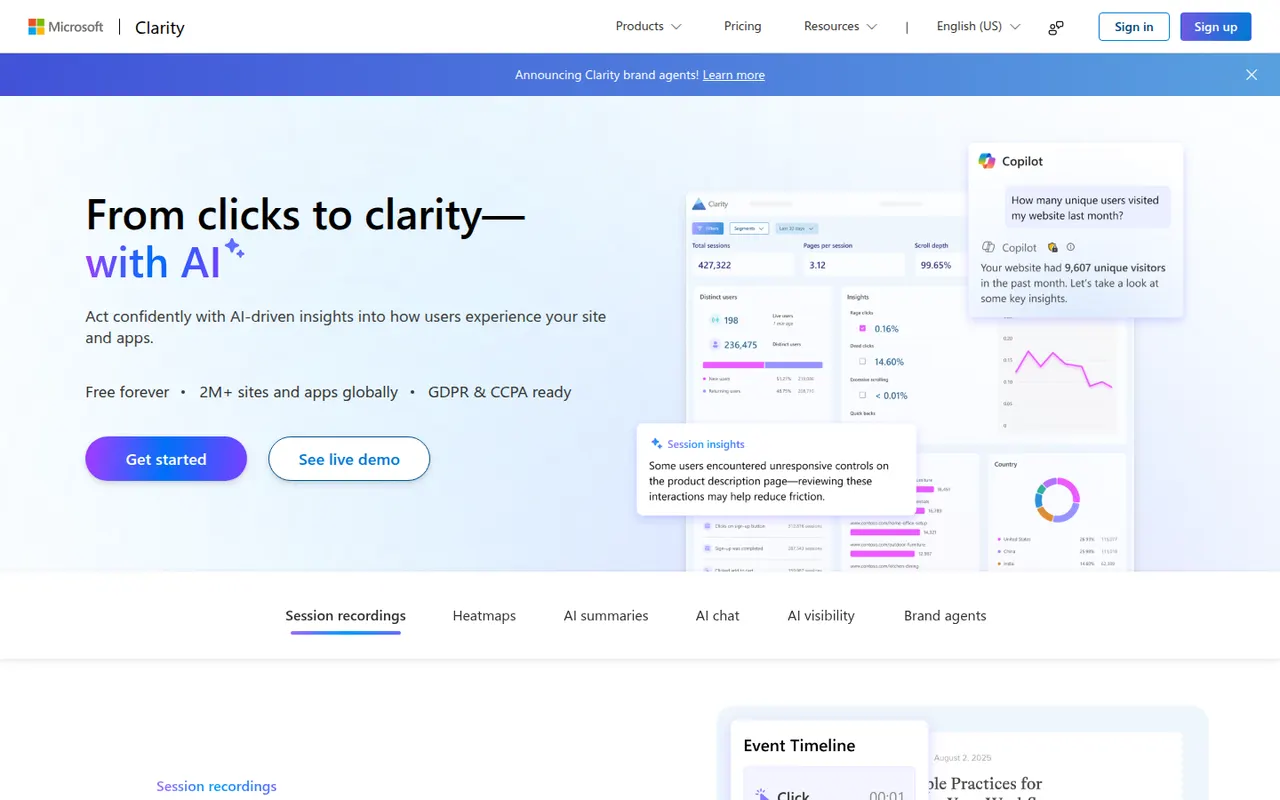
Cost / LicenseFreemiumProprietaryCategoriesPlatformsMicrosoft Clarity is a free behavioral analytics tool that records user sessions and generates click and scroll heatmaps, for websites as well as mobile apps. It flags frustration signals such as rage clicks, dead clicks and quick backs, integrates with Google Analytics, and uses Copilot to summarize sessions and insights. There is no paid tier and no traffic cap.
7 Microsoft Clarity alternativesPros
- Completely free with no traffic cap
- Flags rage clicks, dead clicks and quick backs automatically
- Integrates with Google Analytics and summarizes sessions with Copilot
Cons
- Data is processed by Microsoft, which may not suit privacy-sensitive sites
- No on-site surveys or feedback widgets
- Recordings are only kept for a limited time
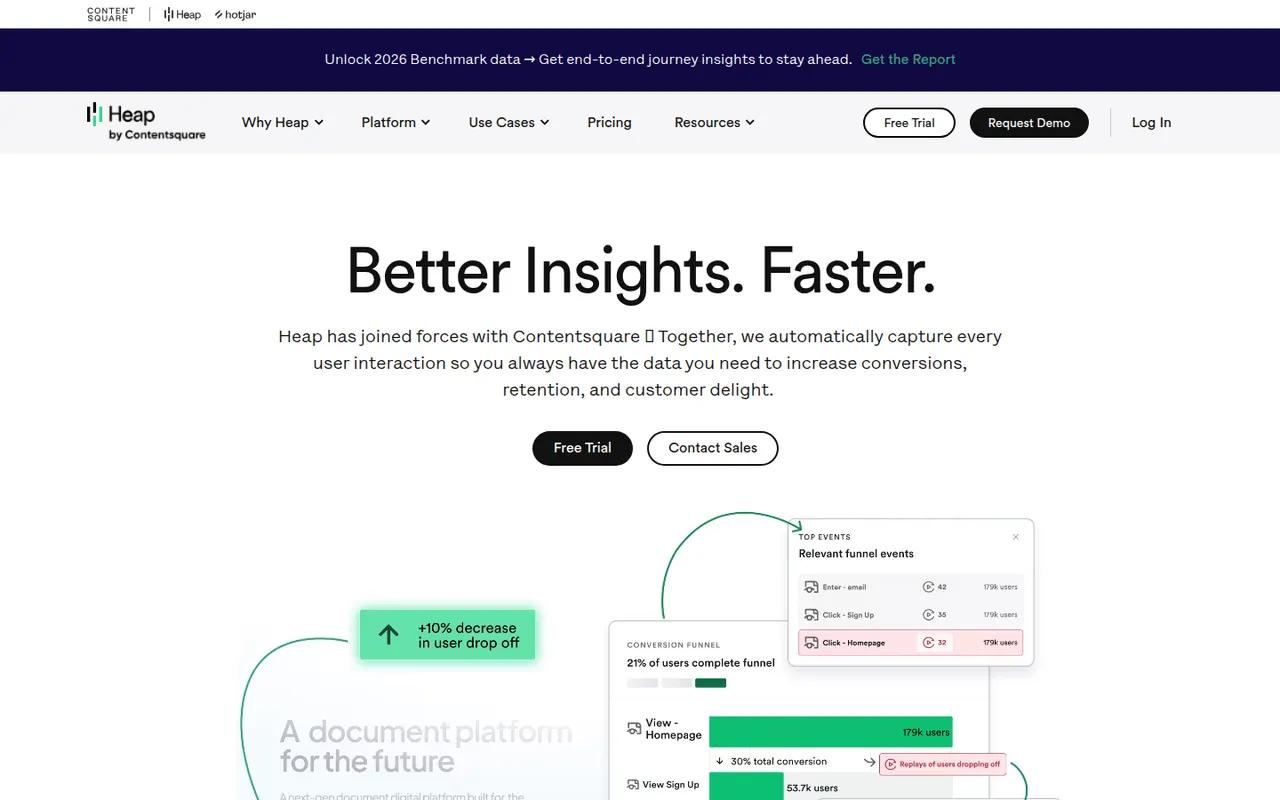
Cost / LicenseFreeProprietaryCategoriesPlatformsHeap is a product analytics tool known for autocapture: its snippet records clicks, page views and form changes automatically, so teams can define events and analyze funnels retroactively without new tracking code. It adds session replay, journey analysis and account-level views for B2B products. Heap has been part of Contentsquare since 2023 and targets product and digital teams.
7 Heap alternativesPros
- Autocapture records interactions without writing tracking code
- Events can be defined retroactively on historical data
- Account-level views suited to B2B products
Cons
- Autocaptured data gets noisy without careful naming
- Paid plans become expensive as usage grows
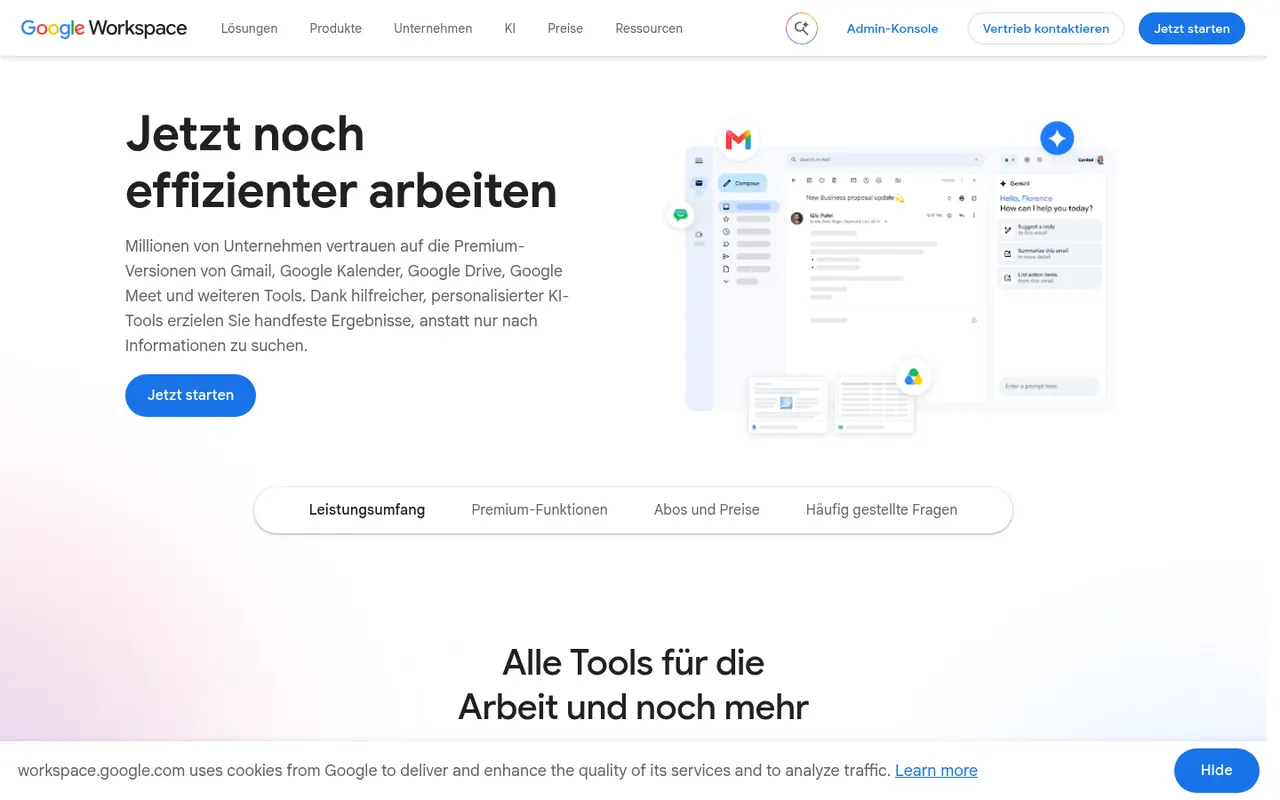
Cost / LicenseFreemiumProprietaryCategoriesPlatformsGoogle Workspace groups Gmail, Calendar, Drive, Docs, Sheets, Slides and Meet into a browser-based suite built around real-time collaboration. The apps are free with a personal Google account, while paid business plans add custom-domain email, more storage, admin controls and Gemini AI features. Documents can be edited offline and exported to Microsoft Office formats.
11 Google Workspace alternativesPros
- Smooth real-time co-editing in Docs, Sheets and Slides
- Free to use with a personal Google account
- Gmail, Drive, Calendar and Meet are tightly integrated
Cons
- Fewer advanced features than desktop Office apps
- Complex Office files may lose formatting on import
- Custom-domain email and admin tools require paid plans
Cost / LicenseFreemiumProprietaryZoho Workplace brings together Zoho Mail, Writer, Sheet, Show, WorkDrive, Cliq and Meeting in one suite for small and mid-sized businesses. It offers custom-domain email, shared team folders and online editors that open Microsoft Office files, with the Zia assistant built in. A free plan covers a handful of users, and paid plans add storage and admin features.
9 Zoho Workplace alternativesPros
- Mail, documents, storage and chat in one business suite
- Custom-domain email, with a free plan for small teams
- Integrates with the wider Zoho app ecosystem
Cons
- Editors are less capable than Microsoft or Google apps
- Office editors run in the browser, with no desktop versions
Cost / LicenseFreemiumProprietaryCategoriesCollabora Online is an open source office suite from Collabora Productivity that runs LibreOffice technology in the browser, on your own server or through a hosting partner. It plugs into Nextcloud, ownCloud, Seafile and similar platforms for co-editing Office and OpenDocument files on infrastructure you control. A free development edition sits alongside paid supported versions and Collabora Office apps.
9 Collabora Online alternativesPros
- Open source online office suite you can host on your own servers
- Integrates with Nextcloud, ownCloud and Seafile for co-editing
- Keeps documents on infrastructure you control
Cons
- Interface feels dated next to Google Docs or Microsoft 365
- Self-hosting requires server setup and maintenance
- Supported production versions are paid
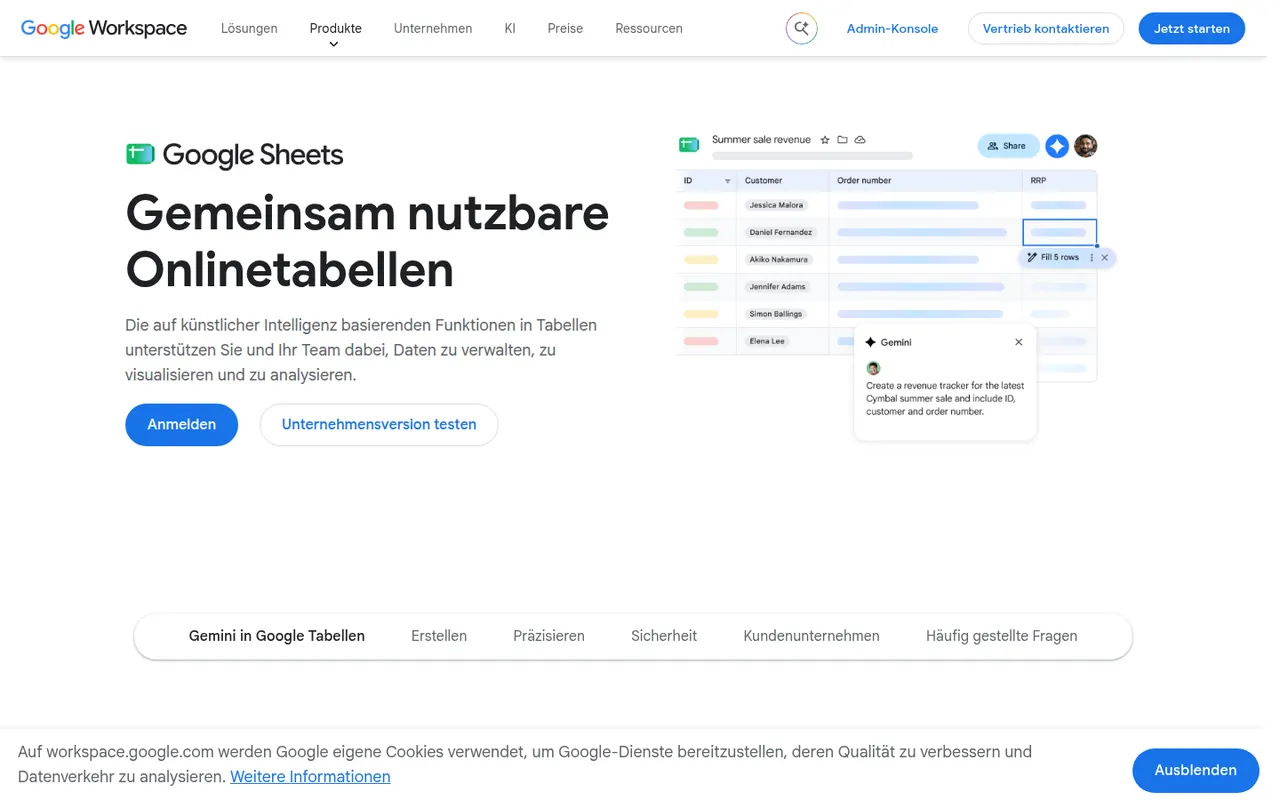
Cost / LicenseFreemiumOpen sourceGoogle Sheets is Google's browser-based spreadsheet, made for working on the same file with others at the same time. It supports formulas, pivot tables, charts, connected data sources and add-ons, and Apps Script can automate tasks or link sheets to other Google services. It is free with a Google account; Gemini AI features and business controls come with paid Google Workspace plans.
11 Google Sheets alternativesPros
- Real-time co-editing works smoothly in the browser
- Free with a Google account, with easy sharing and comments
- Apps Script and add-ons automate tasks across Google services
Cons
- Slows down noticeably with very large datasets
- Fewer advanced analysis features than desktop Excel
- Gemini features require a paid Google Workspace plan
Cost / LicenseFreemiumProprietaryCategoriesAirtable combines the look of a spreadsheet with a relational database, letting teams link records across tables and view them as grids, kanban boards, calendars, galleries or forms. Interfaces, automations and AI features turn bases into lightweight internal apps for content calendars, product roadmaps or inventories. A free plan exists, with paid plans adding capacity and admin features.
12 Airtable alternativesPros
- Linked records give spreadsheet users real relational database power
- Grid, kanban, calendar, gallery and form views on the same data
- Interfaces and automations turn bases into lightweight internal apps
Cons
- Free plan limits on records and automations are reached quickly
- Paid seats get expensive for larger teams
- Complex bases can slow down and take effort to maintain
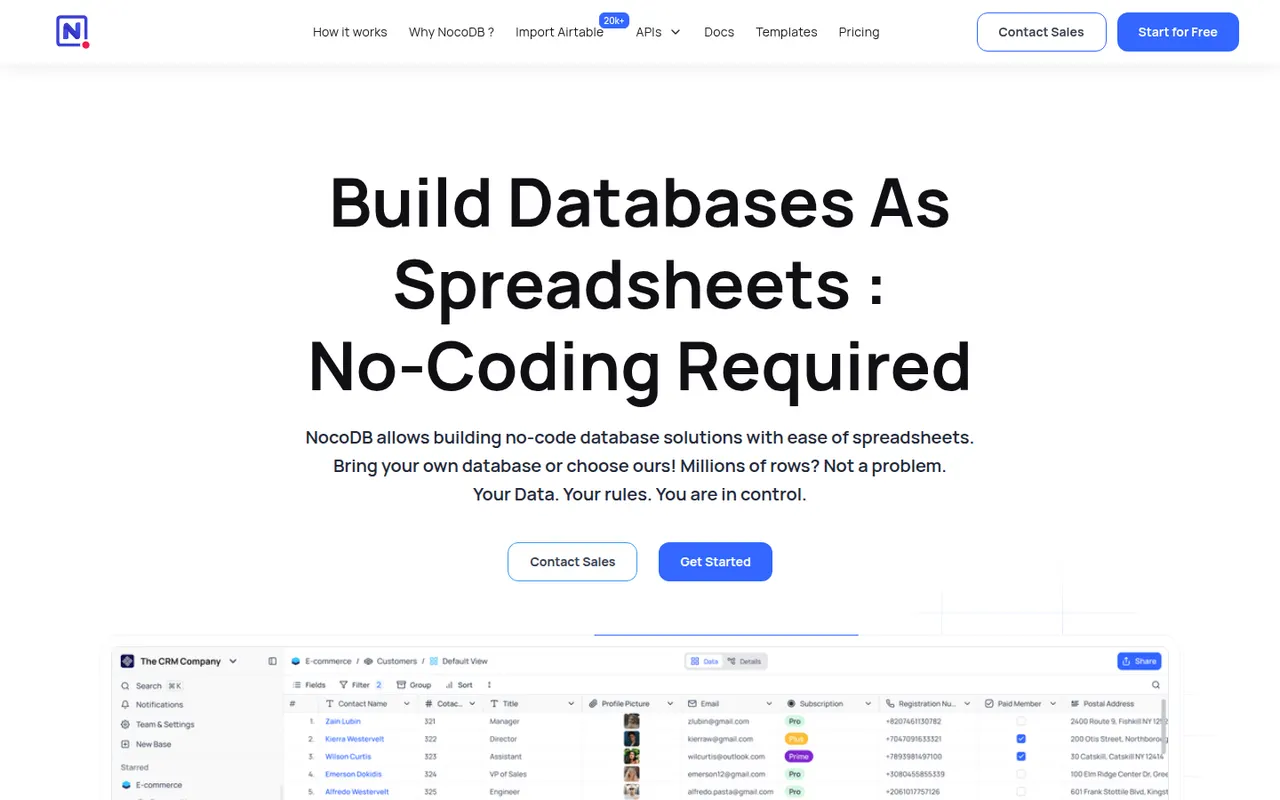
Cost / LicenseFreemiumProprietaryNocoDB is a no-code database platform that puts a spreadsheet-style interface on top of new or existing PostgreSQL and MySQL databases. Teams get grid, kanban, gallery, form and calendar views, role-based access and automatically generated REST APIs. It can be self-hosted with Docker or used as a cloud service, and its source code is published under the fair-code Sustainable Use License.
8 NocoDB alternativesPros
- Connects to existing PostgreSQL and MySQL databases
- Auto-generated REST APIs for every table
- Self-hostable with Docker for full control over data
Cons
- Fair-code license is not open source in the OSI sense
- Fewer native integrations and automations than Airtable
- Self-hosting requires technical skills to maintain
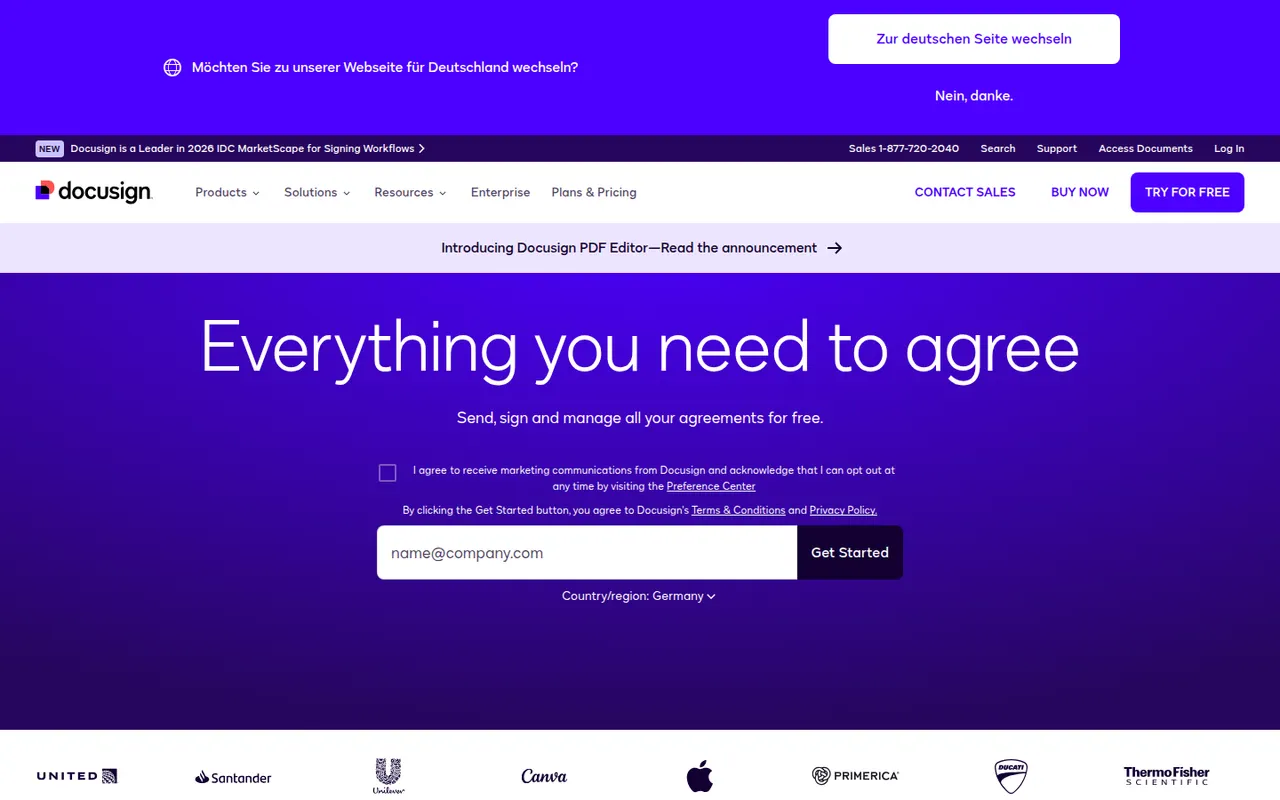
Cost / LicenseFreemiumSource availableCategoriesPlatformsDocusign is an e-signature service from the US company of the same name, used to send contracts and forms for legally binding signature on any device. Senders build reusable templates, define signing order and fields, track status and keep a detailed audit trail, with integrations for Salesforce, Microsoft 365 and Google Workspace and a developer API. Signing is free; sending requires a paid plan after a trial.
9 Docusign alternativesPros
- Widely recognized service that recipients already know how to use
- Detailed audit trail and flexible signing order
- Integrations with Salesforce, Microsoft 365 and Google Workspace
Cons
- Pricier than many newer e-signature tools
- Plans cap the number of envelopes you can send
- Bulk sending and advanced fields require higher tiers
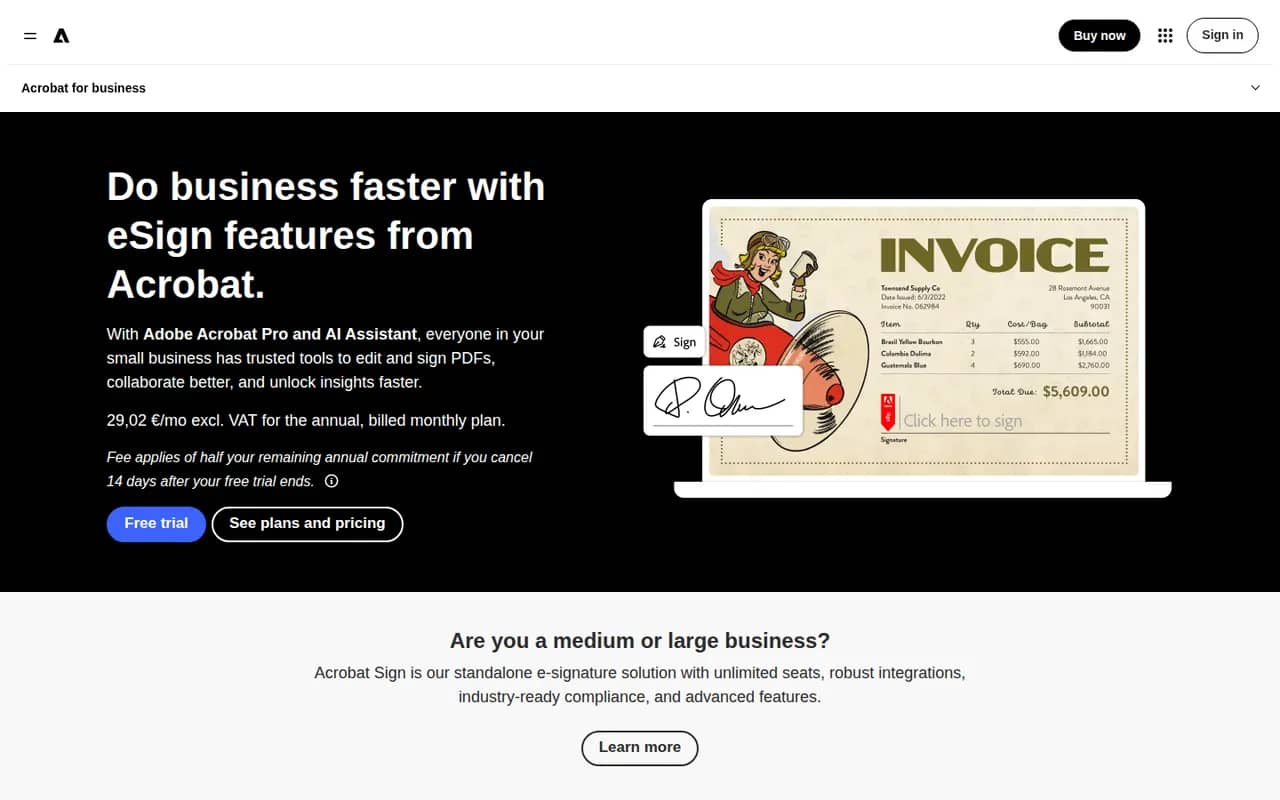
Cost / LicenseFree trialProprietaryCategoriesAdobe Acrobat Sign is Adobe's electronic signature service for sending, signing and tracking agreements from a browser, a mobile app or Acrobat itself. It supports reusable templates, web forms, bulk sending, signer authentication and audit reports, and integrates with Microsoft 365, Salesforce and Workday. It is included in some Acrobat plans and sold separately to businesses, with a free trial.
9 Adobe Acrobat Sign alternativesPros
- Built into Acrobat, so PDFs go out for signature in a few clicks
- Integrations with Microsoft 365, Salesforce and Workday
- Web forms, bulk sending and signer authentication for businesses
Cons
- Plans and bundles are confusing to compare
- Interface feels heavier than simpler e-signature tools
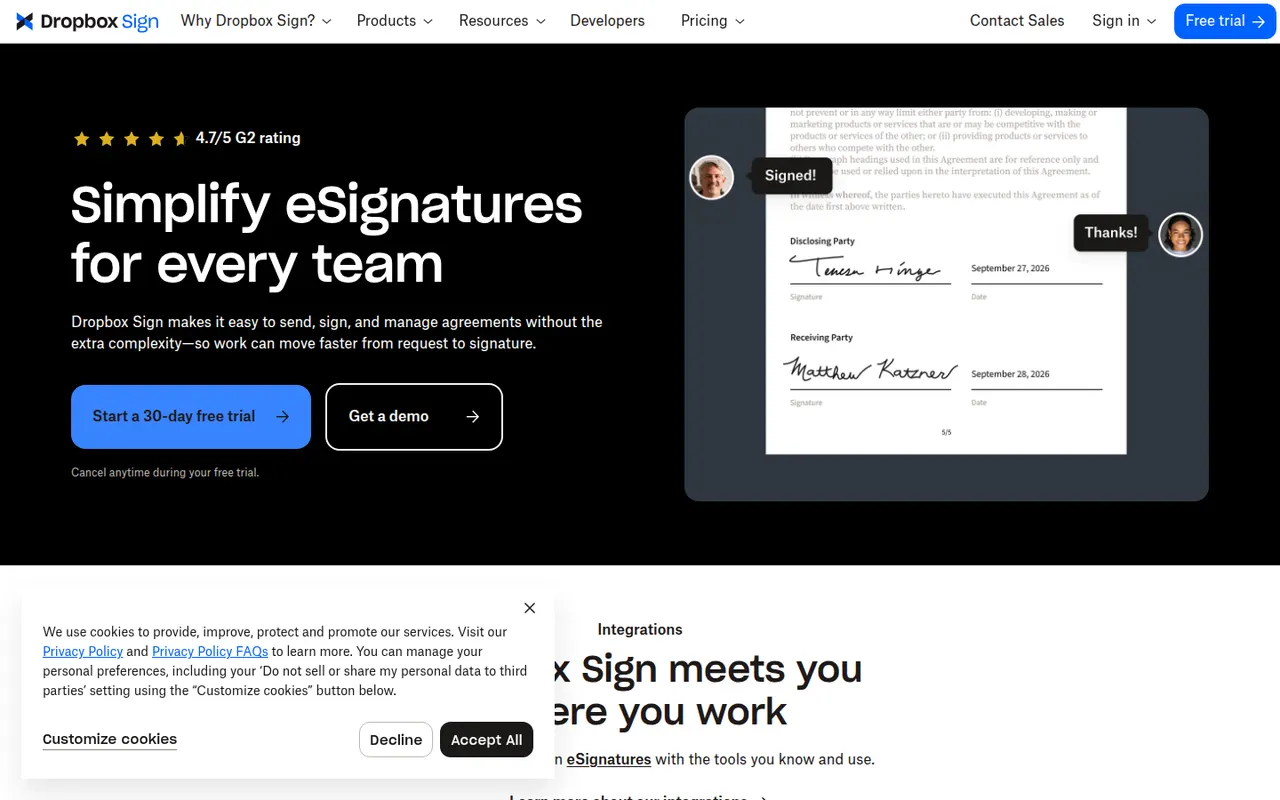
Cost / LicenseFree trialProprietaryCategoriesDropbox Sign, previously known as HelloSign, is an e-signature service owned by Dropbox for sending documents for signature and signing them online. It offers templates, reminders, signer order, audit trails and integrations with Google Workspace and Dropbox, plus an API for embedding signing in other products. A free plan allows a few signature requests per month.
9 Dropbox Sign alternativesPros
- Clean, simple signing experience for senders and signers
- Well-documented API for embedding signatures in products
- Integrates with Google Workspace and Dropbox
Cons
- Free plan only covers a few signature requests per month
- Fewer workflow and document features than all-in-one platforms
Cost / LicenseFreemiumProprietaryCategoriesPlatformsPandaDoc is a document automation platform for sales and operations teams to create proposals, quotes and contracts from templates, send them for e-signature and collect payments. It tracks when recipients open and read documents, supports approval workflows and syncs with CRMs such as HubSpot and Salesforce. A free eSign plan with a monthly document cap sits alongside paid plans.
9 PandaDoc alternativesPros
- Builds proposals, quotes and contracts from templates
- Shows when recipients open and read documents
- Syncs with HubSpot and Salesforce and can collect payments
Cons
- CRM integrations and key features need higher-priced plans
- Template editor has a learning curve for complex documents
- Free plan is limited to basic e-signatures
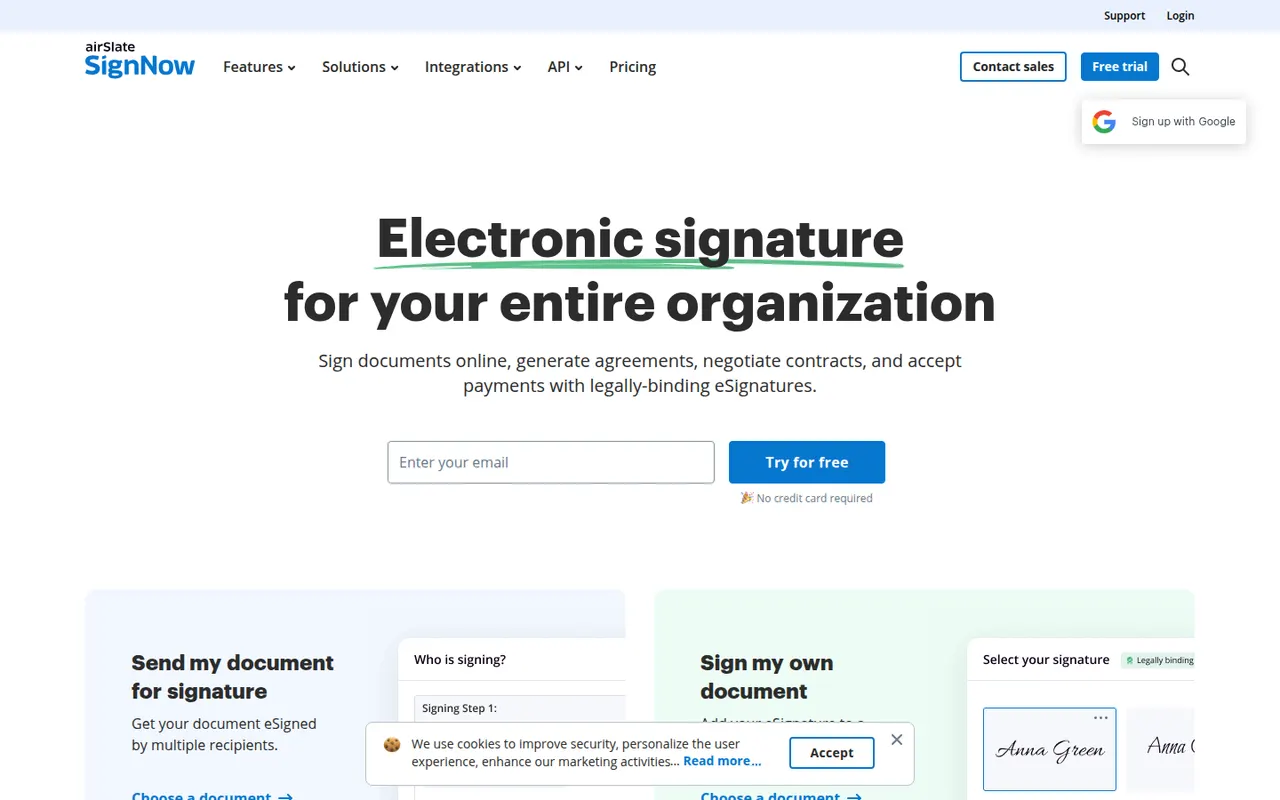
Cost / LicenseFreemiumProprietaryCategoriessignNow is an electronic signature service from airSlate for sending and signing documents from the web or mobile apps. It covers reusable templates, signing links, bulk invites, conditional fields, payment requests and an audit trail, with integrations for Google Workspace, Salesforce and Microsoft apps and a developer API. Plans are paid, with a free trial.
9 signNow alternativesPros
- Bulk invites, conditional fields and payment requests
- Templates and reusable signing links speed up repeat documents
- Integrations with Google Workspace, Salesforce and Microsoft apps
Cons
- No free plan beyond the trial
- Interface feels less polished than leading competitors
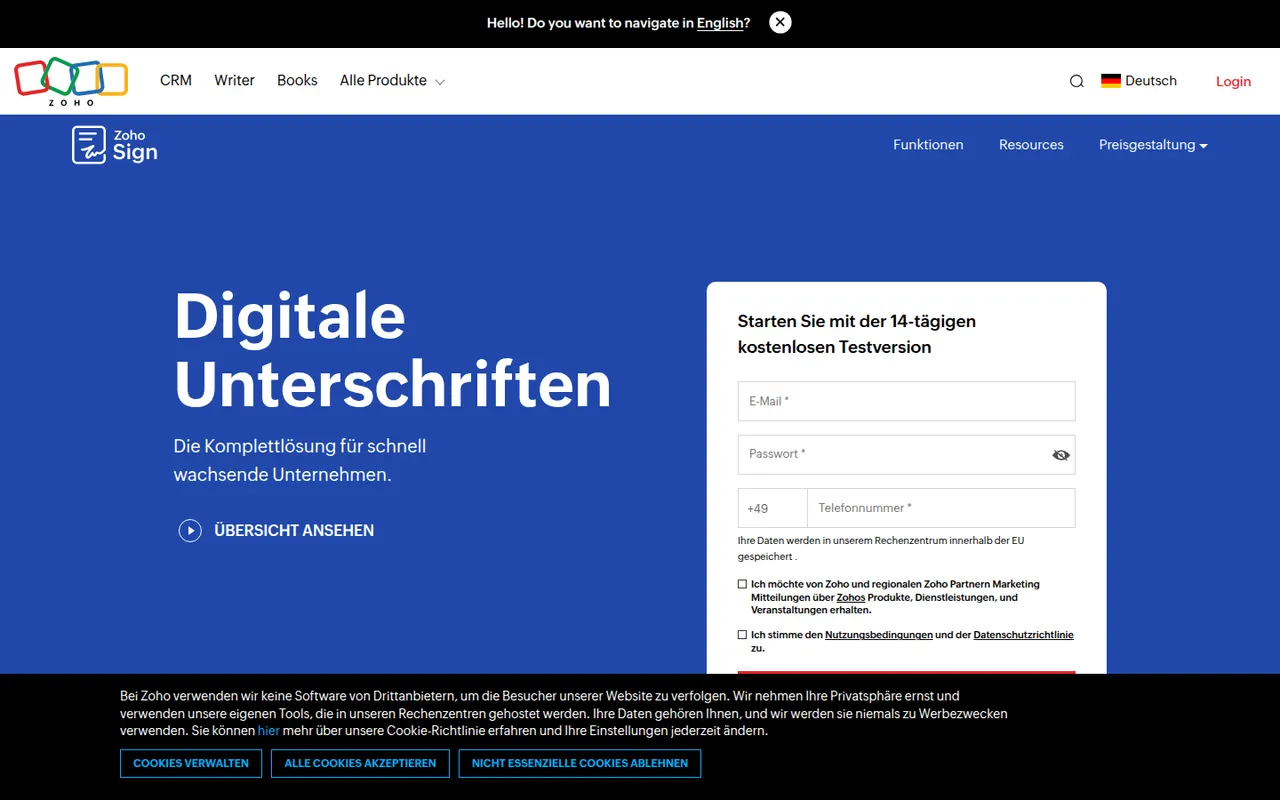
Cost / LicenseFree trialProprietaryCategoriesZoho Sign is the digital signature service in Zoho's suite, used to send documents for signature, sign them yourself and track progress. It supports templates, sequential or parallel signing, signer authentication, bulk sending and audit trails, and connects with Zoho CRM, Zoho Books, Google Workspace and Microsoft 365. A free plan covers a small number of documents; paid plans add volume and automation.
9 Zoho Sign alternativesPros
- Free plan for occasional signing needs
- Sequential or parallel signing with signer authentication
- Connects natively with Zoho CRM, Zoho Books and Microsoft 365
Cons
- Free volume is small, and automation sits on paid tiers
- Most valuable for teams already in the Zoho ecosystem
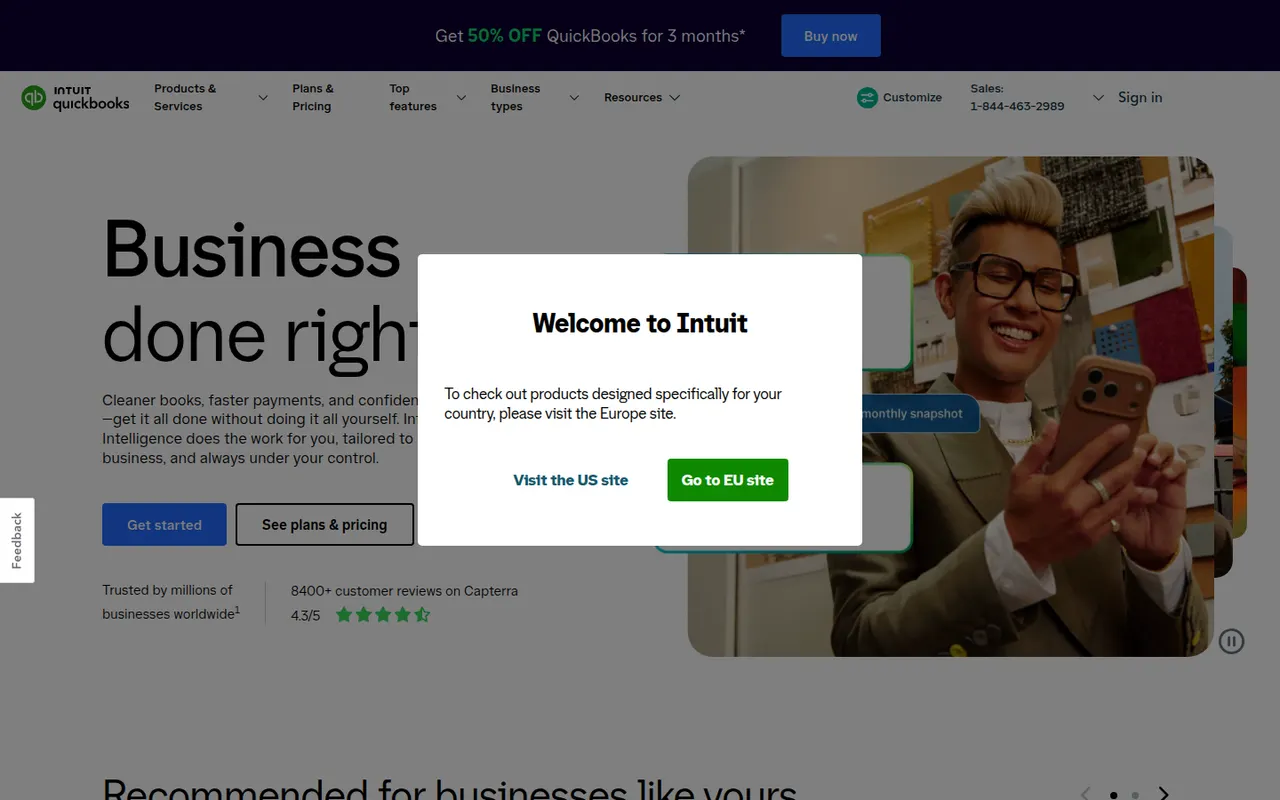
Cost / LicenseFreemiumProprietaryCategoriesQuickBooks is Intuit's accounting software for small businesses and self-employed people, offered mainly as the cloud-based QuickBooks Online, with desktop editions for Windows. It handles invoicing, bank feeds, expense and receipt tracking, sales tax, reports and payroll, and connects to many third-party apps and accountants. Intuit Assist adds AI help, and plans are paid after a free trial.
12 QuickBooks alternativesPros
- Widely known by accountants, which eases collaboration
- Large ecosystem of connected third-party apps
- Covers invoicing, bank feeds, sales tax and payroll
Cons
- Subscription costs add up, especially with payroll on top
- Features vary a lot between countries and editions
- Takes longer to learn than simpler invoicing apps
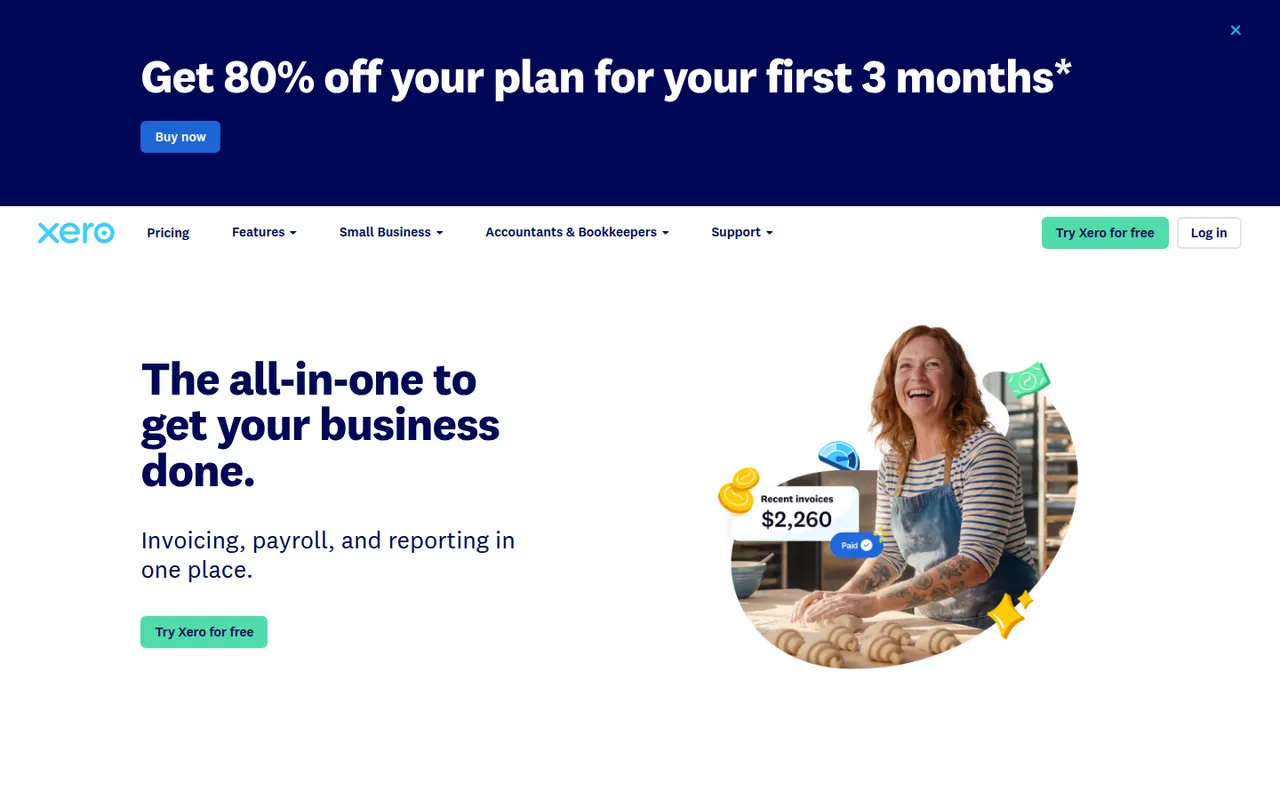
Cost / LicenseFree trialProprietaryCategoriesXero is a cloud accounting platform from New Zealand used by small businesses together with their accountants and bookkeepers. It reconciles bank feeds, sends invoices and quotes, tracks bills and expenses, handles multiple currencies and offers payroll in several countries, with a large marketplace of connected apps. It is a paid subscription with a free trial.
9 Xero alternativesPros
- Fast bank reconciliation driven by live bank feeds
- Large marketplace of connected apps
- Built for working closely with accountants and bookkeepers
Cons
- No free plan after the trial
- The entry plan caps how many invoices and bills you can create
- Payroll is only available in some countries
Cost / LicenseFree trialProprietaryCategoriesFreshBooks is cloud accounting software from Toronto designed for freelancers, consultants and small service businesses. It is centred on invoicing, with time tracking, project billing, expense capture, online payments and bank reconciliation, plus double-entry reports for an accountant. Plans are paid by subscription after a free trial.
11 FreshBooks alternativesPros
- Polished invoicing designed around service businesses
- Time tracking and project billing built in
- Easy to use for freelancers without accounting training
Cons
- No free plan once the trial ends
- Lower plans limit the number of billable clients
- Less suited to inventory-heavy or larger businesses
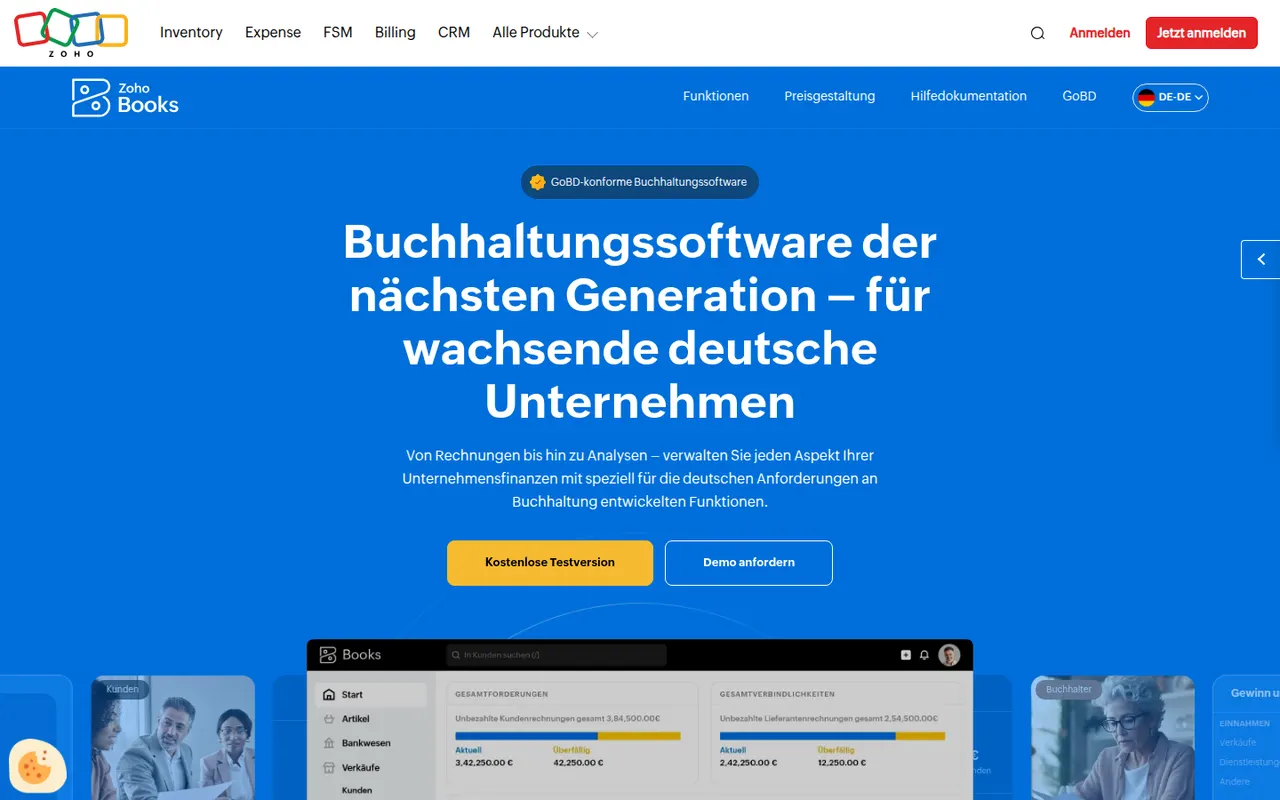
Cost / LicenseFree trialProprietaryCategoriesZoho Books is cloud accounting software from Zoho for small and growing businesses. It covers invoicing and quotes, bank feeds and reconciliation, expenses, projects and time billing, multi-currency transactions and local tax reports in supported countries, and connects natively with Zoho CRM, Inventory and other Zoho apps. A free plan is available for very small businesses.
11 Zoho Books alternativesPros
- Native links with Zoho CRM, Inventory and other Zoho apps
- Free plan available for very small businesses
- Handles projects, time billing and multi-currency transactions
Cons
- Best value comes when you already use the Zoho ecosystem
- Local tax features only cover supported countries
- The many settings can feel overwhelming at first
Cost / LicenseFreemiumProprietaryCategoriesPennylane is a French platform that brings invoicing, supplier bills, bank connections, expense receipts and bookkeeping together in a single tool shared between a business and its accountant. It targets small and mid-sized companies and accounting firms, with cash-flow dashboards and support for France's e-invoicing reform. A free plan covers invoicing for micro-entrepreneurs; other plans are paid.
8 Pennylane alternativesPros
- One workspace shared between a business and its accountant
- Brings together invoicing, supplier bills, receipts and bank feeds
- Ready for France's e-invoicing reform
Cons
- Built for the French market and its accounting rules
- The free plan only covers invoicing for micro-entrepreneurs
- Full value depends on your accountant also using Pennylane
Cost / LicenseFreemiumProprietaryCategoriesZapier is a no-code automation platform that connects thousands of web apps so that a trigger in one, such as a new form entry, starts actions in others. Beyond multi-step Zaps with filters and branching, it includes tables, interfaces, AI steps and agents that work across connected tools. A free plan covers simple workflows, and paid plans are priced by task volume.
8 Zapier alternativesPros
- Connects thousands of apps, so most tools are already supported
- Very easy to start with for non-technical users
- Tables, interfaces and AI agents go beyond simple Zaps
Cons
- Costs rise quickly as task volume grows
- Complex logic is clumsier to build than on a visual canvas like Make
- Cloud only, with no self-hosting option
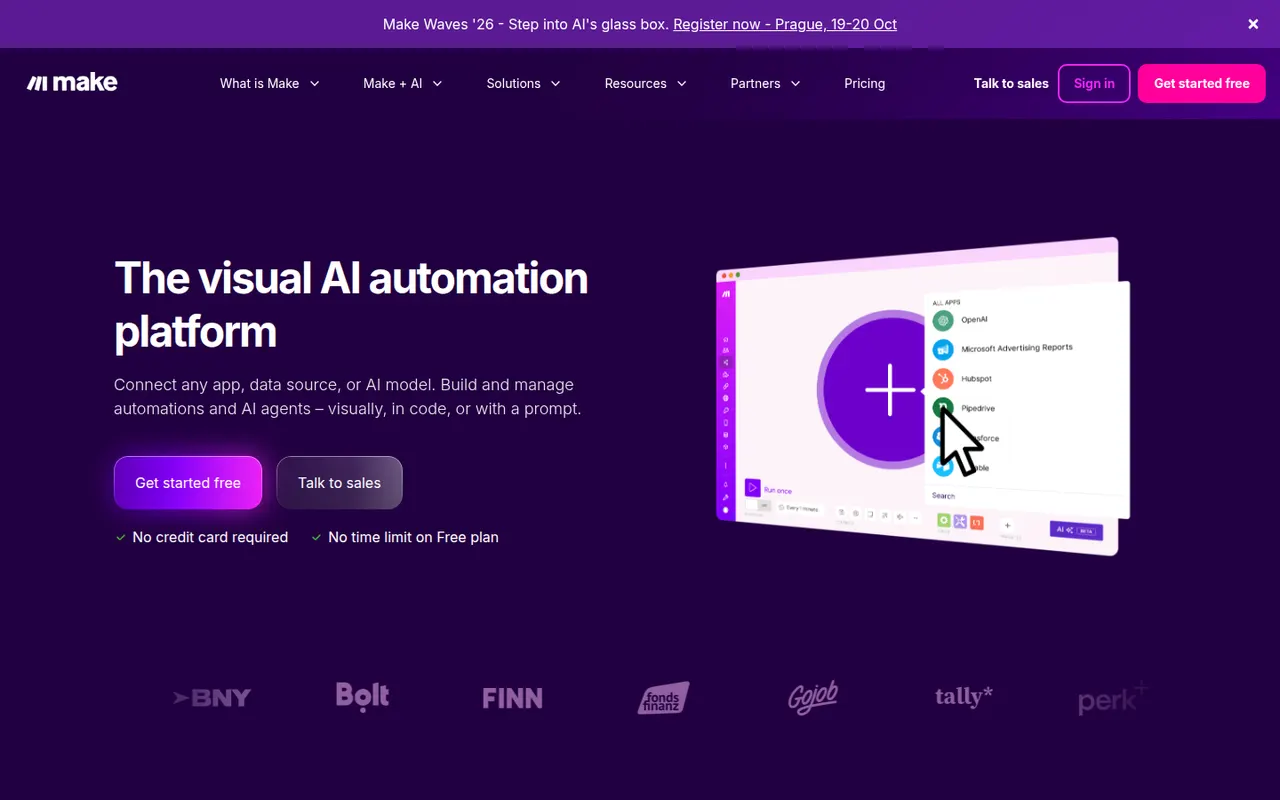
Cost / LicenseFreemiumProprietaryCategoriesPlatformsMake, formerly Integromat and now part of Celonis, is a visual automation platform where workflows are built as scenarios on a canvas of connected modules. It handles routers, iterators, error handling and data mapping for complex processes across thousands of apps, plus HTTP calls, webhooks and AI agents. A free plan includes a monthly allowance of operations, with paid plans for more volume.
8 Make alternativesPros
- Visual canvas handles routers, iterators and error handling
- Finer data mapping than simpler automation tools
- HTTP module and webhooks connect to almost any API
Cons
- Steeper learning curve than Zapier for simple automations
- Operation counts add up quickly on complex or frequent scenarios
- Cloud only, with no self-hosting option
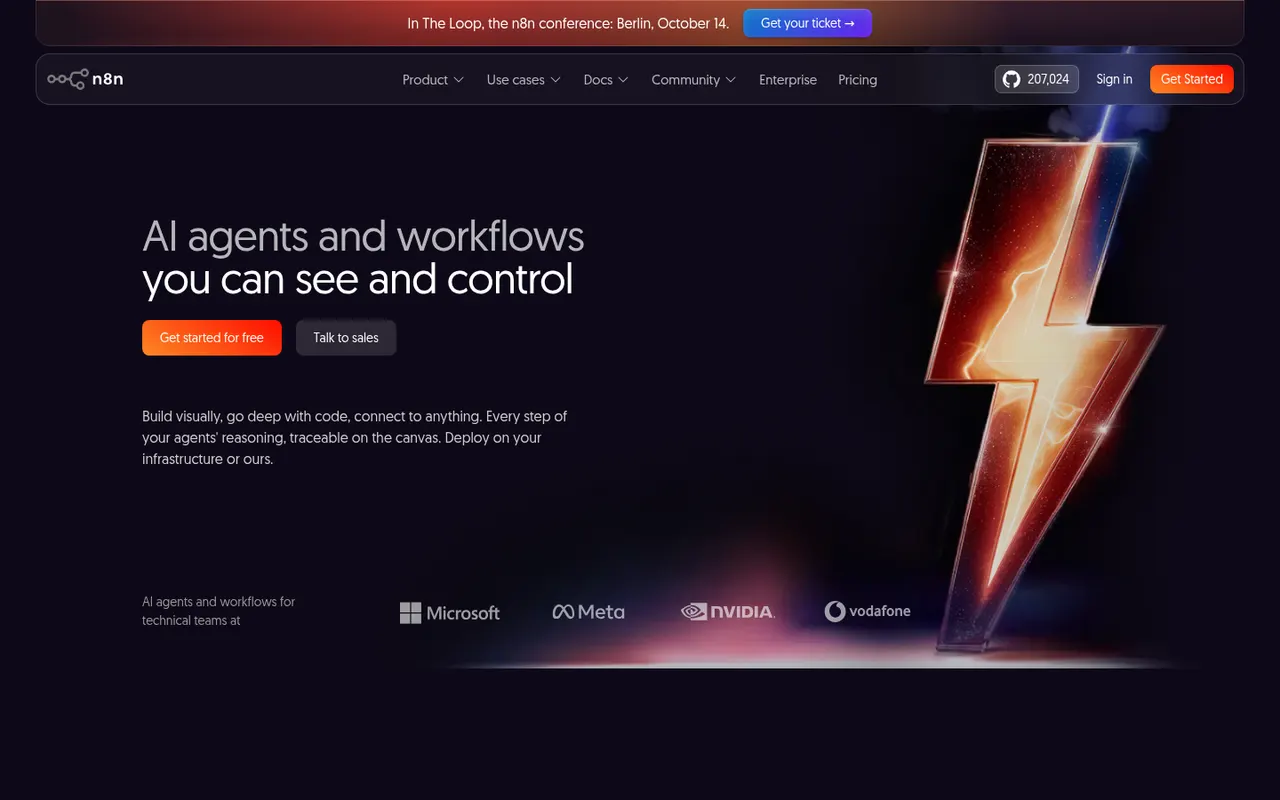
Cost / LicenseFreemiumProprietaryCategoriesPlatformsn8n is a workflow automation tool from Berlin that combines a visual node editor with the option to write JavaScript or Python, which suits technical teams. It offers hundreds of integrations, webhooks and AI agent nodes for building workflows around large language models. It can be self-hosted for free under the Sustainable Use License or used through the paid n8n Cloud.
9 n8n alternativesPros
- Free self-hosting keeps workflows and data on your own servers
- JavaScript or Python code nodes alongside the visual editor
- Capable AI agent nodes for building LLM workflows
Cons
- Sustainable Use License restricts some commercial uses, so it is not open source
- More technical than Zapier for non-developers
- Self-hosting means maintaining servers and updates yourself
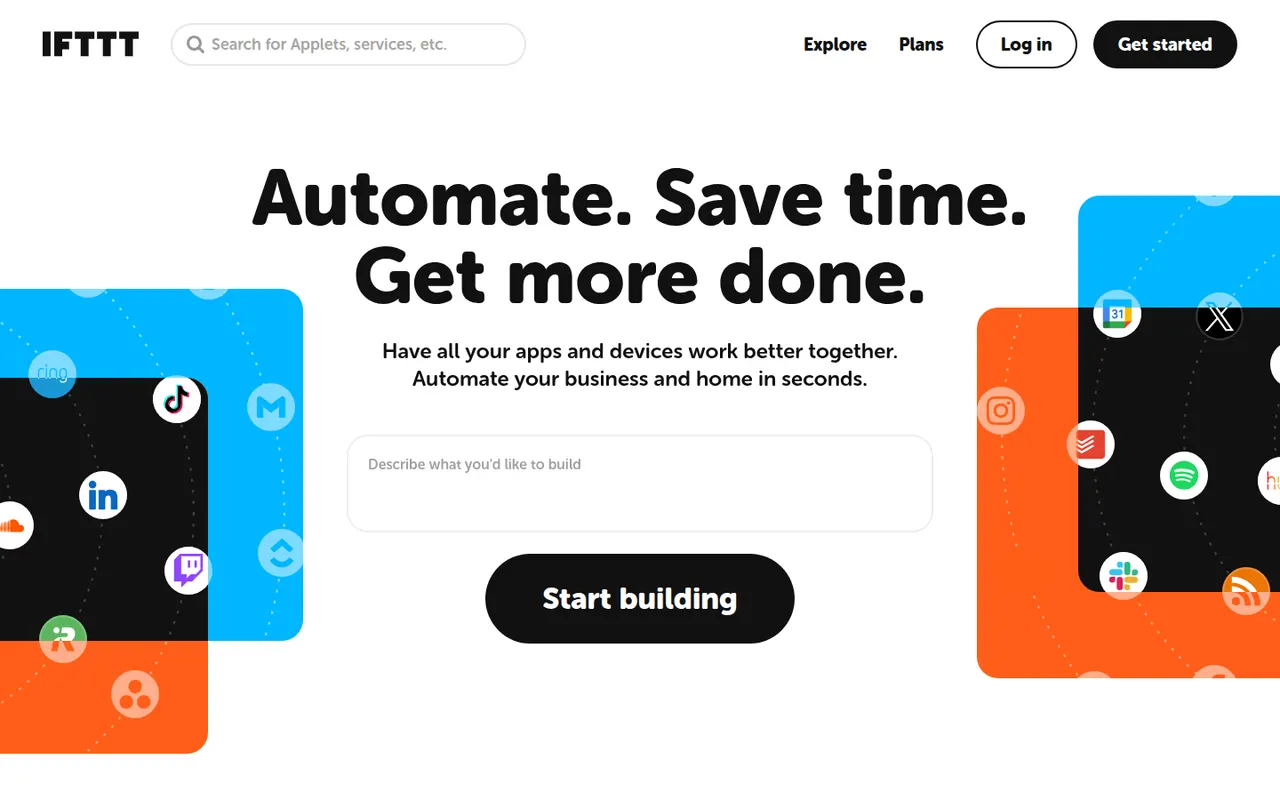
Cost / LicenseFreemiumSource availableCategoriesPlatformsIFTTT, short for If This Then That, links apps, web services and smart home devices through small automations called applets, such as saving social posts to a spreadsheet or turning on lights at sunset. It is aimed at consumers and creators more than complex business processes, with mobile apps that provide location and phone triggers. A free plan allows a few applets; paid plans add more and multi-step logic.
7 IFTTT alternativesPros
- Very simple applets that anyone can set up in minutes
- Strong smart home support and phone triggers such as location
- Large library of ready-made applets
Cons
- The free plan allows only a few applets
- Multi-step logic requires a paid plan and stays basic for business use
- Some triggers fire with a noticeable delay
Cost / LicenseFreemiumProprietaryCategoriesPower Automate is Microsoft's automation service, part of the Power Platform, for building cloud flows between Microsoft 365, Dynamics, Azure and hundreds of third-party connectors. Its desktop app adds robotic process automation for Windows applications and websites, and Copilot can draft flows from a description. Basic use is included in many Microsoft 365 plans, with premium licences for advanced connectors.
8 Power Automate alternativesPros
- Deep integration with Microsoft 365, Teams, SharePoint and Dynamics
- Desktop RPA automates Windows apps and websites without APIs
- Basic use is included in many Microsoft 365 plans
Cons
- Licensing is complex, with premium connectors behind extra licences
- The flow designer can feel clunky and errors are hard to debug
- Less convenient outside the Microsoft ecosystem
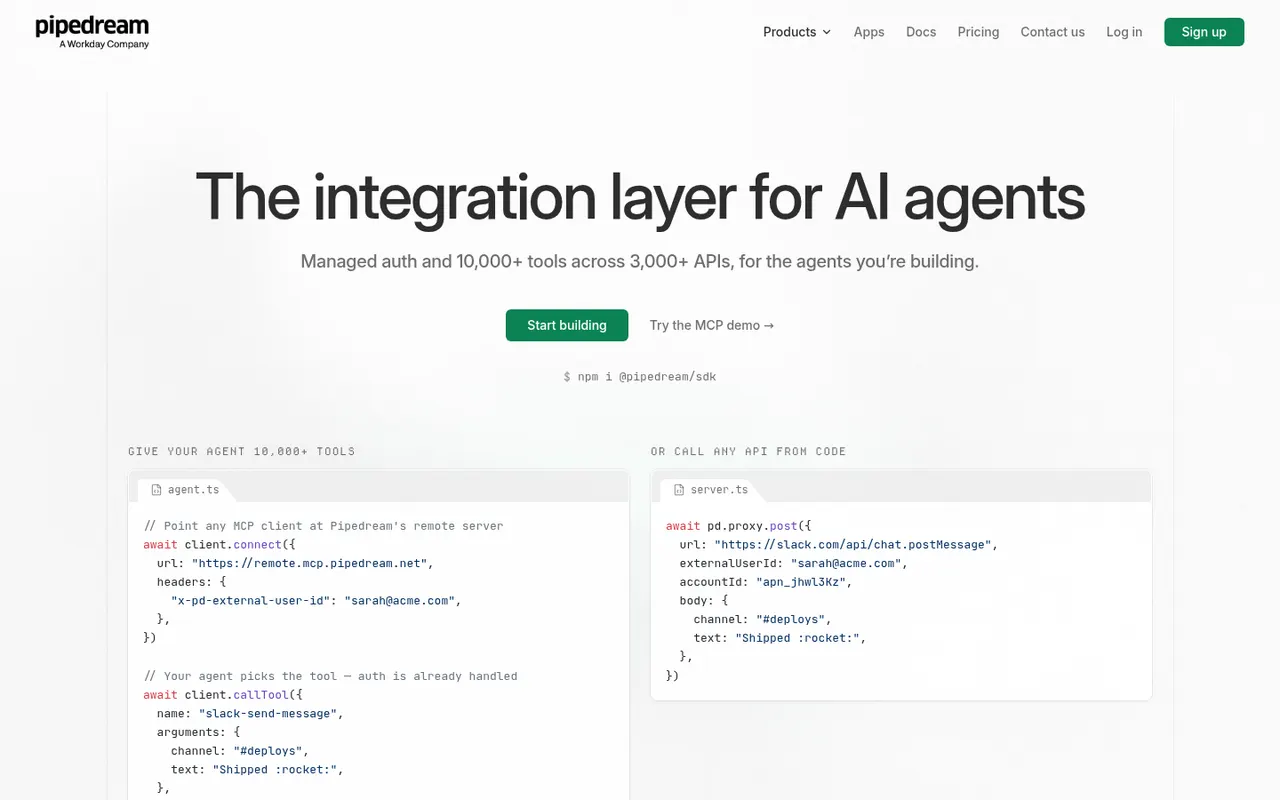
Cost / LicenseFreemiumProprietaryCategoriesPipedream is an integration platform for developers that runs event-driven workflows mixing prebuilt actions for thousands of apps with custom Node.js, Python, Go or Bash code. It also provides managed authentication and MCP servers so AI agents can call third-party APIs, and Workday announced its acquisition of the company in late 2025. A free tier with limited credits sits alongside paid plans.
8 Pipedream alternativesPros
- Mixes prebuilt actions with Node.js, Python, Go or Bash code
- Managed authentication for thousands of APIs
- MCP servers let AI agents call third-party apps
Cons
- Aimed at developers, less approachable for non-technical teams
- Free tier credits run out quickly on busy workflows
- The Workday acquisition adds uncertainty about the product’s direction
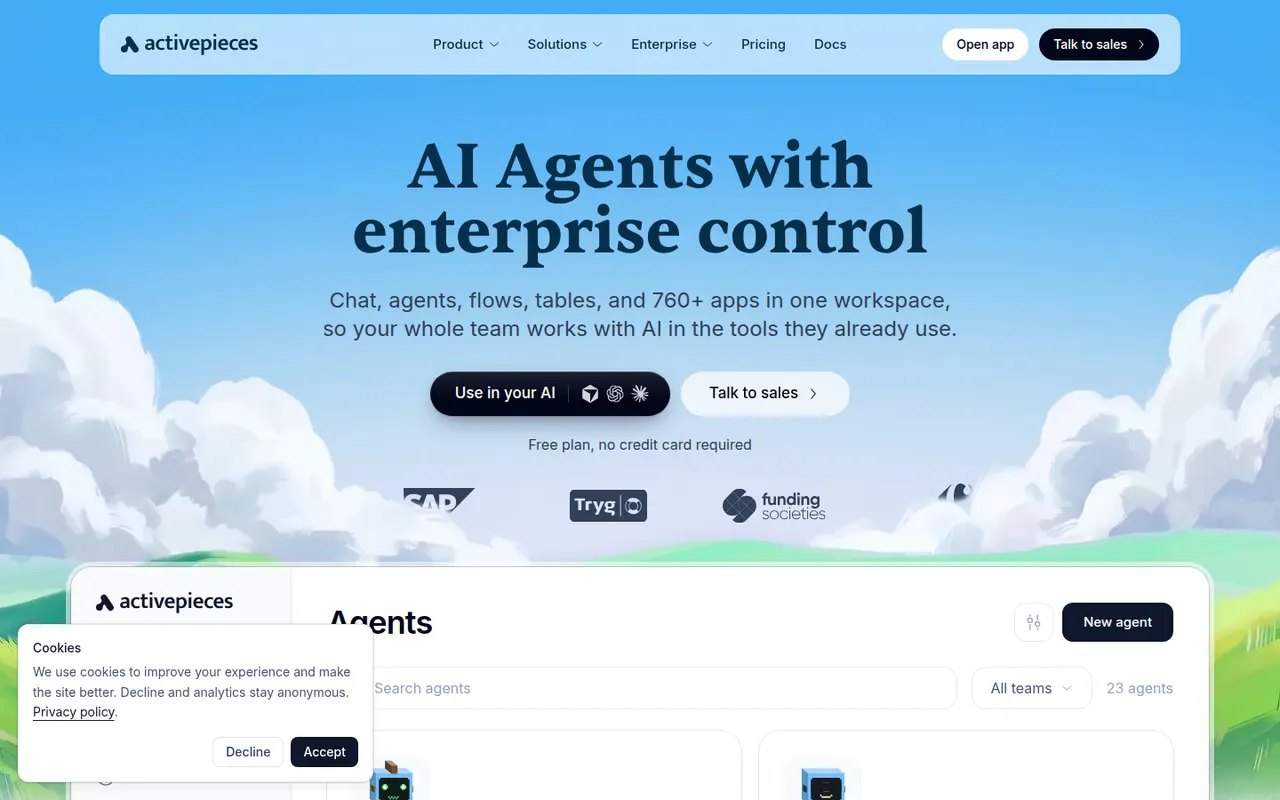
Cost / LicenseFreemiumProprietaryCategoriesPlatformsActivepieces is an open source automation platform positioned as an alternative to Zapier, with a visual flow builder, hundreds of integrations called pieces and AI agent steps. Pieces are written in TypeScript and are also exposed as MCP servers for AI assistants. The community edition is MIT-licensed and can be self-hosted; a hosted cloud version and an enterprise edition are also offered.
8 Activepieces alternativesPros
- MIT-licensed community edition can be self-hosted
- Pieces double as MCP servers for AI assistants
- Clean visual builder that is approachable for non-developers
Cons
- Smaller integration catalog than Zapier or Make
- Some enterprise features are reserved for paid editions
- Self-hosting means handling updates and scaling yourself
Cost / LicenseFreemiumOpen sourceCategoriesPlatformsRelay.app is a workflow automation tool that mixes app integrations, AI steps and human-in-the-loop checkpoints, where a teammate can review, edit or approve output before the workflow continues. It targets business teams automating processes such as lead handling, content review or onboarding without code. A free plan includes a monthly allowance of runs and AI credits.
8 Relay.app alternativesPros
- Human approval steps let teammates review output before a run continues
- AI steps are built in, with credits included in the free plan
- Clean interface designed for business teams who do not code
Cons
- Smaller integration catalog than Zapier or Make
- Younger product with fewer advanced options than established platforms
Cost / LicenseFreemiumProprietaryCategoriesPlatformsGumloop is a no-code platform for building AI workflows and agents on a visual canvas, connecting language models from OpenAI, Anthropic and Google to business apps, web scraping and data enrichment nodes. An assistant can draft flows from a description, and a Chrome extension records browser actions for sites without an API. A free plan with monthly credits is available.
8 Gumloop alternativesPros
- Visual canvas connects AI models to business apps without code
- Assistant drafts flows from a plain-language description
- Chrome extension automates sites that have no API
Cons
- Credit-based usage can be hard to predict for heavy workflows
- Fewer app integrations than long-established automation platforms
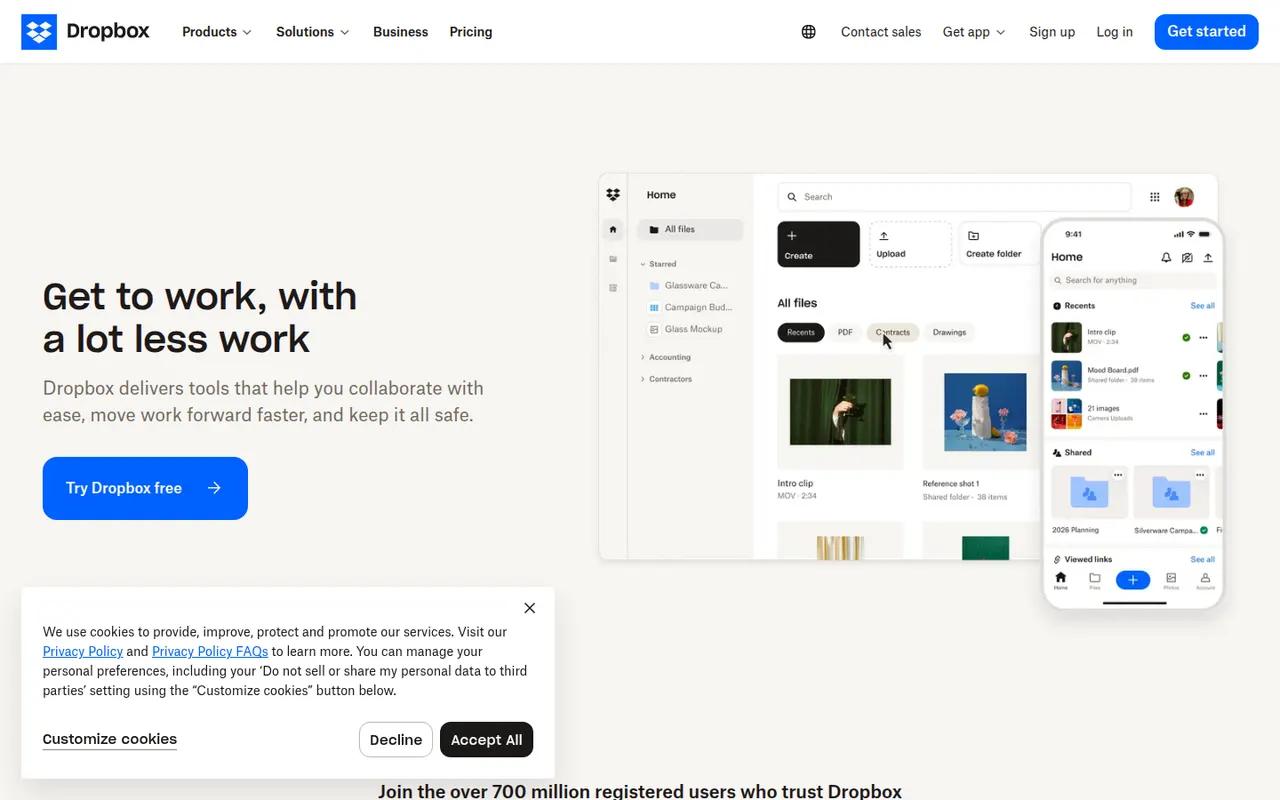
Cost / LicenseFreemiumProprietaryCategoriesPlatformsDropbox keeps a folder in sync across your devices and lets you share files or folders with a link, including with people who have no account. It runs on Windows, macOS and Linux as well as mobile, keeps previous versions of files and can back up phone photos automatically. Paid plans add more storage, large file transfers and team administration.
12 Dropbox alternativesPros
- Reliable, fast sync across Windows, macOS, Linux and mobile
- Share files by link, even with people who have no account
- Version history and automatic photo backup included
Cons
- The free plan offers little storage and limits linked devices
- Files are not end-to-end encrypted on standard plans
Cost / LicenseFreemiumProprietaryCategories