
Free Figma alternatives
Top UI Design & Prototyping like Figma
All Figma alternatives
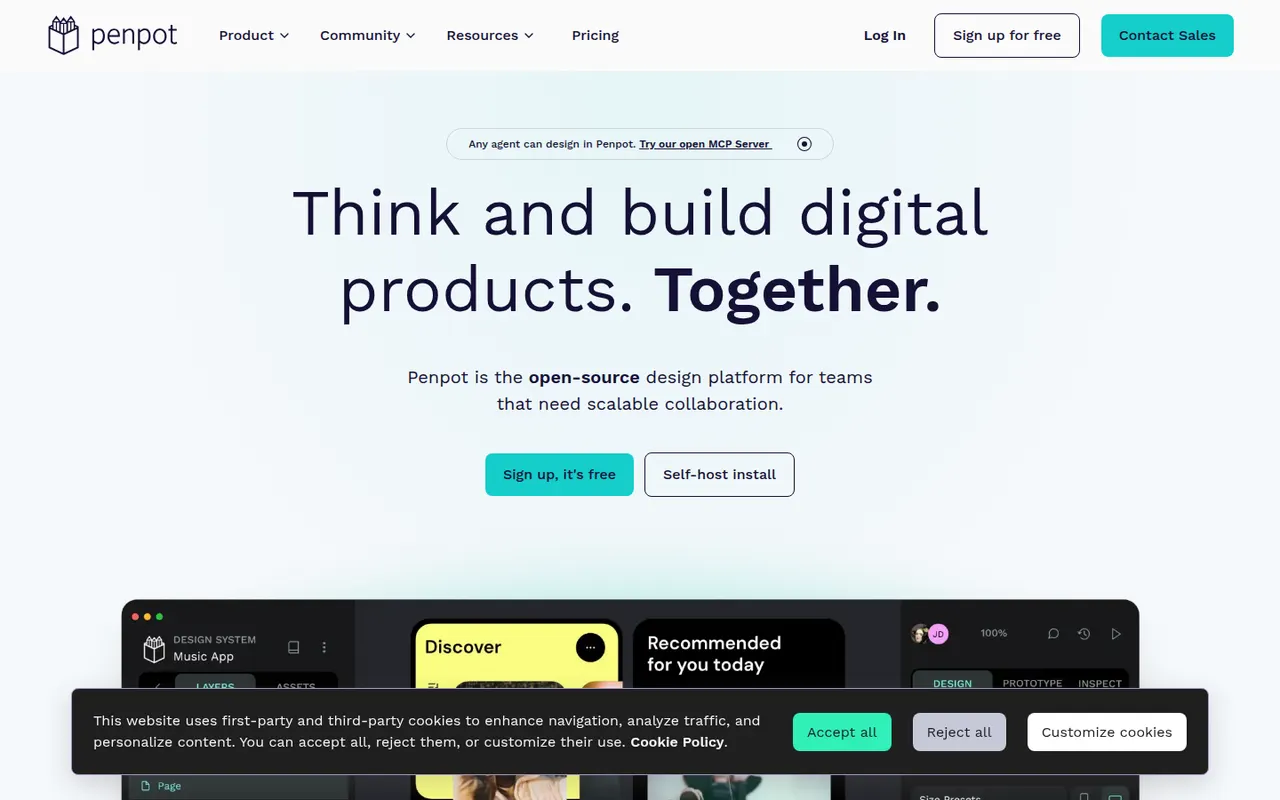
Penpot is an open source alternative to Figma for designing interfaces and prototypes in the browser. Its data model is based on SVG, CSS and HTML, so developers can inspect designs and copy usable code, while teams work with components, design tokens and real-time collaboration. It is available as a hosted cloud service or can be self-hosted with Docker to keep full control over data.
10 Penpot alternativesPros
- Open source and self-hostable for full control over data
- Built on SVG, CSS and HTML, so developers get usable code
- Components, design tokens and real-time collaboration
Cons
- Performance can lag on large, complex files
- Smaller plugin ecosystem and fewer community resources than Figma
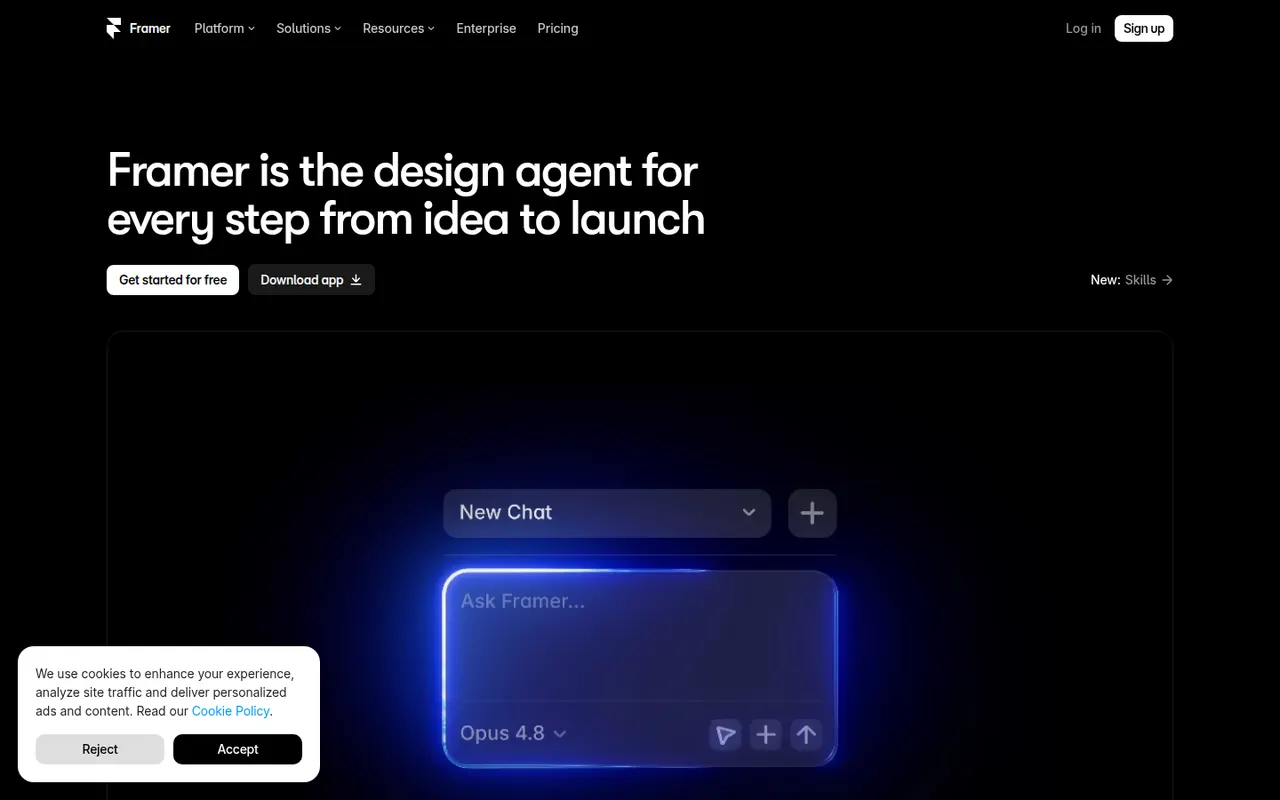
Cost / LicenseFreemiumOpen sourceCategoriesPlatformsFramer is a website builder that works like a design tool: you lay out pages on a canvas, add animations and effects, then publish directly with hosting included. It offers a CMS, localization, built-in analytics and AI features that can generate a starting layout from a prompt. Designers and startups use it for landing pages, portfolios and marketing sites.
12 Framer alternativesPros
- Design-tool canvas with fine control over layout and animation
- Publishing and hosting included in one step
- Built-in CMS, localization and analytics
Cons
- Paid plans get costly as sites grow
- Learning curve for people new to design tools
- Sites stay hosted on Framer, with no official code export
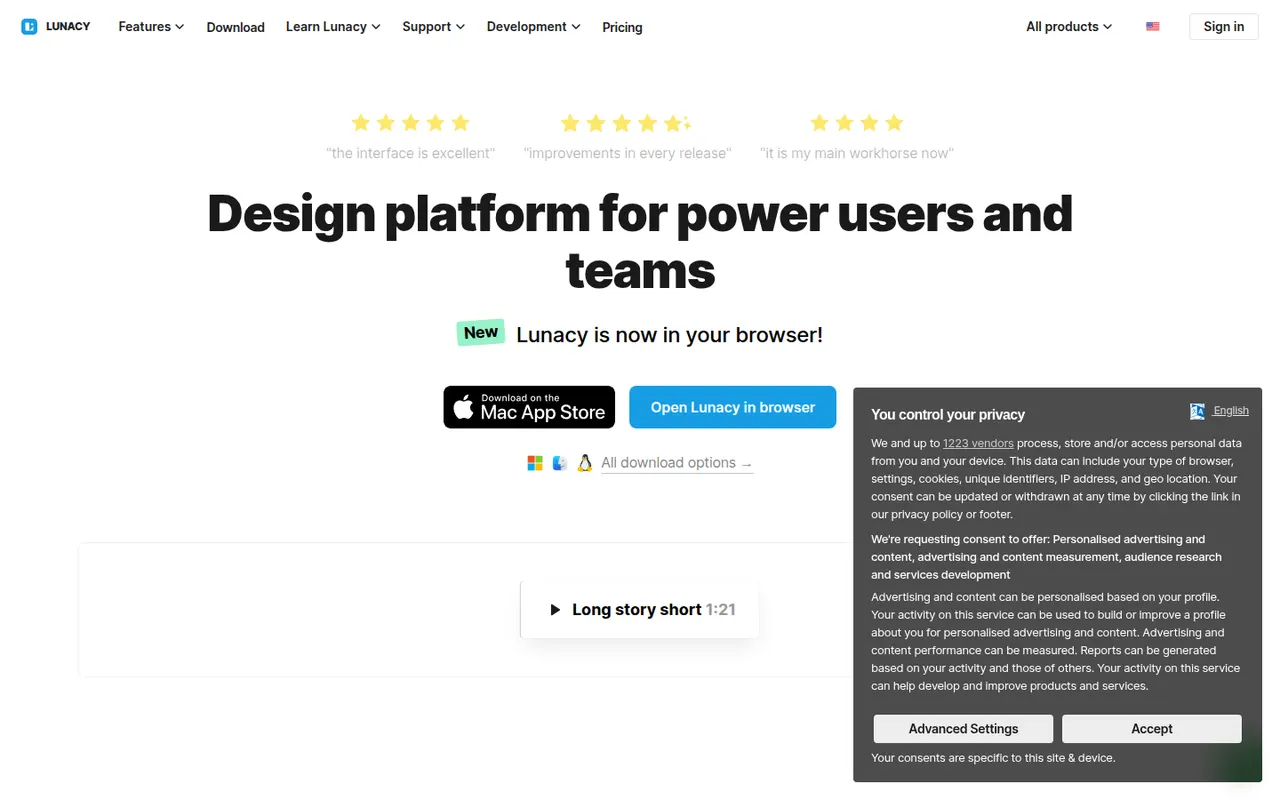
Cost / LicenseFreemiumProprietaryCategoriesLunacy is a vector design app from Icons8 for creating interfaces, prototypes and graphics on Windows, macOS and Linux. It works offline, opens Sketch files natively and includes Icons8 libraries of icons, photos and illustrations, along with AI helpers such as background removal. Cloud documents allow real-time collaboration; most features are free, with a paid plan for extended cloud features.
7 Lunacy alternativesPros
- Works offline on Windows, macOS and Linux
- Opens Sketch files natively, no Mac required
- Built-in Icons8 libraries of icons, photos and illustrations
Cons
- Smaller plugin ecosystem and community than Figma
- Less widely used, so fewer shared resources and tutorials
- Extended cloud features require a paid plan
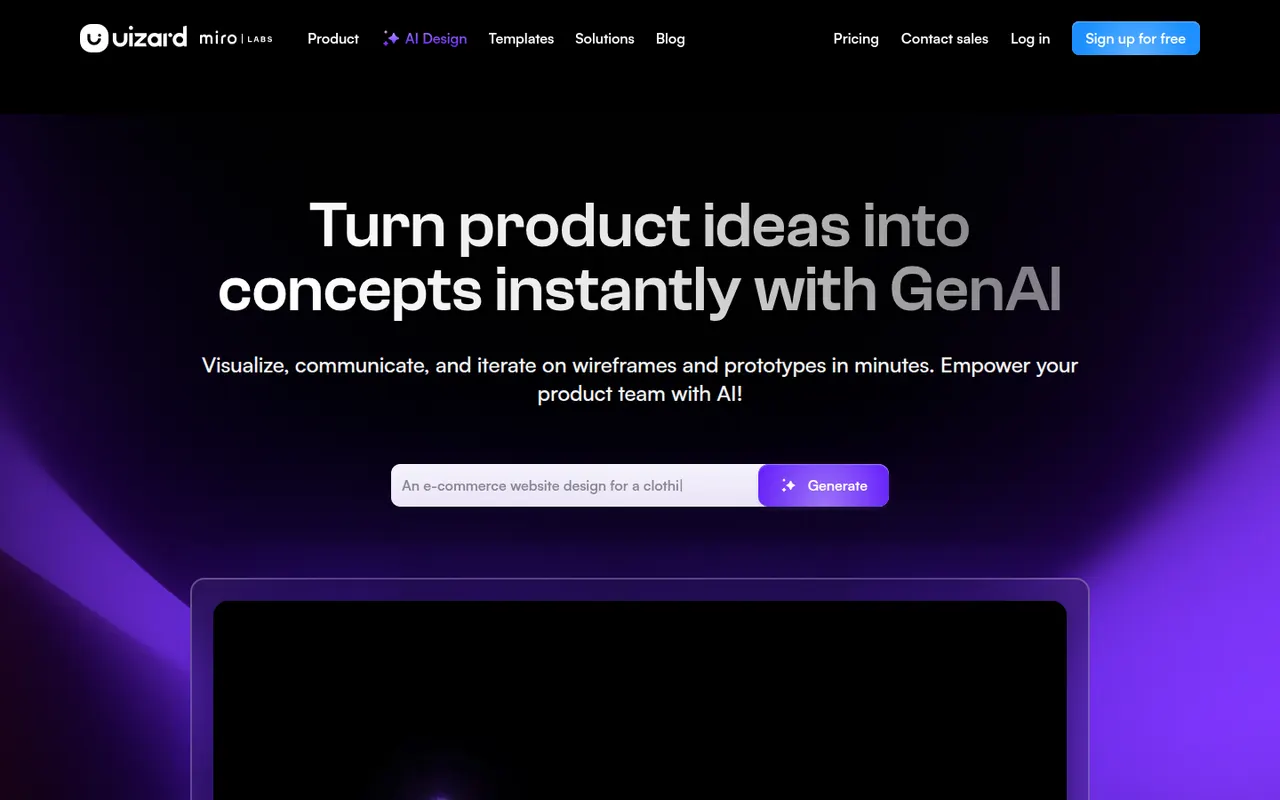
Cost / LicenseFreemiumProprietaryCategoriesUizard is a browser-based UI design tool aimed at founders, product managers and other non-designers. It can generate multi-screen app and web mockups from a text prompt, convert hand-drawn sketches or screenshots into editable designs, and link screens into clickable prototypes. Templates and simple collaboration help teams test ideas quickly. The company was acquired by Miro in 2024.
10 Uizard alternativesPros
- Generates multi-screen mockups from a text prompt
- Converts hand-drawn sketches and screenshots into editable designs
- Approachable for founders and other non-designers
Cons
- Generated designs often need significant manual cleanup
- Lacks the depth of professional tools for production design
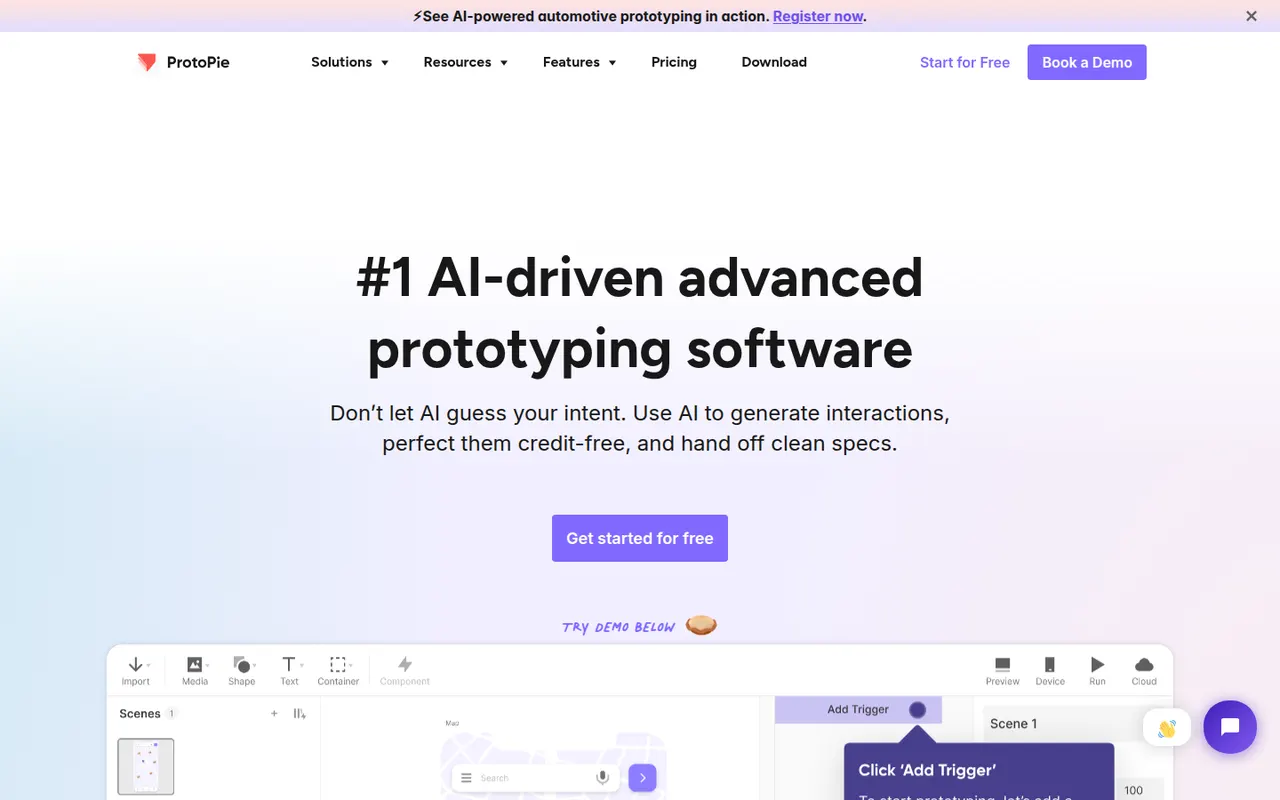
Cost / LicenseFreemiumProprietaryCategoriesPlatformsProtoPie is a prototyping tool for building realistic interactions without writing code, using triggers, responses, variables and formulas. Prototypes can use device sensors and connect several screens or hardware, which makes it useful for mobile, automotive and IoT interfaces. Designs can be imported from Figma, Sketch or Adobe XD and previewed on phones with the ProtoPie Player app.
8 ProtoPie alternativesPros
- Realistic interactions built with variables, formulas and conditions
- Uses device sensors and connects multiple screens or hardware
- Imports designs from Figma, Sketch and Adobe XD
Cons
- The logic-based approach takes time to learn
- Not a full design tool, so visuals are usually made elsewhere
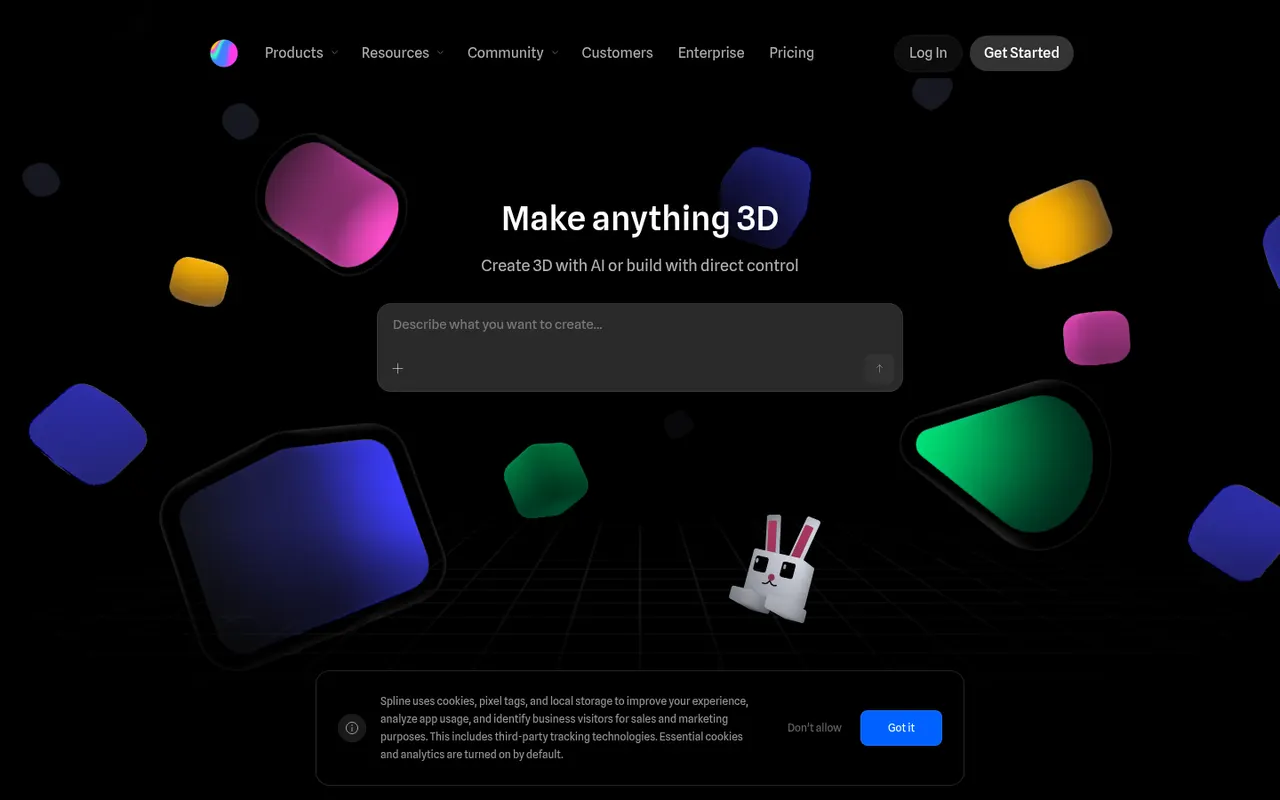
Cost / LicenseFreemiumProprietaryCategoriesSpline is a collaborative 3D design tool that runs in the browser, aimed at designers who want to create interactive 3D scenes, animations and interface elements without learning traditional 3D software. Scenes can react to hover, scroll and clicks, and can be exported as embeddable web code, images or videos, or used in Framer, Webflow and React projects. Teams edit files together in real time.
8 Spline alternativesPros
- Lets designers create 3D scenes without traditional 3D software
- Interactive states respond to hover, scroll and clicks
- Exports to web embeds, Framer, Webflow and React projects
Cons
- Complex scenes can weigh down web pages and slow loading
- Less capable than full 3D suites for detailed modeling
- Advanced exports and team features require a paid plan
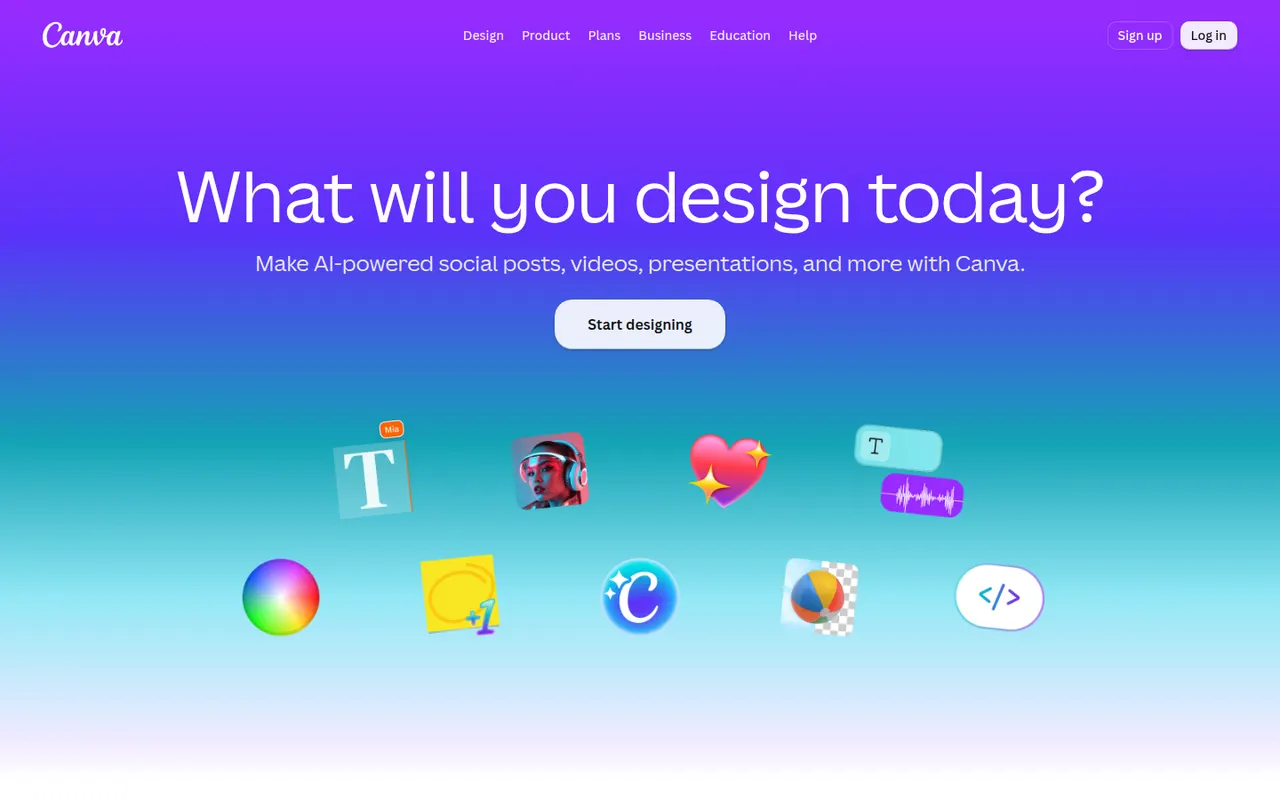
Cost / LicenseFreemiumProprietaryPlatformsCanva is an online design editor built around drag-and-drop templates for social media graphics, presentations, posters, videos and documents. It targets non-designers and marketing teams, with a large stock library, brand kits, real-time collaboration and Magic Studio AI tools for creating and editing images and text. It runs in the browser and as desktop and mobile apps.
12 Canva alternativesPros
- Huge template library makes design accessible to non-designers
- Real-time collaboration and brand kits for marketing teams
- Available on web, desktop and mobile, with Magic Studio AI tools
Cons
- Many templates, assets and AI features sit behind the Pro plan
- Popular templates can make designs look like everyone else’s
- Limited precision for print production or advanced vector work
Cost / LicenseFreemiumProprietaryCategories














Figma vs its alternatives at a glance
Pricing, platforms and the key features of Figma, compared with its most popular alternatives.
| App | Pricing | Platforms | AI assistant | Design systems | Developer handoff | Interactive prototyping | Plugins & extensions |
|---|---|---|---|---|---|---|---|
 Figma Figma | Freemium | Web, Windows, Mac | |||||
 Penpot Penpot | FreemiumOpen source | Web, Self-hosted | |||||
 Framer Framer | Freemium | Web, Windows, Mac | |||||
 Lunacy Lunacy | Freemium | Windows, Mac, Linux | |||||
 Uizard Uizard | Freemium | Web | |||||
 ProtoPie ProtoPie | Freemium | Windows, Mac, iPhone, Android |
Figma alternatives: frequently asked questions
What is the best alternative to Figma?
The most popular alternative to Figma is Penpot: Open source design and prototyping platform built on web standards. Other great alternatives are Framer, Lunacy, Uizard, and ProtoPie.
Is there a free alternative to Figma?
Yes, 7 alternatives are free or have a free plan, including Penpot, Framer, Lunacy, and Uizard.
Is there an open source alternative to Figma?
Yes, one open source alternative is listed: Penpot.
Is Figma free?
Figma has a free plan, with paid plans that unlock more features.
Compare Figma with its alternatives


Sponsored listings and products made by the publisher of this site are always labeled. How we rank · Know a good alternative? Submit it