Apps with Built-in automations
21 apps
Top Built-in automations apps ranked by the community
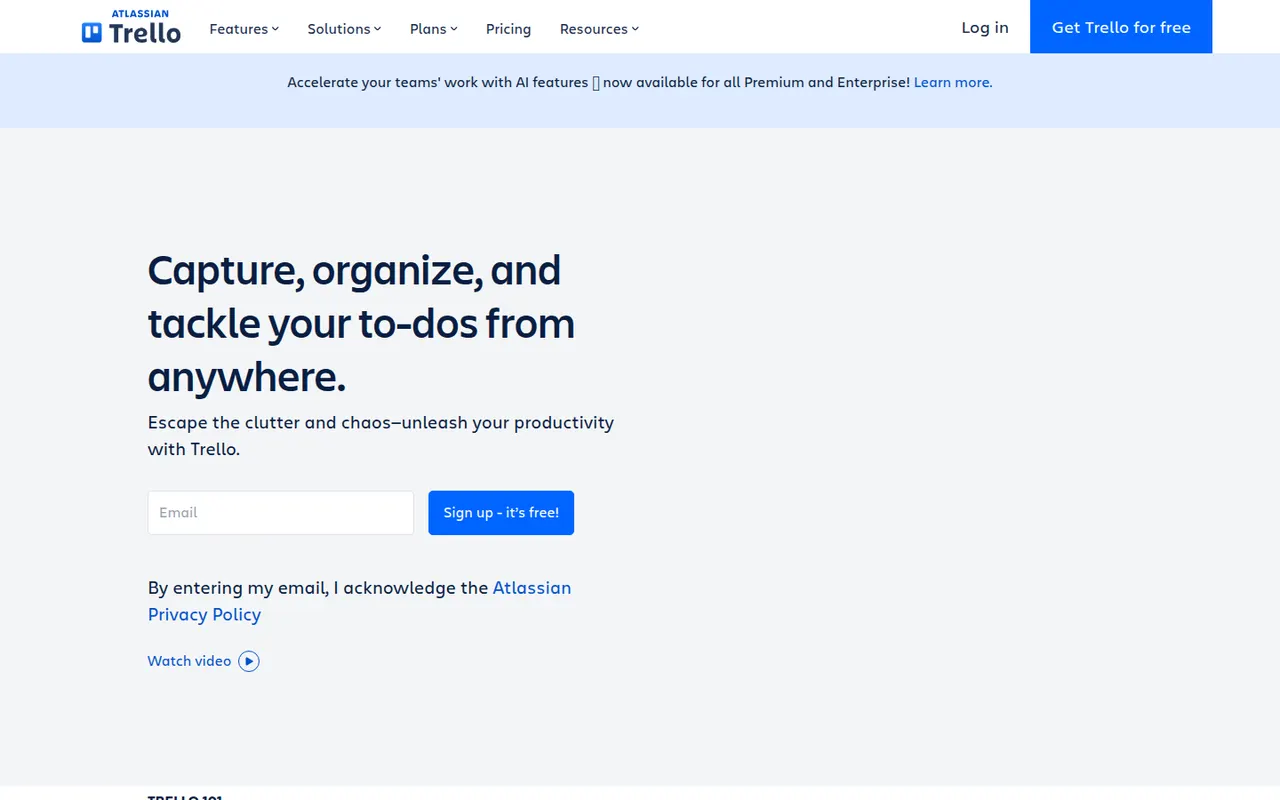
Trello organizes work on boards made of lists and cards that you drag from one stage to the next, a model that suits small teams, personal projects and simple workflows. Owned by Atlassian, it adds calendar, timeline and table views, Butler automations and Power-Ups that connect boards to Slack, Google Drive, Jira and many other tools.
12 Trello alternativesPros
- Simple card-and-list model anyone can learn in minutes
- Power-Ups connect boards to Slack, Google Drive, Jira and more
- Butler automations take care of repetitive card moves
Cons
- Gets hard to manage for large or complex projects
- Timeline, calendar and table views require a paid plan
- Reporting is limited without add-ons
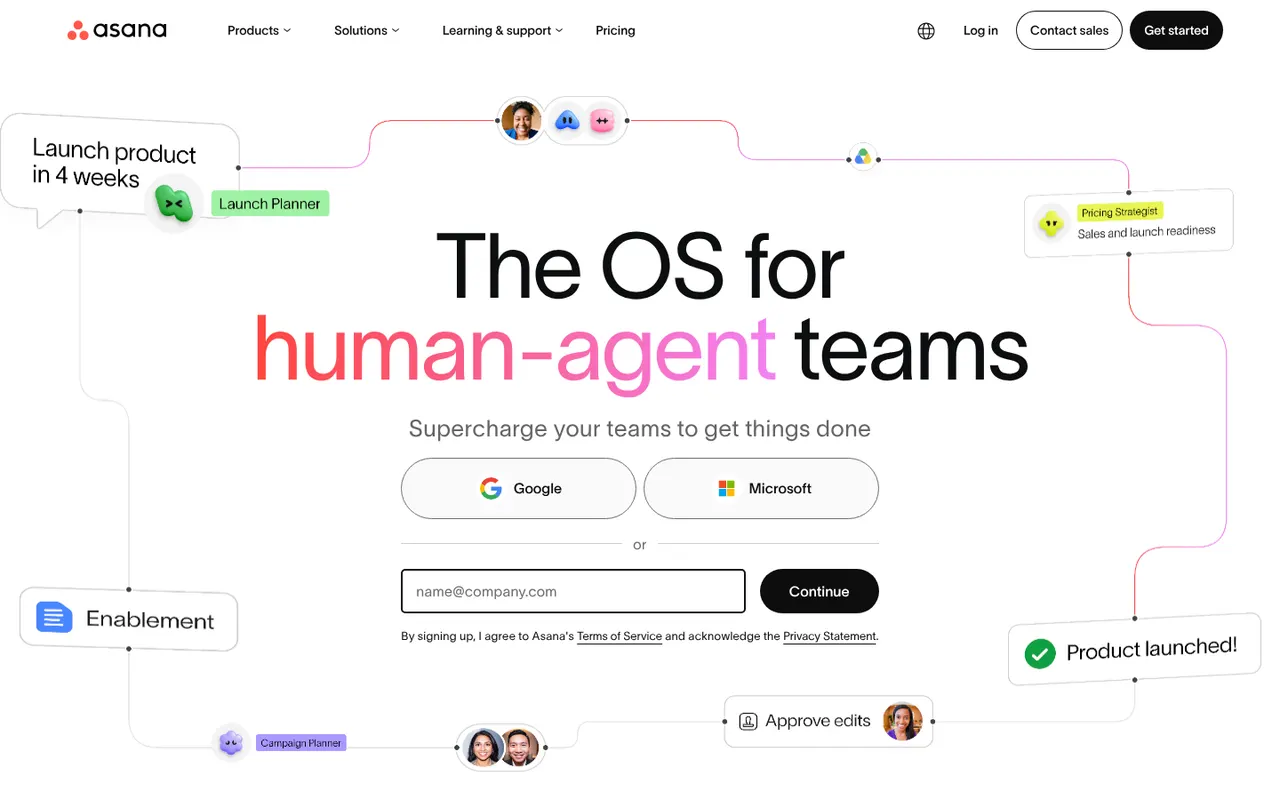
Cost / LicenseFreemiumProprietaryAsana helps teams plan projects, assign tasks and track progress in list, board, timeline and calendar views. It is aimed at cross-functional teams in mid-size and large companies, with portfolios and goals to follow work across departments, rule-based automations, a large catalog of integrations and built-in AI features.
12 Asana alternativesPros
- List, board, timeline and calendar views for the same project
- Goals and portfolios connect work across departments
- Large catalog of integrations and rule-based automations
Cons
- Per-seat pricing gets expensive as teams grow
- Timeline, goals and portfolios require paid plans
- A task can only have one assignee
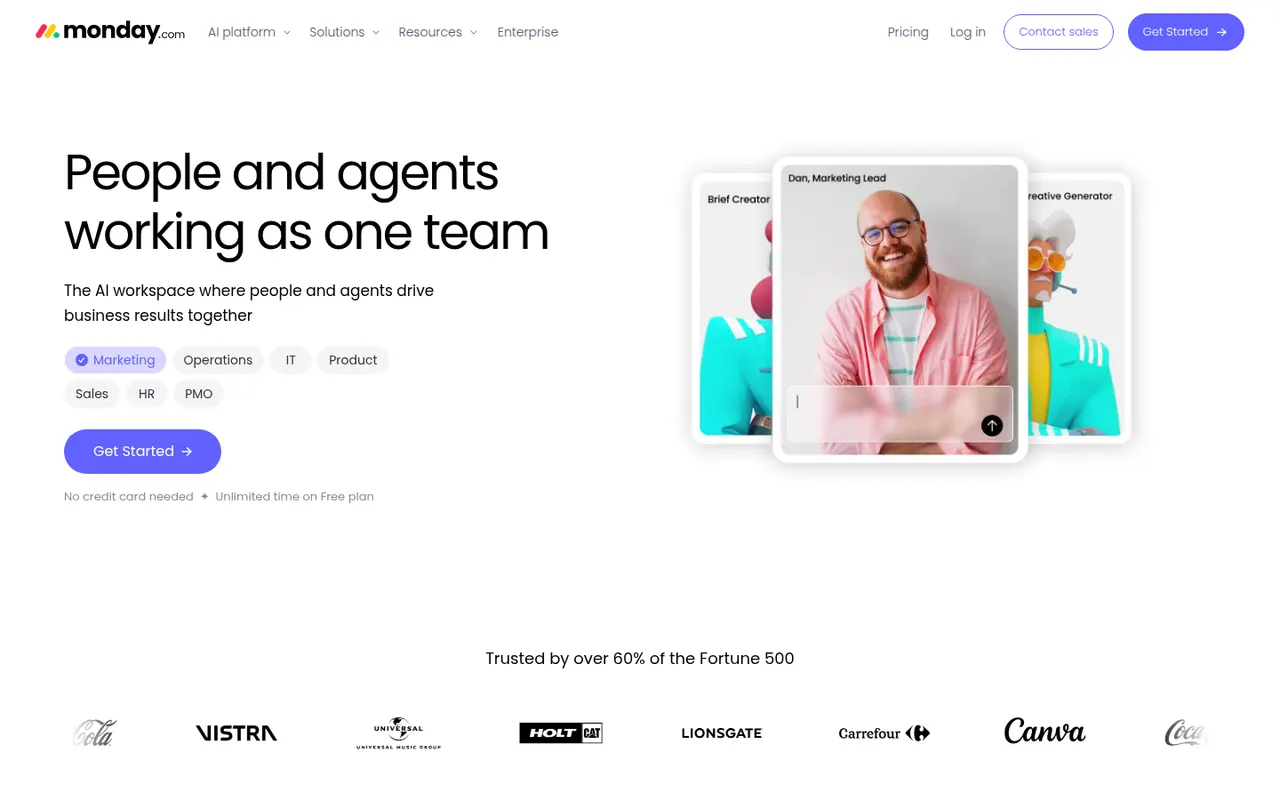
Cost / LicenseFreemiumProprietaryCategoriesmonday.com is a work management platform where teams build boards with custom columns to track projects, requests or pipelines, then switch between table, Kanban, Gantt and calendar views. No-code automations, dashboards and integrations make it suit operations, marketing and other non-technical teams, and the same platform powers the separate monday CRM and monday dev products.
12 monday.com alternativesPros
- Colorful, flexible boards adapt to projects, requests or pipelines
- No-code automations and dashboards that non-technical teams can build
- Switch between table, Kanban, Gantt and calendar views
Cons
- Seats are sold in bundles, which raises the cost for small teams
- Automation and integration actions are capped by plan
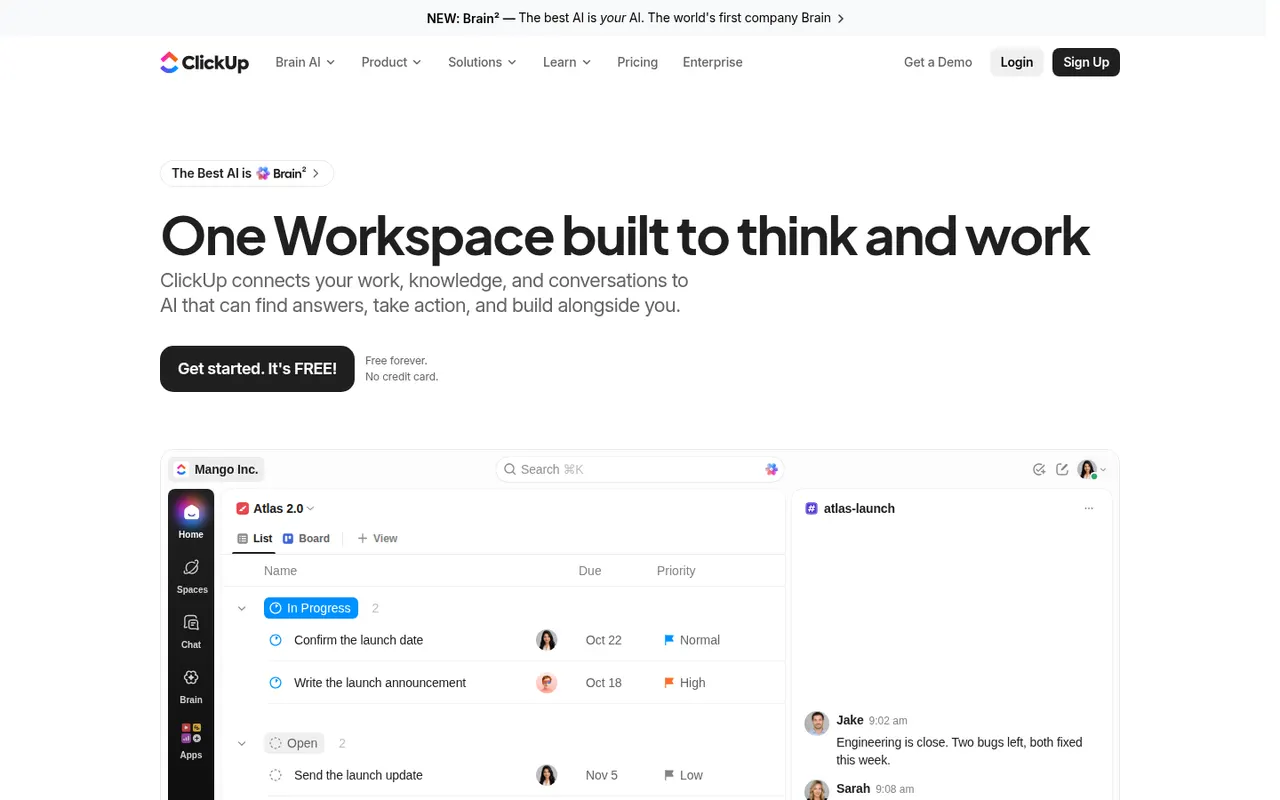
Cost / LicenseFreemiumProprietaryCategoriesClickUp combines tasks, documents, whiteboards, goals, chat and time tracking in a single workspace, with more than a dozen views including list, board, Gantt and calendar. Its depth and customization appeal to teams that want to replace several tools at once, and ClickUp Brain adds AI search, writing and summaries across the workspace.
12 ClickUp alternativesPros
- Tasks, docs, whiteboards, goals and chat in a single workspace
- More than a dozen views, from list and board to Gantt and calendar
- Deep customization of fields, statuses and automations
Cons
- The sheer number of features creates a steep learning curve
- The interface can feel slow and cluttered in large workspaces
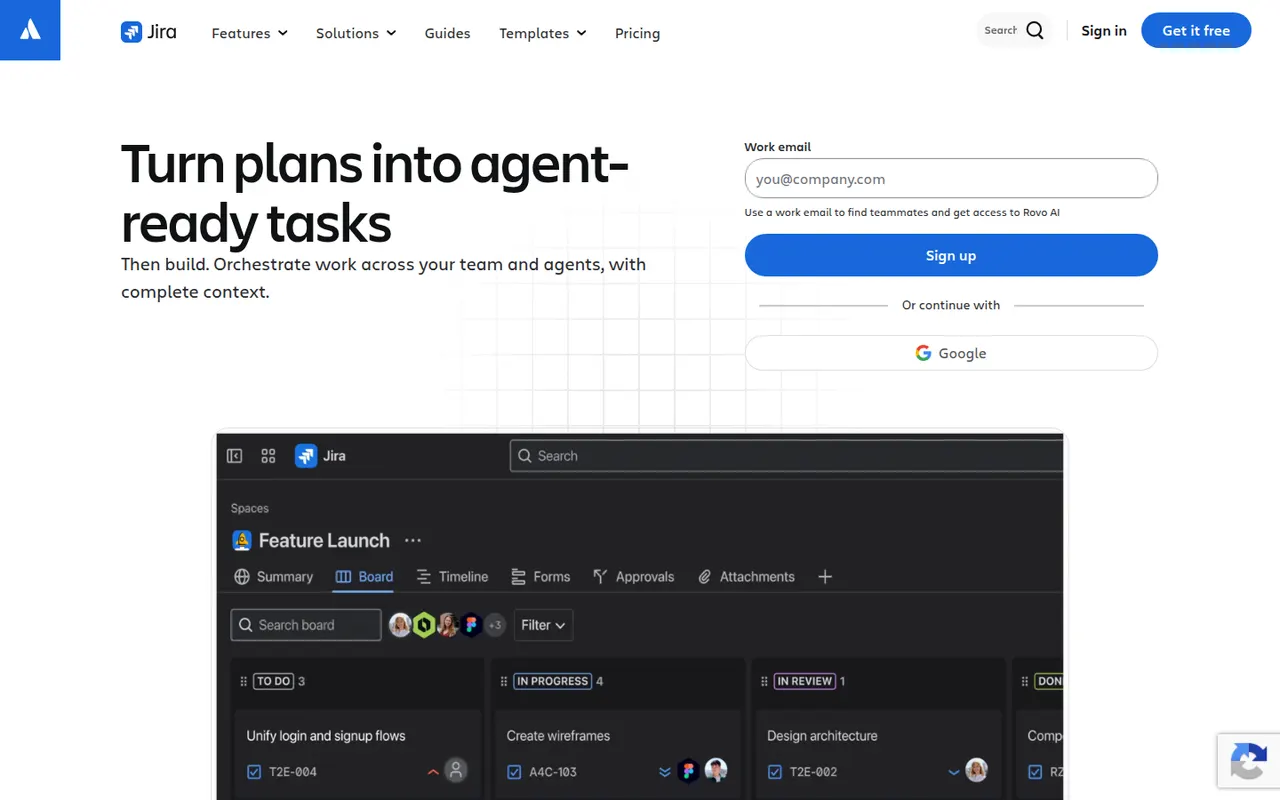
Cost / LicenseFreemiumProprietaryCategoriesJira is Atlassian's tracker for software teams, built around issues, Scrum and Kanban boards, backlogs, sprints and configurable workflows. It connects to Confluence, Bitbucket and GitHub, offers a large marketplace of apps and rule-based automation, and is available in the cloud or as a self-managed Data Center edition for large organizations.
12 Jira alternativesPros
- Mature Scrum and Kanban boards with backlogs and sprints
- Highly configurable workflows, fields and automation rules
- Tight links with Confluence, Bitbucket and GitHub, plus a large app marketplace
Cons
- Complex to set up and administer without a dedicated admin
- Can feel heavy and slow for small teams or simple projects
- Marketplace apps add to the cost on top of per-user pricing
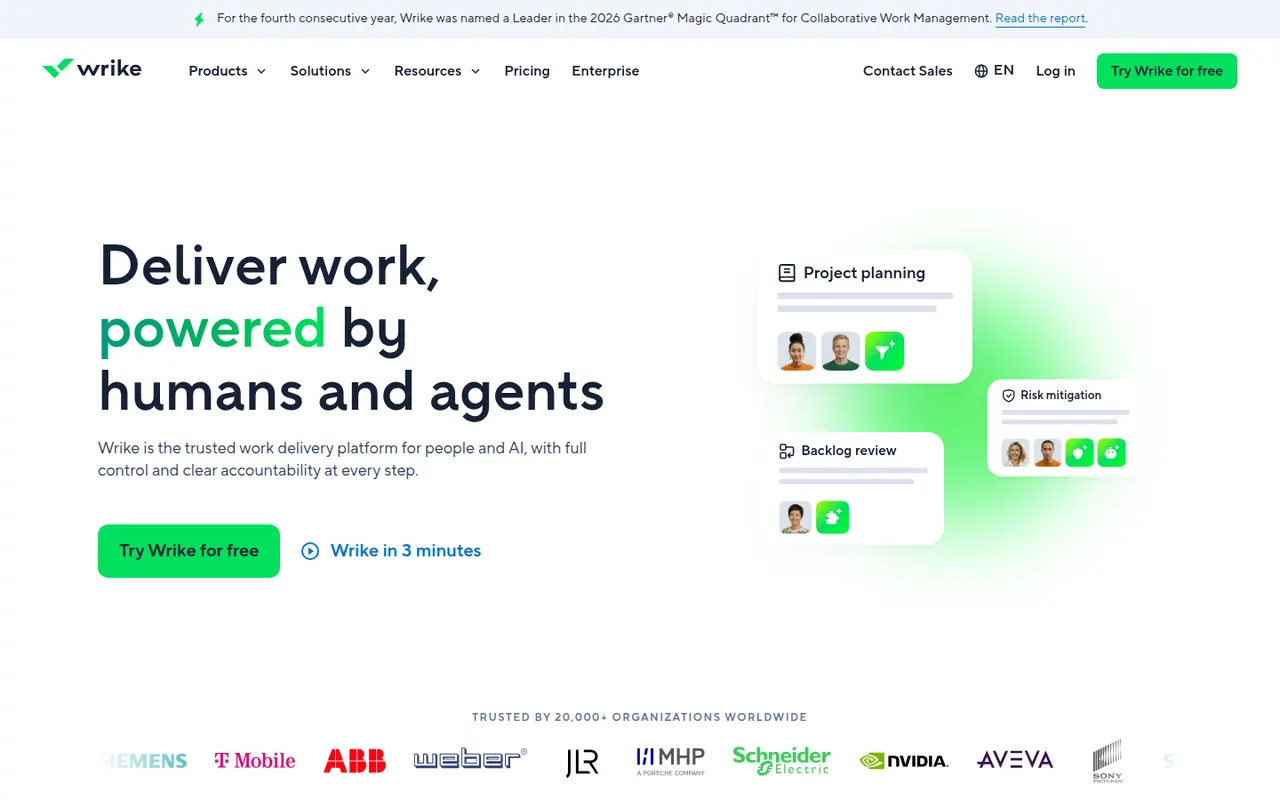
Cost / LicenseFreemiumProprietaryCategoriesPlatformsWrike is a work management platform for organizations that run many projects at once, combining Gantt charts, Kanban boards, workload views and built-in time tracking. Custom request forms, approval workflows, tasks shared across several projects and AI features help marketing, professional services and PMO teams standardize how work is planned and delivered.
11 Wrike alternativesPros
- Handles many parallel projects with Gantt, Kanban and workload views
- Custom request forms and approval workflows standardize intake
- Built-in time tracking and tasks shared across several projects
Cons
- Steep learning curve and a dense interface
- Advanced features and analytics sit in the more expensive tiers
- Often overkill for small teams with simple needs
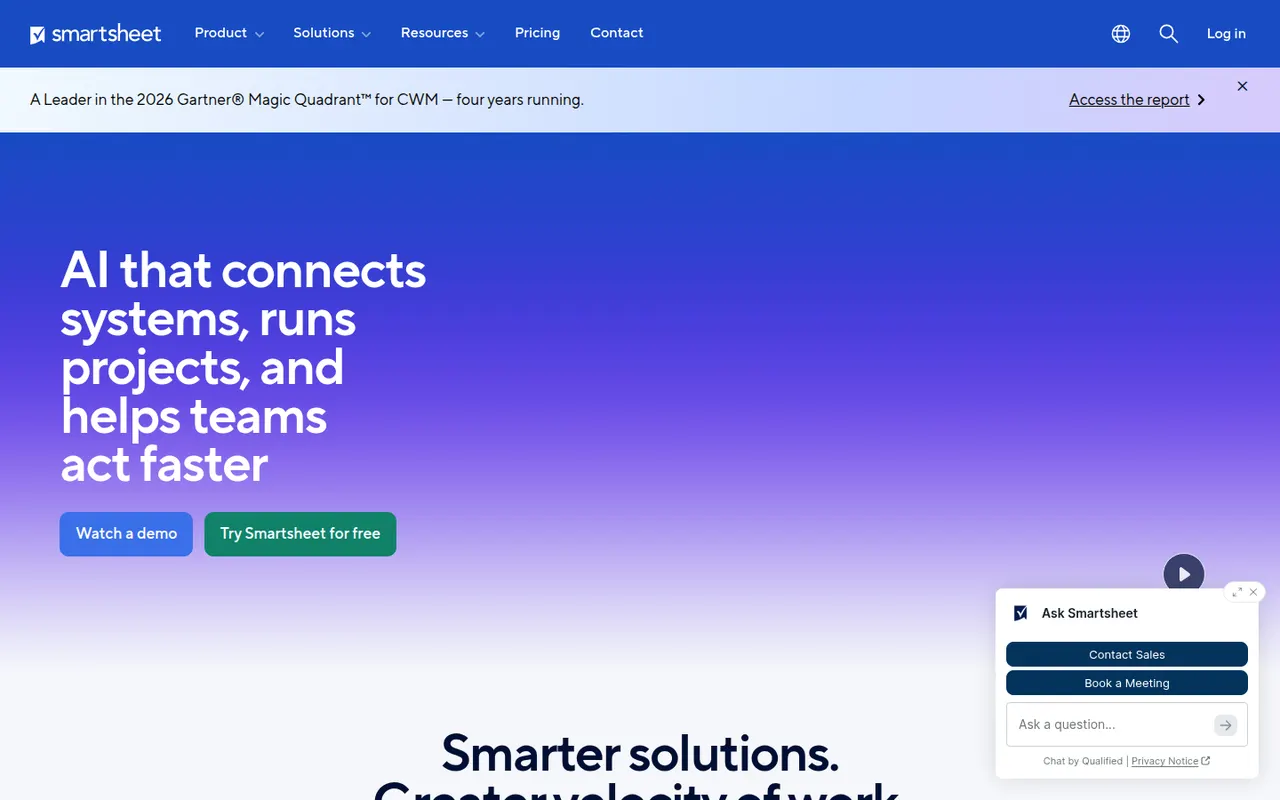
Cost / LicenseFreemiumProprietaryCategoriesSmartsheet manages projects and business processes in sheets that look like spreadsheets but add Gantt, card and calendar views, dependencies, forms and automated workflows. It targets enterprises and PMOs that need reports, dashboards and portfolio views across many projects, and connects to Microsoft 365, Google Workspace, Salesforce and Jira.
12 Smartsheet alternativesPros
- Spreadsheet-like interface feels familiar to Excel users
- Strong reports and dashboards across portfolios of projects
- Gantt views with dependencies, forms and automated workflows
Cons
- No free plan beyond the trial period
- Costs rise quickly with team size and premium add-ons
- The interface feels less modern than newer work management tools
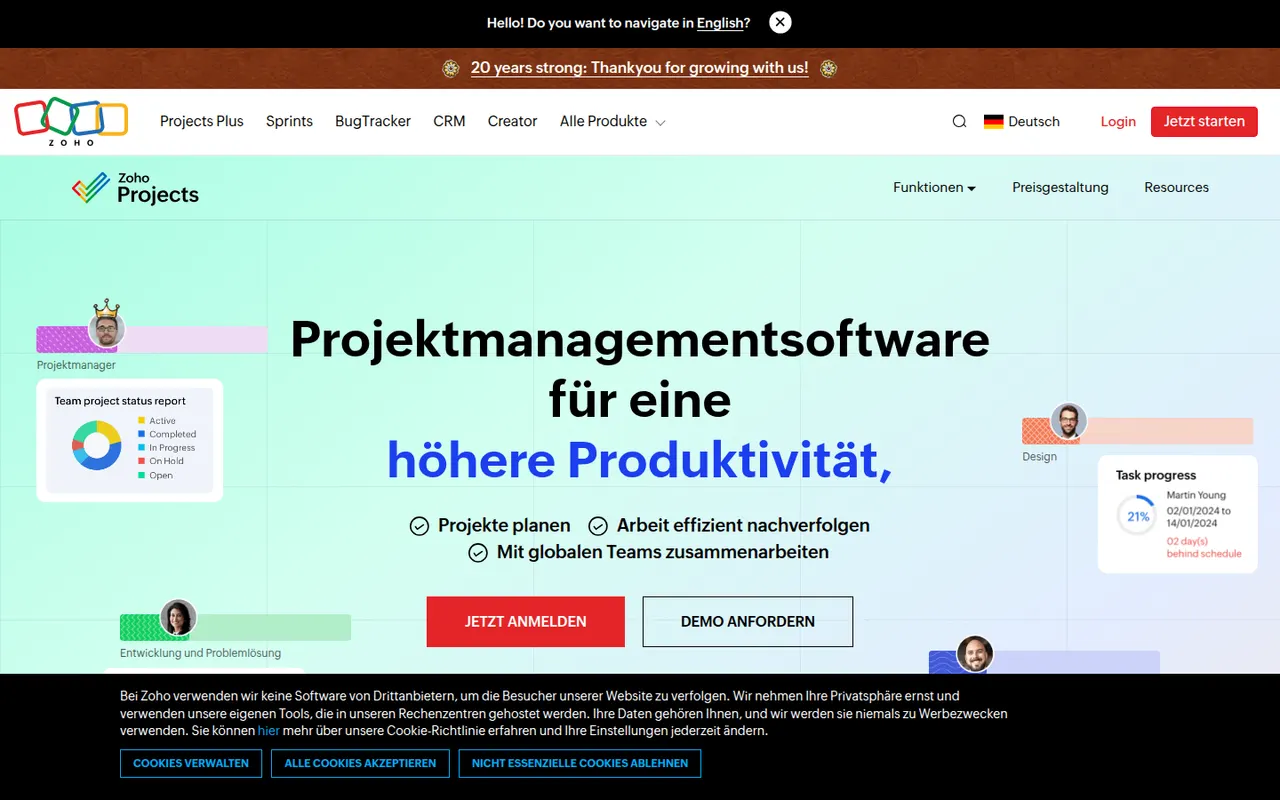
Cost / LicenseFree trialProprietaryZoho Projects is a cloud project management app with task lists, Gantt charts, Kanban boards, timesheets, issue tracking and Blueprint workflows. It fits companies that already use Zoho apps such as CRM, Books or Desk, and includes the Zia assistant, client access and a free plan for very small teams.
10 Zoho Projects alternativesPros
- Connects natively with Zoho CRM, Books, Desk and other Zoho apps
- Gantt charts, timesheets and issue tracking in one tool
- Blueprint workflows enforce each step of a process
Cons
- The interface feels less polished than leading competitors
- Most valuable for companies already invested in Zoho
- The free plan only suits very small teams
Cost / LicenseFreemiumProprietaryCategoriesZendesk is a customer service platform that brings email, chat, phone, social and messaging requests into a single ticketing system. It includes a help center for self-service articles, workflow automation, reporting and AI agents that can resolve common questions. A large marketplace of apps connects it to CRMs and e-commerce tools, and it serves support teams from startups to large enterprises.
12 Zendesk alternativesPros
- Mature ticketing that handles email, chat, phone and social at scale
- Large marketplace of apps for CRMs and e-commerce tools
- Help center and AI agents deflect common questions
Cons
- Expensive per agent, especially with AI and add-ons
- Setup and administration take time for complex workflows
- No free plan beyond the trial
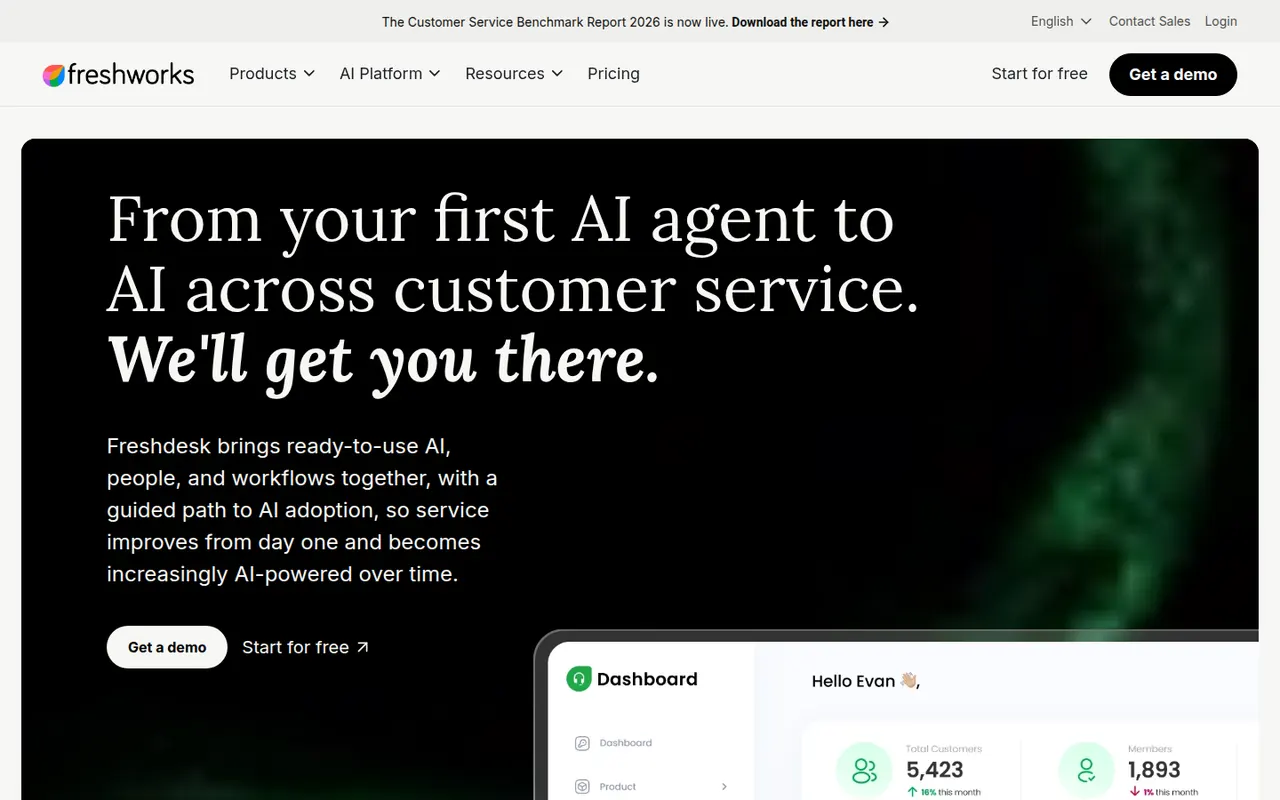
Cost / LicenseFree trialProprietaryCategoriesFreshdesk is a help desk tool from Freshworks that turns emails, web forms, chats, calls and social messages into tickets for support teams. It includes a knowledge base, SLA management, automations, collision detection and reporting, plus Freddy AI for suggested replies and self-service bots. A free plan covers small teams, and it connects with Freshworks' CRM and other business apps.
12 Freshdesk alternativesPros
- Free plan for small teams with core ticketing
- Turns email, forms, chat, calls and social messages into tickets
- SLA rules, collision detection and automations for busy teams
Cons
- AI features and advanced automation cost extra or need top tiers
- Admin settings get complex as workflows grow
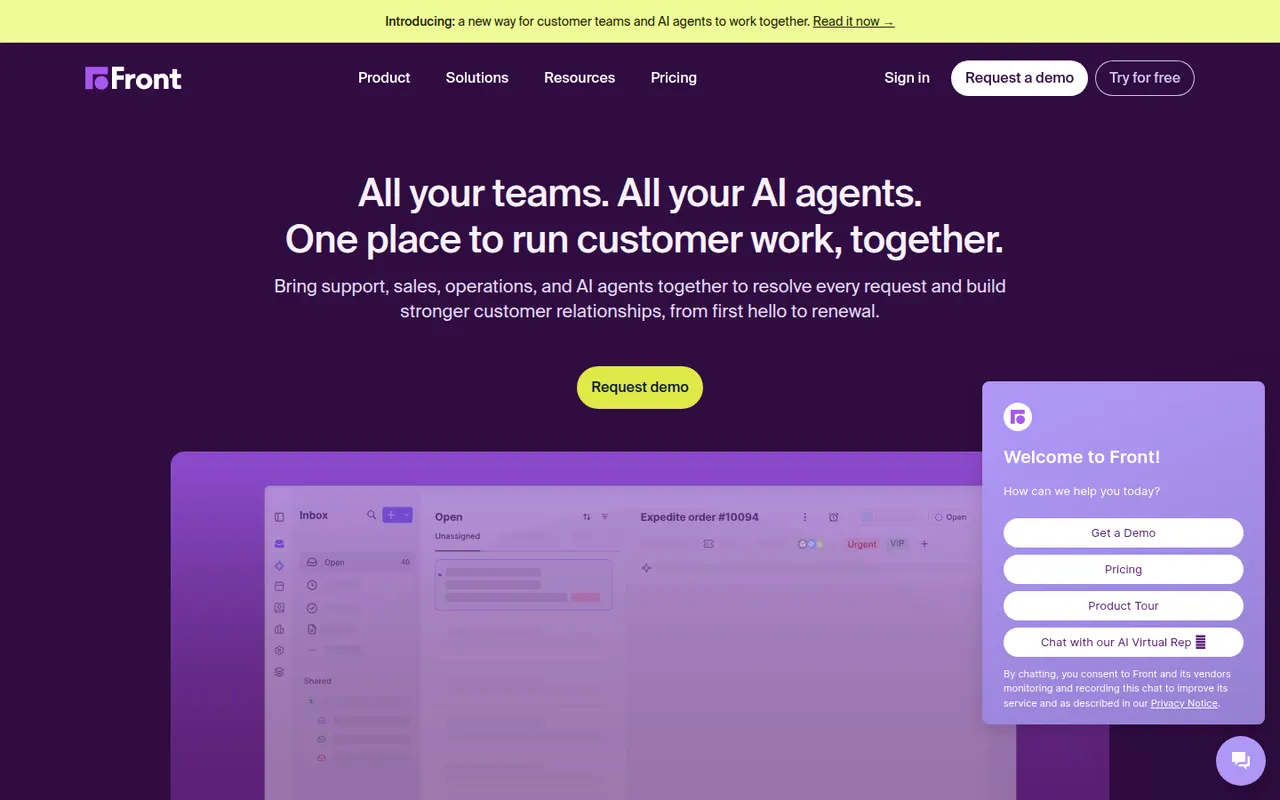
Cost / LicenseFreemiumProprietaryCategoriesFront is a customer operations platform that turns email, SMS, chat, WhatsApp and social messages into a shared inbox teams can work in together. Messages can be assigned, commented on internally and routed with rules, while analytics track response times and workload. Front AI drafts replies and summarizes threads, and the tool serves support, sales and account teams who prefer an email-like workflow.
8 Front alternativesPros
- Email-like shared inbox that feels familiar to new users
- Internal comments and assignment replace forwarding and CCs
- Rules and analytics help balance workload and response times
Cons
- Per-seat pricing adds up quickly for larger teams
- Advanced analytics and automation are reserved for higher plans
- No free plan beyond the trial
Cost / LicenseFree trialProprietaryGorgias is a customer support platform designed for online stores, with deep integrations for Shopify and other e-commerce platforms. Agents see order details next to each ticket and can edit, refund or cancel orders without leaving the help desk. It centralizes email, chat, social media and SMS, and its AI Agent can handle common requests such as order tracking and returns.
8 Gorgias alternativesPros
- Order details appear next to each ticket for Shopify stores
- Agents can refund, edit or cancel orders without leaving the help desk
- AI agent handles routine requests like order tracking and returns
Cons
- Built for e-commerce, so less suited to other types of businesses
- Pricing tied to ticket volume can be hard to predict in busy seasons
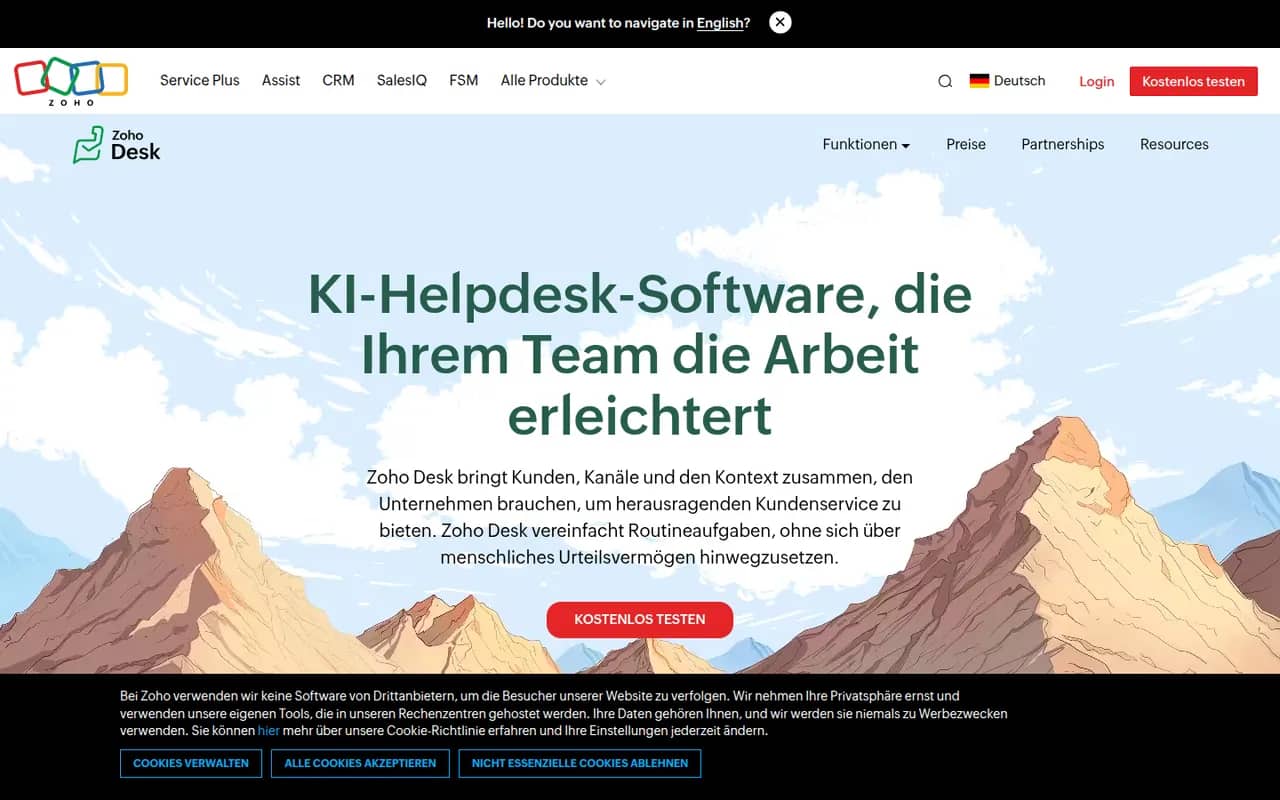
Cost / LicenseFree trialProprietaryCategoriesPlatformsZoho Desk is a help desk application from Zoho that manages customer requests from email, phone, chat, social media and web forms as tickets. It offers a self-service knowledge base, SLA rules, workflow automation, analytics and Zia, an AI assistant that suggests answers and detects customer sentiment. It integrates tightly with Zoho CRM and has a free plan for small teams.
10 Zoho Desk alternativesPros
- Tight integration with Zoho CRM shows customer context on tickets
- Zia suggests answers and detects customer sentiment
- Free plan for small teams, with paid tiers for SLAs and automation
Cons
- Interface feels busy, with many settings to learn
- Works best when you already use other Zoho apps
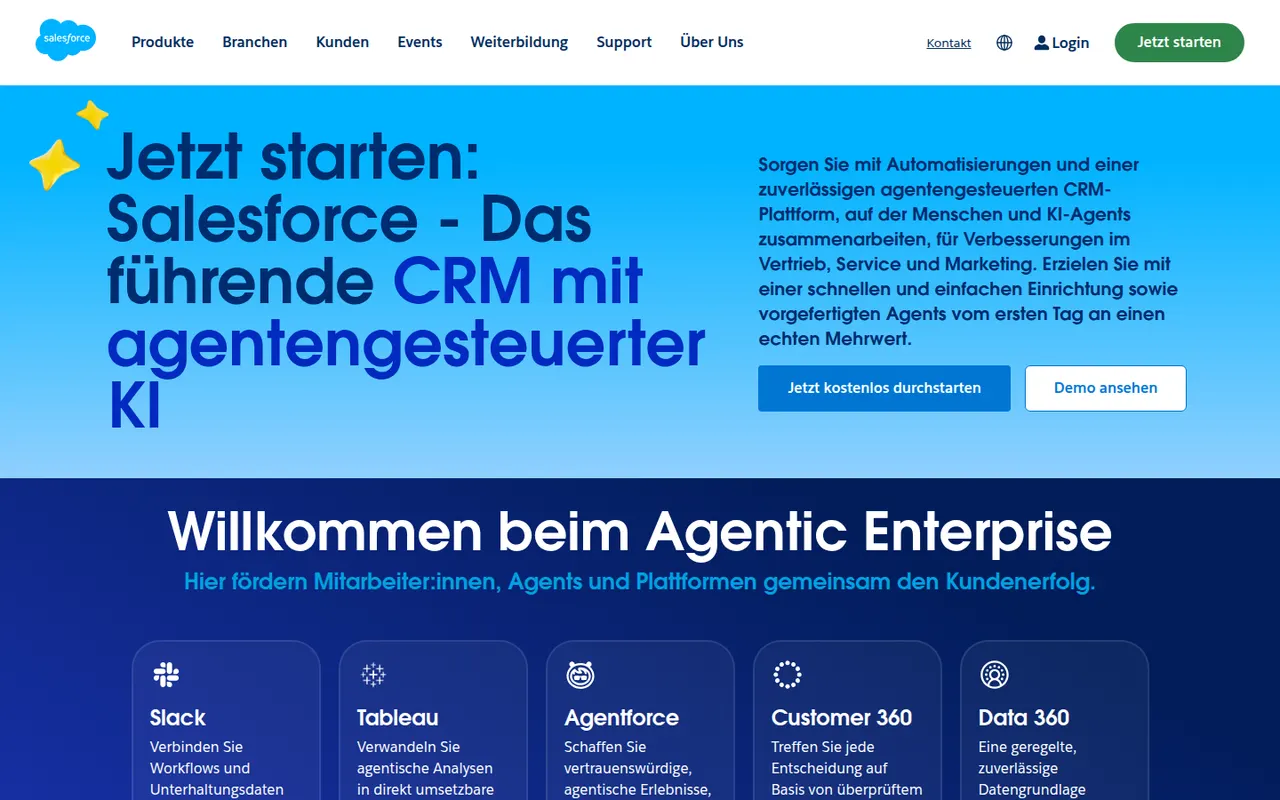
Cost / LicenseFreemiumProprietaryCategoriesSalesforce is a cloud CRM platform used mainly by mid-sized and large organizations, with Sales Cloud for pipelines and forecasting, Service Cloud for support and many other clouds and add-ons. It is highly customizable through objects, workflows and code, and the AppExchange marketplace adds a wide range of integrations. Agentforce brings AI agents that can act on CRM data.
9 Salesforce alternativesPros
- Customizable down to objects, workflows and code for any sales process
- AppExchange offers integrations for almost every business tool
- Scales from mid-sized teams to the largest global organizations
Cons
- Steep learning curve that often calls for dedicated admins or consultants
- High per-user cost, with many capabilities sold as add-ons
- Overkill for small teams with simple sales processes
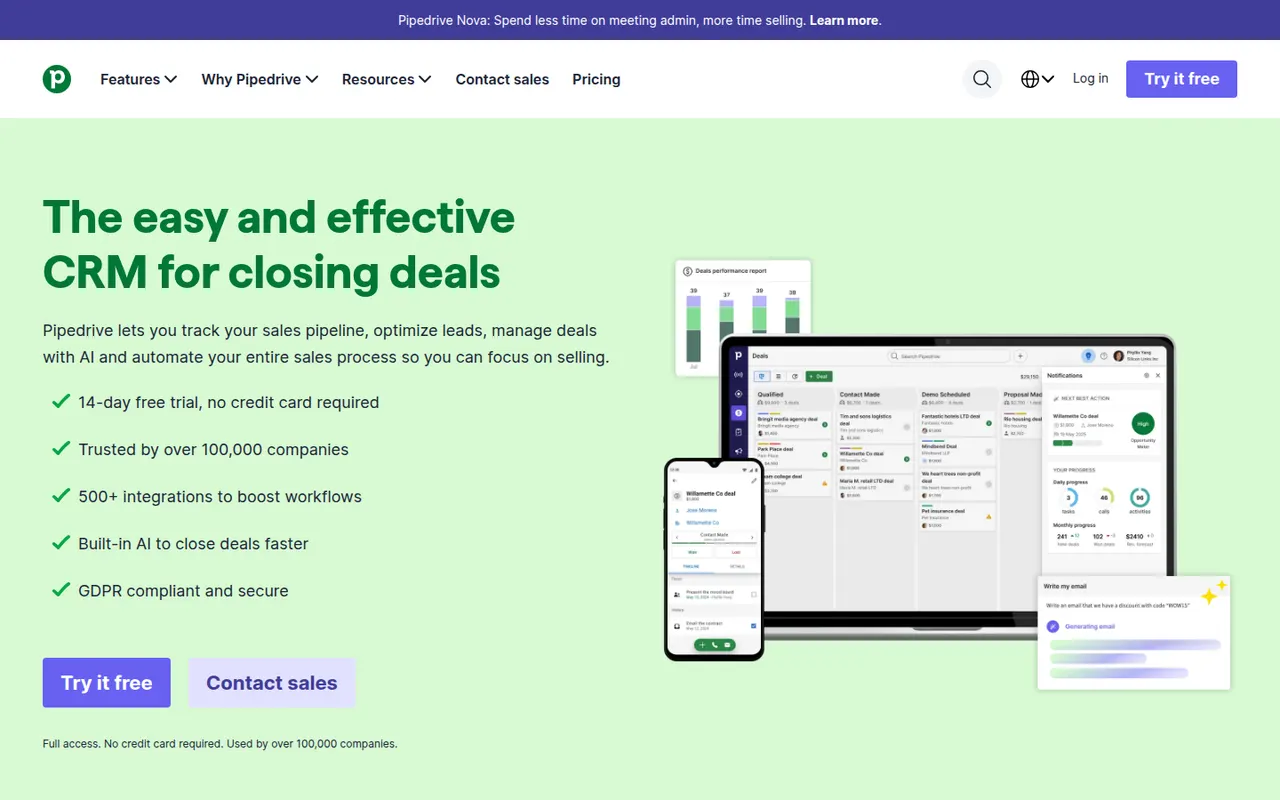
Cost / LicenseFree trialProprietaryCategoriesPipedrive is a sales CRM designed around a visual pipeline where deals move through stages, keeping salespeople focused on the next action for each opportunity. It includes email sync and tracking, activity scheduling, workflow automation, forecasting and an AI sales assistant, with add-ons for lead generation and documents. It targets small and mid-sized sales teams that want a CRM they can adopt quickly.
11 Pipedrive alternativesPros
- Visual pipeline makes it easy to see where every deal stands
- Quick to set up, so small sales teams adopt it fast
- Activity reminders keep salespeople focused on the next action
Cons
- Lead generation and document tools are sold as add-ons
- Little built-in marketing or support compared with all-in-one suites
- Reporting can feel limited for complex, multi-team sales processes
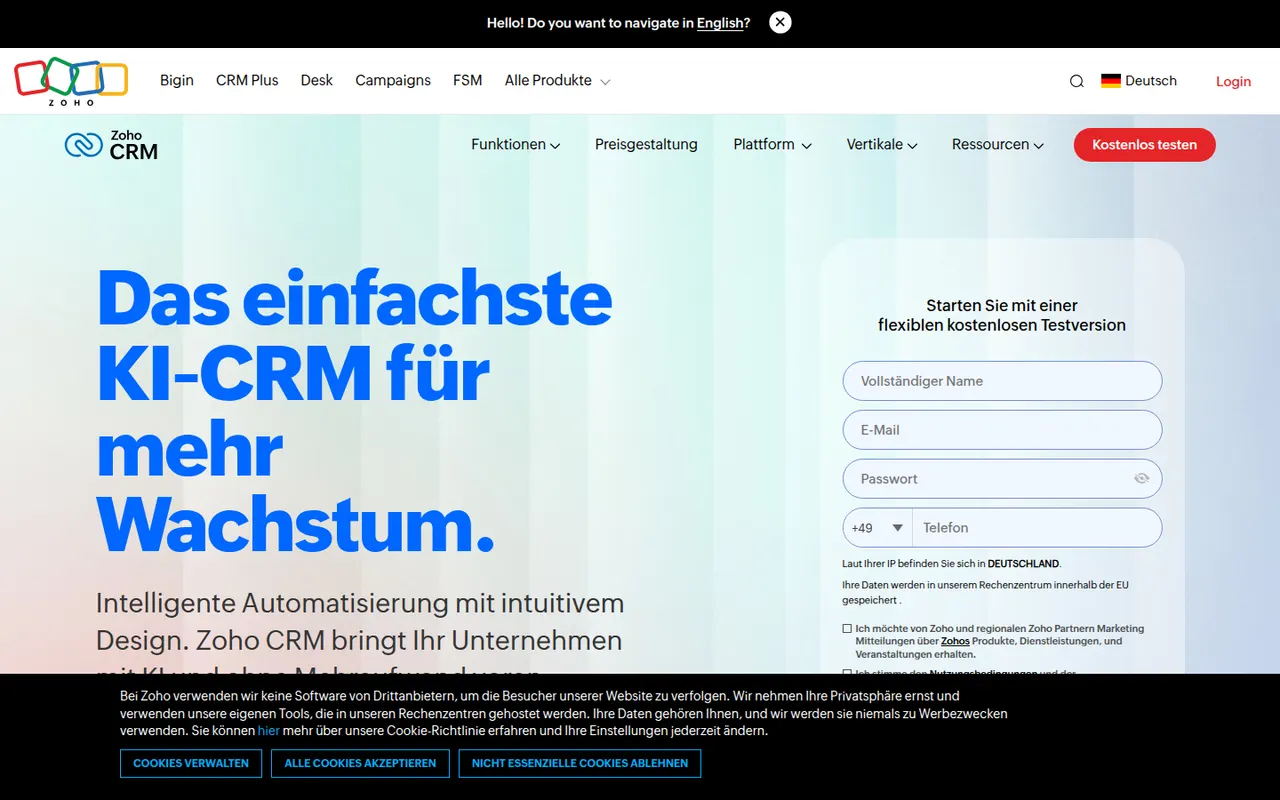
Cost / LicenseFree trialProprietaryCategoriesZoho CRM is a cloud CRM for managing leads, contacts, deals and sales processes, with workflow automation, territory management, forecasting and the Zia AI assistant. It is highly customizable without code and connects natively to the many other Zoho apps for email, support, finance and analytics. A free edition covers very small teams, and paid editions scale to larger organizations.
9 Zoho CRM alternativesPros
- Deep no-code customization of modules, fields and workflows
- Connects natively to the wider Zoho suite for email, support and finance
- Free edition for very small teams, with paid editions that scale up
Cons
- Interface and settings can feel overwhelming at first
- Third-party integrations are less polished than Zoho’s own apps
- Getting the most out of it often means adopting more Zoho apps
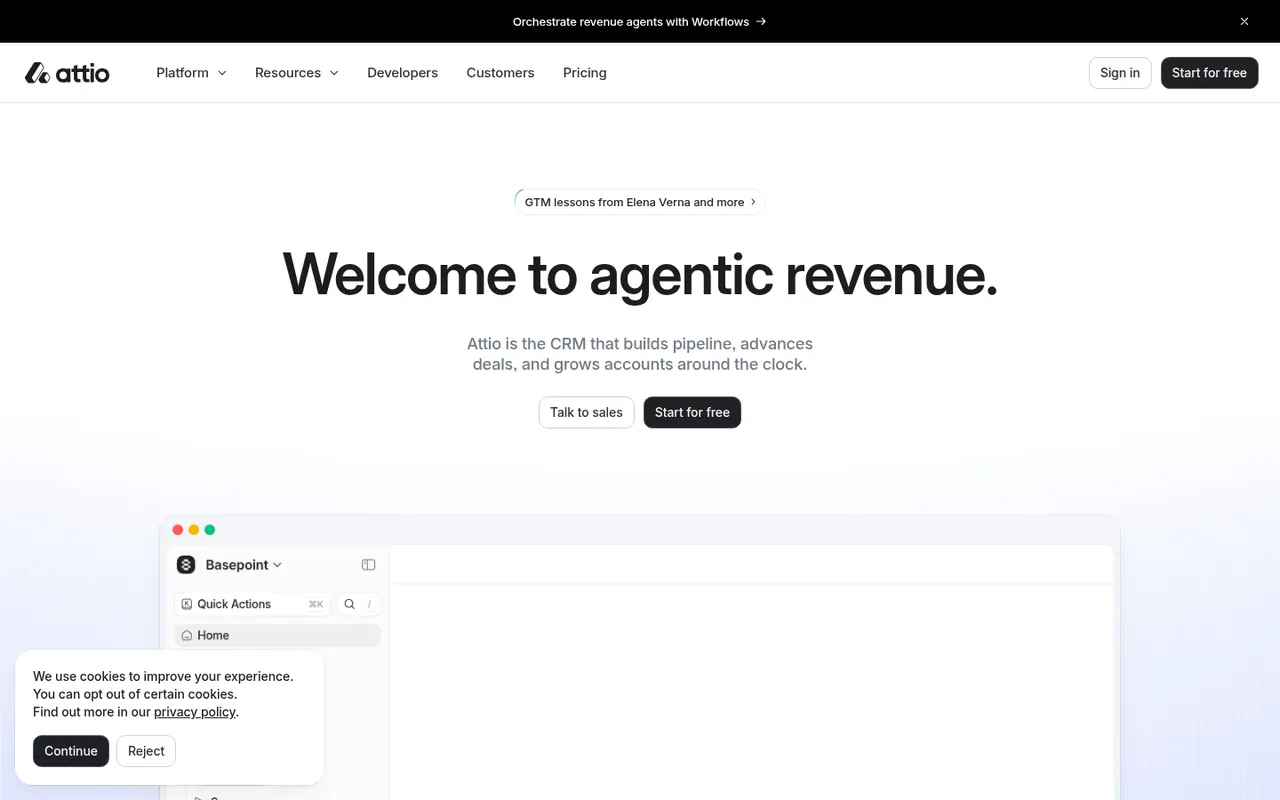
Cost / LicenseFreemiumProprietaryCategoriesAttio is a modern CRM that builds itself from your email and calendar, then lets you model any kind of relationship data with custom objects, attributes and views. It offers real-time collaboration, workflow automation, reporting and an API, and is aimed at startups, investors and teams that find traditional CRMs rigid.
11 Attio alternativesPros
- Builds itself automatically from your email and calendar
- Custom objects and views adapt to almost any data model
- Modern, fast interface with real-time collaboration
Cons
- Its flexibility means more setup than an opinionated CRM
- Advanced features and higher limits require paid plans
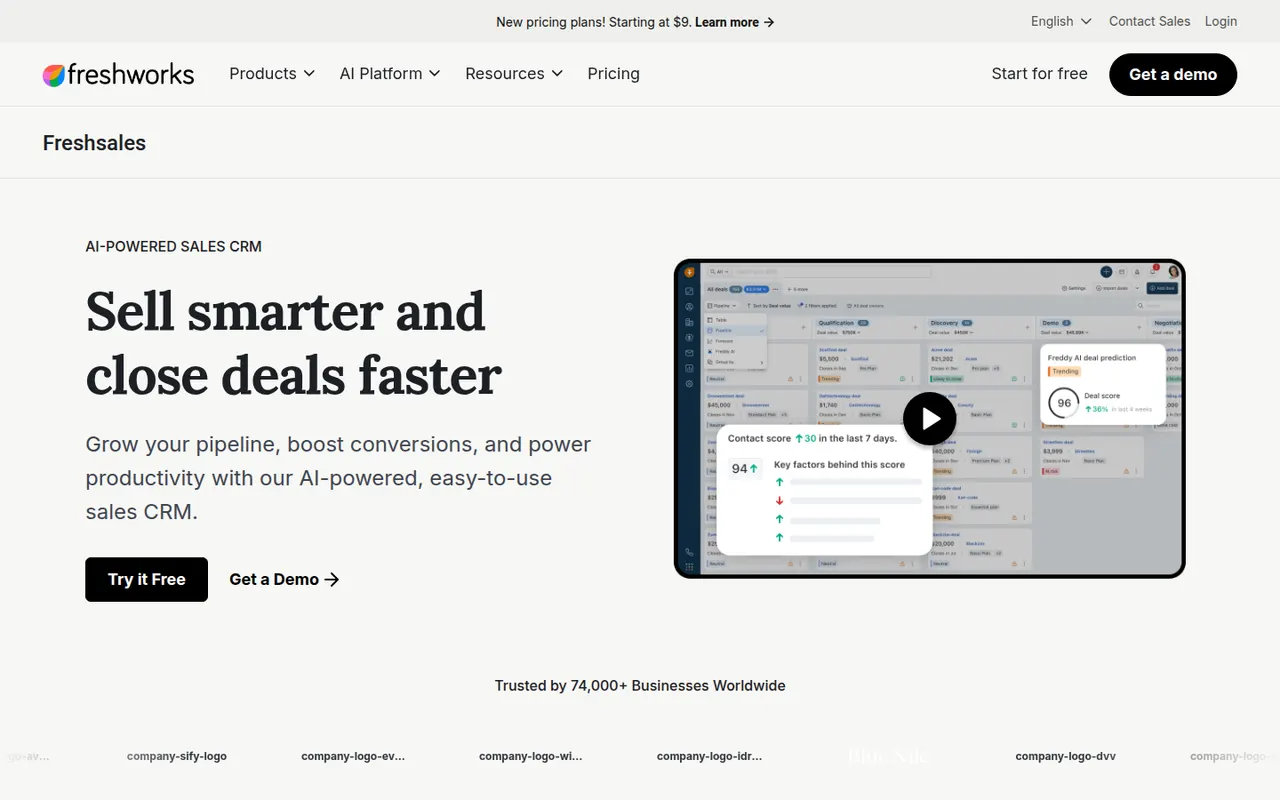
Cost / LicenseFreemiumProprietaryCategoriesPlatformsFreshsales is the sales CRM from Freshworks, offering contact and account management, visual deal pipelines, built-in email and phone, and workflow automation. Its Freddy AI assistant scores leads, surfaces deal insights and suggests next steps. It integrates closely with Freshdesk and other Freshworks products, which suits companies that want sales and support from the same vendor.
8 Freshsales alternativesPros
- Built-in phone and email keep sales conversations in one place
- Freddy AI scores leads and suggests next steps on deals
- Pairs naturally with Freshdesk for teams wanting sales and support together
Cons
- Key AI and automation features are reserved for higher tiers
- Smaller integration marketplace than HubSpot or Salesforce
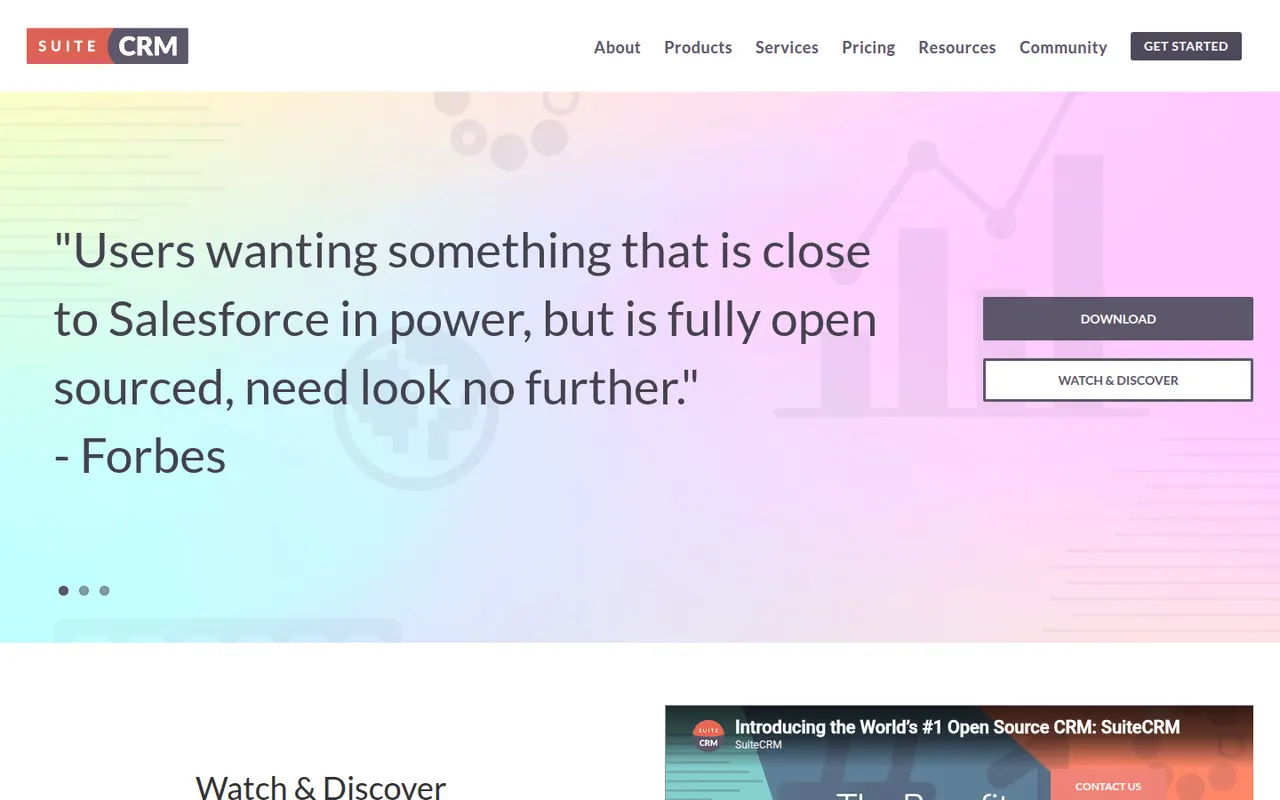
Cost / LicenseFree trialProprietaryCategoriesSuiteCRM is an open source CRM maintained by SalesAgility, originally forked from SugarCRM Community Edition. It covers sales, marketing campaigns, customer service cases, quotes and workflows, and because it is self-hosted you keep complete control over data and code. Organizations with in-house IT or an implementation partner choose it to avoid depending on a single vendor.
7 SuiteCRM alternativesPros
- Free and open source, with full control over data and code
- Covers sales, campaigns, support cases and quotes in one system
- No vendor lock-in, since you choose the hosting and the partner
Cons
- Needs a server and technical skills to install, secure and update
- Interface feels dated next to modern cloud CRMs
- Upgrades and custom modules can take real development effort
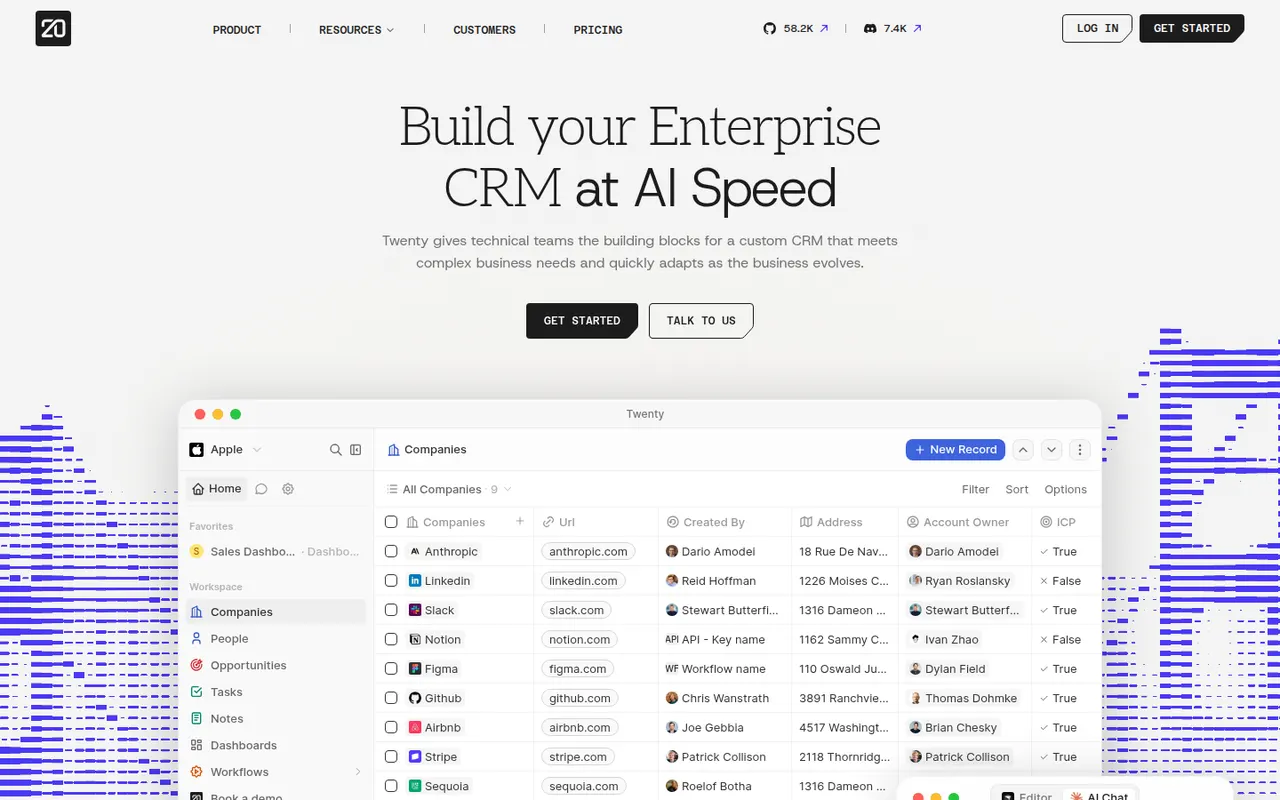
Cost / LicenseFreeOpen sourceCategoriesPlatformsTwenty is an open source CRM positioned as a community-driven alternative to Salesforce, with a modern interface inspired by tools like Notion and Airtable. You can define custom objects and fields, work in table and kanban views, automate tasks with workflows and connect other tools through GraphQL and REST APIs. It can be self-hosted or used through the company's cloud offering.
7 Twenty alternativesPros
- Modern, Notion-like interface with table and kanban views
- Custom objects and fields adapt the data model to your business
- Open source with GraphQL and REST APIs, self-hosted or in the cloud
Cons
- Young product with fewer integrations than established CRMs
- Some advanced sales features of mature CRMs are still missing
- Self-hosting means handling deployment and updates yourself
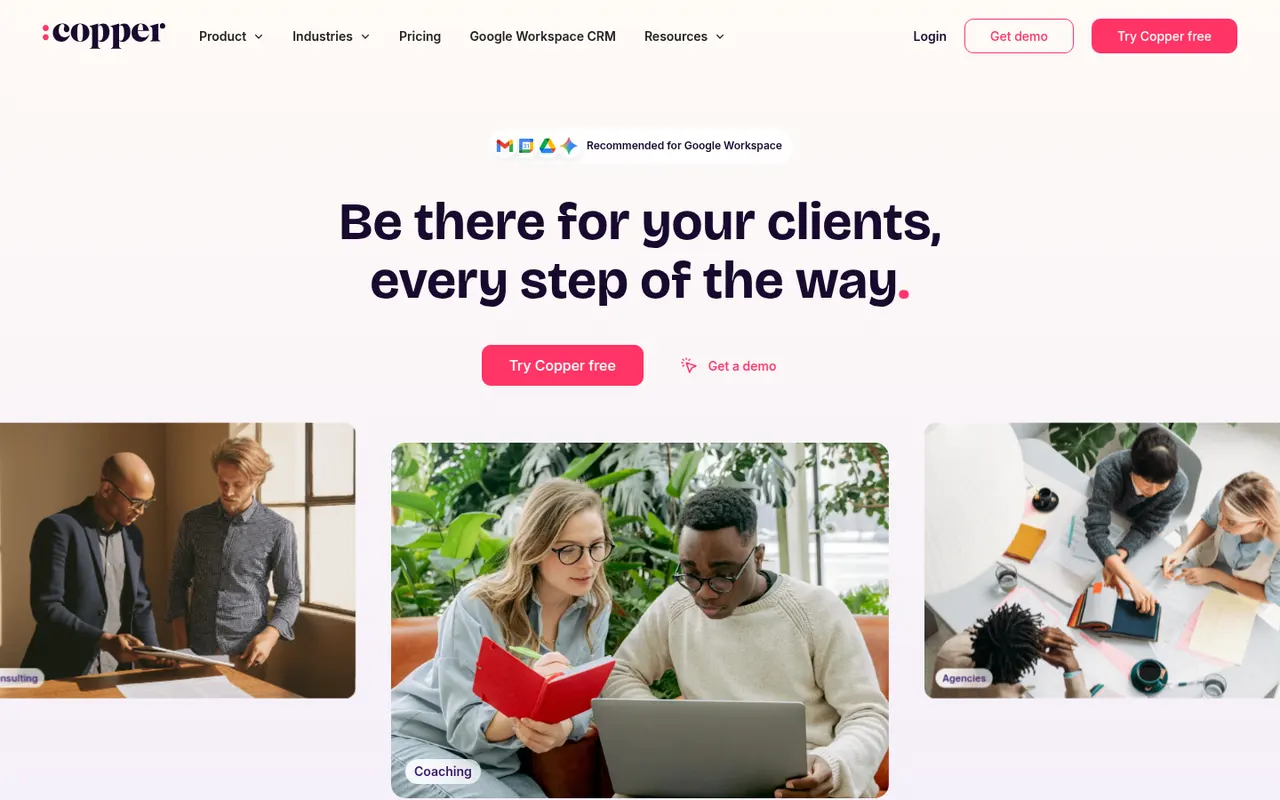
Cost / LicenseFreemiumOpen sourceCategoriesPlatformsCopper is a CRM built for teams that live in Google Workspace. A Chrome extension shows contacts, deals and tasks directly in Gmail, and it syncs with Google Calendar, Drive and Sheets to log activity without manual data entry. It offers pipelines, workflow automation and reporting, and suits small businesses and agencies managing relationships rather than high-volume sales.
8 Copper alternativesPros
- Works inside Gmail through a Chrome extension, so contacts sit next to email
- Syncs with Google Calendar, Drive and Sheets to log activity automatically
- Clean interface that small teams can adopt with little training
Cons
- Much less useful for teams that don’t run on Google Workspace
- Reporting and customization are shallower than in larger CRMs
- No free plan, and advanced automation sits on higher tiers
Cost / LicenseFree trialProprietaryCategoriesPlatforms