Apps with Cross-device sync
48 apps
Top Cross-device sync apps ranked by the community
BandLab is a free, cloud-based music creation platform with a multi-track studio that works in the browser and on iOS and Android. Musicians can record, use loops and virtual instruments, collaborate on projects with others and publish songs to a built-in community. Core features are free, with an optional membership for extra tools and distribution services.
8 BandLab alternativesPros
- Free multitrack studio in the browser and on mobile
- Easy collaboration on songs with other musicians
- Built-in community to publish and discover songs
Cons
- Fewer advanced mixing and editing tools than desktop DAWs
- Cloud-based workflow depends on a good internet connection
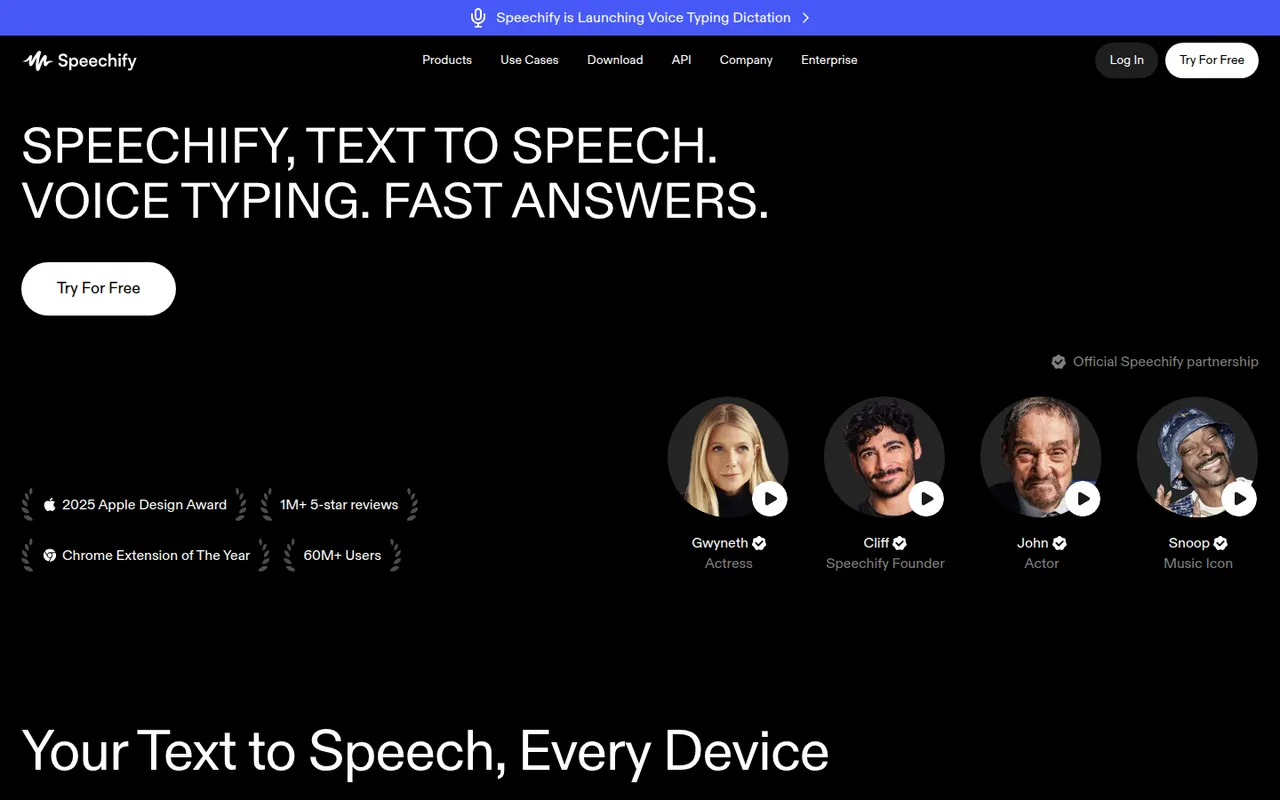
Cost / LicenseFreemiumProprietaryCategoriesSpeechify reads text aloud from PDFs, documents, emails, web pages and scanned pages, with adjustable speed and a choice of natural-sounding voices in many languages. Used by students, people with dyslexia and busy professionals, it syncs across its mobile apps, Mac app, web app and Chrome extension. A separate studio offers AI voiceovers, voice cloning and dubbing.
6 Speechify alternativesPros
- Reads PDFs, documents, emails and scanned pages aloud
- Syncs across mobile, Mac, web and the Chrome extension
- Adjustable speed and natural voices in many languages
Cons
- Premium voices and features sit behind a pricey subscription
- Upgrade prompts are frequent in the free version
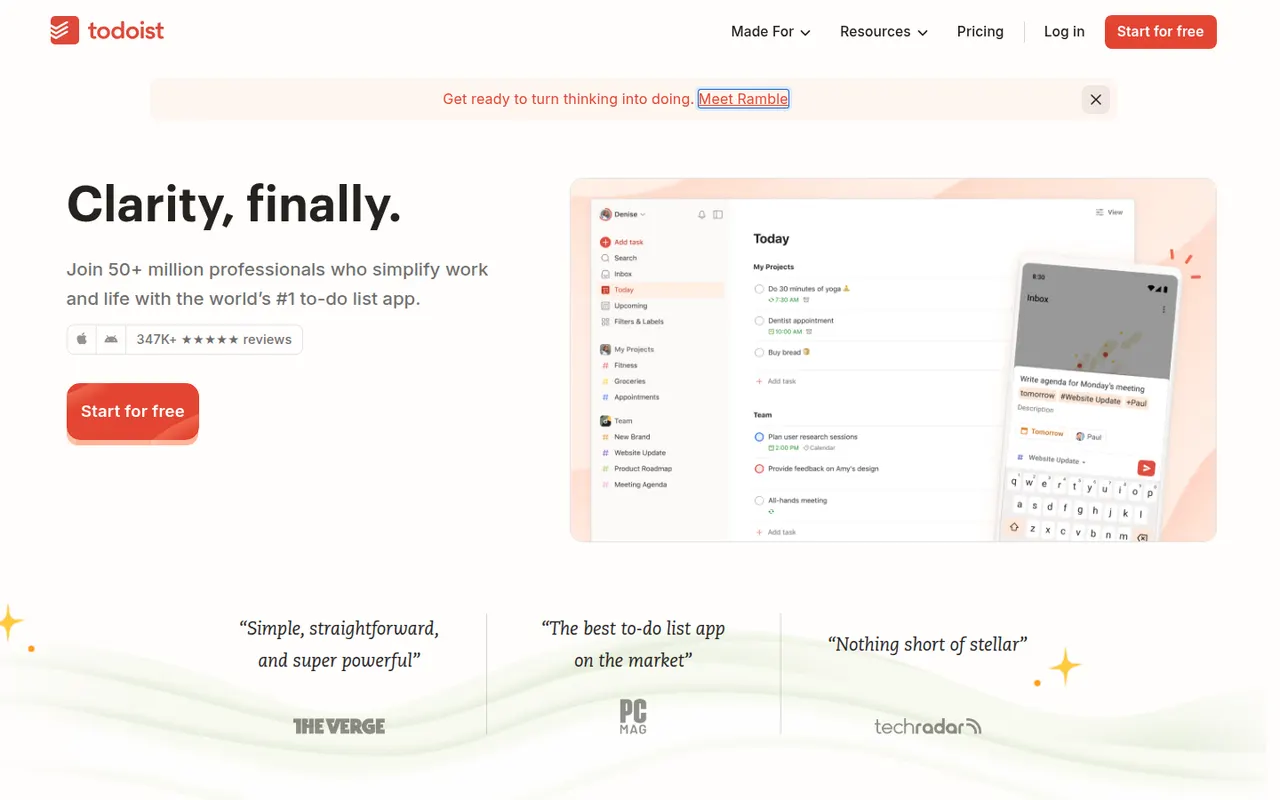
Cost / LicenseFreemiumProprietaryCategoriesPlatformsTodoist is a task manager by Doist that captures tasks quickly with natural language dates, such as every Monday at 9am, and organizes them into projects, sections, labels and filters. It runs on almost every platform, offers list, board and calendar layouts, supports shared projects for small teams and integrates with calendars, email and many other apps.
12 Todoist alternativesPros
- Fast natural language capture for dates and recurring tasks
- Runs on almost every platform with reliable sync
- Projects, labels and filters scale from simple to complex lists
Cons
- Several useful features are limited to paid plans
- Collaboration is basic for larger team projects
- No built-in time tracking without integrations
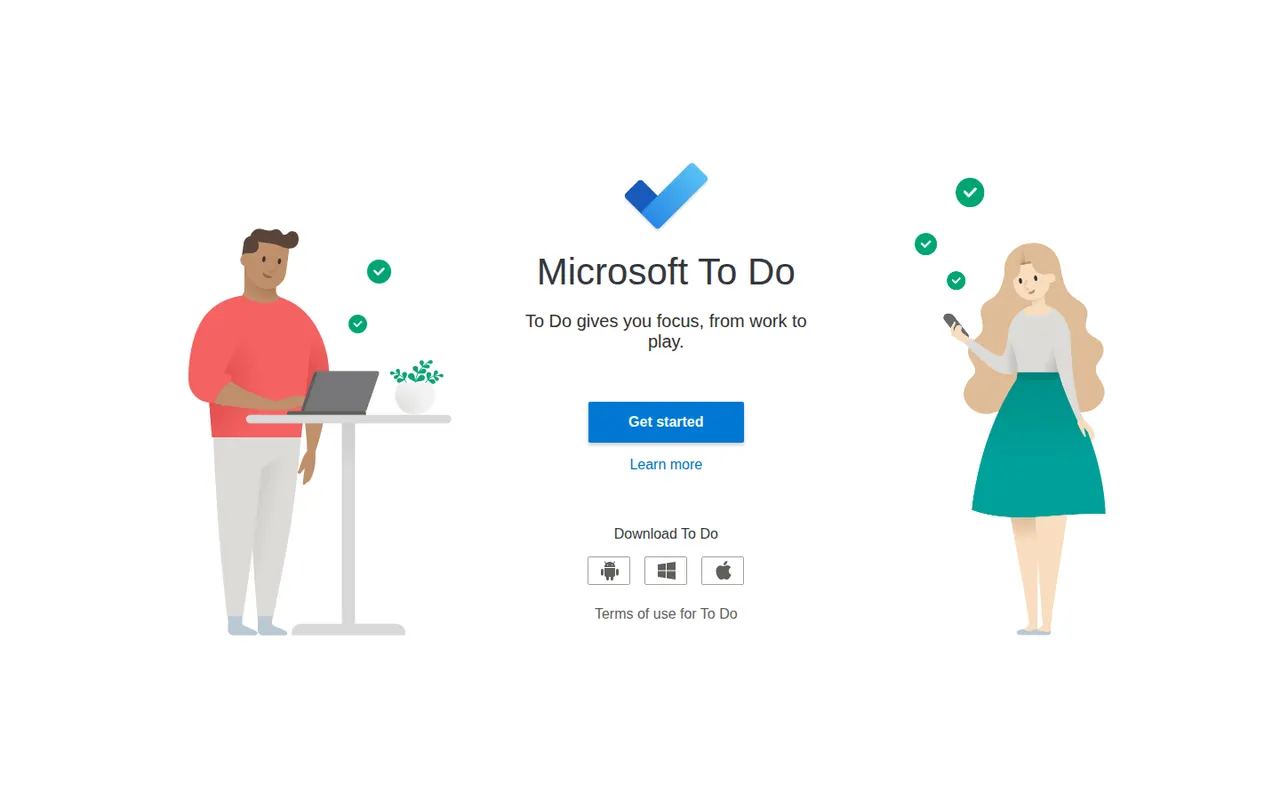
Cost / LicenseFreemiumProprietaryCategoriesMicrosoft To Do is a free task manager, the successor to Wunderlist, that syncs lists, reminders and recurring tasks across devices with a Microsoft account. Its My Day view helps pick what to tackle today, lists can be shared with family or colleagues, and flagged Outlook emails and Planner tasks show up next to personal to-dos.
9 Microsoft To Do alternativesPros
- Completely free with a Microsoft account
- My Day view keeps daily planning simple
- Flagged Outlook emails and Planner tasks appear next to your to-dos
Cons
- No board or timeline views for organizing projects
- Few integrations outside the Microsoft ecosystem
Cost / LicenseFreeProprietaryCategoriesThings is a personal task manager from Cultured Code, built exclusively for Apple devices with a clean, focused design. Tasks flow through Inbox, Today, Upcoming and Someday lists and can be grouped into projects and areas, with Things Cloud syncing everything for free. The apps are one-time purchases rather than a subscription, and there is no web or team version.
11 Things 3 alternativesPros
- Clean, focused design that makes planning pleasant
- One-time purchase instead of a subscription
- Free Things Cloud sync across Apple devices
Cons
- Apple-only, with no Windows, Android or web version
- No collaboration or shared lists
- Mac, iPhone and iPad versions are sold separately
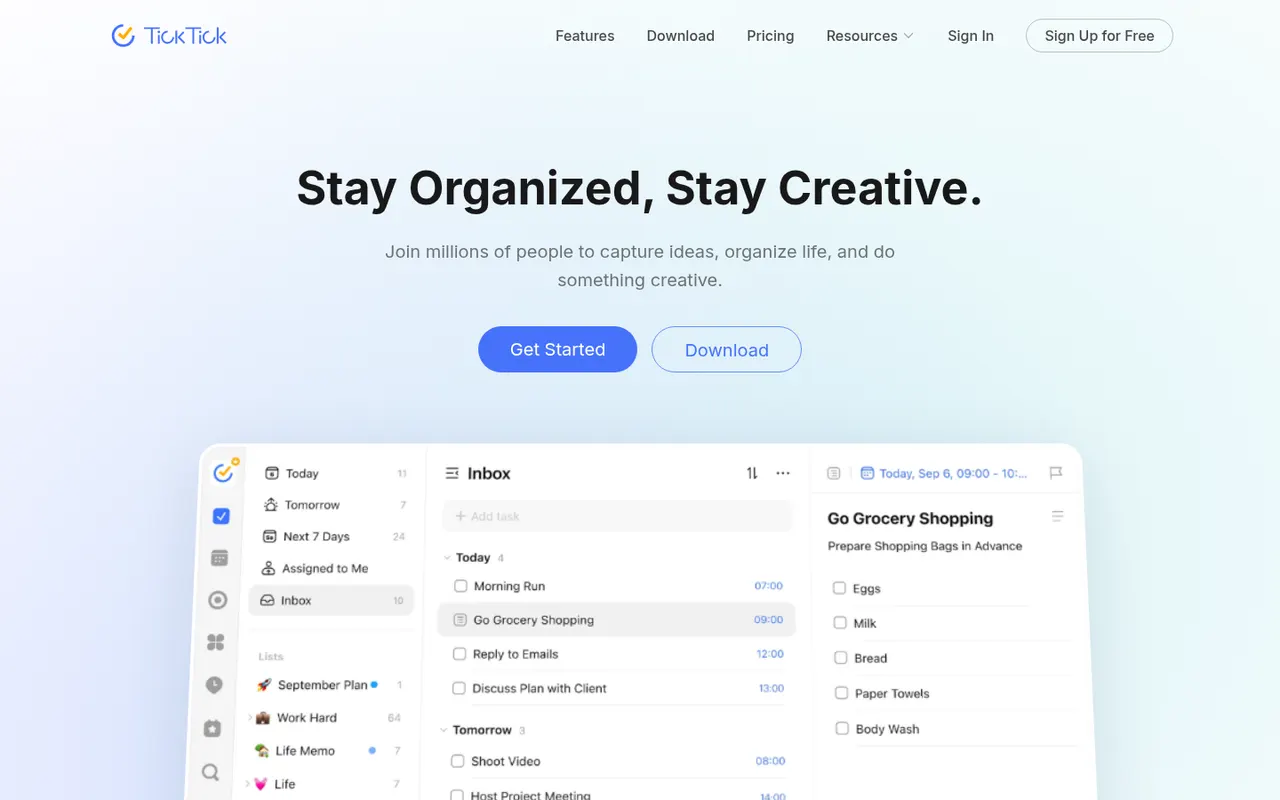
Cost / LicensePaidProprietaryCategoriesTickTick is a cross-platform to-do app that combines tasks and checklists with a built-in calendar, habit tracker and Pomodoro focus timer. It understands dates typed in natural language, offers list, Kanban and timeline views, and a Premium subscription unlocks the full calendar views and higher limits.
11 TickTick alternativesPros
- Tasks, calendar, habit tracker and Pomodoro timer in one app
- Natural language dates speed up task entry
- Available on nearly every platform, including browser extensions
Cons
- Full calendar views require Premium
- The packed feature set can make the interface feel busy
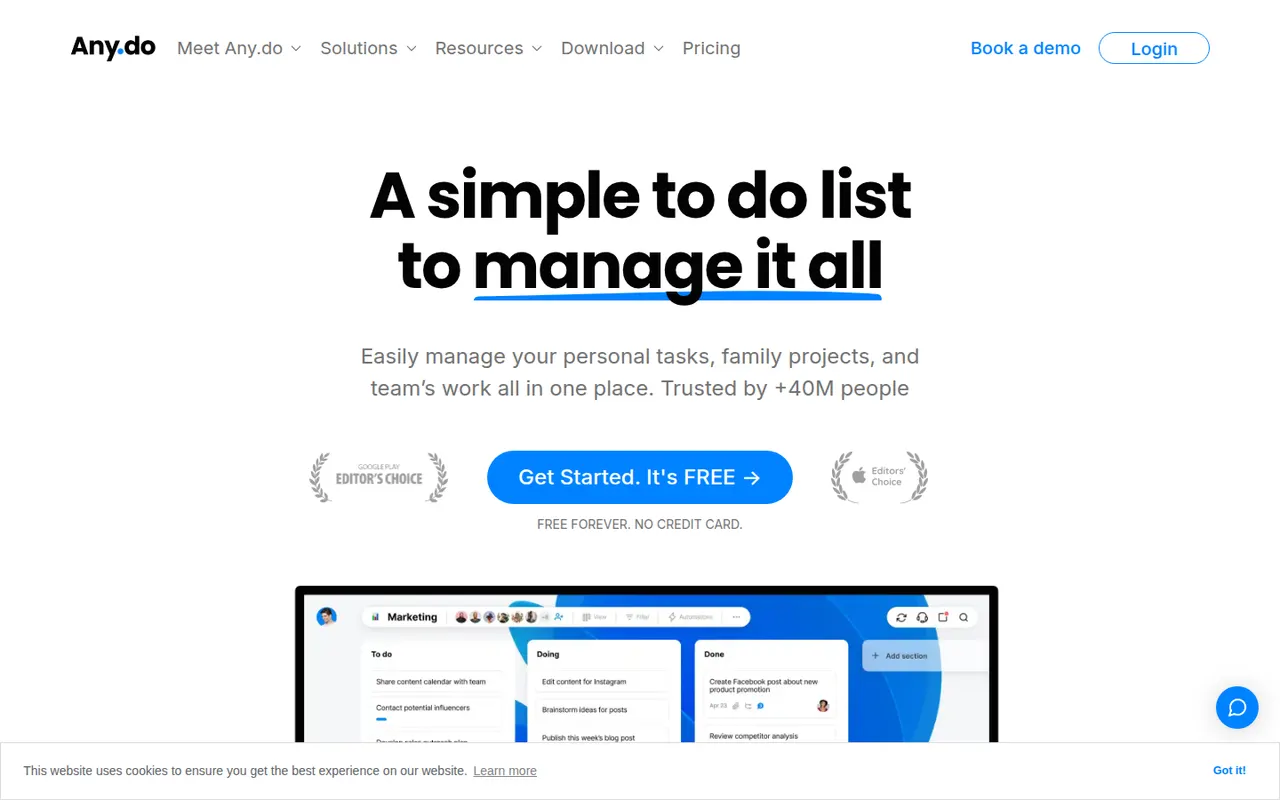
Cost / LicenseFreemiumProprietaryCategoriesAny.do is a task manager and daily planner that brings lists, reminders and a calendar together, with a planning routine to review what lies ahead each day. It syncs across mobile, desktop and the web, can send reminders through WhatsApp, and offers shared spaces for families and small teams on paid plans.
10 Any.do alternativesPros
- Lists, reminders and calendar combined in a clean app
- Daily planning routine helps review the day ahead
- Reminders can be delivered through WhatsApp
Cons
- Many useful features sit behind the Premium subscription
- Less suited to complex projects than full task managers
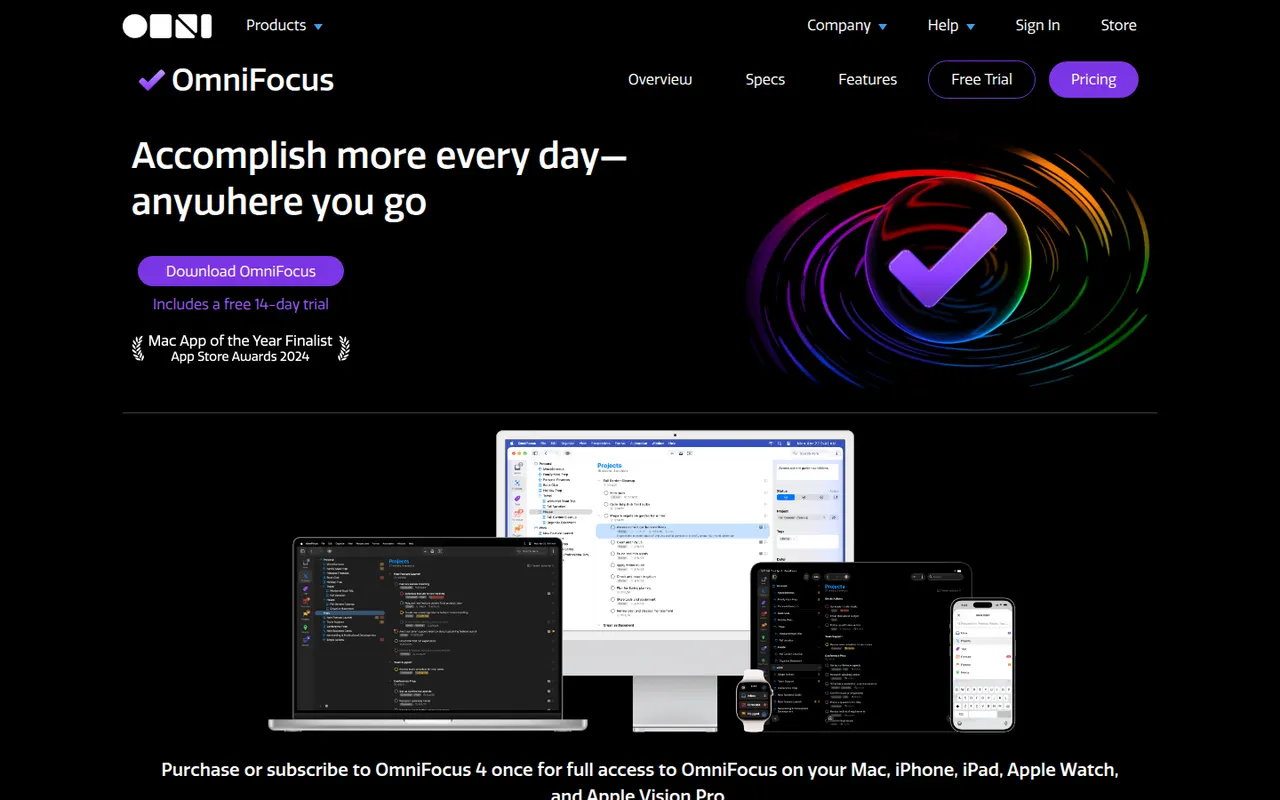
Cost / LicenseFreemiumProprietaryCategoriesOmniFocus is a task manager from The Omni Group designed around the Getting Things Done method, with projects, tags, defer and due dates, and regular reviews. Custom perspectives and Omni Automation scripts let power users shape it to their own system. It runs on Mac, iPhone, iPad and Apple Watch, with a web version for subscribers and encrypted sync.
8 OmniFocus alternativesPros
- Deep GTD support with projects, tags, defer dates and reviews
- Custom perspectives and automation scripts for power users
- Native apps across Mac, iPhone, iPad and Apple Watch
Cons
- Steep learning curve for people new to GTD
- Expensive compared with most to-do apps
- No native apps for Windows or Android
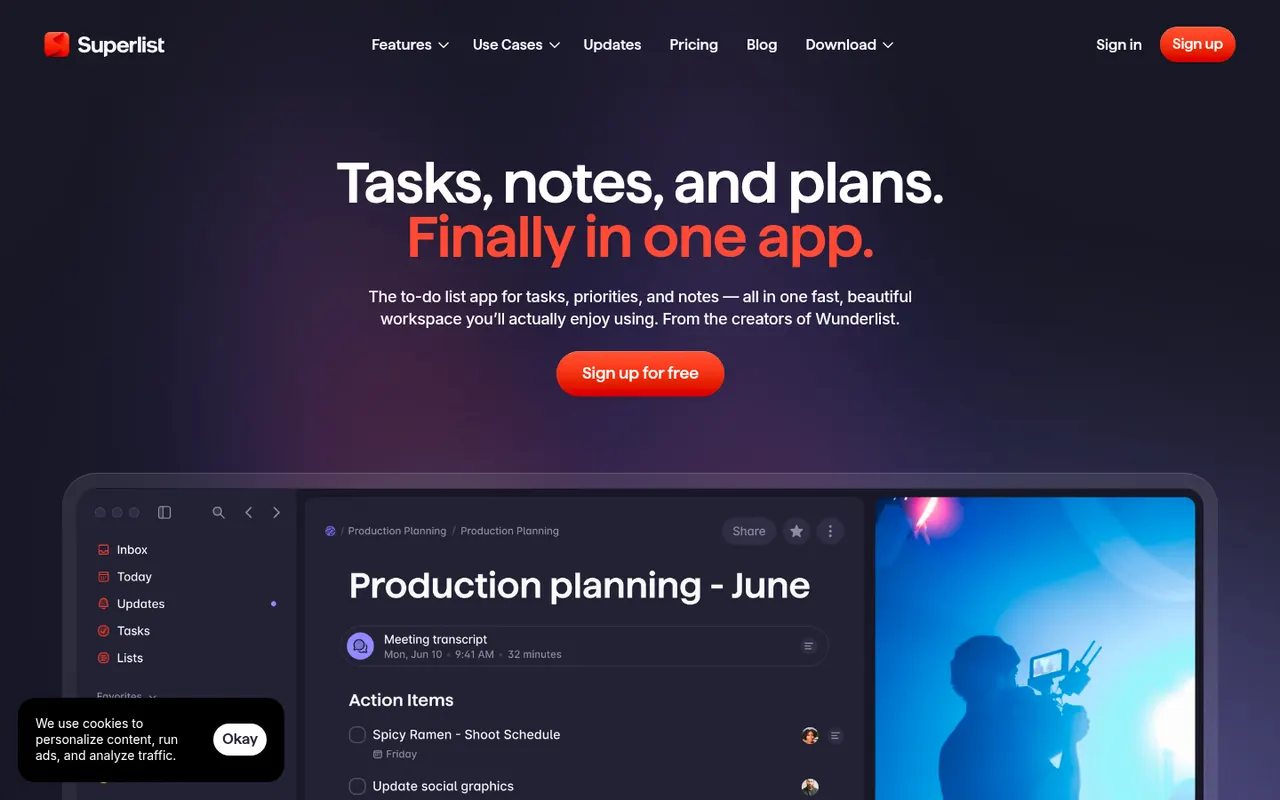
Cost / LicenseFree trialProprietaryCategoriesSuperlist is a task and notes app co-founded by Wunderlist creator Christian Reber, where each list doubles as a document mixing text, headings and checkable tasks. Lists can be shared for real-time collaboration, tasks can be pulled in from Slack and Gmail, and AI features can draft a list from a short prompt.
9 Superlist alternativesPros
- Lists double as documents mixing notes and tasks
- Real-time collaboration on shared lists
- Pulls tasks in from Slack and Gmail
Cons
- Younger app with fewer advanced features than established rivals
- Smaller integration catalog than established task managers
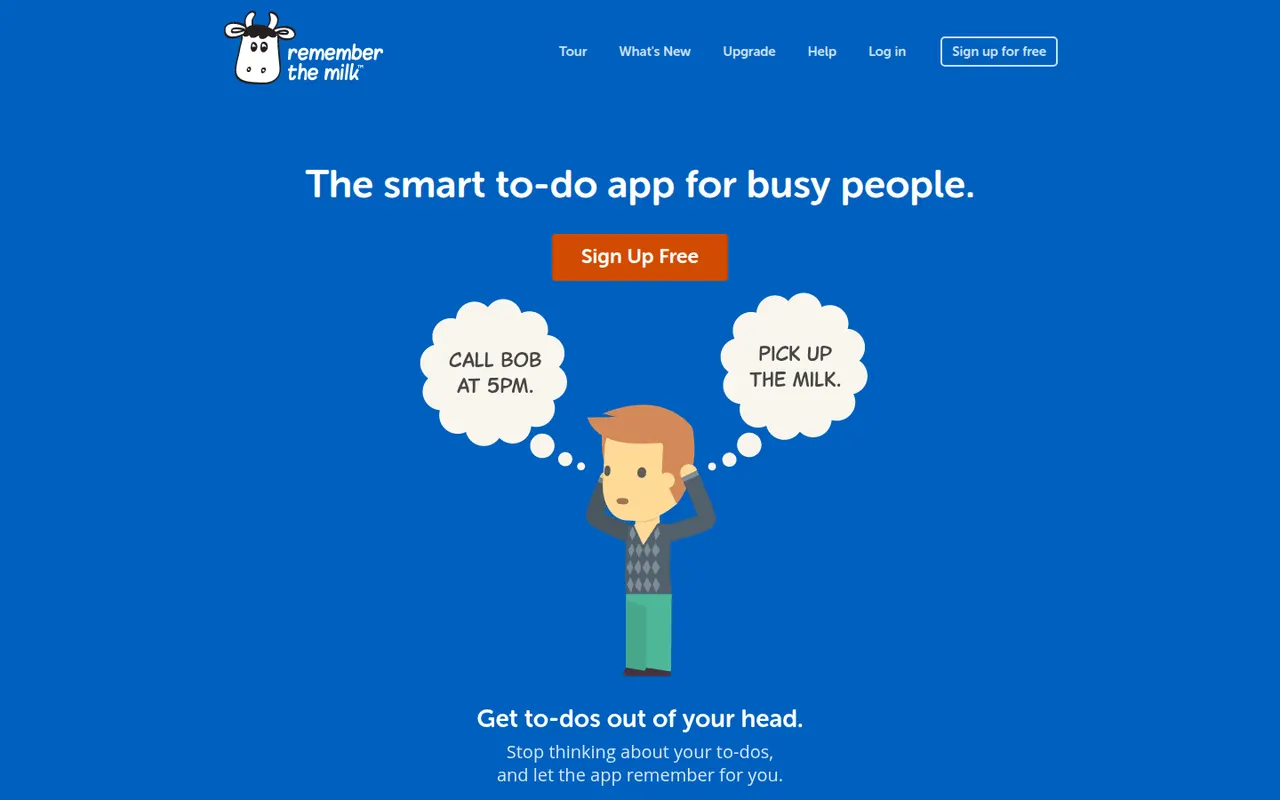
Cost / LicenseFreemiumProprietaryCategoriesRemember The Milk is an online to-do service launched in 2005 and available on the web, desktop and mobile. Smart Add understands dates, priorities, tags and lists typed in a single line, smart lists save advanced searches, and reminders can arrive by email, text message or push notification. A Pro subscription unlocks extras such as subtasks and wider sharing.
7 Remember The Milk alternativesPros
- Smart Add parses dates, tags and priorities from a single line
- Smart lists save advanced searches as dynamic views
- Reminders by email, text message or push notification
Cons
- Interface looks dated next to newer to-do apps
- Subtasks and wider sharing require the Pro plan
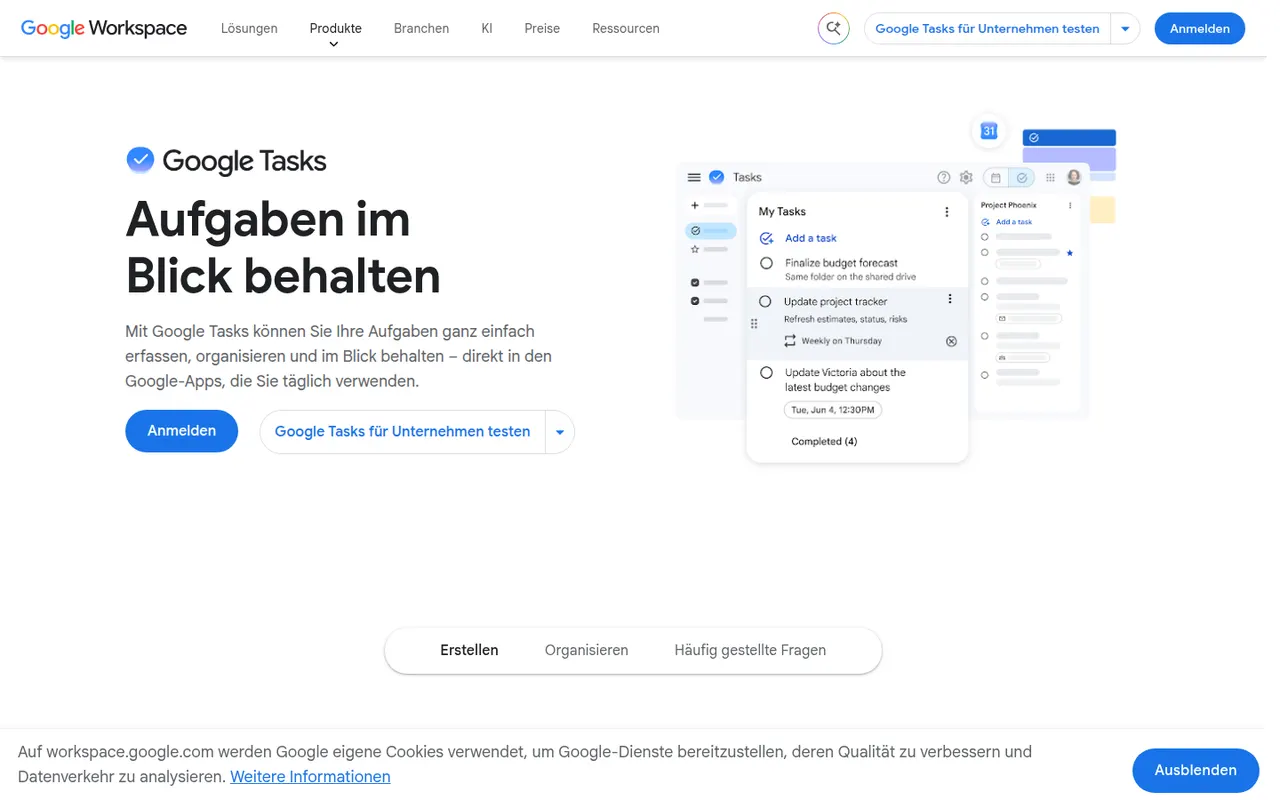
Cost / LicenseFreemiumProprietaryCategoriesGoogle Tasks is a free, minimal task manager tied to your Google account. Tasks can be created from Gmail messages, appear on their dates in Google Calendar and sync to the mobile apps, with support for subtasks, due dates and repeating tasks. It suits people who want basic lists inside Google Workspace rather than a full productivity system.
8 Google Tasks alternativesPros
- Free and built into Gmail and Google Calendar
- Turns an email into a task in a couple of clicks
- Minimal interface with practically no learning curve
Cons
- No labels, priority levels or advanced filters
- Very limited sharing and collaboration options
- No dedicated desktop app
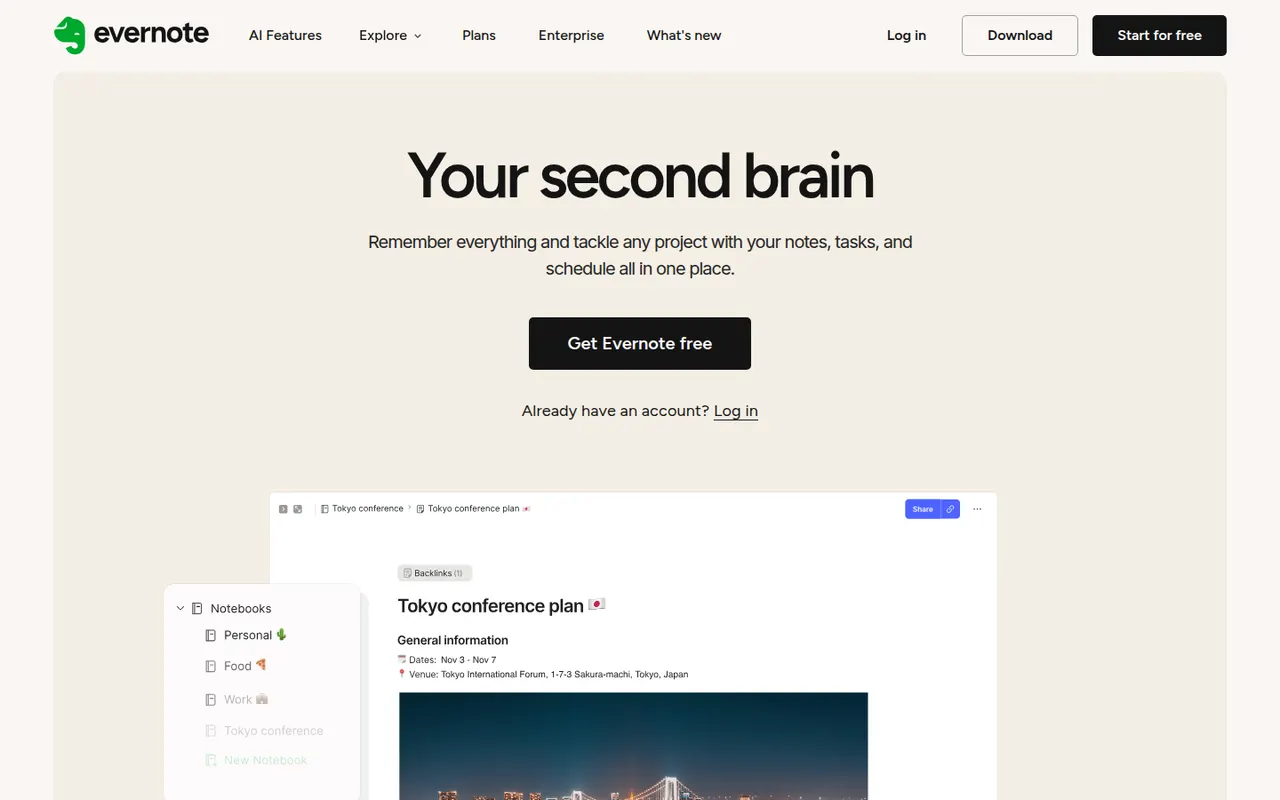
Cost / LicenseFreeProprietaryCategoriesEvernote is a long-standing note-taking app, owned by Bending Spoons since 2023, that stores notes, web clips, PDFs, scans and audio in notebooks with tags and full-text search, including text inside images. Recent versions add tasks, calendar integration and AI features, while the free plan has become very limited compared with the paid tiers.
12 Evernote alternativesPros
- Mature web clipper and full-text search, even inside images
- Stores notes, PDFs, scans and audio in one place
- Tasks and calendar integration alongside notes
Cons
- The free plan is very limited compared with paid tiers
- Paid plans are expensive compared with many note apps
- Apps can feel heavier and slower than lighter note tools
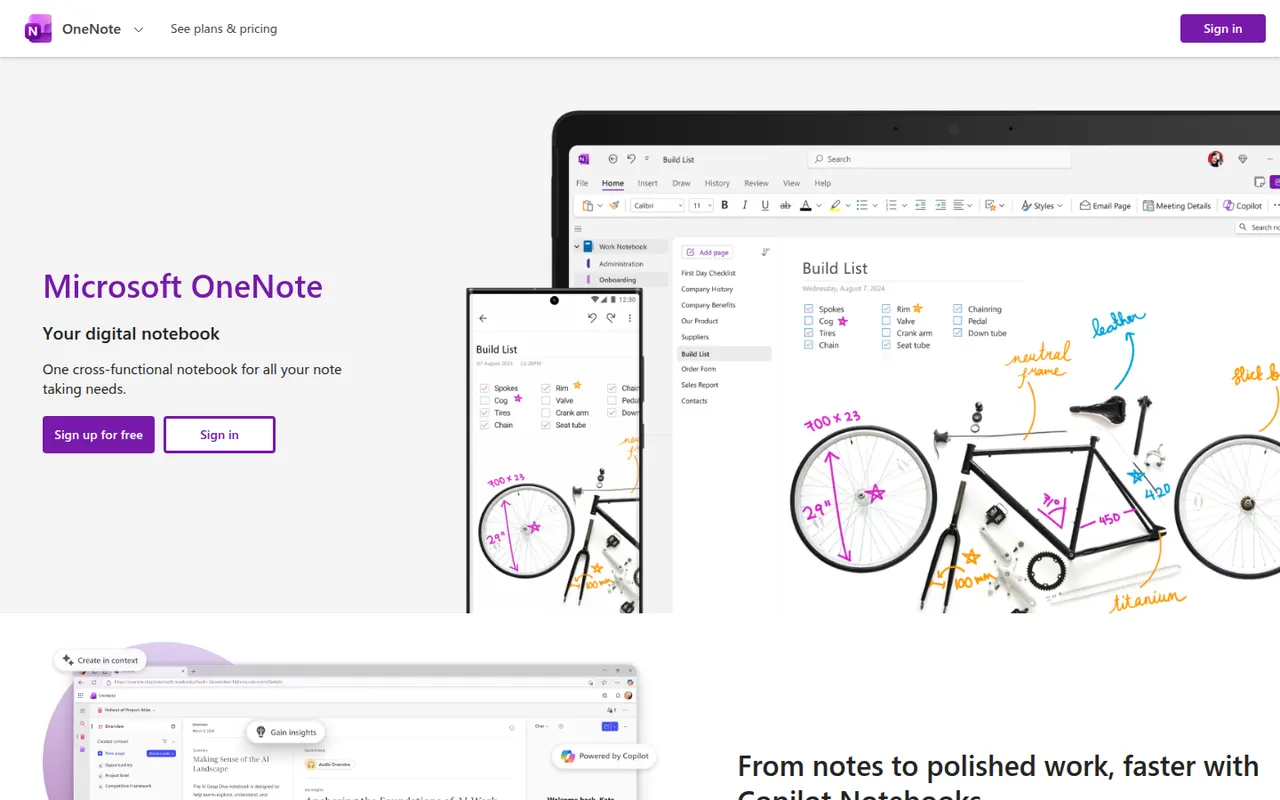
Cost / LicenseFreemiumProprietaryCategoriesMicrosoft OneNote is a free digital notebook that organizes notes into notebooks, sections and pages, where text, images, drawings and handwriting can be placed anywhere on the page. It syncs through OneDrive, supports shared notebooks for classes and teams, and works closely with Outlook, Teams and the rest of Microsoft 365.
9 Microsoft OneNote alternativesPros
- Freeform pages for text, drawings and handwriting anywhere
- Free, with OneDrive sync on all major platforms
- Works closely with Outlook, Teams and Microsoft 365
Cons
- The freeform layout gets messy and is hard to export
- Sync can lag or conflict with large notebooks
- No native app for Linux desktops
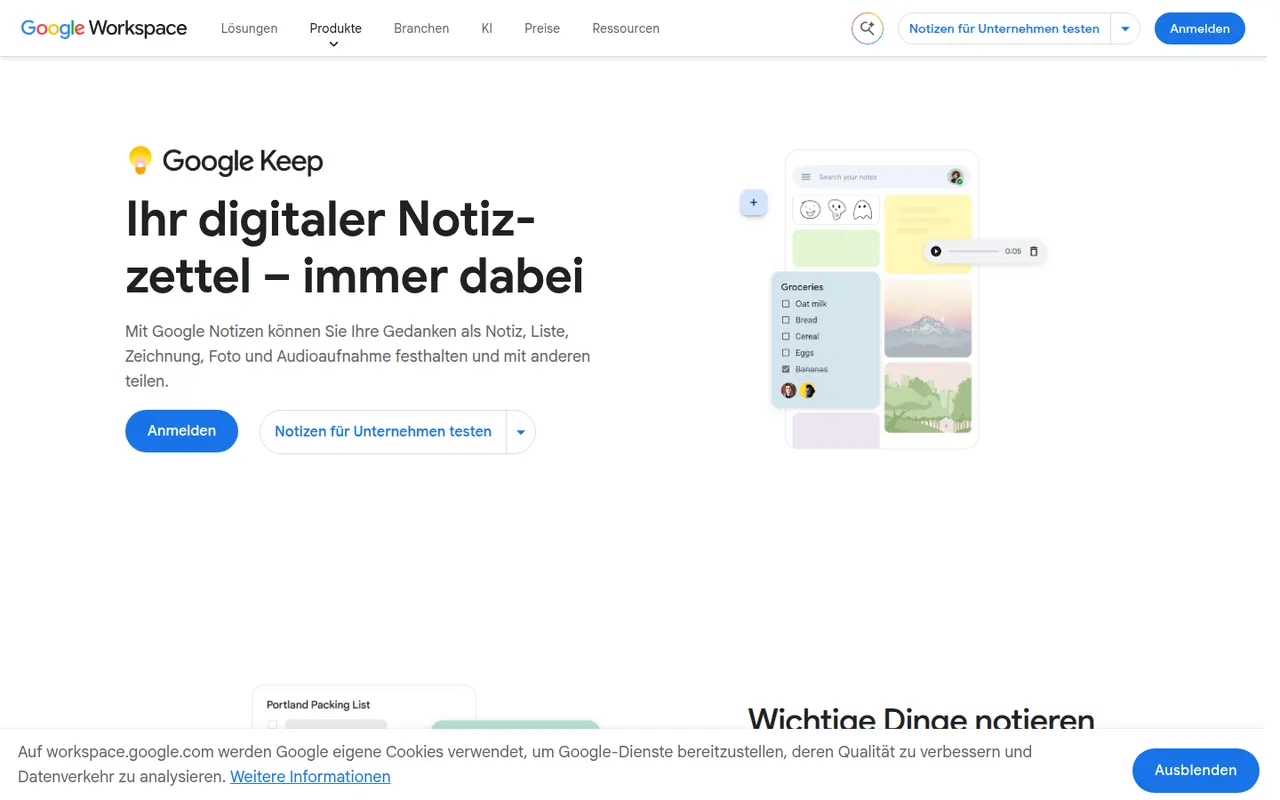
Cost / LicenseFreeProprietaryCategoriesGoogle Keep is a free note app for quick thoughts, checklists, voice memos and photos, shown as colorful cards that can be pinned, labeled and shared. Reminders can be tied to a time or a place, text can be extracted from images, and notes are available from Gmail, Google Docs and Android devices.
8 Google Keep alternativesPros
- Fast capture of notes, checklists, voice memos and photos
- Reminders tied to a time or a place
- Integrated with Gmail, Google Docs and Android
Cons
- No desktop app outside the browser
- Limited formatting makes it a poor fit for long documents
- Organization relies on labels only, with no folders or nesting
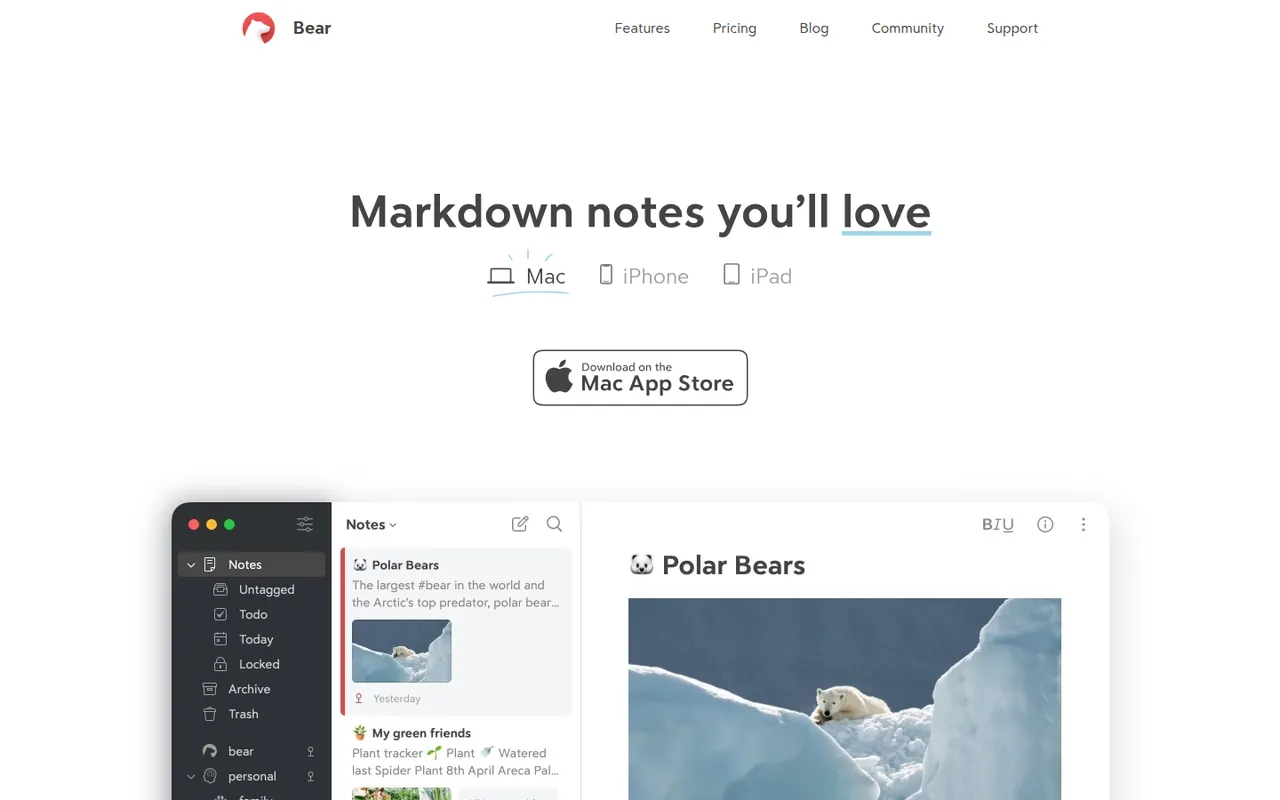
Cost / LicenseFreeProprietaryPlatformsBear is a writing and note-taking app for Mac, iPhone and iPad from Shiny Frog, built on Markdown with nested tags, links between notes and a choice of themes. The app is free to use on a single device, while Bear Pro adds iCloud sync across devices, OCR search in images and PDFs, and more export formats.
12 Bear alternativesPros
- Elegant Markdown editor with a choice of themes
- Nested tags and note links keep things organized without folders
- Native, fast apps designed for Mac, iPhone and iPad
Cons
- Apple only, with no Windows, Android or web version
- Sync across devices requires the Pro subscription
- No shared notes or real-time collaboration
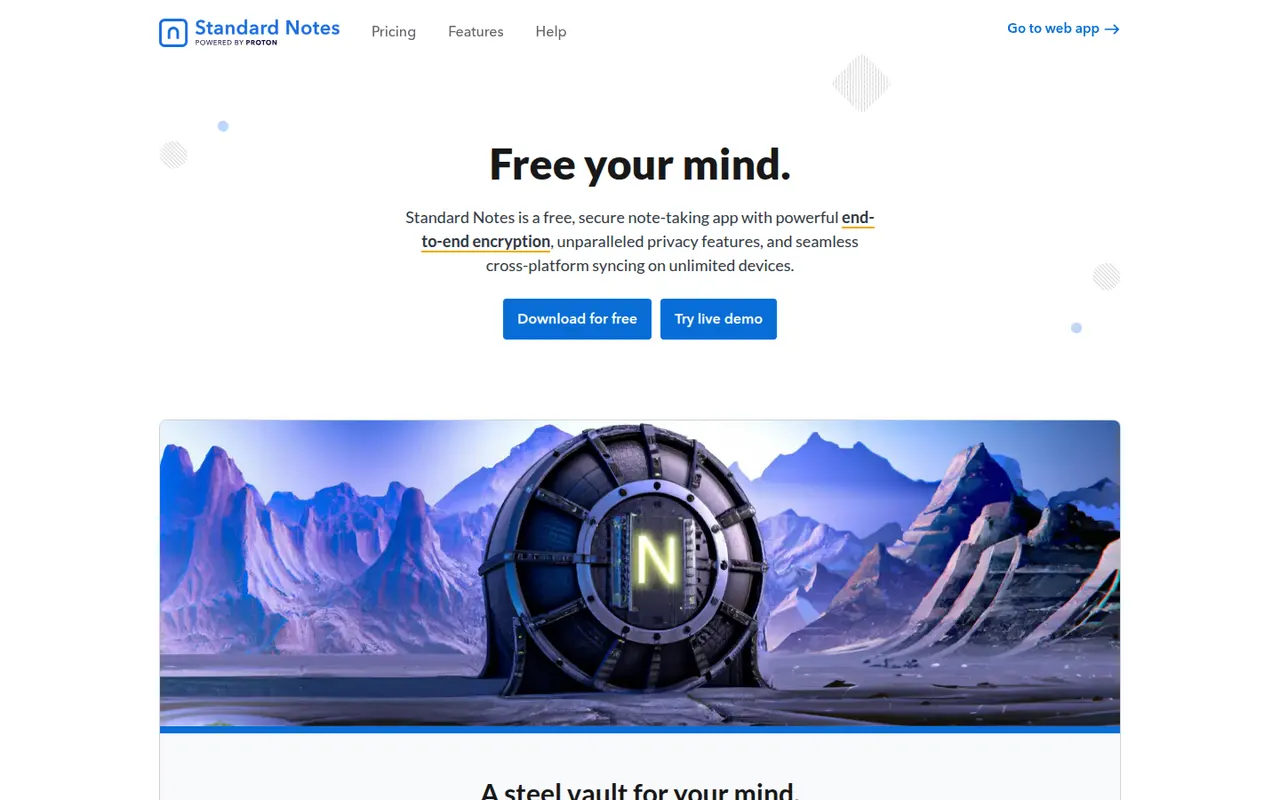
Cost / LicenseFreemiumProprietaryCategoriesStandard Notes is an open source note-taking app focused on privacy, with end-to-end encryption for every note and file and apps on all major platforms. Notes work offline and sync across devices, and paid plans add rich editors, file storage and longer revision history. The company became part of Proton in 2024, and the sync server can be self-hosted.
9 Standard Notes alternativesPros
- End-to-end encryption for every note and file
- Open source apps on all major platforms
- The sync server can be self-hosted
Cons
- Rich editors, file storage and longer history need a paid plan
- Collaboration features are minimal compared with mainstream apps
Cost / LicenseFreemiumOpen sourceCategoriesSimplenote is a free note app from Automattic, the company behind WordPress.com, that sticks to plain text with optional Markdown, tags and quick search. Notes sync instantly across web, desktop and mobile apps, every change is kept in version history, and notes can be shared with collaborators or published as a web page. The apps are open source.
8 Simplenote alternativesPros
- Free, ad-free and fast plain-text notes
- Instant sync across web, desktop and mobile
- Version history keeps every change to a note
Cons
- No images, attachments or rich formatting
- Organization is limited to tags and search
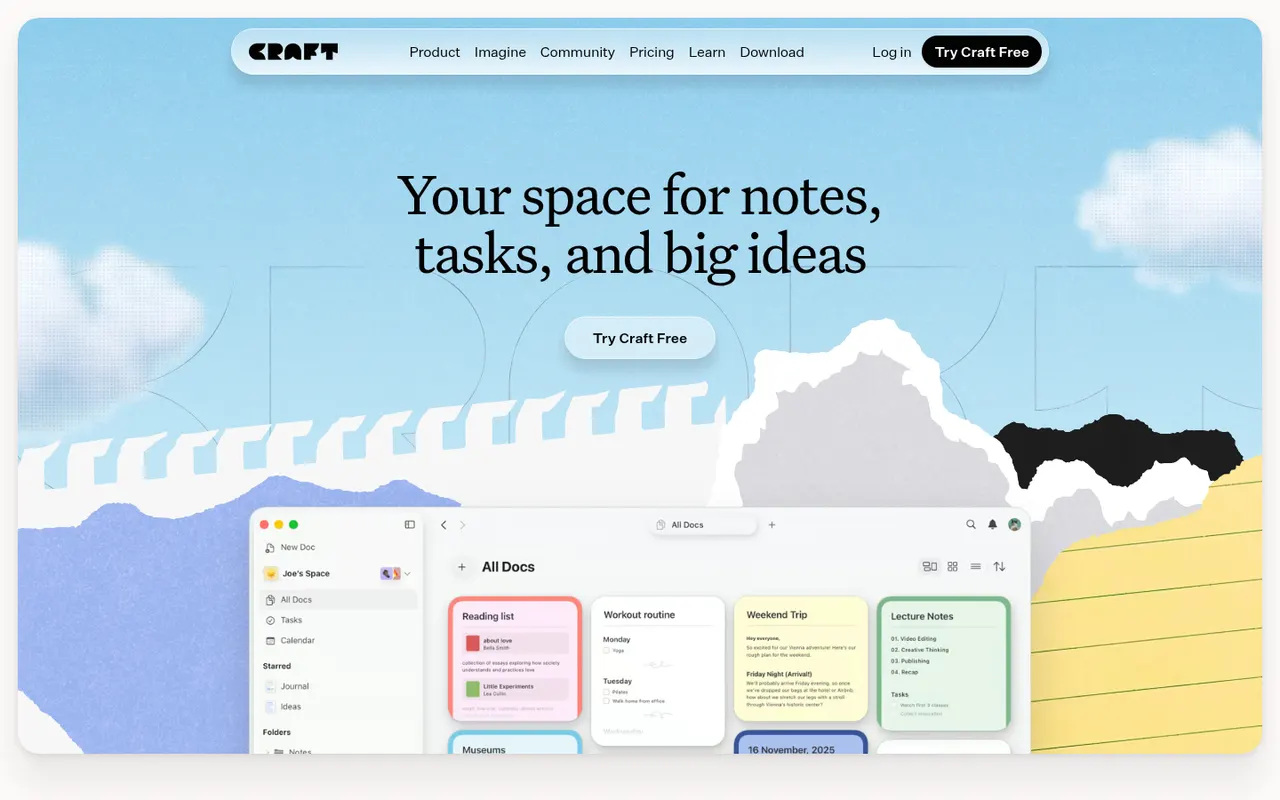
Cost / LicenseFreeOpen sourceCategoriesCraft is a document and note-taking app with a native, polished design on Mac, iPhone and iPad, also available on Windows and the web. Notes are built from blocks and nested pages with backlinks, can be shared as public web pages or edited together in real time, and include AI writing help, tasks and daily notes.
12 Craft alternativesPros
- Polished native design on Mac, iPhone and iPad
- Block-based pages can be shared as public web pages
- Real-time collaboration plus built-in AI writing help
Cons
- The experience is best on Apple devices, other platforms feel secondary
- Advanced features and AI usage are reserved for paid plans
- Less suited to large databases than Notion-style tools
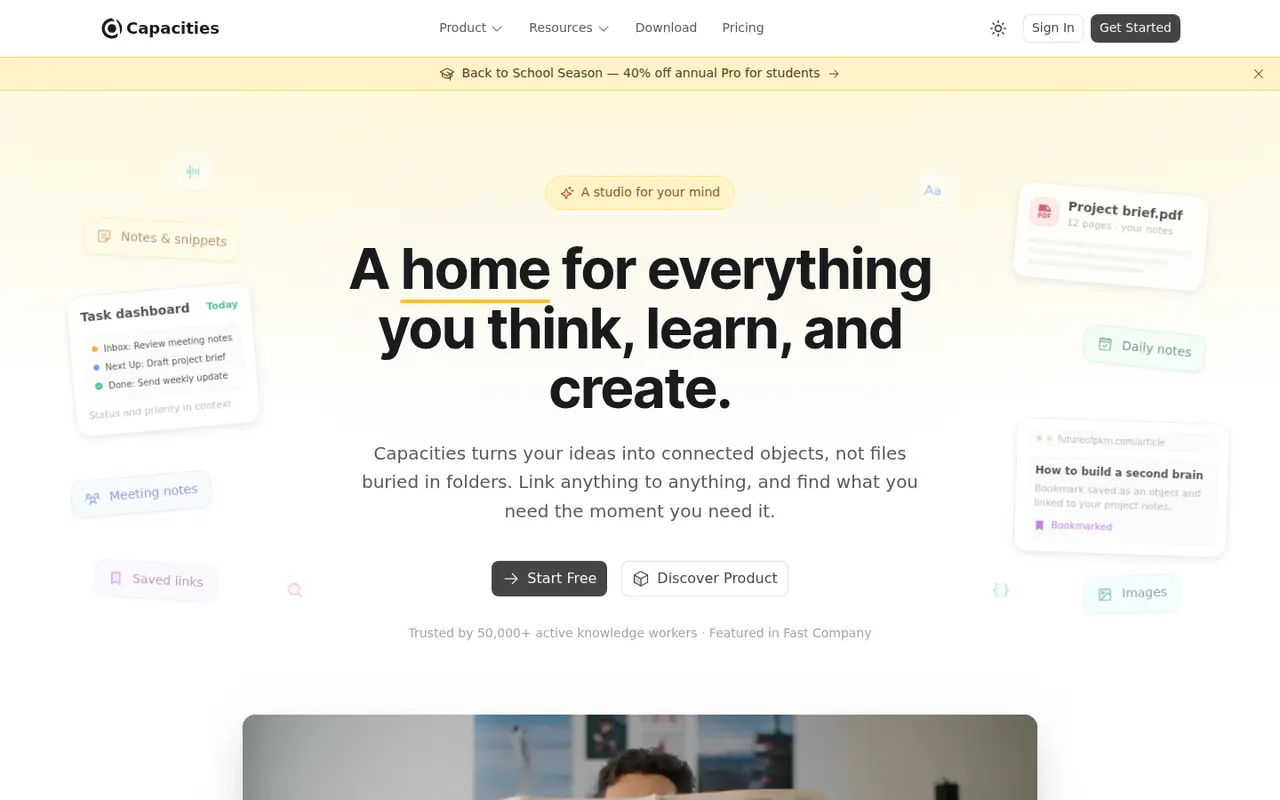
Cost / LicenseFreemiumProprietaryCapacities is a note-taking app that organizes knowledge as objects such as people, books, meetings and ideas, each with its own properties and templates, instead of folders. Objects link to each other through backlinks and a graph, daily notes collect everyday thoughts, and the Pro plan adds an AI assistant. It is developed by a small team in Germany.
8 Capacities alternativesPros
- Object types like people, books and meetings give notes structure
- Backlinks, graph view and daily notes connect ideas
- Available on web, desktop and mobile with sync
Cons
- The object-based approach takes time to get used to
- The AI assistant and some features need the Pro plan
- Cloud-based storage gives less control than local-first apps
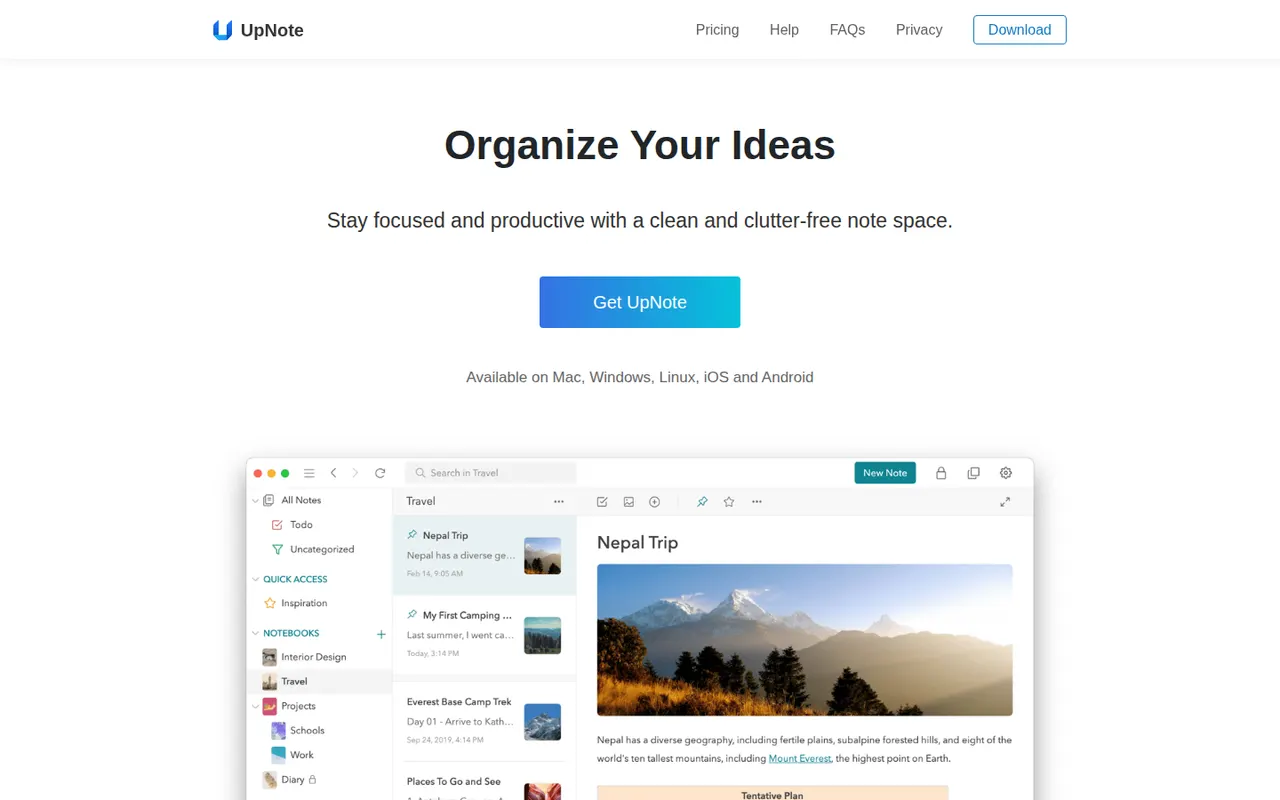
Cost / LicenseFreemiumProprietaryCategoriesUpNote is a note-taking app with a clean editor, notebooks, tags and links between notes, available on the web, Windows, Mac, Linux, iOS and Android. Notes are stored locally for offline use and synced across devices, with a web clipper and Markdown shortcuts. The free version is capped at a small number of notes, and Premium can be bought once or as a subscription.
11 UpNote alternativesPros
- Clean editor with notebooks, tags and links between notes
- Apps on every platform, including Linux and the web
- Premium is available as a one-time purchase
Cons
- The free version is capped at a small number of notes
- No shared notebooks or real-time collaboration
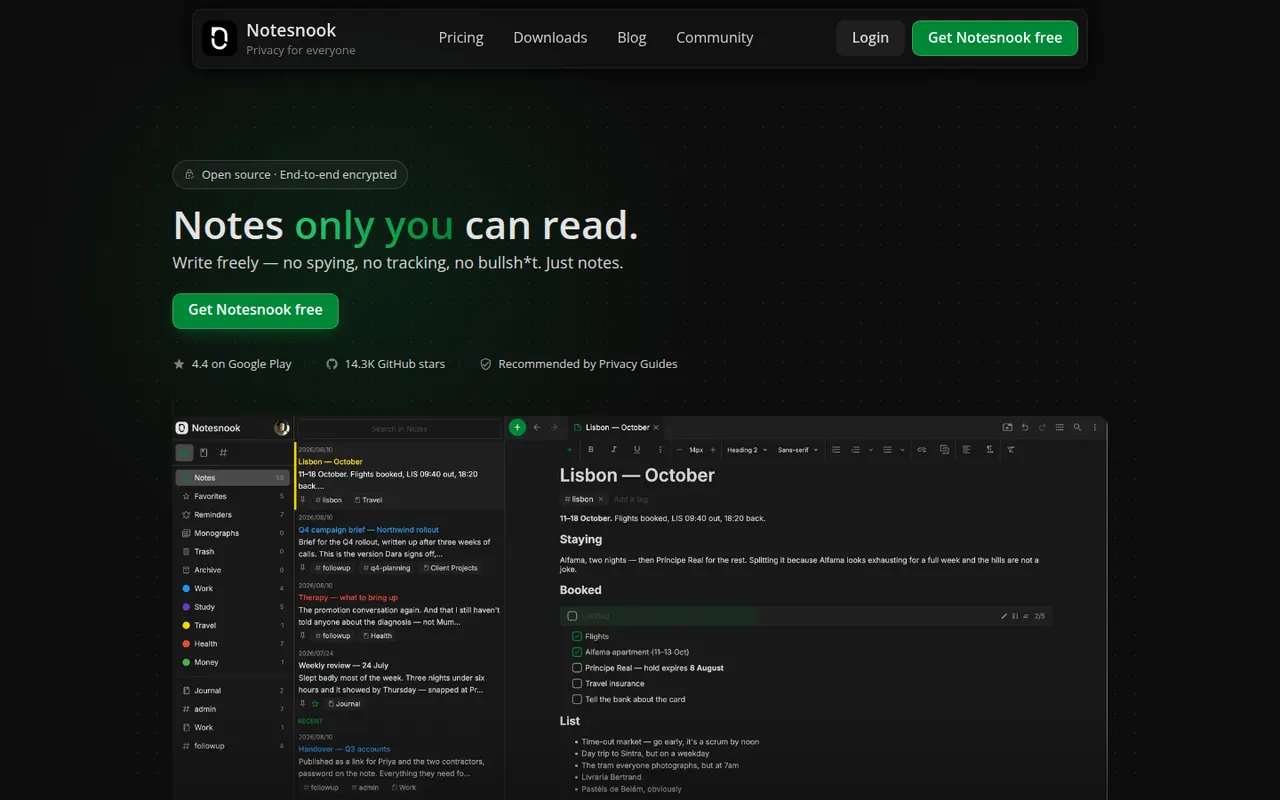
Cost / LicenseFreemiumProprietaryCategoriesNotesnook is an open source note-taking app that encrypts every note end to end on your device before syncing it. It offers notebooks, tags, rich text with Markdown shortcuts, an app lock, a private vault and a web clipper, on the web, desktop and mobile. A free plan is available, and the sync server can also be self-hosted.
9 Notesnook alternativesPros
- Every note is end-to-end encrypted on your device before syncing
- Open source apps on web, desktop and mobile
- The sync server can be self-hosted
Cons
- Fewer integrations and plugins than mainstream note apps
- Some features are limited on the free plan
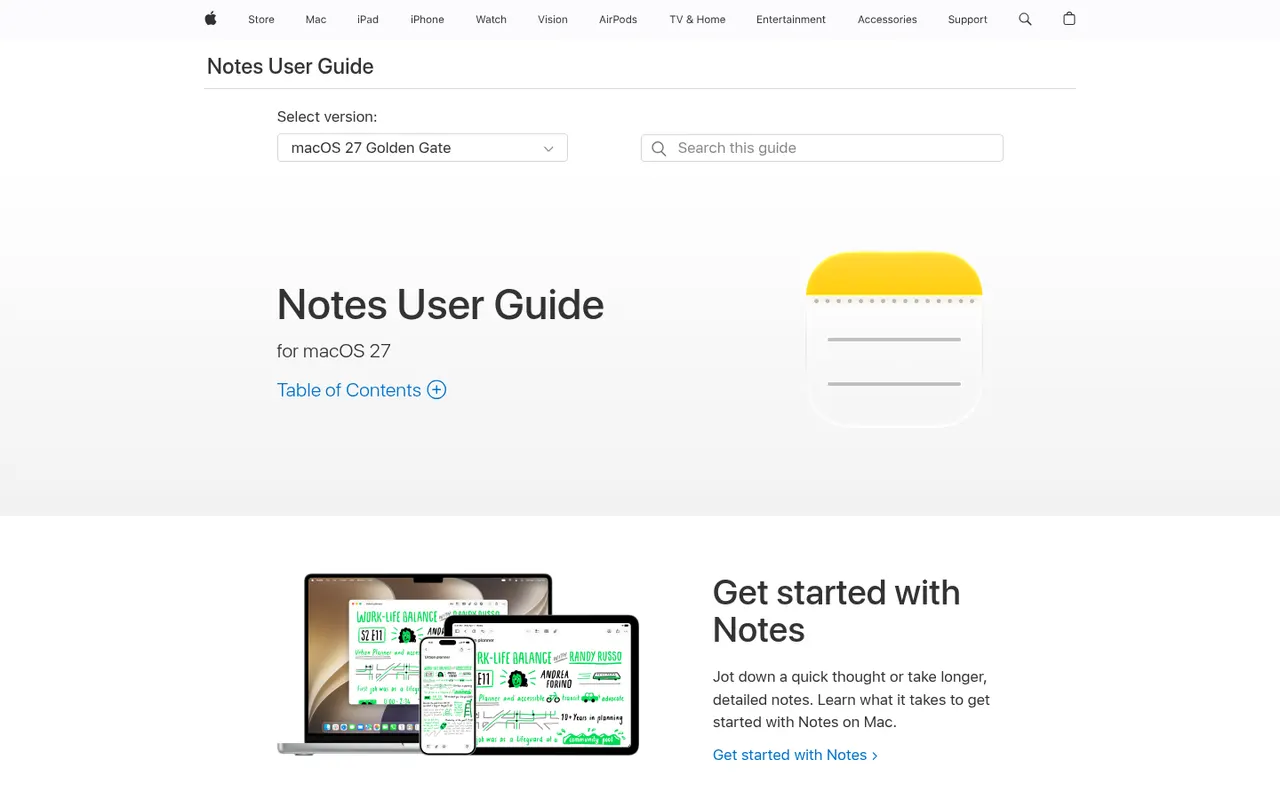
Cost / LicenseFreemiumOpen sourceCategoriesApple Notes is the free notes app included with iPhone, iPad and Mac, synced through iCloud and also reachable on the web at iCloud.com. It handles checklists, tables, Apple Pencil sketches, document scanning and searchable text in images, plus shared notes and folders, tags, smart folders and locked notes.
9 Apple Notes alternativesPros
- Free and built into every iPhone, iPad and Mac
- Document scanning, Pencil sketches and text search inside images
- Shared notes and folders with real-time collaboration
Cons
- No native apps for Windows or Android, only iCloud.com
- Fewer organization options than dedicated knowledge tools
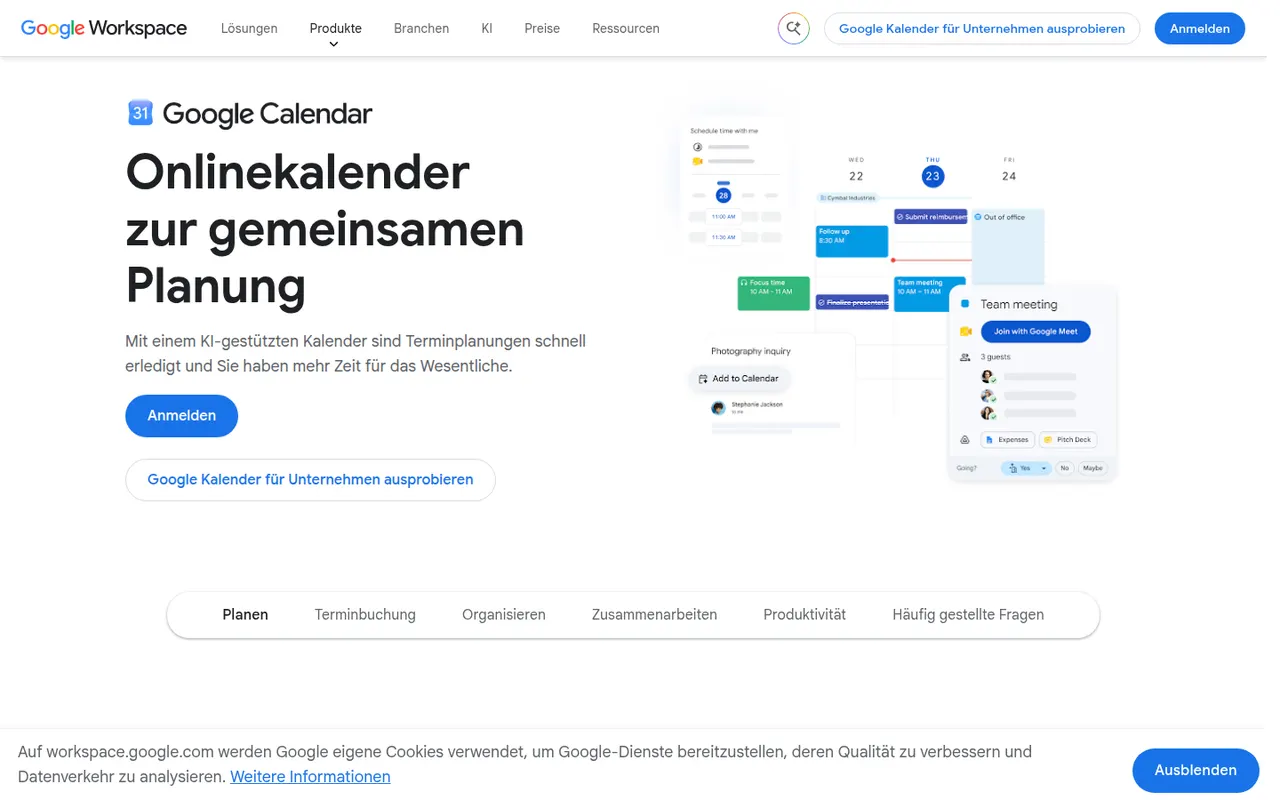
Cost / LicenseFreeProprietaryCategoriesGoogle Calendar is a free calendar service tied to your Google account, with shared calendars, event invitations, events detected from Gmail and Google Meet links added to meetings. Appointment schedules provide simple booking pages, and Google Workspace accounts add features such as focus time, working locations and room booking.
12 Google Calendar alternativesPros
- Free and tightly integrated with Gmail and Google Meet
- Calendar sharing and event invitations are easy to manage
- Appointment schedules provide simple booking pages
Cons
- Advanced appointment schedule options require a paid Workspace plan
- No official desktop app, only web and mobile
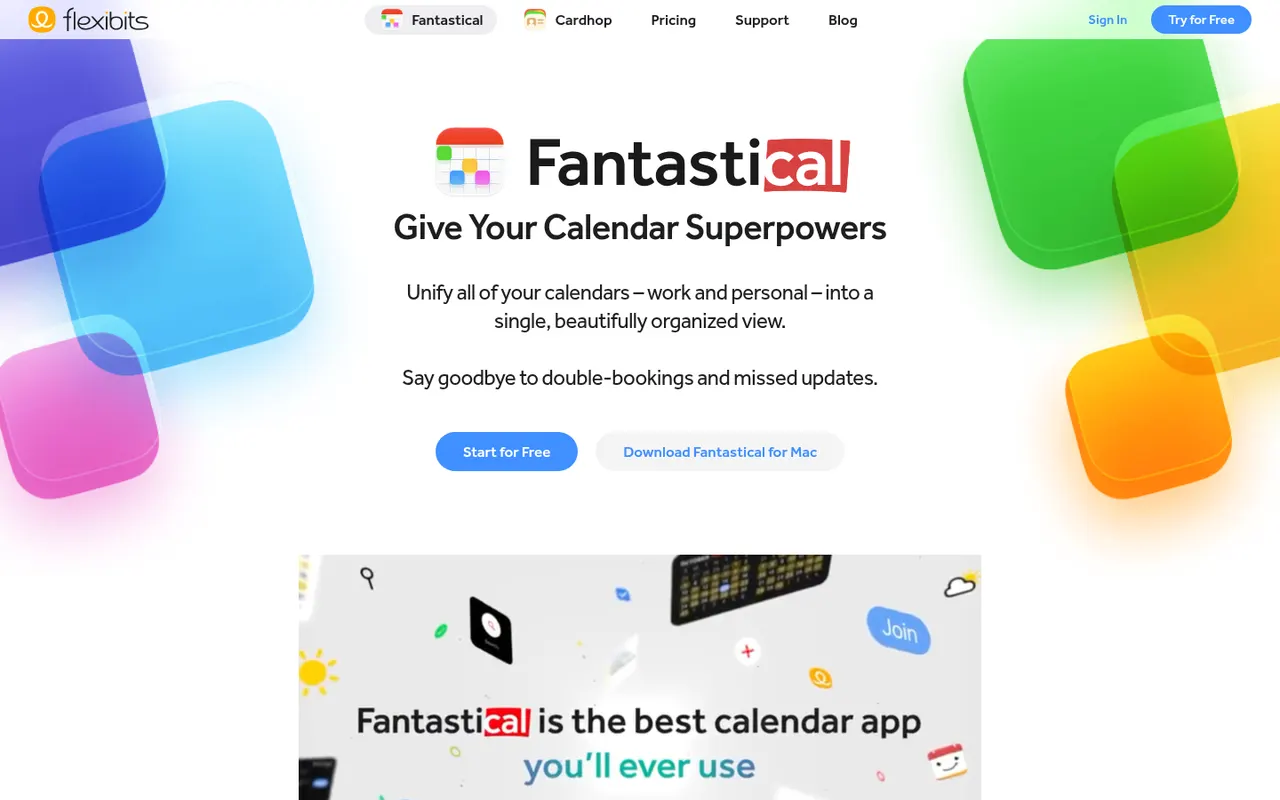
Cost / LicenseFreeProprietaryCategoriesFantastical is a calendar app from Flexibits, first built for Apple devices and now also available on Windows, that creates events and reminders from plain sentences such as lunch with Sam Friday at noon. It combines Google, iCloud and Exchange calendars, adds calendar sets, weather and meeting proposals, and a Premium subscription unlocks Openings booking pages.
8 Fantastical alternativesPros
- Natural language input turns plain sentences into events
- Combines Google, iCloud and Exchange calendars in one view
- Calendar sets switch between work and personal contexts
Cons
- Many features require a Premium subscription
- No Android app, unlike most rival calendar apps
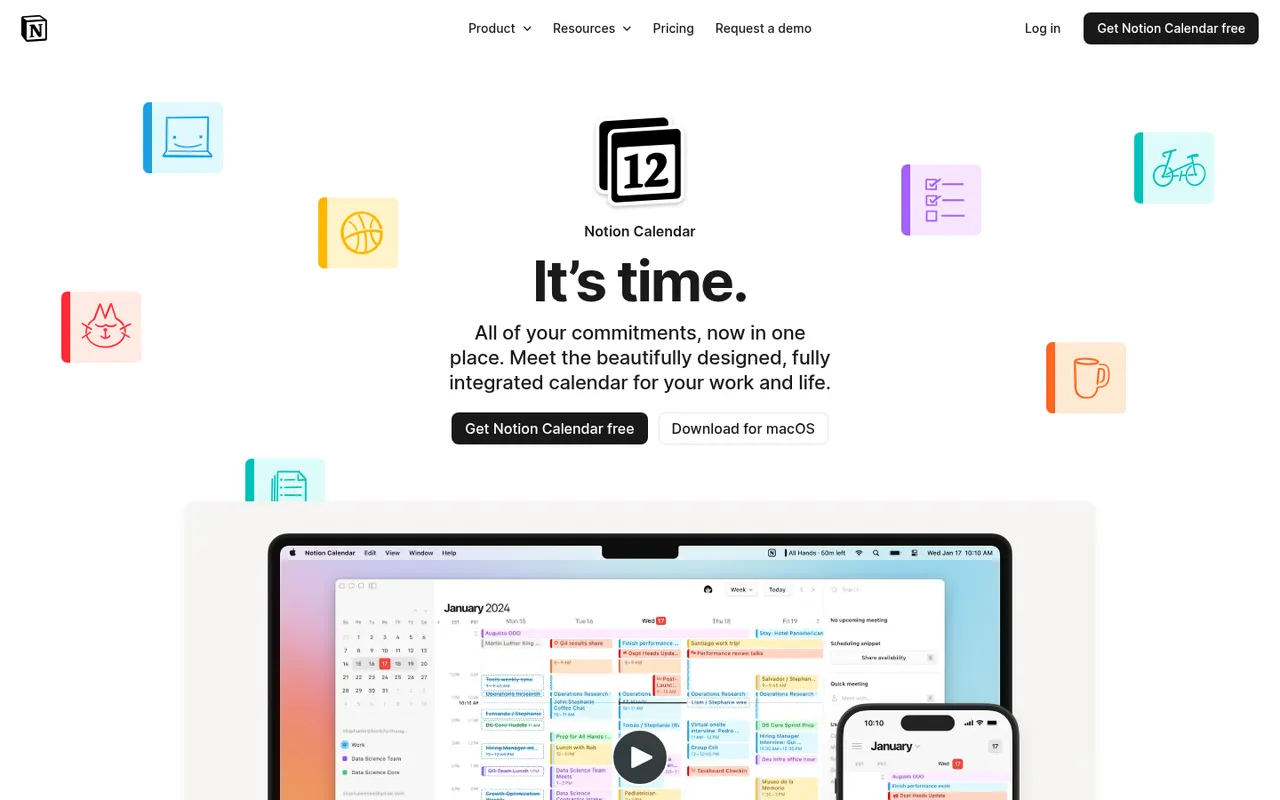
Cost / LicenseFreemiumProprietaryCategoriesNotion Calendar, formerly Cron, is a free calendar for desktop, web and iPhone that works on top of Google Calendar accounts and connects to Notion databases, so pages with dates appear next to meetings. It is designed for keyboard-heavy users, with many shortcuts, a menu bar for joining calls, multiple time zones and availability sharing.
8 Notion Calendar alternativesPros
- Free, fast and designed for keyboard use
- Shows dated Notion database pages next to meetings
- Handles multiple time zones and availability sharing well
Cons
- Built on Google Calendar accounts, a poor fit for Outlook or iCloud users
- Few planning features beyond the link with Notion
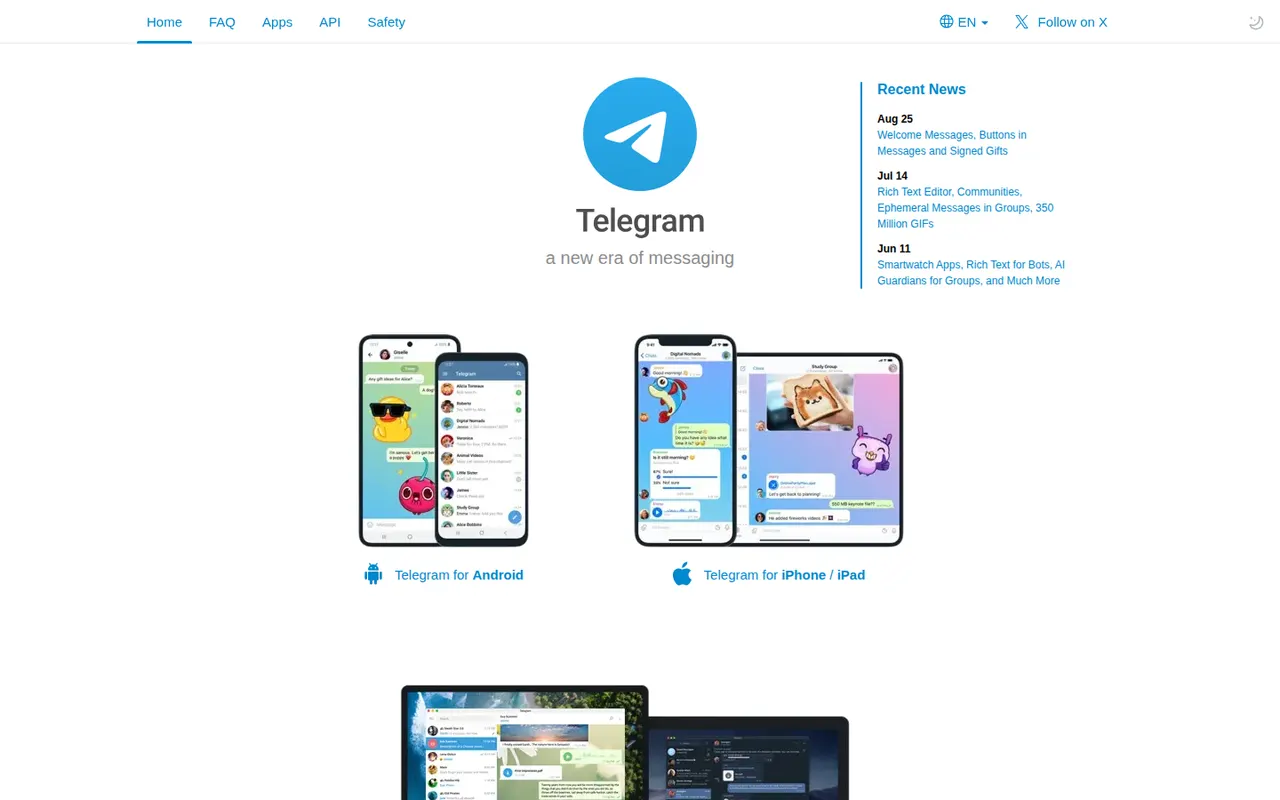
Cost / LicenseFreeProprietaryCategoriesTelegram is a cloud-based messaging app that syncs chats across phones, desktops and the web, with very large groups, broadcast channels and an extensive bot platform. Its client apps are open source, but the server is not, and only the optional Secret Chats are end-to-end encrypted. Telegram Premium adds extras such as bigger uploads and faster downloads.
10 Telegram alternativesPros
- Cloud sync across phone, desktop and web
- Huge groups, broadcast channels and a powerful bot platform
- Open source clients that are fast and polished
Cons
- Regular chats are not end-to-end encrypted, only Secret Chats are
- Secret Chats do not sync across devices and are unavailable in groups
- Server code is closed, unlike the client apps
Cost / LicenseFreemiumOpen sourceCategoriesAdobe Lightroom is a non-destructive photo editor and organizer for processing RAW files, adjusting color and light, and managing large libraries with ratings, keywords and AI-based search. The cloud-based Lightroom syncs edits across desktop, web and mobile, while Lightroom Classic keeps catalogs on the local disk. Presets, masking and AI removal tools serve both enthusiasts and professionals.
9 Adobe Lightroom alternativesPros
- Non-destructive RAW editing with powerful masking
- Library tools with ratings, keywords and AI search
- The cloud version syncs edits across desktop, web and mobile
Cons
- Subscription only, with no perpetual license
- Choosing between Lightroom and Lightroom Classic can be confusing
- Cloud storage adds to the cost for large libraries
Cost / LicenseFreemiumProprietaryCategoriesMicrosoft 365 bundles Word, Excel, PowerPoint, Outlook, OneDrive and Teams in a single subscription for individuals, families and businesses. Files sync across Windows, Mac, mobile and the browser, with co-authoring and Copilot AI features in eligible plans. Free web versions of the core apps are available with a Microsoft account.
9 Microsoft 365 alternativesPros
- Industry-standard Word, Excel and PowerPoint with their full features
- Co-authoring and OneDrive sync across all devices
- Free web versions of the core apps
Cons
- Full desktop apps require an ongoing subscription
- Copilot features are limited to eligible plans
- The sheer number of features can overwhelm simple needs
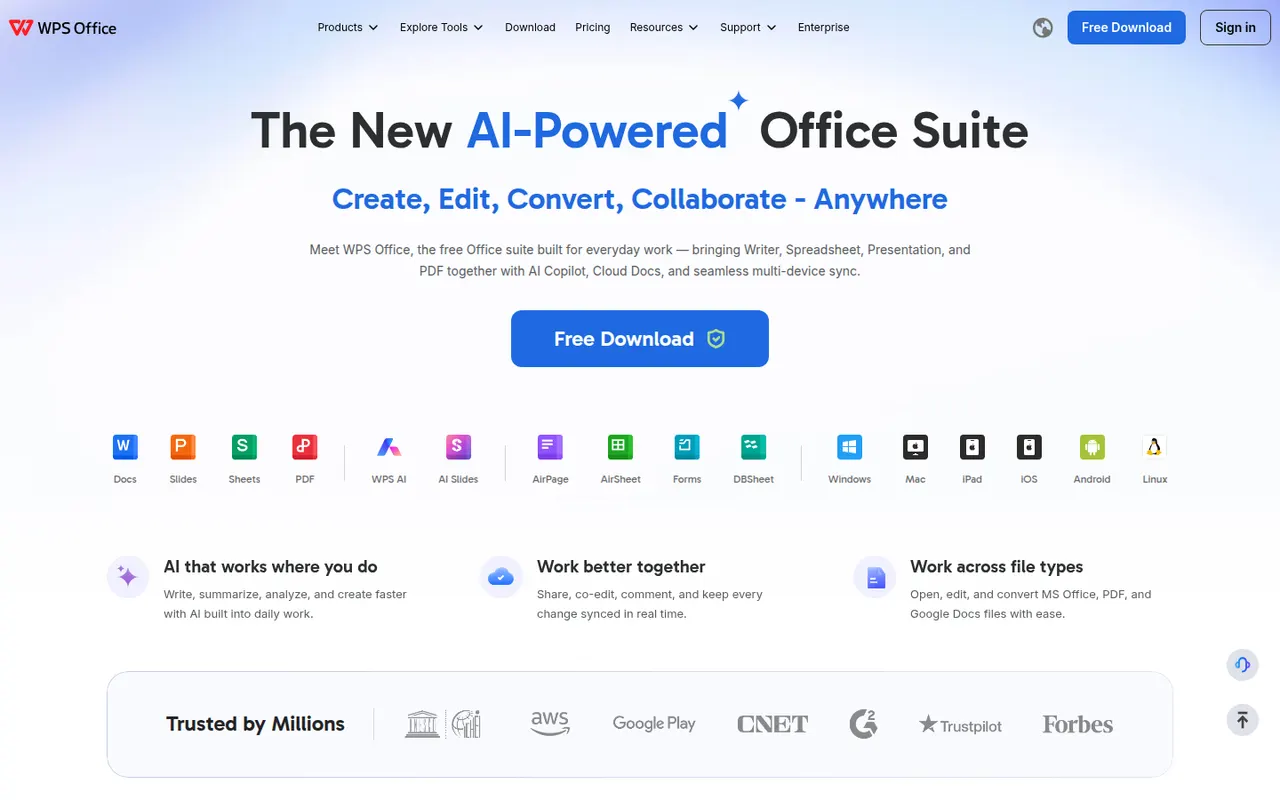
Cost / LicenseFreemiumProprietaryWPS Office is an office suite developed by Kingsoft that combines a word processor, spreadsheet, presentation app and PDF tools in one interface with document tabs. It is compatible with Microsoft Office formats and available on desktop and mobile. The free version shows ads, while a paid subscription removes them and unlocks extra PDF features, cloud storage and WPS AI.
12 WPS Office alternativesPros
- Tabbed interface for documents, sheets, slides and PDF tools
- Good compatibility with Microsoft Office formats
- Free on desktop and mobile, including Linux
Cons
- The free version shows ads
- Extra PDF tools and WPS AI require a subscription
Cost / LicenseFreemiumProprietaryiWork is Apple's productivity suite made of Pages for documents, Numbers for spreadsheets and Keynote for presentations. The apps are free on Mac, iPhone and iPad, sync through iCloud and can be used in a browser on iCloud.com, including from Windows PCs. They focus on designed templates, support real-time collaboration and can import and export Microsoft Office files.
7 Apple iWork alternativesPros
- Free Pages, Numbers and Keynote with polished templates
- Keynote makes well-designed presentations easy to build
- Usable on iCloud.com, including from Windows PCs
Cons
- Office conversion can break complex layouts and formulas
- Numbers lacks the advanced spreadsheet features of Excel
- No native apps for Windows or Android
Cost / LicenseFreeProprietaryCategories