Apps with Offline mode
57 apps
Top Offline mode apps ranked by the community
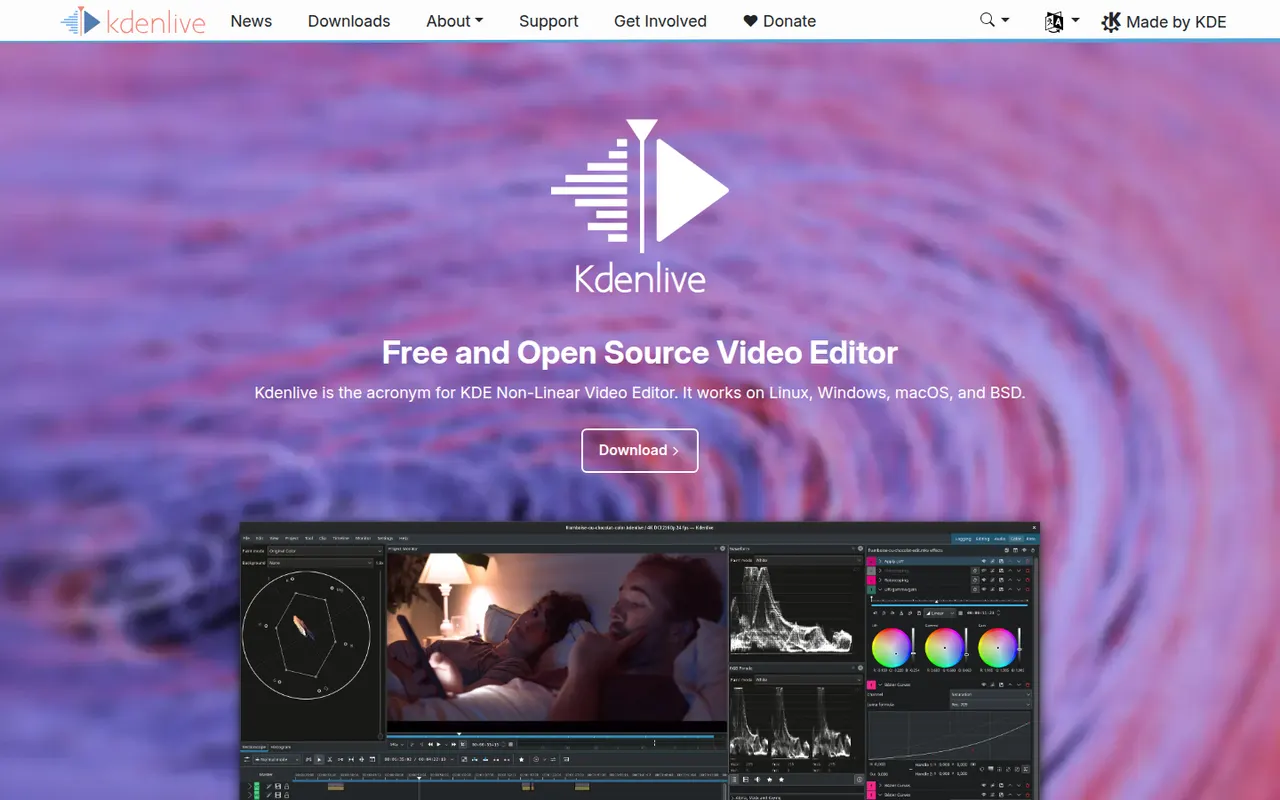
Kdenlive is a multi-track video editor developed by the KDE community, with effects, transitions, proxy editing and automatic subtitles.
11 Kdenlive alternativesPros
- Free and open source, with no watermarks or paywalls
- Multi-track editing with proxy clips for smoother playback
- Runs on Windows, macOS and Linux
Cons
- Can crash or behave unpredictably on complex projects
- Interface takes time for beginners to learn
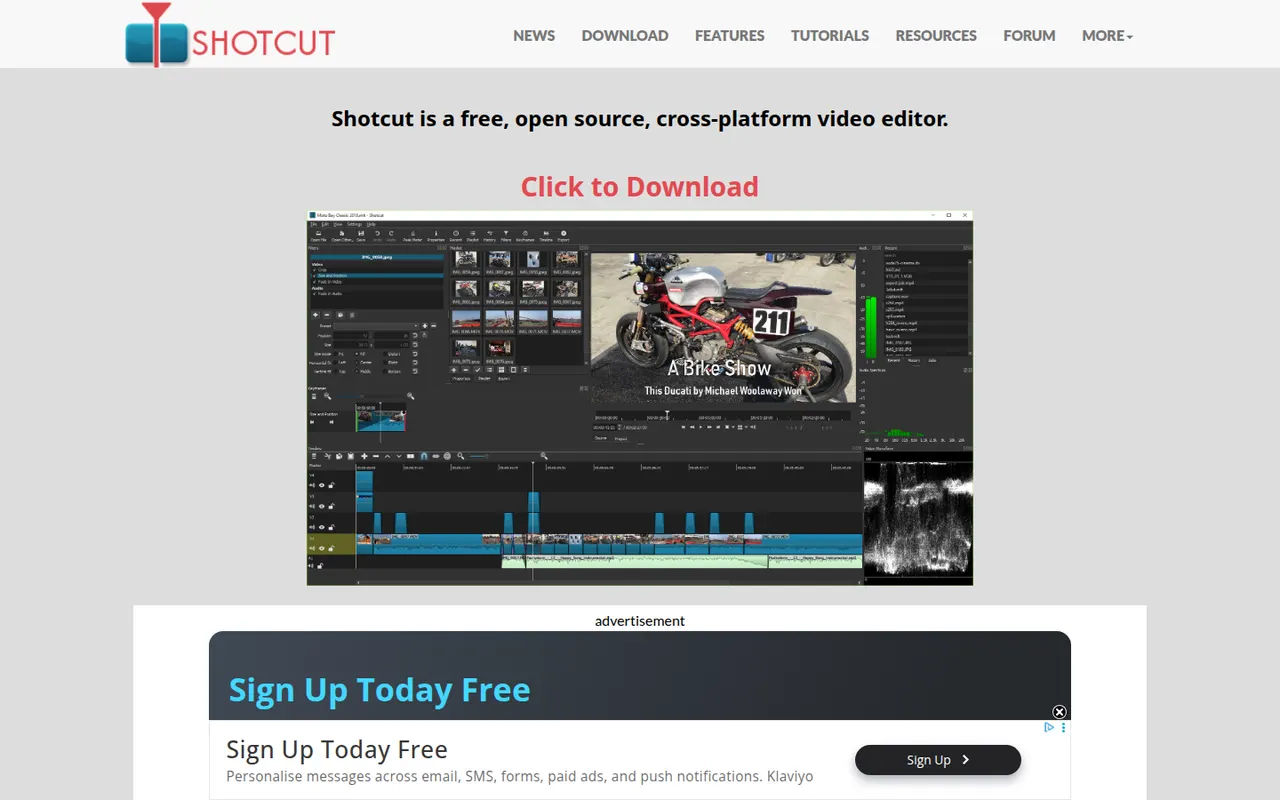
Cost / LicenseFreeOpen sourceCategoriesFeaturesShotcut is a cross-platform video editor with native timeline editing, wide format support and no import step, built on the MLT framework.
12 Shotcut alternativesPros
- Free and open source, with no watermarks or upsells
- Wide format support and native timeline editing with no import step
- Runs on Windows, macOS and Linux
Cons
- Interface feels less intuitive than consumer editors
- Fewer templates and effects than commercial tools
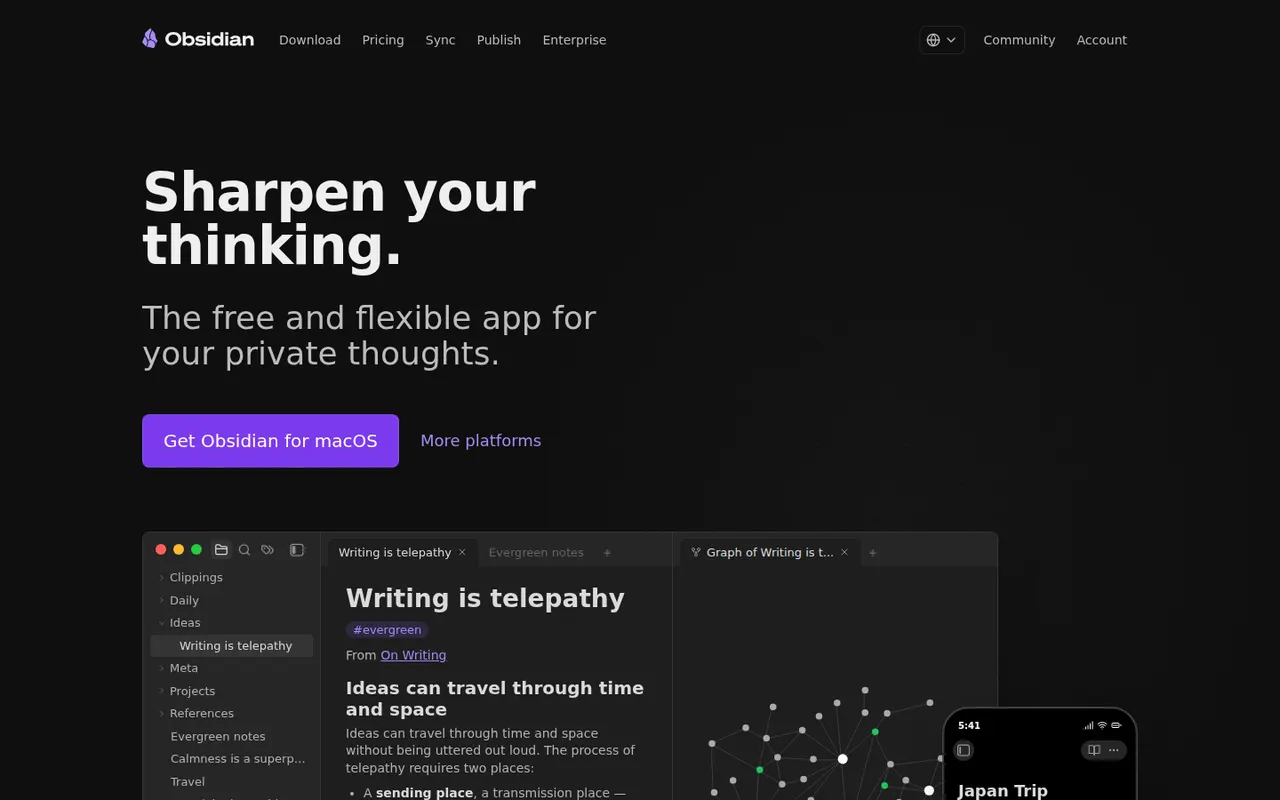
Cost / LicenseFreeOpen sourceCategoriesFeaturesObsidian stores notes as plain Markdown files on your device, links them into a knowledge graph and extends with a large plugin ecosystem.
17 Obsidian alternativesPros
- Notes are plain Markdown files stored on your device
- Large ecosystem of community plugins and themes
- Graph view and backlinks for connected notes
Cons
- Official sync and publishing are paid add-ons
- Plugin-heavy setups take time to configure and maintain
- No real-time collaboration on notes
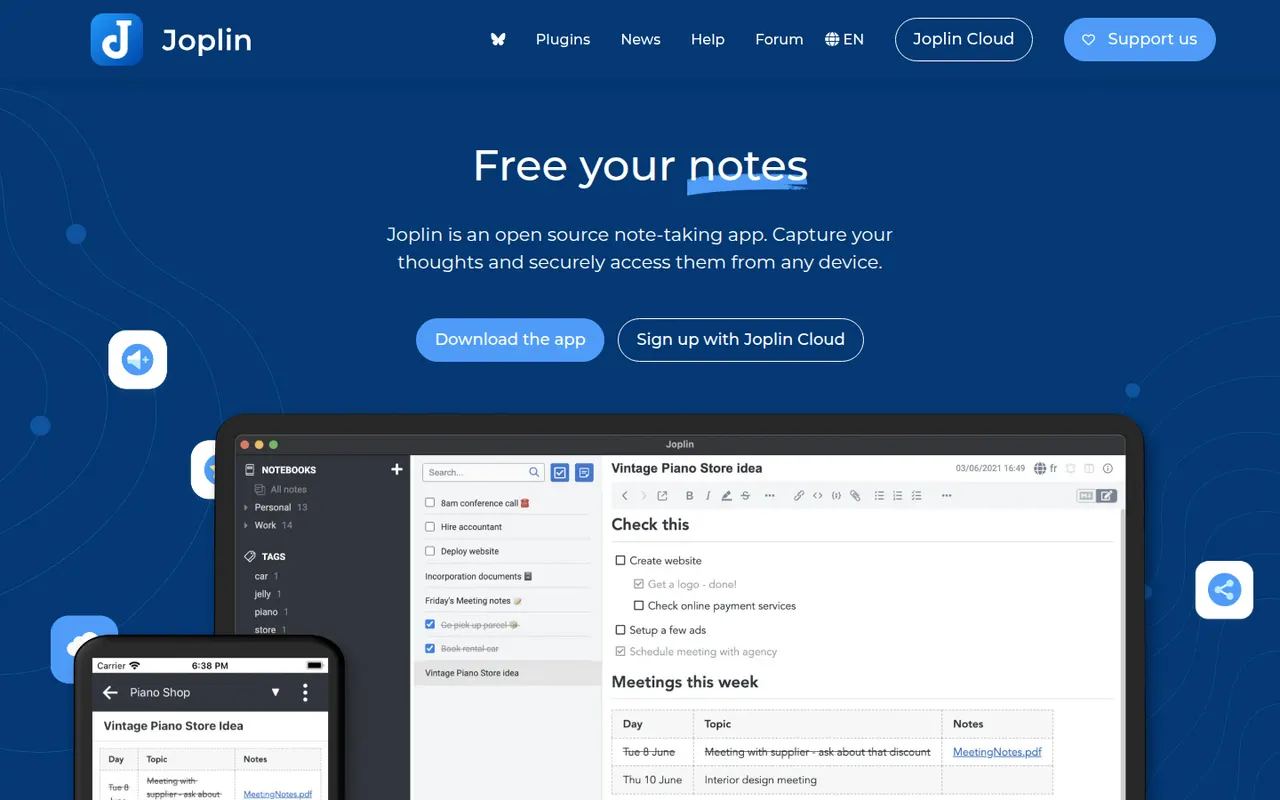
Cost / LicenseFreemiumProprietaryCategoriesJoplin is an open source note-taking app with Markdown notes, notebooks, end-to-end encrypted sync and a web clipper.
11 Joplin alternativesPros
- Open source, with Markdown notes stored in an open format
- End-to-end encrypted sync via Dropbox, OneDrive, WebDAV or Joplin Cloud
- Web clipper and plugins extend the core app
Cons
- Interface feels dated next to newer note apps
- Sync setup takes more effort than turnkey services
- No web app for reaching your notes from a browser
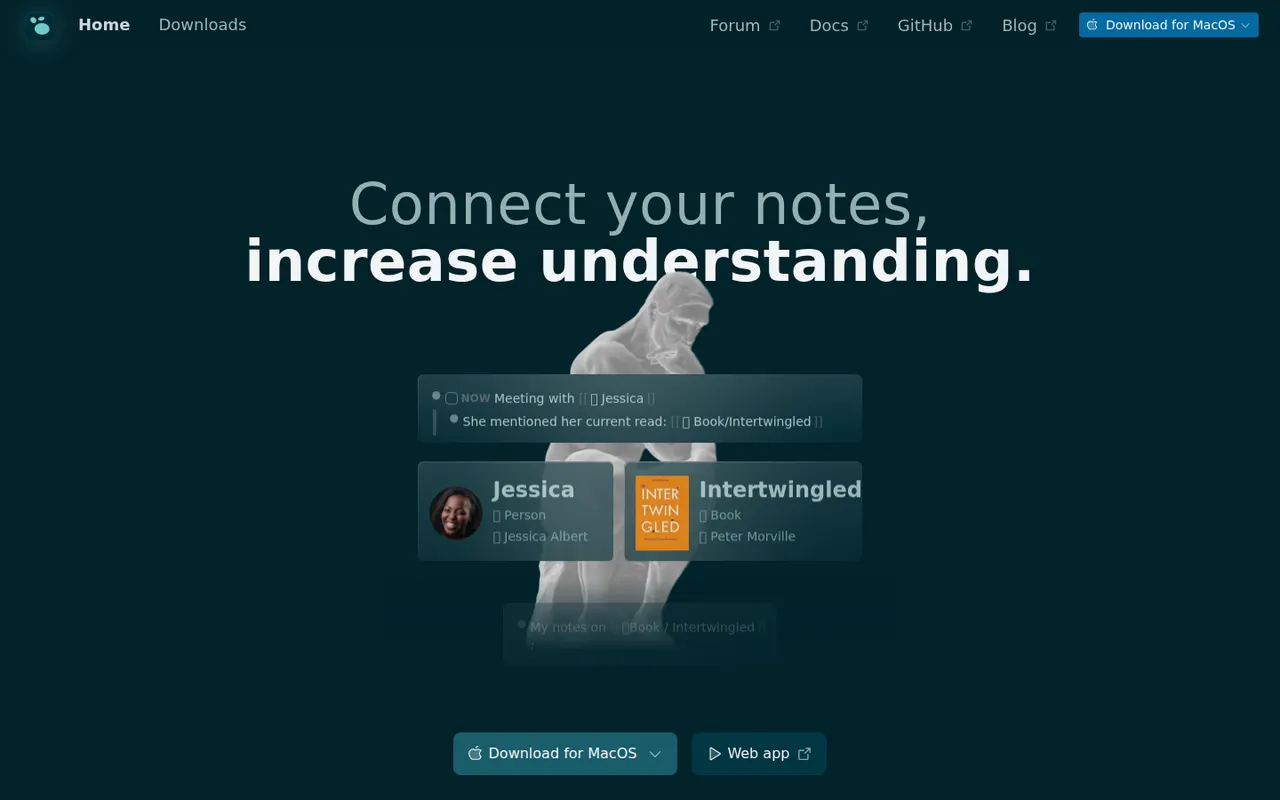
Cost / LicenseFreemiumOpen sourceCategoriesLogseq is a privacy-first outliner that stores notes locally in Markdown or Org files, with bidirectional links, journals and whiteboards.
7 Logseq alternativesPros
- Notes live in local Markdown or Org files that you fully own
- Bidirectional links, block references and daily journals
- Free and open source, with a plugin ecosystem
Cons
- Outliner-only structure is a poor fit for long-form writing
- Can slow down with very large graphs
- Syncing between devices takes extra setup
Cost / LicenseFreeOpen sourceCategoriesFeaturesAnytype is a local-first workspace for notes, databases and collaboration, with peer-to-peer sync and end-to-end encryption.
10 Anytype alternativesPros
- Local-first data with end-to-end encrypted peer-to-peer sync
- Objects, types and relations enable flexible, database-like notes
- Works offline on desktop and mobile alike
Cons
- The object and type model takes time to learn
- No web app, only desktop and mobile clients
- Fewer integrations and plugins than mainstream workspaces
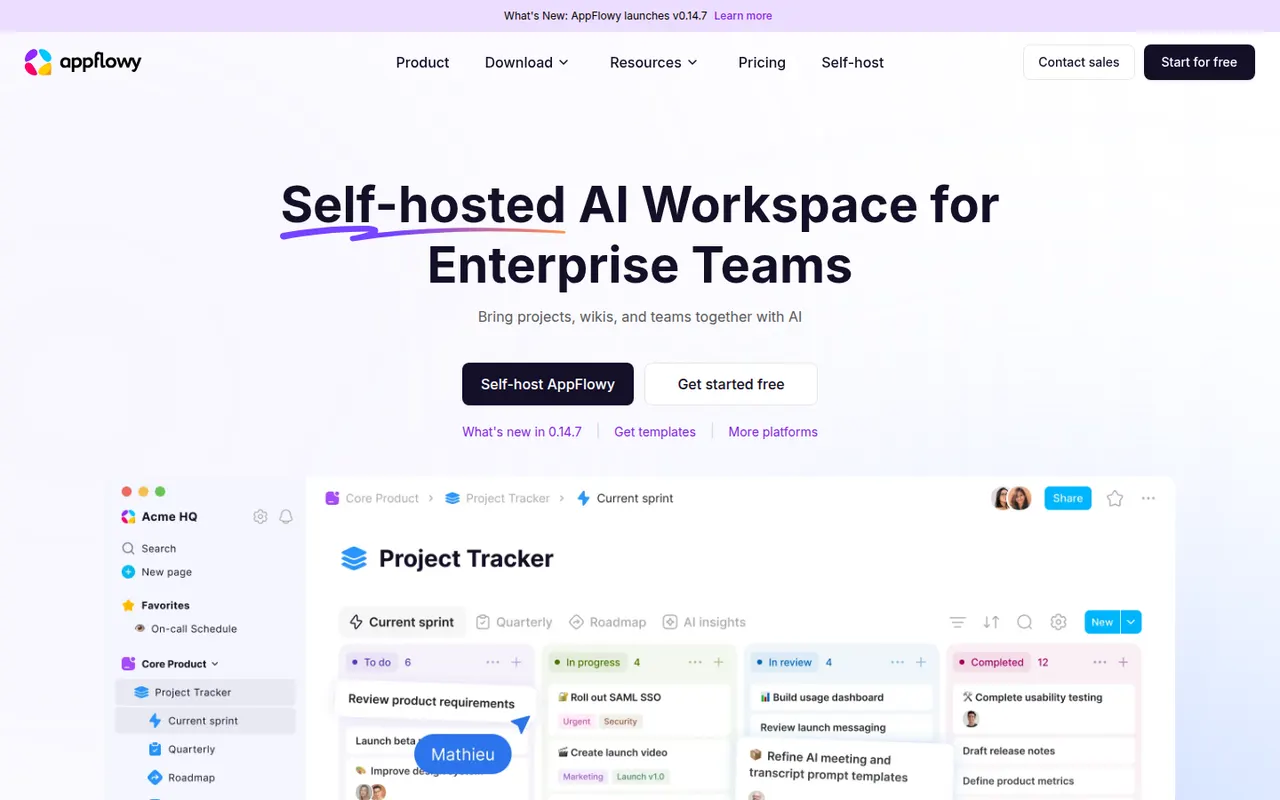
Cost / LicenseFreemiumSource availableCategoriesAppFlowy is an open source workspace for docs, databases and kanban boards that you can self-host, with AI features and offline support.
7 AppFlowy alternativesPros
- Open source Notion alternative that you can self-host
- Docs, databases and kanban boards in one workspace
- Offline support with apps on desktop and mobile
Cons
- Fewer templates and integrations than Notion
- Some features still feel less polished than in mature rivals
- Advanced AI features are reserved for paid plans
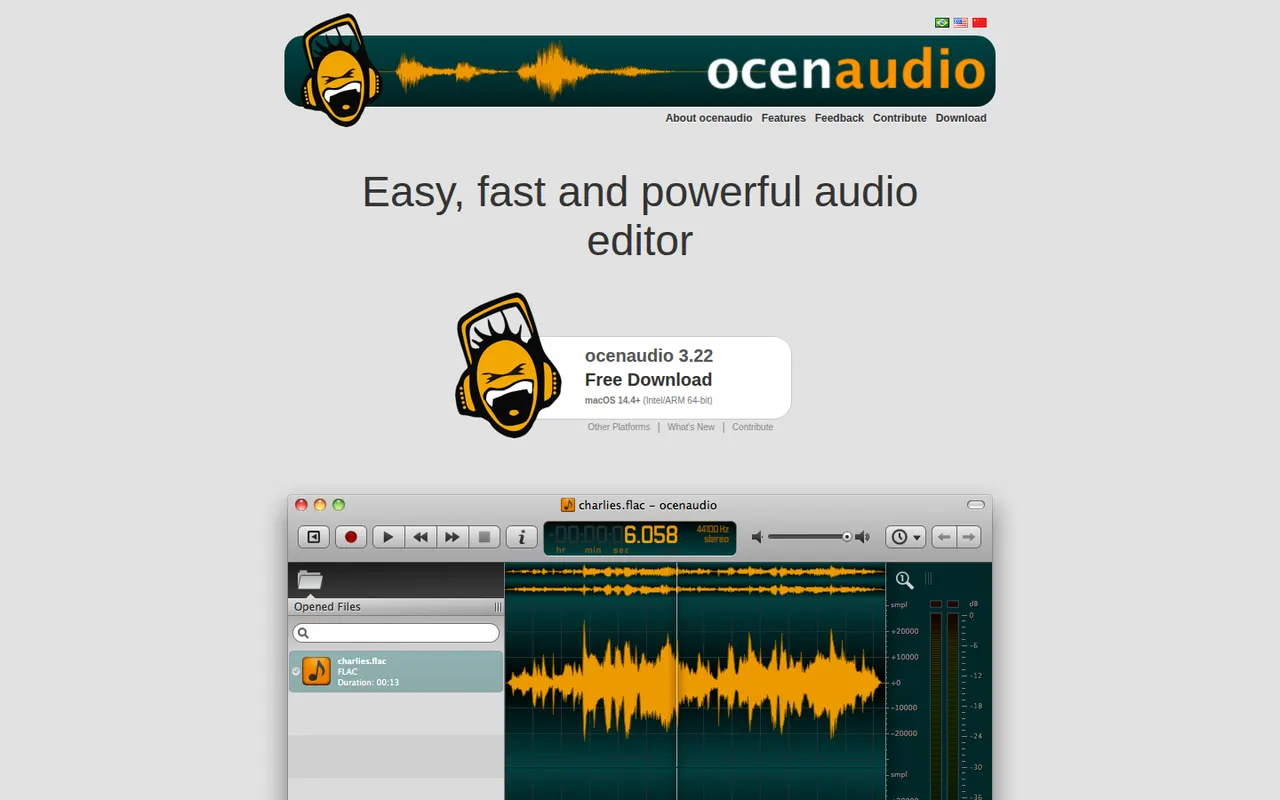
Cost / LicenseFreemiumOpen sourceCategoriesocenaudio is a free audio editor for Windows, macOS and Linux, intended for users who need more than a basic recorder without the complexity of a full studio. It previews effects in real time, lets you edit several selections at once, handles large files smoothly and supports VST plugins. It is a lightweight alternative to Audacity for quick edits and spectral analysis.
7 ocenaudio alternativesPros
- Real-time effect preview speeds up quick edits
- Lightweight and smooth even with large audio files
- Free on Windows, macOS and Linux with no ads
Cons
- No multitrack editing, so it is not suited to mixing
- Smaller community and fewer tutorials than Audacity
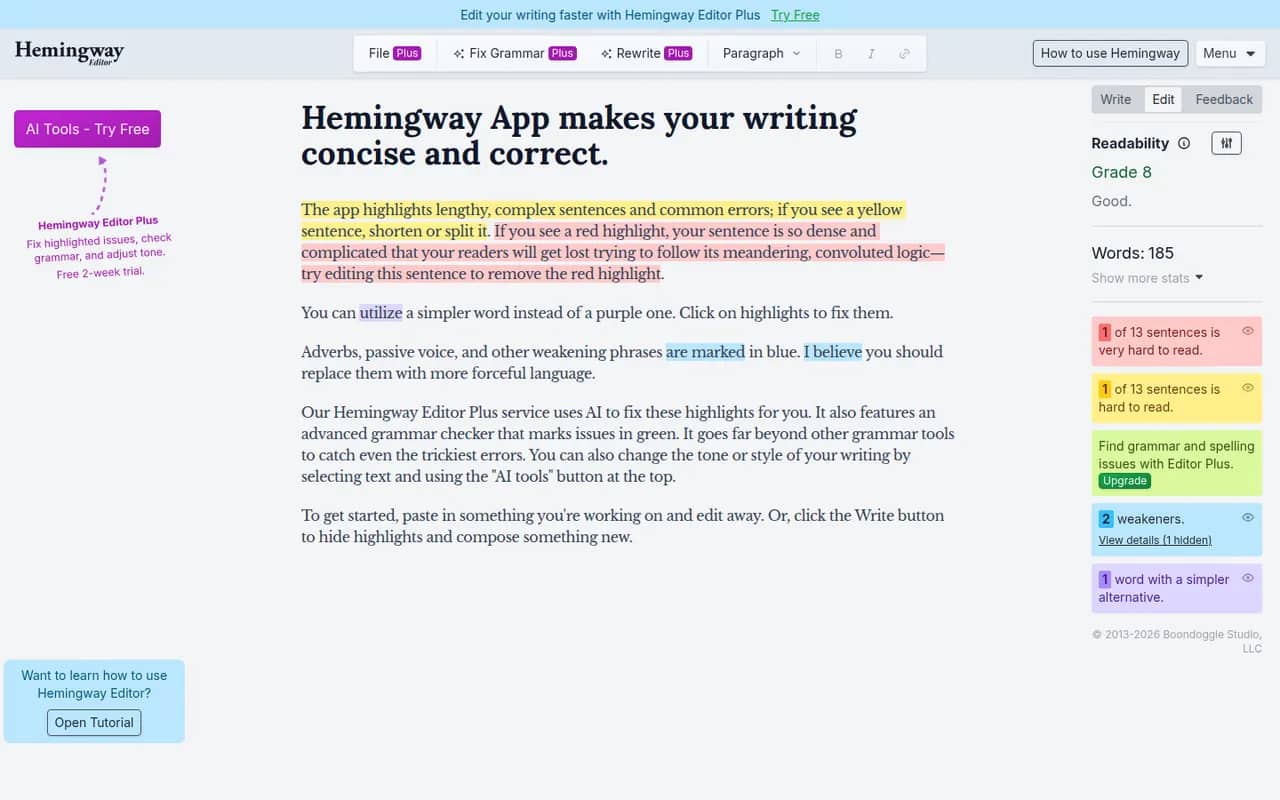
Cost / LicenseFreeProprietaryCategoriesFeaturesHemingway Editor highlights long and hard-to-read sentences, adverbs, passive voice and complex words, and shows a readability grade to help you simplify your writing. The free web version covers the core checks, a desktop app bought once works offline on Windows and Mac, and the Hemingway Editor Plus subscription adds AI fixes and a grammar check. It is designed for English.
7 Hemingway Editor alternativesPros
- Highlights dense sentences, adverbs and passive voice
- Readability grade gives instant feedback
- Desktop app bought once works offline
Cons
- Designed for English only
- Grammar checks and AI fixes need the Plus subscription
- Its rules can push toward overly plain prose
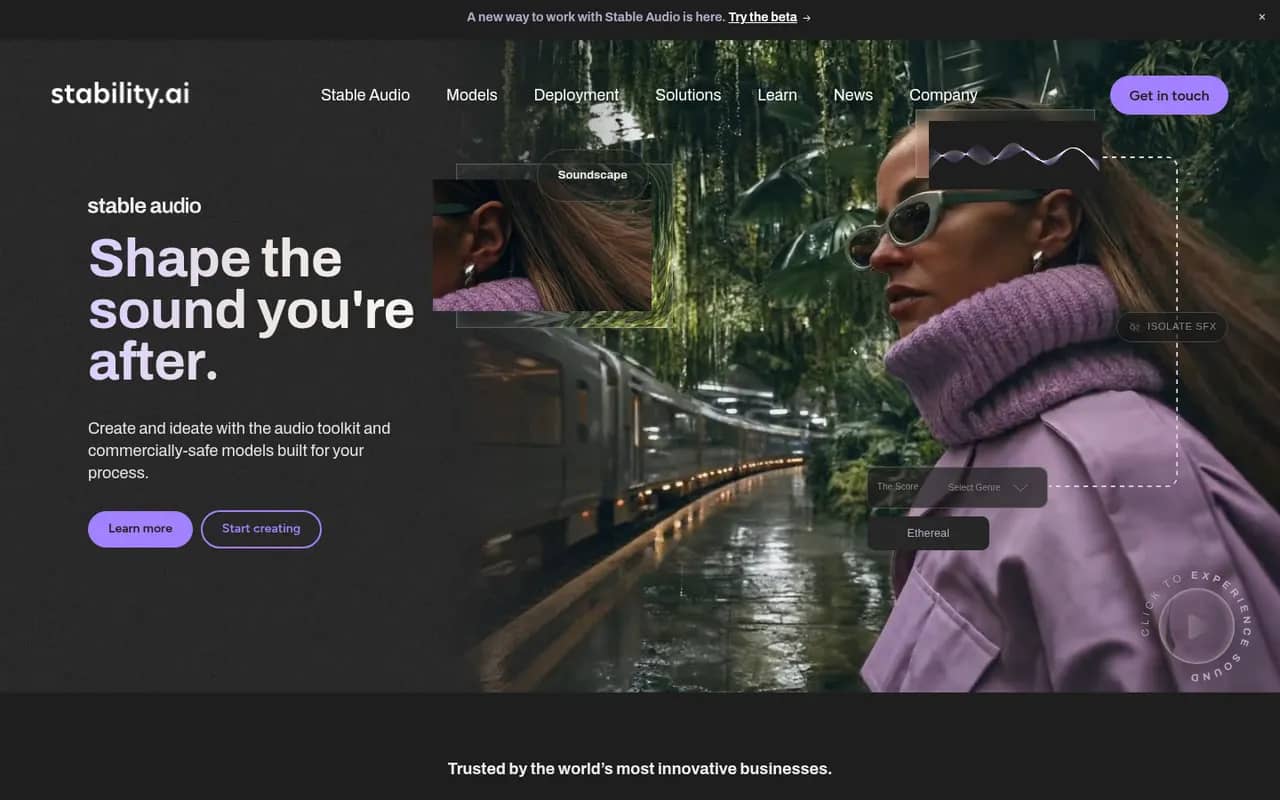
Cost / LicenseFreemiumProprietaryCategoriesStable Diffusion is a family of text-to-image models released by Stability AI with downloadable weights. Because they run locally on a capable GPU, a large ecosystem has grown around them: interfaces such as ComfyUI and AUTOMATIC1111, fine-tuned community models, LoRAs and ControlNet. Recent versions use the Stability AI Community License, and Stability also sells hosted API access.
9 Stable Diffusion alternativesPros
- Downloadable weights run locally, offline and in private
- Huge ecosystem of interfaces, community models, LoRAs and ControlNet
- Deeply customizable, from fine-tuning to precise pose control
Cons
- Needs a capable GPU and some technical setup
- Raw results take more prompt work than polished hosted services
- Recent versions use a license that restricts larger commercial users
Cost / LicenseFreemiumSource availableCategoriesPlatformsContinue is an open source extension for VS Code and JetBrains IDEs that adds AI chat, autocomplete, inline edits and an agent mode. Its main appeal is flexibility: you choose the models, from commercial APIs to local models through Ollama, and add rules, prompts and context providers that a team can share. With local models, code never has to leave your machine.
9 Continue alternativesPros
- Open source, with a free choice of models
- Works with local models, so code can stay on your machine
- Shared rules and prompts help teams standardize usage
Cons
- Setup takes more effort than turnkey assistants
- Quality depends on the models you configure
- Local models need capable hardware to run smoothly
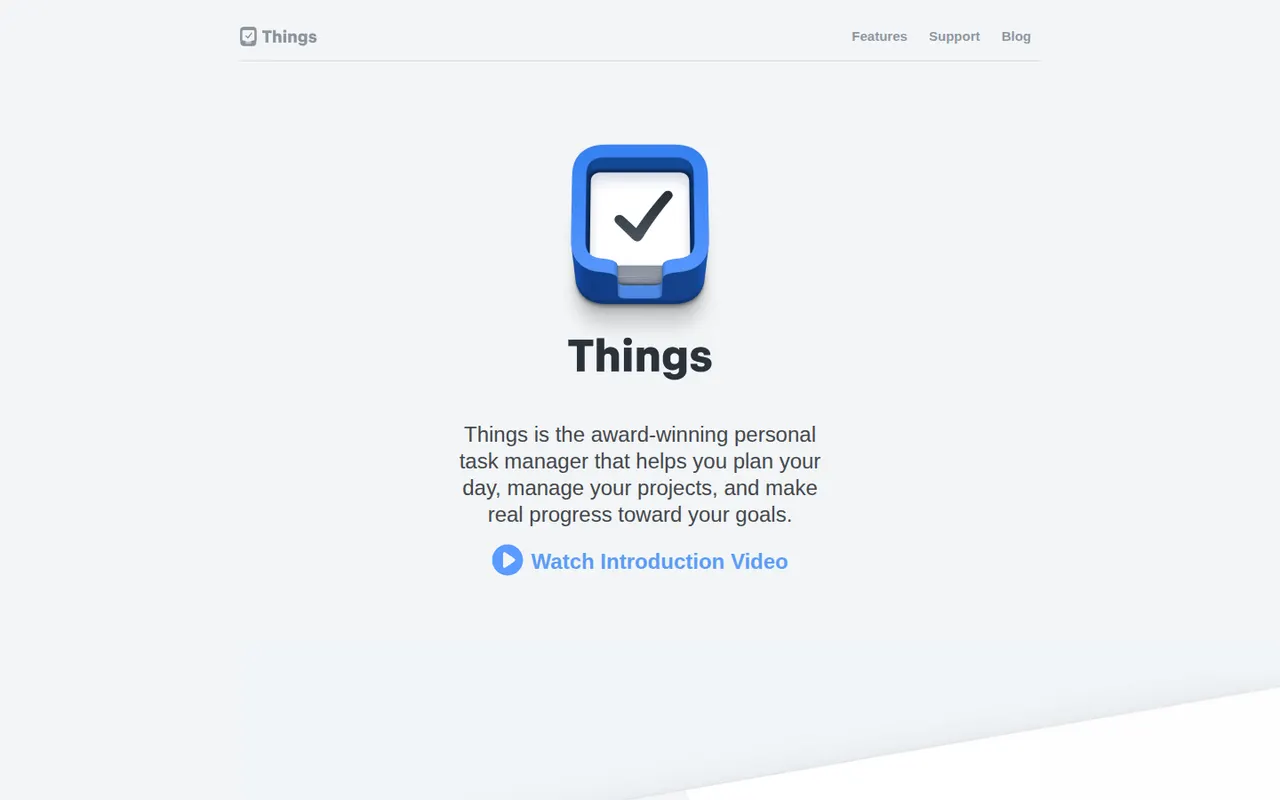
Cost / LicenseFreemiumOpen sourceCategoriesThings is a personal task manager from Cultured Code, built exclusively for Apple devices with a clean, focused design. Tasks flow through Inbox, Today, Upcoming and Someday lists and can be grouped into projects and areas, with Things Cloud syncing everything for free. The apps are one-time purchases rather than a subscription, and there is no web or team version.
11 Things 3 alternativesPros
- Clean, focused design that makes planning pleasant
- One-time purchase instead of a subscription
- Free Things Cloud sync across Apple devices
Cons
- Apple-only, with no Windows, Android or web version
- No collaboration or shared lists
- Mac, iPhone and iPad versions are sold separately
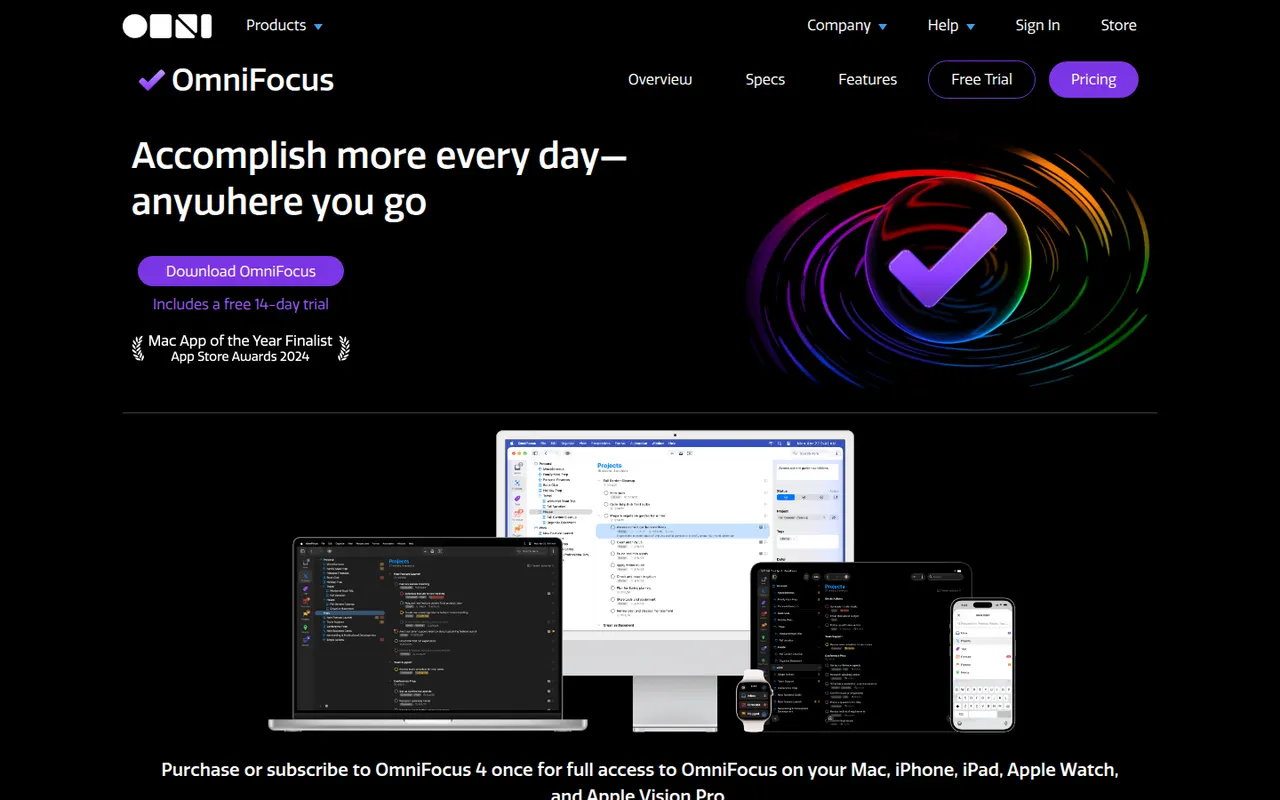
Cost / LicensePaidProprietaryCategoriesOmniFocus is a task manager from The Omni Group designed around the Getting Things Done method, with projects, tags, defer and due dates, and regular reviews. Custom perspectives and Omni Automation scripts let power users shape it to their own system. It runs on Mac, iPhone, iPad and Apple Watch, with a web version for subscribers and encrypted sync.
8 OmniFocus alternativesPros
- Deep GTD support with projects, tags, defer dates and reviews
- Custom perspectives and automation scripts for power users
- Native apps across Mac, iPhone, iPad and Apple Watch
Cons
- Steep learning curve for people new to GTD
- Expensive compared with most to-do apps
- No native apps for Windows or Android
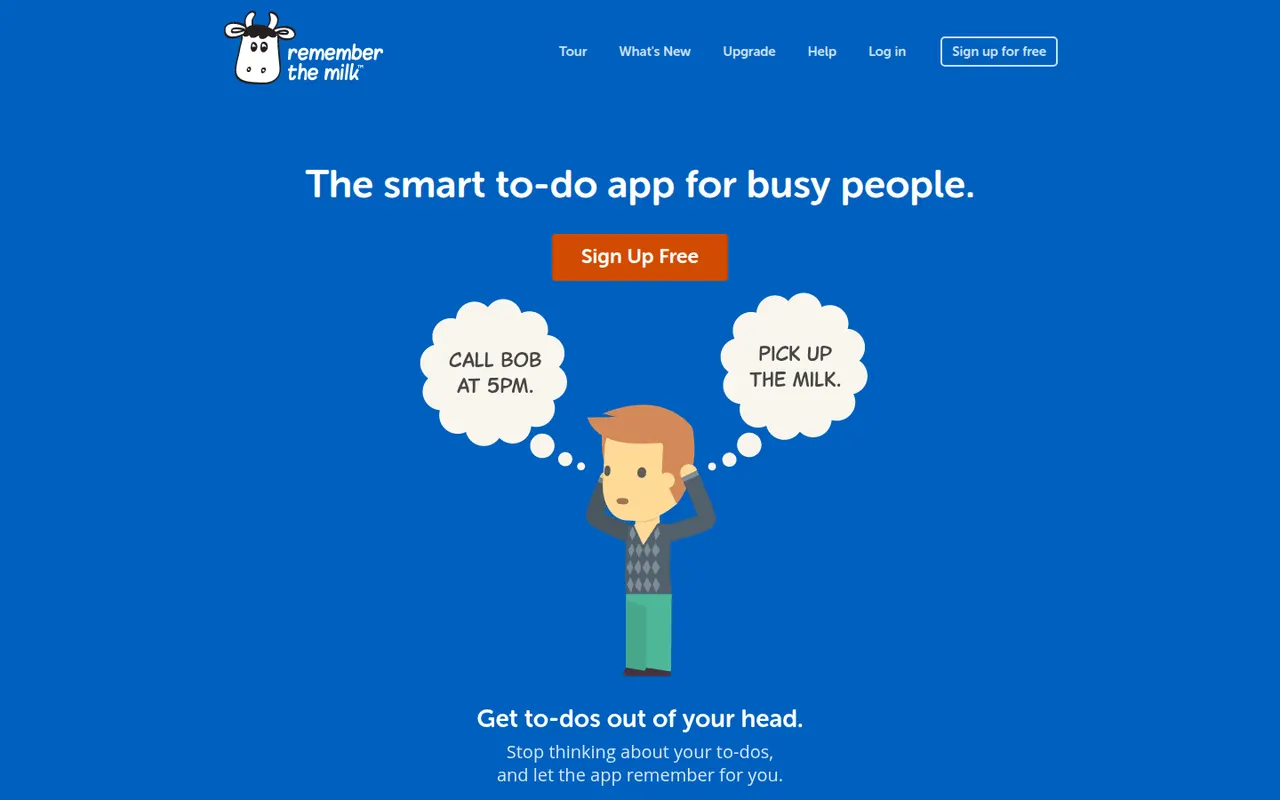
Cost / LicenseFree trialProprietaryCategoriesRemember The Milk is an online to-do service launched in 2005 and available on the web, desktop and mobile. Smart Add understands dates, priorities, tags and lists typed in a single line, smart lists save advanced searches, and reminders can arrive by email, text message or push notification. A Pro subscription unlocks extras such as subtasks and wider sharing.
7 Remember The Milk alternativesPros
- Smart Add parses dates, tags and priorities from a single line
- Smart lists save advanced searches as dynamic views
- Reminders by email, text message or push notification
Cons
- Interface looks dated next to newer to-do apps
- Subtasks and wider sharing require the Pro plan
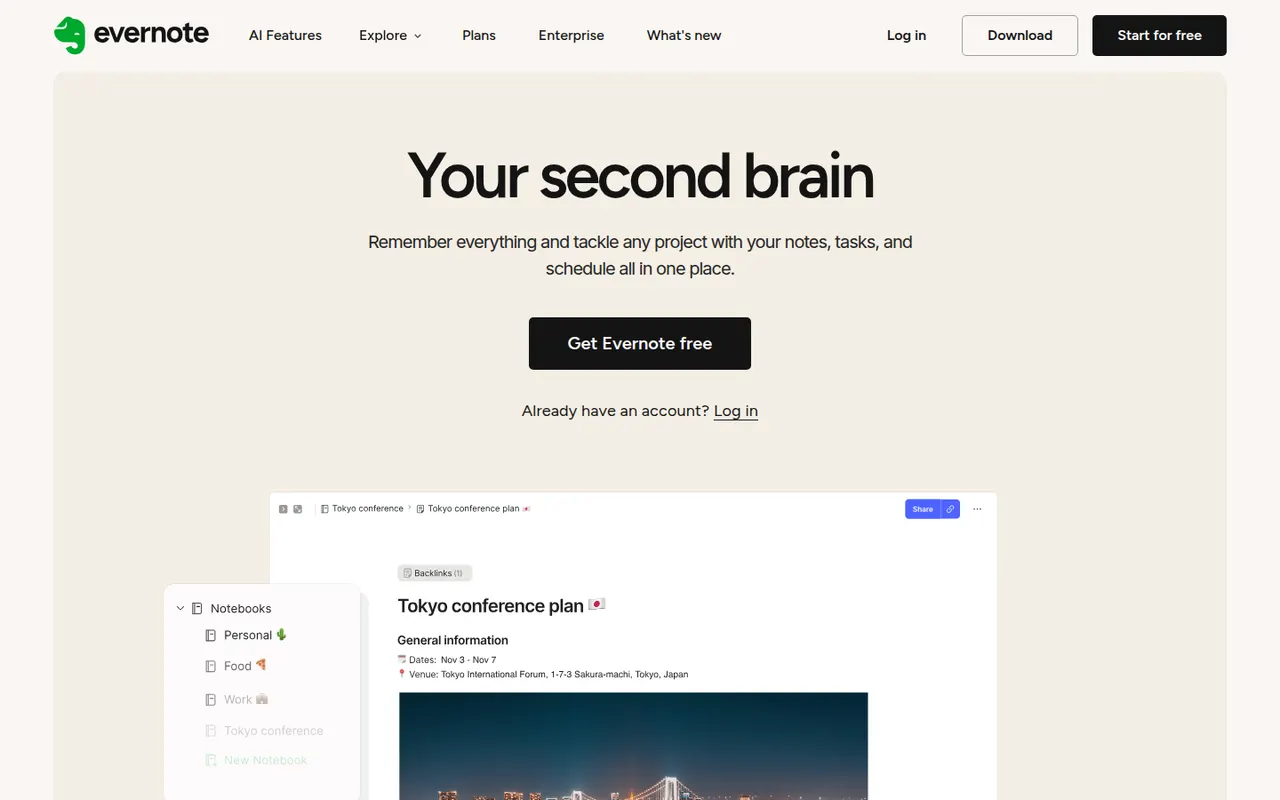
Cost / LicenseFreemiumProprietaryCategoriesEvernote is a long-standing note-taking app, owned by Bending Spoons since 2023, that stores notes, web clips, PDFs, scans and audio in notebooks with tags and full-text search, including text inside images. Recent versions add tasks, calendar integration and AI features, while the free plan has become very limited compared with the paid tiers.
12 Evernote alternativesPros
- Mature web clipper and full-text search, even inside images
- Stores notes, PDFs, scans and audio in one place
- Tasks and calendar integration alongside notes
Cons
- The free plan is very limited compared with paid tiers
- Paid plans are expensive compared with many note apps
- Apps can feel heavier and slower than lighter note tools
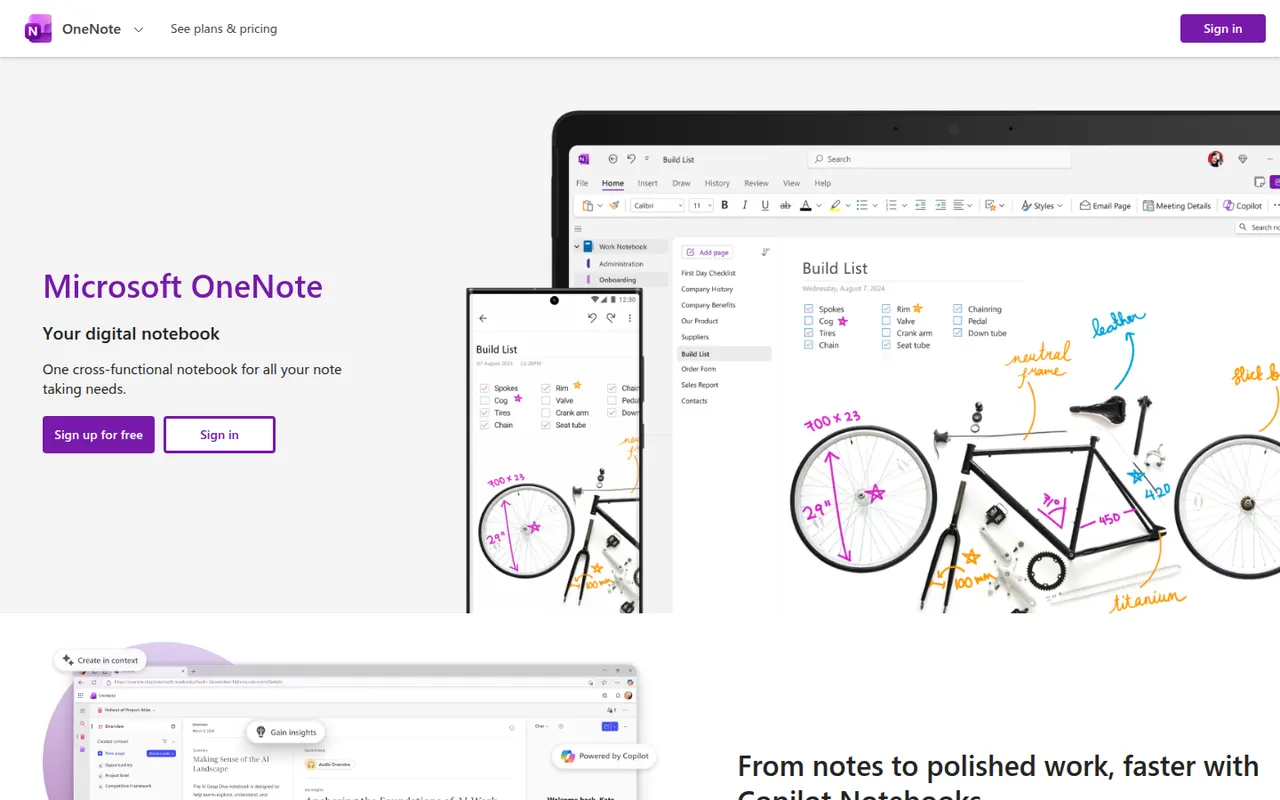
Cost / LicenseFreemiumProprietaryCategoriesMicrosoft OneNote is a free digital notebook that organizes notes into notebooks, sections and pages, where text, images, drawings and handwriting can be placed anywhere on the page. It syncs through OneDrive, supports shared notebooks for classes and teams, and works closely with Outlook, Teams and the rest of Microsoft 365.
9 Microsoft OneNote alternativesPros
- Freeform pages for text, drawings and handwriting anywhere
- Free, with OneDrive sync on all major platforms
- Works closely with Outlook, Teams and Microsoft 365
Cons
- The freeform layout gets messy and is hard to export
- Sync can lag or conflict with large notebooks
- No native app for Linux desktops
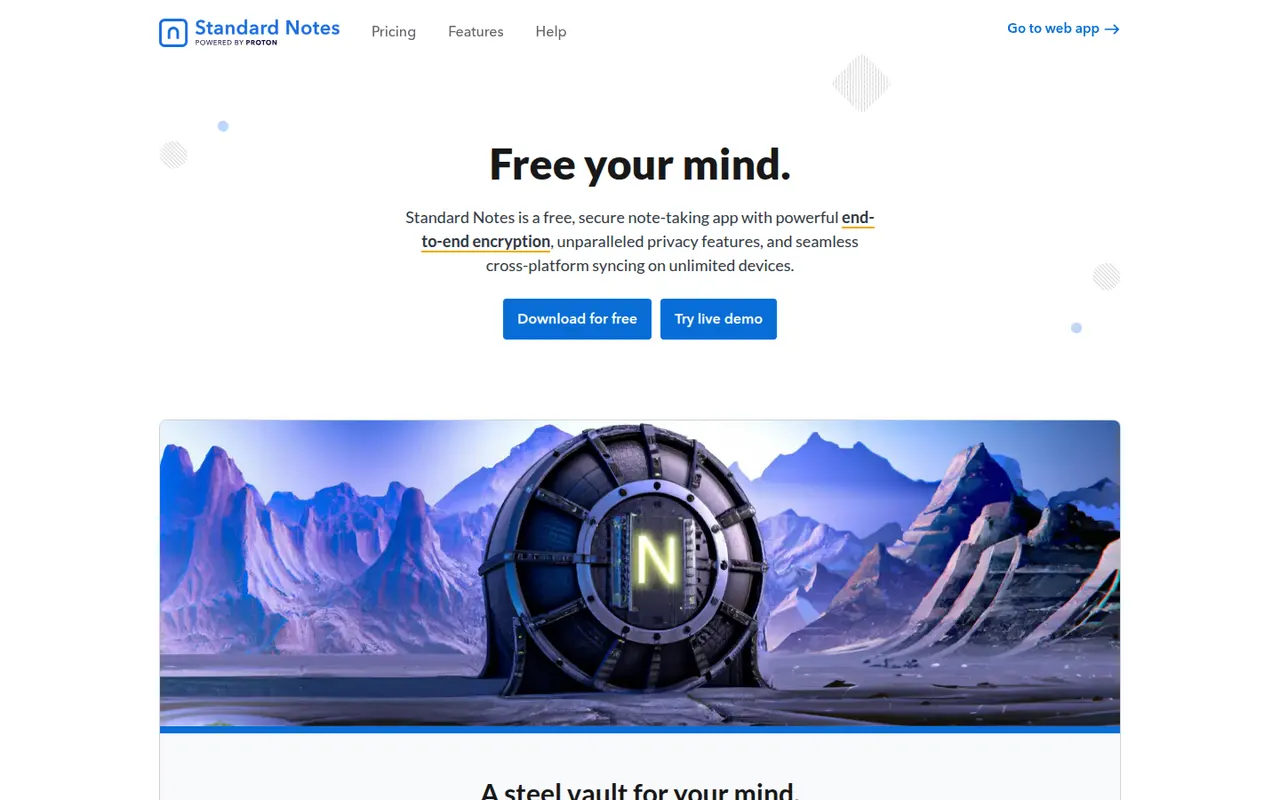
Cost / LicenseFreeProprietaryCategoriesStandard Notes is an open source note-taking app focused on privacy, with end-to-end encryption for every note and file and apps on all major platforms. Notes work offline and sync across devices, and paid plans add rich editors, file storage and longer revision history. The company became part of Proton in 2024, and the sync server can be self-hosted.
9 Standard Notes alternativesPros
- End-to-end encryption for every note and file
- Open source apps on all major platforms
- The sync server can be self-hosted
Cons
- Rich editors, file storage and longer history need a paid plan
- Collaboration features are minimal compared with mainstream apps
Cost / LicenseFreemiumOpen sourceCategoriesSimplenote is a free note app from Automattic, the company behind WordPress.com, that sticks to plain text with optional Markdown, tags and quick search. Notes sync instantly across web, desktop and mobile apps, every change is kept in version history, and notes can be shared with collaborators or published as a web page. The apps are open source.
8 Simplenote alternativesPros
- Free, ad-free and fast plain-text notes
- Instant sync across web, desktop and mobile
- Version history keeps every change to a note
Cons
- No images, attachments or rich formatting
- Organization is limited to tags and search
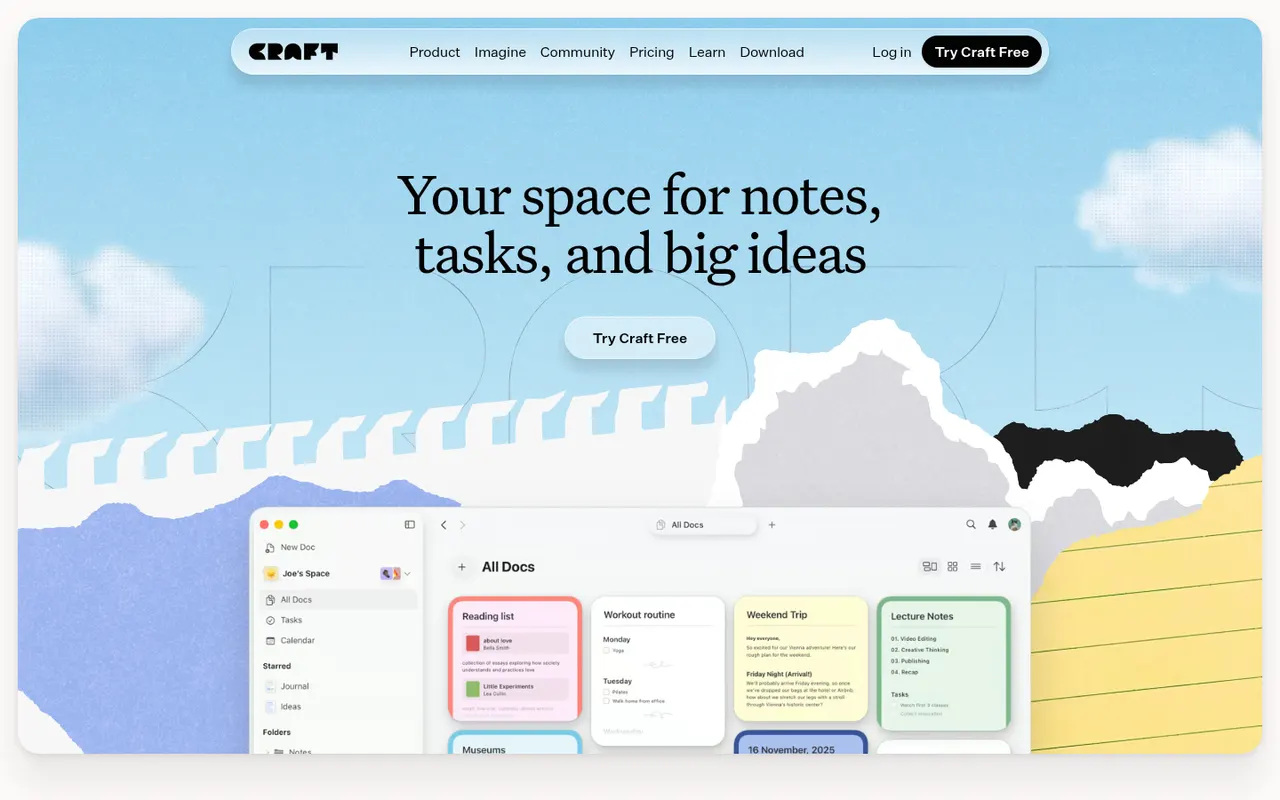
Cost / LicenseFreeOpen sourceCategoriesCraft is a document and note-taking app with a native, polished design on Mac, iPhone and iPad, also available on Windows and the web. Notes are built from blocks and nested pages with backlinks, can be shared as public web pages or edited together in real time, and include AI writing help, tasks and daily notes.
12 Craft alternativesPros
- Polished native design on Mac, iPhone and iPad
- Block-based pages can be shared as public web pages
- Real-time collaboration plus built-in AI writing help
Cons
- The experience is best on Apple devices, other platforms feel secondary
- Advanced features and AI usage are reserved for paid plans
- Less suited to large databases than Notion-style tools
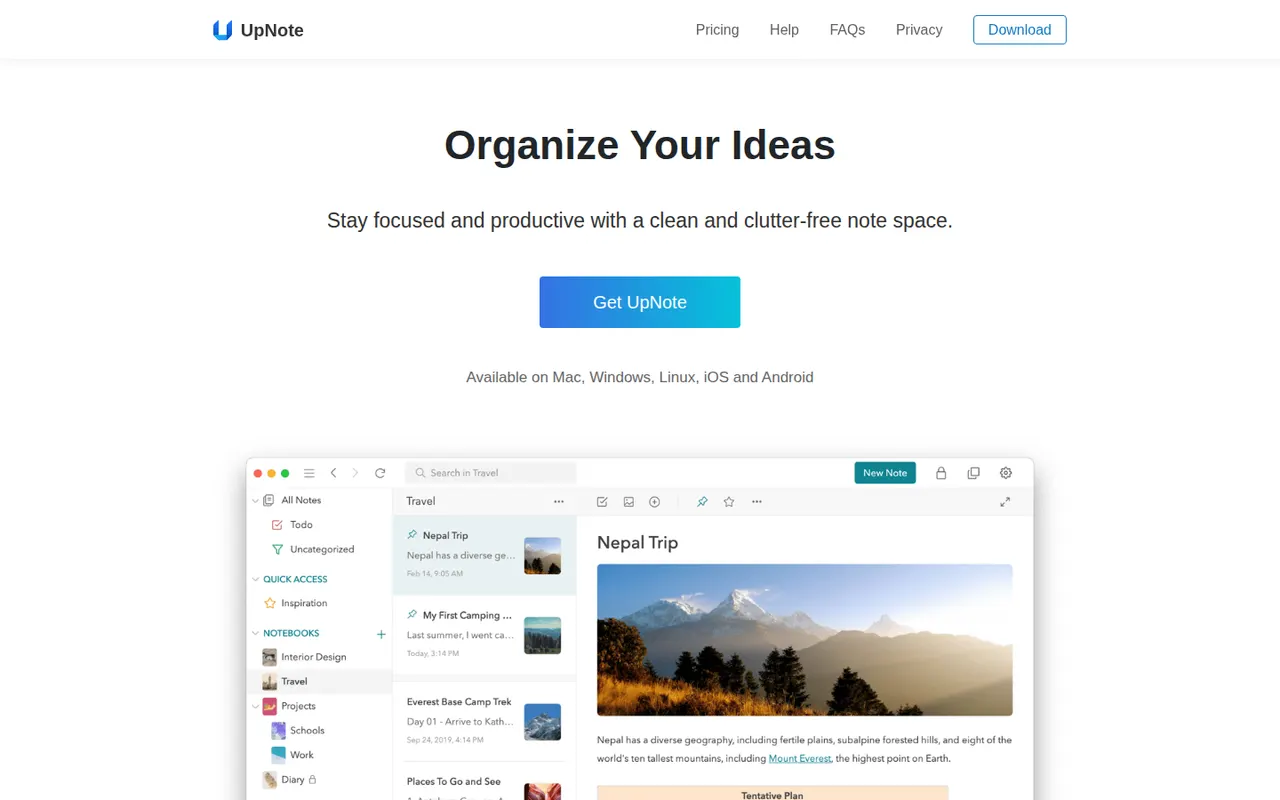
Cost / LicenseFreemiumProprietaryUpNote is a note-taking app with a clean editor, notebooks, tags and links between notes, available on the web, Windows, Mac, Linux, iOS and Android. Notes are stored locally for offline use and synced across devices, with a web clipper and Markdown shortcuts. The free version is capped at a small number of notes, and Premium can be bought once or as a subscription.
11 UpNote alternativesPros
- Clean editor with notebooks, tags and links between notes
- Apps on every platform, including Linux and the web
- Premium is available as a one-time purchase
Cons
- The free version is capped at a small number of notes
- No shared notebooks or real-time collaboration
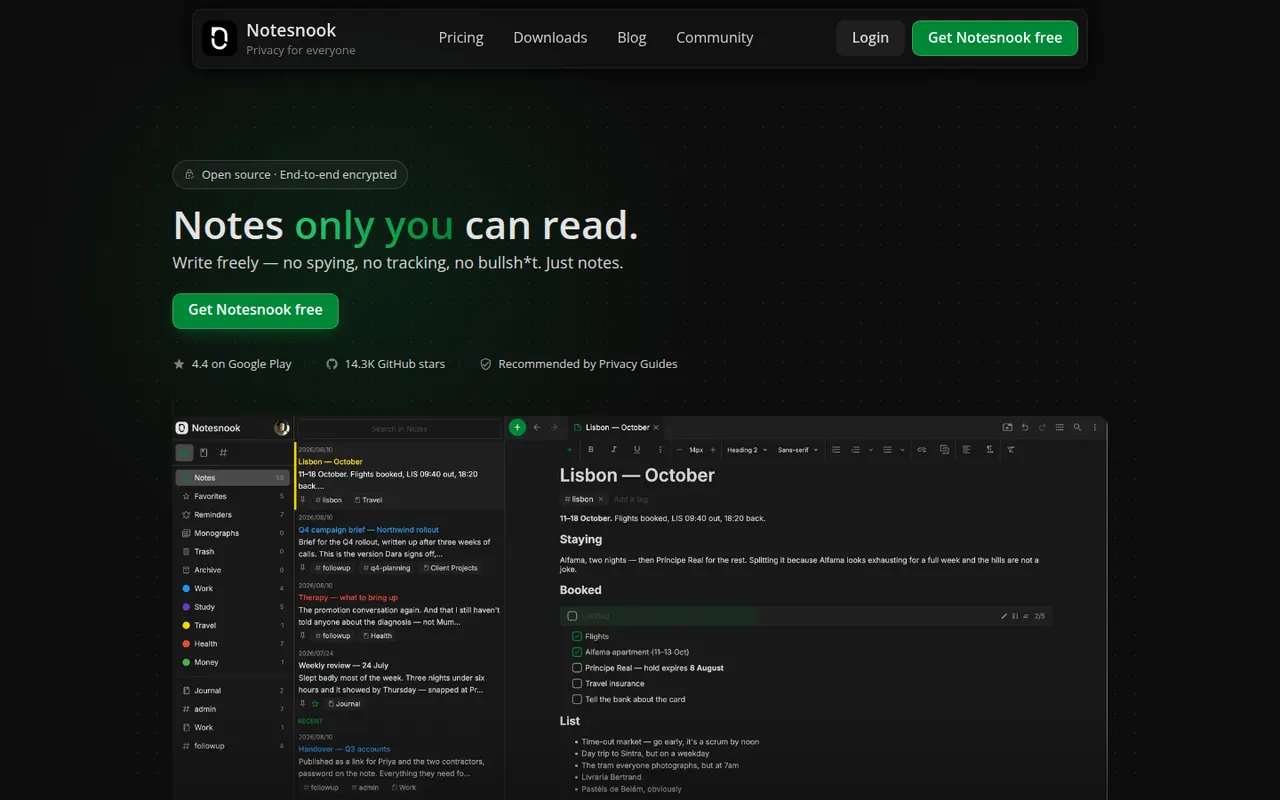
Cost / LicenseFreemiumProprietaryCategoriesNotesnook is an open source note-taking app that encrypts every note end to end on your device before syncing it. It offers notebooks, tags, rich text with Markdown shortcuts, an app lock, a private vault and a web clipper, on the web, desktop and mobile. A free plan is available, and the sync server can also be self-hosted.
9 Notesnook alternativesPros
- Every note is end-to-end encrypted on your device before syncing
- Open source apps on web, desktop and mobile
- The sync server can be self-hosted
Cons
- Fewer integrations and plugins than mainstream note apps
- Some features are limited on the free plan
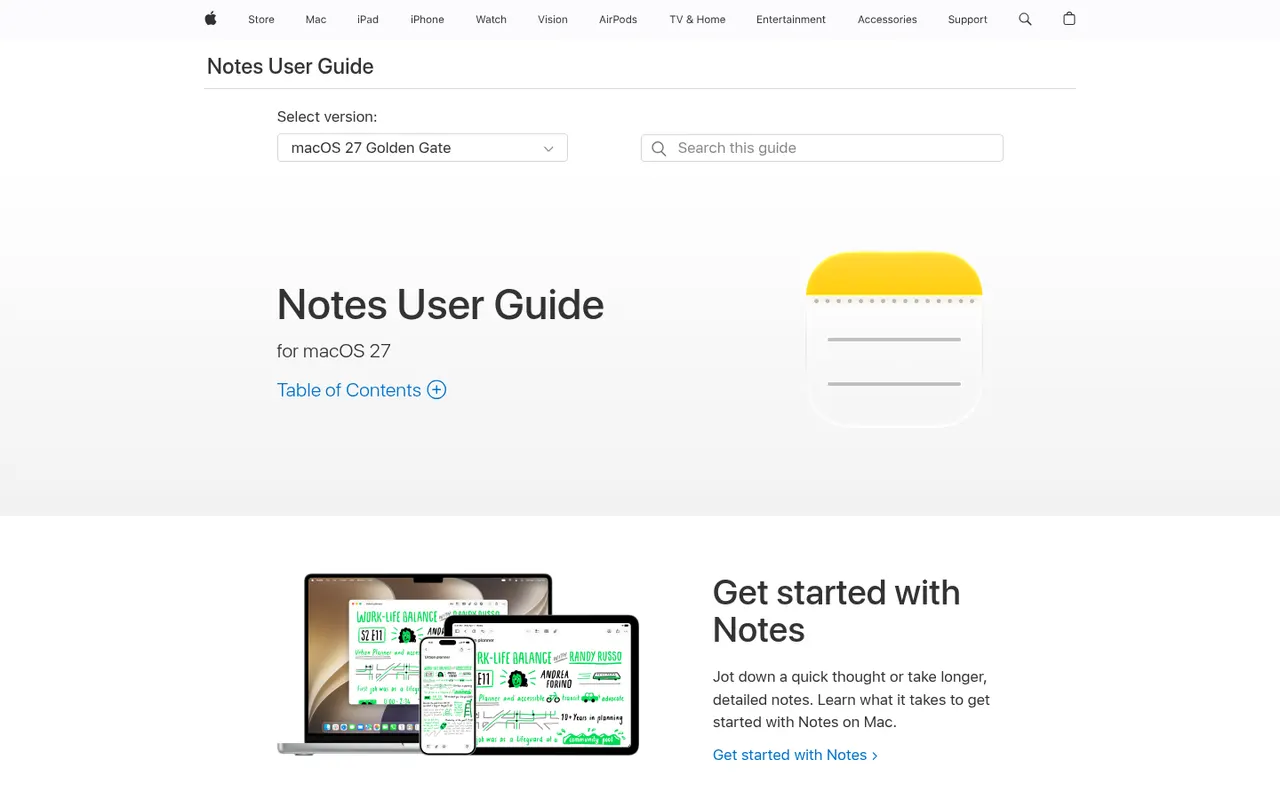
Cost / LicenseFreemiumOpen sourceCategoriesApple Notes is the free notes app included with iPhone, iPad and Mac, synced through iCloud and also reachable on the web at iCloud.com. It handles checklists, tables, Apple Pencil sketches, document scanning and searchable text in images, plus shared notes and folders, tags, smart folders and locked notes.
9 Apple Notes alternativesPros
- Free and built into every iPhone, iPad and Mac
- Document scanning, Pencil sketches and text search inside images
- Shared notes and folders with real-time collaboration
Cons
- No native apps for Windows or Android, only iCloud.com
- Fewer organization options than dedicated knowledge tools
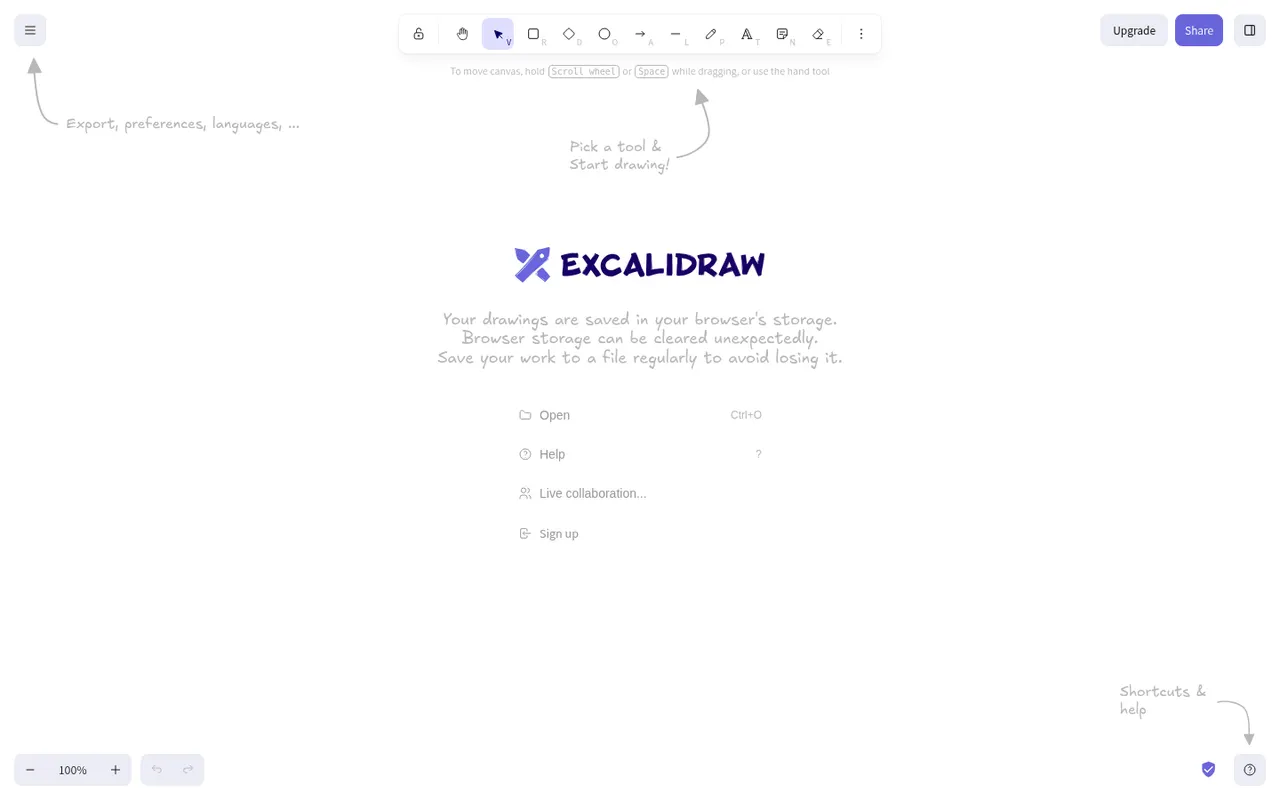
Cost / LicenseFreeProprietaryCategoriesExcalidraw is an open source virtual whiteboard that produces diagrams and sketches with a hand-drawn look. It runs in the browser without an account, works offline, offers end-to-end encrypted live collaboration and shareable links, and has a large community library of shapes. Excalidraw+ adds cloud workspaces and team features, and the editor can be embedded as a React component.
11 Excalidraw alternativesPros
- Hand-drawn style that makes sketches feel approachable
- Works in the browser offline and without an account
- End-to-end encrypted live collaboration
Cons
- Hand-drawn look is less suited to formal diagrams
- Cloud workspaces and team features require Excalidraw+
- Fewer diagramming features than dedicated tools
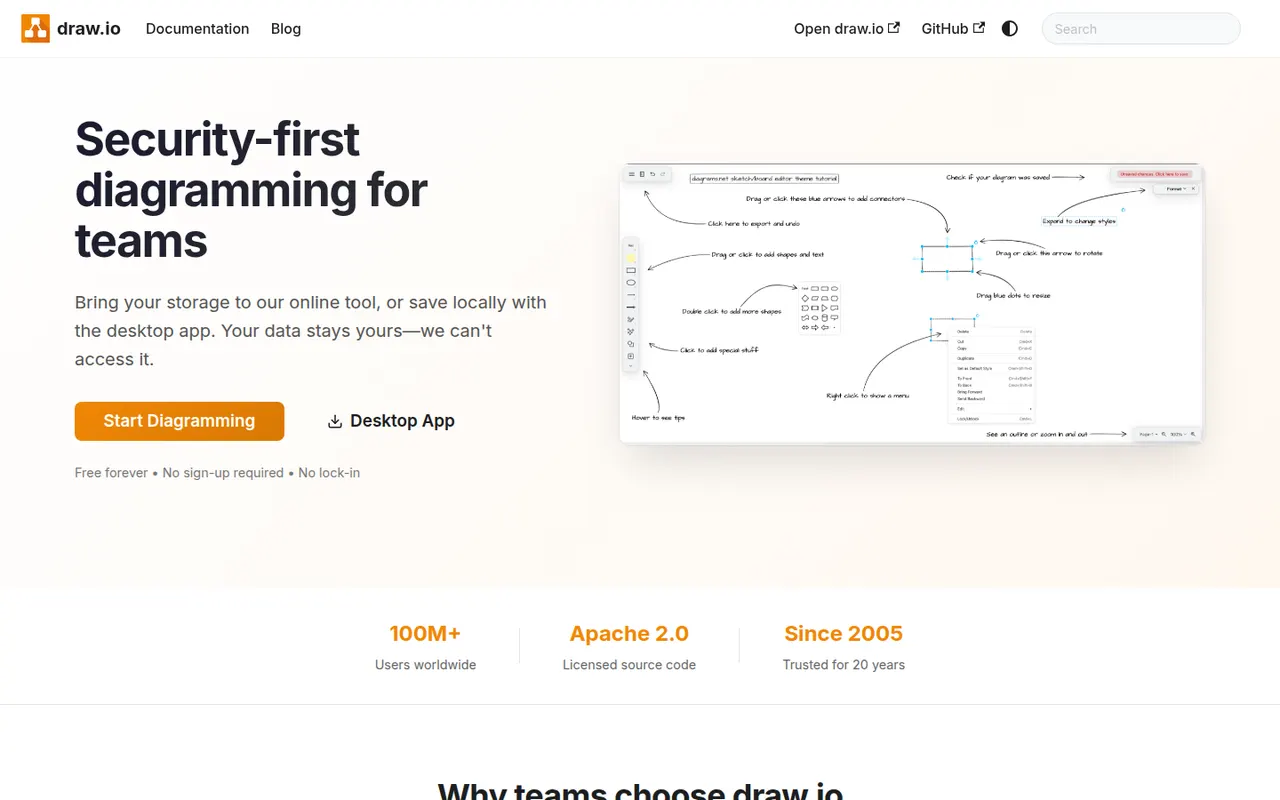
Cost / LicenseFreemiumOpen sourceCategoriesPlatformsdraw.io, also known as diagrams.net, is a free and open source diagramming tool from JGraph for flowcharts, UML, network, BPMN and org charts. It requires no account, saves diagrams wherever you choose, such as your device, Google Drive, OneDrive or GitHub, and is available as a desktop app for offline use and as an integration for Confluence and Jira.
10 draw.io alternativesPros
- Completely free and open source, with no account required
- Saves diagrams to your device, Google Drive, OneDrive or GitHub
- Offline desktop app plus Confluence and Jira integrations
Cons
- Interface looks dated next to modern whiteboard tools
- Real-time collaboration is more limited than in paid rivals
Cost / LicenseFreeOpen sourceCategoriesPlatformsXmind is a mind mapping app for brainstorming, planning and note-taking, with structures such as logic charts, org charts, fishbone diagrams, timelines and matrices. It offers themes, an outliner view, a pitch mode for presenting maps and AI features to expand ideas, on Windows, Mac, Linux, iOS and Android, with a free version and a paid Pro subscription.
9 Xmind alternativesPros
- Many structures, from logic charts to fishbone diagrams and timelines
- Native desktop and mobile apps that work offline
- Pitch mode turns a map into a presentation
Cons
- Key features require the Pro subscription
- Focused on mind maps rather than freeform whiteboarding
Cost / LicenseFreemiumProprietaryCategoriesGmail is Google's email service, used through the web and mobile apps or any IMAP client. It offers automatic spam filtering, labels and inbox categories, fast search, scheduled sending and close links with Calendar, Drive and Meet. Personal accounts are free and share storage with Drive and Photos, while Google Workspace adds custom domains and admin tools; Gemini can draft and summarize emails.
12 Gmail alternativesPros
- Excellent spam filtering and fast search
- Tight links with Google Calendar, Drive and Meet
- Free personal accounts on web, mobile and any IMAP client
Cons
- Free storage is shared with Drive and Photos and fills up quickly
- Google’s data practices raise privacy concerns
- Custom domains require a paid Google Workspace plan
Cost / LicenseFreemiumProprietaryCategoriesMicrosoft Outlook is an email and calendar app available on Windows, Mac, mobile and the web, used with Outlook.com, Exchange and Microsoft 365 accounts as well as Gmail and other IMAP services. It combines mail with calendars, contacts and tasks, supports shared mailboxes and scheduled sending, and integrates with Teams for meetings. Copilot can draft replies and summarize threads on eligible plans.
12 Microsoft Outlook alternativesPros
- Email, calendar, contacts and tasks in one app
- Shared mailboxes and Teams integration for businesses
- Available on Windows, Mac, mobile and the web
Cons
- The move from classic to new Outlook on Windows has been disruptive
- Free Outlook.com accounts show ads
- Copilot features require an eligible paid plan
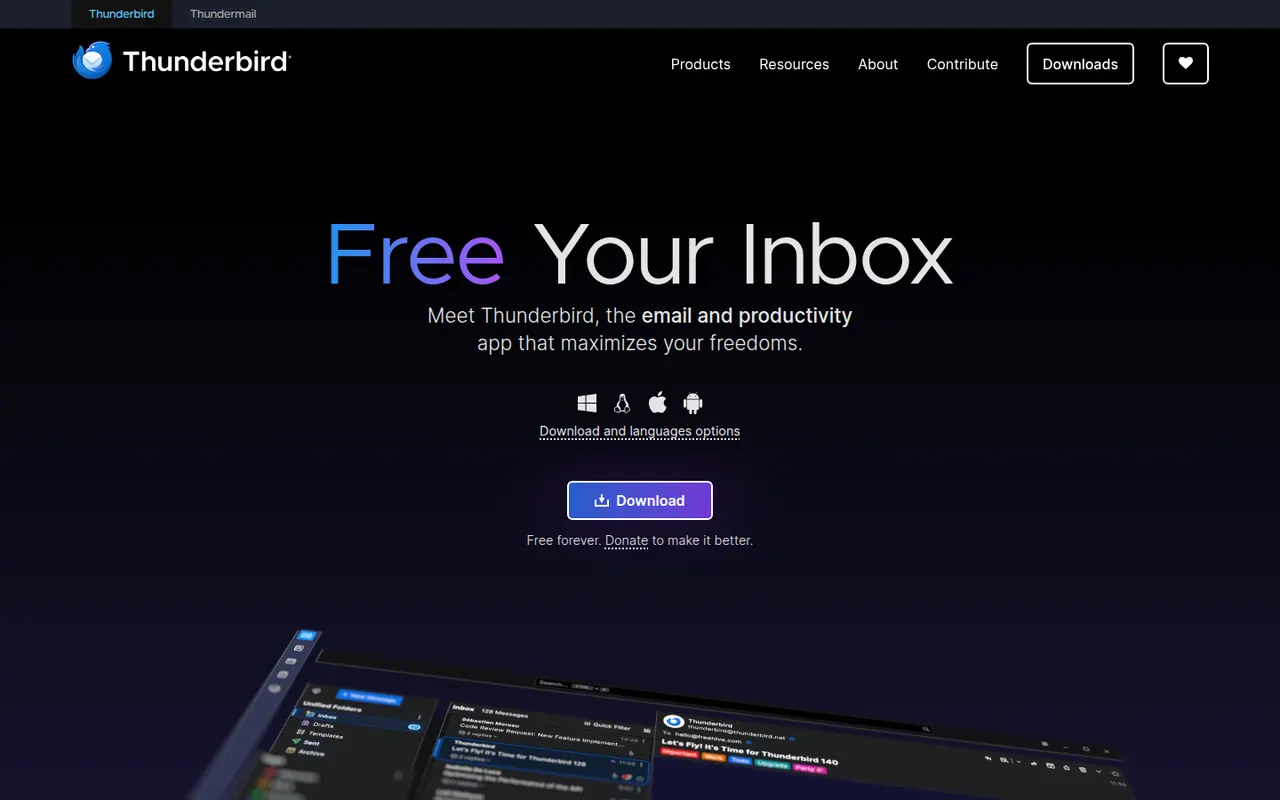
Cost / LicenseFreemiumProprietaryThunderbird is a free and open-source email client for Windows, macOS and Linux, with an Android app based on K-9 Mail. It manages multiple accounts in a unified inbox and includes a calendar, address book, chat and built-in OpenPGP encryption. Add-ons and themes customize it extensively, and it is developed by MZLA Technologies, a Mozilla Foundation subsidiary funded by user donations.
9 Thunderbird alternativesPros
- Free and open source, funded by donations rather than ads
- Built-in OpenPGP encryption, calendar and address book
- Highly customizable with add-ons and themes
Cons
- Interface feels busier than minimalist modern clients
- Getting the most out of it takes some setup and add-ons
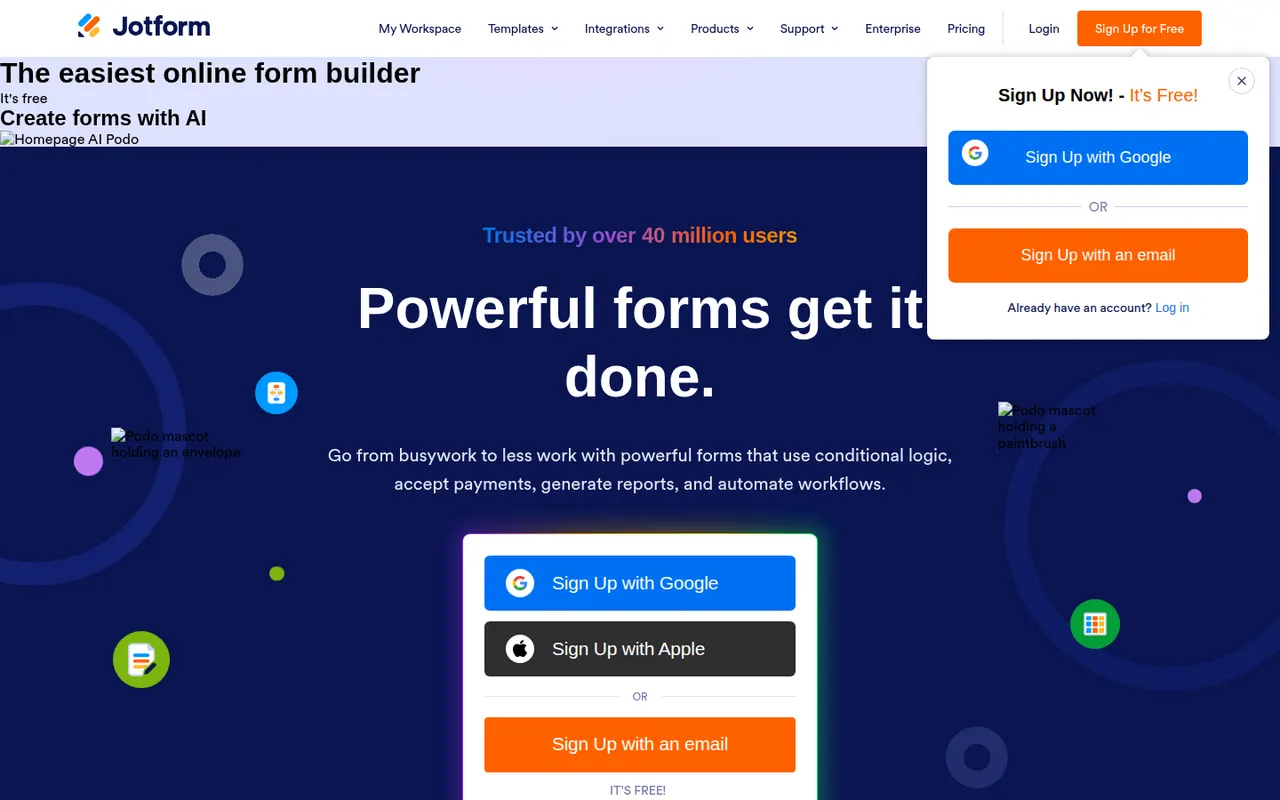
Cost / LicenseFreeOpen sourceCategoriesJotform is an online form builder with a large template library, a drag-and-drop editor, conditional logic and integrations with many payment gateways. Its mobile apps can collect data offline, and the wider suite adds Jotform Tables, an app builder, PDF generation and e-signatures through Jotform Sign. A free plan covers basic use, and HIPAA-compliant options are available for healthcare.
10 Jotform alternativesPros
- Huge template library and a drag-and-drop editor that is easy to learn
- Many payment gateways, plus e-signatures through Jotform Sign
- Mobile apps can collect submissions offline
Cons
- Free plan caps forms and monthly submissions fairly tightly
- Interface can feel cluttered given how many options and products it bundles
- Forms on the free plan display Jotform branding
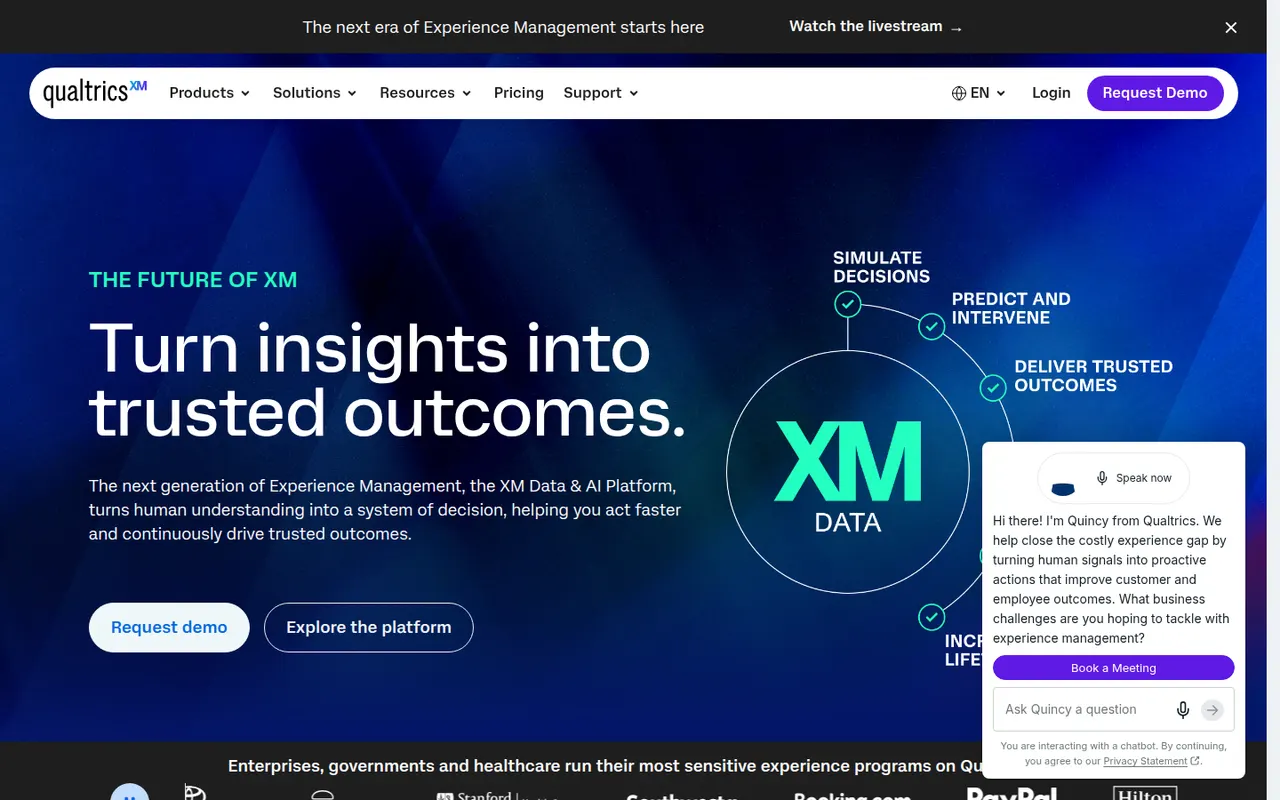
Cost / LicenseFreemiumProprietaryCategoriesQualtrics is an experience management (XM) platform used by large companies and universities to run advanced surveys and analyze customer, employee and market feedback. It offers complex survey logic, panel management, statistical analysis, text analytics and AI-generated insights, with dashboards for different teams. It is sold mainly through custom enterprise contracts, and a basic free account is also offered.
7 Qualtrics alternativesPros
- Very deep survey logic, panel management and statistical analysis
- Text analytics and AI insights help process large volumes of feedback
- Dashboards tailored to customer, employee and market research teams
Cons
- Custom enterprise contracts with no public pricing, costly for small teams
- Steep learning curve given the breadth of features
- Free account is very limited compared with paid plans
Cost / LicenseFreemiumProprietaryCategories