Apps with Offline mode
57 apps
Top Offline mode apps ranked by the community
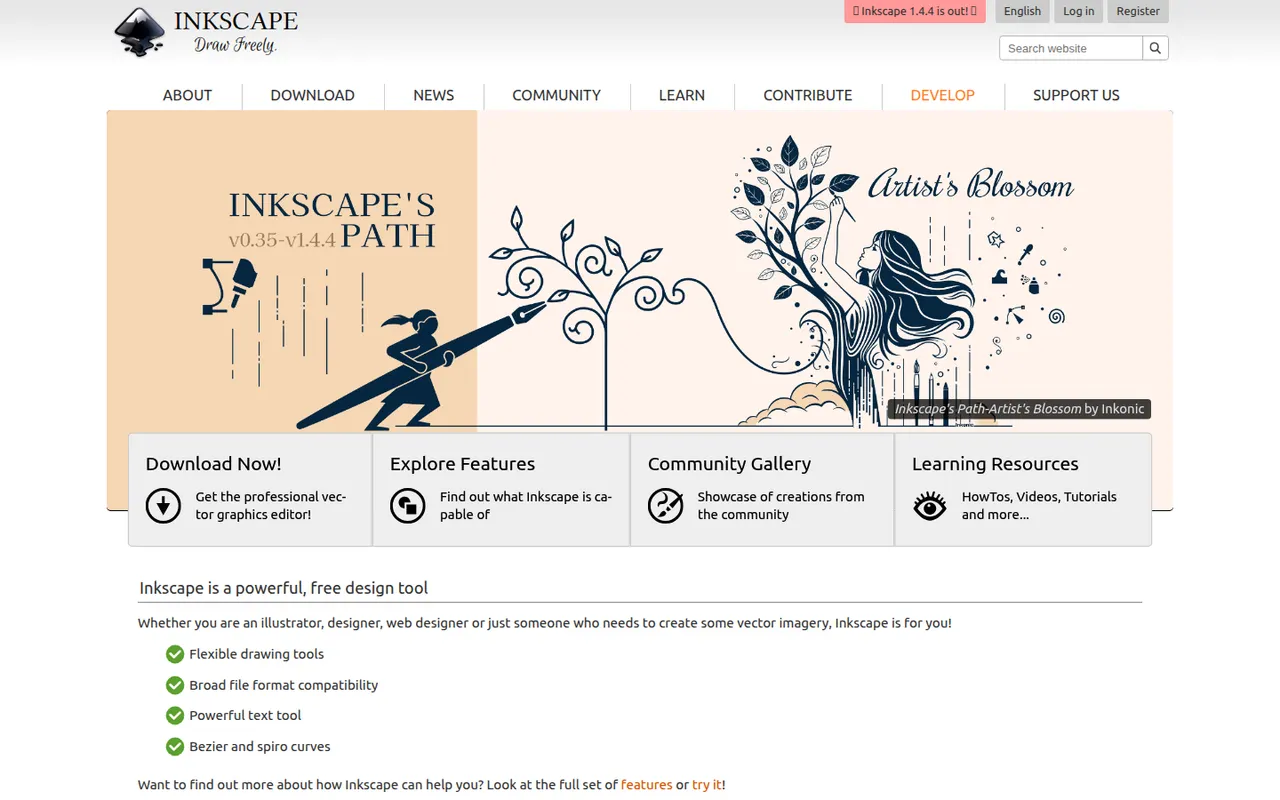
Inkscape is a free, open source vector drawing program for Windows, macOS and Linux that uses SVG as its native format. Illustrators, hobbyists and web designers use it for logos, diagrams, icons, cutting-machine files and print layouts. It provides Bezier and calligraphy tools, path operations, text on path, many extensions and import/export for PDF, EPS and AI files.
10 Inkscape alternativesPros
- Free and open source on Windows, macOS and Linux
- Native SVG format, ideal for web graphics and cutting machines
- Powerful path operations and a large set of extensions
Cons
- Can feel slow with large or complex documents
- Interface is less polished than commercial vector editors
- Limited CMYK support for professional print workflows
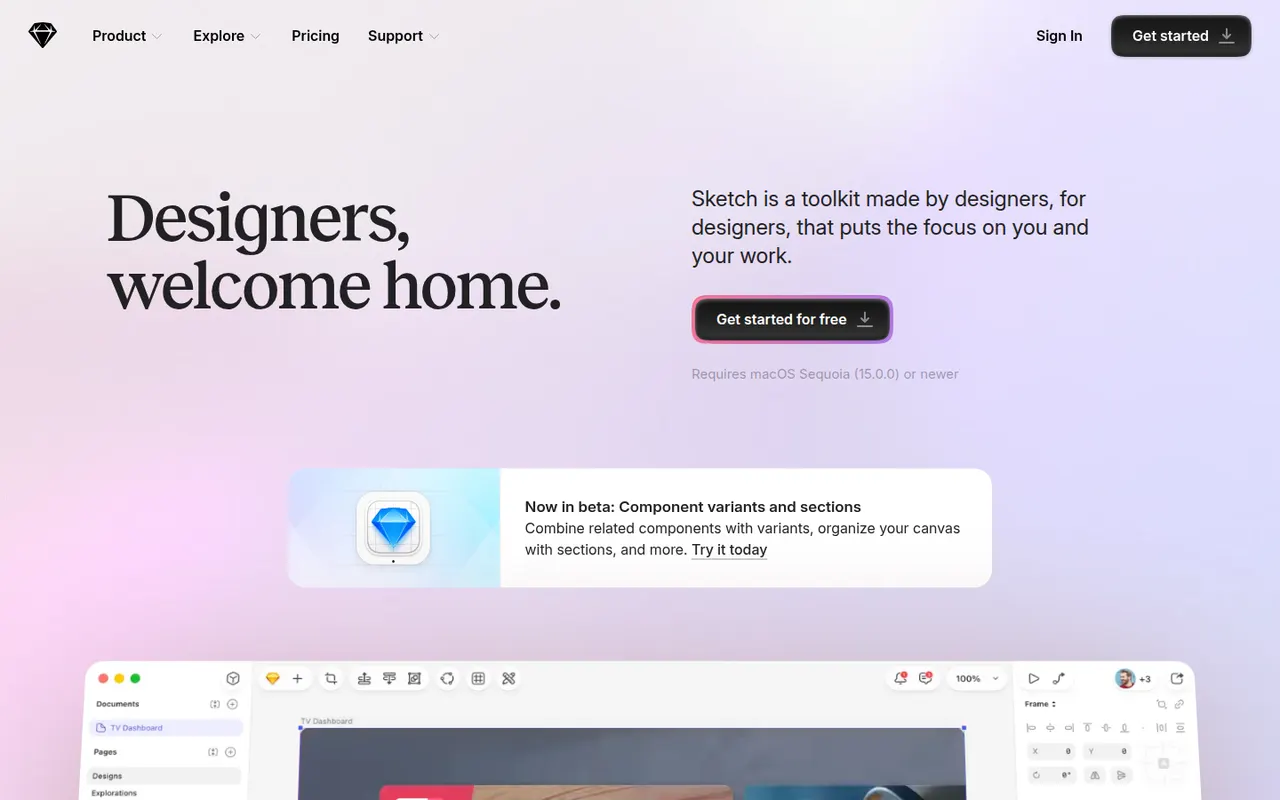
Cost / LicenseFreeOpen sourceCategoriesSketch is a vector design app built exclusively for macOS, used to create user interfaces, icons and interactive prototypes. Files can stay local or live in shared workspaces with real-time collaboration, and a web app lets teammates and developers browse designs, comment and inspect specs without a Mac. Symbols, shared libraries and a long-standing plugin ecosystem support design-system work.
10 Sketch alternativesPros
- Fast native Mac app that also works offline
- Long-standing plugin ecosystem and shared libraries
- Web app lets teammates without a Mac comment and inspect specs
Cons
- Editing requires a Mac, which limits mixed-platform teams
- No free plan beyond the trial
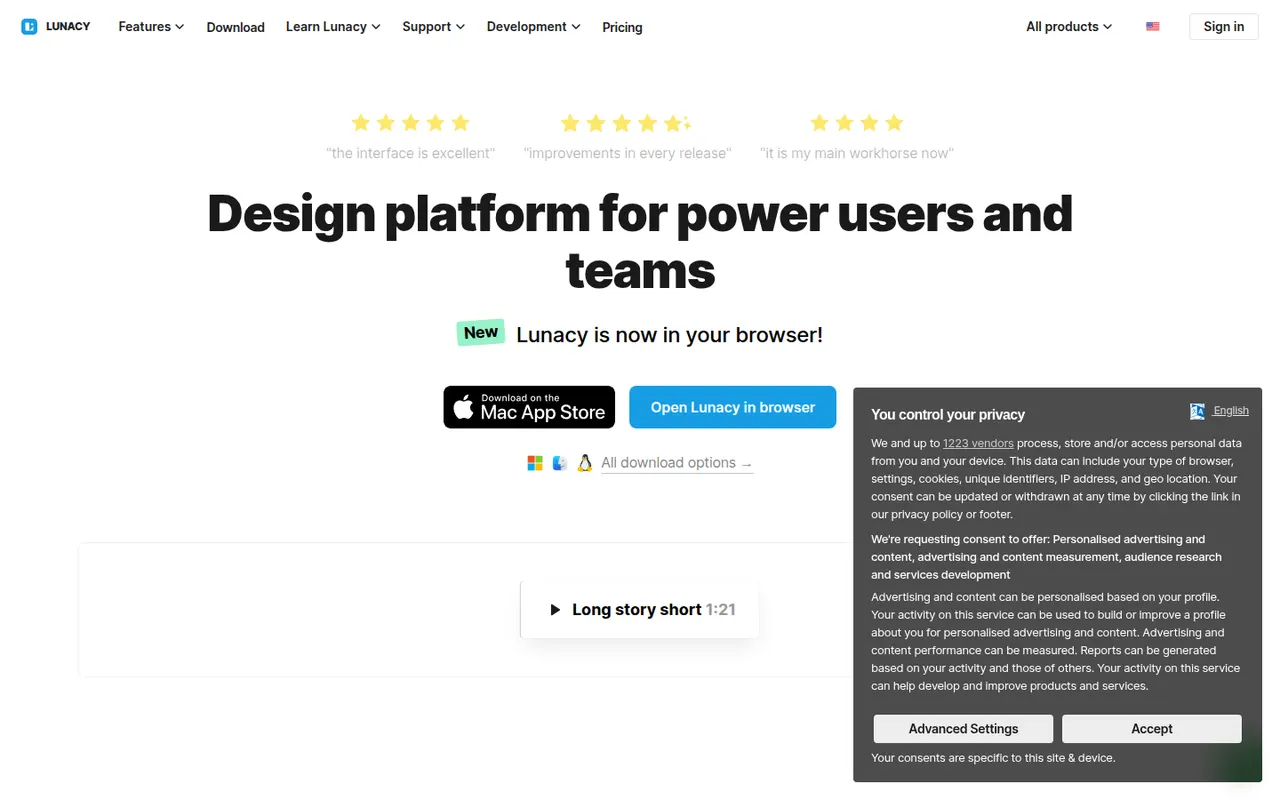
Cost / LicenseFree trialProprietaryCategoriesPlatformsLunacy is a vector design app from Icons8 for creating interfaces, prototypes and graphics on Windows, macOS and Linux. It works offline, opens Sketch files natively and includes Icons8 libraries of icons, photos and illustrations, along with AI helpers such as background removal. Cloud documents allow real-time collaboration; most features are free, with a paid plan for extended cloud features.
7 Lunacy alternativesPros
- Works offline on Windows, macOS and Linux
- Opens Sketch files natively, no Mac required
- Built-in Icons8 libraries of icons, photos and illustrations
Cons
- Smaller plugin ecosystem and community than Figma
- Less widely used, so fewer shared resources and tutorials
- Extended cloud features require a paid plan
Cost / LicenseFreemiumProprietaryCategoriesProcreate is a raster painting app built for iPad and Apple Pencil, used by illustrators, comic artists, letterers and hobbyists. It offers many customizable brushes, layers and blend modes, time-lapse recording of each artwork and Animation Assist for simple frame-by-frame animation. It is sold as a one-time purchase, and its developer has committed to keeping generative AI out of the app.
6 Procreate alternativesPros
- Responsive brush engine built for Apple Pencil
- One-time purchase with no subscription
- Time-lapse recording and Animation Assist built in
Cons
- Limited to iPad and iPhone, with no desktop version
- No vector tools for scalable artwork
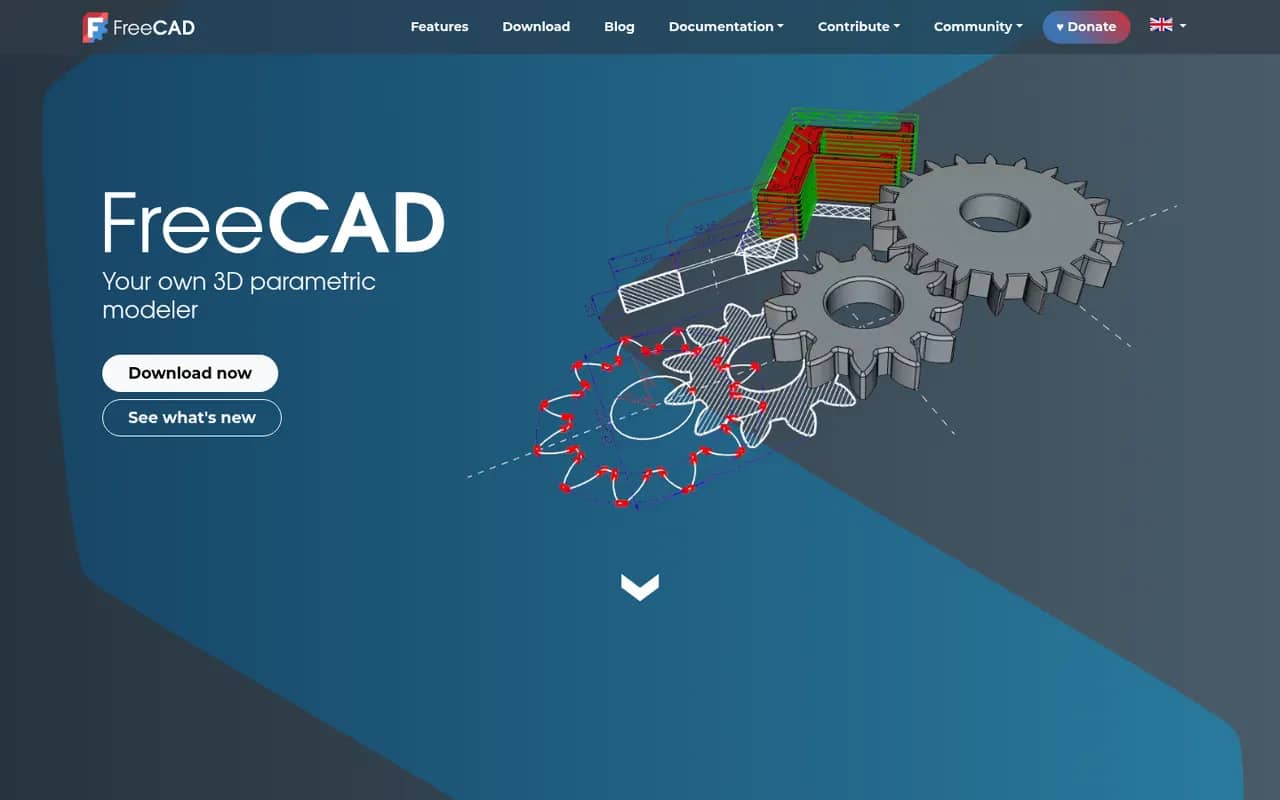
Cost / LicensePaidProprietaryCategoriesPlatformsFreeCAD is a free, open source parametric 3D modeler for mechanical engineering, product design, architecture (BIM) and 3D printing. It is organized into workbenches for part design, sketching, assemblies, technical drawings, finite element analysis and CAM, and can be fully scripted in Python. Version 1.0, released in 2024, added a built-in assembly workbench and fixes for the topological naming problem.
6 FreeCAD alternativesPros
- Free and open source parametric CAD with no license fees
- Workbenches cover parts, assemblies, drawings, FEM and CAM
- Fully scriptable in Python for automation and custom tools
Cons
- Interface feels less polished than commercial CAD packages
- Workflows differ between workbenches, which slows down learning
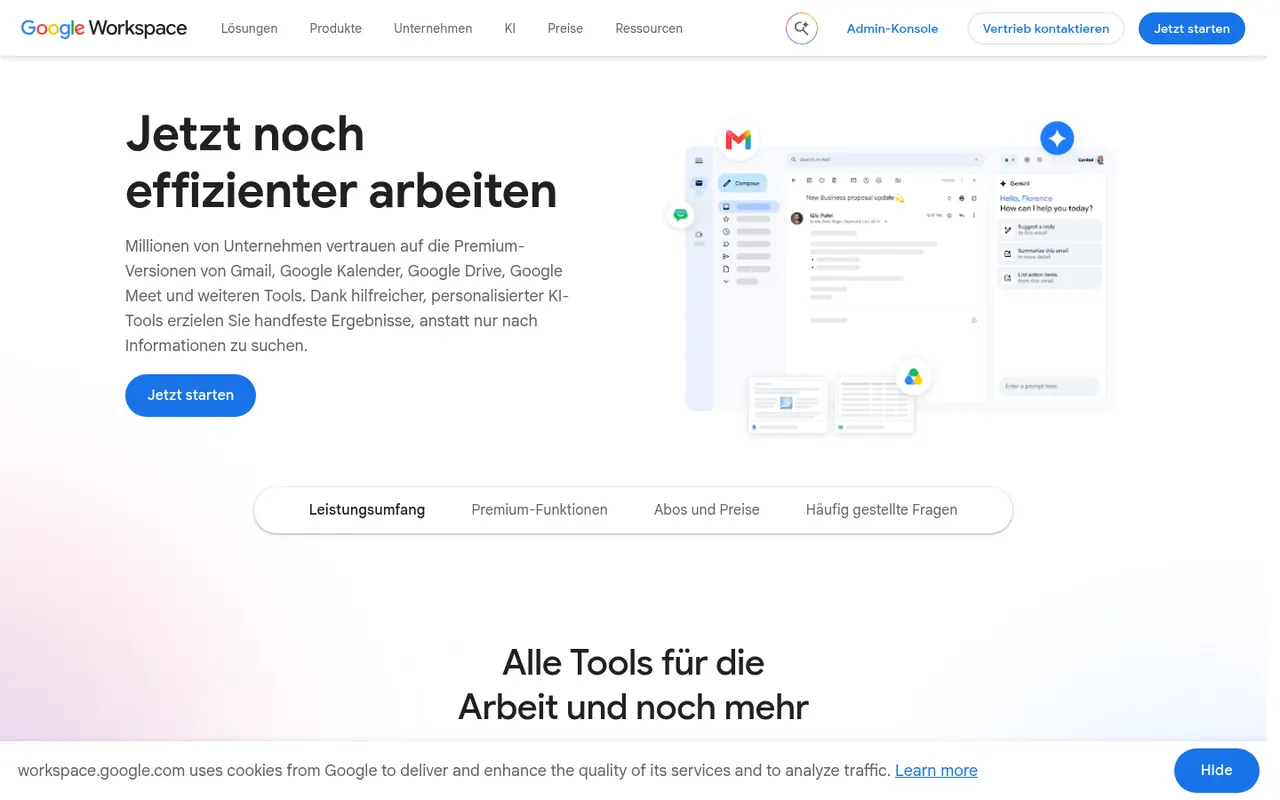
Cost / LicenseFreeOpen sourceCategoriesGoogle Workspace groups Gmail, Calendar, Drive, Docs, Sheets, Slides and Meet into a browser-based suite built around real-time collaboration. The apps are free with a personal Google account, while paid business plans add custom-domain email, more storage, admin controls and Gemini AI features. Documents can be edited offline and exported to Microsoft Office formats.
11 Google Workspace alternativesPros
- Smooth real-time co-editing in Docs, Sheets and Slides
- Free to use with a personal Google account
- Gmail, Drive, Calendar and Meet are tightly integrated
Cons
- Fewer advanced features than desktop Office apps
- Complex Office files may lose formatting on import
- Custom-domain email and admin tools require paid plans
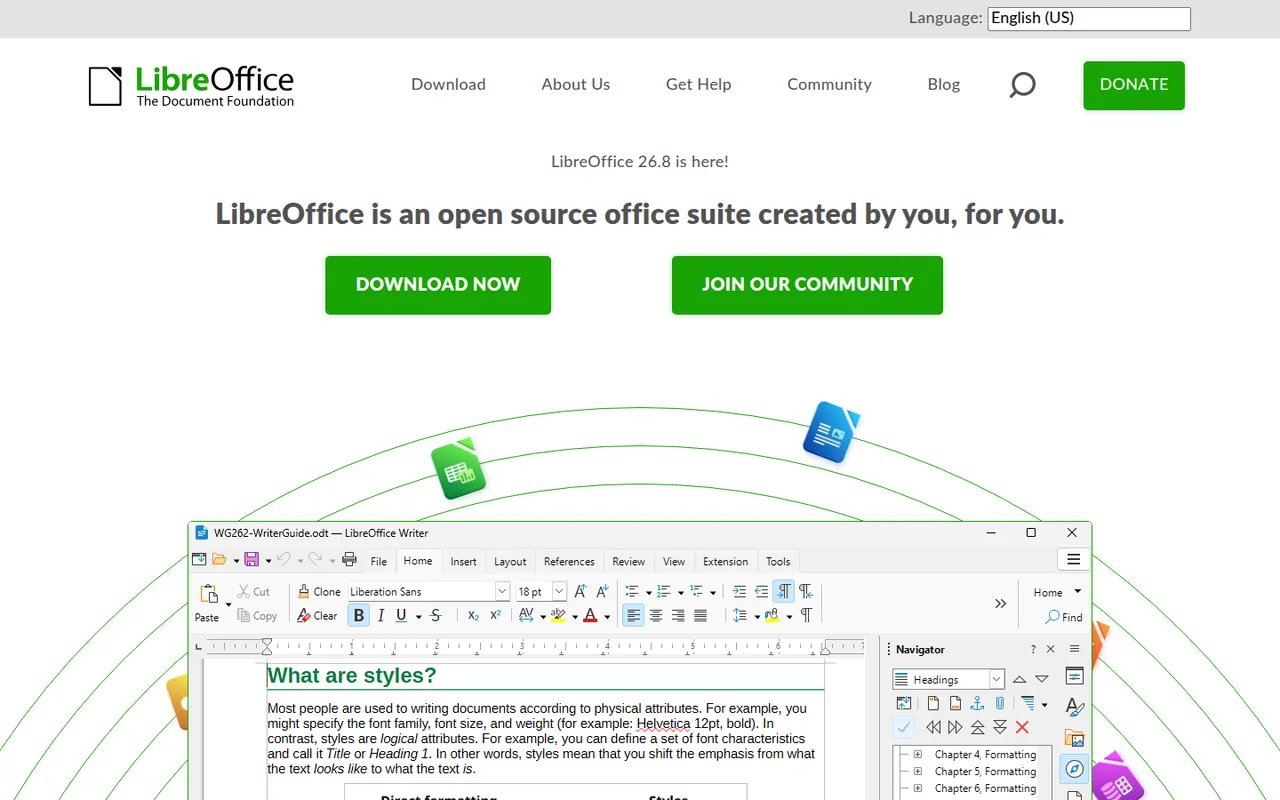
Cost / LicenseFreemiumProprietaryLibreOffice is a desktop office suite maintained by The Document Foundation, with Writer, Calc, Impress, Draw, Base and Math. It uses the OpenDocument format natively and opens and saves Microsoft Office files. It is free for any use, works fully offline and can be extended with community extensions and templates.
12 LibreOffice alternativesPros
- Free for any use, with no account or subscription
- Full suite with Writer, Calc, Impress, Draw and Base
- Native OpenDocument support and fully offline use
Cons
- Interface feels dated next to Microsoft 365
- Complex Office files can lose formatting
- No real-time collaboration in the desktop apps
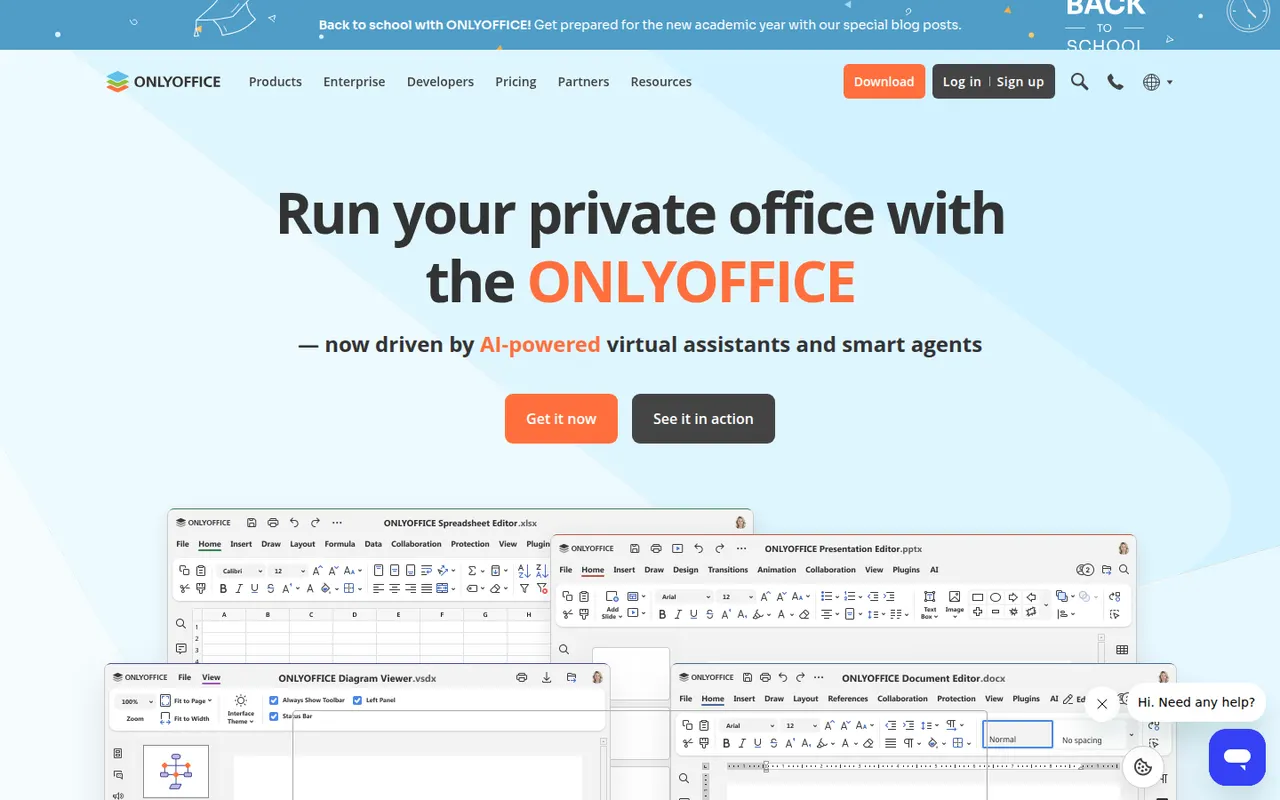
Cost / LicenseFreeOpen sourceONLYOFFICE is an office suite from Ascensio System with editors for documents, spreadsheets, presentations, PDFs and forms, built around Microsoft Office formats. The desktop and mobile apps are free, and the online editors can be self-hosted or integrated into Nextcloud and other platforms, with paid cloud and enterprise editions. It supports real-time co-editing, plugins and AI assistants.
12 ONLYOFFICE alternativesPros
- Strong compatibility with Microsoft Office formats
- Free desktop and mobile apps, plus self-hostable online editors
- Real-time co-editing and Nextcloud integration
Cons
- A self-hosted server needs technical setup
- Enterprise features and support require paid editions
- Fewer advanced features than Microsoft Office
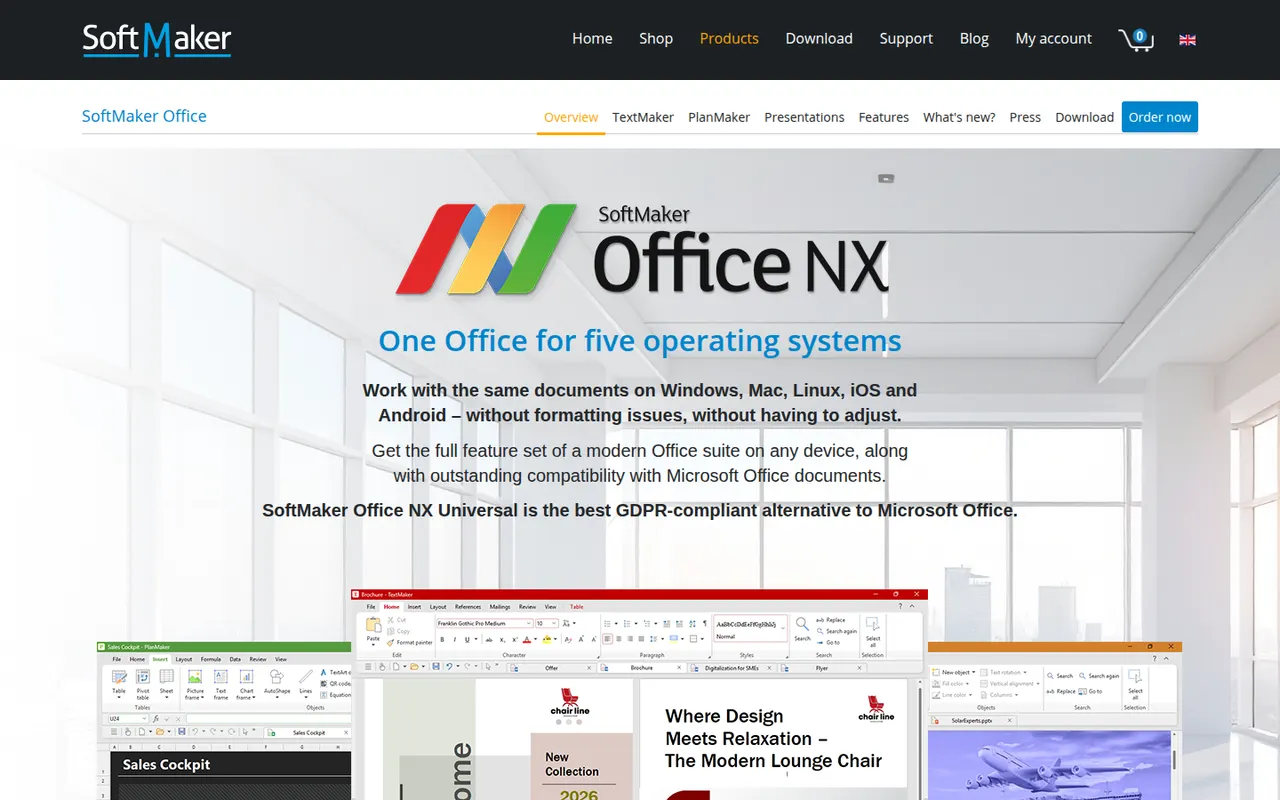
Cost / LicenseFreemiumOpen sourceSoftMaker Office is a commercial office suite from the German company SoftMaker, consisting of TextMaker, PlanMaker and Presentations. It is built for close compatibility with Microsoft Office files and runs natively on Windows, macOS, Linux and Android. It is sold as a subscription or a one-time license after a free trial; the separate FreeOffice edition is free with fewer features.
8 SoftMaker Office alternativesPros
- Close compatibility with Microsoft Office files
- Native apps on Windows, macOS, Linux and Android
- One-time license available as an alternative to subscriptions
Cons
- Paid after the trial, and the free FreeOffice edition offers less
- No cloud collaboration or web version
- Smaller community and fewer resources than Office or LibreOffice
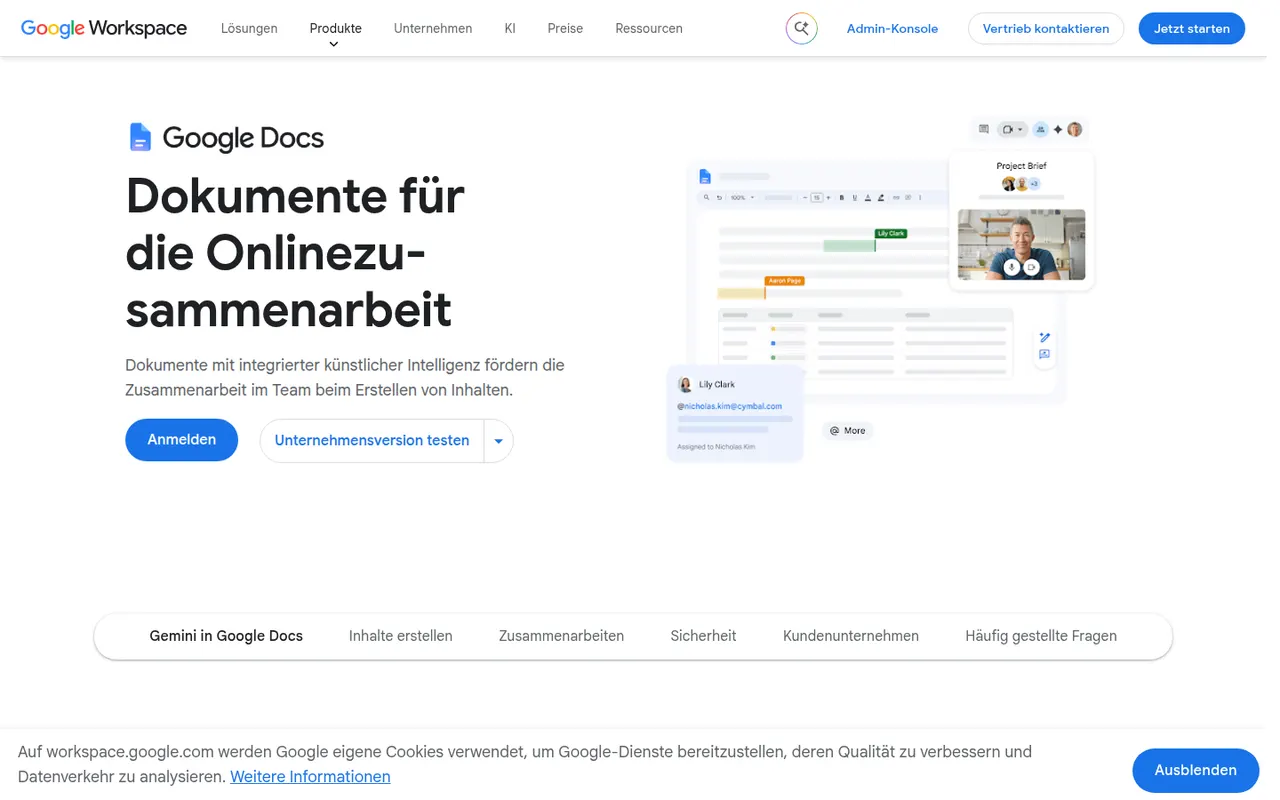
Cost / LicenseFree trialProprietaryGoogle Docs is Google's online word processor, used for writing and editing documents together in real time. Comments, suggestion mode, version history and sharing links are built in, and files can be edited offline or exported as Word, PDF or OpenDocument. It is free with a Google account, with Gemini AI and business controls available through paid Google Workspace plans.
11 Google Docs alternativesPros
- Real-time co-editing with comments and suggestion mode
- Free with a Google account and accessible from any browser
- Version history makes every change recoverable
Cons
- Fewer layout and formatting options than desktop word processors
- Offline editing has to be set up in advance
- Gemini and business controls require paid Workspace plans
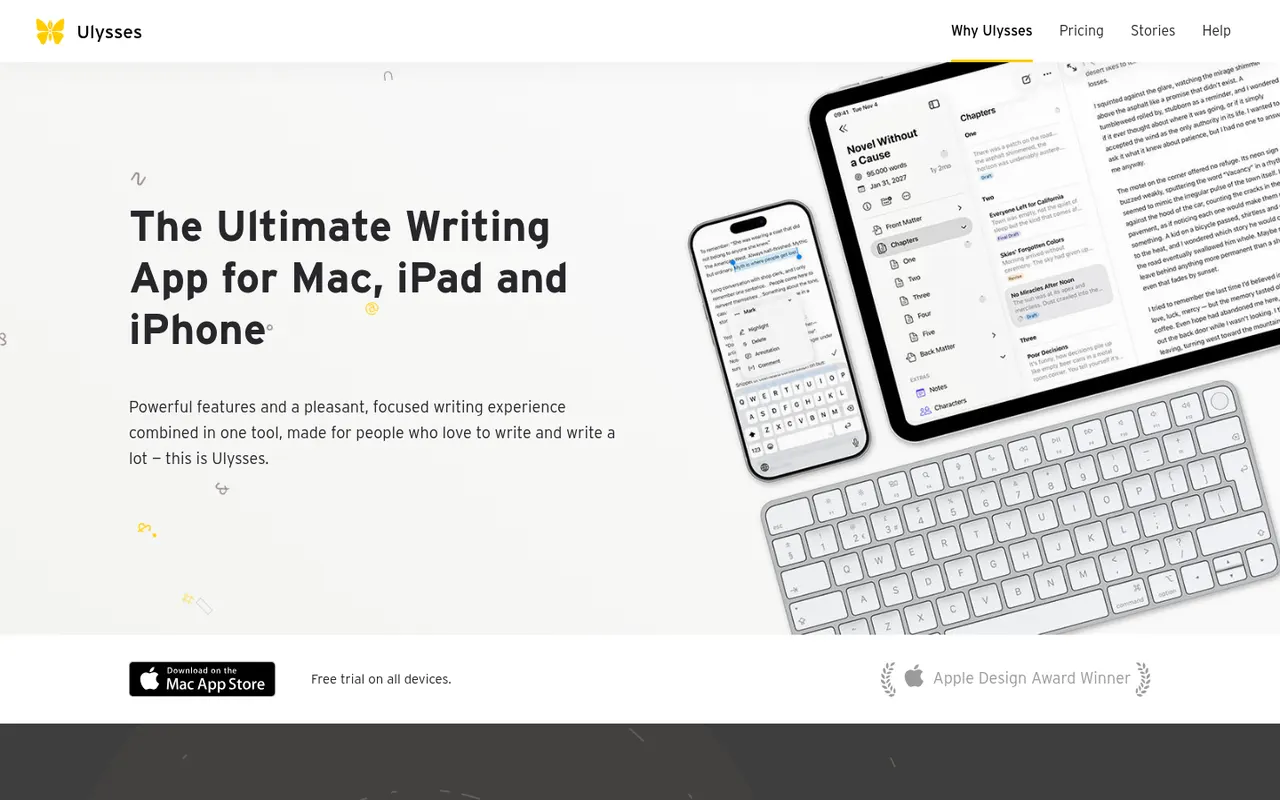
Cost / LicenseFreemiumProprietaryCategoriesUlysses is a writing app for Apple devices made by the German company Ulysses GmbH. Texts live in a single library synced through iCloud, are written in a Markdown-based markup and can be exported to PDF, Word or ePub or published directly to WordPress, Ghost and other platforms. It suits bloggers, authors and students and is sold as a subscription after a free trial.
8 Ulysses alternativesPros
- Single library synced across Mac, iPhone and iPad via iCloud
- Publishes directly to WordPress, Ghost and other platforms
- Distraction-free writing with Markdown-based markup
Cons
- Only available on Apple devices
- Sold only as a subscription
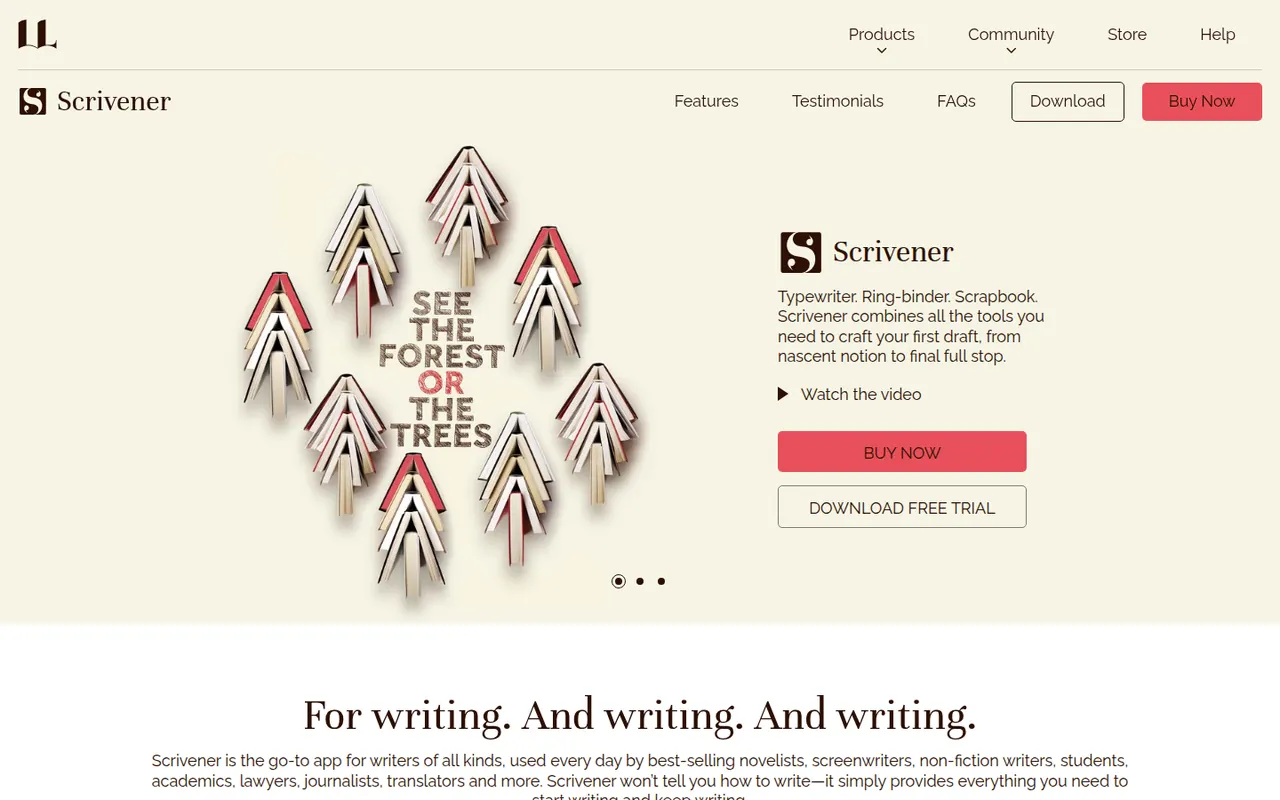
Cost / LicenseFree trialProprietaryCategoriesScrivener, from Literature & Latte, is a writing tool for long-form projects such as novels, theses and screenplays. Its binder lets you split a manuscript into sections, rearrange them on a corkboard or outliner and keep research notes, PDFs and images next to the text, then compile everything into print, ebook or Word formats. It is a one-time purchase per platform with a free trial.
8 Scrivener alternativesPros
- Binder splits long manuscripts into easy-to-rearrange sections
- Research notes, PDFs and images kept next to the text
- Compile exports to print, ebook and Word formats
Cons
- Steep learning curve, especially for the compile feature
- A separate license is required for each platform
- Syncing with the iPhone app relies on Dropbox
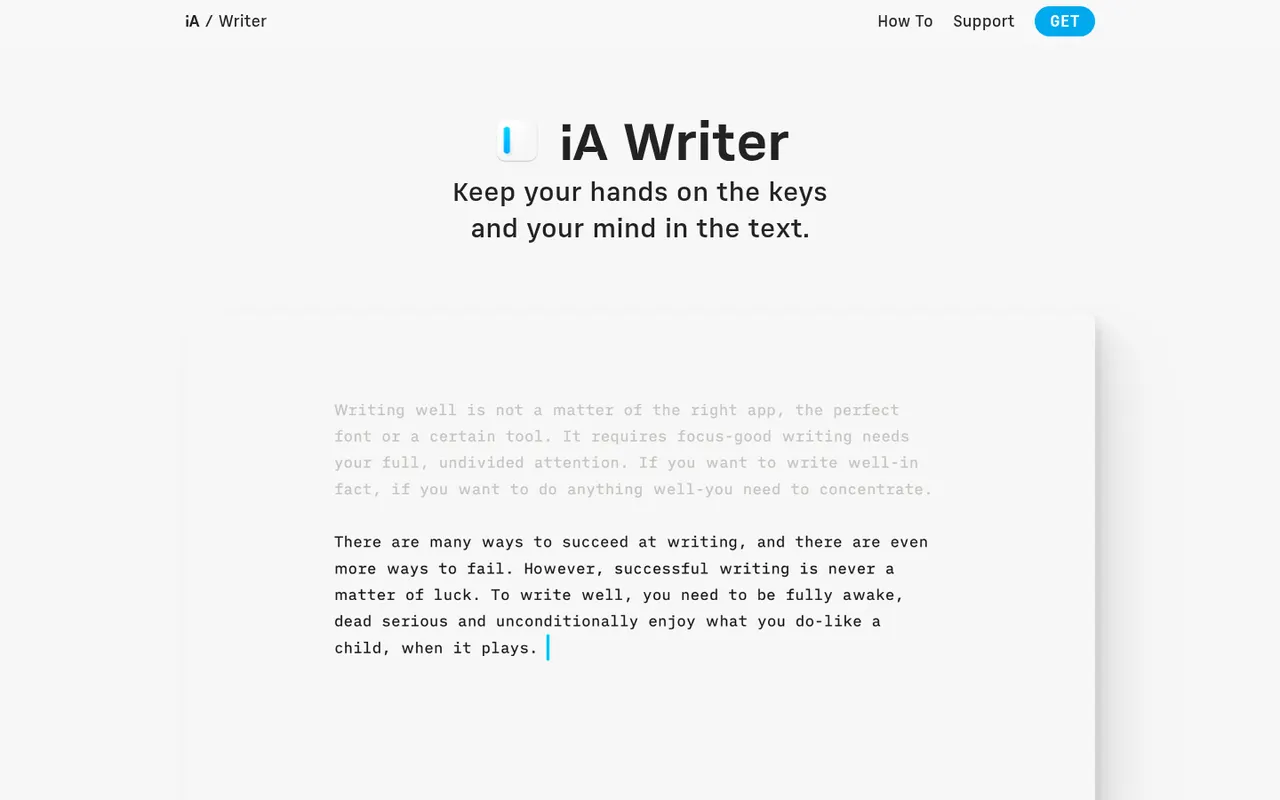
Cost / LicenseFree trialProprietaryCategoriesiA Writer is a minimalist Markdown editor from the design studio Information Architects. Its Focus Mode, syntax highlighting and style check help tighten prose, and it can mark text pasted from AI tools to keep track of what you wrote yourself. Files stay as plain text, locally or in iCloud and Dropbox, with export to HTML, PDF and Word. It is a one-time purchase per platform, after a free trial.
9 iA Writer alternativesPros
- Focus Mode and style check help tighten prose
- Plain-text Markdown files stored wherever you choose
- One-time purchase instead of a subscription
Cons
- A separate purchase is needed for each platform
- No real-time collaboration
- Formatting options are minimal by design
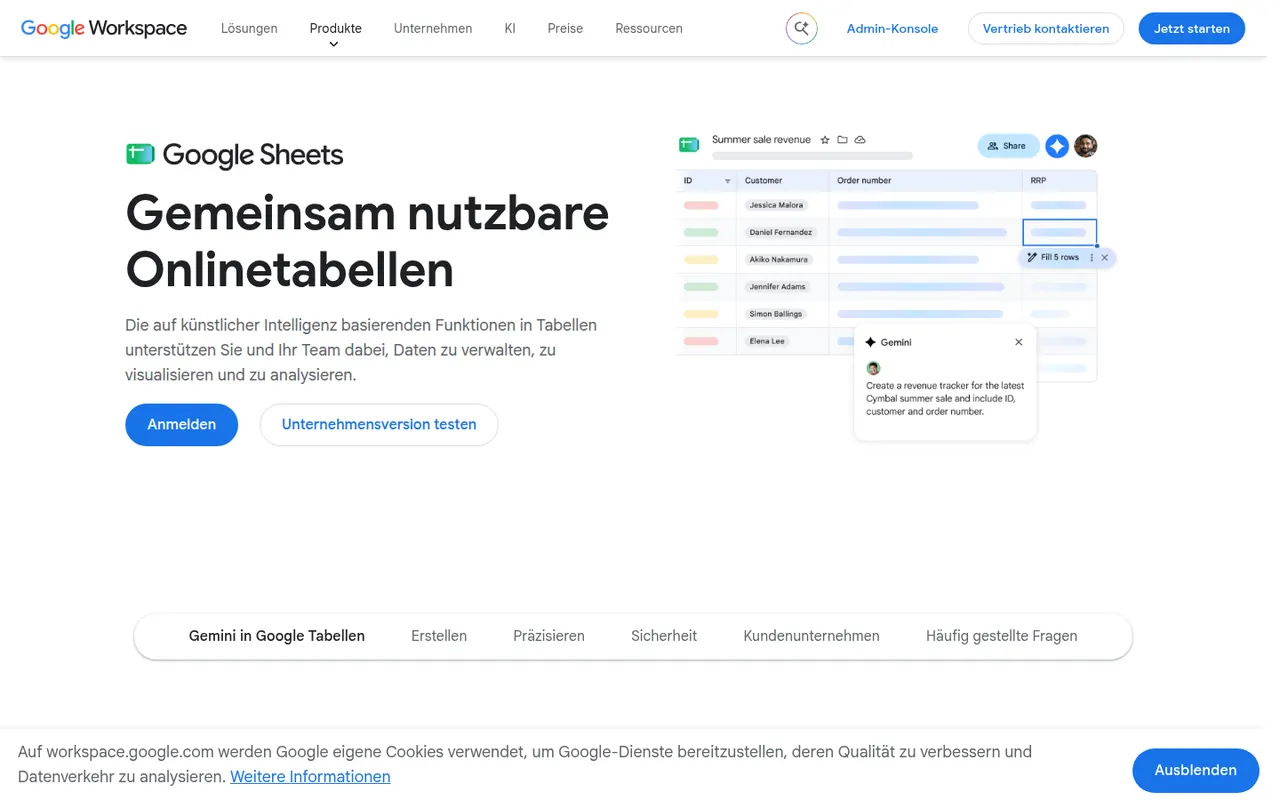
Cost / LicenseFree trialProprietaryCategoriesGoogle Sheets is Google's browser-based spreadsheet, made for working on the same file with others at the same time. It supports formulas, pivot tables, charts, connected data sources and add-ons, and Apps Script can automate tasks or link sheets to other Google services. It is free with a Google account; Gemini AI features and business controls come with paid Google Workspace plans.
11 Google Sheets alternativesPros
- Real-time co-editing works smoothly in the browser
- Free with a Google account, with easy sharing and comments
- Apps Script and add-ons automate tasks across Google services
Cons
- Slows down noticeably with very large datasets
- Fewer advanced analysis features than desktop Excel
- Gemini features require a paid Google Workspace plan
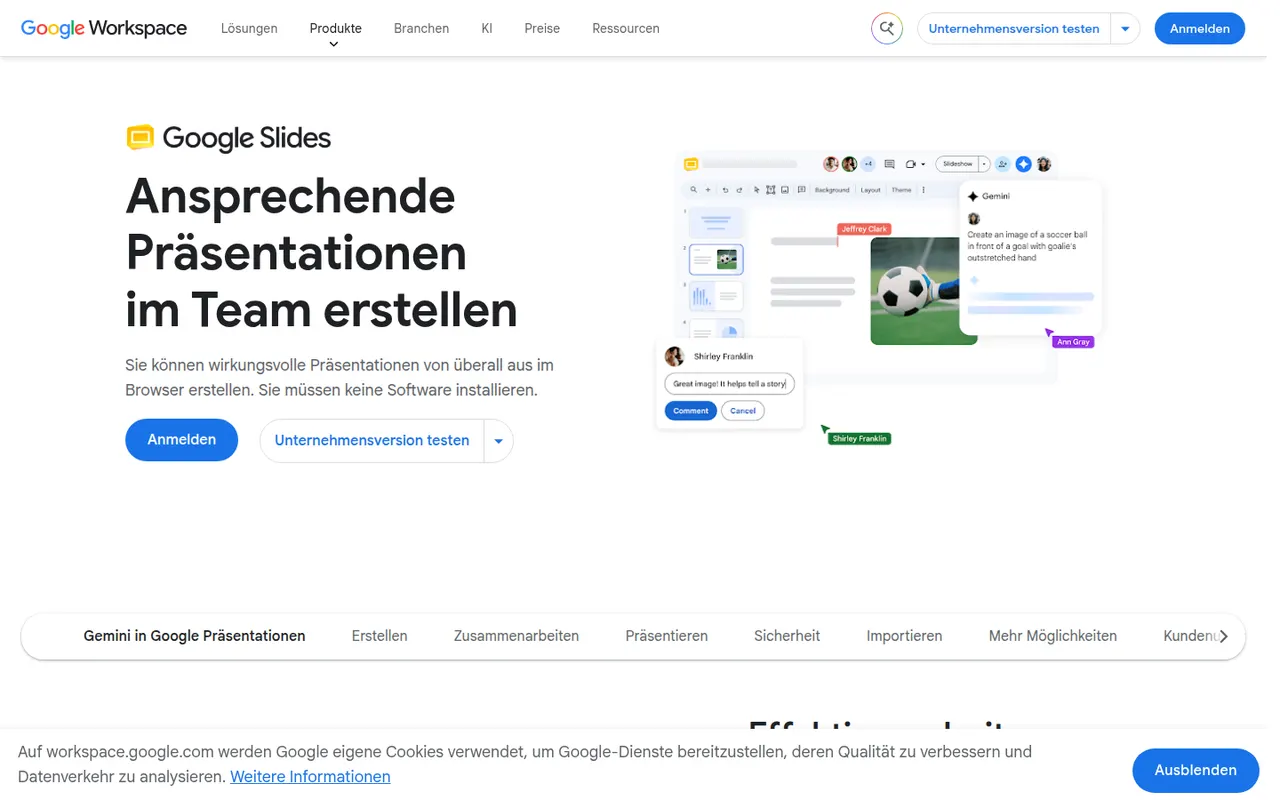
Cost / LicenseFreemiumProprietaryCategoriesGoogle Slides is Google's web-based presentation app, designed for building decks with teammates in real time. It includes themes, speaker notes and presenter view, works offline and imports and exports PowerPoint files. It is free with a Google account; paid Google Workspace plans add Gemini AI features such as generating images and slides.
9 Google Slides alternativesPros
- Real-time co-editing and comments work smoothly in the browser
- Free to use with any Google account
- Imports and exports PowerPoint files
Cons
- Fewer animation and design options than PowerPoint or Keynote
- Complex PowerPoint decks can lose formatting on import
- Gemini AI features require a paid Workspace plan
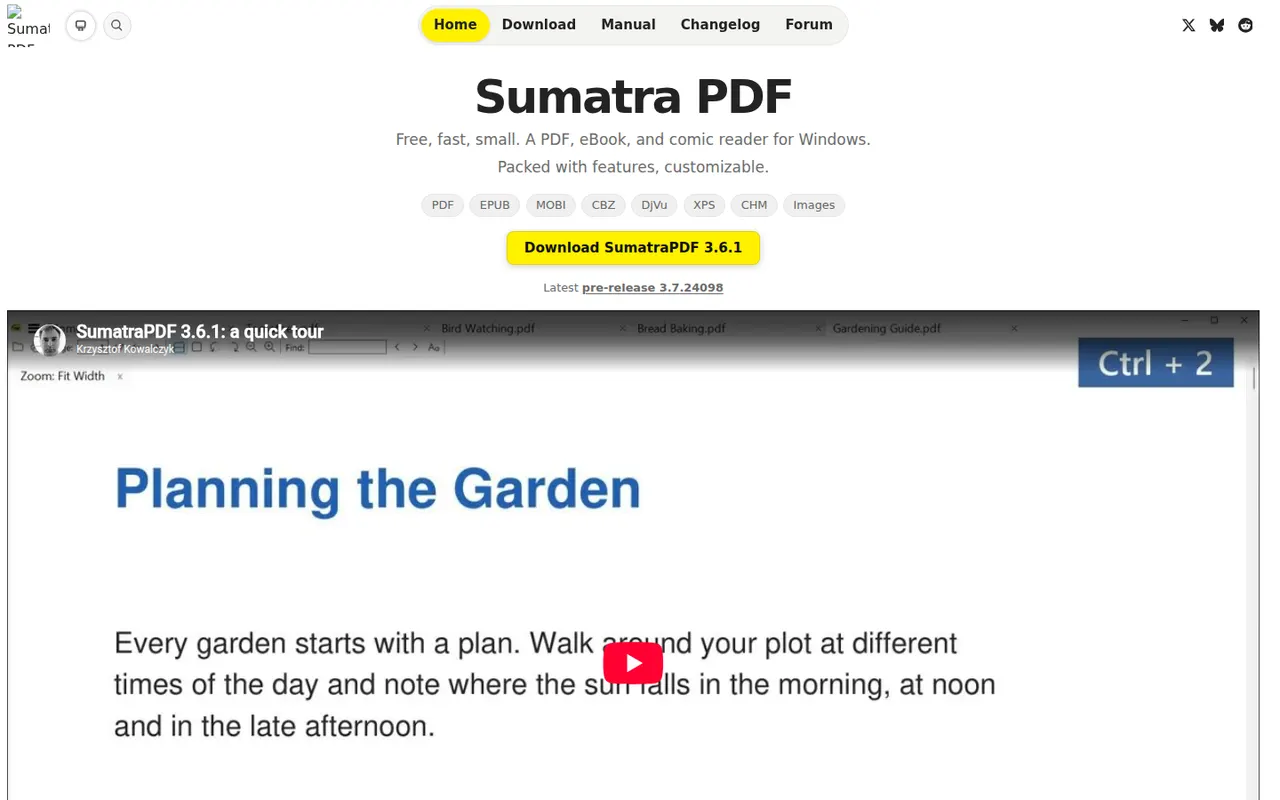
Cost / LicenseFreemiumProprietaryCategoriesSumatra PDF is a small, fast document reader for Windows that opens PDF, EPUB, MOBI, XPS, DjVu and comic book files. It focuses on quick startup and a minimal interface rather than editing, with basic annotation support and a portable version that runs without installation. It is free and open source under the GPLv3.
6 Sumatra PDF alternativesPros
- Very fast startup and a minimal interface
- Opens PDF, EPUB, MOBI, DjVu and comic book files
- Portable version runs without installation
Cons
- Available on Windows only, with no Mac or Linux version
- No PDF editing and only basic annotations
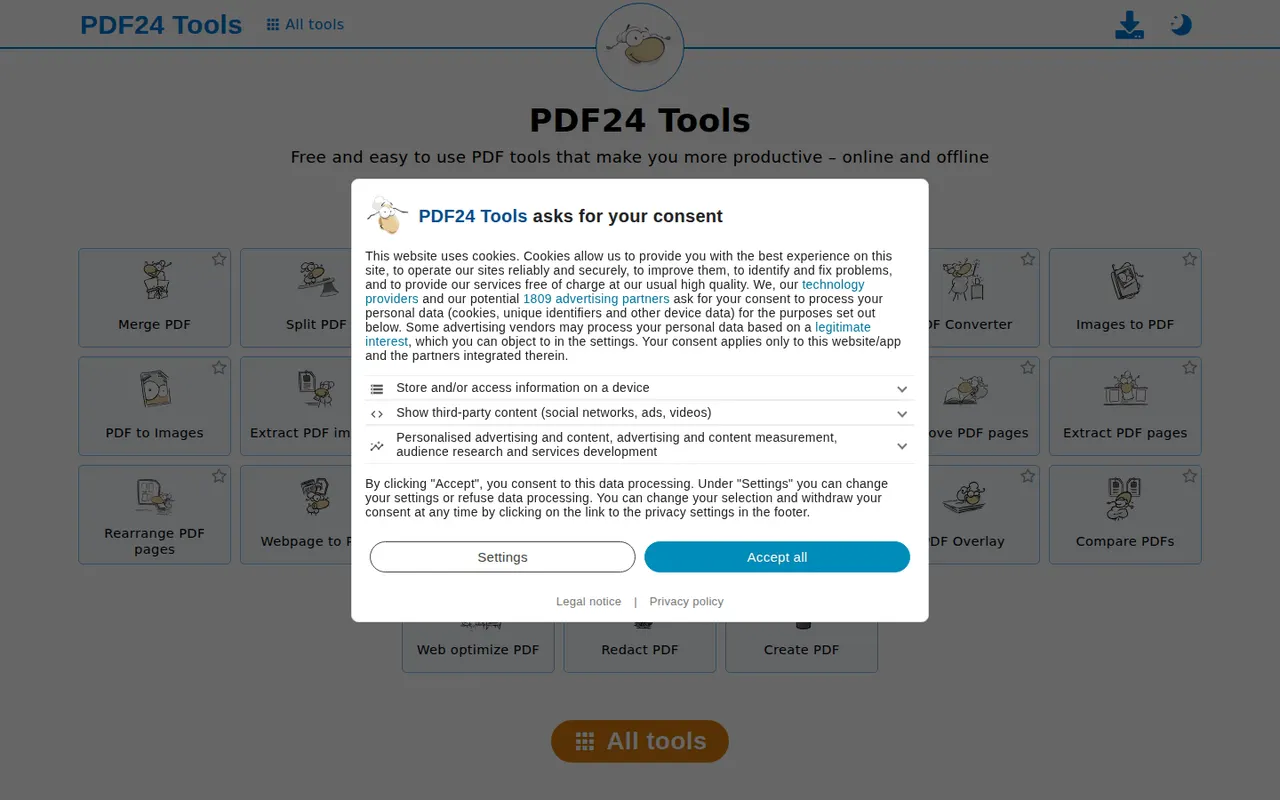
Cost / LicenseFreeOpen sourceCategoriesPlatformsPDF24 Tools is a free collection of PDF utilities from the German company Geek Software, covering merging, splitting, compressing, converting, OCR, editing, signing and redacting. The tools run in the browser, and the PDF24 Creator app for Windows offers the same features offline along with a virtual PDF printer. There is no paid tier, and the website shows ads.
10 PDF24 Tools alternativesPros
- Completely free, with no paid tier
- Wide range of tools, including OCR, redaction and signing
- Windows app works offline and adds a virtual PDF printer
Cons
- The website shows ads alongside the tools
- The desktop app is Windows only
- Interface is functional rather than modern
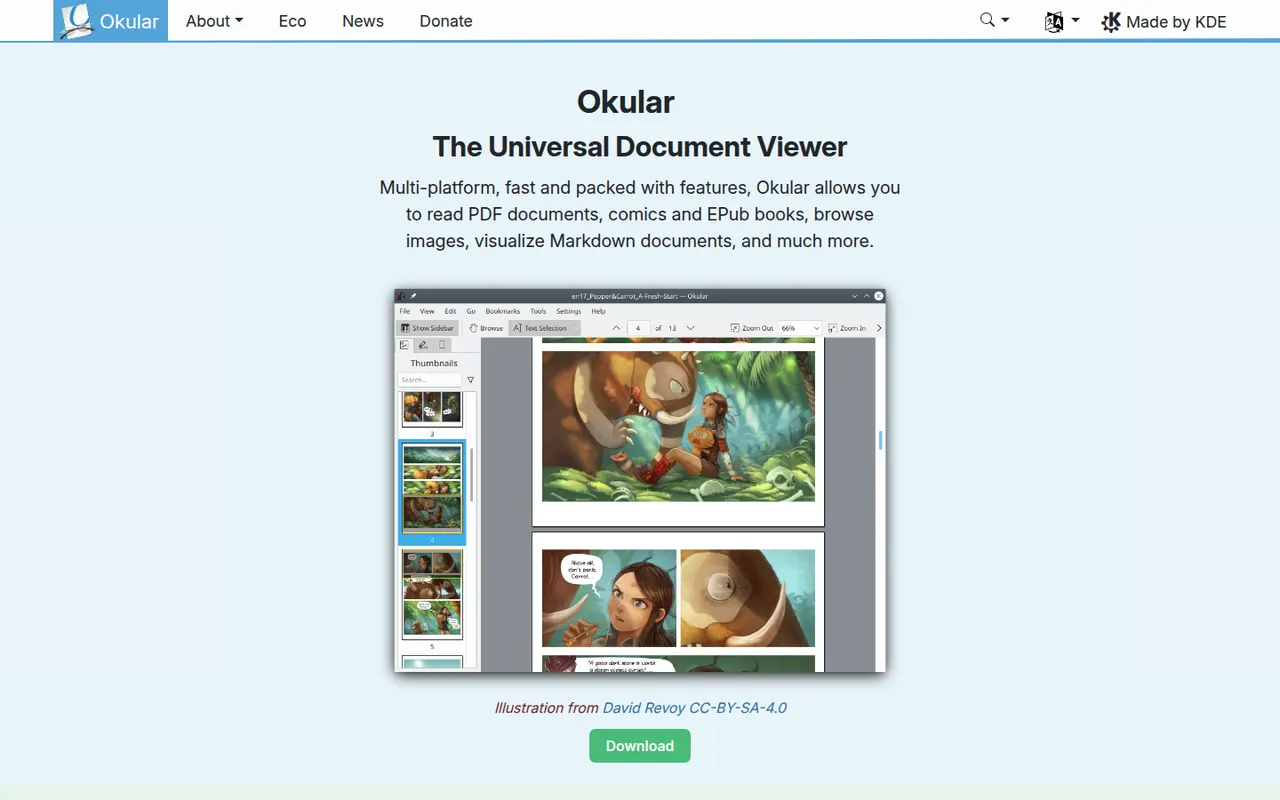
Cost / LicenseFreeProprietaryCategoriesOkular is the document viewer developed by the KDE community, opening PDF, EPUB, DjVu, XPS, comic books and other formats in one application. It supports highlighting, notes and other annotations, form filling and digital signatures for PDFs. Okular is free and open source, is usually installed with the KDE Plasma desktop on Linux and is also available for Windows.
6 Okular alternativesPros
- Opens PDF, EPUB, DjVu, XPS and comics in one viewer
- Highlights, notes, form filling and digital signatures
- Free and open source, with no ads
Cons
- Cannot edit the text or images of a PDF
- Works best on KDE Plasma and feels less native elsewhere
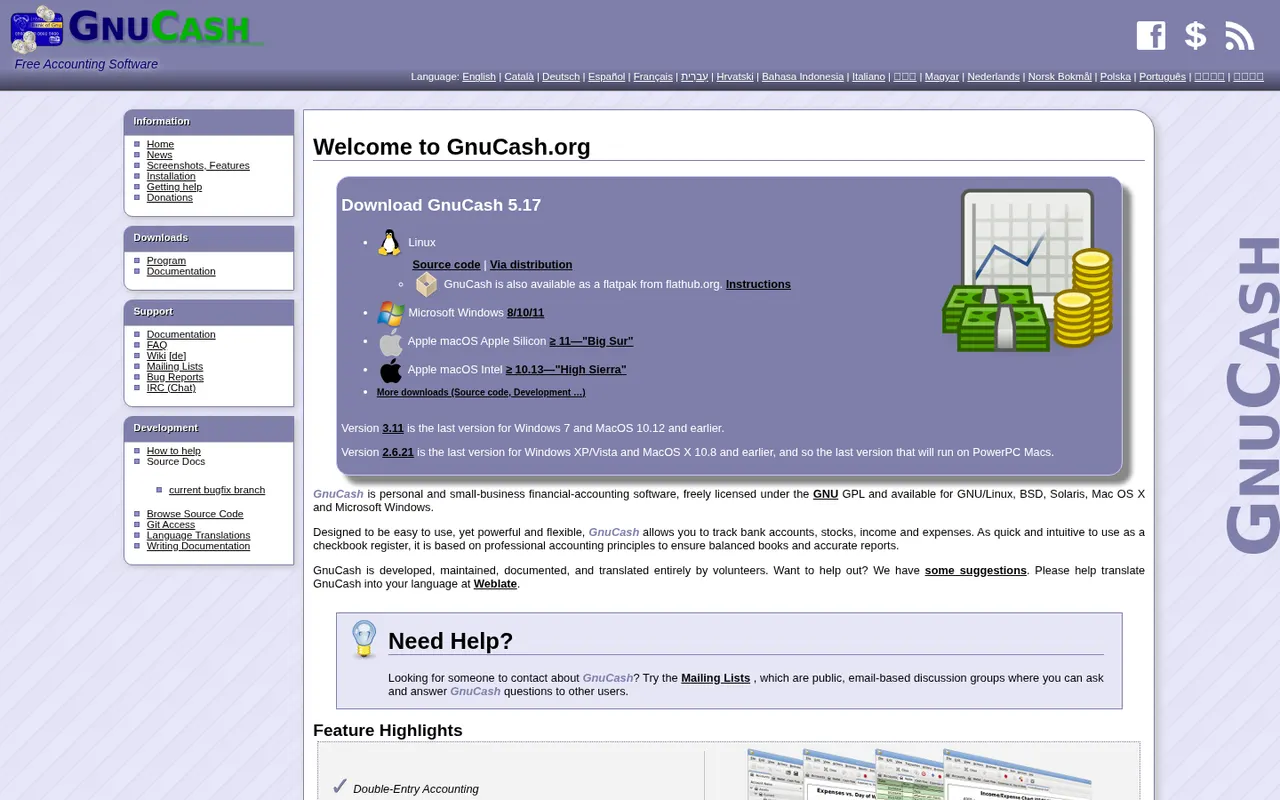
Cost / LicenseFreeOpen sourceCategoriesGnuCash is a free, open source desktop accounting program for tracking personal finances or keeping small-business books with double-entry accounting. It manages bank and credit card accounts, investments, multiple currencies, customers, vendors, invoices and bills, and can import QIF, OFX and CSV files or fetch transactions online. It runs offline on Windows, macOS and Linux and is licensed under the GPL.
7 GnuCash alternativesPros
- Free, open source double-entry accounting
- Works offline, with your data kept on your own computer
- Imports QIF, OFX and CSV files from banks
Cons
- Dated interface that feels clunky next to modern apps
- Double-entry concepts can confuse non-accountants
- No built-in cloud sync between devices
Cost / LicenseFreeOpen sourceCategoriesGoogle Drive is Google's file storage and sync service, included with every Google account and shared with Gmail and Google Photos. Files can be shared by link or with specific people, and documents open directly in Google Docs, Sheets and Slides for real-time co-editing. Desktop apps for Windows and Mac can mirror folders or stream files on demand.
12 Google Drive alternativesPros
- Real-time co-editing in Google Docs, Sheets and Slides
- Free storage included with every Google account
- Strong search across files, including text inside PDFs and images
Cons
- Free storage is shared with Gmail and Google Photos
- No official desktop client for Linux
- No end-to-end encryption for personal accounts
Cost / LicenseFreemiumProprietaryCategoriesiCloud Drive stores files in Apple's cloud and keeps them in sync across Mac, iPhone and iPad, with access from Windows and from a browser on icloud.com. It is built into the Finder and the Files app, can sync the Mac Desktop and Documents folders, and supports shared folders. Optional Advanced Data Protection extends end-to-end encryption to iCloud Drive.
8 iCloud Drive alternativesPros
- Built into Finder and Files, with seamless sync across Apple devices
- Desktop and Documents folders can sync automatically
- Advanced Data Protection adds end-to-end encryption
Cons
- Small free storage, quickly filled by device backups and photos
- No Android or Linux app, and Windows support is more basic
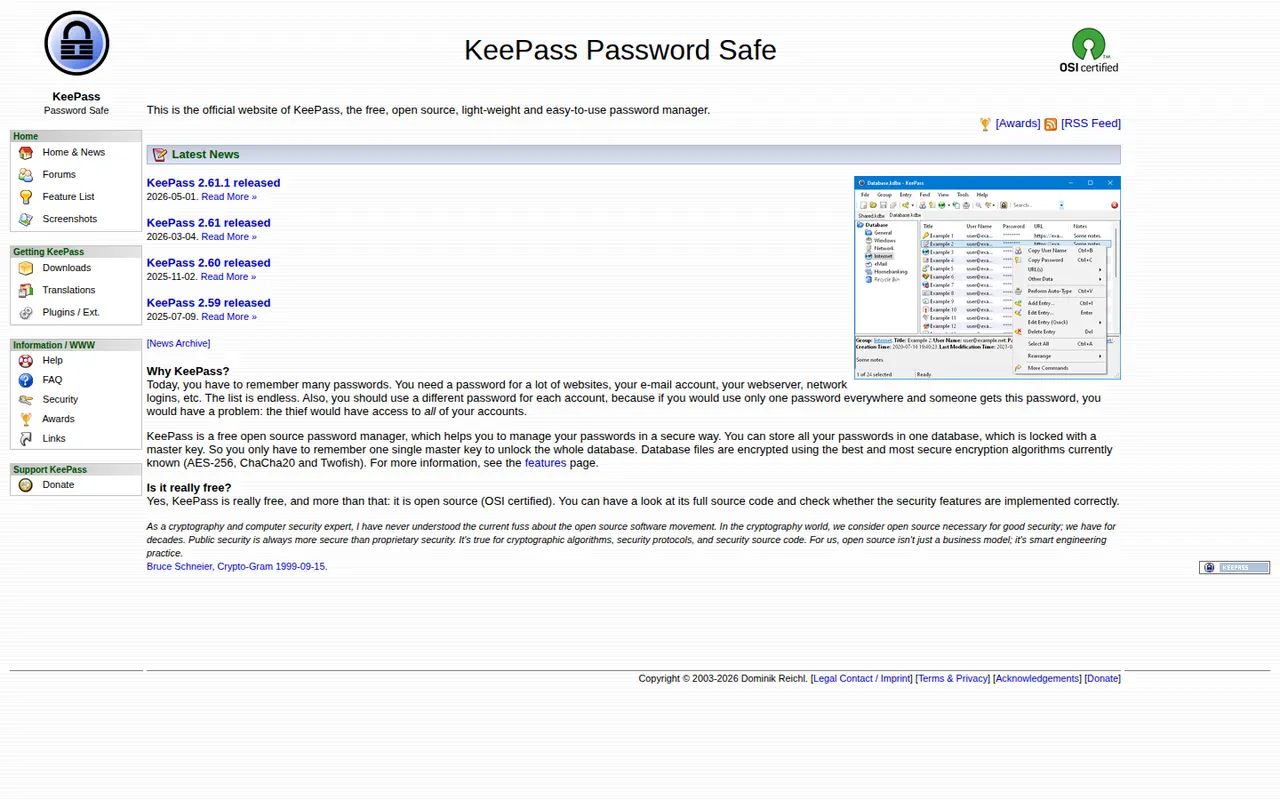
Cost / LicenseFreemiumProprietaryCategoriesKeePass is a free and open source password manager for Windows that stores credentials in a local encrypted database file, with no account or cloud service required. Auto-Type fills logins in any application, plugins add sync and import options, and its KDBX file format is supported by many compatible apps on macOS, Linux, Android and iOS.
8 KeePass alternativesPros
- Free, open source and fully offline, with no account
- Auto-Type fills logins in any application
- The KDBX format works with many compatible apps on other platforms
Cons
- The official app runs on Windows only
- Dated interface that feels technical for beginners
- Sync and browser integration rely on plugins or third-party apps
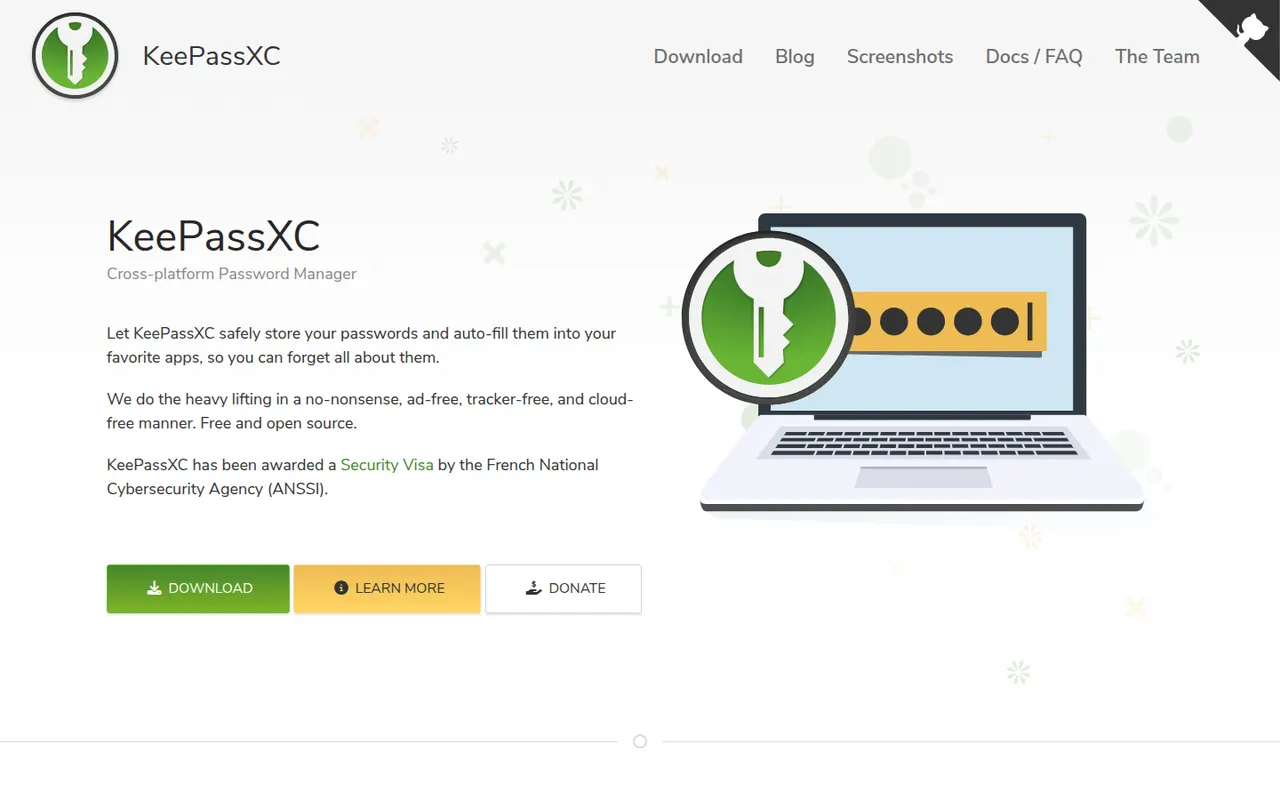
Cost / LicenseFreeOpen sourceCategoriesPlatformsKeePassXC is a community-developed, open source password manager for Windows, macOS and Linux that stores everything in a local, KeePass-compatible encrypted database. It adds browser integration through its own extension, a built-in TOTP generator, passkey support and SSH agent integration, all without an account or cloud. Syncing is up to you, for example with Syncthing or a cloud folder.
8 KeePassXC alternativesPros
- Native apps for Windows, macOS and Linux
- Browser extension, TOTP codes, passkeys and SSH agent built in
- Local encrypted database with no account or cloud
Cons
- No official mobile apps, so you need third-party KeePass clients
- Syncing between devices is left to you
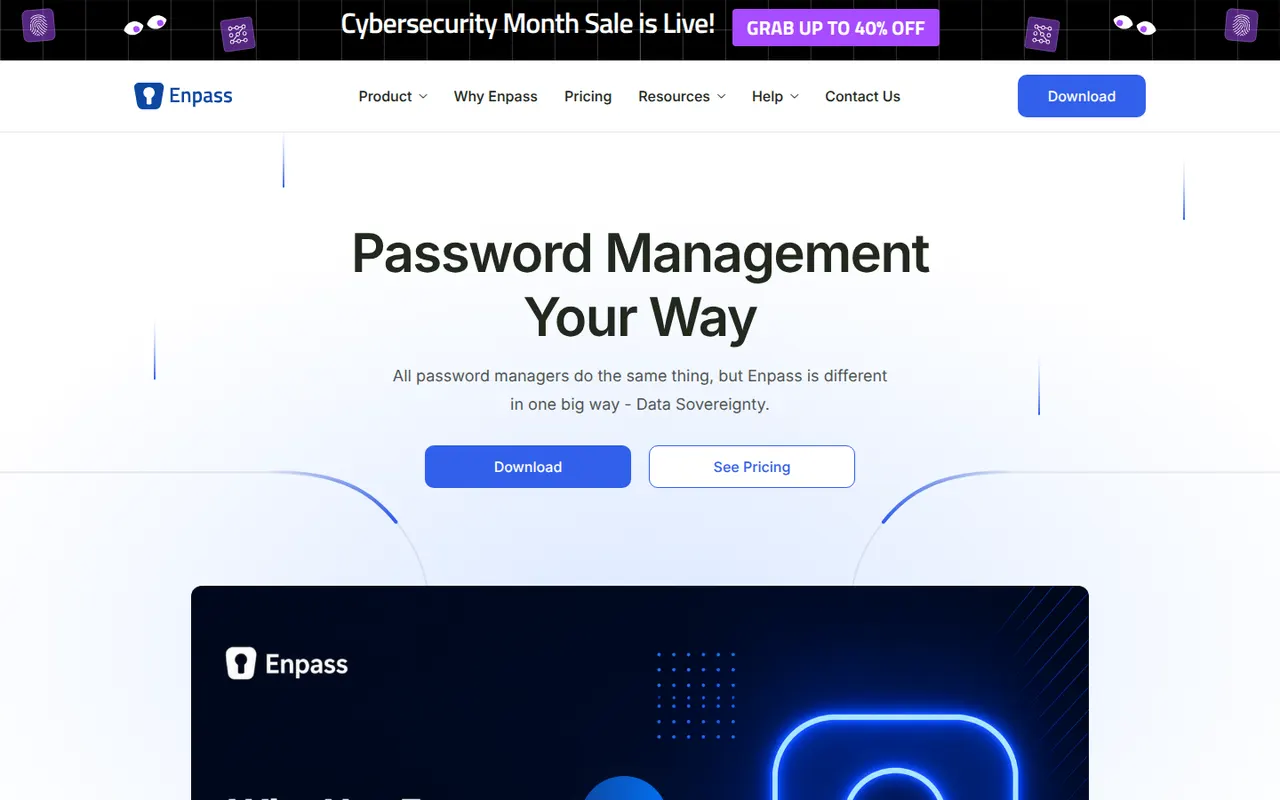
Cost / LicenseFreeOpen sourceCategoriesPlatformsEnpass is a password manager that keeps your vault on your devices rather than on its own servers, and syncs it through a cloud account you choose, such as iCloud, Google Drive, Dropbox, OneDrive or a WebDAV server. It supports autofill, passkeys, built-in TOTP codes and breach alerts. The desktop apps are free for personal use, with paid plans for full mobile use and a lifetime option.
10 Enpass alternativesPros
- Your vault stays on your devices, not on Enpass servers
- Syncs through your own iCloud, Google Drive, Dropbox or WebDAV
- Lifetime license available instead of a subscription
Cons
- Full mobile use requires a paid plan
- Setting up sync with your own cloud takes extra steps
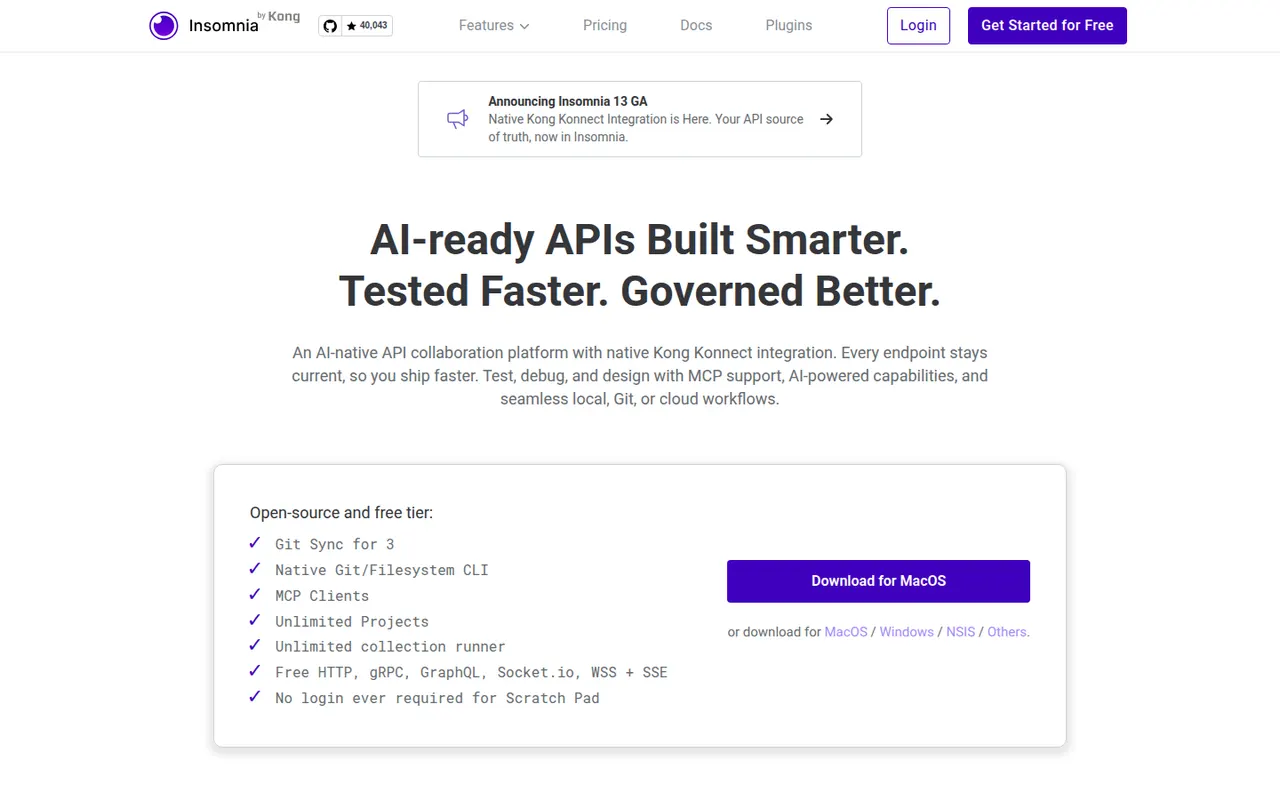
Cost / LicenseFreemiumProprietaryCategoriesInsomnia is an open source API client from Kong for designing and debugging REST, GraphQL, gRPC, WebSocket and server-sent event APIs. It supports collections, environments, scripting, test suites, mock servers, OpenAPI design and plugins. Projects can stay local, sync with Git or live in the cloud with end-to-end encryption, and paid plans add team collaboration and enterprise controls.
6 Insomnia alternativesPros
- REST, GraphQL, gRPC, WebSocket and SSE requests in one client
- Projects can stay local or sync through Git instead of the cloud
- Built-in mock servers, test suites and OpenAPI design
Cons
- Team collaboration and enterprise controls require a paid plan
- Storage options (local, Git, cloud) changed across versions and can be confusing
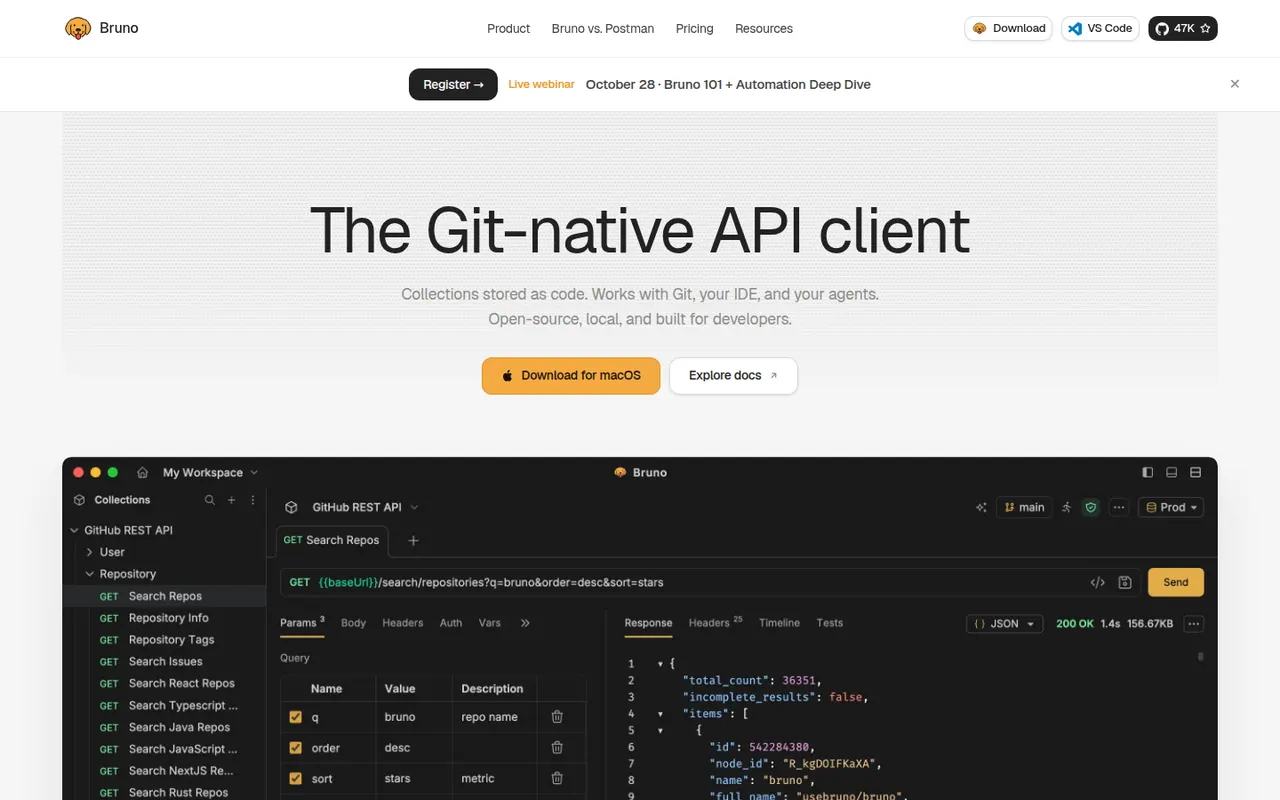
Cost / LicenseFreemiumOpen sourceCategoriesBruno is an open source API client that keeps collections as plain-text files on your disk rather than in a vendor cloud. Requests live next to your code and can be versioned and reviewed with Git like any other file. It handles REST and GraphQL requests, environments, scripting and assertions, and works fully offline without an account. Paid editions add advanced Git tools, AI assistance and enterprise features.
6 Bruno alternativesPros
- Collections stored as plain-text files you can version with Git
- Works fully offline, with no account required
- Open source, with REST, GraphQL, scripting and assertions
Cons
- No built-in cloud sync: teams share collections through Git
- Advanced Git tools and AI features need a paid edition
- Smaller ecosystem than long-established API clients
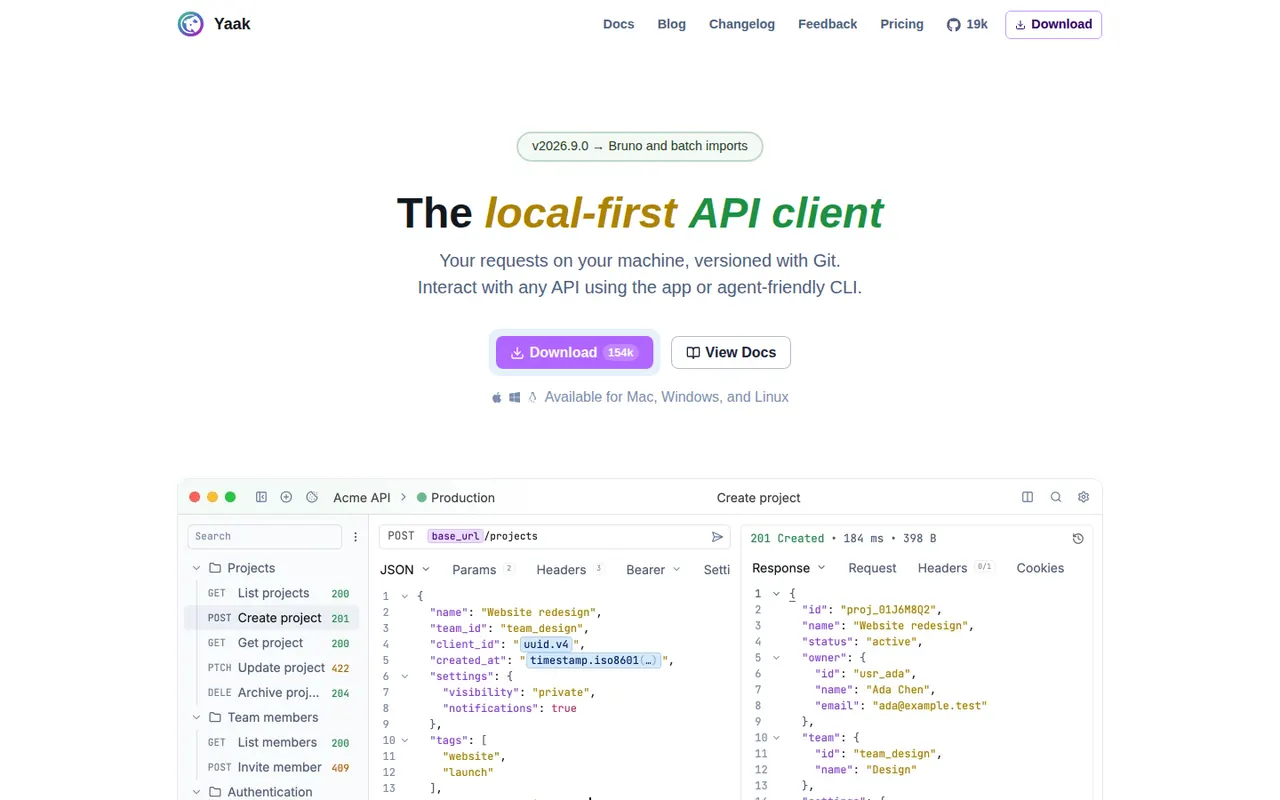
Cost / LicenseFreemiumOpen sourceCategoriesYaak is a desktop API client created by Gregory Schier, the original author of Insomnia. It handles REST, GraphQL, gRPC, WebSocket and server-sent event requests, stores them as files that work with Git, and supports plugins for auth, importers and template functions. No account is required and secrets can be encrypted. Yaak is open source under MIT and free for personal use, with a paid license for use at work.
6 Yaak alternativesPros
- Requests are stored as plain files that work well with Git
- No account needed, with optional encryption for secrets
- Fast, clean desktop app from the original author of Insomnia
Cons
- Use at work requires a paid license
- Younger project with a smaller plugin ecosystem than Postman
- Desktop only, with team sharing handled through Git rather than a cloud workspace
Cost / LicenseFreemiumOpen sourceCategories