Apps with Templates
131 apps
Top Templates apps ranked by the community
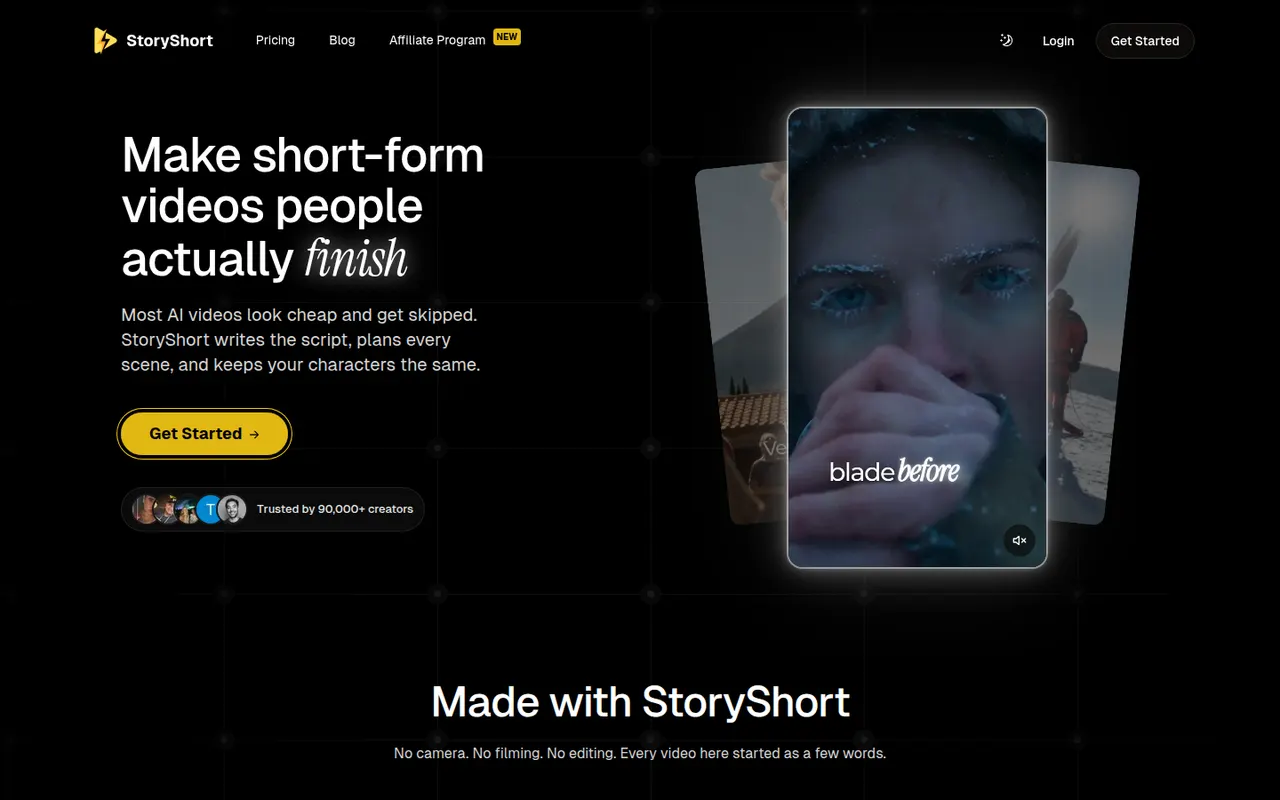
StoryShort
By the publisherStoryShort writes the script, generates visuals, voiceover and captions, then publishes faceless short videos to TikTok, YouTube Shorts and Instagram Reels on a schedule.
9 StoryShort alternativesPros
- Script, visuals, voiceover and captions handled in one flow
- Auto-posts to TikTok, YouTube Shorts and Instagram Reels on a schedule
- Templates suited to recurring faceless video series
Cons
- No free plan, paid subscription only
- Automated videos can feel generic without manual tweaks
- Less creative control than a full video editor
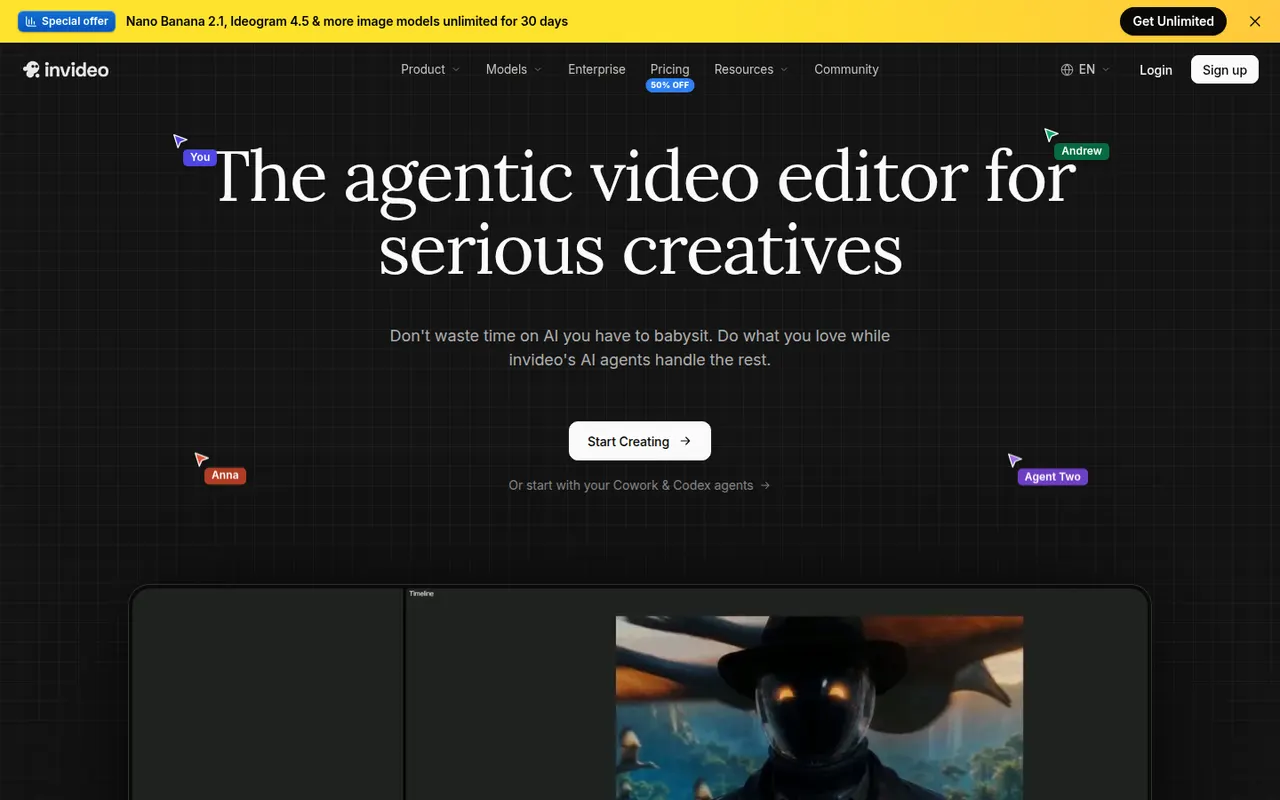
Cost / LicensePaidProprietaryCategoriesPlatformsInVideo AI turns a prompt into a full video with script, stock footage, voiceover and subtitles, then lets you edit the result with text commands.
20 InVideo AI alternativesPros
- Builds a full video from one prompt: script, footage, voice and subtitles
- Edit the result with plain text commands
- Templates and stock media cover many video formats
Cons
- Stock footage picks can feel generic or off-topic
- Free plan exports carry a watermark
- Precise edits are harder than in a timeline editor
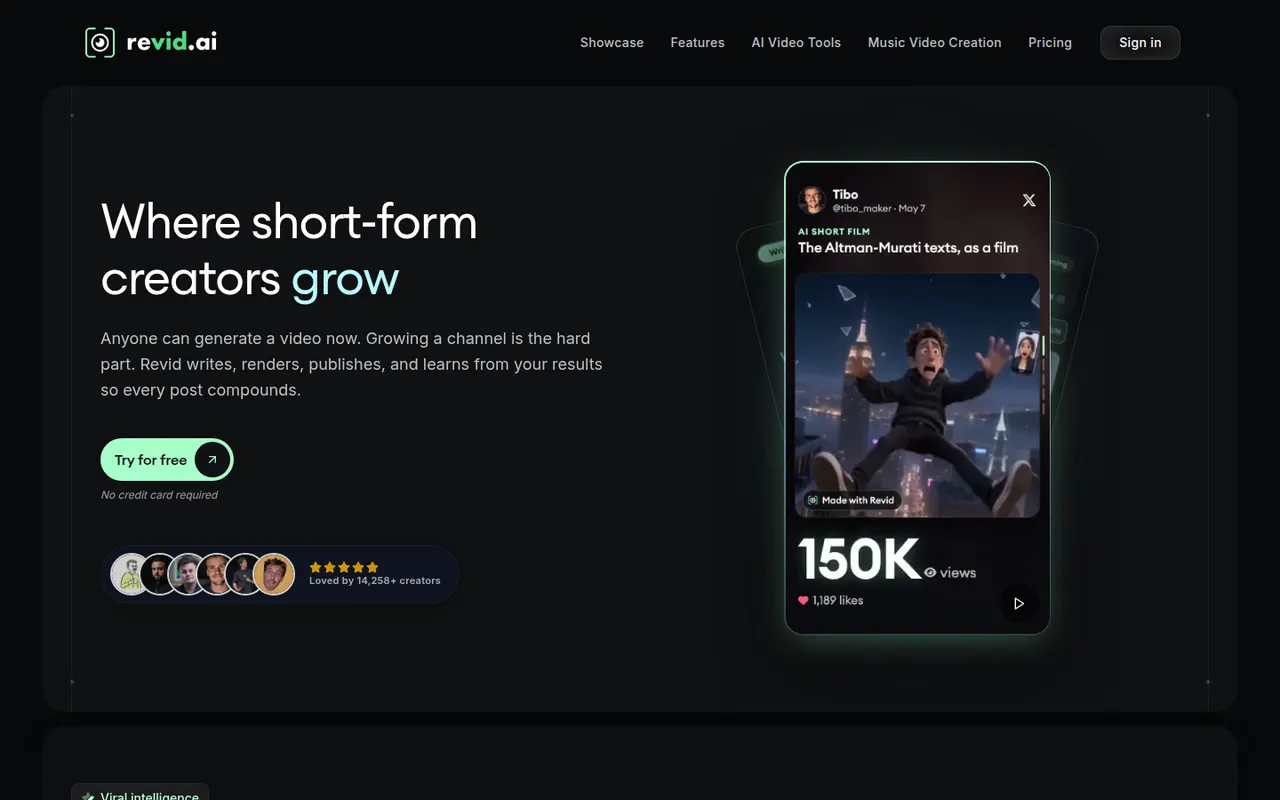
Cost / LicenseFreemiumProprietaryCategoriesRevid AI helps creators produce short-form videos from ideas, articles or existing clips, with AI scripts, voices and trending templates.
11 Revid AI alternativesPros
- Turns ideas, articles or existing clips into short videos
- AI scripts and voices speed up production
- Templates inspired by trending short-form formats
Cons
- Template-driven videos can look similar to others
- Advanced features and higher limits need a paid plan
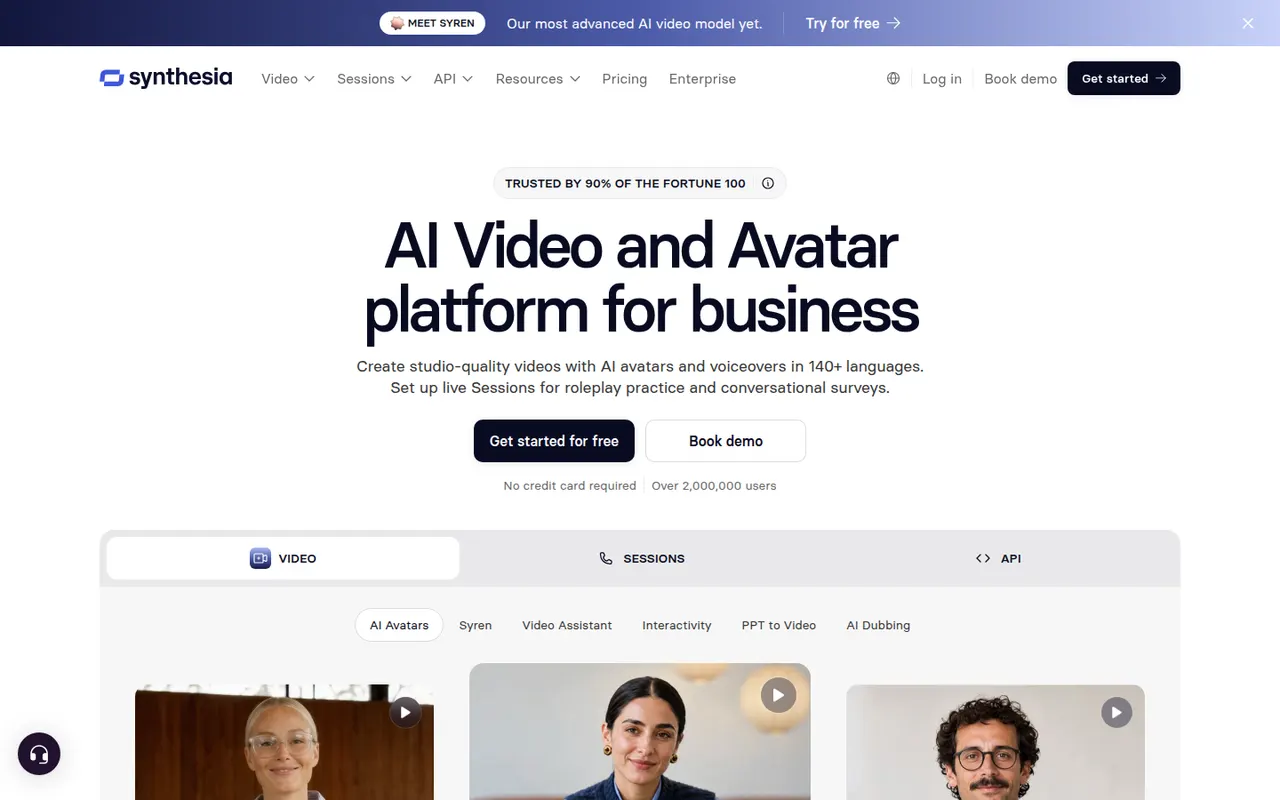
Cost / LicenseFreemiumProprietaryCategoriesPlatformsSynthesia creates presenter-led videos from text using realistic AI avatars and voices in many languages, mostly for training and corporate communication.
12 Synthesia alternativesPros
- Realistic avatars and voices in many languages
- Update a video by editing text instead of reshooting
- Templates and team collaboration for corporate videos
Cons
- Avatars can feel stiff for emotional or creative content
- Free plan is very limited, with most features on paid tiers
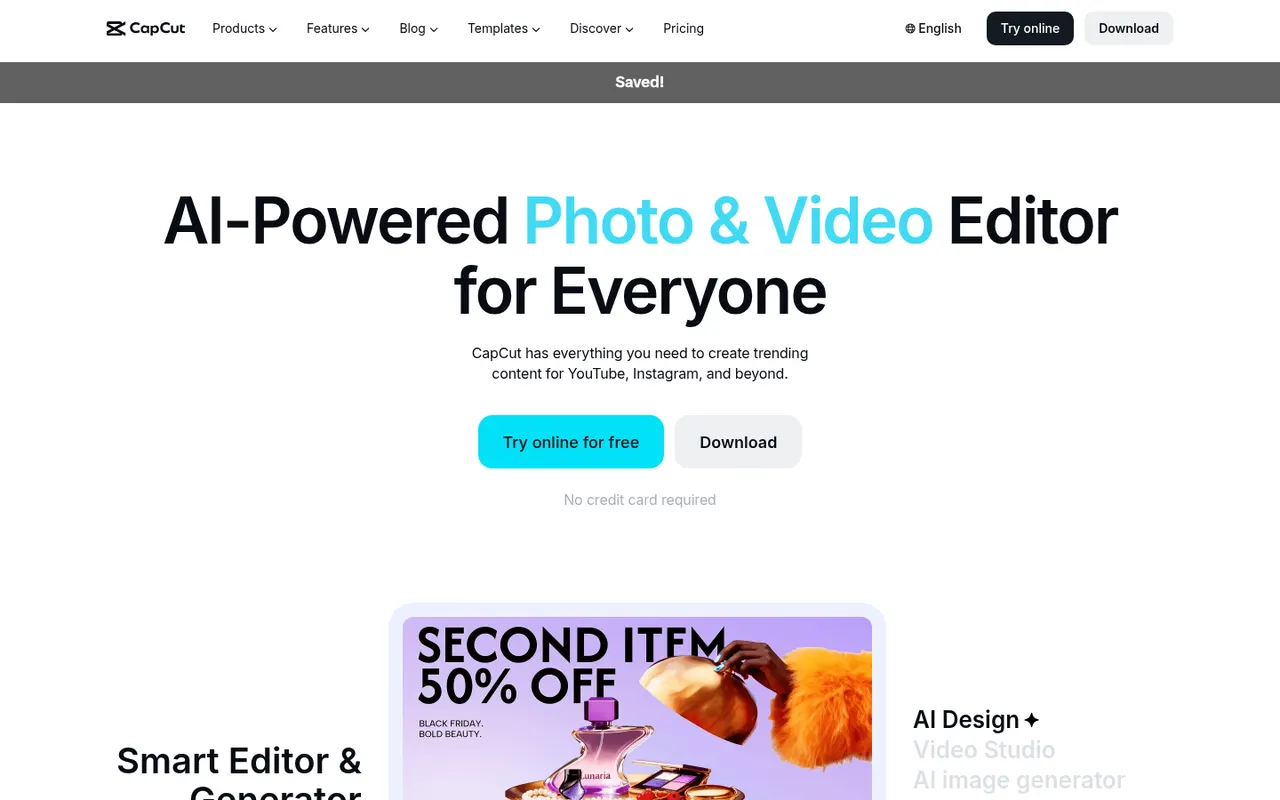
Cost / LicenseFreemiumProprietaryCategoriesPlatformsCapCut is a video editor available on mobile, desktop and the web, with templates, effects, auto captions and AI tools aimed at short-form content.
23 CapCut alternativesPros
- Fast editing with templates and effects tuned for short-form video
- Auto captions and AI tools save time on social content
- Available on mobile, desktop and in the browser
Cons
- Many effects and AI tools require a Pro subscription
- Ownership by ByteDance raises data privacy questions
- Not built for long-form or professional editing
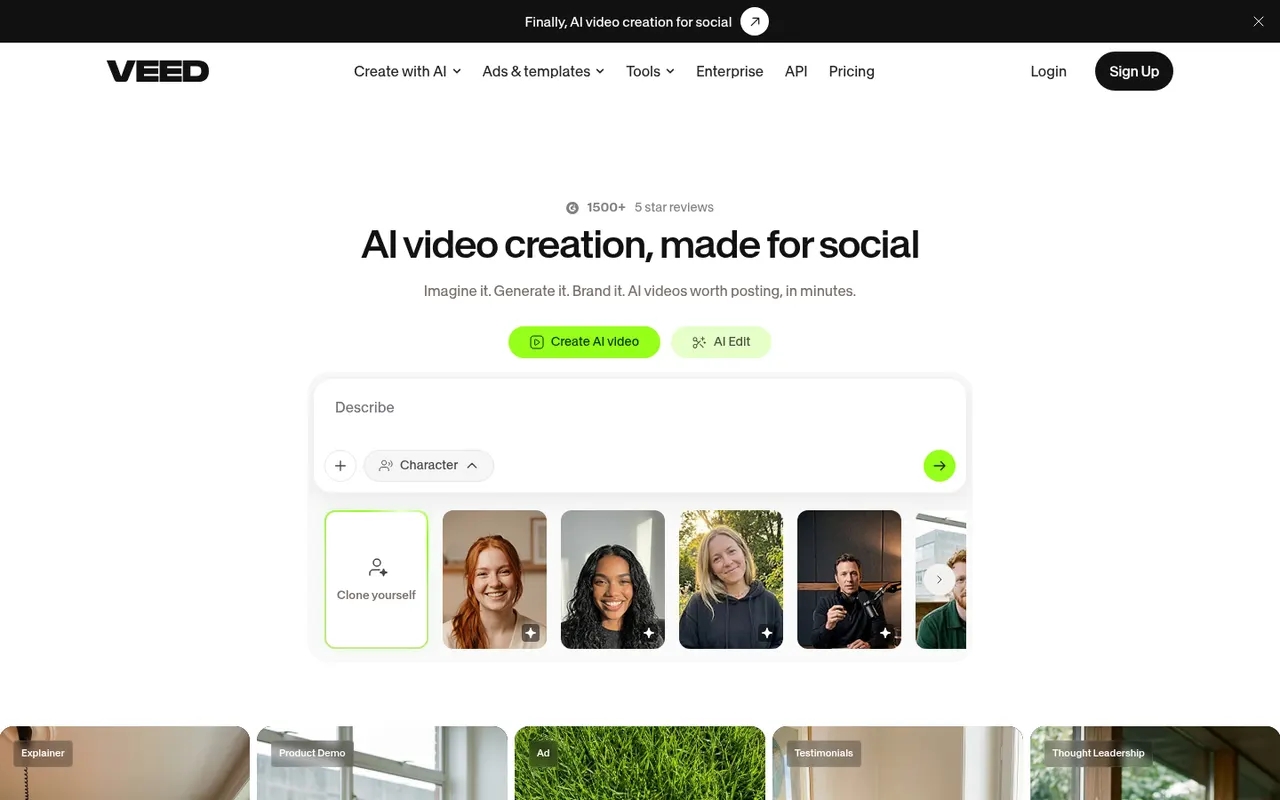
Cost / LicenseFreemiumProprietaryCategoriesVEED is a browser-based video editor with subtitles, translations, avatars and screen recording, built for teams producing social and marketing videos.
21 VEED alternativesPros
- Fast automatic subtitles and translations in the browser
- Screen recording and AI avatars in the same tool
- Team workspaces suit marketing and social video production
Cons
- Free plan exports carry a watermark
- Browser editing can lag on longer videos
- Advanced AI features require higher-tier plans
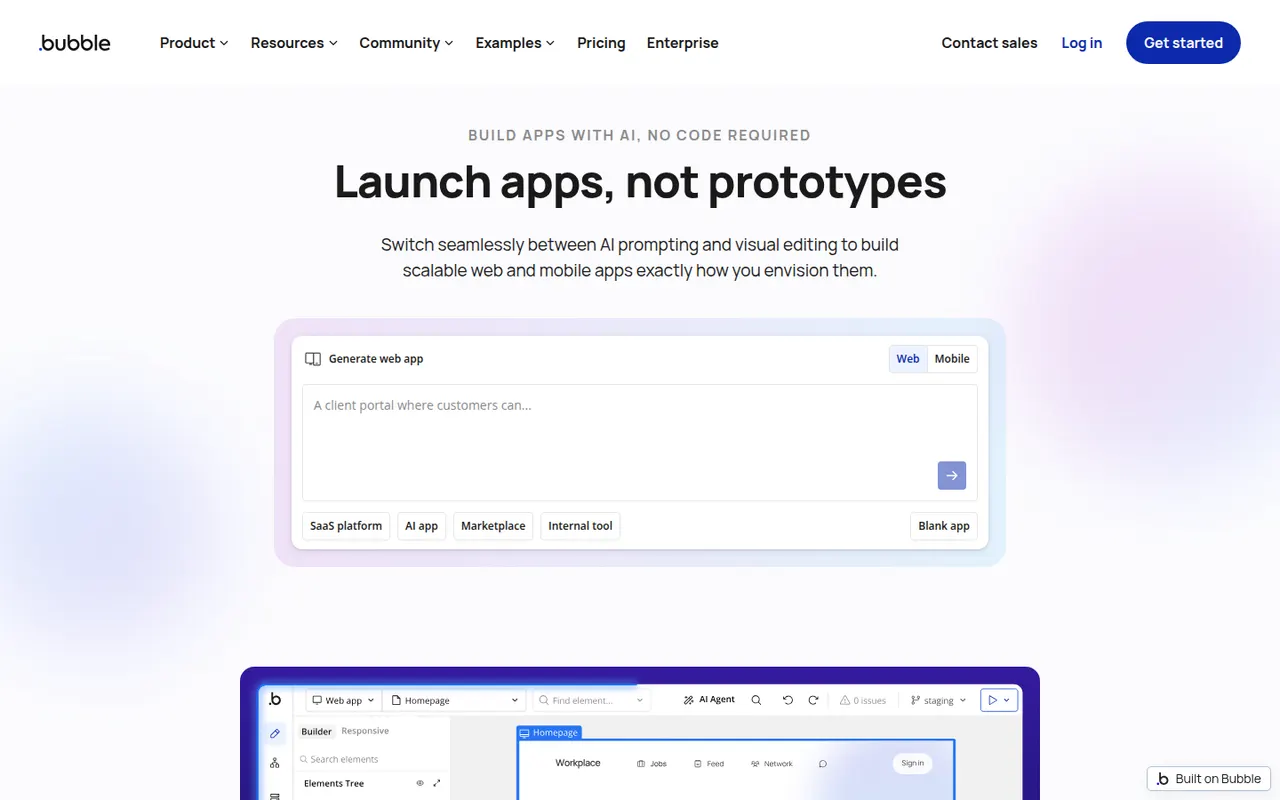
Cost / LicenseFreemiumProprietaryCategoriesPlatformsBubble is a visual programming platform to design, develop and host web applications without writing code, now with AI generation.
11 Bubble alternativesPros
- Mature visual programming for complex web app logic
- Built-in database, hosting and API connector
- Large plugin marketplace and template library
Cons
- Steep learning curve for a no-code tool
- No code export, so apps stay locked into Bubble
- Workload-based pricing can be hard to predict
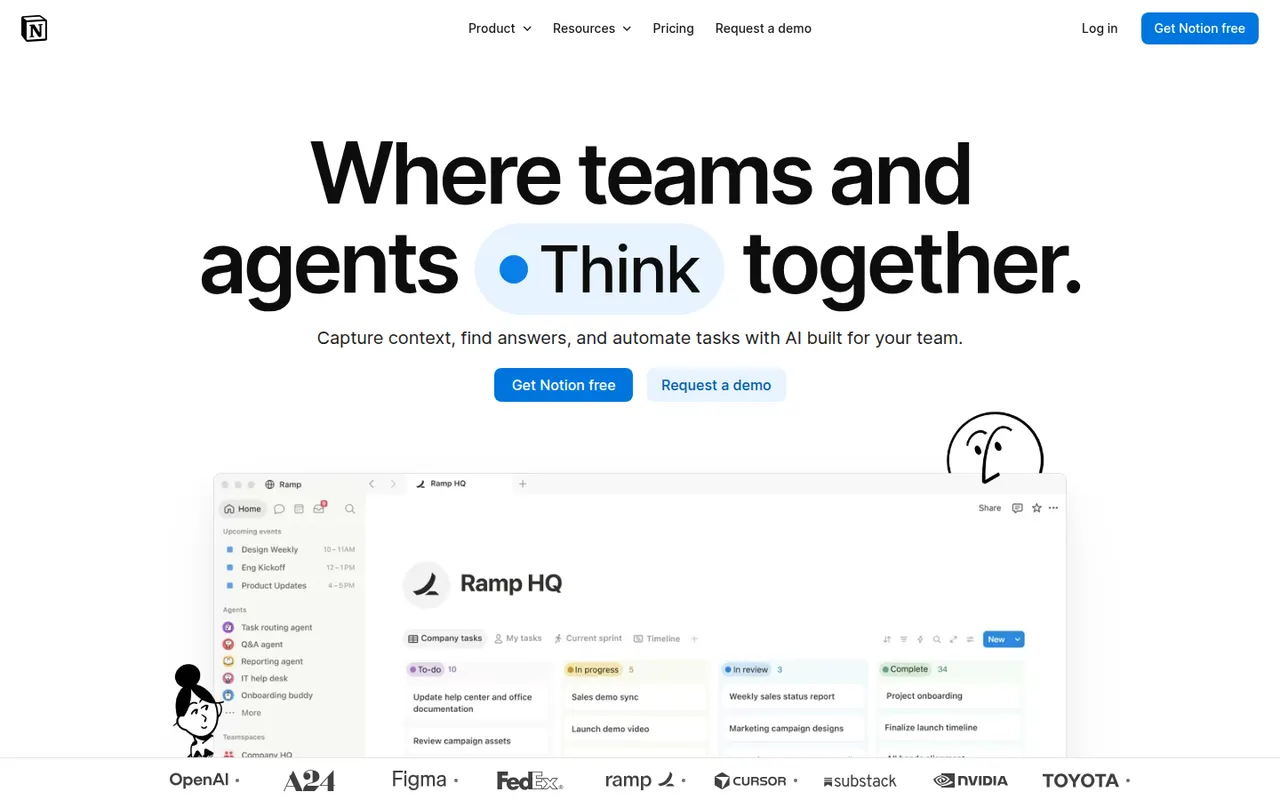
Cost / LicenseFreemiumProprietaryCategoriesPlatformsNotion combines notes, documents, databases and project management in a flexible block-based workspace, with an integrated AI assistant.
17 Notion alternativesPros
- Docs, wikis and databases combined in one flexible workspace
- Large template gallery for roadmaps, trackers and wikis
- Real-time collaboration with comments, mentions and an API
Cons
- Databases and relations take time to master
- Offline access is limited compared with local-first apps
- Large workspaces can feel slow to load
Cost / LicenseFreemiumProprietaryCategoriesAnytype is a local-first workspace for notes, databases and collaboration, with peer-to-peer sync and end-to-end encryption.
10 Anytype alternativesPros
- Local-first data with end-to-end encrypted peer-to-peer sync
- Objects, types and relations enable flexible, database-like notes
- Works offline on desktop and mobile alike
Cons
- The object and type model takes time to learn
- No web app, only desktop and mobile clients
- Fewer integrations and plugins than mainstream workspaces
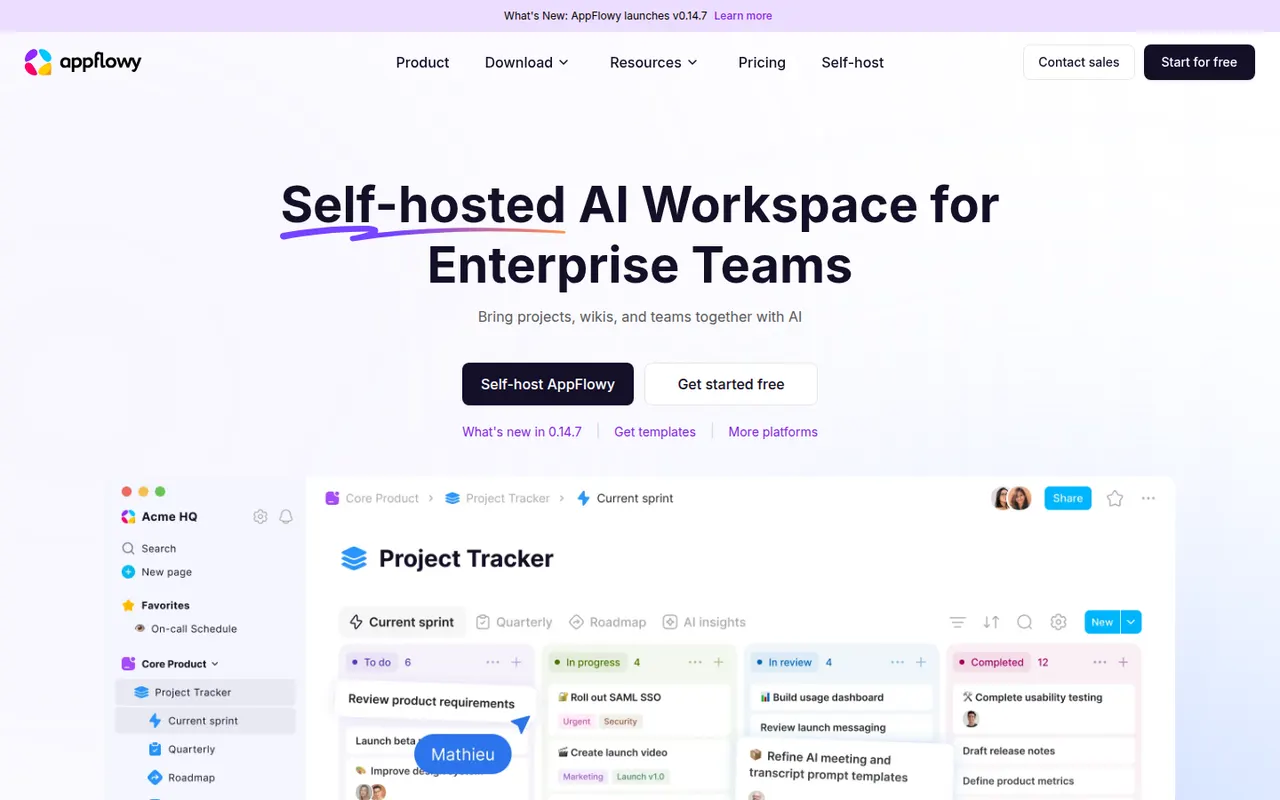
Cost / LicenseFreemiumSource availableCategoriesAppFlowy is an open source workspace for docs, databases and kanban boards that you can self-host, with AI features and offline support.
7 AppFlowy alternativesPros
- Open source Notion alternative that you can self-host
- Docs, databases and kanban boards in one workspace
- Offline support with apps on desktop and mobile
Cons
- Fewer templates and integrations than Notion
- Some features still feel less polished than in mature rivals
- Advanced AI features are reserved for paid plans
Cost / LicenseFreemiumOpen sourceCategoriesColossyan is a web platform for creating training and explainer videos with AI avatars that read a script in many languages. It is aimed at learning and development teams, with features such as scenario-based conversations between avatars, quizzes, document-to-video conversion, brand kits and export to e-learning formats like SCORM.
7 Colossyan alternativesPros
- Scenario-based conversations between avatars for training
- Exports to e-learning formats such as SCORM
- Document-to-video conversion speeds up course creation
Cons
- Avatars can still look stiff in longer videos
- Free plan is limited, with key features on paid tiers
- Focused on corporate training rather than creative content
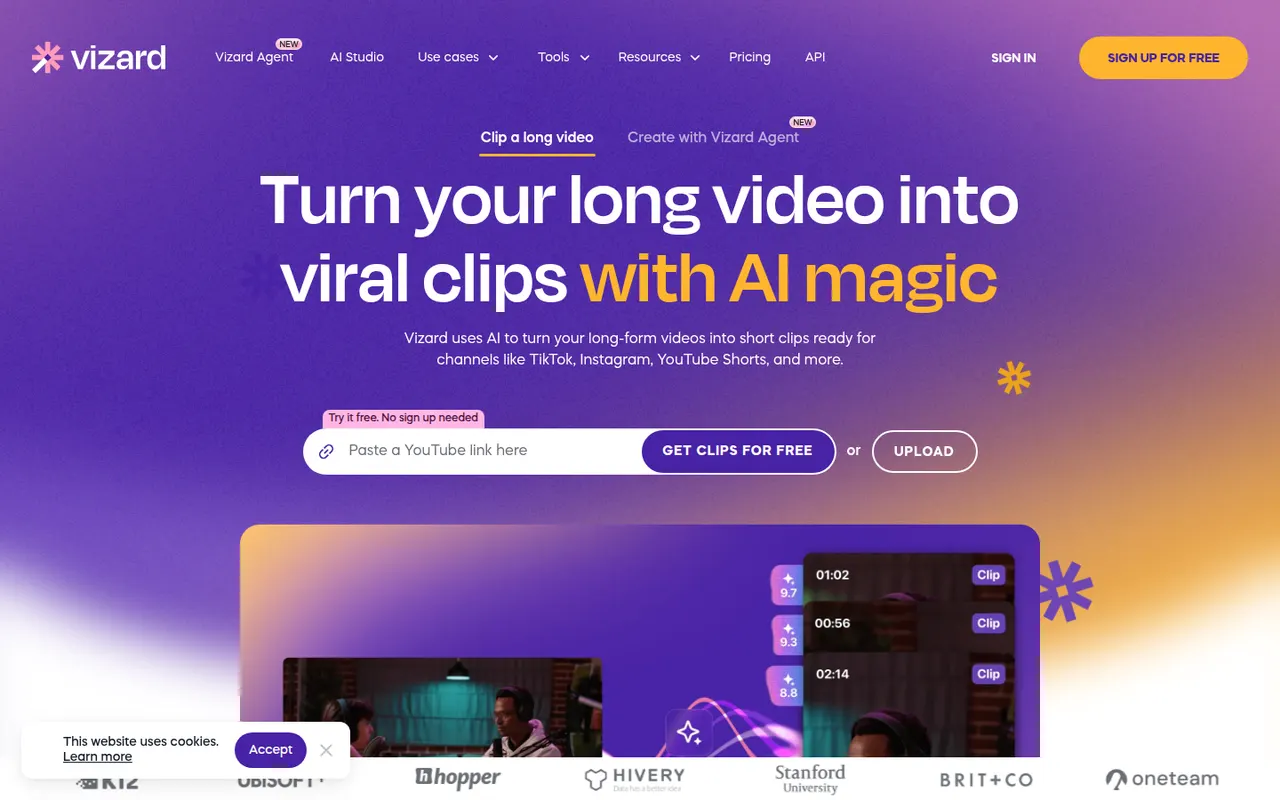
Cost / LicenseFreemiumProprietaryCategoriesPlatformsVizard is a browser-based tool that finds the most engaging moments in long videos such as podcasts, webinars or streams and turns them into vertical clips. It adds animated captions, reframes speakers automatically and includes a simple editor, plus options to schedule and publish clips to social networks. It is built for creators and marketing teams repurposing content.
8 Vizard alternativesPros
- Finds engaging moments in podcasts, webinars and streams
- Automatic speaker reframing and animated captions
- Schedules and publishes clips to social networks
Cons
- The simple editor limits detailed adjustments
- AI clip picks often need manual review
- Free plan has limited usage and features
Cost / LicenseFreemiumProprietaryCategoriesPlatformsSubmagic is a web app that adds styled, animated captions to short videos, with keyword highlights and emojis, in many languages. It can also insert B-roll, zoom effects, sound effects and transitions automatically, and cut long videos into shorts. Creators, agencies and brands use it to speed up editing for TikTok, Reels and YouTube Shorts.
8 Submagic alternativesPros
- Animated captions with keyword highlights and emojis
- Automatic B-roll, zooms, sound effects and transitions
- Captions available in many languages
Cons
- No lasting free plan, only a trial
- Popular caption styles can make videos look alike
Cost / LicenseFree trialProprietaryCategoriesPlatformsiMovie is Apple's free video editor for Mac, iPhone and iPad. It covers the basics with a simple timeline, titles, transitions, filters, green-screen effects and soundtracks, plus trailer templates and storyboards that guide beginners. Projects can be moved to Final Cut Pro when more advanced editing is needed.
8 iMovie alternativesPros
- Free on Mac, iPhone and iPad
- Trailer templates and storyboards guide beginners
- Projects can move to Final Cut Pro when needs grow
Cons
- Very limited control over tracks and effects
- Apple-only, with no Windows or Android version
Cost / LicenseFreeProprietaryCategoriesFeaturesFilmora is a consumer video editor from Wondershare for YouTubers, educators and small businesses. It pairs a multi-track timeline with a large library of effects, templates and stock media, and adds AI tools such as auto captions, background removal, text-to-speech and audio denoising. It is available for Windows and macOS, with mobile apps; the free version adds a watermark on export.
11 Filmora alternativesPros
- Beginner-friendly interface with a gentle learning curve
- Large library of effects, templates and stock media
- AI tools for captions, background removal and audio denoising
Cons
- Free version adds a watermark to exports
- Some effects and AI features cost extra
- Not suited to complex professional projects
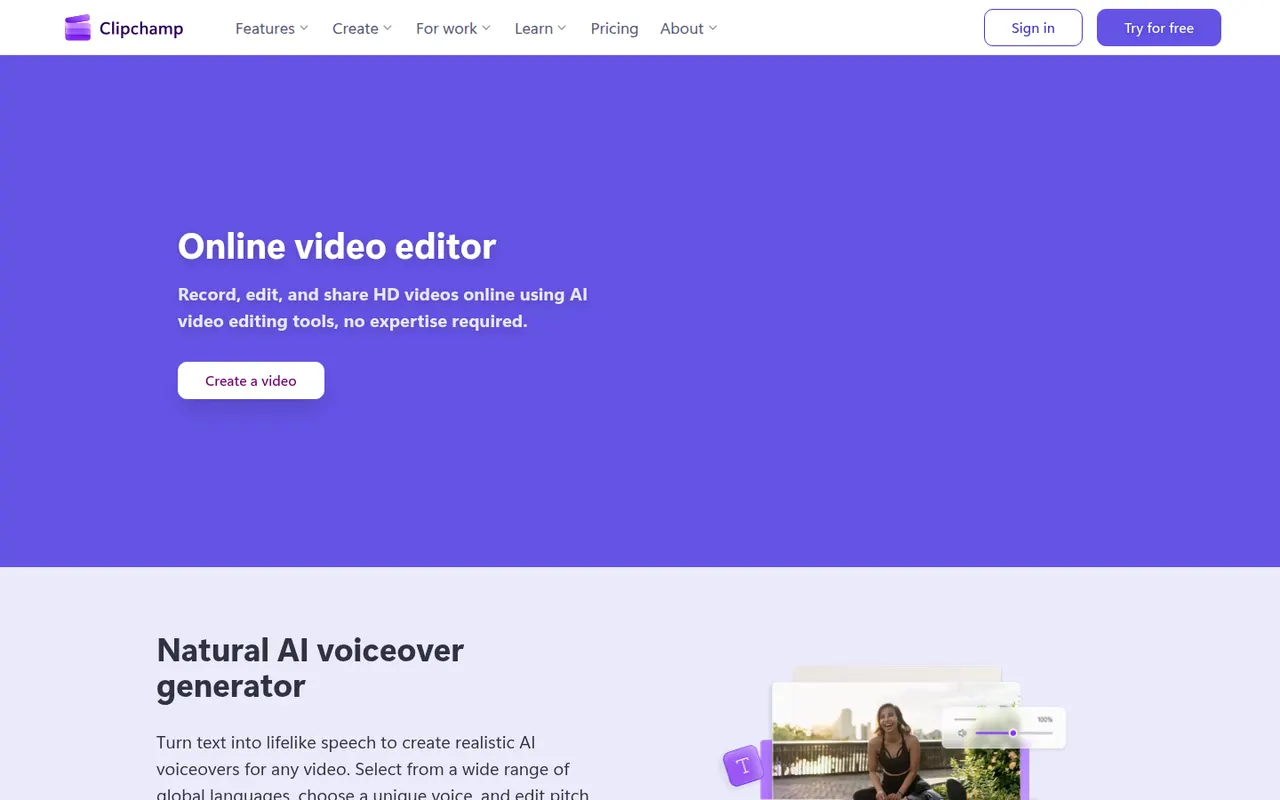
Cost / LicenseFreemiumProprietaryCategoriesClipchamp is Microsoft's easy video editor, included with Windows 11 and available in the browser and with Microsoft 365. It focuses on quick edits with templates, stock media, text-to-speech voiceovers, auto captions and green screen, which suits social videos, presentations and work updates. The free plan exports in 1080p, while Premium unlocks 4K and more stock content.
9 Clipchamp alternativesPros
- Included with Windows 11 and easy for beginners
- Templates, stock media and text-to-speech voiceovers built in
- Free plan exports in 1080p without a watermark
Cons
- 4K export and premium stock content require a paid plan
- Limited for advanced work such as multicam or detailed color grading
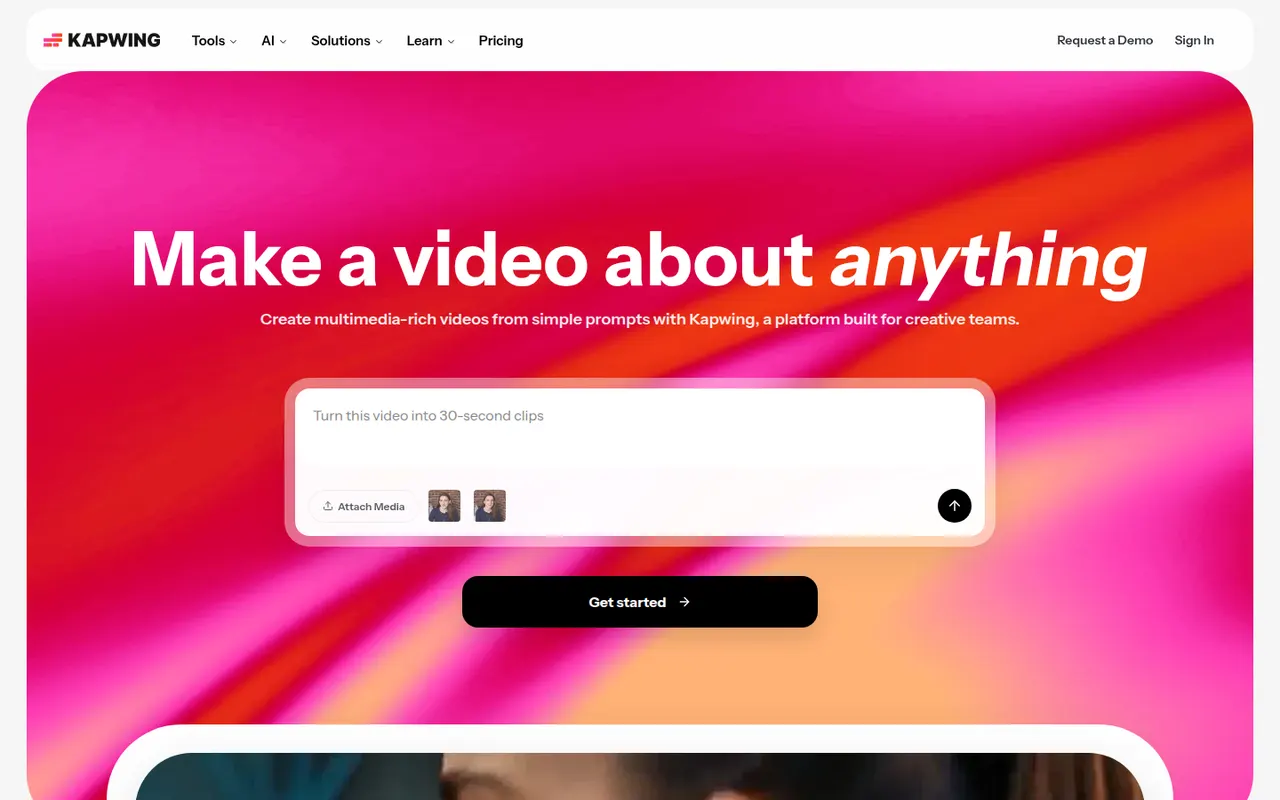
Cost / LicenseFreemiumProprietaryCategoriesKapwing is a browser-based video editor built for teams that produce content together in real time. It includes transcript-based editing, automatic subtitles and translation, silence removal, a clip maker for repurposing long videos, and templates for social formats. It requires no installation and offers a free plan with export limits.
9 Kapwing alternativesPros
- Real-time collaborative editing in the browser
- Automatic subtitles, translation and silence removal
- Clip maker repurposes long videos into social shorts
Cons
- Free plan exports are limited
- Browser editing struggles with long or heavy projects
- Fewer advanced controls than desktop editors
Cost / LicenseFreemiumProprietaryCategoriesPlatformsAfter Effects is Adobe's application for motion graphics, title animations, compositing and visual effects. It works with layers and keyframes, includes keying, motion tracking and rotoscoping tools, and supports a large ecosystem of plugins, scripts and templates. It is typically paired with Premiere Pro and sold through a Creative Cloud subscription for Windows and macOS.
8 Adobe After Effects alternativesPros
- Standard tool for motion graphics and compositing
- Huge ecosystem of plugins, scripts and templates
- Tight integration with Premiere Pro and other Adobe apps
Cons
- Steep learning curve for beginners
- Only available through a Creative Cloud subscription
- Demanding on hardware, with slow previews on complex projects
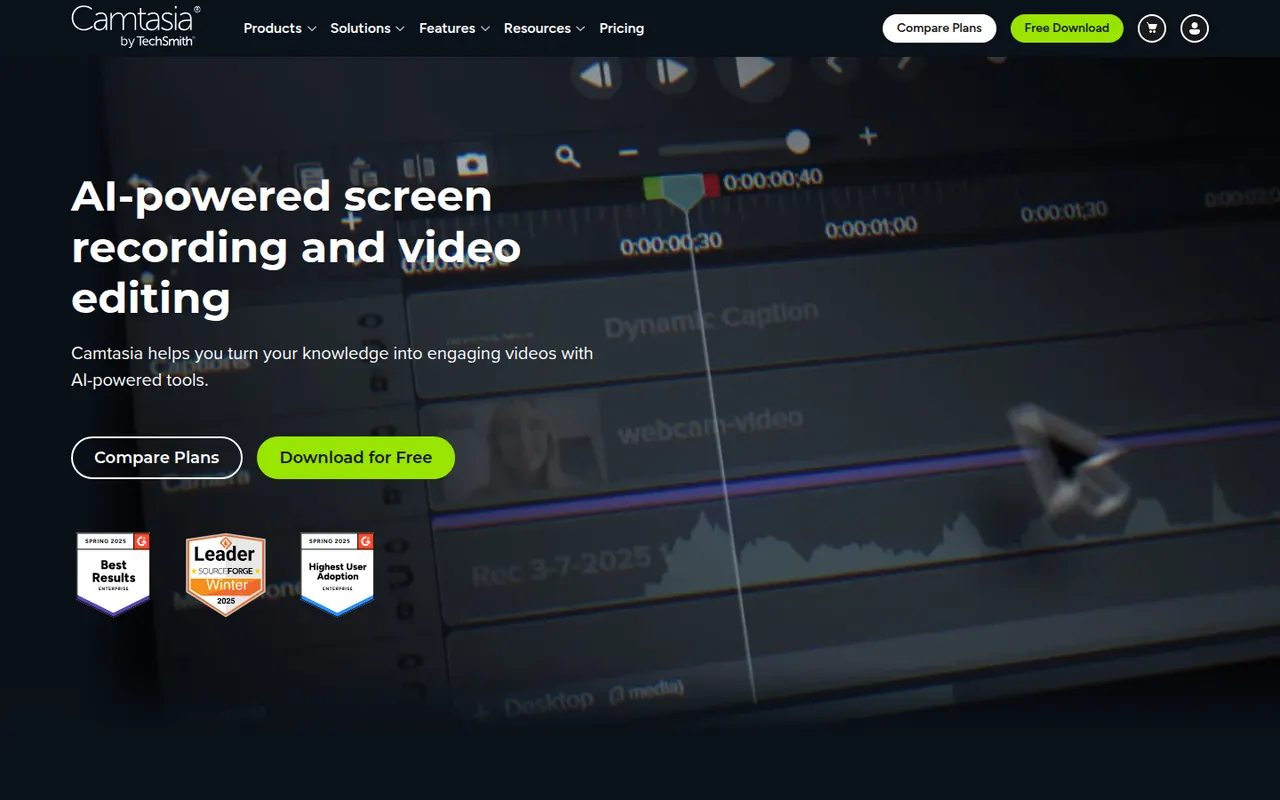
Cost / LicenseFree trialProprietaryCategoriesCamtasia from TechSmith combines a screen and webcam recorder with a timeline editor tailored to tutorials, product demos and training videos. It provides callouts, cursor effects, zoom and pan animations, quizzes and templates, so non-editors can produce polished instructional content. It runs on Windows and macOS and is sold by subscription, with a free trial.
12 Camtasia alternativesPros
- Recorder and timeline editor tailored to tutorials
- Callouts, cursor effects and zooms without video editing skills
- Quizzes and templates for training content
Cons
- The subscription is expensive for occasional use
- Can slow down on long or complex projects
- Less flexible than a full video editor for advanced edits
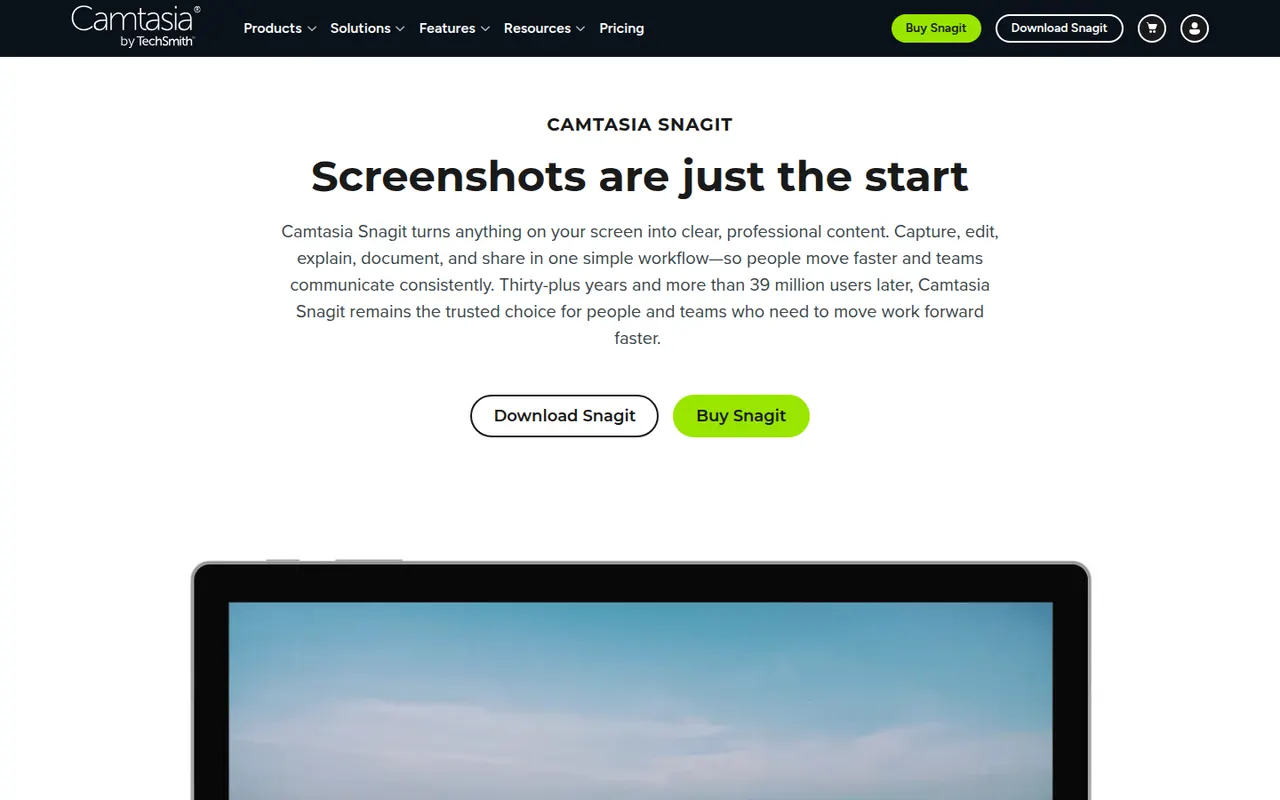
Cost / LicenseFree trialProprietaryCategoriesSnagit is a screen capture tool from TechSmith for taking screenshots, scrolling captures and quick screen recordings with webcam. Its editor makes it easy to add arrows, callouts and step numbers, blur sensitive information, grab text from images and assemble visual guides from templates. It is used for documentation, support and training, on Windows and macOS.
7 Snagit alternativesPros
- Fast annotation with arrows, callouts and step numbers
- Scrolling captures and quick screen recordings with webcam
- Templates to assemble visual guides and documentation
Cons
- Paid after the trial, while free tools cover basic captures
- Video recording and editing are basic compared with Camtasia
Cost / LicenseFree trialProprietaryCategoriesJasper is an AI writing platform aimed at marketing teams. It produces blog posts, ads, emails and social copy from ready-made templates and apps, and keeps output consistent through brand voice profiles, style guides and a shared knowledge base. A browser extension and an API bring it into other tools, and workspaces support team collaboration. There is no free plan, only a trial.
10 Jasper alternativesPros
- Brand voice profiles and style guides keep content consistent
- Templates and apps for blogs, ads, emails and social posts
- Browser extension and API bring it into other tools
Cons
- No free plan, only a trial
- Pricing is steep for solo creators
- Output still needs fact-checking and editing
Cost / LicenseFree trialProprietaryCategoriesPlatformsCopy.ai started as an AI copywriting tool and now focuses on go-to-market teams. Besides a chat interface and templates for marketing copy, it offers workflows that chain AI steps to automate tasks such as prospect research, outreach emails, content repurposing or SEO briefs. Brand voice settings, team workspaces, CRM integrations and an API are included, with a limited free plan.
9 Copy.ai alternativesPros
- Workflows chain AI steps to automate go-to-market tasks
- Brand voice settings keep copy consistent
- CRM integrations and an API for sales and marketing teams
Cons
- Its focus on GTM workflows makes it less suited to solo writers
- Free plan is limited compared with paid tiers
- Generated copy still needs editing to sound original
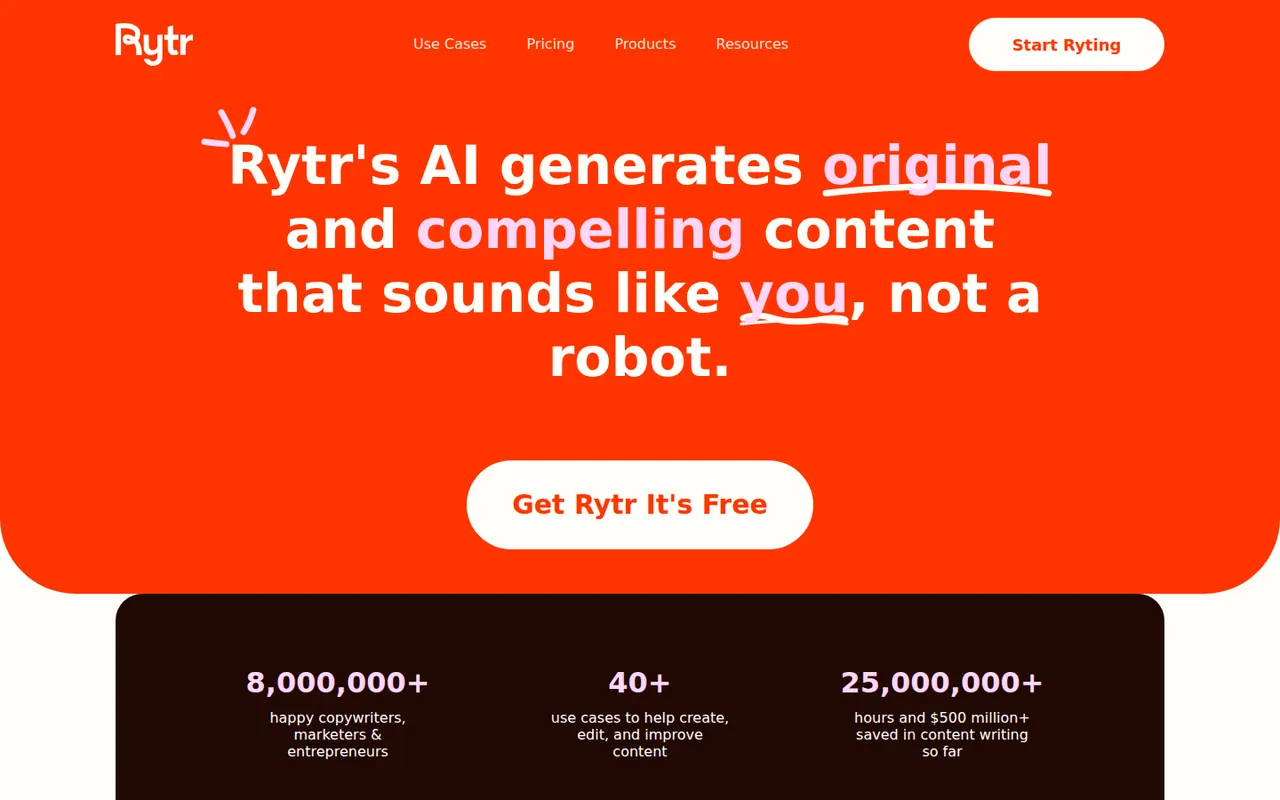
Cost / LicenseFreemiumProprietaryCategoriesPlatformsRytr is an AI writing assistant for short-form content such as emails, product descriptions, social posts, ads and blog sections. You pick a use case, a language and a tone, then refine the draft in its editor with rewrite, expand and shorten commands. It also offers custom tones based on your own writing, a plagiarism check and a Chrome extension, with a free plan limited by monthly characters.
8 Rytr alternativesPros
- Wide range of short-form use cases, languages and tones
- Rewrite, expand and shorten commands in the editor
- Custom tones based on your own writing
Cons
- Free plan is capped by monthly characters
- Less suited to long-form articles
- Output can be generic without careful prompting
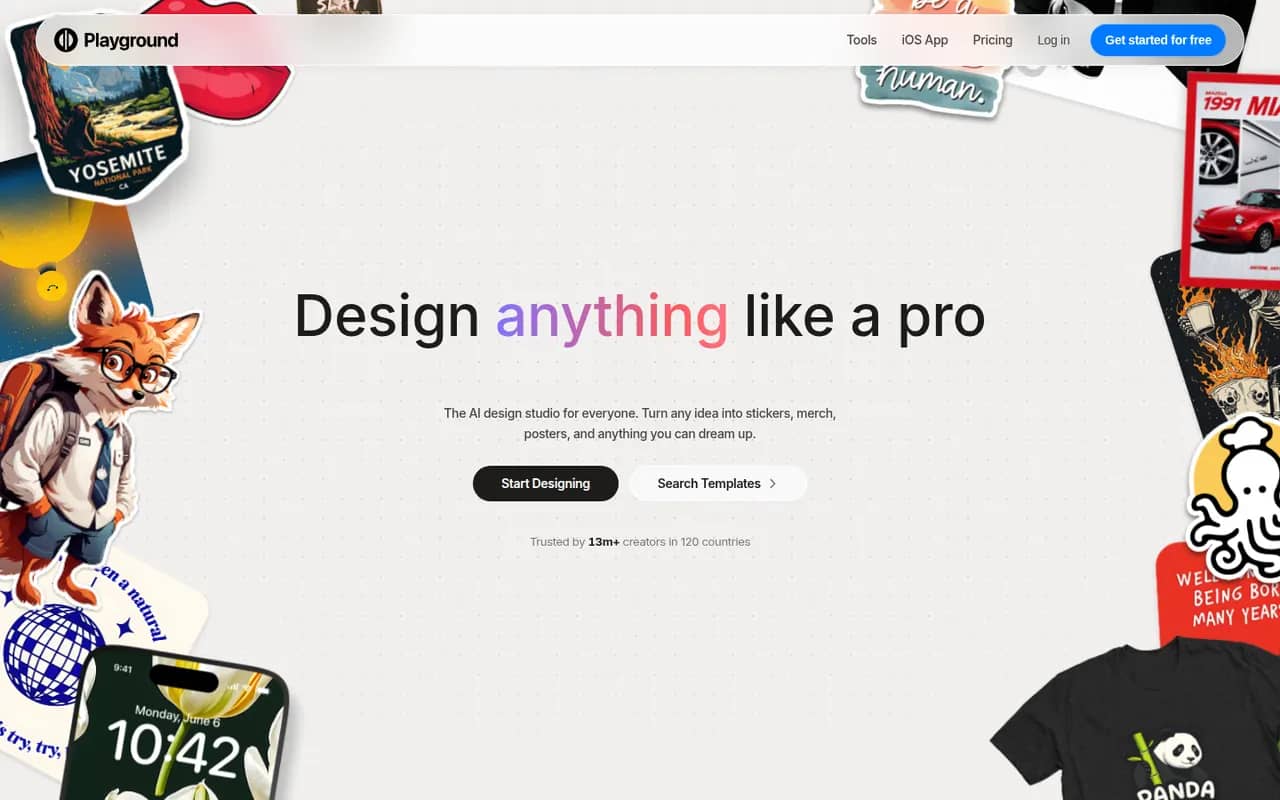
Cost / LicenseFreemiumProprietaryCategoriesPlatformsPlayground is a browser-based AI tool that started as a general image generator and now focuses on graphic design. You describe what you need, such as a logo, flyer, t-shirt print or social media post, start from a template library and refine the result through chat or an editor, using an in-house model built to render text. A free plan with daily limits sits alongside paid plans.
10 Playground alternativesPros
- Template library for logos, flyers, t-shirts and social posts
- In-house model built to render text cleanly in designs
- Results can be refined through chat or in an editor
Cons
- Free plan comes with daily generation limits
- Less suited to artistic imagery since its shift to graphic design
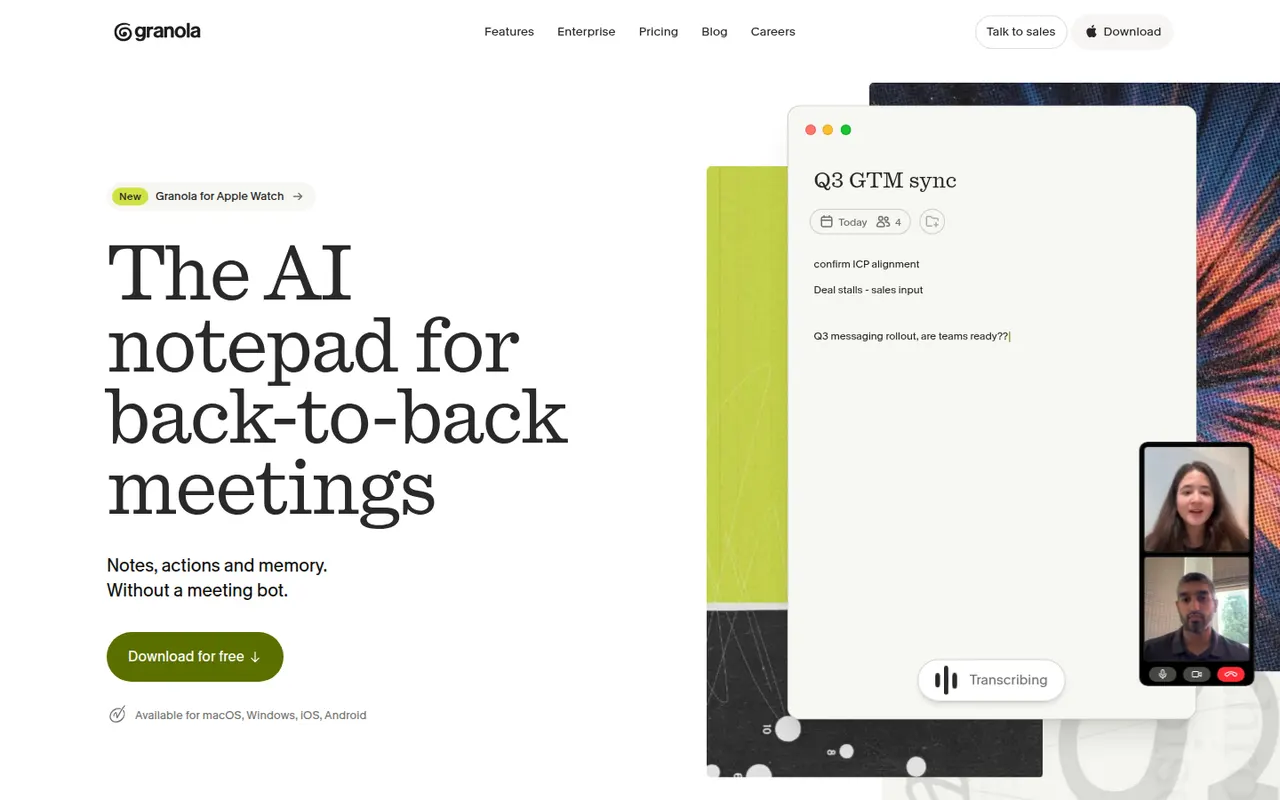
Cost / LicenseFreemiumProprietaryCategoriesPlatformsGranola is an AI notepad for people with back-to-back meetings. It transcribes audio directly from your computer instead of adding a bot to the call, and when the meeting ends it combines your rough notes with the transcript into structured notes you can edit. Templates adapt the output to the meeting type, notes can be shared and queried by chat across folders, and apps exist for Mac, Windows and iPhone.
10 Granola alternativesPros
- No bot joins the call: audio is captured on your computer
- Merges your rough notes with the transcript into clean notes
- Templates adapt the output to each type of meeting
Cons
- No web or Android app
- Without a visible bot, informing participants is up to you
- Heavier use requires a paid subscription
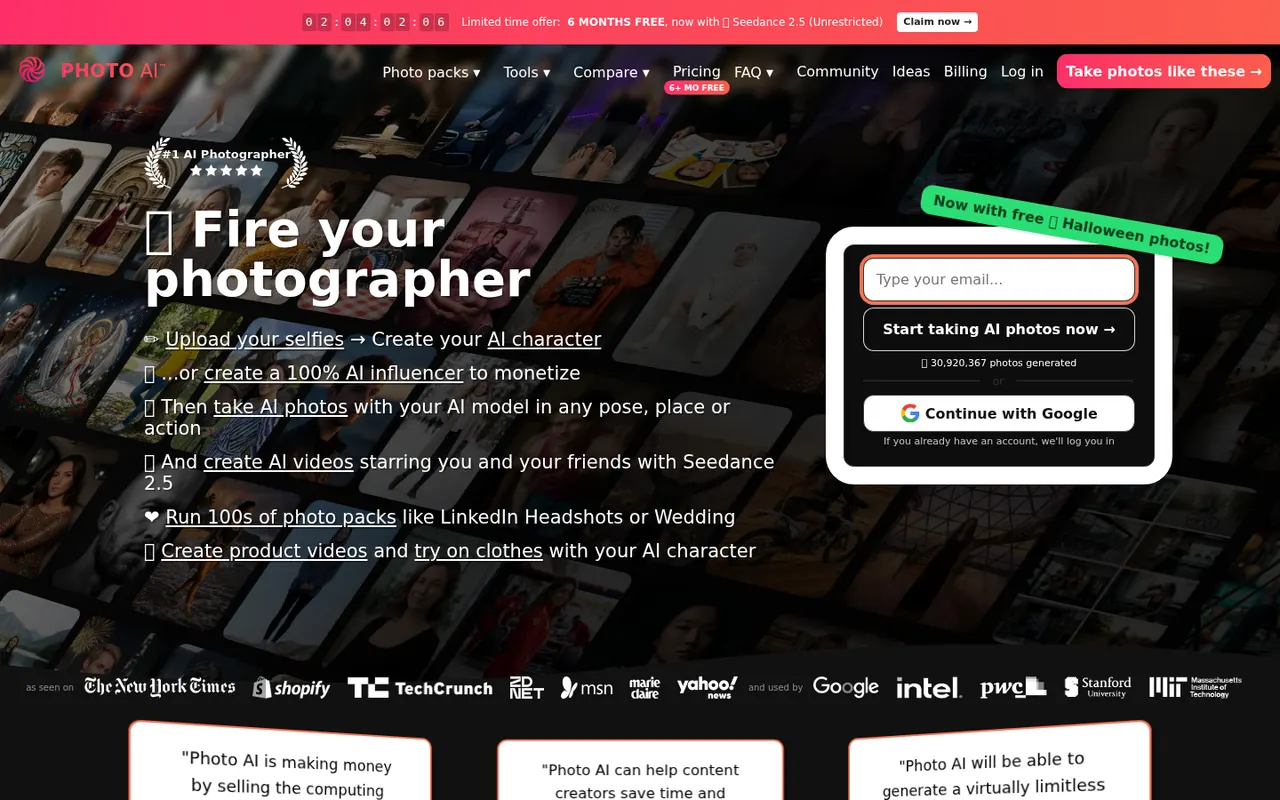
Cost / LicenseFreemiumProprietaryPhoto AI, created by indie developer Pieter Levels, trains a personal AI model on a few of your selfies and then generates realistic photos of you in any outfit, pose or location. Photo packs cover common needs such as LinkedIn headshots, dating profiles, travel shots and fashion, and it can also create short videos and virtual try-ons. It is a subscription service that runs in the browser.
8 Photo AI alternativesPros
- Personal AI model places you in almost any setting
- Packs cover headshots, dating profiles and travel shots
- Also creates short videos and virtual try-ons
Cons
- Subscription required, with no free plan
- Realistic generated photos raise honesty concerns on dating profiles
- Results can be uneven and take many generations
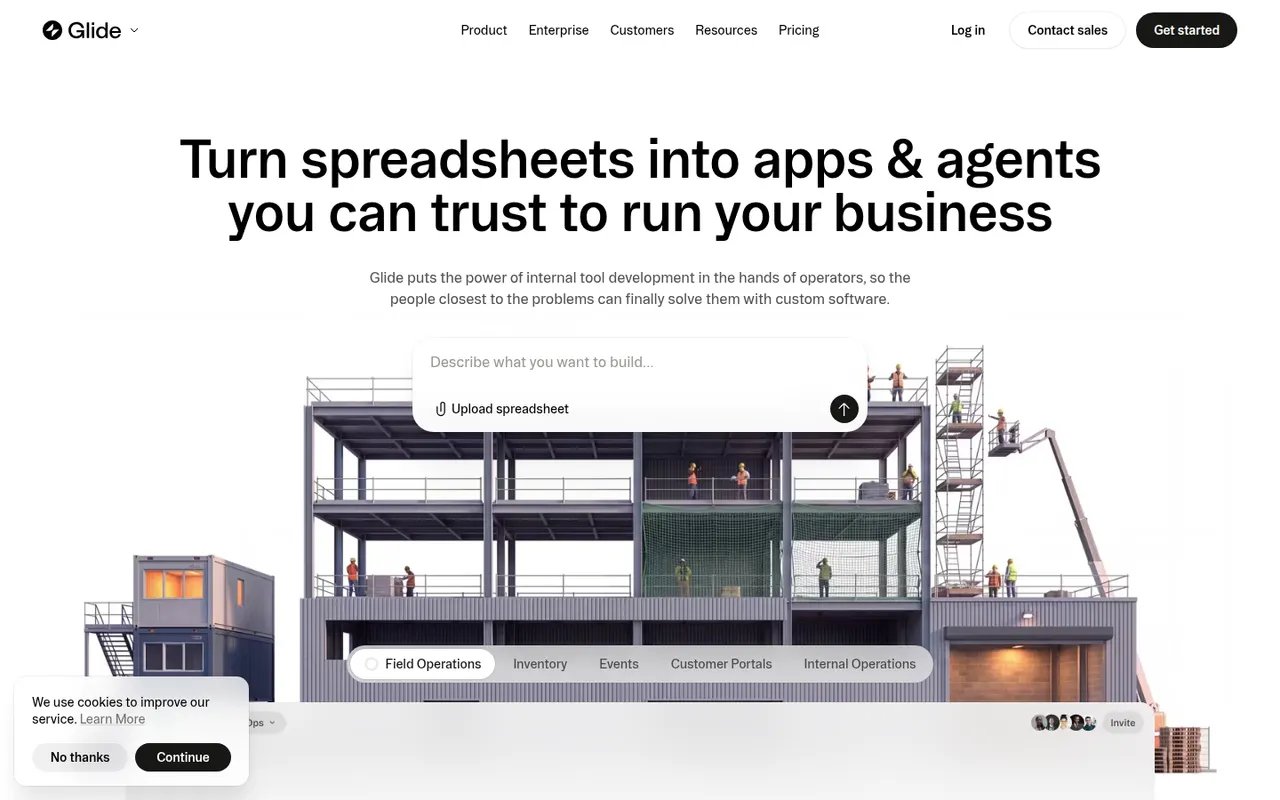
Cost / LicensePaidProprietaryPlatformsGlide lets teams build custom business apps without code, starting from data in Google Sheets, Excel, Airtable, SQL databases or Glide's own tables. Apps are assembled from ready-made components in a visual editor, run in desktop and mobile browsers, and can include user roles, workflows and AI features such as extracting text from images or generating content. A free plan is available to get started.
8 Glide alternativesPros
- Turns a spreadsheet into a working business app quickly
- Ready-made components look polished by default
- Runs in desktop and mobile browsers without app store publishing
Cons
- No native apps for the App Store or Google Play
- Quotas on users and data updates can push costs up quickly
- Limited design freedom compared with more flexible builders
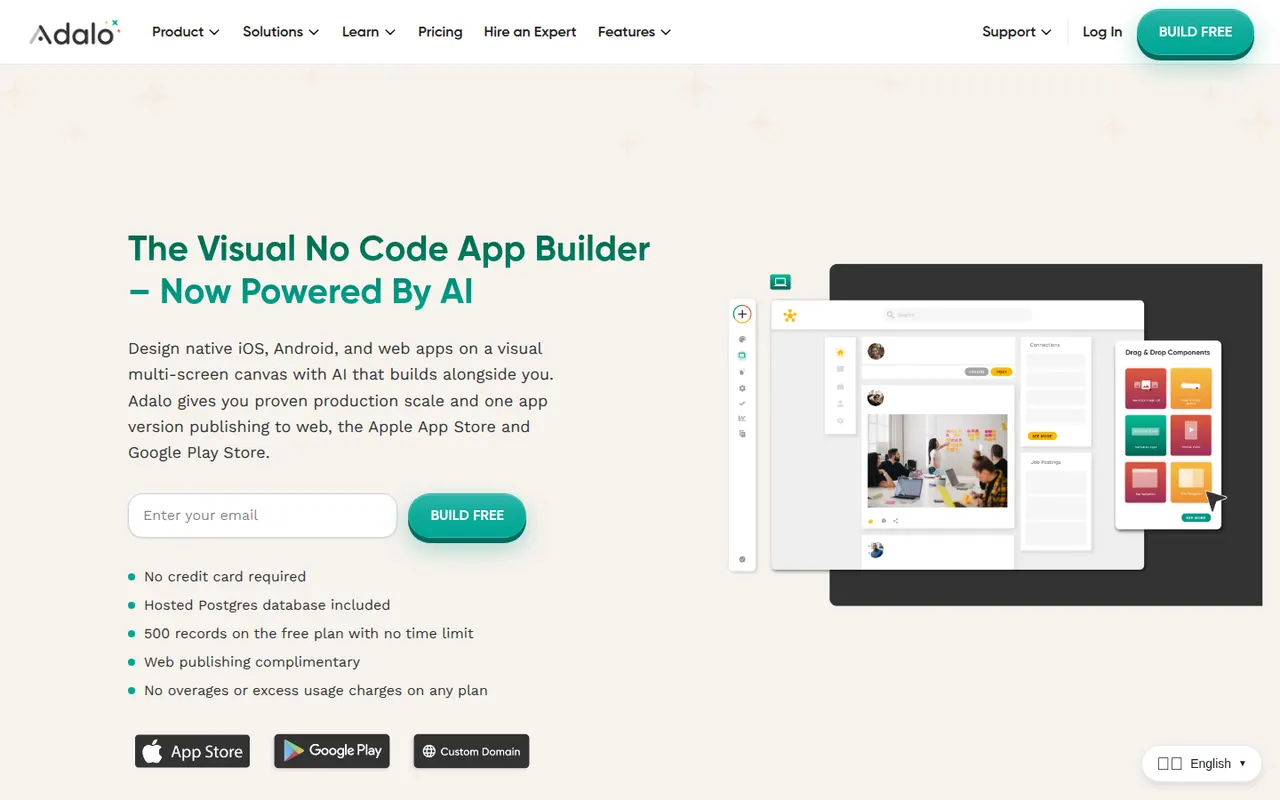
Cost / LicenseFreemiumProprietaryCategoriesPlatformsAdalo is a no-code app builder for creating native iOS and Android apps and web apps with a drag-and-drop editor. Apps use Adalo's built-in database or external sources such as Airtable and Xano, can be extended with components from a marketplace, and are published to the App Store, Google Play or the web from one project. It suits small businesses and founders building MVPs, with a free plan for prototyping.
8 Adalo alternativesPros
- Publishes native iOS and Android apps from a single project
- Drag-and-drop editor approachable for non-developers
- Connects to Airtable, Xano and other external data sources
Cons
- Apps can slow down as data and screens grow
- No source code export, which ties your app to the platform
- Publishing apps requires a paid plan
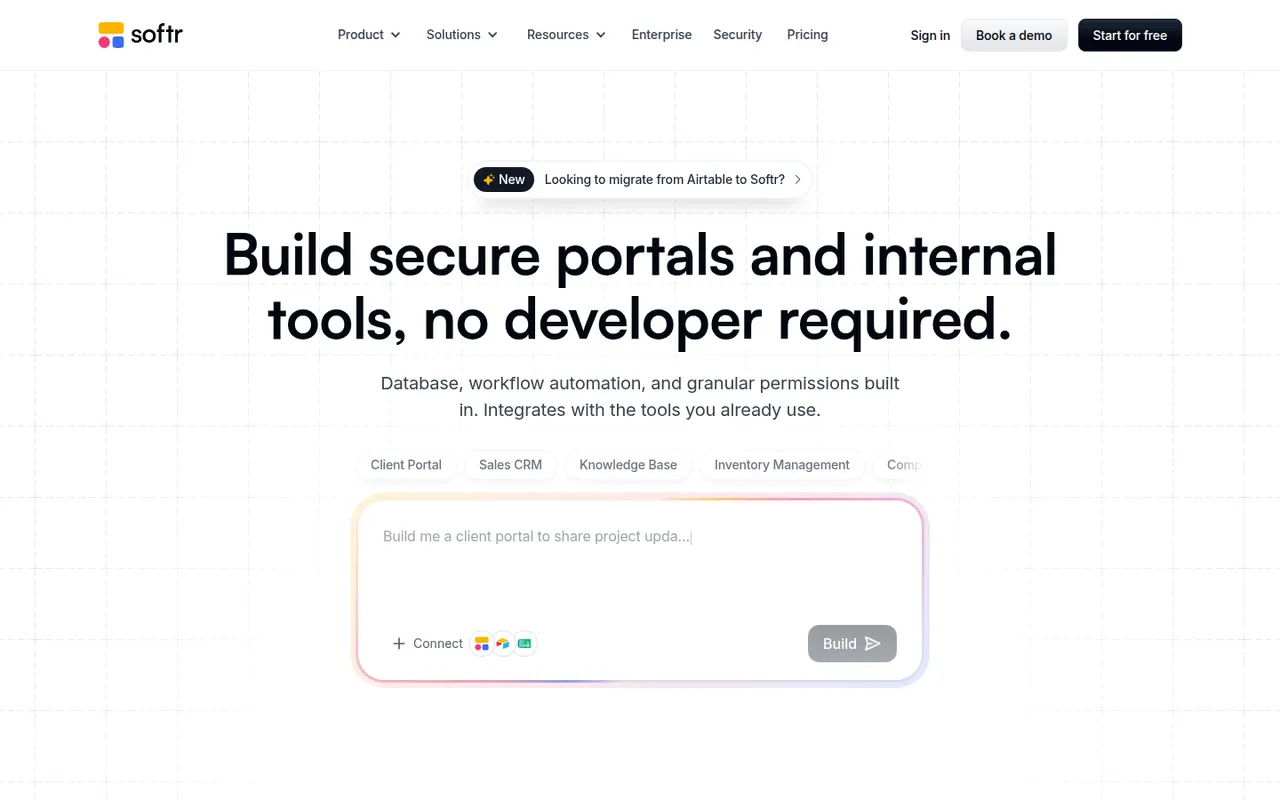
Cost / LicenseFreemiumProprietaryCategoriesPlatformsSoftr lets businesses build client portals, internal tools, directories and simple CRMs without code. Apps are put together from blocks in a visual editor on top of data from Airtable, Google Sheets, SQL databases, HubSpot or Softr's own databases, with user logins, permissions by user group and workflows. AI can generate a first version of an app from a prompt. A free plan is available.
9 Softr alternativesPros
- Quick way to build client portals on Airtable or Google Sheets
- User groups and permissions without writing code
- Block-based editor that non-technical teams pick up fast
Cons
- Layout flexibility is limited by the block system
- More users and advanced features require paid plans
- Performance depends on the connected data source
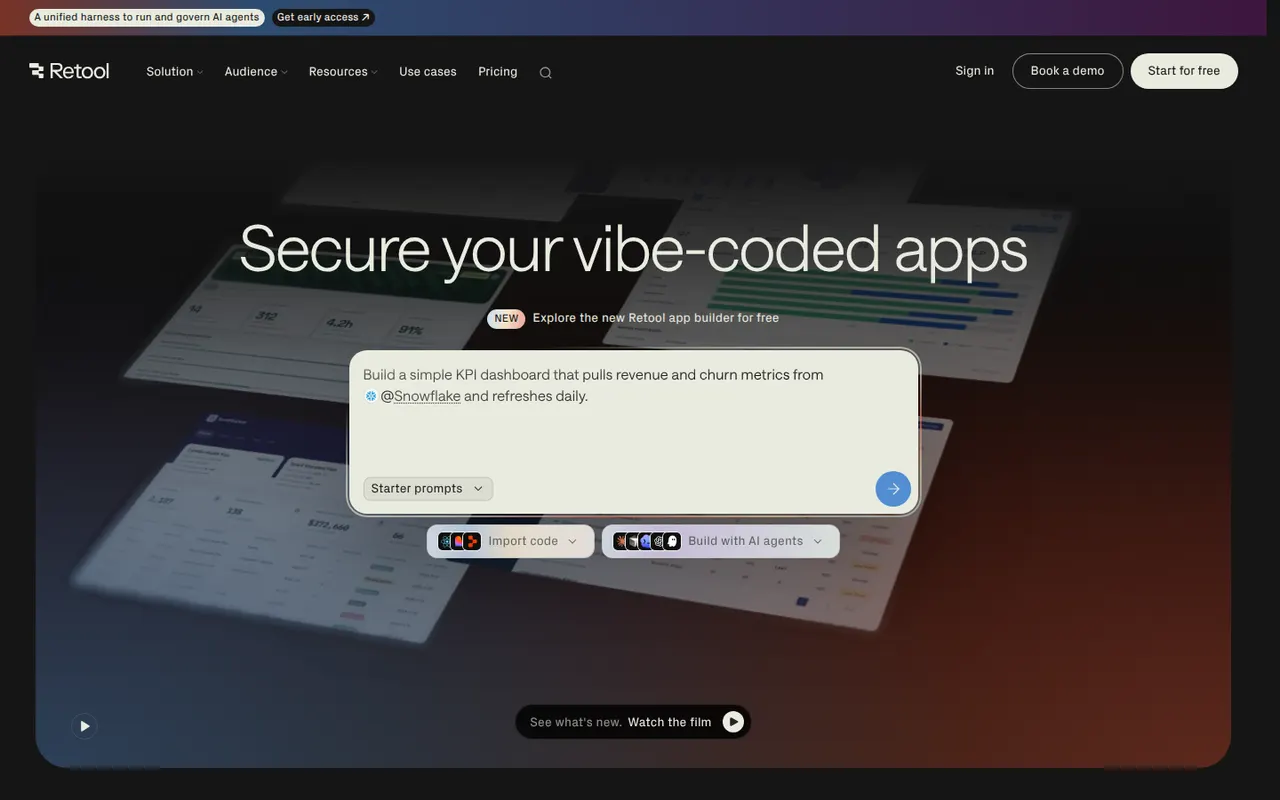
Cost / LicenseFreemiumProprietaryCategoriesPlatformsRetool is a developer-focused platform for building internal tools such as admin panels, dashboards and back-office apps. You drag components onto a canvas, connect them to databases and APIs, and write JavaScript or SQL where needed, with AI that can generate apps and agents that automate tasks. It runs in the cloud or self-hosted, with SSO and audit logs for enterprises and a free plan for small teams.
11 Retool alternativesPros
- Fast way to build admin panels and dashboards on your data
- Connects to most databases and APIs, with JavaScript and SQL as needed
- Self-hosting option plus enterprise controls like SSO and audit logs
Cons
- Aimed at developers, so non-technical users may struggle
- Costs rise quickly as more users need access
- Limited design control beyond the standard components
Cost / LicenseFreemiumProprietaryCategoriesPlatforms