Best apps for Android
259 apps
Top Android apps ranked by the community
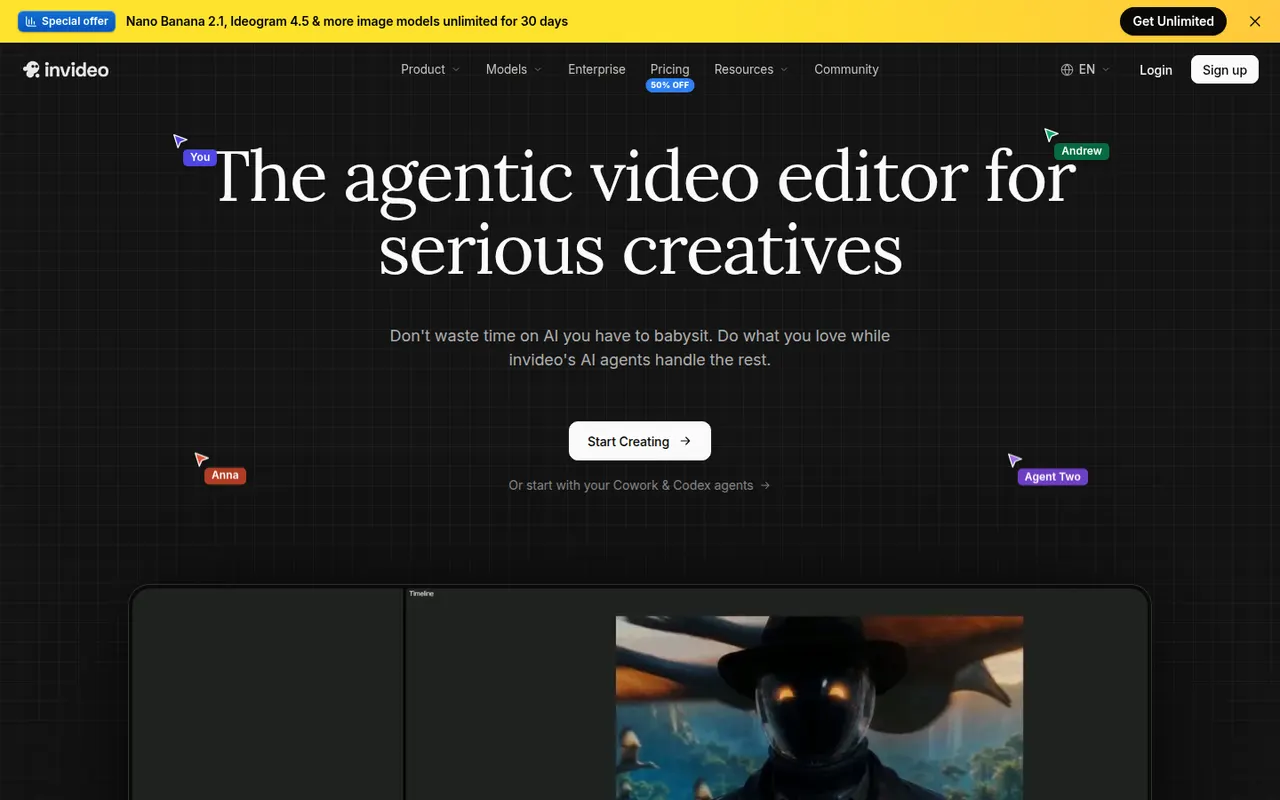
InVideo AI turns a prompt into a full video with script, stock footage, voiceover and subtitles, then lets you edit the result with text commands.
20 InVideo AI alternativesPros
- Builds a full video from one prompt: script, footage, voice and subtitles
- Edit the result with plain text commands
- Templates and stock media cover many video formats
Cons
- Stock footage picks can feel generic or off-topic
- Free plan exports carry a watermark
- Precise edits are harder than in a timeline editor
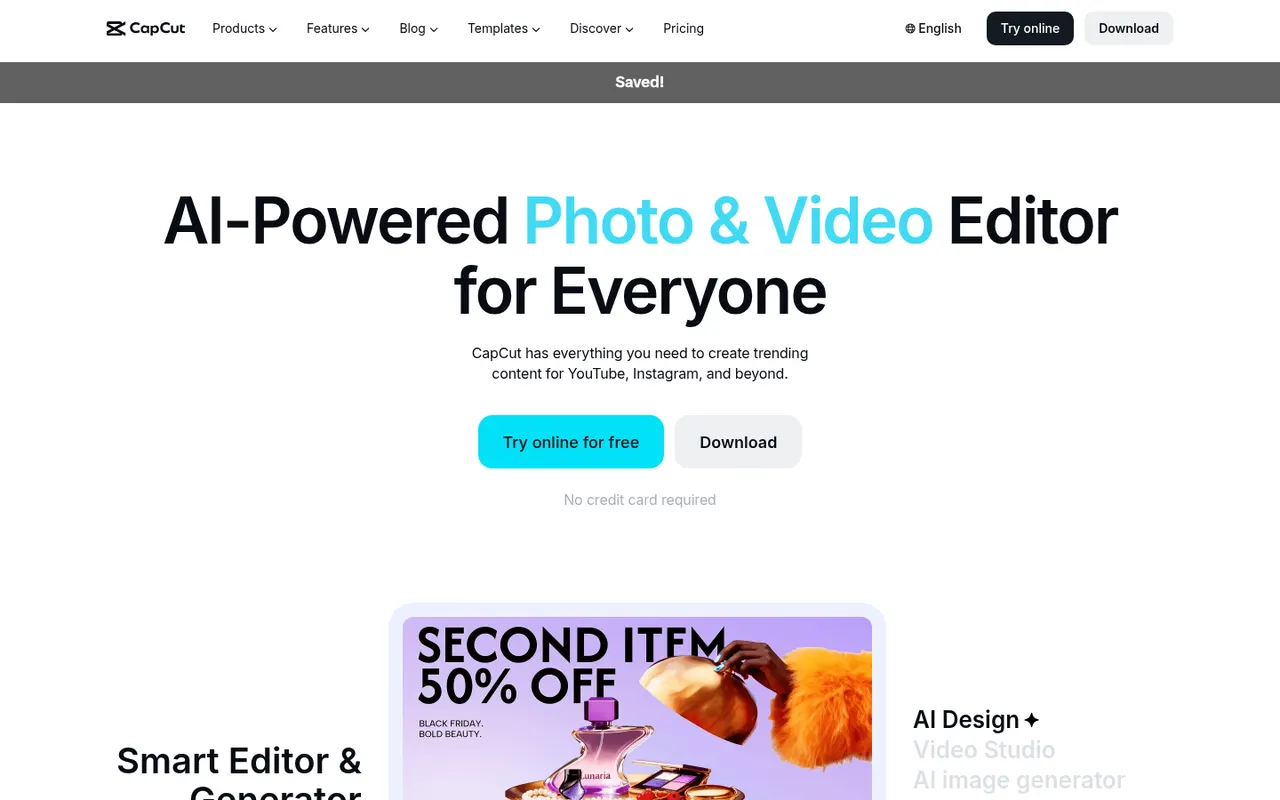
Cost / LicenseFreemiumProprietaryCategoriesCapCut is a video editor available on mobile, desktop and the web, with templates, effects, auto captions and AI tools aimed at short-form content.
23 CapCut alternativesPros
- Fast editing with templates and effects tuned for short-form video
- Auto captions and AI tools save time on social content
- Available on mobile, desktop and in the browser
Cons
- Many effects and AI tools require a Pro subscription
- Ownership by ByteDance raises data privacy questions
- Not built for long-form or professional editing
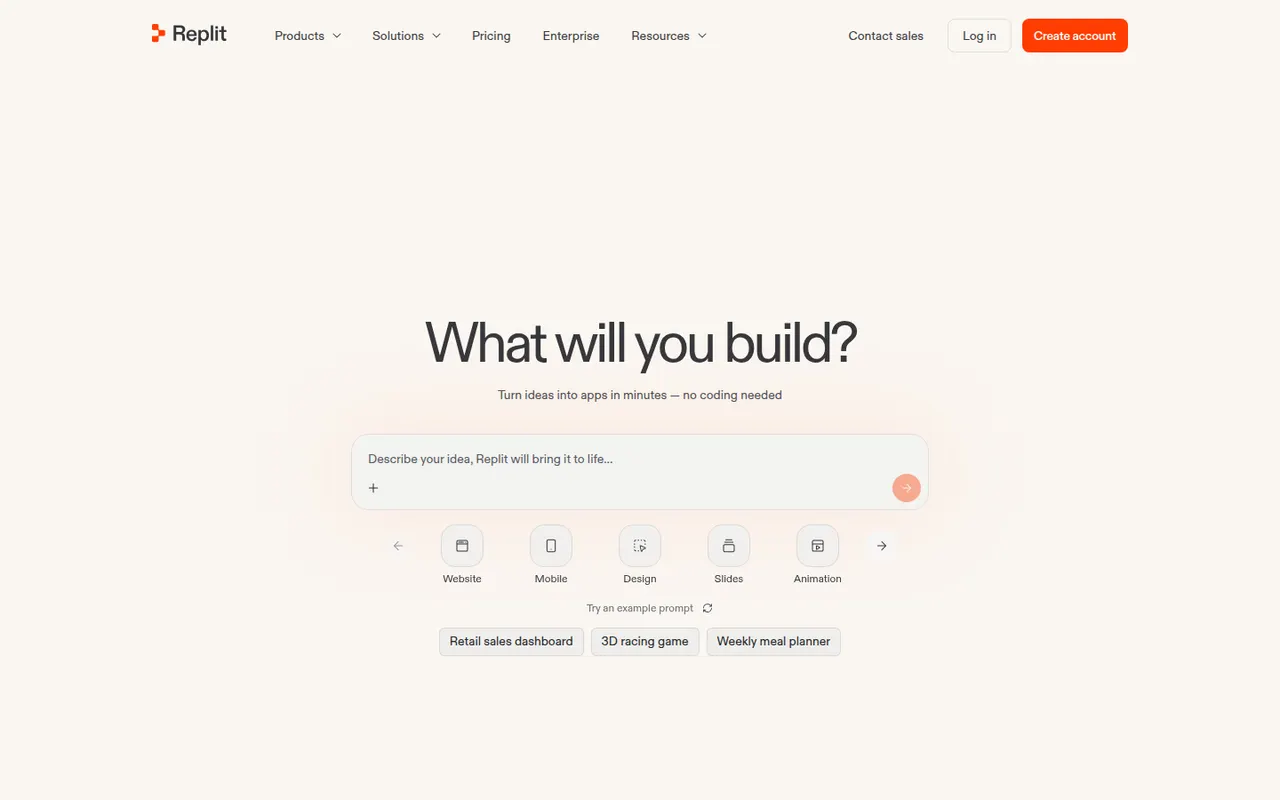
Cost / LicenseFreemiumProprietaryCategoriesReplit is a cloud development environment where an AI agent can build, run and host applications, with collaboration and built-in databases.
9 Replit alternativesPros
- Code, run and host apps without any local setup
- AI agent builds and deploys apps from a description
- Real-time multiplayer editing for collaboration
Cons
- Agent usage costs can be hard to predict
- Hosting and databases tie projects to Replit's platform
- Free plan resources are limited for serious projects
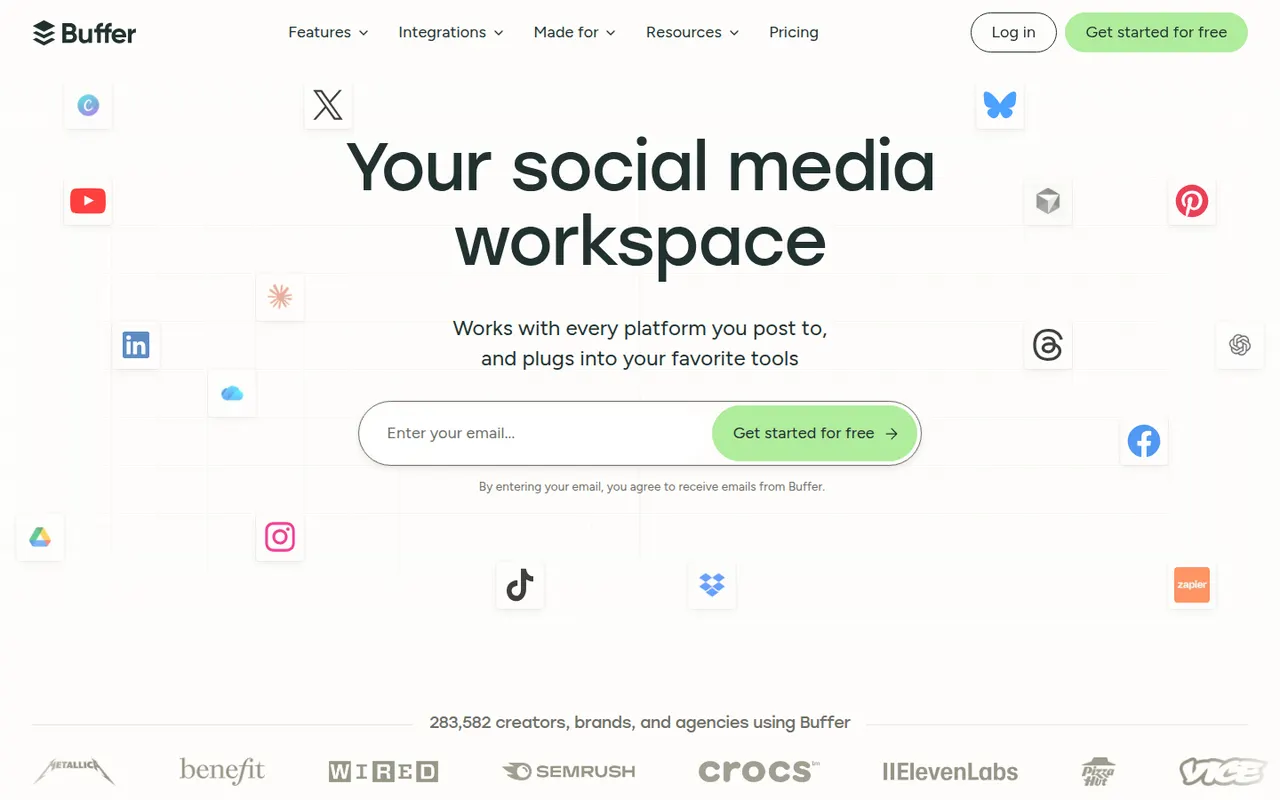
Cost / LicenseFreemiumProprietaryCategoriesBuffer lets individuals and small teams schedule posts across the main social networks, collaborate on drafts and track engagement.
12 Buffer alternativesPros
- Clean, simple interface for scheduling on major networks
- Free plan for a few channels
- Draft collaboration and engagement analytics
Cons
- Engagement tools are limited compared with full social suites
- Per-channel pricing adds up with many accounts
- Analytics are too basic for agency reporting
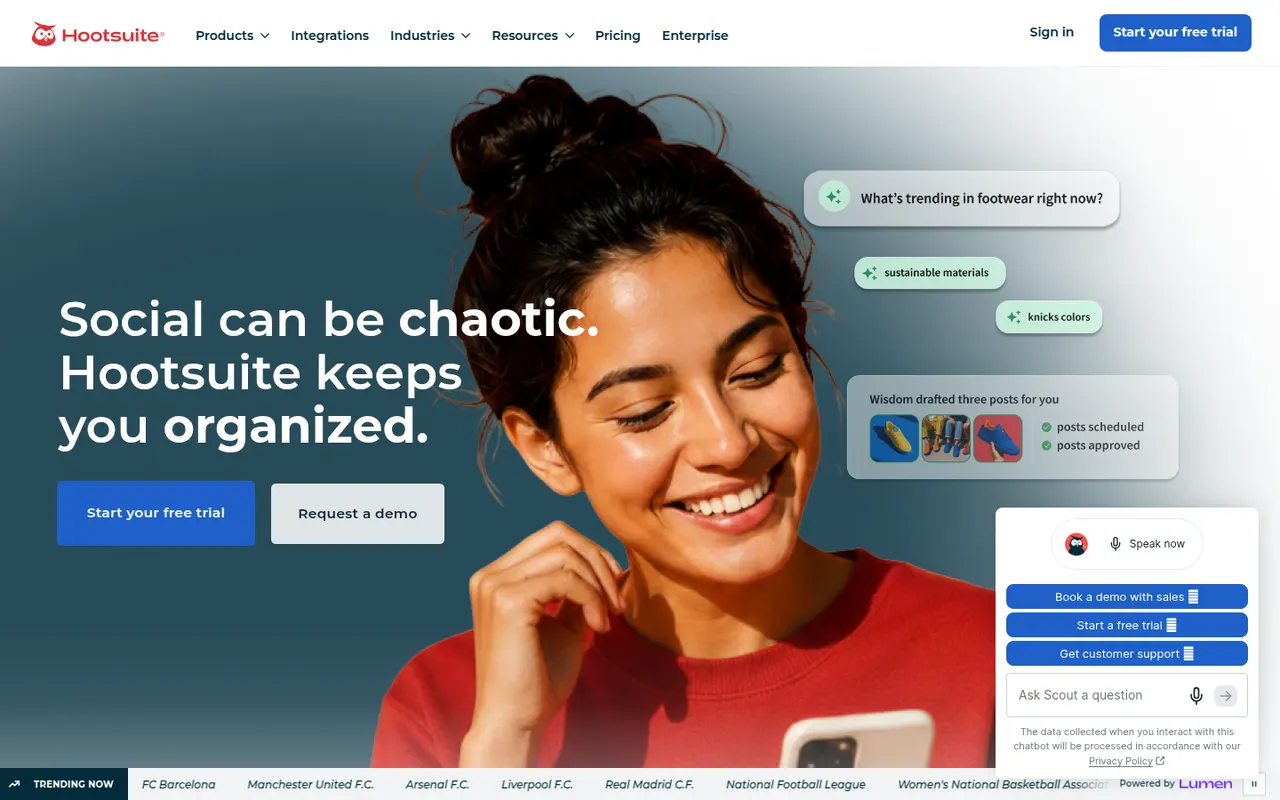
Cost / LicenseFreemiumProprietaryCategoriesHootsuite centralizes publishing, social inbox, listening and reporting for organizations managing many social accounts.
12 Hootsuite alternativesPros
- Publishing, inbox, listening and reporting in one platform
- Handles many accounts across large organizations
- A large app directory extends the platform
Cons
- Expensive for individuals and small businesses
- No free plan, only a trial
- The interface can feel cluttered and unintuitive
Cost / LicenseFree trialProprietaryCategoriesLater helps brands and creators plan visual content for Instagram, TikTok and other networks with a drag-and-drop calendar and analytics.
11 Later alternativesPros
- Visual drag-and-drop calendar for planning feeds
- Strong focus on Instagram and TikTok
- Auto-publishing with analytics on post performance
Cons
- No free plan, only a trial
- Built for visual content, less suited to text-heavy networks
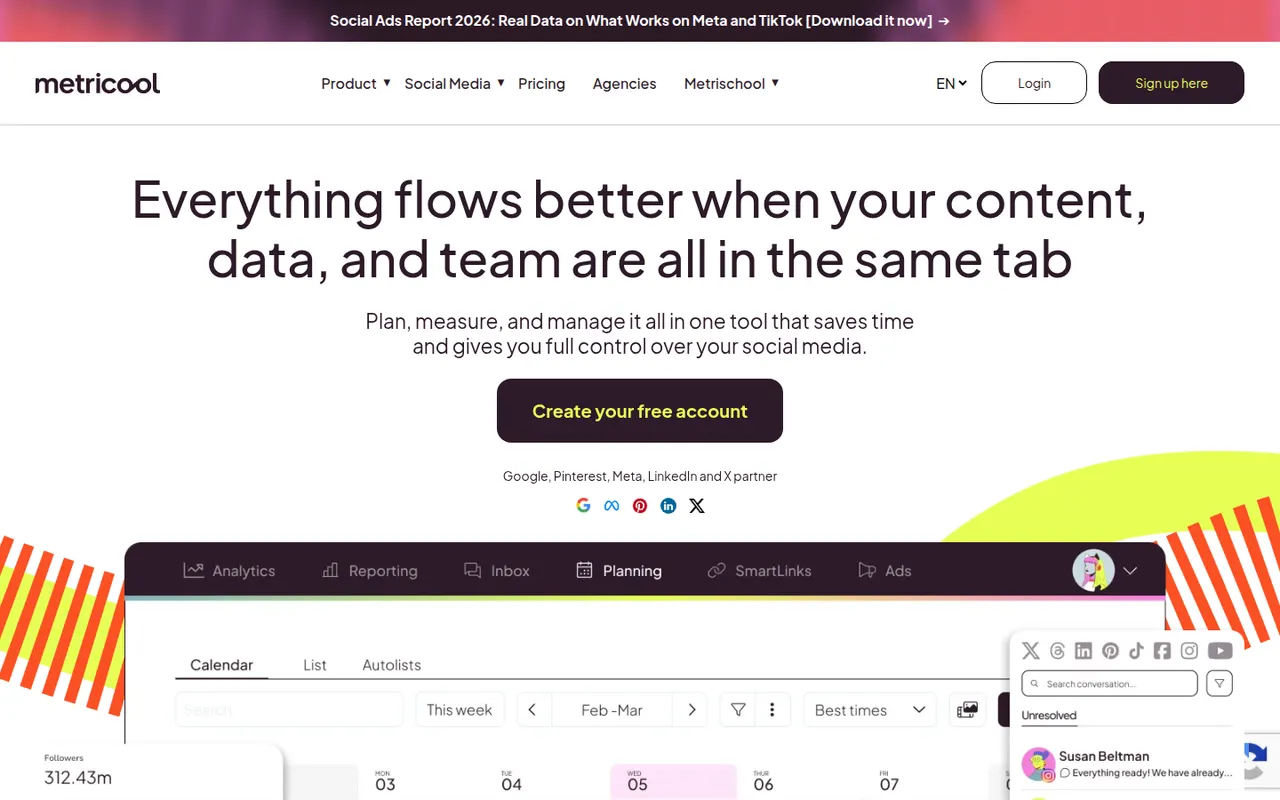
Cost / LicenseFree trialProprietaryCategoriesMetricool combines scheduling, analytics and ad reporting for social networks, blogs and ad accounts, popular with freelancers and agencies.
10 Metricool alternativesPros
- Scheduling, analytics and ad reporting in one tool
- Covers blogs and ad accounts alongside social networks
- Free plan for a single brand
Cons
- The interface packs a lot of data and can feel busy
- Advanced reports and integrations require paid plans
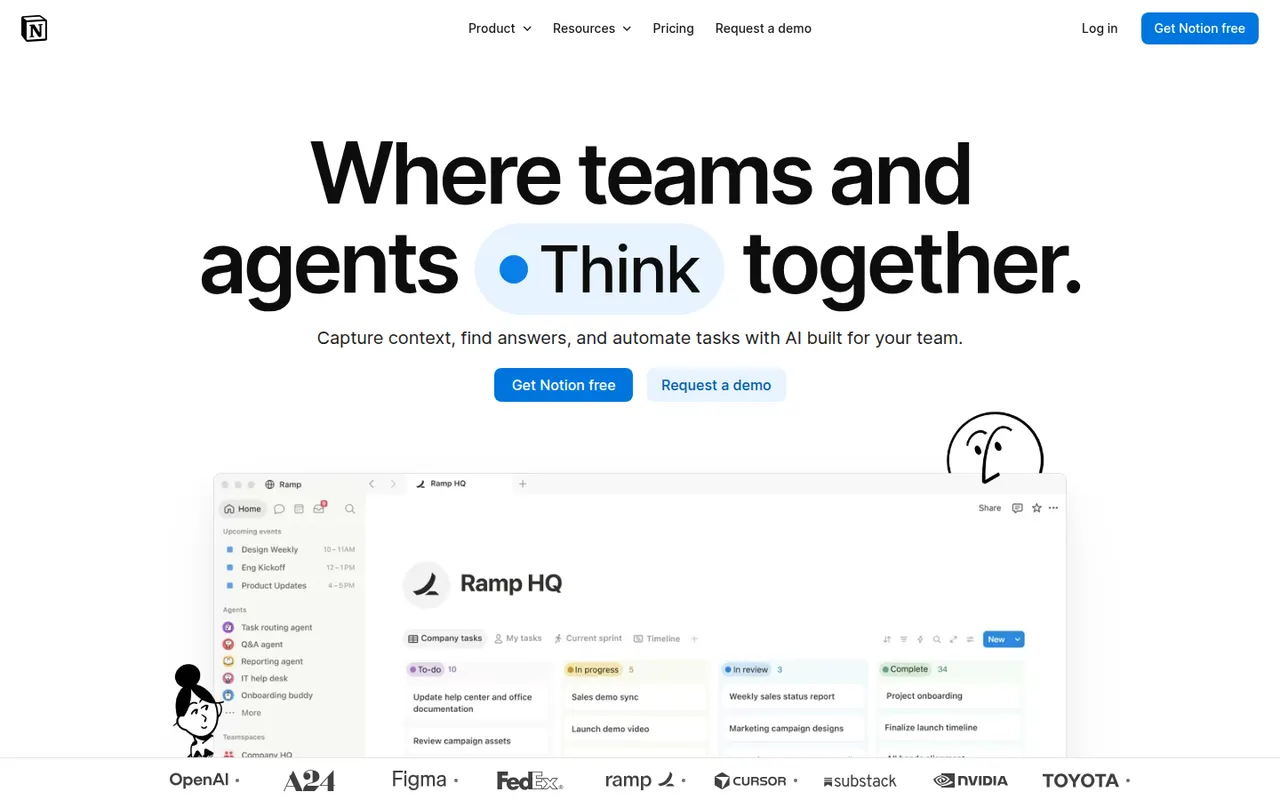
Cost / LicenseFreemiumProprietaryCategoriesNotion combines notes, documents, databases and project management in a flexible block-based workspace, with an integrated AI assistant.
17 Notion alternativesPros
- Docs, wikis and databases combined in one flexible workspace
- Large template gallery for roadmaps, trackers and wikis
- Real-time collaboration with comments, mentions and an API
Cons
- Databases and relations take time to master
- Offline access is limited compared with local-first apps
- Large workspaces can feel slow to load
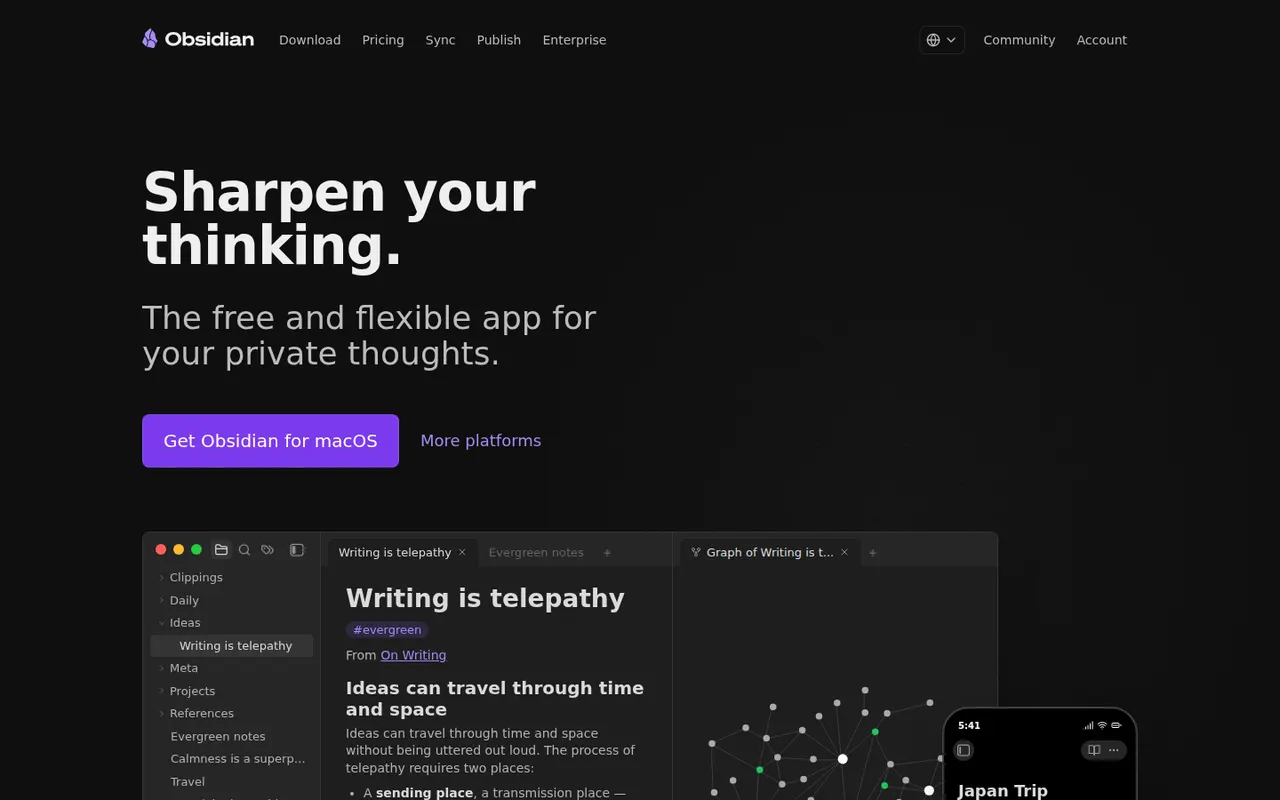
Cost / LicenseFreemiumProprietaryCategoriesObsidian stores notes as plain Markdown files on your device, links them into a knowledge graph and extends with a large plugin ecosystem.
17 Obsidian alternativesPros
- Notes are plain Markdown files stored on your device
- Large ecosystem of community plugins and themes
- Graph view and backlinks for connected notes
Cons
- Official sync and publishing are paid add-ons
- Plugin-heavy setups take time to configure and maintain
- No real-time collaboration on notes
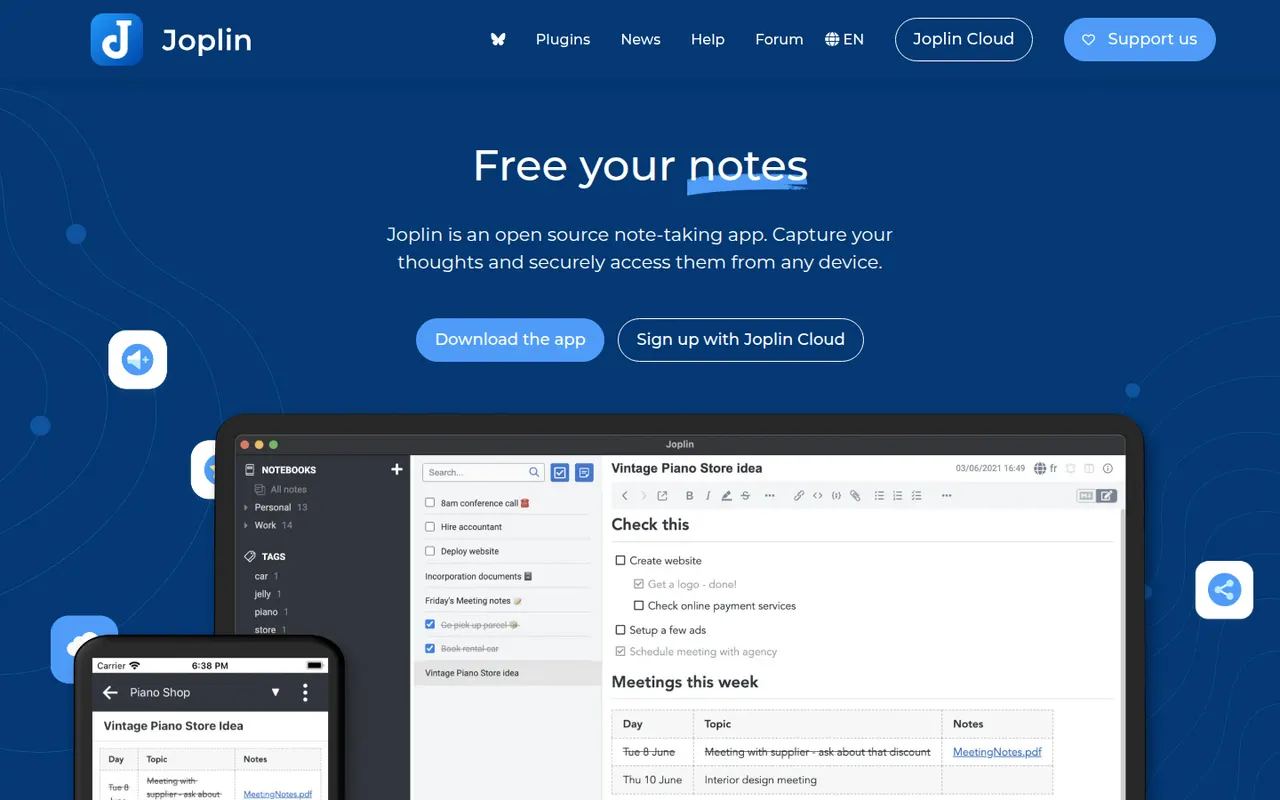
Cost / LicenseFreemiumProprietaryCategoriesJoplin is an open source note-taking app with Markdown notes, notebooks, end-to-end encrypted sync and a web clipper.
11 Joplin alternativesPros
- Open source, with Markdown notes stored in an open format
- End-to-end encrypted sync via Dropbox, OneDrive, WebDAV or Joplin Cloud
- Web clipper and plugins extend the core app
Cons
- Interface feels dated next to newer note apps
- Sync setup takes more effort than turnkey services
- No web app for reaching your notes from a browser
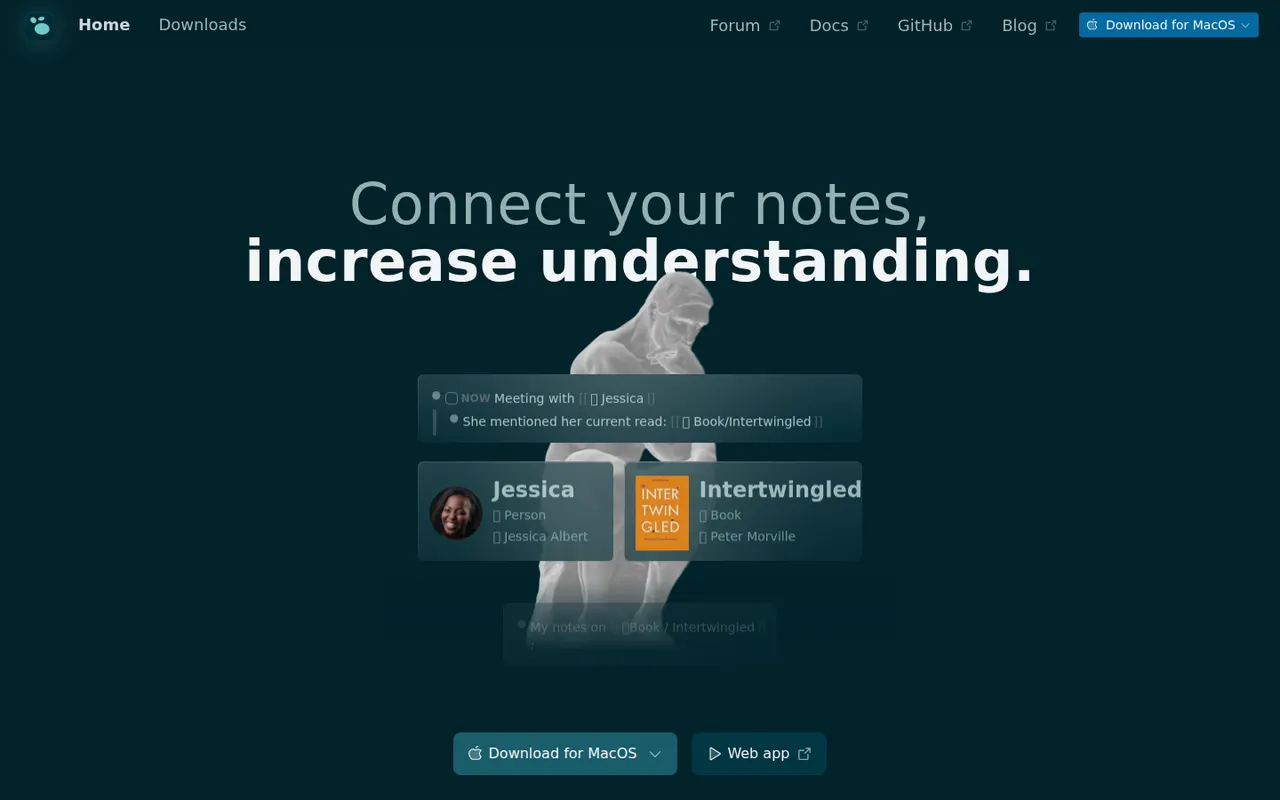
Cost / LicenseFreemiumOpen sourceCategoriesLogseq is a privacy-first outliner that stores notes locally in Markdown or Org files, with bidirectional links, journals and whiteboards.
7 Logseq alternativesPros
- Notes live in local Markdown or Org files that you fully own
- Bidirectional links, block references and daily journals
- Free and open source, with a plugin ecosystem
Cons
- Outliner-only structure is a poor fit for long-form writing
- Can slow down with very large graphs
- Syncing between devices takes extra setup
Cost / LicenseFreeOpen sourceCategoriesFeaturesAnytype is a local-first workspace for notes, databases and collaboration, with peer-to-peer sync and end-to-end encryption.
10 Anytype alternativesPros
- Local-first data with end-to-end encrypted peer-to-peer sync
- Objects, types and relations enable flexible, database-like notes
- Works offline on desktop and mobile alike
Cons
- The object and type model takes time to learn
- No web app, only desktop and mobile clients
- Fewer integrations and plugins than mainstream workspaces
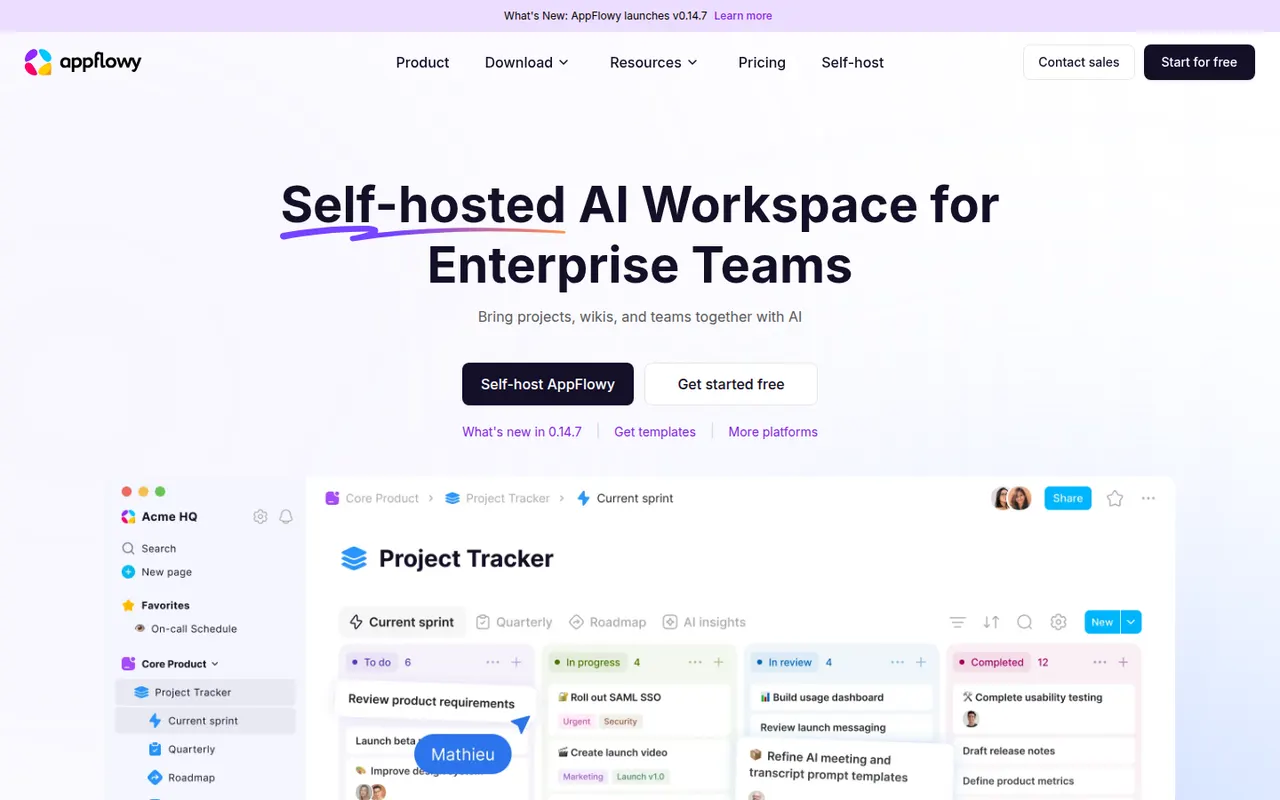
Cost / LicenseFreemiumSource availableCategoriesAppFlowy is an open source workspace for docs, databases and kanban boards that you can self-host, with AI features and offline support.
7 AppFlowy alternativesPros
- Open source Notion alternative that you can self-host
- Docs, databases and kanban boards in one workspace
- Offline support with apps on desktop and mobile
Cons
- Fewer templates and integrations than Notion
- Some features still feel less polished than in mature rivals
- Advanced AI features are reserved for paid plans
Cost / LicenseFreemiumOpen sourceCategoriesSora is OpenAI's video generation model, available through a web app and mobile apps for iOS and Android. It creates short clips with synchronized audio from text prompts or images, and the Sora app adds a social feed where users can remix videos and, with consent, appear in each other's creations. Developers can also access the model through the OpenAI API.
8 Sora alternativesPros
- Short clips with synchronized audio from text or images
- Social feed for discovering and remixing videos
- Available on web, iOS, Android and through the OpenAI API
Cons
- Cameo and remix features raise likeness and consent concerns
- Availability and generation limits vary by country and plan
Cost / LicenseFreemiumProprietaryCategoriesVeo is Google DeepMind's family of video generation models. Recent versions produce high-resolution clips with native audio, including dialogue and sound effects, from text or image prompts. Veo is not a standalone app: it is used through the Gemini app, the Flow filmmaking tool, Vertex AI and the Gemini API, mostly with paid Google AI plans.
8 Google Veo alternativesPros
- Generates clips with native audio, including dialogue and effects
- High-resolution output from text or image prompts
- Available through Gemini, Flow, Vertex AI and the Gemini API
Cons
- No standalone app: access is spread across Google products
- Mostly requires a paid Google AI plan
- Generation quotas limit how many clips you can make
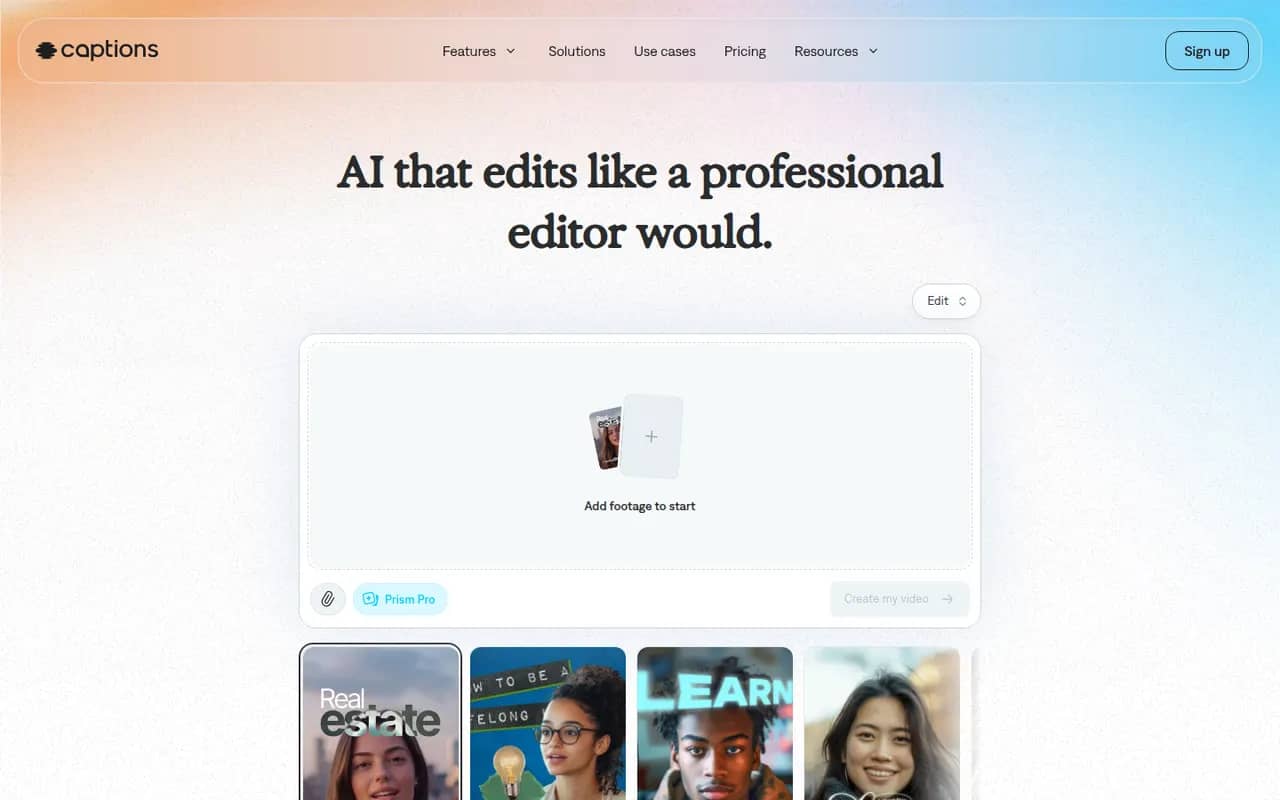
Cost / LicensePaidProprietaryCategoriesCaptions is an AI-powered video creation app for people who talk on camera. It generates captions automatically, removes filler words and pauses, corrects eye contact, dubs videos into other languages and can produce videos with AI avatars from a script. It started on iPhone and is now also available on Android and the web.
11 Captions alternativesPros
- Automatic captions plus filler word and pause removal
- Eye contact correction and AI dubbing for talking videos
- Mobile-first editing on iPhone and Android, plus a web app
Cons
- Most AI features require a paid subscription
- Less suited to complex edits than a desktop video editor
Cost / LicenseFreemiumProprietaryCategoriesFilmora is a consumer video editor from Wondershare for YouTubers, educators and small businesses. It pairs a multi-track timeline with a large library of effects, templates and stock media, and adds AI tools such as auto captions, background removal, text-to-speech and audio denoising. It is available for Windows and macOS, with mobile apps; the free version adds a watermark on export.
11 Filmora alternativesPros
- Beginner-friendly interface with a gentle learning curve
- Large library of effects, templates and stock media
- AI tools for captions, background removal and audio denoising
Cons
- Free version adds a watermark to exports
- Some effects and AI features cost extra
- Not suited to complex professional projects
Cost / LicenseFreemiumProprietaryCategoriesLoom lets you record your screen, camera and voice and share the result instantly as a link, replacing meetings and long written explanations. Viewers can comment and react, and Loom AI generates titles, summaries and chapters. Part of Atlassian since 2023, it works through desktop and mobile apps, a Chrome extension and integrations with tools like Slack, Jira and Notion.
12 Loom alternativesPros
- Record screen and camera and share instantly as a link
- AI titles, summaries and chapters save editing time
- Comments and reactions keep feedback next to the video
Cons
- The free plan limits video length and library size
- Editing is basic compared with dedicated video tools
- Per-seat pricing adds up for large teams
Cost / LicenseFreemiumProprietaryCategoriesRiverside is an online studio for recording podcasts, interviews and video shows with remote guests. Each participant is recorded locally in high quality, so unstable connections do not ruin the result, and files upload progressively. It adds transcription, a text-based editor, background noise removal, AI clips for social media and live streaming, on the web and mobile apps.
7 Riverside alternativesPros
- Local recording keeps quality high even on shaky connections
- Transcript-based editor and AI clips speed up publishing
- Guests join from a browser link or the mobile app
Cons
- Advanced editing and AI features are reserved for paid plans
- Guests must stay connected until their local recording finishes uploading
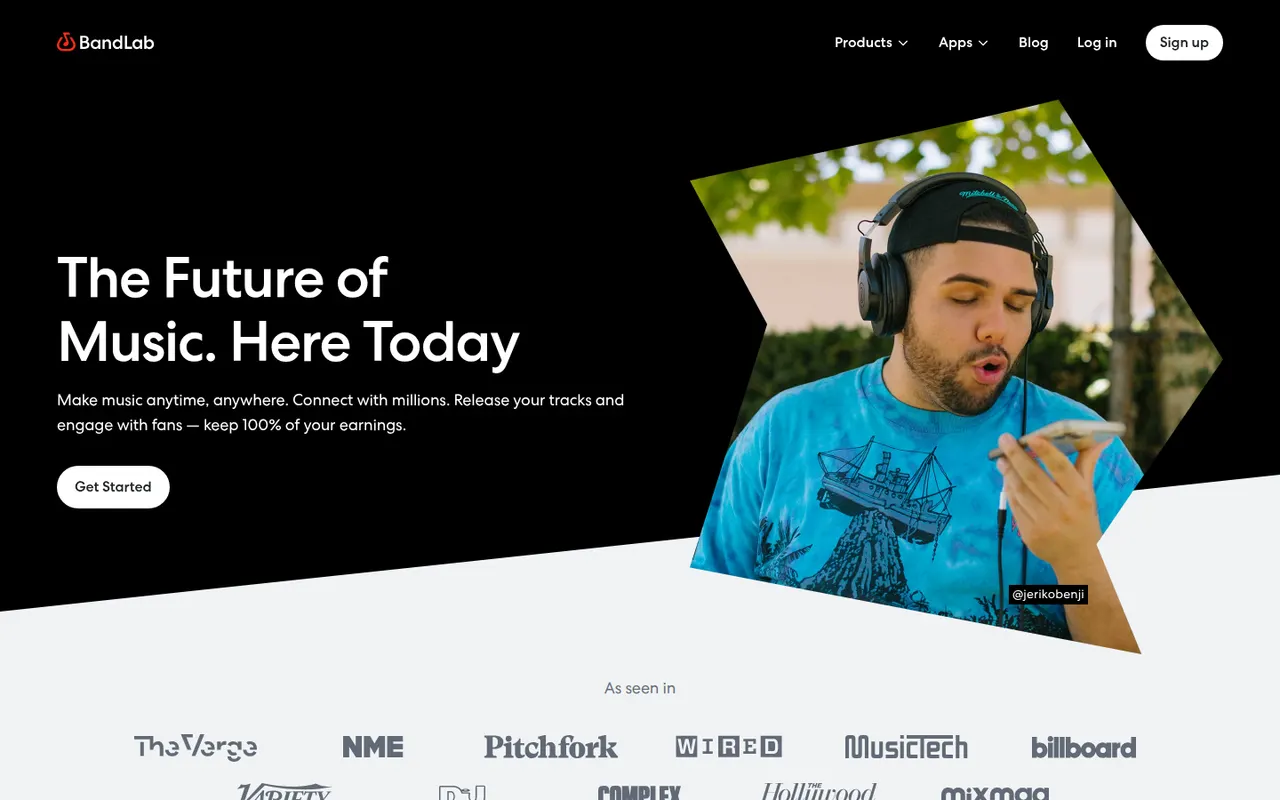
Cost / LicenseFreemiumProprietaryBandLab is a free, cloud-based music creation platform with a multi-track studio that works in the browser and on iOS and Android. Musicians can record, use loops and virtual instruments, collaborate on projects with others and publish songs to a built-in community. Core features are free, with an optional membership for extra tools and distribution services.
8 BandLab alternativesPros
- Free multitrack studio in the browser and on mobile
- Easy collaboration on songs with other musicians
- Built-in community to publish and discover songs
Cons
- Fewer advanced mixing and editing tools than desktop DAWs
- Cloud-based workflow depends on a good internet connection
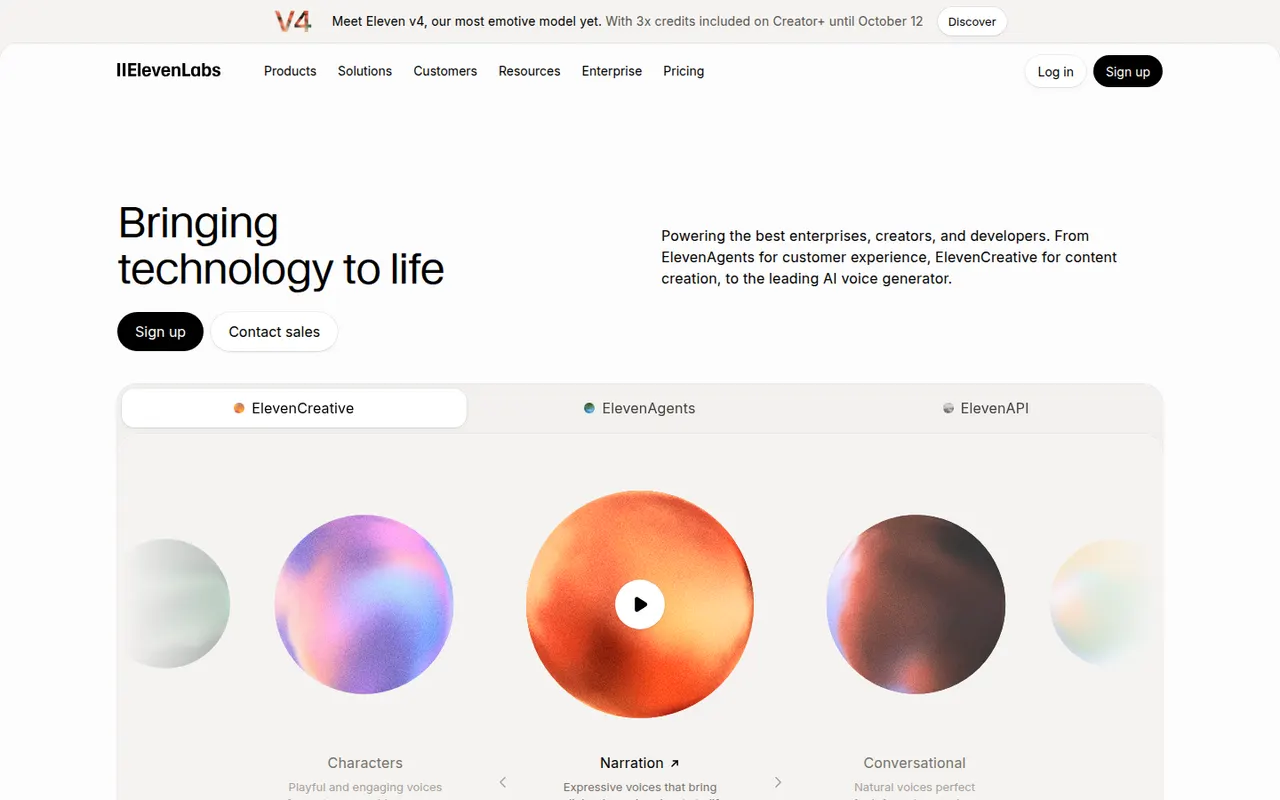
Cost / LicenseFreemiumProprietaryCategoriesElevenLabs is an AI audio company offering natural-sounding text-to-speech in many languages, voice cloning, a voice library, automatic dubbing, speech-to-text and sound effect generation. Creators use its web studio for narration and audiobooks, while developers rely on its API to build conversational voice agents. It has a free tier, and paid plans include commercial usage rights.
11 ElevenLabs alternativesPros
- Natural-sounding speech in many languages
- Voice cloning, dubbing and a large voice library
- API for building conversational voice agents
Cons
- Credits run out quickly on long narration projects
- Commercial usage rights require a paid plan
- Voice cloning raises misuse and consent concerns
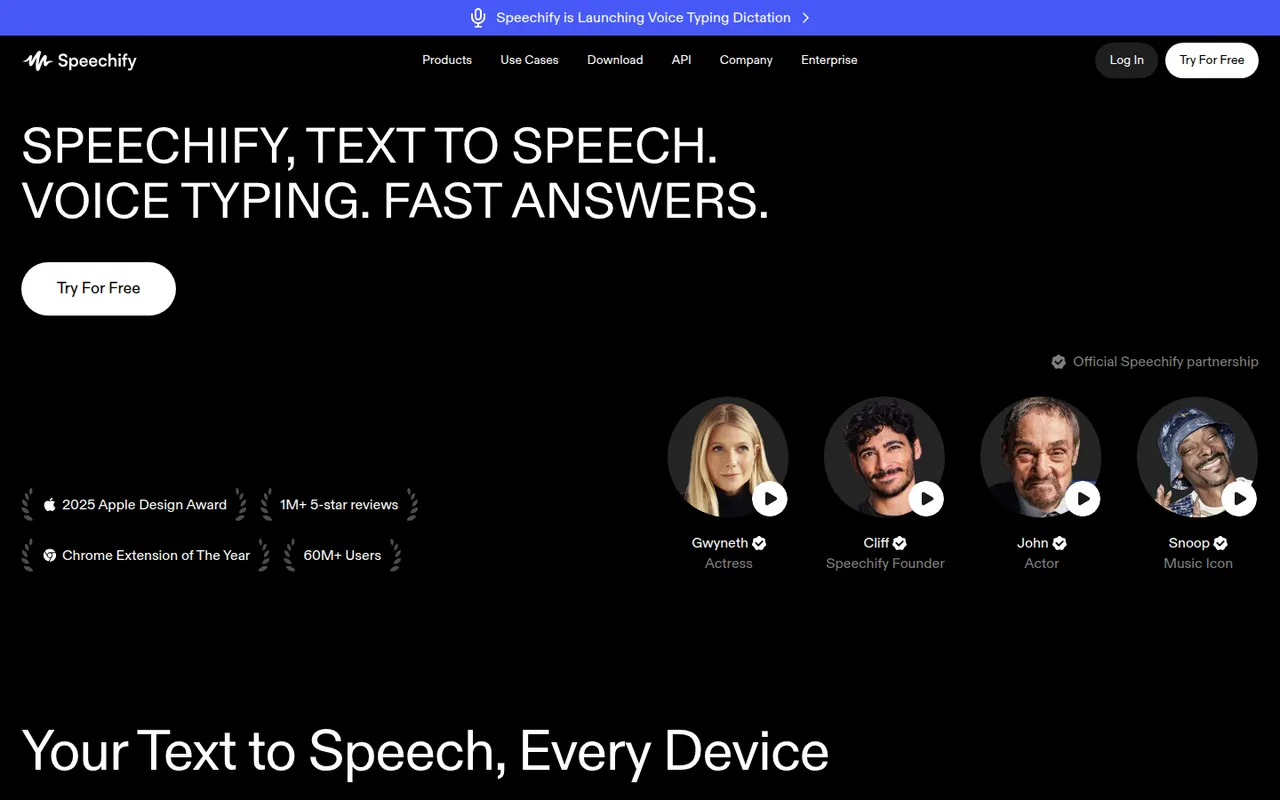
Cost / LicenseFreemiumProprietaryCategoriesSpeechify reads text aloud from PDFs, documents, emails, web pages and scanned pages, with adjustable speed and a choice of natural-sounding voices in many languages. Used by students, people with dyslexia and busy professionals, it syncs across its mobile apps, Mac app, web app and Chrome extension. A separate studio offers AI voiceovers, voice cloning and dubbing.
6 Speechify alternativesPros
- Reads PDFs, documents, emails and scanned pages aloud
- Syncs across mobile, Mac, web and the Chrome extension
- Adjustable speed and natural voices in many languages
Cons
- Premium voices and features sit behind a pricey subscription
- Upgrade prompts are frequent in the free version
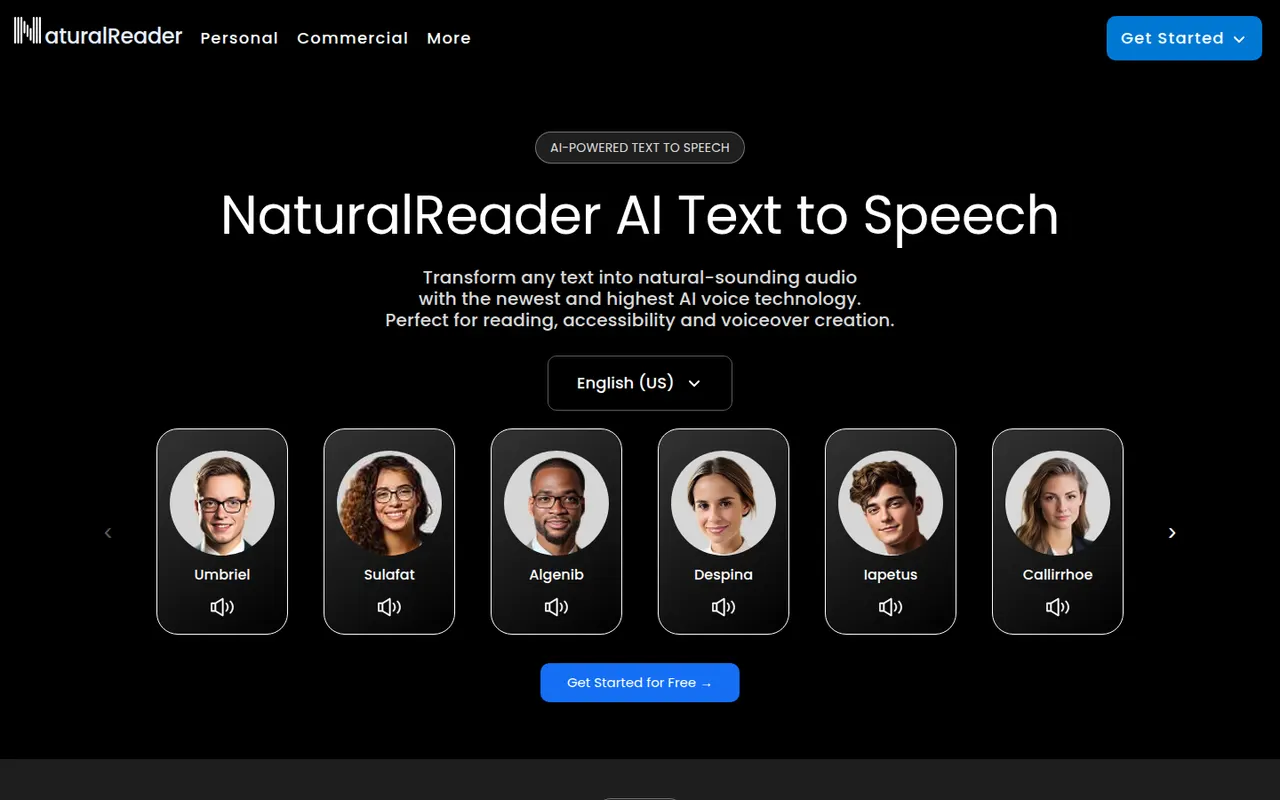
Cost / LicenseFreemiumProprietaryCategoriesPlatformsNaturalReader is a text-to-speech app that reads documents, PDFs, ebooks and web pages aloud in natural-sounding voices across many languages. It is available on the web, as desktop software, as mobile apps that can scan printed text, and as a Chrome extension. It serves students, people with reading difficulties and professionals, with a separate commercial edition for voiceovers.
5 NaturalReader alternativesPros
- Reads PDFs, ebooks and web pages aloud
- Available on web, desktop, mobile and as a Chrome extension
- Mobile apps can scan and read printed text
Cons
- The most natural voices are reserved for paid plans
- Commercial voiceovers require a separate edition
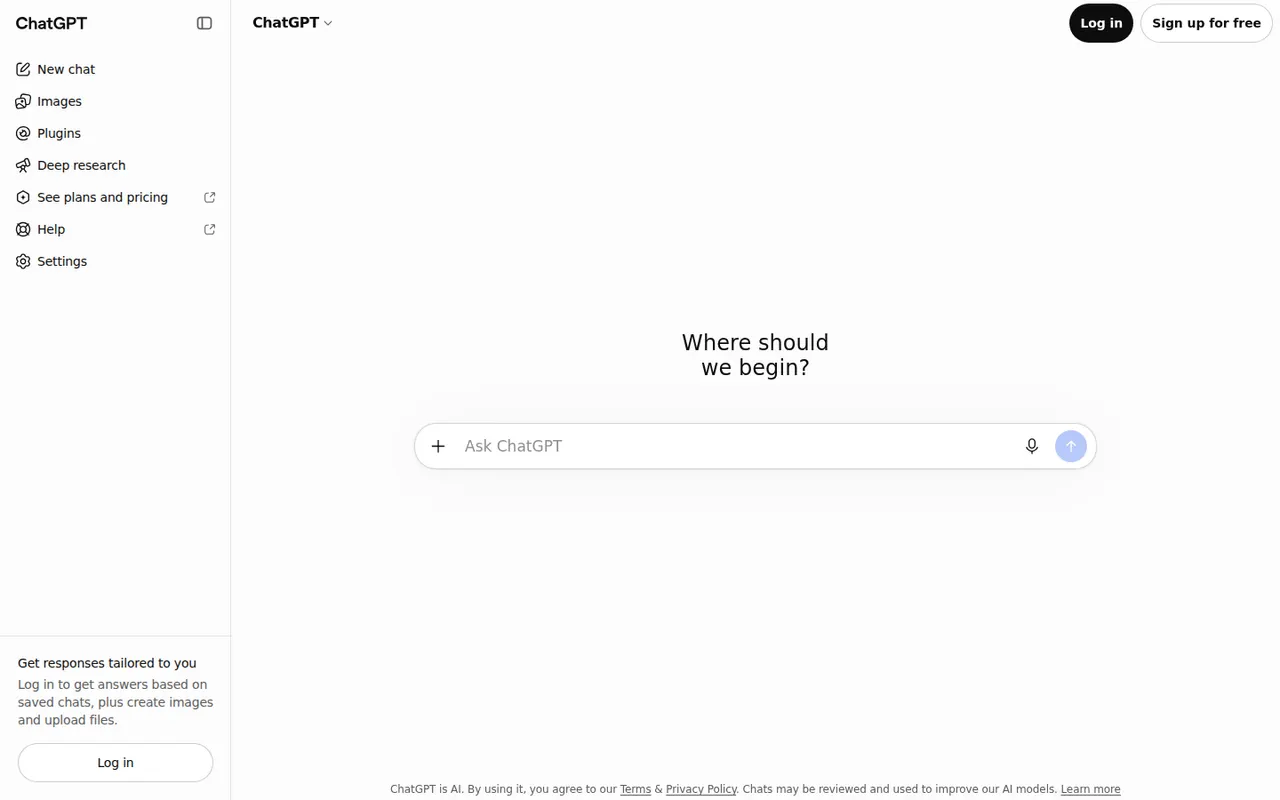
Cost / LicenseFreemiumProprietaryCategoriesChatGPT is OpenAI's general-purpose AI assistant. You can use it to draft and edit text, get answers backed by live web search, analyze uploaded files and data, generate images and hold voice conversations. Custom GPTs let anyone build an assistant for a specific task, and apps are available on desktop and mobile alongside the web version.
12 ChatGPT alternativesPros
- Versatile assistant for writing, analysis, coding and images
- Polished apps on the web, desktop and mobile
- Custom GPTs adapt it to specific tasks
Cons
- Can state wrong information confidently, so answers need checking
- Top models and higher limits require a paid plan
- Conversations may be used for training unless you opt out
Cost / LicenseFreemiumProprietaryClaude is an AI assistant built by Anthropic. It handles long documents and files, writing and editing, data analysis and programming help, and can search the web when needed. Projects keep related chats and reference files together, and connectors based on the Model Context Protocol link Claude to other apps. It runs on the web, desktop and mobile, and through an API.
12 Claude alternativesPros
- Handles long documents, nuanced writing and coding tasks well
- Projects keep related chats and reference files together
- MCP connectors link it to other apps and data
Cons
- Usage limits can be reached quickly, even on paid plans
- No built-in image generation
- Can still make mistakes, so answers need checking
Cost / LicenseFreemiumProprietaryGemini is Google's AI assistant, available on the web and as a mobile app that can replace Google Assistant on Android. It answers questions grounded in Google Search, analyzes files and images, generates images and supports spoken conversations through Gemini Live. Gems let you save custom assistants, and Gemini can pull information from Gmail, Drive, Maps or YouTube when you allow it.
11 Gemini alternativesPros
- Answers grounded in Google Search results
- Connects to Gmail, Drive, Maps and YouTube when you allow it
- Gemini Live supports natural spoken conversations
Cons
- Chats are used to improve Google products by default
- Top models and higher limits require a paid Google plan
- Features vary by country, account type and device
Cost / LicenseFreemiumProprietaryCategoriesMicrosoft Copilot is the consumer AI assistant from Microsoft, built into Windows and Edge and available as a web, desktop and mobile app. It answers questions with Bing-powered web results, helps draft and summarize text, creates images and supports voice conversations. A Microsoft 365 subscription adds Copilot features inside Word, Excel, PowerPoint and Outlook.
11 Microsoft Copilot alternativesPros
- Built into Windows and Edge for quick access
- Bing-powered answers backed by web results
- Free image creation and voice conversations
Cons
- Copilot inside Word, Excel and Outlook needs Microsoft 365
- Overlapping Copilot products and branding can be confusing
- Tightly woven into Microsoft's ecosystem and services
Cost / LicenseFreemiumProprietaryCategoriesPerplexity is an AI search assistant that answers questions in natural language and lists the web sources behind each answer, so claims can be checked. Follow-up questions keep context, deeper research modes run multi-step searches, and you can upload files to analyze. It runs on the web, desktop, mobile and as a browser extension, and the paid plan lets you choose between several AI models.
11 Perplexity alternativesPros
- Every answer lists its web sources for easy checking
- Deep research modes run multi-step searches
- The paid plan lets you choose between several AI models
Cons
- Summaries can misread or overstate what sources say
- The free plan limits advanced searches and model choice
- Less suited to long creative writing than general chatbots
Cost / LicenseFreemiumProprietaryCategoriesLe Chat is the AI assistant from Mistral AI, a French company that develops its own language models. It offers web search with cited sources, document and image analysis, image generation and agents you can configure for recurring tasks. It is available on the web and mobile, with a free tier, a Pro plan and team options for organizations that prefer a European provider.
10 Le Chat (Mistral AI) alternativesPros
- European provider, appealing to GDPR-conscious teams
- Web search answers come with cited sources
- Configurable agents for recurring tasks
Cons
- Smaller ecosystem of integrations than the largest assistants
- Advanced features and higher limits require the Pro plan
Cost / LicenseFreemiumProprietaryCategoriesGrok is the AI assistant developed by xAI, Elon Musk's artificial intelligence company. Besides general chat, it can search the web and posts on X to follow recent events, analyze files, generate images and hold voice conversations. It is available on grok.com, in dedicated mobile apps and inside X, with higher usage limits and newer models on paid tiers.
9 Grok alternativesPros
- Real-time access to posts on X for following the news
- Image generation and voice mode included
- Available inside X as well as in its own apps
Cons
- Answers drawn from X posts can repeat misinformation
- Looser moderation has led to controversial outputs
- Newest models and higher limits are reserved for paid tiers
Cost / LicenseFreemiumProprietaryCategories