Best apps for Android
259 apps
Top Android apps ranked by the community
Substack lets writers start a newsletter with a web archive, podcast and video hosting, and turn on paid subscriptions when they are ready. Publishing is free: Substack takes a share of subscription revenue instead of charging for a plan. Its reader app, Notes feed and cross-recommendations connect publications into a network that helps writers find readers.
7 Substack alternativesPros
- Free to publish, with no setup or hosting to manage
- Built-in paid subscriptions, podcasts and video
- Notes and cross-recommendations help writers find readers
Cons
- Takes a share of revenue from paid subscriptions
- Limited design and branding customization
- Your audience lives inside Substack’s network rather than your own brand
Cost / LicenseFreeProprietaryCategoriesConstant Contact is a long-established email marketing service aimed at small businesses and nonprofits. It offers a drag-and-drop editor with templates, automated series, list segmentation, SMS, event registration and social posting, backed by phone support. It favors ease of use over advanced automation, which suits teams without a dedicated marketer.
7 Constant Contact alternativesPros
- Easy drag-and-drop editor with many templates
- Phone support for small businesses and nonprofits
- Event registration, SMS and social posting in one tool
Cons
- Automation is basic compared with ActiveCampaign or Klaviyo
- Pricing climbs quickly with list size
- No free plan beyond the trial
Cost / LicenseFree trialProprietaryCategoriesHubSpot is a customer platform built around a free CRM, with paid hubs for marketing automation, sales engagement, customer service, content management and operations. Contacts, deals, emails and support tickets share one record, and the Breeze AI tools help with writing, research and agents. It suits small and mid-sized companies that want marketing, sales and support in a single system.
12 HubSpot alternativesPros
- Free CRM that covers contacts, deals and basic email tracking
- Marketing, sales and service share one customer record
- Large integration marketplace and extensive free training via HubSpot Academy
Cons
- Costs rise steeply once you need Professional-tier features
- Marketing pricing grows with the number of marketing contacts
- Upper tiers can involve onboarding fees and annual contracts
Cost / LicenseFreemiumProprietarySalesforce is a cloud CRM platform used mainly by mid-sized and large organizations, with Sales Cloud for pipelines and forecasting, Service Cloud for support and many other clouds and add-ons. It is highly customizable through objects, workflows and code, and the AppExchange marketplace adds a wide range of integrations. Agentforce brings AI agents that can act on CRM data.
9 Salesforce alternativesPros
- Customizable down to objects, workflows and code for any sales process
- AppExchange offers integrations for almost every business tool
- Scales from mid-sized teams to the largest global organizations
Cons
- Steep learning curve that often calls for dedicated admins or consultants
- High per-user cost, with many capabilities sold as add-ons
- Overkill for small teams with simple sales processes
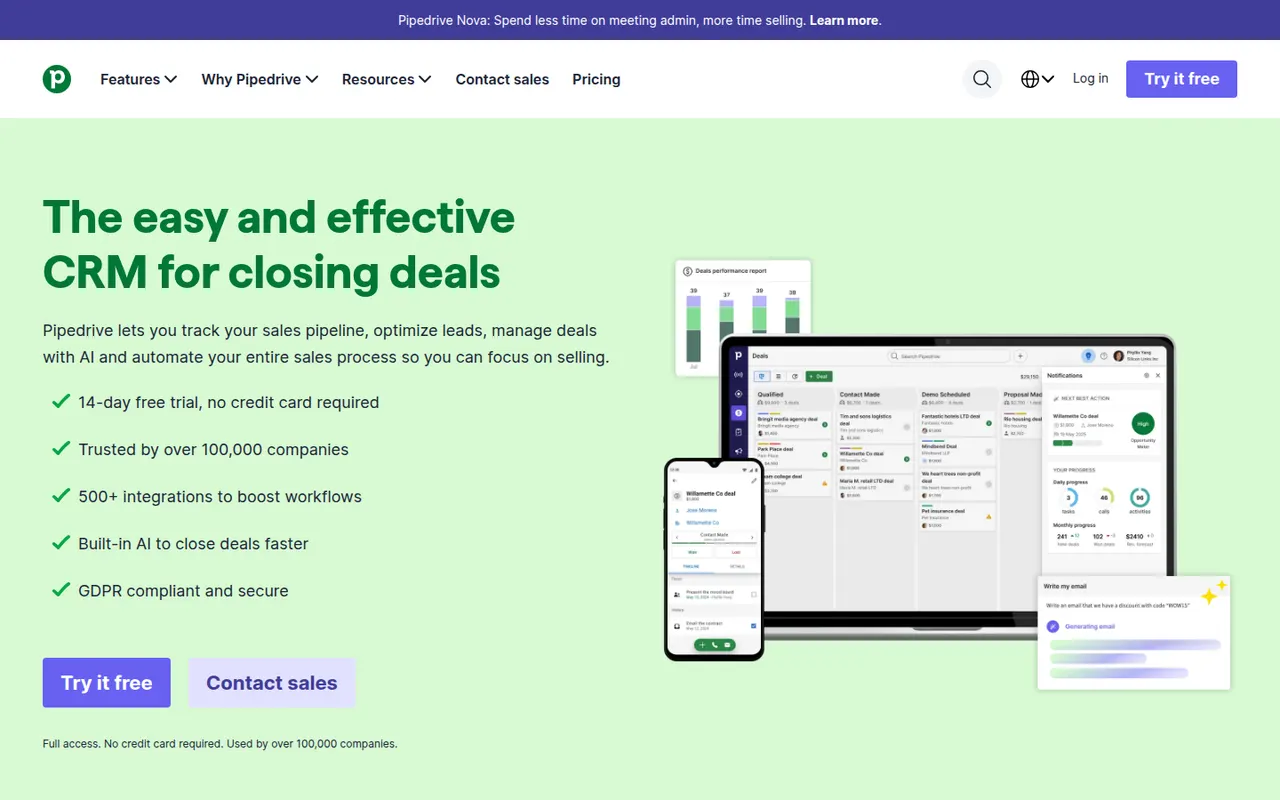
Cost / LicenseFree trialProprietaryCategoriesPipedrive is a sales CRM designed around a visual pipeline where deals move through stages, keeping salespeople focused on the next action for each opportunity. It includes email sync and tracking, activity scheduling, workflow automation, forecasting and an AI sales assistant, with add-ons for lead generation and documents. It targets small and mid-sized sales teams that want a CRM they can adopt quickly.
11 Pipedrive alternativesPros
- Visual pipeline makes it easy to see where every deal stands
- Quick to set up, so small sales teams adopt it fast
- Activity reminders keep salespeople focused on the next action
Cons
- Lead generation and document tools are sold as add-ons
- Little built-in marketing or support compared with all-in-one suites
- Reporting can feel limited for complex, multi-team sales processes
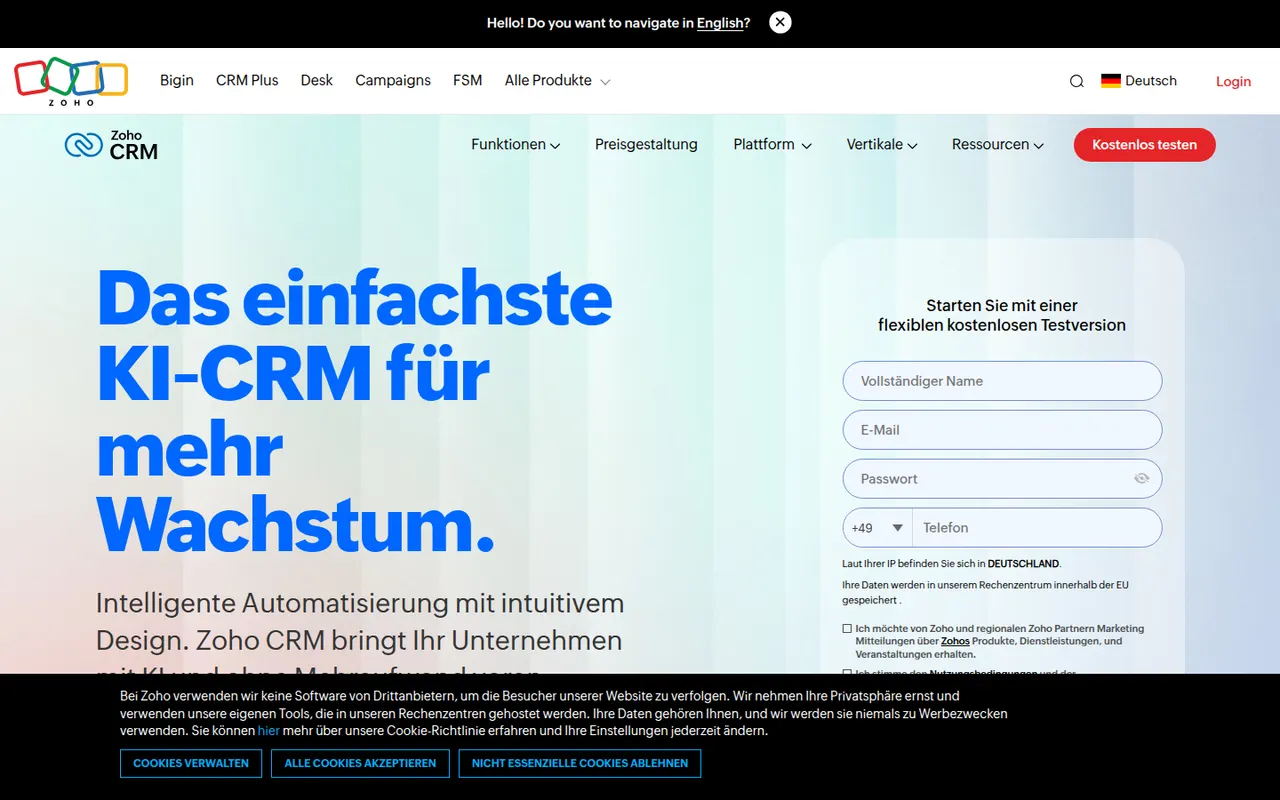
Cost / LicenseFree trialProprietaryCategoriesZoho CRM is a cloud CRM for managing leads, contacts, deals and sales processes, with workflow automation, territory management, forecasting and the Zia AI assistant. It is highly customizable without code and connects natively to the many other Zoho apps for email, support, finance and analytics. A free edition covers very small teams, and paid editions scale to larger organizations.
9 Zoho CRM alternativesPros
- Deep no-code customization of modules, fields and workflows
- Connects natively to the wider Zoho suite for email, support and finance
- Free edition for very small teams, with paid editions that scale up
Cons
- Interface and settings can feel overwhelming at first
- Third-party integrations are less polished than Zoho’s own apps
- Getting the most out of it often means adopting more Zoho apps
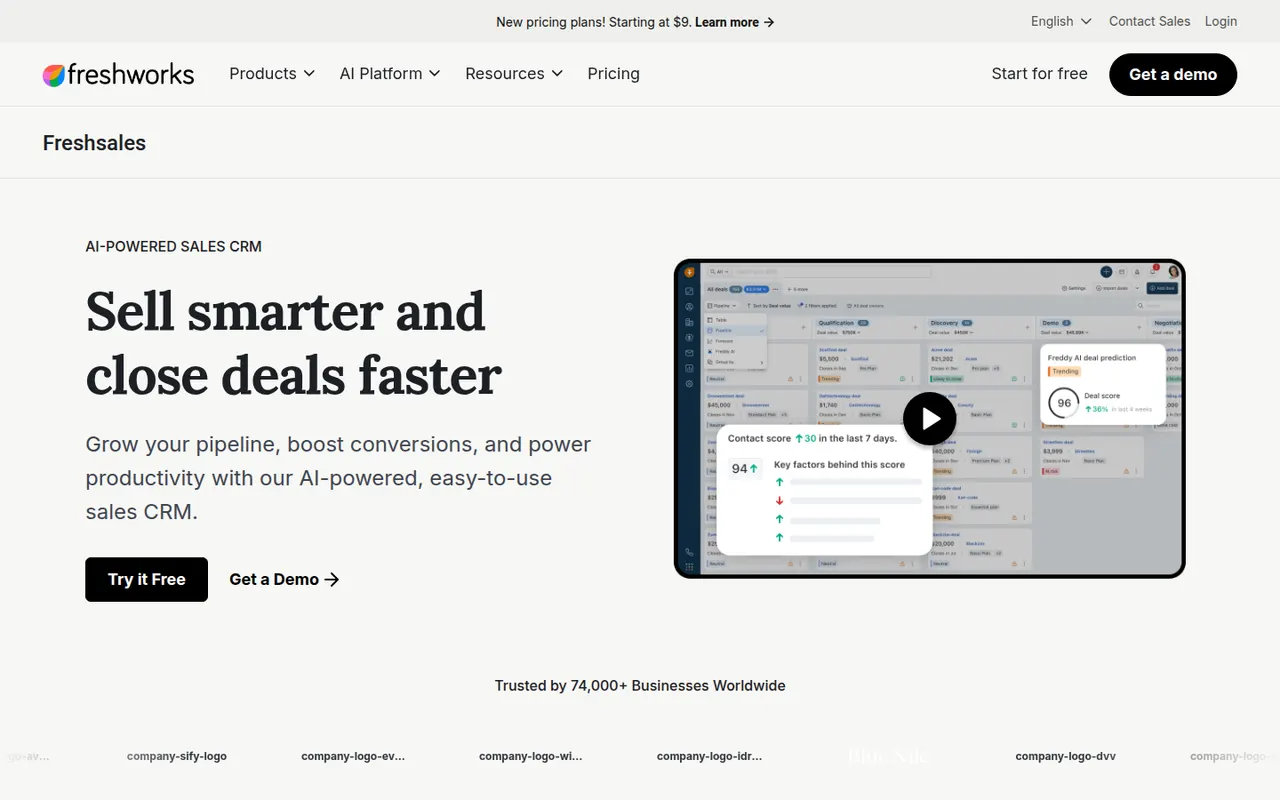
Cost / LicenseFreemiumProprietaryCategoriesFreshsales is the sales CRM from Freshworks, offering contact and account management, visual deal pipelines, built-in email and phone, and workflow automation. Its Freddy AI assistant scores leads, surfaces deal insights and suggests next steps. It integrates closely with Freshdesk and other Freshworks products, which suits companies that want sales and support from the same vendor.
8 Freshsales alternativesPros
- Built-in phone and email keep sales conversations in one place
- Freddy AI scores leads and suggests next steps on deals
- Pairs naturally with Freshdesk for teams wanting sales and support together
Cons
- Key AI and automation features are reserved for higher tiers
- Smaller integration marketplace than HubSpot or Salesforce
Cost / LicenseFree trialProprietaryCategoriesCopper is a CRM built for teams that live in Google Workspace. A Chrome extension shows contacts, deals and tasks directly in Gmail, and it syncs with Google Calendar, Drive and Sheets to log activity without manual data entry. It offers pipelines, workflow automation and reporting, and suits small businesses and agencies managing relationships rather than high-volume sales.
8 Copper alternativesPros
- Works inside Gmail through a Chrome extension, so contacts sit next to email
- Syncs with Google Calendar, Drive and Sheets to log activity automatically
- Clean interface that small teams can adopt with little training
Cons
- Much less useful for teams that don’t run on Google Workspace
- Reporting and customization are shallower than in larger CRMs
- No free plan, and advanced automation sits on higher tiers
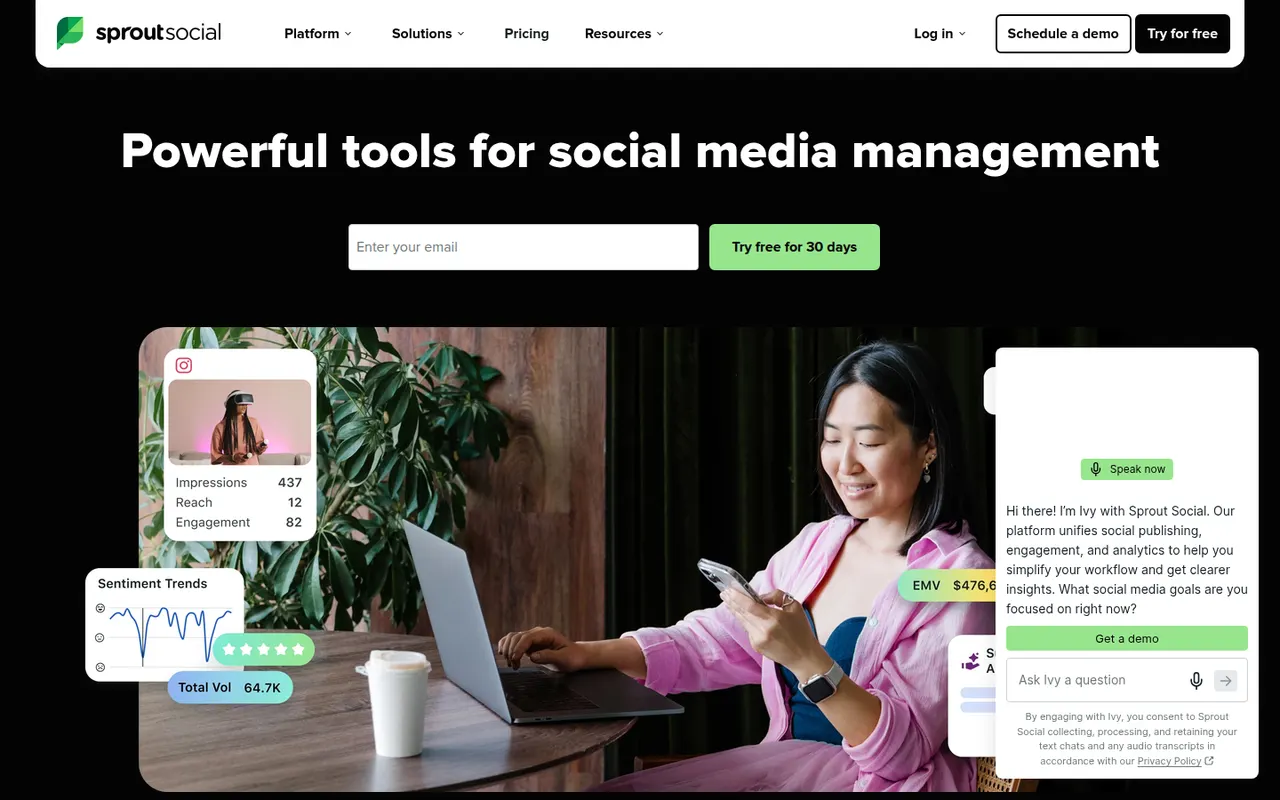
Cost / LicenseFree trialProprietaryCategoriesPlatformsSprout Social is a social media management platform for brands and agencies, combining scheduling and a shared content calendar, a unified inbox for messages and comments, analytics reports and social listening. It includes approval workflows, team permissions and conversation histories per contact. It is aimed at mid-sized and larger teams that need detailed reporting across many profiles.
9 Sprout Social alternativesPros
- Unified inbox gathers messages and comments from every profile
- Detailed analytics reports suited to client and management reviews
- Approval workflows and permissions built for larger social teams
Cons
- Per-seat pricing gets expensive as the team grows
- No free plan beyond the trial period
- Feature depth can feel heavy for solo creators
Cost / LicenseFree trialProprietaryCategoriesAgorapulse is a social media management tool founded in France that brings publishing, a unified inbox, social listening and reporting into one interface. Its inbox lets teams process comments, mentions and messages like email, with assignment and saved replies, and its reports can tie social activity to website traffic and conversions. Agencies use it for client approvals and shared calendars.
10 Agorapulse alternativesPros
- Unified inbox handles comments and messages like email
- Reports can tie social activity to website traffic and conversions
- Client approvals and shared calendars suit agencies
Cons
- Per-user pricing gets costly as teams grow
- The free plan is very limited
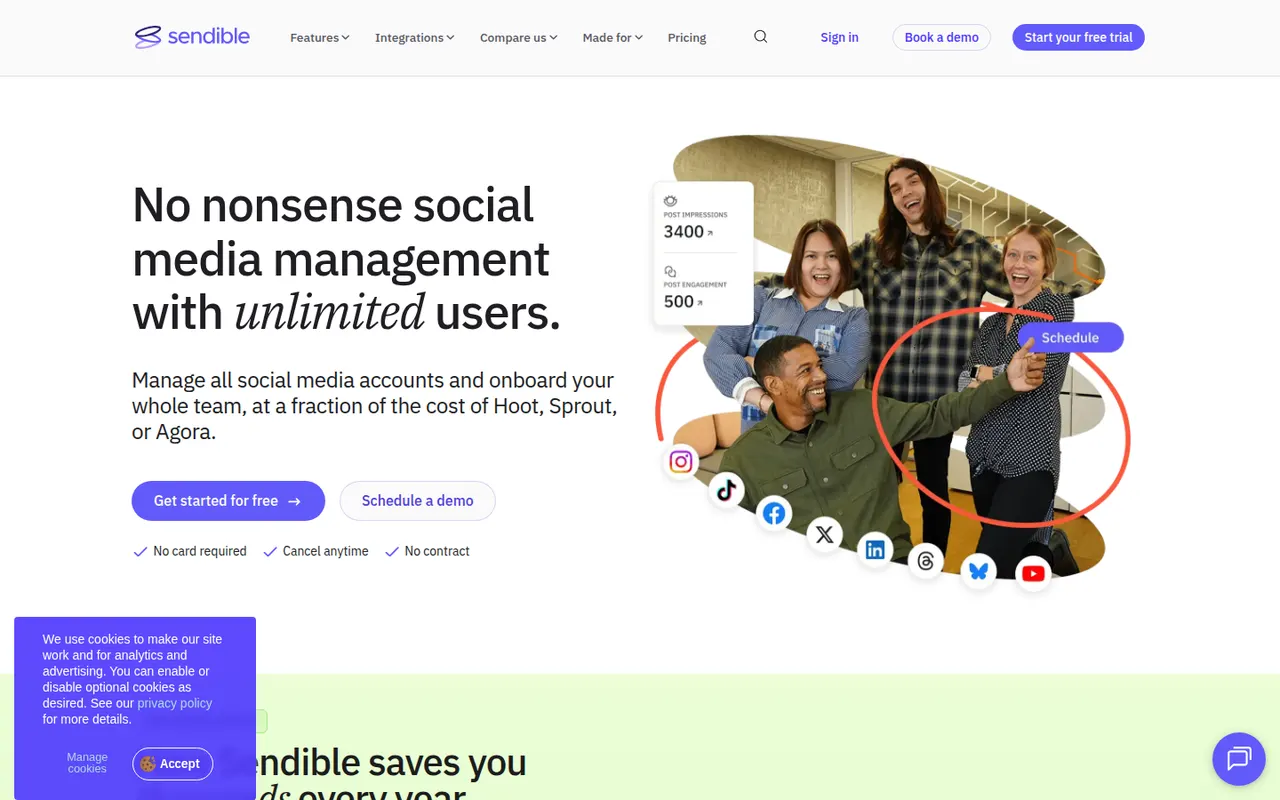
Cost / LicenseFreemiumProprietaryCategoriesSendible is a social media management platform designed for agencies that handle many client brands. It offers scheduling across the major networks, a content calendar, a unified inbox, client approval workflows and reports that can be white-labeled with the agency's own domain and logo. Integrations with Canva and stock image libraries let teams create posts inside the tool.
8 Sendible alternativesPros
- White-label reports and dashboards with the agency's own branding
- Client approval workflows built for agencies
- Canva and stock image integrations for creating posts
Cons
- No free plan, only a trial
- The interface feels less modern than newer tools
- Costs rise with the number of client brands
Cost / LicenseFree trialProprietaryCategoriesPubler is a social media scheduling tool that publishes to networks such as Facebook, Instagram, X, LinkedIn, TikTok, Pinterest and YouTube. It offers a calendar view, recurring and bulk scheduling, an AI assistant for captions and images, a link-in-bio page and analytics. Its free plan covers a few accounts, which suits freelancers and small businesses.
9 Publer alternativesPros
- Recurring and bulk scheduling save time
- Link-in-bio page and AI assistant included
- The free plan covers a few accounts
Cons
- Analytics are less detailed than in agency-focused tools
- Advanced features are reserved for paid plans
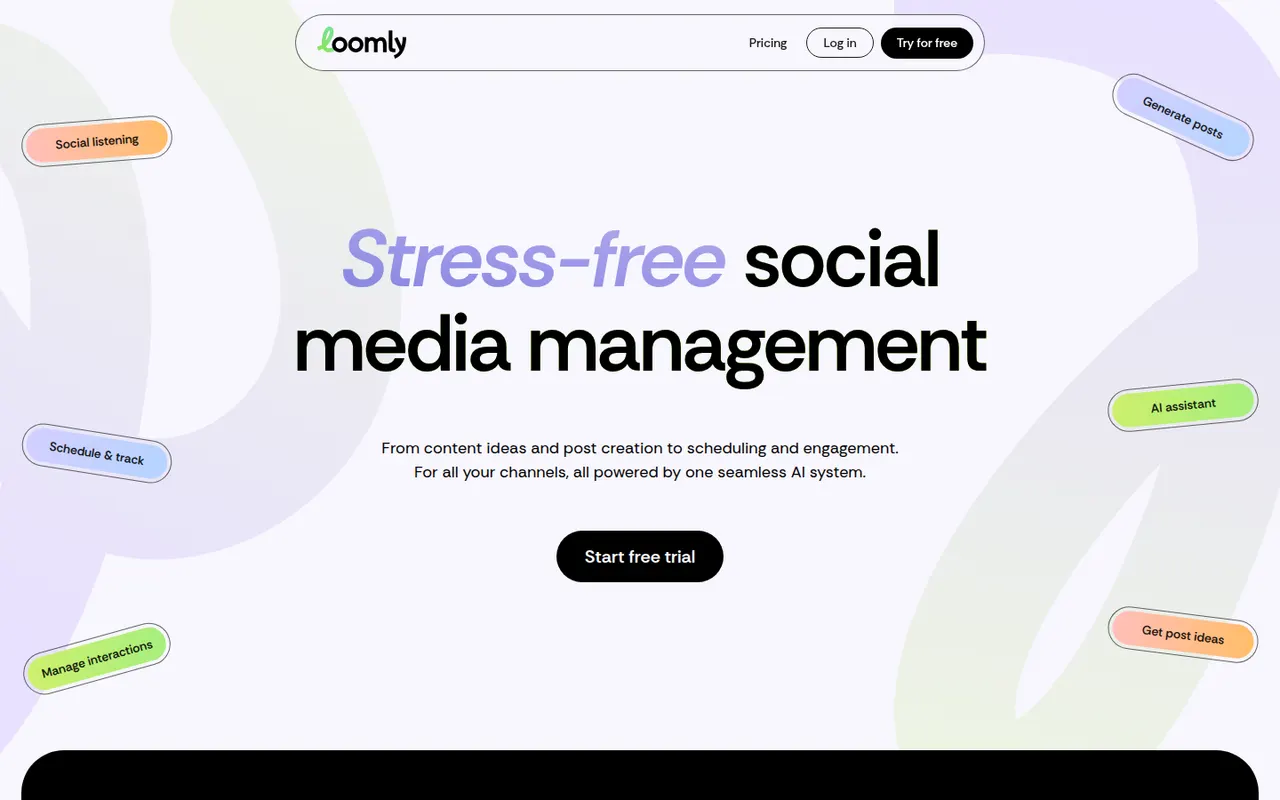
Cost / LicenseFreemiumProprietaryCategoriesPlatformsLoomly is a social media management tool organized around a content calendar where teams plan posts, collaborate on drafts and run approval workflows before publishing. It suggests post ideas based on trends and key dates, previews content for each network, and includes an inbox for comments and messages plus analytics. It is aimed at marketing teams and agencies that coordinate several brands.
9 Loomly alternativesPros
- Content calendar with built-in approval workflows
- Post ideas based on trends and key dates
- Previews show how posts will look on each network
Cons
- No free plan beyond the trial
- Analytics are less detailed than dedicated reporting tools
- Costs rise as you add brands and users
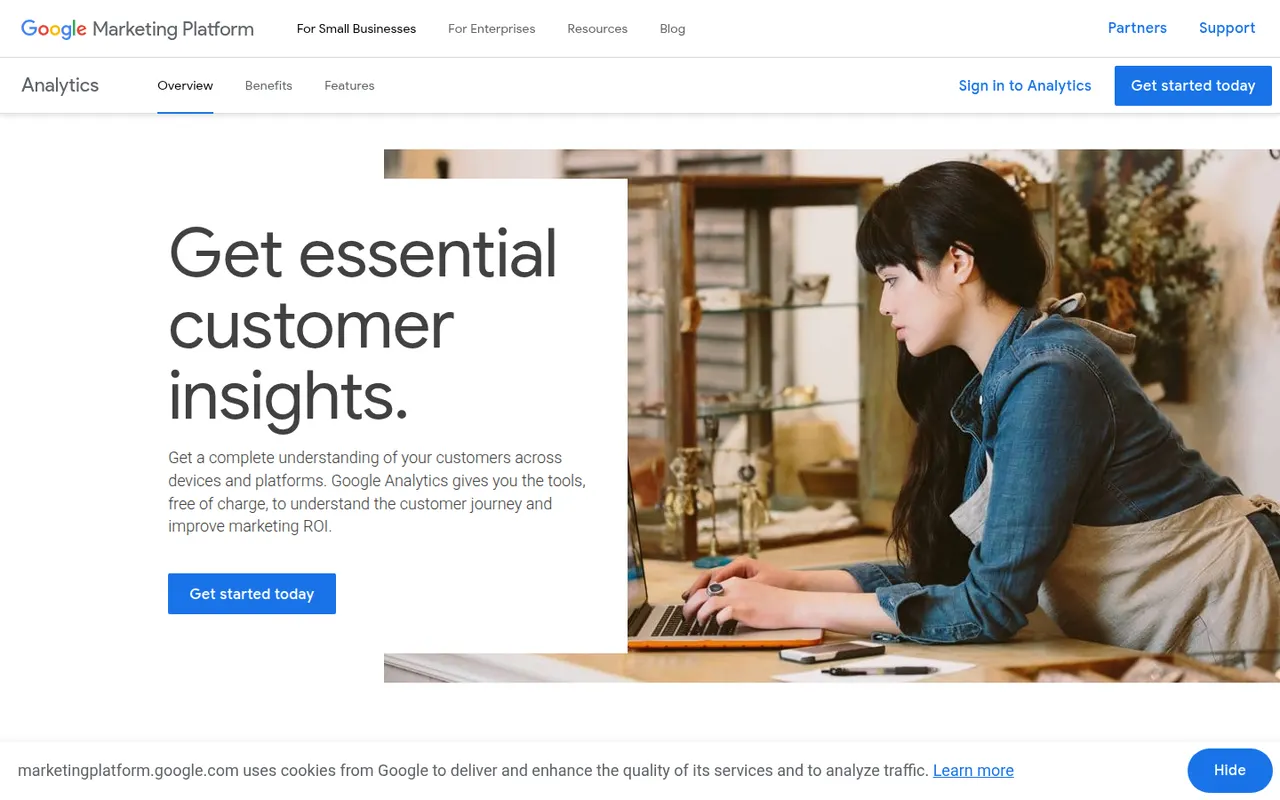
Cost / LicenseFree trialProprietaryCategoriesGoogle Analytics 4 measures traffic and behavior on websites and mobile apps with an event-based model, offering reports on acquisition, engagement, conversions and audiences. It integrates tightly with Google Ads, Search Console and BigQuery, and adds predictive metrics and explorations for funnels and paths. The standard edition is free, and its cookie-based tracking requires a consent banner in many countries.
12 Google Analytics alternativesPros
- Free standard edition with extensive reporting
- Tight integration with Google Ads, Search Console and BigQuery
- Covers websites and mobile apps in one event-based model
Cons
- GA4 interface is complex and hard to navigate for beginners
- Cookie-based tracking needs a consent banner in many countries
- Data is processed by Google, a concern for privacy-sensitive sites
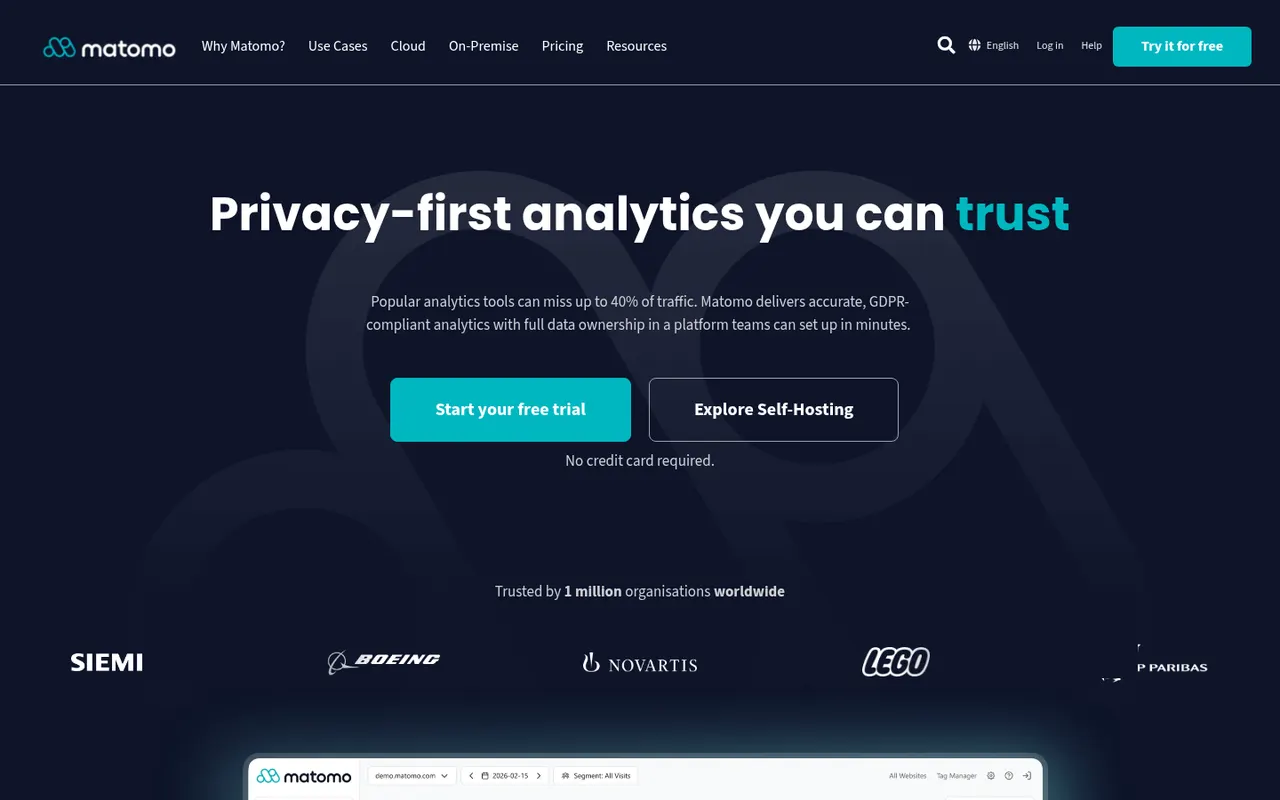
Cost / LicenseFreeProprietaryCategoriesMatomo, formerly Piwik, is an open source analytics platform that you can self-host for free or use as a hosted cloud service. It offers reports comparable to Google Analytics, including goals, e-commerce tracking and custom dimensions, while keeping all data under your control, and it can be configured to track without cookies. Premium plugins add heatmaps, session recordings, funnels and A/B testing.
11 Matomo alternativesPros
- Free to self-host with full ownership of your data
- Reports comparable to Google Analytics, including e-commerce
- Can be configured for cookieless tracking
Cons
- Self-hosting means managing updates and database performance
- Heatmaps, recordings and funnels are paid plugins
- Interface feels dated next to newer analytics tools
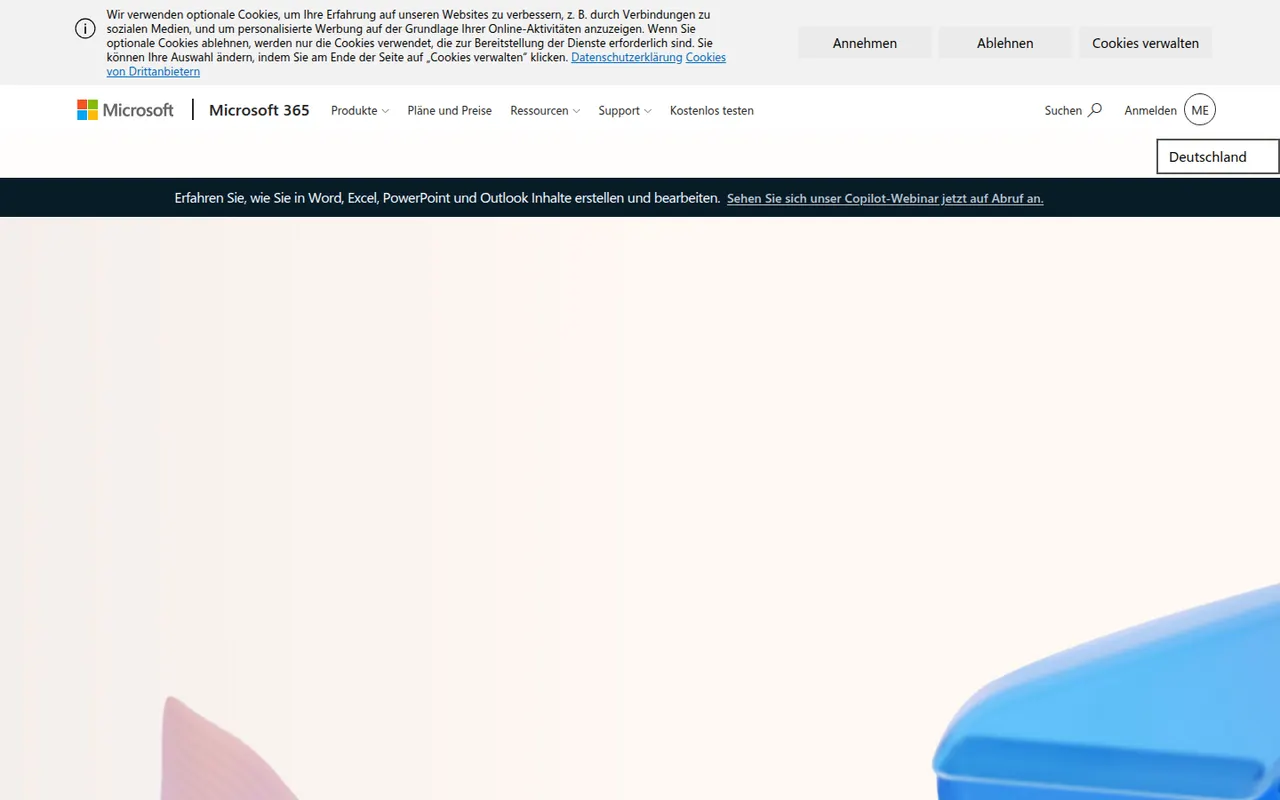
Cost / LicenseFreemiumOpen sourceCategoriesPlatformsMicrosoft 365 bundles Word, Excel, PowerPoint, Outlook, OneDrive and Teams in a single subscription for individuals, families and businesses. Files sync across Windows, Mac, mobile and the browser, with co-authoring and Copilot AI features in eligible plans. Free web versions of the core apps are available with a Microsoft account.
9 Microsoft 365 alternativesPros
- Industry-standard Word, Excel and PowerPoint with their full features
- Co-authoring and OneDrive sync across all devices
- Free web versions of the core apps
Cons
- Full desktop apps require an ongoing subscription
- Copilot features are limited to eligible plans
- The sheer number of features can overwhelm simple needs
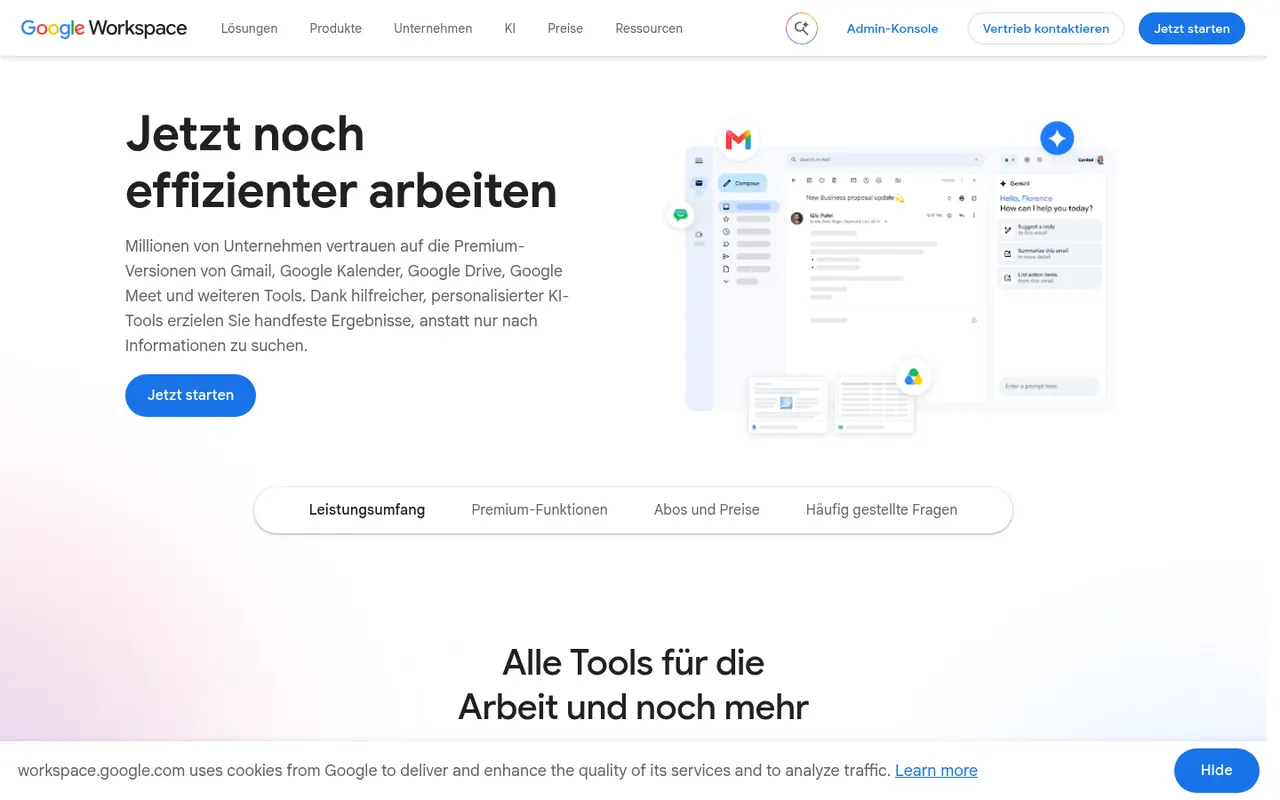
Cost / LicenseFreemiumProprietaryGoogle Workspace groups Gmail, Calendar, Drive, Docs, Sheets, Slides and Meet into a browser-based suite built around real-time collaboration. The apps are free with a personal Google account, while paid business plans add custom-domain email, more storage, admin controls and Gemini AI features. Documents can be edited offline and exported to Microsoft Office formats.
11 Google Workspace alternativesPros
- Smooth real-time co-editing in Docs, Sheets and Slides
- Free to use with a personal Google account
- Gmail, Drive, Calendar and Meet are tightly integrated
Cons
- Fewer advanced features than desktop Office apps
- Complex Office files may lose formatting on import
- Custom-domain email and admin tools require paid plans
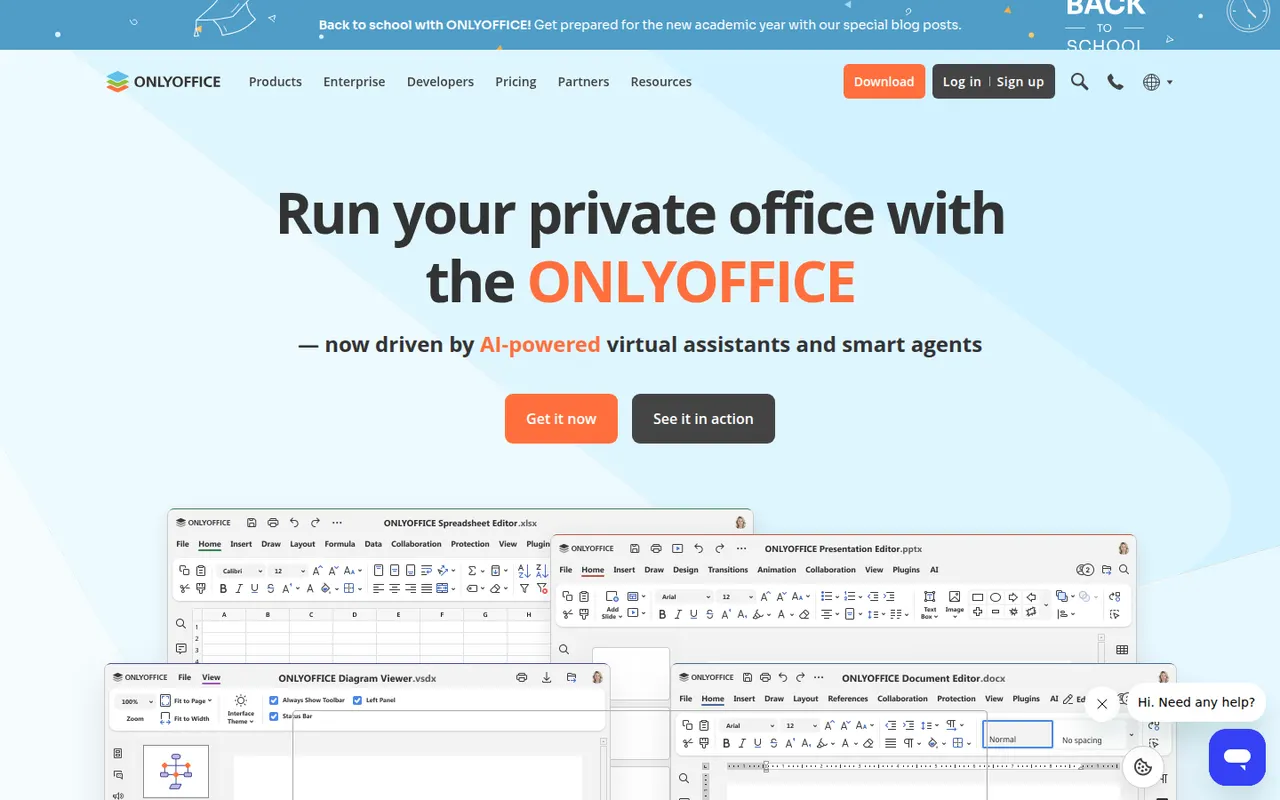
Cost / LicenseFreemiumProprietaryONLYOFFICE is an office suite from Ascensio System with editors for documents, spreadsheets, presentations, PDFs and forms, built around Microsoft Office formats. The desktop and mobile apps are free, and the online editors can be self-hosted or integrated into Nextcloud and other platforms, with paid cloud and enterprise editions. It supports real-time co-editing, plugins and AI assistants.
12 ONLYOFFICE alternativesPros
- Strong compatibility with Microsoft Office formats
- Free desktop and mobile apps, plus self-hostable online editors
- Real-time co-editing and Nextcloud integration
Cons
- A self-hosted server needs technical setup
- Enterprise features and support require paid editions
- Fewer advanced features than Microsoft Office
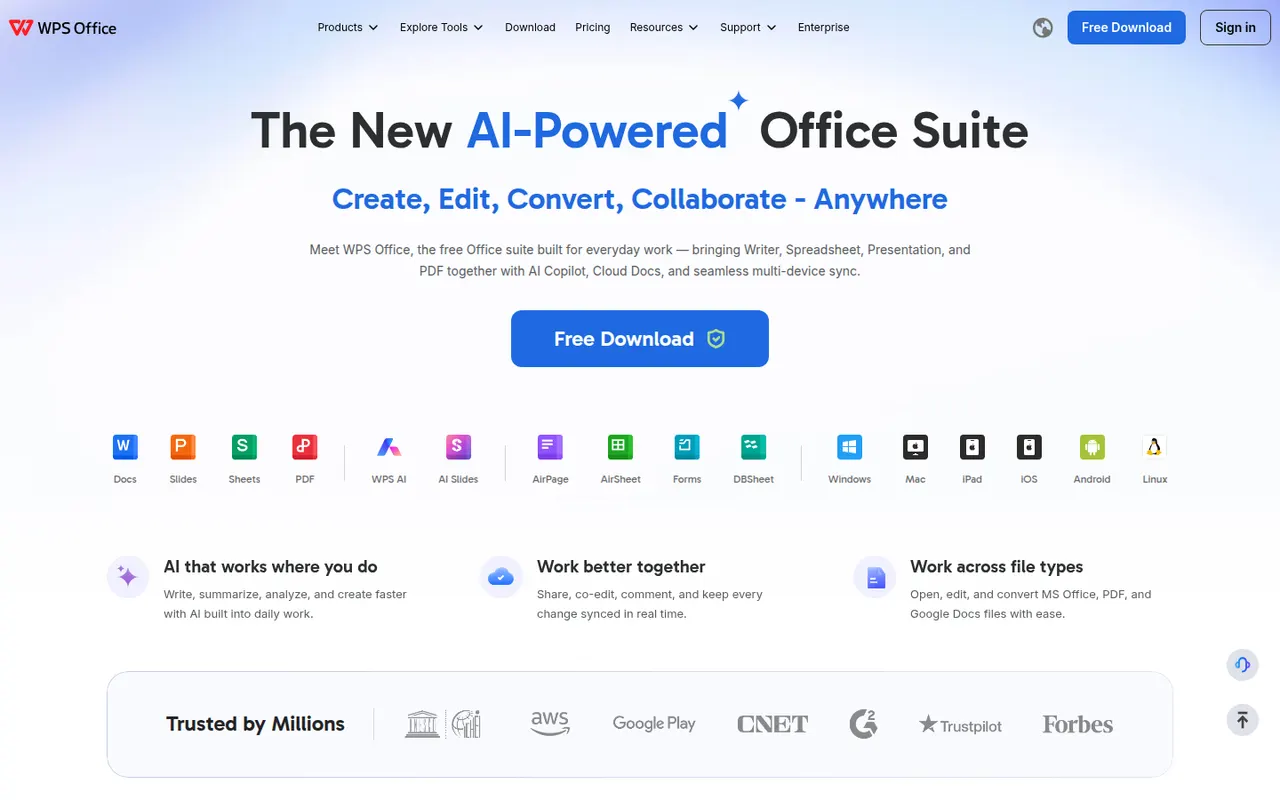
Cost / LicenseFreemiumOpen sourceWPS Office is an office suite developed by Kingsoft that combines a word processor, spreadsheet, presentation app and PDF tools in one interface with document tabs. It is compatible with Microsoft Office formats and available on desktop and mobile. The free version shows ads, while a paid subscription removes them and unlocks extra PDF features, cloud storage and WPS AI.
12 WPS Office alternativesPros
- Tabbed interface for documents, sheets, slides and PDF tools
- Good compatibility with Microsoft Office formats
- Free on desktop and mobile, including Linux
Cons
- The free version shows ads
- Extra PDF tools and WPS AI require a subscription
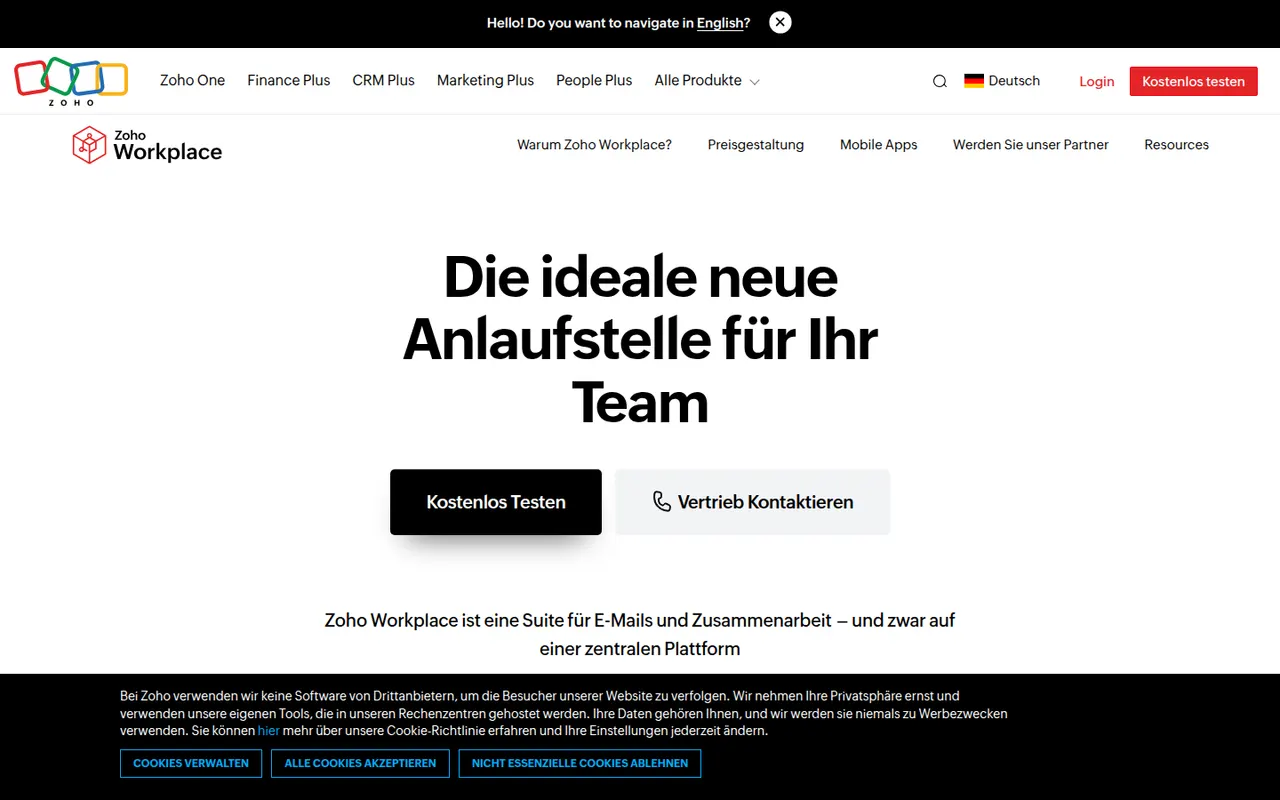
Cost / LicenseFreemiumProprietaryZoho Workplace brings together Zoho Mail, Writer, Sheet, Show, WorkDrive, Cliq and Meeting in one suite for small and mid-sized businesses. It offers custom-domain email, shared team folders and online editors that open Microsoft Office files, with the Zia assistant built in. A free plan covers a handful of users, and paid plans add storage and admin features.
9 Zoho Workplace alternativesPros
- Mail, documents, storage and chat in one business suite
- Custom-domain email, with a free plan for small teams
- Integrates with the wider Zoho app ecosystem
Cons
- Editors are less capable than Microsoft or Google apps
- Office editors run in the browser, with no desktop versions
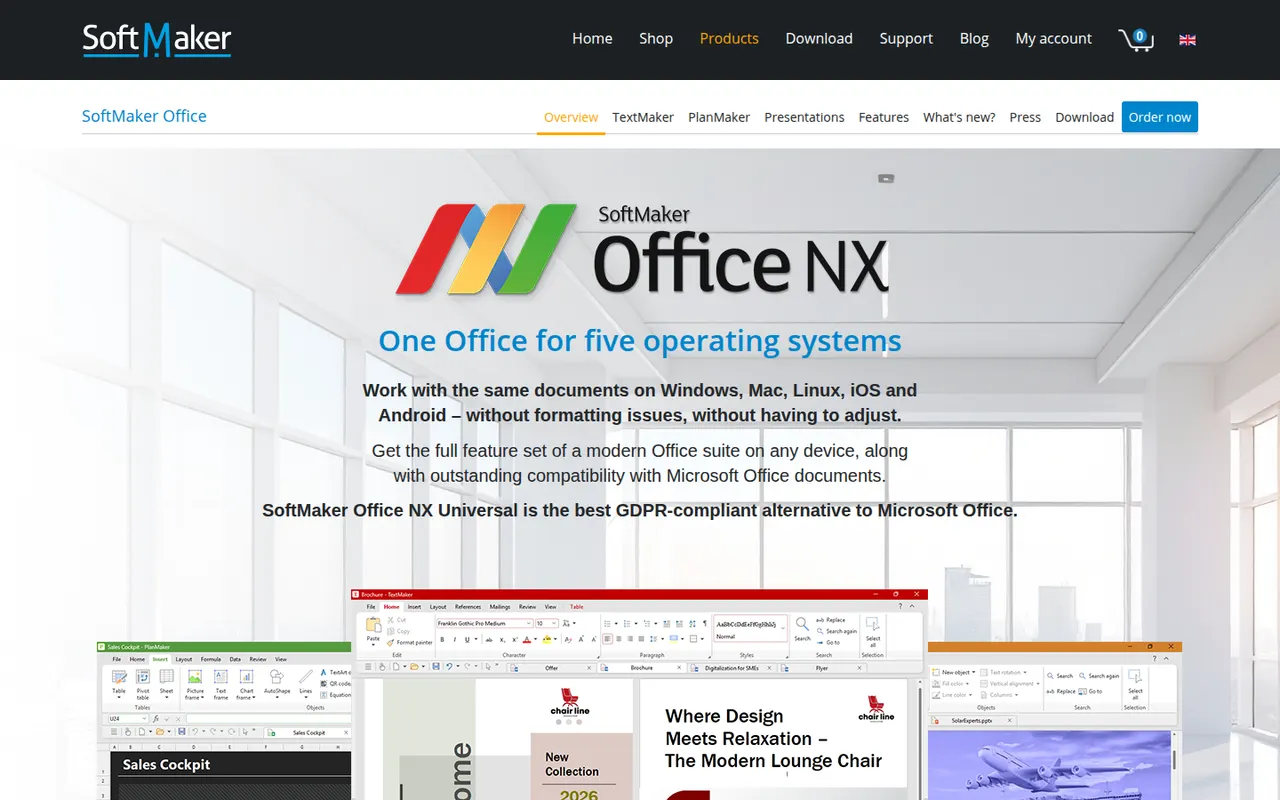
Cost / LicenseFreemiumProprietaryCategoriesSoftMaker Office is a commercial office suite from the German company SoftMaker, consisting of TextMaker, PlanMaker and Presentations. It is built for close compatibility with Microsoft Office files and runs natively on Windows, macOS, Linux and Android. It is sold as a subscription or a one-time license after a free trial; the separate FreeOffice edition is free with fewer features.
8 SoftMaker Office alternativesPros
- Close compatibility with Microsoft Office files
- Native apps on Windows, macOS, Linux and Android
- One-time license available as an alternative to subscriptions
Cons
- Paid after the trial, and the free FreeOffice edition offers less
- No cloud collaboration or web version
- Smaller community and fewer resources than Office or LibreOffice
Cost / LicenseFree trialProprietaryCollabora Online is an open source office suite from Collabora Productivity that runs LibreOffice technology in the browser, on your own server or through a hosting partner. It plugs into Nextcloud, ownCloud, Seafile and similar platforms for co-editing Office and OpenDocument files on infrastructure you control. A free development edition sits alongside paid supported versions and Collabora Office apps.
9 Collabora Online alternativesPros
- Open source online office suite you can host on your own servers
- Integrates with Nextcloud, ownCloud and Seafile for co-editing
- Keeps documents on infrastructure you control
Cons
- Interface feels dated next to Google Docs or Microsoft 365
- Self-hosting requires server setup and maintenance
- Supported production versions are paid
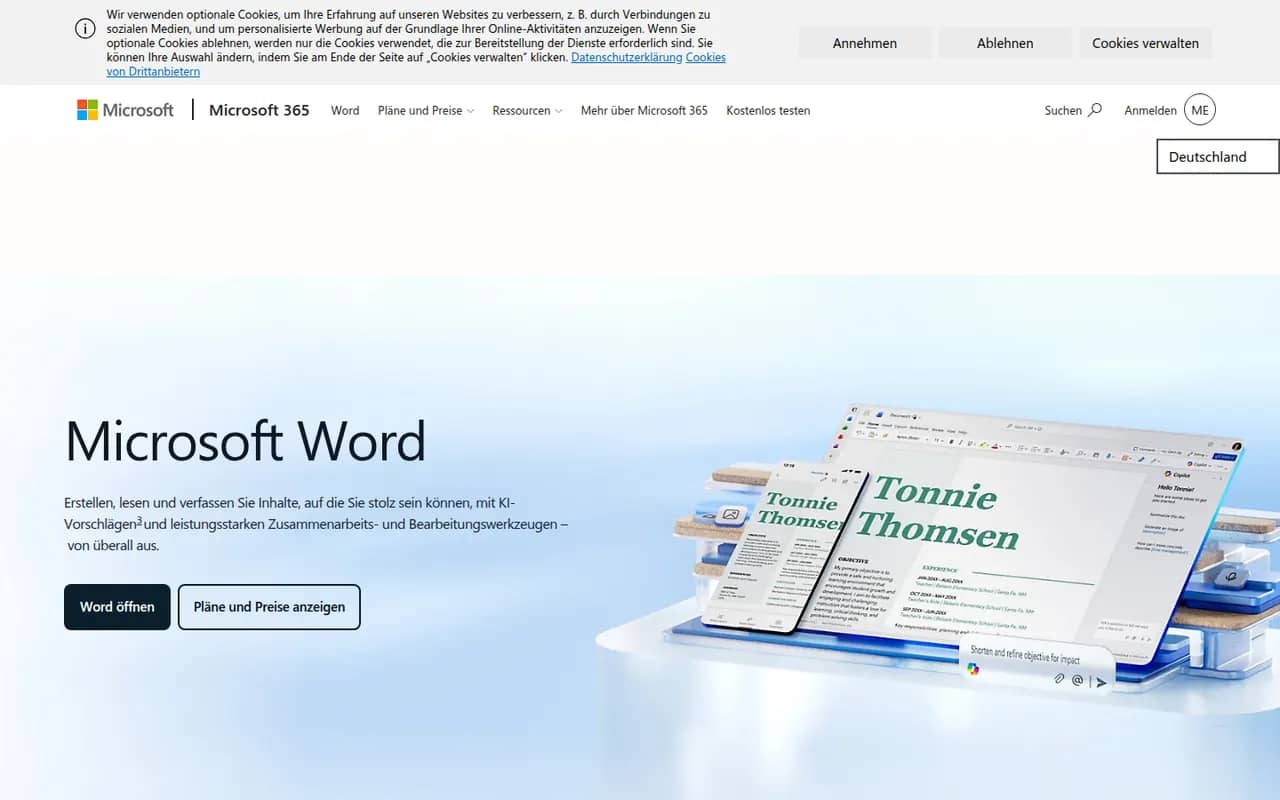
Cost / LicenseFreemiumOpen sourceMicrosoft Word is the word processor in Microsoft 365 and the reference for the .docx format used in many workplaces. It offers styles, track changes, comments, mail merge, references and real-time co-authoring through OneDrive or SharePoint, plus Copilot drafting in eligible plans. Word runs on Windows, Mac, mobile and the web, where a free version is available with a Microsoft account.
11 Microsoft Word alternativesPros
- The reference for the .docx format used in many workplaces
- Powerful styles, track changes, references and mail merge
- Available on Windows, Mac, mobile and the web
Cons
- Full desktop features require a Microsoft 365 subscription
- Dense interface packed with features most people never use
- Copilot features are limited to eligible plans
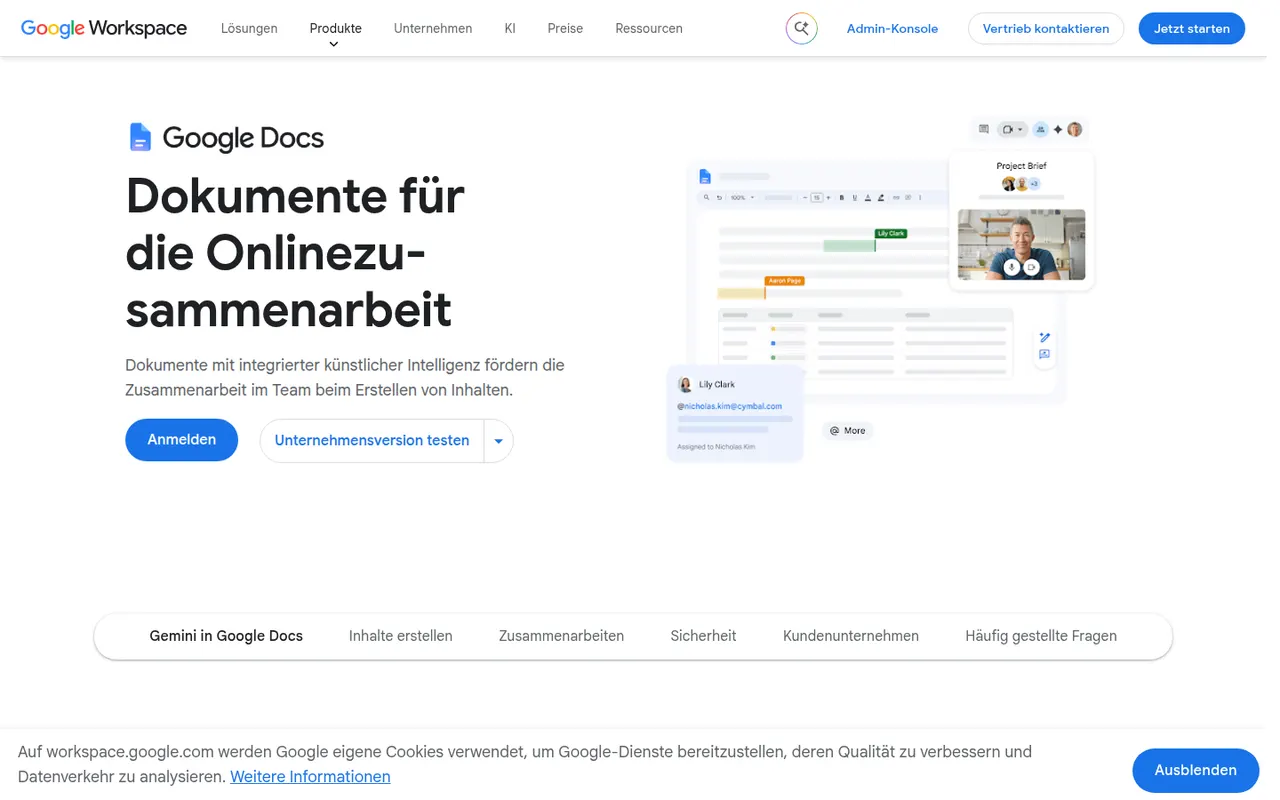
Cost / LicenseFreemiumProprietaryCategoriesGoogle Docs is Google's online word processor, used for writing and editing documents together in real time. Comments, suggestion mode, version history and sharing links are built in, and files can be edited offline or exported as Word, PDF or OpenDocument. It is free with a Google account, with Gemini AI and business controls available through paid Google Workspace plans.
11 Google Docs alternativesPros
- Real-time co-editing with comments and suggestion mode
- Free with a Google account and accessible from any browser
- Version history makes every change recoverable
Cons
- Fewer layout and formatting options than desktop word processors
- Offline editing has to be set up in advance
- Gemini and business controls require paid Workspace plans
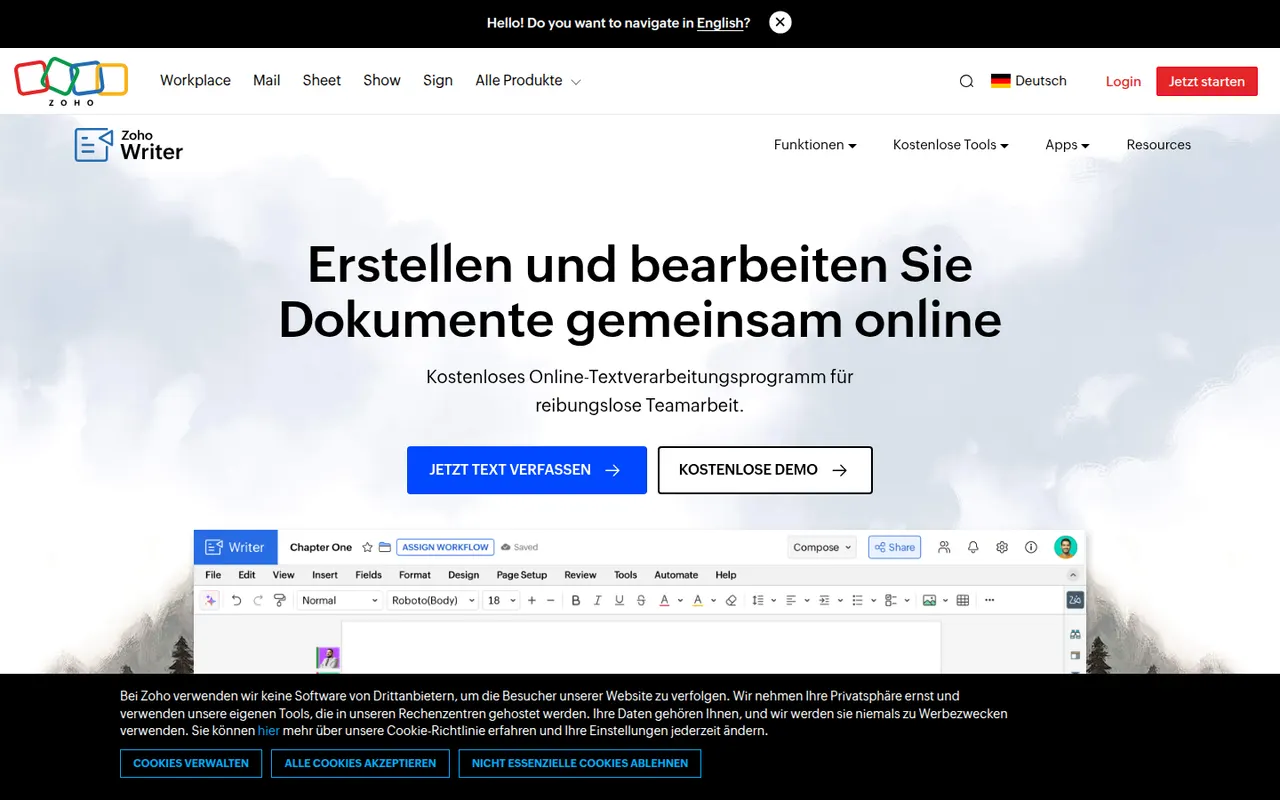
Cost / LicenseFreemiumProprietaryCategoriesZoho Writer is a cloud word processor from Zoho for writing and co-editing documents in the browser or on mobile. Beyond editing, it handles mail merge, fillable forms and document automation, can send documents out for signature, and the Zia assistant helps with grammar and readability. It is free for individuals and included in paid Zoho Workplace plans for teams.
8 Zoho Writer alternativesPros
- Mail merge, fillable forms and document automation built in
- Sends documents for e-signature without another tool
- Free plan for individual users
Cons
- Less widespread, so collaborators may be unfamiliar with it
- Best value comes from buying into the Zoho ecosystem
- Fewer third-party templates and add-ons than Word or Google Docs
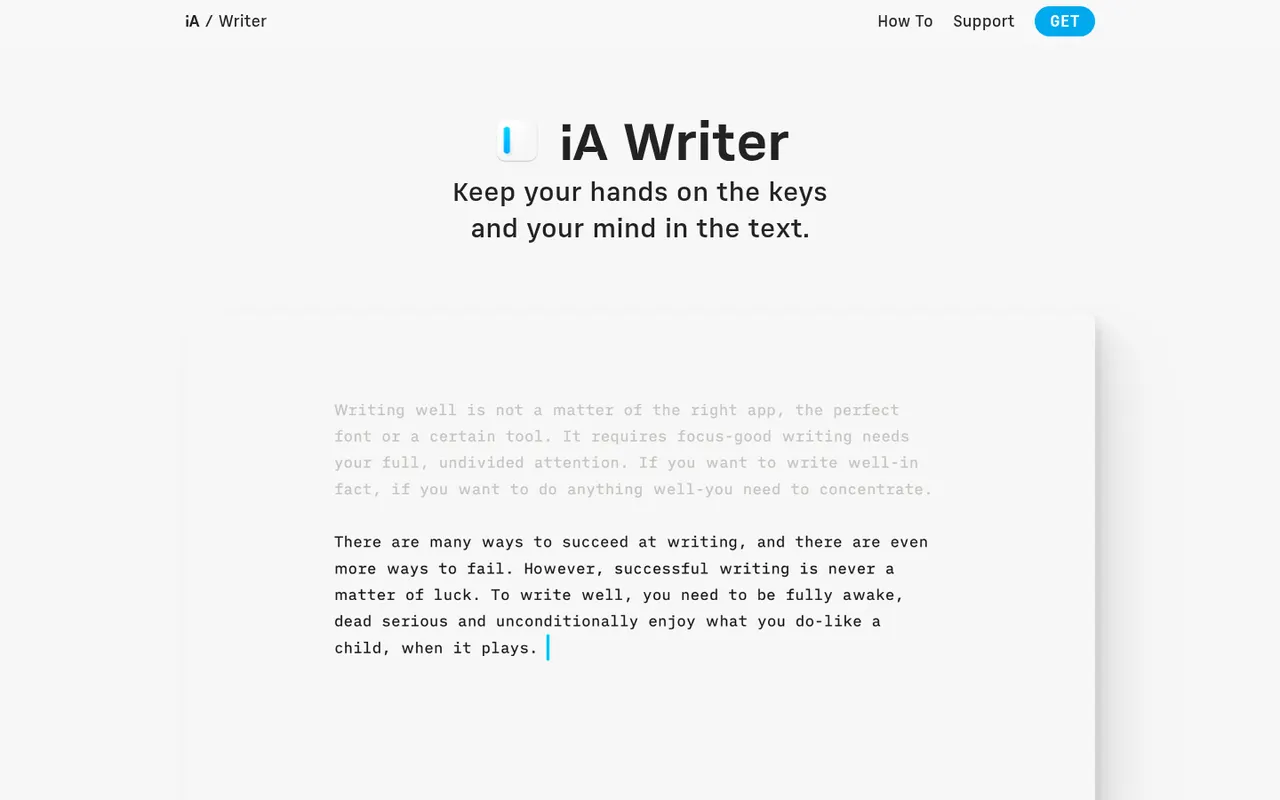
Cost / LicenseFreemiumProprietaryCategoriesiA Writer is a minimalist Markdown editor from the design studio Information Architects. Its Focus Mode, syntax highlighting and style check help tighten prose, and it can mark text pasted from AI tools to keep track of what you wrote yourself. Files stay as plain text, locally or in iCloud and Dropbox, with export to HTML, PDF and Word. It is a one-time purchase per platform, after a free trial.
9 iA Writer alternativesPros
- Focus Mode and style check help tighten prose
- Plain-text Markdown files stored wherever you choose
- One-time purchase instead of a subscription
Cons
- A separate purchase is needed for each platform
- No real-time collaboration
- Formatting options are minimal by design
Cost / LicenseFree trialProprietaryCategoriesMicrosoft Excel is the spreadsheet in Microsoft 365, used in many organisations for budgets, financial models and data analysis. It offers hundreds of functions, pivot tables, charts, Power Query for importing and cleaning data, VBA macros and Python in Excel, plus Copilot in eligible plans. It runs on Windows, Mac, mobile and the web, where a free version is available with a Microsoft account.
8 Microsoft Excel alternativesPros
- Standard tool for financial models and business analysis
- Power Query, pivot tables and macros handle complex data work
- Huge range of functions, templates and learning resources
Cons
- Full desktop features require a Microsoft 365 subscription
- The free web version lacks many advanced desktop features
- Advanced features have a steep learning curve
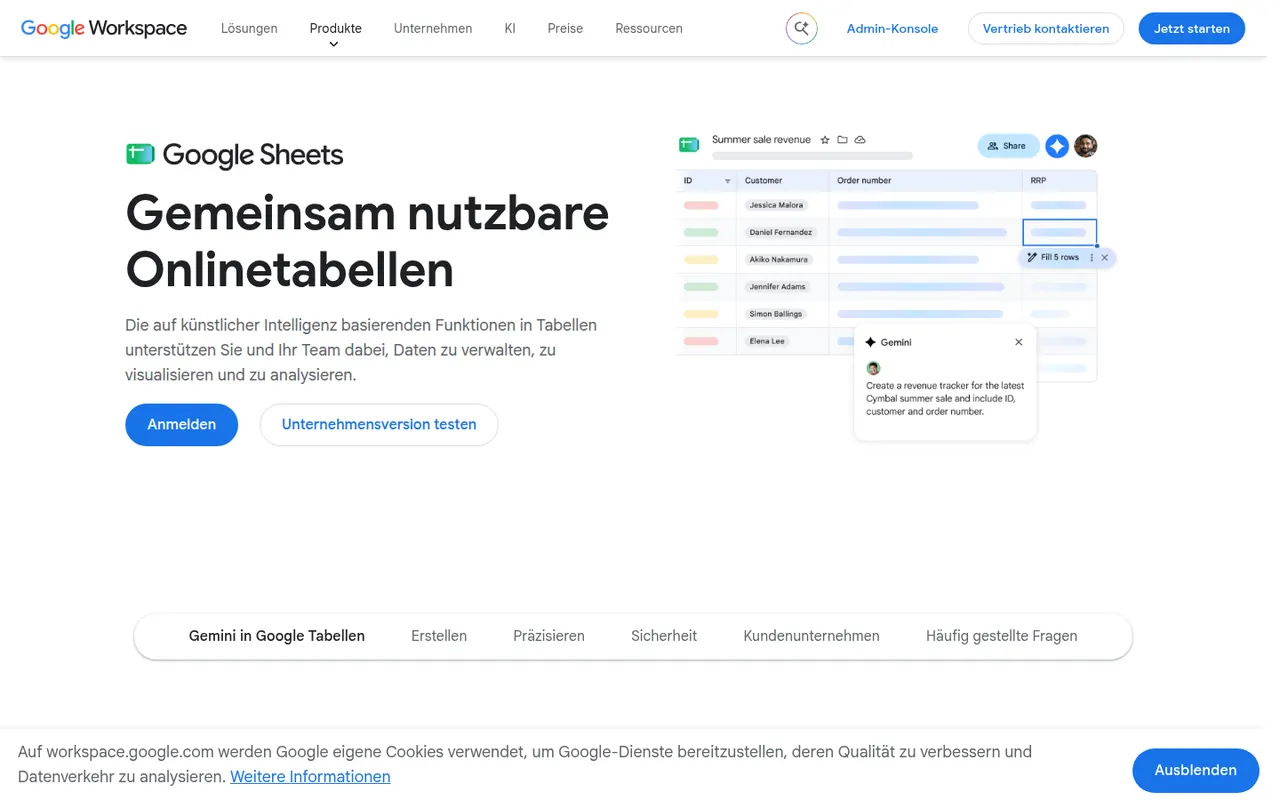
Cost / LicenseFreemiumProprietaryCategoriesGoogle Sheets is Google's browser-based spreadsheet, made for working on the same file with others at the same time. It supports formulas, pivot tables, charts, connected data sources and add-ons, and Apps Script can automate tasks or link sheets to other Google services. It is free with a Google account; Gemini AI features and business controls come with paid Google Workspace plans.
11 Google Sheets alternativesPros
- Real-time co-editing works smoothly in the browser
- Free with a Google account, with easy sharing and comments
- Apps Script and add-ons automate tasks across Google services
Cons
- Slows down noticeably with very large datasets
- Fewer advanced analysis features than desktop Excel
- Gemini features require a paid Google Workspace plan
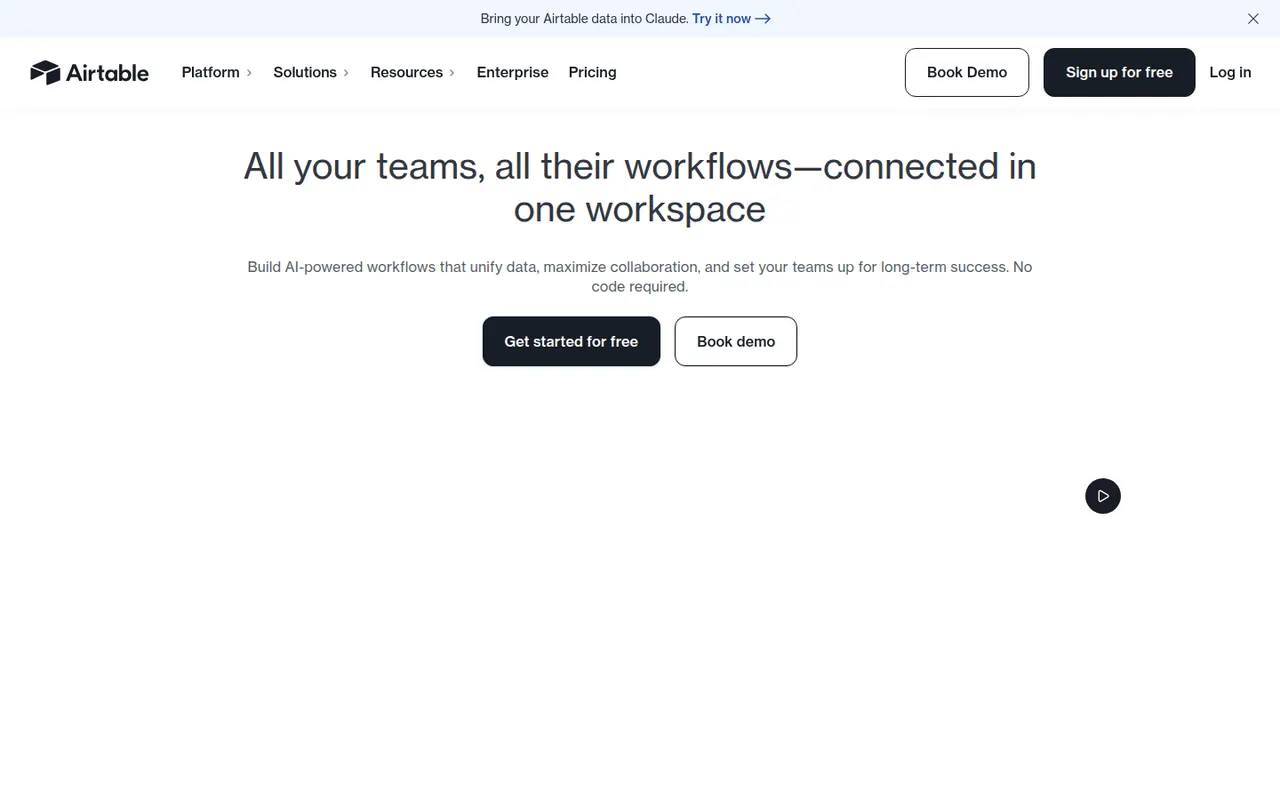
Cost / LicenseFreemiumProprietaryCategoriesAirtable combines the look of a spreadsheet with a relational database, letting teams link records across tables and view them as grids, kanban boards, calendars, galleries or forms. Interfaces, automations and AI features turn bases into lightweight internal apps for content calendars, product roadmaps or inventories. A free plan exists, with paid plans adding capacity and admin features.
12 Airtable alternativesPros
- Linked records give spreadsheet users real relational database power
- Grid, kanban, calendar, gallery and form views on the same data
- Interfaces and automations turn bases into lightweight internal apps
Cons
- Free plan limits on records and automations are reached quickly
- Paid seats get expensive for larger teams
- Complex bases can slow down and take effort to maintain
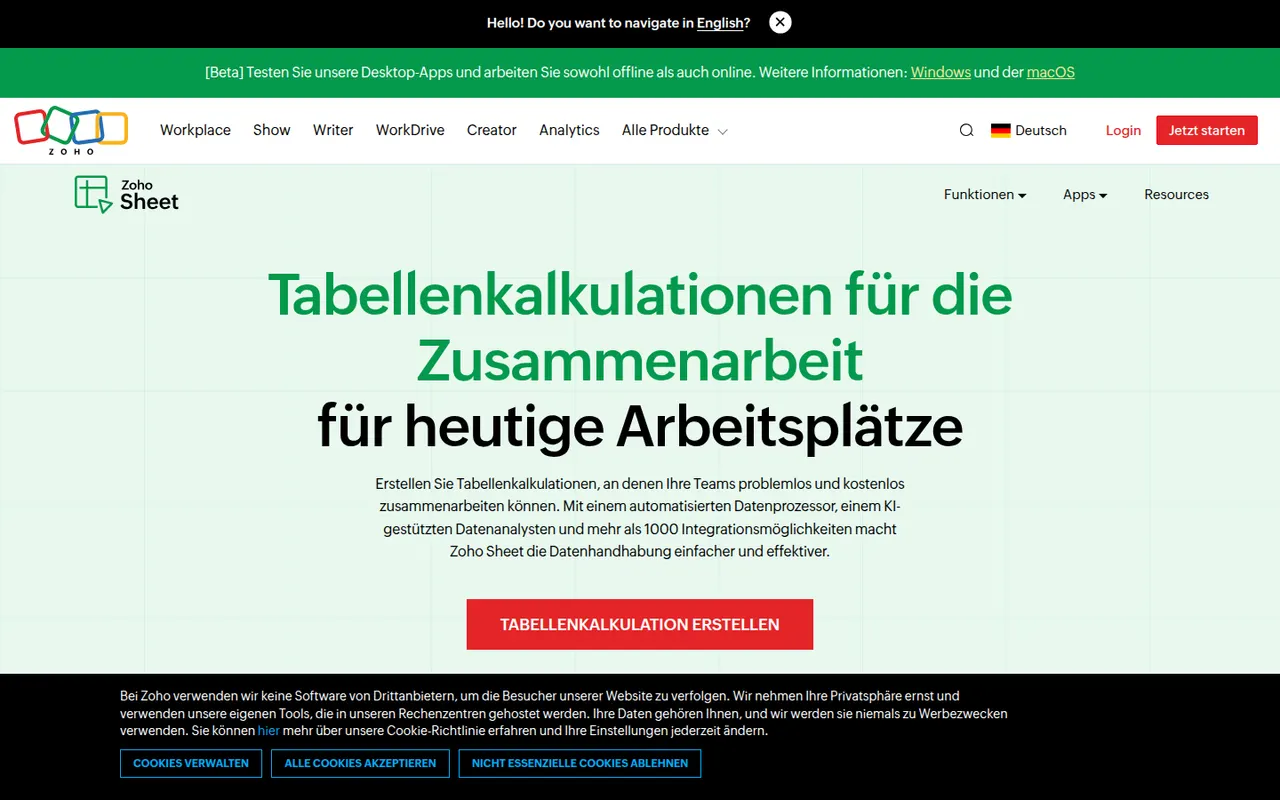
Cost / LicenseFreemiumProprietaryZoho Sheet is a cloud spreadsheet from Zoho for building and sharing spreadsheets with real-time co-editing, comments and cell-level change history. It handles pivot tables, data cleaning and imports from Excel and CSV files, while the Zia assistant suggests charts and answers questions about the data. It is free for individuals and part of paid Zoho Workplace plans for businesses.
8 Zoho Sheet alternativesPros
- Free for individuals, with real-time co-editing and comments
- Cell-level change history makes edits easy to trace
- Zia assistant suggests charts and answers questions about the data
Cons
- Fewer add-ons and third-party integrations than Google Sheets
- Most valuable for companies already using the Zoho ecosystem
Cost / LicenseFreemiumProprietaryCategories