Best apps for Android
259 apps
Top Android apps ranked by the community
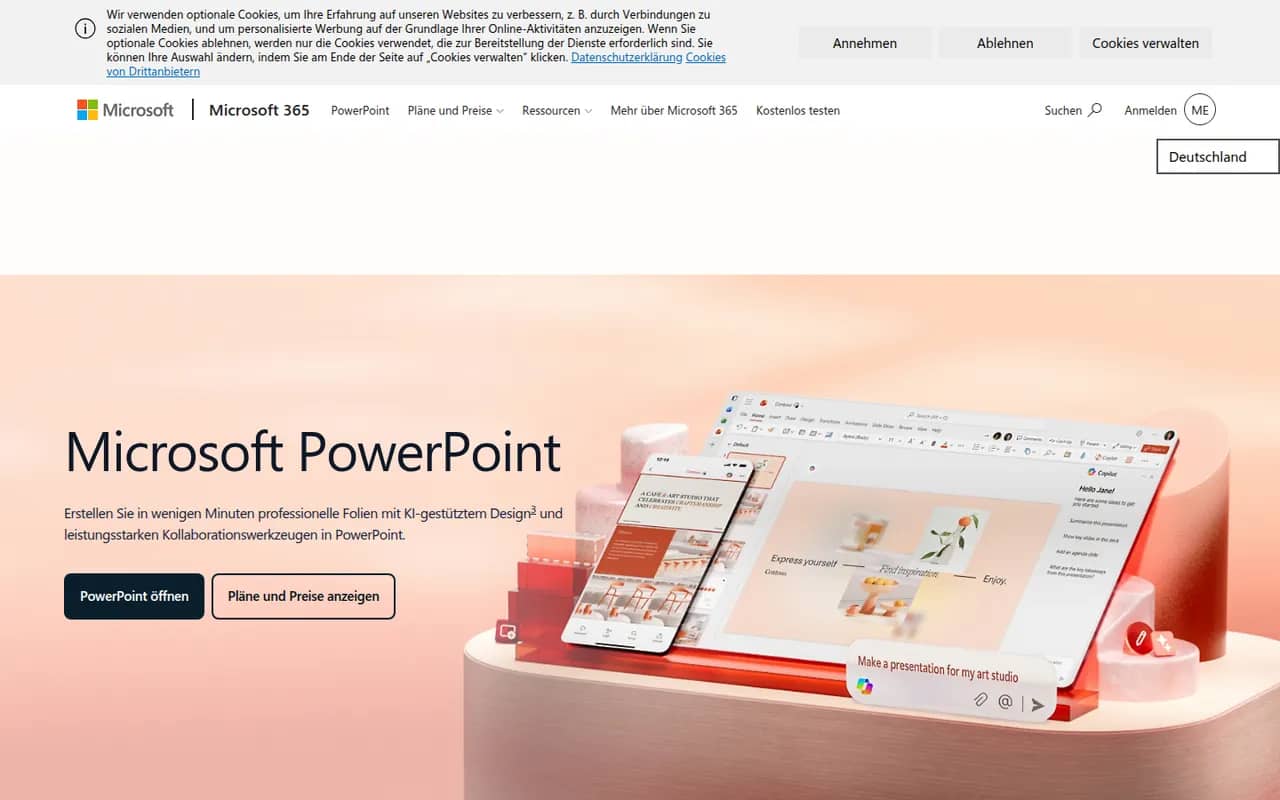
PowerPoint is the presentation app in Microsoft 365, whose .pptx format is the common exchange format for slides. It offers themes, animations and transitions, Designer layout suggestions, presenter view with speaker notes, live subtitles and recording, plus Copilot to draft decks in eligible plans. It runs on Windows, Mac, mobile and the web, where a free version is available.
10 Microsoft PowerPoint alternativesPros
- The .pptx format is the standard for exchanging slides
- Extensive control over animations, transitions and layouts
- Available on Windows, Mac, mobile and the web
Cons
- The full desktop app requires a Microsoft 365 subscription
- The free web version lacks many advanced features
- Copilot deck drafting is only available in eligible plans
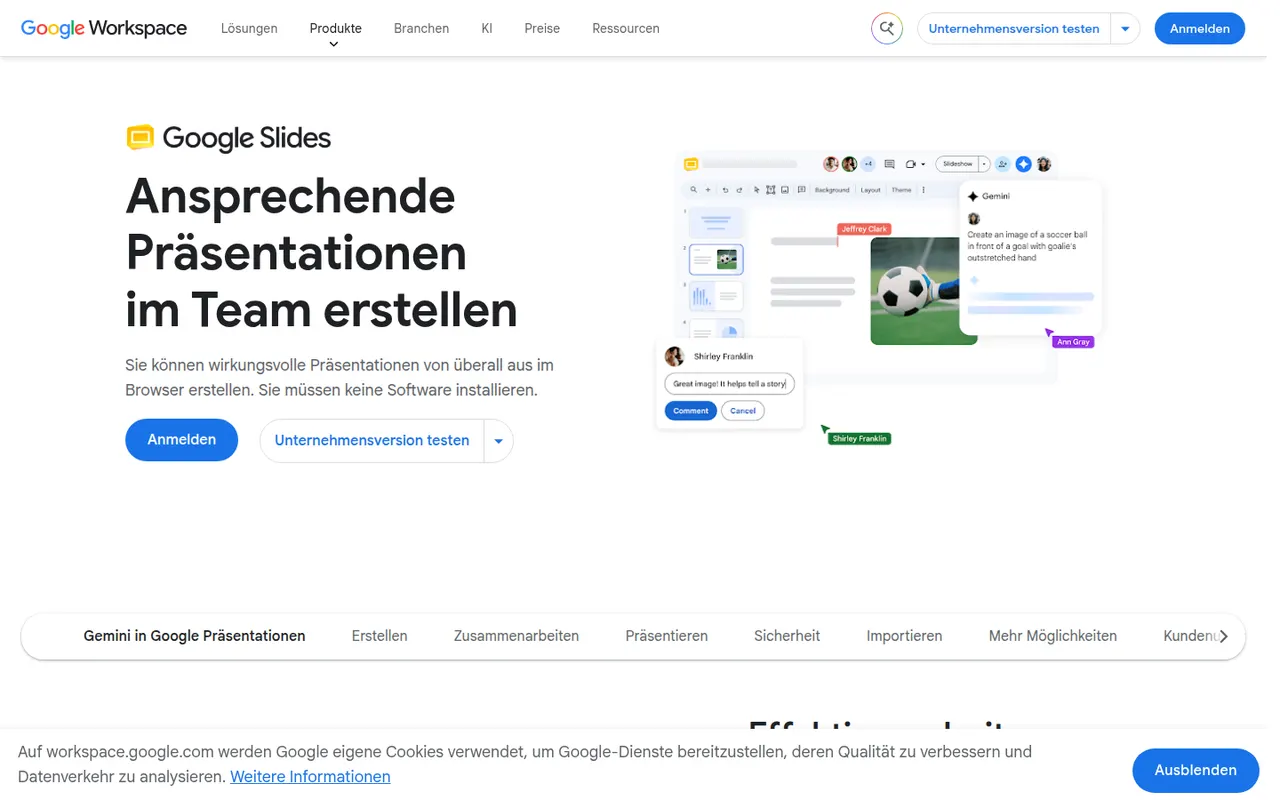
Cost / LicenseFreemiumProprietaryCategoriesGoogle Slides is Google's web-based presentation app, designed for building decks with teammates in real time. It includes themes, speaker notes and presenter view, works offline and imports and exports PowerPoint files. It is free with a Google account; paid Google Workspace plans add Gemini AI features such as generating images and slides.
9 Google Slides alternativesPros
- Real-time co-editing and comments work smoothly in the browser
- Free to use with any Google account
- Imports and exports PowerPoint files
Cons
- Fewer animation and design options than PowerPoint or Keynote
- Complex PowerPoint decks can lose formatting on import
- Gemini AI features require a paid Workspace plan
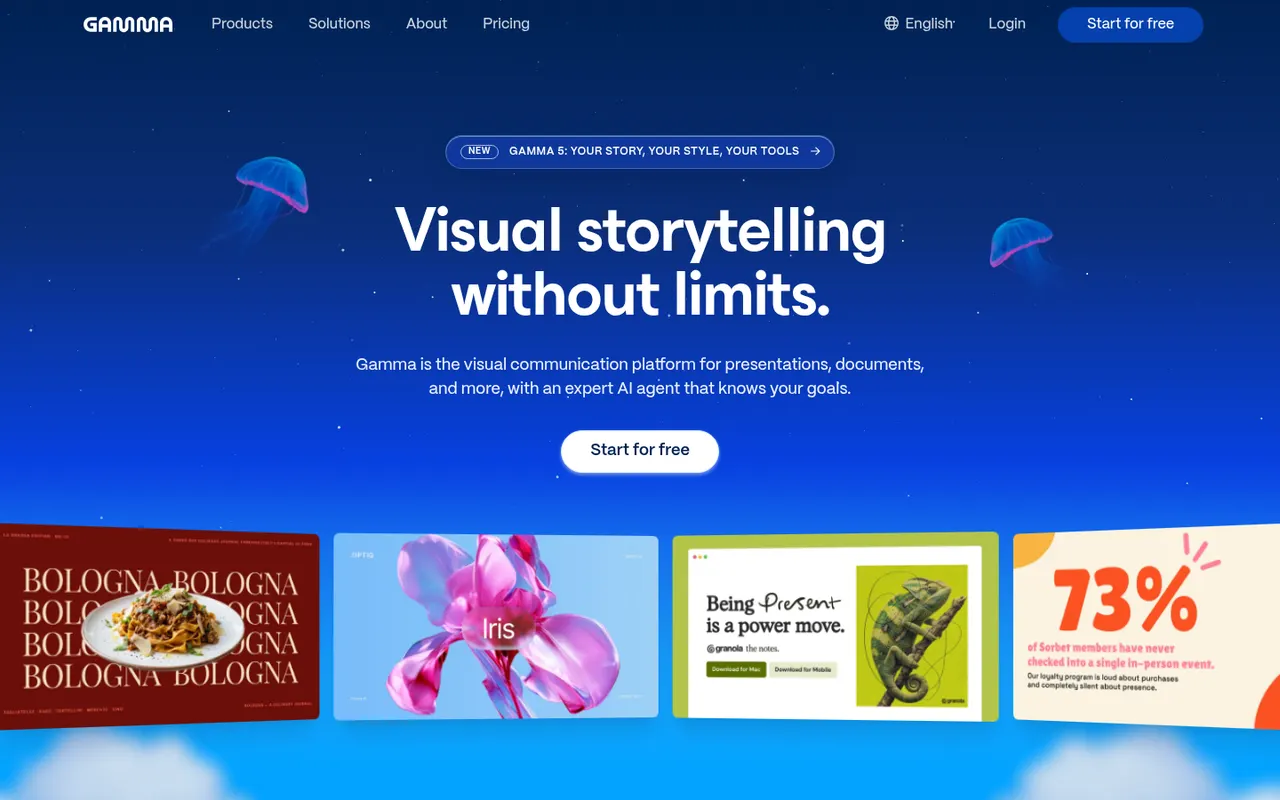
Cost / LicenseFreemiumProprietaryCategoriesGamma generates presentations, documents, social posts and simple websites from a prompt, notes or an imported file, using a card-based layout instead of fixed slides. Content can then be refined with an AI agent, themes and templates, shared as a link with viewer analytics or exported to PowerPoint, Google Slides or PDF. A free plan with limited AI credits is available.
9 Gamma alternativesPros
- Generates decks, documents and simple sites from a prompt
- Card-based layouts adapt well to any screen size
- Shareable links with viewer analytics
Cons
- The free plan has limited AI credits
- The card format does not always translate well to PowerPoint
- Generated content often needs editing to be accurate and on-brand
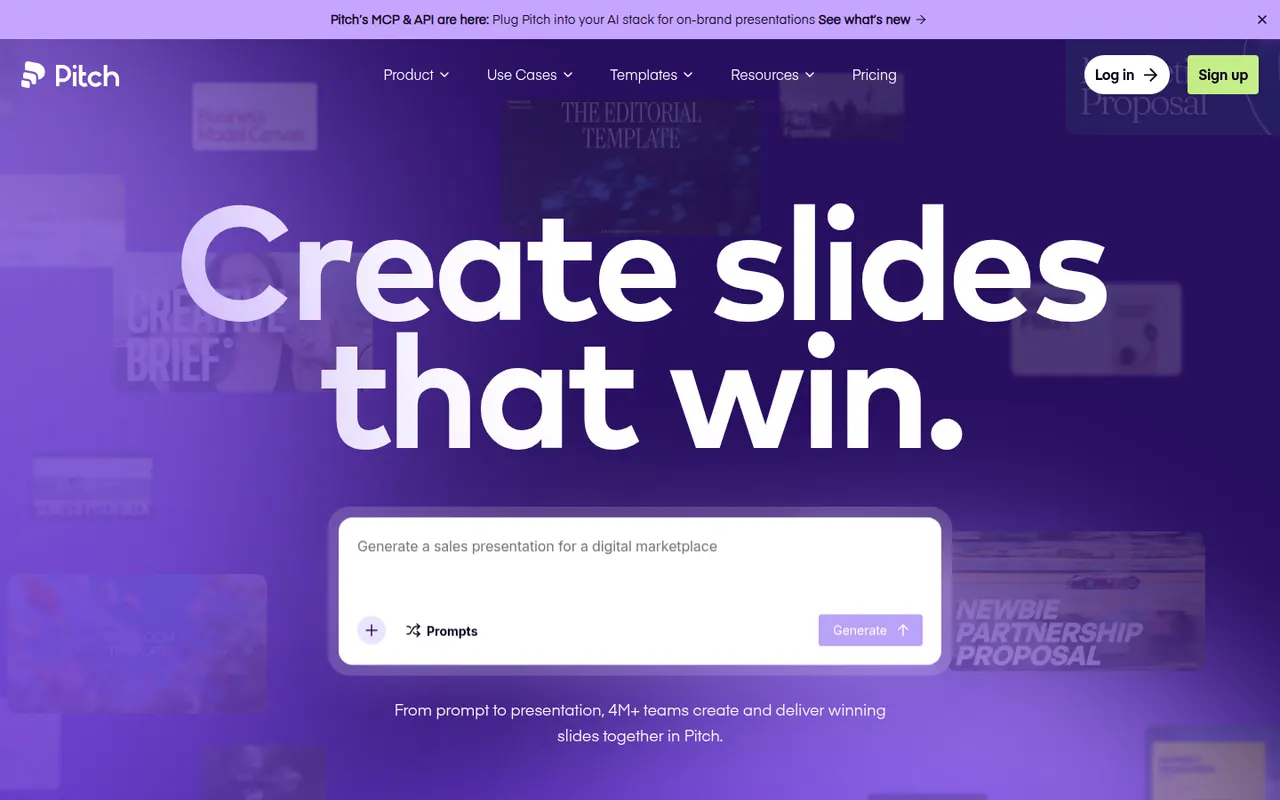
Cost / LicenseFreemiumProprietaryCategoriesPitch is a presentation tool from Berlin-based Pitch Software, built for teams that create decks together, from sales proposals to investor updates. It offers shared templates and brand settings, comments and slide assignments, link sharing with engagement analytics, and an AI agent that drafts decks from prompts and files. It runs in the browser, on desktop and on mobile, with a free plan and paid team tiers.
9 Pitch alternativesPros
- Built for decks made as a team, with comments and slide assignments
- Brand settings and shared templates keep decks consistent
- Link sharing with analytics shows how viewers engage
Cons
- Fewer advanced animation options than PowerPoint or Keynote
- Advanced team features are reserved for paid plans
- Exporting to PowerPoint may not keep every design detail
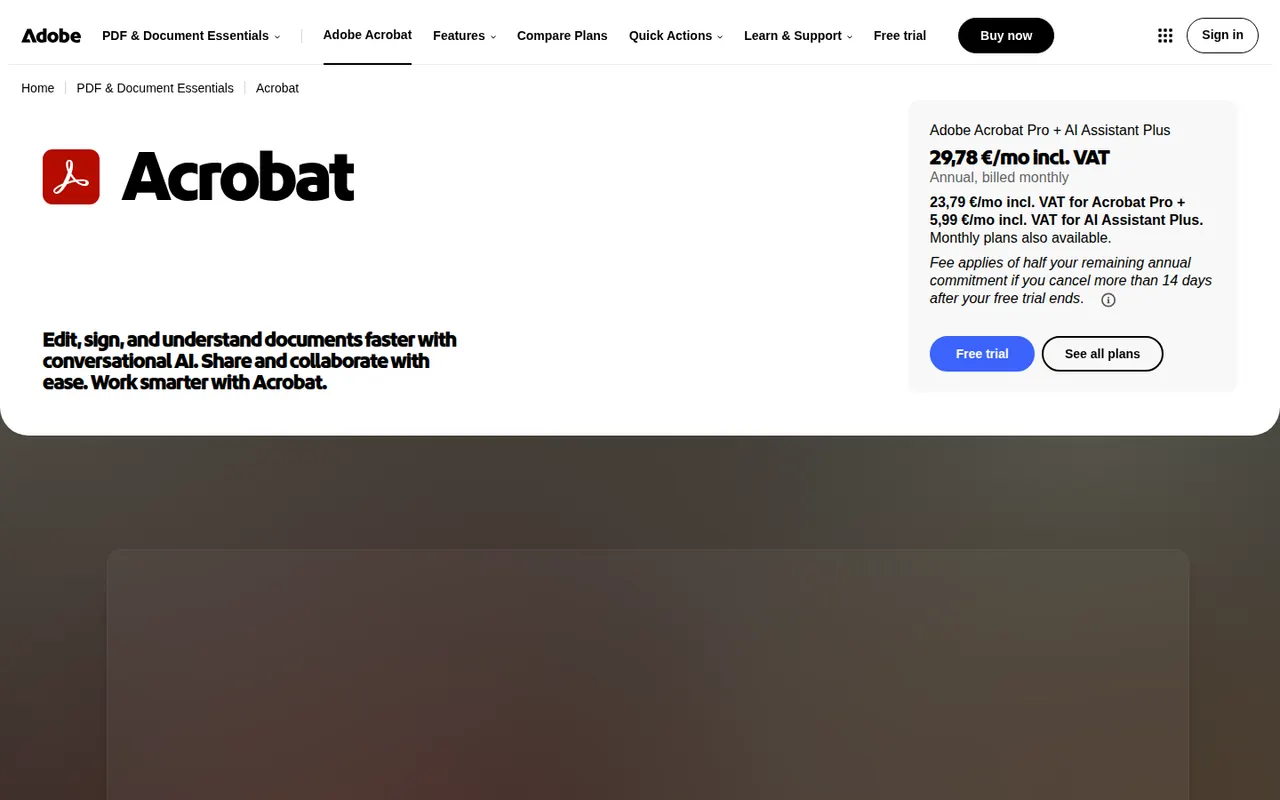
Cost / LicenseFreemiumProprietaryCategoriesAdobe Acrobat is the PDF application from Adobe, the company that created the format. The free Acrobat Reader views, annotates and signs files, while paid Acrobat Standard and Pro add text and image editing, OCR, conversion to and from Office formats, redaction, comparison and e-signature requests. An AI Assistant can summarise documents and answer questions about them.
11 Adobe Acrobat alternativesPros
- Reference PDF tool from the company that created the format
- Free Reader for viewing, annotating and signing
- Pro adds editing, OCR, redaction, comparison and signature requests
Cons
- Editing and conversion require a costly subscription
- Heavy app with frequent prompts to upgrade
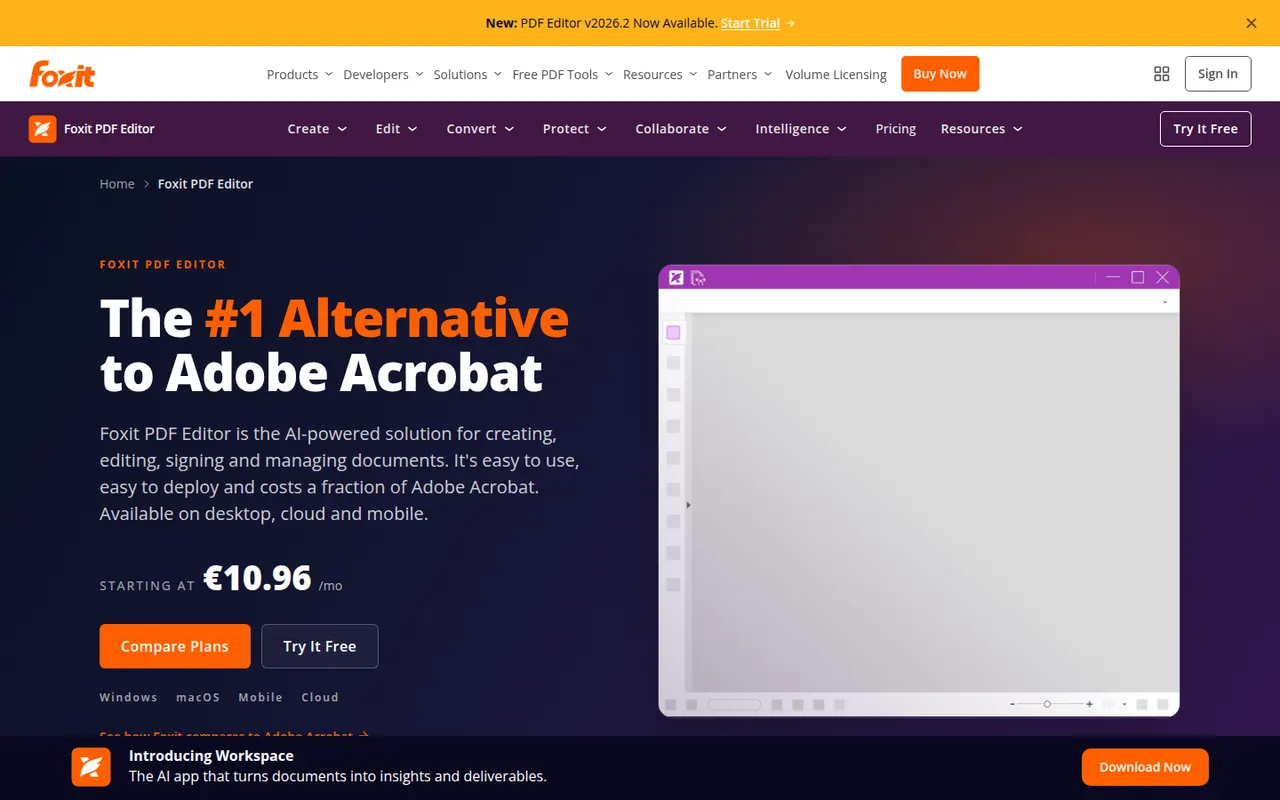
Cost / LicenseFreemiumProprietaryCategoriesFoxit PDF Editor is a commercial PDF editor from Foxit Software, positioned as an alternative to Adobe Acrobat for businesses. It edits text and images, runs OCR on scans, converts to and from Office formats, protects and redacts documents and handles e-signatures, with an AI assistant for summaries and translation. It is sold by subscription with a free trial, and the separate Foxit PDF Reader is free.
10 Foxit PDF Editor alternativesPros
- Full PDF editing, OCR, redaction and e-signatures
- Lighter alternative to Acrobat with a familiar ribbon interface
- Available on Windows, Mac, mobile and the web
Cons
- Subscription required after the free trial
- The Mac version has fewer features than the Windows one
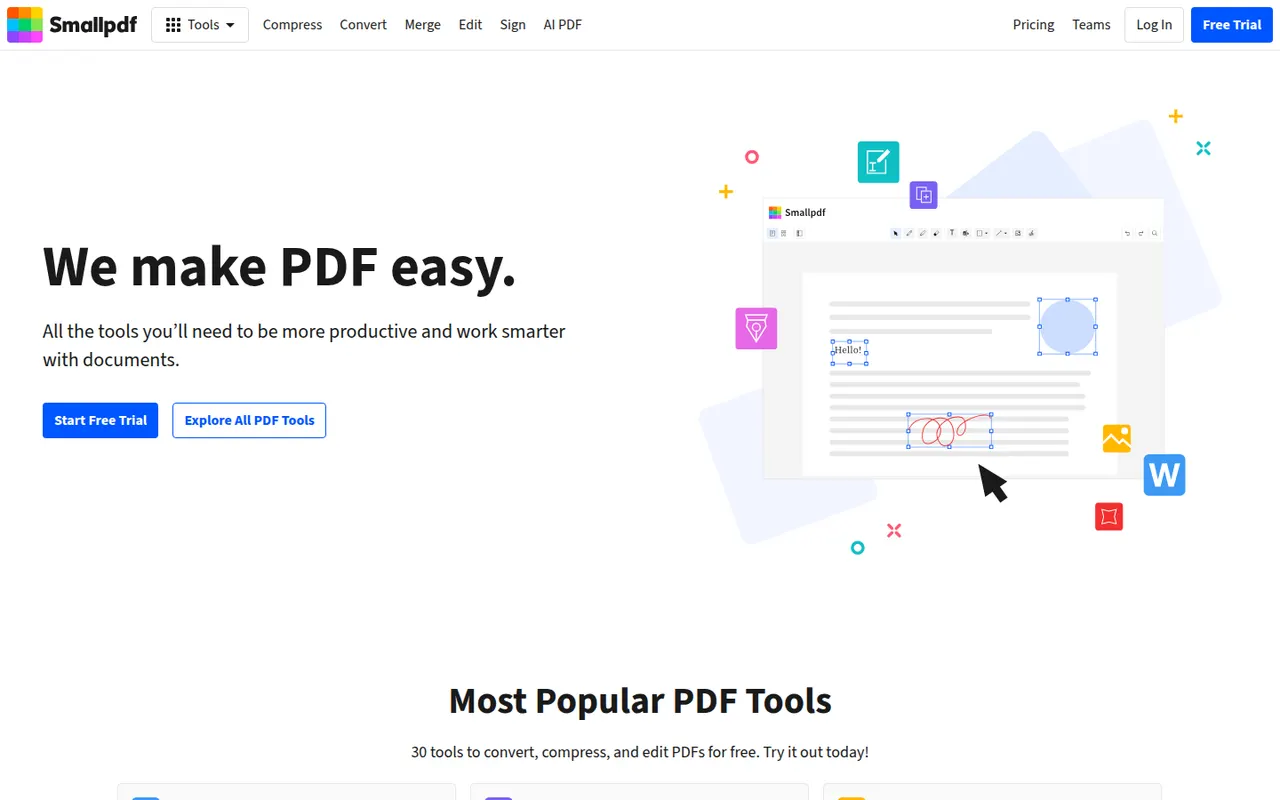
Cost / LicenseFree trialProprietaryCategoriesSmallpdf is a Swiss PDF platform with simple tools to compress, convert, merge, split, edit and sign PDFs from the browser, plus desktop and mobile apps. It is aimed at individuals and teams with quick, occasional PDF tasks. Free users get a limited number of tasks per day, while the Pro plan removes limits and adds OCR, batch processing and AI tools for summarising documents.
8 Smallpdf alternativesPros
- Clean, simple tools for quick PDF tasks in the browser
- Compress, convert, merge, edit and sign in one place
- Desktop and mobile apps alongside the web version
Cons
- Free users get only a few tasks per day
- OCR, batch processing and AI tools require Pro
- Files are processed online, a concern for sensitive documents
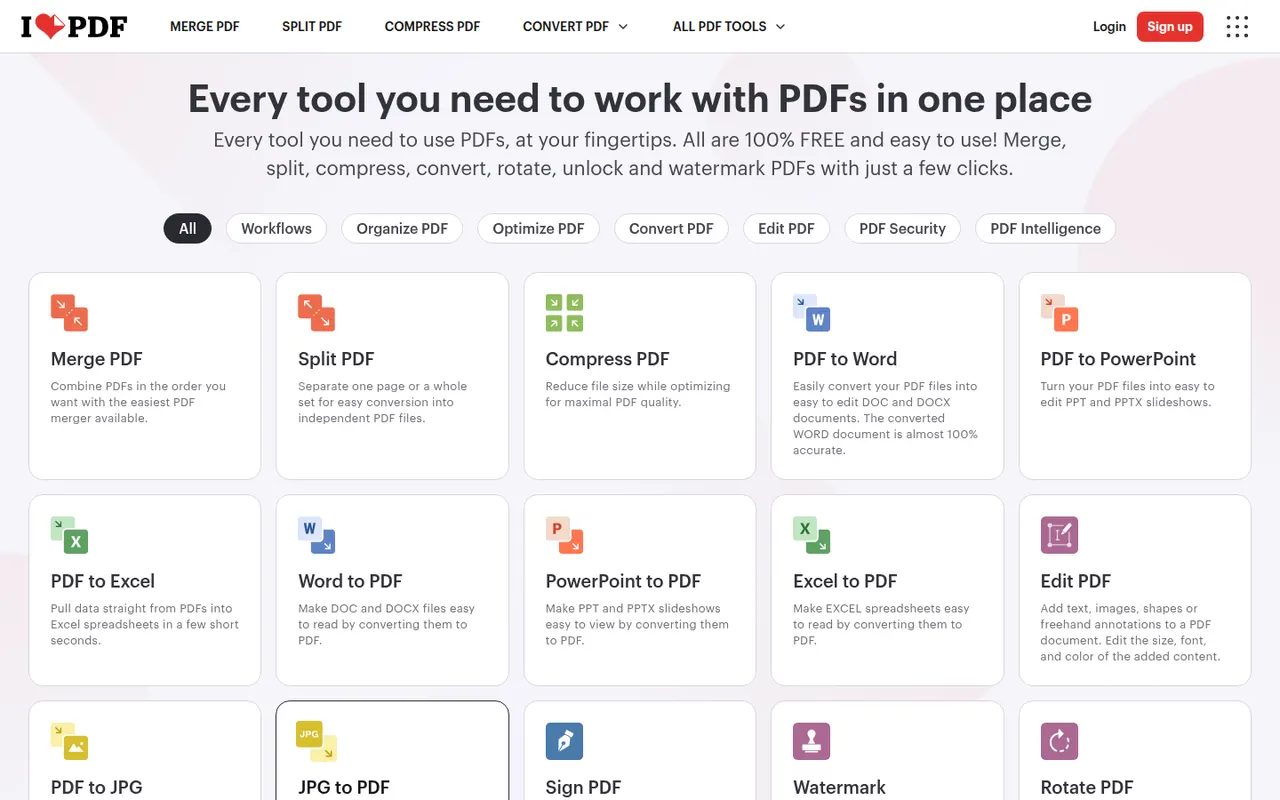
Cost / LicenseFreemiumProprietaryCategoriesiLovePDF is a web-based PDF toolkit from a company based in Barcelona, with single-purpose tools to merge, split, compress, convert, rotate, watermark, OCR and sign PDF files. Desktop and mobile apps cover the same tasks, and a developer API is offered separately. Most tools are free with file-size and usage limits, and a Premium subscription removes them.
8 iLovePDF alternativesPros
- Simple single-purpose tools for merging, splitting and compressing
- Most tools work free in the browser, with nothing to install
- Developer API for automating PDF tasks
Cons
- Free use has file-size and usage limits
- Uploading files to a web service may not suit sensitive documents
- Text editing is basic compared with desktop editors
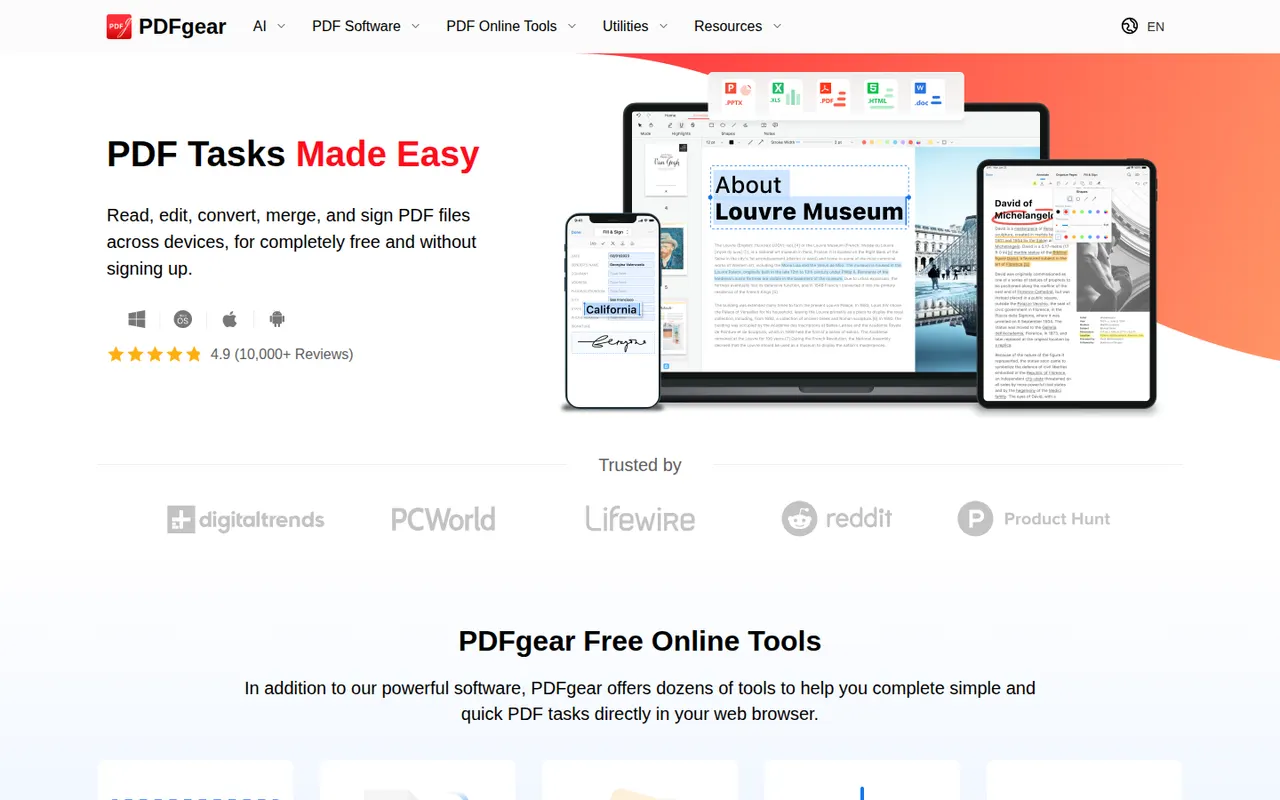
Cost / LicenseFreemiumProprietaryCategoriesPDFgear is a free PDF application from Singapore-based PDF Gear Tech for reading, editing, converting, merging, compressing and signing documents. It includes OCR for scanned files and a Copilot assistant that summarises PDFs and carries out edits from chat requests. It is available on Windows, Mac, iPhone, iPad, Android and the web, without watermarks or a required account.
10 PDFgear alternativesPros
- Free editing, conversion and signing without watermarks
- No account required to use the apps
- Copilot assistant summarises PDFs and applies edits from chat
Cons
- Text editing is less precise than in Acrobat or Foxit
- Younger product with less of a track record than established editors
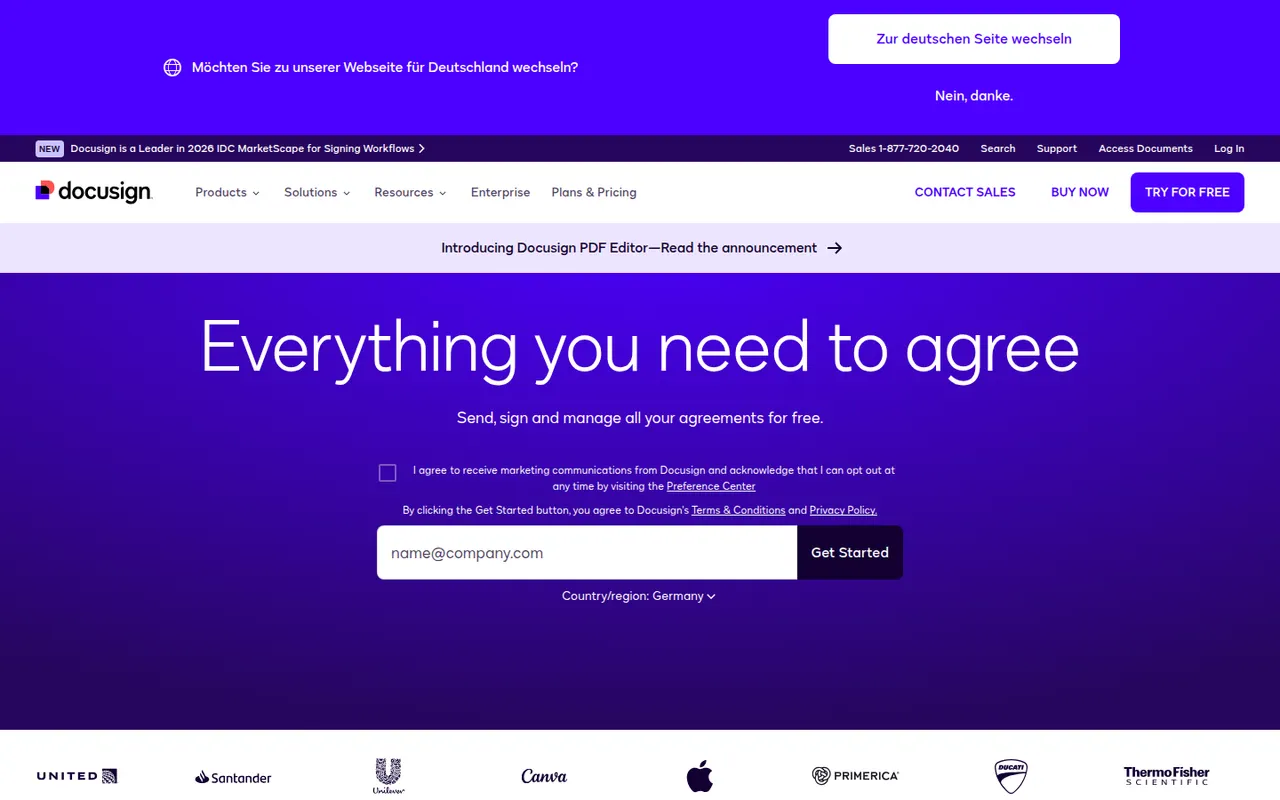
Cost / LicenseFreeProprietaryCategoriesDocusign is an e-signature service from the US company of the same name, used to send contracts and forms for legally binding signature on any device. Senders build reusable templates, define signing order and fields, track status and keep a detailed audit trail, with integrations for Salesforce, Microsoft 365 and Google Workspace and a developer API. Signing is free; sending requires a paid plan after a trial.
9 Docusign alternativesPros
- Widely recognized service that recipients already know how to use
- Detailed audit trail and flexible signing order
- Integrations with Salesforce, Microsoft 365 and Google Workspace
Cons
- Pricier than many newer e-signature tools
- Plans cap the number of envelopes you can send
- Bulk sending and advanced fields require higher tiers
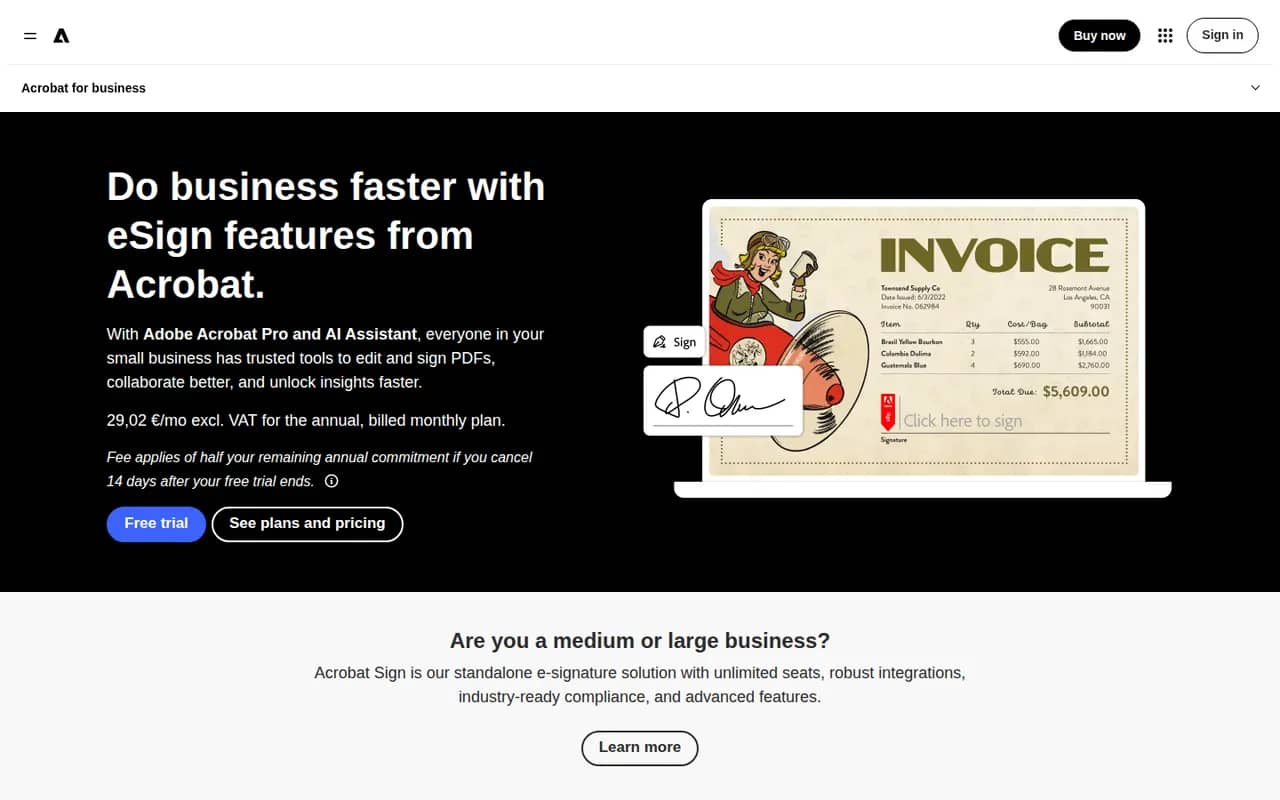
Cost / LicenseFree trialProprietaryCategoriesAdobe Acrobat Sign is Adobe's electronic signature service for sending, signing and tracking agreements from a browser, a mobile app or Acrobat itself. It supports reusable templates, web forms, bulk sending, signer authentication and audit reports, and integrates with Microsoft 365, Salesforce and Workday. It is included in some Acrobat plans and sold separately to businesses, with a free trial.
9 Adobe Acrobat Sign alternativesPros
- Built into Acrobat, so PDFs go out for signature in a few clicks
- Integrations with Microsoft 365, Salesforce and Workday
- Web forms, bulk sending and signer authentication for businesses
Cons
- Plans and bundles are confusing to compare
- Interface feels heavier than simpler e-signature tools
Cost / LicenseFree trialProprietaryCategoriesPandaDoc is a document automation platform for sales and operations teams to create proposals, quotes and contracts from templates, send them for e-signature and collect payments. It tracks when recipients open and read documents, supports approval workflows and syncs with CRMs such as HubSpot and Salesforce. A free eSign plan with a monthly document cap sits alongside paid plans.
9 PandaDoc alternativesPros
- Builds proposals, quotes and contracts from templates
- Shows when recipients open and read documents
- Syncs with HubSpot and Salesforce and can collect payments
Cons
- CRM integrations and key features need higher-priced plans
- Template editor has a learning curve for complex documents
- Free plan is limited to basic e-signatures
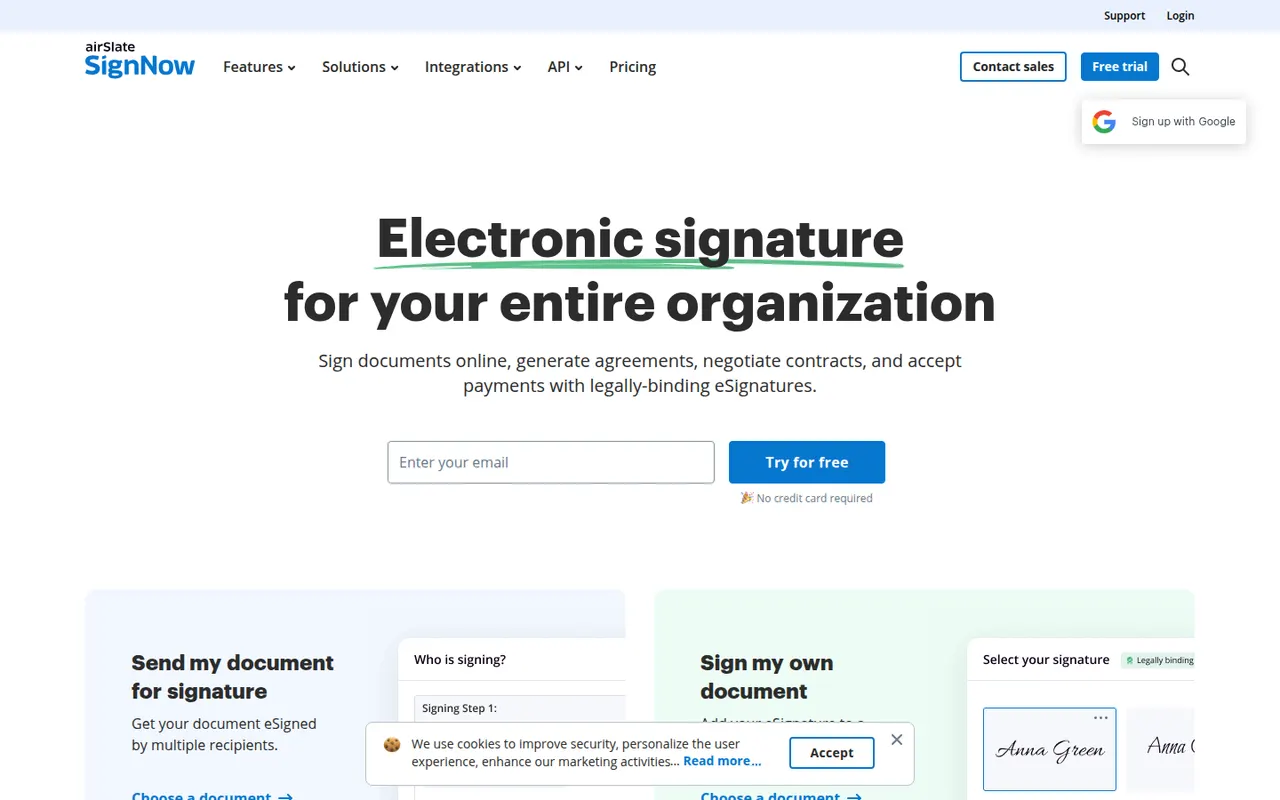
Cost / LicenseFreemiumProprietaryCategoriessignNow is an electronic signature service from airSlate for sending and signing documents from the web or mobile apps. It covers reusable templates, signing links, bulk invites, conditional fields, payment requests and an audit trail, with integrations for Google Workspace, Salesforce and Microsoft apps and a developer API. Plans are paid, with a free trial.
9 signNow alternativesPros
- Bulk invites, conditional fields and payment requests
- Templates and reusable signing links speed up repeat documents
- Integrations with Google Workspace, Salesforce and Microsoft apps
Cons
- No free plan beyond the trial
- Interface feels less polished than leading competitors
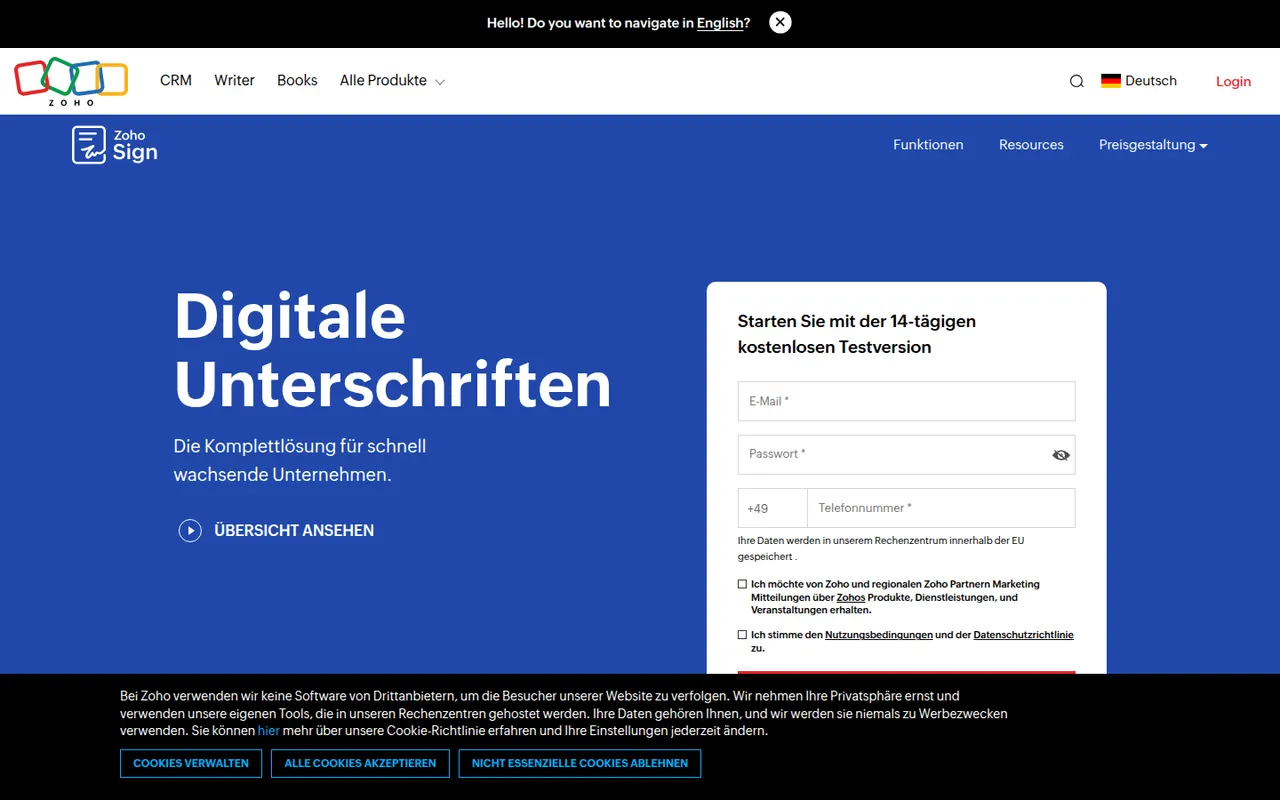
Cost / LicenseFree trialProprietaryCategoriesZoho Sign is the digital signature service in Zoho's suite, used to send documents for signature, sign them yourself and track progress. It supports templates, sequential or parallel signing, signer authentication, bulk sending and audit trails, and connects with Zoho CRM, Zoho Books, Google Workspace and Microsoft 365. A free plan covers a small number of documents; paid plans add volume and automation.
9 Zoho Sign alternativesPros
- Free plan for occasional signing needs
- Sequential or parallel signing with signer authentication
- Connects natively with Zoho CRM, Zoho Books and Microsoft 365
Cons
- Free volume is small, and automation sits on paid tiers
- Most valuable for teams already in the Zoho ecosystem
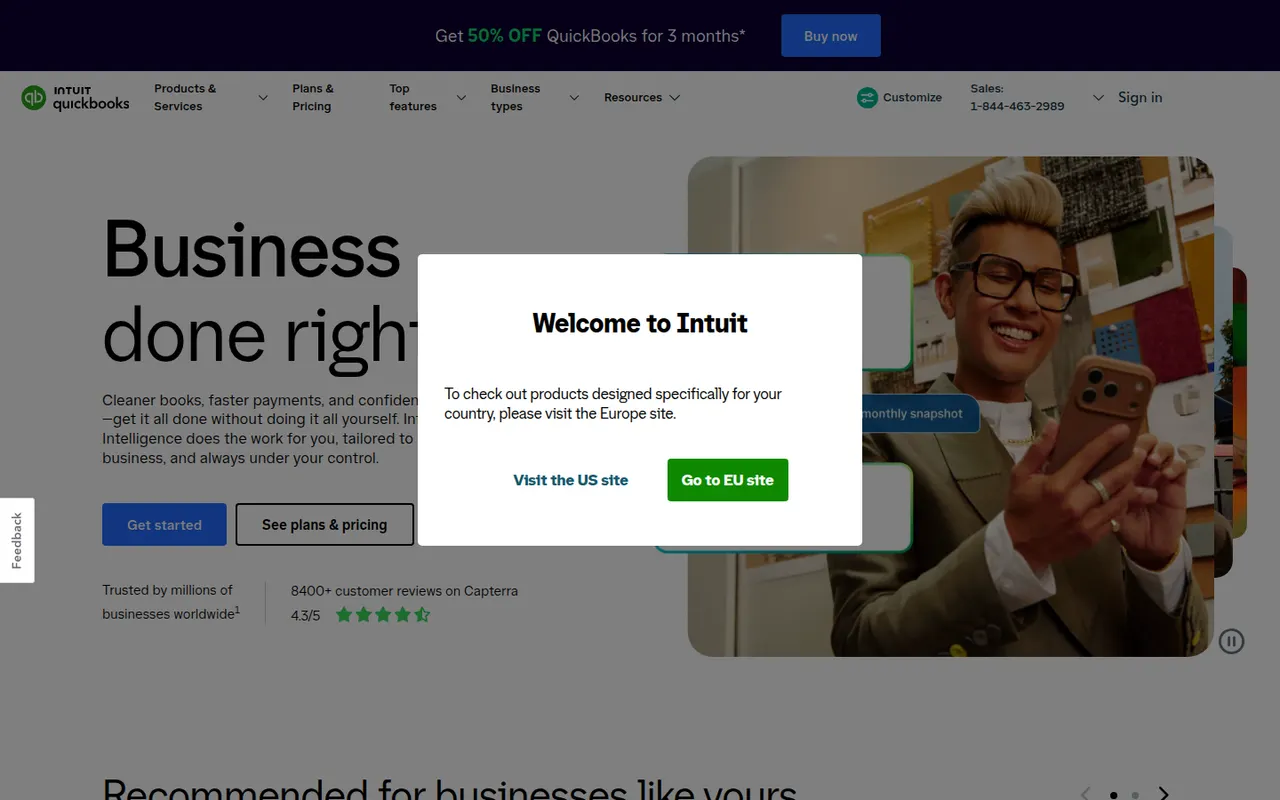
Cost / LicenseFreemiumProprietaryCategoriesQuickBooks is Intuit's accounting software for small businesses and self-employed people, offered mainly as the cloud-based QuickBooks Online, with desktop editions for Windows. It handles invoicing, bank feeds, expense and receipt tracking, sales tax, reports and payroll, and connects to many third-party apps and accountants. Intuit Assist adds AI help, and plans are paid after a free trial.
12 QuickBooks alternativesPros
- Widely known by accountants, which eases collaboration
- Large ecosystem of connected third-party apps
- Covers invoicing, bank feeds, sales tax and payroll
Cons
- Subscription costs add up, especially with payroll on top
- Features vary a lot between countries and editions
- Takes longer to learn than simpler invoicing apps
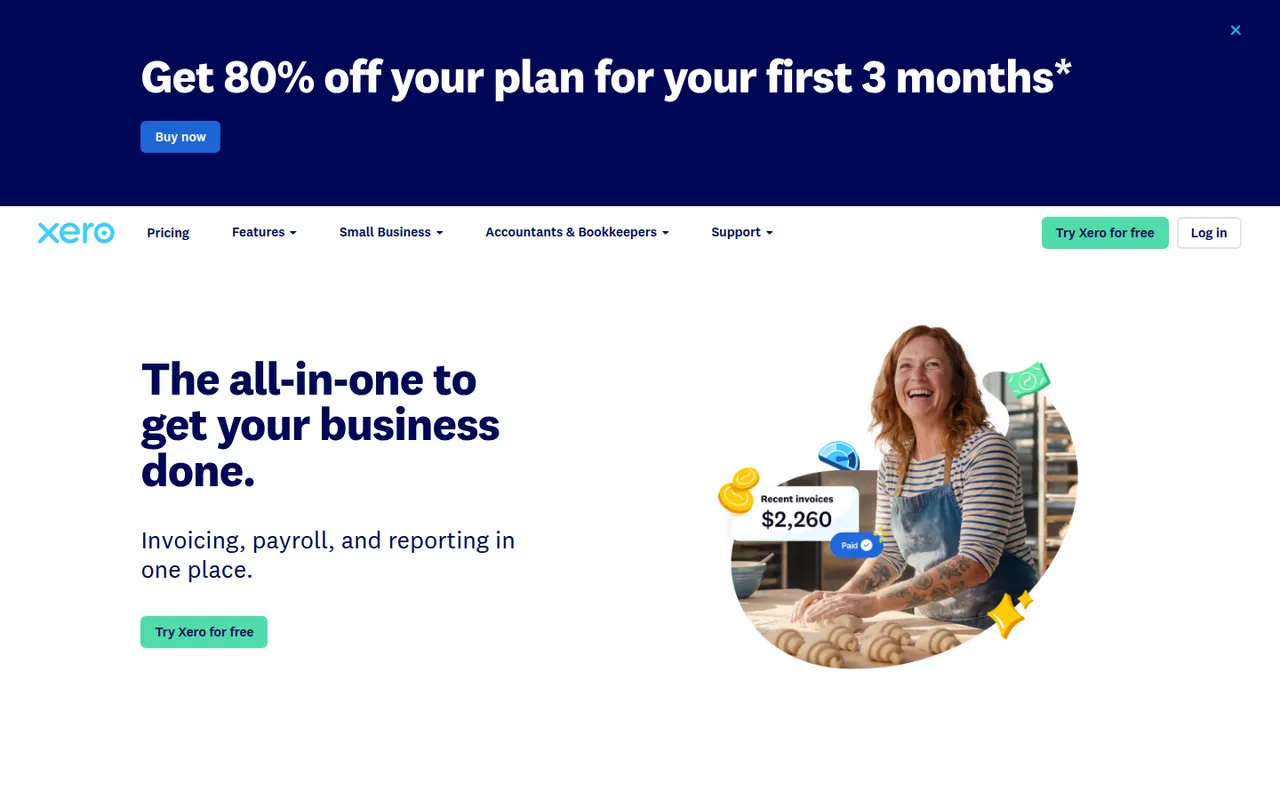
Cost / LicenseFree trialProprietaryCategoriesXero is a cloud accounting platform from New Zealand used by small businesses together with their accountants and bookkeepers. It reconciles bank feeds, sends invoices and quotes, tracks bills and expenses, handles multiple currencies and offers payroll in several countries, with a large marketplace of connected apps. It is a paid subscription with a free trial.
9 Xero alternativesPros
- Fast bank reconciliation driven by live bank feeds
- Large marketplace of connected apps
- Built for working closely with accountants and bookkeepers
Cons
- No free plan after the trial
- The entry plan caps how many invoices and bills you can create
- Payroll is only available in some countries
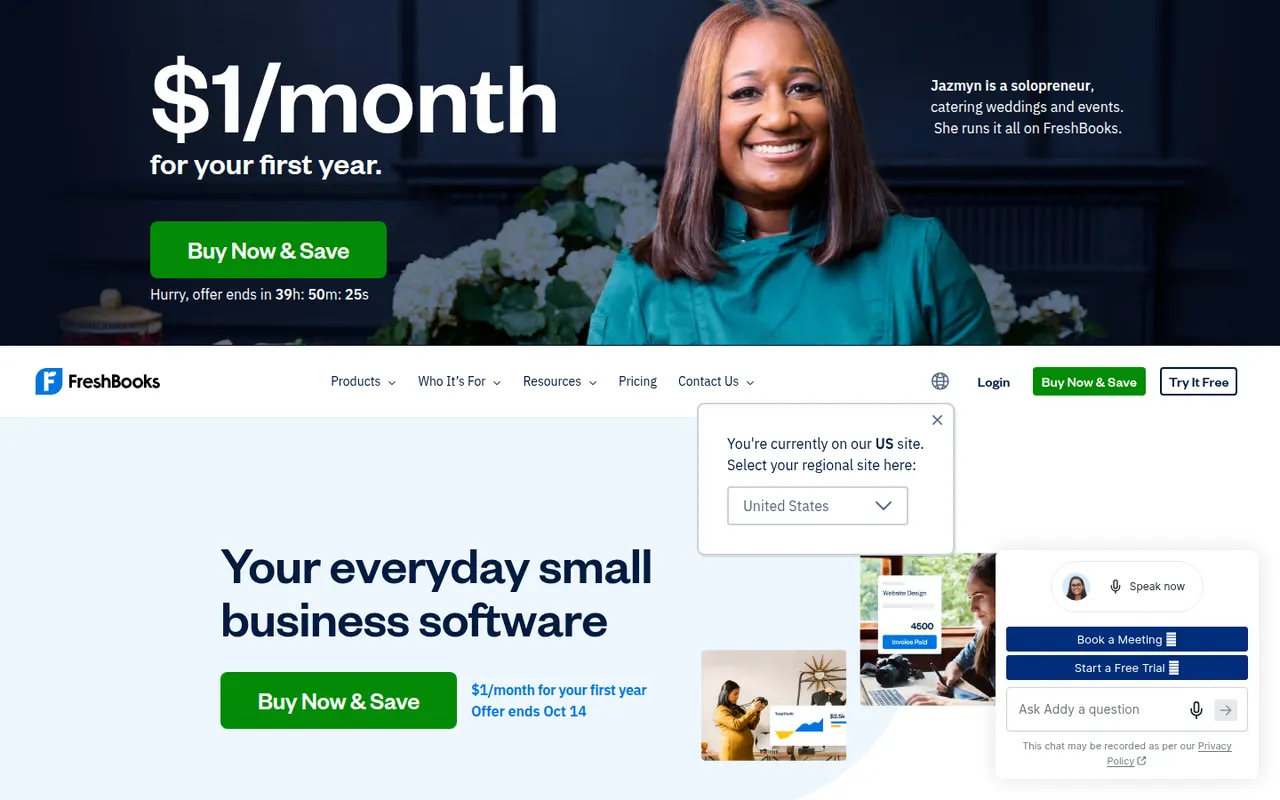
Cost / LicenseFree trialProprietaryCategoriesFreshBooks is cloud accounting software from Toronto designed for freelancers, consultants and small service businesses. It is centred on invoicing, with time tracking, project billing, expense capture, online payments and bank reconciliation, plus double-entry reports for an accountant. Plans are paid by subscription after a free trial.
11 FreshBooks alternativesPros
- Polished invoicing designed around service businesses
- Time tracking and project billing built in
- Easy to use for freelancers without accounting training
Cons
- No free plan once the trial ends
- Lower plans limit the number of billable clients
- Less suited to inventory-heavy or larger businesses
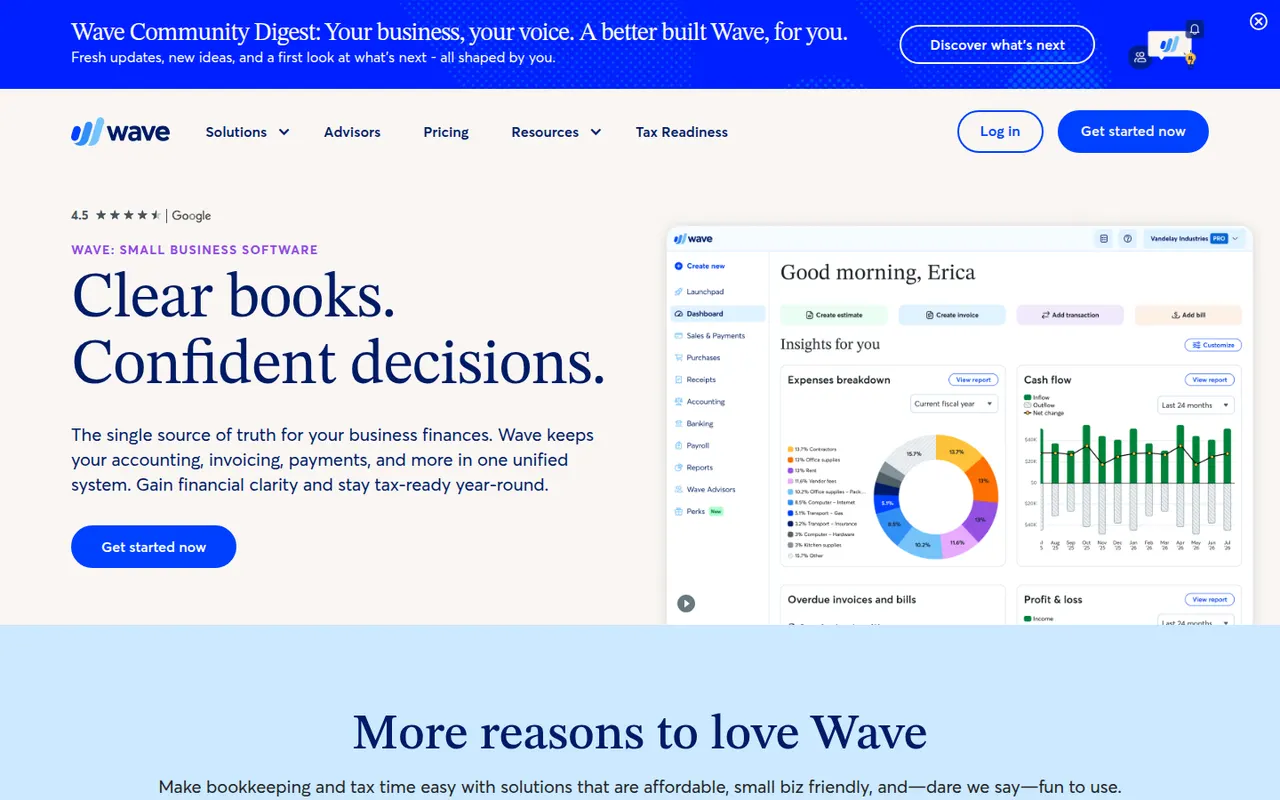
Cost / LicenseFree trialProprietaryCategoriesWave is accounting software for small businesses and freelancers in North America, owned by H&R Block. The free Starter plan covers unlimited invoices, estimates, expense tracking and double-entry bookkeeping, while the Pro plan adds automatic bank imports, receipt scanning and multiple users. Card payments and payroll are offered as paid services.
9 Wave alternativesPros
- Free plan with unlimited invoices and double-entry bookkeeping
- Simple interface for owners without accounting training
- Estimates, invoices and expenses managed in one place
Cons
- Mainly serves businesses in North America
- Automatic bank imports and receipt scanning need the Pro plan
- No real inventory management
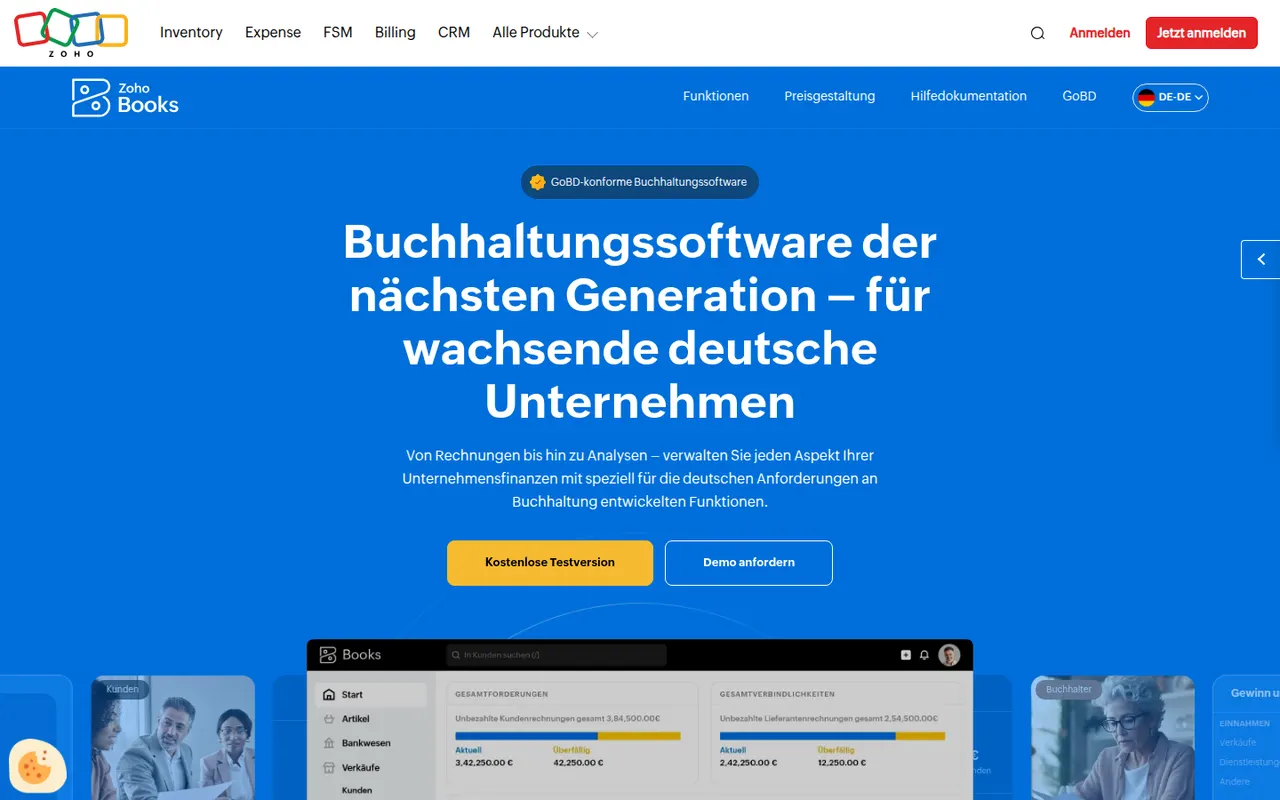
Cost / LicenseFreemiumProprietaryCategoriesZoho Books is cloud accounting software from Zoho for small and growing businesses. It covers invoicing and quotes, bank feeds and reconciliation, expenses, projects and time billing, multi-currency transactions and local tax reports in supported countries, and connects natively with Zoho CRM, Inventory and other Zoho apps. A free plan is available for very small businesses.
11 Zoho Books alternativesPros
- Native links with Zoho CRM, Inventory and other Zoho apps
- Free plan available for very small businesses
- Handles projects, time billing and multi-currency transactions
Cons
- Best value comes when you already use the Zoho ecosystem
- Local tax features only cover supported countries
- The many settings can feel overwhelming at first
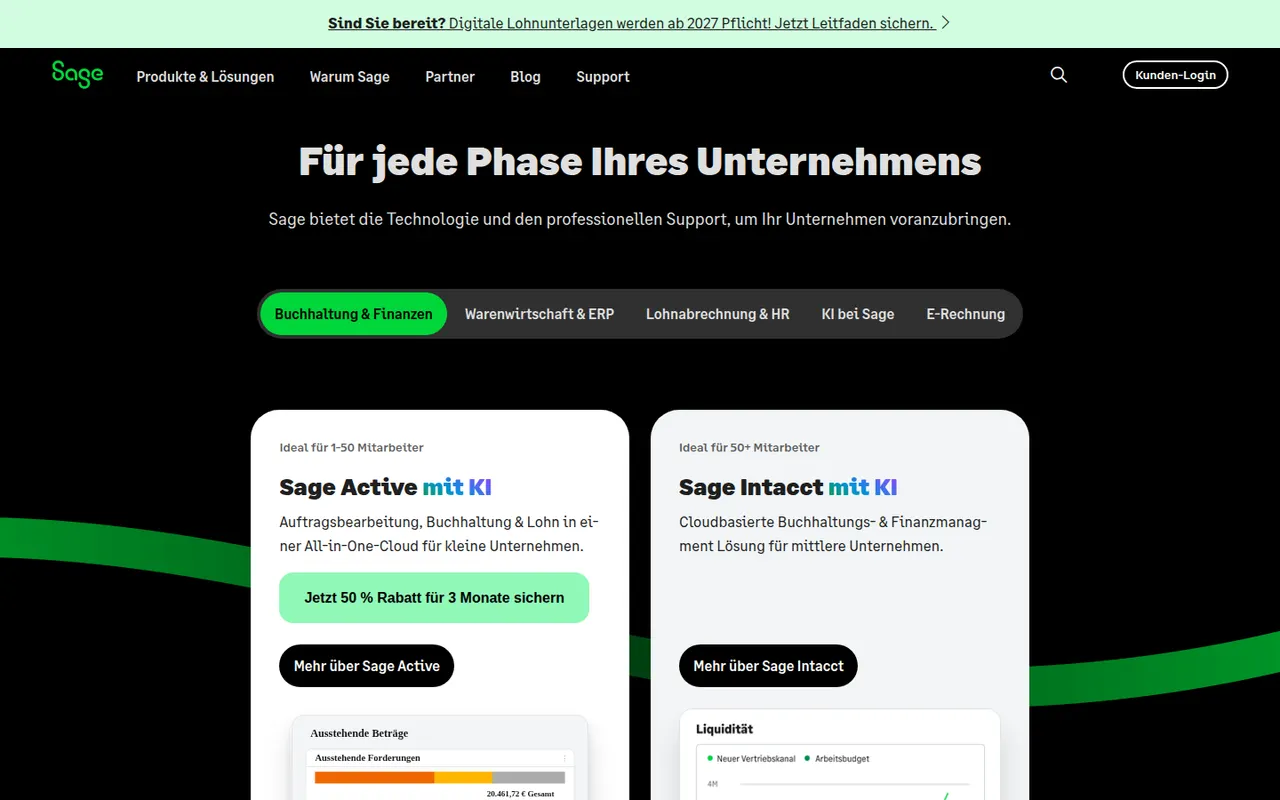
Cost / LicenseFreemiumProprietaryCategoriesSage is a UK software company whose range spans small-business accounting such as Sage Accounting and Sage 50, payroll and HR tools, and Sage Intacct for mid-sized finance teams. Products and features vary by country, covering invoicing, bank feeds, tax returns, payroll and reporting, often used alongside an accountant. Most products are paid subscriptions, some with a free trial.
8 Sage alternativesPros
- Range scales from small-business books to mid-market finance
- Payroll and HR tools available from the same vendor
- Long-established and familiar to many accountants
Cons
- Confusing product lineup that varies by country
- Older desktop products feel dated next to cloud rivals
- Mostly paid subscriptions, with no lasting free plan
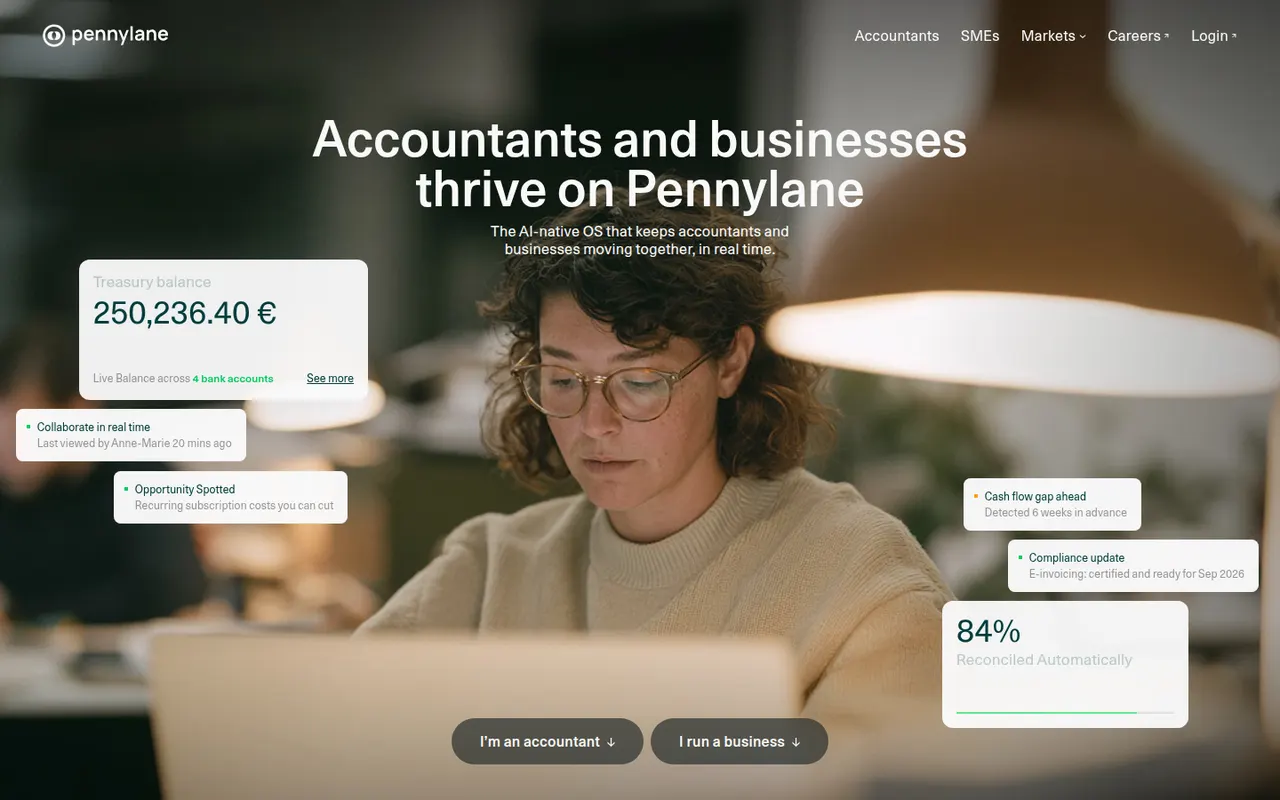
Cost / LicenseFree trialProprietaryCategoriesPennylane is a French platform that brings invoicing, supplier bills, bank connections, expense receipts and bookkeeping together in a single tool shared between a business and its accountant. It targets small and mid-sized companies and accounting firms, with cash-flow dashboards and support for France's e-invoicing reform. A free plan covers invoicing for micro-entrepreneurs; other plans are paid.
8 Pennylane alternativesPros
- One workspace shared between a business and its accountant
- Brings together invoicing, supplier bills, receipts and bank feeds
- Ready for France's e-invoicing reform
Cons
- Built for the French market and its accounting rules
- The free plan only covers invoicing for micro-entrepreneurs
- Full value depends on your accountant also using Pennylane
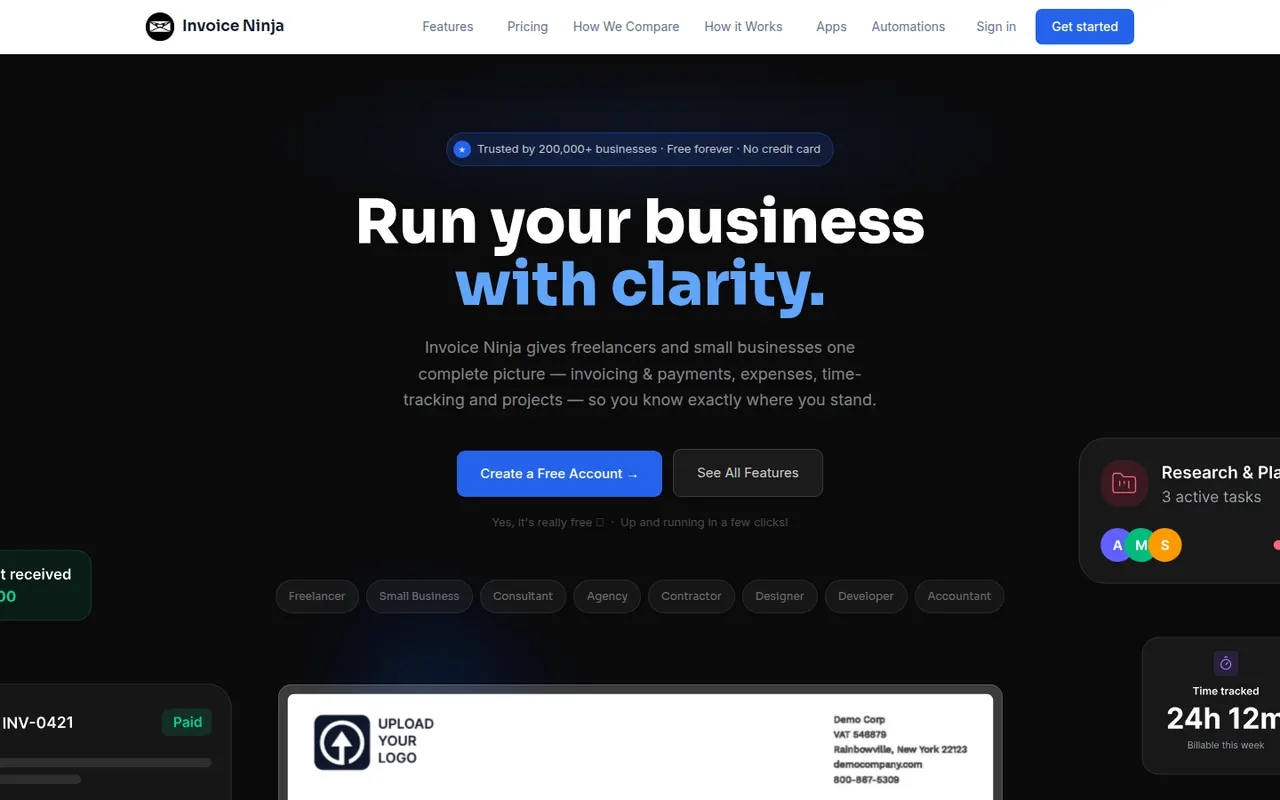
Cost / LicenseFreemiumProprietaryCategoriesInvoice Ninja is an invoicing and billing platform for freelancers and small businesses, offered as a hosted service or as software you can install on your own server. It creates quotes, invoices and recurring billing, tracks time, tasks and expenses, supports many currencies and connects to dozens of payment gateways through a client portal. The source code is available under the Elastic License.
8 Invoice Ninja alternativesPros
- Self-hostable or available as a hosted service
- Connects to dozens of payment gateways through a client portal
- Recurring invoices, quotes, time and expense tracking included
Cons
- Not a full double-entry accounting system
- Elastic License code is not open source in the strict sense
- Many settings make the initial setup time-consuming
Cost / LicenseFreemiumSource availableCategoriesPlatformsTiime is a French management app for freelancers and small businesses that combines quotes and invoices, receipt capture, bank account syncing and pre-accounting, often shared with an accounting firm. The free plan covers unlimited invoicing and receipt management, and paid plans add a business bank account with a card, multiple users and more features. It supports France's e-invoicing requirements.
7 Tiime alternativesPros
- Free plan includes unlimited invoicing and receipt management
- Bank sync and receipt capture prepare the books for your accountant
- Ready for France's e-invoicing requirements
Cons
- Aimed at French businesses, with little use abroad
- Business bank account and multiple users require paid plans
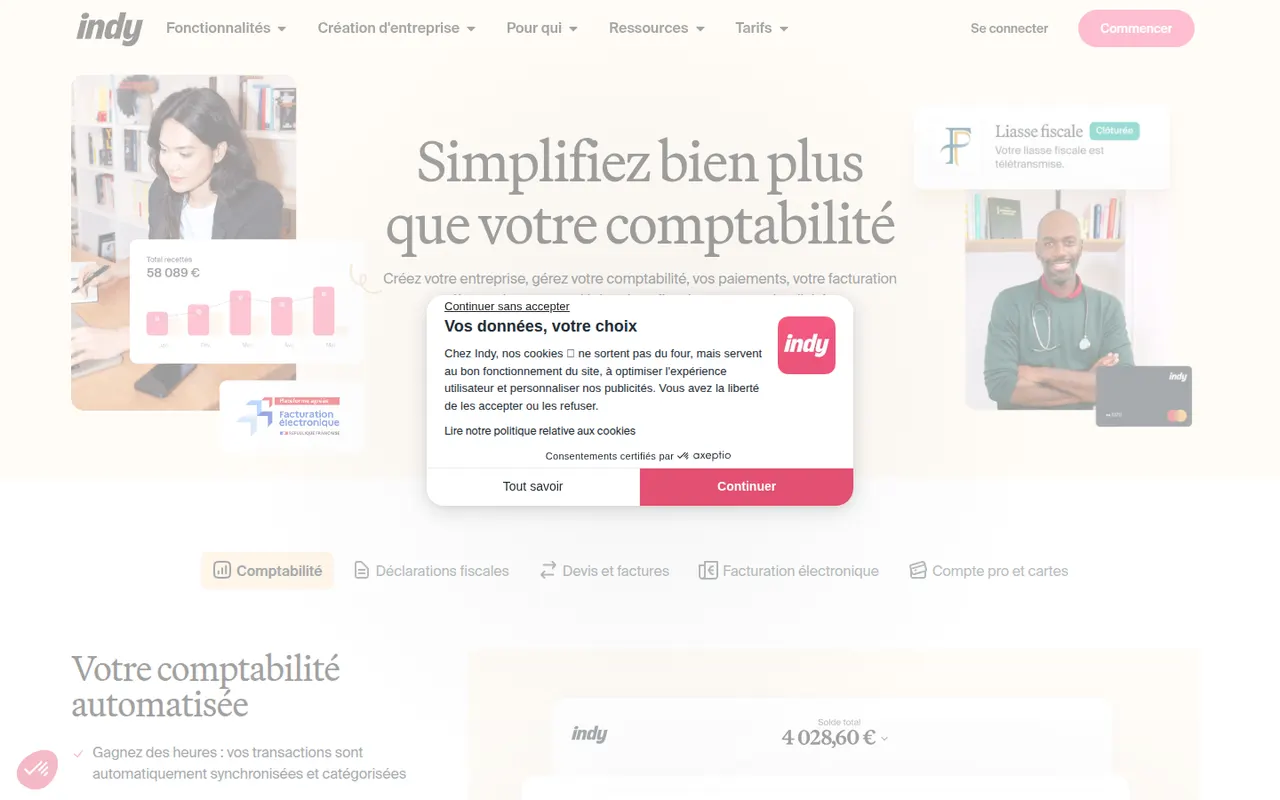
Cost / LicenseFreemiumProprietaryCategoriesIndy is a French bookkeeping app built for independent workers such as micro-entrepreneurs, liberal professions and small companies. It syncs bank accounts, categorises transactions automatically, creates quotes and invoices and helps prepare tax returns, and it also offers a business bank account. The core features are free, with paid plans that add advanced management and filing of tax returns.
7 Indy alternativesPros
- Core bookkeeping features are free
- Synced bank transactions are categorized automatically
- Built around the tax obligations of French freelancers
Cons
- Designed for France, so of little use elsewhere
- Filing tax returns requires a paid plan
- Less suited to companies with complex accounting needs
Cost / LicenseFreemiumProprietaryCategoriesIFTTT, short for If This Then That, links apps, web services and smart home devices through small automations called applets, such as saving social posts to a spreadsheet or turning on lights at sunset. It is aimed at consumers and creators more than complex business processes, with mobile apps that provide location and phone triggers. A free plan allows a few applets; paid plans add more and multi-step logic.
7 IFTTT alternativesPros
- Very simple applets that anyone can set up in minutes
- Strong smart home support and phone triggers such as location
- Large library of ready-made applets
Cons
- The free plan allows only a few applets
- Multi-step logic requires a paid plan and stays basic for business use
- Some triggers fire with a noticeable delay
Cost / LicenseFreemiumProprietaryCategoriesPower Automate is Microsoft's automation service, part of the Power Platform, for building cloud flows between Microsoft 365, Dynamics, Azure and hundreds of third-party connectors. Its desktop app adds robotic process automation for Windows applications and websites, and Copilot can draft flows from a description. Basic use is included in many Microsoft 365 plans, with premium licences for advanced connectors.
8 Power Automate alternativesPros
- Deep integration with Microsoft 365, Teams, SharePoint and Dynamics
- Desktop RPA automates Windows apps and websites without APIs
- Basic use is included in many Microsoft 365 plans
Cons
- Licensing is complex, with premium connectors behind extra licences
- The flow designer can feel clunky and errors are hard to debug
- Less convenient outside the Microsoft ecosystem
Cost / LicenseFreemiumProprietaryCategoriesGoogle Drive is Google's file storage and sync service, included with every Google account and shared with Gmail and Google Photos. Files can be shared by link or with specific people, and documents open directly in Google Docs, Sheets and Slides for real-time co-editing. Desktop apps for Windows and Mac can mirror folders or stream files on demand.
12 Google Drive alternativesPros
- Real-time co-editing in Google Docs, Sheets and Slides
- Free storage included with every Google account
- Strong search across files, including text inside PDFs and images
Cons
- Free storage is shared with Gmail and Google Photos
- No official desktop client for Linux
- No end-to-end encryption for personal accounts
Cost / LicenseFreemiumProprietaryCategoriesDropbox keeps a folder in sync across your devices and lets you share files or folders with a link, including with people who have no account. It runs on Windows, macOS and Linux as well as mobile, keeps previous versions of files and can back up phone photos automatically. Paid plans add more storage, large file transfers and team administration.
12 Dropbox alternativesPros
- Reliable, fast sync across Windows, macOS, Linux and mobile
- Share files by link, even with people who have no account
- Version history and automatic photo backup included
Cons
- The free plan offers little storage and limits linked devices
- Files are not end-to-end encrypted on standard plans
Cost / LicenseFreemiumProprietaryCategoriesOneDrive is Microsoft's file storage service, built into Windows and included with Microsoft 365 subscriptions. It syncs folders across devices, can back up the Desktop, Documents and Pictures folders, and lets several people edit Word, Excel and PowerPoint files at the same time. A Personal Vault adds an extra verification step for sensitive files.
12 OneDrive alternativesPros
- Built into Windows and File Explorer, with files on demand
- Real-time co-editing of Word, Excel and PowerPoint files
- Storage comes bundled with Microsoft 365 subscriptions
Cons
- Windows nudges you into folder backup, which can relocate files unexpectedly
- No official Linux client
- The free plan offers little storage
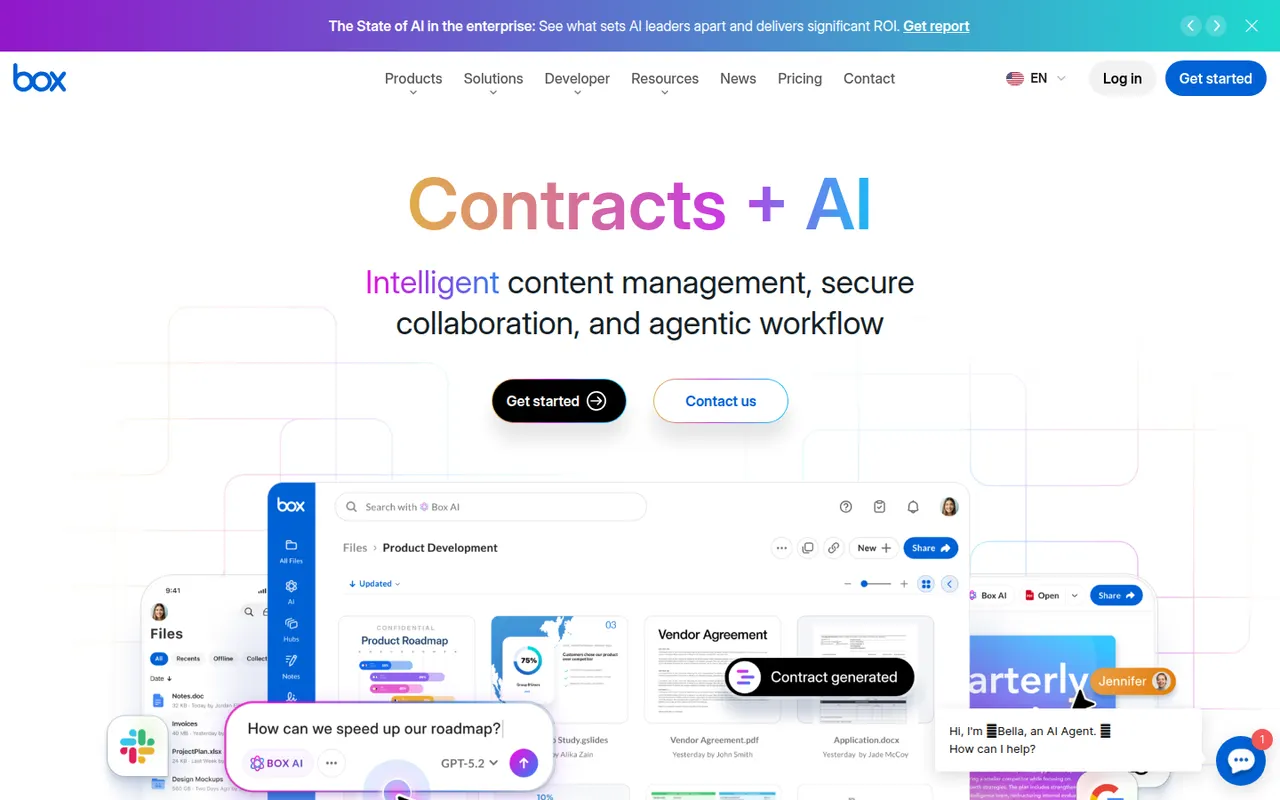
Cost / LicenseFreemiumProprietaryCategoriesBox is a cloud storage and file sharing platform aimed at companies that need control over their documents. It offers granular permissions, version history, single sign-on, compliance tooling and integrations with Microsoft 365, Google Workspace, Slack and many business apps, plus Box AI for asking questions about stored content. A free individual plan is available.
10 Box alternativesPros
- Granular permissions and compliance tools for regulated companies
- Integrates with Microsoft 365, Google Workspace, Slack and many business apps
- Box AI answers questions about stored documents
Cons
- The free plan is limited in storage and file upload size
- Aimed at businesses, less appealing for personal use
- Many admin and security features sit in higher-tier plans
Cost / LicenseFreemiumProprietaryCategories