Apps with Integrations
152 apps
Top Integrations apps ranked by the community
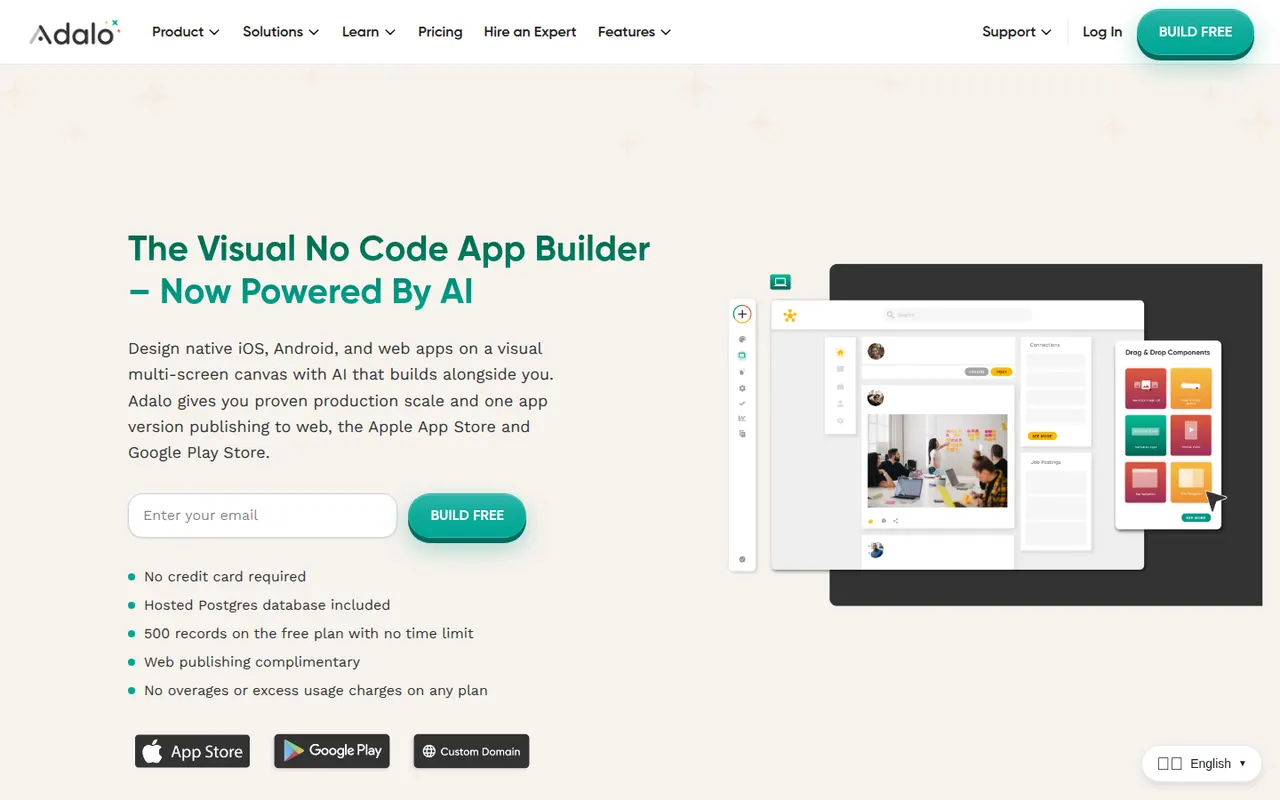
Adalo is a no-code app builder for creating native iOS and Android apps and web apps with a drag-and-drop editor. Apps use Adalo's built-in database or external sources such as Airtable and Xano, can be extended with components from a marketplace, and are published to the App Store, Google Play or the web from one project. It suits small businesses and founders building MVPs, with a free plan for prototyping.
8 Adalo alternativesPros
- Publishes native iOS and Android apps from a single project
- Drag-and-drop editor approachable for non-developers
- Connects to Airtable, Xano and other external data sources
Cons
- Apps can slow down as data and screens grow
- No source code export, which ties your app to the platform
- Publishing apps requires a paid plan
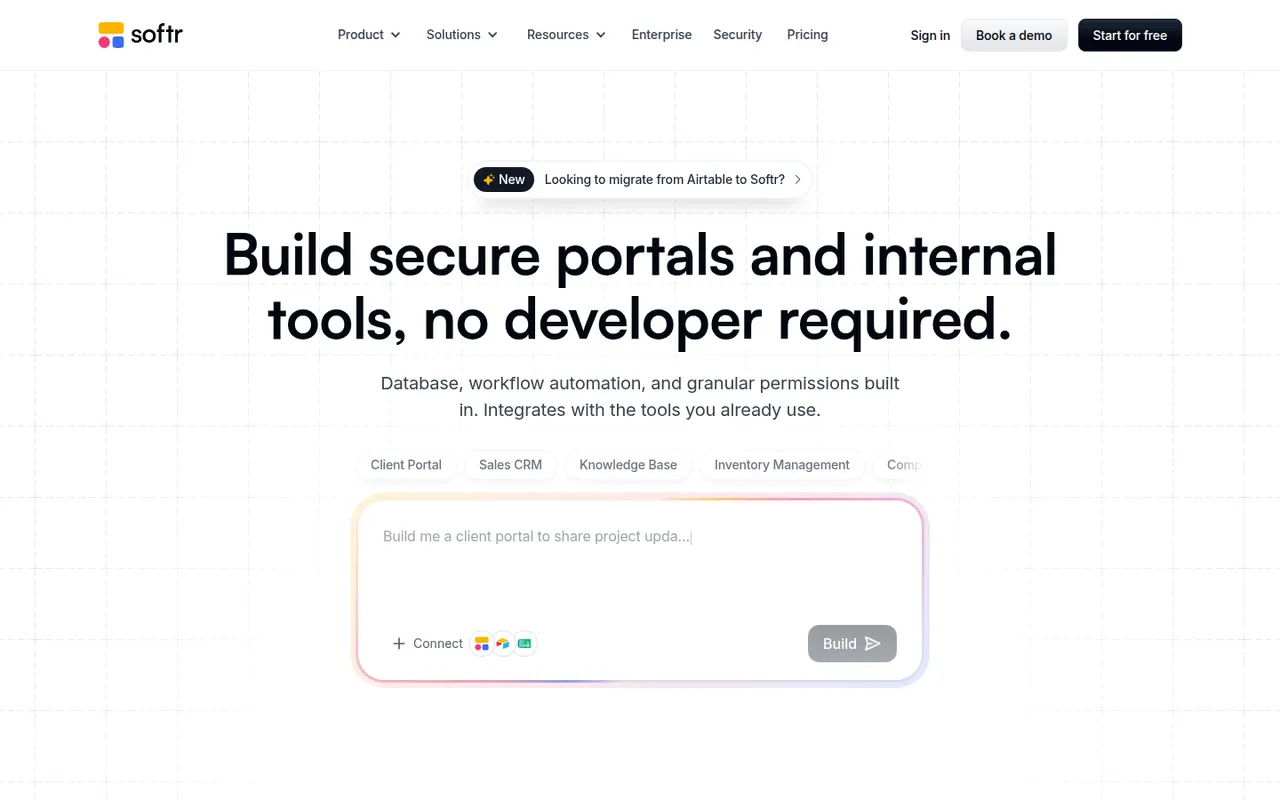
Cost / LicenseFreemiumProprietaryCategoriesPlatformsSoftr lets businesses build client portals, internal tools, directories and simple CRMs without code. Apps are put together from blocks in a visual editor on top of data from Airtable, Google Sheets, SQL databases, HubSpot or Softr's own databases, with user logins, permissions by user group and workflows. AI can generate a first version of an app from a prompt. A free plan is available.
9 Softr alternativesPros
- Quick way to build client portals on Airtable or Google Sheets
- User groups and permissions without writing code
- Block-based editor that non-technical teams pick up fast
Cons
- Layout flexibility is limited by the block system
- More users and advanced features require paid plans
- Performance depends on the connected data source
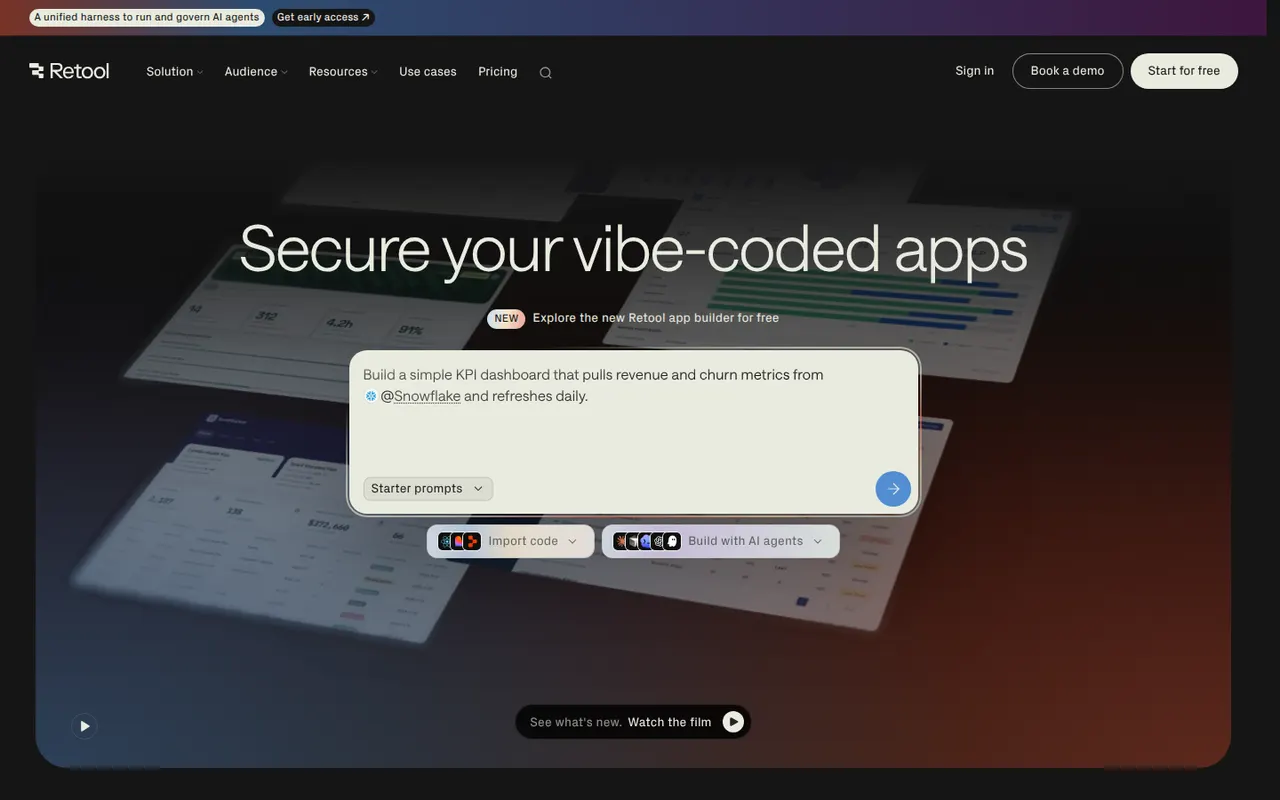
Cost / LicenseFreemiumProprietaryCategoriesPlatformsRetool is a developer-focused platform for building internal tools such as admin panels, dashboards and back-office apps. You drag components onto a canvas, connect them to databases and APIs, and write JavaScript or SQL where needed, with AI that can generate apps and agents that automate tasks. It runs in the cloud or self-hosted, with SSO and audit logs for enterprises and a free plan for small teams.
11 Retool alternativesPros
- Fast way to build admin panels and dashboards on your data
- Connects to most databases and APIs, with JavaScript and SQL as needed
- Self-hosting option plus enterprise controls like SSO and audit logs
Cons
- Aimed at developers, so non-technical users may struggle
- Costs rise quickly as more users need access
- Limited design control beyond the standard components
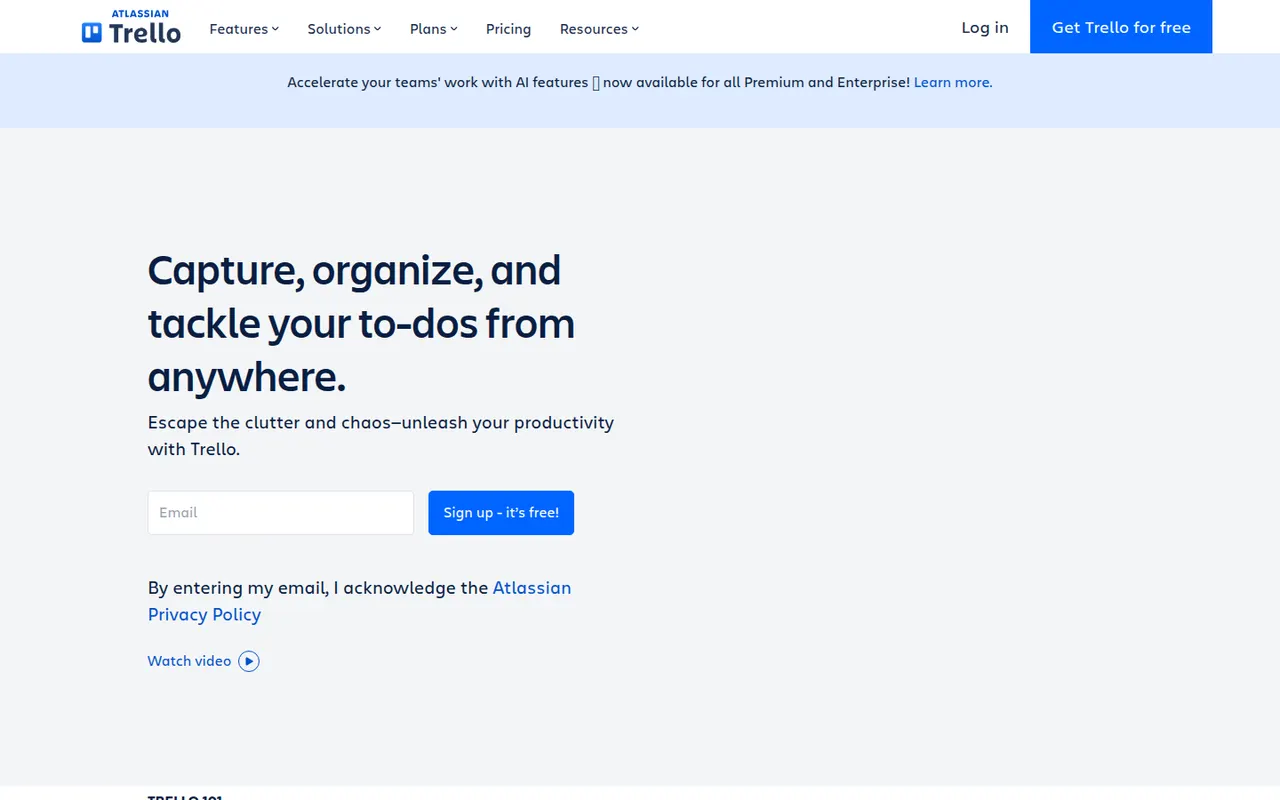
Cost / LicenseFreemiumProprietaryCategoriesPlatformsTrello organizes work on boards made of lists and cards that you drag from one stage to the next, a model that suits small teams, personal projects and simple workflows. Owned by Atlassian, it adds calendar, timeline and table views, Butler automations and Power-Ups that connect boards to Slack, Google Drive, Jira and many other tools.
12 Trello alternativesPros
- Simple card-and-list model anyone can learn in minutes
- Power-Ups connect boards to Slack, Google Drive, Jira and more
- Butler automations take care of repetitive card moves
Cons
- Gets hard to manage for large or complex projects
- Timeline, calendar and table views require a paid plan
- Reporting is limited without add-ons
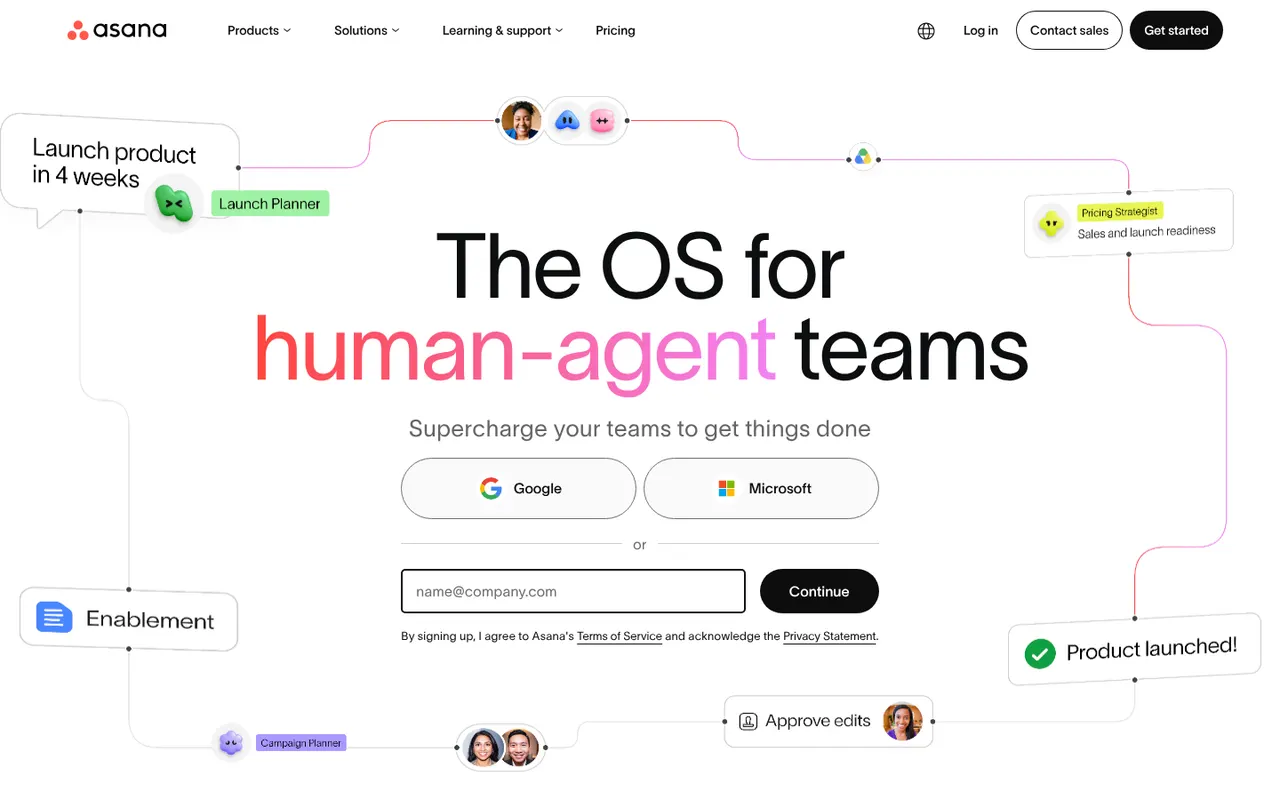
Cost / LicenseFreemiumProprietaryAsana helps teams plan projects, assign tasks and track progress in list, board, timeline and calendar views. It is aimed at cross-functional teams in mid-size and large companies, with portfolios and goals to follow work across departments, rule-based automations, a large catalog of integrations and built-in AI features.
12 Asana alternativesPros
- List, board, timeline and calendar views for the same project
- Goals and portfolios connect work across departments
- Large catalog of integrations and rule-based automations
Cons
- Per-seat pricing gets expensive as teams grow
- Timeline, goals and portfolios require paid plans
- A task can only have one assignee
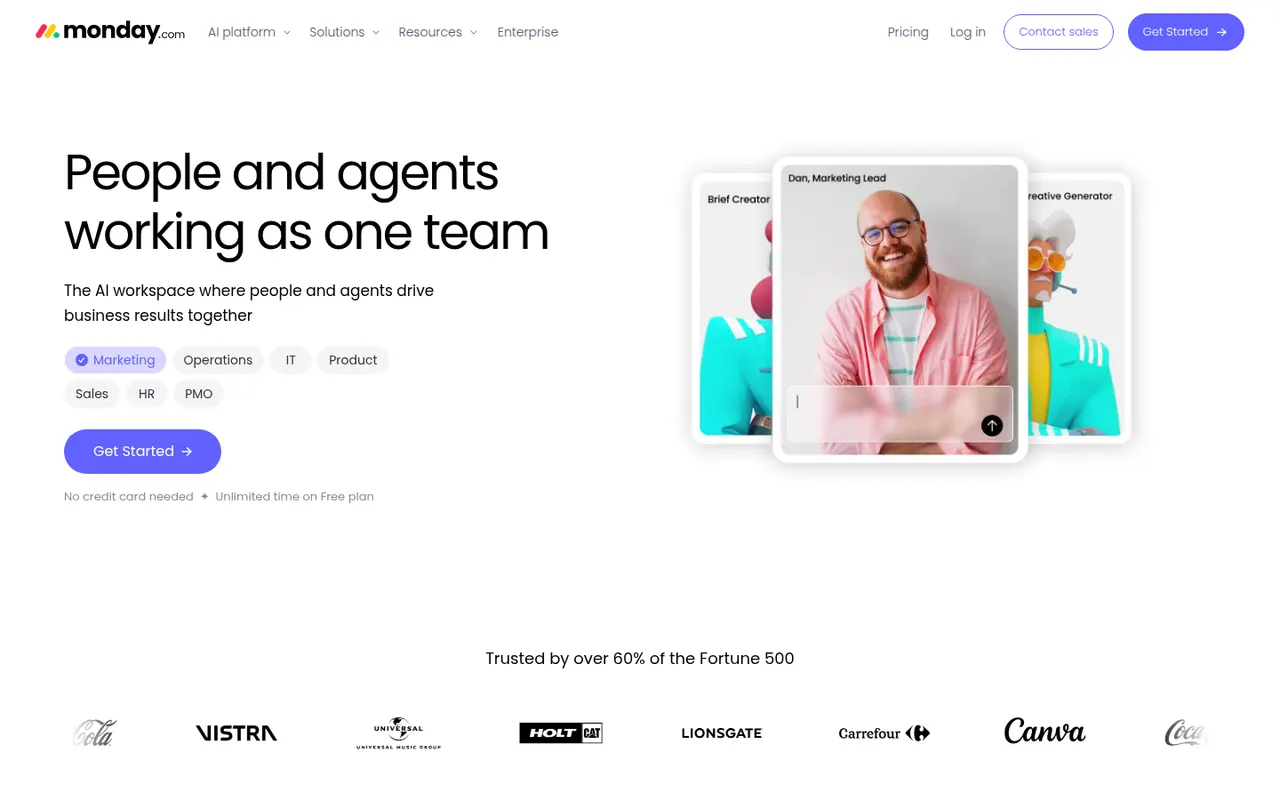
Cost / LicenseFreemiumProprietaryCategoriesmonday.com is a work management platform where teams build boards with custom columns to track projects, requests or pipelines, then switch between table, Kanban, Gantt and calendar views. No-code automations, dashboards and integrations make it suit operations, marketing and other non-technical teams, and the same platform powers the separate monday CRM and monday dev products.
12 monday.com alternativesPros
- Colorful, flexible boards adapt to projects, requests or pipelines
- No-code automations and dashboards that non-technical teams can build
- Switch between table, Kanban, Gantt and calendar views
Cons
- Seats are sold in bundles, which raises the cost for small teams
- Automation and integration actions are capped by plan
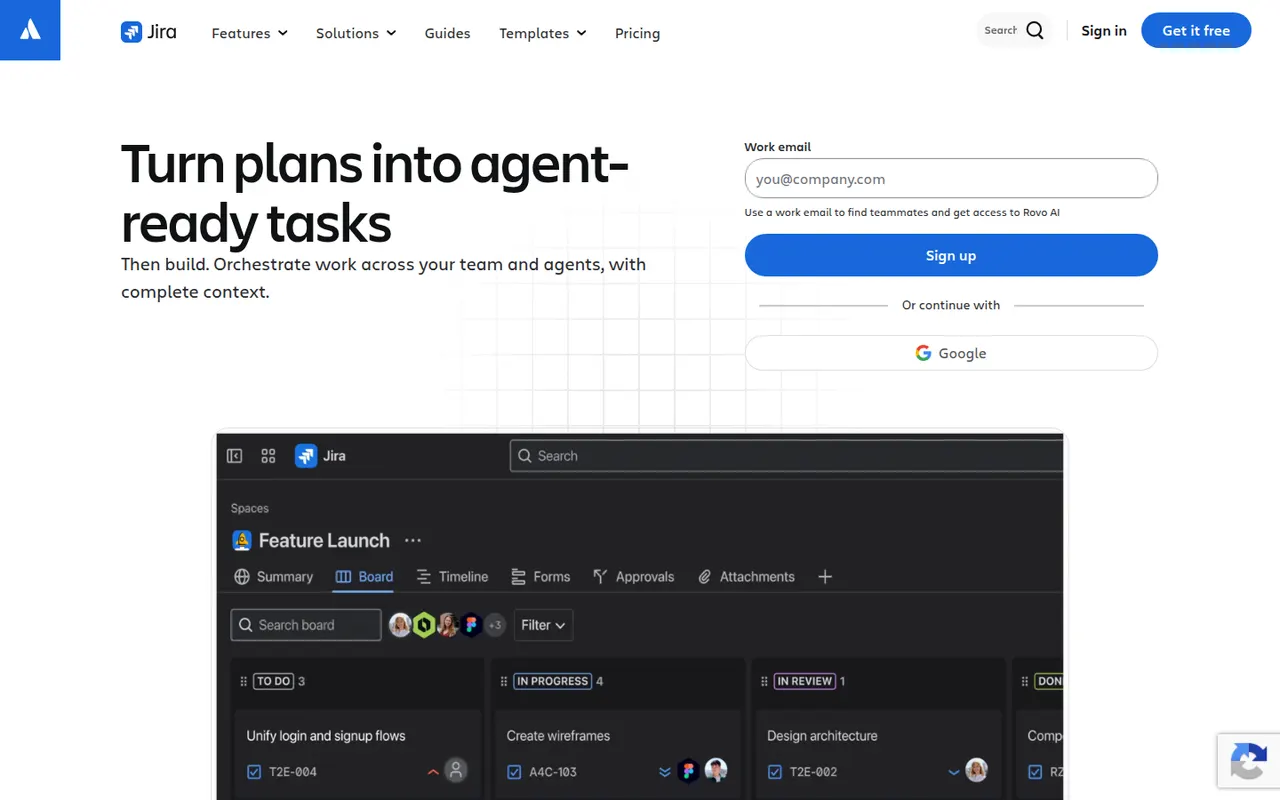
Cost / LicenseFreemiumProprietaryCategoriesJira is Atlassian's tracker for software teams, built around issues, Scrum and Kanban boards, backlogs, sprints and configurable workflows. It connects to Confluence, Bitbucket and GitHub, offers a large marketplace of apps and rule-based automation, and is available in the cloud or as a self-managed Data Center edition for large organizations.
12 Jira alternativesPros
- Mature Scrum and Kanban boards with backlogs and sprints
- Highly configurable workflows, fields and automation rules
- Tight links with Confluence, Bitbucket and GitHub, plus a large app marketplace
Cons
- Complex to set up and administer without a dedicated admin
- Can feel heavy and slow for small teams or simple projects
- Marketplace apps add to the cost on top of per-user pricing
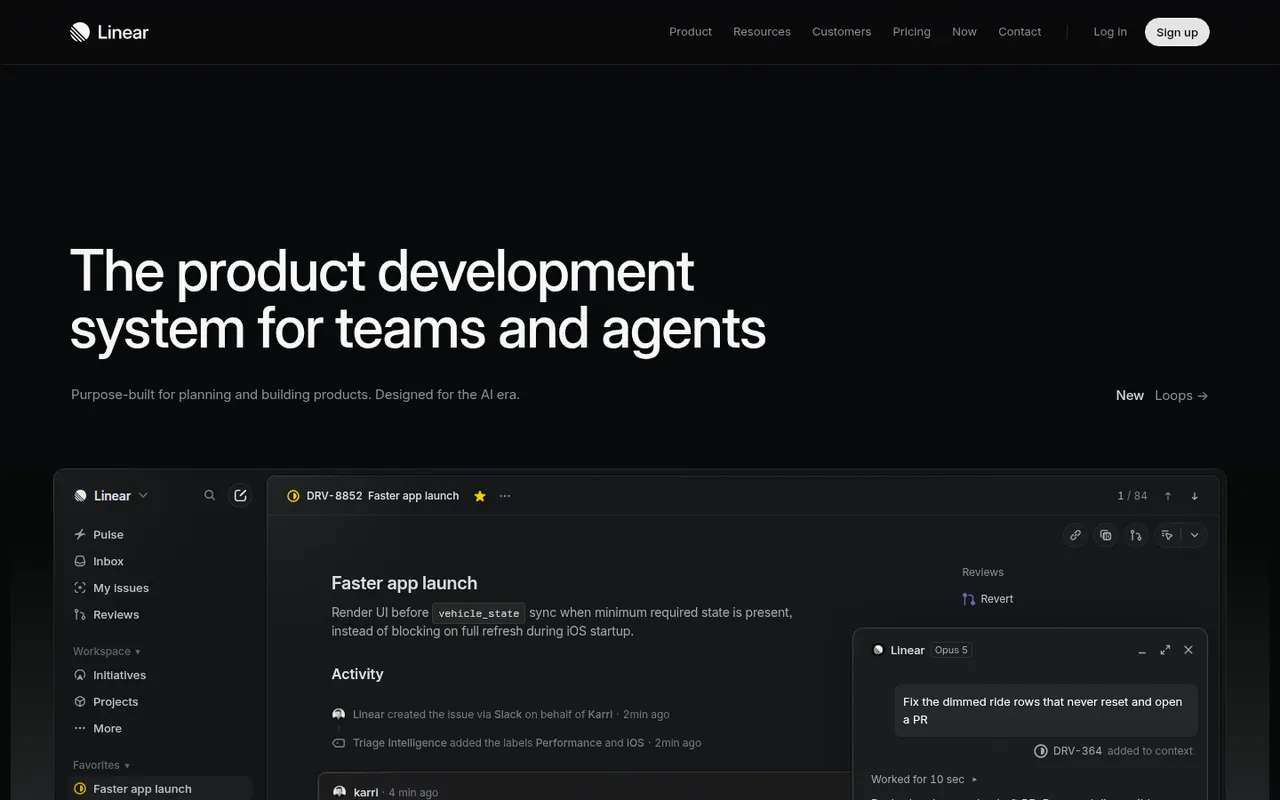
Cost / LicenseFreemiumProprietaryCategoriesPlatformsLinear is an issue tracker for software teams that emphasizes speed, keyboard shortcuts and an opinionated workflow with cycles, projects, roadmaps and triage. It syncs with GitHub and GitLab to update issues from pull requests, integrates with Slack and support tools, and exposes a GraphQL API for custom automation.
9 Linear alternativesPros
- Fast interface built around keyboard shortcuts
- GitHub and GitLab sync updates issues from pull requests
- Cycles, projects and roadmaps follow a clear, opinionated workflow
Cons
- The opinionated workflow leaves little room for custom processes
- Designed for software teams, less suited to other departments
- Cloud only, with no self-hosted option
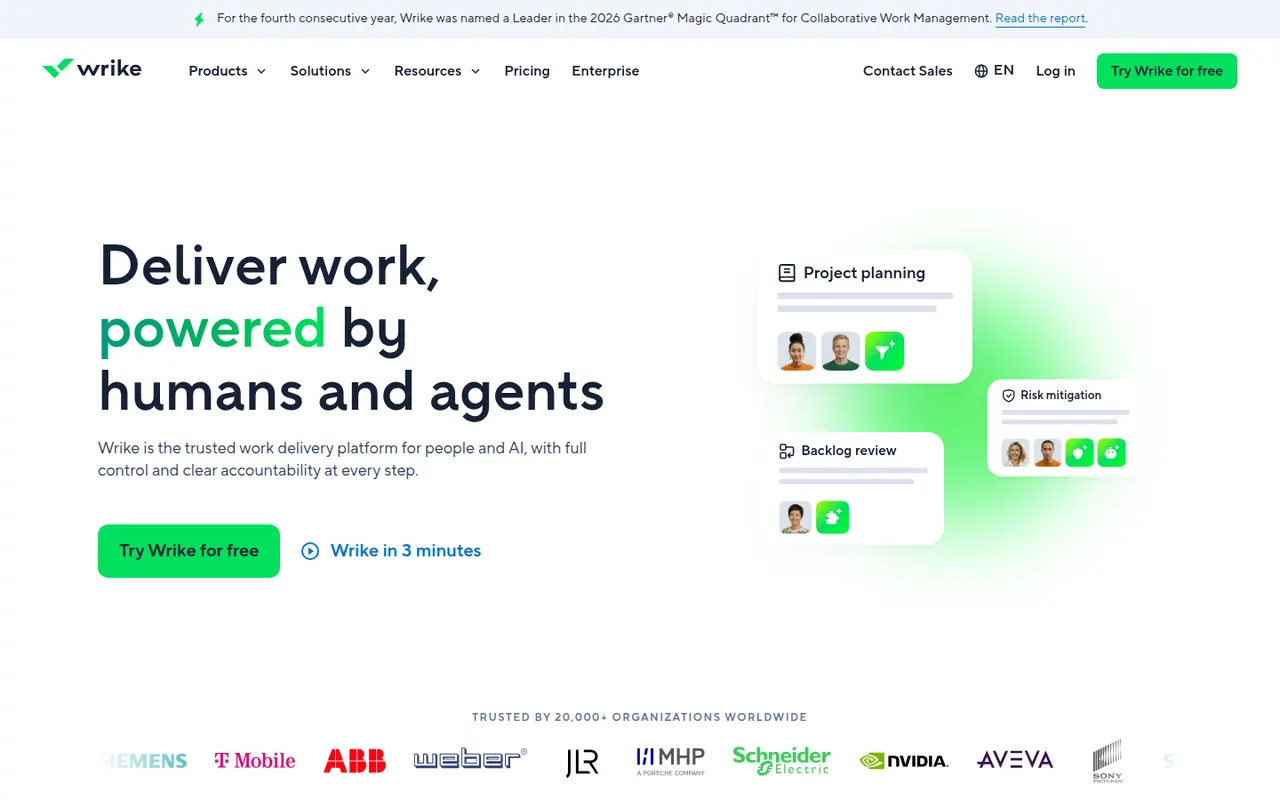
Cost / LicenseFreemiumProprietaryCategoriesWrike is a work management platform for organizations that run many projects at once, combining Gantt charts, Kanban boards, workload views and built-in time tracking. Custom request forms, approval workflows, tasks shared across several projects and AI features help marketing, professional services and PMO teams standardize how work is planned and delivered.
11 Wrike alternativesPros
- Handles many parallel projects with Gantt, Kanban and workload views
- Custom request forms and approval workflows standardize intake
- Built-in time tracking and tasks shared across several projects
Cons
- Steep learning curve and a dense interface
- Advanced features and analytics sit in the more expensive tiers
- Often overkill for small teams with simple needs
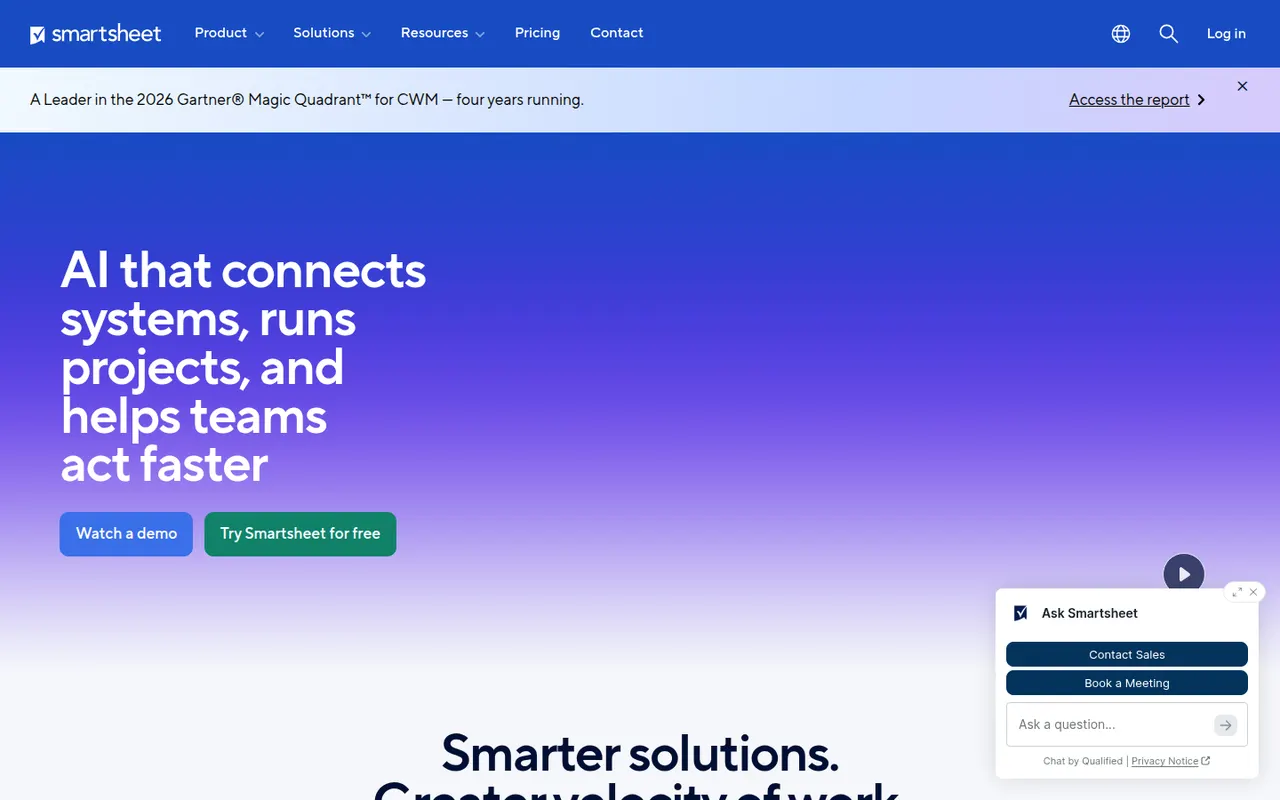
Cost / LicenseFreemiumProprietaryCategoriesSmartsheet manages projects and business processes in sheets that look like spreadsheets but add Gantt, card and calendar views, dependencies, forms and automated workflows. It targets enterprises and PMOs that need reports, dashboards and portfolio views across many projects, and connects to Microsoft 365, Google Workspace, Salesforce and Jira.
12 Smartsheet alternativesPros
- Spreadsheet-like interface feels familiar to Excel users
- Strong reports and dashboards across portfolios of projects
- Gantt views with dependencies, forms and automated workflows
Cons
- No free plan beyond the trial period
- Costs rise quickly with team size and premium add-ons
- The interface feels less modern than newer work management tools
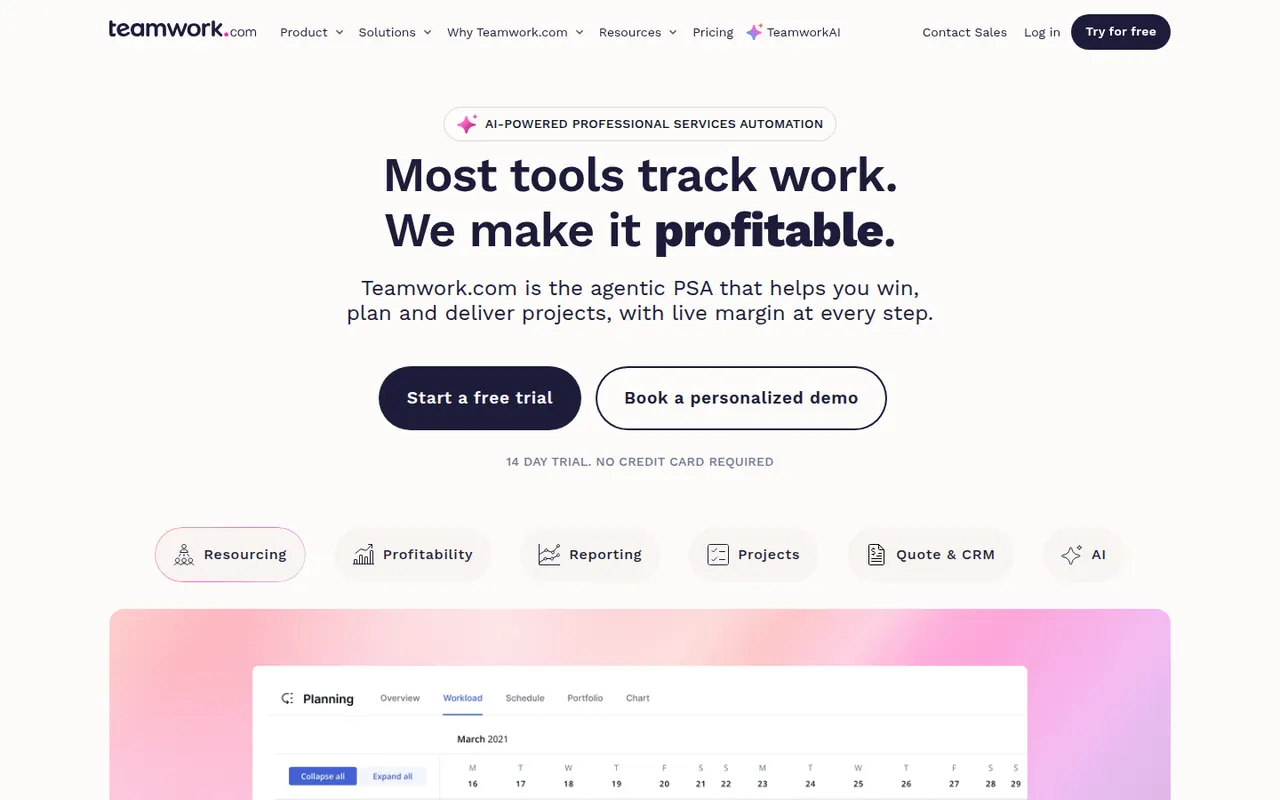
Cost / LicenseFree trialProprietaryTeamwork.com is project management software designed for agencies and service businesses that deliver work for clients. Alongside tasks, boards and Gantt charts, it includes time tracking, budgets, resource planning and client access to projects, so teams can see which projects are profitable and who has capacity.
8 Teamwork.com alternativesPros
- Built for agencies, with budgets and profitability tracked per project
- Time tracking and resource planning included
- Clients can be given direct access to their projects
Cons
- The breadth of features slows onboarding for small teams
- Advanced agency features are reserved for higher paid plans
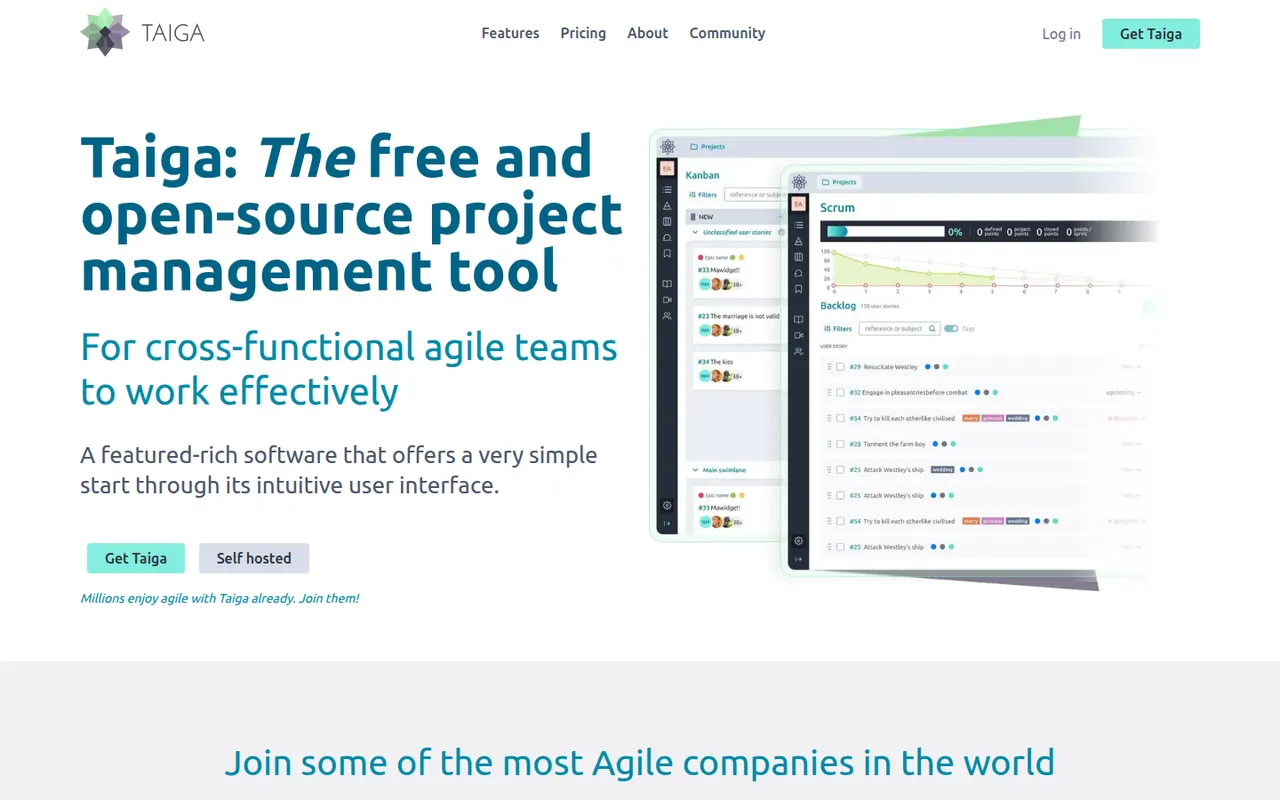
Cost / LicenseFreemiumProprietaryCategoriesTaiga is an open source project management tool for agile teams, offering Scrum backlogs with sprints and user stories, Kanban boards, issue tracking and a project wiki. Developed by Kaleidos, it can be self-hosted or used as a hosted service at taiga.io, and its clean interface also suits designers and product people, not only developers.
7 Taiga alternativesPros
- Open source, with Scrum backlogs, sprints and Kanban boards
- Clean interface that also suits designers and product people
- Can be self-hosted or used as a hosted service
Cons
- Fewer integrations than mainstream project management tools
- Limited reporting and cross-project views for larger organizations
- Self-hosting requires technical know-how
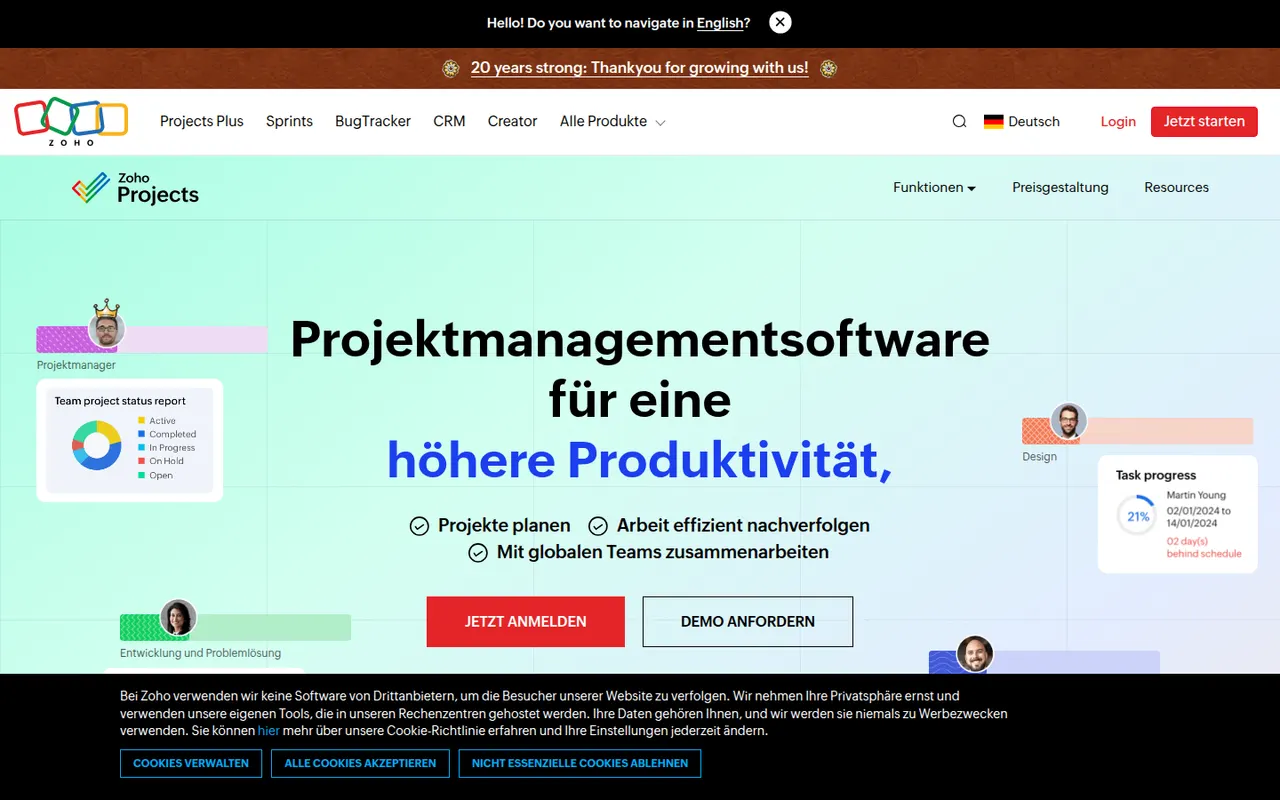
Cost / LicenseFreemiumOpen sourceCategoriesPlatformsZoho Projects is a cloud project management app with task lists, Gantt charts, Kanban boards, timesheets, issue tracking and Blueprint workflows. It fits companies that already use Zoho apps such as CRM, Books or Desk, and includes the Zia assistant, client access and a free plan for very small teams.
10 Zoho Projects alternativesPros
- Connects natively with Zoho CRM, Books, Desk and other Zoho apps
- Gantt charts, timesheets and issue tracking in one tool
- Blueprint workflows enforce each step of a process
Cons
- The interface feels less polished than leading competitors
- Most valuable for companies already invested in Zoho
- The free plan only suits very small teams
Cost / LicenseFreemiumProprietaryCategoriesMicrosoft Planner is the task and project planning app of Microsoft 365, usable on the web, inside Teams and on mobile. Basic plans offer Kanban-style boards, charts and a schedule view, while premium plans, which absorbed Project for the web, add timelines with dependencies, sprints and Copilot assistance.
10 Microsoft Planner alternativesPros
- Included in Microsoft 365 and usable directly inside Teams
- Simple Kanban boards that anyone can pick up quickly
- Assigned tasks also appear in Microsoft To Do
Cons
- Basic plans lack dependencies, timelines and advanced reporting
- Mainly practical for organizations already on Microsoft 365
- Premium planning features and Copilot cost extra
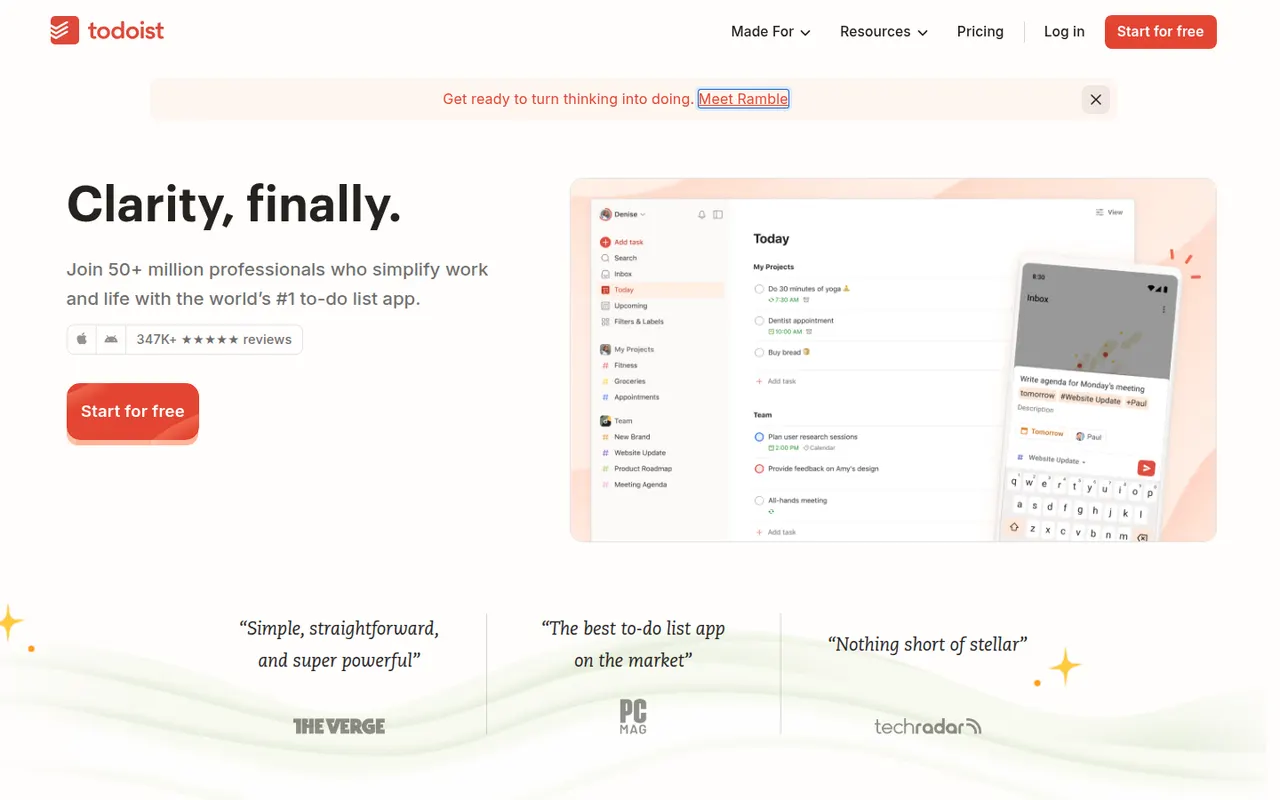
Cost / LicensePaidProprietaryCategoriesTodoist is a task manager by Doist that captures tasks quickly with natural language dates, such as every Monday at 9am, and organizes them into projects, sections, labels and filters. It runs on almost every platform, offers list, board and calendar layouts, supports shared projects for small teams and integrates with calendars, email and many other apps.
12 Todoist alternativesPros
- Fast natural language capture for dates and recurring tasks
- Runs on almost every platform with reliable sync
- Projects, labels and filters scale from simple to complex lists
Cons
- Several useful features are limited to paid plans
- Collaboration is basic for larger team projects
- No built-in time tracking without integrations
Cost / LicenseFreemiumProprietaryCategoriesMicrosoft To Do is a free task manager, the successor to Wunderlist, that syncs lists, reminders and recurring tasks across devices with a Microsoft account. Its My Day view helps pick what to tackle today, lists can be shared with family or colleagues, and flagged Outlook emails and Planner tasks show up next to personal to-dos.
9 Microsoft To Do alternativesPros
- Completely free with a Microsoft account
- My Day view keeps daily planning simple
- Flagged Outlook emails and Planner tasks appear next to your to-dos
Cons
- No board or timeline views for organizing projects
- Few integrations outside the Microsoft ecosystem
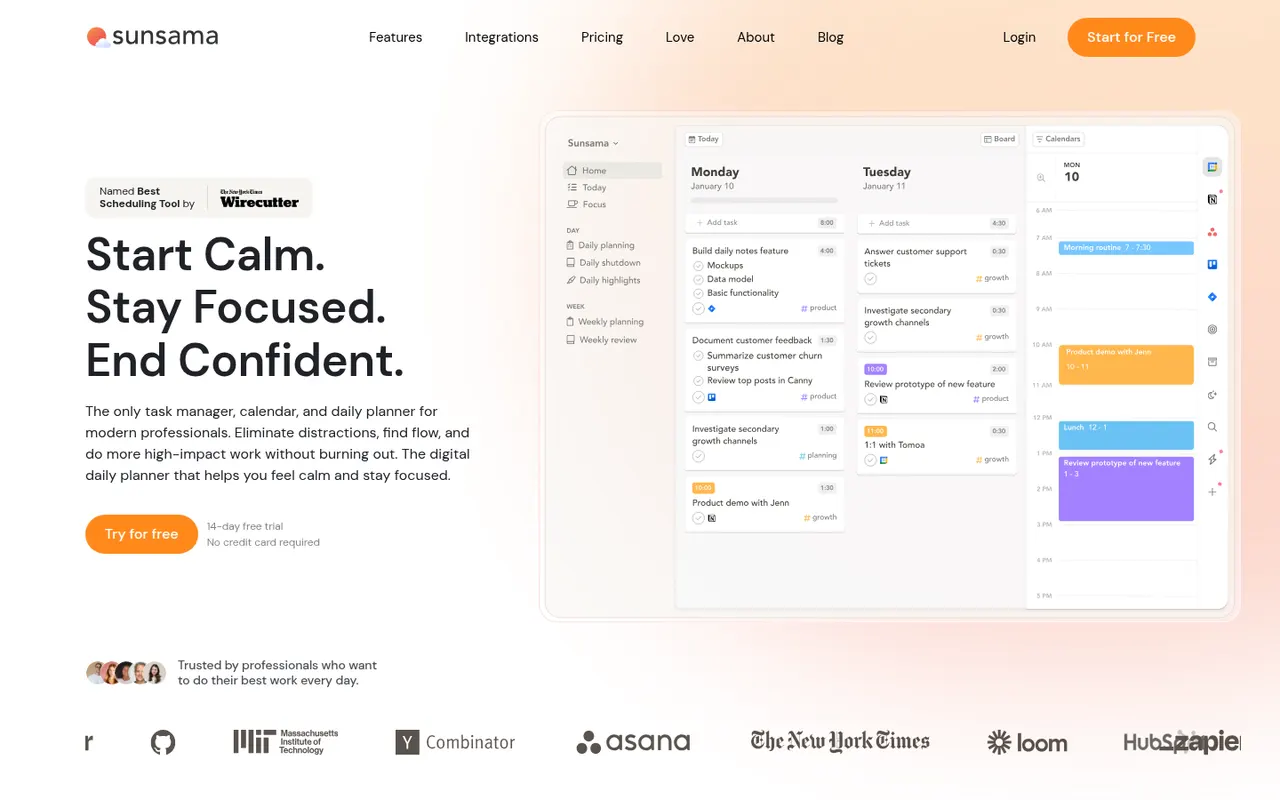
Cost / LicenseFreeProprietaryCategoriesSunsama is a daily planner for professionals who want a calmer workday. Each morning it walks you through picking tasks from Asana, Trello, Jira, Gmail, Slack and other tools, estimating their duration and dragging them onto your calendar, then closes the day with a shutdown ritual and a short review. There is no free plan beyond the trial.
9 Sunsama alternativesPros
- Guided morning planning ritual encourages realistic workdays
- Pulls in tasks from Asana, Trello, Jira, Gmail and Slack
- Daily shutdown and review help prevent overwork
Cons
- No free plan and a high subscription price
- The daily ritual can feel like overhead on busy days
- Built for individuals rather than team planning
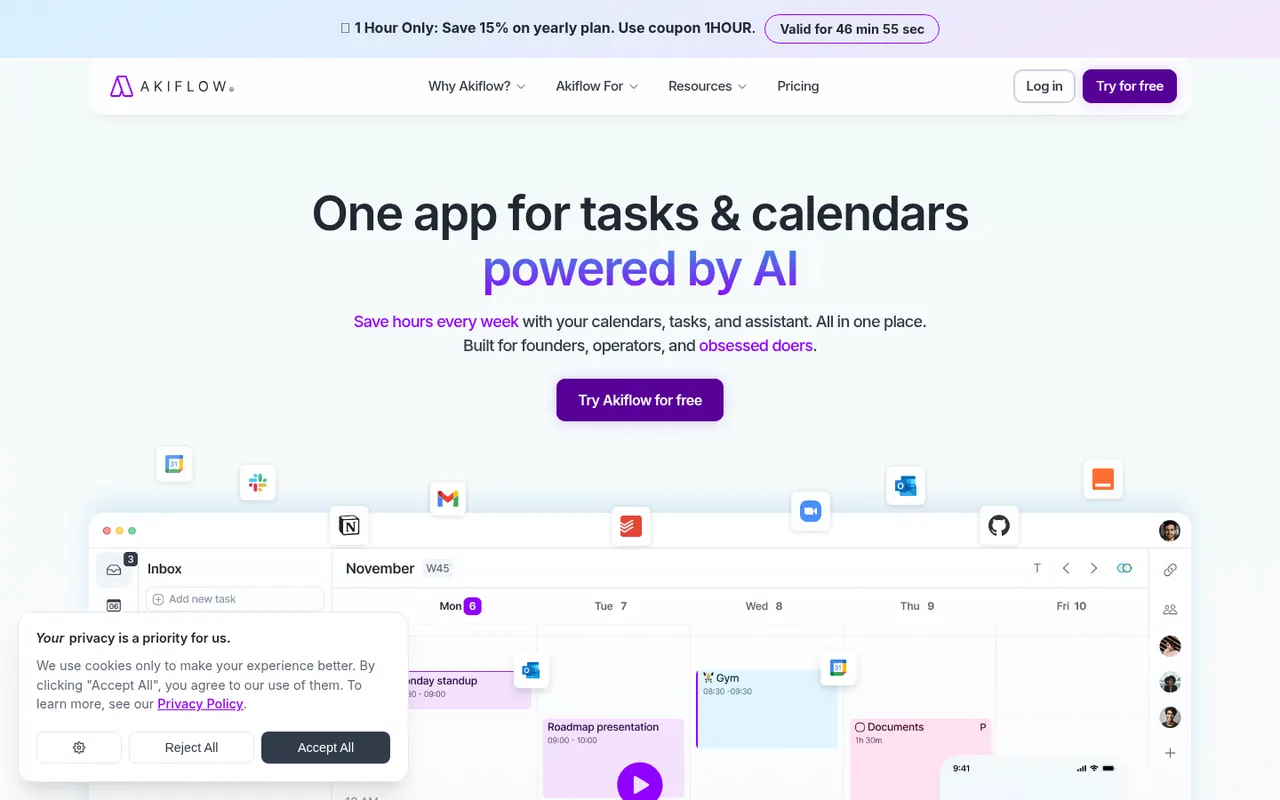
Cost / LicenseFree trialProprietaryAkiflow collects tasks from email, Slack, Notion, Asana, Todoist and other tools into one inbox, then lets you time-block them on your calendar with drag and drop. A command bar with natural language input and keyboard shortcuts suits people who live in their calendar and juggle many meetings and sources of work.
9 Akiflow alternativesPros
- Pulls tasks from email, Slack, Notion and more into one inbox
- Drag-and-drop time blocking straight onto your calendar
- Command bar and keyboard shortcuts make capture very fast
Cons
- No free plan, and the subscription is on the expensive side
- Connecting every source and building the habit takes time
- Not designed for team project management
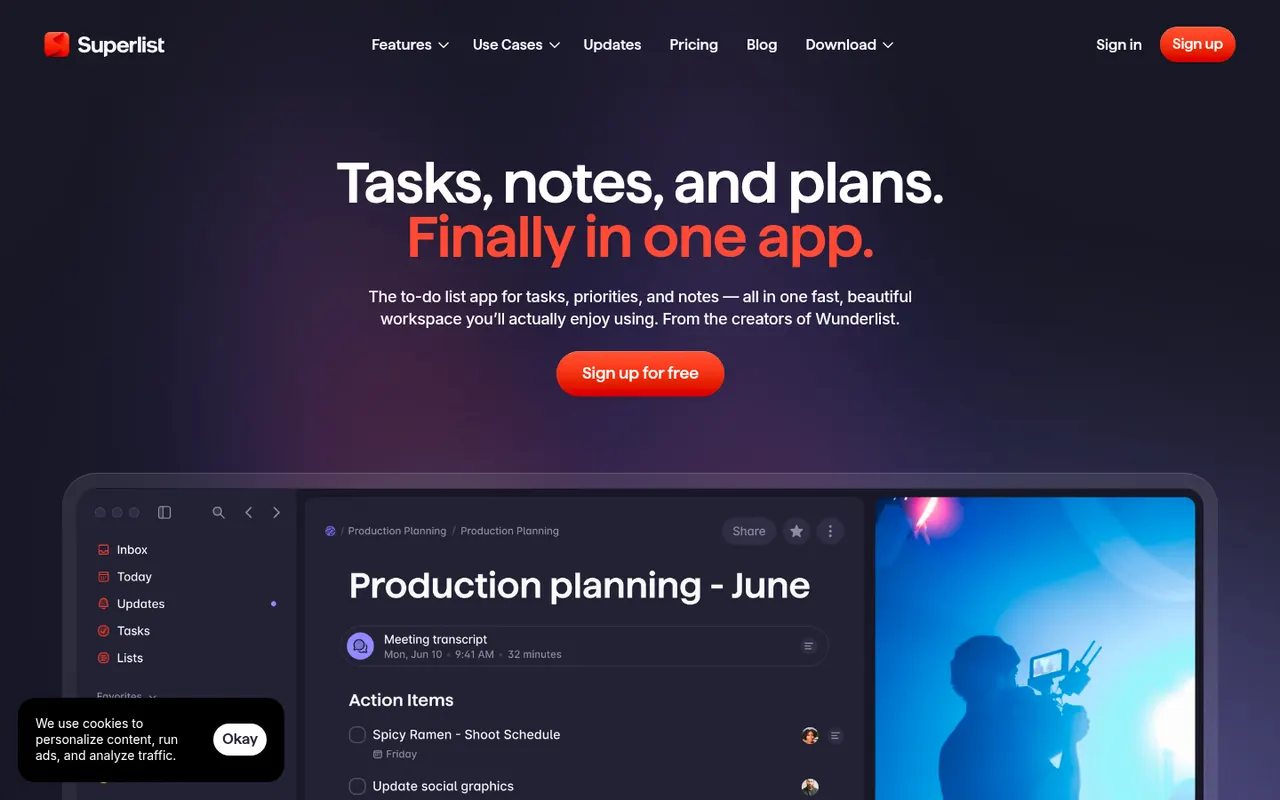
Cost / LicenseFree trialProprietarySuperlist is a task and notes app co-founded by Wunderlist creator Christian Reber, where each list doubles as a document mixing text, headings and checkable tasks. Lists can be shared for real-time collaboration, tasks can be pulled in from Slack and Gmail, and AI features can draft a list from a short prompt.
9 Superlist alternativesPros
- Lists double as documents mixing notes and tasks
- Real-time collaboration on shared lists
- Pulls tasks in from Slack and Gmail
Cons
- Younger app with fewer advanced features than established rivals
- Smaller integration catalog than established task managers
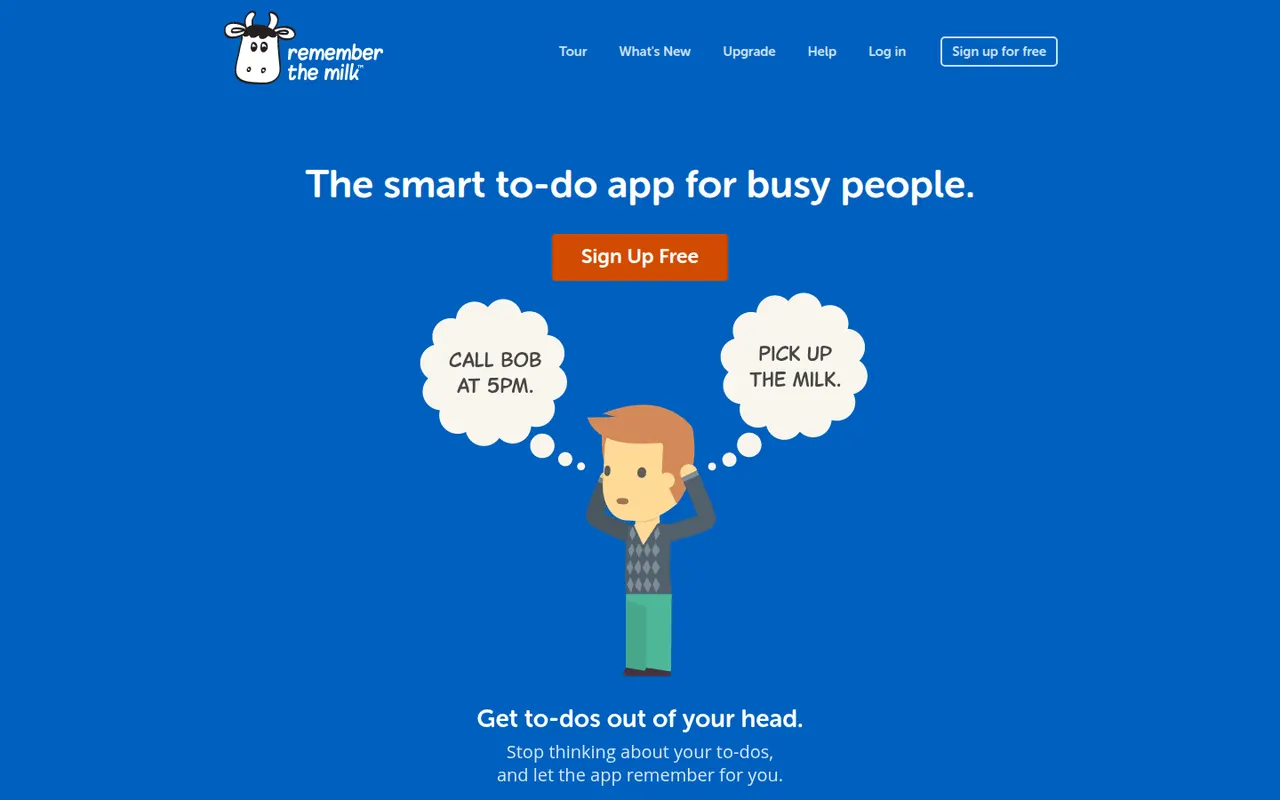
Cost / LicenseFreemiumProprietaryCategoriesRemember The Milk is an online to-do service launched in 2005 and available on the web, desktop and mobile. Smart Add understands dates, priorities, tags and lists typed in a single line, smart lists save advanced searches, and reminders can arrive by email, text message or push notification. A Pro subscription unlocks extras such as subtasks and wider sharing.
7 Remember The Milk alternativesPros
- Smart Add parses dates, tags and priorities from a single line
- Smart lists save advanced searches as dynamic views
- Reminders by email, text message or push notification
Cons
- Interface looks dated next to newer to-do apps
- Subtasks and wider sharing require the Pro plan
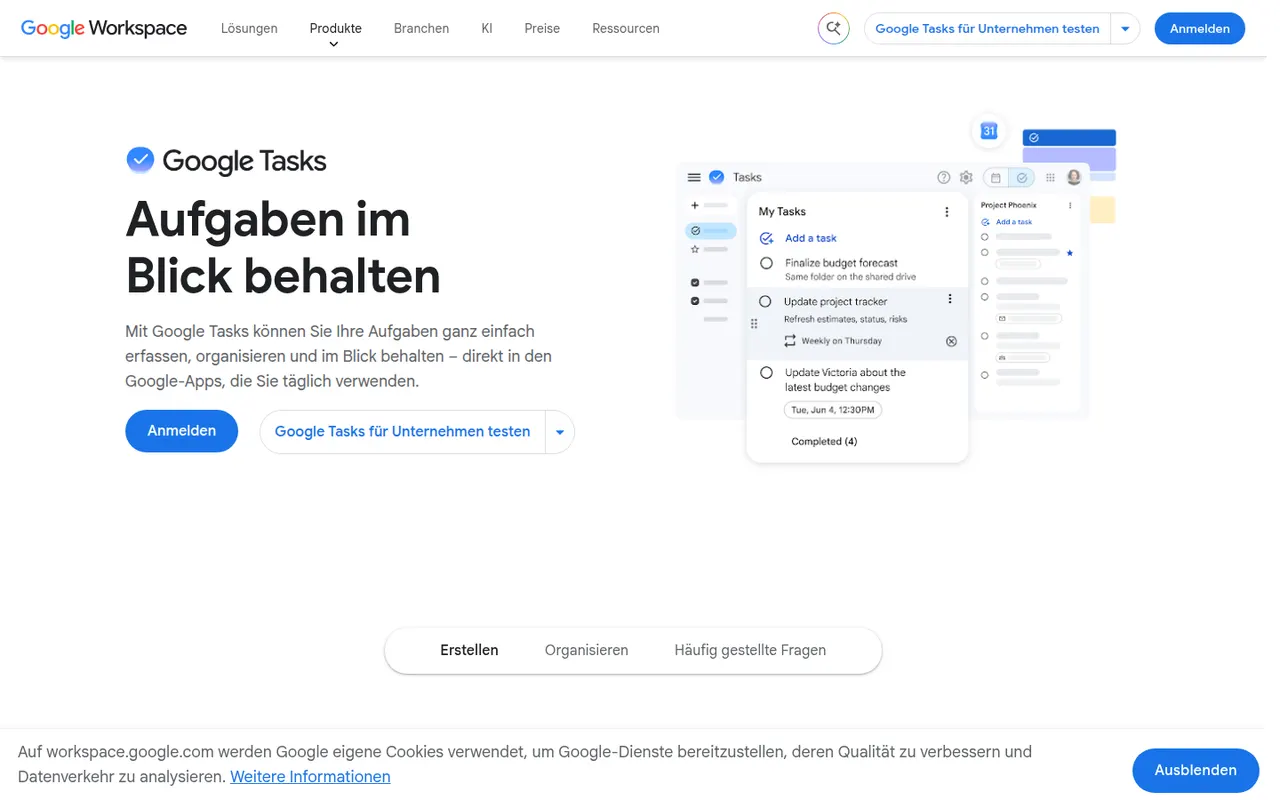
Cost / LicenseFreemiumProprietaryCategoriesGoogle Tasks is a free, minimal task manager tied to your Google account. Tasks can be created from Gmail messages, appear on their dates in Google Calendar and sync to the mobile apps, with support for subtasks, due dates and repeating tasks. It suits people who want basic lists inside Google Workspace rather than a full productivity system.
8 Google Tasks alternativesPros
- Free and built into Gmail and Google Calendar
- Turns an email into a task in a couple of clicks
- Minimal interface with practically no learning curve
Cons
- No labels, priority levels or advanced filters
- Very limited sharing and collaboration options
- No dedicated desktop app
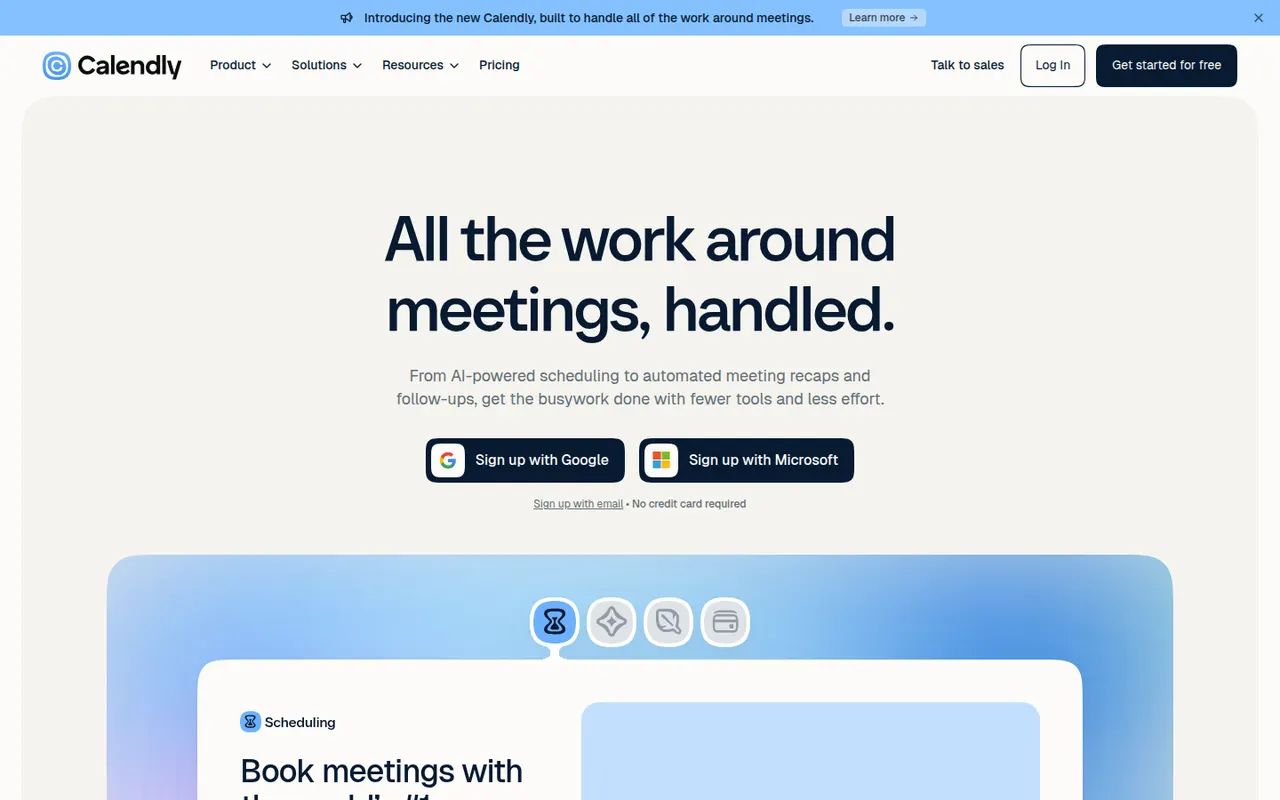
Cost / LicenseFreeProprietaryCategoriesCalendly lets people book time with you through a shareable link that reflects your real availability across Google, Outlook and iCloud calendars. Teams can distribute meetings round robin or book them collectively, collect payments with Stripe or PayPal, and send automatic reminders and follow-ups. It targets sales, recruiting and customer success teams and connects to CRMs such as Salesforce and HubSpot.
12 Calendly alternativesPros
- Booking links reflect real availability across several calendars
- Round-robin and collective scheduling for teams
- CRM integrations with Salesforce and HubSpot
Cons
- The free plan is restrictive, with key features on paid tiers
- Costs add up for teams that need routing and CRM features
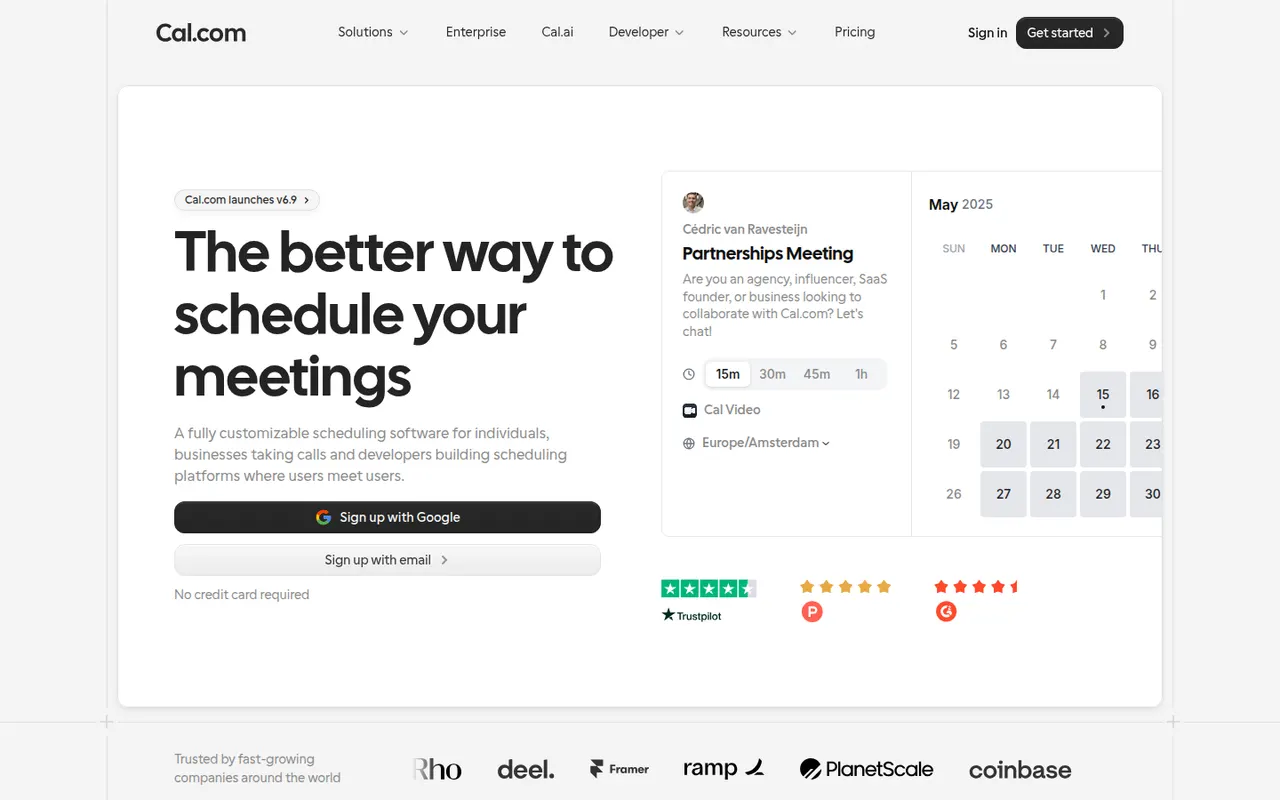
Cost / LicenseFreemiumProprietaryCategoriesPlatformsCal.com is an open source scheduling platform positioned as an alternative to Calendly, with booking pages, team round-robin, routing forms, paid bookings and automated workflows. It can be used as a hosted service with a free plan for individuals or self-hosted, and developers can embed it or build on its API.
7 Cal.com alternativesPros
- Open source and self-hostable, with a hosted option
- Free hosted plan for individuals
- API and embeds let developers build scheduling into their products
Cons
- Self-hosting takes technical effort to set up and maintain
- Team and enterprise features require paid plans
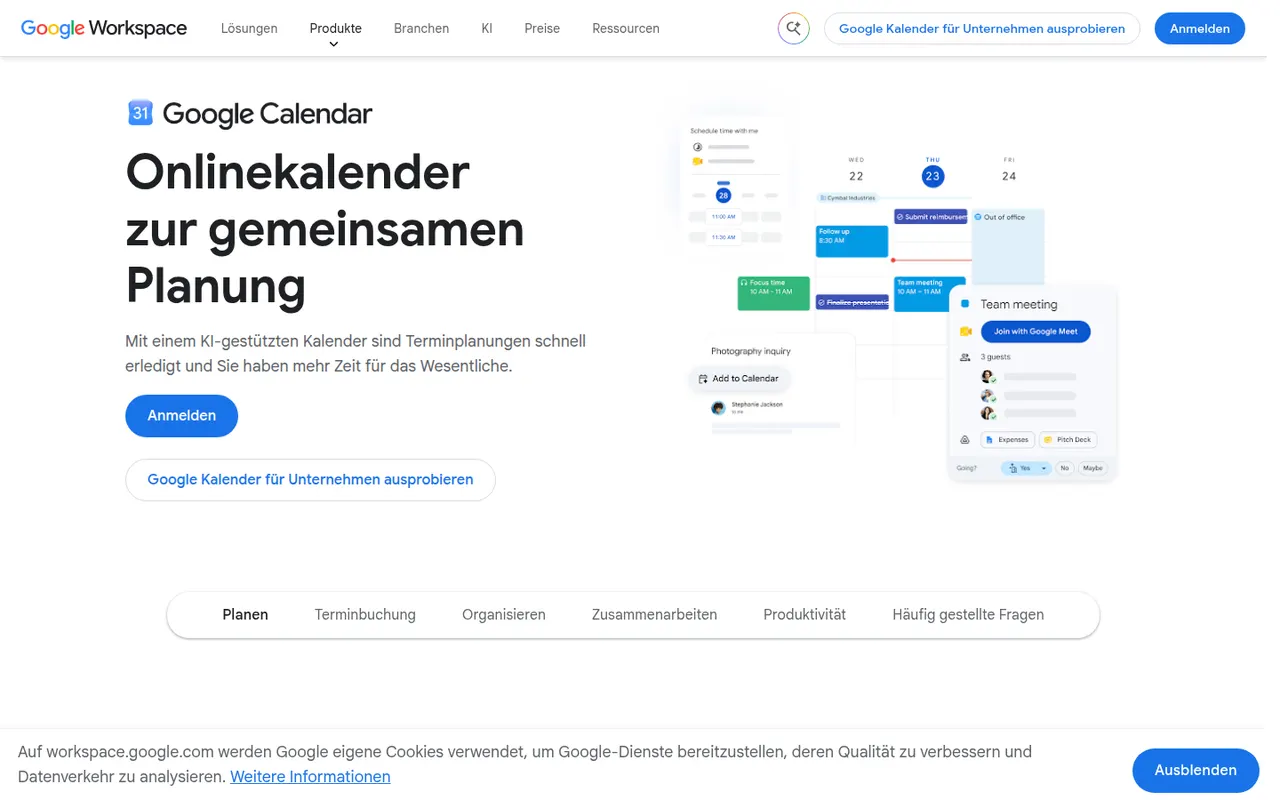
Cost / LicenseFreemiumOpen sourceCategoriesPlatformsGoogle Calendar is a free calendar service tied to your Google account, with shared calendars, event invitations, events detected from Gmail and Google Meet links added to meetings. Appointment schedules provide simple booking pages, and Google Workspace accounts add features such as focus time, working locations and room booking.
12 Google Calendar alternativesPros
- Free and tightly integrated with Gmail and Google Meet
- Calendar sharing and event invitations are easy to manage
- Appointment schedules provide simple booking pages
Cons
- Advanced appointment schedule options require a paid Workspace plan
- No official desktop app, only web and mobile
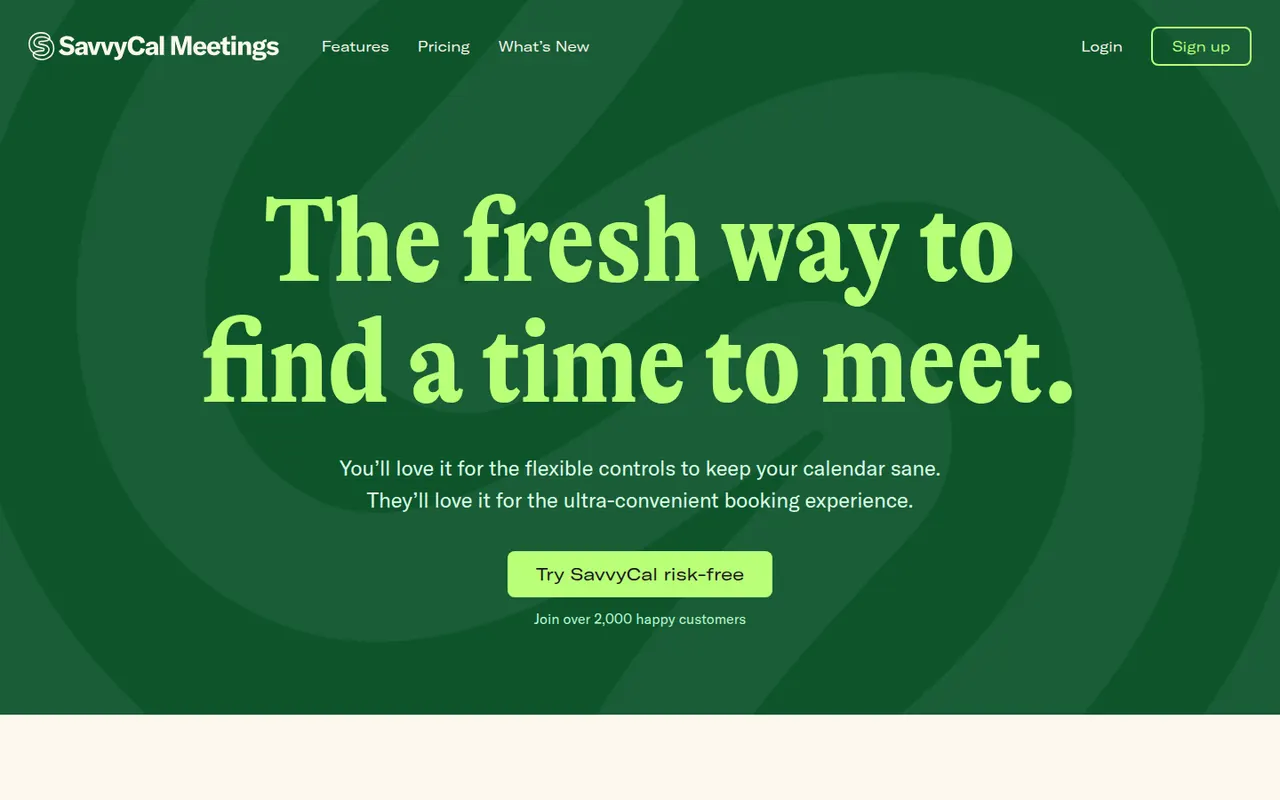
Cost / LicenseFreeProprietaryCategoriesSavvyCal is a scheduling tool built around the experience of the person booking: invitees can overlay their own calendar on your availability to spot a time that works for both. It supports personal and team links with round-robin, preferred time slots, buffers and frequency limits, and integrates with Google, Outlook, Zoom and Zapier.
8 SavvyCal alternativesPros
- Invitees can overlay their own calendar to find a common slot
- Preferred slots, buffers and frequency limits give fine control
- Polished booking experience for both sides
Cons
- Web only, with no mobile apps
- Smaller integration catalog than the largest schedulers
- Team features require a paid plan
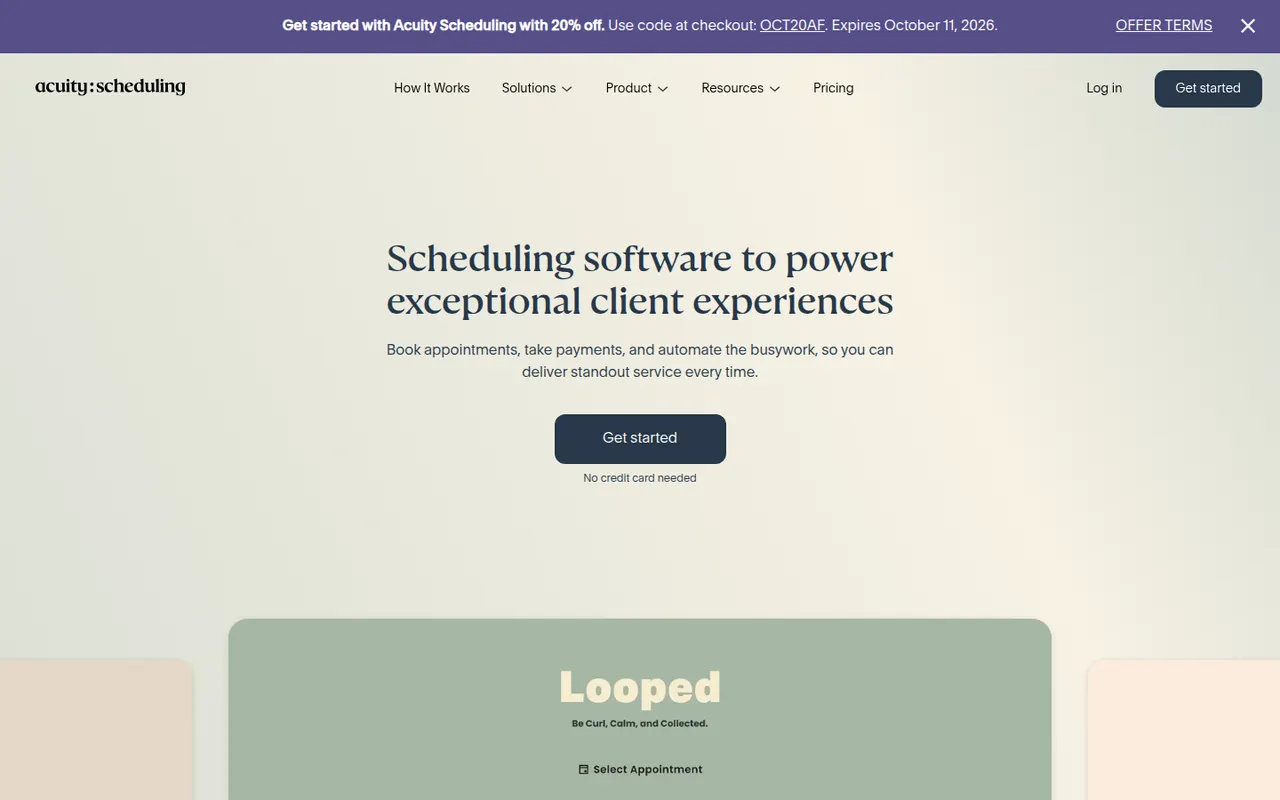
Cost / LicenseFreemiumProprietaryCategoriesPlatformsAcuity Scheduling, owned by Squarespace, is an appointment booking tool for coaches, salons, clinics and other service businesses. Clients book through a branded page, fill in intake forms and pay or leave a deposit online, while the business manages packages, gift certificates, staff calendars and automatic email and text reminders.
7 Acuity Scheduling alternativesPros
- Intake forms, deposits and online payments built into booking
- Packages and gift certificates suit coaches, salons and clinics
- Automatic email and text reminders help reduce no-shows
Cons
- No free plan, only a trial
- The admin interface feels dated compared with newer schedulers
Cost / LicenseFree trialProprietaryCategoriesDoodle is a Swiss scheduling service built around group polls, where participants vote on proposed time slots to find a date that suits everyone without a long email thread. It also offers booking pages and one-on-one scheduling, connects to Google, Outlook and video conferencing tools, and has a free ad-supported plan.
8 Doodle alternativesPros
- Group polls make it easy to agree on a date with many people
- Participants can vote without creating an account
- Connects to Google, Outlook and video conferencing tools
Cons
- The free plan shows ads
- Booking pages are less advanced than in dedicated schedulers
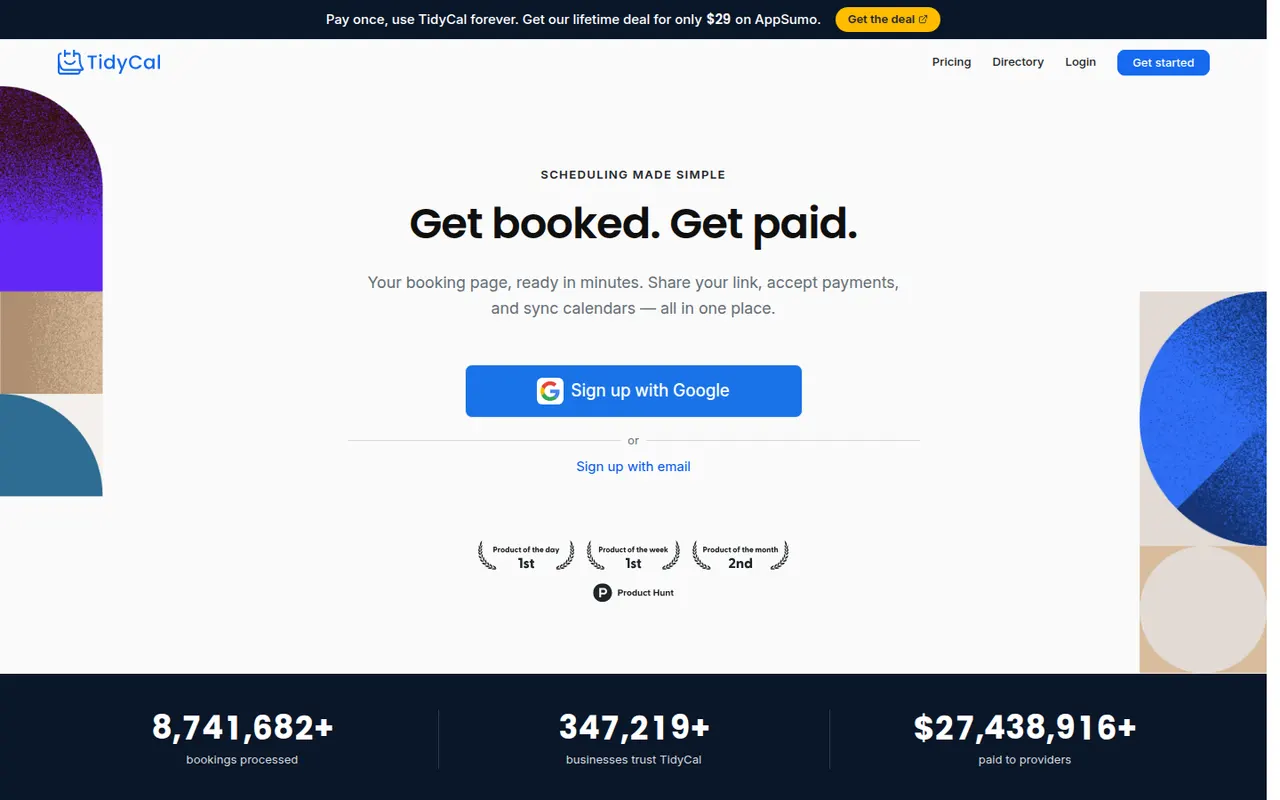
Cost / LicenseFreemiumProprietaryCategoriesTidyCal is a lightweight scheduling tool from AppSumo for freelancers and small businesses. It provides booking pages, group bookings and paid bookings through Stripe or PayPal, and connects to Google and Outlook calendars as well as Zoom and Google Meet. Beyond the free plan, its Pro features are sold as a one-time purchase instead of a subscription.
7 TidyCal alternativesPros
- Pro features are a one-time purchase instead of a subscription
- Paid bookings through Stripe or PayPal, plus group bookings
- Quick setup suited to freelancers
Cons
- Fewer team and routing features than Calendly or Cal.com
- Limited branding and integration options
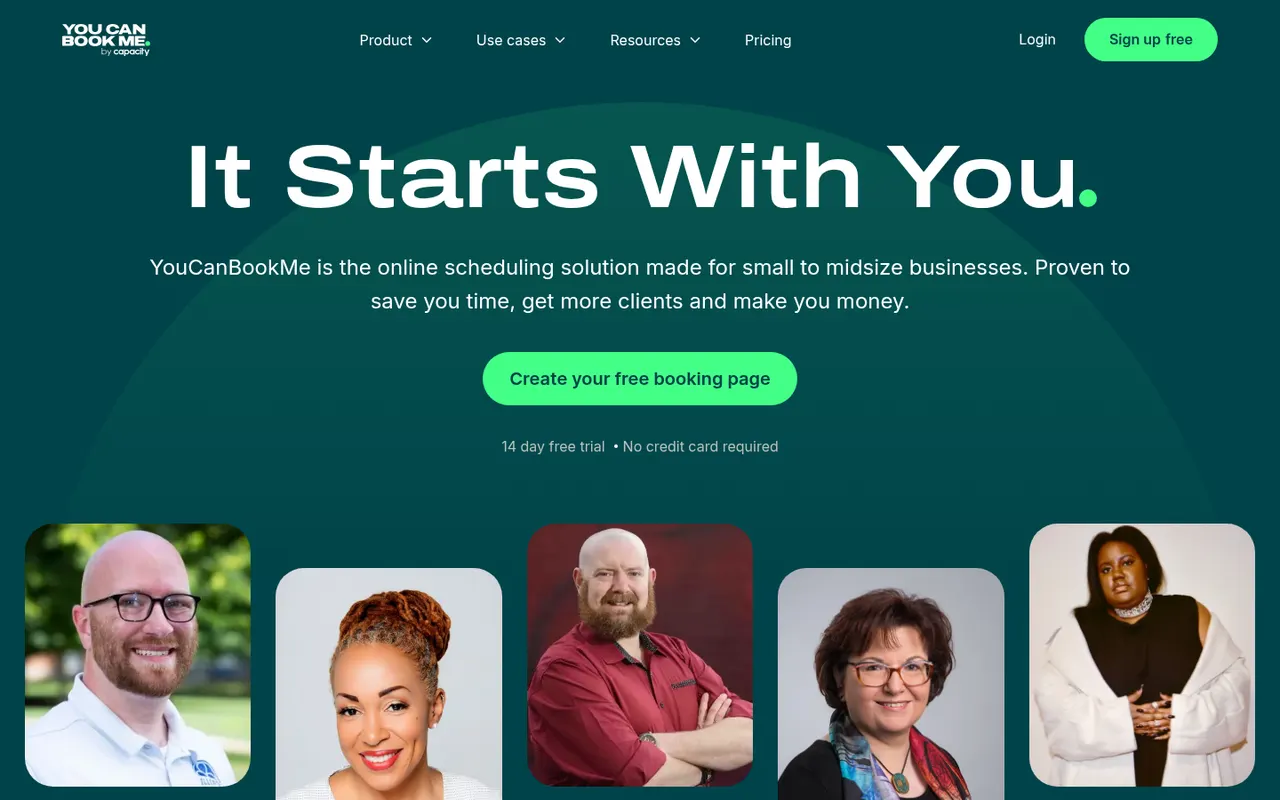
Cost / LicenseFreemiumProprietaryCategoriesPlatformsYouCanBookMe is a UK-based scheduling tool that turns your Google or Microsoft calendar into a customizable booking page. It supports team and round-robin bookings, custom booking forms, Stripe payments and email or SMS reminders, and suits tutors, consultants and universities that need flexible booking rules.
7 YouCanBookMe alternativesPros
- Highly customizable booking pages and forms
- Flexible booking rules suit tutors, consultants and universities
- Email and SMS reminders, plus Stripe payments
Cons
- Web only, with no mobile apps
- The many settings can feel overwhelming at first
- Most useful features require a paid plan
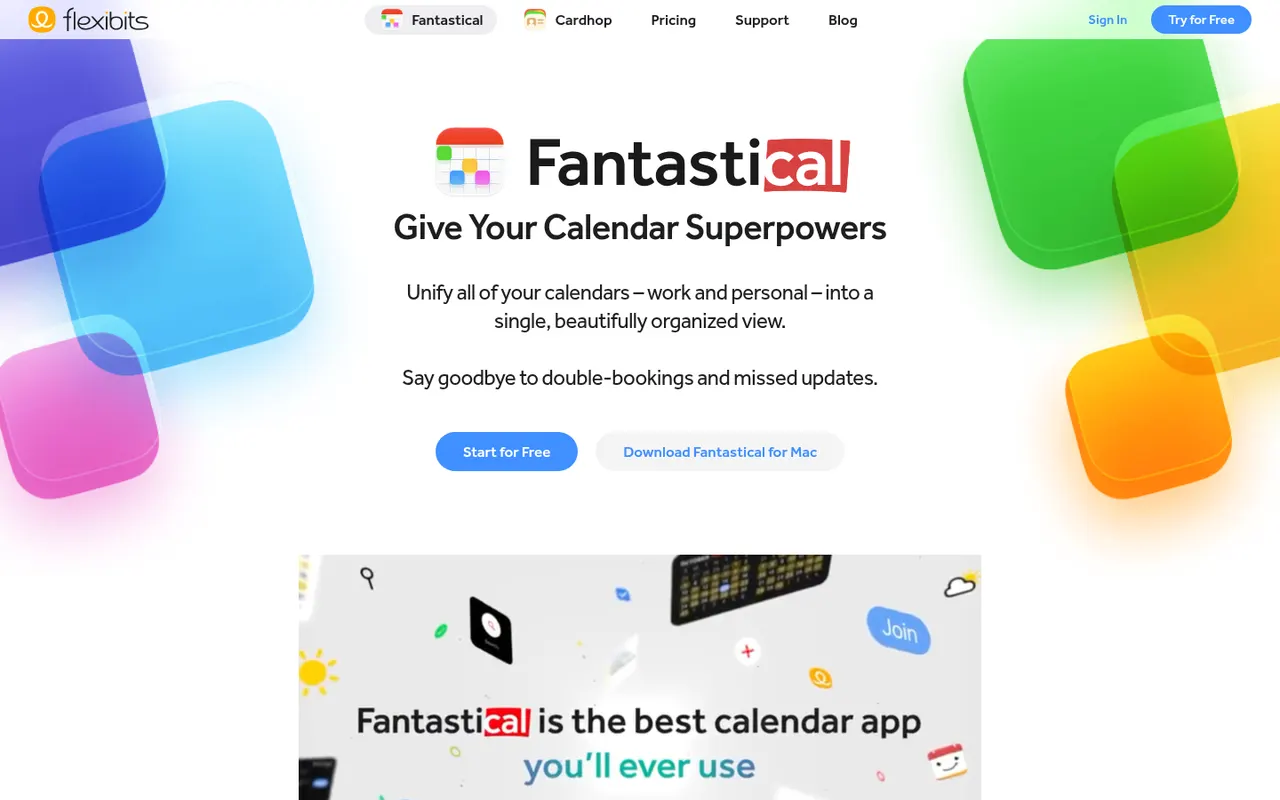
Cost / LicenseFreemiumProprietaryCategoriesPlatformsFantastical is a calendar app from Flexibits, first built for Apple devices and now also available on Windows, that creates events and reminders from plain sentences such as lunch with Sam Friday at noon. It combines Google, iCloud and Exchange calendars, adds calendar sets, weather and meeting proposals, and a Premium subscription unlocks Openings booking pages.
8 Fantastical alternativesPros
- Natural language input turns plain sentences into events
- Combines Google, iCloud and Exchange calendars in one view
- Calendar sets switch between work and personal contexts
Cons
- Many features require a Premium subscription
- No Android app, unlike most rival calendar apps
Cost / LicenseFreemiumProprietaryCategories