Apps with Integrations
152 apps
Top Integrations apps ranked by the community
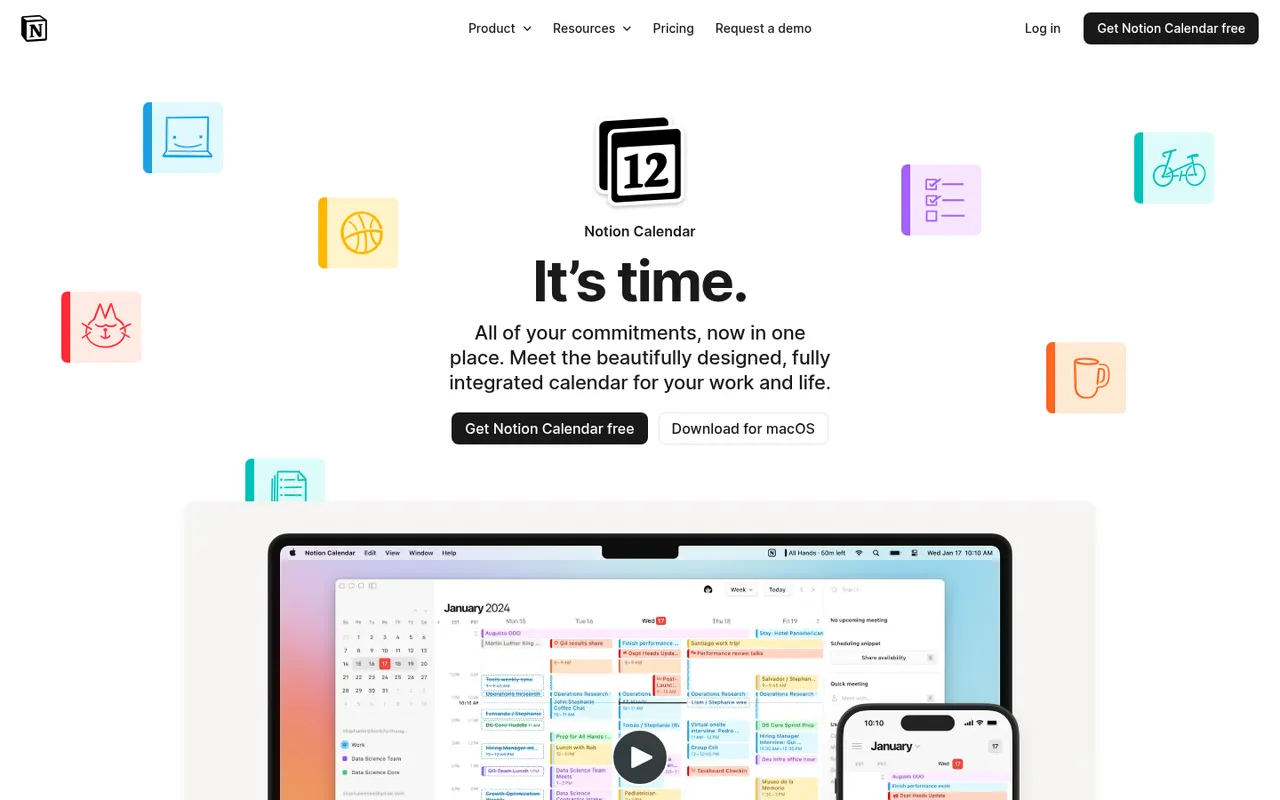
Notion Calendar, formerly Cron, is a free calendar for desktop, web and iPhone that works on top of Google Calendar accounts and connects to Notion databases, so pages with dates appear next to meetings. It is designed for keyboard-heavy users, with many shortcuts, a menu bar for joining calls, multiple time zones and availability sharing.
8 Notion Calendar alternativesPros
- Free, fast and designed for keyboard use
- Shows dated Notion database pages next to meetings
- Handles multiple time zones and availability sharing well
Cons
- Built on Google Calendar accounts, a poor fit for Outlook or iCloud users
- Few planning features beyond the link with Notion
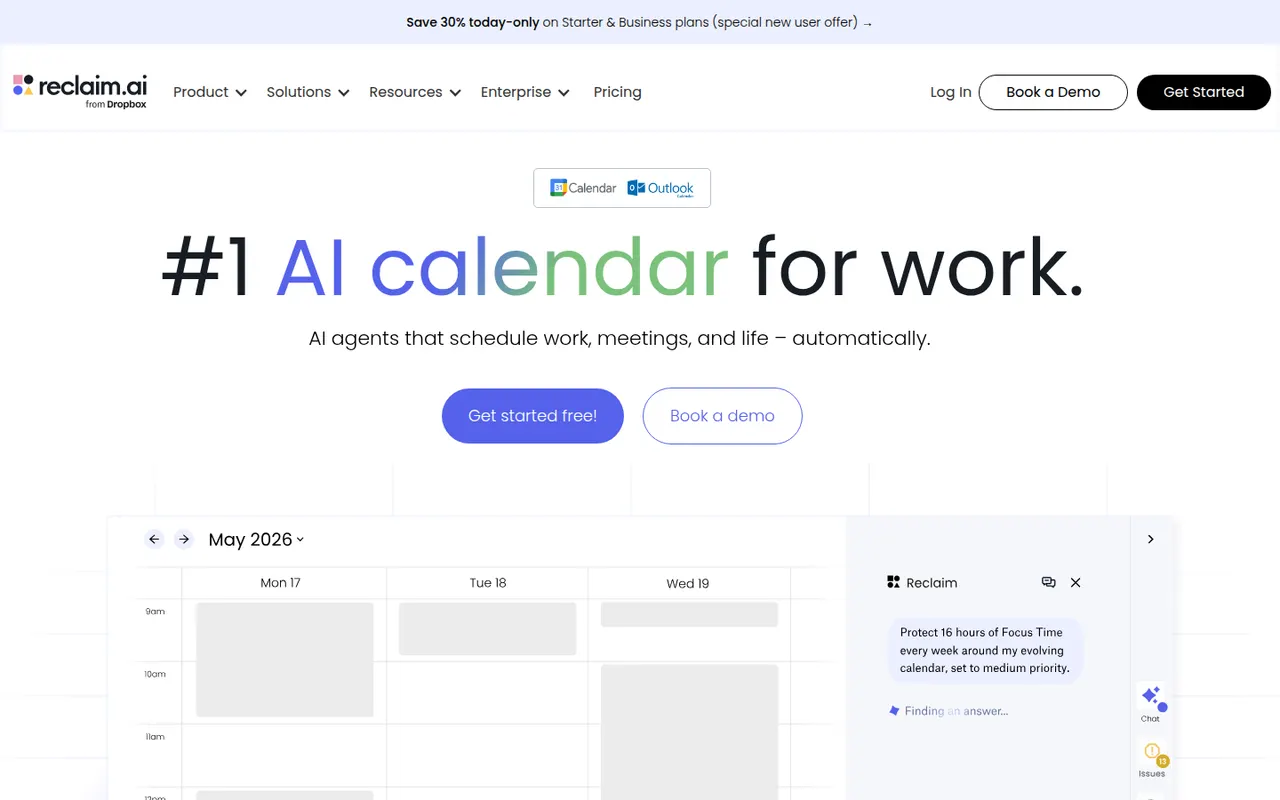
Cost / LicenseFreeProprietaryCategoriesReclaim.ai is a scheduling assistant for Google Calendar and Outlook that automatically blocks time for tasks, recurring habits, focus time and breaks, then adjusts those blocks as meetings move. It syncs tasks from Asana, Todoist, Jira, ClickUp and Linear, offers scheduling links and time analytics, and has been part of Dropbox since 2024.
9 Reclaim.ai alternativesPros
- Automatically protects time for tasks, habits, focus and breaks
- Time blocks adjust automatically as meetings move
- Syncs tasks from Asana, Todoist, Jira, ClickUp and Linear
Cons
- Works only with Google Calendar and Outlook
- Heavy automatic blocking can clutter shared calendars
- Advanced features and team analytics require paid plans
Cost / LicenseFreemiumProprietaryCategoriesPlatformsMiro is a visual collaboration platform built around an infinite whiteboard where teams run workshops, brainstorms, retrospectives and planning sessions with sticky notes, diagrams and mind maps. It offers thousands of community templates, AI features for clustering and summarizing content, and integrations with Jira, Slack, Teams and Zoom.
12 Miro alternativesPros
- Huge library of community templates for workshops and planning
- Integrations with Jira, Slack, Teams and Zoom
- Apps on the web, desktop and mobile
Cons
- Free plan limits the number of editable boards
- Large boards can become slow and cluttered
- Per-seat pricing adds up for big teams
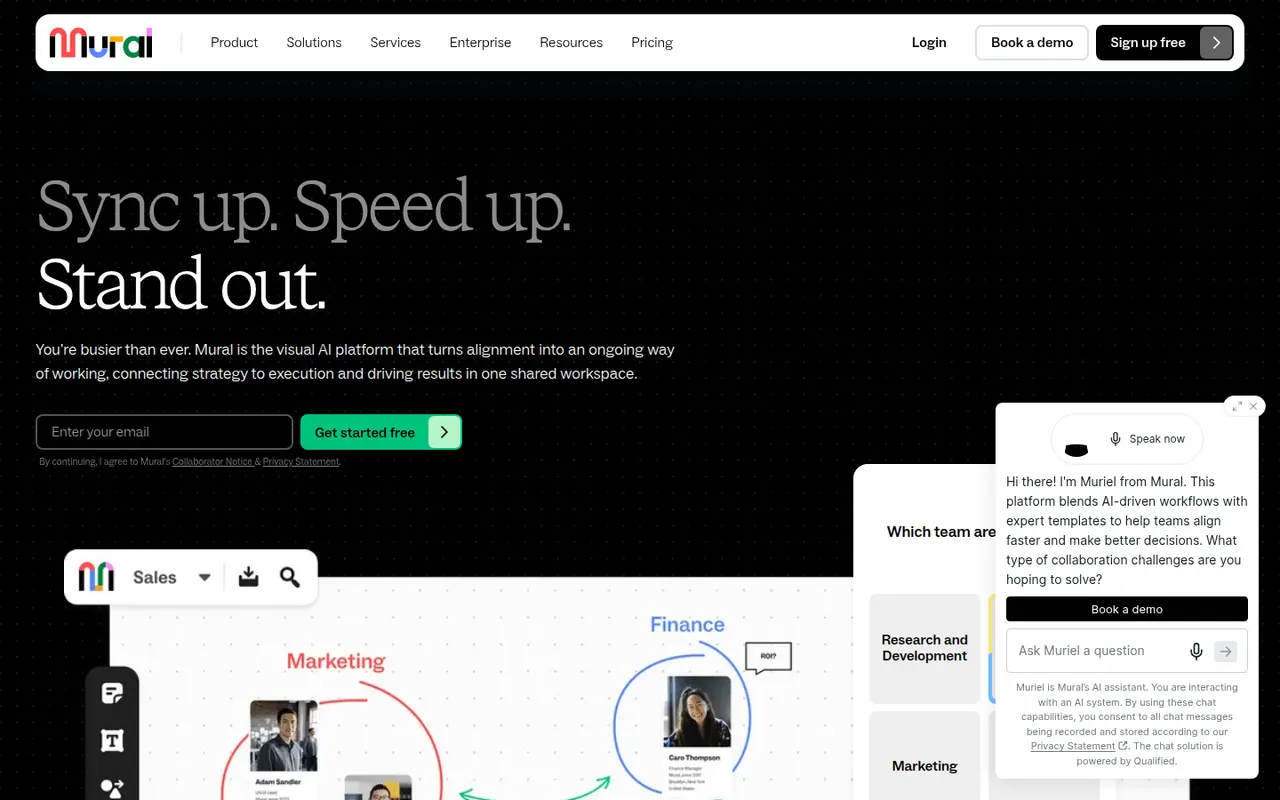
Cost / LicenseFreemiumProprietaryCategoriesMural is a digital whiteboard for collaborative workshops and meetings, with facilitation tools such as a timer, voting, private mode and the ability to bring all participants to the same spot. It is aimed at enterprise teams running design thinking, agile ceremonies and strategy sessions, supported by templates, AI assistance and integrations with Microsoft Teams, Zoom and Webex.
9 Mural alternativesPros
- Facilitation tools: timer, voting, private mode and summoning participants
- Templates for design thinking and agile ceremonies
- Integrations with Microsoft Teams, Zoom and Webex
Cons
- Geared toward enterprises, with pricing to match
- Free plan limits the number of boards
Cost / LicenseFreemiumProprietaryCategoriesMicrosoft Whiteboard is a freeform digital canvas for sketching, brainstorming and teaching together, with pen and touch input, sticky notes, templates and reactions. It is built into Microsoft Teams meetings, saves boards to OneDrive, and is free with a Microsoft account on the web, Windows, iOS and Android.
8 Microsoft Whiteboard alternativesPros
- Free with a Microsoft account on web, Windows and mobile
- Built into Microsoft Teams meetings
- Natural pen and touch input for sketching
Cons
- Fewer templates and integrations than Miro or Mural
- No native Mac app, only the web version
- Best suited to teams in the Microsoft ecosystem
Cost / LicenseFreeProprietaryCategoriesLucidchart is a browser-based diagramming tool from Lucid Software for flowcharts, org charts, network and cloud architecture diagrams, ERDs and process maps. Teams edit diagrams together in real time, link shapes to live data, import Visio files and generate diagrams with AI, with integrations for Google Workspace, Microsoft 365, Atlassian and Slack.
10 Lucidchart alternativesPros
- Broad shape libraries for flowcharts, ERDs and cloud architecture
- Imports Visio files and links shapes to live data
- Integrates with Google Workspace, Microsoft 365, Atlassian and Slack
Cons
- Free plan caps the number of documents and shapes
- Team plans get expensive as seats are added
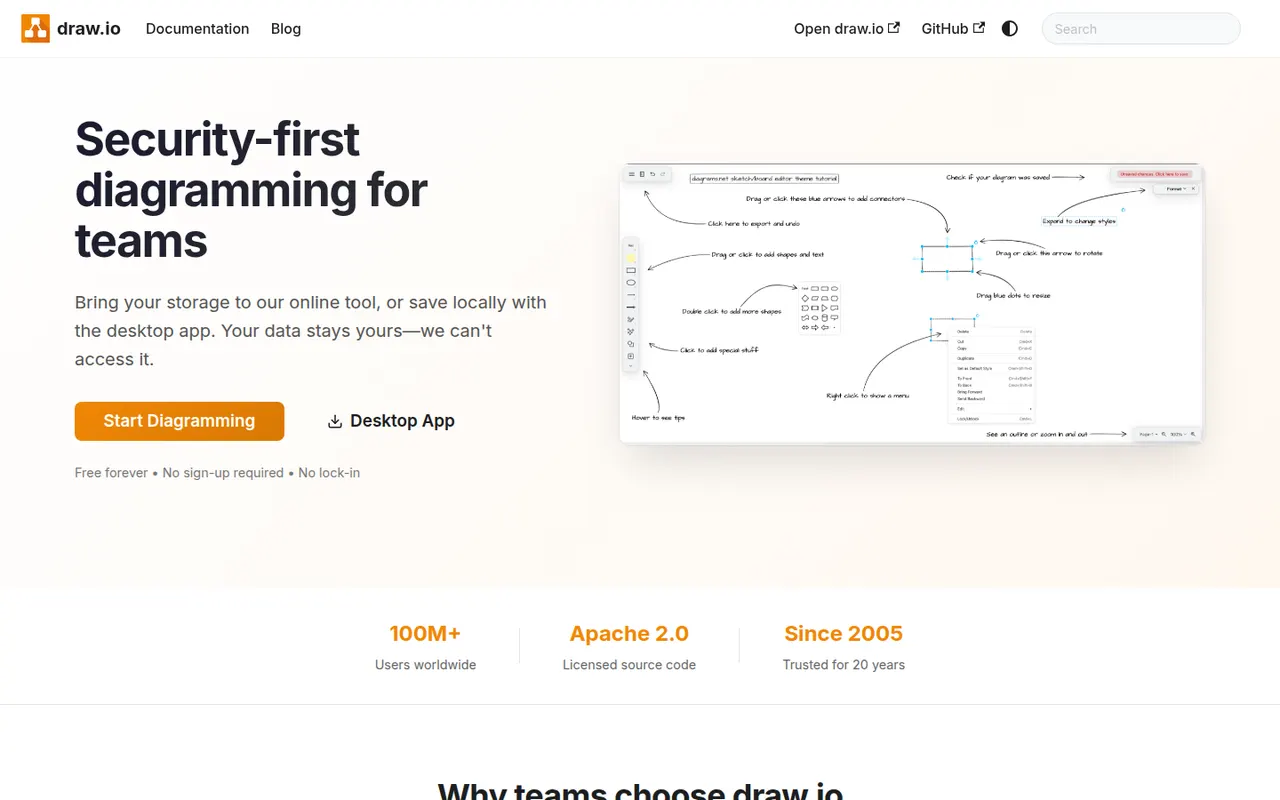
Cost / LicenseFreemiumProprietaryCategoriesdraw.io, also known as diagrams.net, is a free and open source diagramming tool from JGraph for flowcharts, UML, network, BPMN and org charts. It requires no account, saves diagrams wherever you choose, such as your device, Google Drive, OneDrive or GitHub, and is available as a desktop app for offline use and as an integration for Confluence and Jira.
10 draw.io alternativesPros
- Completely free and open source, with no account required
- Saves diagrams to your device, Google Drive, OneDrive or GitHub
- Offline desktop app plus Confluence and Jira integrations
Cons
- Interface looks dated next to modern whiteboard tools
- Real-time collaboration is more limited than in paid rivals
Cost / LicenseFreeOpen sourceCategoriesPlatformsMicrosoft Visio is a diagramming application for flowcharts, floor plans, network diagrams, org charts and engineering schematics, with large stencil libraries and support for standards such as BPMN and UML. The full desktop app runs on Windows, a lighter web version is included with many Microsoft 365 business plans, and diagrams can be co-authored and linked to Excel data.
8 Microsoft Visio alternativesPros
- Extensive stencil libraries with BPMN and UML support
- Diagrams can be linked to Excel data
- Web version included with many Microsoft 365 business plans
Cons
- Full desktop app runs only on Windows
- Expensive for occasional use, with no free plan
- Interface feels heavy compared with modern web tools
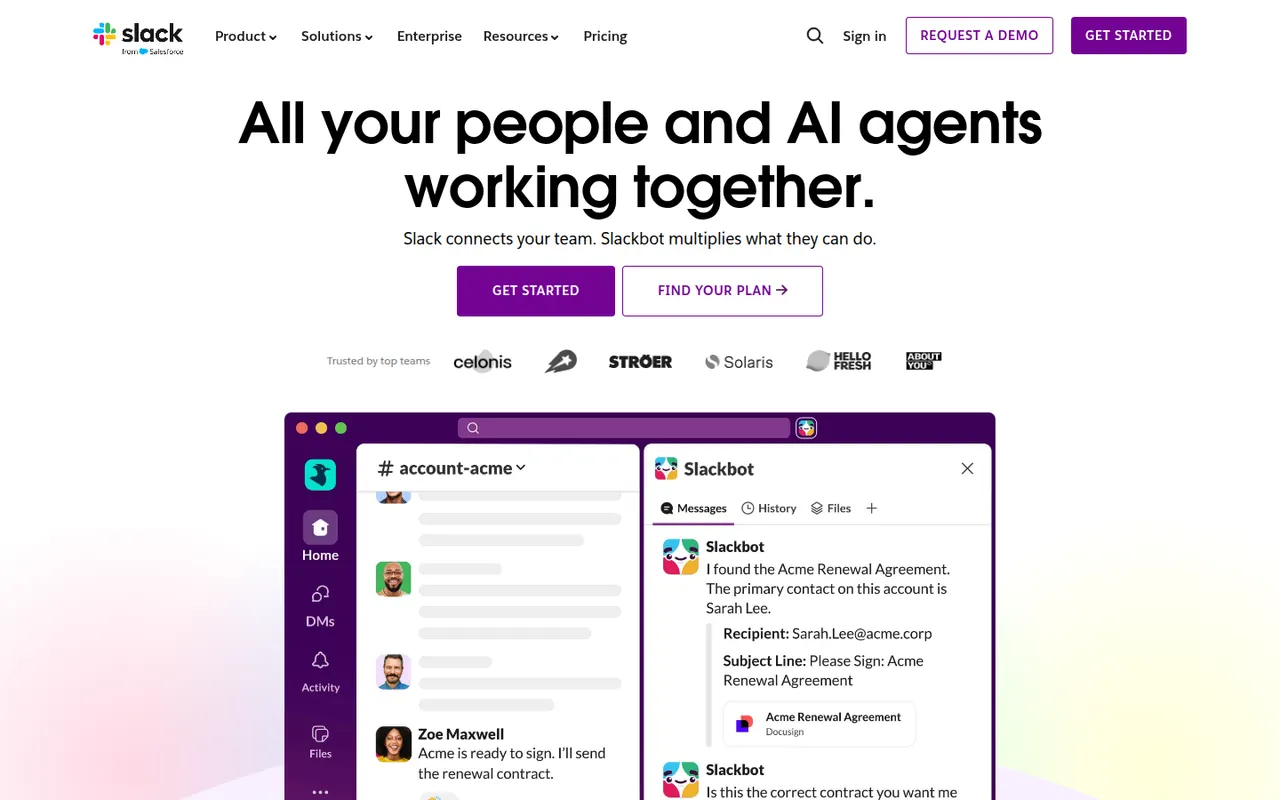
Cost / LicensePaidProprietaryCategoriesSlack is a workplace messaging app that organizes conversations into channels by team, project or topic, with threads, direct messages and huddles for quick audio or video calls. A large app directory and an open API connect it to most business tools, and Slack Connect lets companies share channels with clients and partners. AI summaries and search are available on paid plans.
9 Slack alternativesPros
- Huge app directory connects to almost any business tool
- Slack Connect shares channels with clients and partners
- Huddles make quick audio and video calls effortless
Cons
- Free plan hides older message history
- Paid plans get costly for large teams
- Constant notifications can hurt focus
Cost / LicenseFreemiumProprietaryCategoriesMicrosoft Teams combines persistent team chat, channels, video meetings, webinars and calling in one app tied to Microsoft 365. Files live in SharePoint and OneDrive and can be co-edited in Word, Excel or PowerPoint without leaving the conversation. It suits organizations already standardized on Microsoft 365, and Copilot adds meeting recaps and chat summaries on eligible licenses.
12 Microsoft Teams alternativesPros
- Chat, meetings and calls in one app tied to Microsoft 365
- Co-edit Word, Excel and PowerPoint files without leaving a conversation
- Enterprise-grade admin, security and compliance controls
Cons
- Can feel heavy and slow, especially on older machines
- Channels, chats and files can be confusing to navigate
- Less appealing outside a Microsoft 365 environment
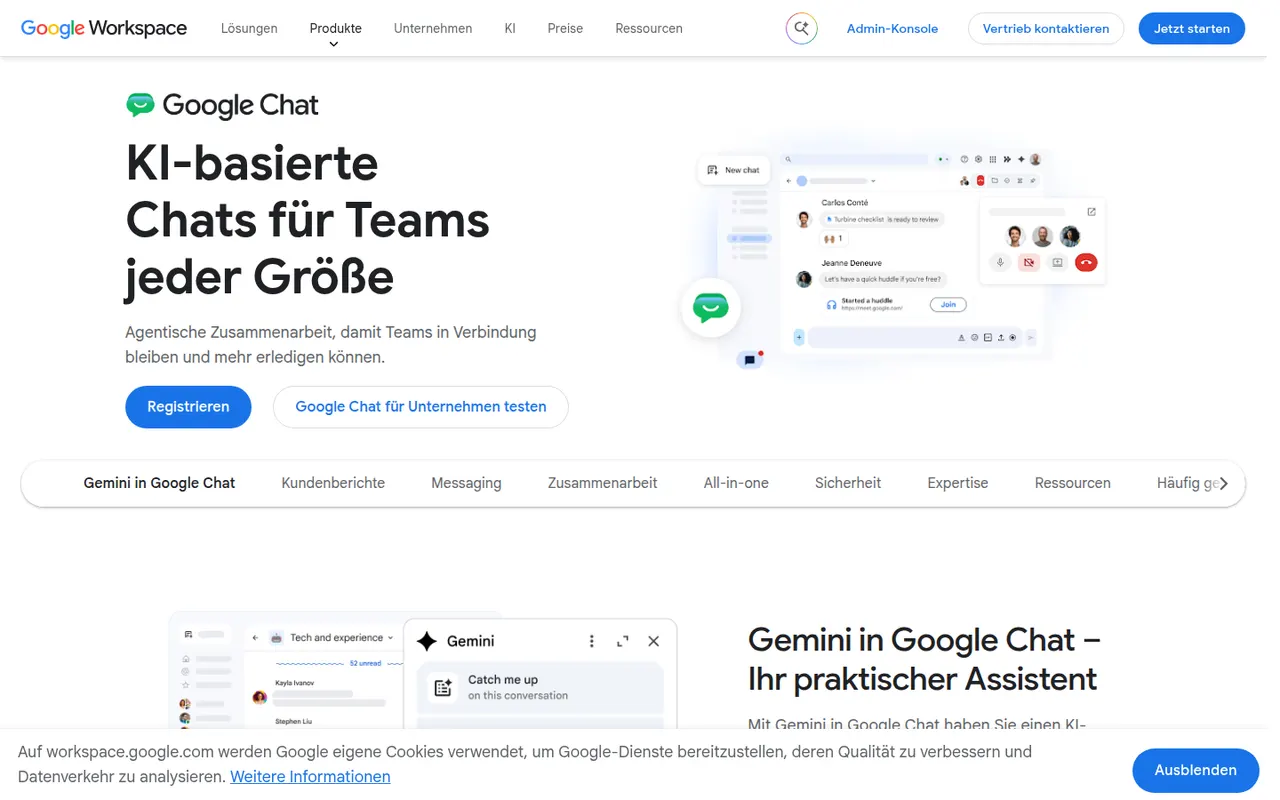
Cost / LicenseFreemiumProprietaryCategoriesGoogle Chat is Google's messaging app for direct messages, group conversations and spaces, the shared rooms where teams discuss projects in threads. It sits next to Gmail and works closely with Drive, Docs and Meet, so files and meetings can be shared without switching apps. It is free with a personal Google account, while companies get admin controls and Gemini features through Google Workspace.
8 Google Chat alternativesPros
- Built into Gmail, so Workspace users need no extra app
- Works closely with Drive, Docs and Meet for files and calls
- Free to use with a personal Google account
Cons
- Fewer third-party integrations and bots than Slack
- Little appeal outside the Google Workspace ecosystem
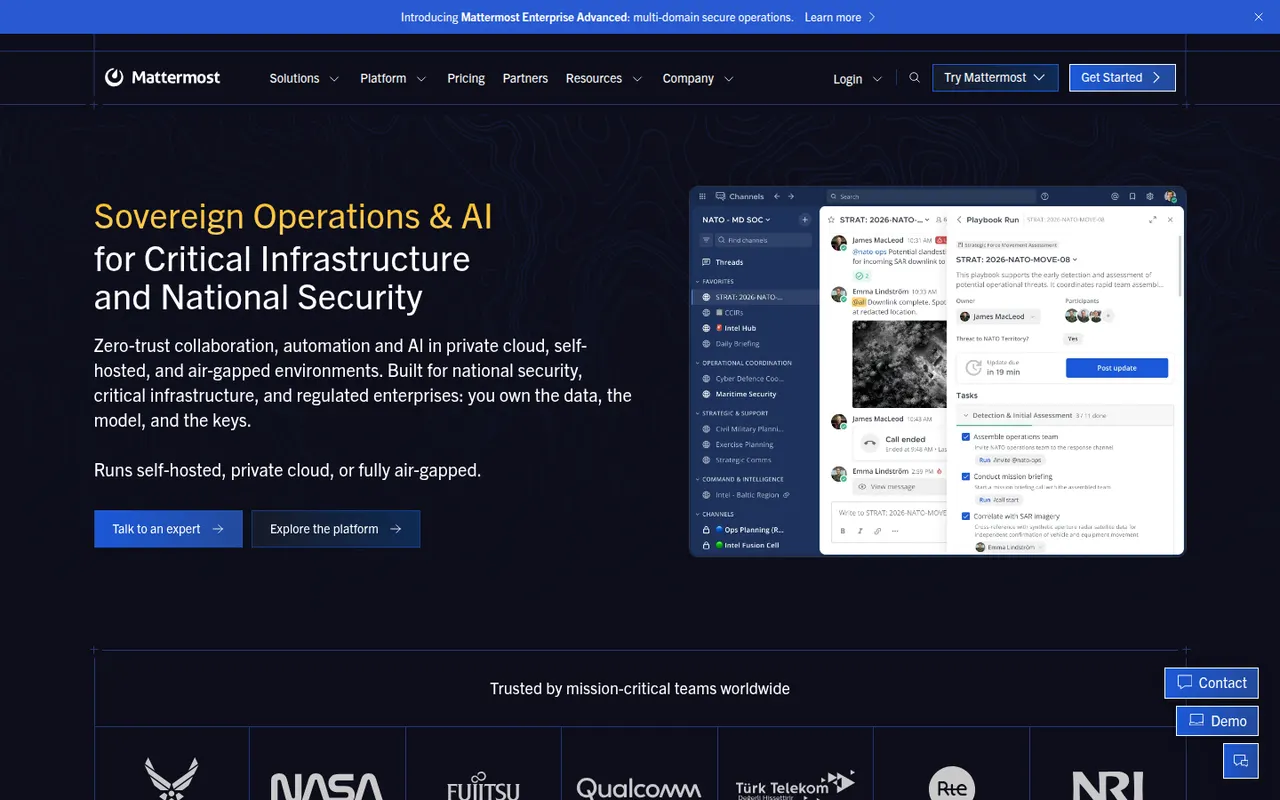
Cost / LicenseFreemiumProprietaryCategoriesMattermost is an open-source collaboration platform offering channels, threads, calls and playbooks for structured workflows. Organizations can run it on their own servers or in a private cloud to keep full control of their data, which appeals to engineering teams, public agencies and regulated industries. Plugins, webhooks and an API connect it to DevOps tools like GitLab, Jira and Jenkins.
8 Mattermost alternativesPros
- Self-hosting keeps full control over data and infrastructure
- Strong DevOps integrations with GitLab, Jira and Jenkins
- Playbooks structure incident response and repeatable workflows
Cons
- Self-hosted deployments need ongoing admin work
- Smaller app ecosystem than Slack
- Advanced compliance and enterprise features require paid plans
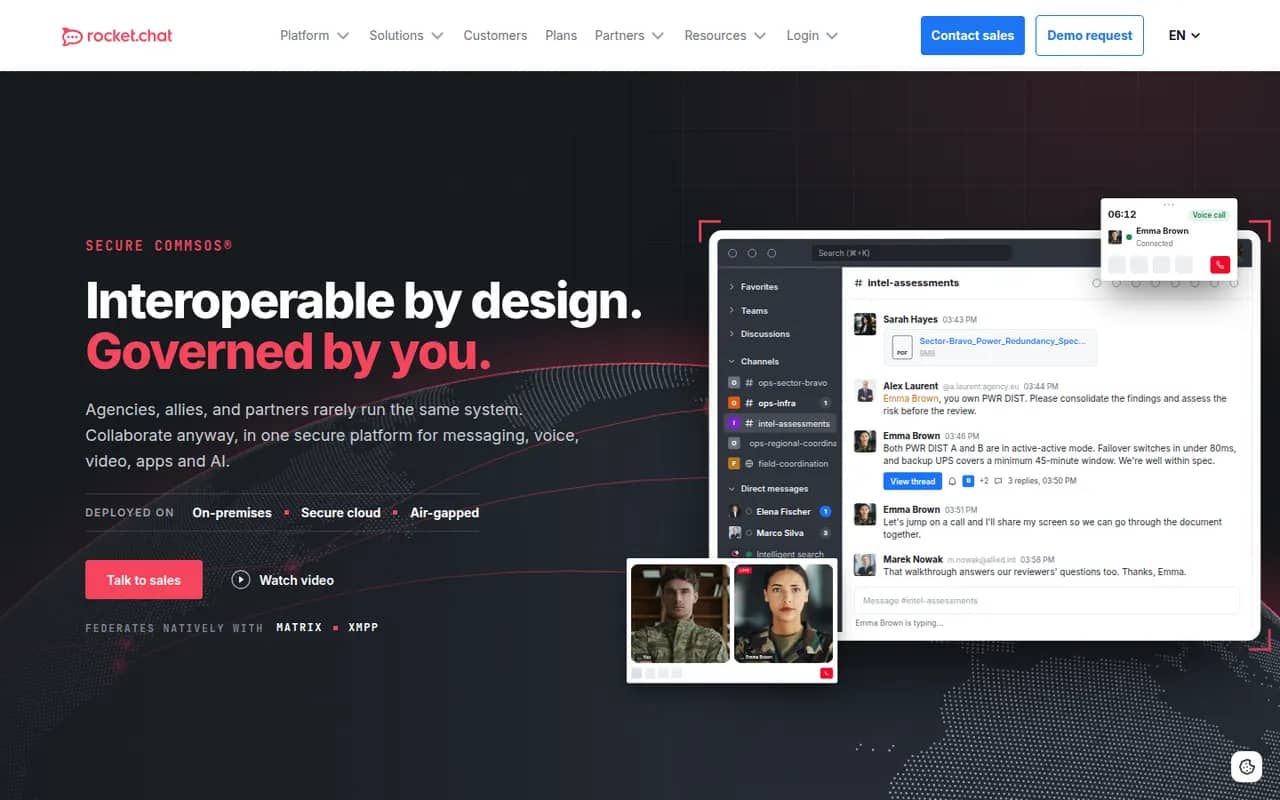
Cost / LicenseFreemiumOpen sourceCategoriesRocket.Chat is an open-source communications platform that can be self-hosted or used as a cloud service. Besides team channels, threads, direct messages and calls, it includes an omnichannel module that routes website chat, email and messaging apps to support agents. Its marketplace and APIs let organizations customize it heavily, and self-hosting suits teams with strict data residency needs.
9 Rocket.Chat alternativesPros
- Omnichannel module routes website chat, email and messaging apps
- Self-hostable open source platform for strict data residency needs
- Marketplace and APIs allow deep customization
Cons
- Self-hosted setups require regular maintenance and upgrades
- Some features are reserved for paid editions
- The wide range of settings makes administration complex
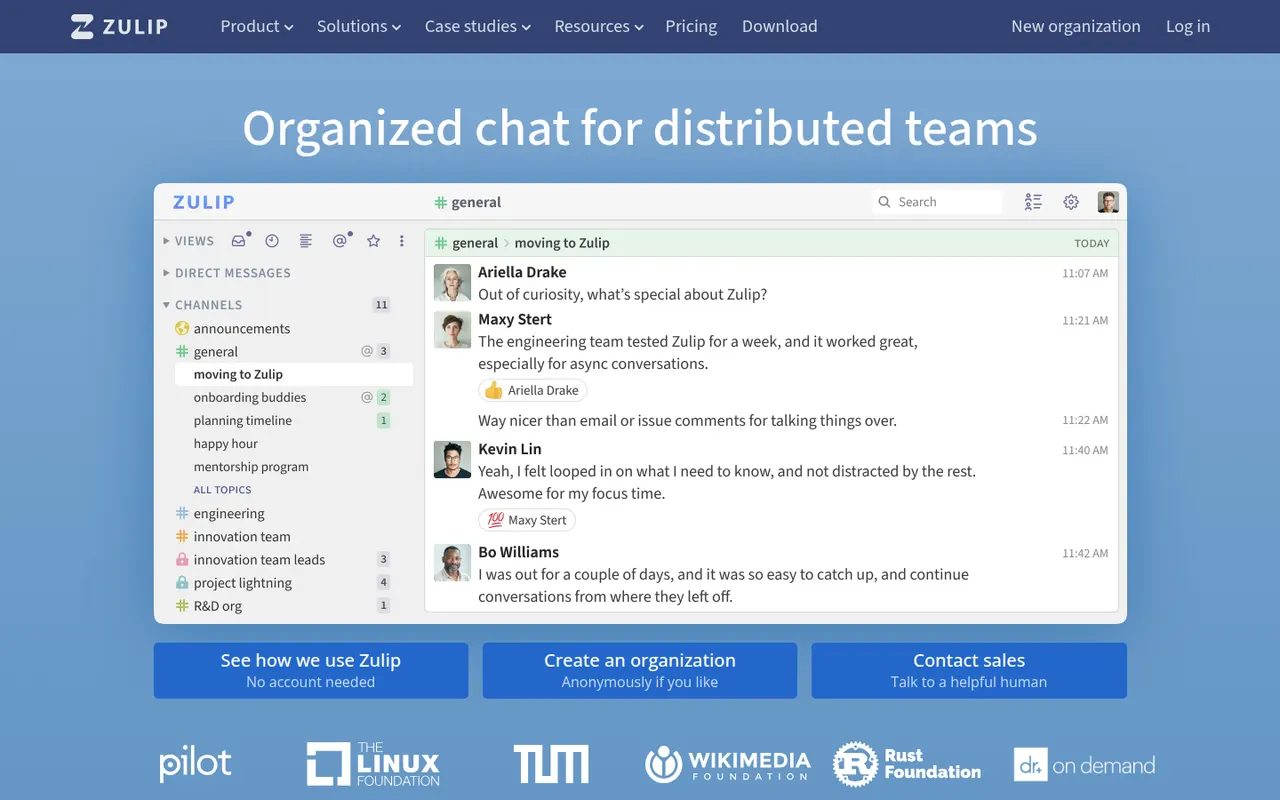
Cost / LicenseFreemiumOpen sourceCategoriesZulip is an open-source team chat app whose threading model files every channel message under a named topic, so people can catch up on several discussions without losing context. It supports Markdown, code blocks and LaTeX math, and integrates with common developer tools. It can be self-hosted for free or used through Zulip Cloud, which suits open-source projects, research groups and remote teams.
8 Zulip alternativesPros
- Topic-based threading makes catching up on discussions easy
- Markdown, code blocks and LaTeX suit technical teams
- Free to self-host under an open source license
Cons
- The topic model takes some getting used to after Slack
- Video calls rely on external services such as Jitsi or Zoom
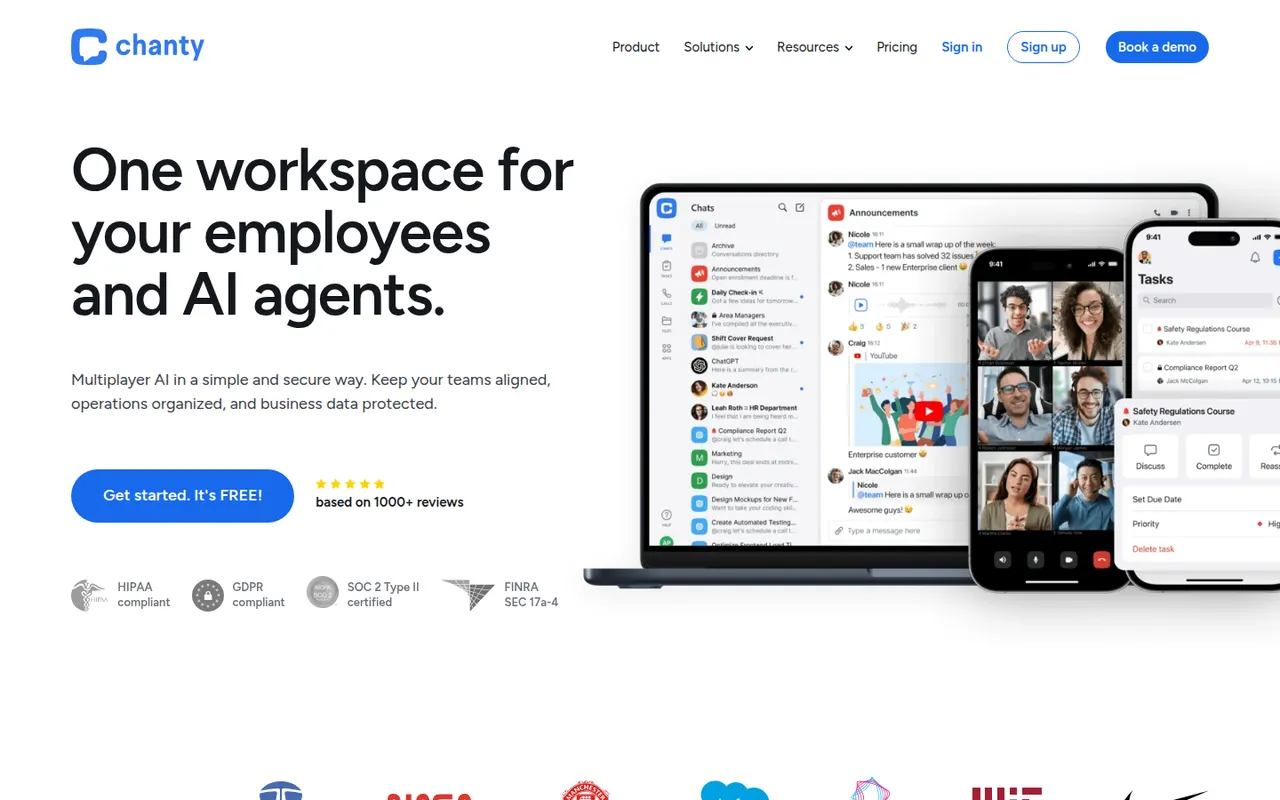
Cost / LicenseFreemiumOpen sourceCategoriesChanty is a team messaging app aimed at small and mid-sized teams who want something simpler than larger chat suites. It offers public and private conversations, audio and video calls with screen sharing, and a built-in task manager with a Kanban board, so messages can be turned into tasks. A free plan covers small teams, and integrations connect it to common workplace tools.
8 Chanty alternativesPros
- Simple interface that small teams pick up quickly
- Built-in Kanban task board turns messages into tasks
- Free plan is enough to get a small team started
Cons
- Smaller integration catalog than Slack or Microsoft Teams
- Task management is basic compared with dedicated tools
Cost / LicenseFreemiumProprietaryCategoriesWhereby is a Norwegian video meeting service where each host gets a permanent room link that guests open in their browser, with no download or account needed. It offers screen sharing, recording, breakout groups and in-room integrations with tools like Miro and Google Docs, which suits small teams, coaches and online consultations. Developers can also embed Whereby video rooms in their own apps through its API.
8 Whereby alternativesPros
- Permanent room links that guests open without an account
- Nothing to install, since meetings run in the browser
- API to embed video rooms in your own apps
Cons
- Less suited to large meetings or webinars than bigger platforms
- Fewer enterprise admin controls than Zoom or Teams
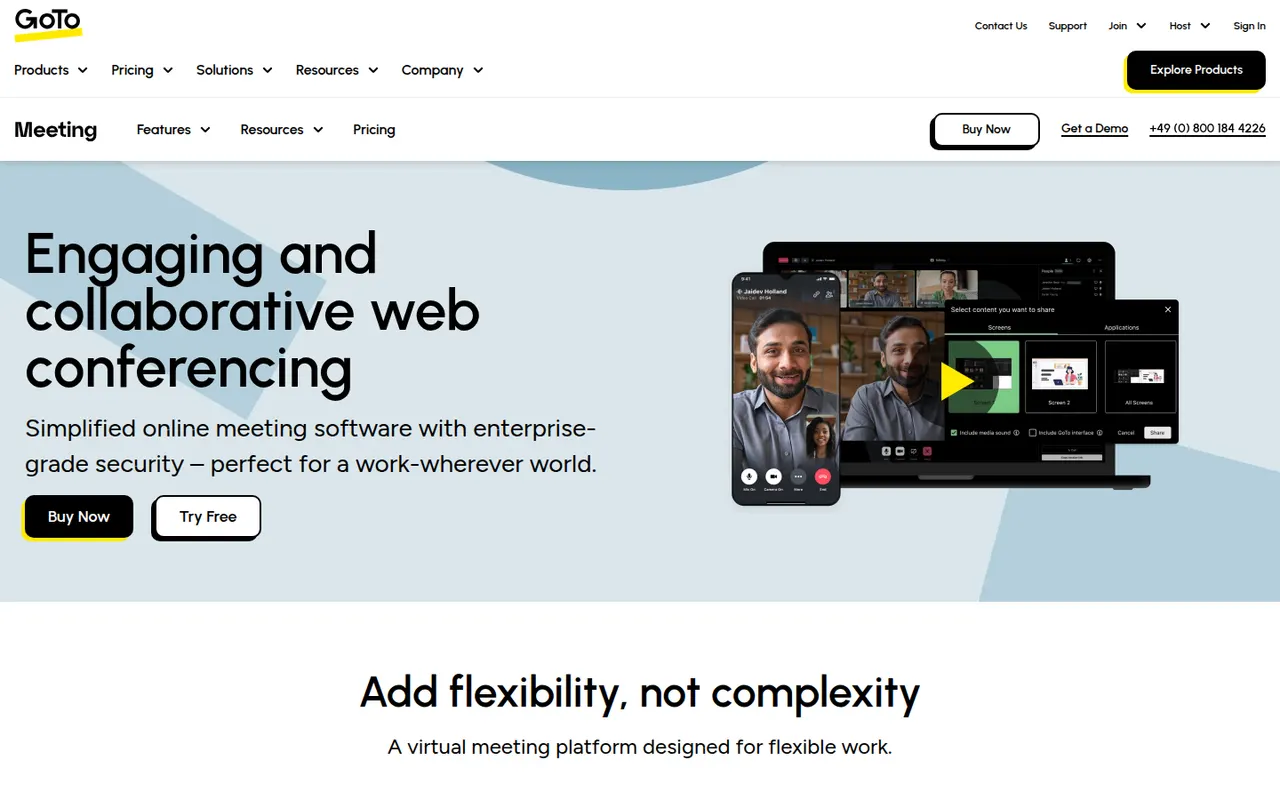
Cost / LicenseFreemiumProprietaryCategoriesGoTo Meeting is a video conferencing service from GoTo, the company formerly known as LogMeIn. It covers business meetings with screen sharing, recording, drawing tools, breakout rooms and calendar integrations, and can be joined from a browser or from desktop and mobile apps. It fits companies already using other GoTo products, such as GoTo Connect for business phone or GoTo Webinar.
8 GoTo Meeting alternativesPros
- Dependable business meetings with drawing tools and recording
- Join from a browser or from desktop and mobile apps
- Fits well alongside GoTo Connect and GoTo Webinar
Cons
- Interface feels dated next to newer meeting apps
- Less widely used than Zoom or Teams, so guests may be unfamiliar
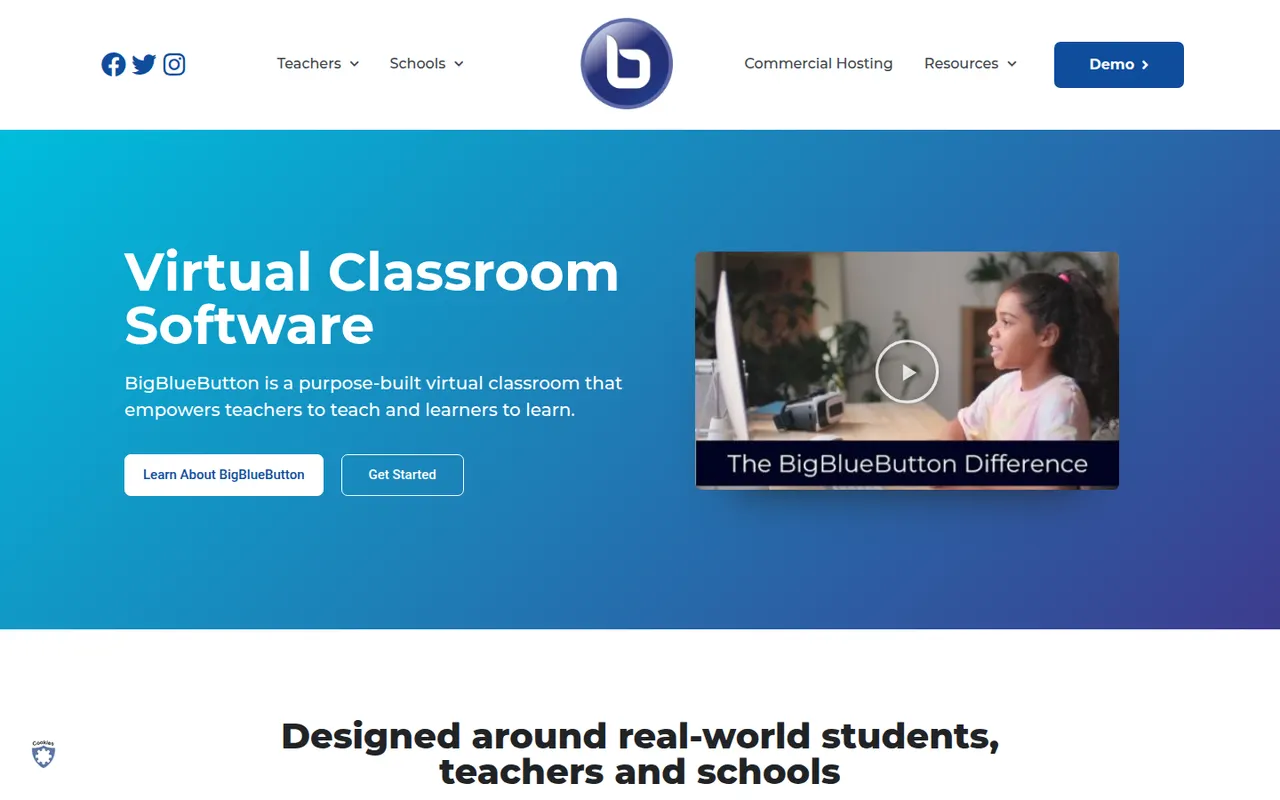
Cost / LicenseFree trialProprietaryCategoriesBigBlueButton is an open-source web conferencing system designed for online teaching. It includes a multi-user whiteboard, shared notes, polls, breakout rooms, screen sharing and recordings that can be replayed later. Schools and universities typically self-host it or use a hosting provider, and it plugs into learning management systems such as Moodle, Canvas and Sakai.
8 BigBlueButton alternativesPros
- Designed for teaching, with whiteboard, polls and breakout rooms
- Integrates with Moodle, Canvas and other learning platforms
- Free and open source, with recordings that can be replayed later
Cons
- Self-hosting requires a dedicated server and admin skills
- Interface feels dated next to Zoom or Teams
- Less suited to business meetings than to online classes
Cost / LicenseFreeOpen sourceCategoriesPlatformsLivestorm is a French video engagement platform for webinars, virtual events and online meetings that run entirely in the browser. It covers the whole event workflow: registration pages, email reminders, polls, Q&A, on-demand replays and attendee analytics, with integrations for CRMs and marketing tools. A free plan allows short sessions, and paid plans add longer events and automation.
8 Livestorm alternativesPros
- Runs entirely in the browser for hosts and attendees
- Covers the full webinar flow from registration to replays
- CRM and marketing integrations plus attendee analytics
Cons
- Free plan is limited to short sessions
- Paid plans get expensive for larger audiences
Cost / LicenseFreemiumProprietaryCategoriesPlatformsMicrosoft Outlook is an email and calendar app available on Windows, Mac, mobile and the web, used with Outlook.com, Exchange and Microsoft 365 accounts as well as Gmail and other IMAP services. It combines mail with calendars, contacts and tasks, supports shared mailboxes and scheduled sending, and integrates with Teams for meetings. Copilot can draft replies and summarize threads on eligible plans.
12 Microsoft Outlook alternativesPros
- Email, calendar, contacts and tasks in one app
- Shared mailboxes and Teams integration for businesses
- Available on Windows, Mac, mobile and the web
Cons
- The move from classic to new Outlook on Windows has been disruptive
- Free Outlook.com accounts show ads
- Copilot features require an eligible paid plan
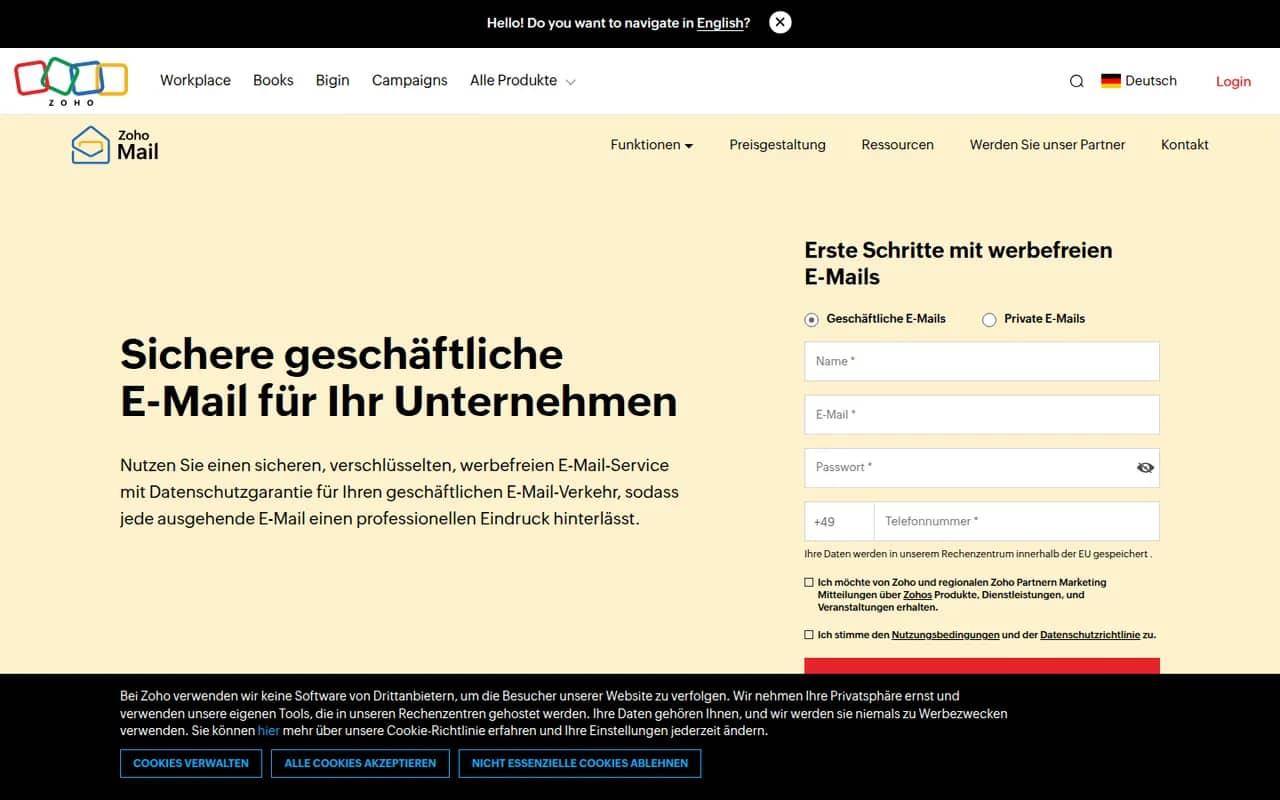
Cost / LicenseFreemiumProprietaryZoho Mail is an ad-free business email service from Zoho that hosts mailboxes on your own domain, with calendar, contacts, tasks and notes included. Admins get a control panel for users, security policies and retention, and the service integrates with Zoho's office, CRM and collaboration apps through Zoho Workplace. A free plan is available for small teams, with paid plans adding more storage and features.
8 Zoho Mail alternativesPros
- Ad-free business email on your own domain, with a free plan
- Admin console for users, security policies and retention
- Integrates with Zoho’s office, CRM and collaboration apps
Cons
- Free plan lacks IMAP and POP access for desktop clients
- Interface feels less polished than Gmail or Outlook
Cost / LicenseFreemiumProprietaryCategoriesZendesk is a customer service platform that brings email, chat, phone, social and messaging requests into a single ticketing system. It includes a help center for self-service articles, workflow automation, reporting and AI agents that can resolve common questions. A large marketplace of apps connects it to CRMs and e-commerce tools, and it serves support teams from startups to large enterprises.
12 Zendesk alternativesPros
- Mature ticketing that handles email, chat, phone and social at scale
- Large marketplace of apps for CRMs and e-commerce tools
- Help center and AI agents deflect common questions
Cons
- Expensive per agent, especially with AI and add-ons
- Setup and administration take time for complex workflows
- No free plan beyond the trial
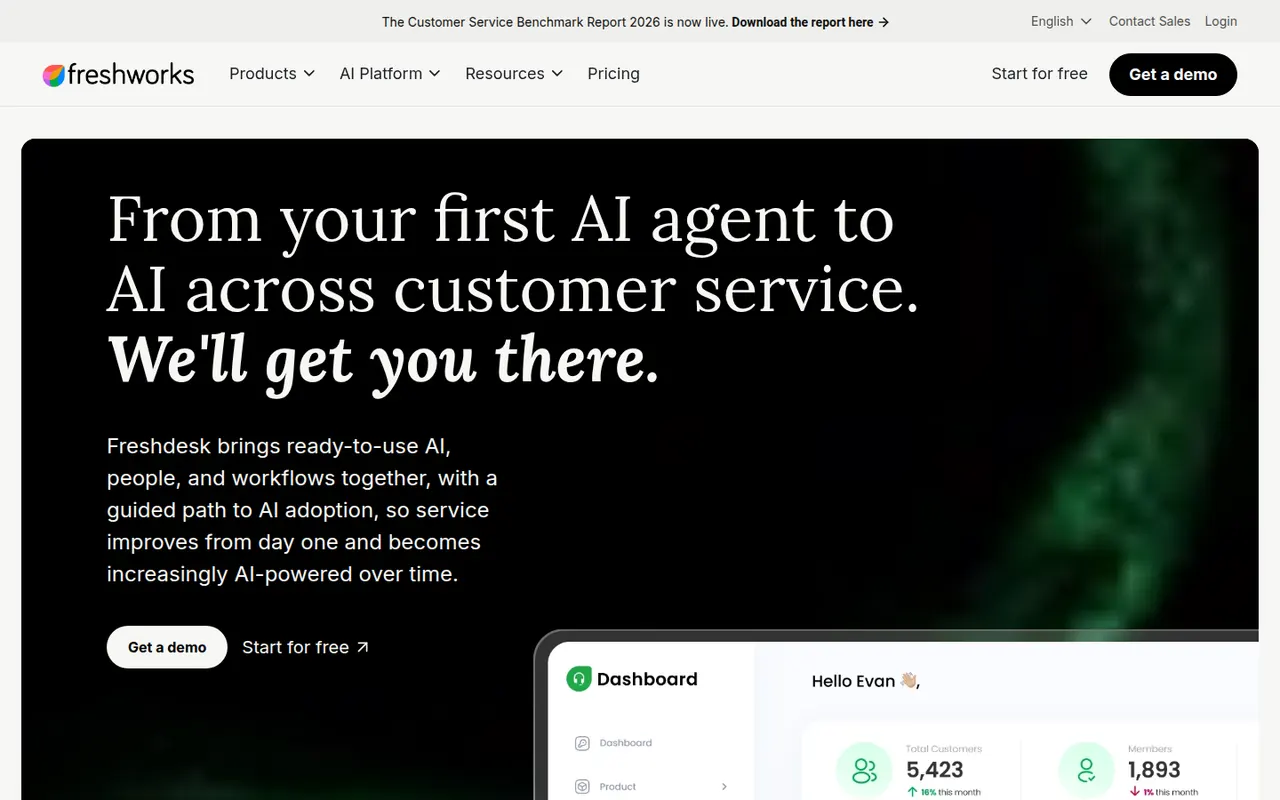
Cost / LicenseFree trialProprietaryCategoriesFreshdesk is a help desk tool from Freshworks that turns emails, web forms, chats, calls and social messages into tickets for support teams. It includes a knowledge base, SLA management, automations, collision detection and reporting, plus Freddy AI for suggested replies and self-service bots. A free plan covers small teams, and it connects with Freshworks' CRM and other business apps.
12 Freshdesk alternativesPros
- Free plan for small teams with core ticketing
- Turns email, forms, chat, calls and social messages into tickets
- SLA rules, collision detection and automations for busy teams
Cons
- AI features and advanced automation cost extra or need top tiers
- Admin settings get complex as workflows grow
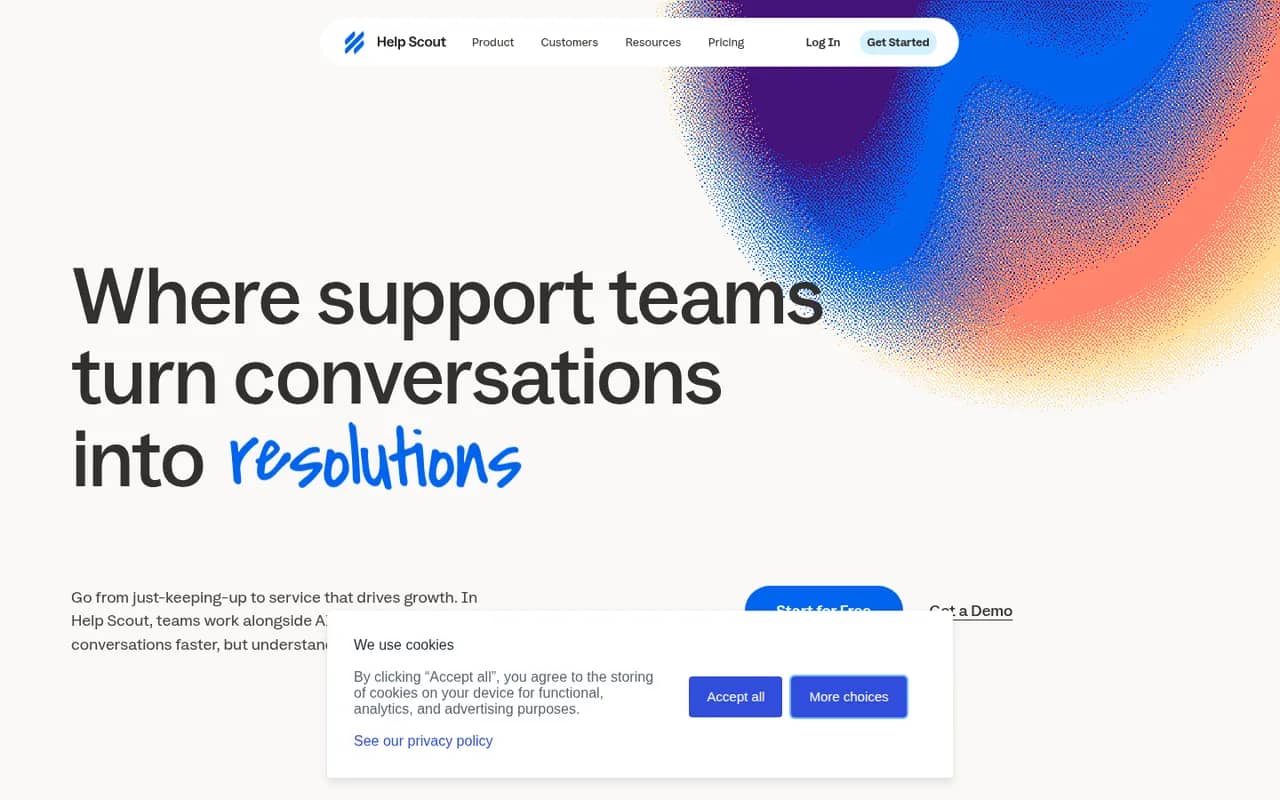
Cost / LicenseFreemiumProprietaryCategoriesHelp Scout is a customer support platform built around a shared inbox that feels like personal email to customers, without ticket numbers or portals. It adds a knowledge base (Docs), the embeddable Beacon widget for live chat and self-service, customer profiles, reporting and AI tools for drafting and summarizing replies. It suits small and mid-sized companies that value a personal tone.
8 Help Scout alternativesPros
- Replies feel like personal email, with no ticket numbers for customers
- Beacon widget combines live chat and help articles on any site
- Clean interface that new agents learn quickly
Cons
- Fewer advanced workflow and reporting options than enterprise help desks
- Free plan is limited, so key features require a paid plan
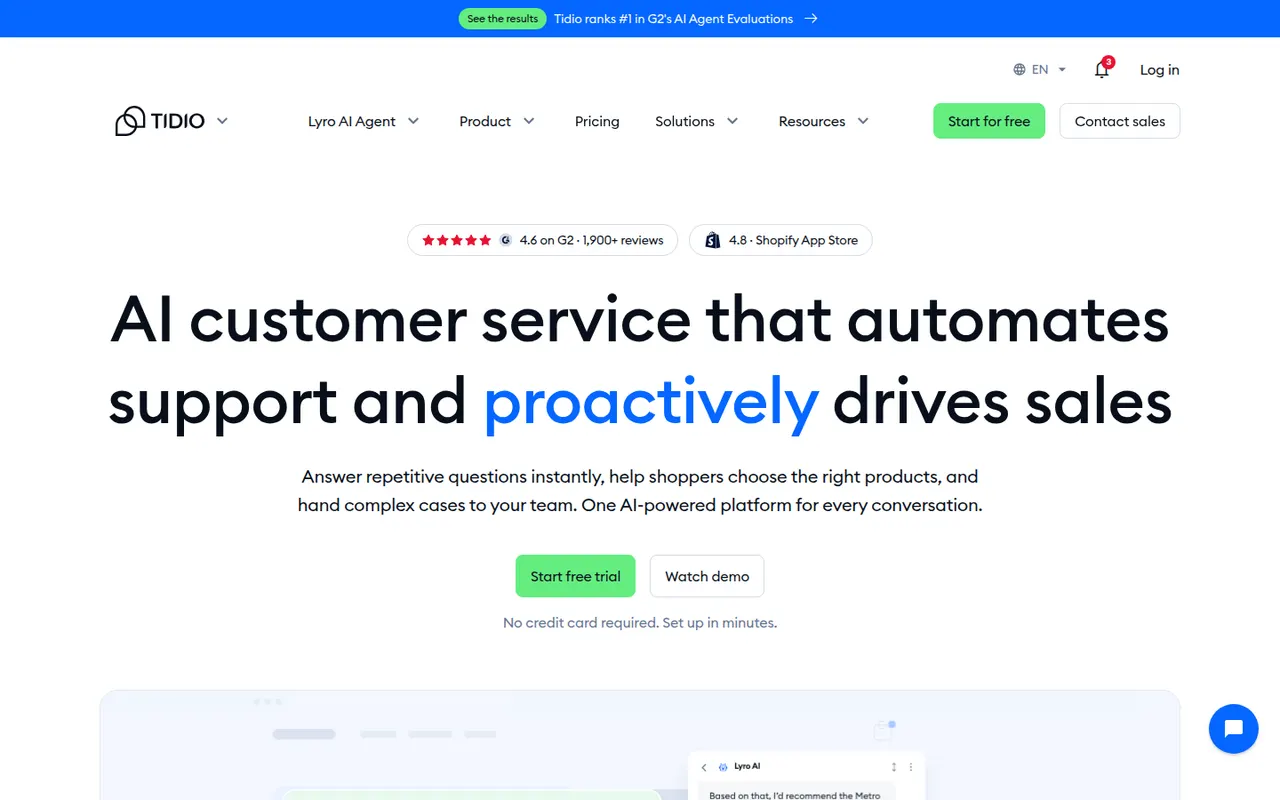
Cost / LicenseFreemiumProprietaryCategoriesTidio is a customer service tool that combines a website live chat widget, a multichannel inbox and ticketing with Lyro, an AI agent that answers common questions from your help content. Visual chatbot flows can greet visitors, recover abandoned carts or collect leads. It integrates with Shopify, WordPress, Wix and other platforms, and mainly targets small businesses and online stores.
8 Tidio alternativesPros
- Easy to install on Shopify, WordPress and Wix stores
- Lyro AI agent answers common questions from your help content
- Visual chatbot flows for lead capture and abandoned carts
Cons
- AI and chatbot usage limits can push costs up quickly
- Free plan becomes tight for a growing store
- Reporting is basic for larger support teams
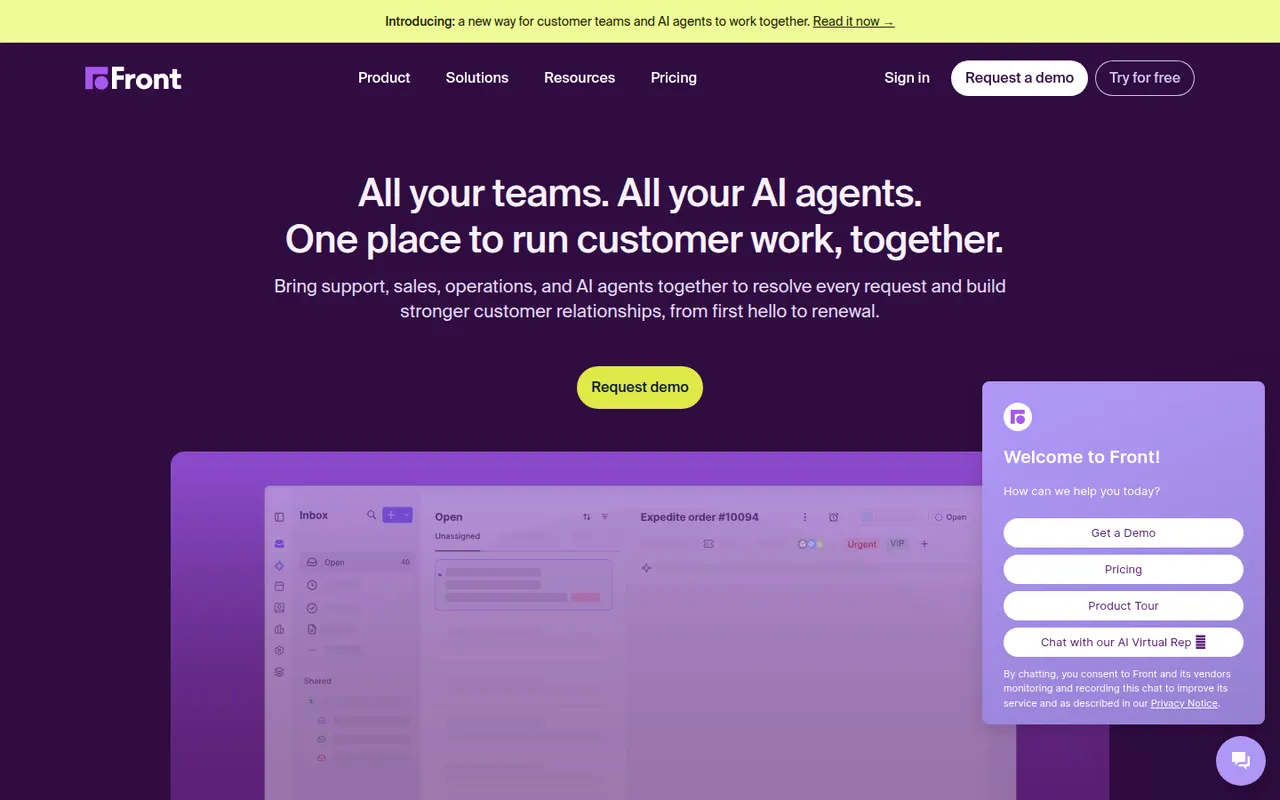
Cost / LicenseFreemiumProprietaryCategoriesFront is a customer operations platform that turns email, SMS, chat, WhatsApp and social messages into a shared inbox teams can work in together. Messages can be assigned, commented on internally and routed with rules, while analytics track response times and workload. Front AI drafts replies and summarizes threads, and the tool serves support, sales and account teams who prefer an email-like workflow.
8 Front alternativesPros
- Email-like shared inbox that feels familiar to new users
- Internal comments and assignment replace forwarding and CCs
- Rules and analytics help balance workload and response times
Cons
- Per-seat pricing adds up quickly for larger teams
- Advanced analytics and automation are reserved for higher plans
- No free plan beyond the trial
Cost / LicenseFree trialProprietaryGorgias is a customer support platform designed for online stores, with deep integrations for Shopify and other e-commerce platforms. Agents see order details next to each ticket and can edit, refund or cancel orders without leaving the help desk. It centralizes email, chat, social media and SMS, and its AI Agent can handle common requests such as order tracking and returns.
8 Gorgias alternativesPros
- Order details appear next to each ticket for Shopify stores
- Agents can refund, edit or cancel orders without leaving the help desk
- AI agent handles routine requests like order tracking and returns
Cons
- Built for e-commerce, so less suited to other types of businesses
- Pricing tied to ticket volume can be hard to predict in busy seasons
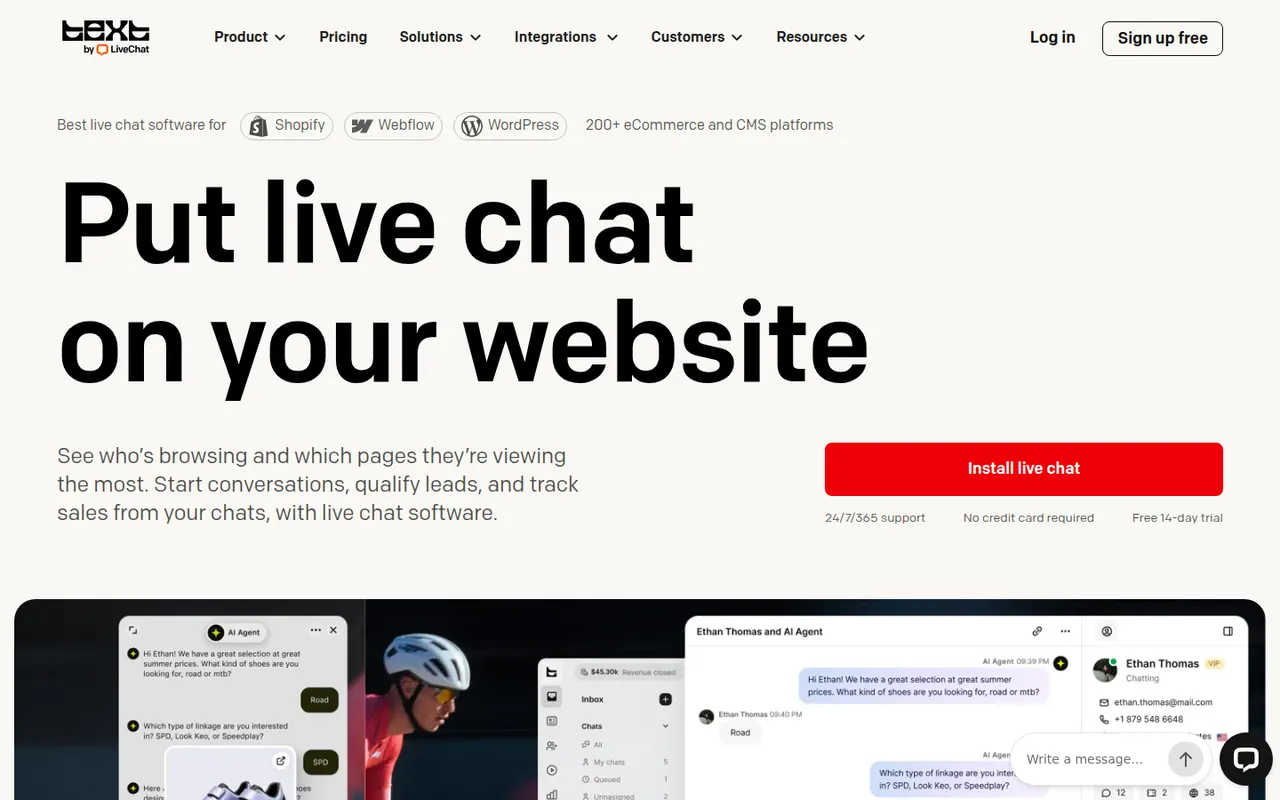
Cost / LicenseFree trialProprietaryCategoriesPlatformsLiveChat is a live chat tool that lets support and sales teams talk with website visitors in real time. Agents get canned responses, chat routing, visitor tracking, a preview of messages as they are typed and performance reports, with AI help for writing replies. It is made by Text, the company behind ChatBot, HelpDesk and KnowledgeBase, and connects to many e-commerce and CRM tools.
9 LiveChat alternativesPros
- Message preview shows what visitors type before they send it
- Canned responses, routing and visitor tracking for fast replies
- Many integrations with e-commerce and CRM tools
Cons
- Per-agent pricing becomes expensive as the team grows
- Chatbots and ticketing require separate products from the same company
- No free plan beyond the trial
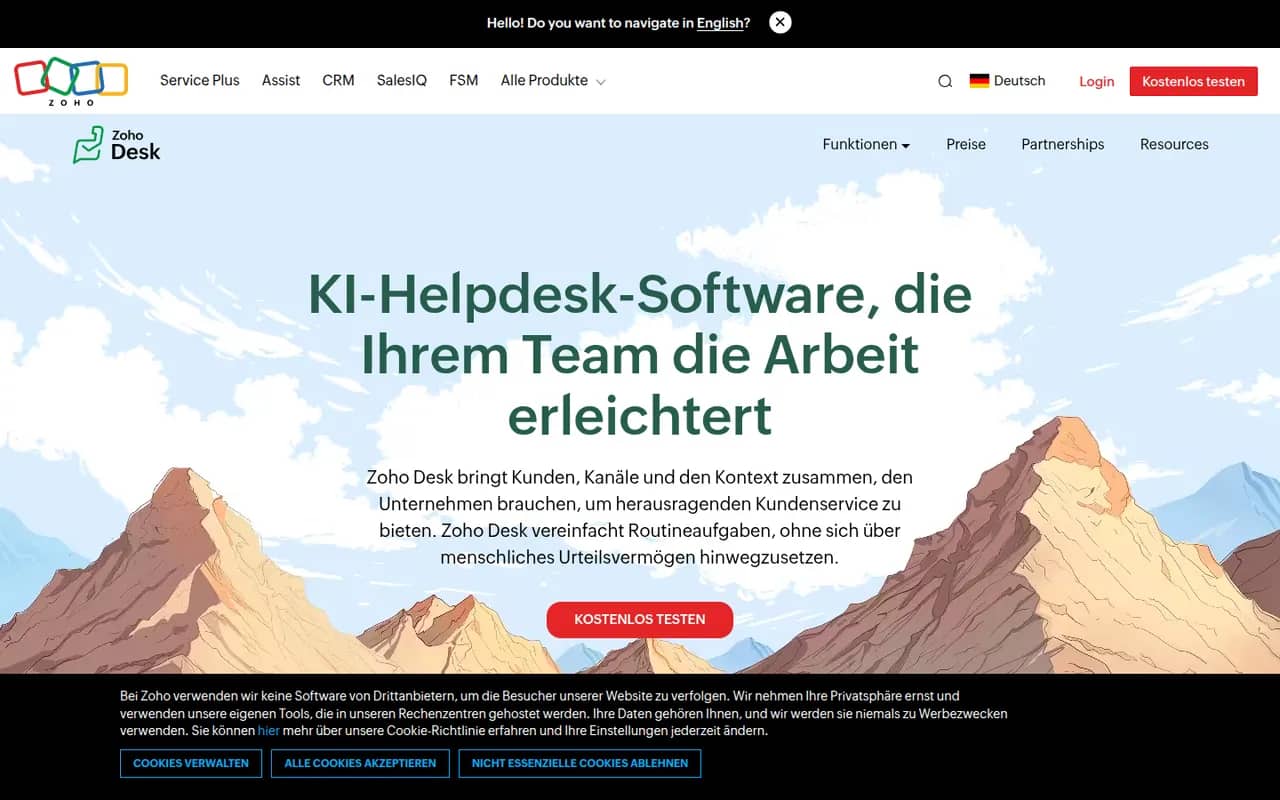
Cost / LicenseFree trialProprietaryCategoriesZoho Desk is a help desk application from Zoho that manages customer requests from email, phone, chat, social media and web forms as tickets. It offers a self-service knowledge base, SLA rules, workflow automation, analytics and Zia, an AI assistant that suggests answers and detects customer sentiment. It integrates tightly with Zoho CRM and has a free plan for small teams.
10 Zoho Desk alternativesPros
- Tight integration with Zoho CRM shows customer context on tickets
- Zia suggests answers and detects customer sentiment
- Free plan for small teams, with paid tiers for SLAs and automation
Cons
- Interface feels busy, with many settings to learn
- Works best when you already use other Zoho apps
Cost / LicenseFreemiumProprietaryCategoriesTypeform is an online form and survey builder that shows one question at a time in a conversational, full-screen layout. It supports logic jumps, calculations, file uploads, payments and quizzes, and connects to tools like HubSpot, Google Sheets and Slack. AI features can generate a form from a prompt, and a free plan allows a limited number of responses per month.
10 Typeform alternativesPros
- One-question-at-a-time layout feels conversational and polished
- Logic jumps, calculations and quizzes for interactive flows
- Integrates with HubSpot, Google Sheets, Slack and many other tools
Cons
- Free plan allows only a small number of responses per month
- Paid plans are expensive compared with most form builders
- One-question format can feel slow for long or data-heavy forms
Cost / LicenseFreemiumProprietaryCategoriesPlatforms