Best apps for Self-hosted
71 apps
Top Self-hosted apps ranked by the community
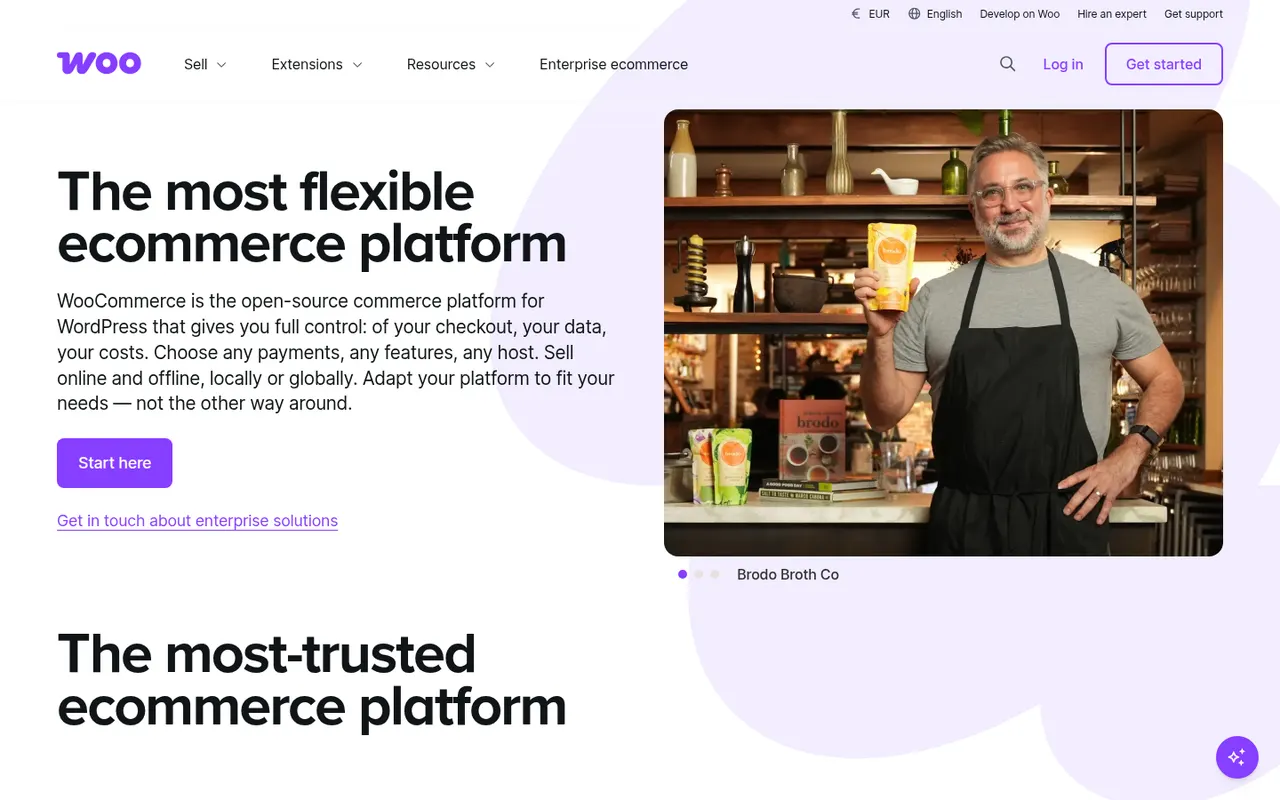
WooCommerce is a free, open source plugin that adds a full online store to a WordPress site: products, cart, checkout, taxes, shipping and orders. Because it runs on your own hosting, you control the code and data, and a large catalog of free and paid extensions covers payment gateways, subscriptions, bookings and more. It is a natural choice for shops that already use WordPress.
12 WooCommerce alternativesPros
- Free plugin that turns a WordPress site into a full store
- Huge catalog of extensions for payments, subscriptions and bookings
- Full control over code, data and hosting
Cons
- Hosting, security and updates are your responsibility
- Paid extensions add up for features many stores need
- Performance needs tuning as catalogs and traffic grow
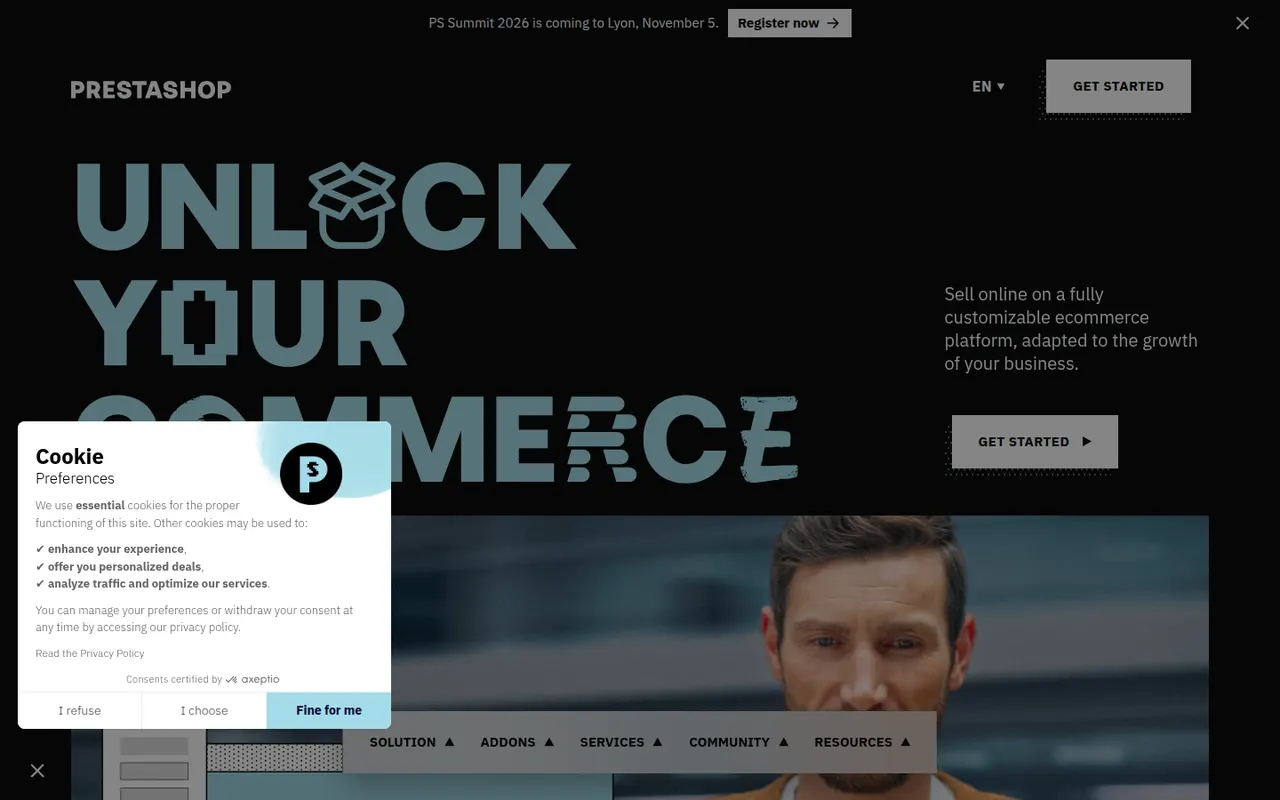
Cost / LicenseFreeOpen sourceCategoriesPlatformsPrestaShop is an open source e-commerce application written in PHP and created in France. You install it on your own server and extend it with modules and themes from its marketplace, covering payment methods, shipping carriers, marketing and multilingual catalogs. It suits merchants who want a full-featured store that they, or an agency, host and customize.
8 PrestaShop alternativesPros
- Free and open source, with full ownership of your store
- Large marketplace of modules and themes
- Widely used in Europe, with many local payment and carrier modules
Cons
- Many essential modules are paid, so costs add up
- Hosting, updates and technical upkeep are your responsibility
- Major version upgrades can break existing modules
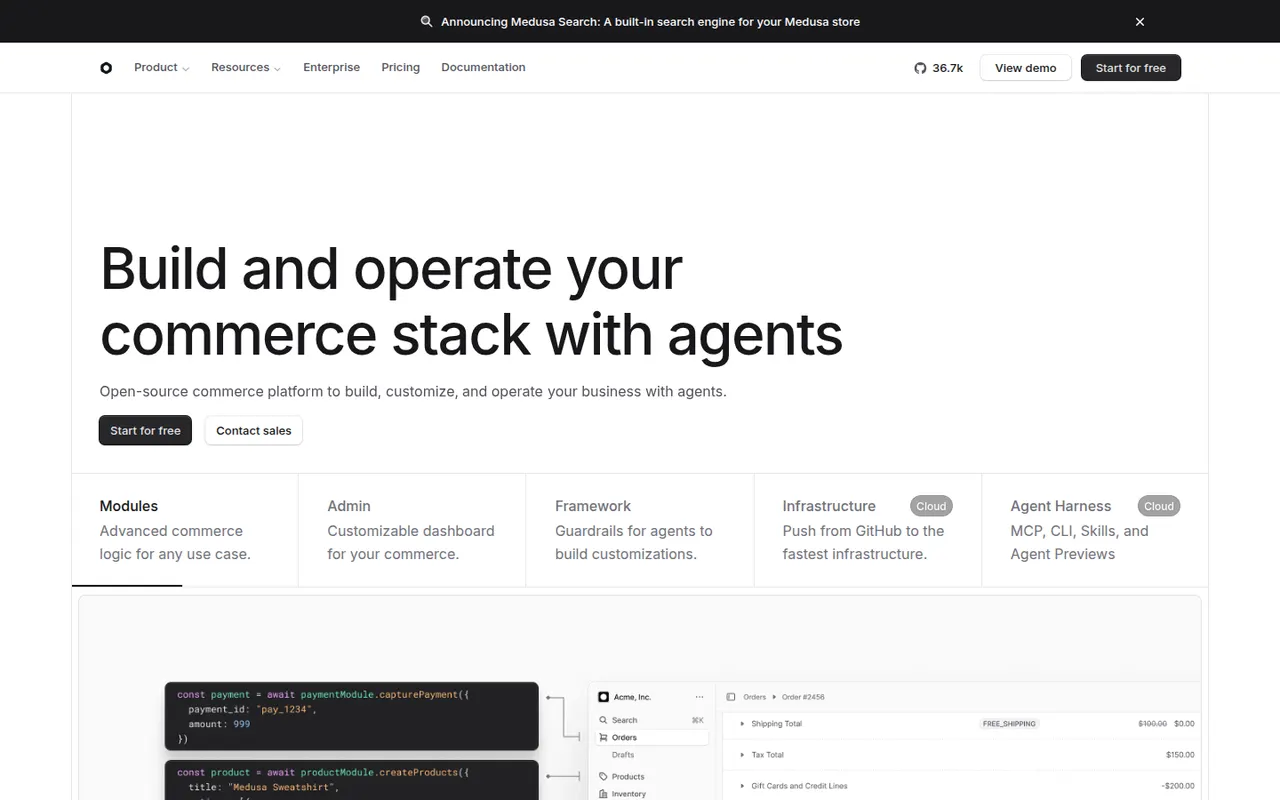
Cost / LicenseFreeOpen sourceCategoriesPlatformsMedusa is an open source commerce platform for developers who want to build a custom store or marketplace rather than adapt a hosted product. It provides modular back-end building blocks for products, carts, orders, payments and fulfillment, an admin dashboard and APIs that any front end can consume. It can be self-hosted for free or deployed on the managed Medusa Cloud.
6 Medusa alternativesPros
- Modular back end for building custom stores and marketplaces
- Open source and free to self-host, with a managed cloud option
- Admin dashboard and APIs work with any front-end framework
Cons
- Needs developers, so it is not a ready-made store for non-technical merchants
- Smaller plugin ecosystem than Shopify or WooCommerce
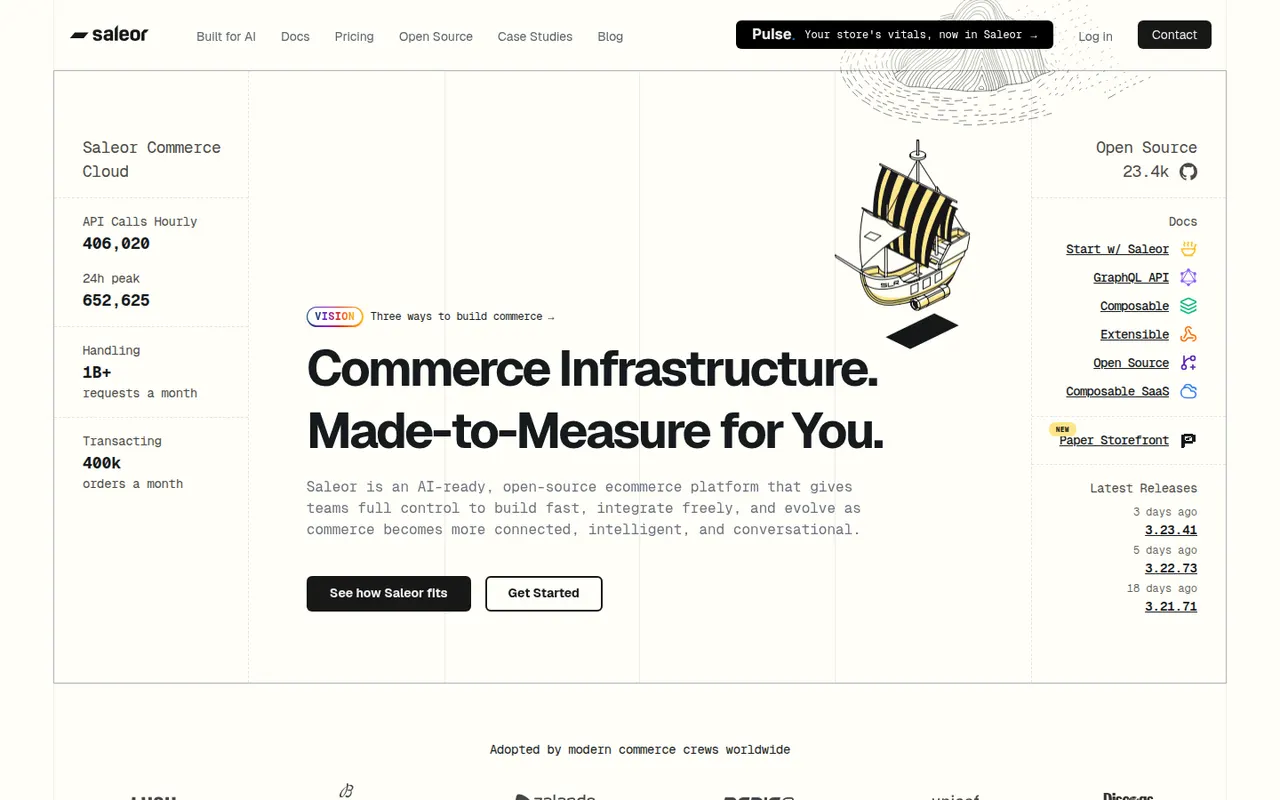
Cost / LicenseFreemiumOpen sourceCategoriesPlatformsSaleor is an open source, API-only commerce platform built with Python and Django, with everything exposed through a GraphQL API. It handles multi-channel catalogs, several currencies and warehouses, and extends through webhooks and apps, while the storefront is built separately with any framework. Teams can self-host it or use the managed Saleor Cloud.
6 Saleor alternativesPros
- GraphQL-first API built for headless storefronts
- Handles multiple channels, currencies and warehouses natively
- Open source Python stack, self-hosted or on Saleor Cloud
Cons
- The storefront must be built separately by developers
- Smaller ecosystem and community than mainstream platforms
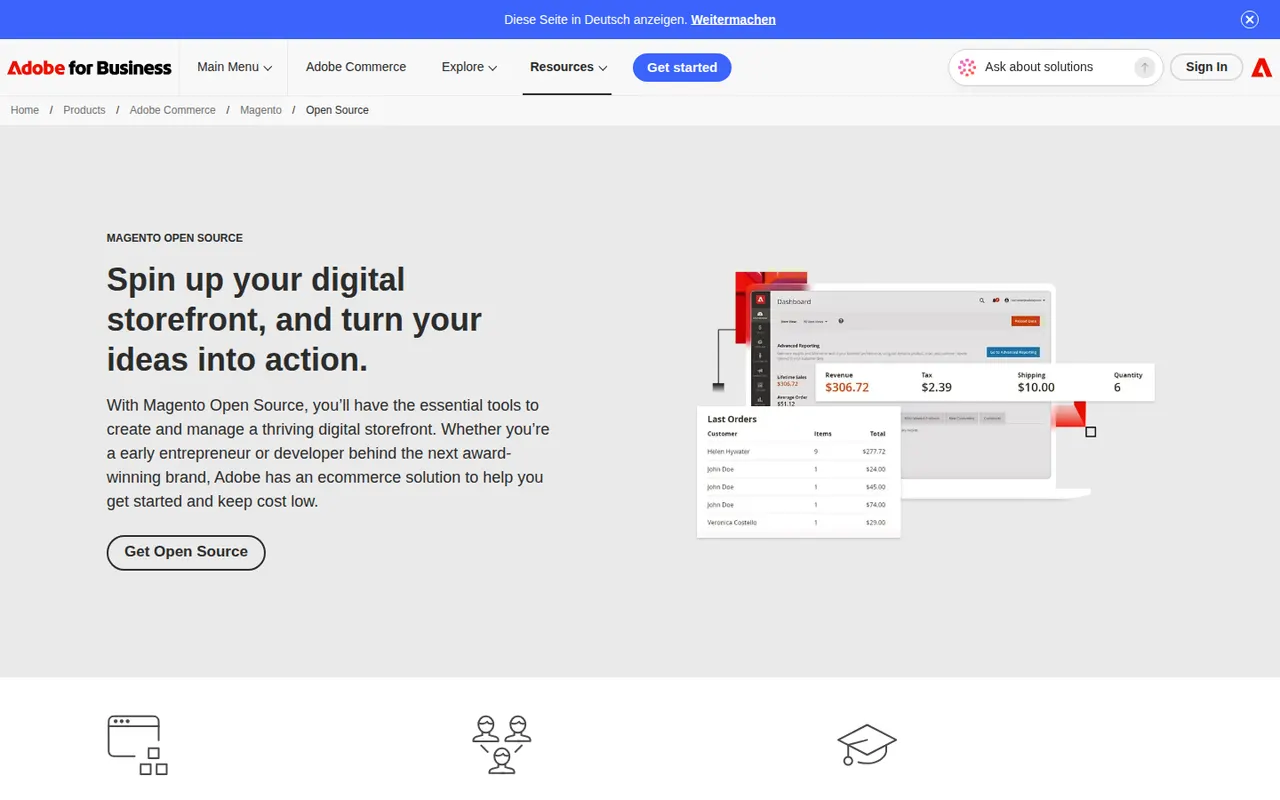
Cost / LicenseFreemiumOpen sourceCategoriesPlatformsMagento Open Source is the free, self-hosted edition of the Magento e-commerce platform, maintained by Adobe alongside its paid Adobe Commerce product. Written in PHP, it supports multiple stores, languages and currencies, complex catalogs and a large ecosystem of extensions and agencies. It is suited to merchants with development resources who need deep customization.
6 Magento Open Source alternativesPros
- Handles complex catalogs, multiple stores, languages and currencies
- Large ecosystem of extensions and specialized agencies
- Free and open source, with full control over code and hosting
Cons
- Resource-hungry, so it needs well-tuned hosting to perform well
- Development and maintenance require experienced PHP developers
- Some advanced features are reserved for the paid Adobe Commerce
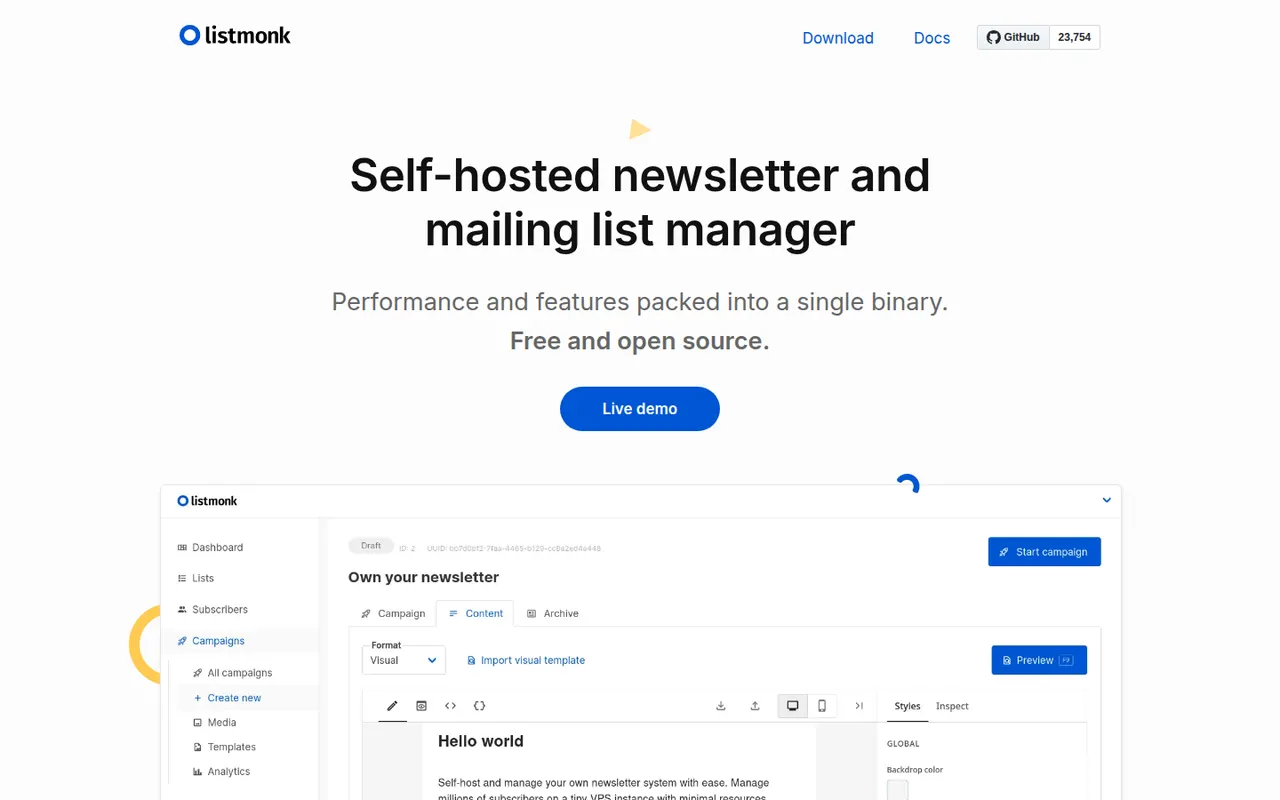
Cost / LicenseFreeOpen sourceCategoriesPlatformslistmonk is a free, open source newsletter and mailing list manager distributed as a single binary backed by PostgreSQL. It handles large subscriber lists, template-based campaigns, transactional messages via API and segmentation through SQL queries, and can send through any SMTP server or service. It suits developers and organizations that want to keep email marketing and subscriber data on their own servers.
6 listmonk alternativesPros
- Free, open source and distributed as a single binary
- Handles very large lists efficiently on PostgreSQL
- Sends through any SMTP server or email service
Cons
- Requires self-hosting and a separate sending service
- No visual automation builder or drip campaigns
- Segmentation relies on SQL queries rather than a point-and-click tool
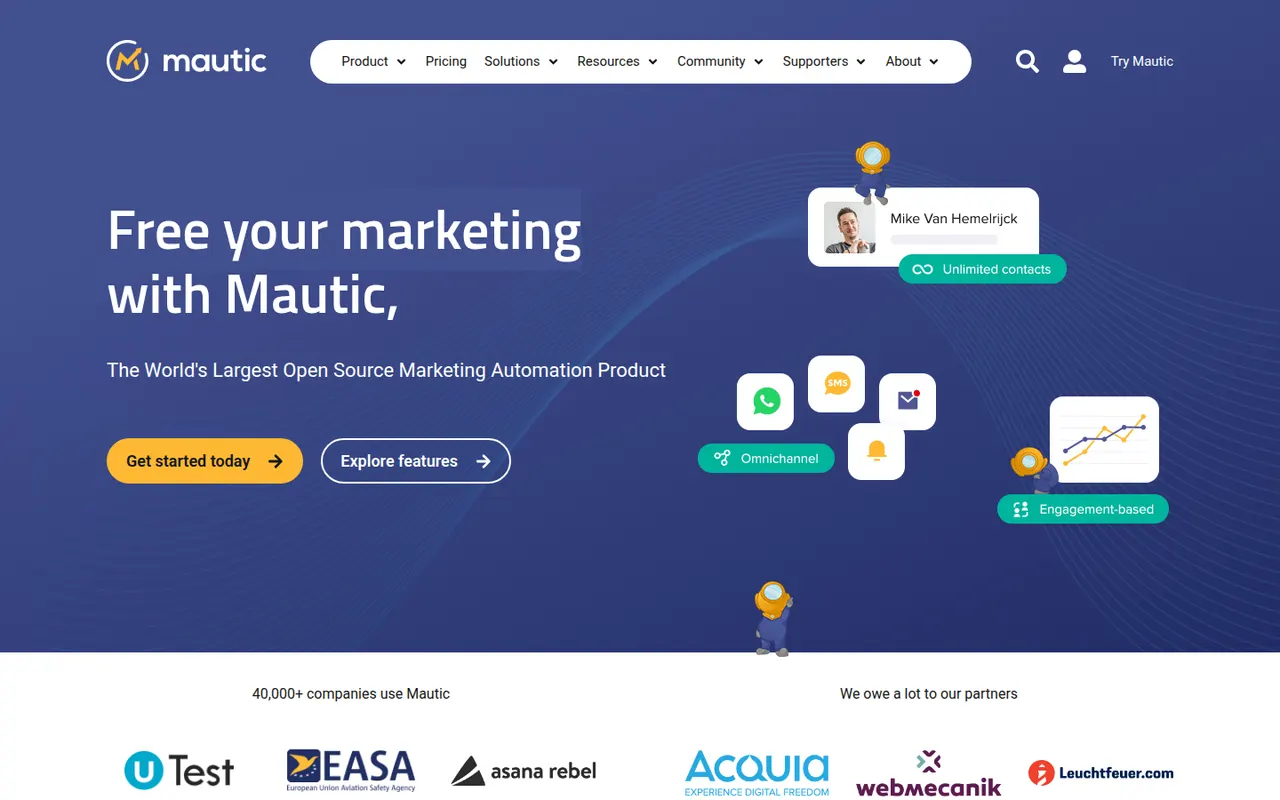
Cost / LicenseFreeOpen sourceCategoriesPlatformsMautic is an open source marketing automation platform for running email campaigns, landing pages, forms, lead scoring and multi-step customer journeys. Self-hosting it keeps contact data on your own infrastructure, and its plugin system connects it to CRMs and other tools. It suits organizations with technical resources that want an alternative to proprietary automation suites.
7 Mautic alternativesPros
- Free and open source marketing automation
- Contact data stays on your own infrastructure
- Campaign builder with lead scoring, forms and landing pages
Cons
- Installation and maintenance require technical skills
- Needs a separate sending service for good deliverability
- Interface is less polished than commercial automation suites
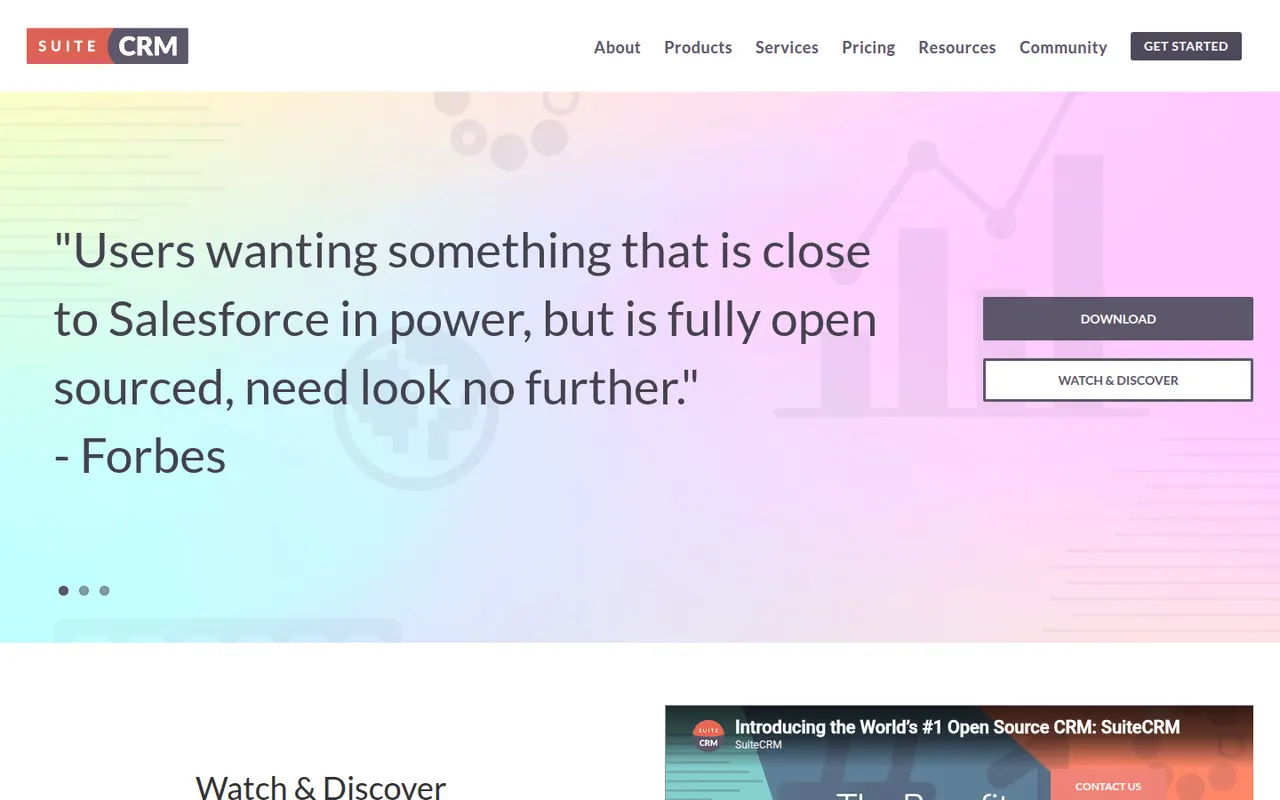
Cost / LicenseFreeOpen sourceCategoriesPlatformsSuiteCRM is an open source CRM maintained by SalesAgility, originally forked from SugarCRM Community Edition. It covers sales, marketing campaigns, customer service cases, quotes and workflows, and because it is self-hosted you keep complete control over data and code. Organizations with in-house IT or an implementation partner choose it to avoid depending on a single vendor.
7 SuiteCRM alternativesPros
- Free and open source, with full control over data and code
- Covers sales, campaigns, support cases and quotes in one system
- No vendor lock-in, since you choose the hosting and the partner
Cons
- Needs a server and technical skills to install, secure and update
- Interface feels dated next to modern cloud CRMs
- Upgrades and custom modules can take real development effort
Cost / LicenseFreeOpen sourceCategoriesPlatformsTwenty is an open source CRM positioned as a community-driven alternative to Salesforce, with a modern interface inspired by tools like Notion and Airtable. You can define custom objects and fields, work in table and kanban views, automate tasks with workflows and connect other tools through GraphQL and REST APIs. It can be self-hosted or used through the company's cloud offering.
7 Twenty alternativesPros
- Modern, Notion-like interface with table and kanban views
- Custom objects and fields adapt the data model to your business
- Open source with GraphQL and REST APIs, self-hosted or in the cloud
Cons
- Young product with fewer integrations than established CRMs
- Some advanced sales features of mature CRMs are still missing
- Self-hosting means handling deployment and updates yourself
Cost / LicenseFreemiumOpen sourceCategoriesPlatformsPlausible Analytics is a privacy-focused web analytics tool that uses no cookies and collects no personal data, so it can usually run without a consent banner. Its script is very small, and a single-page dashboard shows visitors, sources, pages, goals and funnels at a glance. It is open source under the AGPL, hosted in the EU by an independent team, and can also be self-hosted as a Community Edition.
7 Plausible Analytics alternativesPros
- Cookieless tracking that usually works without a consent banner
- Very small script that barely affects page speed
- Open source and self-hostable as a Community Edition
Cons
- Hosted service is paid after the trial, so free use means self-hosting
- Less detail than Google Analytics on user behavior
- Community Edition lacks some features of the cloud version
Cost / LicenseFreemiumOpen sourceCategoriesPlatformsMatomo, formerly Piwik, is an open source analytics platform that you can self-host for free or use as a hosted cloud service. It offers reports comparable to Google Analytics, including goals, e-commerce tracking and custom dimensions, while keeping all data under your control, and it can be configured to track without cookies. Premium plugins add heatmaps, session recordings, funnels and A/B testing.
11 Matomo alternativesPros
- Free to self-host with full ownership of your data
- Reports comparable to Google Analytics, including e-commerce
- Can be configured for cookieless tracking
Cons
- Self-hosting means managing updates and database performance
- Heatmaps, recordings and funnels are paid plugins
- Interface feels dated next to newer analytics tools
Cost / LicenseFreemiumOpen sourceCategoriesPlatformsUmami is an open source web analytics tool that collects anonymous usage data without cookies. Its clean dashboard covers page views, referrers, devices and events, along with more advanced reports such as funnels, retention and user journeys. It is straightforward to self-host with Docker, and Umami Cloud provides a managed version with a free tier.
6 Umami alternativesPros
- Open source and easy to self-host with Docker
- Cookieless, anonymous tracking with a clean dashboard
- Funnels, retention and journey reports on top of the basics
Cons
- Self-hosting means managing your own server and database
- Fewer integrations than commercial analytics tools
- Umami Cloud's free tier comes with usage limits
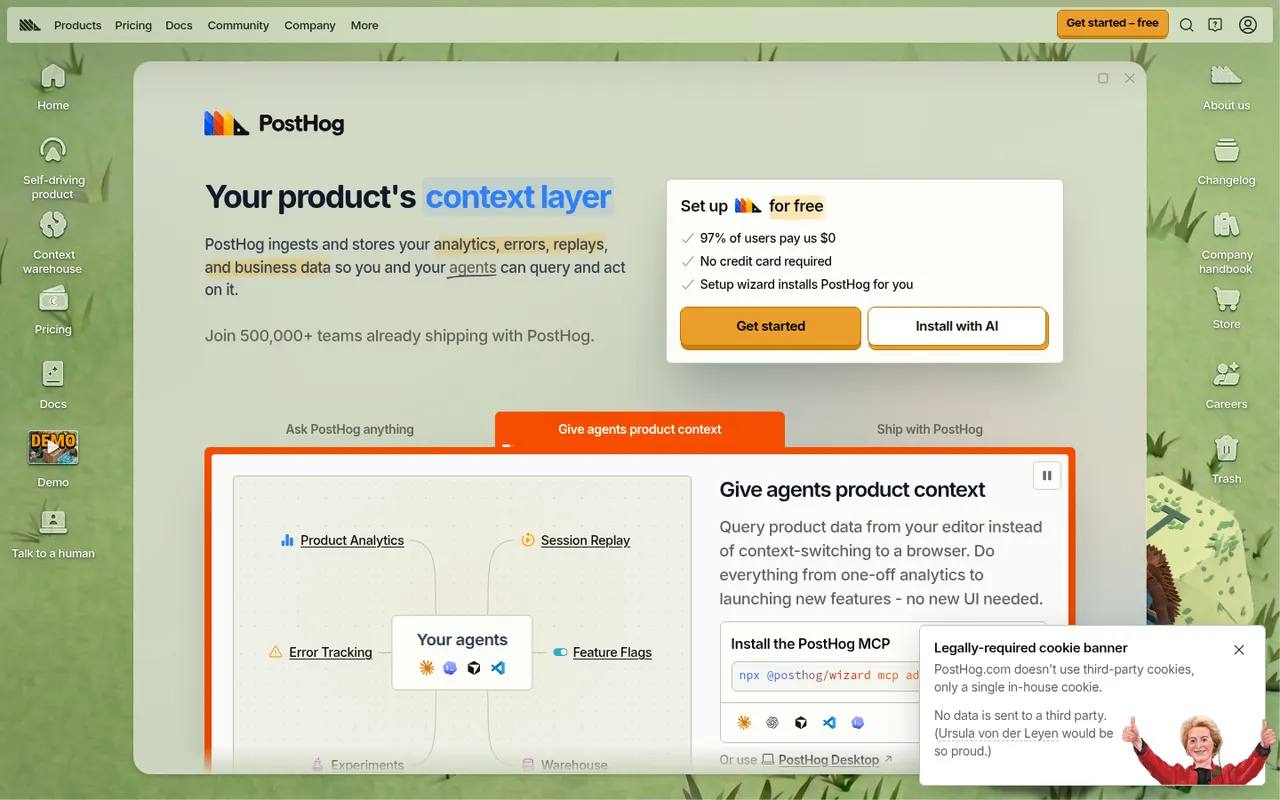
Cost / LicenseFreemiumOpen sourceCategoriesPlatformsPostHog is an open source product platform that combines product and web analytics, session replay, feature flags, A/B testing, surveys and a data warehouse in one tool. It is built for engineers and product teams, with SQL access, an AI assistant and a free monthly usage allowance on PostHog Cloud. It can also be self-hosted for smaller deployments.
12 PostHog alternativesPros
- Analytics, session replay, feature flags and A/B tests in one tool
- Generous free monthly usage on PostHog Cloud
- Open source with direct SQL access to your data
Cons
- Broad feature set can feel overwhelming for non-technical users
- Usage-based billing is hard to predict as traffic grows
- Self-hosting is only recommended for smaller deployments
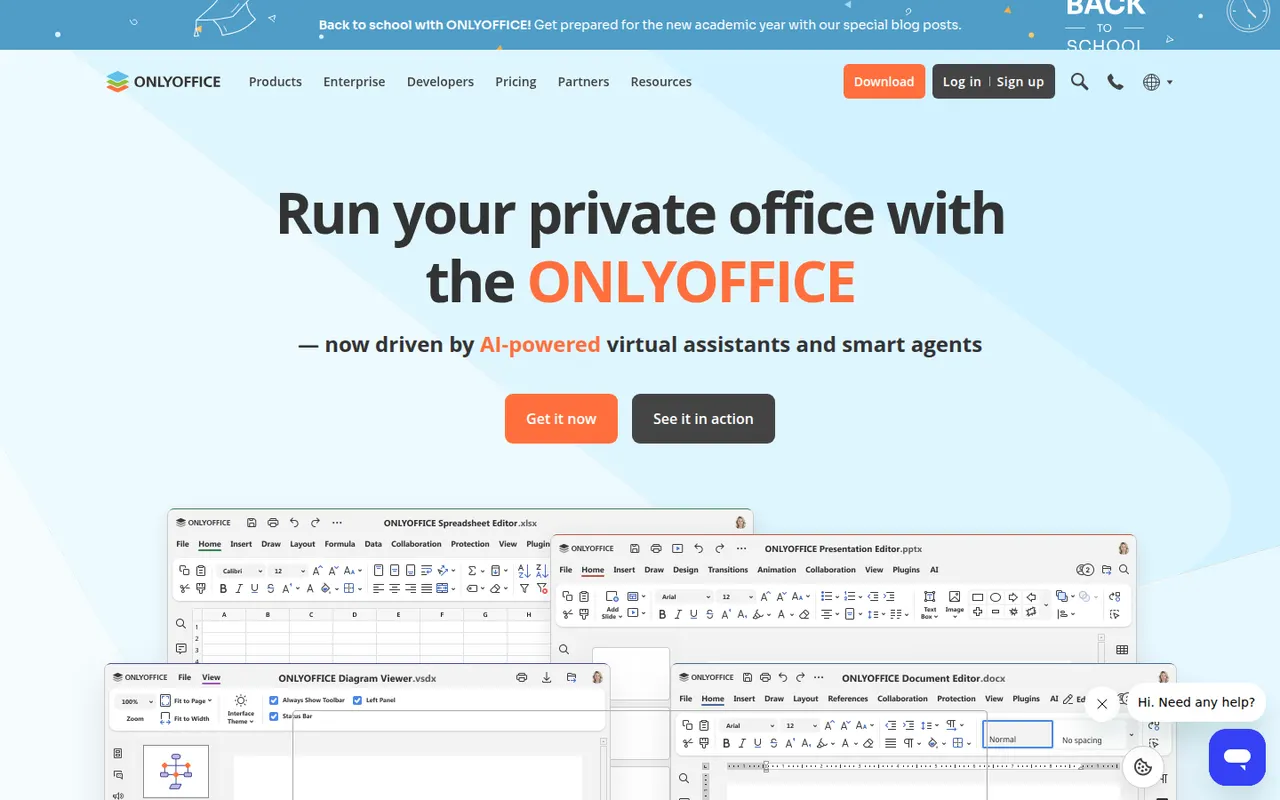
Cost / LicenseFreemiumOpen sourceCategoriesPlatformsONLYOFFICE is an office suite from Ascensio System with editors for documents, spreadsheets, presentations, PDFs and forms, built around Microsoft Office formats. The desktop and mobile apps are free, and the online editors can be self-hosted or integrated into Nextcloud and other platforms, with paid cloud and enterprise editions. It supports real-time co-editing, plugins and AI assistants.
12 ONLYOFFICE alternativesPros
- Strong compatibility with Microsoft Office formats
- Free desktop and mobile apps, plus self-hostable online editors
- Real-time co-editing and Nextcloud integration
Cons
- A self-hosted server needs technical setup
- Enterprise features and support require paid editions
- Fewer advanced features than Microsoft Office
Cost / LicenseFreemiumOpen sourceCollabora Online is an open source office suite from Collabora Productivity that runs LibreOffice technology in the browser, on your own server or through a hosting partner. It plugs into Nextcloud, ownCloud, Seafile and similar platforms for co-editing Office and OpenDocument files on infrastructure you control. A free development edition sits alongside paid supported versions and Collabora Office apps.
9 Collabora Online alternativesPros
- Open source online office suite you can host on your own servers
- Integrates with Nextcloud, ownCloud and Seafile for co-editing
- Keeps documents on infrastructure you control
Cons
- Interface feels dated next to Google Docs or Microsoft 365
- Self-hosting requires server setup and maintenance
- Supported production versions are paid
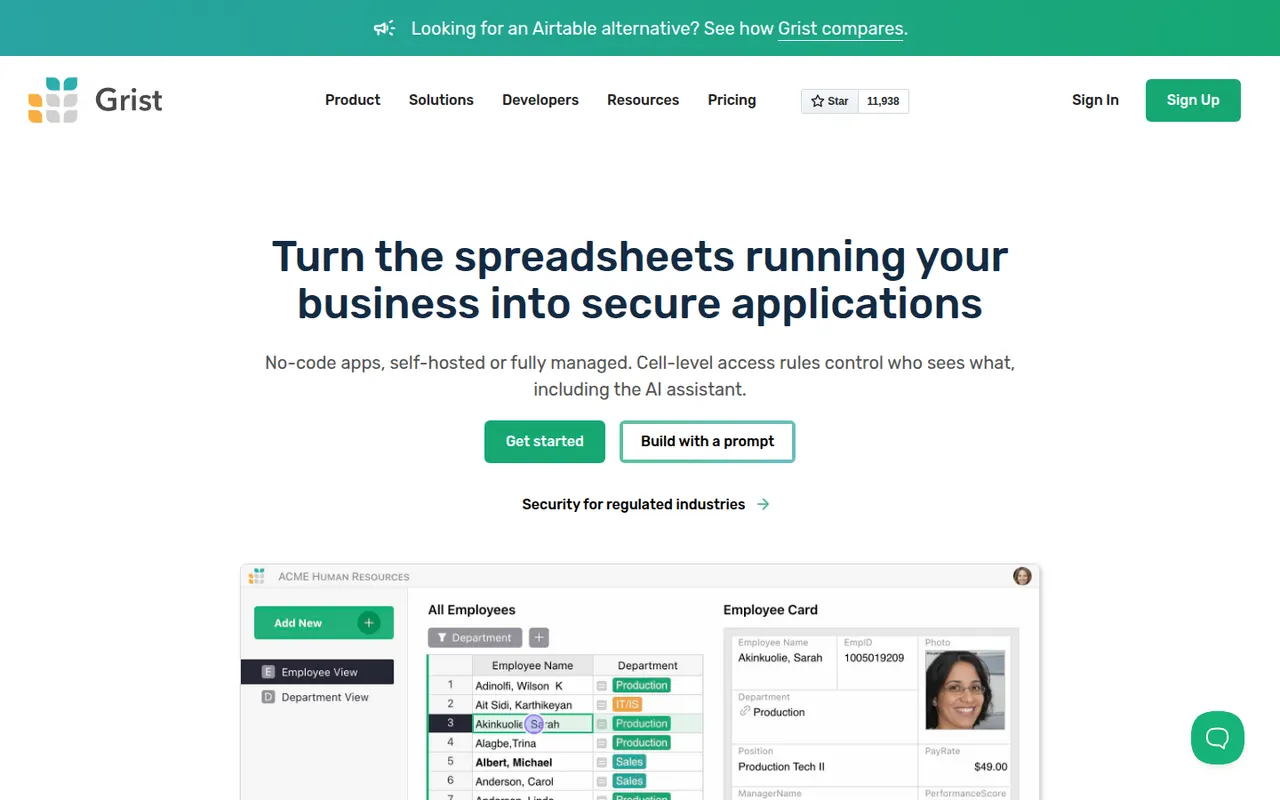
Cost / LicenseFreemiumOpen sourceGrist is a relational spreadsheet from Grist Labs that combines a familiar grid with typed columns, linked tables and custom layouts. Formulas are written in Python, and granular access rules control who can see or edit each row or column. It is open source under Apache 2.0, can be self-hosted or run as a desktop app, and is also offered as a hosted service with a free tier.
8 Grist alternativesPros
- Formulas are written in Python, a big plus for technical users
- Granular access rules down to individual rows and columns
- Open source and self-hostable, with a desktop app option
Cons
- Less familiar than a classic spreadsheet for Excel users
- Smaller template and integration ecosystem than Airtable
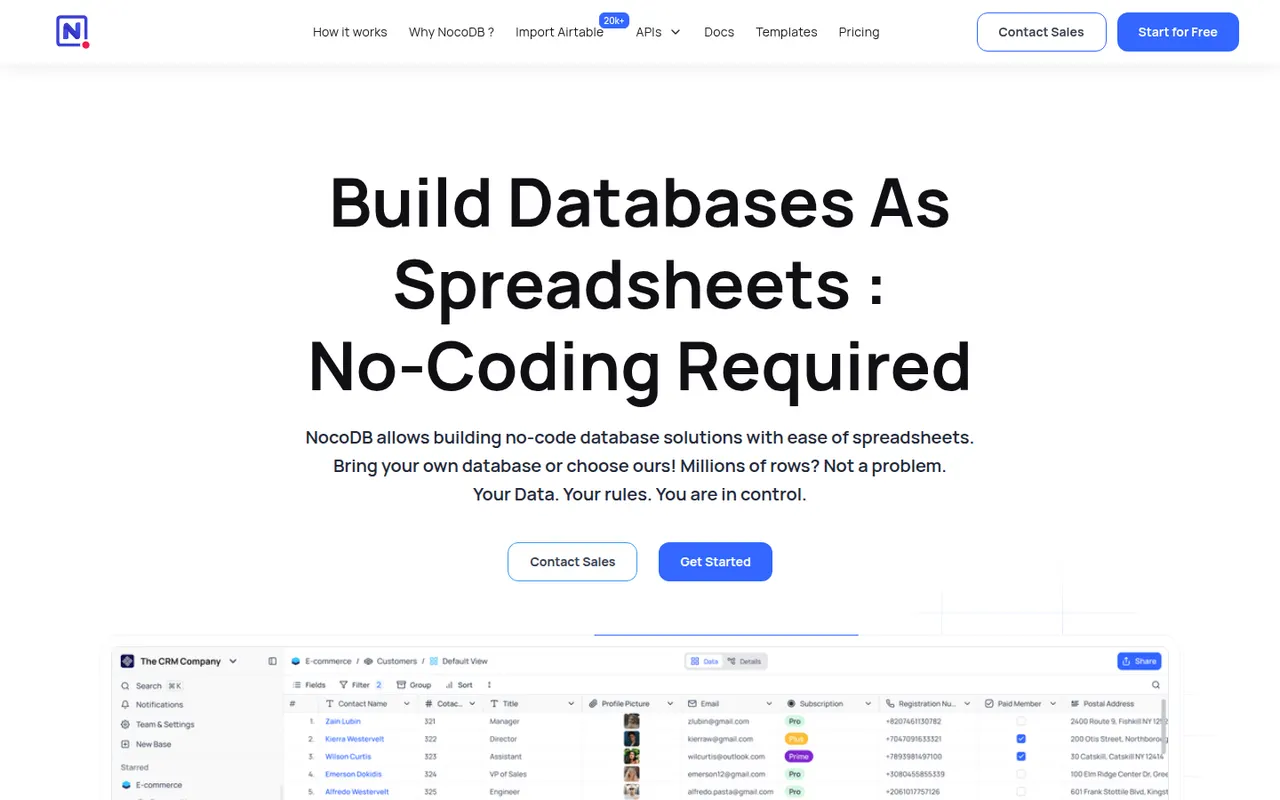
Cost / LicenseFreemiumOpen sourceCategoriesPlatformsNocoDB is a no-code database platform that puts a spreadsheet-style interface on top of new or existing PostgreSQL and MySQL databases. Teams get grid, kanban, gallery, form and calendar views, role-based access and automatically generated REST APIs. It can be self-hosted with Docker or used as a cloud service, and its source code is published under the fair-code Sustainable Use License.
8 NocoDB alternativesPros
- Connects to existing PostgreSQL and MySQL databases
- Auto-generated REST APIs for every table
- Self-hostable with Docker for full control over data
Cons
- Fair-code license is not open source in the OSI sense
- Fewer native integrations and automations than Airtable
- Self-hosting requires technical skills to maintain
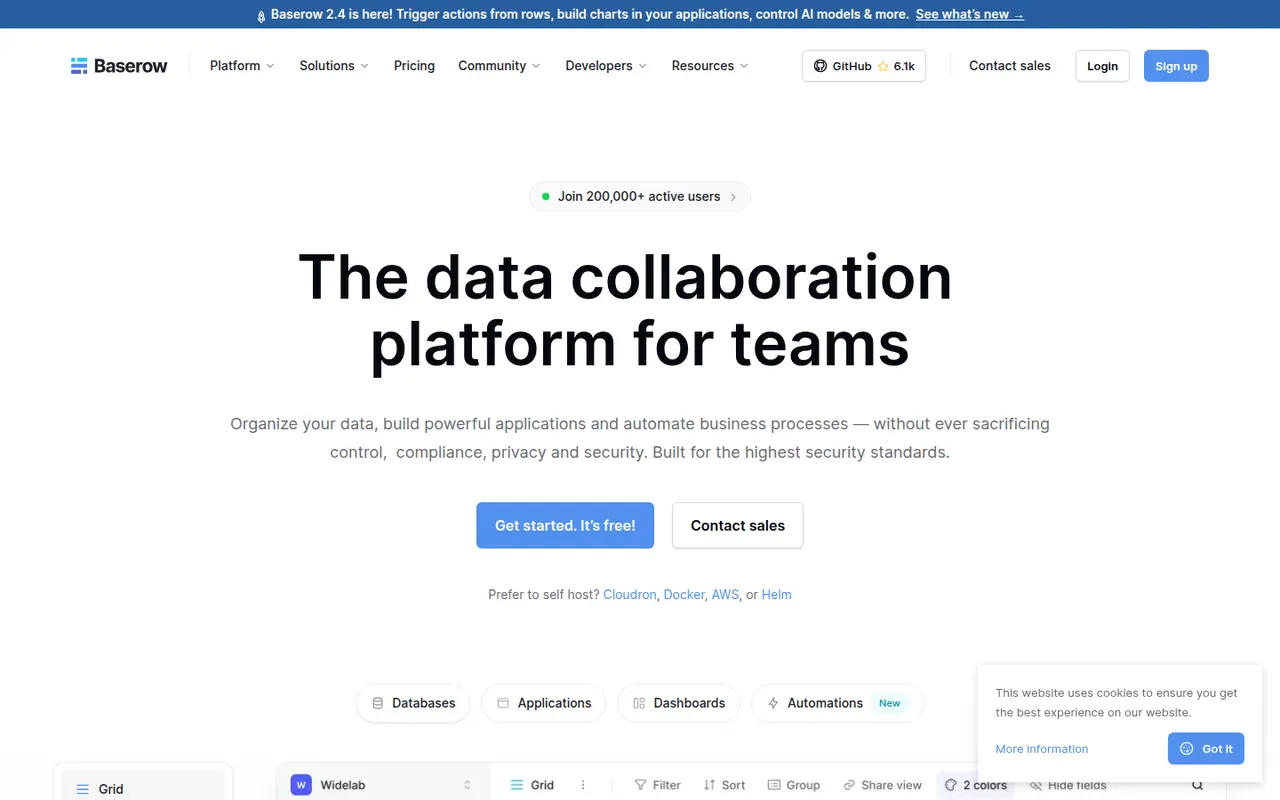
Cost / LicenseFreemiumSource availableCategoriesPlatformsBaserow is a no-code database from the Dutch company of the same name, with a spreadsheet-like interface, linked tables, multiple views and a REST API. It also includes an application builder and AI fields for turning data into internal tools. The core is open source under MIT and can be self-hosted; the cloud version, hosted in the EU, has a free plan and paid tiers.
8 Baserow alternativesPros
- Open source core that can be self-hosted at no cost
- Familiar spreadsheet-style interface with linked tables and views
- EU-hosted cloud option helps with GDPR requirements
Cons
- Smaller integration ecosystem than Airtable
- Some advanced features are reserved for paid plans
- Self-hosting requires server maintenance and updates
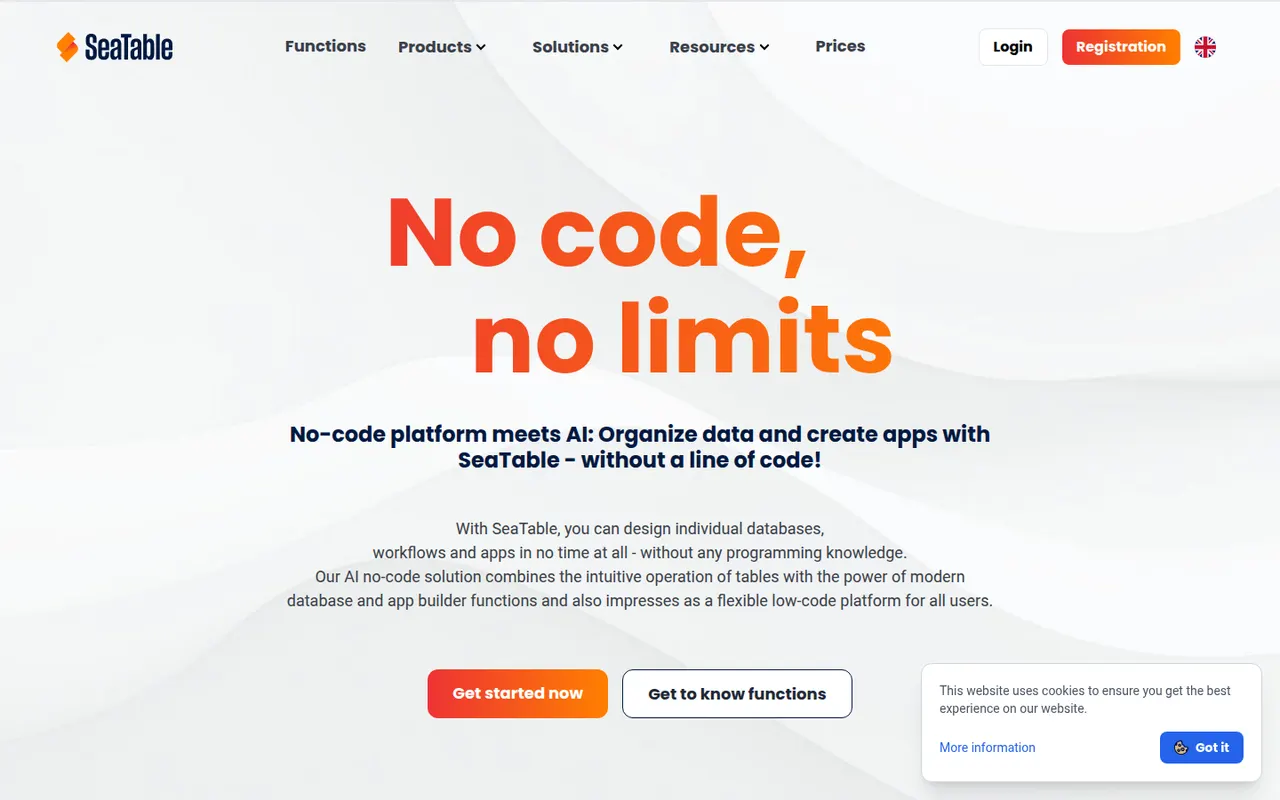
Cost / LicenseFreemiumOpen sourceCategoriesPlatformsSeaTable is a spreadsheet-style database made by SeaTable GmbH in Germany, letting teams link tables, attach files, build forms and create custom views. Automations, Python and JavaScript scripts and an API turn tables into business processes without writing a full application. It can be used in the cloud, with a free plan, or installed on your own servers.
7 SeaTable alternativesPros
- German vendor offering both GDPR-friendly cloud and self-hosting
- Python and JavaScript scripts extend tables into business processes
- Linked tables, forms and file attachments in one workspace
Cons
- Smaller community and template library than Airtable
- Advanced features are reserved for paid plans
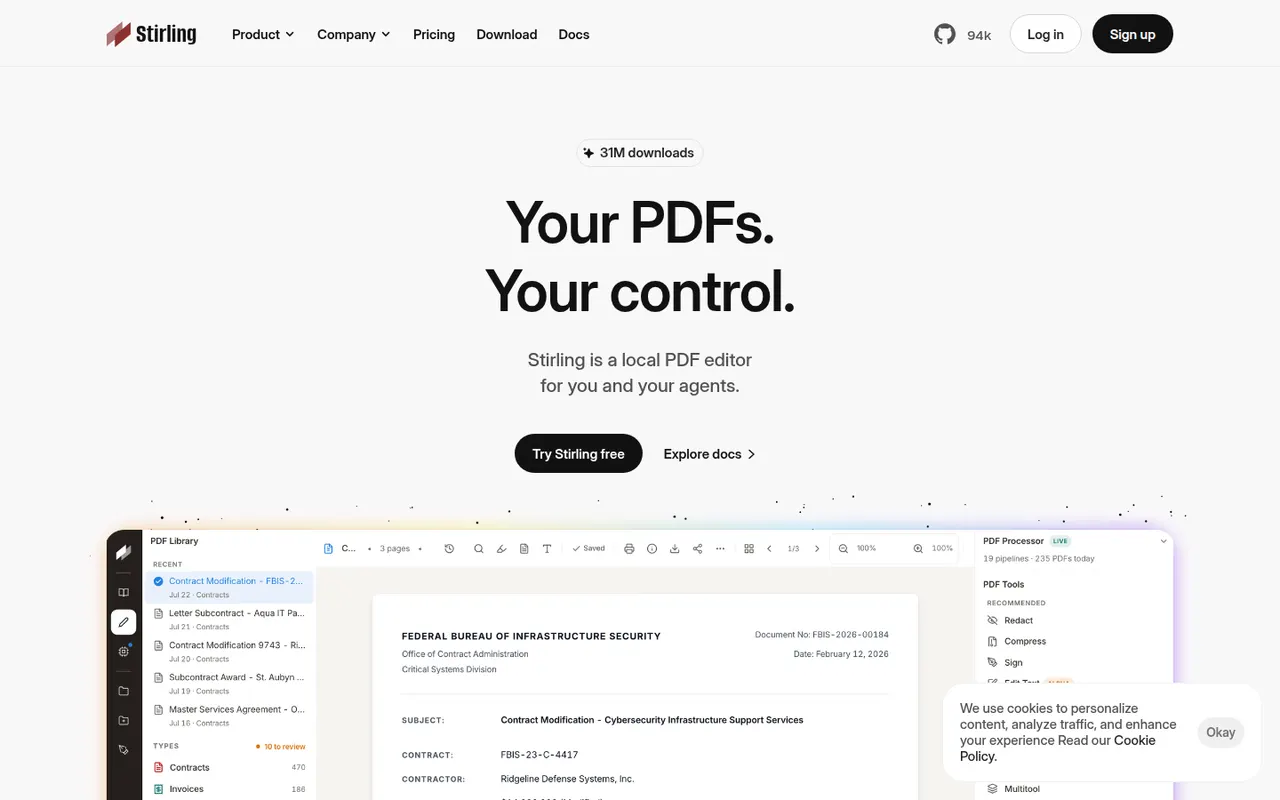
Cost / LicenseFreemiumProprietaryCategoriesPlatformsStirling-PDF is an open-core PDF application you can run on your own server, typically with Docker, so documents never leave your infrastructure. It bundles tools to merge, split, compress, convert, OCR, sign, redact and edit PDFs, plus a REST API and pipelines for automating repetitive jobs. The core is MIT-licensed and free; paid plans add enterprise features such as SSO.
7 Stirling-PDF alternativesPros
- Self-hosted, so documents never leave your infrastructure
- Dozens of tools for merging, OCR, redaction and conversion
- REST API and pipelines automate repetitive jobs
Cons
- Requires running a server, typically with Docker
- SSO and other enterprise features are paid
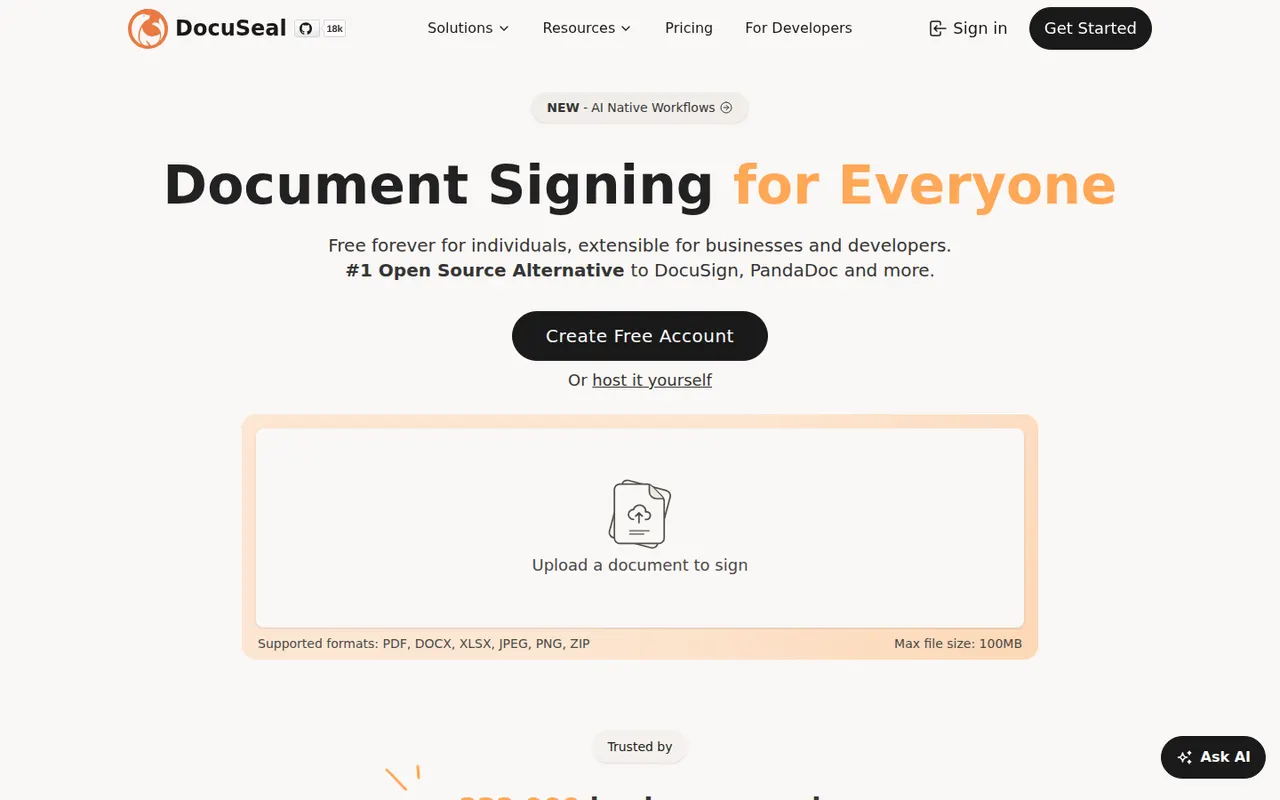
Cost / LicenseFreemiumOpen sourceCategoriesPlatformsDocuSeal is an open source platform for creating fillable PDF forms and collecting e-signatures, available as a hosted service or a self-hosted Docker app. A drag-and-drop builder places signature and form fields on documents, and an API, webhooks and embeddable components let developers add signing to their own apps. The self-hosted version is free under AGPL-3.0, with paid Pro features.
9 DocuSeal alternativesPros
- Free self-hosted version that runs as a Docker app
- Drag-and-drop builder for signature and form fields
- Embeddable components and an API to add signing to your own app
Cons
- Some advanced features require a paid Pro plan
- Fewer business integrations than established signature vendors
- Self-hosting means managing your own backups and updates
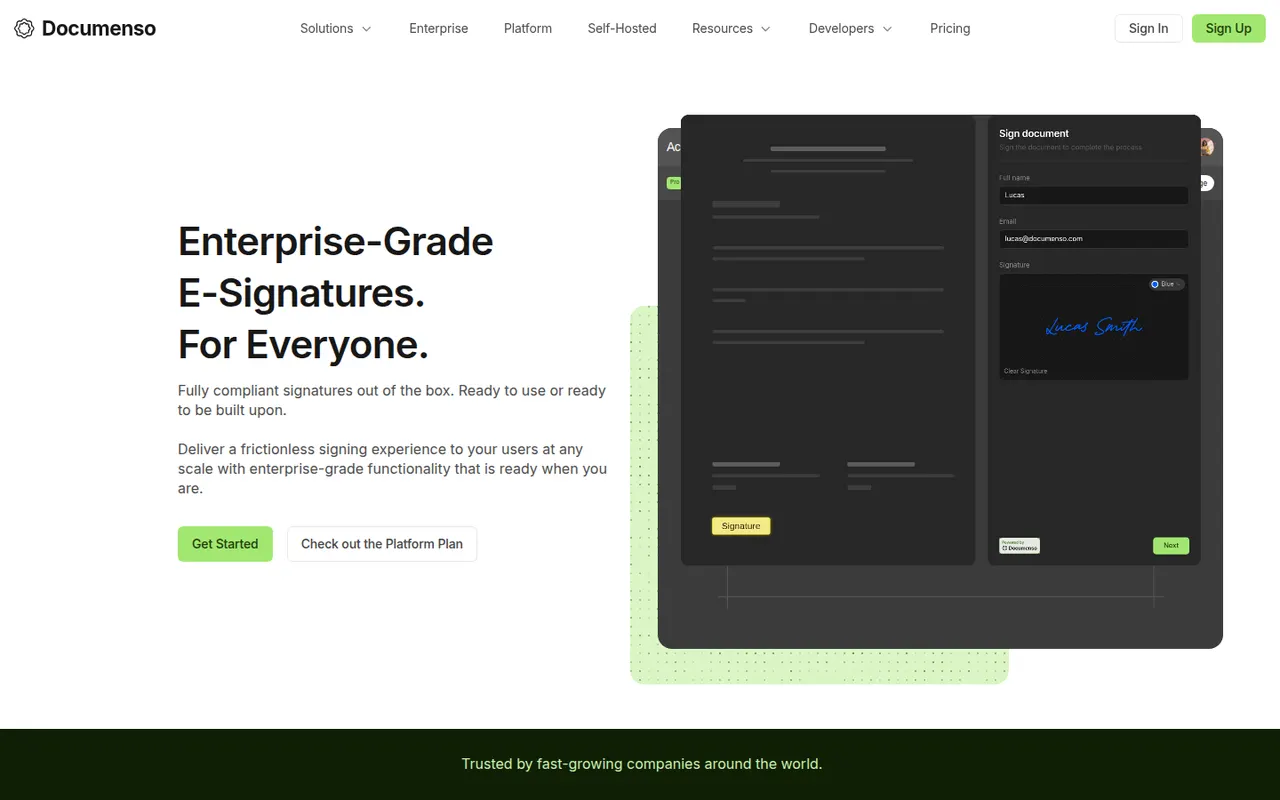
Cost / LicenseFreemiumOpen sourceCategoriesPlatformsDocumenso is an open source e-signature platform built with a focus on transparency, so anyone can inspect how documents are signed and stored. It supports templates, signing order, direct signing links, teams, webhooks and an API, and can be self-hosted or used through the hosted service. The code is published under AGPL-3.0, with a free plan and paid plans for teams.
8 Documenso alternativesPros
- Open source code lets anyone inspect how documents are signed
- Self-host it or use the hosted service with a free plan
- API, webhooks and templates for developers and teams
Cons
- Younger product with fewer integrations than Docusign
- Self-hosting requires setting up a signing certificate and email delivery
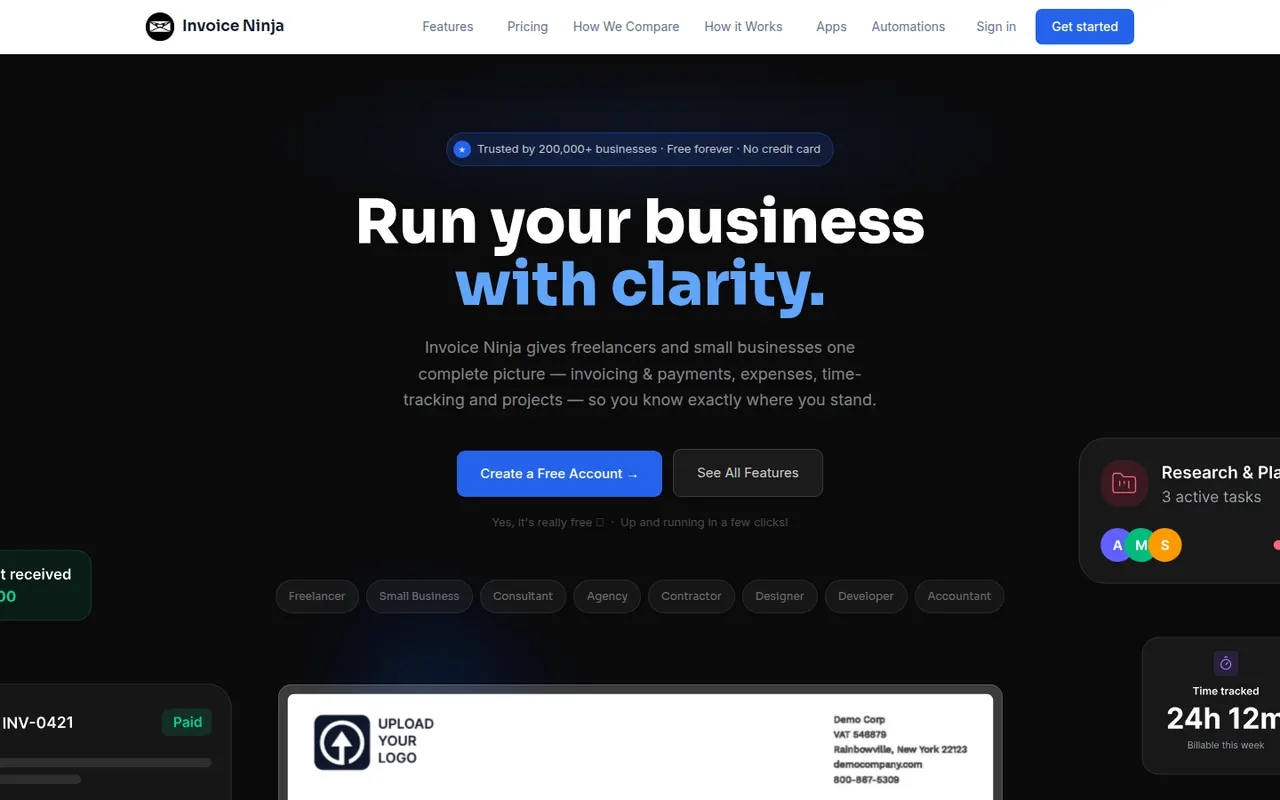
Cost / LicenseFreemiumOpen sourceCategoriesPlatformsInvoice Ninja is an invoicing and billing platform for freelancers and small businesses, offered as a hosted service or as software you can install on your own server. It creates quotes, invoices and recurring billing, tracks time, tasks and expenses, supports many currencies and connects to dozens of payment gateways through a client portal. The source code is available under the Elastic License.
8 Invoice Ninja alternativesPros
- Self-hostable or available as a hosted service
- Connects to dozens of payment gateways through a client portal
- Recurring invoices, quotes, time and expense tracking included
Cons
- Not a full double-entry accounting system
- Elastic License code is not open source in the strict sense
- Many settings make the initial setup time-consuming
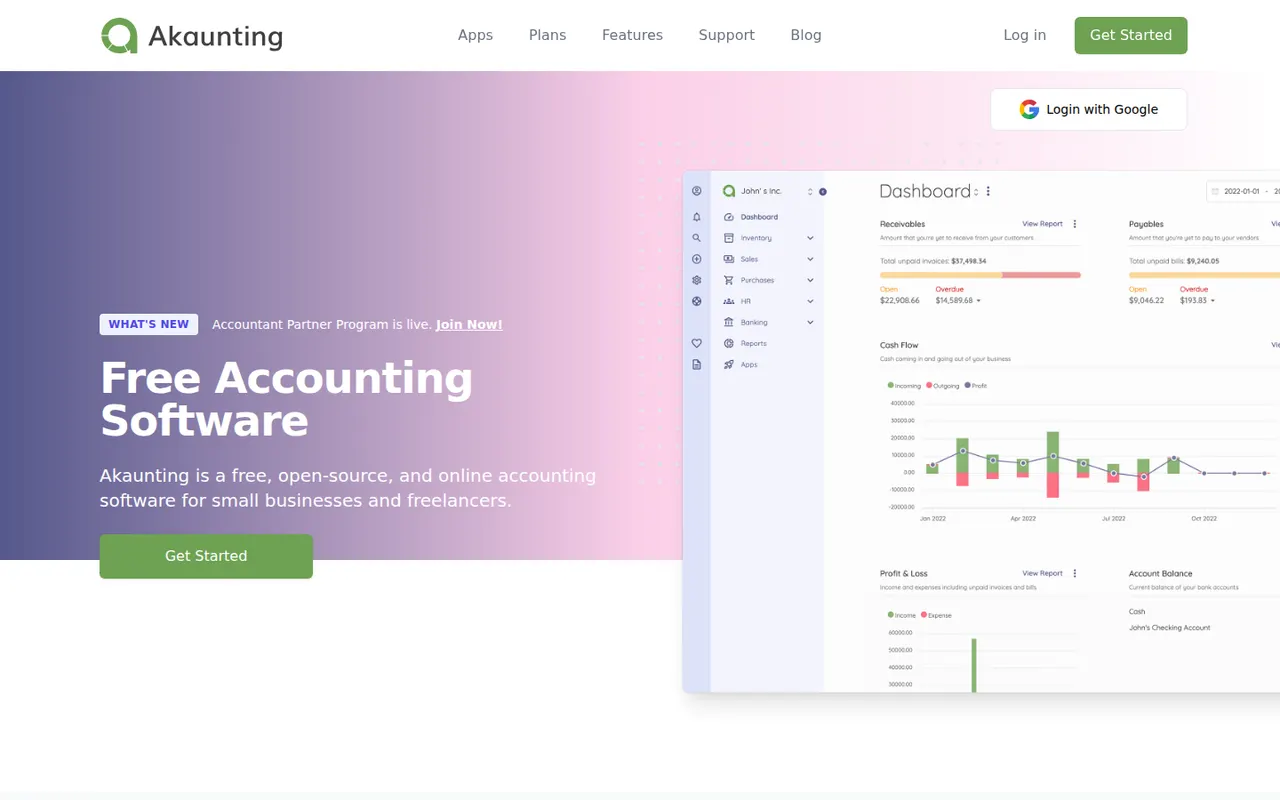
Cost / LicenseFreemiumSource availableCategoriesPlatformsAkaunting is web-based accounting software for small businesses and freelancers that can be installed on your own server or used in the cloud. The core handles invoices, bills, expenses, customers, vendors, multiple currencies and reports, while paid apps from its marketplace add features such as payroll, inventory and bank feeds. Its source code is published under the Business Source License.
8 Akaunting alternativesPros
- Can be self-hosted on your own server or used in the cloud
- Core covers invoices, bills, expenses and multiple currencies
- Marketplace apps add payroll, inventory and bank feeds
Cons
- Many useful features are paid add-ons from the marketplace
- Business Source License code is not open source in the strict sense
- Self-hosting requires technical skills to install and maintain
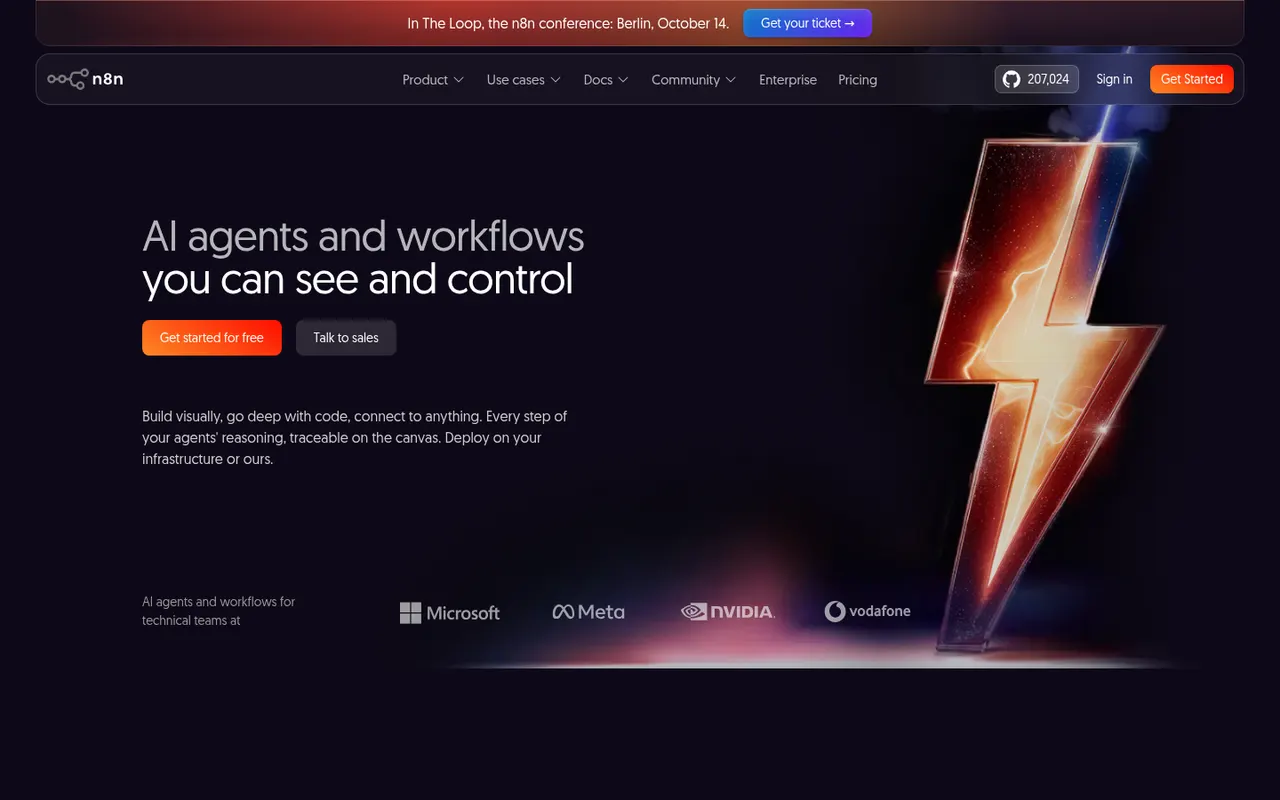
Cost / LicenseFreemiumSource availableCategoriesPlatformsn8n is a workflow automation tool from Berlin that combines a visual node editor with the option to write JavaScript or Python, which suits technical teams. It offers hundreds of integrations, webhooks and AI agent nodes for building workflows around large language models. It can be self-hosted for free under the Sustainable Use License or used through the paid n8n Cloud.
9 n8n alternativesPros
- Free self-hosting keeps workflows and data on your own servers
- JavaScript or Python code nodes alongside the visual editor
- Capable AI agent nodes for building LLM workflows
Cons
- Sustainable Use License restricts some commercial uses, so it is not open source
- More technical than Zapier for non-developers
- Self-hosting means maintaining servers and updates yourself
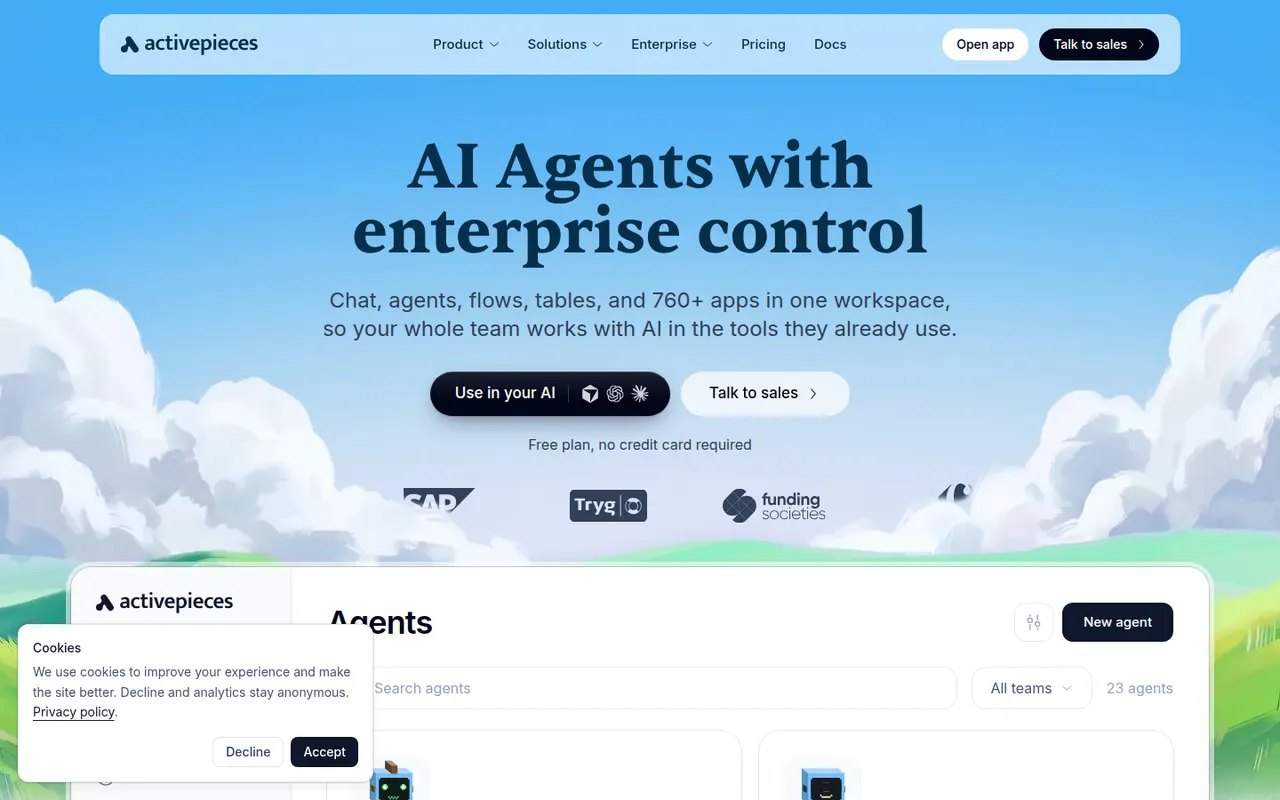
Cost / LicenseFreemiumSource availableCategoriesPlatformsActivepieces is an open source automation platform positioned as an alternative to Zapier, with a visual flow builder, hundreds of integrations called pieces and AI agent steps. Pieces are written in TypeScript and are also exposed as MCP servers for AI assistants. The community edition is MIT-licensed and can be self-hosted; a hosted cloud version and an enterprise edition are also offered.
8 Activepieces alternativesPros
- MIT-licensed community edition can be self-hosted
- Pieces double as MCP servers for AI assistants
- Clean visual builder that is approachable for non-developers
Cons
- Smaller integration catalog than Zapier or Make
- Some enterprise features are reserved for paid editions
- Self-hosting means handling updates and scaling yourself
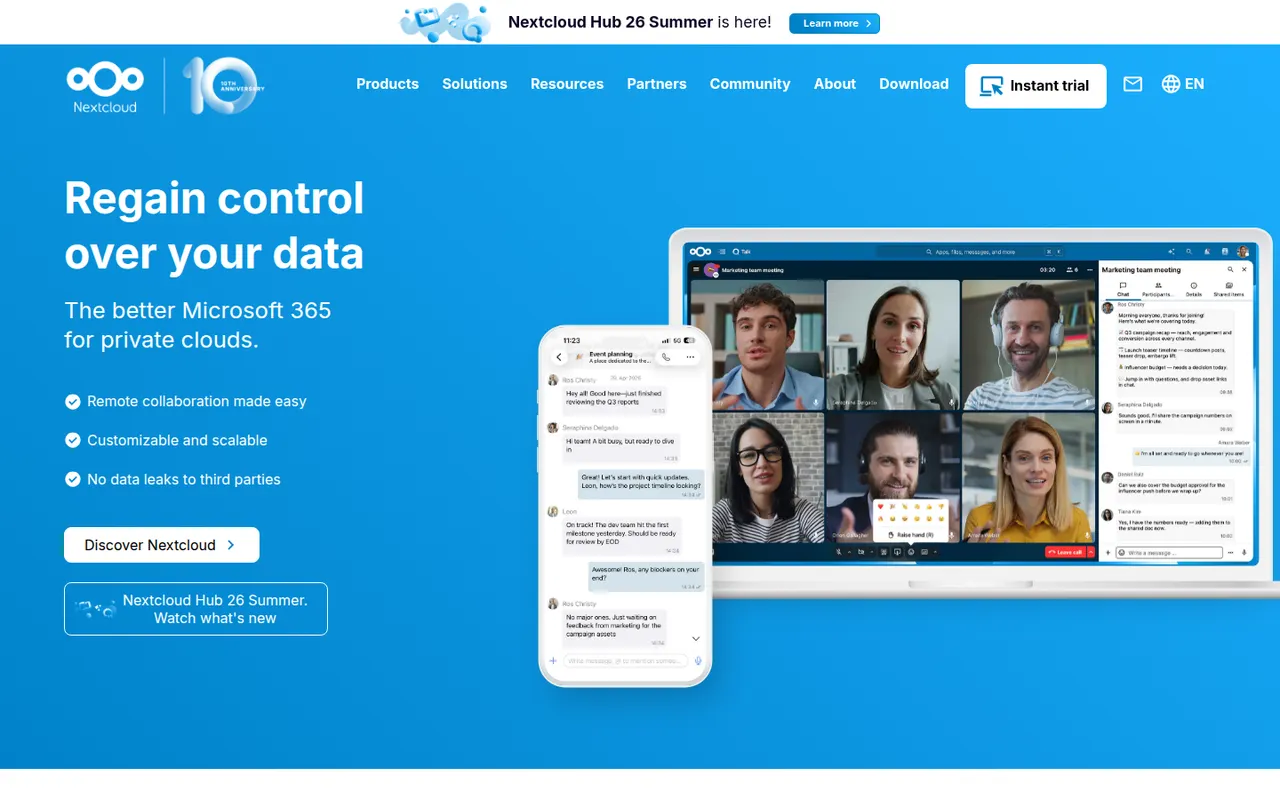
Cost / LicenseFreemiumOpen sourceCategoriesPlatformsNextcloud is an open source platform you install on your own server to sync and share files, keeping data under your control instead of with a third-party cloud. Beyond file storage with desktop and mobile clients, its app store adds calendars, contacts, video calls (Talk), online office editing and many other extensions. Self-hosting is free, and Nextcloud GmbH sells enterprise support.
12 Nextcloud alternativesPros
- Keeps files on your own server instead of a third-party cloud
- App store adds calendars, contacts, Talk calls and office editing
- Desktop and mobile clients for every major platform
Cons
- Installing, securing and updating the server is your responsibility
- Performance can be sluggish without careful server tuning
- Quality varies across third-party apps
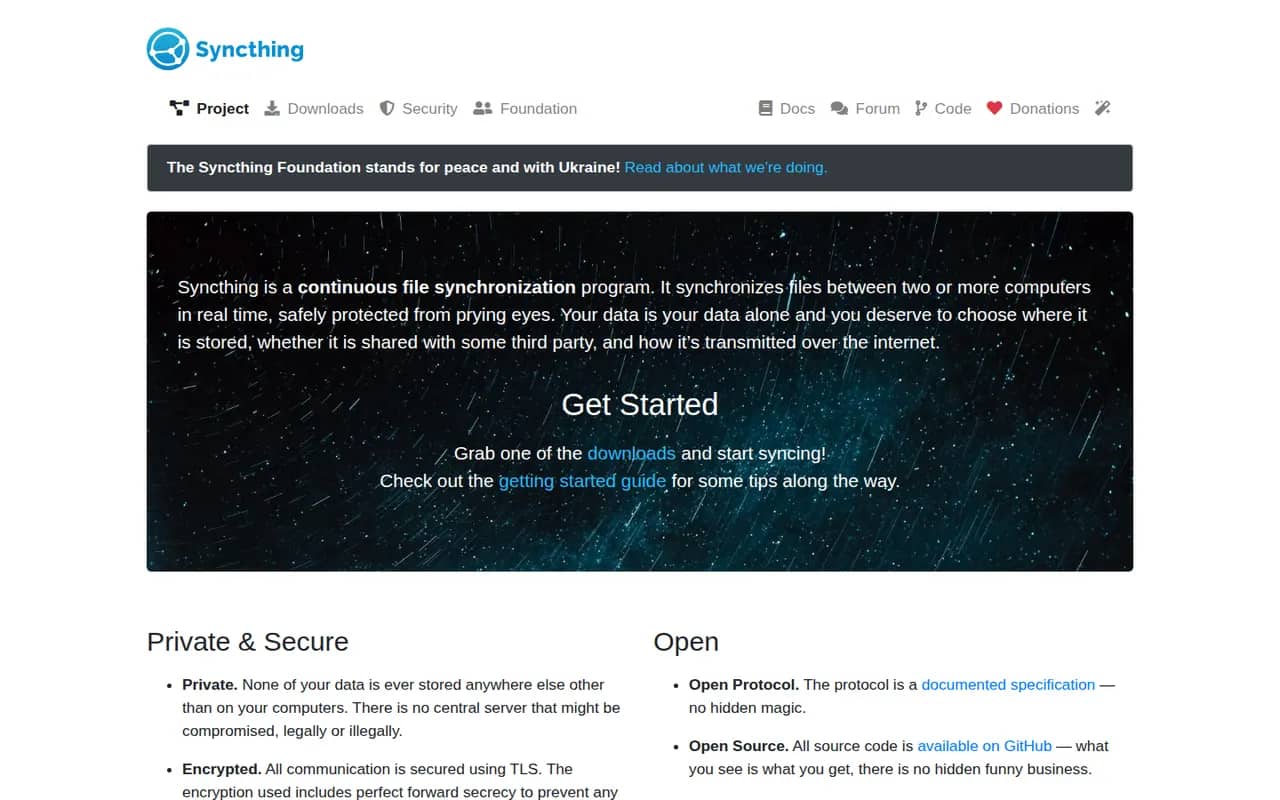
Cost / LicenseFreemiumOpen sourceCategoriesSyncthing continuously synchronizes folders directly between your computers and servers, without storing anything on a third-party cloud. Connections are encrypted and authenticated, devices find each other on the local network or through relays, and per-folder versioning keeps old copies of changed files. It is free, open source and configured through a local web interface.
8 Syncthing alternativesPros
- Syncs directly between your devices with no third-party cloud
- Free and open source, with encrypted connections
- Per-folder versioning keeps copies of changed files
Cons
- Configuration through a web interface is less approachable for non-technical users
- Devices must be online at the same time to sync
- No official mobile apps
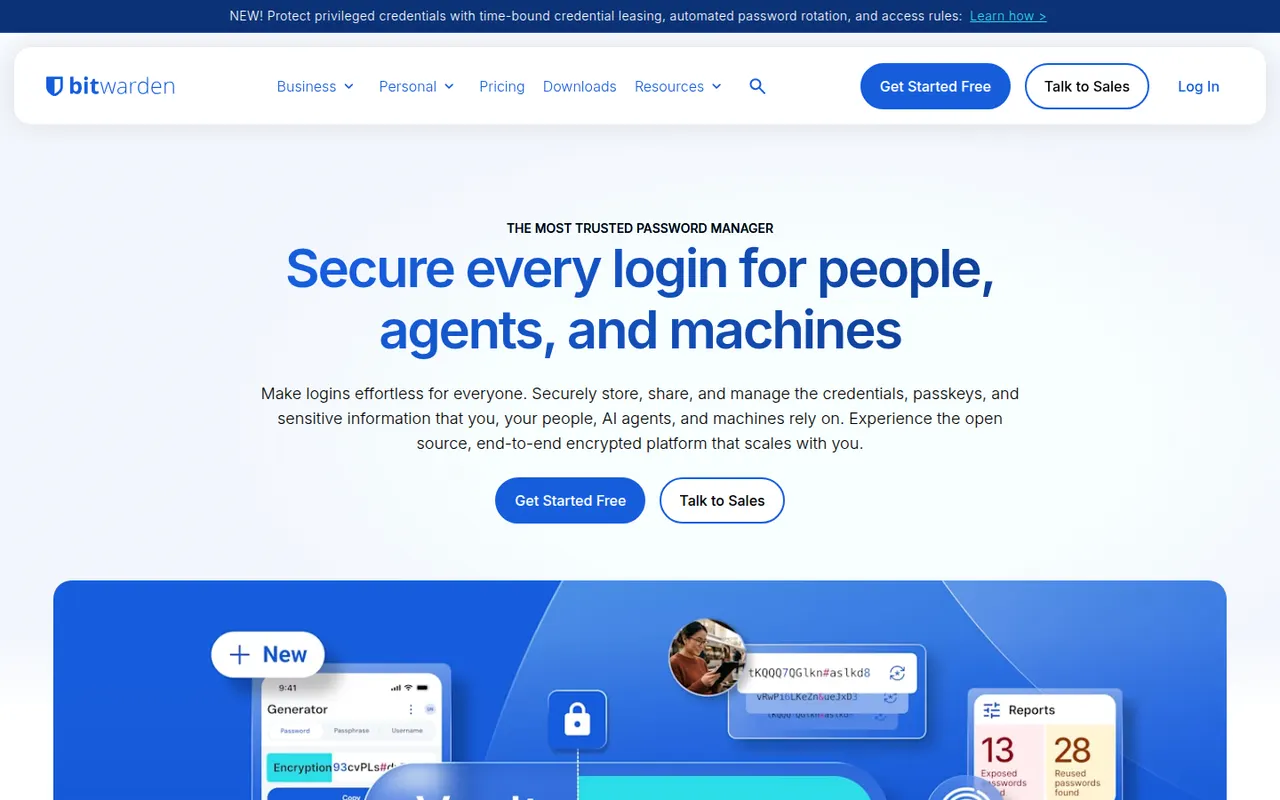
Cost / LicenseFreeOpen sourceCategoriesPlatformsBitwarden is an open source password manager that keeps logins, passkeys, cards and notes in an end-to-end encrypted vault available on every major platform. The free plan covers unlimited passwords on unlimited devices, while paid plans add encrypted attachments, vault health reports, an integrated authenticator and sharing for families or teams. The server can also be self-hosted.
10 Bitwarden alternativesPros
- Free plan with unlimited passwords on unlimited devices
- Open source code with published third-party audits
- The server can be self-hosted
Cons
- Interface is more functional than polished
- Attachments, vault health reports and the authenticator need a paid plan
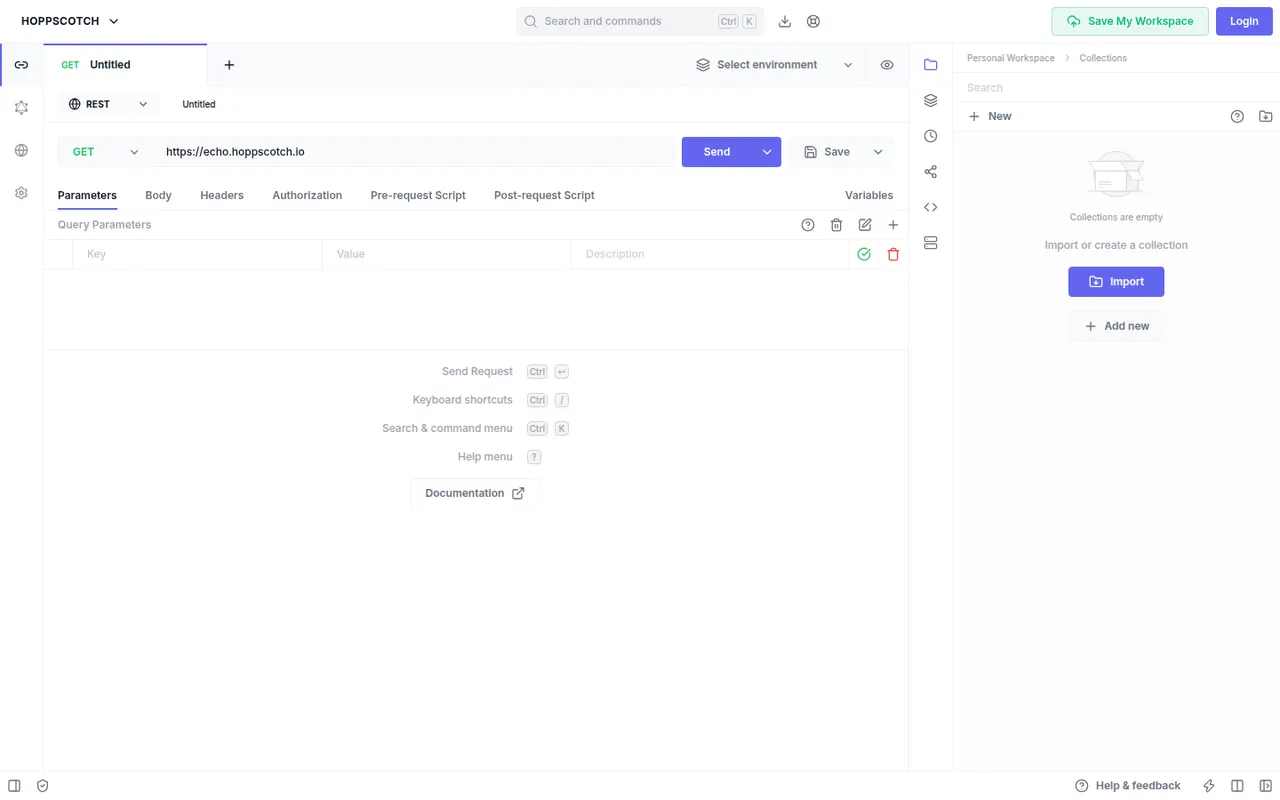
Cost / LicenseFreemiumOpen sourceCategoriesHoppscotch is an open source API client that runs in the browser, as a desktop app or on your own server. It tests REST, GraphQL, WebSocket, Socket.IO, MQTT and server-sent events with collections, environments, pre-request scripts and tests. Teams can share workspaces, and organizations can self-host the whole platform with Docker. A browser extension helps send requests that CORS would otherwise block.
6 Hoppscotch alternativesPros
- Runs in the browser with nothing to install
- Supports REST, GraphQL, WebSocket, Socket.IO, MQTT and SSE
- The whole platform can be self-hosted with Docker
Cons
- In the browser, CORS limits require an extension or proxy
- Some team and enterprise features are paid
Cost / LicenseFreemiumOpen sourceCategories