Apps with AI assistant
114 apps
Top AI assistant apps ranked by the community
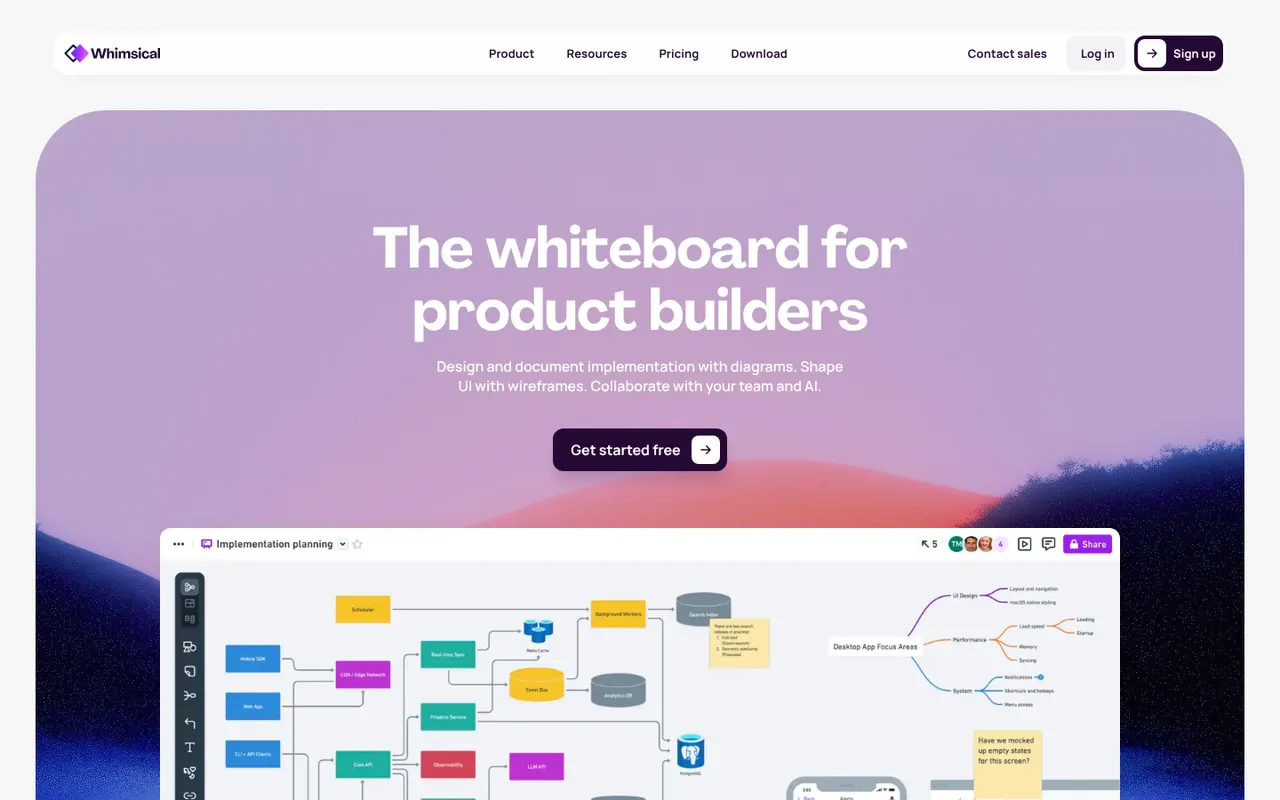
Whimsical is a visual workspace that combines flowcharts, wireframes, mind maps, sticky-note boards and docs in one place. Its deliberately simple editor with smart connectors and keyboard shortcuts makes diagrams quick to produce, AI can generate flowcharts or mind maps from a prompt, and boards can be shared with teammates for real-time editing.
12 Whimsical alternativesPros
- Flowcharts, wireframes, mind maps and docs in one place
- Smart connectors and shortcuts make diagrams fast to draw
- Clean, simple editor that is quick to pick up
Cons
- Deliberate simplicity limits styling and advanced diagram options
- Free plan caps how much content you can create
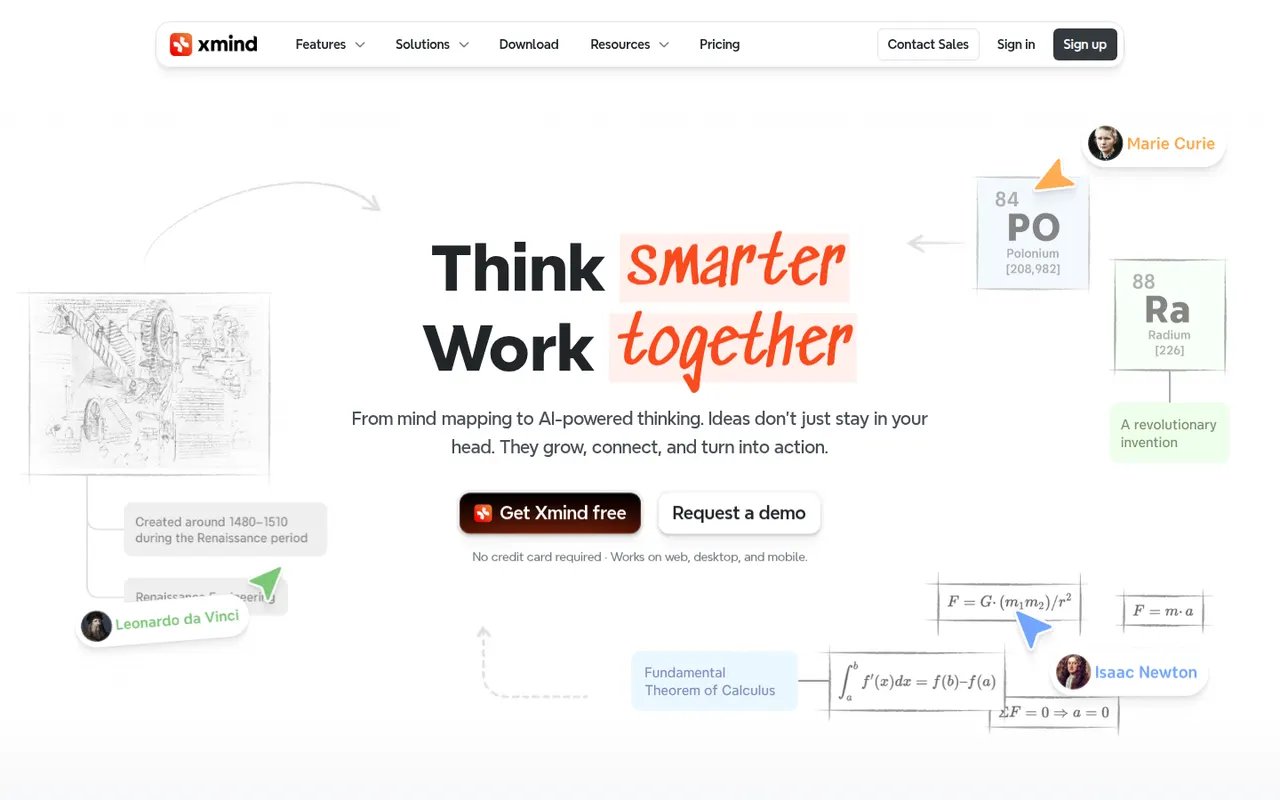
Cost / LicenseFreemiumProprietaryCategoriesPlatformsXmind is a mind mapping app for brainstorming, planning and note-taking, with structures such as logic charts, org charts, fishbone diagrams, timelines and matrices. It offers themes, an outliner view, a pitch mode for presenting maps and AI features to expand ideas, on Windows, Mac, Linux, iOS and Android, with a free version and a paid Pro subscription.
9 Xmind alternativesPros
- Many structures, from logic charts to fishbone diagrams and timelines
- Native desktop and mobile apps that work offline
- Pitch mode turns a map into a presentation
Cons
- Key features require the Pro subscription
- Focused on mind maps rather than freeform whiteboarding
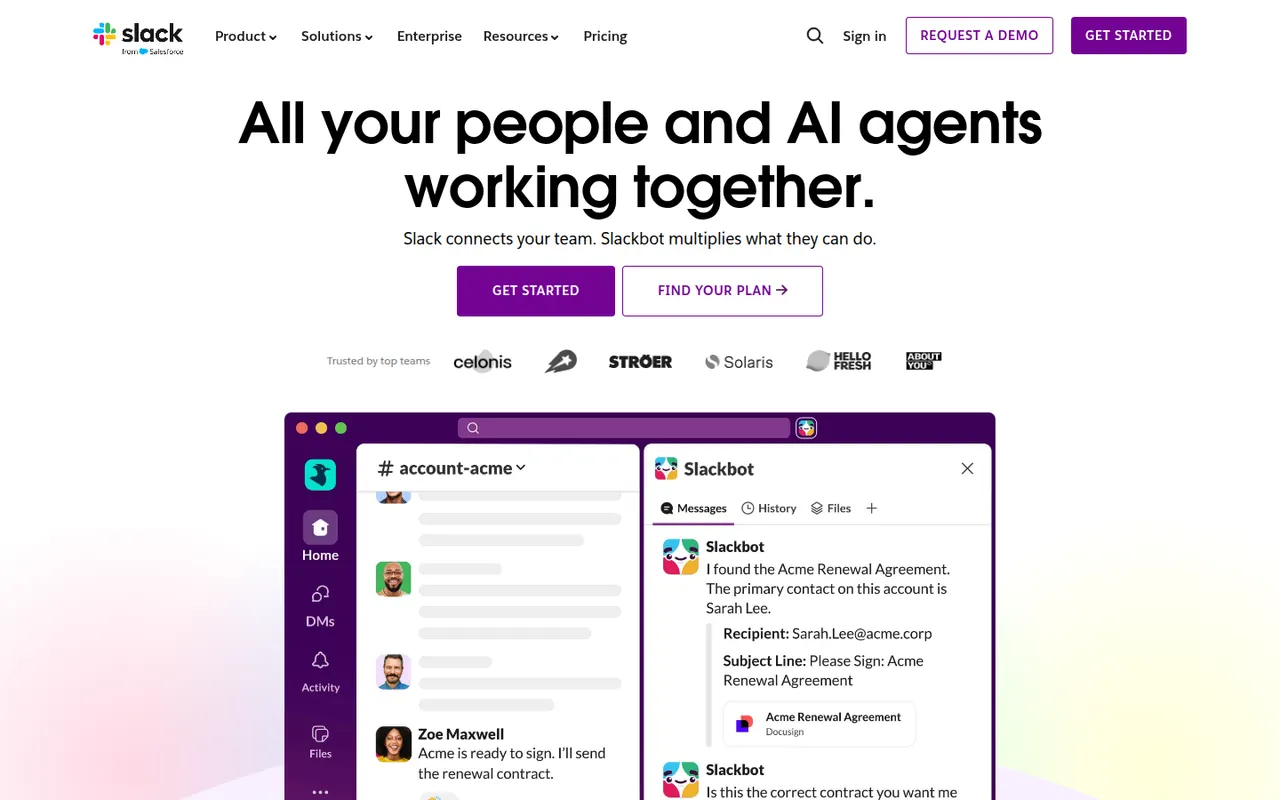
Cost / LicenseFreemiumProprietaryCategoriesSlack is a workplace messaging app that organizes conversations into channels by team, project or topic, with threads, direct messages and huddles for quick audio or video calls. A large app directory and an open API connect it to most business tools, and Slack Connect lets companies share channels with clients and partners. AI summaries and search are available on paid plans.
9 Slack alternativesPros
- Huge app directory connects to almost any business tool
- Slack Connect shares channels with clients and partners
- Huddles make quick audio and video calls effortless
Cons
- Free plan hides older message history
- Paid plans get costly for large teams
- Constant notifications can hurt focus
Cost / LicenseFreemiumProprietaryCategoriesMicrosoft Teams combines persistent team chat, channels, video meetings, webinars and calling in one app tied to Microsoft 365. Files live in SharePoint and OneDrive and can be co-edited in Word, Excel or PowerPoint without leaving the conversation. It suits organizations already standardized on Microsoft 365, and Copilot adds meeting recaps and chat summaries on eligible licenses.
12 Microsoft Teams alternativesPros
- Chat, meetings and calls in one app tied to Microsoft 365
- Co-edit Word, Excel and PowerPoint files without leaving a conversation
- Enterprise-grade admin, security and compliance controls
Cons
- Can feel heavy and slow, especially on older machines
- Channels, chats and files can be confusing to navigate
- Less appealing outside a Microsoft 365 environment
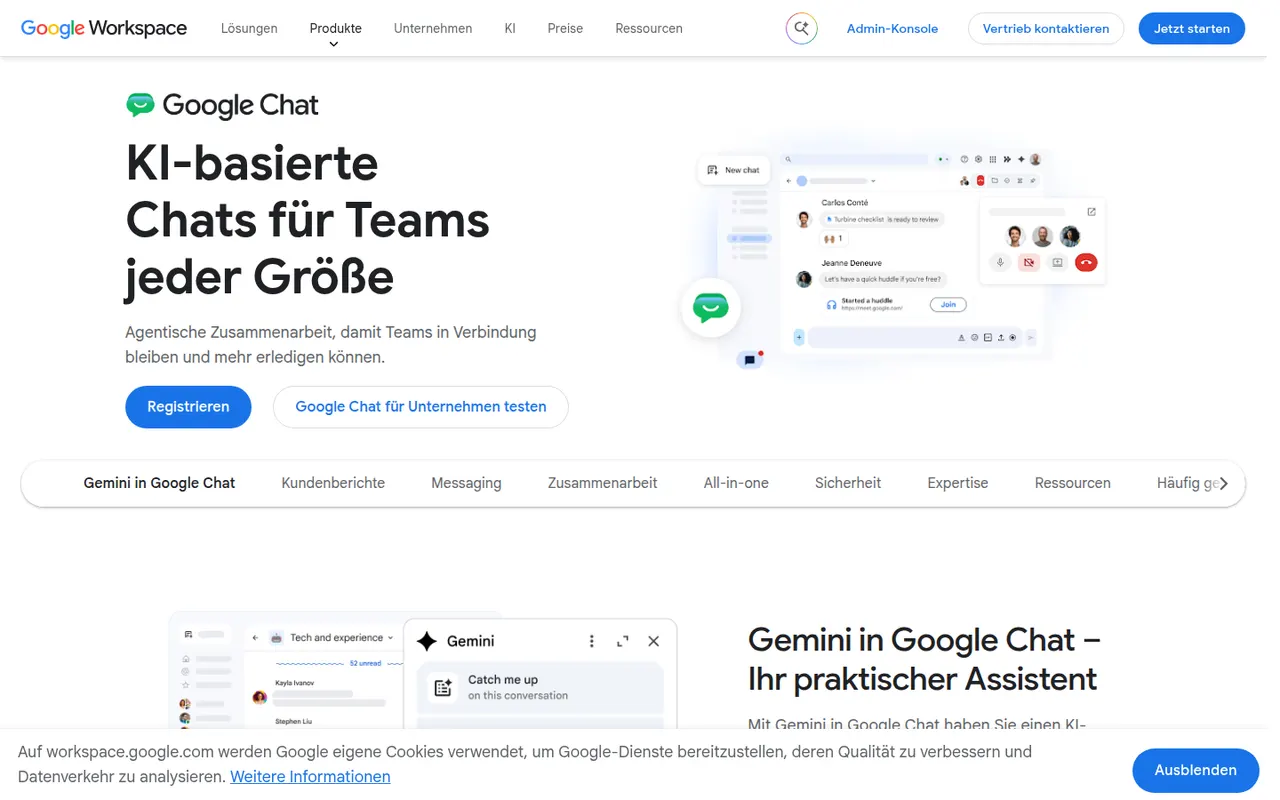
Cost / LicenseFreemiumProprietaryCategoriesGoogle Chat is Google's messaging app for direct messages, group conversations and spaces, the shared rooms where teams discuss projects in threads. It sits next to Gmail and works closely with Drive, Docs and Meet, so files and meetings can be shared without switching apps. It is free with a personal Google account, while companies get admin controls and Gemini features through Google Workspace.
8 Google Chat alternativesPros
- Built into Gmail, so Workspace users need no extra app
- Works closely with Drive, Docs and Meet for files and calls
- Free to use with a personal Google account
Cons
- Fewer third-party integrations and bots than Slack
- Little appeal outside the Google Workspace ecosystem
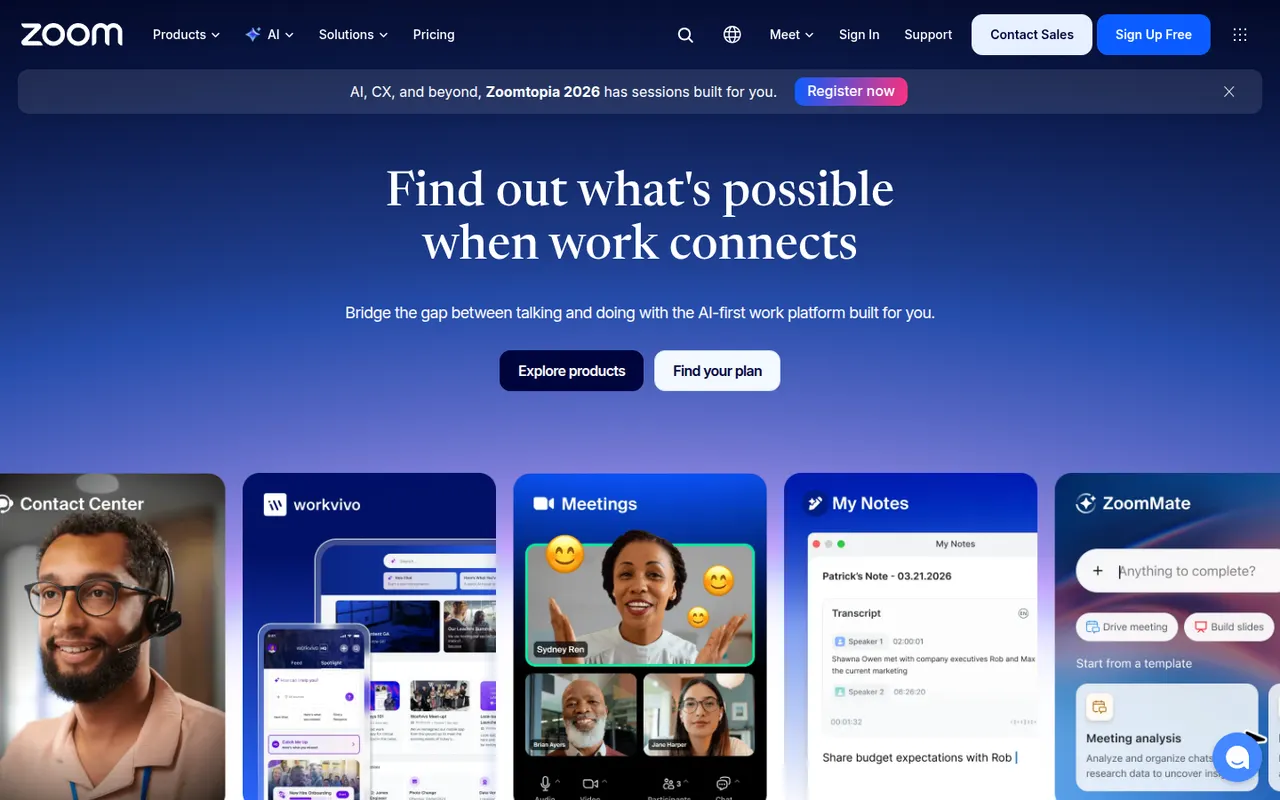
Cost / LicenseFreemiumProprietaryCategoriesZoom is a video conferencing service used for team meetings, classes and large webinars, with screen sharing, recording, breakout rooms and virtual backgrounds. The Zoom Workplace suite adds team chat, phone, whiteboards and docs, and AI Companion can summarize meetings and draft follow-ups on paid accounts. A free plan covers short meetings with a limited number of participants.
9 Zoom alternativesPros
- Reliable video quality, even on modest connections
- Breakout rooms, webinars and recording cover most meeting needs
- Widely known, so guests rarely need help joining
Cons
- Free meetings are capped in length and participants
- AI Companion requires a paid account
- Has faced privacy and security criticism in the past
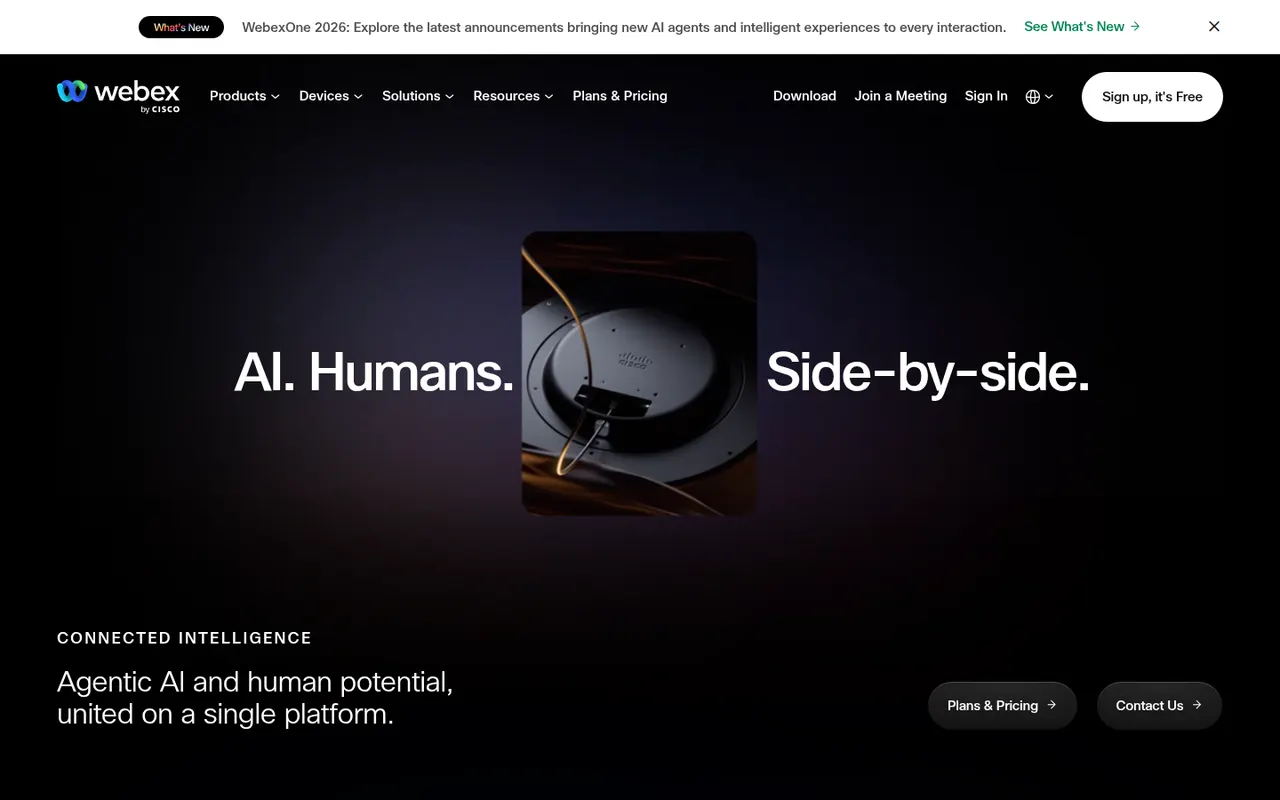
Cost / LicenseFreemiumProprietaryCategoriesWebex is Cisco's collaboration suite covering video meetings, team messaging, webinars and cloud calling, built with large enterprises and their security requirements in mind. Meetings can be end-to-end encrypted, and an AI Assistant provides summaries, noise removal and real-time translation. Webex also integrates with Cisco's meeting room hardware, and a free plan is available for basic meetings.
8 Webex alternativesPros
- Enterprise-grade security with end-to-end encrypted meetings
- AI Assistant provides summaries and real-time translation
- Integrates with Cisco meeting room hardware
Cons
- Interface can feel complex compared with simpler meeting apps
- Free plan is limited to basic meetings
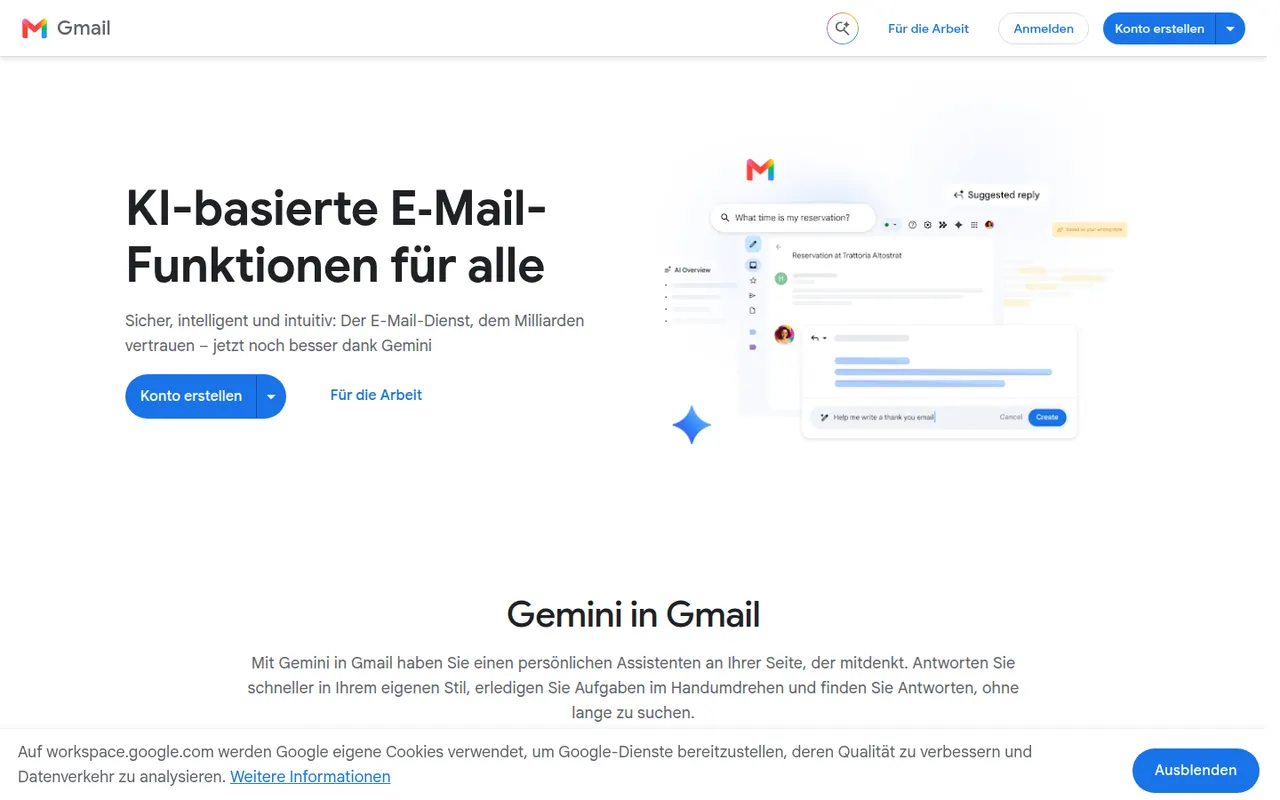
Cost / LicenseFreemiumProprietaryCategoriesGmail is Google's email service, used through the web and mobile apps or any IMAP client. It offers automatic spam filtering, labels and inbox categories, fast search, scheduled sending and close links with Calendar, Drive and Meet. Personal accounts are free and share storage with Drive and Photos, while Google Workspace adds custom domains and admin tools; Gemini can draft and summarize emails.
12 Gmail alternativesPros
- Excellent spam filtering and fast search
- Tight links with Google Calendar, Drive and Meet
- Free personal accounts on web, mobile and any IMAP client
Cons
- Free storage is shared with Drive and Photos and fills up quickly
- Google’s data practices raise privacy concerns
- Custom domains require a paid Google Workspace plan
Cost / LicenseFreemiumProprietaryCategoriesMicrosoft Outlook is an email and calendar app available on Windows, Mac, mobile and the web, used with Outlook.com, Exchange and Microsoft 365 accounts as well as Gmail and other IMAP services. It combines mail with calendars, contacts and tasks, supports shared mailboxes and scheduled sending, and integrates with Teams for meetings. Copilot can draft replies and summarize threads on eligible plans.
12 Microsoft Outlook alternativesPros
- Email, calendar, contacts and tasks in one app
- Shared mailboxes and Teams integration for businesses
- Available on Windows, Mac, mobile and the web
Cons
- The move from classic to new Outlook on Windows has been disruptive
- Free Outlook.com accounts show ads
- Copilot features require an eligible paid plan
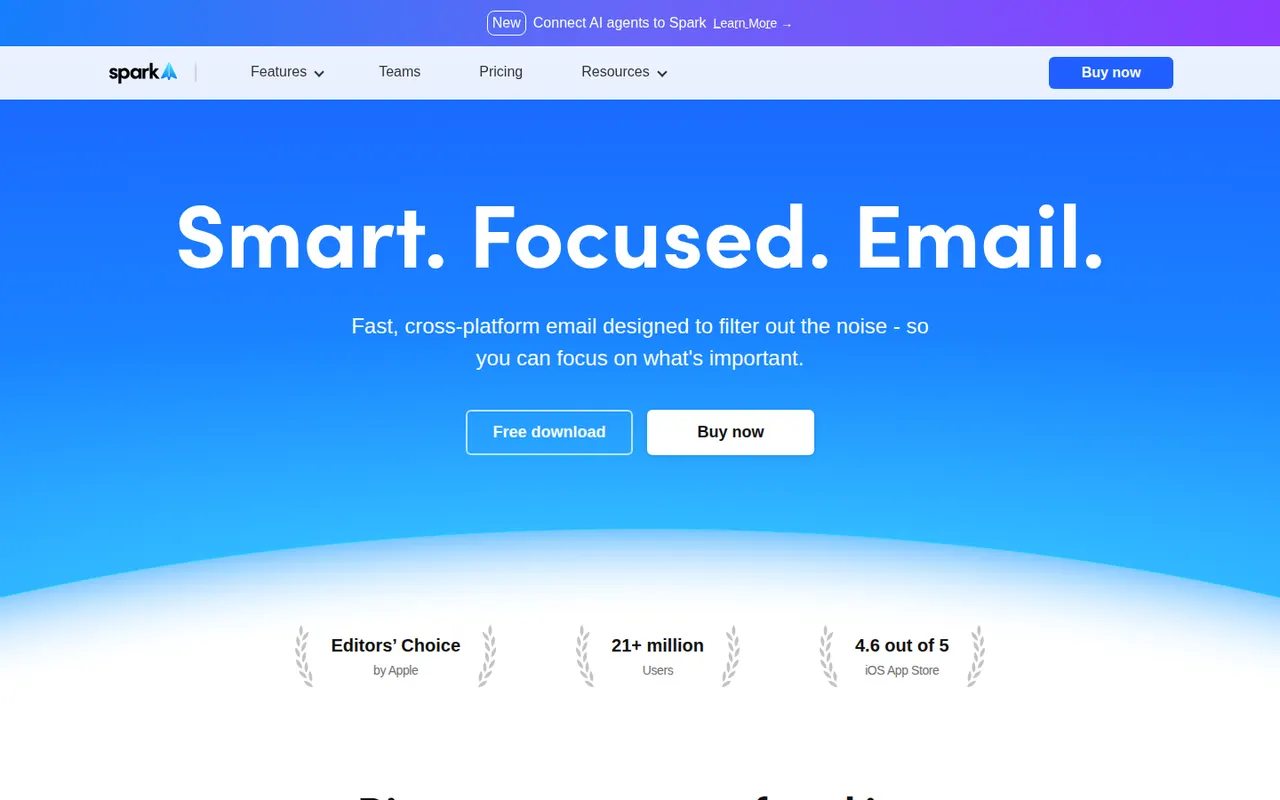
Cost / LicenseFreemiumProprietarySpark is an email client from Readdle that works with Gmail, Outlook, iCloud and other IMAP accounts on Mac, Windows, iPhone and Android. Its smart inbox separates personal mail, notifications and newsletters, and it supports send later, snoozing, a gatekeeper for new senders and AI writing help. Teams can share email threads, comment on them privately and draft replies together.
11 Spark alternativesPros
- Smart inbox separates personal mail, notifications and newsletters
- Shared threads and private comments for team email
- Gatekeeper screens new senders before they reach the inbox
Cons
- Sync relies on Readdle’s servers, which raises privacy questions
- AI and team features require a paid plan
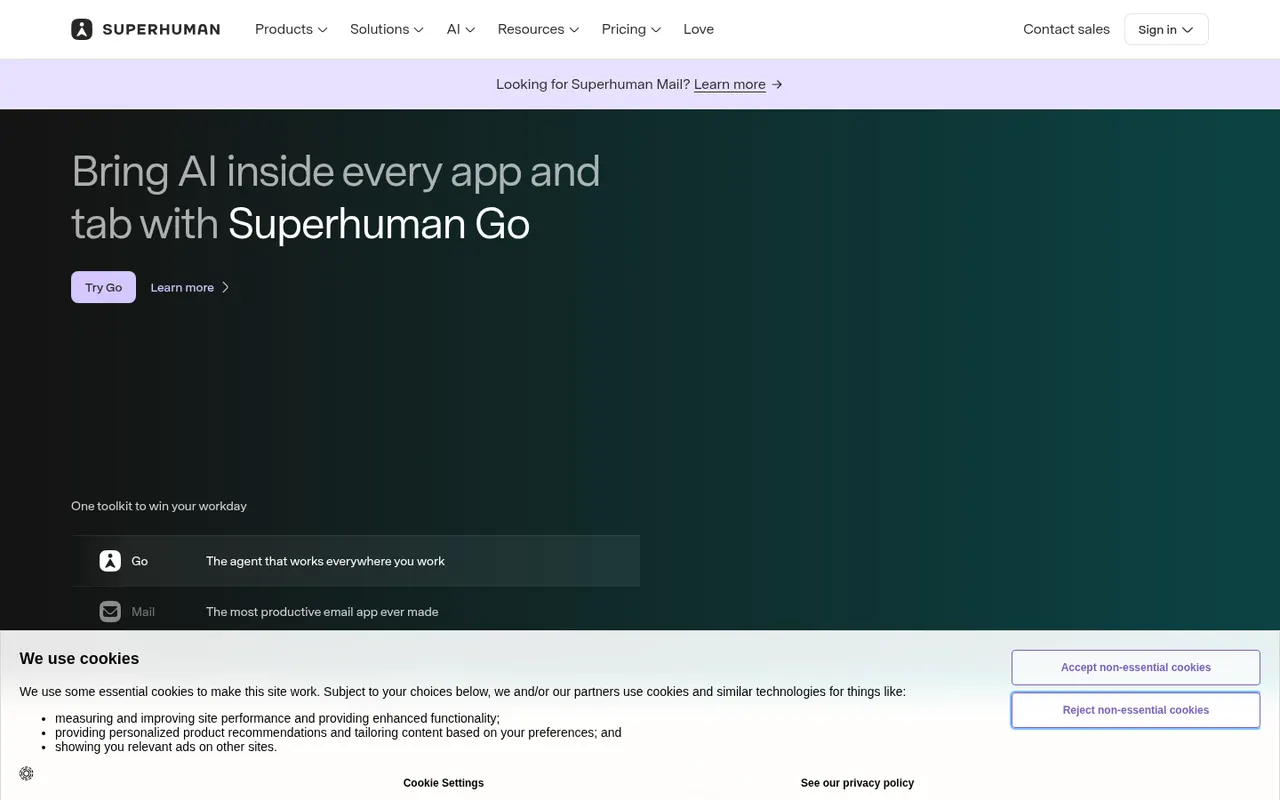
Cost / LicenseFreemiumProprietaryCategoriesSuperhuman is a premium email client for Gmail and Microsoft accounts, designed around keyboard shortcuts and speed. It offers split inboxes, reminders, scheduled sending, read statuses, snippets and AI features that draft replies and summarize threads. It targets professionals and executives who handle large volumes of email, and is sold as a subscription with no free plan.
8 Superhuman alternativesPros
- Keyboard shortcuts make triaging email very fast
- Split inboxes, reminders and snippets for heavy email users
- AI drafts replies and summarizes long threads
Cons
- Expensive subscription with no free plan
- Only works with Gmail and Microsoft accounts
- Read statuses rely on tracking pixels, a privacy concern
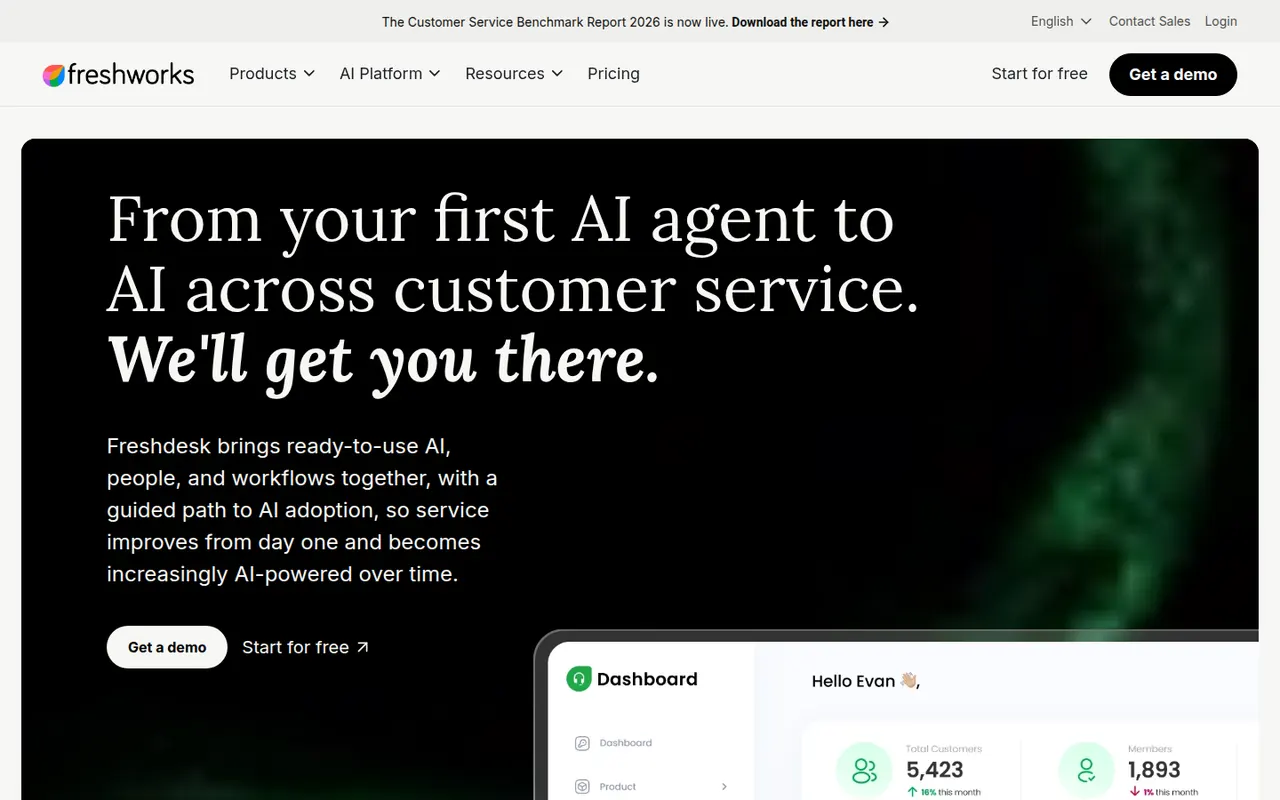
Cost / LicensePaidProprietaryCategoriesFreshdesk is a help desk tool from Freshworks that turns emails, web forms, chats, calls and social messages into tickets for support teams. It includes a knowledge base, SLA management, automations, collision detection and reporting, plus Freddy AI for suggested replies and self-service bots. A free plan covers small teams, and it connects with Freshworks' CRM and other business apps.
12 Freshdesk alternativesPros
- Free plan for small teams with core ticketing
- Turns email, forms, chat, calls and social messages into tickets
- SLA rules, collision detection and automations for busy teams
Cons
- AI features and advanced automation cost extra or need top tiers
- Admin settings get complex as workflows grow
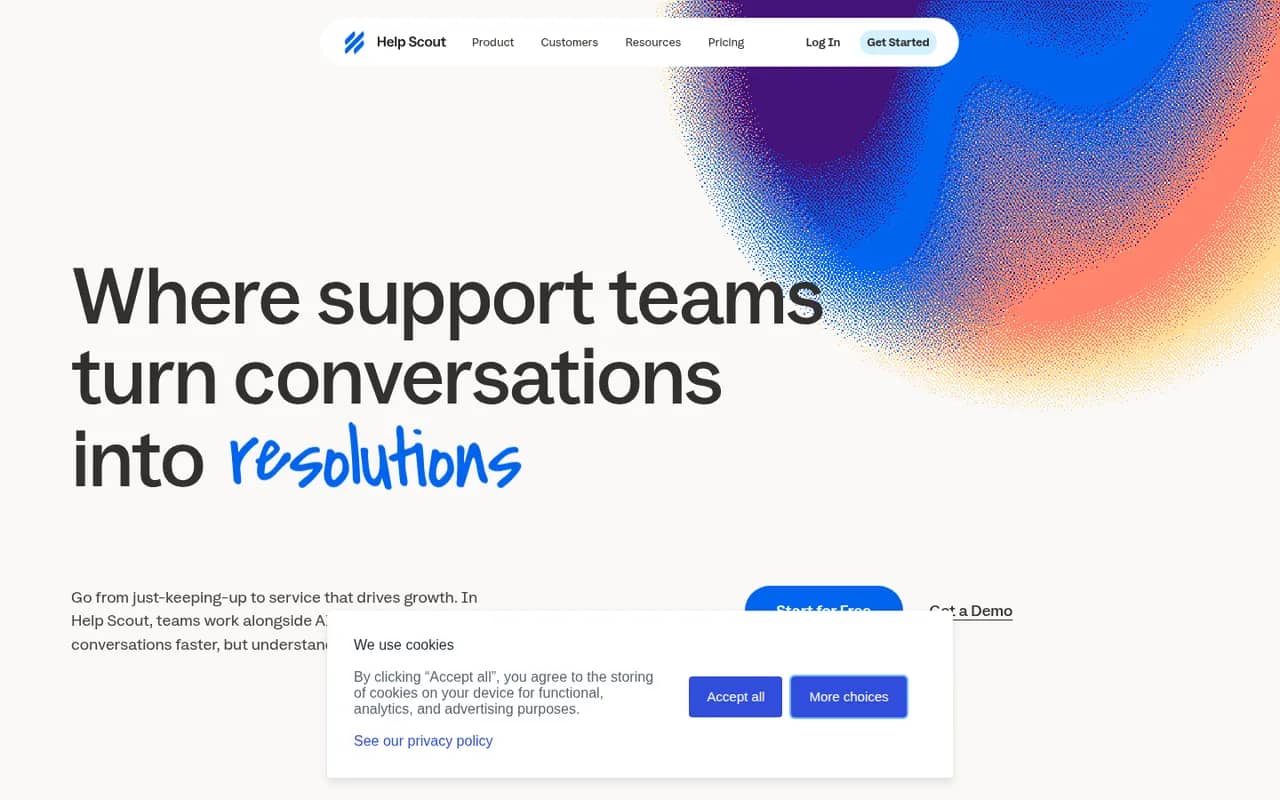
Cost / LicenseFreemiumProprietaryCategoriesHelp Scout is a customer support platform built around a shared inbox that feels like personal email to customers, without ticket numbers or portals. It adds a knowledge base (Docs), the embeddable Beacon widget for live chat and self-service, customer profiles, reporting and AI tools for drafting and summarizing replies. It suits small and mid-sized companies that value a personal tone.
8 Help Scout alternativesPros
- Replies feel like personal email, with no ticket numbers for customers
- Beacon widget combines live chat and help articles on any site
- Clean interface that new agents learn quickly
Cons
- Fewer advanced workflow and reporting options than enterprise help desks
- Free plan is limited, so key features require a paid plan
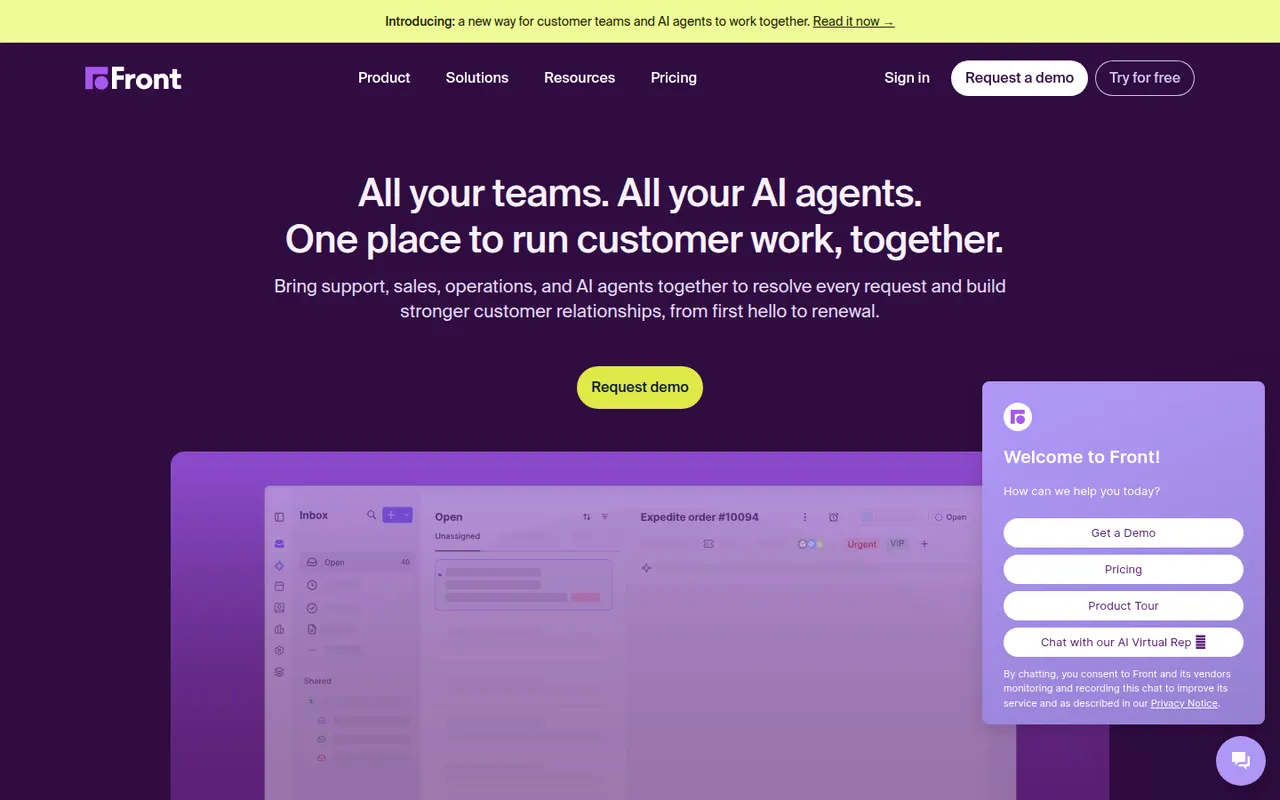
Cost / LicenseFreemiumProprietaryCategoriesFront is a customer operations platform that turns email, SMS, chat, WhatsApp and social messages into a shared inbox teams can work in together. Messages can be assigned, commented on internally and routed with rules, while analytics track response times and workload. Front AI drafts replies and summarizes threads, and the tool serves support, sales and account teams who prefer an email-like workflow.
8 Front alternativesPros
- Email-like shared inbox that feels familiar to new users
- Internal comments and assignment replace forwarding and CCs
- Rules and analytics help balance workload and response times
Cons
- Per-seat pricing adds up quickly for larger teams
- Advanced analytics and automation are reserved for higher plans
- No free plan beyond the trial
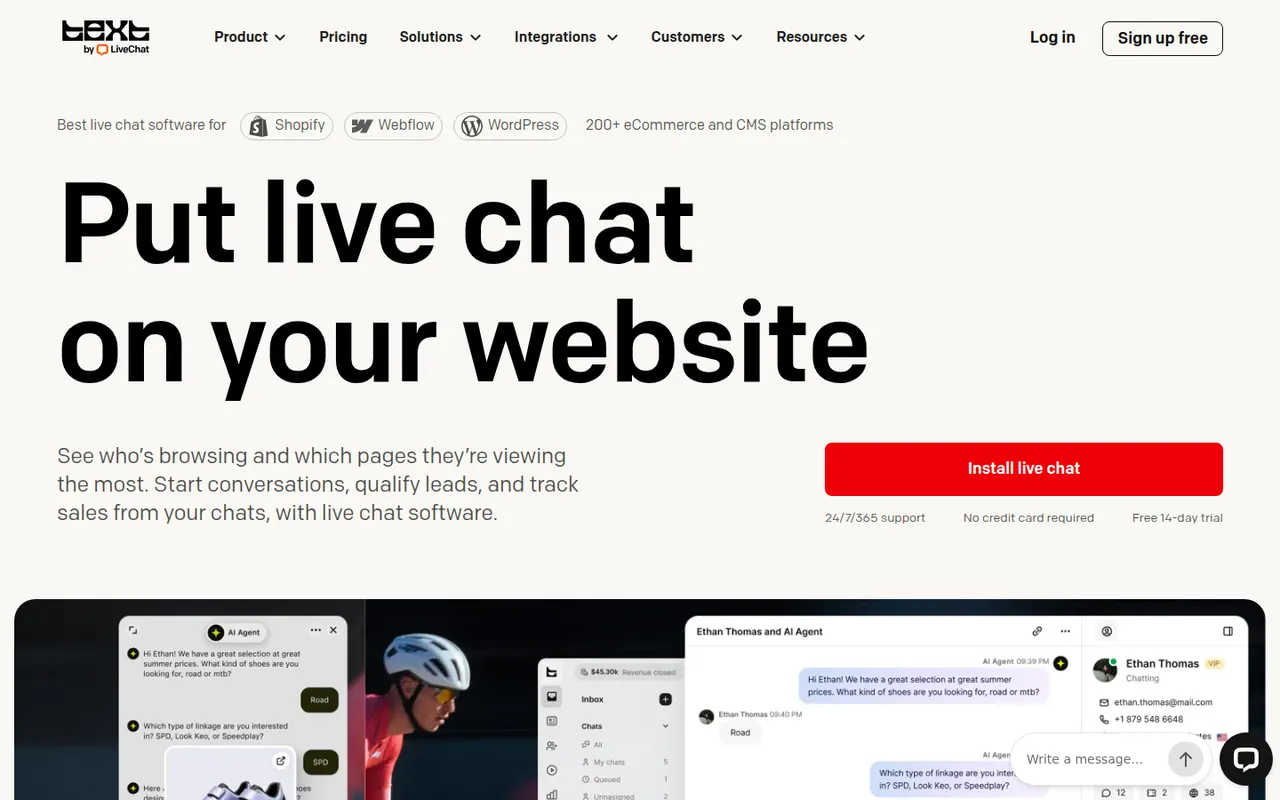
Cost / LicenseFree trialProprietaryLiveChat is a live chat tool that lets support and sales teams talk with website visitors in real time. Agents get canned responses, chat routing, visitor tracking, a preview of messages as they are typed and performance reports, with AI help for writing replies. It is made by Text, the company behind ChatBot, HelpDesk and KnowledgeBase, and connects to many e-commerce and CRM tools.
9 LiveChat alternativesPros
- Message preview shows what visitors type before they send it
- Canned responses, routing and visitor tracking for fast replies
- Many integrations with e-commerce and CRM tools
Cons
- Per-agent pricing becomes expensive as the team grows
- Chatbots and ticketing require separate products from the same company
- No free plan beyond the trial
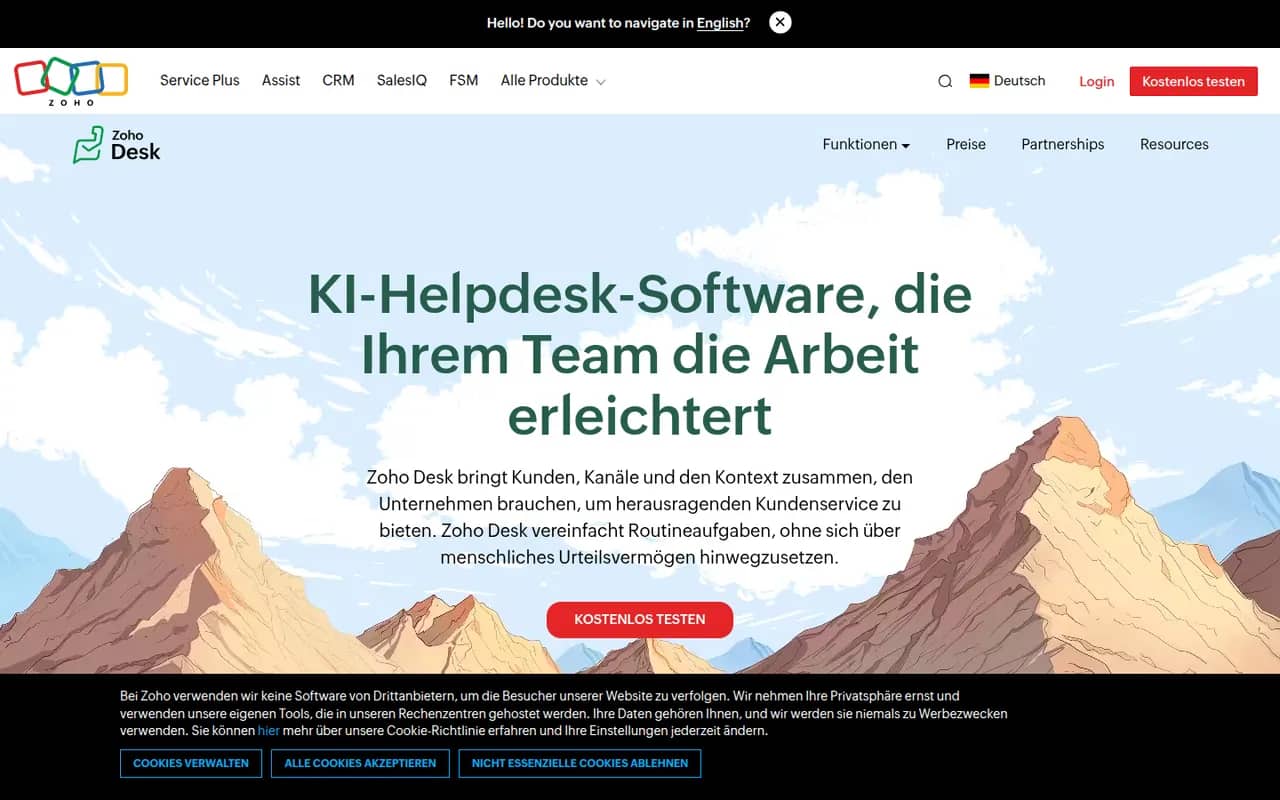
Cost / LicenseFree trialProprietaryCategoriesZoho Desk is a help desk application from Zoho that manages customer requests from email, phone, chat, social media and web forms as tickets. It offers a self-service knowledge base, SLA rules, workflow automation, analytics and Zia, an AI assistant that suggests answers and detects customer sentiment. It integrates tightly with Zoho CRM and has a free plan for small teams.
10 Zoho Desk alternativesPros
- Tight integration with Zoho CRM shows customer context on tickets
- Zia suggests answers and detects customer sentiment
- Free plan for small teams, with paid tiers for SLAs and automation
Cons
- Interface feels busy, with many settings to learn
- Works best when you already use other Zoho apps
Cost / LicenseFreemiumProprietaryCategoriesTypeform is an online form and survey builder that shows one question at a time in a conversational, full-screen layout. It supports logic jumps, calculations, file uploads, payments and quizzes, and connects to tools like HubSpot, Google Sheets and Slack. AI features can generate a form from a prompt, and a free plan allows a limited number of responses per month.
10 Typeform alternativesPros
- One-question-at-a-time layout feels conversational and polished
- Logic jumps, calculations and quizzes for interactive flows
- Integrates with HubSpot, Google Sheets, Slack and many other tools
Cons
- Free plan allows only a small number of responses per month
- Paid plans are expensive compared with most form builders
- One-question format can feel slow for long or data-heavy forms
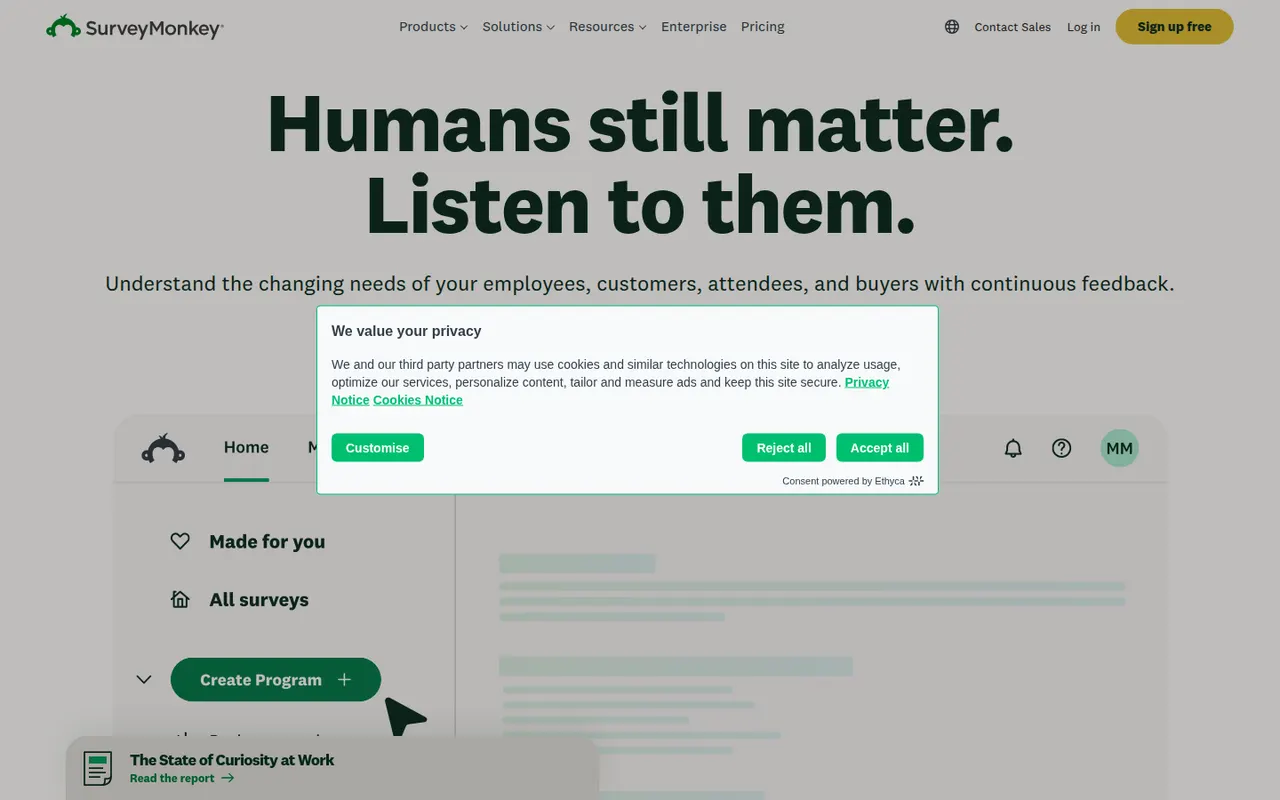
Cost / LicenseFreemiumProprietaryCategoriesPlatformsSurveyMonkey is an online survey platform used for customer feedback, employee engagement, event planning and market research. It offers survey templates, a question bank, skip logic, AI-assisted survey creation and analysis dashboards, and can supply paid respondents through its audience panel. A free Basic plan has limited features, alongside paid individual and team plans.
9 SurveyMonkey alternativesPros
- Large question bank and templates speed up survey creation
- Built-in audience panel can supply paid respondents
- Analysis dashboards and AI help make results easy to read
Cons
- Free Basic plan is very restricted, notably for results and exports
- Paid plans are expensive compared with many form builders
Cost / LicenseFreemiumProprietaryCategoriesMicrosoft Forms is a simple form builder for surveys, polls and quizzes, available free with a Microsoft account and included in Microsoft 365. Results can be viewed in real time, exported to Excel, and used in Teams or automated with Power Automate. It supports branching, auto-graded quizzes for education and Copilot suggestions for drafting questions.
9 Microsoft Forms alternativesPros
- Free with a Microsoft account and included in Microsoft 365
- Results export to Excel and plug into Teams and Power Automate
- Auto-graded quizzes suit classrooms already using Microsoft tools
Cons
- Limited design customization and question types
- Lacks payments and the advanced logic found in dedicated builders
- Most useful for people already inside the Microsoft ecosystem
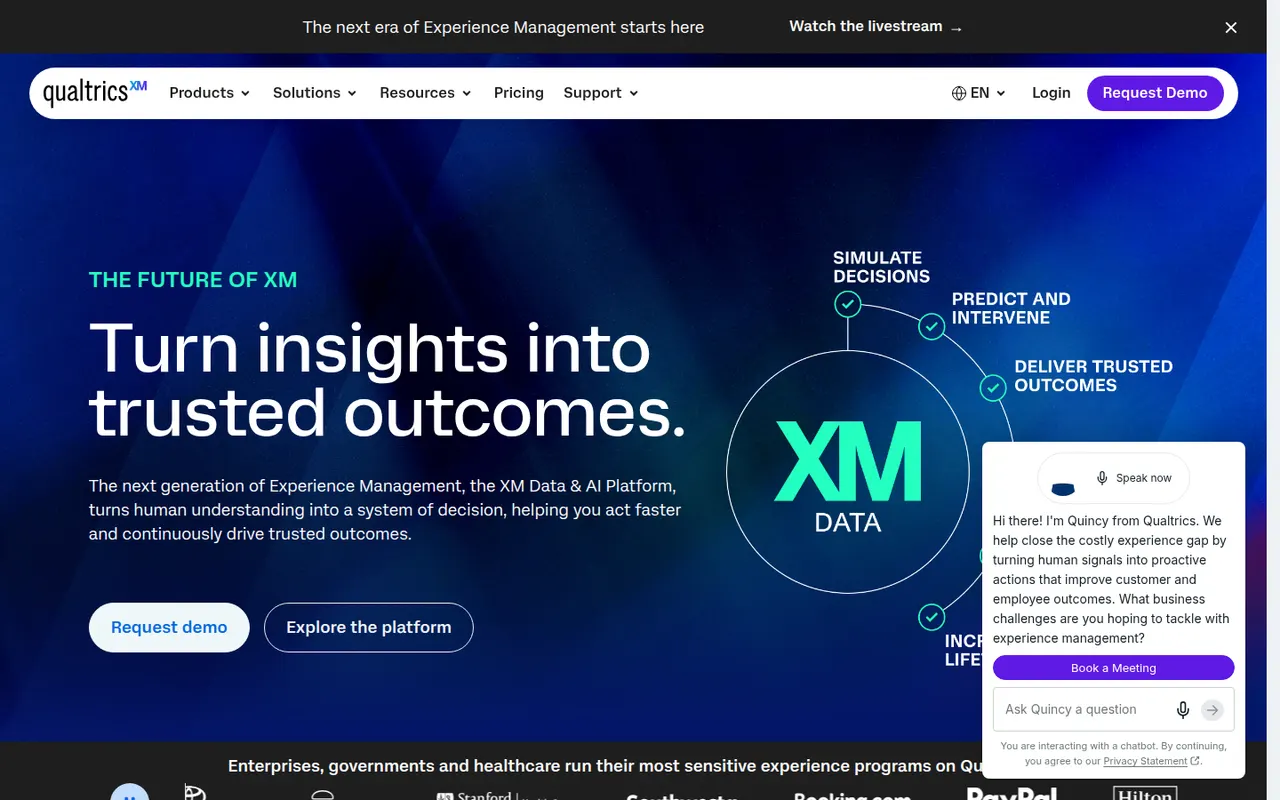
Cost / LicenseFreeProprietaryCategoriesPlatformsQualtrics is an experience management (XM) platform used by large companies and universities to run advanced surveys and analyze customer, employee and market feedback. It offers complex survey logic, panel management, statistical analysis, text analytics and AI-generated insights, with dashboards for different teams. It is sold mainly through custom enterprise contracts, and a basic free account is also offered.
7 Qualtrics alternativesPros
- Very deep survey logic, panel management and statistical analysis
- Text analytics and AI insights help process large volumes of feedback
- Dashboards tailored to customer, employee and market research teams
Cons
- Custom enterprise contracts with no public pricing, costly for small teams
- Steep learning curve given the breadth of features
- Free account is very limited compared with paid plans
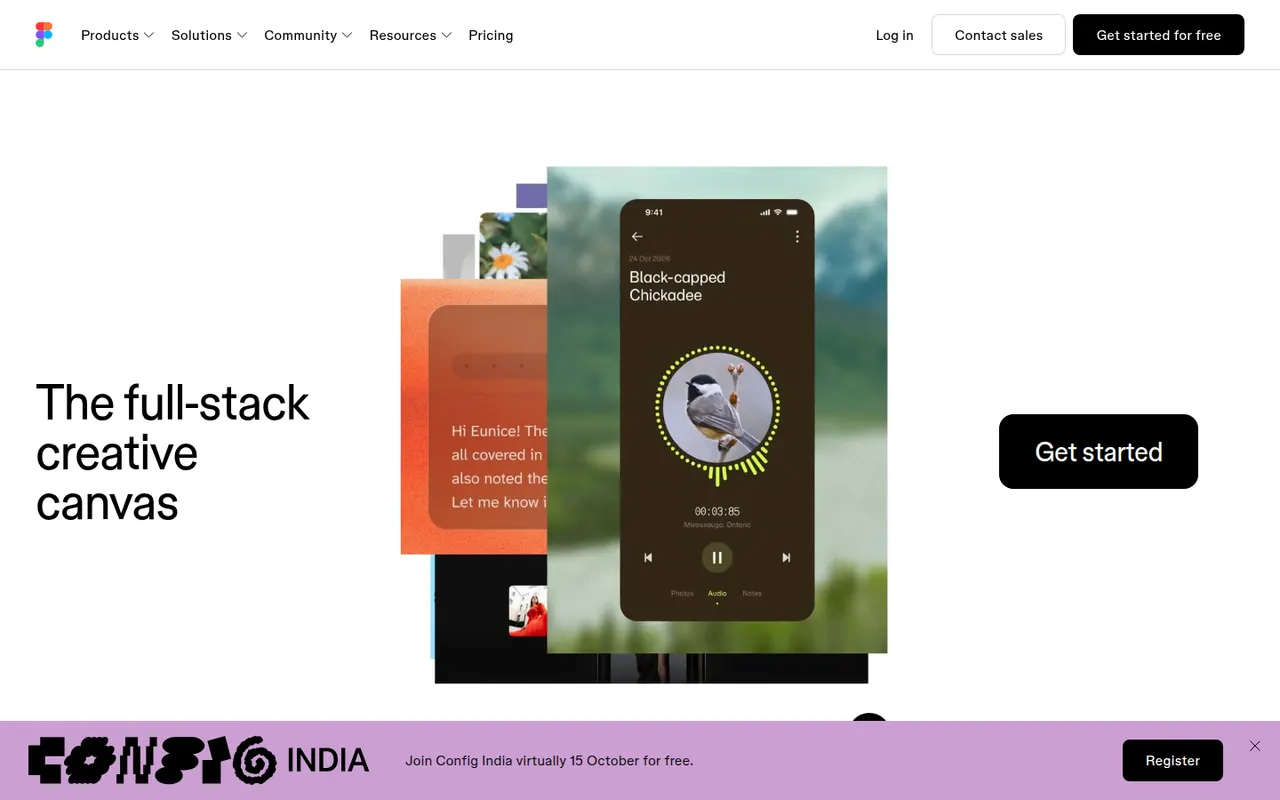
Cost / LicenseFreemiumProprietaryCategoriesFigma is a design platform for user interfaces, websites and apps where teams edit the same file in real time from the browser or the desktop app. It covers vector design, interactive prototypes, shared component libraries and variables for design systems, and Dev Mode for developer handoff. Plugins, FigJam whiteboards and AI features extend it for product and design teams.
12 Figma alternativesPros
- Real-time multiplayer editing in the browser or desktop app
- Components and variables make design systems manageable
- Huge ecosystem of plugins and community files
Cons
- Paid seats add up quickly for growing teams
- Most work requires an internet connection
- Large files can become slow and memory-hungry
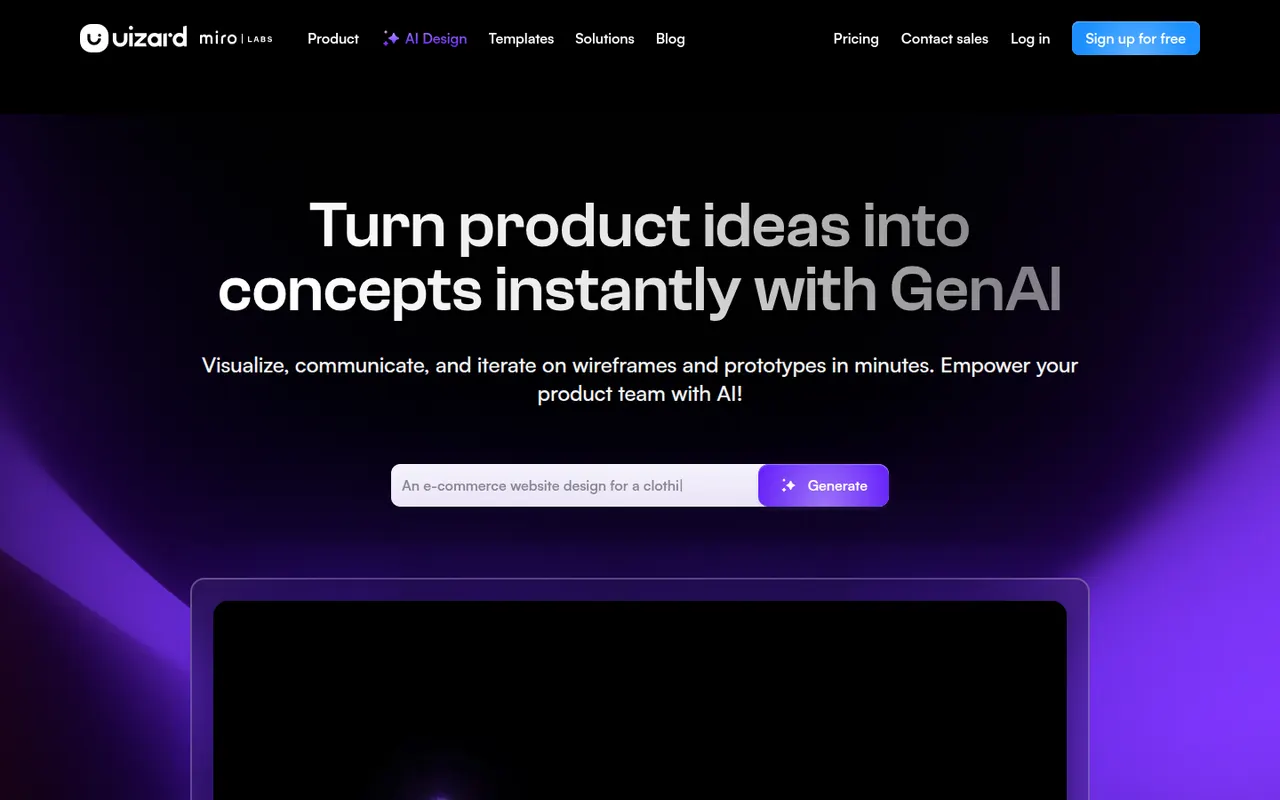
Cost / LicenseFreemiumProprietaryCategoriesUizard is a browser-based UI design tool aimed at founders, product managers and other non-designers. It can generate multi-screen app and web mockups from a text prompt, convert hand-drawn sketches or screenshots into editable designs, and link screens into clickable prototypes. Templates and simple collaboration help teams test ideas quickly. The company was acquired by Miro in 2024.
10 Uizard alternativesPros
- Generates multi-screen mockups from a text prompt
- Converts hand-drawn sketches and screenshots into editable designs
- Approachable for founders and other non-designers
Cons
- Generated designs often need significant manual cleanup
- Lacks the depth of professional tools for production design
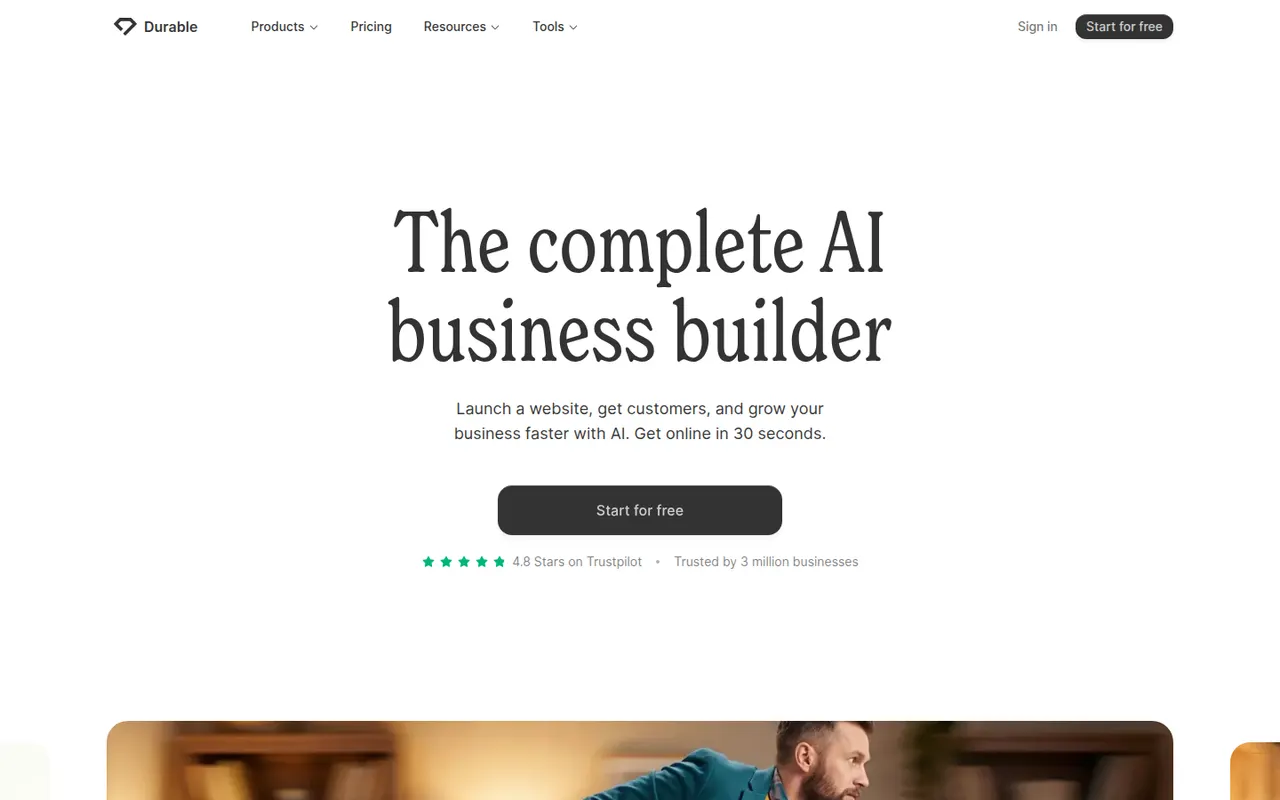
Cost / LicenseFreemiumProprietaryCategoriesPlatformsDurable is an AI website builder for small businesses and solo service providers. You describe your business and it generates a complete site with copy and images, which you then adjust in a simple editor. Alongside the website it offers tools for running a small business, such as a basic CRM, invoicing and AI-assisted marketing content.
7 Durable alternativesPros
- Generates a full site with copy and images from a short brief
- Simple editor suited to non-technical business owners
- Bundles a basic CRM, invoicing and marketing tools
Cons
- Generated sites look generic without manual editing
- Less design control than traditional website builders
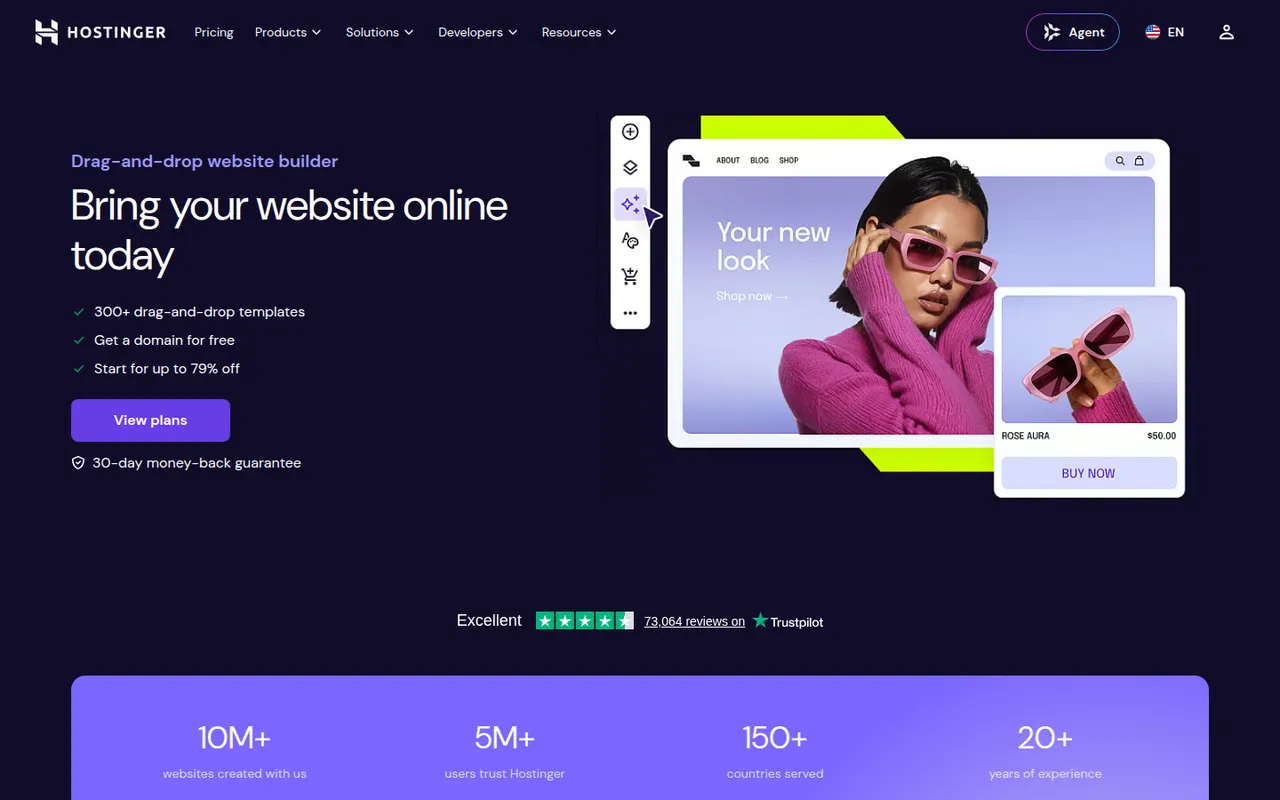
Cost / LicenseFreemiumProprietaryCategoriesPlatformsHostinger Website Builder, formerly known as Zyro, is a drag-and-drop editor included with Hostinger hosting plans. It offers templates, an AI generator that creates a first draft of a site from a description, and AI tools for writing text and producing images. Plans include hosting, a domain and basic e-commerce, making it a simple all-in-one option for small sites.
8 Hostinger Website Builder alternativesPros
- Hosting, domain and builder bundled in one plan
- AI generator drafts a first version of the site
- Drag-and-drop editor that is easy for beginners
Cons
- No free plan is available
- Less design flexibility and fewer integrations than larger builders
- Best prices require long upfront commitments
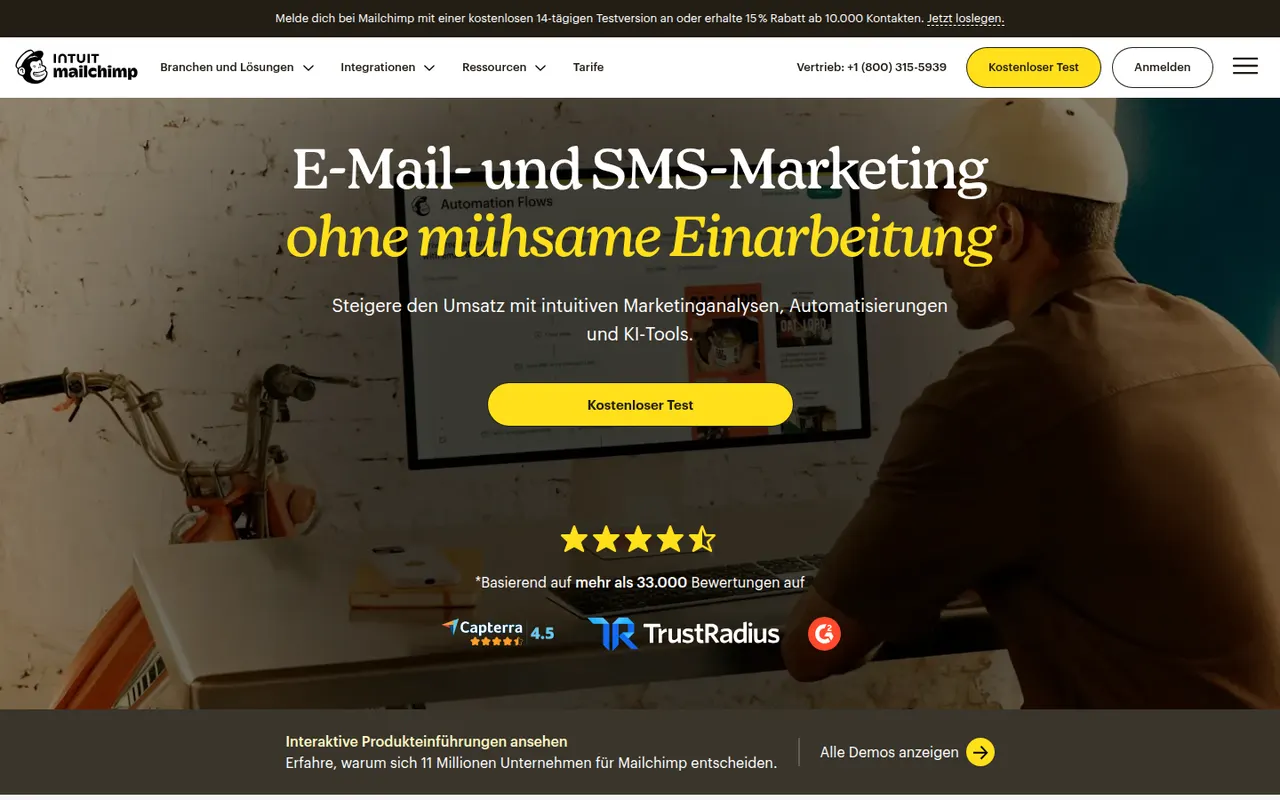
Cost / LicensePaidProprietaryCategoriesPlatformsMailchimp, owned by Intuit, is an email marketing platform for designing campaigns, building automated customer journeys and organizing an audience with tags and segments. It also offers landing pages, signup forms, SMS in some countries and AI tools for content and send times. Its many integrations, including e-commerce platforms, make it easy to connect to an existing stack.
10 Mailchimp alternativesPros
- Familiar, well-documented platform with many templates
- Large integration library, including e-commerce platforms
- Free plan for getting started with a small list
Cons
- Prices rise steeply as your audience grows
- Unsubscribed contacts can still count toward billing
- Free plan is restrictive, and key features require paid tiers
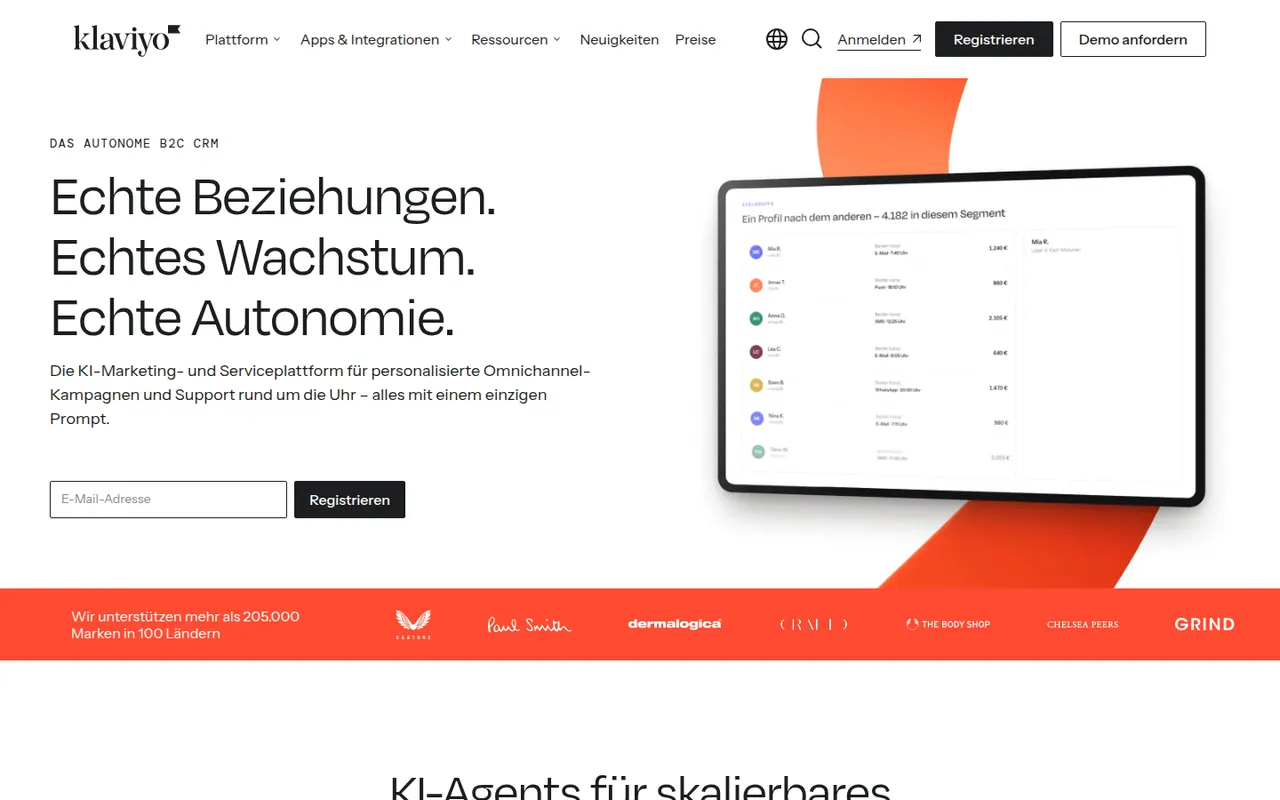
Cost / LicenseFreemiumProprietaryCategoriesKlaviyo is a marketing automation platform for online stores that connects to Shopify, WooCommerce and other platforms to use order and browsing data in email and SMS campaigns. Merchants build flows such as abandoned cart or post-purchase sequences, segment customers by behavior and predicted value, and measure revenue per message. AI features help generate content and segments.
7 Klaviyo alternativesPros
- Uses order and browsing data from Shopify and other platforms
- Prebuilt flows for abandoned carts and post-purchase emails
- Revenue attribution per message and predictive segments
Cons
- Becomes expensive as the number of active profiles grows
- Overkill for businesses that don’t sell online
- Advanced segmentation and reporting take time to master
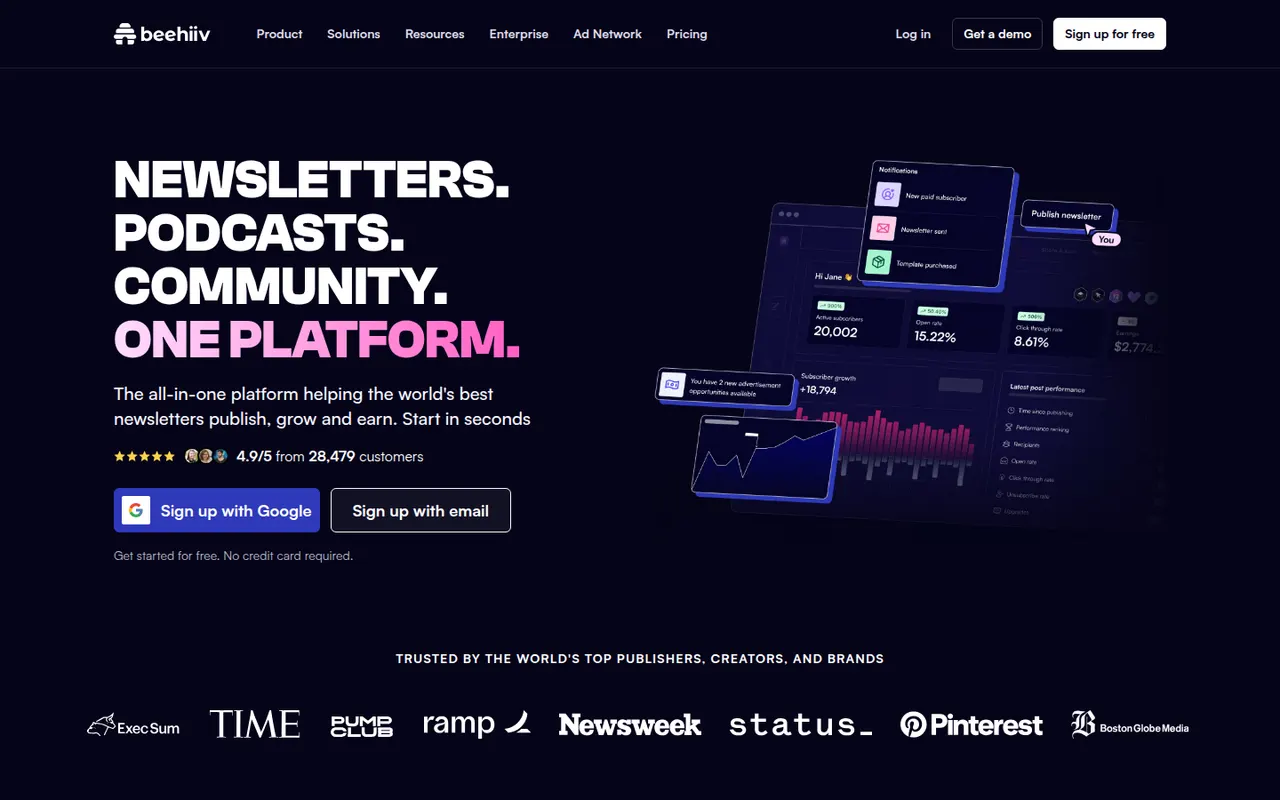
Cost / LicenseFreemiumProprietaryCategoriesbeehiiv is a newsletter platform created by former Morning Brew team members, combining an editor, a hosted website and email delivery. It focuses on growth and monetization, with a referral program, recommendations between newsletters, an ad network and paid subscriptions. Publishers also get detailed analytics, A/B testing of subject lines and AI writing tools.
6 beehiiv alternativesPros
- Growth tools like referrals and cross-newsletter recommendations
- Monetization through an ad network and paid subscriptions
- Hosted website and detailed analytics included
Cons
- Most monetization and growth features sit on paid plans
- Less suited to advanced marketing automation or e-commerce
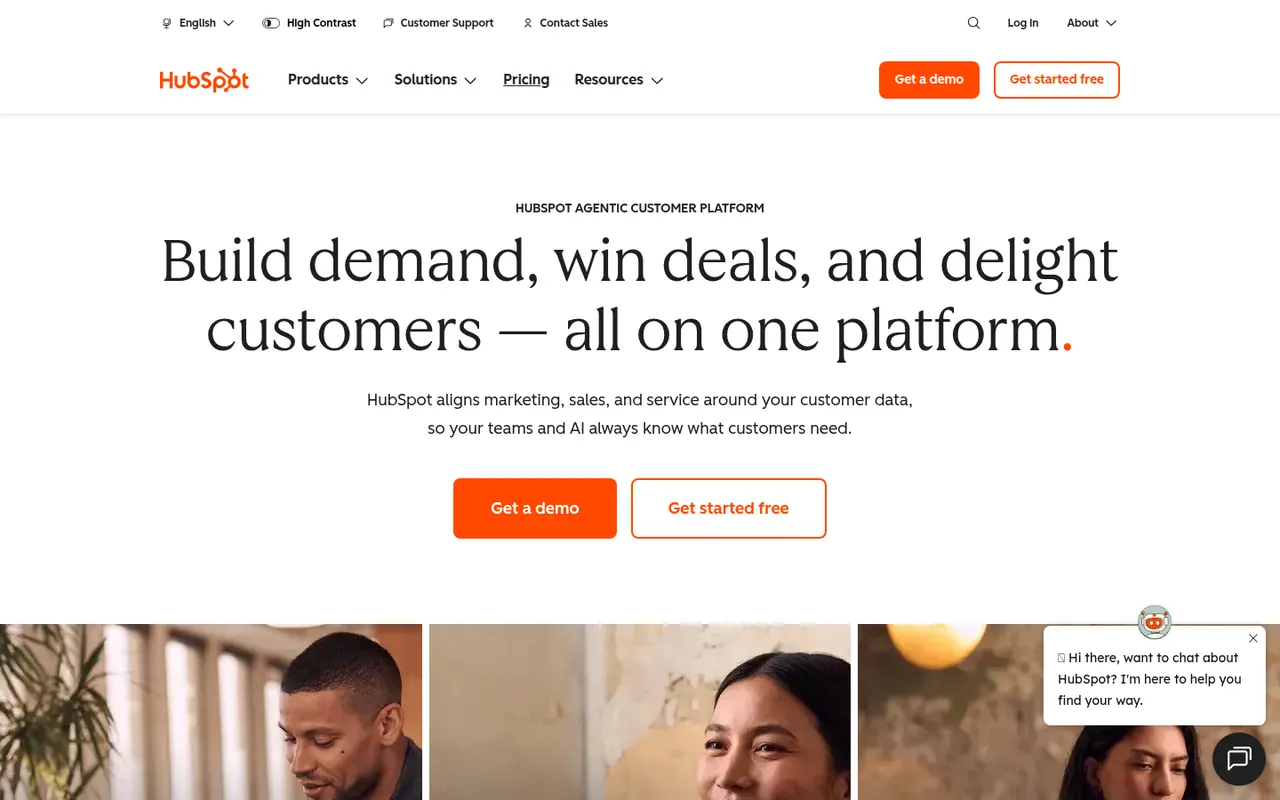
Cost / LicenseFreemiumProprietaryCategoriesPlatformsHubSpot is a customer platform built around a free CRM, with paid hubs for marketing automation, sales engagement, customer service, content management and operations. Contacts, deals, emails and support tickets share one record, and the Breeze AI tools help with writing, research and agents. It suits small and mid-sized companies that want marketing, sales and support in a single system.
12 HubSpot alternativesPros
- Free CRM that covers contacts, deals and basic email tracking
- Marketing, sales and service share one customer record
- Large integration marketplace and extensive free training via HubSpot Academy
Cons
- Costs rise steeply once you need Professional-tier features
- Marketing pricing grows with the number of marketing contacts
- Upper tiers can involve onboarding fees and annual contracts
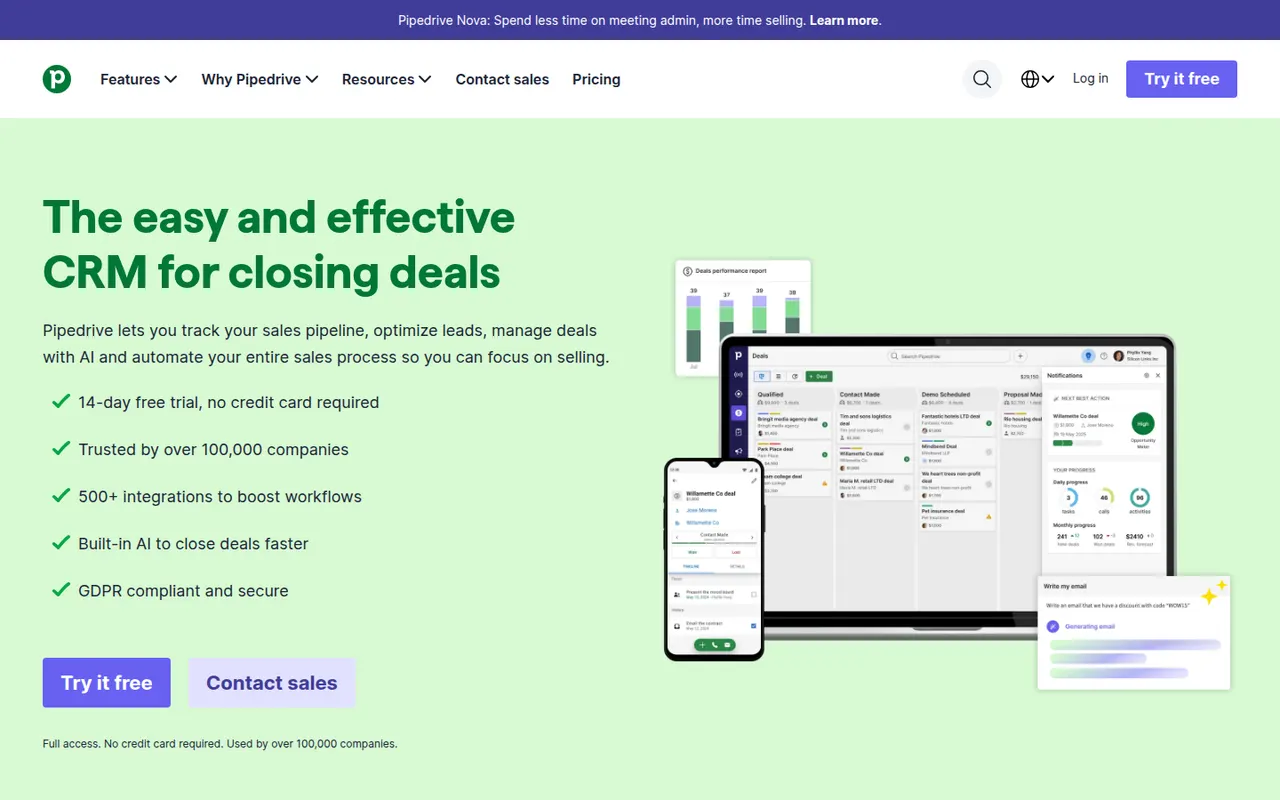
Cost / LicenseFreemiumProprietaryPipedrive is a sales CRM designed around a visual pipeline where deals move through stages, keeping salespeople focused on the next action for each opportunity. It includes email sync and tracking, activity scheduling, workflow automation, forecasting and an AI sales assistant, with add-ons for lead generation and documents. It targets small and mid-sized sales teams that want a CRM they can adopt quickly.
11 Pipedrive alternativesPros
- Visual pipeline makes it easy to see where every deal stands
- Quick to set up, so small sales teams adopt it fast
- Activity reminders keep salespeople focused on the next action
Cons
- Lead generation and document tools are sold as add-ons
- Little built-in marketing or support compared with all-in-one suites
- Reporting can feel limited for complex, multi-team sales processes
Cost / LicenseFree trialProprietaryCategoriesZoho CRM is a cloud CRM for managing leads, contacts, deals and sales processes, with workflow automation, territory management, forecasting and the Zia AI assistant. It is highly customizable without code and connects natively to the many other Zoho apps for email, support, finance and analytics. A free edition covers very small teams, and paid editions scale to larger organizations.
9 Zoho CRM alternativesPros
- Deep no-code customization of modules, fields and workflows
- Connects natively to the wider Zoho suite for email, support and finance
- Free edition for very small teams, with paid editions that scale up
Cons
- Interface and settings can feel overwhelming at first
- Third-party integrations are less polished than Zoho’s own apps
- Getting the most out of it often means adopting more Zoho apps
Cost / LicenseFreemiumProprietaryCategories