Apps with AI assistant
114 apps
Top AI assistant apps ranked by the community
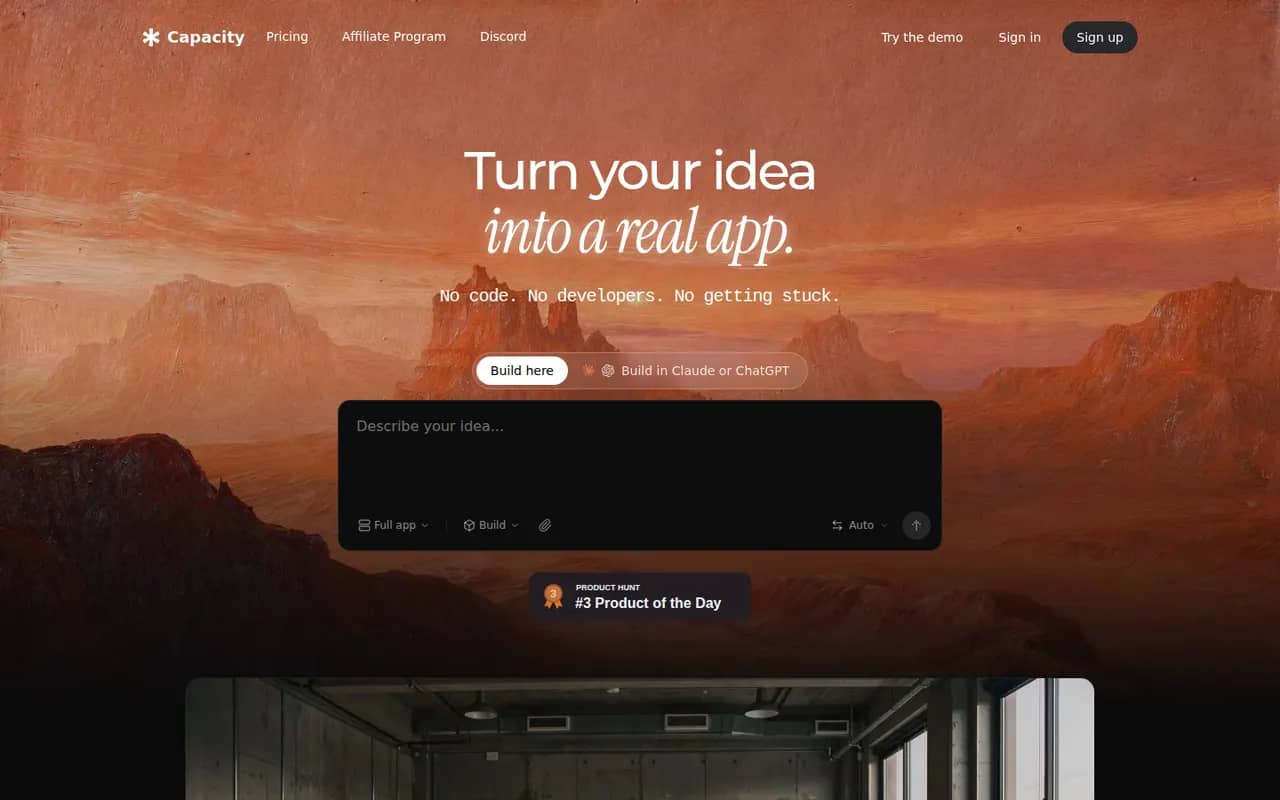
Capacity
By the publisherCapacity turns a conversation into a working full-stack web application, with database, authentication and one-click deployment.
6 Capacity alternativesPros
- Builds a full-stack app with database and auth from a chat
- Code export keeps your project portable
- One-click deployment without configuring hosting
Cons
- Smaller community and fewer tutorials than better-known builders
- Complex apps still need several rounds of prompting and review
- Heavier use requires a paid plan
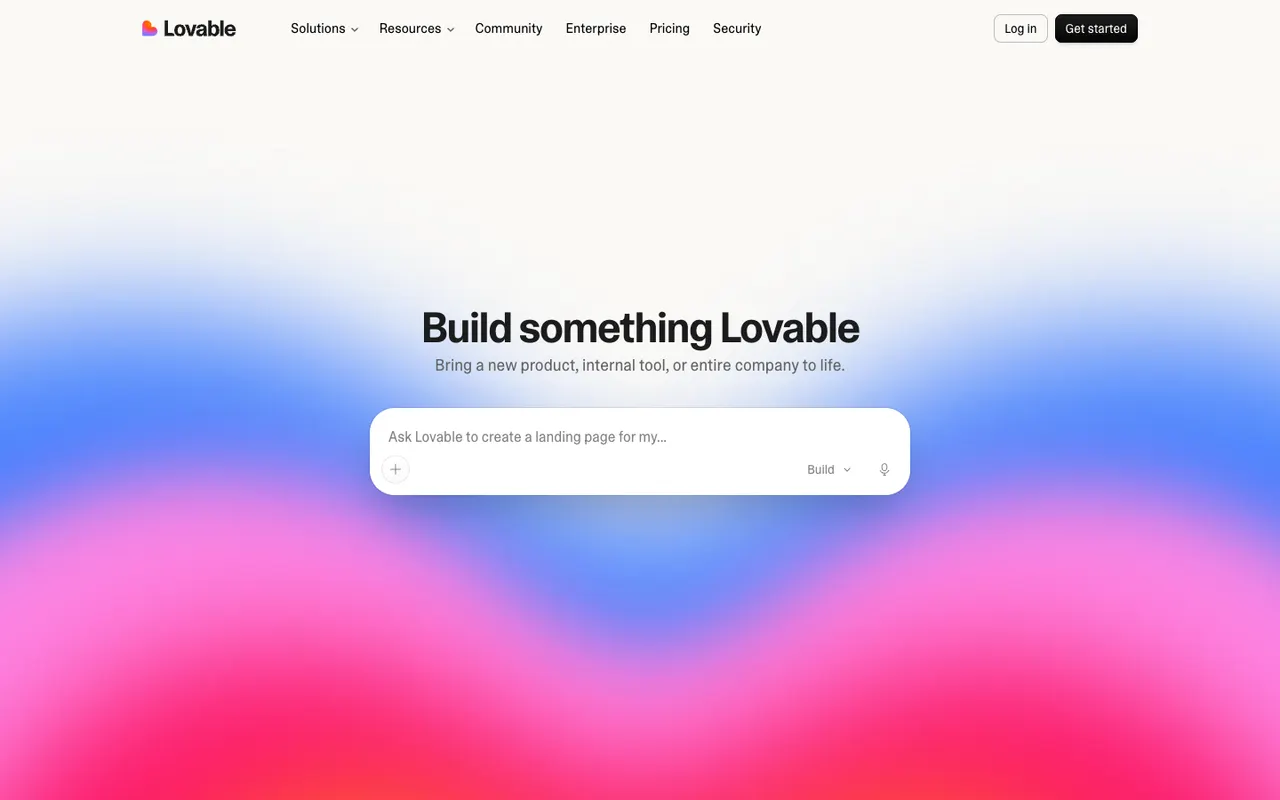
Cost / LicenseFreemiumProprietaryCategoriesPlatformsLovable generates full-stack web apps from natural language, with a visual editor, GitHub sync and integrations for databases and payments.
12 Lovable alternativesPros
- Generates full-stack web apps from plain-language prompts
- GitHub sync lets developers take over the code
- Visual editor for tweaking the interface without prompting
Cons
- Credits can run out quickly during debugging
- Generated code needs a review for security and edge cases
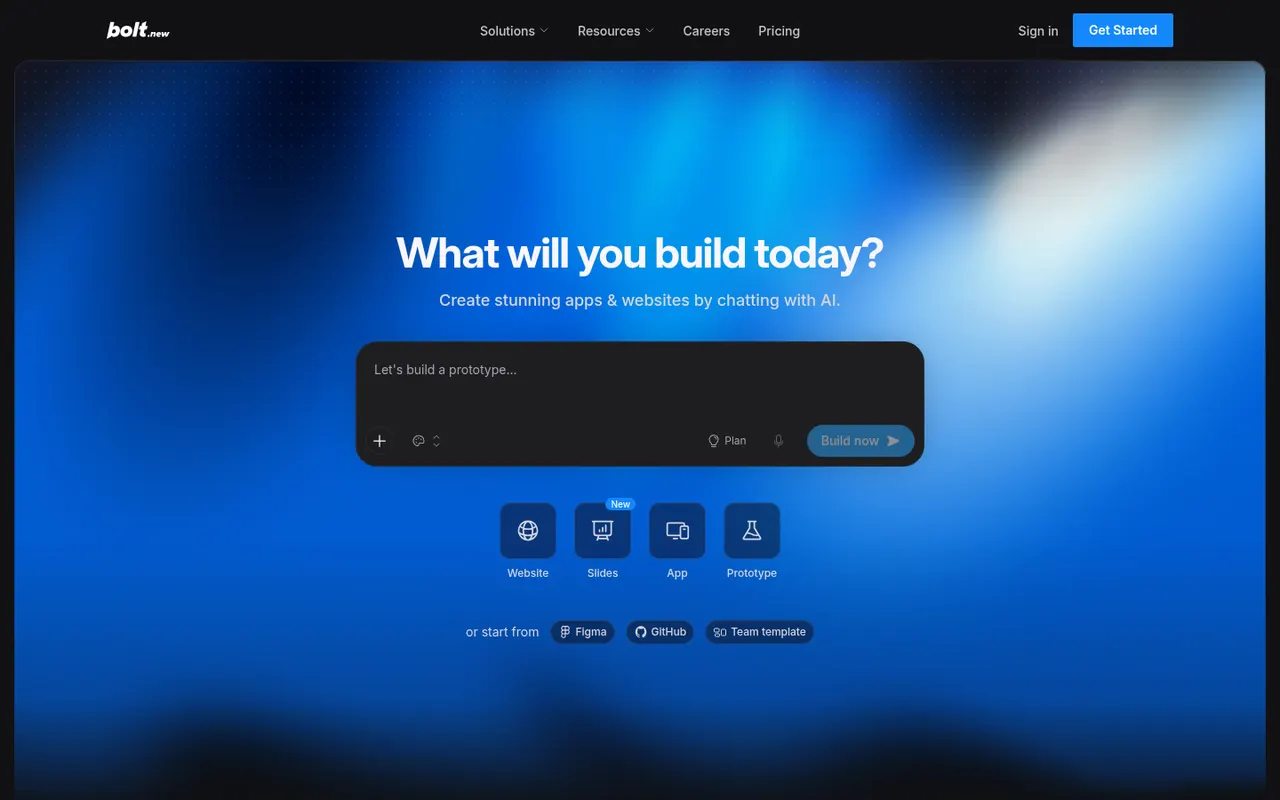
Cost / LicenseFreemiumProprietaryCategoriesPlatformsBolt.new by StackBlitz lets you prompt an AI agent that writes, runs and deploys full-stack applications entirely in the browser.
7 Bolt.new alternativesPros
- Runs, edits and previews full-stack apps right in the browser
- Generated code stays accessible, editable and exportable
- One-click deployment from the same workspace
Cons
- Token-based usage can get expensive on complex projects
- The agent can get stuck fixing its own errors and burn tokens
- Generated code needs review before going to production
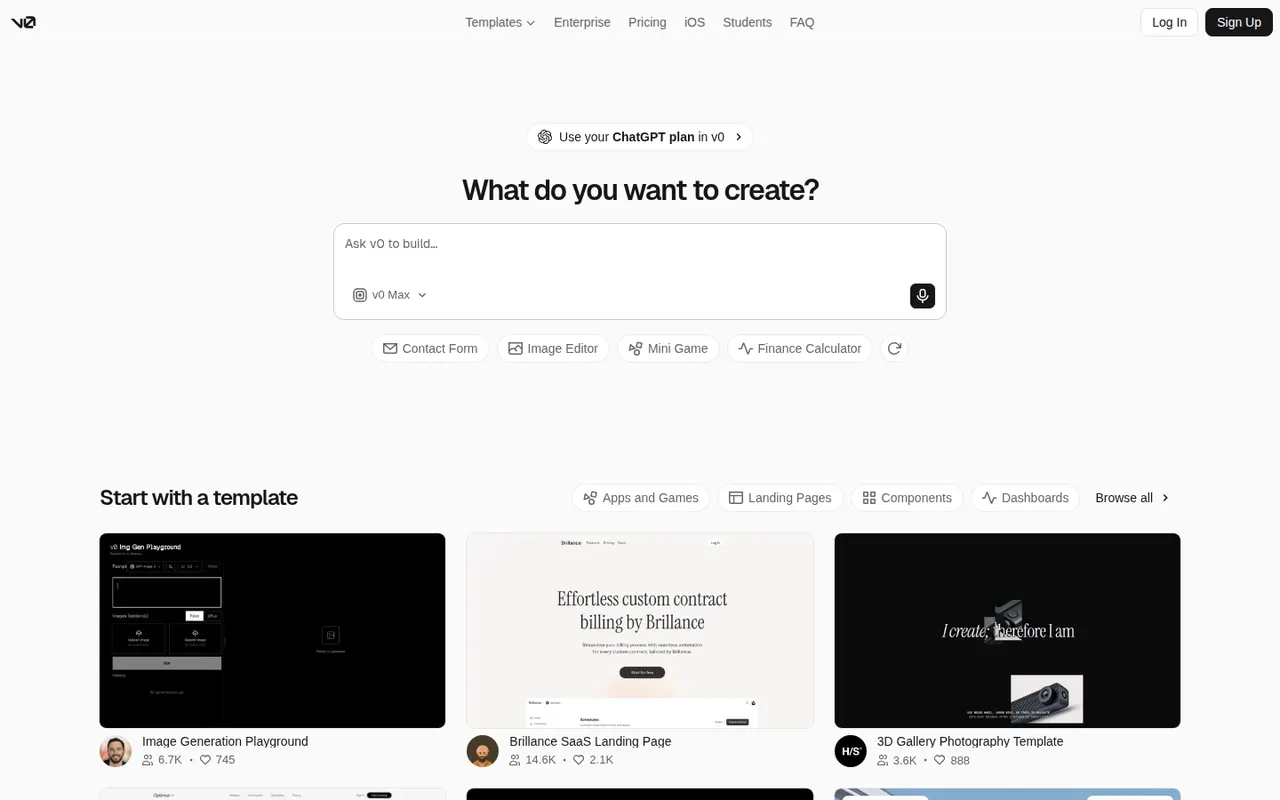
Cost / LicenseFreemiumProprietaryCategoriesPlatformsv0 is Vercel’s AI builder that generates React interfaces and full-stack Next.js apps from prompts, with one-click deployment to Vercel.
7 v0 alternativesPros
- Generates React and Next.js interfaces from prompts
- One-click deployment to Vercel
- Code can be copied or exported into your own project
Cons
- Closely tied to React, Next.js and the Vercel ecosystem
- Free plan usage is capped by credits
- Generated code still needs developer review for production
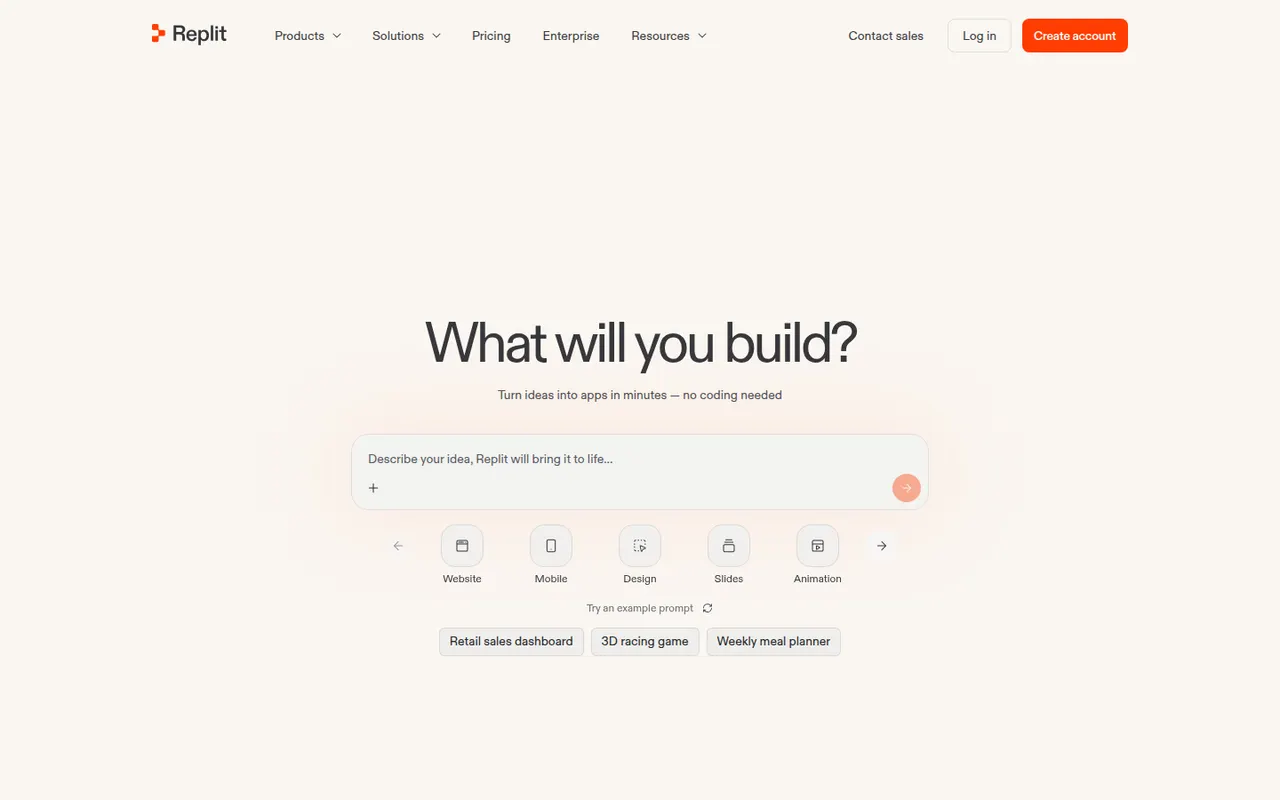
Cost / LicenseFreemiumProprietaryCategoriesPlatformsReplit is a cloud development environment where an AI agent can build, run and host applications, with collaboration and built-in databases.
9 Replit alternativesPros
- Code, run and host apps without any local setup
- AI agent builds and deploys apps from a description
- Real-time multiplayer editing for collaboration
Cons
- Agent usage costs can be hard to predict
- Hosting and databases tie projects to Replit's platform
- Free plan resources are limited for serious projects
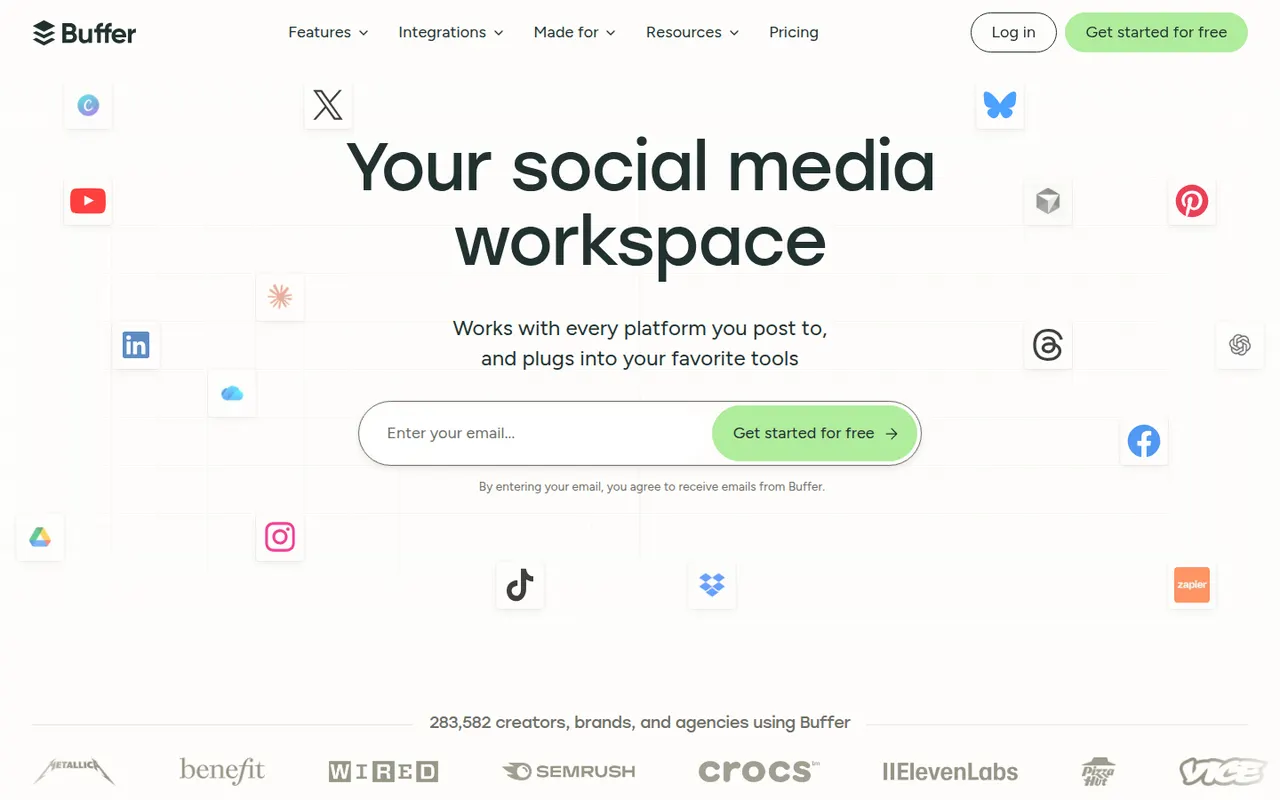
Cost / LicenseFreemiumProprietaryCategoriesBuffer lets individuals and small teams schedule posts across the main social networks, collaborate on drafts and track engagement.
12 Buffer alternativesPros
- Clean, simple interface for scheduling on major networks
- Free plan for a few channels
- Draft collaboration and engagement analytics
Cons
- Engagement tools are limited compared with full social suites
- Per-channel pricing adds up with many accounts
- Analytics are too basic for agency reporting
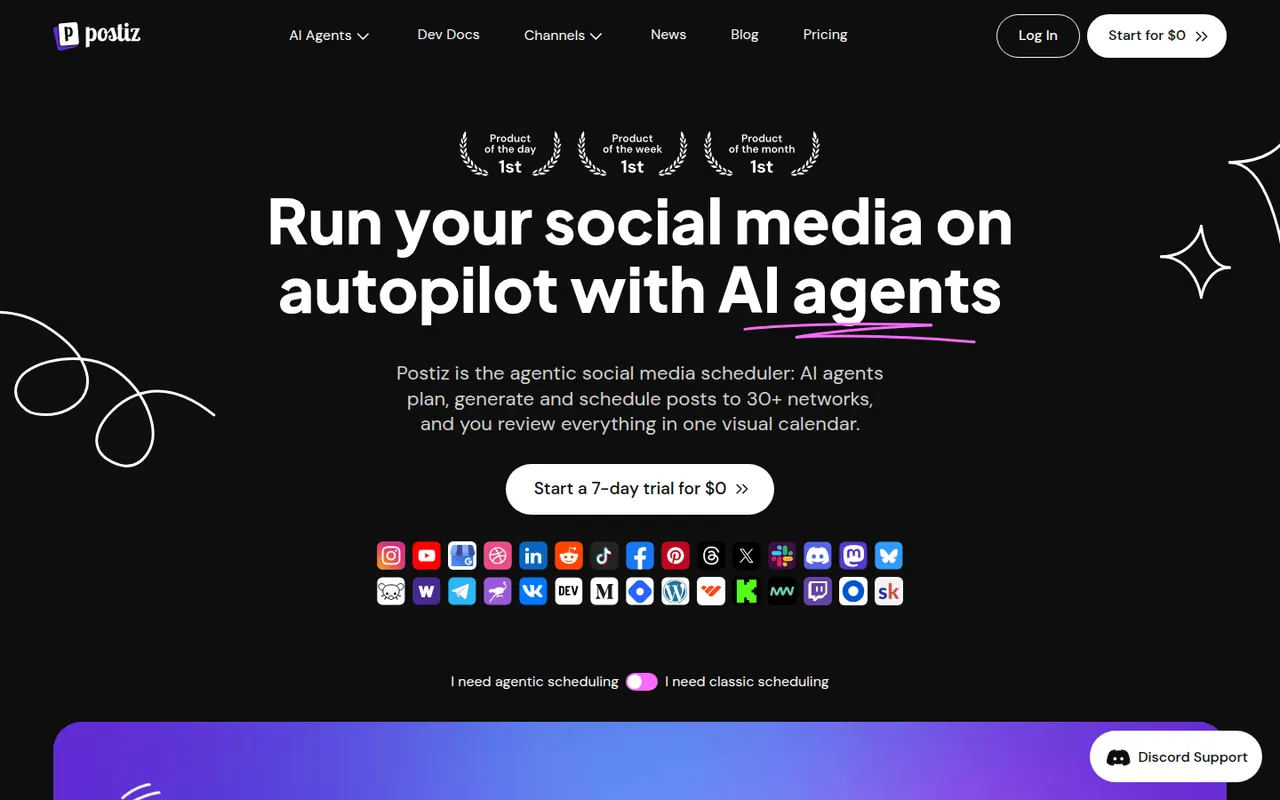
Cost / LicenseFreemiumProprietaryCategoriesPostiz is a self-hostable social media scheduler with AI-assisted writing, team workflows and support for many networks.
6 Postiz alternativesPros
- Open source and self-hostable, keeping your data under your control
- Supports many social networks from one dashboard
- AI-assisted writing and team workflows
Cons
- Younger project, less polished than established tools
- Self-hosting requires technical setup and maintenance
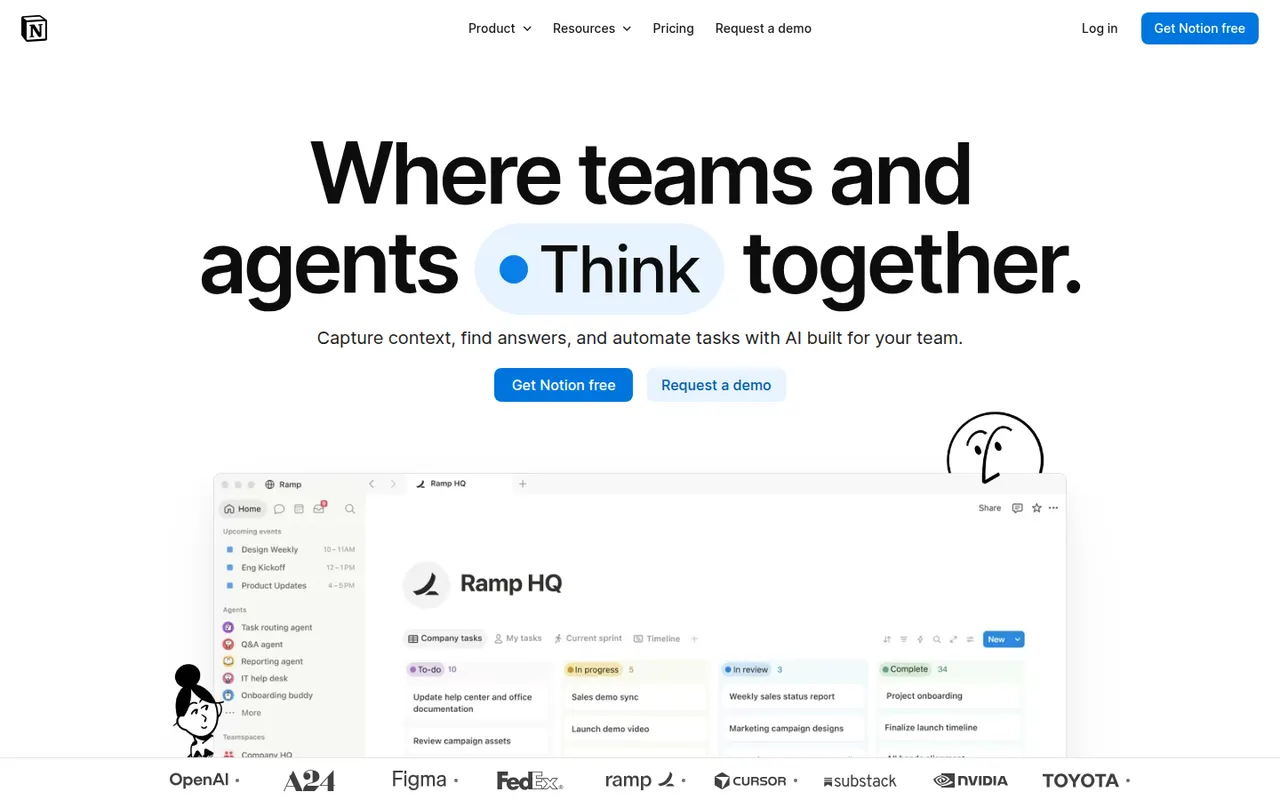
Cost / LicenseFreemiumOpen sourceCategoriesPlatformsNotion combines notes, documents, databases and project management in a flexible block-based workspace, with an integrated AI assistant.
17 Notion alternativesPros
- Docs, wikis and databases combined in one flexible workspace
- Large template gallery for roadmaps, trackers and wikis
- Real-time collaboration with comments, mentions and an API
Cons
- Databases and relations take time to master
- Offline access is limited compared with local-first apps
- Large workspaces can feel slow to load
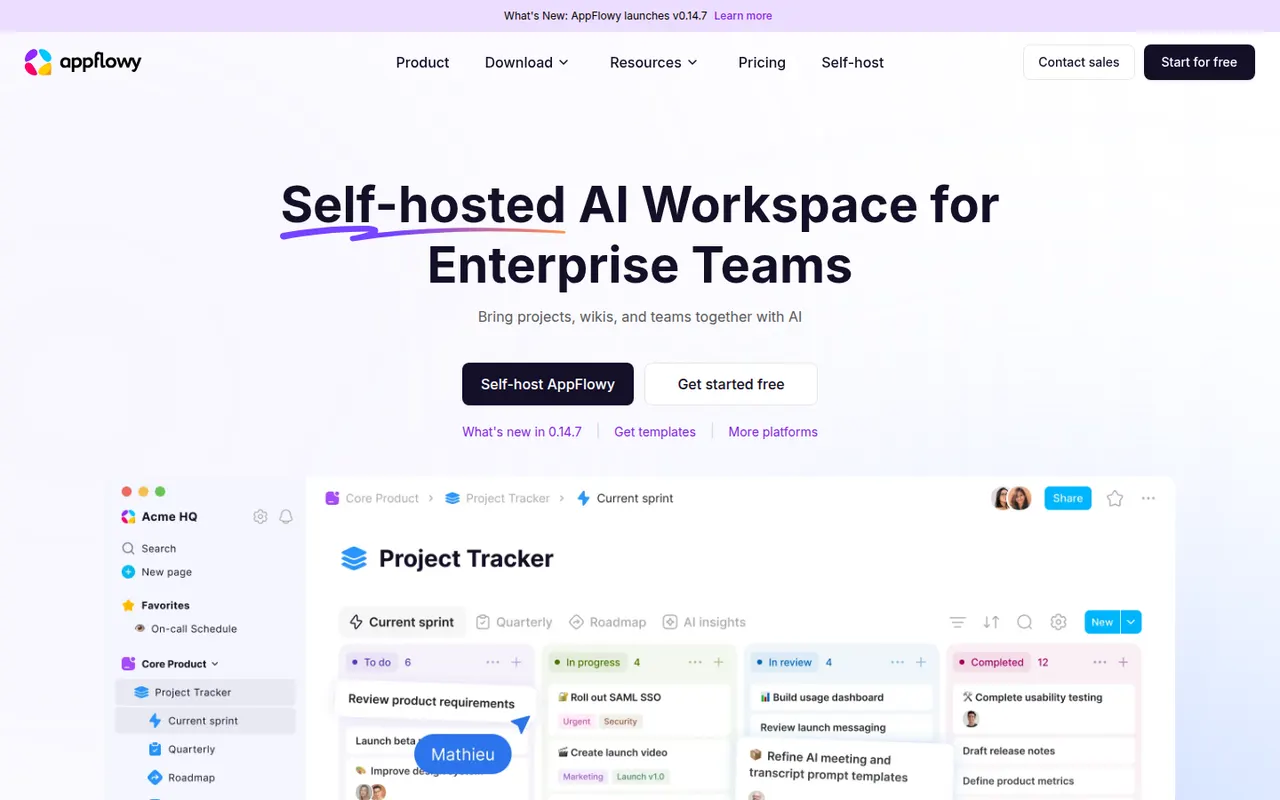
Cost / LicenseFreemiumProprietaryCategoriesAppFlowy is an open source workspace for docs, databases and kanban boards that you can self-host, with AI features and offline support.
7 AppFlowy alternativesPros
- Open source Notion alternative that you can self-host
- Docs, databases and kanban boards in one workspace
- Offline support with apps on desktop and mobile
Cons
- Fewer templates and integrations than Notion
- Some features still feel less polished than in mature rivals
- Advanced AI features are reserved for paid plans
Cost / LicenseFreemiumOpen sourceCategoriesFilmora is a consumer video editor from Wondershare for YouTubers, educators and small businesses. It pairs a multi-track timeline with a large library of effects, templates and stock media, and adds AI tools such as auto captions, background removal, text-to-speech and audio denoising. It is available for Windows and macOS, with mobile apps; the free version adds a watermark on export.
11 Filmora alternativesPros
- Beginner-friendly interface with a gentle learning curve
- Large library of effects, templates and stock media
- AI tools for captions, background removal and audio denoising
Cons
- Free version adds a watermark to exports
- Some effects and AI features cost extra
- Not suited to complex professional projects
Cost / LicenseFreemiumProprietaryCategoriesLoom lets you record your screen, camera and voice and share the result instantly as a link, replacing meetings and long written explanations. Viewers can comment and react, and Loom AI generates titles, summaries and chapters. Part of Atlassian since 2023, it works through desktop and mobile apps, a Chrome extension and integrations with tools like Slack, Jira and Notion.
12 Loom alternativesPros
- Record screen and camera and share instantly as a link
- AI titles, summaries and chapters save editing time
- Comments and reactions keep feedback next to the video
Cons
- The free plan limits video length and library size
- Editing is basic compared with dedicated video tools
- Per-seat pricing adds up for large teams
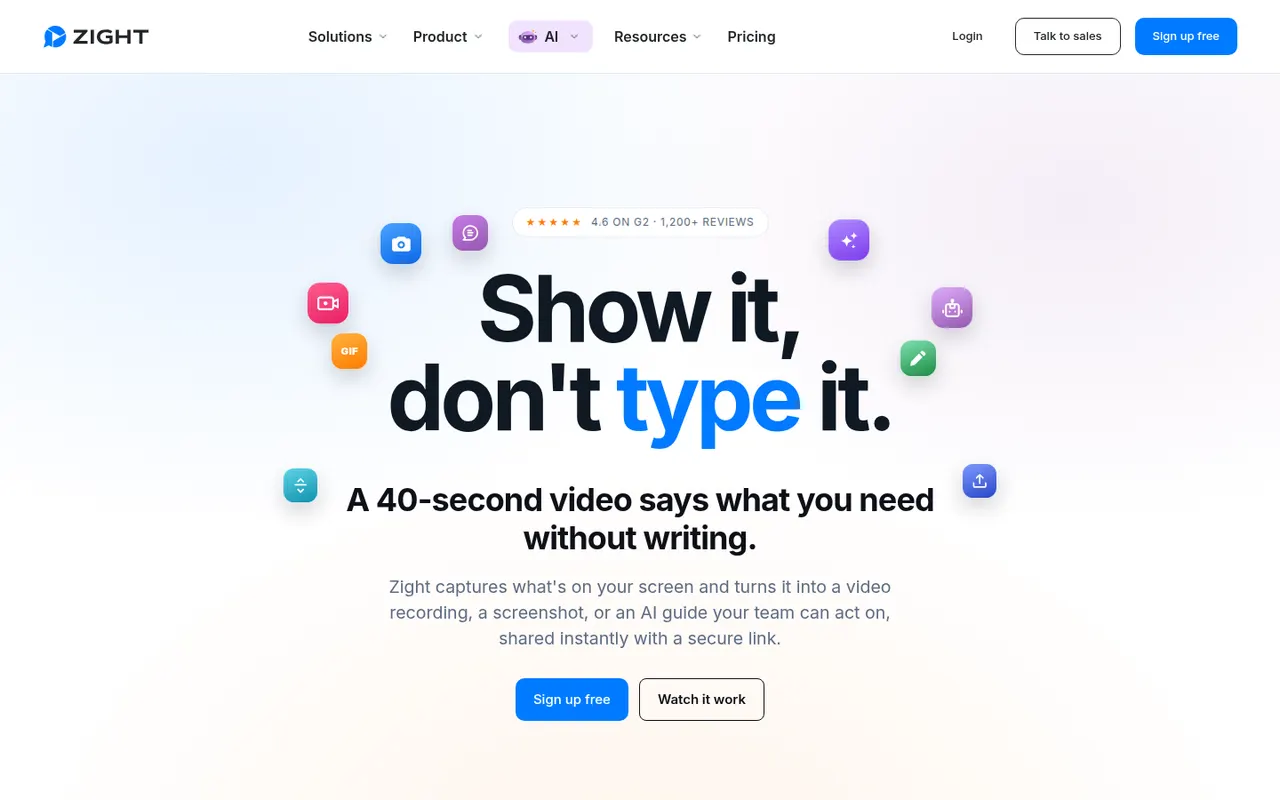
Cost / LicenseFreemiumProprietaryCategoriesZight, formerly CloudApp, is a visual communication tool for capturing screenshots, GIFs and screen recordings with webcam, then sharing them instantly through a link. Captures can be annotated, and AI features generate titles and summaries. It is used by support, sales and product teams, works on macOS, Windows and Chrome, and integrates with tools like Slack, Jira and Zendesk.
9 Zight alternativesPros
- Screenshots, GIFs and recordings shared instantly by link
- Annotations plus AI-generated titles and summaries
- Integrates with Slack, Jira and Zendesk
Cons
- The free plan is restrictive compared with paid tiers
- Captures live in Zight's cloud, which may not suit every company policy
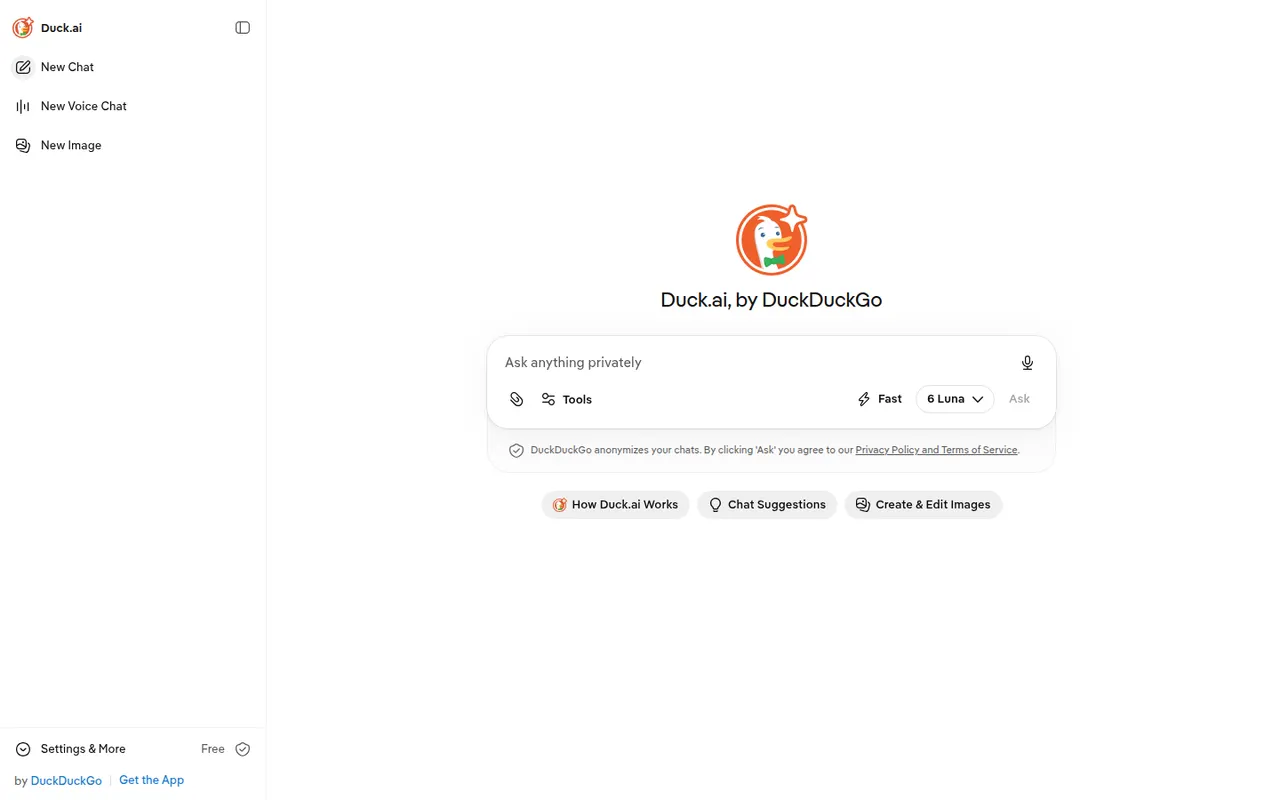
Cost / LicenseFreemiumProprietaryCategoriesPlatformsDuck.ai is DuckDuckGo's AI chat service. It gives access to several third-party models, including ones from OpenAI, Anthropic, Meta and Mistral, without an account. Requests go through DuckDuckGo, which hides your IP address from the providers, and they have agreed not to train on these chats. Recent conversations are stored on your device, and a DuckDuckGo subscription unlocks more advanced models.
8 Duck.ai alternativesPros
- No account needed to chat with several AI models
- Hides your IP address from the model providers
- Providers have agreed not to train on these chats
Cons
- Fewer features than the providers' own apps
- The most advanced models require a DuckDuckGo subscription
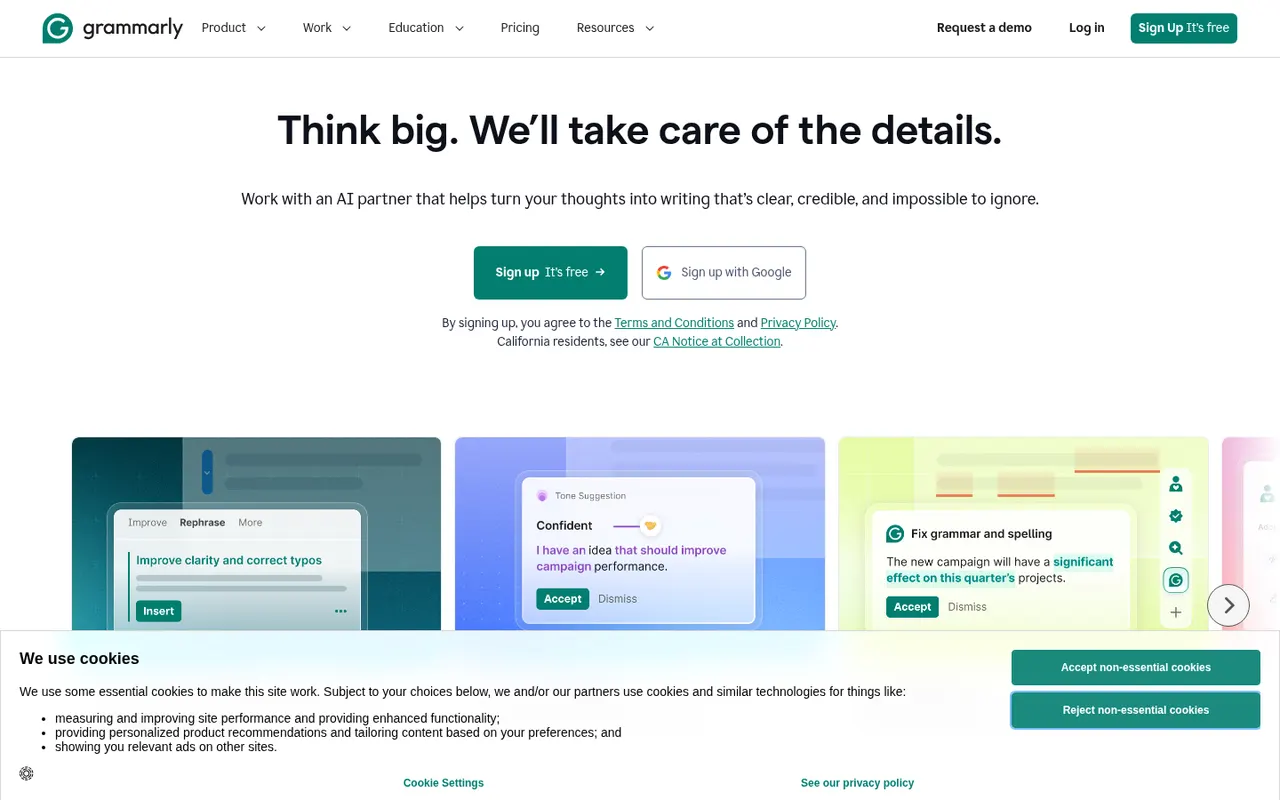
Cost / LicenseFreemiumProprietaryCategoriesFeaturesGrammarly checks spelling, grammar and punctuation as you write and suggests clearer, more concise phrasing. It works in browsers, desktop apps, Microsoft Office and on mobile through a keyboard, and includes generative AI for drafting and rewriting. Its core checks are designed for English. Paid plans add tone and style rewrites, a plagiarism checker and, for teams, shared style guides and brand tones.
10 Grammarly alternativesPros
- Works in browsers, desktop apps, Microsoft Office and on mobile
- Clear suggestions for grammar, clarity and conciseness
- Shared style guides and brand tones for teams
Cons
- Core checks are designed for English only
- Tone rewrites and the plagiarism checker need a paid plan
- Text is processed in the cloud, which some companies restrict
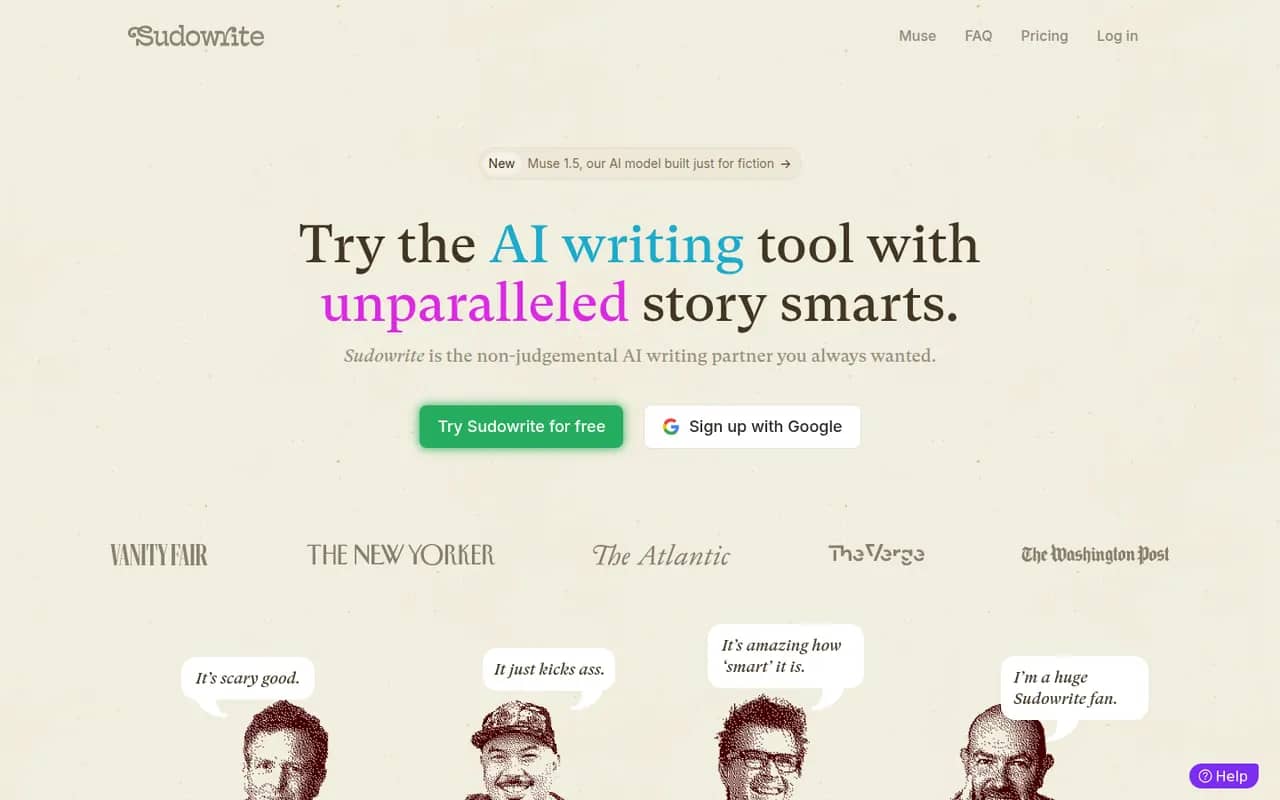
Cost / LicenseFreemiumProprietaryCategoriesSudowrite is an AI writing tool made for fiction. It helps novelists brainstorm, expand scenes, rewrite passages, add sensory description and get feedback, while a Story Bible keeps characters, worldbuilding and outlines in one place to guide longer drafts. It can match your prose style and offers a choice of AI models. It runs in the browser, with paid plans after a free trial.
9 Sudowrite alternativesPros
- Built specifically for fiction and novel writing
- Story Bible keeps characters, worldbuilding and outlines together
- Can match the style of your own prose
Cons
- Paid plans only once the trial ends
- Credit-based usage can run short on long drafts
- Not designed for nonfiction or business writing
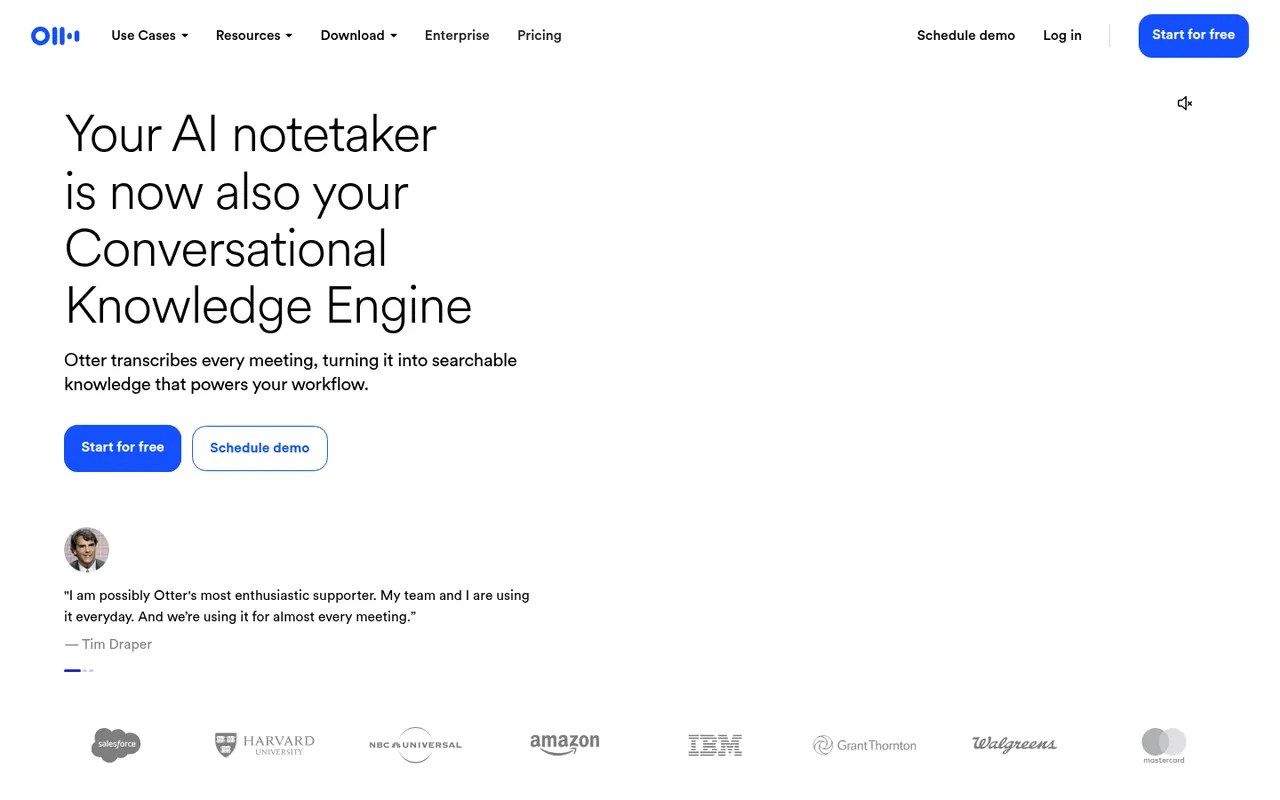
Cost / LicenseFree trialProprietaryCategoriesPlatformsOtter.ai records and transcribes meetings in real time, either by sending its assistant to Zoom, Google Meet and Microsoft Teams calls or by recording in person from the mobile app. It generates summaries and action items, lets you search and comment on transcripts, and its AI chat answers questions across past meetings. It transcribes English, French and Spanish and has a limited free plan.
9 Otter.ai alternativesPros
- Live transcription you can follow during the meeting
- AI chat answers questions across past meetings
- Mobile app records in-person conversations
Cons
- Transcribes only English, French and Spanish
- Free plan is limited in minutes and file imports
- The assistant can join calls automatically, which may surprise attendees
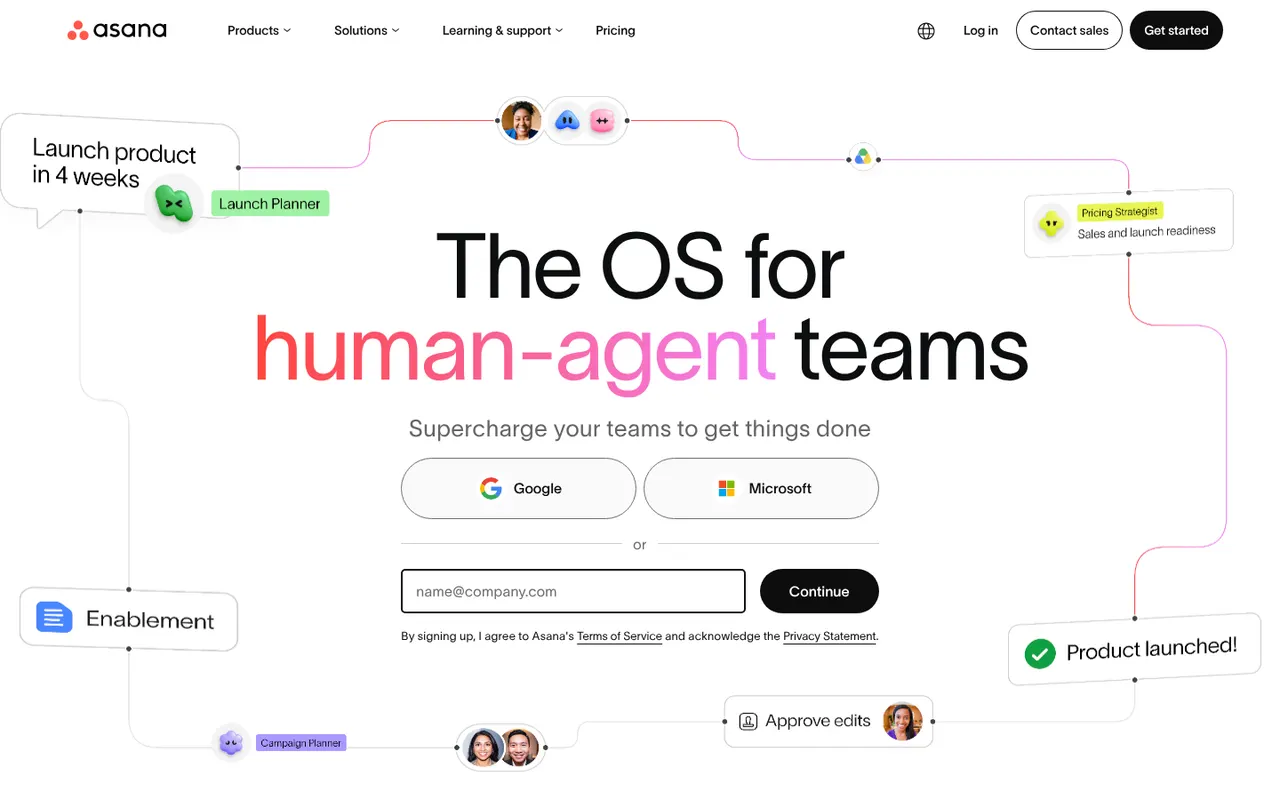
Cost / LicenseFreemiumProprietaryCategoriesPlatformsAsana helps teams plan projects, assign tasks and track progress in list, board, timeline and calendar views. It is aimed at cross-functional teams in mid-size and large companies, with portfolios and goals to follow work across departments, rule-based automations, a large catalog of integrations and built-in AI features.
12 Asana alternativesPros
- List, board, timeline and calendar views for the same project
- Goals and portfolios connect work across departments
- Large catalog of integrations and rule-based automations
Cons
- Per-seat pricing gets expensive as teams grow
- Timeline, goals and portfolios require paid plans
- A task can only have one assignee
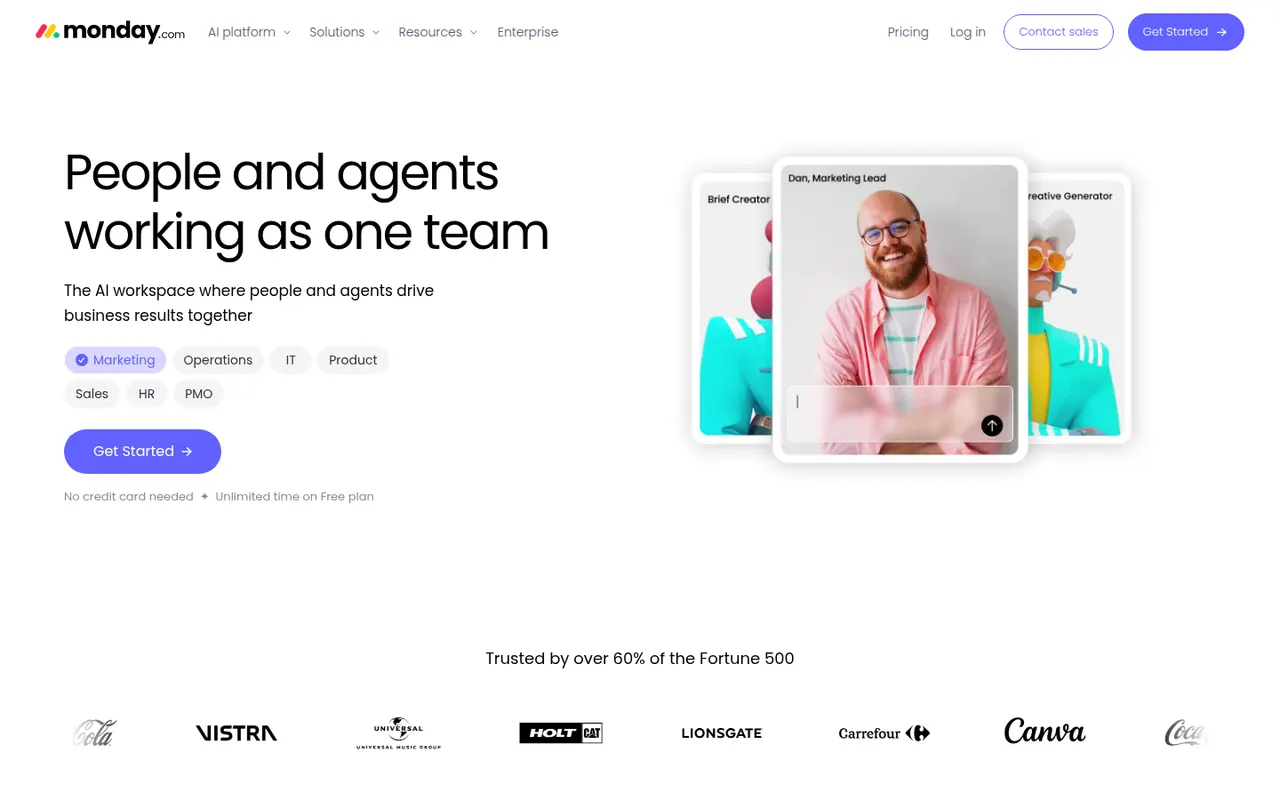
Cost / LicenseFreemiumProprietaryCategoriesmonday.com is a work management platform where teams build boards with custom columns to track projects, requests or pipelines, then switch between table, Kanban, Gantt and calendar views. No-code automations, dashboards and integrations make it suit operations, marketing and other non-technical teams, and the same platform powers the separate monday CRM and monday dev products.
12 monday.com alternativesPros
- Colorful, flexible boards adapt to projects, requests or pipelines
- No-code automations and dashboards that non-technical teams can build
- Switch between table, Kanban, Gantt and calendar views
Cons
- Seats are sold in bundles, which raises the cost for small teams
- Automation and integration actions are capped by plan
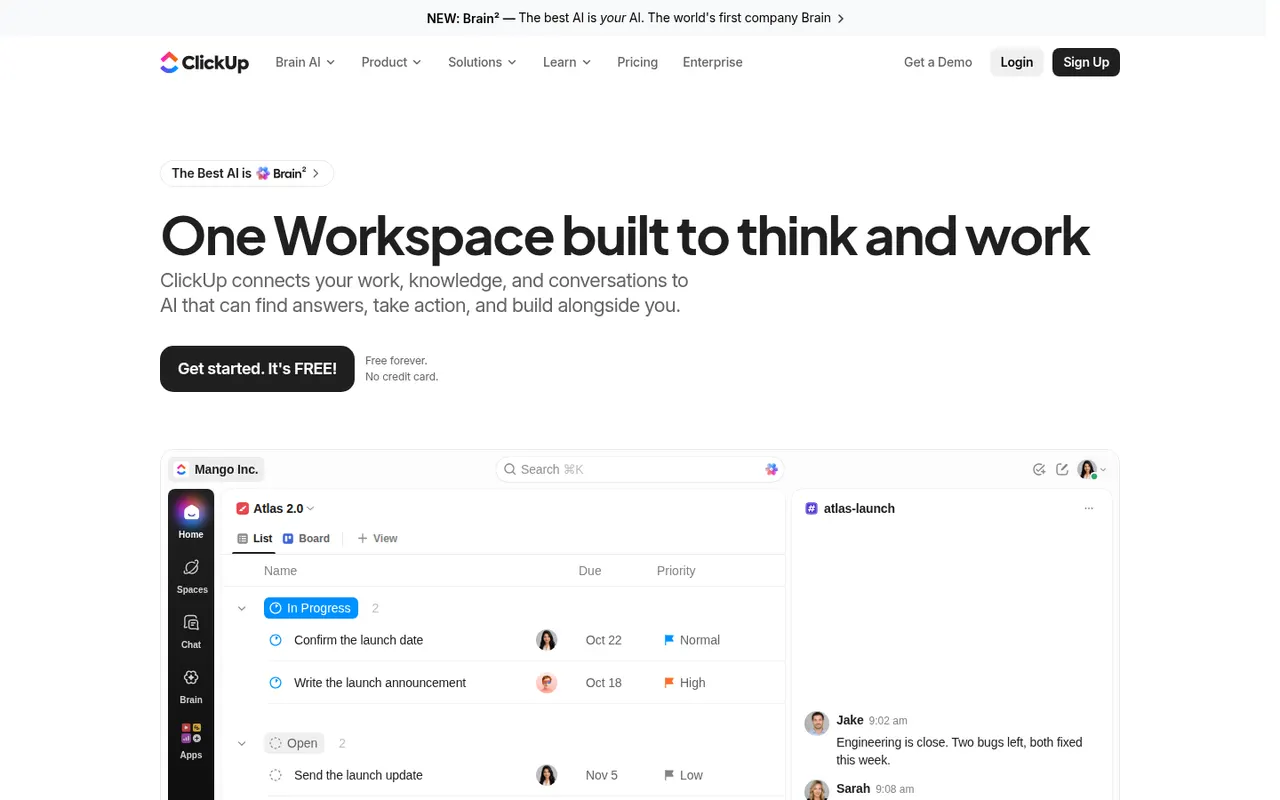
Cost / LicenseFreemiumProprietaryCategoriesClickUp combines tasks, documents, whiteboards, goals, chat and time tracking in a single workspace, with more than a dozen views including list, board, Gantt and calendar. Its depth and customization appeal to teams that want to replace several tools at once, and ClickUp Brain adds AI search, writing and summaries across the workspace.
12 ClickUp alternativesPros
- Tasks, docs, whiteboards, goals and chat in a single workspace
- More than a dozen views, from list and board to Gantt and calendar
- Deep customization of fields, statuses and automations
Cons
- The sheer number of features creates a steep learning curve
- The interface can feel slow and cluttered in large workspaces
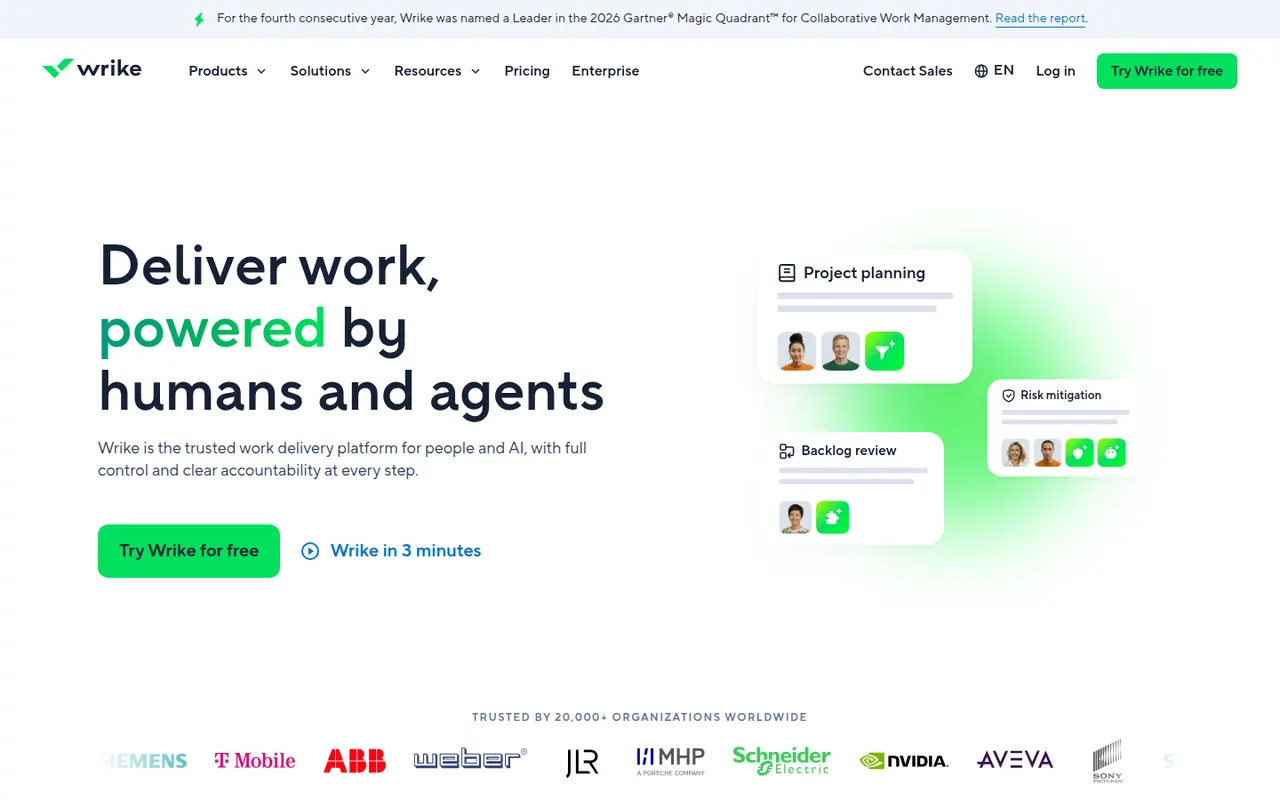
Cost / LicenseFreemiumProprietaryCategoriesWrike is a work management platform for organizations that run many projects at once, combining Gantt charts, Kanban boards, workload views and built-in time tracking. Custom request forms, approval workflows, tasks shared across several projects and AI features help marketing, professional services and PMO teams standardize how work is planned and delivered.
11 Wrike alternativesPros
- Handles many parallel projects with Gantt, Kanban and workload views
- Custom request forms and approval workflows standardize intake
- Built-in time tracking and tasks shared across several projects
Cons
- Steep learning curve and a dense interface
- Advanced features and analytics sit in the more expensive tiers
- Often overkill for small teams with simple needs
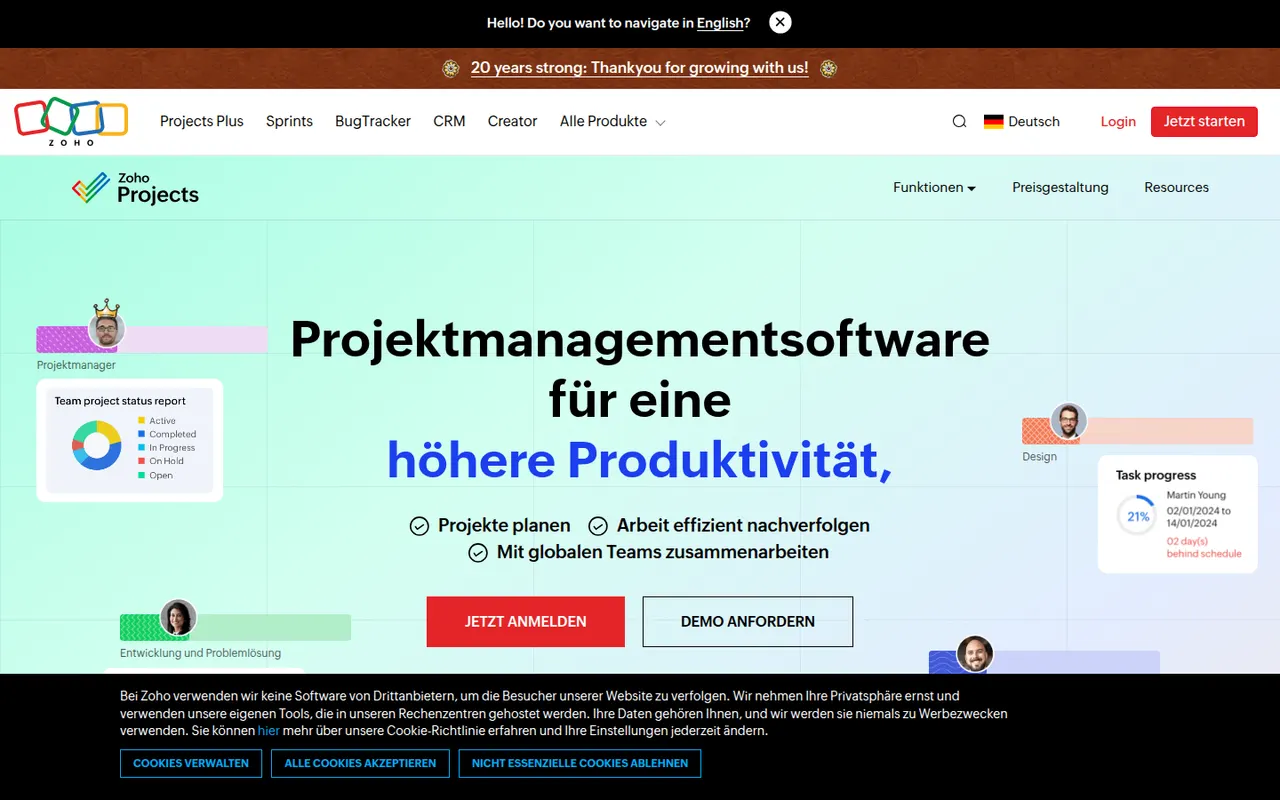
Cost / LicenseFreemiumProprietaryCategoriesZoho Projects is a cloud project management app with task lists, Gantt charts, Kanban boards, timesheets, issue tracking and Blueprint workflows. It fits companies that already use Zoho apps such as CRM, Books or Desk, and includes the Zia assistant, client access and a free plan for very small teams.
10 Zoho Projects alternativesPros
- Connects natively with Zoho CRM, Books, Desk and other Zoho apps
- Gantt charts, timesheets and issue tracking in one tool
- Blueprint workflows enforce each step of a process
Cons
- The interface feels less polished than leading competitors
- Most valuable for companies already invested in Zoho
- The free plan only suits very small teams
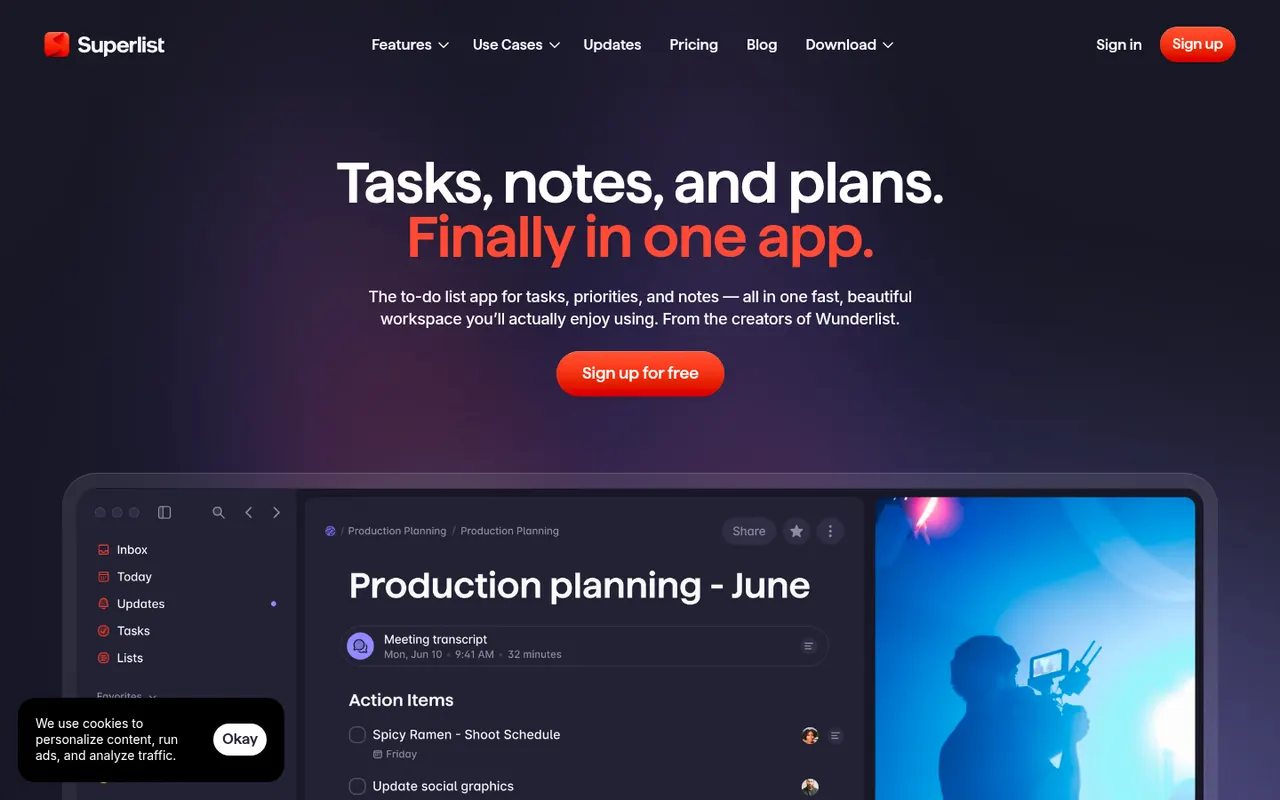
Cost / LicenseFreemiumProprietaryCategoriesSuperlist is a task and notes app co-founded by Wunderlist creator Christian Reber, where each list doubles as a document mixing text, headings and checkable tasks. Lists can be shared for real-time collaboration, tasks can be pulled in from Slack and Gmail, and AI features can draft a list from a short prompt.
9 Superlist alternativesPros
- Lists double as documents mixing notes and tasks
- Real-time collaboration on shared lists
- Pulls tasks in from Slack and Gmail
Cons
- Younger app with fewer advanced features than established rivals
- Smaller integration catalog than established task managers
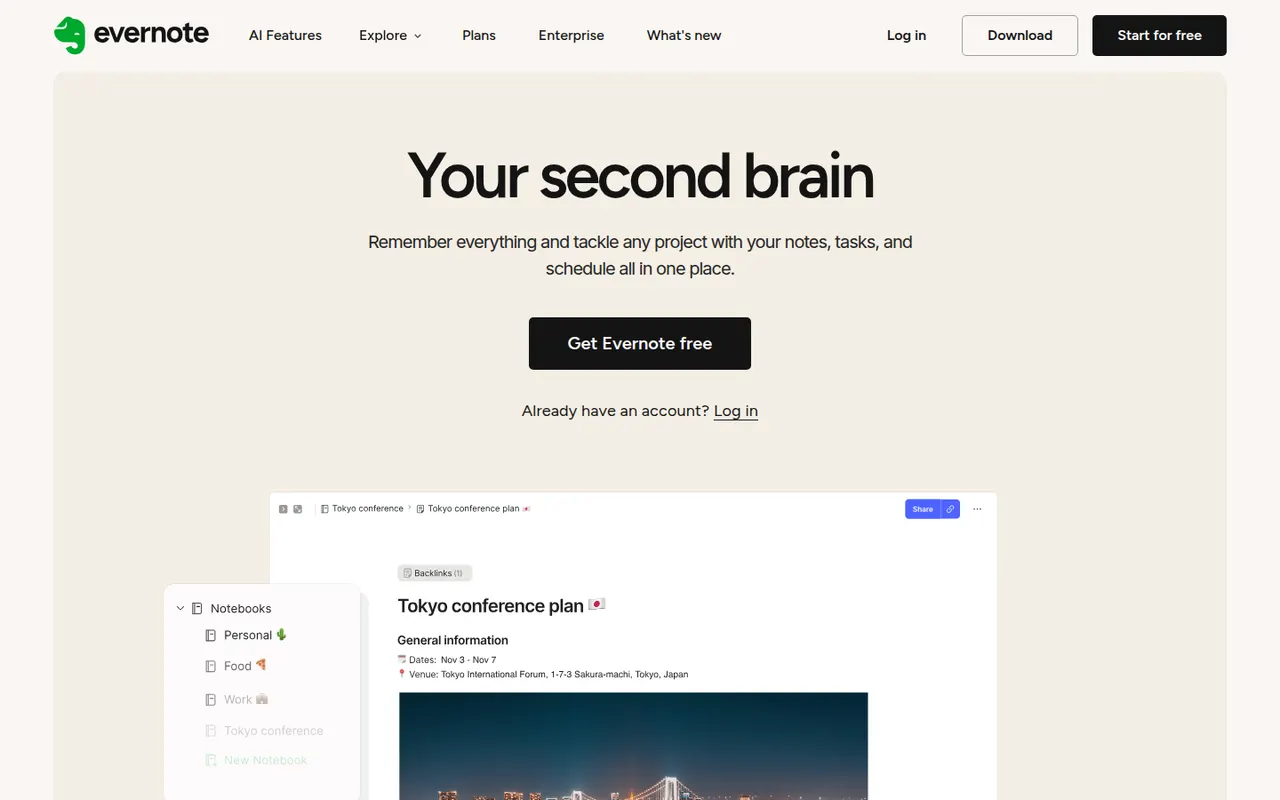
Cost / LicenseFreemiumProprietaryCategoriesEvernote is a long-standing note-taking app, owned by Bending Spoons since 2023, that stores notes, web clips, PDFs, scans and audio in notebooks with tags and full-text search, including text inside images. Recent versions add tasks, calendar integration and AI features, while the free plan has become very limited compared with the paid tiers.
12 Evernote alternativesPros
- Mature web clipper and full-text search, even inside images
- Stores notes, PDFs, scans and audio in one place
- Tasks and calendar integration alongside notes
Cons
- The free plan is very limited compared with paid tiers
- Paid plans are expensive compared with many note apps
- Apps can feel heavier and slower than lighter note tools
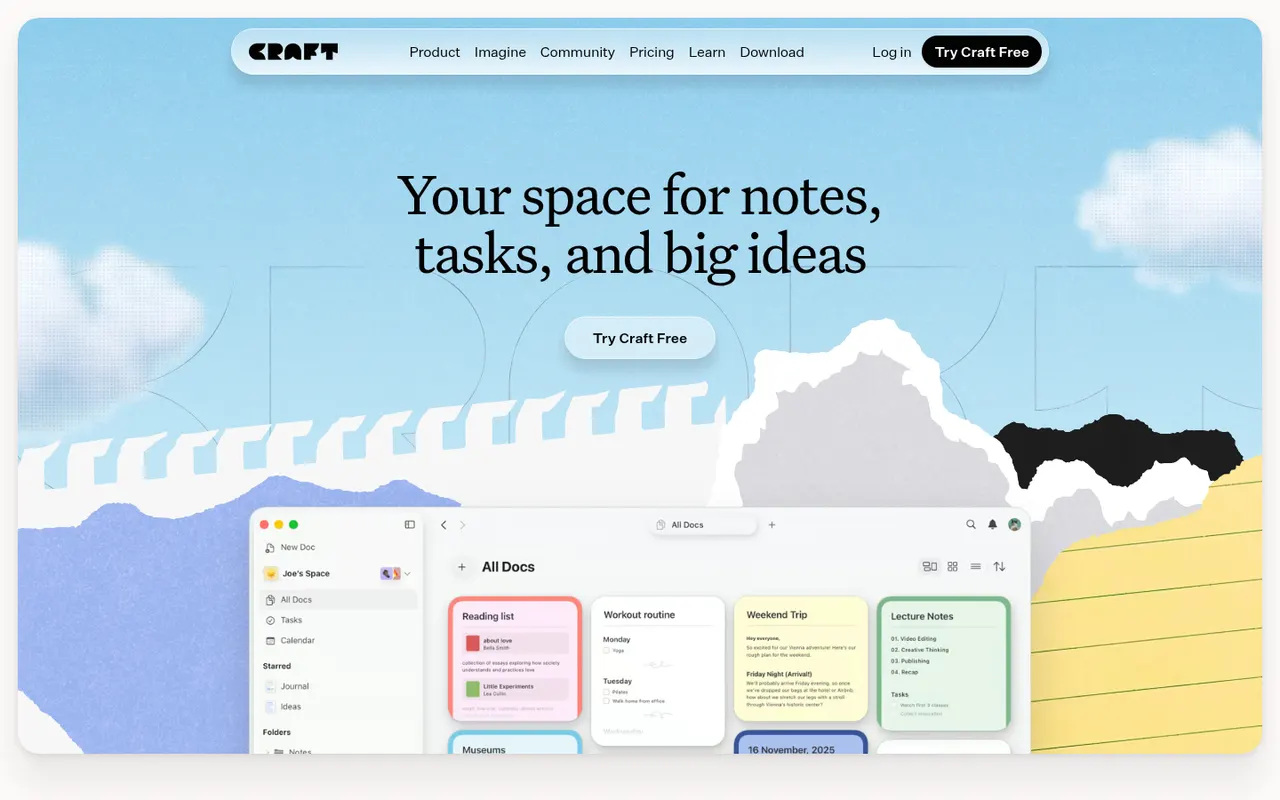
Cost / LicenseFreemiumProprietaryCategoriesCraft is a document and note-taking app with a native, polished design on Mac, iPhone and iPad, also available on Windows and the web. Notes are built from blocks and nested pages with backlinks, can be shared as public web pages or edited together in real time, and include AI writing help, tasks and daily notes.
12 Craft alternativesPros
- Polished native design on Mac, iPhone and iPad
- Block-based pages can be shared as public web pages
- Real-time collaboration plus built-in AI writing help
Cons
- The experience is best on Apple devices, other platforms feel secondary
- Advanced features and AI usage are reserved for paid plans
- Less suited to large databases than Notion-style tools
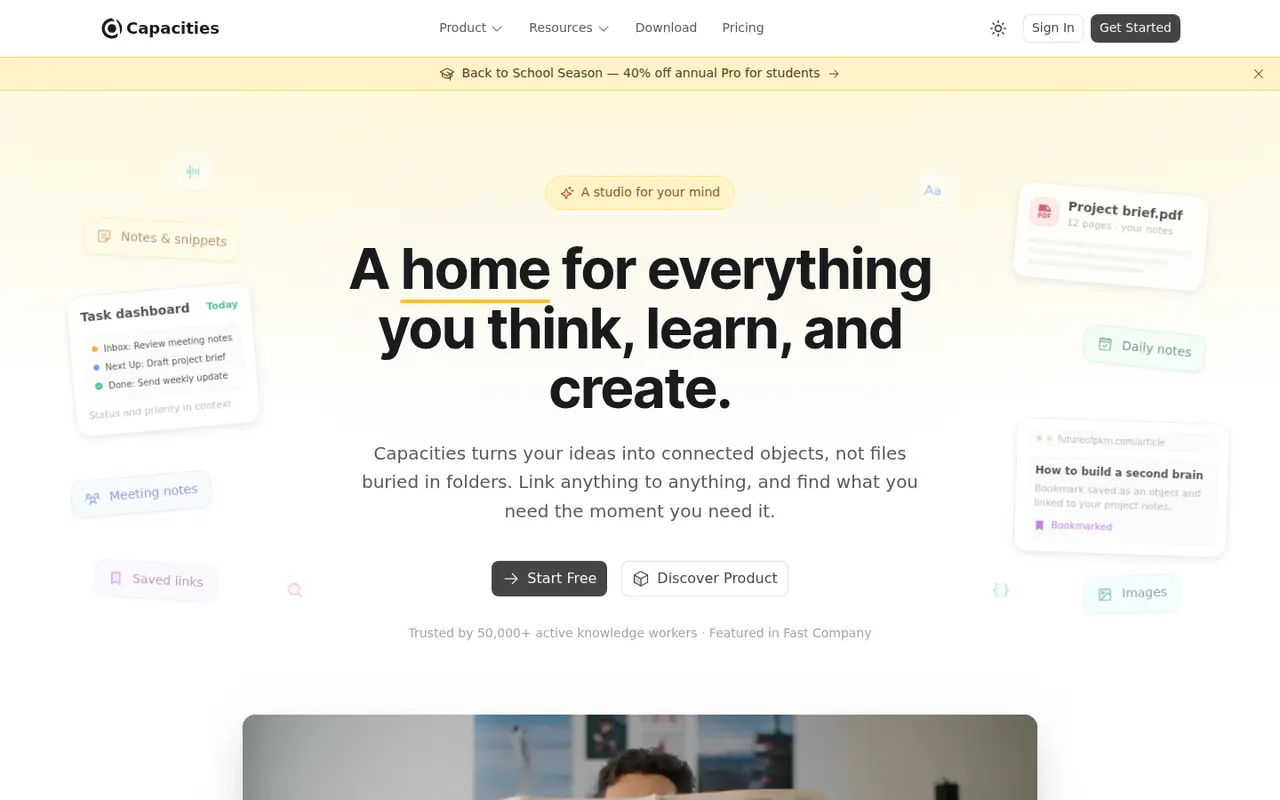
Cost / LicenseFreemiumProprietaryCapacities is a note-taking app that organizes knowledge as objects such as people, books, meetings and ideas, each with its own properties and templates, instead of folders. Objects link to each other through backlinks and a graph, daily notes collect everyday thoughts, and the Pro plan adds an AI assistant. It is developed by a small team in Germany.
8 Capacities alternativesPros
- Object types like people, books and meetings give notes structure
- Backlinks, graph view and daily notes connect ideas
- Available on web, desktop and mobile with sync
Cons
- The object-based approach takes time to get used to
- The AI assistant and some features need the Pro plan
- Cloud-based storage gives less control than local-first apps
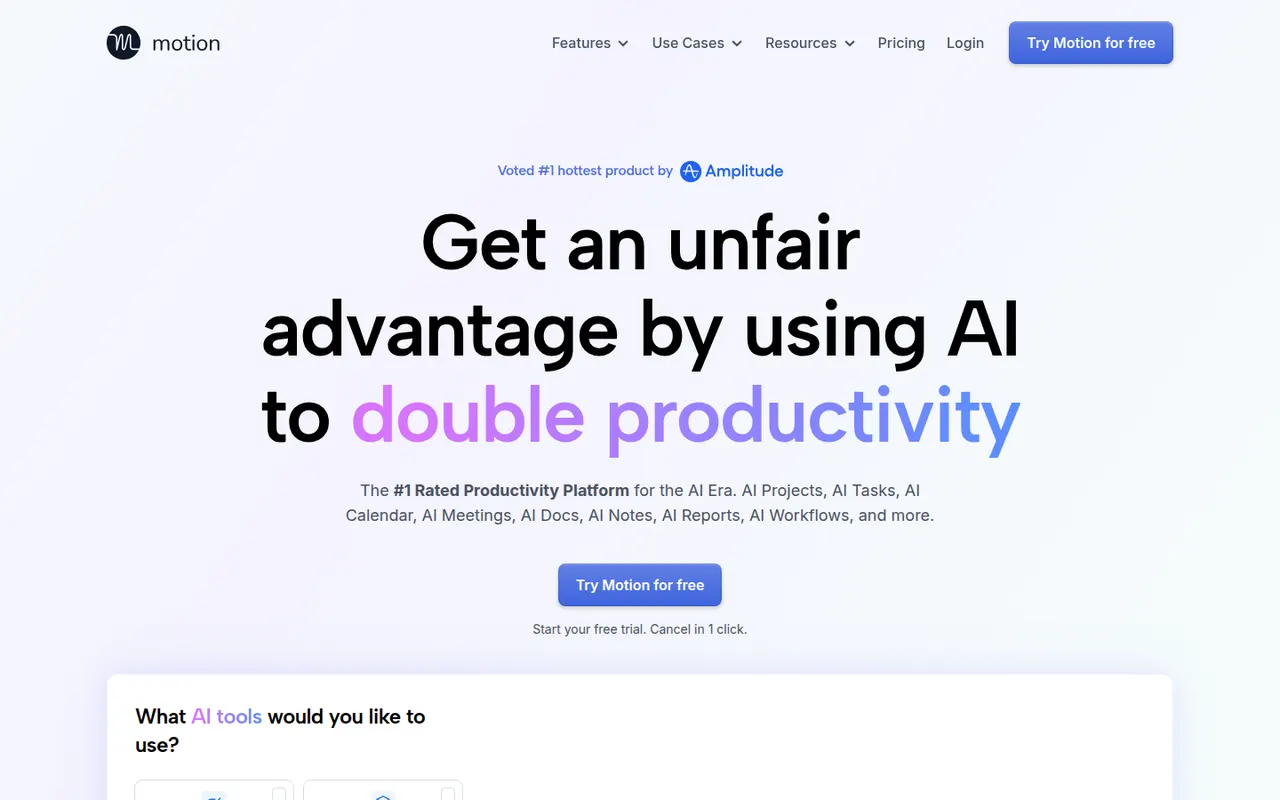
Cost / LicenseFreemiumProprietaryCategoriesMotion is a planning tool that uses AI to place tasks on your calendar automatically based on deadlines, priorities and meetings, and reshuffles the plan when things change. It combines a calendar, task manager, project views and booking pages, and has expanded into AI agents and docs for teams. Access starts with a free trial rather than a free plan.
11 Motion alternativesPros
- AI places tasks around meetings and deadlines automatically
- Replans the day when priorities or meetings change
- Combines calendar, tasks, projects and booking pages
Cons
- No free plan, only a trial
- Priced well above traditional calendar and to-do apps
- Handing your schedule to an algorithm can feel hard to control
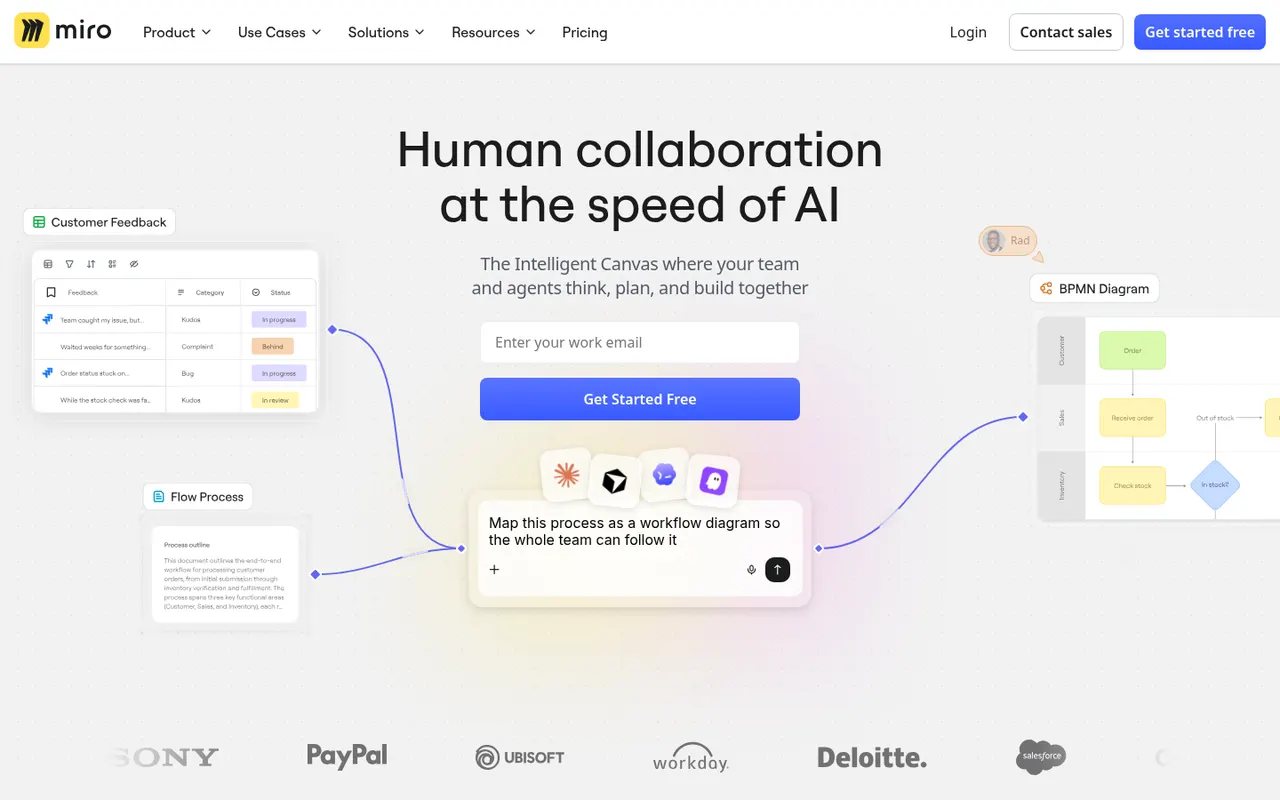
Cost / LicenseFree trialProprietaryMiro is a visual collaboration platform built around an infinite whiteboard where teams run workshops, brainstorms, retrospectives and planning sessions with sticky notes, diagrams and mind maps. It offers thousands of community templates, AI features for clustering and summarizing content, and integrations with Jira, Slack, Teams and Zoom.
12 Miro alternativesPros
- Huge library of community templates for workshops and planning
- Integrations with Jira, Slack, Teams and Zoom
- Apps on the web, desktop and mobile
Cons
- Free plan limits the number of editable boards
- Large boards can become slow and cluttered
- Per-seat pricing adds up for big teams
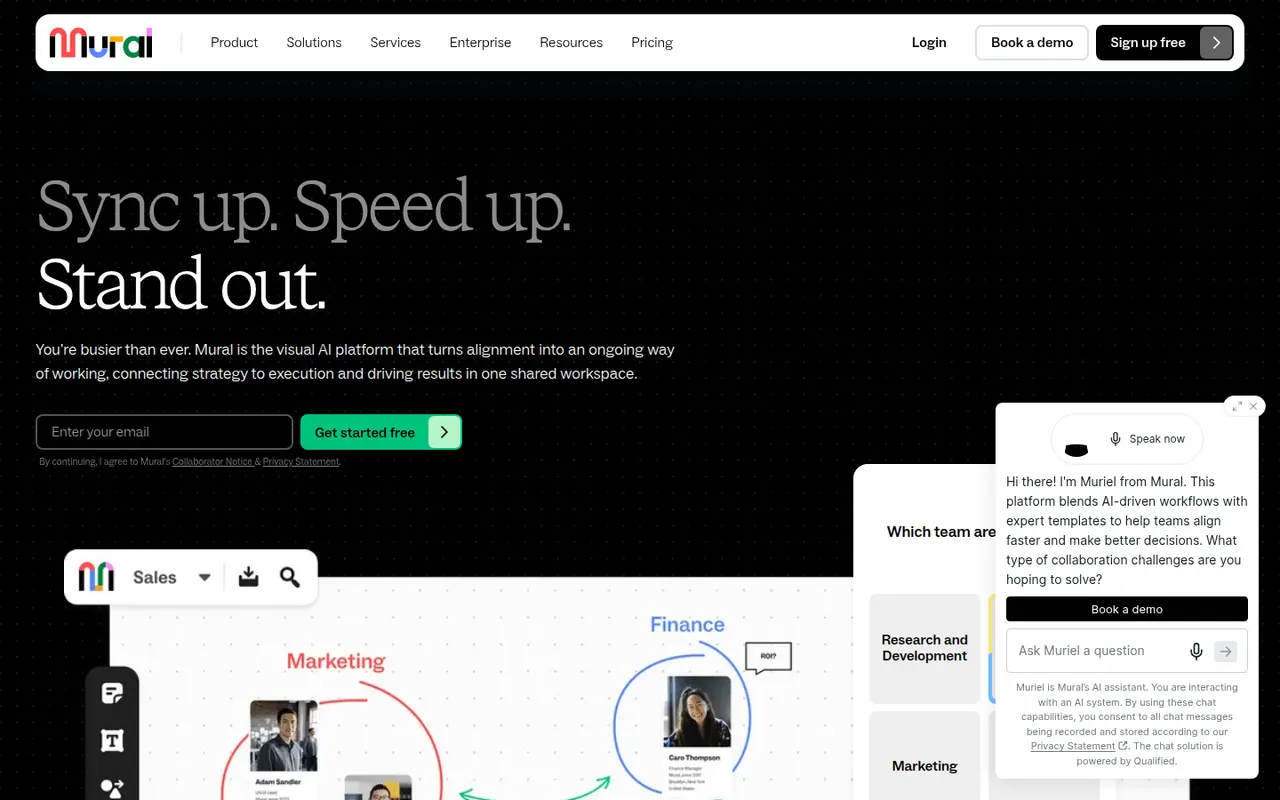
Cost / LicenseFreemiumProprietaryCategoriesMural is a digital whiteboard for collaborative workshops and meetings, with facilitation tools such as a timer, voting, private mode and the ability to bring all participants to the same spot. It is aimed at enterprise teams running design thinking, agile ceremonies and strategy sessions, supported by templates, AI assistance and integrations with Microsoft Teams, Zoom and Webex.
9 Mural alternativesPros
- Facilitation tools: timer, voting, private mode and summoning participants
- Templates for design thinking and agile ceremonies
- Integrations with Microsoft Teams, Zoom and Webex
Cons
- Geared toward enterprises, with pricing to match
- Free plan limits the number of boards
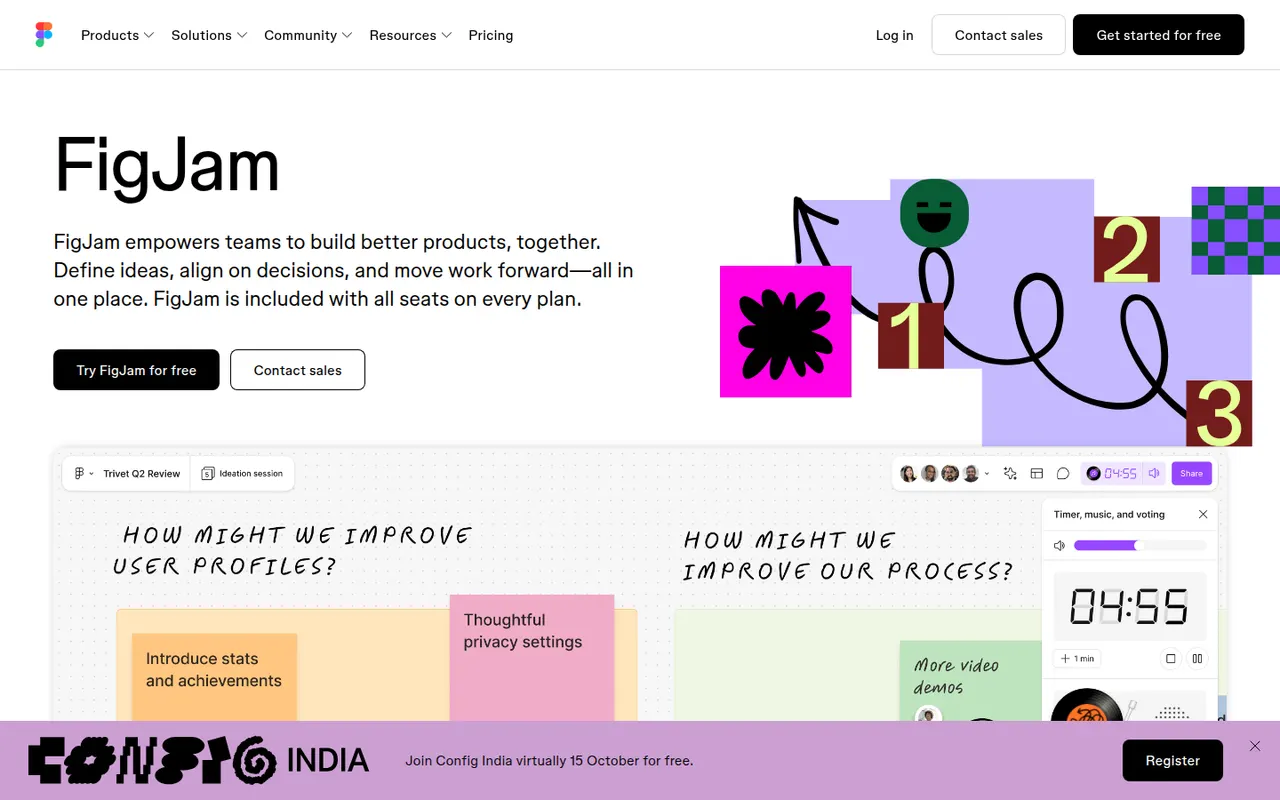
Cost / LicenseFreemiumProprietaryCategoriesFigJam is the collaborative whiteboard from Figma, used for brainstorming, user flows, retrospectives and diagrams alongside design files. It offers sticky notes, stamps, voting, timers, widgets and plugins, AI that can generate boards or diagrams from a prompt, and shares accounts and libraries with Figma, which keeps product and design teams in one tool.
12 FigJam alternativesPros
- Shares accounts and libraries with Figma design files
- Playful facilitation tools such as stamps, voting and timers
- AI can generate boards and diagrams from a prompt
Cons
- Most valuable for teams already using Figma
- Free plan limits how many boards you can keep
- Fewer advanced diagramming features than dedicated tools
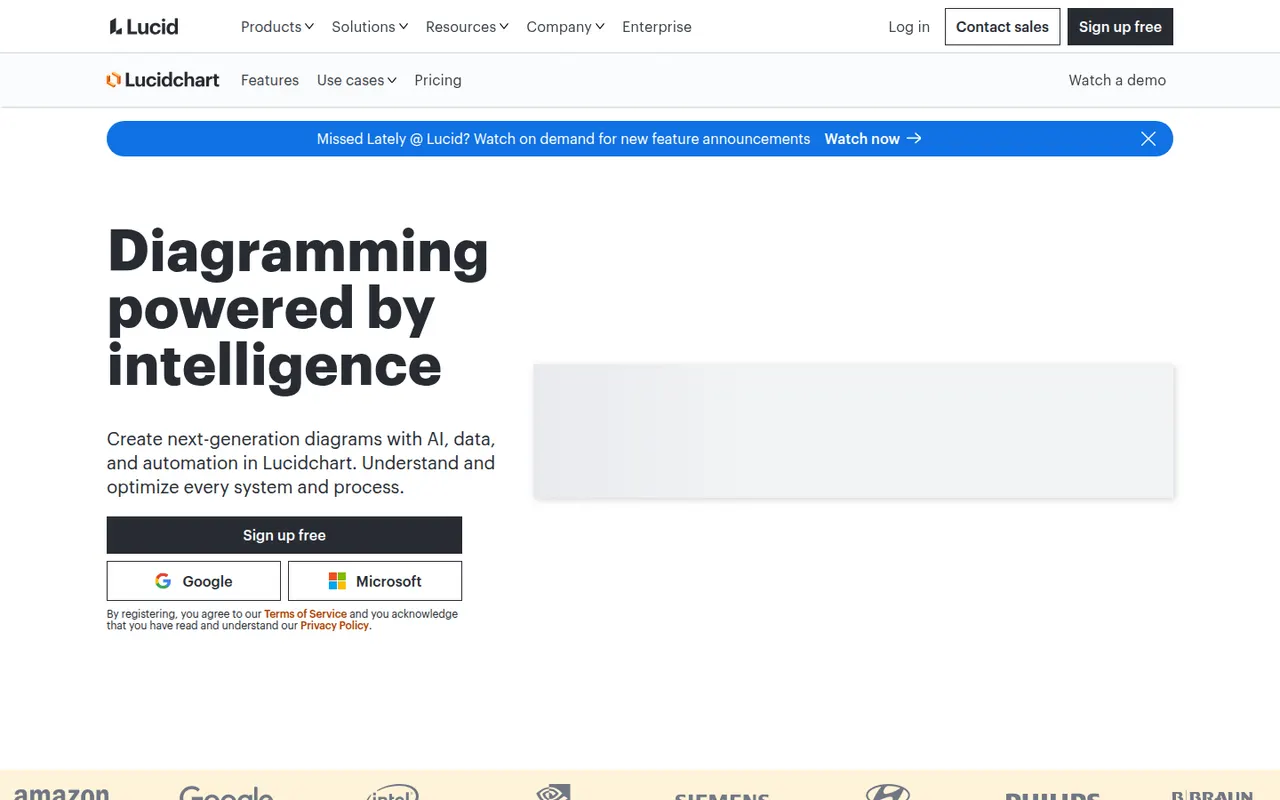
Cost / LicenseFreemiumProprietaryCategoriesLucidchart is a browser-based diagramming tool from Lucid Software for flowcharts, org charts, network and cloud architecture diagrams, ERDs and process maps. Teams edit diagrams together in real time, link shapes to live data, import Visio files and generate diagrams with AI, with integrations for Google Workspace, Microsoft 365, Atlassian and Slack.
10 Lucidchart alternativesPros
- Broad shape libraries for flowcharts, ERDs and cloud architecture
- Imports Visio files and links shapes to live data
- Integrates with Google Workspace, Microsoft 365, Atlassian and Slack
Cons
- Free plan caps the number of documents and shapes
- Team plans get expensive as seats are added
Cost / LicenseFreemiumProprietaryCategories