Apps with AI assistant
114 apps
Top AI assistant apps ranked by the community
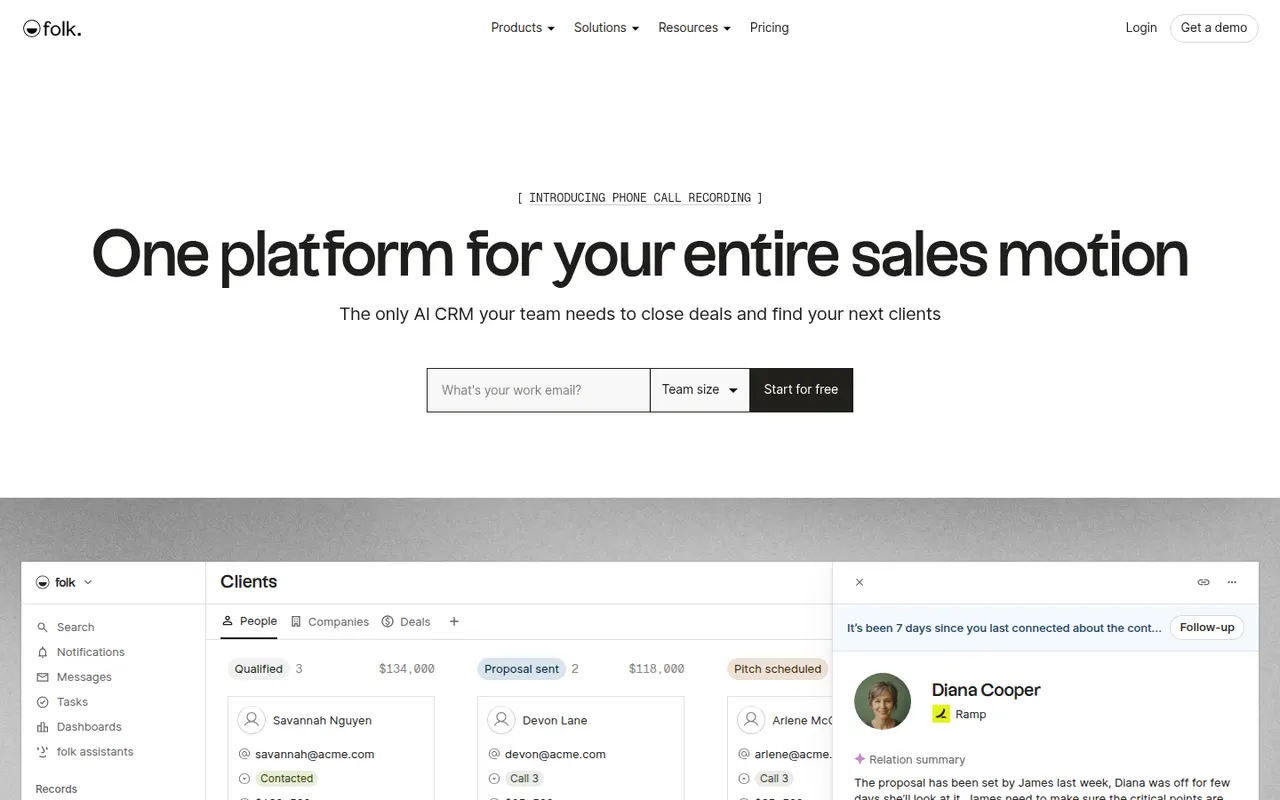
folk is a relationship-focused CRM from a Paris-based startup, aimed at founders, agencies, recruiters and small sales teams. A browser extension imports contacts from LinkedIn and other sites, while pipelines, email sequences and AI-assisted enrichment and writing help with follow-up. Its spreadsheet-like interface keeps it simpler than traditional sales CRMs.
8 folk alternativesPros
- Spreadsheet-like interface that feels simpler than traditional sales CRMs
- Browser extension imports contacts from LinkedIn in a click
- Built-in email sequences and AI enrichment for follow-ups
Cons
- Reporting and forecasting stay basic for structured sales teams
- Smaller integration ecosystem than long-established CRMs
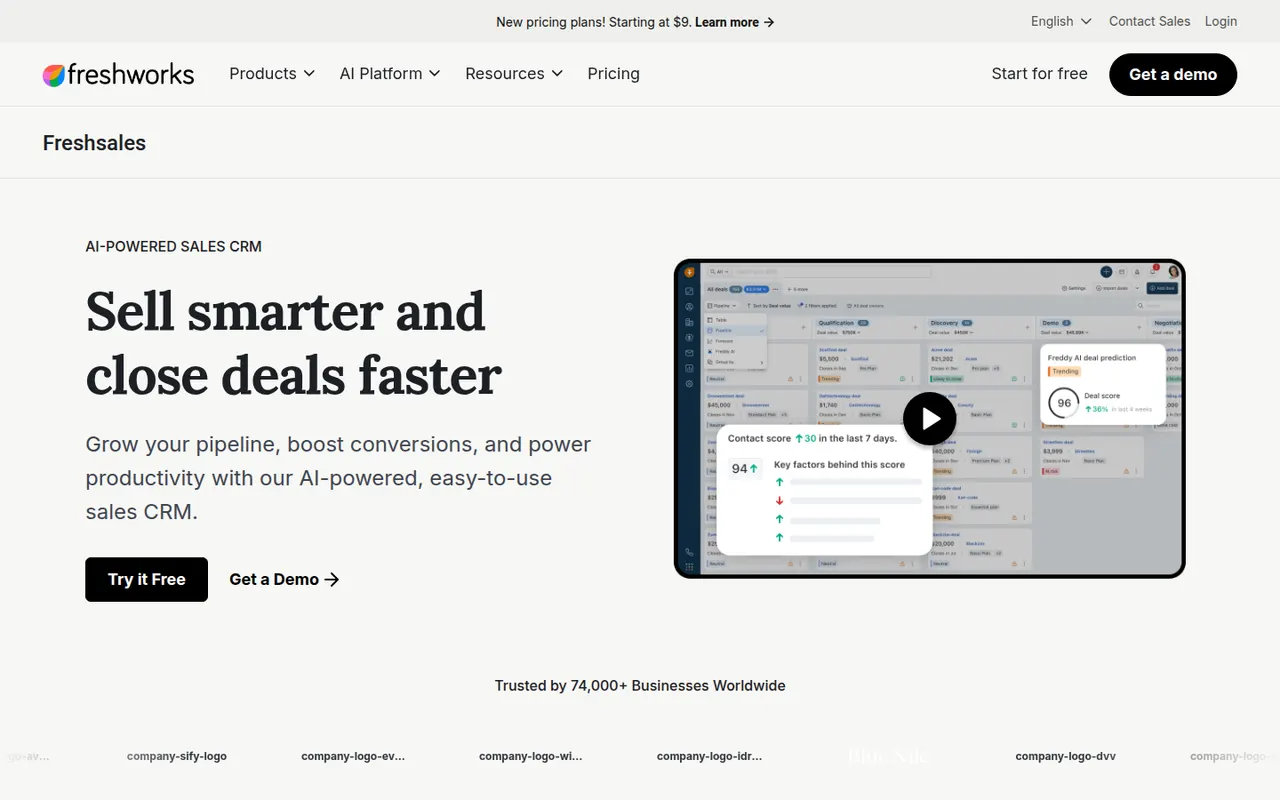
Cost / LicenseFree trialProprietaryCategoriesPlatformsFreshsales is the sales CRM from Freshworks, offering contact and account management, visual deal pipelines, built-in email and phone, and workflow automation. Its Freddy AI assistant scores leads, surfaces deal insights and suggests next steps. It integrates closely with Freshdesk and other Freshworks products, which suits companies that want sales and support from the same vendor.
8 Freshsales alternativesPros
- Built-in phone and email keep sales conversations in one place
- Freddy AI scores leads and suggests next steps on deals
- Pairs naturally with Freshdesk for teams wanting sales and support together
Cons
- Key AI and automation features are reserved for higher tiers
- Smaller integration marketplace than HubSpot or Salesforce
Cost / LicenseFree trialProprietaryCategoriesPubler is a social media scheduling tool that publishes to networks such as Facebook, Instagram, X, LinkedIn, TikTok, Pinterest and YouTube. It offers a calendar view, recurring and bulk scheduling, an AI assistant for captions and images, a link-in-bio page and analytics. Its free plan covers a few accounts, which suits freelancers and small businesses.
9 Publer alternativesPros
- Recurring and bulk scheduling save time
- Link-in-bio page and AI assistant included
- The free plan covers a few accounts
Cons
- Analytics are less detailed than in agency-focused tools
- Advanced features are reserved for paid plans
Cost / LicenseFreemiumProprietaryCategoriesPlatformsSocialBee is a social media scheduler that sorts posts into content categories, such as tips, promotions or blog links, each with its own posting schedule, and can recycle evergreen posts automatically. It supports the main networks, offers an AI copilot for generating posts and strategy, and includes an engagement inbox and analytics. Optional done-for-you services can also handle content creation.
11 SocialBee alternativesPros
- Content categories each get their own posting schedule
- Automatic recycling of evergreen posts
- AI copilot for generating posts and strategy
Cons
- No free plan beyond the trial
- Setting up categories takes time before it pays off
- Analytics are basic compared with dedicated reporting tools
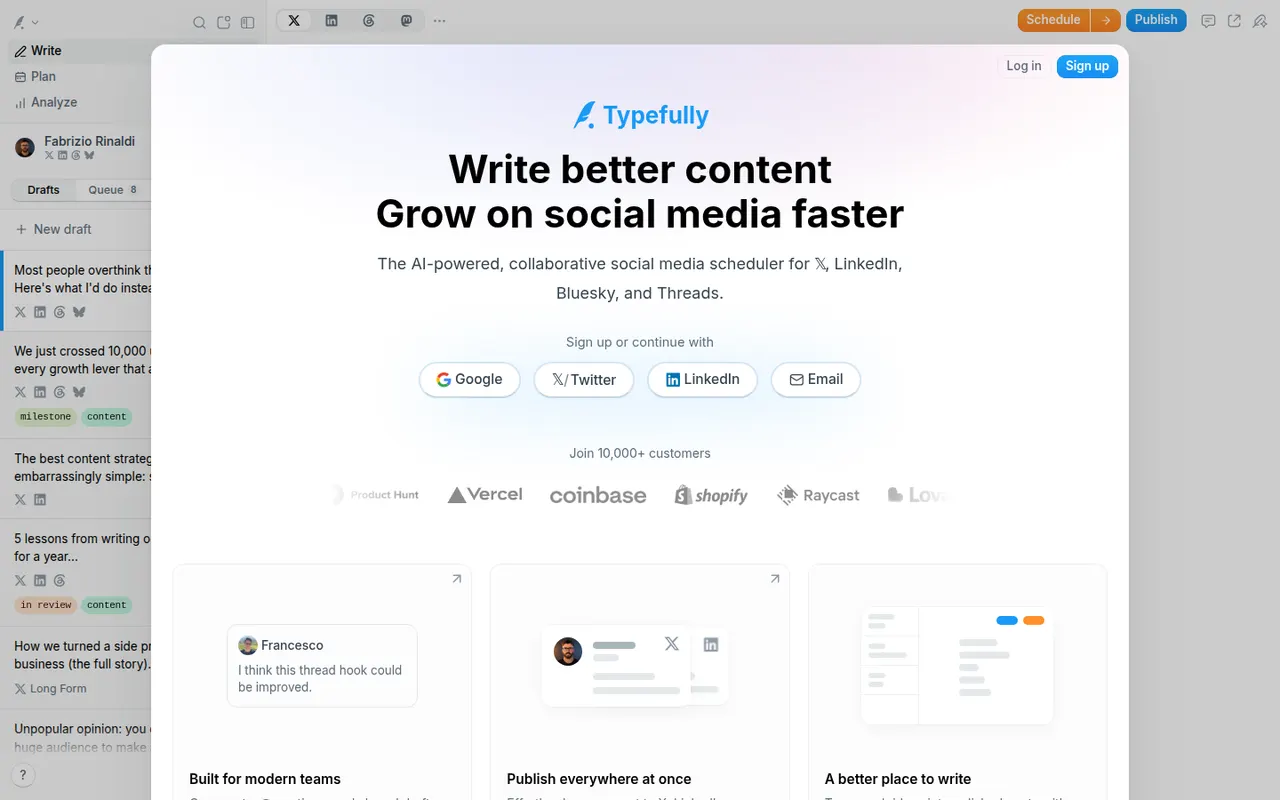
Cost / LicenseFree trialProprietaryCategoriesPlatformsTypefully is a writing-first tool for creators and teams who publish on X, LinkedIn, Threads, Bluesky and Mastodon. Its distraction-free editor makes it easy to draft threads and long posts, preview them, then schedule or queue them, while AI features suggest improvements and rewrites. Analytics, team workspaces and shareable drafts for feedback round out the product.
7 Typefully alternativesPros
- Clean, distraction-free editor built for threads and long posts
- Publishes to X, LinkedIn, Threads, Bluesky and Mastodon from one place
- Shareable drafts make it easy to collect feedback before posting
Cons
- Built for text posts rather than image- or video-first networks
- No social inbox or listening tools like full social media suites
- Advanced scheduling and analytics require a paid plan
Cost / LicenseFreemiumProprietaryCategoriesPlatformsSurfer is a content optimization platform that analyzes the pages ranking for a keyword and turns them into guidelines for length, headings and terms to include, with a live content score as you write. It also offers topic and keyword research, an AI article writer and audits of existing pages. Writers can work in Surfer itself or in Google Docs and WordPress through integrations.
7 Surfer alternativesPros
- Live content score guides length, headings and terms to include
- Works inside Google Docs and WordPress
- Audits existing pages against top-ranking competitors
Cons
- No free plan, paid subscriptions only
- Following term suggestions too closely can make text sound unnatural
- Based on patterns in top pages, with no guarantee of rankings
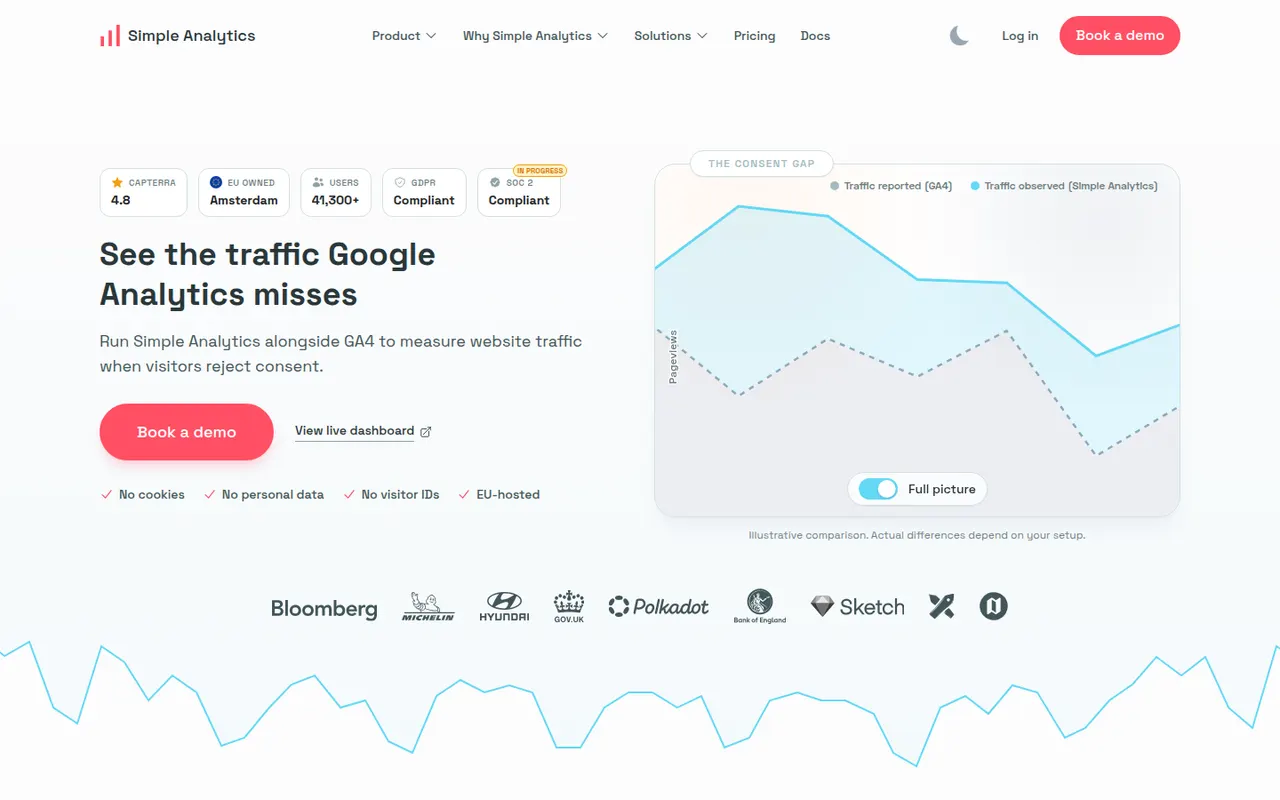
Cost / LicensePaidProprietaryCategoriesPlatformsSimple Analytics is a Dutch web analytics service that does not use cookies or collect personal data, and stores its data in the EU. It provides a clear dashboard of visits, referrers and pages, event and goal tracking, and an AI assistant that answers questions about your traffic in plain language. Its focus on GDPR compliance makes it a fit for European businesses and privacy-conscious sites.
6 Simple Analytics alternativesPros
- No cookies or personal data, with storage in the EU
- Clean dashboard that is quick to read
- AI assistant answers traffic questions in plain language
Cons
- Fewer advanced reports than full analytics suites
- Neither open source nor self-hostable, unlike some rivals
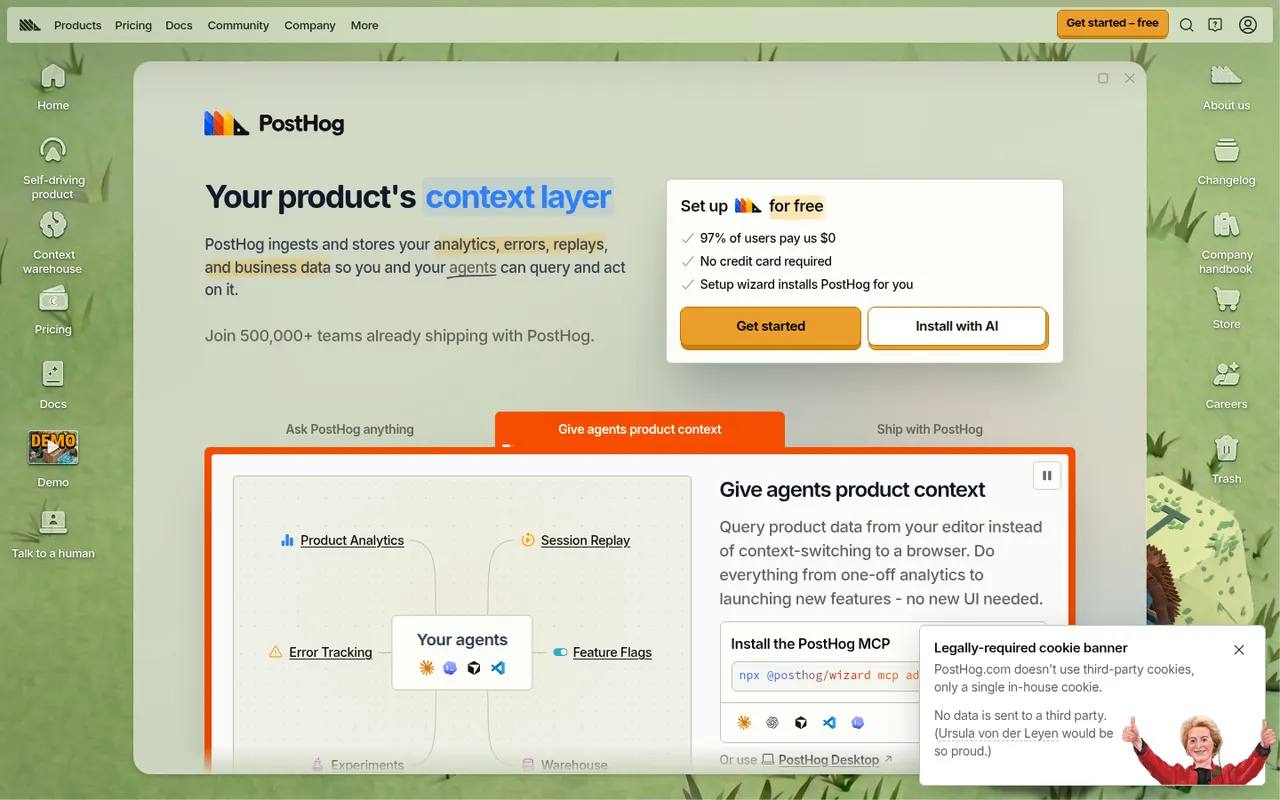
Cost / LicenseFreemiumProprietaryCategoriesPlatformsPostHog is an open source product platform that combines product and web analytics, session replay, feature flags, A/B testing, surveys and a data warehouse in one tool. It is built for engineers and product teams, with SQL access, an AI assistant and a free monthly usage allowance on PostHog Cloud. It can also be self-hosted for smaller deployments.
12 PostHog alternativesPros
- Analytics, session replay, feature flags and A/B tests in one tool
- Generous free monthly usage on PostHog Cloud
- Open source with direct SQL access to your data
Cons
- Broad feature set can feel overwhelming for non-technical users
- Usage-based billing is hard to predict as traffic grows
- Self-hosting is only recommended for smaller deployments
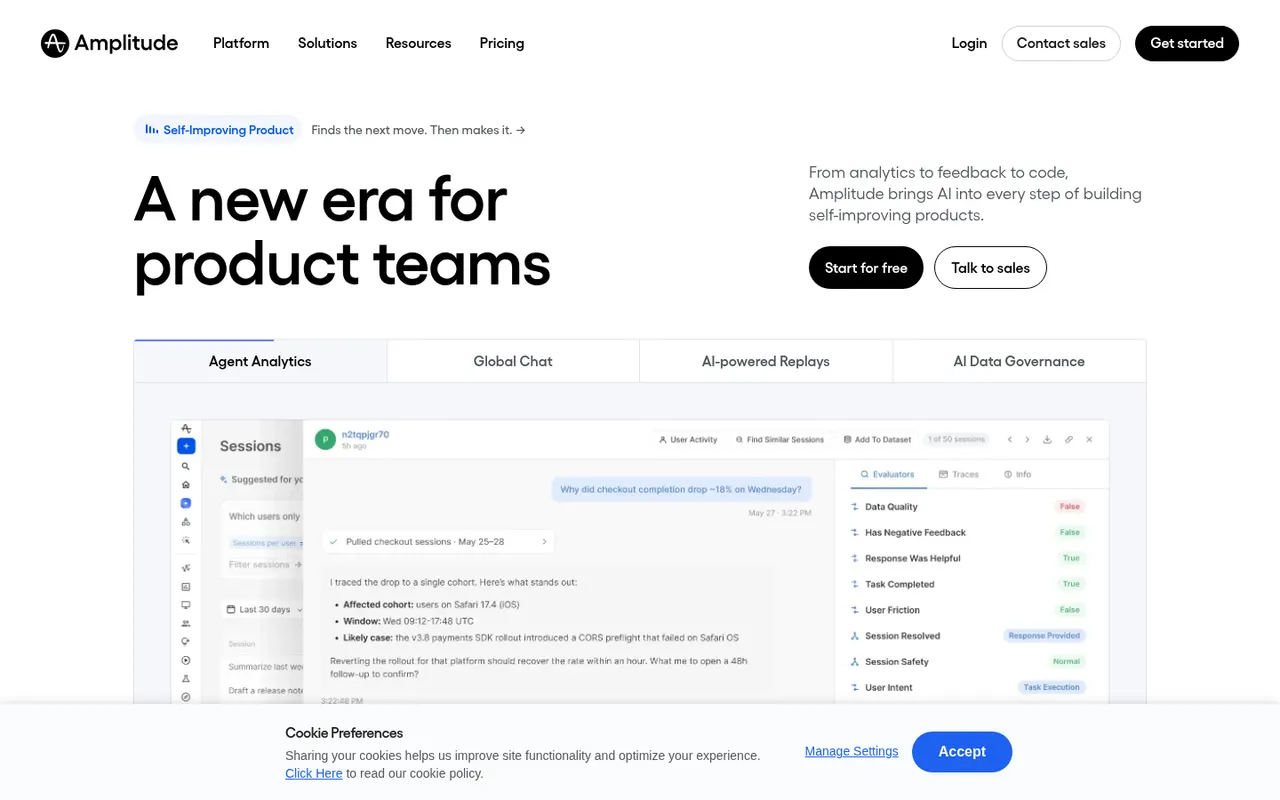
Cost / LicenseFreemiumOpen sourceCategoriesPlatformsAmplitude is a digital analytics platform centered on product analytics, with behavioral charts for funnels, retention, journeys and cohorts. Around that core the company offers experimentation and feature flags, session replay, customer data management and web analytics, along with AI features that surface insights. It is aimed mainly at product-led companies that want one system for analysis and experimentation.
6 Amplitude alternativesPros
- Deep behavioral analysis of funnels, retention and user journeys
- Experimentation and feature flags sit alongside the analytics
- Free plan that covers smaller products
Cons
- Steep learning curve to set up tracking and build charts
- Costs climb quickly as event volumes grow
- Needs careful event planning to produce reliable data
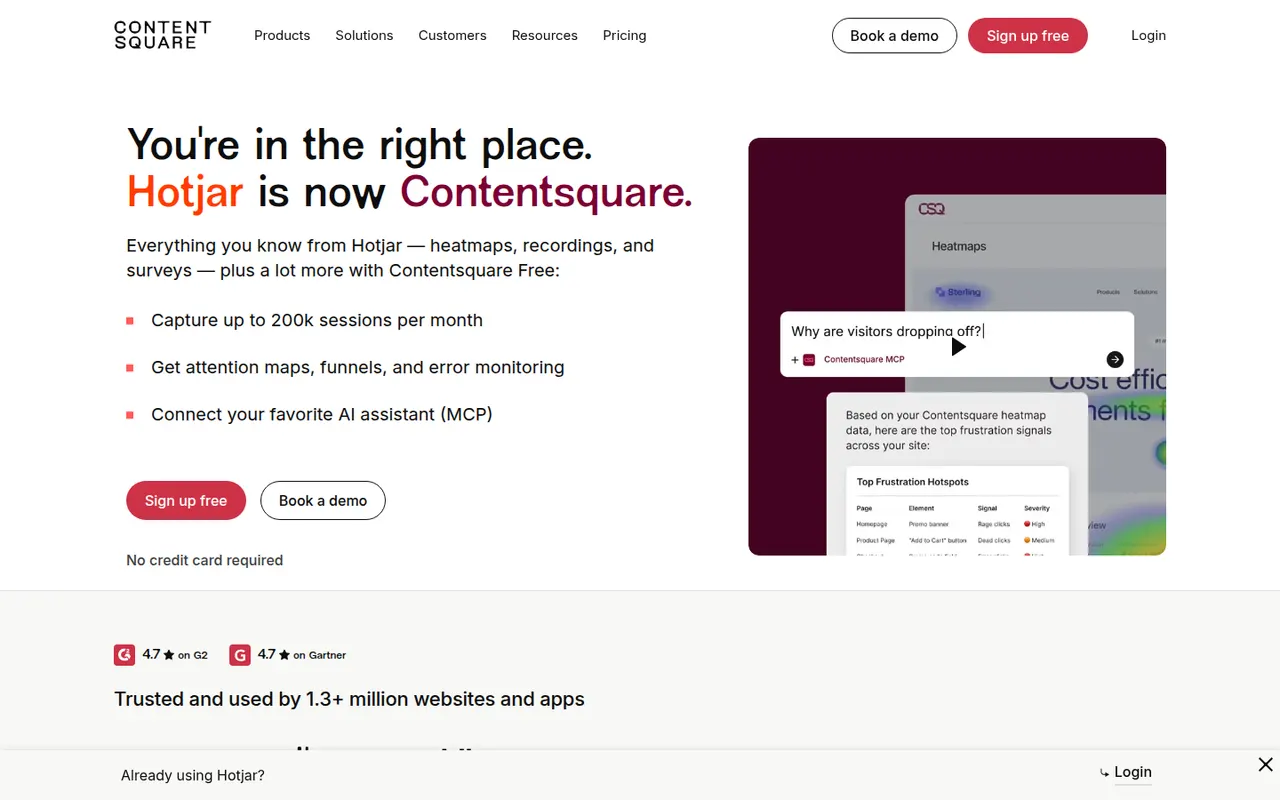
Cost / LicenseFreemiumProprietaryCategoriesPlatformsHotjar shows how visitors use a website through heatmaps of clicks and scrolling, recordings of real sessions, and on-site surveys and feedback widgets. It complements traffic analytics by revealing where people get stuck or hesitate, and includes AI help to create surveys and summarize responses. Hotjar is part of Contentsquare and is aimed at marketers, designers and product teams.
8 Hotjar alternativesPros
- Heatmaps and session recordings that are easy to set up
- On-site surveys and feedback widgets in the same tool
- Accessible to marketers and designers without analytics expertise
Cons
- Free plan caps the number of sessions captured
- Costs rise quickly with site traffic
- Does not replace a traffic analytics tool for sources and page views
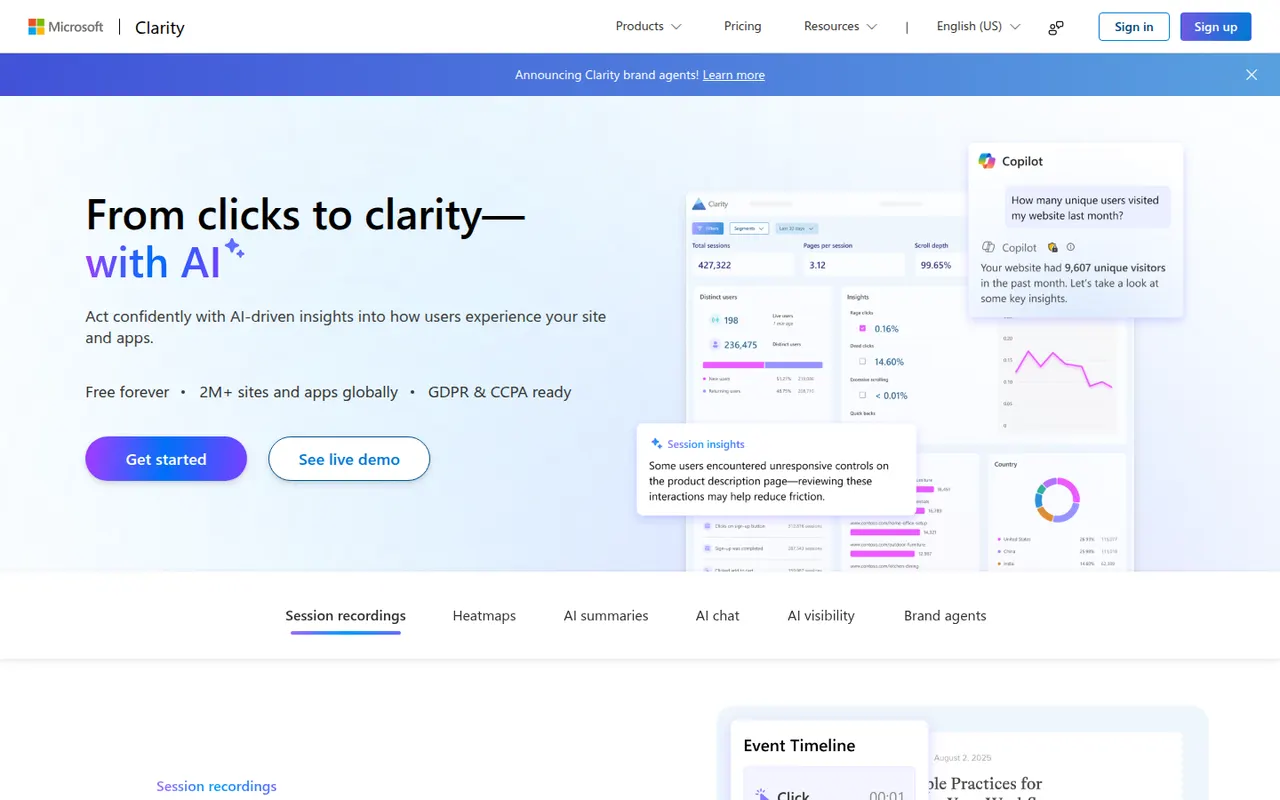
Cost / LicenseFreemiumProprietaryCategoriesPlatformsMicrosoft Clarity is a free behavioral analytics tool that records user sessions and generates click and scroll heatmaps, for websites as well as mobile apps. It flags frustration signals such as rage clicks, dead clicks and quick backs, integrates with Google Analytics, and uses Copilot to summarize sessions and insights. There is no paid tier and no traffic cap.
7 Microsoft Clarity alternativesPros
- Completely free with no traffic cap
- Flags rage clicks, dead clicks and quick backs automatically
- Integrates with Google Analytics and summarizes sessions with Copilot
Cons
- Data is processed by Microsoft, which may not suit privacy-sensitive sites
- No on-site surveys or feedback widgets
- Recordings are only kept for a limited time
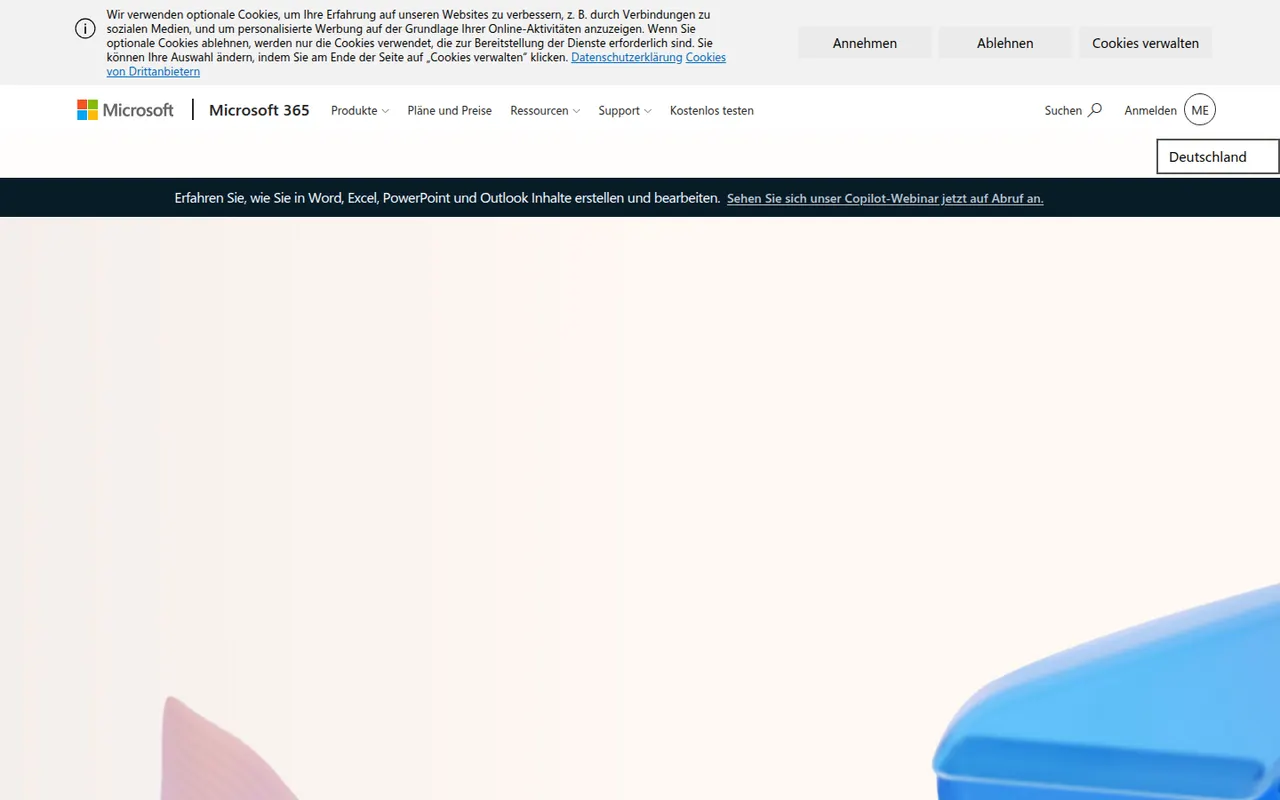
Cost / LicenseFreeProprietaryCategoriesPlatformsMicrosoft 365 bundles Word, Excel, PowerPoint, Outlook, OneDrive and Teams in a single subscription for individuals, families and businesses. Files sync across Windows, Mac, mobile and the browser, with co-authoring and Copilot AI features in eligible plans. Free web versions of the core apps are available with a Microsoft account.
9 Microsoft 365 alternativesPros
- Industry-standard Word, Excel and PowerPoint with their full features
- Co-authoring and OneDrive sync across all devices
- Free web versions of the core apps
Cons
- Full desktop apps require an ongoing subscription
- Copilot features are limited to eligible plans
- The sheer number of features can overwhelm simple needs
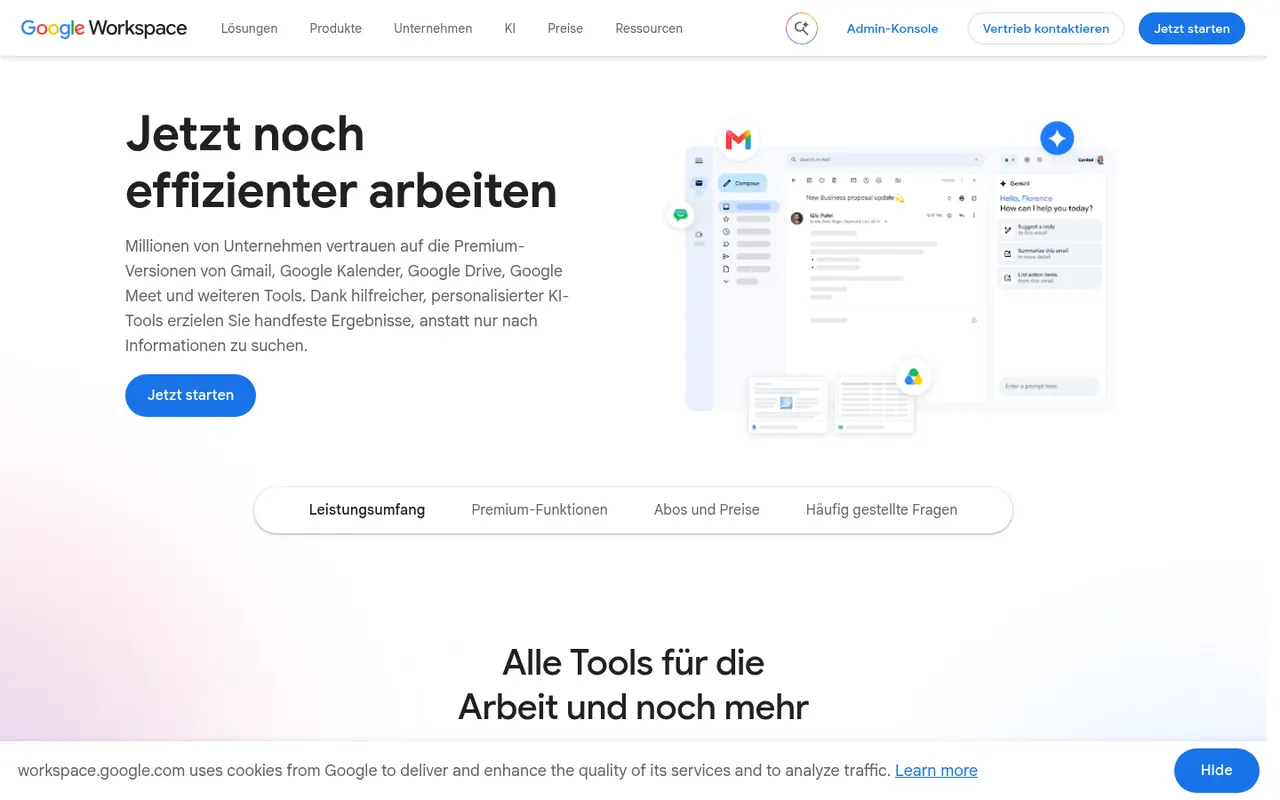
Cost / LicenseFreemiumProprietaryGoogle Workspace groups Gmail, Calendar, Drive, Docs, Sheets, Slides and Meet into a browser-based suite built around real-time collaboration. The apps are free with a personal Google account, while paid business plans add custom-domain email, more storage, admin controls and Gemini AI features. Documents can be edited offline and exported to Microsoft Office formats.
11 Google Workspace alternativesPros
- Smooth real-time co-editing in Docs, Sheets and Slides
- Free to use with a personal Google account
- Gmail, Drive, Calendar and Meet are tightly integrated
Cons
- Fewer advanced features than desktop Office apps
- Complex Office files may lose formatting on import
- Custom-domain email and admin tools require paid plans
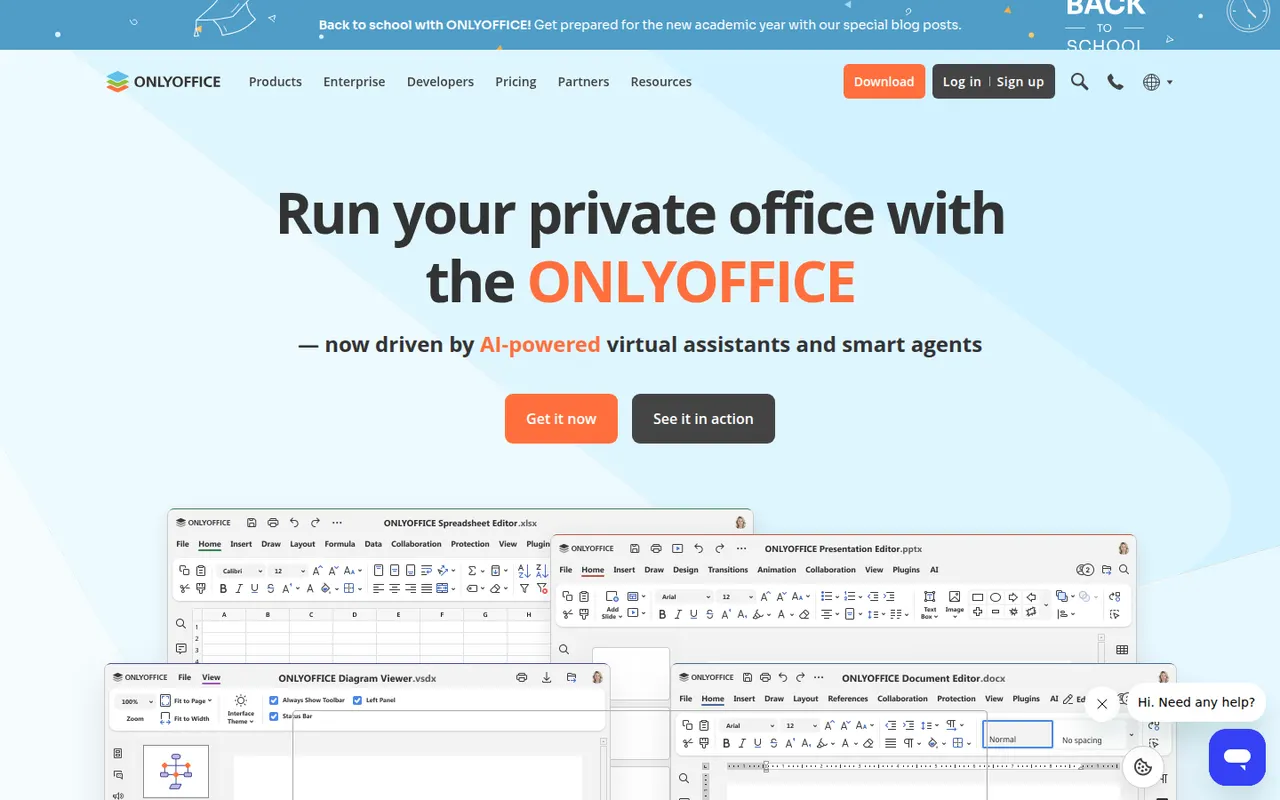
Cost / LicenseFreemiumProprietaryONLYOFFICE is an office suite from Ascensio System with editors for documents, spreadsheets, presentations, PDFs and forms, built around Microsoft Office formats. The desktop and mobile apps are free, and the online editors can be self-hosted or integrated into Nextcloud and other platforms, with paid cloud and enterprise editions. It supports real-time co-editing, plugins and AI assistants.
12 ONLYOFFICE alternativesPros
- Strong compatibility with Microsoft Office formats
- Free desktop and mobile apps, plus self-hostable online editors
- Real-time co-editing and Nextcloud integration
Cons
- A self-hosted server needs technical setup
- Enterprise features and support require paid editions
- Fewer advanced features than Microsoft Office
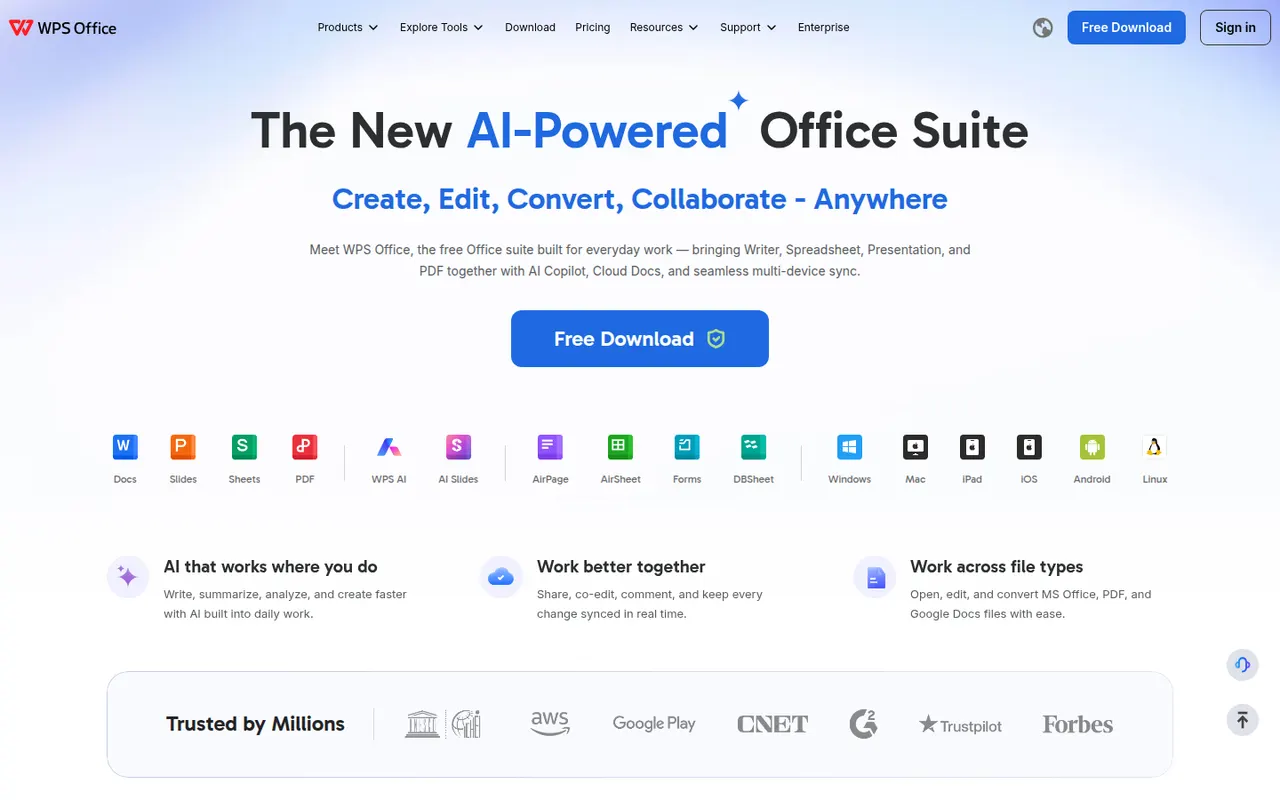
Cost / LicenseFreemiumOpen sourceWPS Office is an office suite developed by Kingsoft that combines a word processor, spreadsheet, presentation app and PDF tools in one interface with document tabs. It is compatible with Microsoft Office formats and available on desktop and mobile. The free version shows ads, while a paid subscription removes them and unlocks extra PDF features, cloud storage and WPS AI.
12 WPS Office alternativesPros
- Tabbed interface for documents, sheets, slides and PDF tools
- Good compatibility with Microsoft Office formats
- Free on desktop and mobile, including Linux
Cons
- The free version shows ads
- Extra PDF tools and WPS AI require a subscription
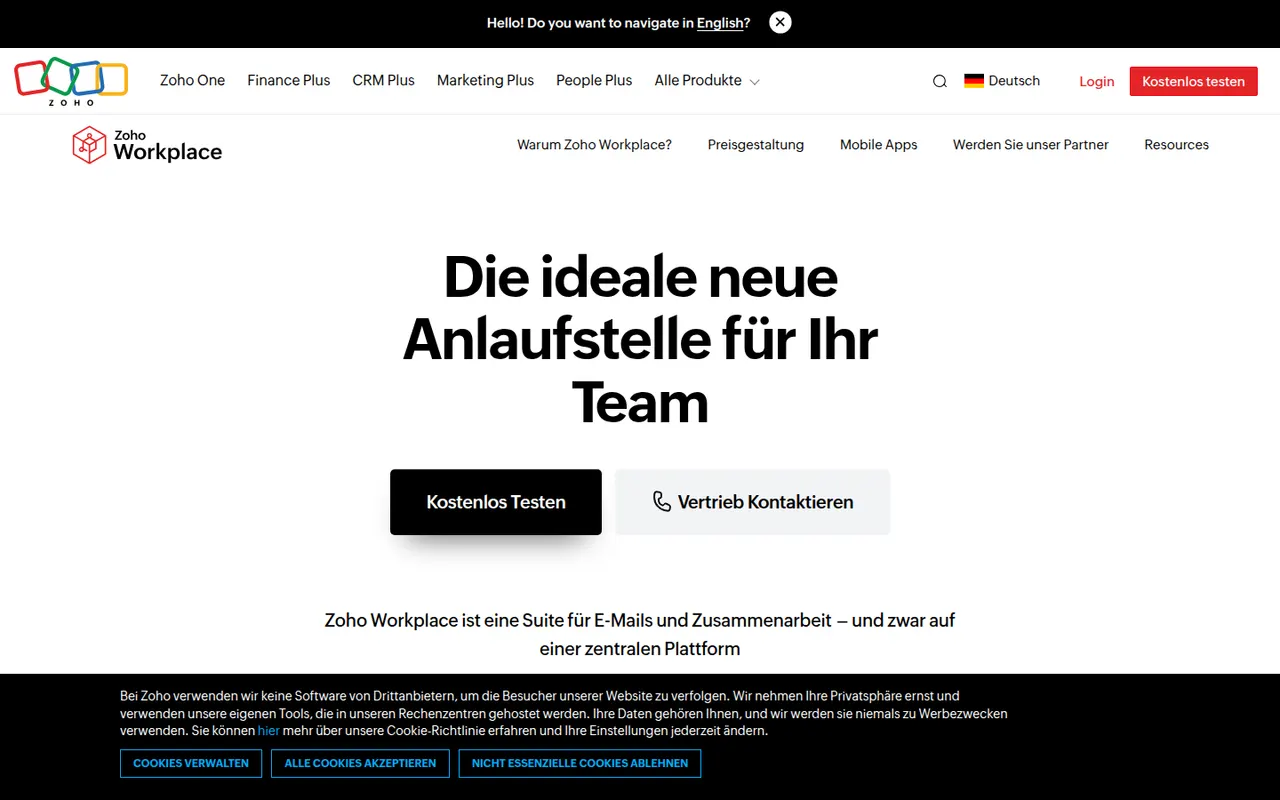
Cost / LicenseFreemiumProprietaryZoho Workplace brings together Zoho Mail, Writer, Sheet, Show, WorkDrive, Cliq and Meeting in one suite for small and mid-sized businesses. It offers custom-domain email, shared team folders and online editors that open Microsoft Office files, with the Zia assistant built in. A free plan covers a handful of users, and paid plans add storage and admin features.
9 Zoho Workplace alternativesPros
- Mail, documents, storage and chat in one business suite
- Custom-domain email, with a free plan for small teams
- Integrates with the wider Zoho app ecosystem
Cons
- Editors are less capable than Microsoft or Google apps
- Office editors run in the browser, with no desktop versions
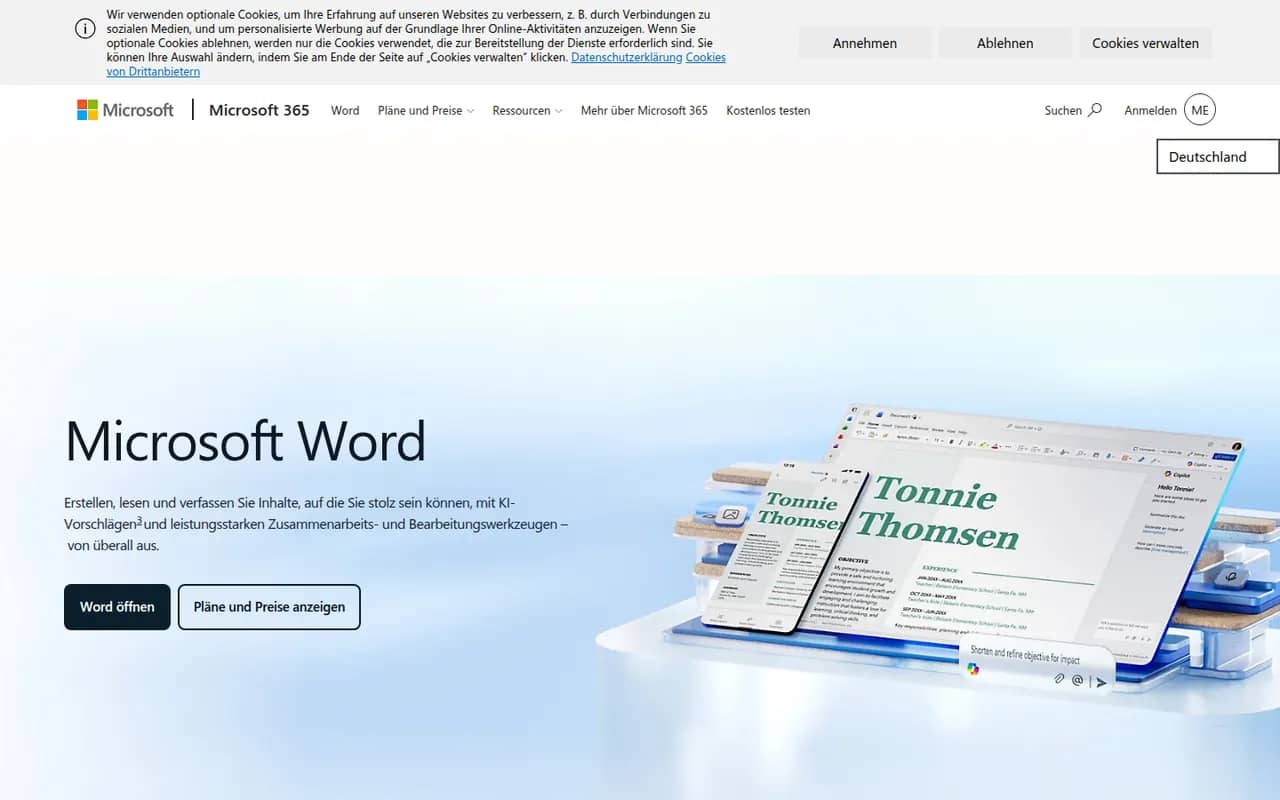
Cost / LicenseFreemiumProprietaryCategoriesMicrosoft Word is the word processor in Microsoft 365 and the reference for the .docx format used in many workplaces. It offers styles, track changes, comments, mail merge, references and real-time co-authoring through OneDrive or SharePoint, plus Copilot drafting in eligible plans. Word runs on Windows, Mac, mobile and the web, where a free version is available with a Microsoft account.
11 Microsoft Word alternativesPros
- The reference for the .docx format used in many workplaces
- Powerful styles, track changes, references and mail merge
- Available on Windows, Mac, mobile and the web
Cons
- Full desktop features require a Microsoft 365 subscription
- Dense interface packed with features most people never use
- Copilot features are limited to eligible plans
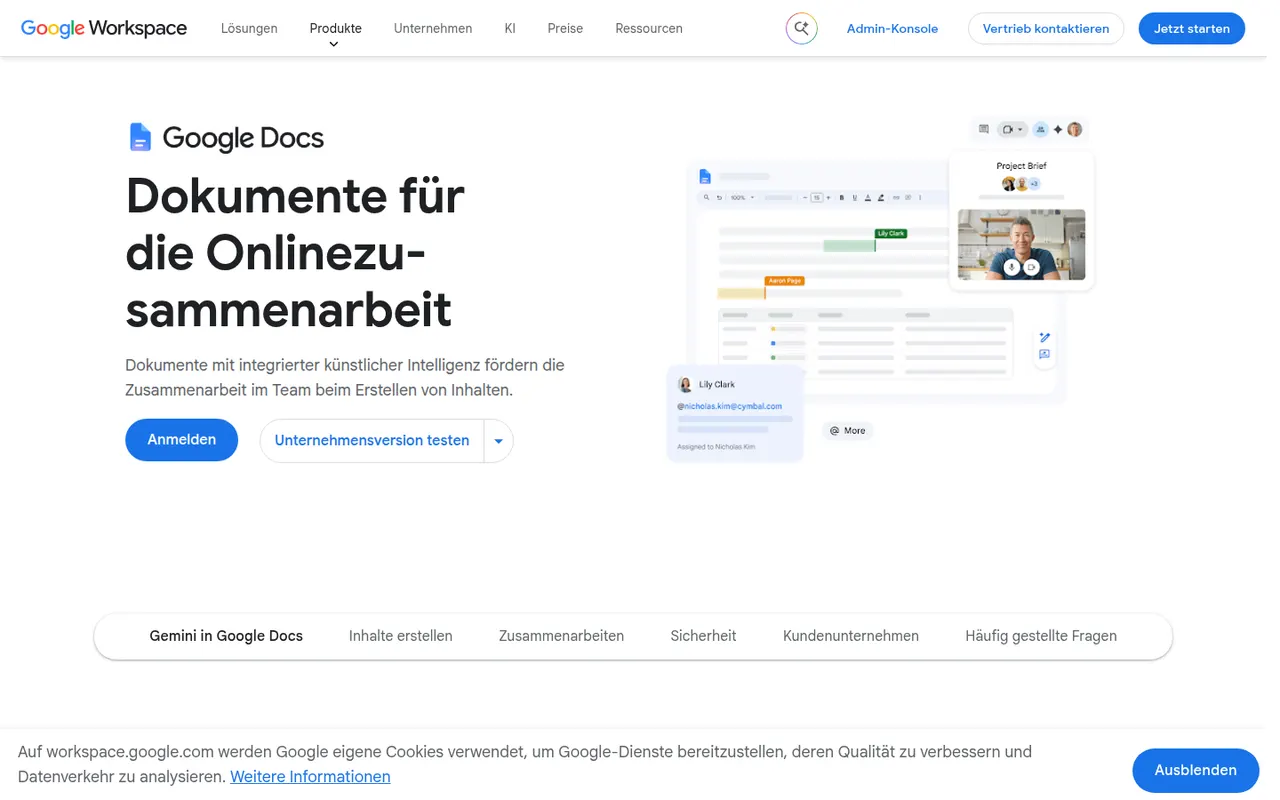
Cost / LicenseFreemiumProprietaryCategoriesGoogle Docs is Google's online word processor, used for writing and editing documents together in real time. Comments, suggestion mode, version history and sharing links are built in, and files can be edited offline or exported as Word, PDF or OpenDocument. It is free with a Google account, with Gemini AI and business controls available through paid Google Workspace plans.
11 Google Docs alternativesPros
- Real-time co-editing with comments and suggestion mode
- Free with a Google account and accessible from any browser
- Version history makes every change recoverable
Cons
- Fewer layout and formatting options than desktop word processors
- Offline editing has to be set up in advance
- Gemini and business controls require paid Workspace plans
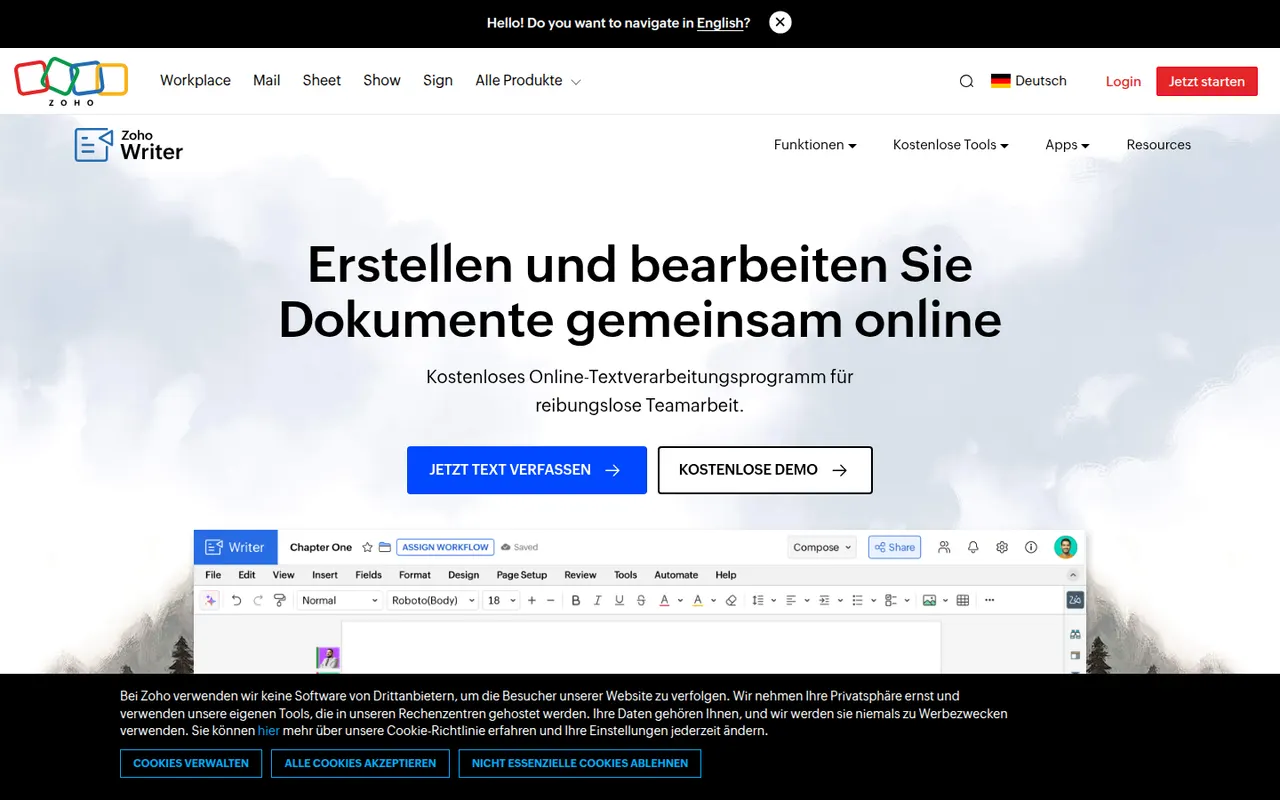
Cost / LicenseFreemiumProprietaryCategoriesZoho Writer is a cloud word processor from Zoho for writing and co-editing documents in the browser or on mobile. Beyond editing, it handles mail merge, fillable forms and document automation, can send documents out for signature, and the Zia assistant helps with grammar and readability. It is free for individuals and included in paid Zoho Workplace plans for teams.
8 Zoho Writer alternativesPros
- Mail merge, fillable forms and document automation built in
- Sends documents for e-signature without another tool
- Free plan for individual users
Cons
- Less widespread, so collaborators may be unfamiliar with it
- Best value comes from buying into the Zoho ecosystem
- Fewer third-party templates and add-ons than Word or Google Docs
Cost / LicenseFreemiumProprietaryCategoriesMicrosoft Excel is the spreadsheet in Microsoft 365, used in many organisations for budgets, financial models and data analysis. It offers hundreds of functions, pivot tables, charts, Power Query for importing and cleaning data, VBA macros and Python in Excel, plus Copilot in eligible plans. It runs on Windows, Mac, mobile and the web, where a free version is available with a Microsoft account.
8 Microsoft Excel alternativesPros
- Standard tool for financial models and business analysis
- Power Query, pivot tables and macros handle complex data work
- Huge range of functions, templates and learning resources
Cons
- Full desktop features require a Microsoft 365 subscription
- The free web version lacks many advanced desktop features
- Advanced features have a steep learning curve
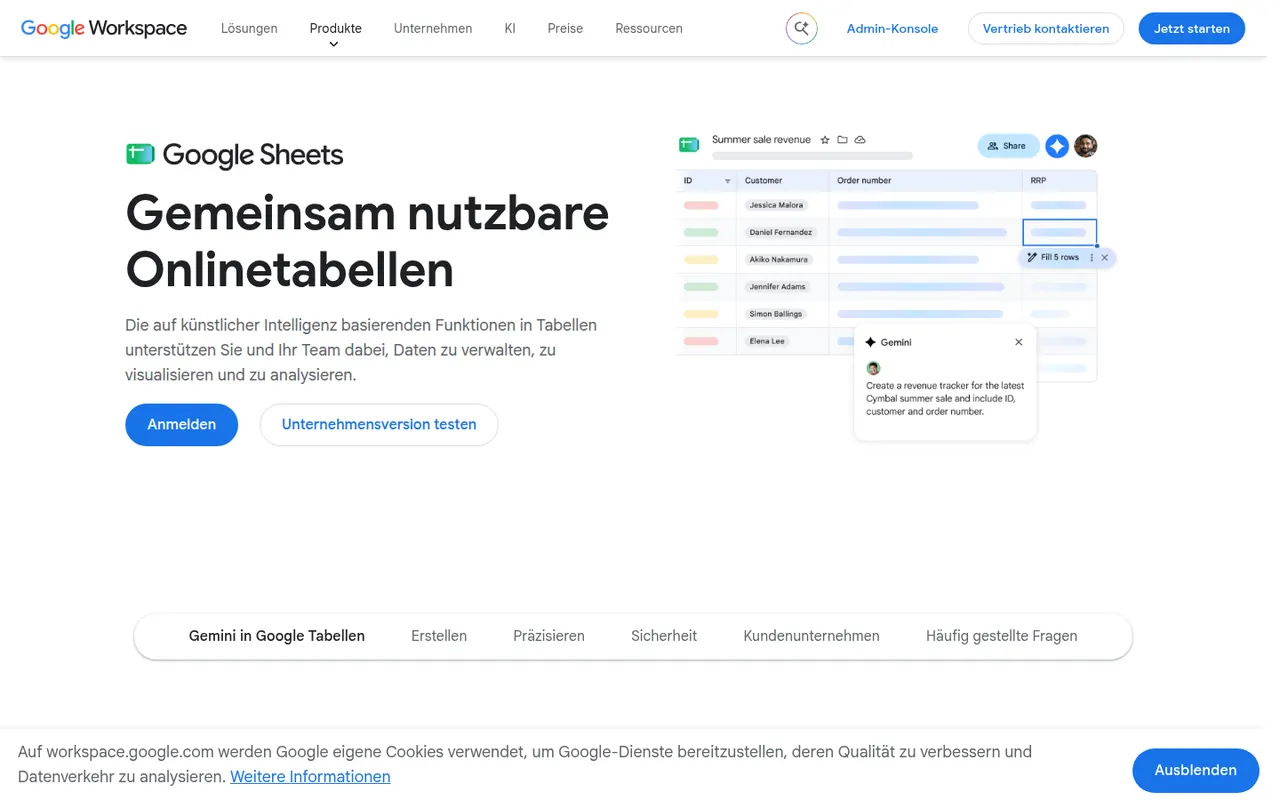
Cost / LicenseFreemiumProprietaryCategoriesGoogle Sheets is Google's browser-based spreadsheet, made for working on the same file with others at the same time. It supports formulas, pivot tables, charts, connected data sources and add-ons, and Apps Script can automate tasks or link sheets to other Google services. It is free with a Google account; Gemini AI features and business controls come with paid Google Workspace plans.
11 Google Sheets alternativesPros
- Real-time co-editing works smoothly in the browser
- Free with a Google account, with easy sharing and comments
- Apps Script and add-ons automate tasks across Google services
Cons
- Slows down noticeably with very large datasets
- Fewer advanced analysis features than desktop Excel
- Gemini features require a paid Google Workspace plan
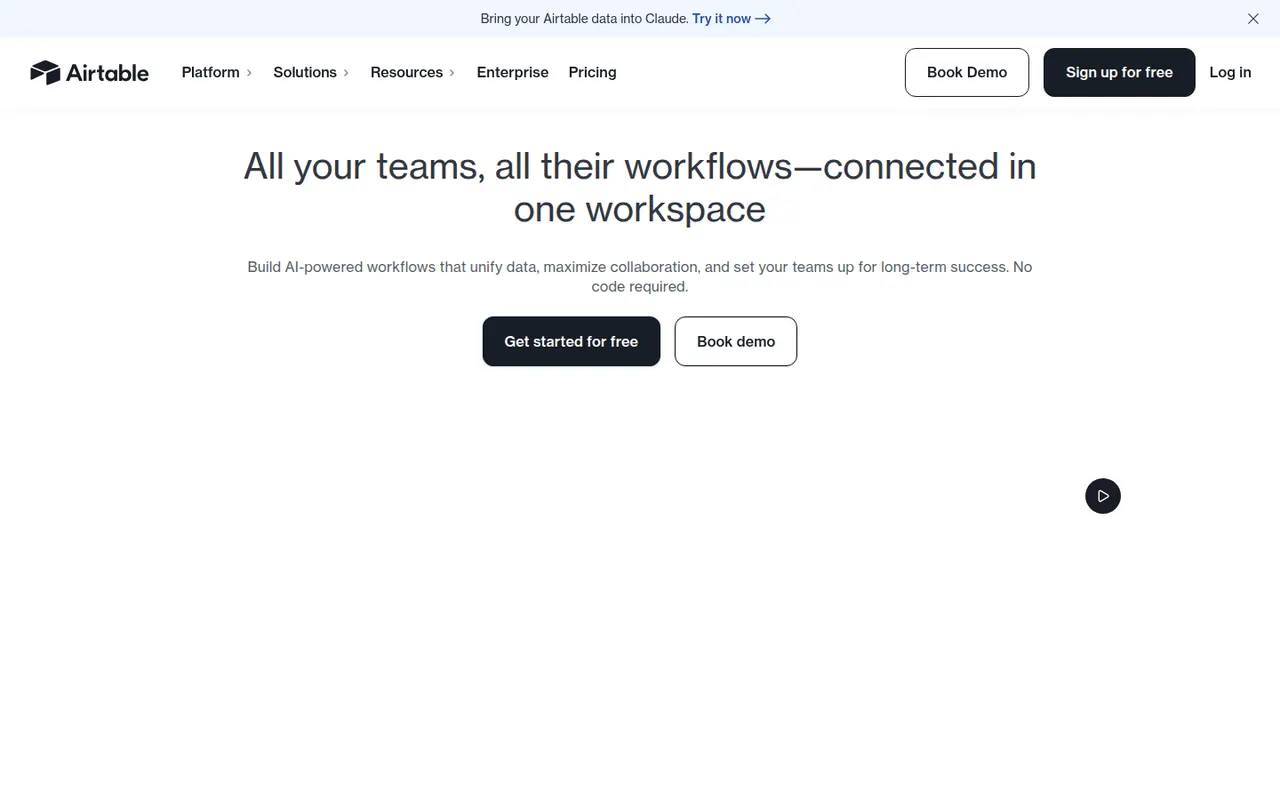
Cost / LicenseFreemiumProprietaryCategoriesAirtable combines the look of a spreadsheet with a relational database, letting teams link records across tables and view them as grids, kanban boards, calendars, galleries or forms. Interfaces, automations and AI features turn bases into lightweight internal apps for content calendars, product roadmaps or inventories. A free plan exists, with paid plans adding capacity and admin features.
12 Airtable alternativesPros
- Linked records give spreadsheet users real relational database power
- Grid, kanban, calendar, gallery and form views on the same data
- Interfaces and automations turn bases into lightweight internal apps
Cons
- Free plan limits on records and automations are reached quickly
- Paid seats get expensive for larger teams
- Complex bases can slow down and take effort to maintain
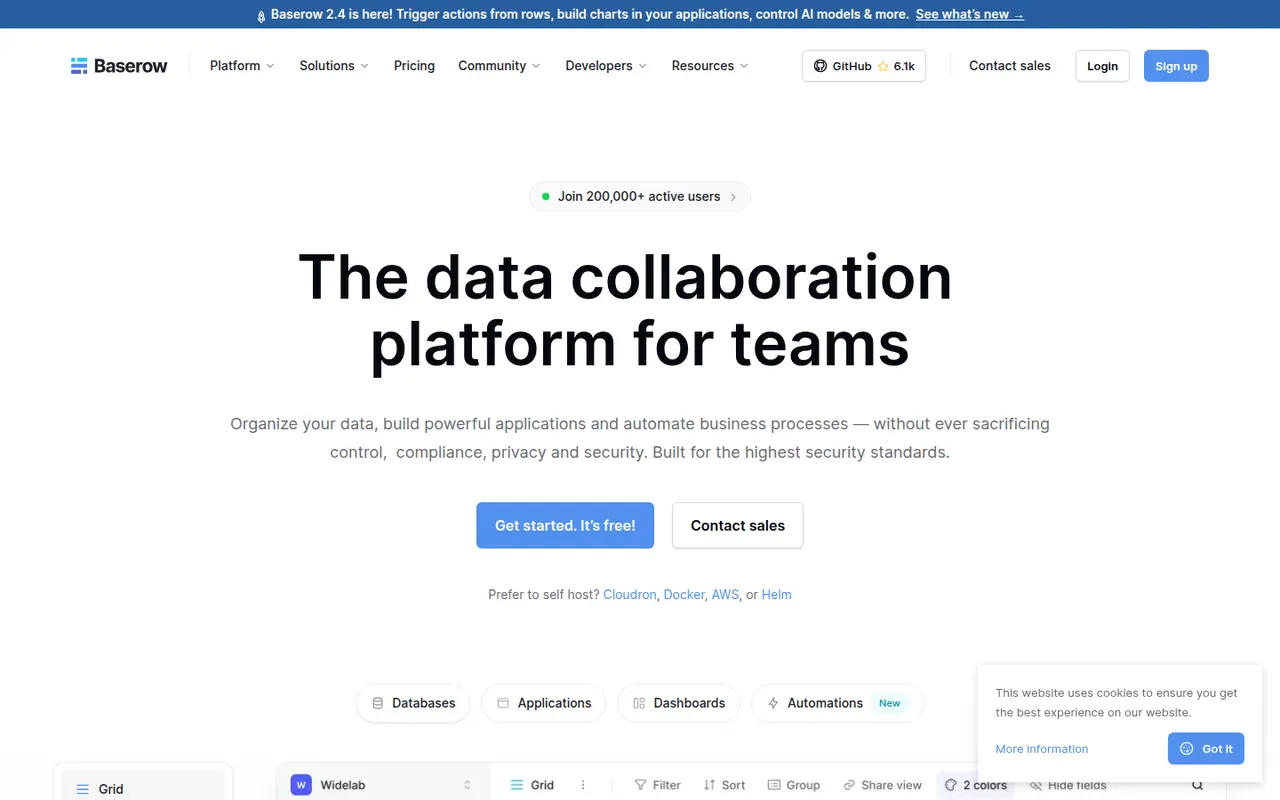
Cost / LicenseFreemiumProprietaryBaserow is a no-code database from the Dutch company of the same name, with a spreadsheet-like interface, linked tables, multiple views and a REST API. It also includes an application builder and AI fields for turning data into internal tools. The core is open source under MIT and can be self-hosted; the cloud version, hosted in the EU, has a free plan and paid tiers.
8 Baserow alternativesPros
- Open source core that can be self-hosted at no cost
- Familiar spreadsheet-style interface with linked tables and views
- EU-hosted cloud option helps with GDPR requirements
Cons
- Smaller integration ecosystem than Airtable
- Some advanced features are reserved for paid plans
- Self-hosting requires server maintenance and updates
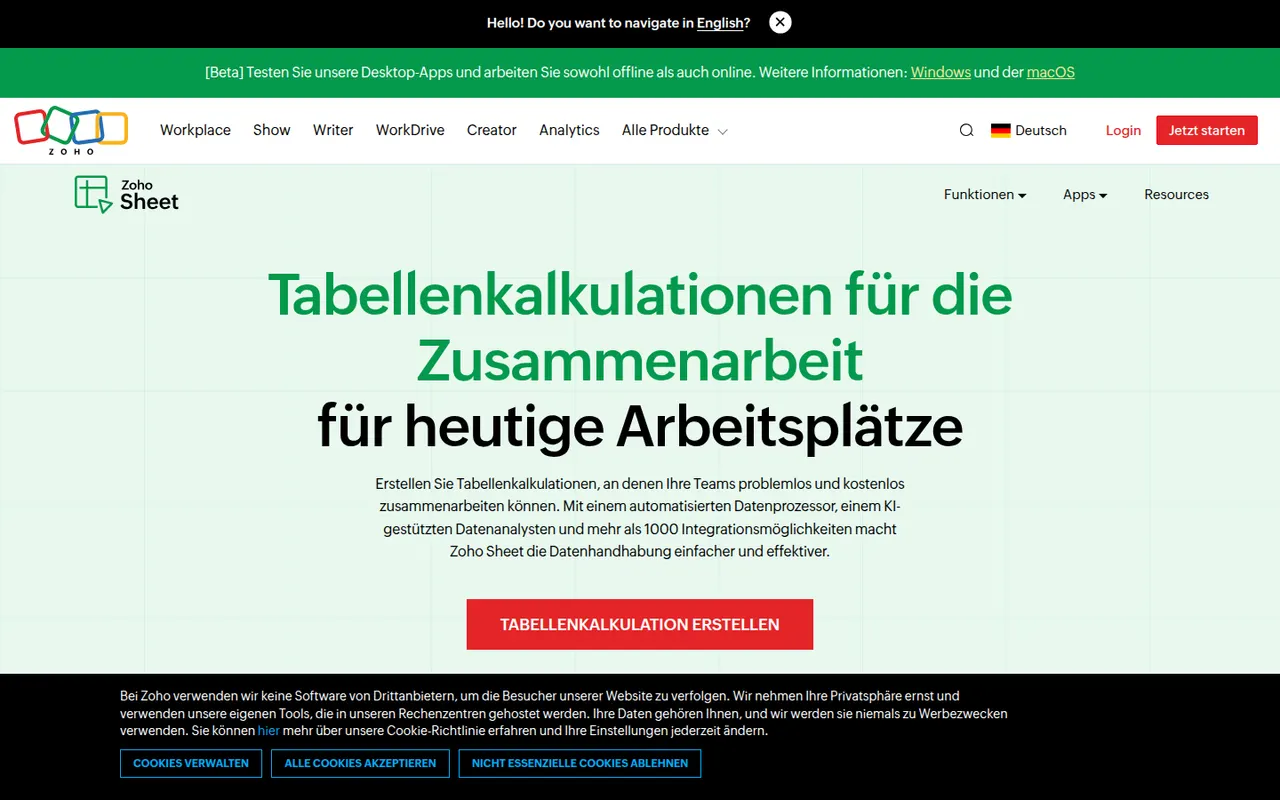
Cost / LicenseFreemiumOpen sourceCategoriesPlatformsZoho Sheet is a cloud spreadsheet from Zoho for building and sharing spreadsheets with real-time co-editing, comments and cell-level change history. It handles pivot tables, data cleaning and imports from Excel and CSV files, while the Zia assistant suggests charts and answers questions about the data. It is free for individuals and part of paid Zoho Workplace plans for businesses.
8 Zoho Sheet alternativesPros
- Free for individuals, with real-time co-editing and comments
- Cell-level change history makes edits easy to trace
- Zia assistant suggests charts and answers questions about the data
Cons
- Fewer add-ons and third-party integrations than Google Sheets
- Most valuable for companies already using the Zoho ecosystem
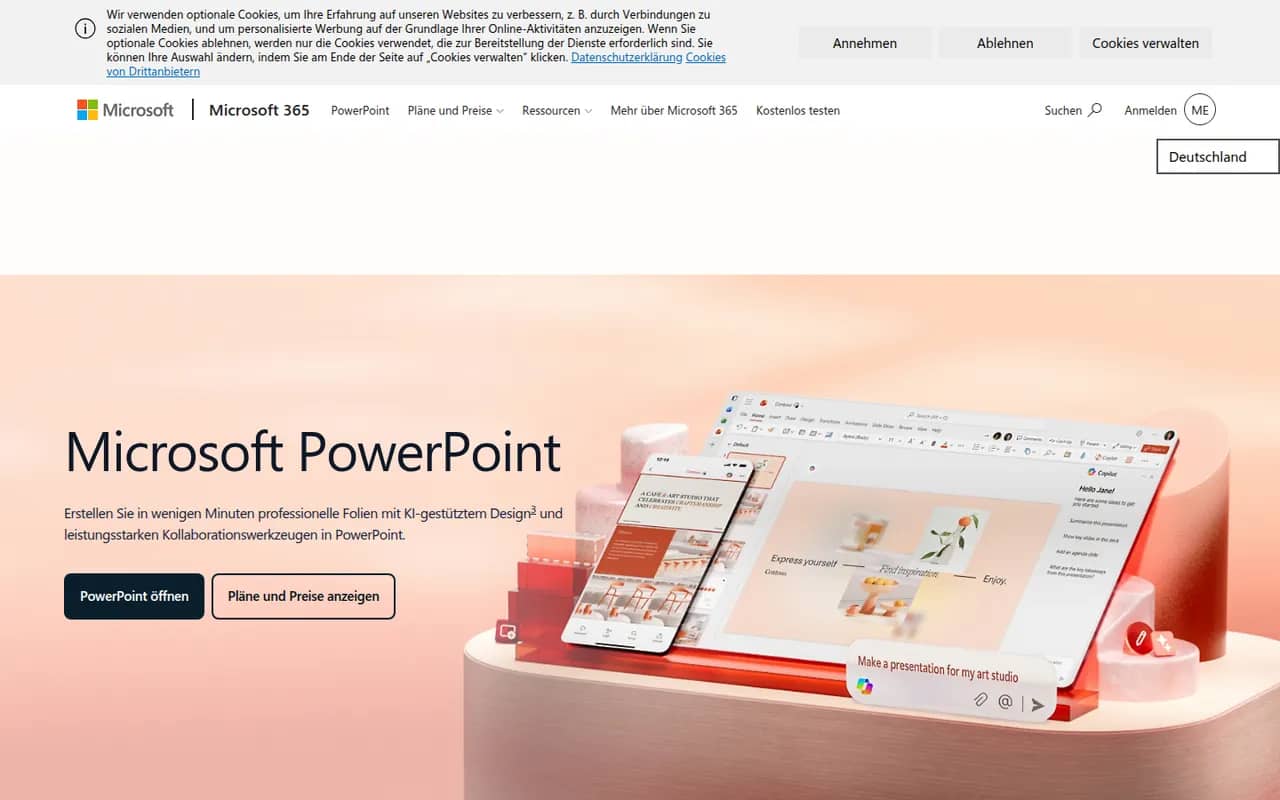
Cost / LicenseFreemiumProprietaryCategoriesPowerPoint is the presentation app in Microsoft 365, whose .pptx format is the common exchange format for slides. It offers themes, animations and transitions, Designer layout suggestions, presenter view with speaker notes, live subtitles and recording, plus Copilot to draft decks in eligible plans. It runs on Windows, Mac, mobile and the web, where a free version is available.
10 Microsoft PowerPoint alternativesPros
- The .pptx format is the standard for exchanging slides
- Extensive control over animations, transitions and layouts
- Available on Windows, Mac, mobile and the web
Cons
- The full desktop app requires a Microsoft 365 subscription
- The free web version lacks many advanced features
- Copilot deck drafting is only available in eligible plans
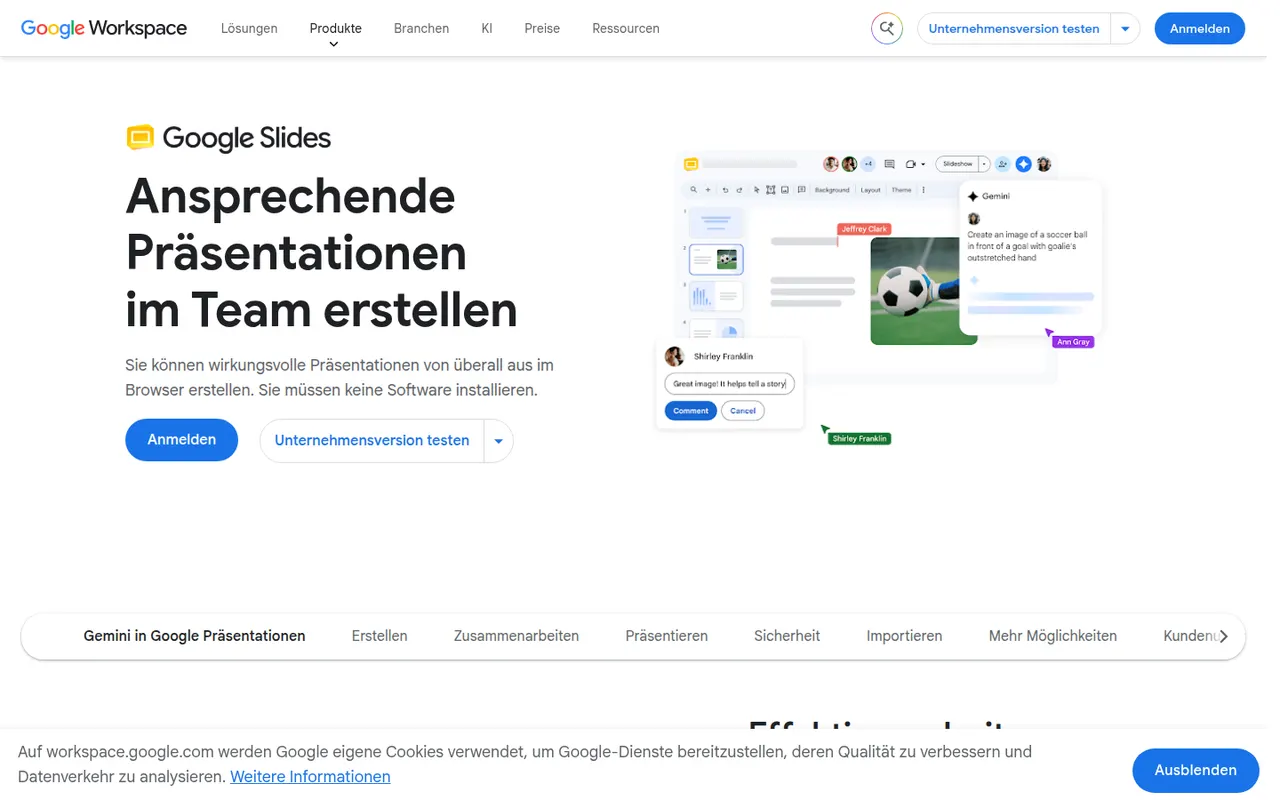
Cost / LicenseFreemiumProprietaryCategoriesGoogle Slides is Google's web-based presentation app, designed for building decks with teammates in real time. It includes themes, speaker notes and presenter view, works offline and imports and exports PowerPoint files. It is free with a Google account; paid Google Workspace plans add Gemini AI features such as generating images and slides.
9 Google Slides alternativesPros
- Real-time co-editing and comments work smoothly in the browser
- Free to use with any Google account
- Imports and exports PowerPoint files
Cons
- Fewer animation and design options than PowerPoint or Keynote
- Complex PowerPoint decks can lose formatting on import
- Gemini AI features require a paid Workspace plan
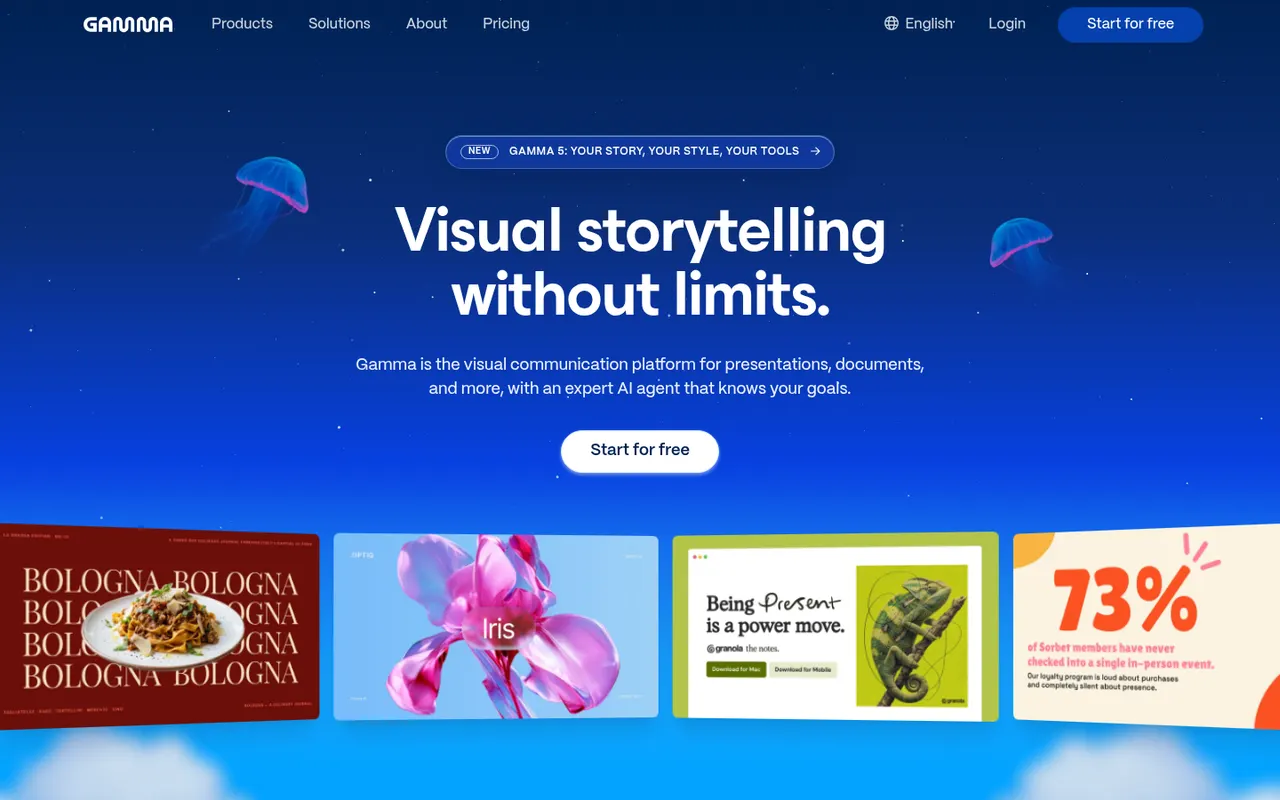
Cost / LicenseFreemiumProprietaryCategoriesGamma generates presentations, documents, social posts and simple websites from a prompt, notes or an imported file, using a card-based layout instead of fixed slides. Content can then be refined with an AI agent, themes and templates, shared as a link with viewer analytics or exported to PowerPoint, Google Slides or PDF. A free plan with limited AI credits is available.
9 Gamma alternativesPros
- Generates decks, documents and simple sites from a prompt
- Card-based layouts adapt well to any screen size
- Shareable links with viewer analytics
Cons
- The free plan has limited AI credits
- The card format does not always translate well to PowerPoint
- Generated content often needs editing to be accurate and on-brand
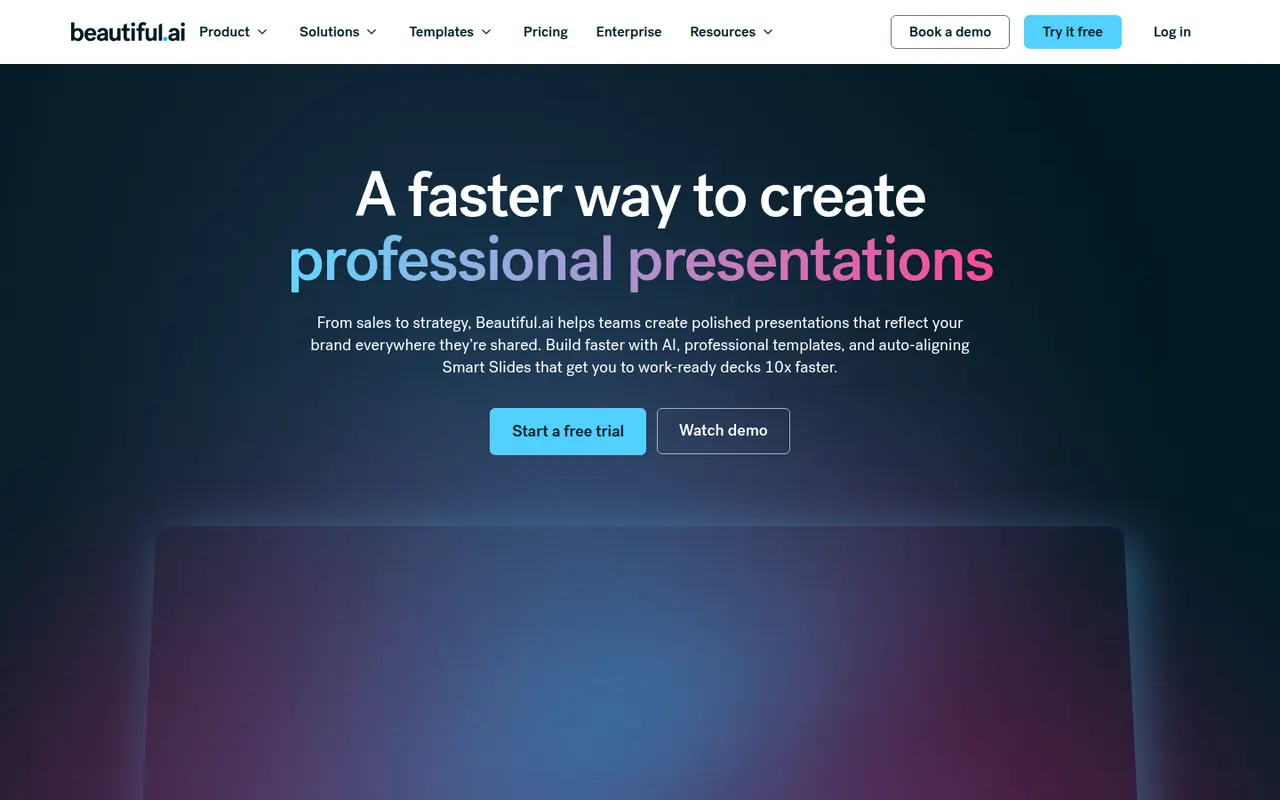
Cost / LicenseFreemiumProprietaryCategoriesBeautiful.ai is a web presentation tool whose smart slide templates adjust spacing, alignment and layout automatically as you add content, so decks stay consistent without manual formatting. It also generates draft presentations from a prompt, supports shared team themes and exports to PowerPoint. There is no free plan; paid plans start with a free trial.
8 Beautiful.ai alternativesPros
- Smart templates keep spacing and alignment consistent automatically
- Generates draft decks from a prompt
- Shared team themes and PowerPoint export
Cons
- No free plan, only a trial
- Automatic layouts limit fine control over design
- Web only, with no offline desktop app
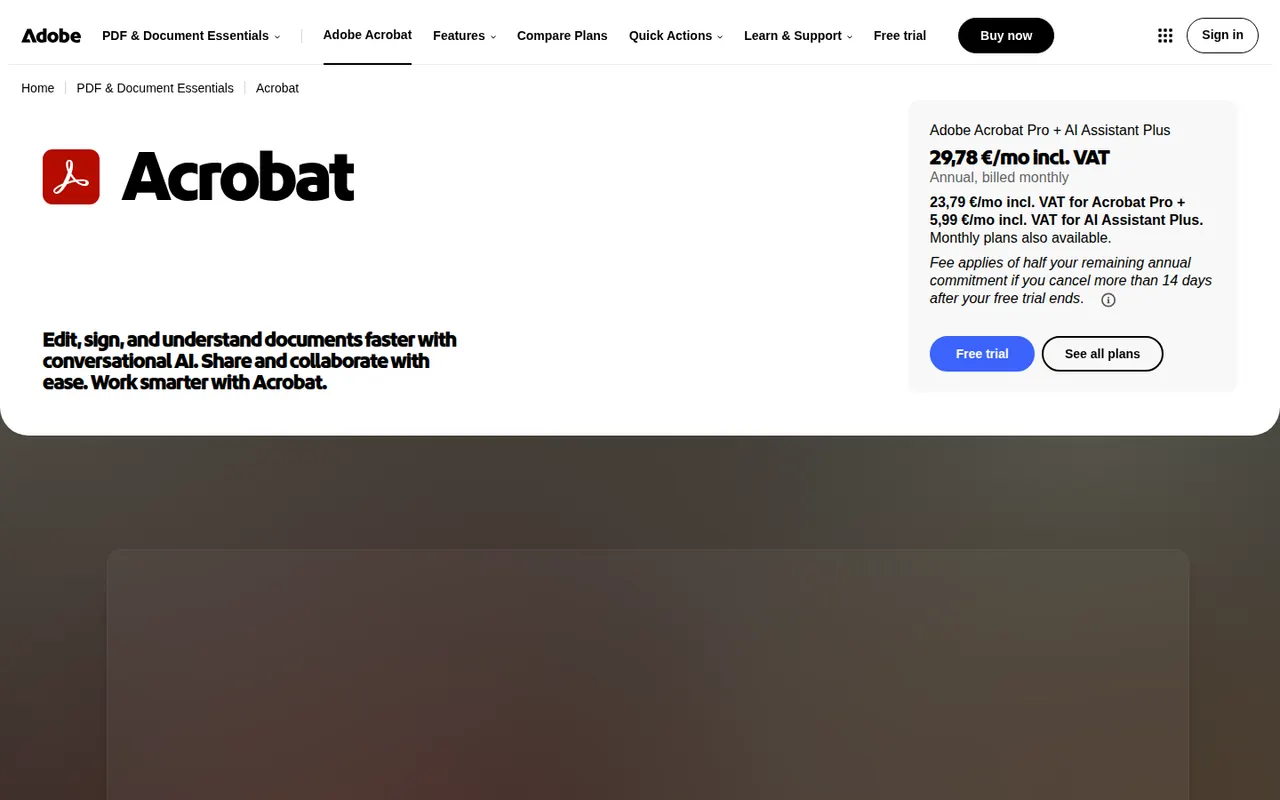
Cost / LicenseFree trialProprietaryCategoriesPlatformsAdobe Acrobat is the PDF application from Adobe, the company that created the format. The free Acrobat Reader views, annotates and signs files, while paid Acrobat Standard and Pro add text and image editing, OCR, conversion to and from Office formats, redaction, comparison and e-signature requests. An AI Assistant can summarise documents and answer questions about them.
11 Adobe Acrobat alternativesPros
- Reference PDF tool from the company that created the format
- Free Reader for viewing, annotating and signing
- Pro adds editing, OCR, redaction, comparison and signature requests
Cons
- Editing and conversion require a costly subscription
- Heavy app with frequent prompts to upgrade
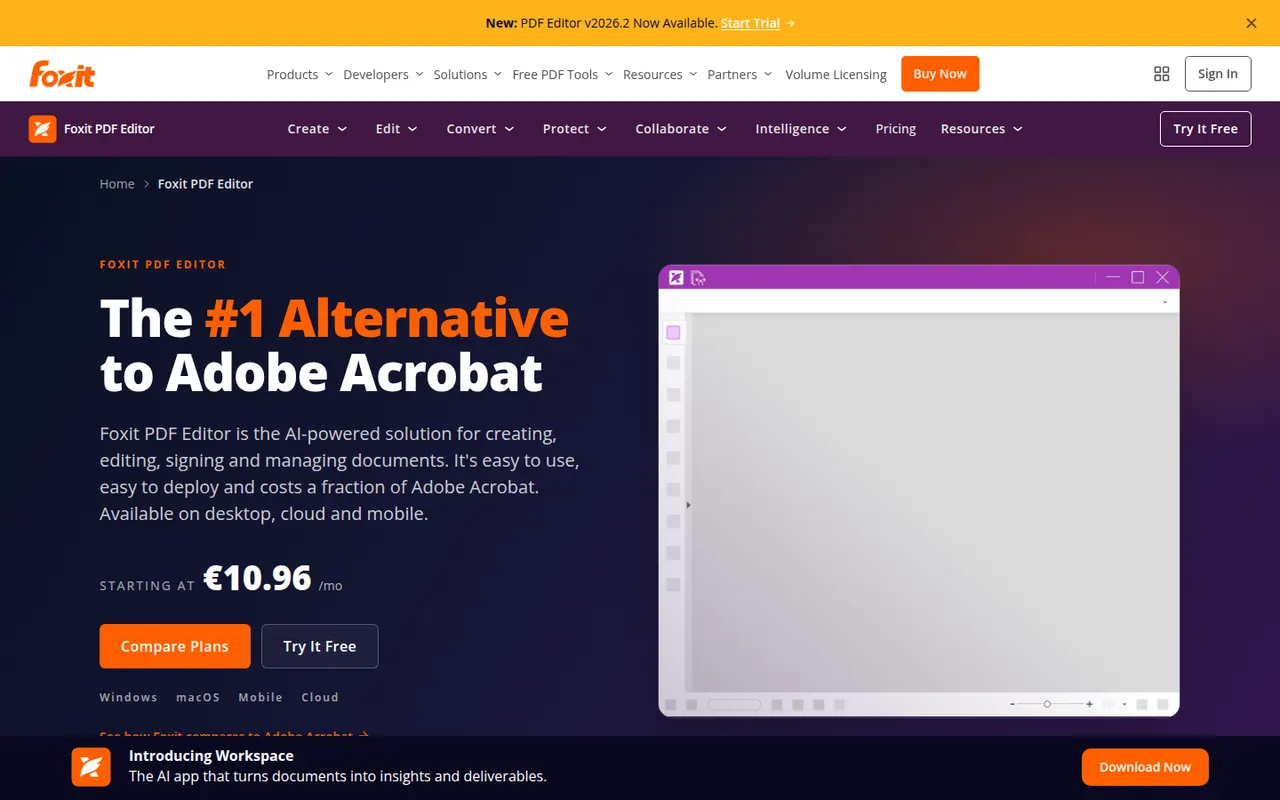
Cost / LicenseFreemiumProprietaryCategoriesFoxit PDF Editor is a commercial PDF editor from Foxit Software, positioned as an alternative to Adobe Acrobat for businesses. It edits text and images, runs OCR on scans, converts to and from Office formats, protects and redacts documents and handles e-signatures, with an AI assistant for summaries and translation. It is sold by subscription with a free trial, and the separate Foxit PDF Reader is free.
10 Foxit PDF Editor alternativesPros
- Full PDF editing, OCR, redaction and e-signatures
- Lighter alternative to Acrobat with a familiar ribbon interface
- Available on Windows, Mac, mobile and the web
Cons
- Subscription required after the free trial
- The Mac version has fewer features than the Windows one
Cost / LicenseFree trialProprietaryCategories