Apps with Templates
131 apps
Top Templates apps ranked by the community
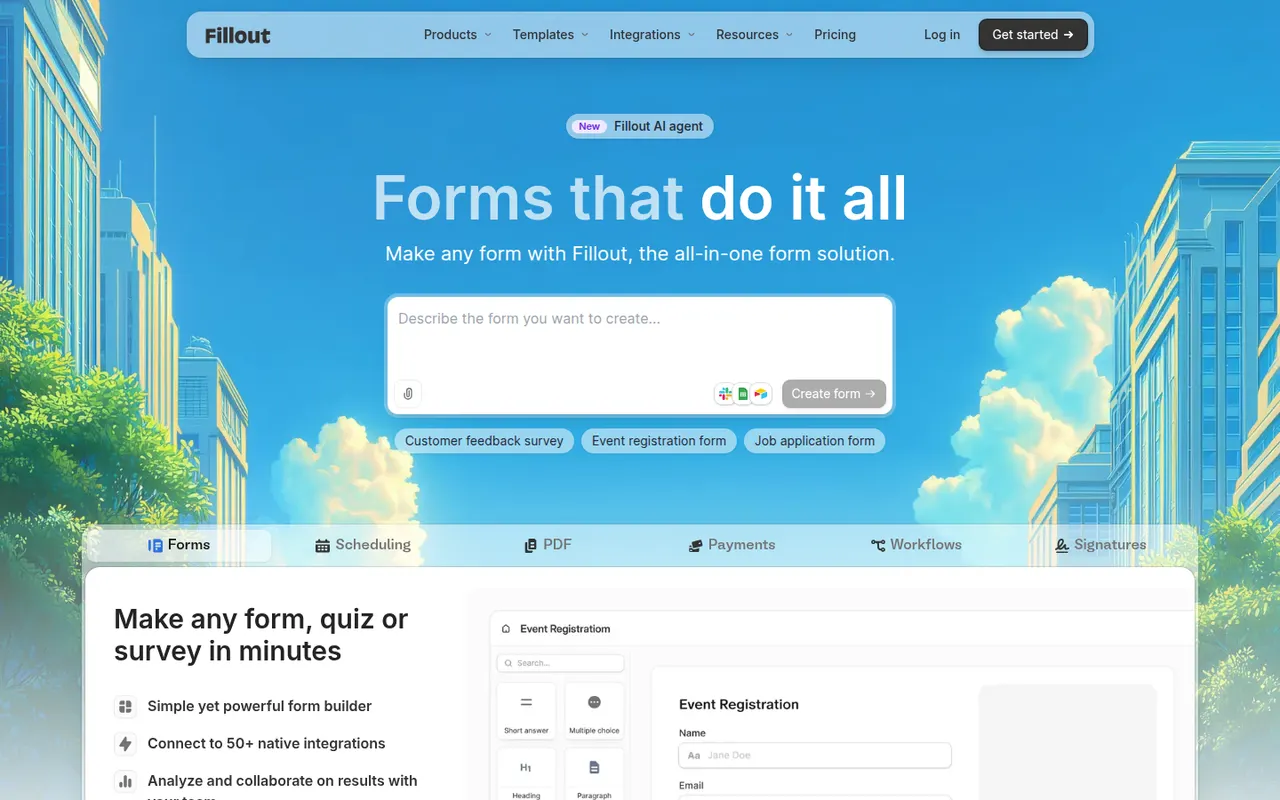
Fillout is an online form builder with a usable free plan, conditional logic, payments, file uploads, scheduling and multi-page forms. Its main distinction is native two-way connections with tools such as Airtable, Notion, Google Sheets, HubSpot and Salesforce, so forms can create new records or update existing ones. It suits no-code builders and operations teams.
8 Fillout alternativesPros
- Two-way sync with Airtable, Notion or HubSpot can update existing records
- Capable free plan that covers most everyday form needs
- Multi-page forms, scheduling and payments in a single builder
Cons
- Higher response volumes and advanced features need a paid plan
- Smaller template library and community than older form builders
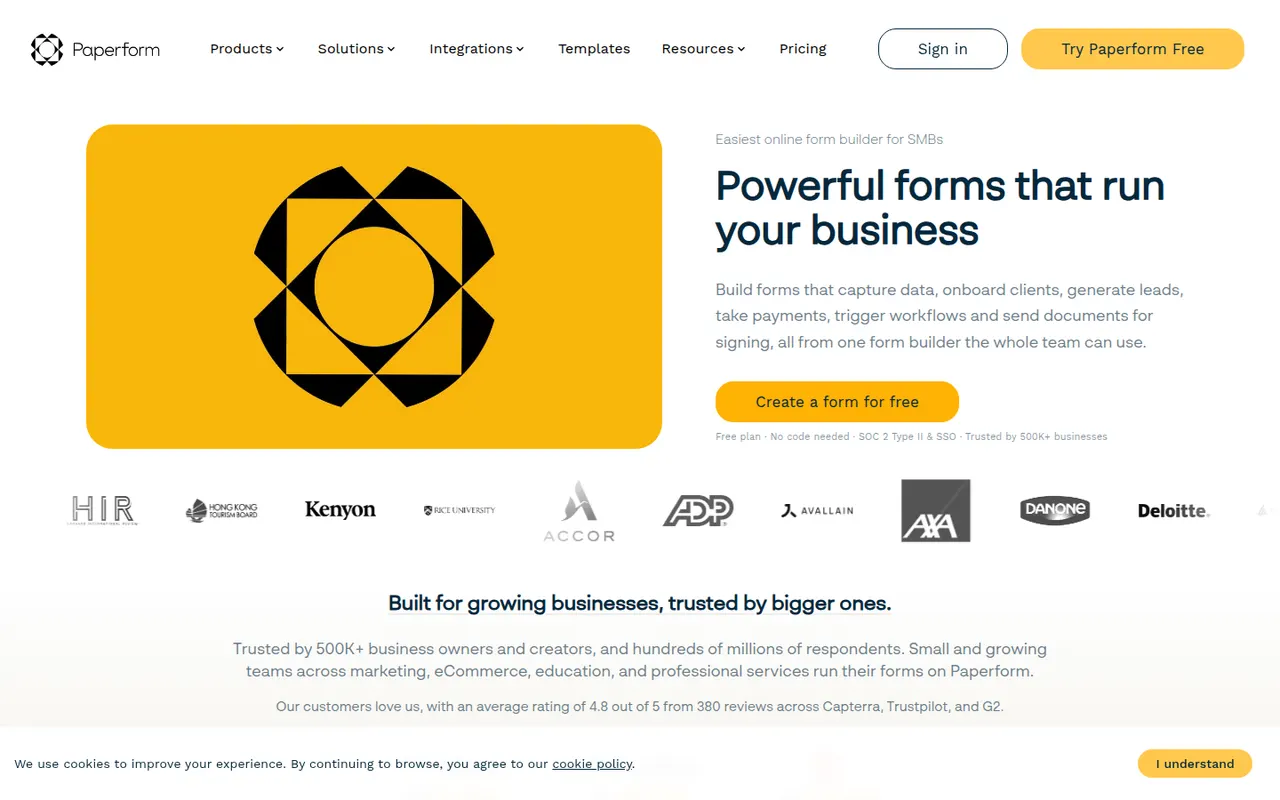
Cost / LicenseFreemiumProprietaryCategoriesPlatformsPaperform is an online form builder from Australia with a document-style editor that mixes questions with text, images and video, so forms read like web pages. It supports conditional logic, calculations, quizzes, product payments and appointment booking, and connects to other apps through native integrations and Zapier. Its sister product Papersign handles e-signatures. There is a free trial but no free plan.
7 Paperform alternativesPros
- Document-style editor makes forms read like polished web pages
- Calculations, payments and appointment booking are built in
- Native integrations plus Zapier connect it to many other apps
Cons
- No free plan once the trial ends
- Calculations and complex logic take some time to set up correctly
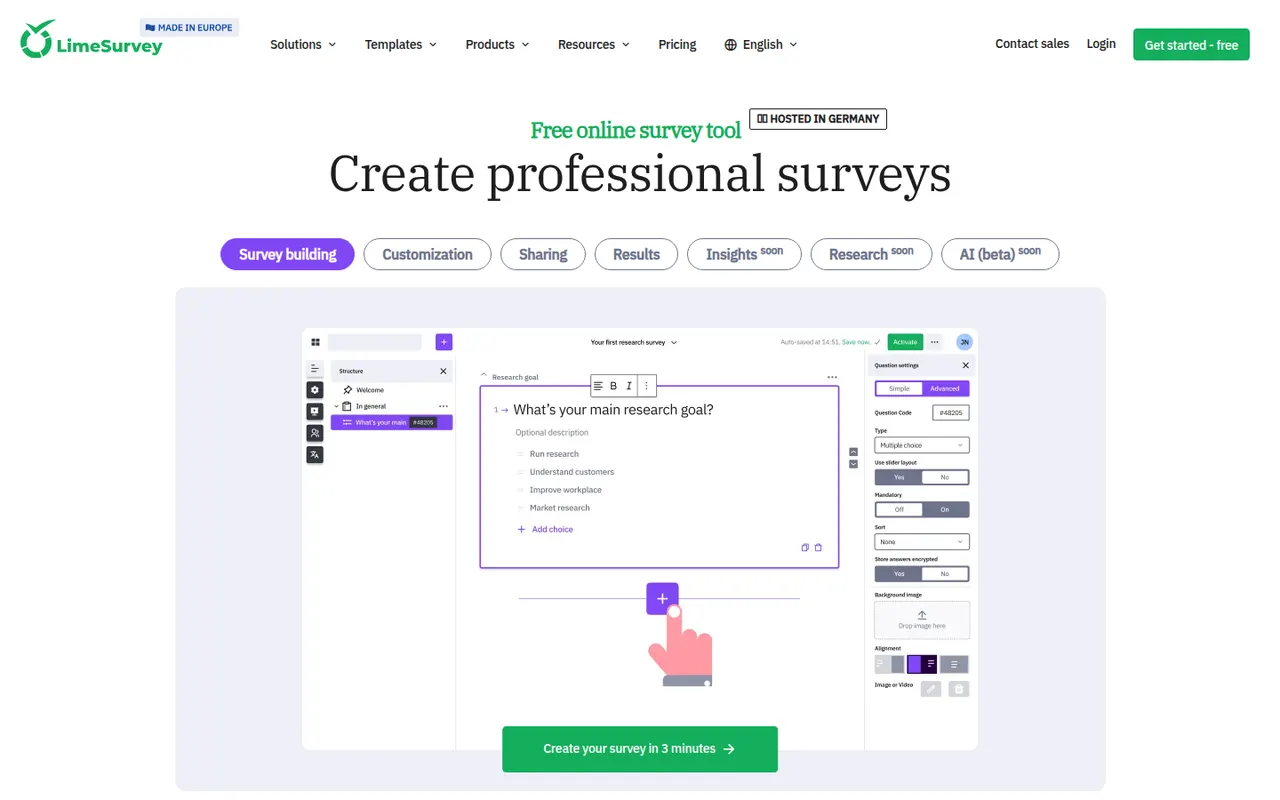
Cost / LicenseFree trialProprietaryCategoriesPlatformsLimeSurvey is an open-source online survey tool from Germany, suited to academic and public-sector research. It supports many question types, complex conditions, quotas, multilingual surveys and anonymous responses, with results exportable to SPSS, R and spreadsheets. The Community Edition can be self-hosted for free, and LimeSurvey Cloud offers hosted plans, including a free tier.
8 LimeSurvey alternativesPros
- Advanced logic with quotas, conditions and a wide range of question types
- Free self-hosted edition keeps research data under your control
- Exports results to SPSS, R and spreadsheets for statistical analysis
Cons
- Interface feels dated and takes time to learn
- Survey design looks less polished than modern form builders
- Self-hosting means handling updates and server security yourself
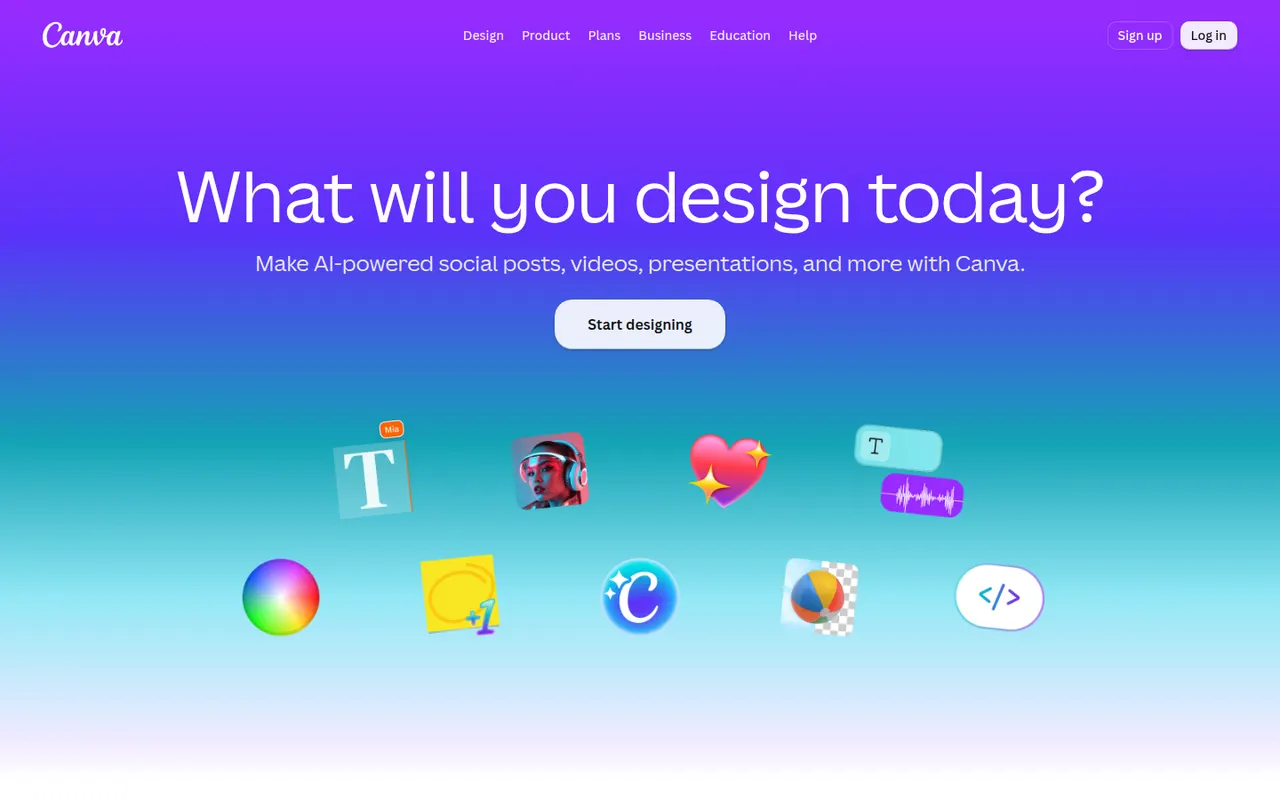
Cost / LicenseFreemiumOpen sourceCategoriesPlatformsCanva is an online design editor built around drag-and-drop templates for social media graphics, presentations, posters, videos and documents. It targets non-designers and marketing teams, with a large stock library, brand kits, real-time collaboration and Magic Studio AI tools for creating and editing images and text. It runs in the browser and as desktop and mobile apps.
12 Canva alternativesPros
- Huge template library makes design accessible to non-designers
- Real-time collaboration and brand kits for marketing teams
- Available on web, desktop and mobile, with Magic Studio AI tools
Cons
- Many templates, assets and AI features sit behind the Pro plan
- Popular templates can make designs look like everyone else’s
- Limited precision for print production or advanced vector work
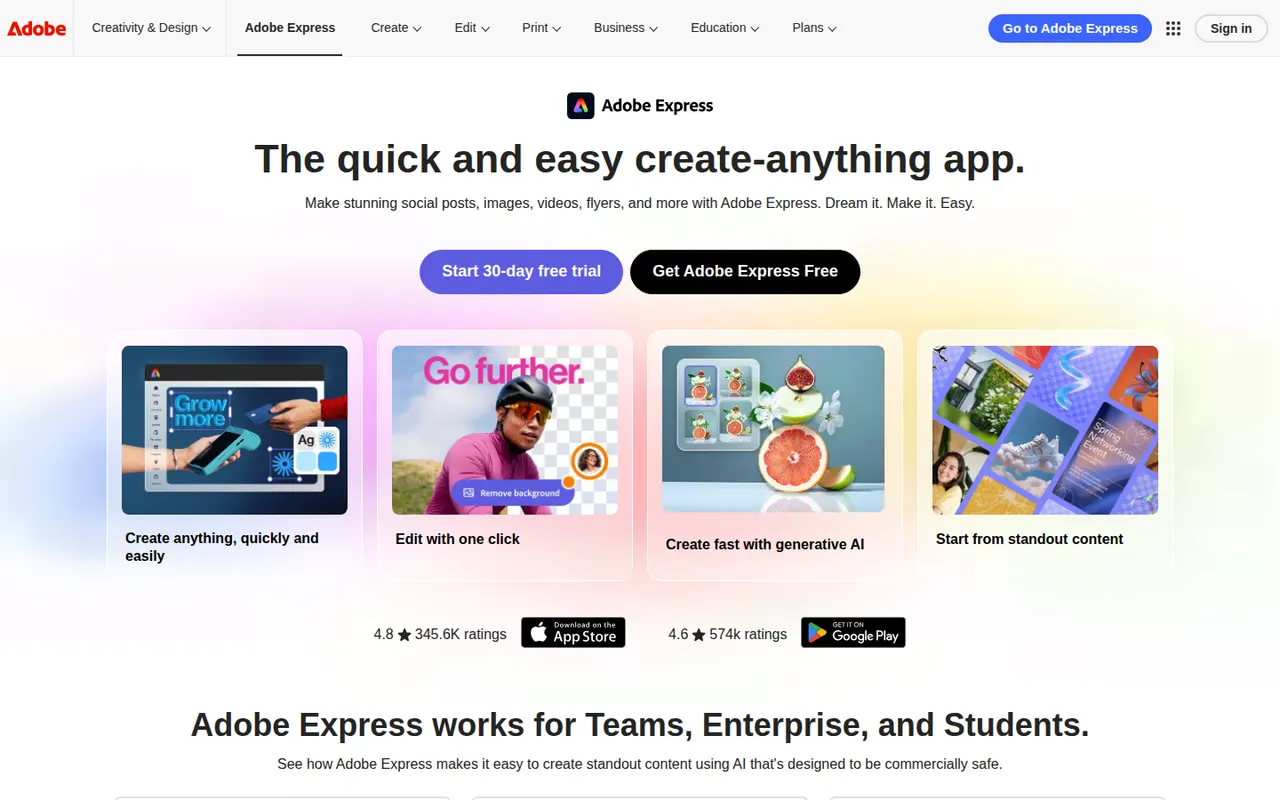
Cost / LicenseFreemiumProprietaryCategoriesAdobe Express is a web and mobile design app for producing social media posts, flyers, logos, short videos and simple web pages from templates. It includes Adobe Stock assets, Adobe Fonts, brand kits, one-click background removal and Firefly generative AI. It is aimed at small businesses, students and marketers who need quick results without a full Creative Cloud workflow.
11 Adobe Express alternativesPros
- Templates plus Adobe Stock and Adobe Fonts for quick, polished results
- One-click background removal and Firefly generative AI
- Brand kits and mobile apps keep content consistent on the go
Cons
- Premium templates, assets and generative credits require a paid plan
- Less precise than Creative Cloud apps for detailed design work
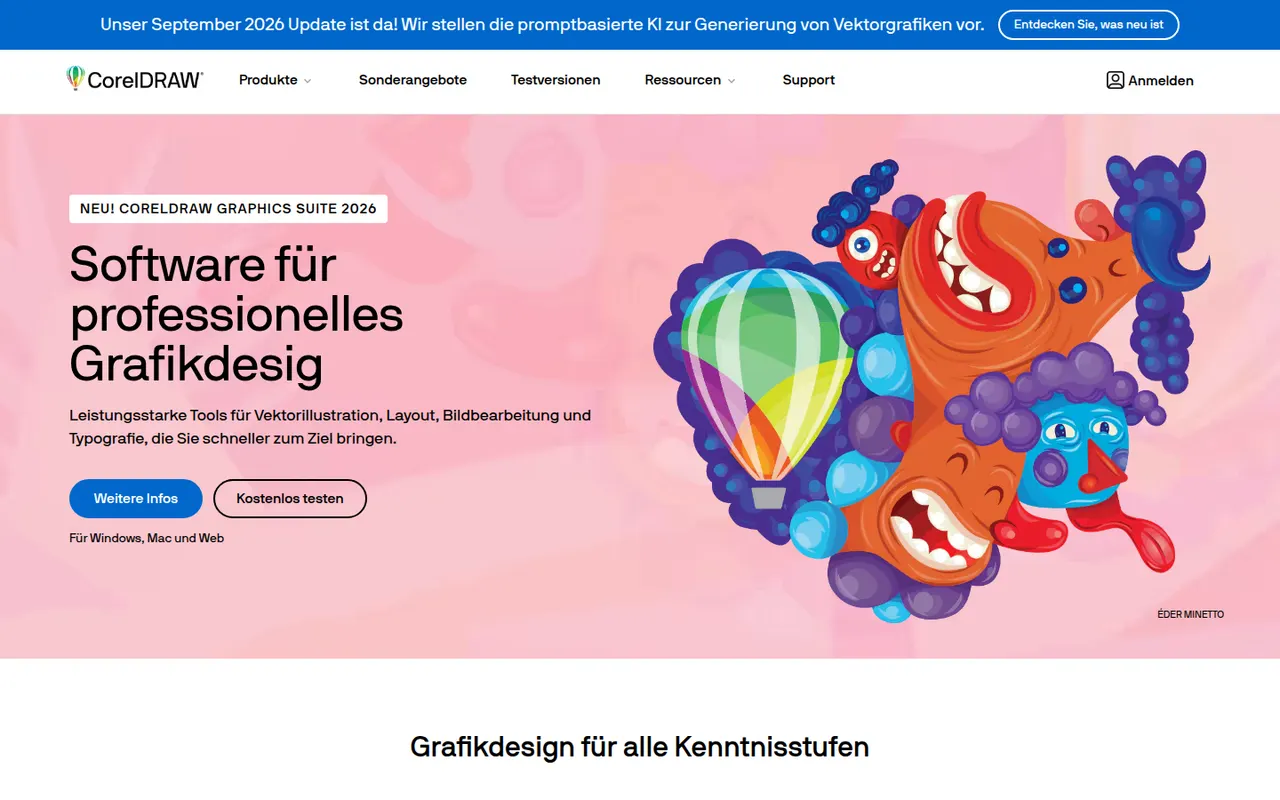
Cost / LicenseFreemiumProprietaryCategoriesCorelDRAW Graphics Suite is a long-running vector design package for Windows and macOS, common in sign making, apparel printing, engraving and print shops. Alongside the CorelDRAW drawing and layout app, it bundles Corel PHOTO-PAINT for bitmap editing and a browser-based companion app. It is offered as a subscription or a one-time license, and a free trial is available.
7 CorelDRAW alternativesPros
- Long-standing favorite in sign making, apparel printing and engraving
- Bundles Corel PHOTO-PAINT for bitmap editing
- Choice between a subscription and a one-time license
Cons
- Less common in agencies, which can complicate file exchange with Adobe users
- Expensive for hobbyists and occasional users
- Dense interface with a learning curve for newcomers
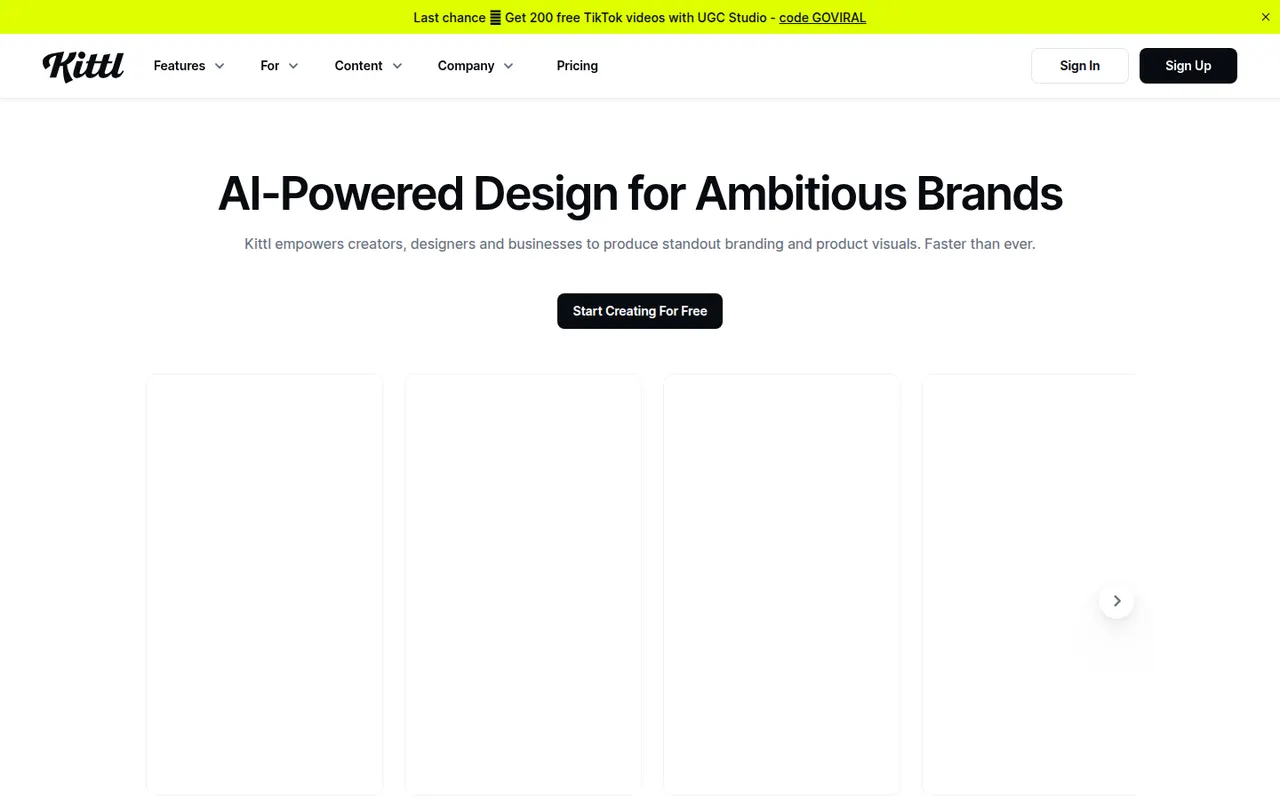
Cost / LicenseFree trialProprietaryCategoriesKittl is a browser-based design tool focused on typography-heavy graphics such as logos, t-shirt prints, labels, posters and social posts. It combines a template library, text effects, vector editing and AI image generation in one editor, and is aimed at print-on-demand sellers and small brands that want polished results without installing desktop software.
10 Kittl alternativesPros
- Strong typography effects for logos, merch and labels
- Templates designed with print-on-demand sellers in mind
- Browser-based, combining vector editing and AI image generation
Cons
- Premium templates and larger AI allowances require a paid plan
- Web-only, so it needs a steady internet connection
- Less suited to multi-page documents or presentations
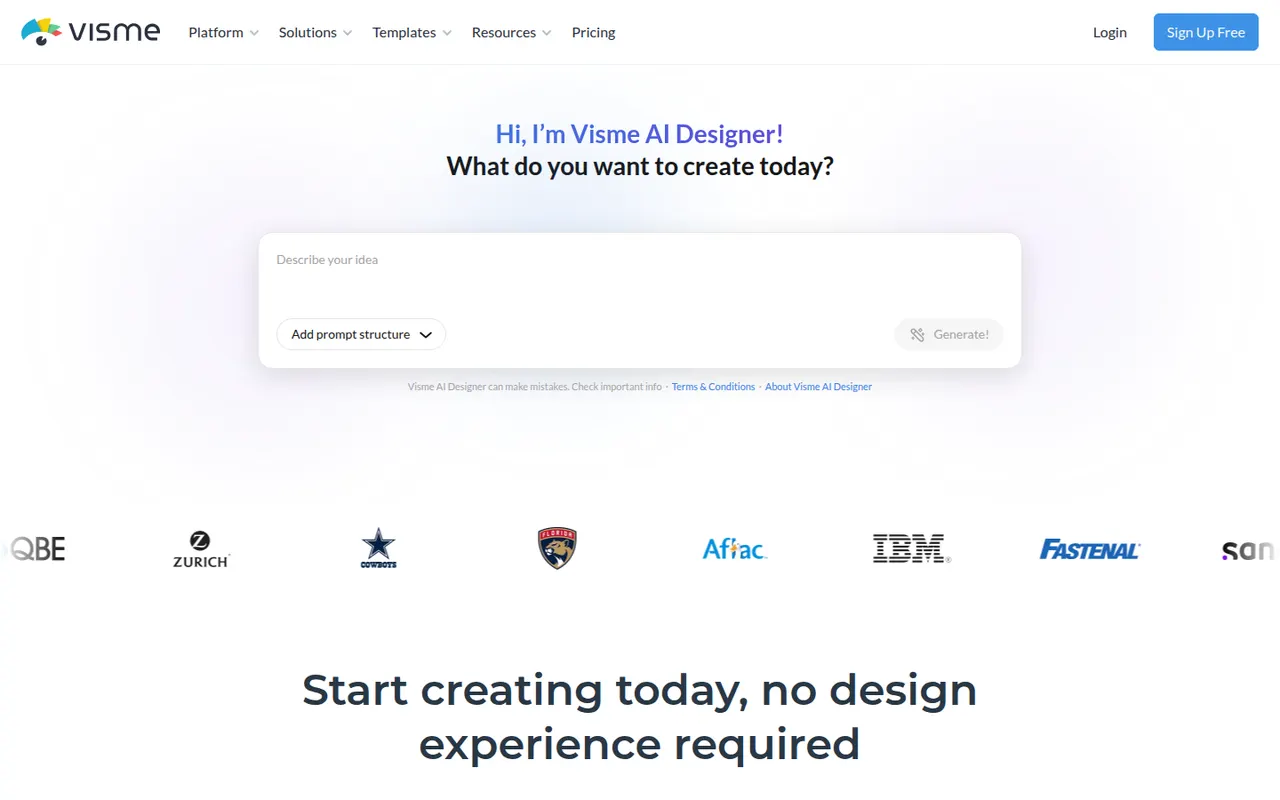
Cost / LicenseFreemiumProprietaryCategoriesPlatformsVisme is an online design tool for visual content that has to communicate data or ideas, such as presentations, infographics, reports, charts and social graphics. It offers templates, brand kits, animated and interactive elements, team workspaces and viewer analytics for shared projects. Marketing, training and communications teams use it in place of separate slide and graphics tools.
8 Visme alternativesPros
- Presentations, infographics, reports and charts in one tool
- Animated and interactive elements make content more engaging
- Viewer analytics show how shared projects are consumed
Cons
- Free plan is limited and adds Visme branding to designs
- Broad feature set comes with a learning curve
Cost / LicenseFreemiumProprietaryCategoriesPlatformsVistaCreate, formerly Crello, is an online graphic design editor owned by Vista, the printing company. It provides ready-made templates for social posts, ads, flyers and animated graphics, a stock library of photos, videos and illustrations, brand kits and a background remover. Finished designs can be ordered as prints through Vista, which makes it practical for small businesses.
6 VistaCreate alternativesPros
- Ready-made templates for social posts, ads and animated graphics
- Stock library of photos, videos and illustrations included
- Designs can be ordered as prints directly through Vista
Cons
- Fewer advanced and collaboration features than Canva
- Premium assets and features require a paid plan
- Limited control for detailed or precise design work
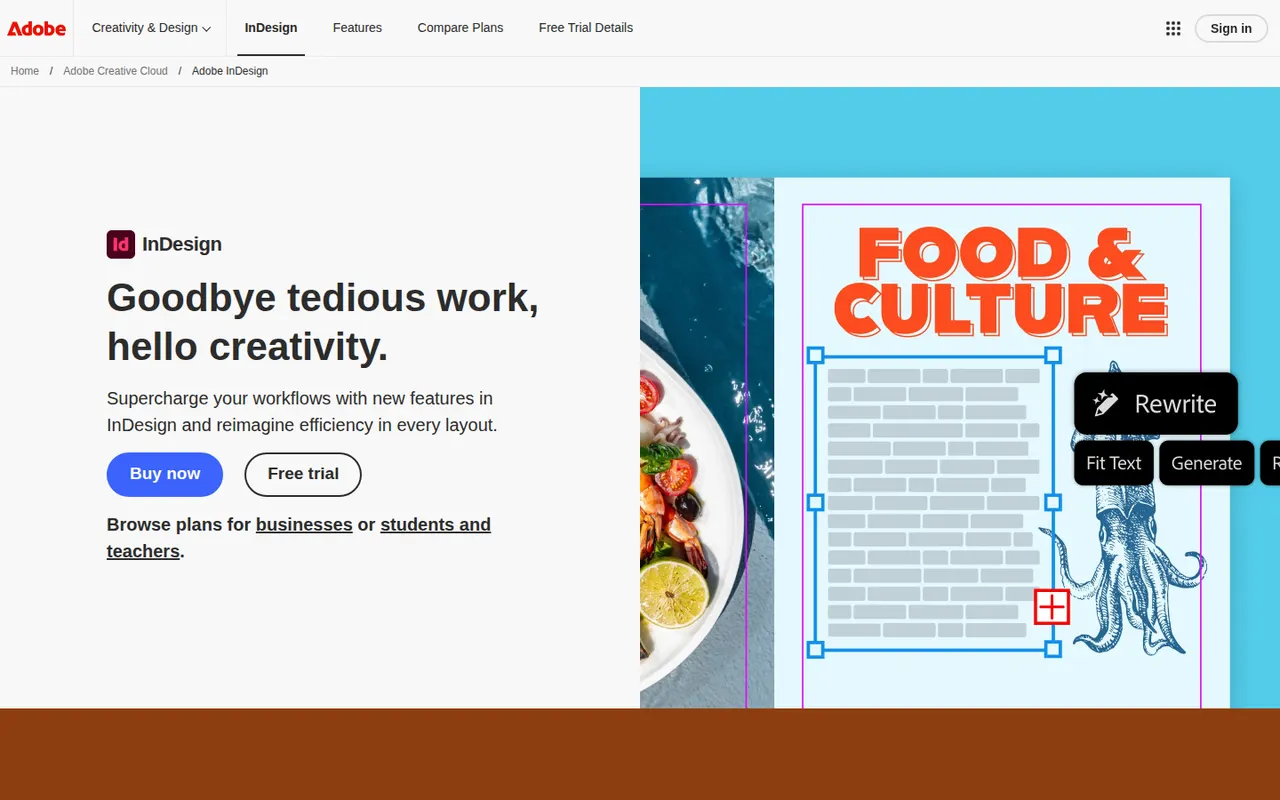
Cost / LicenseFreemiumProprietaryCategoriesAdobe InDesign is a desktop publishing application for laying out magazines, books, brochures, reports, interactive PDFs and ebooks. It handles parent pages, multi-column text threading, advanced typography, styles and print preflight, and integrates with Illustrator, Photoshop and Adobe Fonts. Publishers, agencies and in-house design teams use it for long or complex multi-page documents.
6 Adobe InDesign alternativesPros
- Industry standard for magazines, books and long documents
- Advanced typography, styles and multi-column text threading
- Print preflight and smooth handoff with Illustrator and Photoshop
Cons
- Subscription-only, which is costly for occasional use
- Steep learning curve for newcomers to page layout
- Overkill for simple flyers or one-page designs
Cost / LicenseFree trialProprietaryCategoriesScribus is a free, open source page layout program for Windows, macOS and Linux, used to design newsletters, brochures, posters, magazines and books. It supports CMYK and spot colors, ICC color management, PDF/X export for professional printing and Python scripting. Nonprofits, schools and small publishers use it to produce print-ready files without paid software.
6 Scribus alternativesPros
- Free, open source page layout for Windows, macOS and Linux
- CMYK, spot colors and PDF/X export for professional printing
- Python scripting to automate repetitive layout tasks
Cons
- Interface feels dated and less intuitive than InDesign
- Fewer templates and tutorials than commercial layout software
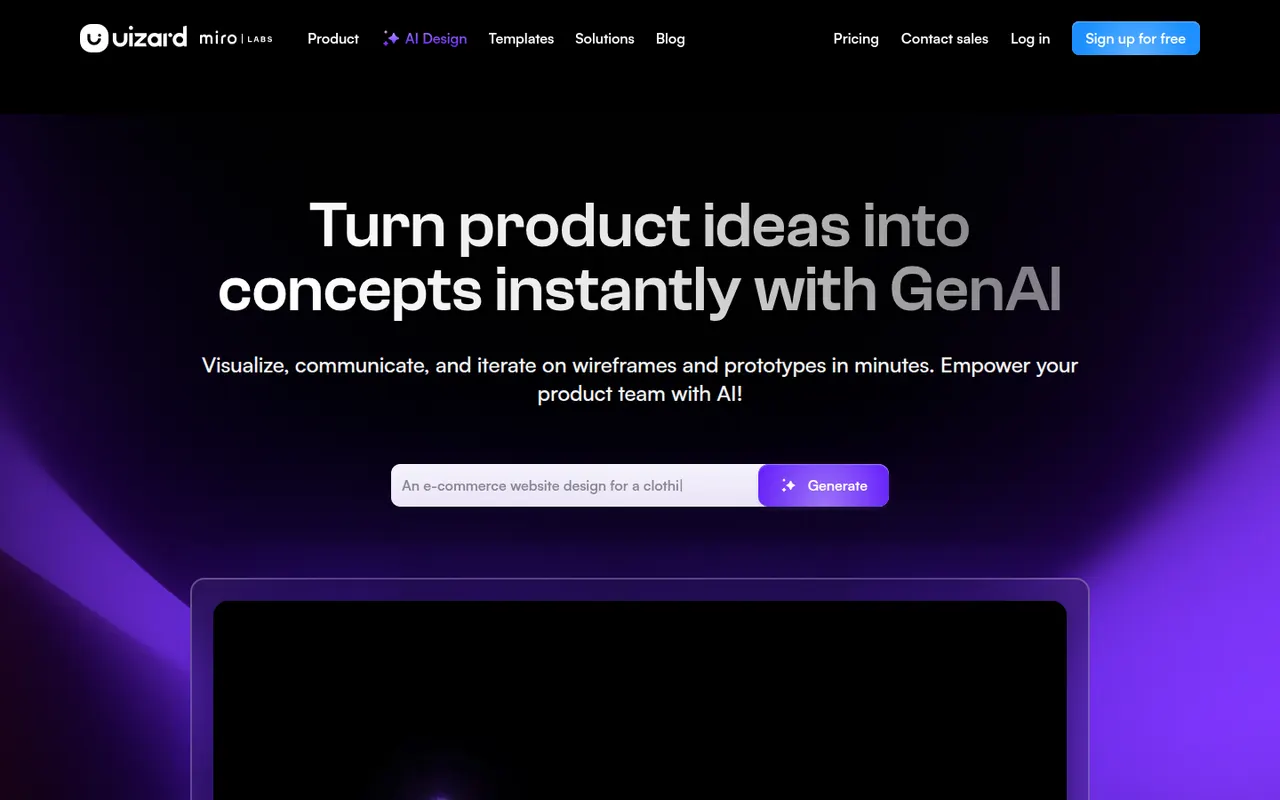
Cost / LicenseFreeOpen sourceCategoriesUizard is a browser-based UI design tool aimed at founders, product managers and other non-designers. It can generate multi-screen app and web mockups from a text prompt, convert hand-drawn sketches or screenshots into editable designs, and link screens into clickable prototypes. Templates and simple collaboration help teams test ideas quickly. The company was acquired by Miro in 2024.
10 Uizard alternativesPros
- Generates multi-screen mockups from a text prompt
- Converts hand-drawn sketches and screenshots into editable designs
- Approachable for founders and other non-designers
Cons
- Generated designs often need significant manual cleanup
- Lacks the depth of professional tools for production design
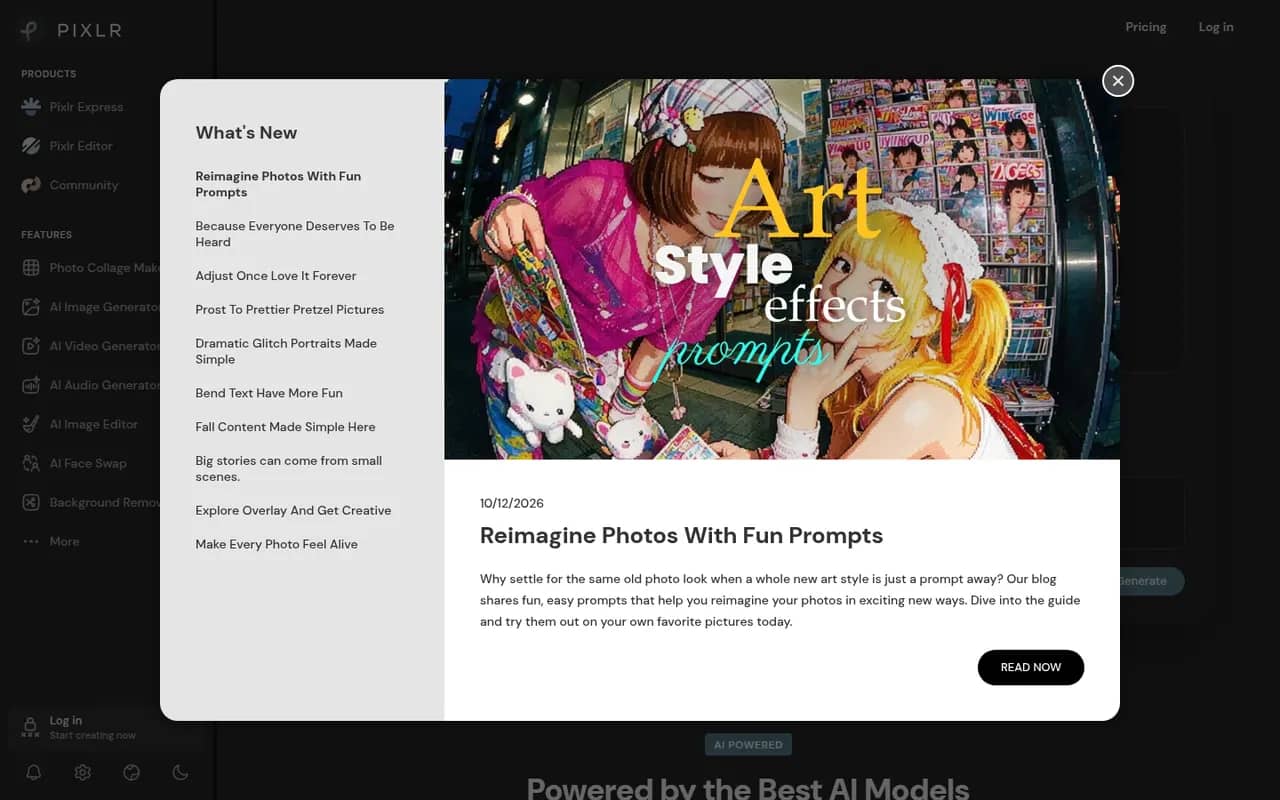
Cost / LicenseFreemiumProprietaryCategoriesPlatformsPixlr is a family of browser-based image tools, including an advanced layer-based editor, a quick editor for simple adjustments and a template-based designer for social graphics. It adds AI tools for background removal, generative fill and image generation, and is also available as mobile apps. Free use is supported by ads, with Premium plans unlocking more AI credits and tools.
8 Pixlr alternativesPros
- Browser-based editors for quick fixes or layered work
- AI background removal, generative fill and image generation
- Template-based designer for social graphics
Cons
- The free version shows ads
- AI features run on limited credits without Premium
- Less precise than desktop editors for detailed retouching
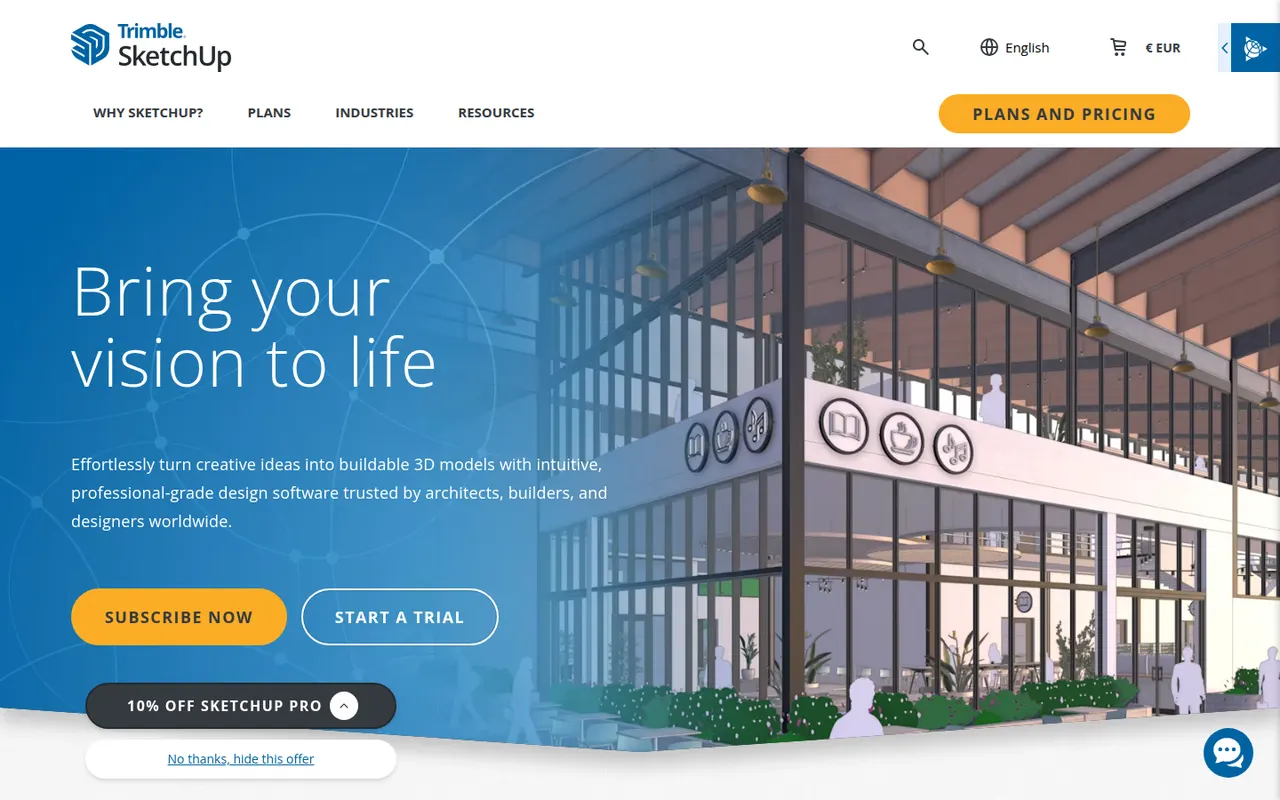
Cost / LicenseFreemiumProprietaryCategoriesSketchUp is a 3D modeling tool from Trimble built around simple push-pull geometry, used by architects, interior designers, landscape designers and woodworkers. The 3D Warehouse offers a large library of ready-made models, and the Extension Warehouse adds plugins for rendering, layout and analysis. A free web version exists for personal use; paid plans add the desktop app, LayOut for 2D drawings and the iPad app.
8 SketchUp alternativesPros
- Push-pull modeling is quick to pick up for beginners
- 3D Warehouse offers a vast library of ready-made models
- Extensions add rendering, layout and analysis tools
Cons
- The free web version is limited to personal use
- Struggles with complex curved and organic shapes
- The desktop app and LayOut require a paid subscription
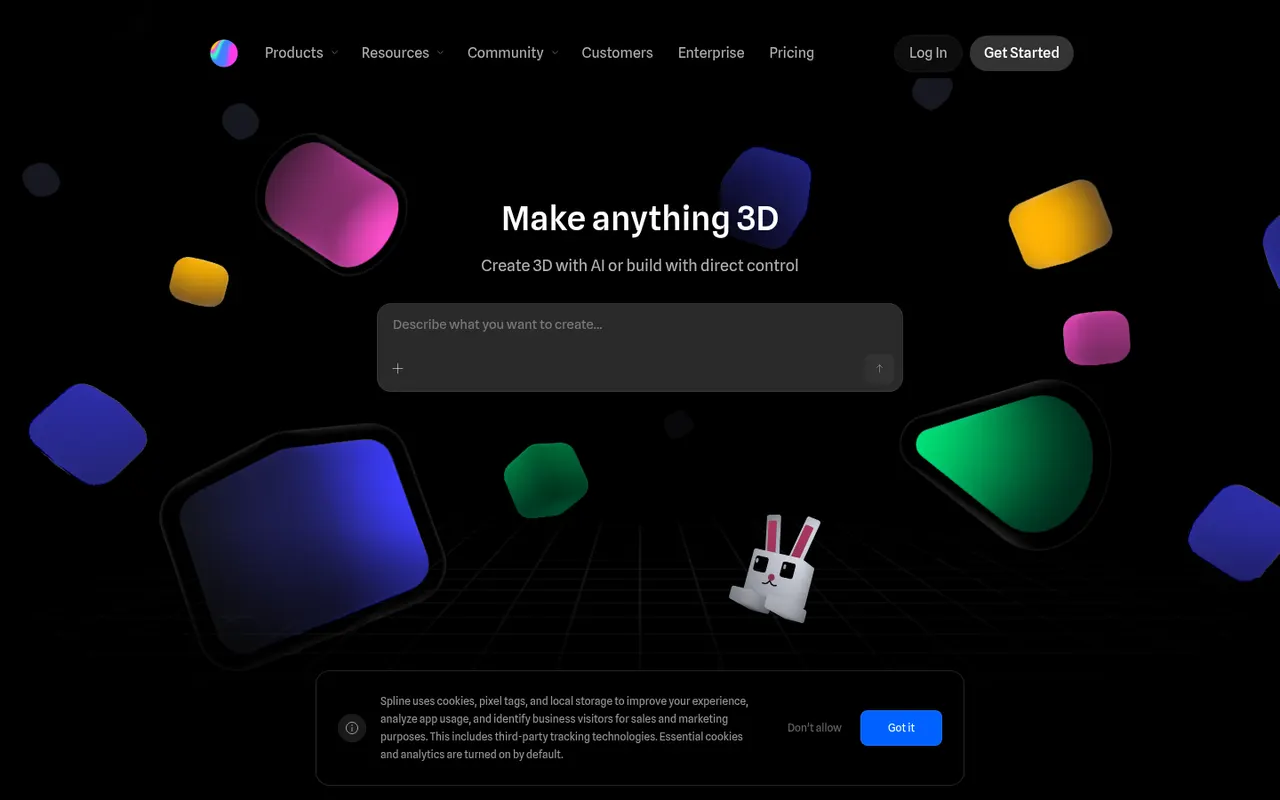
Cost / LicenseFreemiumProprietaryCategoriesSpline is a collaborative 3D design tool that runs in the browser, aimed at designers who want to create interactive 3D scenes, animations and interface elements without learning traditional 3D software. Scenes can react to hover, scroll and clicks, and can be exported as embeddable web code, images or videos, or used in Framer, Webflow and React projects. Teams edit files together in real time.
8 Spline alternativesPros
- Lets designers create 3D scenes without traditional 3D software
- Interactive states respond to hover, scroll and clicks
- Exports to web embeds, Framer, Webflow and React projects
Cons
- Complex scenes can weigh down web pages and slow loading
- Less capable than full 3D suites for detailed modeling
- Advanced exports and team features require a paid plan
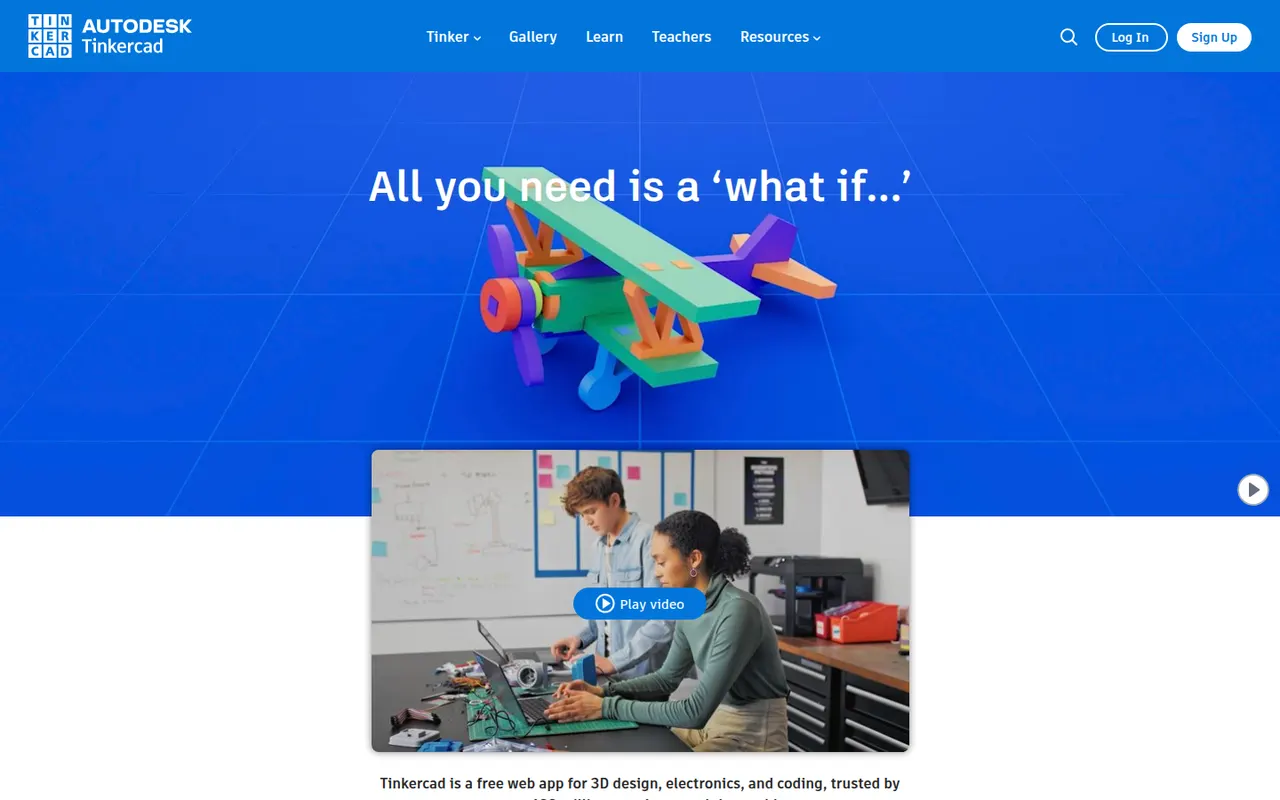
Cost / LicenseFreemiumProprietaryPlatformsTinkercad is a free web app from Autodesk that teaches 3D design by combining basic shapes, making it a common first step into CAD for students, teachers and 3D printing hobbyists. Besides 3D modeling, it includes Circuits for simulating Arduino and electronics projects and Codeblocks for creating designs with block-based code. Classroom tools let teachers manage students, and an iPad app is available.
6 Tinkercad alternativesPros
- Completely free and runs in the browser
- Shape-based modeling is ideal for first steps in 3D design
- Circuits simulates Arduino and electronics projects
Cons
- Too basic for complex or precise engineering models
- Needs an internet connection and an Autodesk account
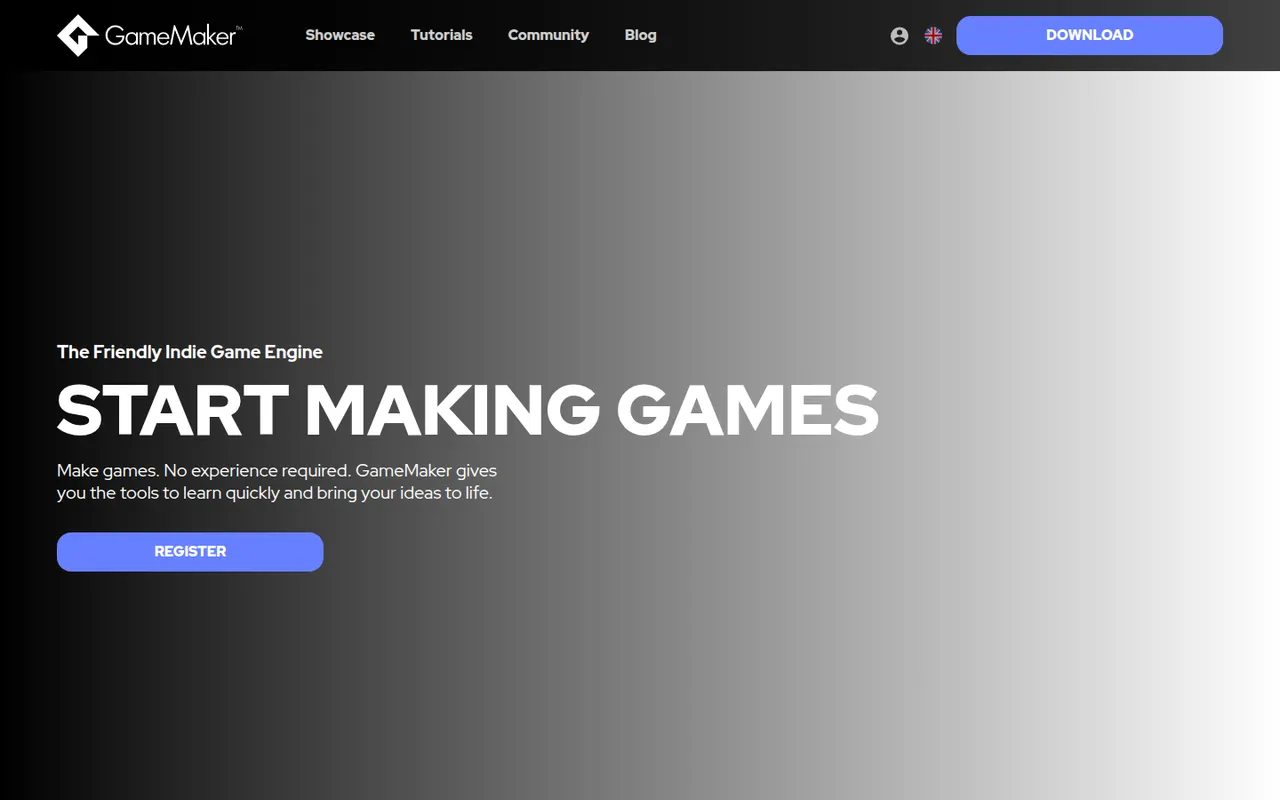
Cost / LicenseFreeProprietaryCategoriesGameMaker is a 2D game engine owned by Opera, used by indie developers and beginners to create platformers, RPGs and arcade games. Logic can be written in GML Code or built with GML Visual, a drag-and-drop system, and projects export to desktop, mobile, web and consoles. It is free for non-commercial use, with paid licenses for commercial releases and console export.
7 GameMaker alternativesPros
- Beginner-friendly, with GML Visual drag-and-drop alongside GML Code
- Mature, focused toolset for 2D platformers, RPGs and arcade games
- Exports to desktop, mobile, web and consoles
Cons
- Commercial releases and console export require paid licenses
- Not suited to 3D projects
- GML is specific to the engine, so skills transfer less easily elsewhere
Cost / LicenseFreemiumProprietaryCategoriesConstruct 3 is a 2D game engine from Scirra that runs in the web browser and uses event sheets, a visual logic system, so games can be built without traditional programming, with optional JavaScript for advanced users. Games export to HTML5 and to desktop and mobile apps. It is used in schools and by hobbyists and indie developers, with a limited free edition and paid subscriptions for the full feature set.
7 Construct 3 alternativesPros
- Runs in the browser, so there is nothing to install
- Event sheets let beginners build games without writing code
- Exports to HTML5, desktop and mobile from one project
Cons
- Built for 2D games, with minimal 3D capabilities
- Free edition is limited and the full version is subscription-only
- Large projects can become hard to organize with event sheets
Cost / LicenseFreemiumProprietaryCategoriesPlatformsRPG Maker is a long-running series of tools for making Japanese-style 2D role-playing games without programming. Recent versions such as RPG Maker MZ provide tile-based map editors, a database for characters, items and battles, an event system for story logic and bundled art and music, with JavaScript plugins for deeper customization. Each version is sold as a one-time purchase.
6 RPG Maker alternativesPros
- Makes classic Japanese-style RPGs possible without programming
- Bundled tilesets, characters and music to start right away
- JavaScript plugins allow deeper customization in recent versions
Cons
- Locked into the classic tile-based JRPG style
- Default assets are widely recognized, so games can look generic
- Each new version is a separate purchase
Cost / LicenseFree trialProprietaryCategoriesGDevelop is a free, open source game engine that lets creators build 2D and 3D games with an event-based visual logic system instead of code. It runs in the browser or as a desktop app, includes templates, an asset store and ready-made behaviors for platformers, physics and pathfinding, and exports to web, Windows, macOS, Linux, Android and iOS. Optional subscriptions add cloud builds and other services.
7 GDevelop alternativesPros
- Free and open source, usable in the browser or as a desktop app
- Event-based logic and ready-made behaviors avoid writing code
- Exports to web, desktop, Android and iOS
Cons
- 3D support is newer and less mature than its 2D tools
- Cloud builds and some services require a subscription
- Complex games can outgrow the event system
Cost / LicenseFreemiumOpen sourceCategoriesWordPress is a free, open source content management system that you install on your own web hosting. Its block editor handles pages and posts, and thousands of themes and plugins add features such as forms, SEO tools or an online store. Because it is self-hosted, you keep full control over your files, your data and your choice of host.
9 WordPress alternativesPros
- Thousands of themes and plugins for almost any need
- Full control over files, data and choice of host
- Free and open source, with a huge community
Cons
- You handle hosting, updates, backups and security yourself
- Plugin sprawl can slow sites and introduce vulnerabilities
- Block editor takes time to master for complex layouts
Cost / LicenseFreeOpen sourceCategoriesPlatformsWix is a hosted website builder that lets you design pages by placing elements freely on a canvas or by starting from a template. Hosting, domains, an online store, bookings and blogging are built in, and an AI tool can draft a first version of a site from a few questions. It suits small businesses and individuals who want everything in one place.
12 Wix alternativesPros
- Free-form canvas lets you place elements anywhere
- Online store, bookings and blog built in
- AI tool drafts a first version from a few questions
Cons
- Switching templates later means rebuilding the site
- Free plan shows Wix ads and uses a Wix subdomain
- Sites cannot be exported to another host
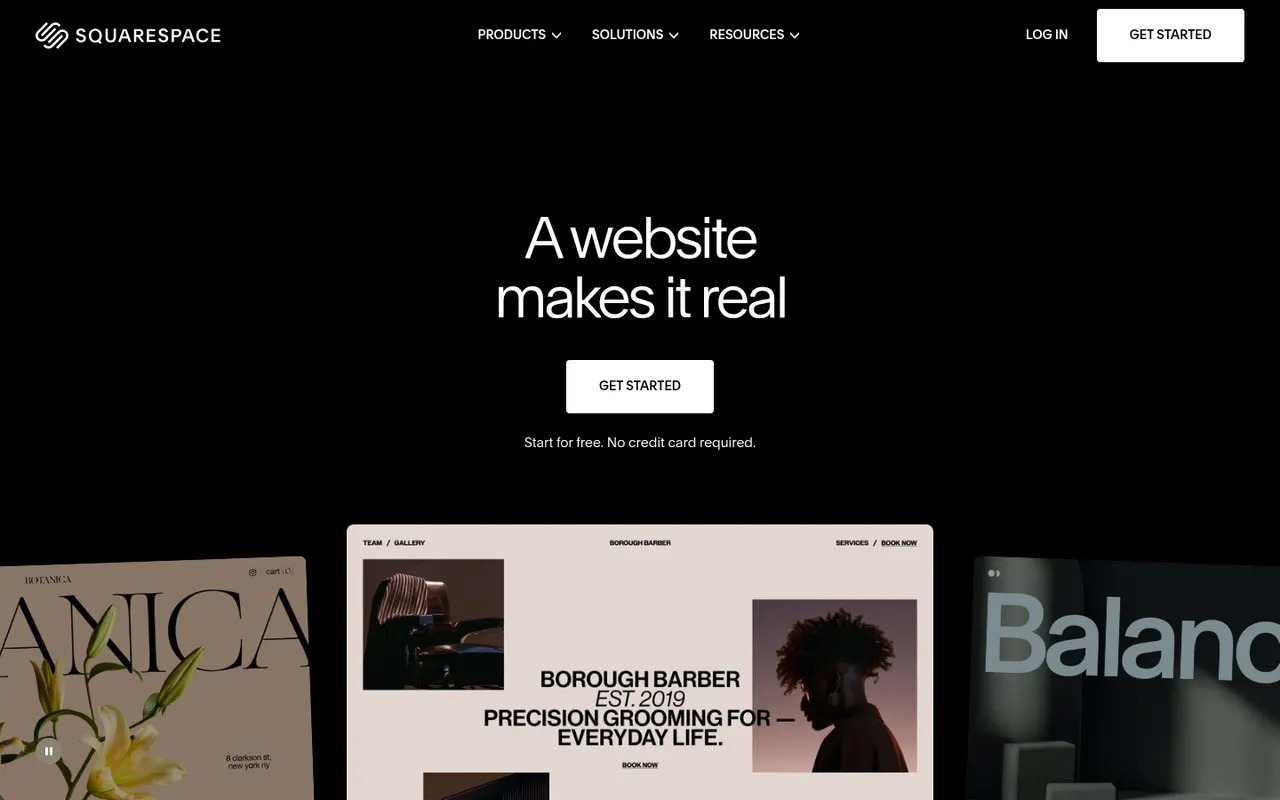
Cost / LicenseFreemiumProprietaryCategoriesSquarespace is a hosted platform for building websites, portfolios and online stores from designer templates. It bundles hosting, domains, e-commerce, email campaigns and appointment scheduling, with a section-based editor that keeps layouts consistent. It appeals to creatives and small businesses who care about design and prefer not to manage plugins.
12 Squarespace alternativesPros
- Polished designer templates with consistent layouts
- Hosting, commerce, email campaigns and scheduling in one place
- No plugins to install or keep updated
Cons
- No free plan beyond the trial
- Less layout freedom than canvas-based builders
- Fewer third-party extensions than WordPress
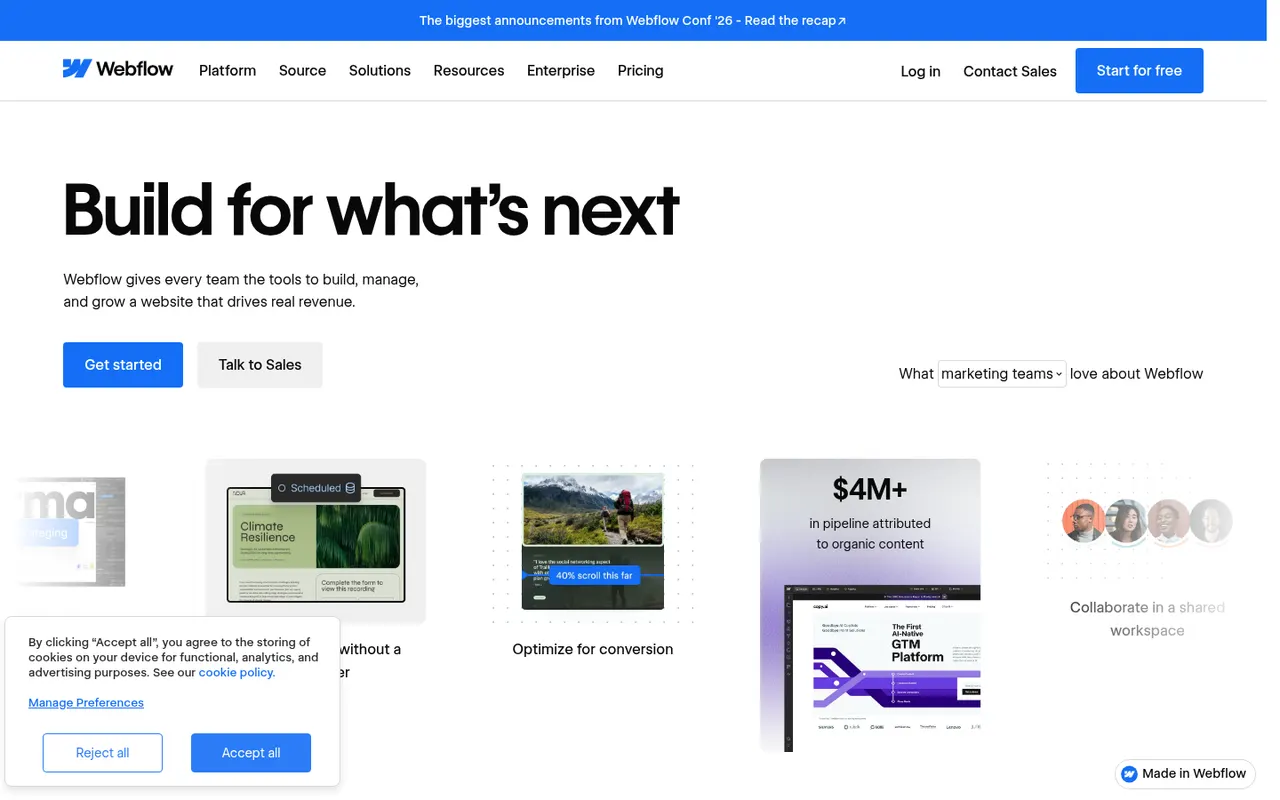
Cost / LicenseFree trialProprietaryCategoriesWebflow is a browser-based visual builder that exposes real HTML and CSS concepts such as boxes, flexbox and classes, so designers can produce custom, responsive sites without writing code. It includes a CMS for structured content, interactions and animations, hosting and localization. It is aimed at designers, agencies and marketing teams who want more control than template builders offer.
9 Webflow alternativesPros
- Visual control over real HTML and CSS concepts
- Flexible CMS for structured content
- Interactions and animations without writing code
Cons
- Steep learning curve for non-designers
- Pricing is complex, with separate site and workspace plans
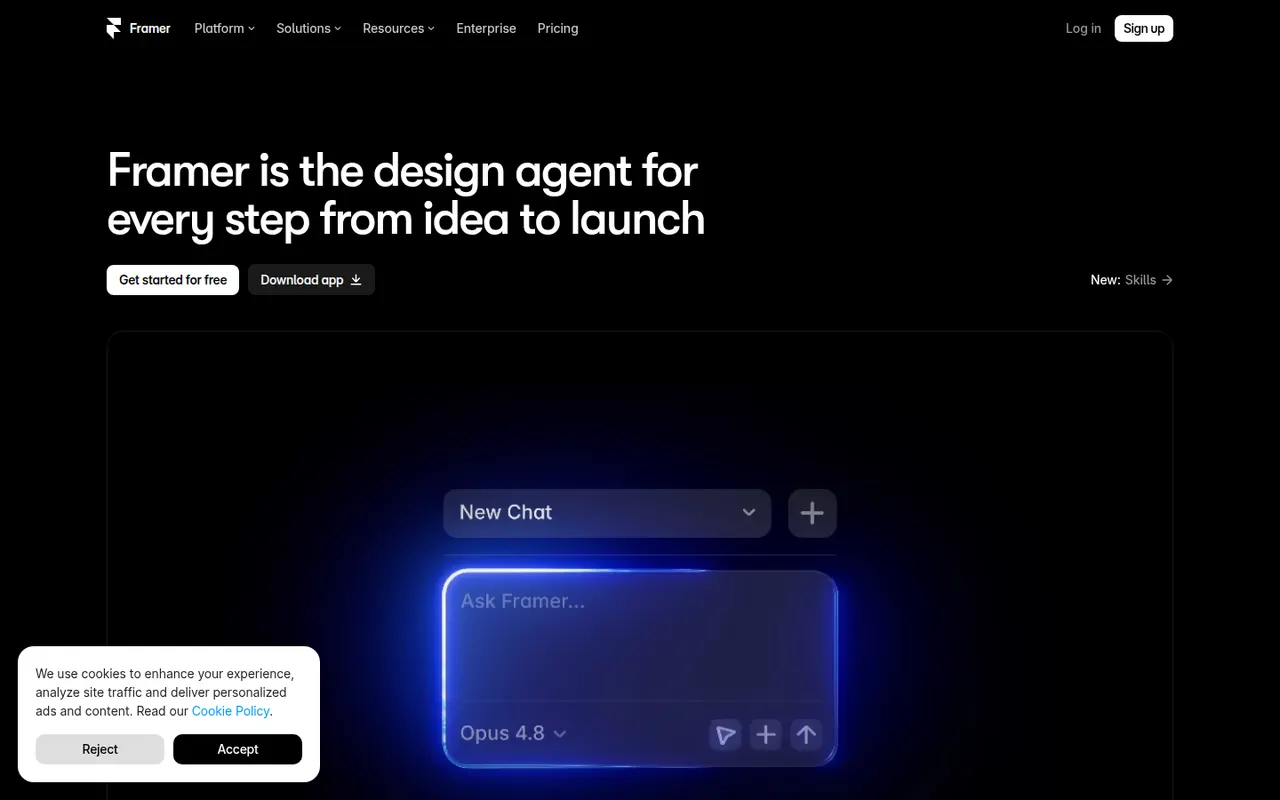
Cost / LicenseFreemiumProprietaryCategoriesPlatformsFramer is a website builder that works like a design tool: you lay out pages on a canvas, add animations and effects, then publish directly with hosting included. It offers a CMS, localization, built-in analytics and AI features that can generate a starting layout from a prompt. Designers and startups use it for landing pages, portfolios and marketing sites.
12 Framer alternativesPros
- Design-tool canvas with fine control over layout and animation
- Publishing and hosting included in one step
- Built-in CMS, localization and analytics
Cons
- Paid plans get costly as sites grow
- Learning curve for people new to design tools
- Sites stay hosted on Framer, with no official code export
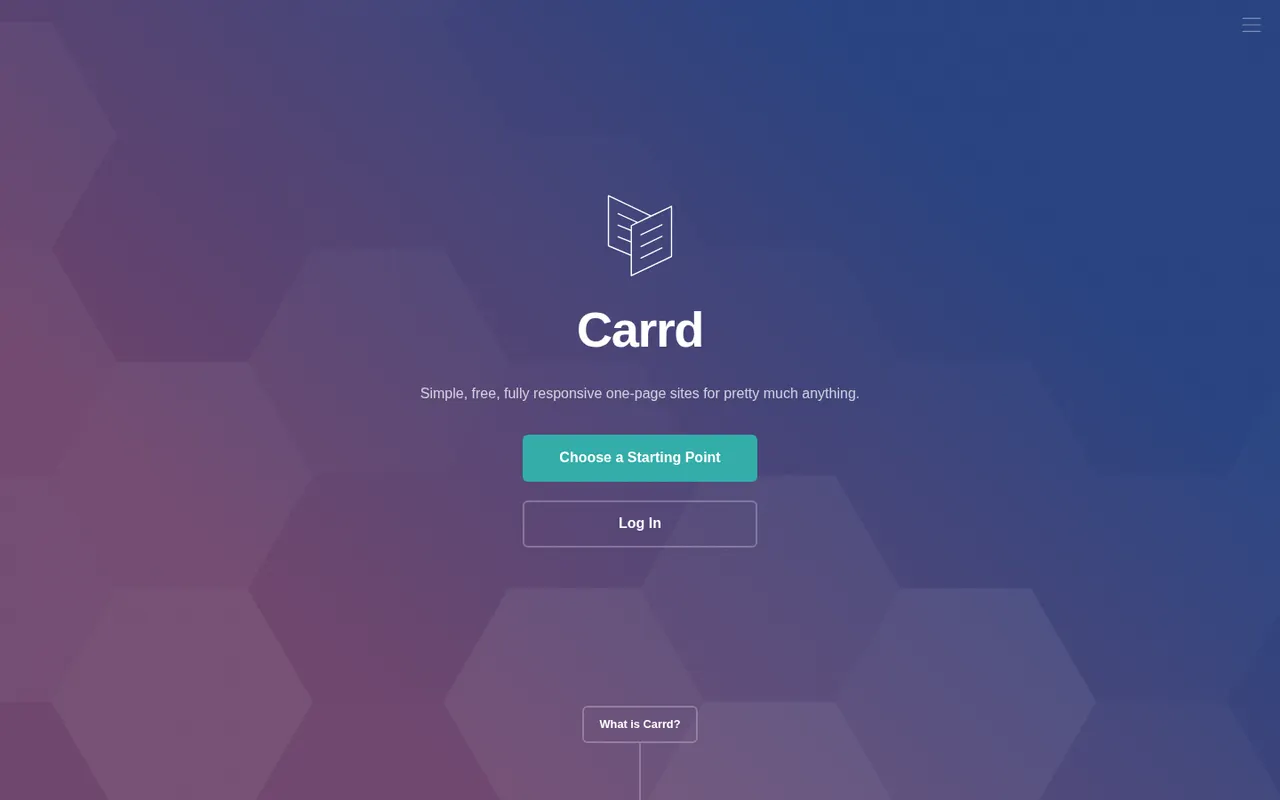
Cost / LicenseFreemiumProprietaryCategoriesCarrd is a minimal builder focused on single-page websites such as personal profiles, link pages, portfolios and product landing pages. You start from a template, edit sections in a straightforward editor and publish to a carrd.co address, or to your own domain on a paid plan. Its deliberately narrow scope makes it very quick to learn.
9 Carrd alternativesPros
- Very quick to learn thanks to a deliberately narrow scope
- Good-looking templates for profiles and landing pages
- Low-cost paid plans unlock custom domains
Cons
- Limited to single-page sites
- No blog or full online store
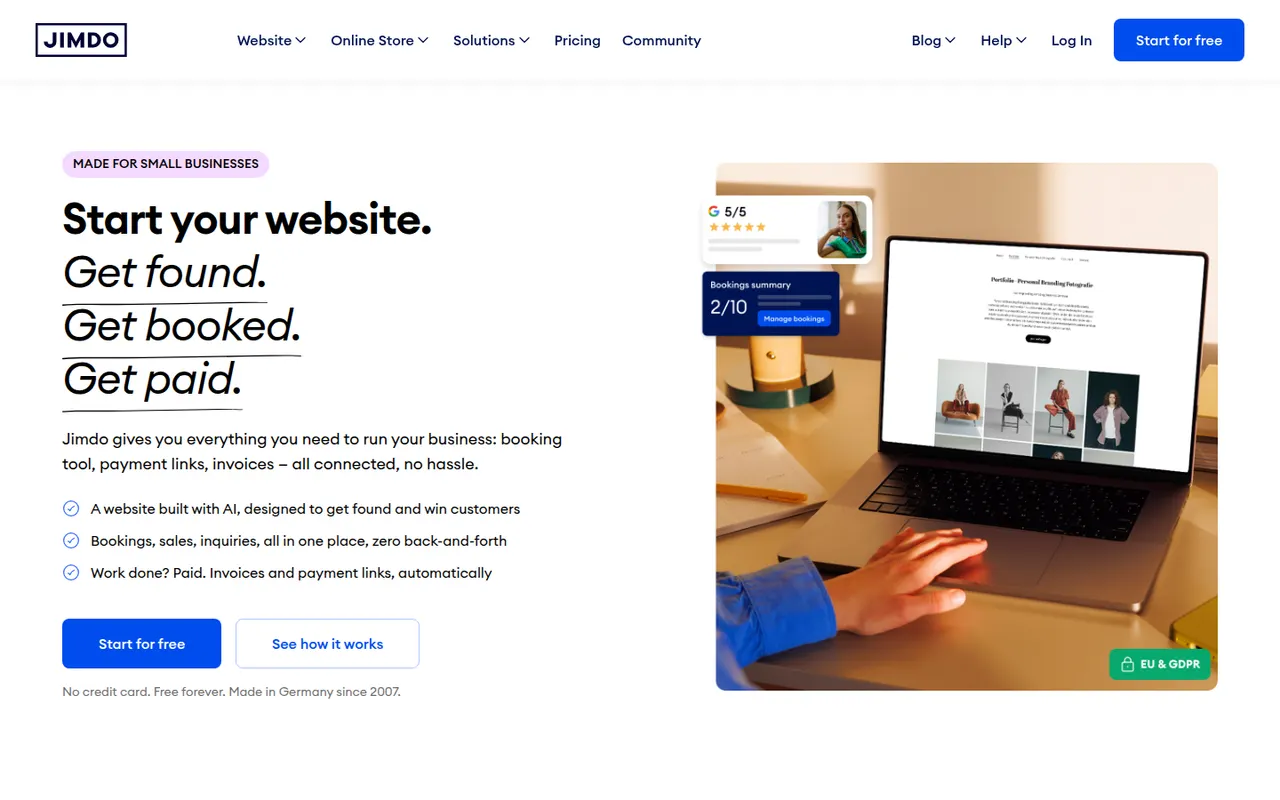
Cost / LicenseFreemiumProprietaryCategoriesPlatformsJimdo is a German website builder aimed at small businesses, freelancers and people with no web experience. A guided setup asks a few questions about your business and assembles a site you can then edit, and paid plans add a domain, an online store and basic SEO settings. Options are deliberately limited so that a site can go live and be maintained with little effort.
8 Jimdo alternativesPros
- Guided setup gets a site online quickly
- Easy to maintain for people with no web experience
- Free plan to get started
Cons
- Limited design and layout options
- Free plan shows Jimdo branding on a Jimdo subdomain
- Online store features are basic
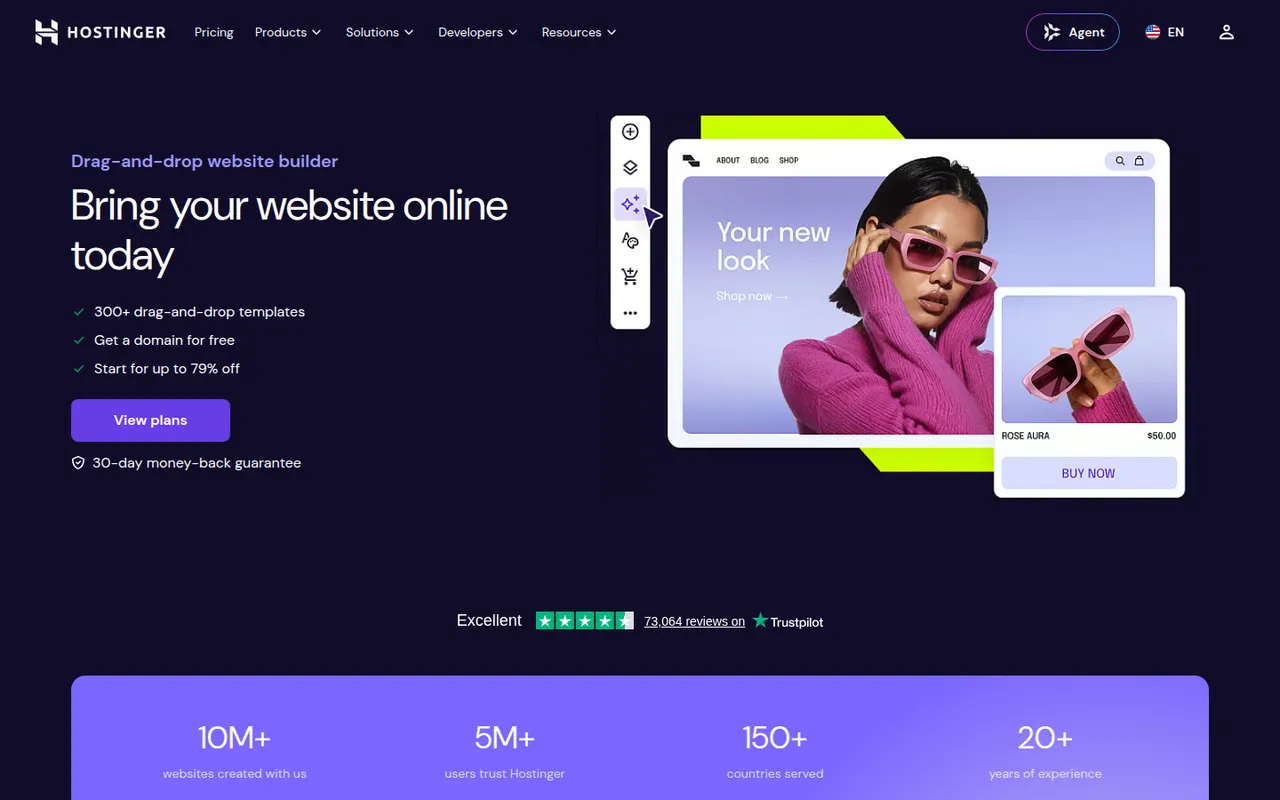
Cost / LicenseFreemiumProprietaryCategoriesPlatformsHostinger Website Builder, formerly known as Zyro, is a drag-and-drop editor included with Hostinger hosting plans. It offers templates, an AI generator that creates a first draft of a site from a description, and AI tools for writing text and producing images. Plans include hosting, a domain and basic e-commerce, making it a simple all-in-one option for small sites.
8 Hostinger Website Builder alternativesPros
- Hosting, domain and builder bundled in one plan
- AI generator drafts a first version of the site
- Drag-and-drop editor that is easy for beginners
Cons
- No free plan is available
- Less design flexibility and fewer integrations than larger builders
- Best prices require long upfront commitments
Cost / LicensePaidProprietaryCategoriesPlatformsWordPress.com is the hosted version of WordPress run by Automattic, so you get the WordPress editor, themes and blogging tools without managing a server. Free sites use a wordpress.com address, while paid plans add custom domains, plugins, e-commerce and more storage. It suits bloggers and small businesses who want WordPress without handling updates, backups and security themselves.
11 WordPress.com alternativesPros
- WordPress without managing servers, updates or backups
- Free plan to start a blog quickly
- Same WordPress editor, themes and blogging tools
Cons
- Installing plugins requires a paid plan
- Free sites show ads and use a wordpress.com address
- Less control over hosting than self-hosted WordPress
Cost / LicenseFreemiumProprietaryCategoriesShopify is a hosted commerce platform for creating an online store, selling on social networks and marketplaces, and taking payments in person with its point-of-sale app. It handles hosting, checkout, inventory and shipping, while a large app store and theme marketplace extend what a store can do. It scales from first-time sellers to large brands on the Shopify Plus tier.
12 Shopify alternativesPros
- Hosting, checkout, payments and security are handled for you
- Huge app store and theme marketplace
- Sells online, on social channels and in person with its POS app
Cons
- Monthly app subscriptions quickly raise the total cost
- Extra transaction fees apply when not using Shopify Payments
- Checkout customization is limited outside Shopify Plus
Cost / LicenseFree trialProprietaryCategories