Best apps for Android
259 apps
Top Android apps ranked by the community
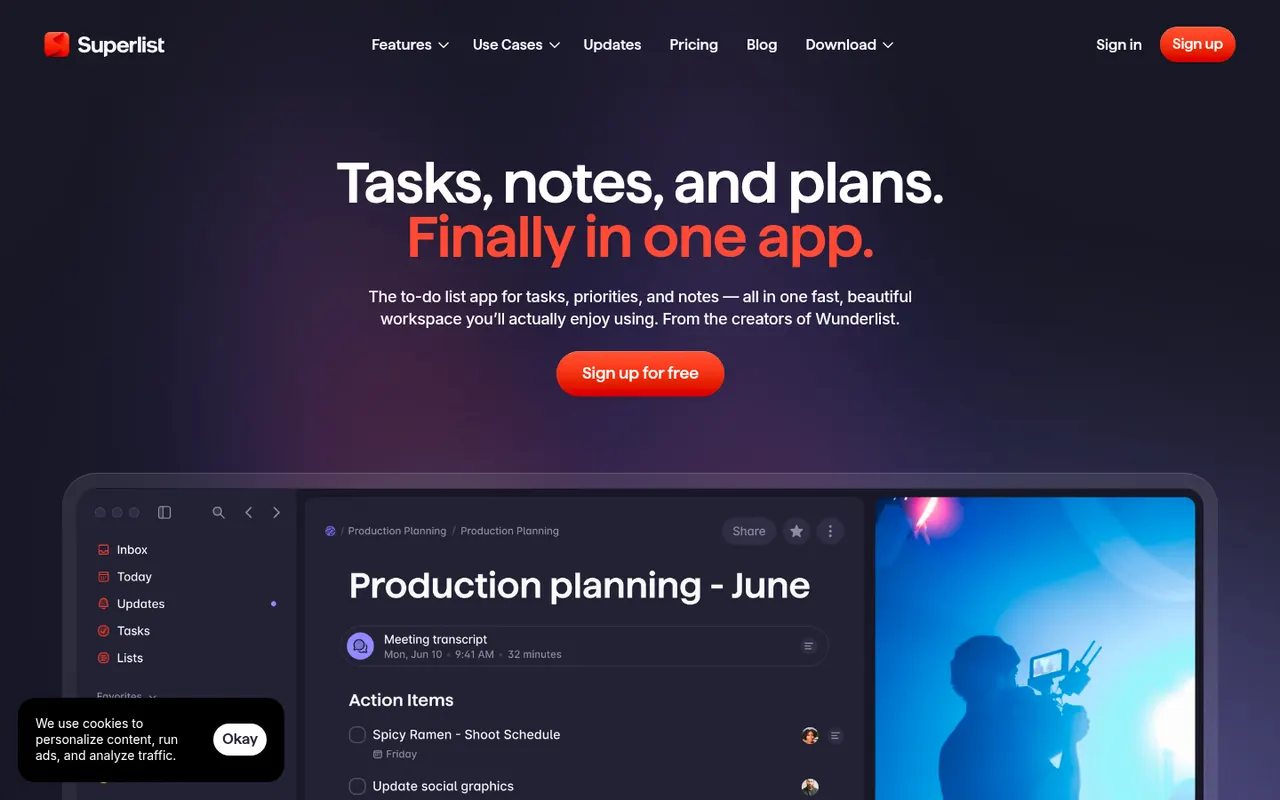
Superlist is a task and notes app co-founded by Wunderlist creator Christian Reber, where each list doubles as a document mixing text, headings and checkable tasks. Lists can be shared for real-time collaboration, tasks can be pulled in from Slack and Gmail, and AI features can draft a list from a short prompt.
9 Superlist alternativesPros
- Lists double as documents mixing notes and tasks
- Real-time collaboration on shared lists
- Pulls tasks in from Slack and Gmail
Cons
- Younger app with fewer advanced features than established rivals
- Smaller integration catalog than established task managers
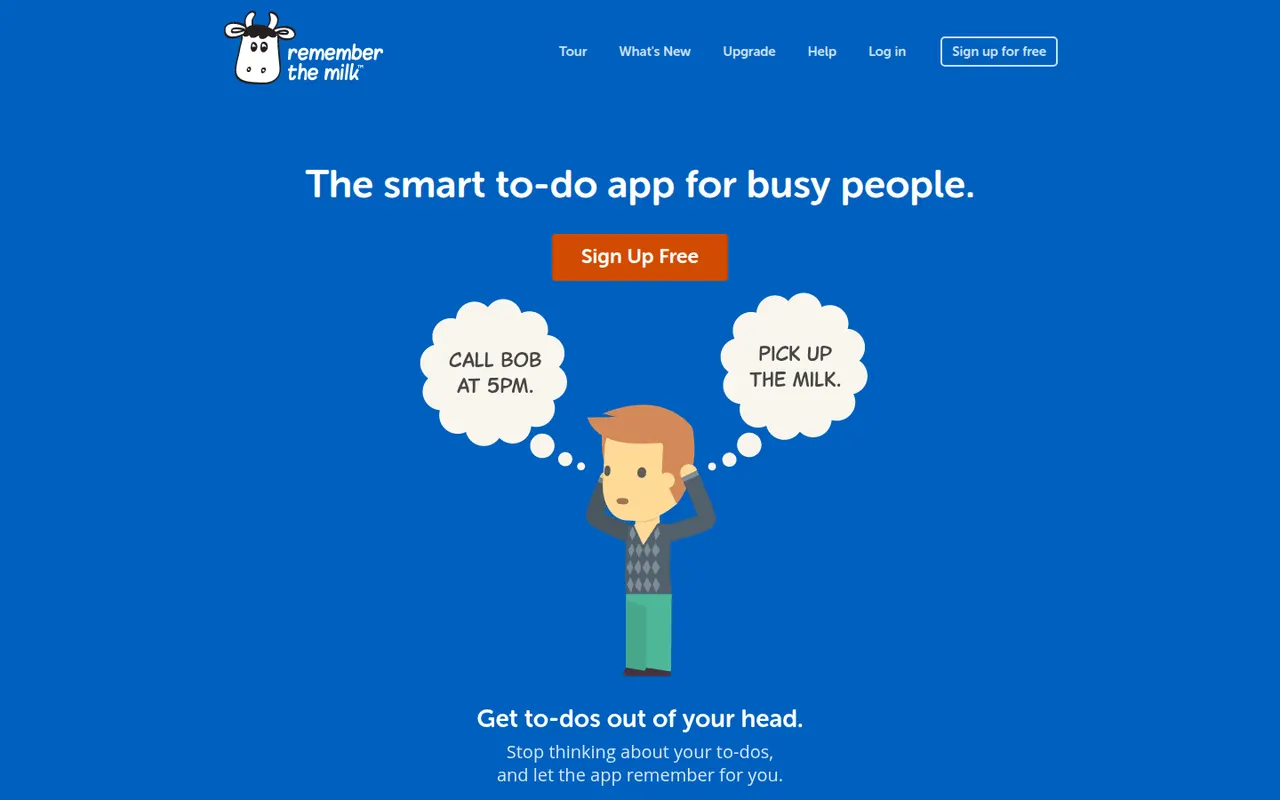
Cost / LicenseFreemiumProprietaryCategoriesRemember The Milk is an online to-do service launched in 2005 and available on the web, desktop and mobile. Smart Add understands dates, priorities, tags and lists typed in a single line, smart lists save advanced searches, and reminders can arrive by email, text message or push notification. A Pro subscription unlocks extras such as subtasks and wider sharing.
7 Remember The Milk alternativesPros
- Smart Add parses dates, tags and priorities from a single line
- Smart lists save advanced searches as dynamic views
- Reminders by email, text message or push notification
Cons
- Interface looks dated next to newer to-do apps
- Subtasks and wider sharing require the Pro plan
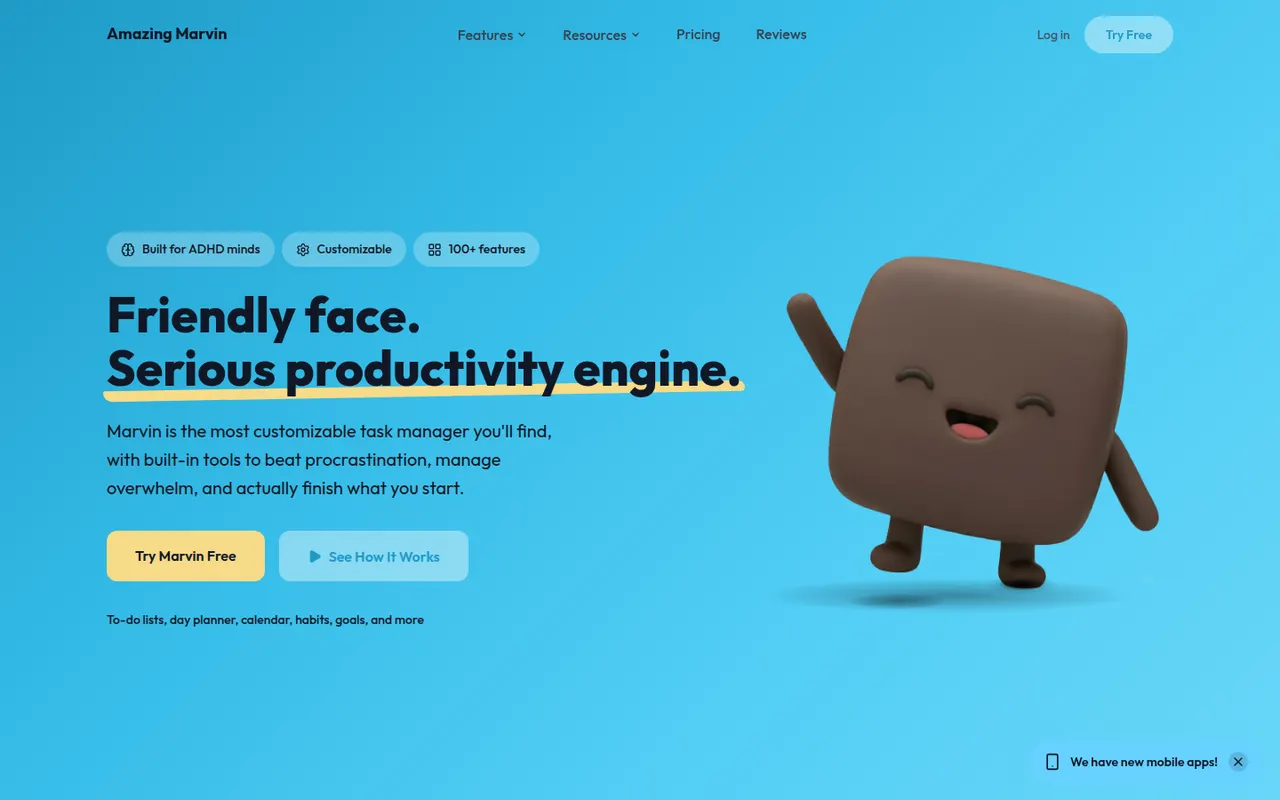
Cost / LicenseFreemiumProprietaryCategoriesAmazing Marvin is a personal task manager whose features, called strategies, are switched on one by one, from time blocking and Pomodoro to habit tracking, rewards and procrastination helpers. It suits people who have struggled with rigid to-do apps, including people with ADHD, and runs on the web, desktop and mobile after a free trial.
8 Amazing Marvin alternativesPros
- Strategies let you switch on only the features you need
- Tools against procrastination and ADHD-friendly planning
- Combines time blocking, Pomodoro and habit tracking
Cons
- The sheer number of options can be overwhelming at first
- Interface feels less polished than mainstream to-do apps
- No free plan after the trial
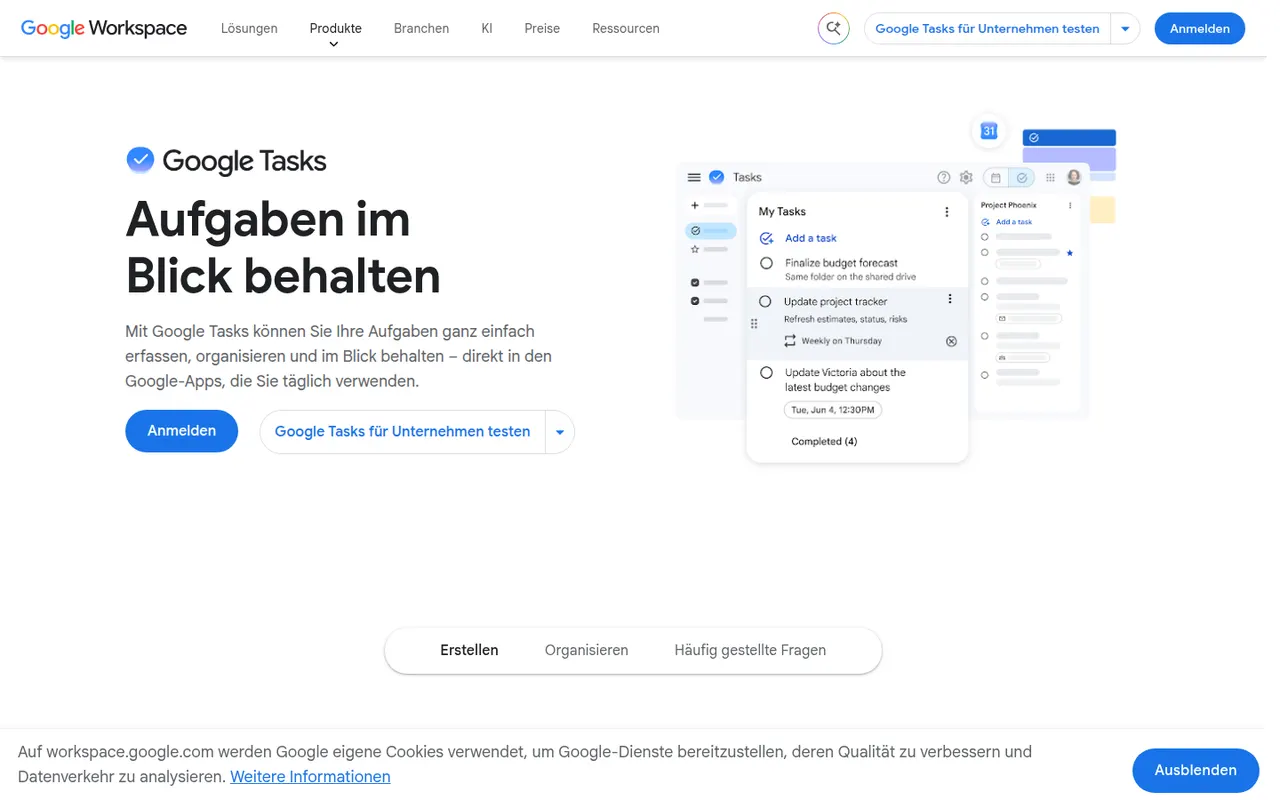
Cost / LicenseFree trialProprietaryCategoriesGoogle Tasks is a free, minimal task manager tied to your Google account. Tasks can be created from Gmail messages, appear on their dates in Google Calendar and sync to the mobile apps, with support for subtasks, due dates and repeating tasks. It suits people who want basic lists inside Google Workspace rather than a full productivity system.
8 Google Tasks alternativesPros
- Free and built into Gmail and Google Calendar
- Turns an email into a task in a couple of clicks
- Minimal interface with practically no learning curve
Cons
- No labels, priority levels or advanced filters
- Very limited sharing and collaboration options
- No dedicated desktop app
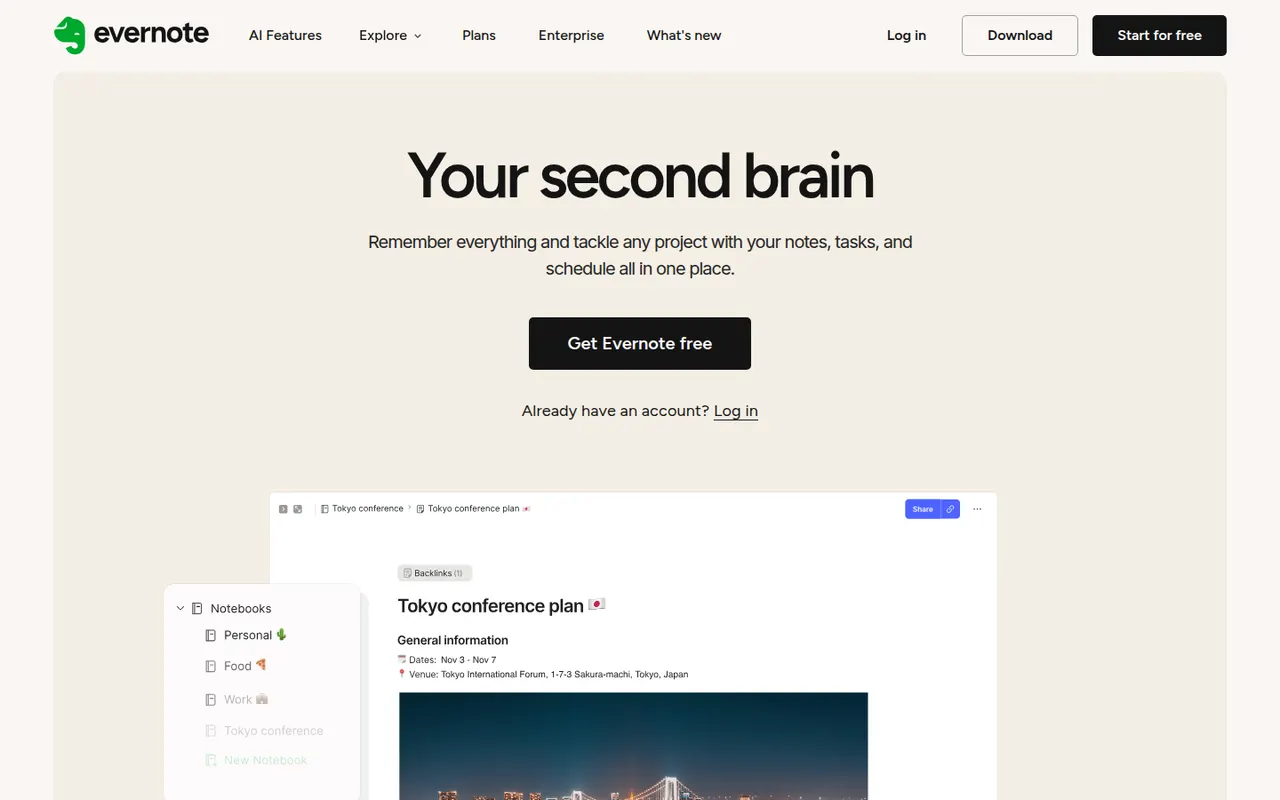
Cost / LicenseFreeProprietaryCategoriesEvernote is a long-standing note-taking app, owned by Bending Spoons since 2023, that stores notes, web clips, PDFs, scans and audio in notebooks with tags and full-text search, including text inside images. Recent versions add tasks, calendar integration and AI features, while the free plan has become very limited compared with the paid tiers.
12 Evernote alternativesPros
- Mature web clipper and full-text search, even inside images
- Stores notes, PDFs, scans and audio in one place
- Tasks and calendar integration alongside notes
Cons
- The free plan is very limited compared with paid tiers
- Paid plans are expensive compared with many note apps
- Apps can feel heavier and slower than lighter note tools
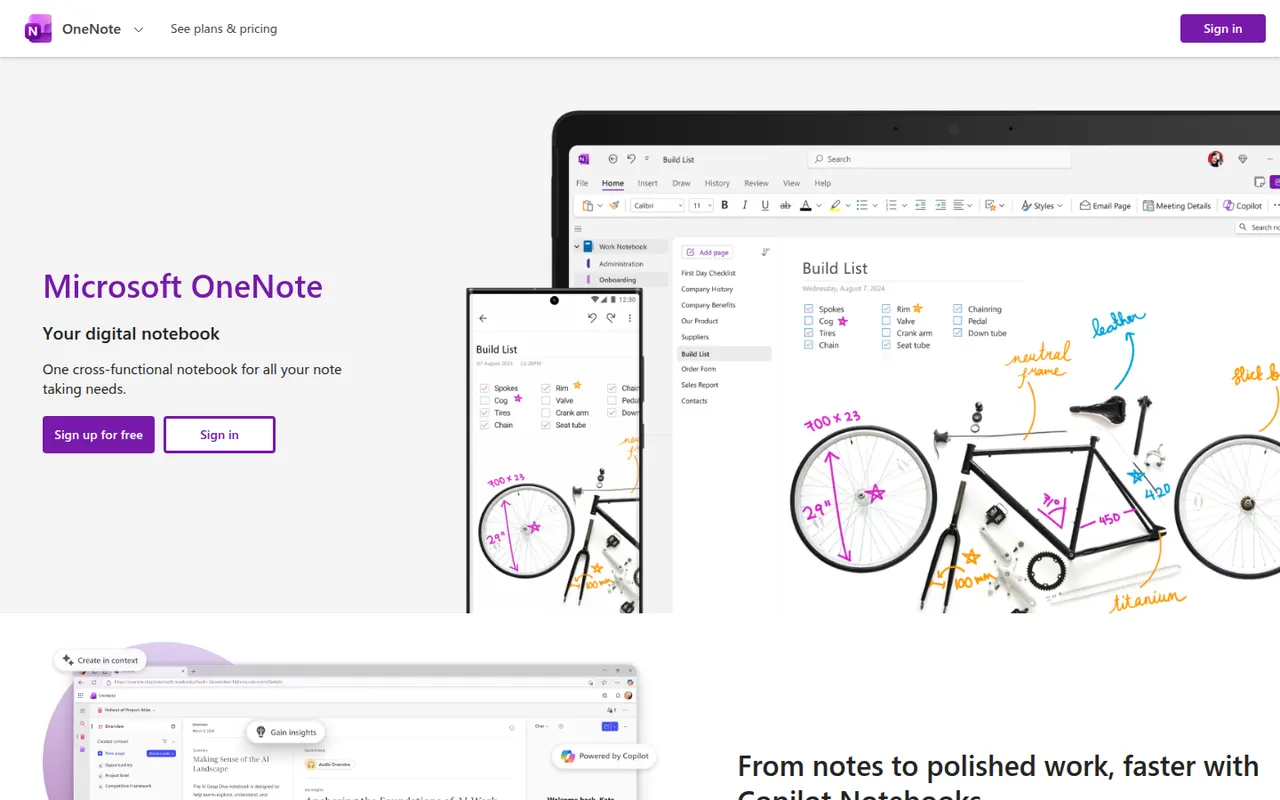
Cost / LicenseFreemiumProprietaryCategoriesMicrosoft OneNote is a free digital notebook that organizes notes into notebooks, sections and pages, where text, images, drawings and handwriting can be placed anywhere on the page. It syncs through OneDrive, supports shared notebooks for classes and teams, and works closely with Outlook, Teams and the rest of Microsoft 365.
9 Microsoft OneNote alternativesPros
- Freeform pages for text, drawings and handwriting anywhere
- Free, with OneDrive sync on all major platforms
- Works closely with Outlook, Teams and Microsoft 365
Cons
- The freeform layout gets messy and is hard to export
- Sync can lag or conflict with large notebooks
- No native app for Linux desktops
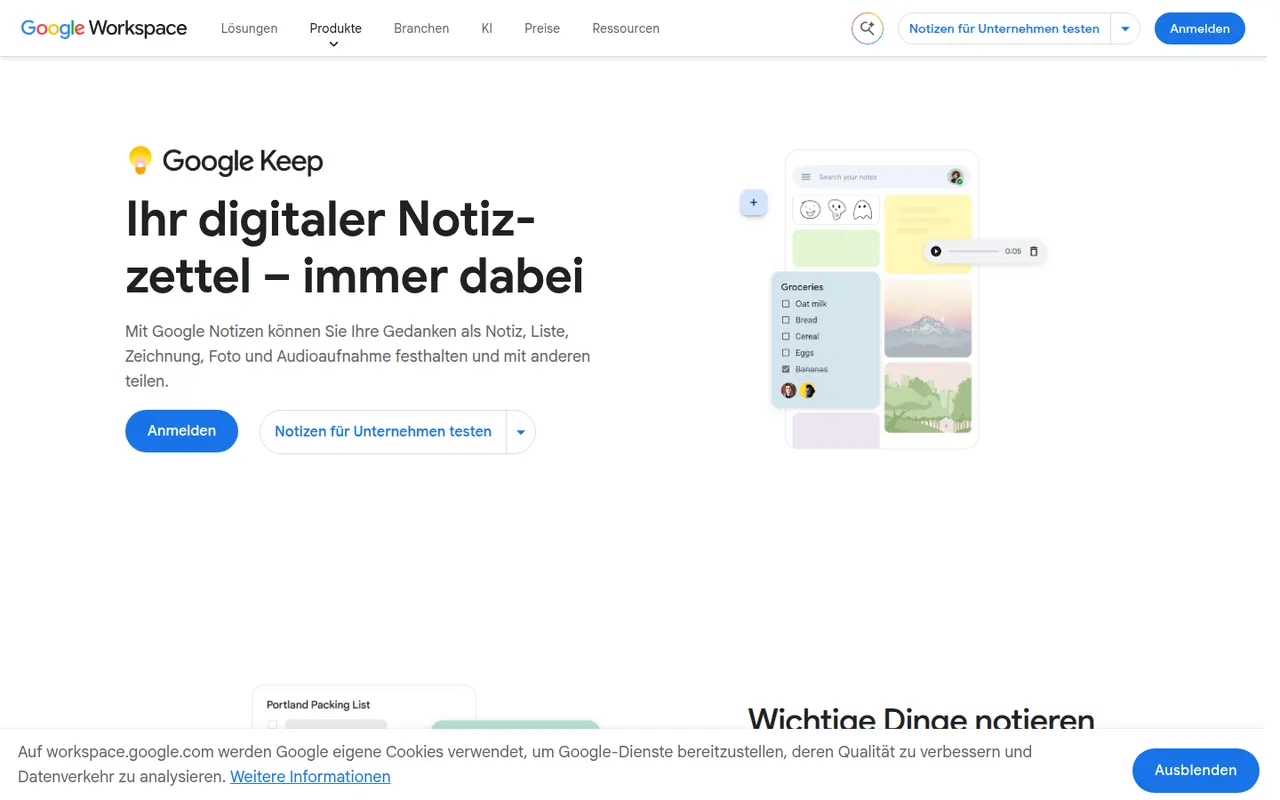
Cost / LicenseFreeProprietaryCategoriesGoogle Keep is a free note app for quick thoughts, checklists, voice memos and photos, shown as colorful cards that can be pinned, labeled and shared. Reminders can be tied to a time or a place, text can be extracted from images, and notes are available from Gmail, Google Docs and Android devices.
8 Google Keep alternativesPros
- Fast capture of notes, checklists, voice memos and photos
- Reminders tied to a time or a place
- Integrated with Gmail, Google Docs and Android
Cons
- No desktop app outside the browser
- Limited formatting makes it a poor fit for long documents
- Organization relies on labels only, with no folders or nesting
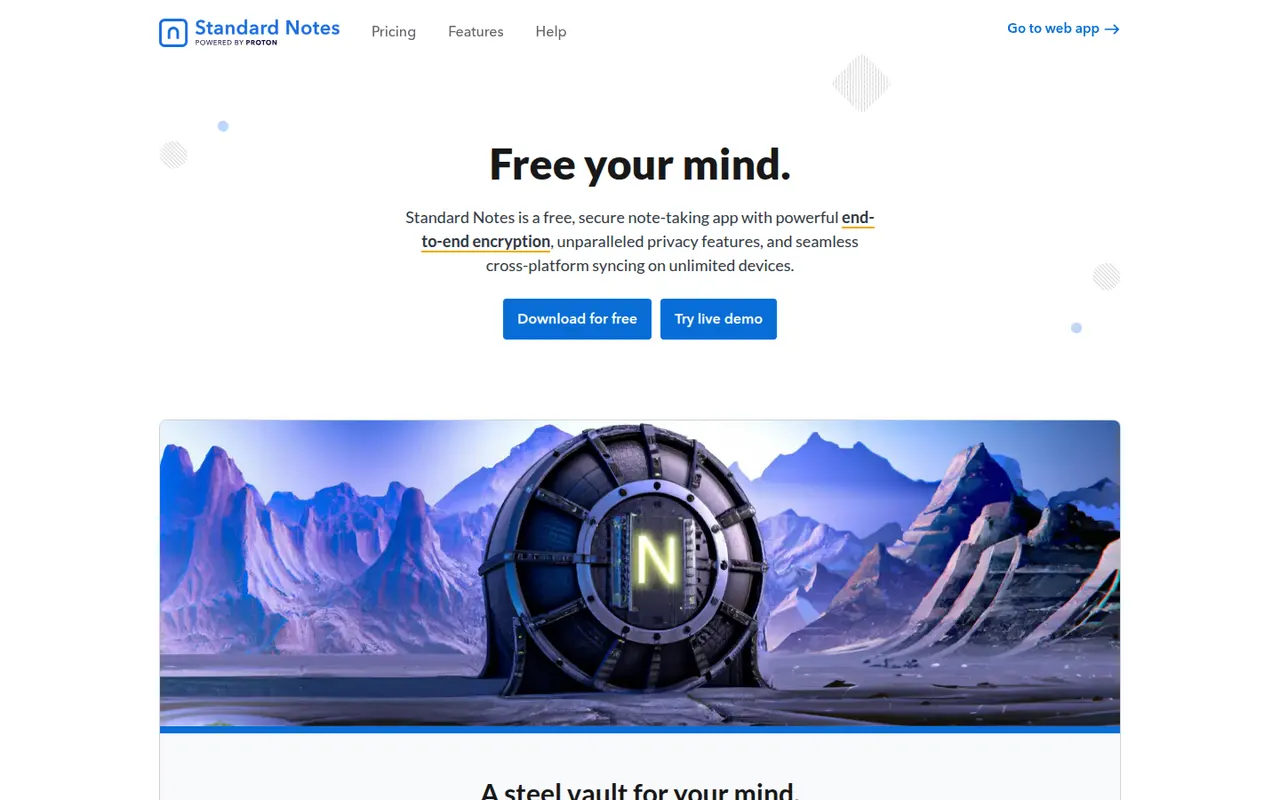
Cost / LicenseFreeProprietaryPlatformsStandard Notes is an open source note-taking app focused on privacy, with end-to-end encryption for every note and file and apps on all major platforms. Notes work offline and sync across devices, and paid plans add rich editors, file storage and longer revision history. The company became part of Proton in 2024, and the sync server can be self-hosted.
9 Standard Notes alternativesPros
- End-to-end encryption for every note and file
- Open source apps on all major platforms
- The sync server can be self-hosted
Cons
- Rich editors, file storage and longer history need a paid plan
- Collaboration features are minimal compared with mainstream apps
Cost / LicenseFreemiumOpen sourceCategoriesSimplenote is a free note app from Automattic, the company behind WordPress.com, that sticks to plain text with optional Markdown, tags and quick search. Notes sync instantly across web, desktop and mobile apps, every change is kept in version history, and notes can be shared with collaborators or published as a web page. The apps are open source.
8 Simplenote alternativesPros
- Free, ad-free and fast plain-text notes
- Instant sync across web, desktop and mobile
- Version history keeps every change to a note
Cons
- No images, attachments or rich formatting
- Organization is limited to tags and search
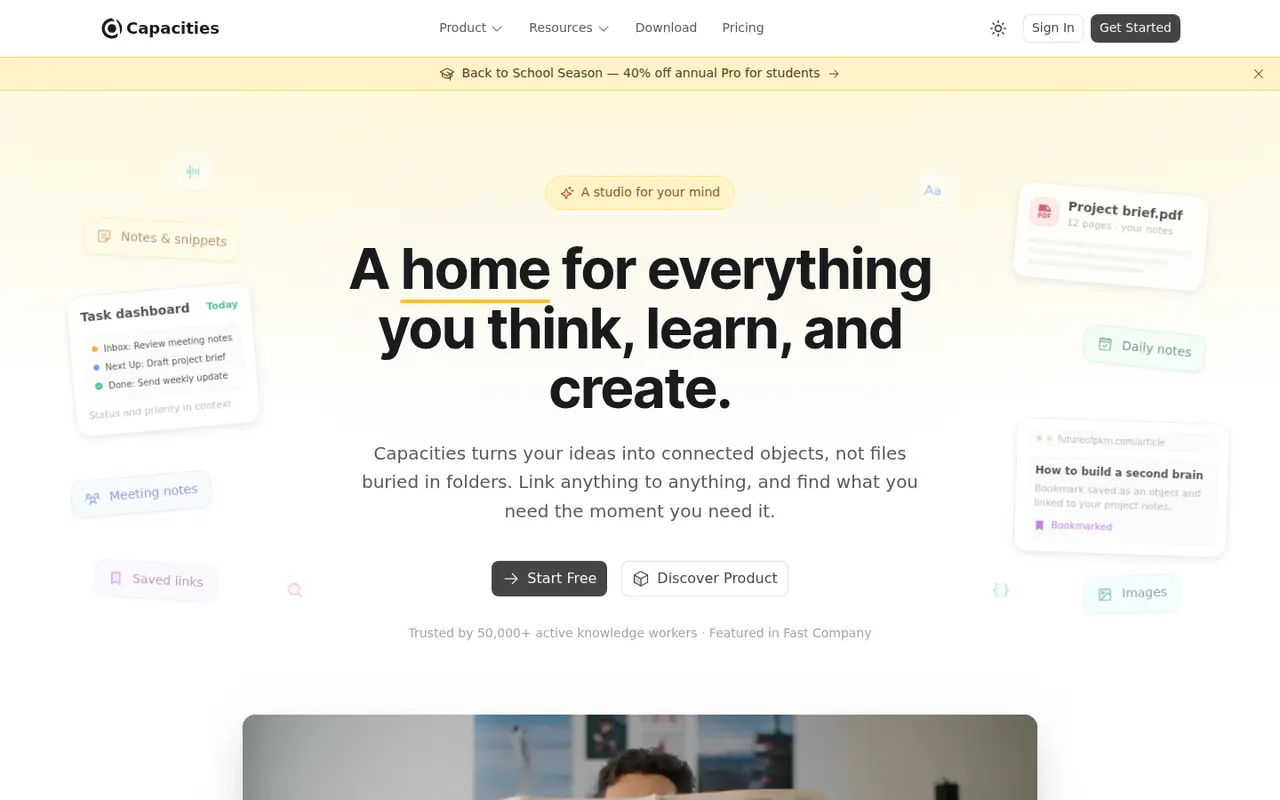
Cost / LicenseFreeOpen sourceCategoriesCapacities is a note-taking app that organizes knowledge as objects such as people, books, meetings and ideas, each with its own properties and templates, instead of folders. Objects link to each other through backlinks and a graph, daily notes collect everyday thoughts, and the Pro plan adds an AI assistant. It is developed by a small team in Germany.
8 Capacities alternativesPros
- Object types like people, books and meetings give notes structure
- Backlinks, graph view and daily notes connect ideas
- Available on web, desktop and mobile with sync
Cons
- The object-based approach takes time to get used to
- The AI assistant and some features need the Pro plan
- Cloud-based storage gives less control than local-first apps
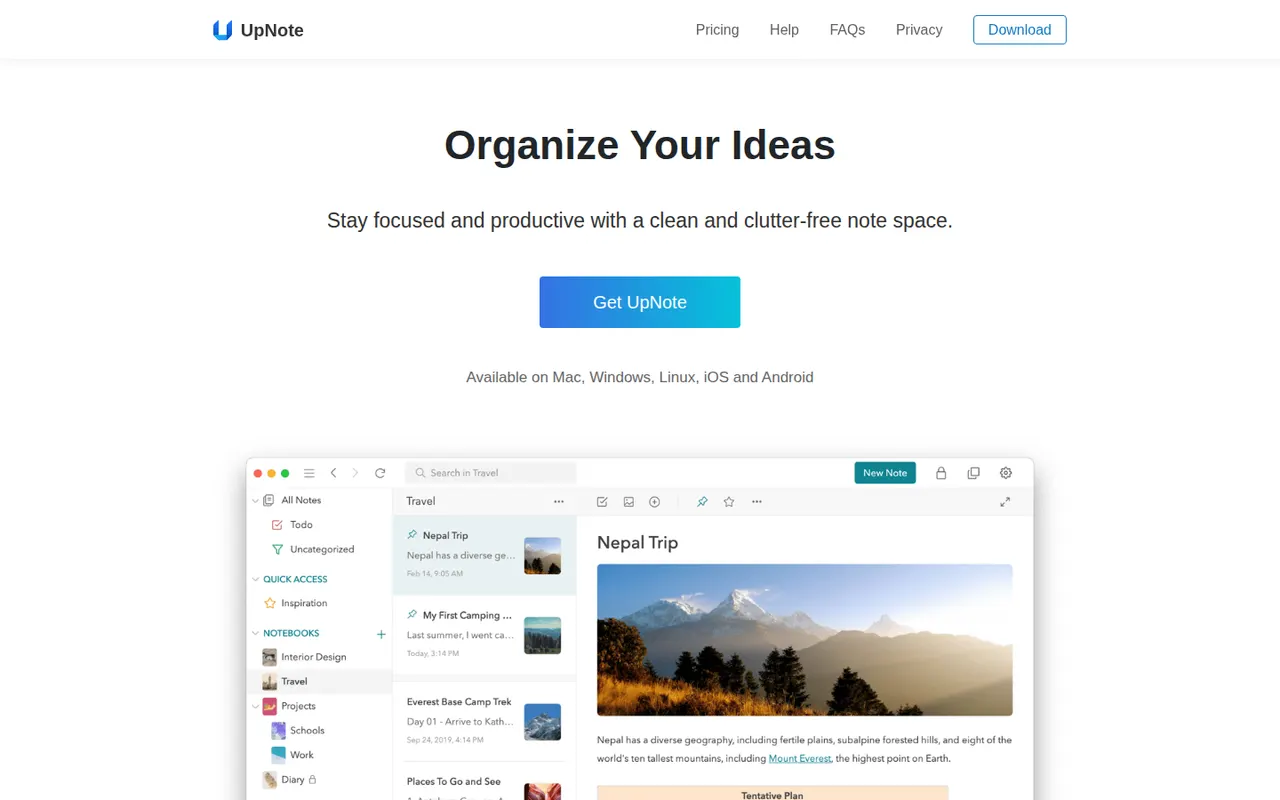
Cost / LicenseFreemiumProprietaryCategoriesUpNote is a note-taking app with a clean editor, notebooks, tags and links between notes, available on the web, Windows, Mac, Linux, iOS and Android. Notes are stored locally for offline use and synced across devices, with a web clipper and Markdown shortcuts. The free version is capped at a small number of notes, and Premium can be bought once or as a subscription.
11 UpNote alternativesPros
- Clean editor with notebooks, tags and links between notes
- Apps on every platform, including Linux and the web
- Premium is available as a one-time purchase
Cons
- The free version is capped at a small number of notes
- No shared notebooks or real-time collaboration
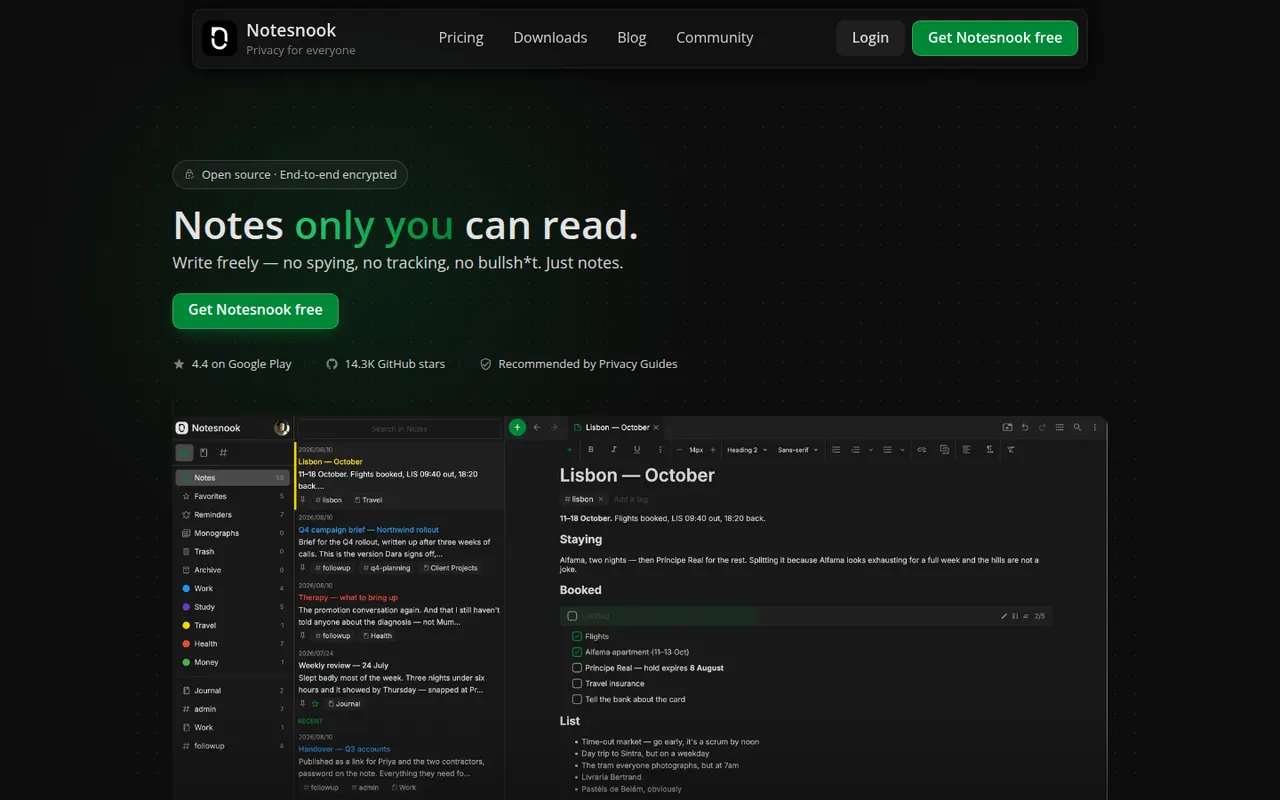
Cost / LicenseFreemiumProprietaryCategoriesNotesnook is an open source note-taking app that encrypts every note end to end on your device before syncing it. It offers notebooks, tags, rich text with Markdown shortcuts, an app lock, a private vault and a web clipper, on the web, desktop and mobile. A free plan is available, and the sync server can also be self-hosted.
9 Notesnook alternativesPros
- Every note is end-to-end encrypted on your device before syncing
- Open source apps on web, desktop and mobile
- The sync server can be self-hosted
Cons
- Fewer integrations and plugins than mainstream note apps
- Some features are limited on the free plan
Cost / LicenseFreemiumOpen sourceCategoriesCalendly lets people book time with you through a shareable link that reflects your real availability across Google, Outlook and iCloud calendars. Teams can distribute meetings round robin or book them collectively, collect payments with Stripe or PayPal, and send automatic reminders and follow-ups. It targets sales, recruiting and customer success teams and connects to CRMs such as Salesforce and HubSpot.
12 Calendly alternativesPros
- Booking links reflect real availability across several calendars
- Round-robin and collective scheduling for teams
- CRM integrations with Salesforce and HubSpot
Cons
- The free plan is restrictive, with key features on paid tiers
- Costs add up for teams that need routing and CRM features
Cost / LicenseFreemiumProprietaryCategoriesPlatformsGoogle Calendar is a free calendar service tied to your Google account, with shared calendars, event invitations, events detected from Gmail and Google Meet links added to meetings. Appointment schedules provide simple booking pages, and Google Workspace accounts add features such as focus time, working locations and room booking.
12 Google Calendar alternativesPros
- Free and tightly integrated with Gmail and Google Meet
- Calendar sharing and event invitations are easy to manage
- Appointment schedules provide simple booking pages
Cons
- Advanced appointment schedule options require a paid Workspace plan
- No official desktop app, only web and mobile
Cost / LicenseFreeProprietaryCategoriesAcuity Scheduling, owned by Squarespace, is an appointment booking tool for coaches, salons, clinics and other service businesses. Clients book through a branded page, fill in intake forms and pay or leave a deposit online, while the business manages packages, gift certificates, staff calendars and automatic email and text reminders.
7 Acuity Scheduling alternativesPros
- Intake forms, deposits and online payments built into booking
- Packages and gift certificates suit coaches, salons and clinics
- Automatic email and text reminders help reduce no-shows
Cons
- No free plan, only a trial
- The admin interface feels dated compared with newer schedulers
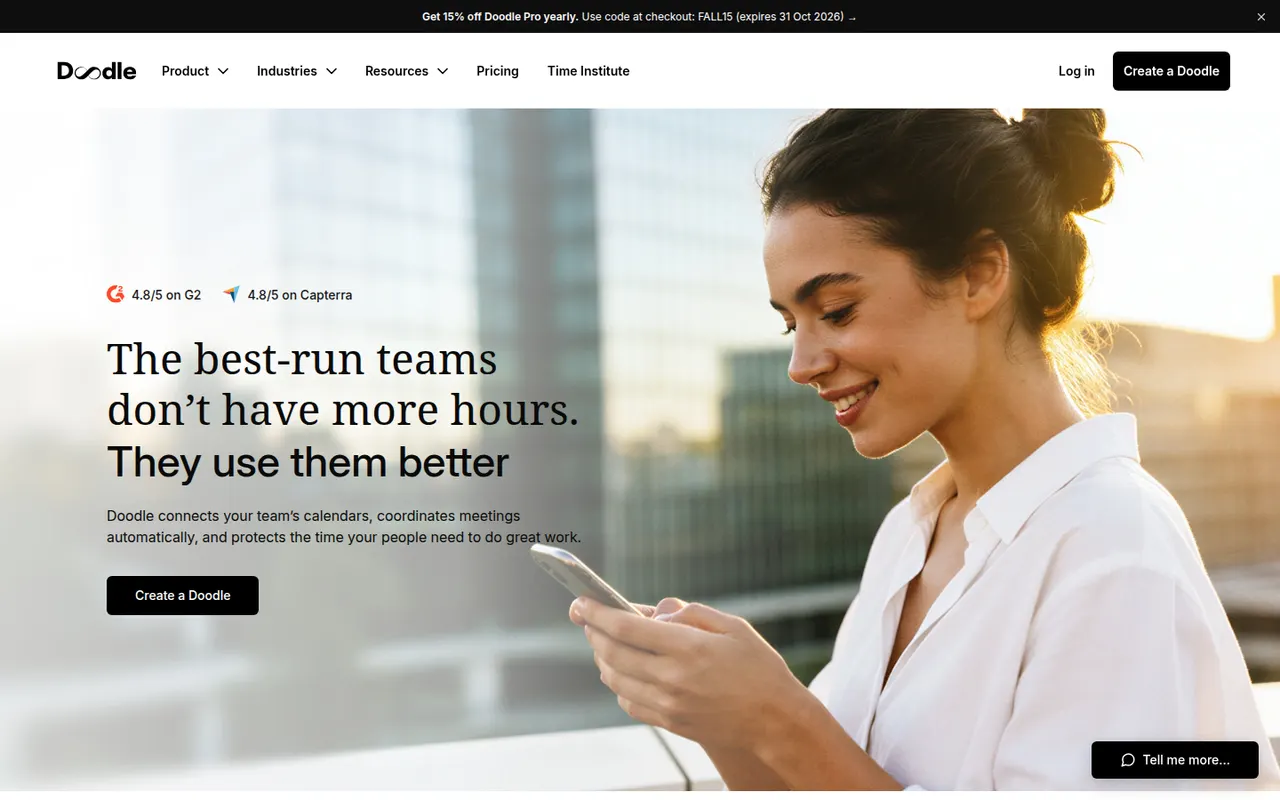
Cost / LicenseFree trialProprietaryCategoriesDoodle is a Swiss scheduling service built around group polls, where participants vote on proposed time slots to find a date that suits everyone without a long email thread. It also offers booking pages and one-on-one scheduling, connects to Google, Outlook and video conferencing tools, and has a free ad-supported plan.
8 Doodle alternativesPros
- Group polls make it easy to agree on a date with many people
- Participants can vote without creating an account
- Connects to Google, Outlook and video conferencing tools
Cons
- The free plan shows ads
- Booking pages are less advanced than in dedicated schedulers
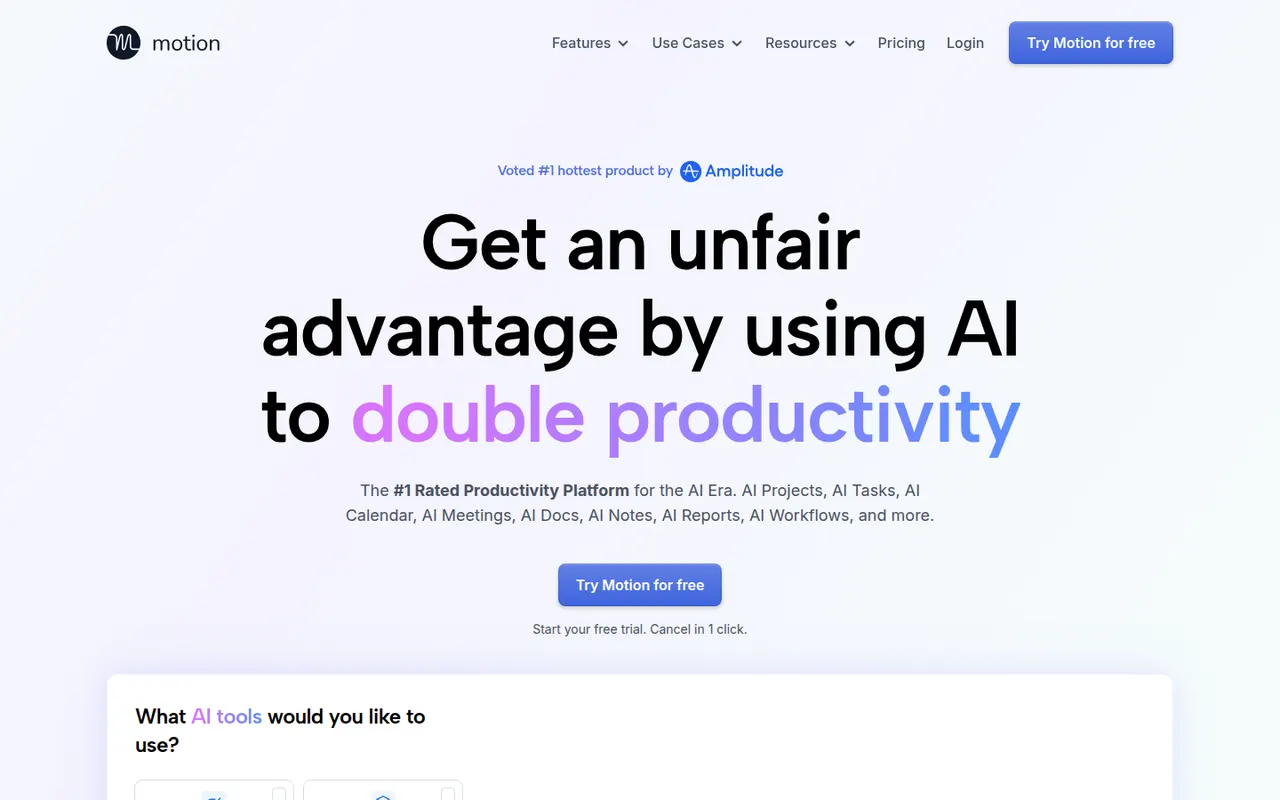
Cost / LicenseFreemiumProprietaryCategoriesMotion is a planning tool that uses AI to place tasks on your calendar automatically based on deadlines, priorities and meetings, and reshuffles the plan when things change. It combines a calendar, task manager, project views and booking pages, and has expanded into AI agents and docs for teams. Access starts with a free trial rather than a free plan.
11 Motion alternativesPros
- AI places tasks around meetings and deadlines automatically
- Replans the day when priorities or meetings change
- Combines calendar, tasks, projects and booking pages
Cons
- No free plan, only a trial
- Priced well above traditional calendar and to-do apps
- Handing your schedule to an algorithm can feel hard to control
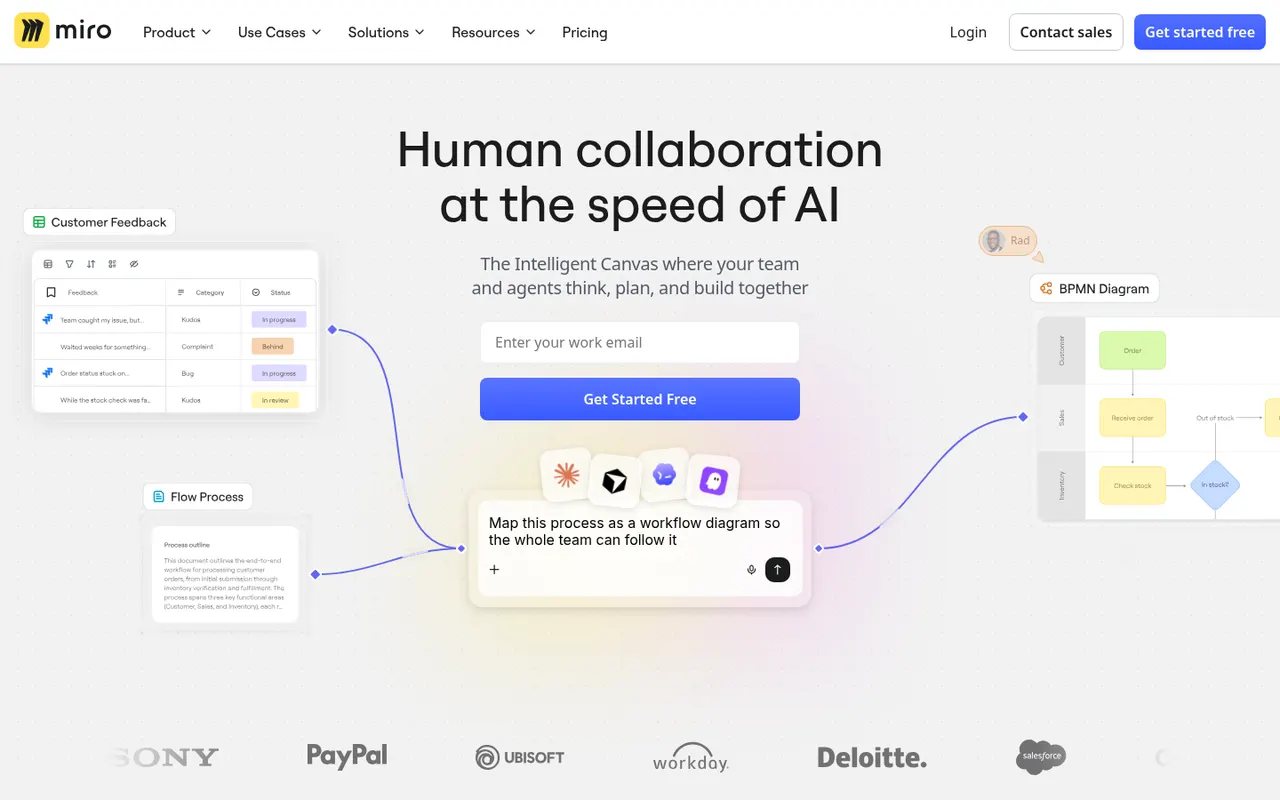
Cost / LicenseFree trialProprietaryMiro is a visual collaboration platform built around an infinite whiteboard where teams run workshops, brainstorms, retrospectives and planning sessions with sticky notes, diagrams and mind maps. It offers thousands of community templates, AI features for clustering and summarizing content, and integrations with Jira, Slack, Teams and Zoom.
12 Miro alternativesPros
- Huge library of community templates for workshops and planning
- Integrations with Jira, Slack, Teams and Zoom
- Apps on the web, desktop and mobile
Cons
- Free plan limits the number of editable boards
- Large boards can become slow and cluttered
- Per-seat pricing adds up for big teams
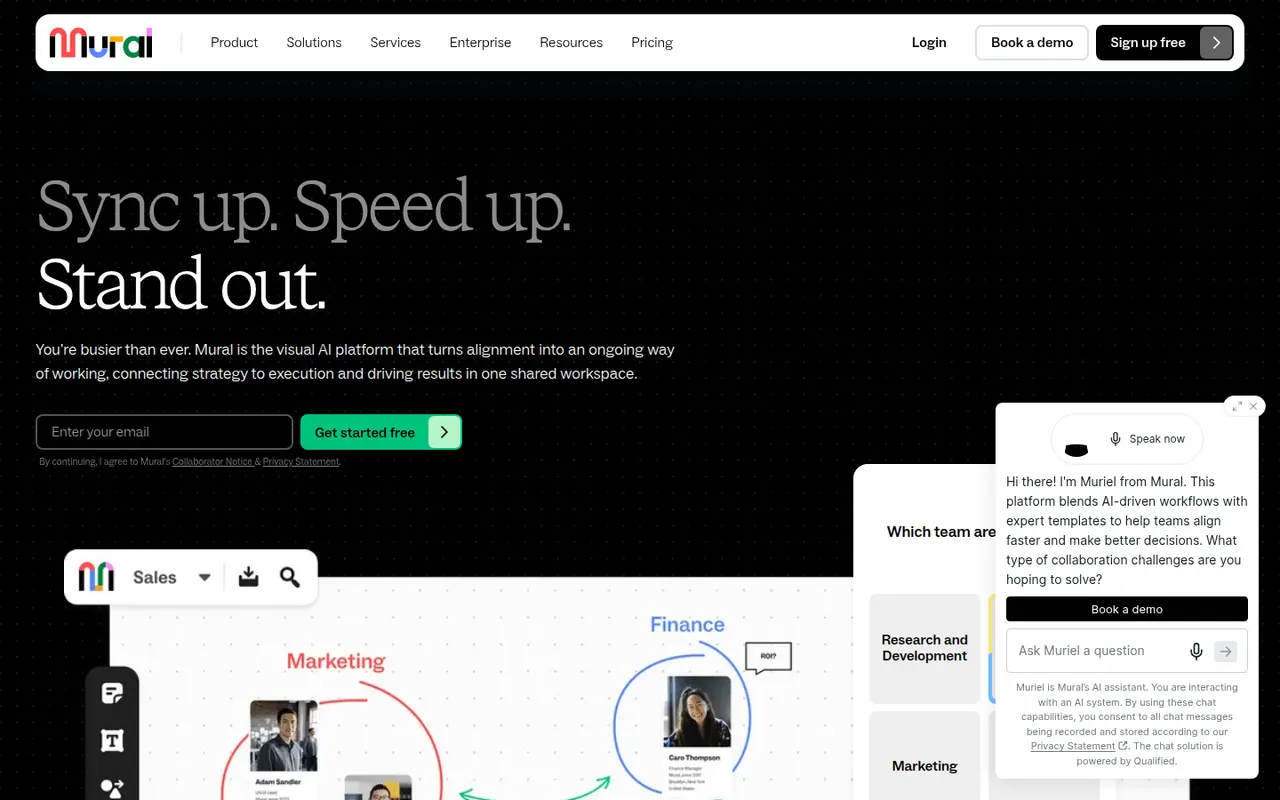
Cost / LicenseFreemiumProprietaryCategoriesMural is a digital whiteboard for collaborative workshops and meetings, with facilitation tools such as a timer, voting, private mode and the ability to bring all participants to the same spot. It is aimed at enterprise teams running design thinking, agile ceremonies and strategy sessions, supported by templates, AI assistance and integrations with Microsoft Teams, Zoom and Webex.
9 Mural alternativesPros
- Facilitation tools: timer, voting, private mode and summoning participants
- Templates for design thinking and agile ceremonies
- Integrations with Microsoft Teams, Zoom and Webex
Cons
- Geared toward enterprises, with pricing to match
- Free plan limits the number of boards
Cost / LicenseFreemiumProprietaryCategoriesMicrosoft Whiteboard is a freeform digital canvas for sketching, brainstorming and teaching together, with pen and touch input, sticky notes, templates and reactions. It is built into Microsoft Teams meetings, saves boards to OneDrive, and is free with a Microsoft account on the web, Windows, iOS and Android.
8 Microsoft Whiteboard alternativesPros
- Free with a Microsoft account on web, Windows and mobile
- Built into Microsoft Teams meetings
- Natural pen and touch input for sketching
Cons
- Fewer templates and integrations than Miro or Mural
- No native Mac app, only the web version
- Best suited to teams in the Microsoft ecosystem
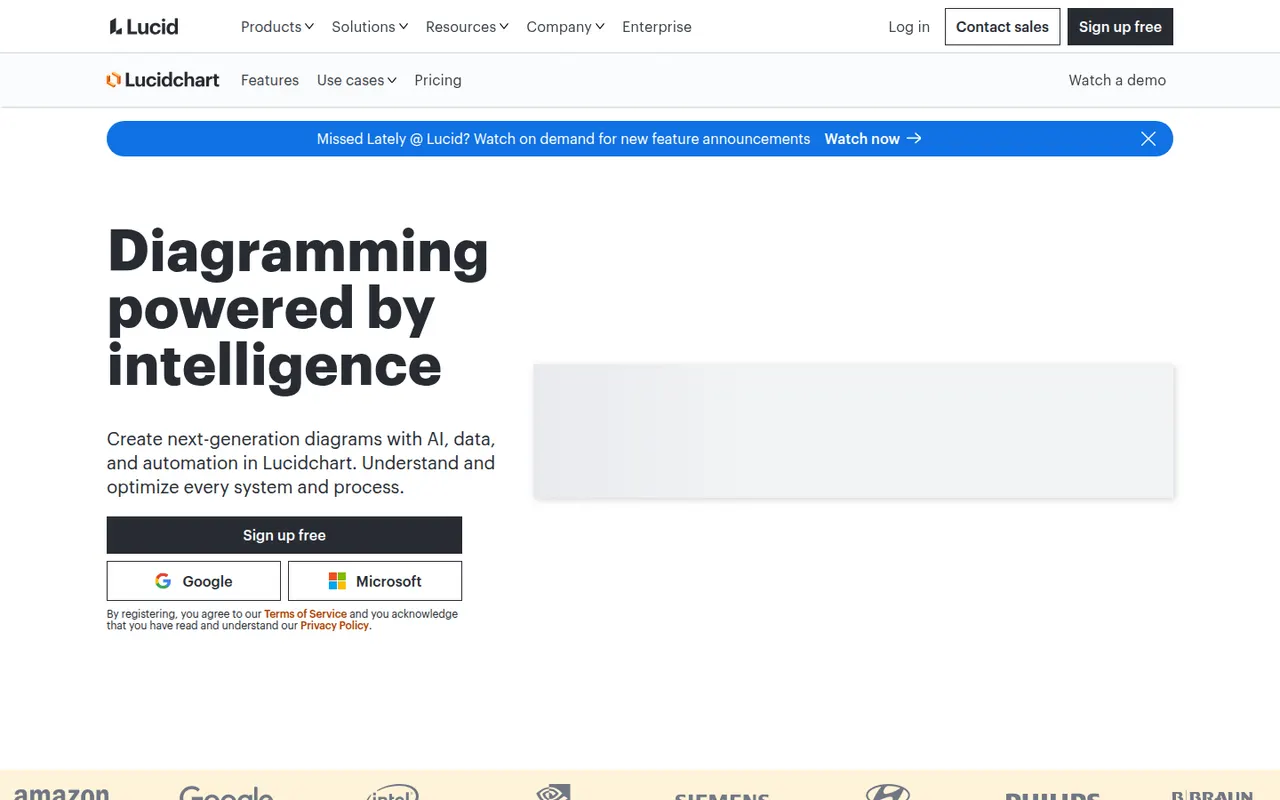
Cost / LicenseFreeProprietaryCategoriesLucidchart is a browser-based diagramming tool from Lucid Software for flowcharts, org charts, network and cloud architecture diagrams, ERDs and process maps. Teams edit diagrams together in real time, link shapes to live data, import Visio files and generate diagrams with AI, with integrations for Google Workspace, Microsoft 365, Atlassian and Slack.
10 Lucidchart alternativesPros
- Broad shape libraries for flowcharts, ERDs and cloud architecture
- Imports Visio files and links shapes to live data
- Integrates with Google Workspace, Microsoft 365, Atlassian and Slack
Cons
- Free plan caps the number of documents and shapes
- Team plans get expensive as seats are added
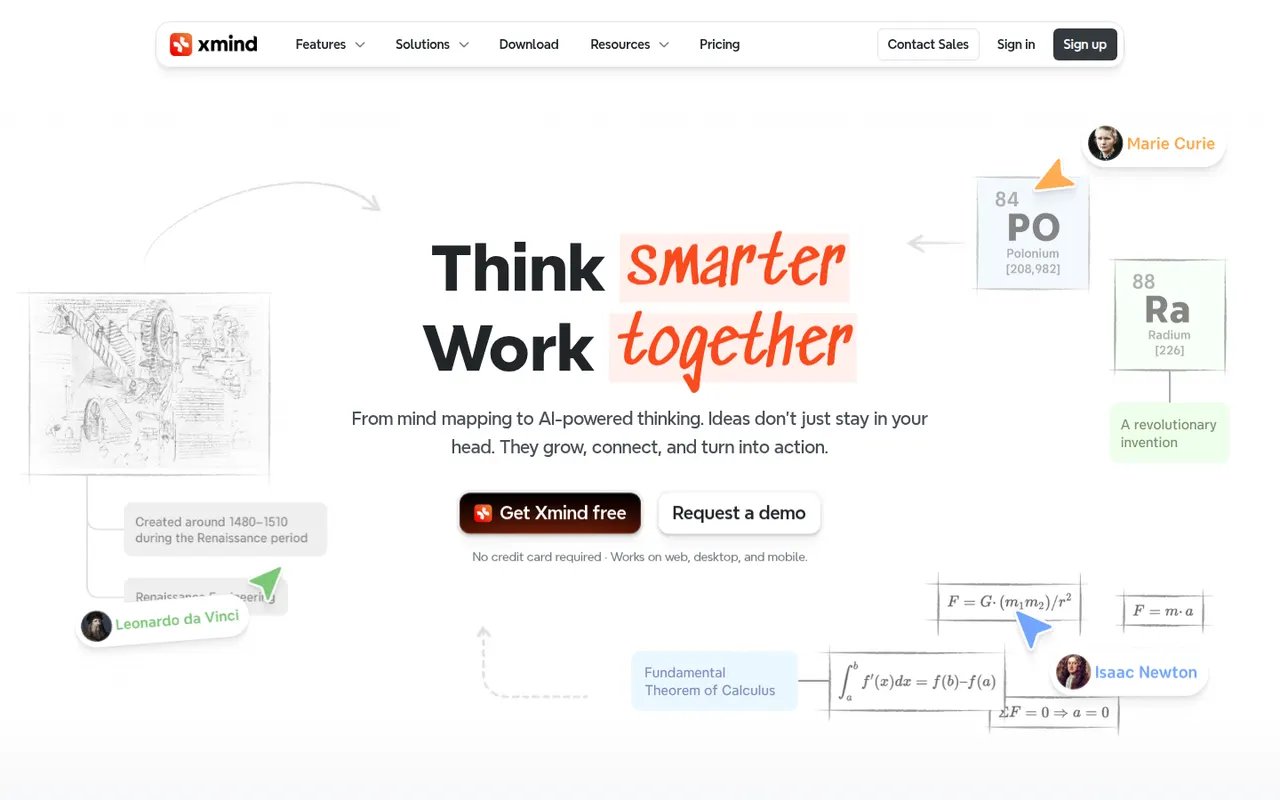
Cost / LicenseFreemiumProprietaryCategoriesXmind is a mind mapping app for brainstorming, planning and note-taking, with structures such as logic charts, org charts, fishbone diagrams, timelines and matrices. It offers themes, an outliner view, a pitch mode for presenting maps and AI features to expand ideas, on Windows, Mac, Linux, iOS and Android, with a free version and a paid Pro subscription.
9 Xmind alternativesPros
- Many structures, from logic charts to fishbone diagrams and timelines
- Native desktop and mobile apps that work offline
- Pitch mode turns a map into a presentation
Cons
- Key features require the Pro subscription
- Focused on mind maps rather than freeform whiteboarding
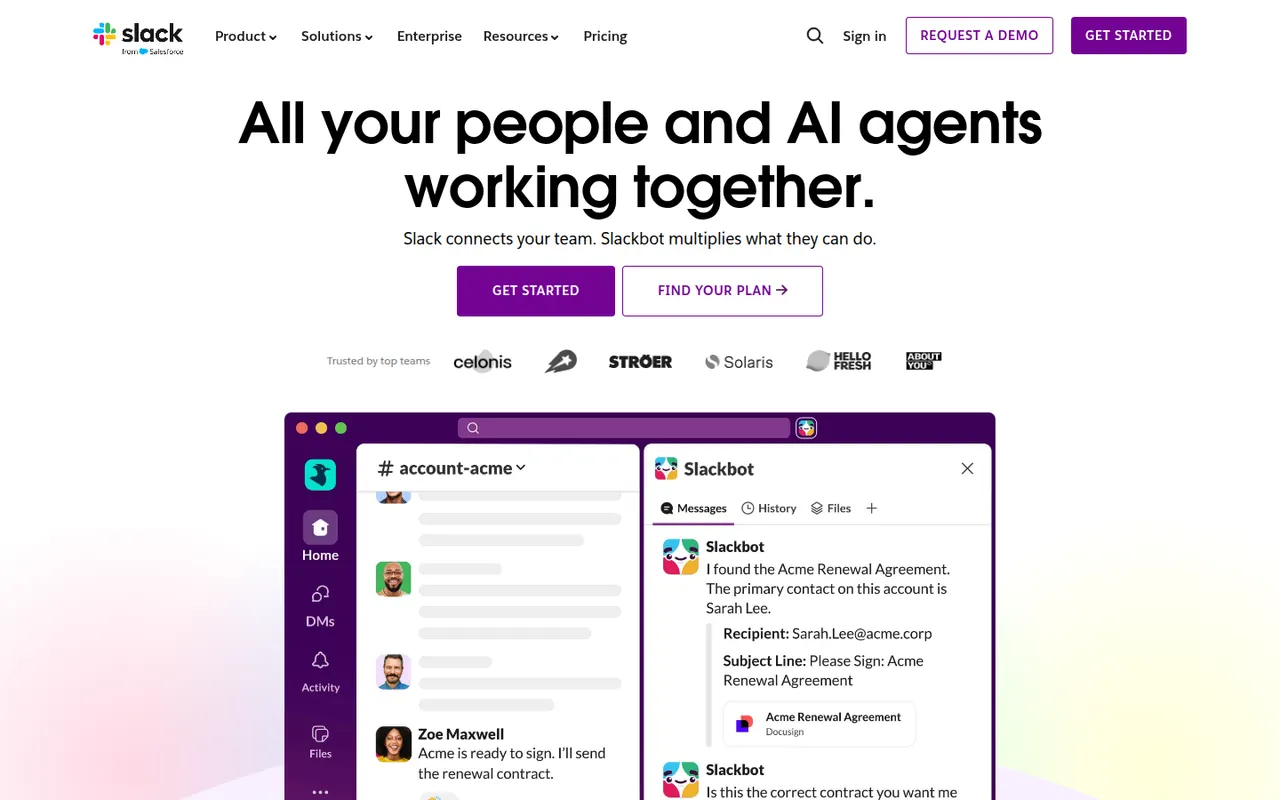
Cost / LicenseFreemiumProprietaryCategoriesSlack is a workplace messaging app that organizes conversations into channels by team, project or topic, with threads, direct messages and huddles for quick audio or video calls. A large app directory and an open API connect it to most business tools, and Slack Connect lets companies share channels with clients and partners. AI summaries and search are available on paid plans.
9 Slack alternativesPros
- Huge app directory connects to almost any business tool
- Slack Connect shares channels with clients and partners
- Huddles make quick audio and video calls effortless
Cons
- Free plan hides older message history
- Paid plans get costly for large teams
- Constant notifications can hurt focus
Cost / LicenseFreemiumProprietaryCategoriesMicrosoft Teams combines persistent team chat, channels, video meetings, webinars and calling in one app tied to Microsoft 365. Files live in SharePoint and OneDrive and can be co-edited in Word, Excel or PowerPoint without leaving the conversation. It suits organizations already standardized on Microsoft 365, and Copilot adds meeting recaps and chat summaries on eligible licenses.
12 Microsoft Teams alternativesPros
- Chat, meetings and calls in one app tied to Microsoft 365
- Co-edit Word, Excel and PowerPoint files without leaving a conversation
- Enterprise-grade admin, security and compliance controls
Cons
- Can feel heavy and slow, especially on older machines
- Channels, chats and files can be confusing to navigate
- Less appealing outside a Microsoft 365 environment
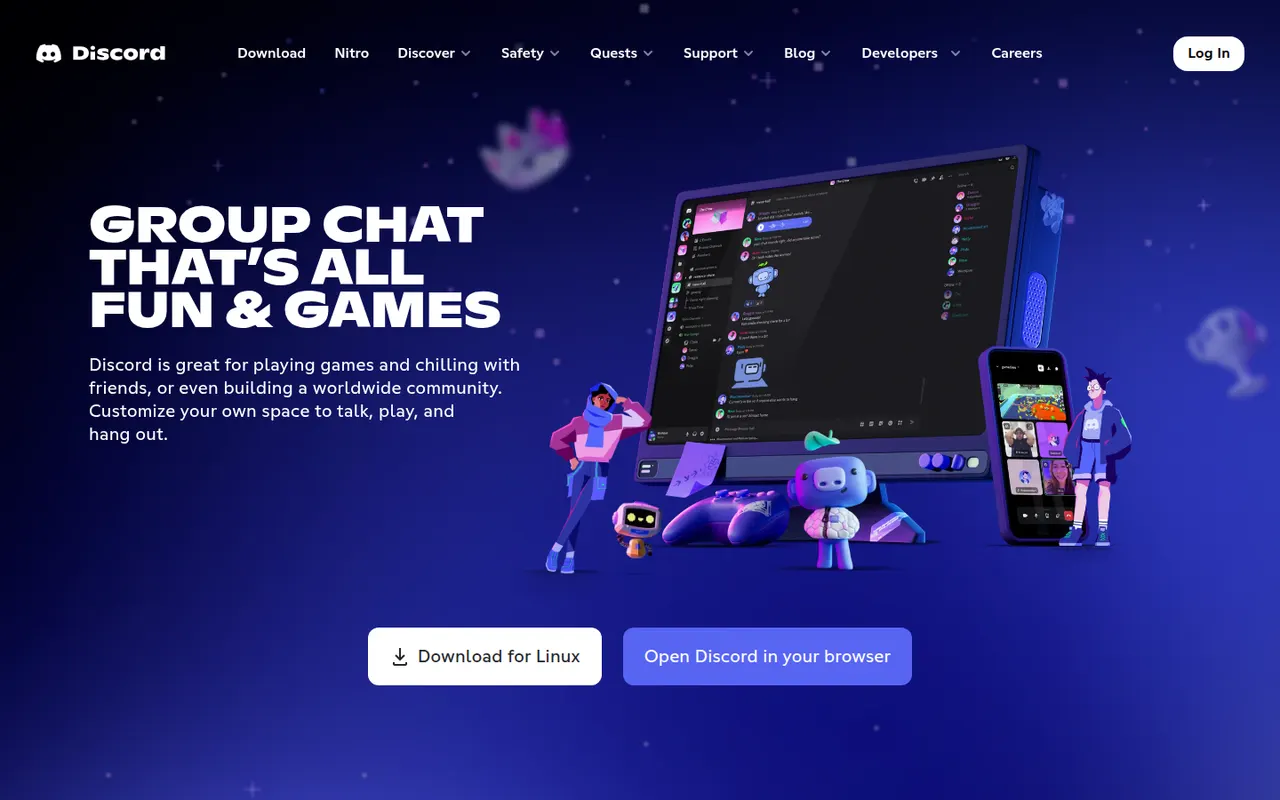
Cost / LicenseFreemiumProprietaryCategoriesDiscord is a chat platform built around servers, each with its own text channels, voice channels and roles. It started with gamers but now hosts communities of every kind, from open-source projects to study groups, with drop-in voice rooms, screen sharing, threads and forums. Bots extend servers, and an optional Nitro subscription adds perks such as larger uploads and higher-quality streaming.
11 Discord alternativesPros
- Drop-in voice channels make spontaneous conversations easy
- Roles, bots and permissions scale to very large communities
- Generous free tier across desktop, mobile and the web
Cons
- Not designed for workplace compliance or admin controls
- Busy servers and notifications can quickly feel overwhelming
- Text messages are not end-to-end encrypted
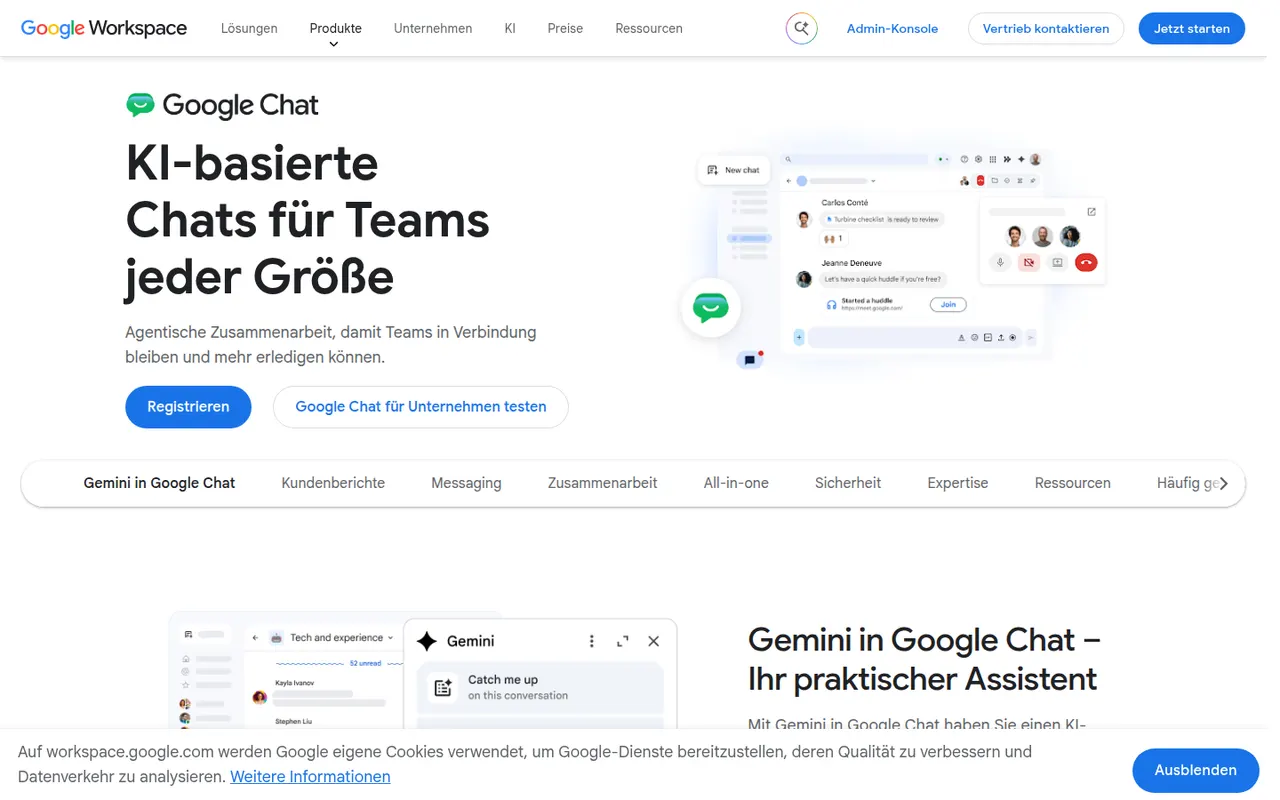
Cost / LicenseFreemiumProprietaryCategoriesGoogle Chat is Google's messaging app for direct messages, group conversations and spaces, the shared rooms where teams discuss projects in threads. It sits next to Gmail and works closely with Drive, Docs and Meet, so files and meetings can be shared without switching apps. It is free with a personal Google account, while companies get admin controls and Gemini features through Google Workspace.
8 Google Chat alternativesPros
- Built into Gmail, so Workspace users need no extra app
- Works closely with Drive, Docs and Meet for files and calls
- Free to use with a personal Google account
Cons
- Fewer third-party integrations and bots than Slack
- Little appeal outside the Google Workspace ecosystem
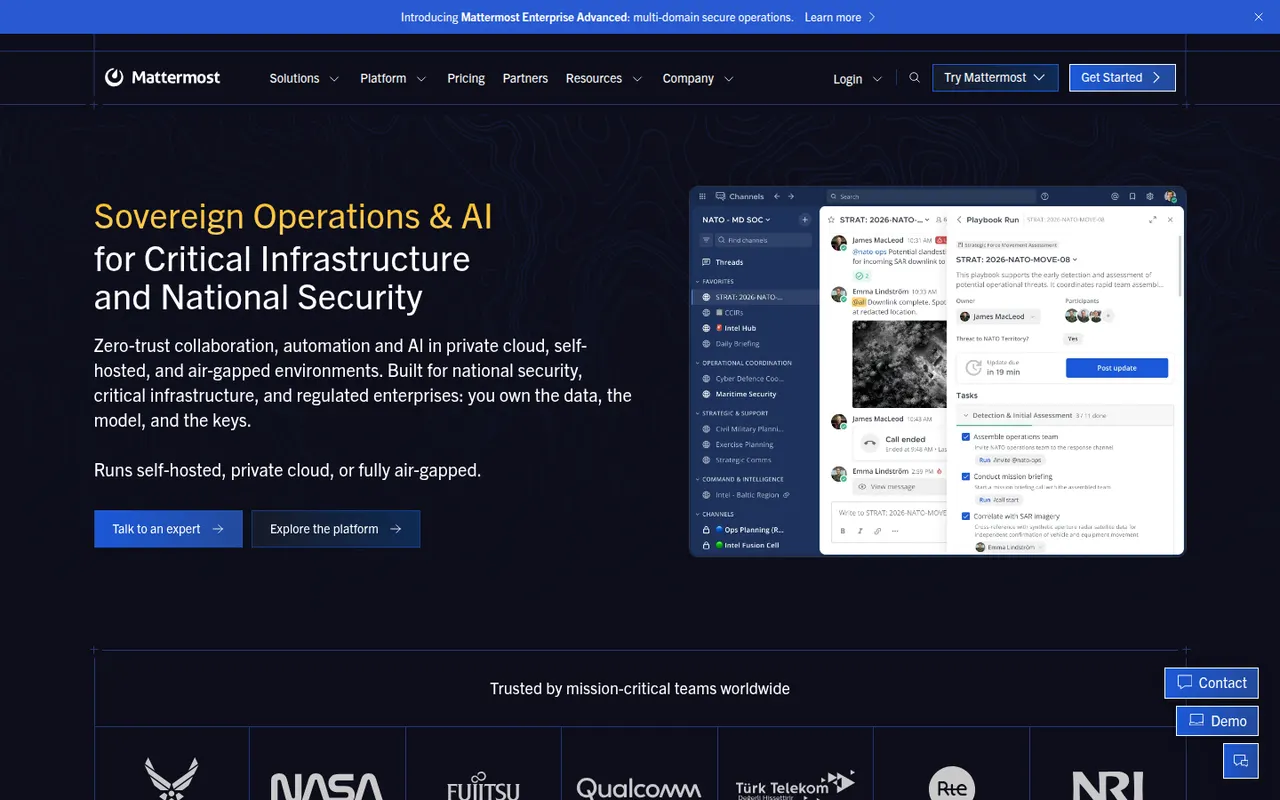
Cost / LicenseFreemiumProprietaryCategoriesMattermost is an open-source collaboration platform offering channels, threads, calls and playbooks for structured workflows. Organizations can run it on their own servers or in a private cloud to keep full control of their data, which appeals to engineering teams, public agencies and regulated industries. Plugins, webhooks and an API connect it to DevOps tools like GitLab, Jira and Jenkins.
8 Mattermost alternativesPros
- Self-hosting keeps full control over data and infrastructure
- Strong DevOps integrations with GitLab, Jira and Jenkins
- Playbooks structure incident response and repeatable workflows
Cons
- Self-hosted deployments need ongoing admin work
- Smaller app ecosystem than Slack
- Advanced compliance and enterprise features require paid plans
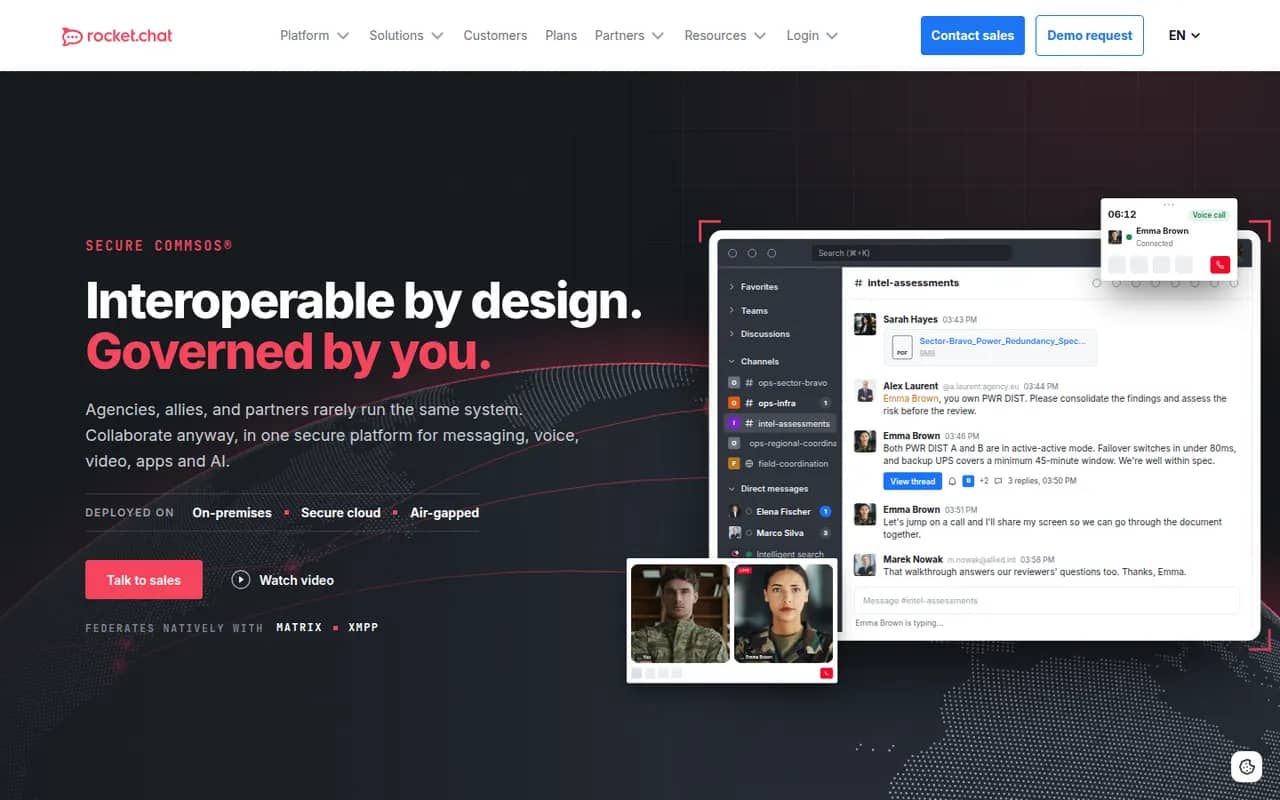
Cost / LicenseFreemiumOpen sourceCategoriesRocket.Chat is an open-source communications platform that can be self-hosted or used as a cloud service. Besides team channels, threads, direct messages and calls, it includes an omnichannel module that routes website chat, email and messaging apps to support agents. Its marketplace and APIs let organizations customize it heavily, and self-hosting suits teams with strict data residency needs.
9 Rocket.Chat alternativesPros
- Omnichannel module routes website chat, email and messaging apps
- Self-hostable open source platform for strict data residency needs
- Marketplace and APIs allow deep customization
Cons
- Self-hosted setups require regular maintenance and upgrades
- Some features are reserved for paid editions
- The wide range of settings makes administration complex
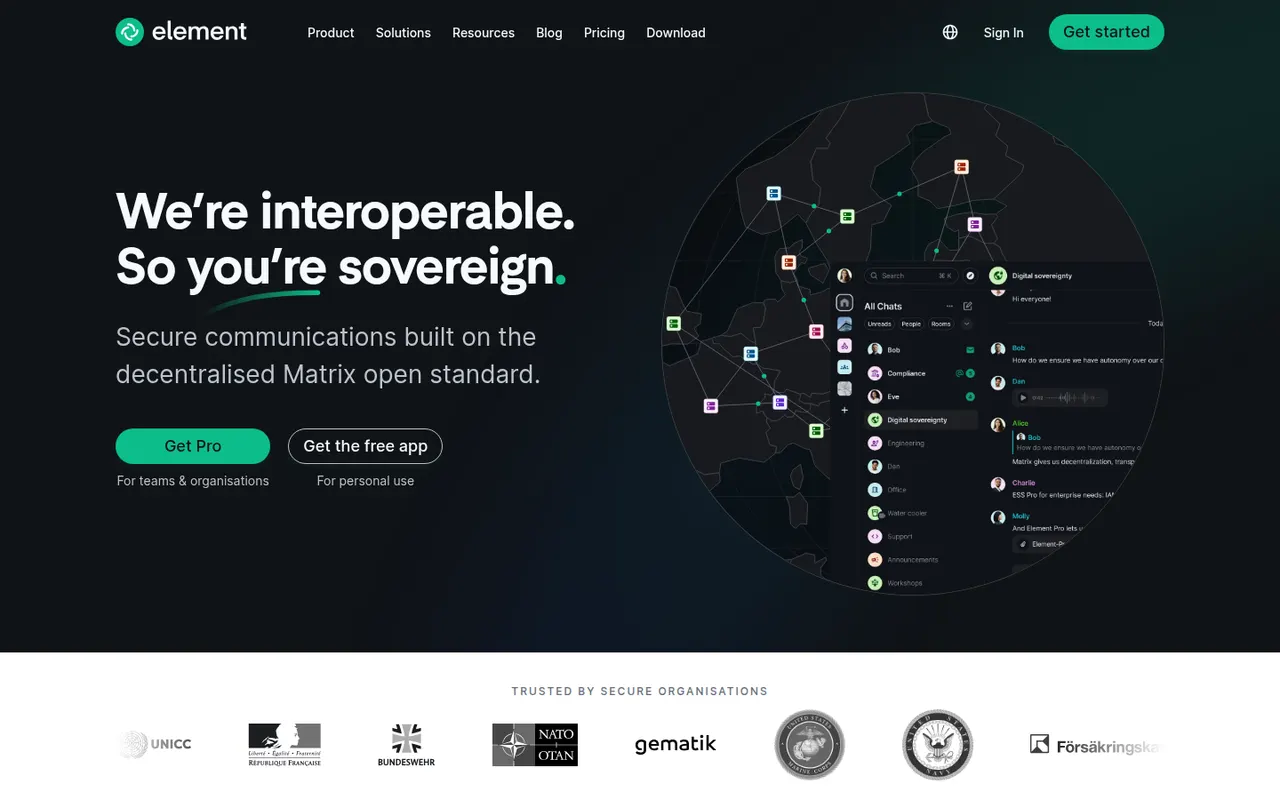
Cost / LicenseFreemiumOpen sourceCategoriesElement is a messaging app from the team that created Matrix, an open standard for decentralized, federated chat. Rooms, direct messages and calls are end-to-end encrypted, and people on different Matrix servers can talk to each other like email. Individuals can join a public server for free, while organizations and governments self-host or buy Element's enterprise server suite, with bridges to other chat networks.
12 Element alternativesPros
- End-to-end encryption by default for private rooms and messages
- Federated Matrix network, so no single company controls your chats
- Open source and self-hostable, popular with public sector bodies
Cons
- Encryption keys and device verification can confuse newcomers
- Running your own Matrix server takes real technical effort
- Fewer business integrations than mainstream team chat apps
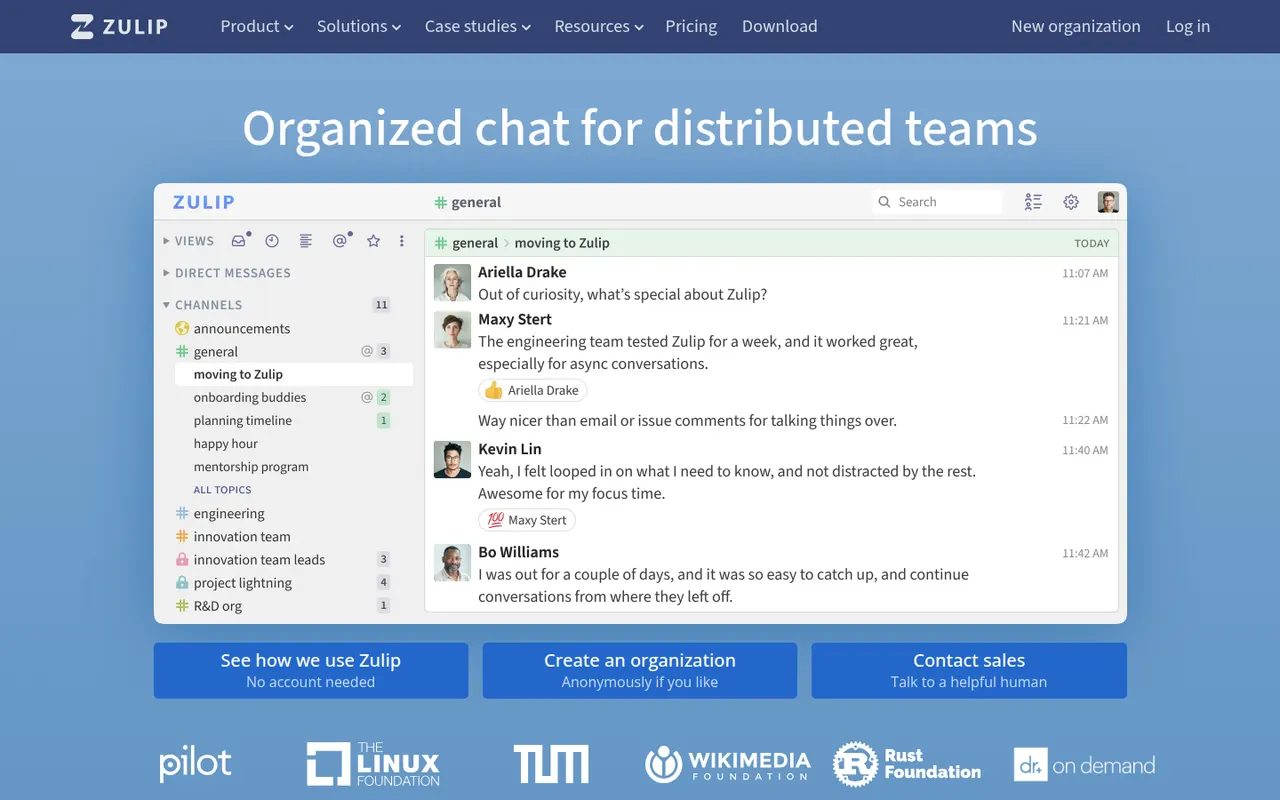
Cost / LicenseFreemiumOpen sourceCategoriesZulip is an open-source team chat app whose threading model files every channel message under a named topic, so people can catch up on several discussions without losing context. It supports Markdown, code blocks and LaTeX math, and integrates with common developer tools. It can be self-hosted for free or used through Zulip Cloud, which suits open-source projects, research groups and remote teams.
8 Zulip alternativesPros
- Topic-based threading makes catching up on discussions easy
- Markdown, code blocks and LaTeX suit technical teams
- Free to self-host under an open source license
Cons
- The topic model takes some getting used to after Slack
- Video calls rely on external services such as Jitsi or Zoom
Cost / LicenseFreemiumOpen sourceCategories