Best apps for Mac
286 apps
Top Mac apps ranked by the community
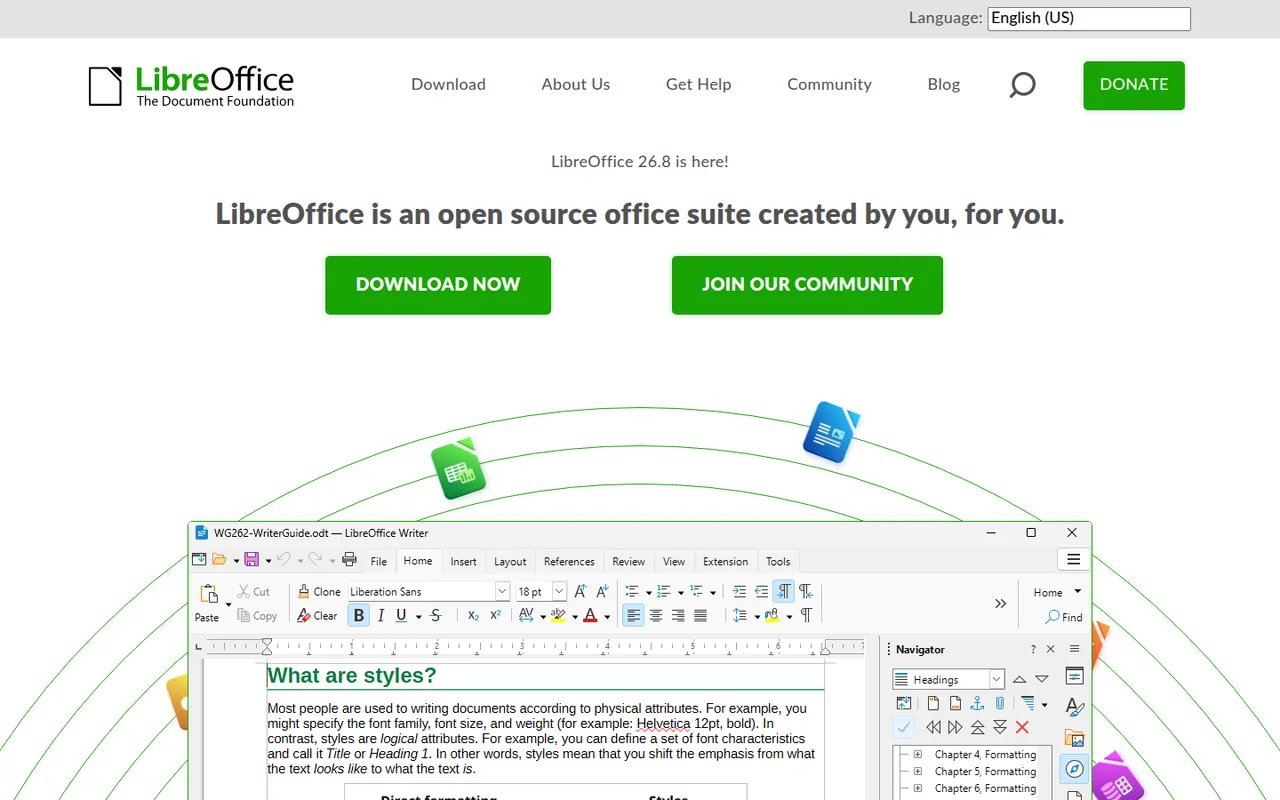
LibreOffice is a desktop office suite maintained by The Document Foundation, with Writer, Calc, Impress, Draw, Base and Math. It uses the OpenDocument format natively and opens and saves Microsoft Office files. It is free for any use, works fully offline and can be extended with community extensions and templates.
12 LibreOffice alternativesPros
- Free for any use, with no account or subscription
- Full suite with Writer, Calc, Impress, Draw and Base
- Native OpenDocument support and fully offline use
Cons
- Interface feels dated next to Microsoft 365
- Complex Office files can lose formatting
- No real-time collaboration in the desktop apps
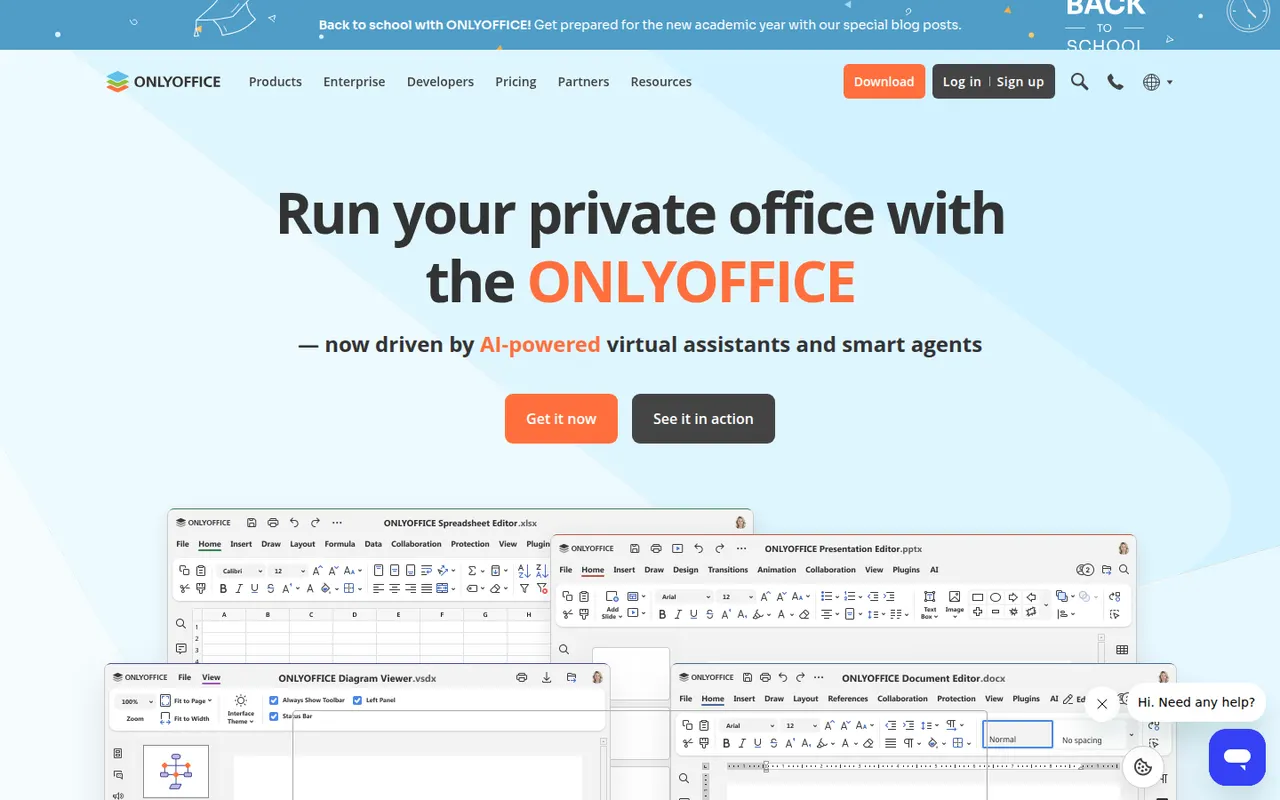
Cost / LicenseFreeOpen sourceONLYOFFICE is an office suite from Ascensio System with editors for documents, spreadsheets, presentations, PDFs and forms, built around Microsoft Office formats. The desktop and mobile apps are free, and the online editors can be self-hosted or integrated into Nextcloud and other platforms, with paid cloud and enterprise editions. It supports real-time co-editing, plugins and AI assistants.
12 ONLYOFFICE alternativesPros
- Strong compatibility with Microsoft Office formats
- Free desktop and mobile apps, plus self-hostable online editors
- Real-time co-editing and Nextcloud integration
Cons
- A self-hosted server needs technical setup
- Enterprise features and support require paid editions
- Fewer advanced features than Microsoft Office
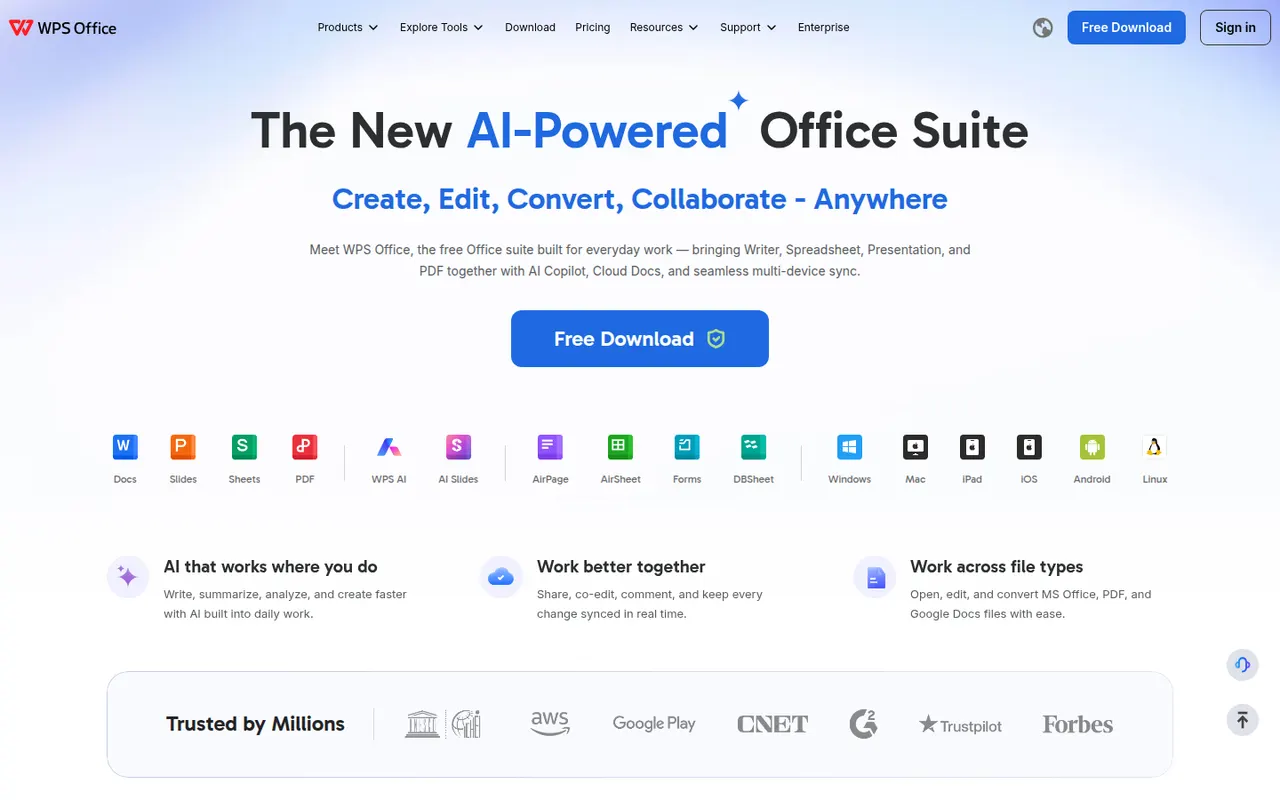
Cost / LicenseFreemiumOpen sourceWPS Office is an office suite developed by Kingsoft that combines a word processor, spreadsheet, presentation app and PDF tools in one interface with document tabs. It is compatible with Microsoft Office formats and available on desktop and mobile. The free version shows ads, while a paid subscription removes them and unlocks extra PDF features, cloud storage and WPS AI.
12 WPS Office alternativesPros
- Tabbed interface for documents, sheets, slides and PDF tools
- Good compatibility with Microsoft Office formats
- Free on desktop and mobile, including Linux
Cons
- The free version shows ads
- Extra PDF tools and WPS AI require a subscription
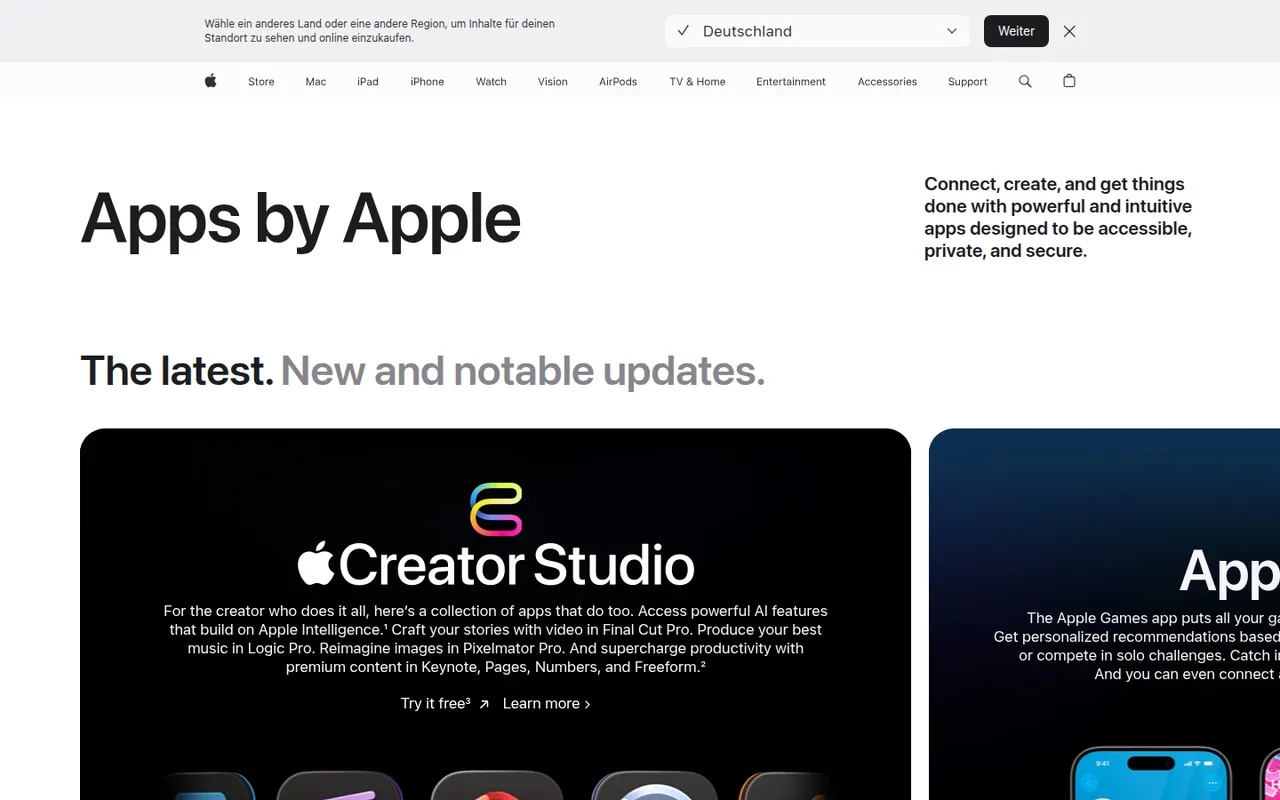
Cost / LicenseFreemiumProprietaryiWork is Apple's productivity suite made of Pages for documents, Numbers for spreadsheets and Keynote for presentations. The apps are free on Mac, iPhone and iPad, sync through iCloud and can be used in a browser on iCloud.com, including from Windows PCs. They focus on designed templates, support real-time collaboration and can import and export Microsoft Office files.
7 Apple iWork alternativesPros
- Free Pages, Numbers and Keynote with polished templates
- Keynote makes well-designed presentations easy to build
- Usable on iCloud.com, including from Windows PCs
Cons
- Office conversion can break complex layouts and formulas
- Numbers lacks the advanced spreadsheet features of Excel
- No native apps for Windows or Android
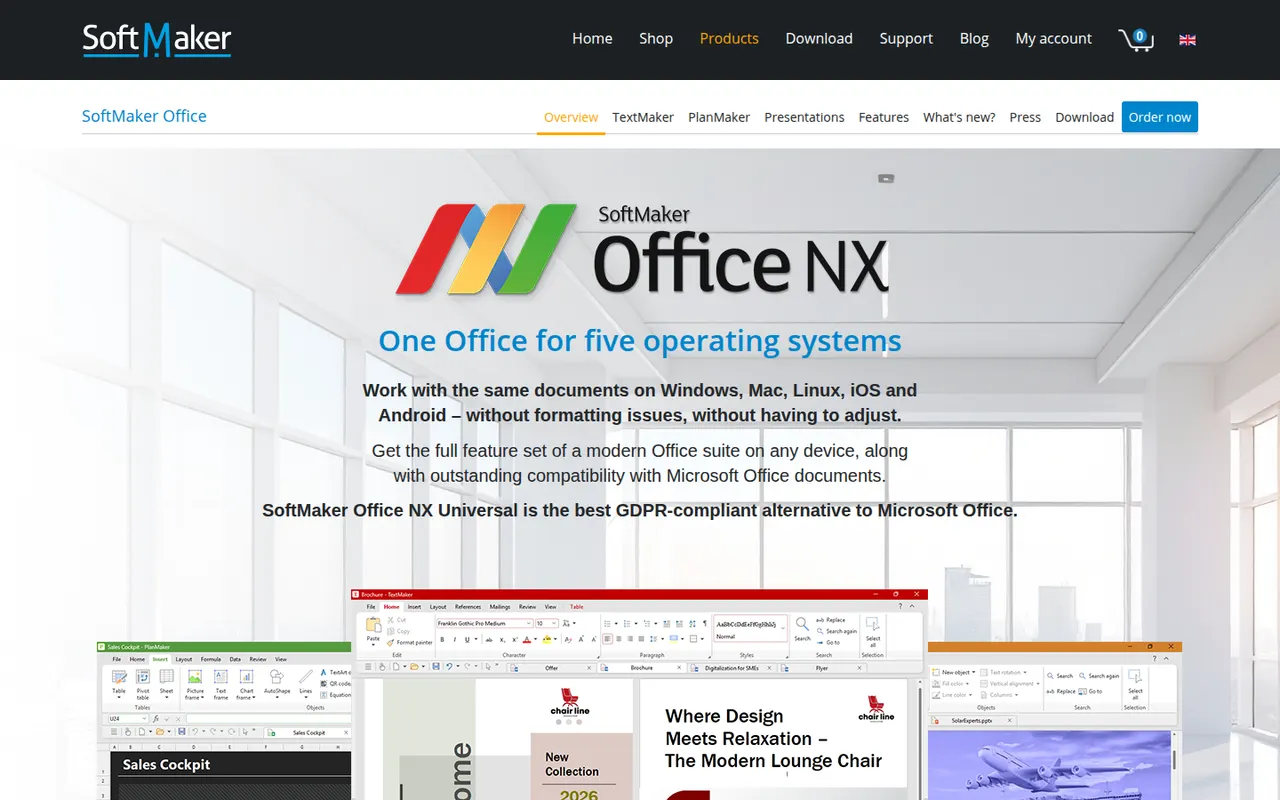
Cost / LicenseFreeProprietaryCategoriesSoftMaker Office is a commercial office suite from the German company SoftMaker, consisting of TextMaker, PlanMaker and Presentations. It is built for close compatibility with Microsoft Office files and runs natively on Windows, macOS, Linux and Android. It is sold as a subscription or a one-time license after a free trial; the separate FreeOffice edition is free with fewer features.
8 SoftMaker Office alternativesPros
- Close compatibility with Microsoft Office files
- Native apps on Windows, macOS, Linux and Android
- One-time license available as an alternative to subscriptions
Cons
- Paid after the trial, and the free FreeOffice edition offers less
- No cloud collaboration or web version
- Smaller community and fewer resources than Office or LibreOffice
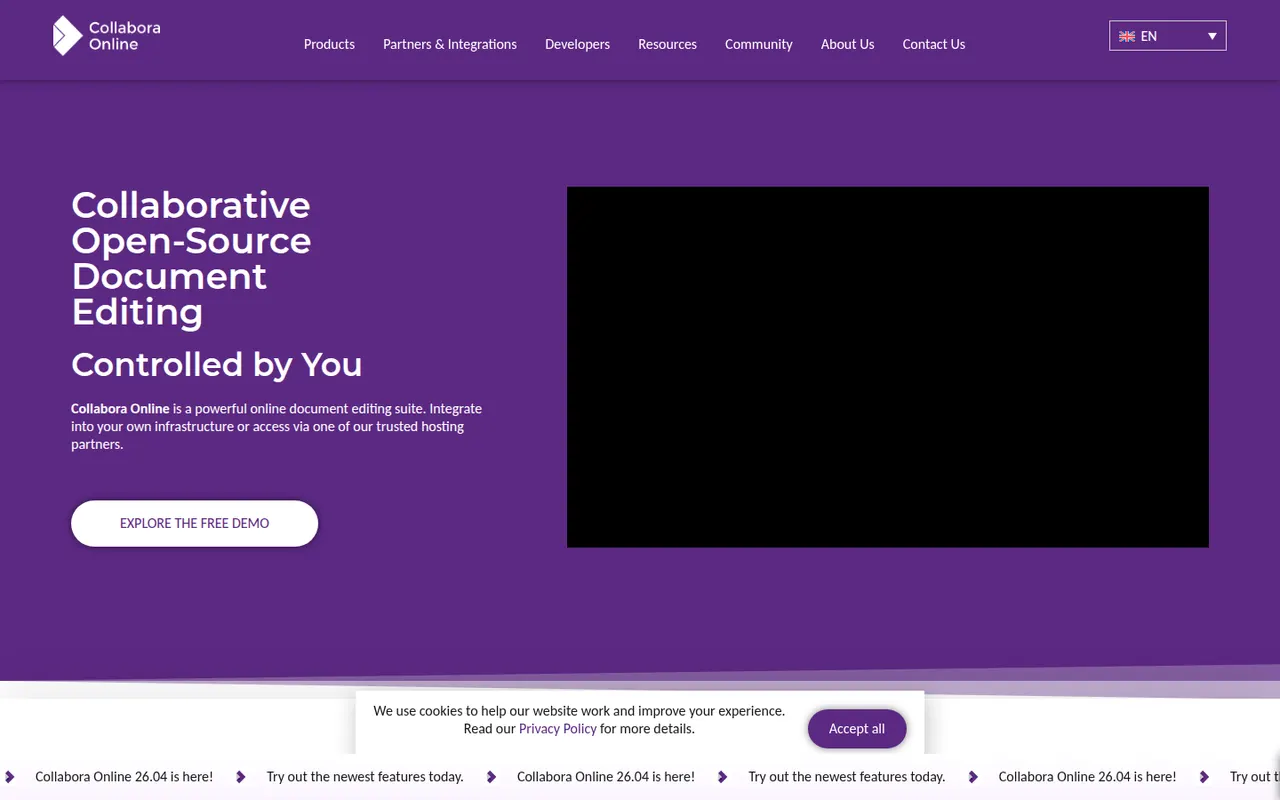
Cost / LicenseFree trialProprietaryCollabora Online is an open source office suite from Collabora Productivity that runs LibreOffice technology in the browser, on your own server or through a hosting partner. It plugs into Nextcloud, ownCloud, Seafile and similar platforms for co-editing Office and OpenDocument files on infrastructure you control. A free development edition sits alongside paid supported versions and Collabora Office apps.
9 Collabora Online alternativesPros
- Open source online office suite you can host on your own servers
- Integrates with Nextcloud, ownCloud and Seafile for co-editing
- Keeps documents on infrastructure you control
Cons
- Interface feels dated next to Google Docs or Microsoft 365
- Self-hosting requires server setup and maintenance
- Supported production versions are paid
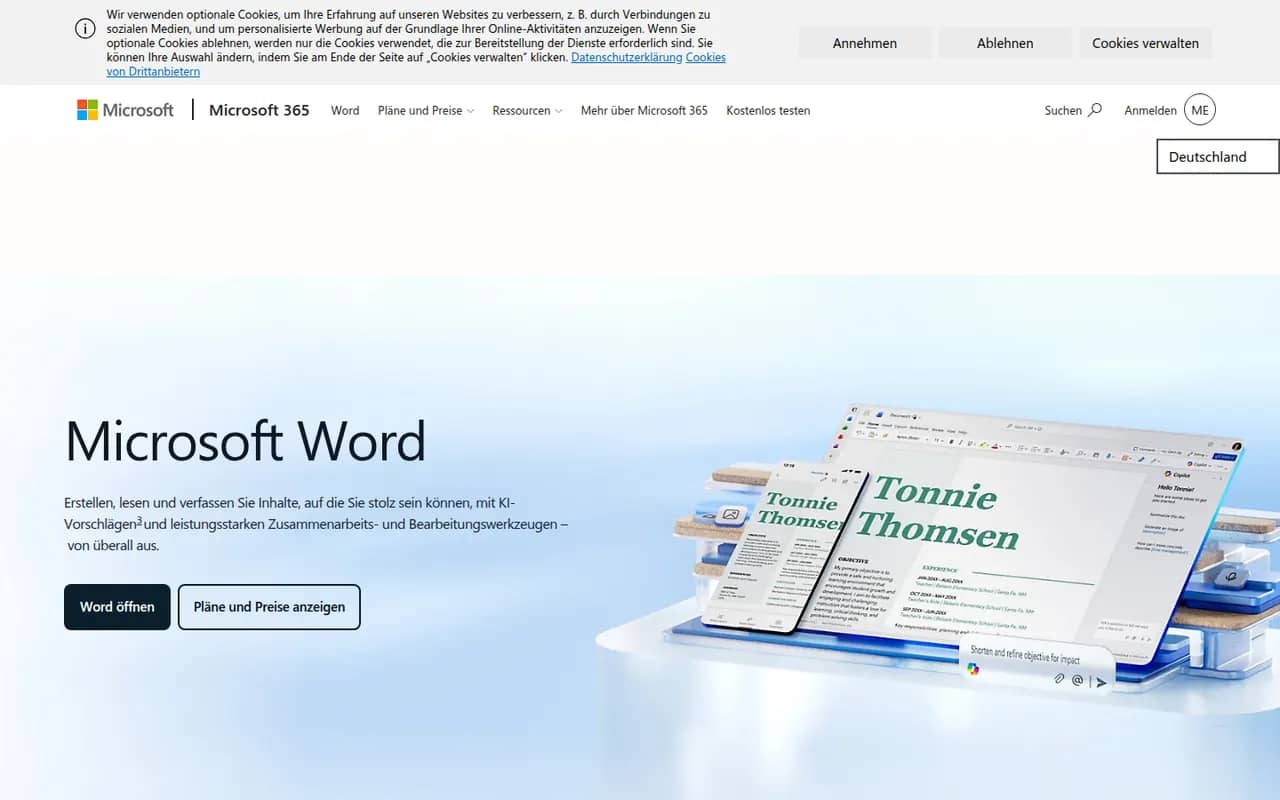
Cost / LicenseFreemiumOpen sourceMicrosoft Word is the word processor in Microsoft 365 and the reference for the .docx format used in many workplaces. It offers styles, track changes, comments, mail merge, references and real-time co-authoring through OneDrive or SharePoint, plus Copilot drafting in eligible plans. Word runs on Windows, Mac, mobile and the web, where a free version is available with a Microsoft account.
11 Microsoft Word alternativesPros
- The reference for the .docx format used in many workplaces
- Powerful styles, track changes, references and mail merge
- Available on Windows, Mac, mobile and the web
Cons
- Full desktop features require a Microsoft 365 subscription
- Dense interface packed with features most people never use
- Copilot features are limited to eligible plans
Cost / LicenseFreemiumProprietaryCategoriesPages is Apple's free word processor for Mac, iPhone and iPad, also usable in the browser through iCloud.com. It mixes word processing with page layout, offering designed templates for reports, flyers and books, plus EPUB export. Documents sync via iCloud, can be edited with others in real time and can be exported to Word or PDF.
9 Pages alternativesPros
- Free on Mac, iPhone and iPad, with well-designed templates
- Combines word processing and page layout
- Exports to Word, PDF and EPUB
Cons
- Native apps only on Apple devices, others must use iCloud.com
- Word conversion can lose formatting in complex documents
- Fewer advanced features than Word for long documents
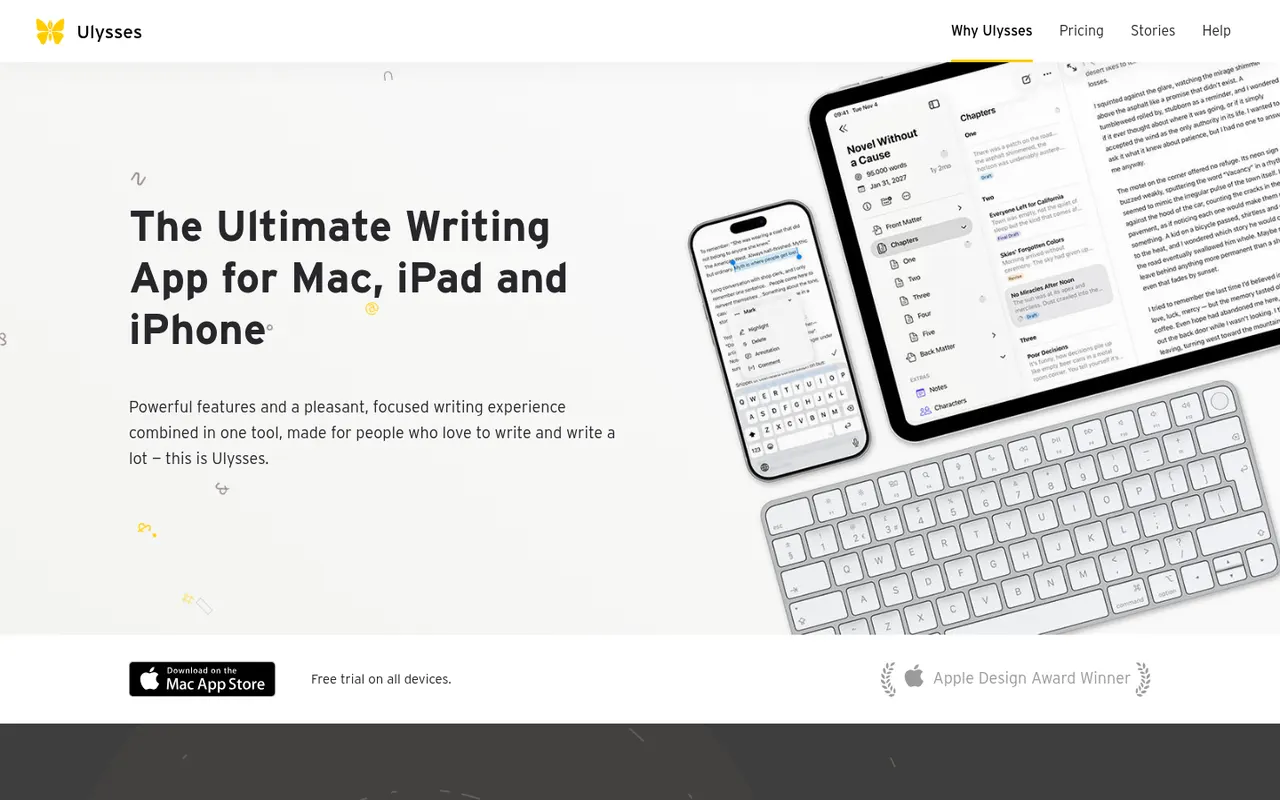
Cost / LicenseFreeProprietaryCategoriesUlysses is a writing app for Apple devices made by the German company Ulysses GmbH. Texts live in a single library synced through iCloud, are written in a Markdown-based markup and can be exported to PDF, Word or ePub or published directly to WordPress, Ghost and other platforms. It suits bloggers, authors and students and is sold as a subscription after a free trial.
8 Ulysses alternativesPros
- Single library synced across Mac, iPhone and iPad via iCloud
- Publishes directly to WordPress, Ghost and other platforms
- Distraction-free writing with Markdown-based markup
Cons
- Only available on Apple devices
- Sold only as a subscription
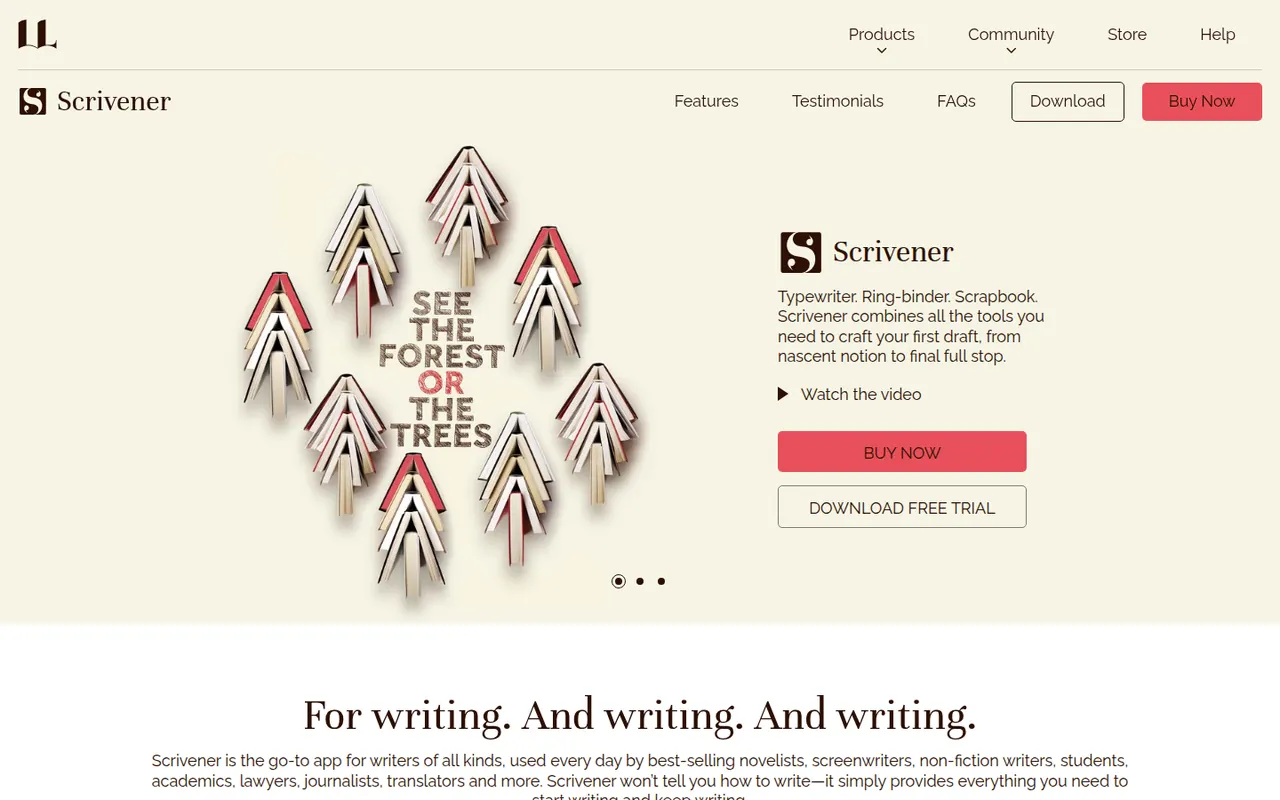
Cost / LicenseFree trialProprietaryCategoriesScrivener, from Literature & Latte, is a writing tool for long-form projects such as novels, theses and screenplays. Its binder lets you split a manuscript into sections, rearrange them on a corkboard or outliner and keep research notes, PDFs and images next to the text, then compile everything into print, ebook or Word formats. It is a one-time purchase per platform with a free trial.
8 Scrivener alternativesPros
- Binder splits long manuscripts into easy-to-rearrange sections
- Research notes, PDFs and images kept next to the text
- Compile exports to print, ebook and Word formats
Cons
- Steep learning curve, especially for the compile feature
- A separate license is required for each platform
- Syncing with the iPhone app relies on Dropbox
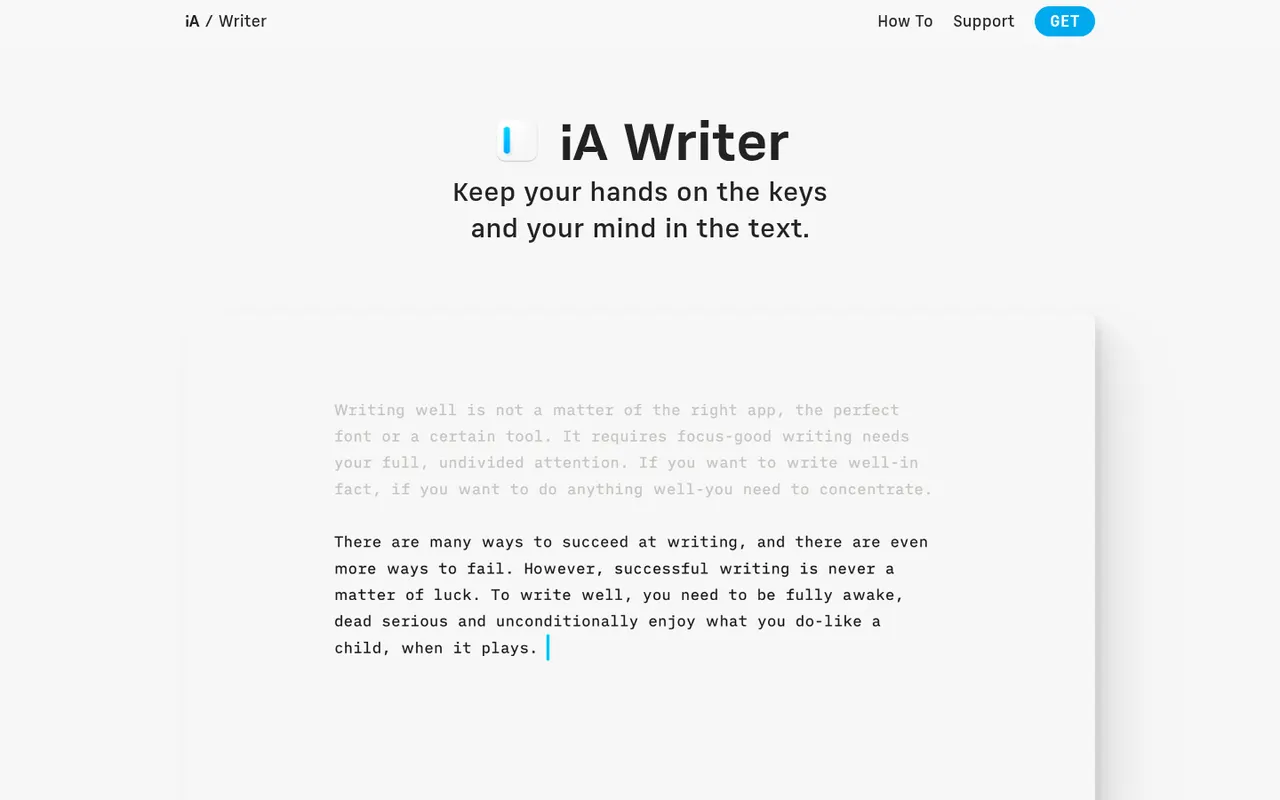
Cost / LicenseFree trialProprietaryCategoriesiA Writer is a minimalist Markdown editor from the design studio Information Architects. Its Focus Mode, syntax highlighting and style check help tighten prose, and it can mark text pasted from AI tools to keep track of what you wrote yourself. Files stay as plain text, locally or in iCloud and Dropbox, with export to HTML, PDF and Word. It is a one-time purchase per platform, after a free trial.
9 iA Writer alternativesPros
- Focus Mode and style check help tighten prose
- Plain-text Markdown files stored wherever you choose
- One-time purchase instead of a subscription
Cons
- A separate purchase is needed for each platform
- No real-time collaboration
- Formatting options are minimal by design
Cost / LicenseFree trialProprietaryCategoriesMicrosoft Excel is the spreadsheet in Microsoft 365, used in many organisations for budgets, financial models and data analysis. It offers hundreds of functions, pivot tables, charts, Power Query for importing and cleaning data, VBA macros and Python in Excel, plus Copilot in eligible plans. It runs on Windows, Mac, mobile and the web, where a free version is available with a Microsoft account.
8 Microsoft Excel alternativesPros
- Standard tool for financial models and business analysis
- Power Query, pivot tables and macros handle complex data work
- Huge range of functions, templates and learning resources
Cons
- Full desktop features require a Microsoft 365 subscription
- The free web version lacks many advanced desktop features
- Advanced features have a steep learning curve
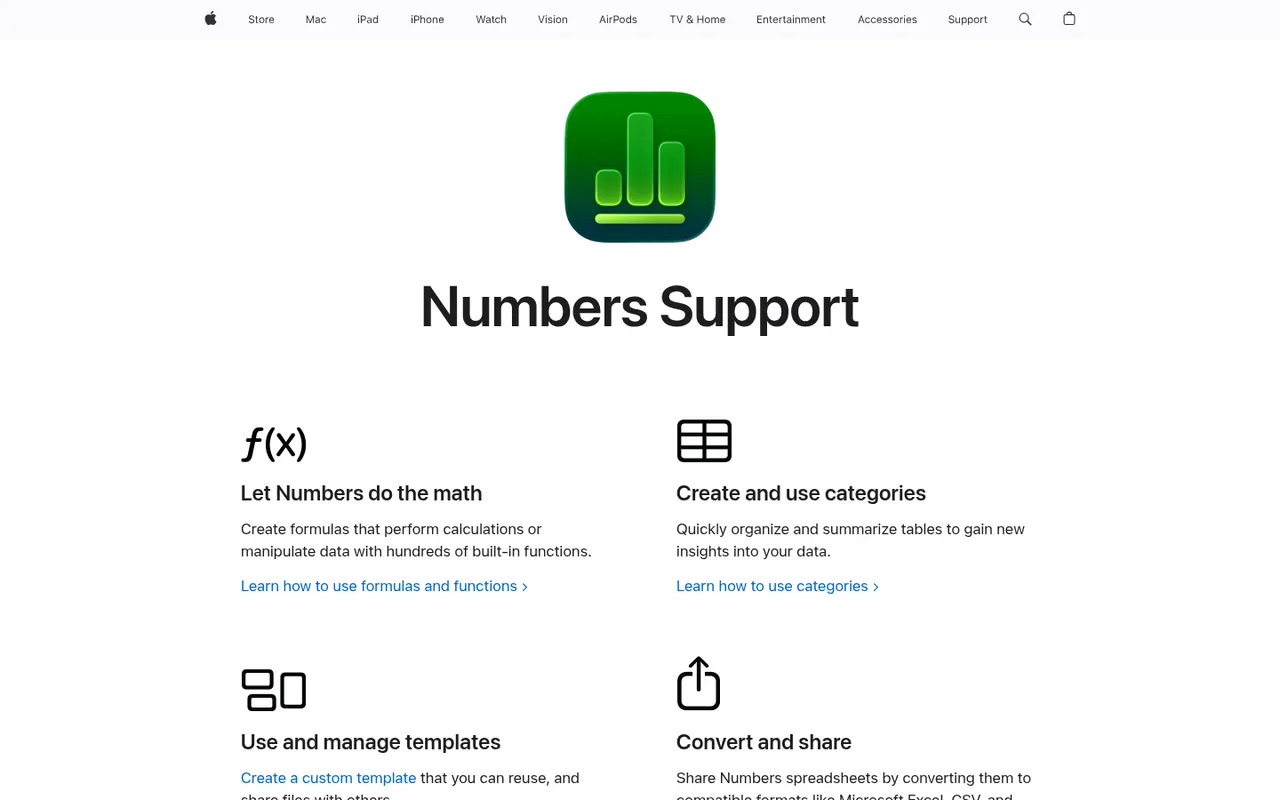
Cost / LicenseFreemiumProprietaryCategoriesNumbers is Apple's free spreadsheet app for Mac, iPhone and iPad, also available in the browser on iCloud.com. Instead of one large grid, each sheet is a free-form canvas where tables, charts, text and images can be placed side by side. It includes several hundred functions, pivot tables and real-time collaboration through iCloud, and can import and export Excel files.
7 Numbers alternativesPros
- Free on Apple devices, with a browser version on iCloud.com
- Free-form canvas mixes tables, charts and text on one sheet
- Polished templates produce good-looking sheets with little effort
Cons
- Fewer advanced functions and analysis tools than Excel
- Excel files with macros or complex formatting do not convert cleanly
- No native apps for Windows or Android
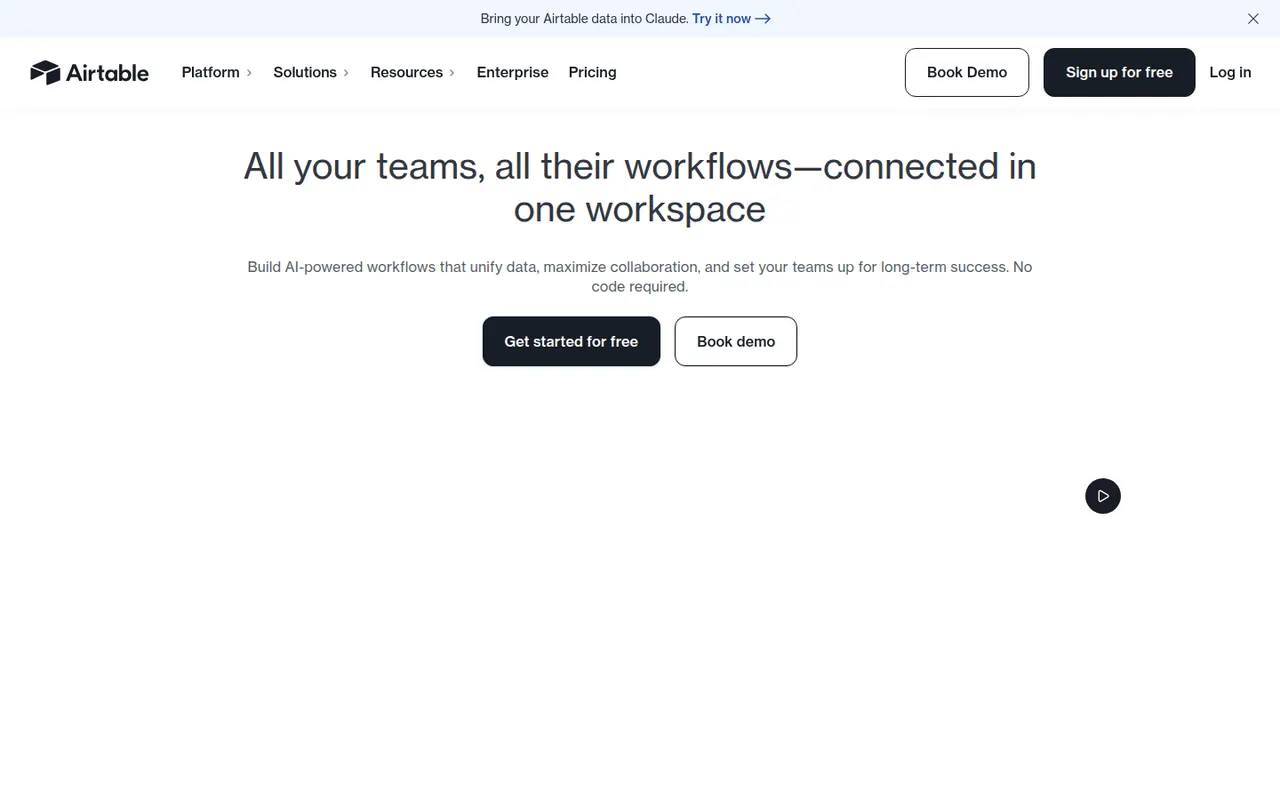
Cost / LicenseFreeProprietaryCategoriesAirtable combines the look of a spreadsheet with a relational database, letting teams link records across tables and view them as grids, kanban boards, calendars, galleries or forms. Interfaces, automations and AI features turn bases into lightweight internal apps for content calendars, product roadmaps or inventories. A free plan exists, with paid plans adding capacity and admin features.
12 Airtable alternativesPros
- Linked records give spreadsheet users real relational database power
- Grid, kanban, calendar, gallery and form views on the same data
- Interfaces and automations turn bases into lightweight internal apps
Cons
- Free plan limits on records and automations are reached quickly
- Paid seats get expensive for larger teams
- Complex bases can slow down and take effort to maintain
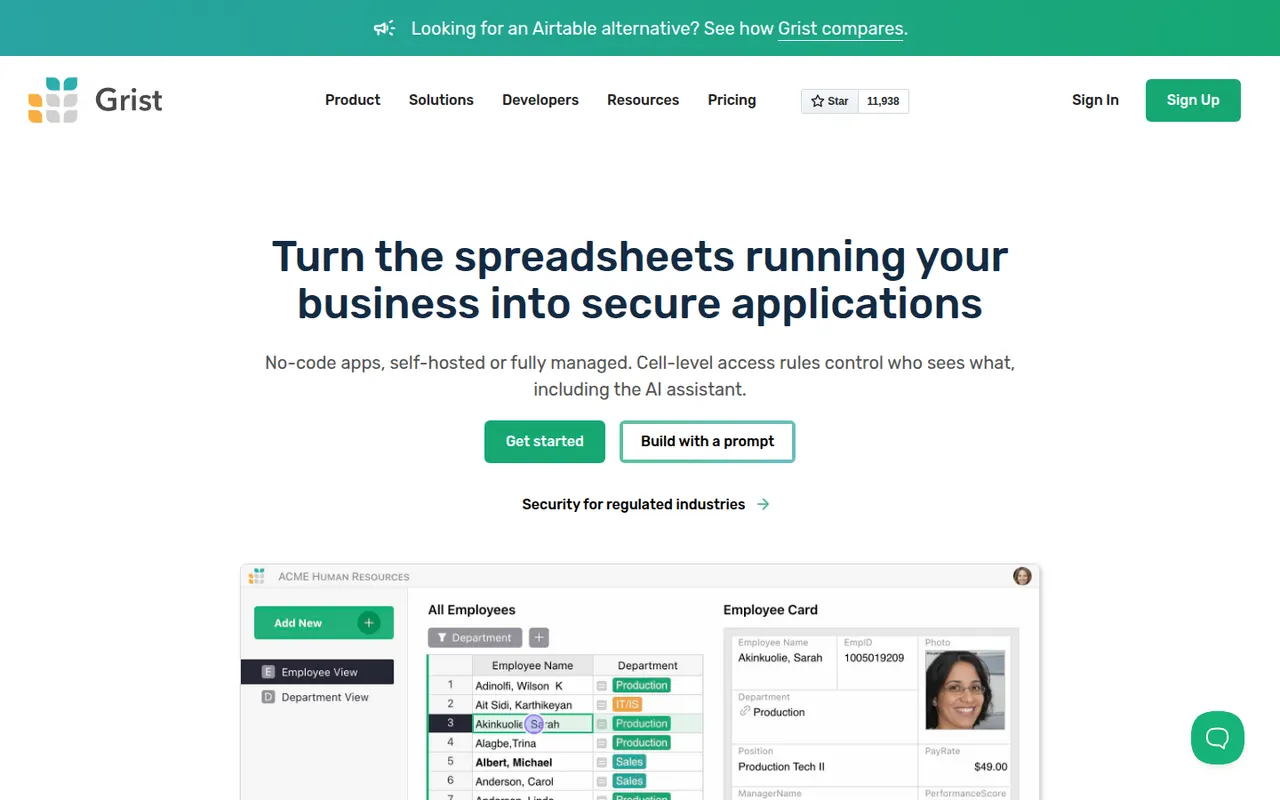
Cost / LicenseFreemiumProprietaryGrist is a relational spreadsheet from Grist Labs that combines a familiar grid with typed columns, linked tables and custom layouts. Formulas are written in Python, and granular access rules control who can see or edit each row or column. It is open source under Apache 2.0, can be self-hosted or run as a desktop app, and is also offered as a hosted service with a free tier.
8 Grist alternativesPros
- Formulas are written in Python, a big plus for technical users
- Granular access rules down to individual rows and columns
- Open source and self-hostable, with a desktop app option
Cons
- Less familiar than a classic spreadsheet for Excel users
- Smaller template and integration ecosystem than Airtable
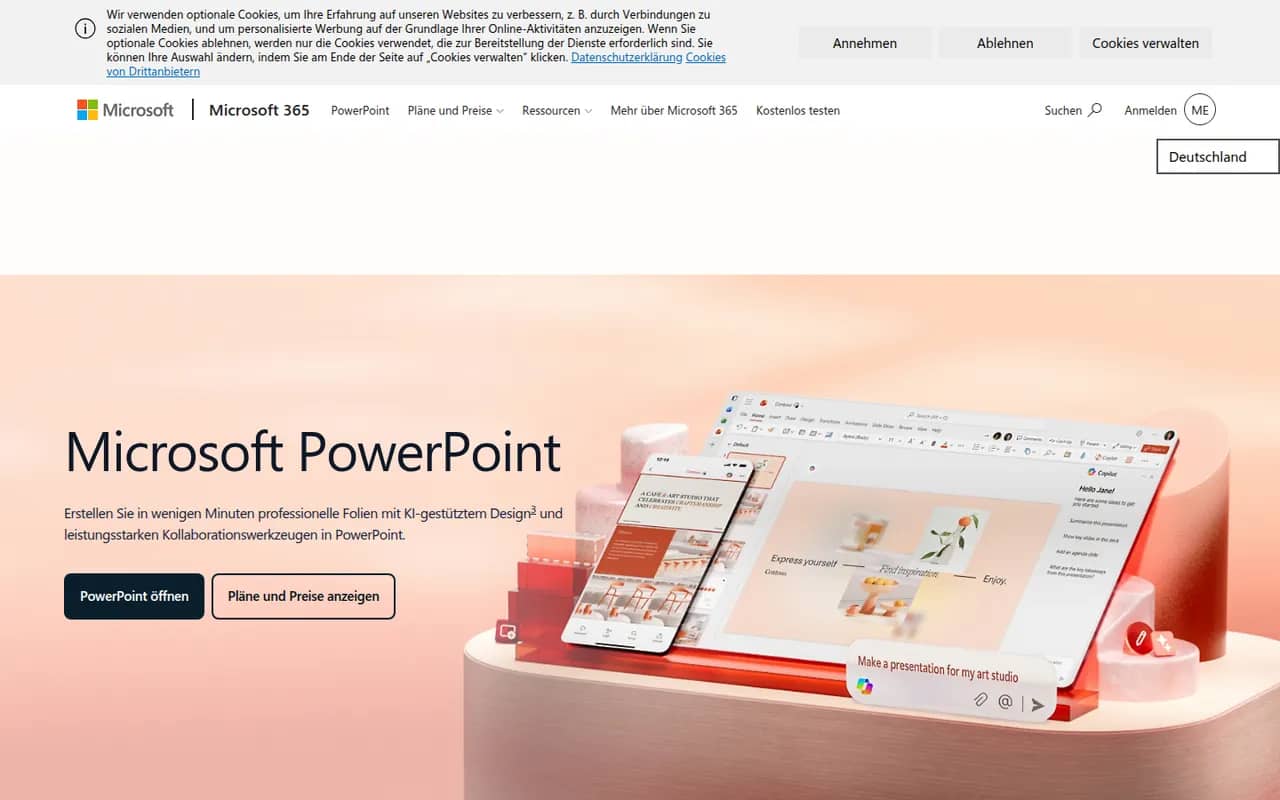
Cost / LicenseFreemiumOpen sourceCategoriesPlatformsPowerPoint is the presentation app in Microsoft 365, whose .pptx format is the common exchange format for slides. It offers themes, animations and transitions, Designer layout suggestions, presenter view with speaker notes, live subtitles and recording, plus Copilot to draft decks in eligible plans. It runs on Windows, Mac, mobile and the web, where a free version is available.
10 Microsoft PowerPoint alternativesPros
- The .pptx format is the standard for exchanging slides
- Extensive control over animations, transitions and layouts
- Available on Windows, Mac, mobile and the web
Cons
- The full desktop app requires a Microsoft 365 subscription
- The free web version lacks many advanced features
- Copilot deck drafting is only available in eligible plans
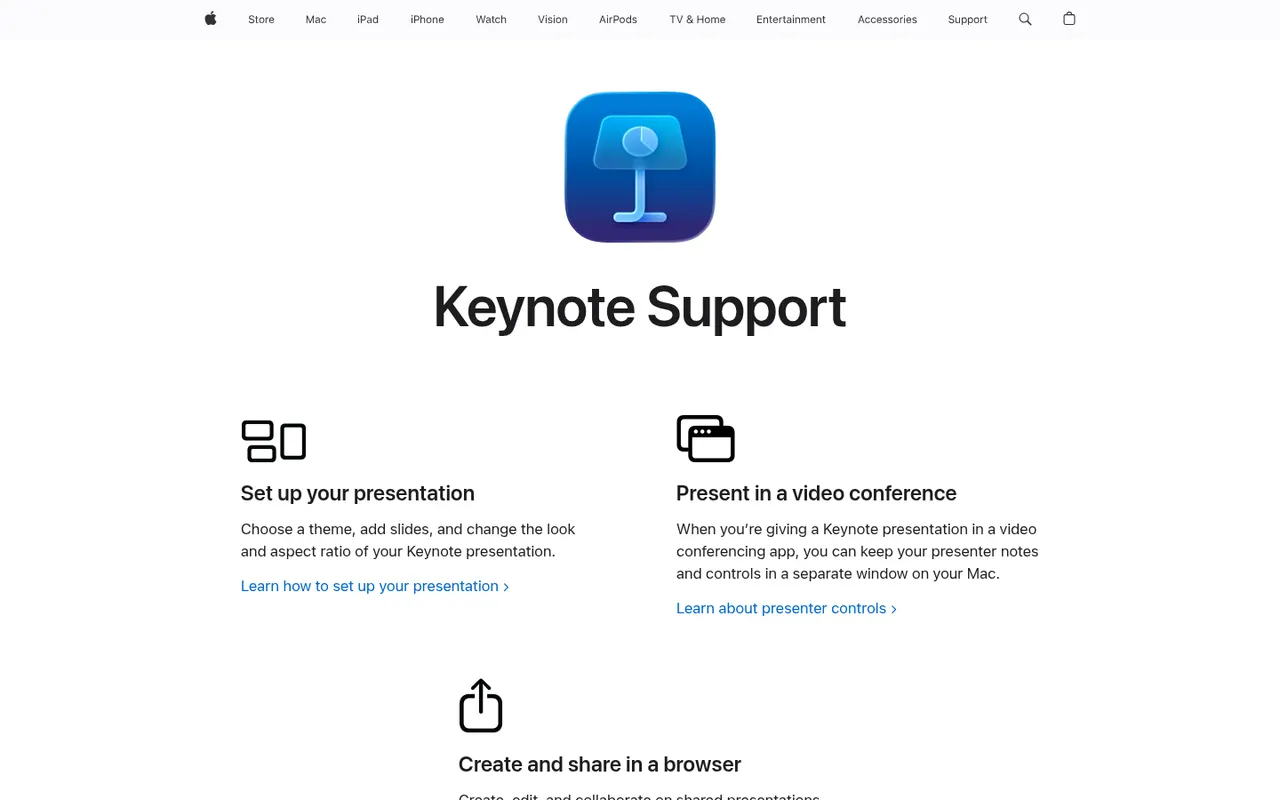
Cost / LicenseFreemiumProprietaryCategoriesKeynote is Apple's presentation app, free on Mac, iPhone and iPad and usable in a browser through iCloud.com. It is known for clean themes and smooth transitions such as Magic Move, and offers presenter view, live video feeds and remote control from an iPhone. Decks can be co-edited via iCloud and exported to PowerPoint, PDF or video.
9 Keynote alternativesPros
- Polished themes and smooth transitions such as Magic Move
- Free on Mac, iPhone and iPad, with iCloud sync
- Exports to PowerPoint, PDF and video
Cons
- No native apps for Windows or Android, only the iCloud web version
- PowerPoint exports can shift fonts, layouts and animations
- Fewer third-party add-ons and integrations than PowerPoint
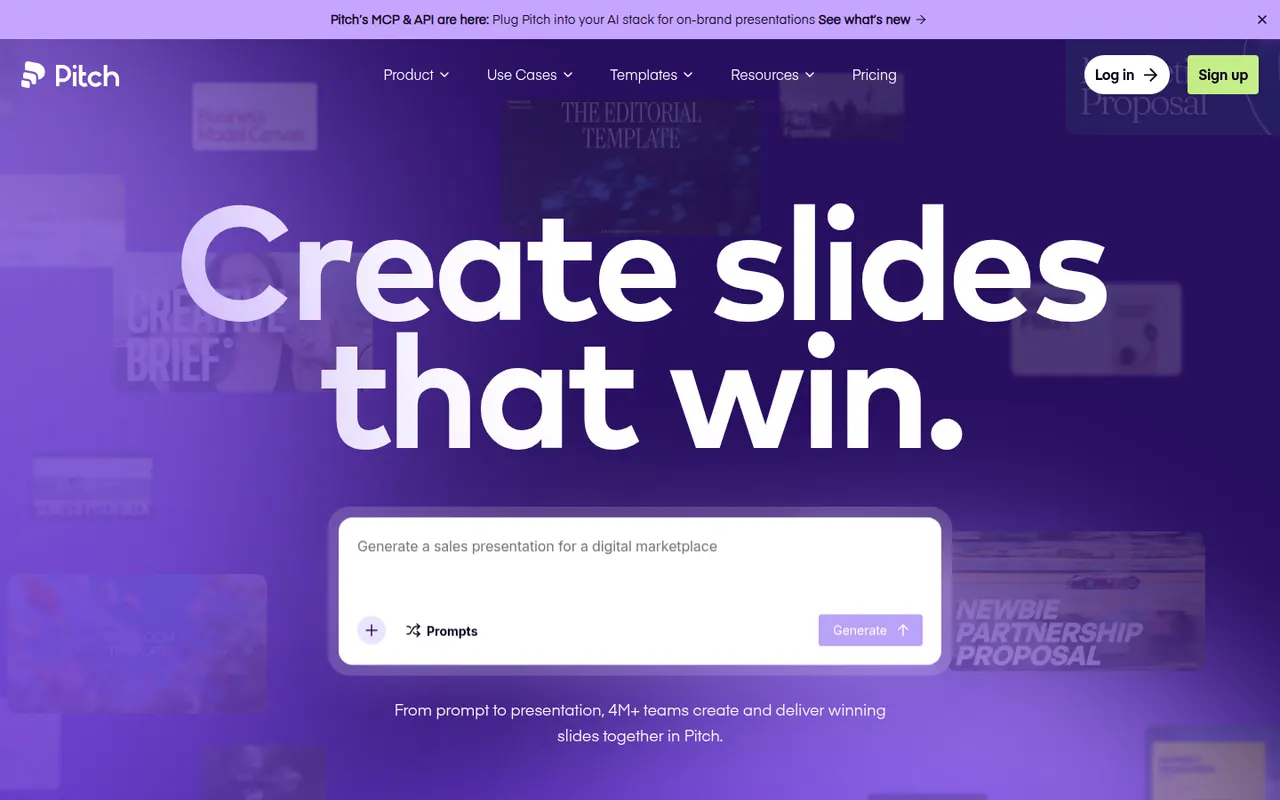
Cost / LicenseFreeProprietaryCategoriesPitch is a presentation tool from Berlin-based Pitch Software, built for teams that create decks together, from sales proposals to investor updates. It offers shared templates and brand settings, comments and slide assignments, link sharing with engagement analytics, and an AI agent that drafts decks from prompts and files. It runs in the browser, on desktop and on mobile, with a free plan and paid team tiers.
9 Pitch alternativesPros
- Built for decks made as a team, with comments and slide assignments
- Brand settings and shared templates keep decks consistent
- Link sharing with analytics shows how viewers engage
Cons
- Fewer advanced animation options than PowerPoint or Keynote
- Advanced team features are reserved for paid plans
- Exporting to PowerPoint may not keep every design detail
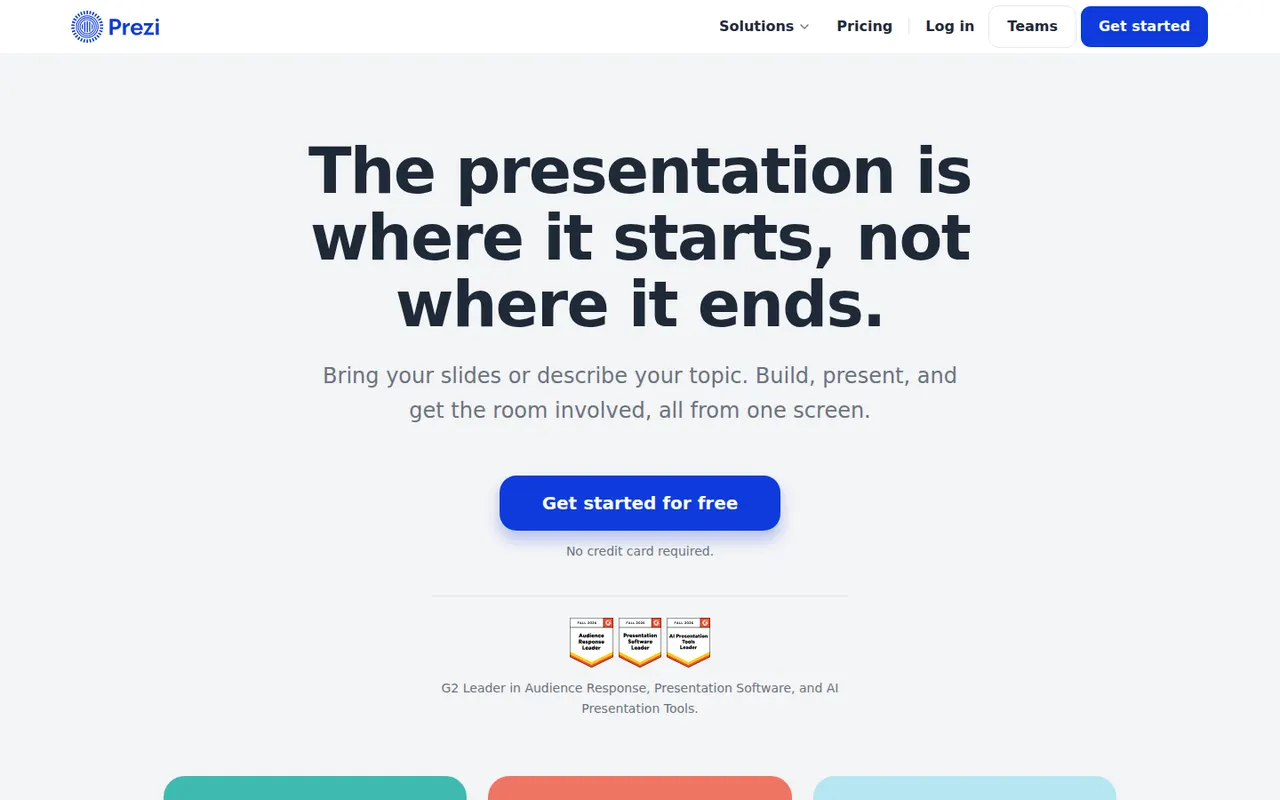
Cost / LicenseFreemiumProprietaryCategoriesPrezi is a presentation tool known for its zoomable canvas, where topics are laid out on one large surface and the presentation moves between them instead of flipping linear slides. It also offers Prezi Video for appearing on camera next to your content, and AI help to turn text into a presentation. A free plan publishes presentations publicly with a watermark; paid plans add privacy and exports.
9 Prezi alternativesPros
- Zoomable canvas offers a non-linear alternative to slides
- Prezi Video puts you on camera next to your content
- AI help turns text into a first presentation draft
Cons
- Free plan presentations are public and watermarked
- Overused zoom effects can distract or disorient the audience
- Designing a good canvas takes longer than building classic slides
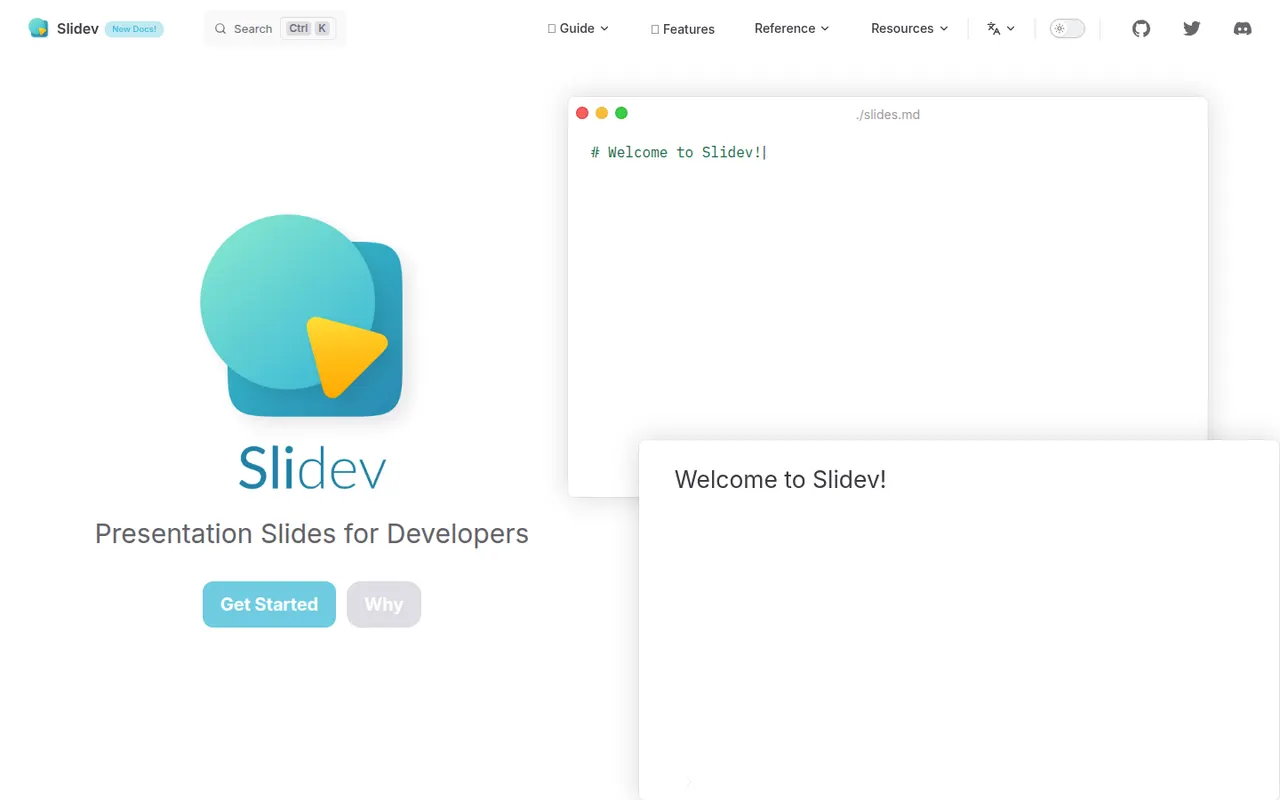
Cost / LicenseFreemiumProprietaryCategoriesSlidev is an open source presentation tool that builds slide decks from a Markdown file, aimed at developers giving technical talks. It supports code highlighting, live code editing, Vue components, LaTeX, diagrams, themes and a presenter mode with notes, served locally and shown in the browser. Decks can be exported to PDF, PPTX or PNG, or built as a static site to host anywhere.
7 Slidev alternativesPros
- Slides written in Markdown are easy to keep in version control
- Code highlighting, live coding and Vue components suit technical talks
- Free and open source, with PDF, PPTX and static site exports
Cons
- Requires Node.js and comfort with code, so not suited to non-developers
- Custom layouts often mean writing CSS or Vue components
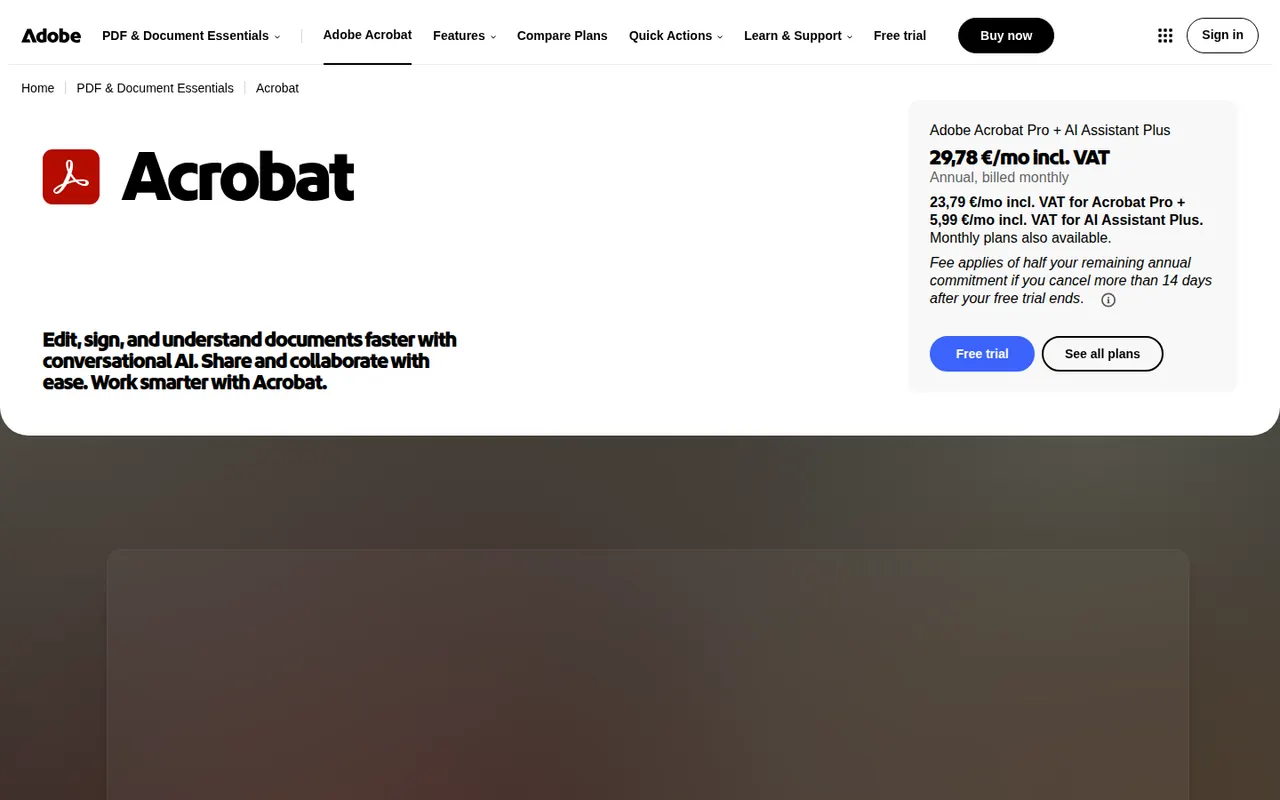
Cost / LicenseFreeOpen sourceCategoriesAdobe Acrobat is the PDF application from Adobe, the company that created the format. The free Acrobat Reader views, annotates and signs files, while paid Acrobat Standard and Pro add text and image editing, OCR, conversion to and from Office formats, redaction, comparison and e-signature requests. An AI Assistant can summarise documents and answer questions about them.
11 Adobe Acrobat alternativesPros
- Reference PDF tool from the company that created the format
- Free Reader for viewing, annotating and signing
- Pro adds editing, OCR, redaction, comparison and signature requests
Cons
- Editing and conversion require a costly subscription
- Heavy app with frequent prompts to upgrade
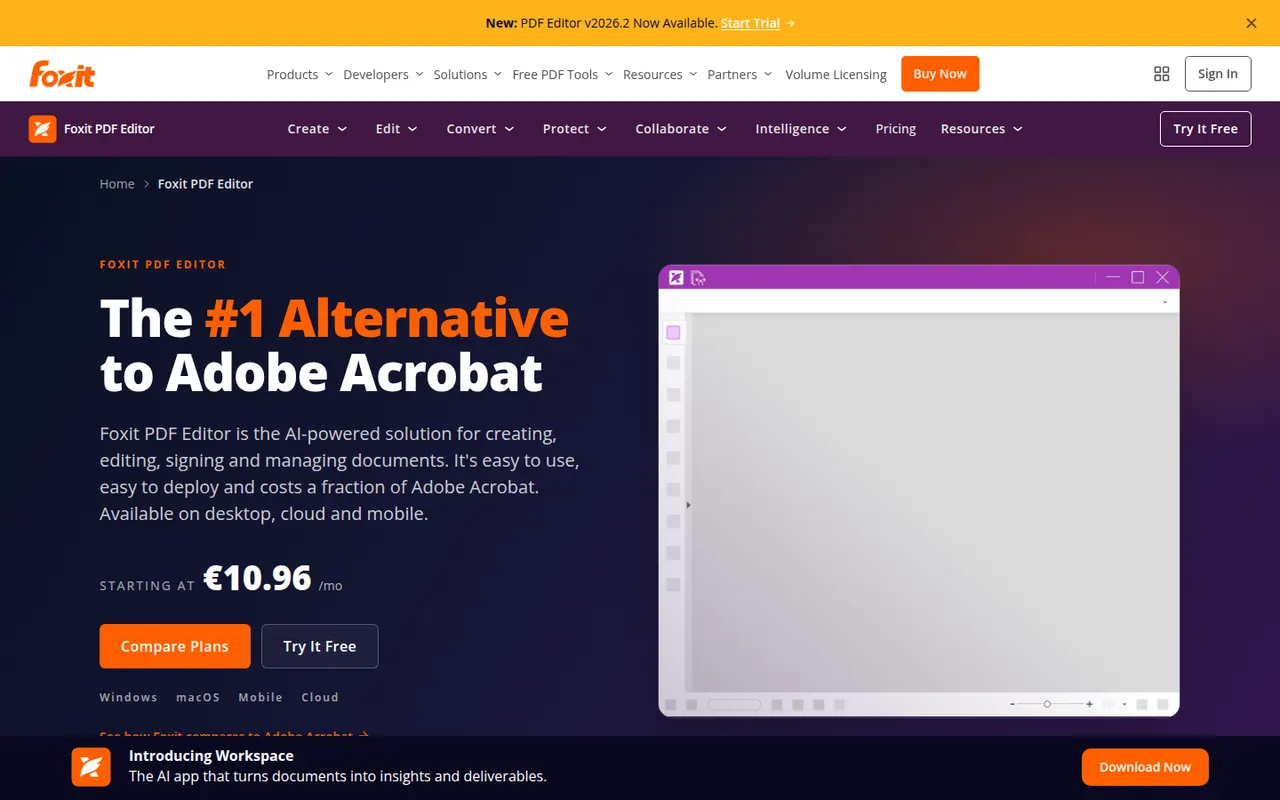
Cost / LicenseFreemiumProprietaryCategoriesFoxit PDF Editor is a commercial PDF editor from Foxit Software, positioned as an alternative to Adobe Acrobat for businesses. It edits text and images, runs OCR on scans, converts to and from Office formats, protects and redacts documents and handles e-signatures, with an AI assistant for summaries and translation. It is sold by subscription with a free trial, and the separate Foxit PDF Reader is free.
10 Foxit PDF Editor alternativesPros
- Full PDF editing, OCR, redaction and e-signatures
- Lighter alternative to Acrobat with a familiar ribbon interface
- Available on Windows, Mac, mobile and the web
Cons
- Subscription required after the free trial
- The Mac version has fewer features than the Windows one
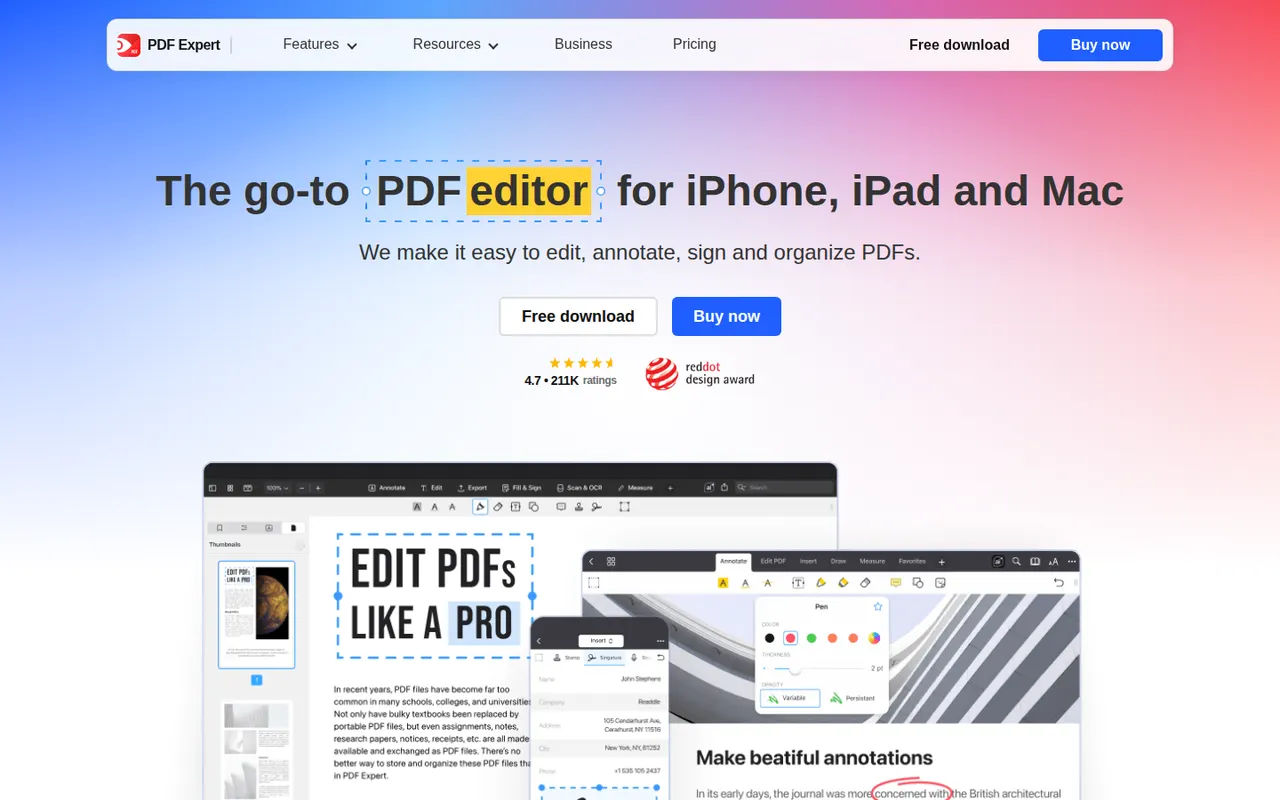
Cost / LicenseFree trialProprietaryCategoriesPDF Expert is a PDF app from Readdle designed for Apple devices. Reading, annotating, highlighting and filling forms are free, while a subscription unlocks text and image editing, OCR for scanned pages, page management, conversion and signatures. Its native interface is designed to stay responsive with large documents.
8 PDF Expert alternativesPros
- Native Apple design that stays fast with large documents
- Reading, annotation and form filling are free
- Clean tools for editing text, images and pages
Cons
- Editing, OCR and conversion require a subscription
- Fewer enterprise and automation features than Acrobat
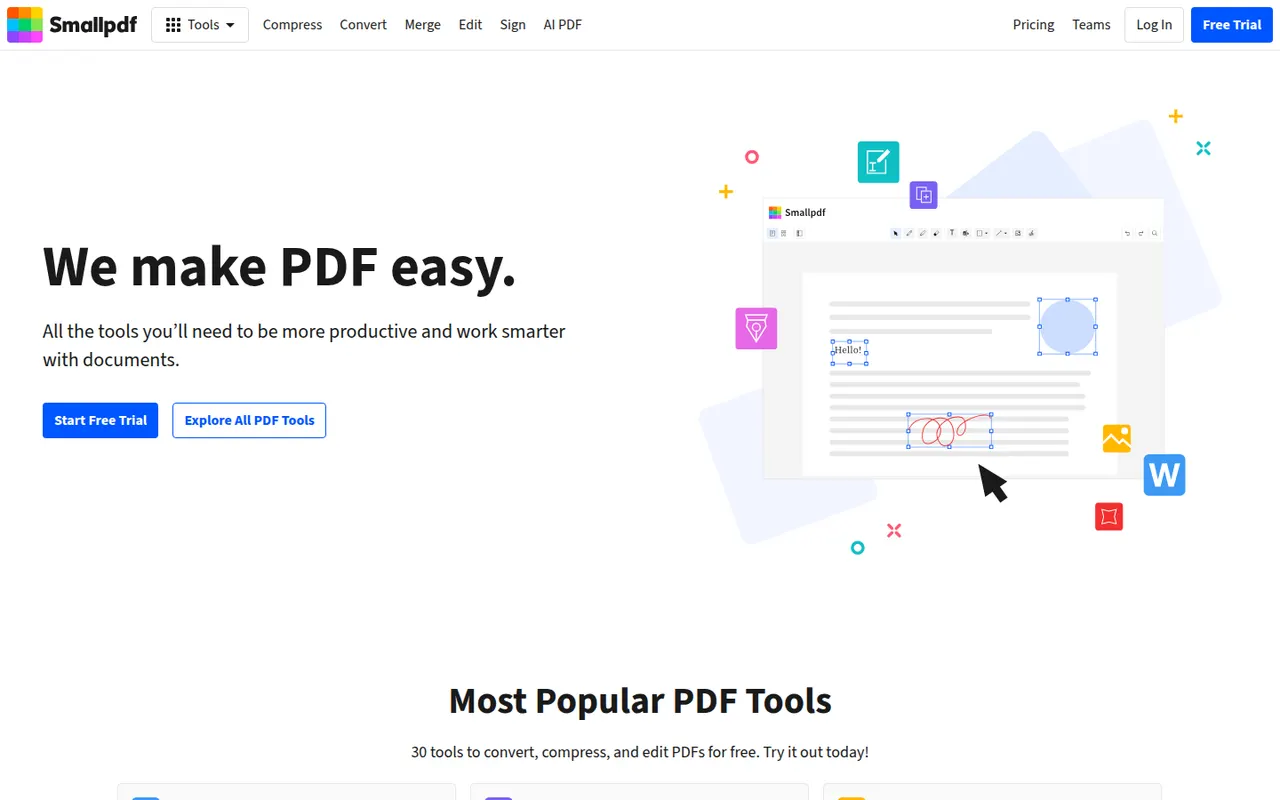
Cost / LicenseFreemiumProprietaryCategoriesSmallpdf is a Swiss PDF platform with simple tools to compress, convert, merge, split, edit and sign PDFs from the browser, plus desktop and mobile apps. It is aimed at individuals and teams with quick, occasional PDF tasks. Free users get a limited number of tasks per day, while the Pro plan removes limits and adds OCR, batch processing and AI tools for summarising documents.
8 Smallpdf alternativesPros
- Clean, simple tools for quick PDF tasks in the browser
- Compress, convert, merge, edit and sign in one place
- Desktop and mobile apps alongside the web version
Cons
- Free users get only a few tasks per day
- OCR, batch processing and AI tools require Pro
- Files are processed online, a concern for sensitive documents
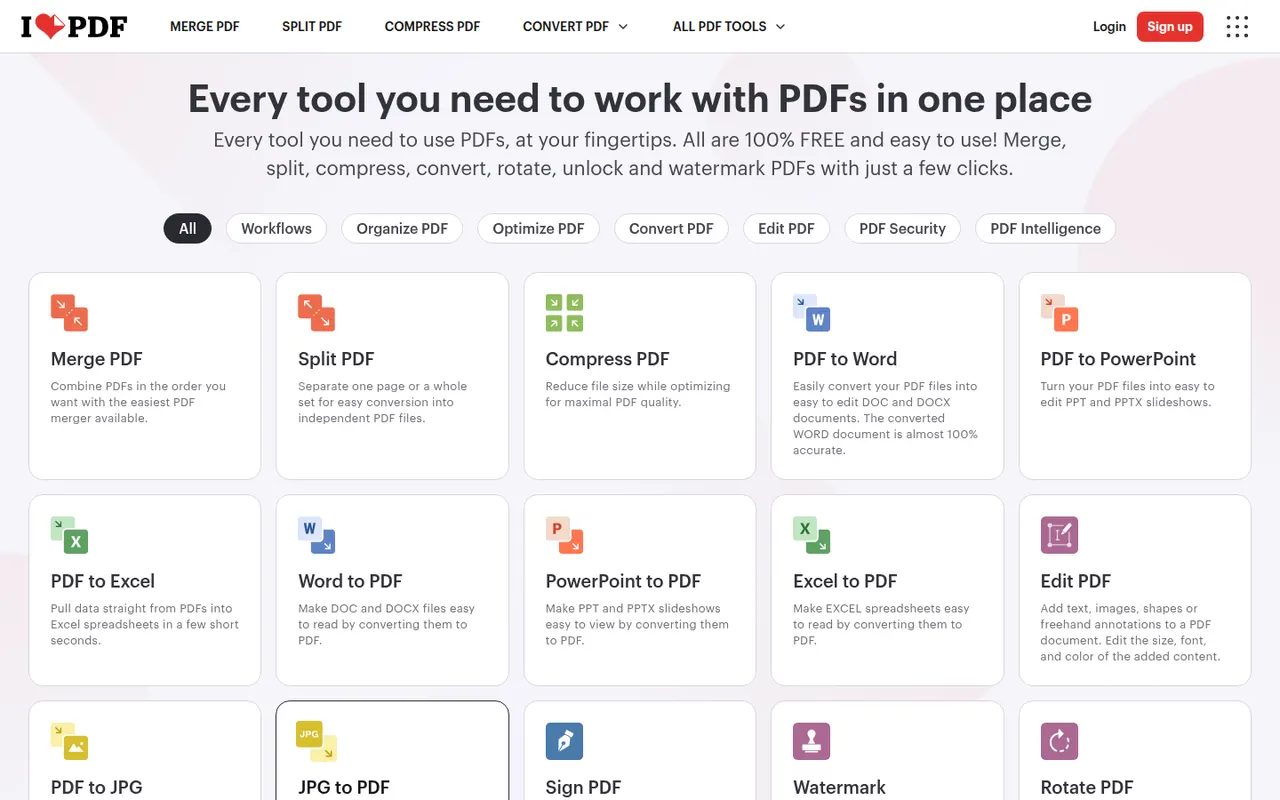
Cost / LicenseFreemiumProprietaryCategoriesiLovePDF is a web-based PDF toolkit from a company based in Barcelona, with single-purpose tools to merge, split, compress, convert, rotate, watermark, OCR and sign PDF files. Desktop and mobile apps cover the same tasks, and a developer API is offered separately. Most tools are free with file-size and usage limits, and a Premium subscription removes them.
8 iLovePDF alternativesPros
- Simple single-purpose tools for merging, splitting and compressing
- Most tools work free in the browser, with nothing to install
- Developer API for automating PDF tasks
Cons
- Free use has file-size and usage limits
- Uploading files to a web service may not suit sensitive documents
- Text editing is basic compared with desktop editors
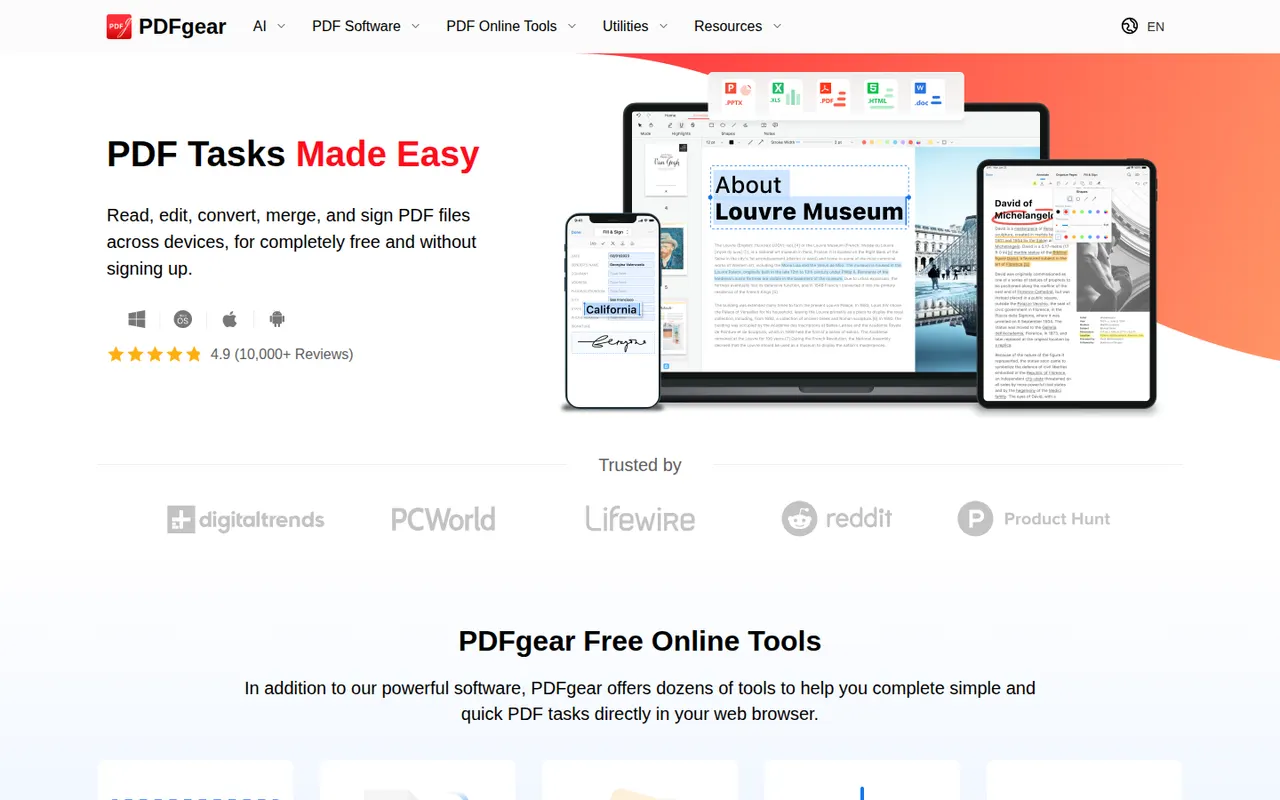
Cost / LicenseFreemiumProprietaryCategoriesPDFgear is a free PDF application from Singapore-based PDF Gear Tech for reading, editing, converting, merging, compressing and signing documents. It includes OCR for scanned files and a Copilot assistant that summarises PDFs and carries out edits from chat requests. It is available on Windows, Mac, iPhone, iPad, Android and the web, without watermarks or a required account.
10 PDFgear alternativesPros
- Free editing, conversion and signing without watermarks
- No account required to use the apps
- Copilot assistant summarises PDFs and applies edits from chat
Cons
- Text editing is less precise than in Acrobat or Foxit
- Younger product with less of a track record than established editors
Cost / LicenseFreeProprietaryCategoriesNitro PDF Pro is a commercial PDF editor from Nitro Software for Windows and Mac, aimed at businesses replacing Adobe Acrobat. It edits text and images, converts PDFs to and from Word, Excel and PowerPoint, runs OCR, manages pages and includes Nitro Sign for sending documents for signature. It is a paid product with a free trial.
7 Nitro PDF Pro alternativesPros
- Office-style interface that feels familiar to Word users
- Solid conversion to and from Word, Excel and PowerPoint
- Nitro Sign included for sending documents for signature
Cons
- Desktop only, with no mobile apps
- Paid product after the trial, with no free tier
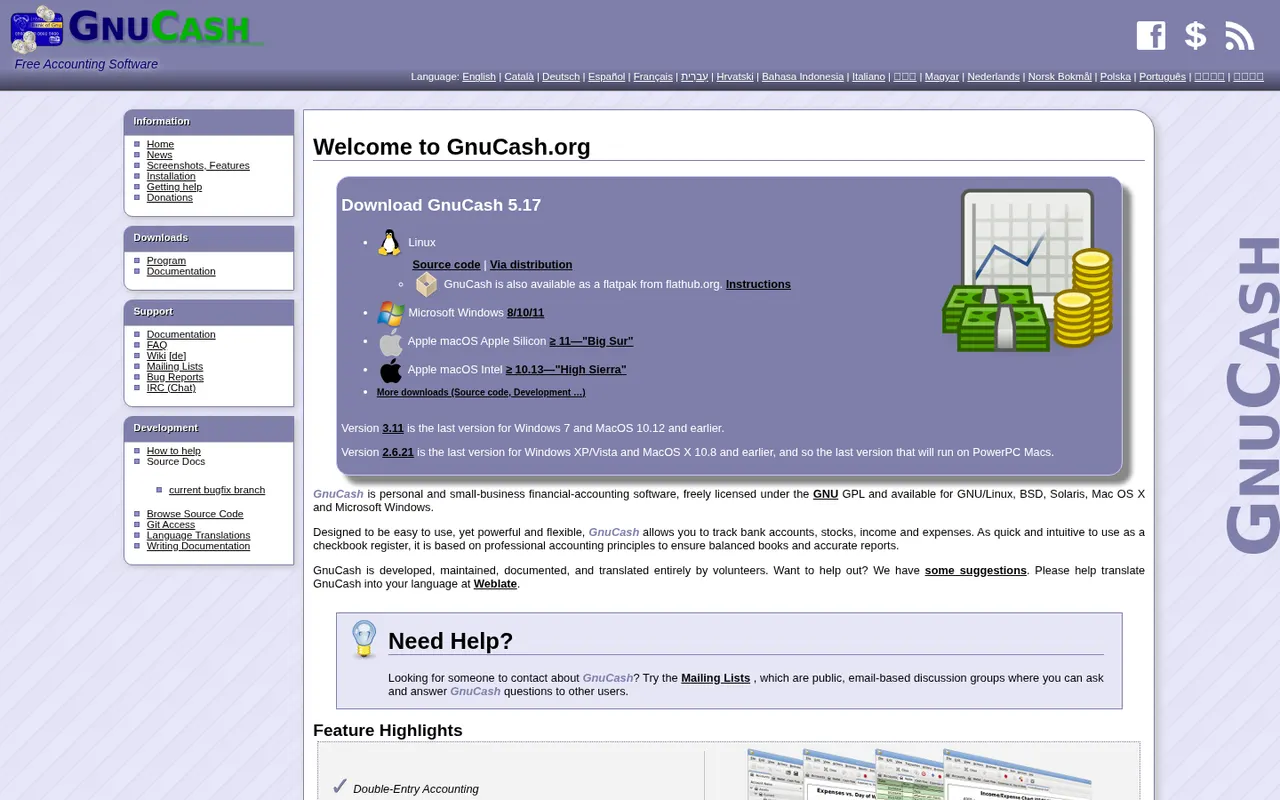
Cost / LicenseFree trialProprietaryCategoriesGnuCash is a free, open source desktop accounting program for tracking personal finances or keeping small-business books with double-entry accounting. It manages bank and credit card accounts, investments, multiple currencies, customers, vendors, invoices and bills, and can import QIF, OFX and CSV files or fetch transactions online. It runs offline on Windows, macOS and Linux and is licensed under the GPL.
7 GnuCash alternativesPros
- Free, open source double-entry accounting
- Works offline, with your data kept on your own computer
- Imports QIF, OFX and CSV files from banks
Cons
- Dated interface that feels clunky next to modern apps
- Double-entry concepts can confuse non-accountants
- No built-in cloud sync between devices
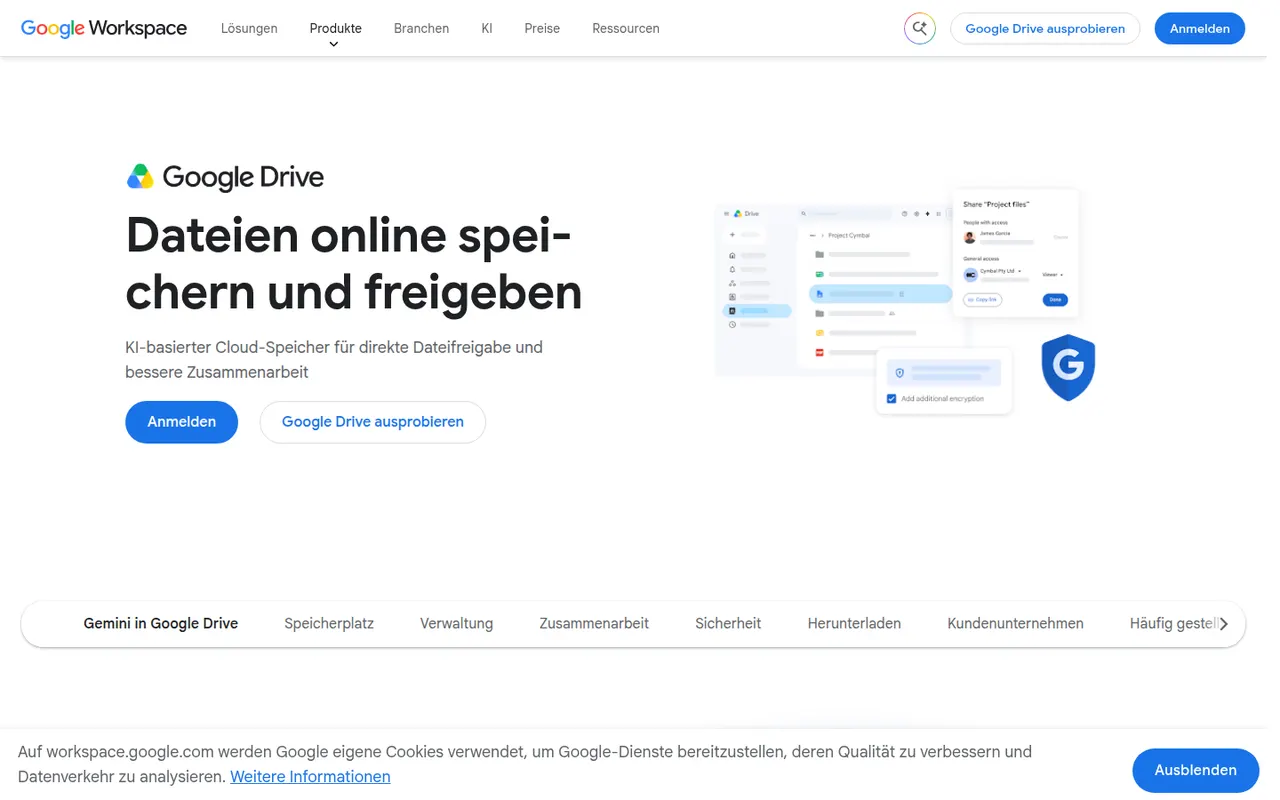
Cost / LicenseFreeOpen sourceCategoriesGoogle Drive is Google's file storage and sync service, included with every Google account and shared with Gmail and Google Photos. Files can be shared by link or with specific people, and documents open directly in Google Docs, Sheets and Slides for real-time co-editing. Desktop apps for Windows and Mac can mirror folders or stream files on demand.
12 Google Drive alternativesPros
- Real-time co-editing in Google Docs, Sheets and Slides
- Free storage included with every Google account
- Strong search across files, including text inside PDFs and images
Cons
- Free storage is shared with Gmail and Google Photos
- No official desktop client for Linux
- No end-to-end encryption for personal accounts
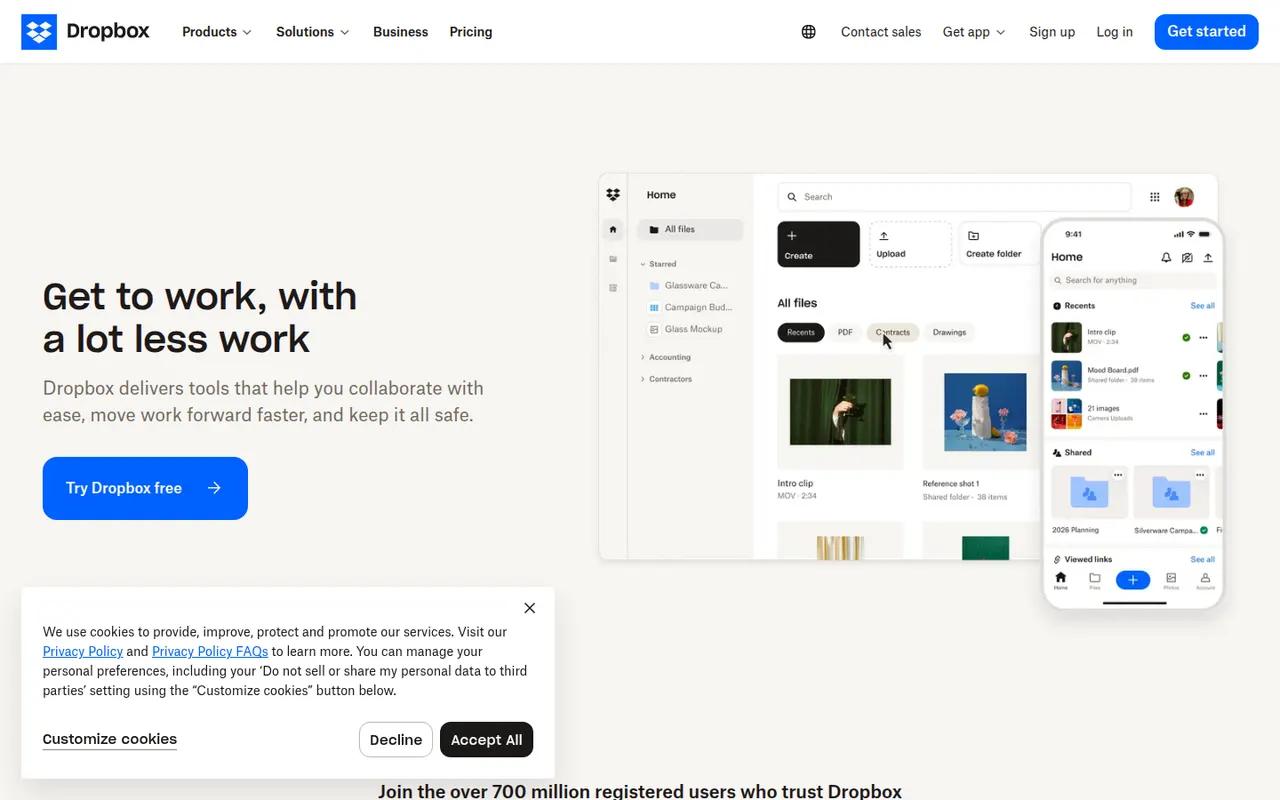
Cost / LicenseFreemiumProprietaryCategoriesDropbox keeps a folder in sync across your devices and lets you share files or folders with a link, including with people who have no account. It runs on Windows, macOS and Linux as well as mobile, keeps previous versions of files and can back up phone photos automatically. Paid plans add more storage, large file transfers and team administration.
12 Dropbox alternativesPros
- Reliable, fast sync across Windows, macOS, Linux and mobile
- Share files by link, even with people who have no account
- Version history and automatic photo backup included
Cons
- The free plan offers little storage and limits linked devices
- Files are not end-to-end encrypted on standard plans
Cost / LicenseFreemiumProprietaryCategories