Best apps for iPhone
291 apps
Top iPhone apps ranked by the community
Adobe Illustrator is a desktop vector editor used by designers to create logos, icons, typography, illustrations and print artwork that scale to any size. It offers precise pen and shape tools, multiple artboards, many plugins and tight integration with Photoshop, InDesign and other Creative Cloud apps, plus Firefly features such as text-to-vector generation. An iPad version is also available.
11 Adobe Illustrator alternativesPros
- Industry-standard vector tools for logos, icons and print artwork
- Tight integration with Photoshop, InDesign and Creative Cloud
- Large plugin ecosystem and Firefly text-to-vector generation
Cons
- Subscription-only, with no perpetual license
- Steep learning curve, especially the pen tool
- Can be resource-heavy on large, complex files
Cost / LicenseFree trialProprietaryCategoriesVistaCreate, formerly Crello, is an online graphic design editor owned by Vista, the printing company. It provides ready-made templates for social posts, ads, flyers and animated graphics, a stock library of photos, videos and illustrations, brand kits and a background remover. Finished designs can be ordered as prints through Vista, which makes it practical for small businesses.
6 VistaCreate alternativesPros
- Ready-made templates for social posts, ads and animated graphics
- Stock library of photos, videos and illustrations included
- Designs can be ordered as prints directly through Vista
Cons
- Fewer advanced and collaboration features than Canva
- Premium assets and features require a paid plan
- Limited control for detailed or precise design work
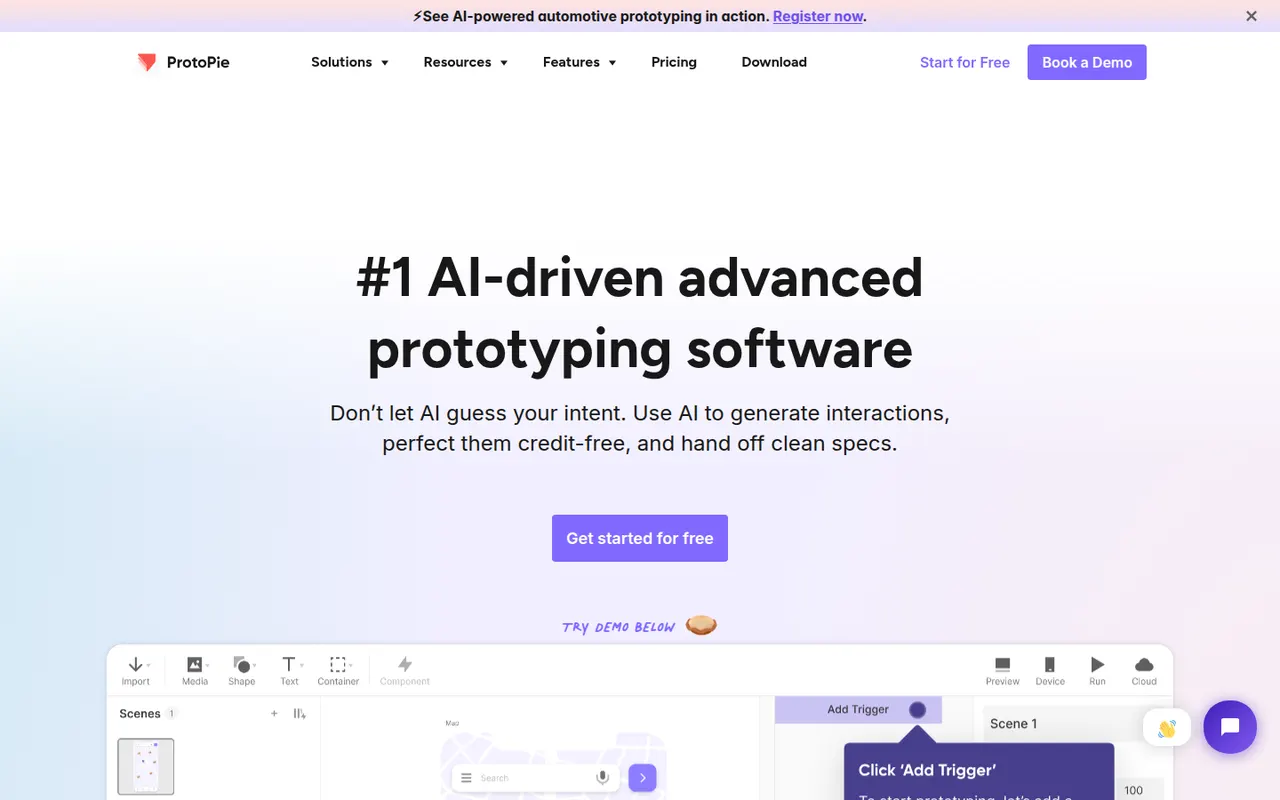
Cost / LicenseFreemiumProprietaryCategoriesProtoPie is a prototyping tool for building realistic interactions without writing code, using triggers, responses, variables and formulas. Prototypes can use device sensors and connect several screens or hardware, which makes it useful for mobile, automotive and IoT interfaces. Designs can be imported from Figma, Sketch or Adobe XD and previewed on phones with the ProtoPie Player app.
8 ProtoPie alternativesPros
- Realistic interactions built with variables, formulas and conditions
- Uses device sensors and connects multiple screens or hardware
- Imports designs from Figma, Sketch and Adobe XD
Cons
- The logic-based approach takes time to learn
- Not a full design tool, so visuals are usually made elsewhere
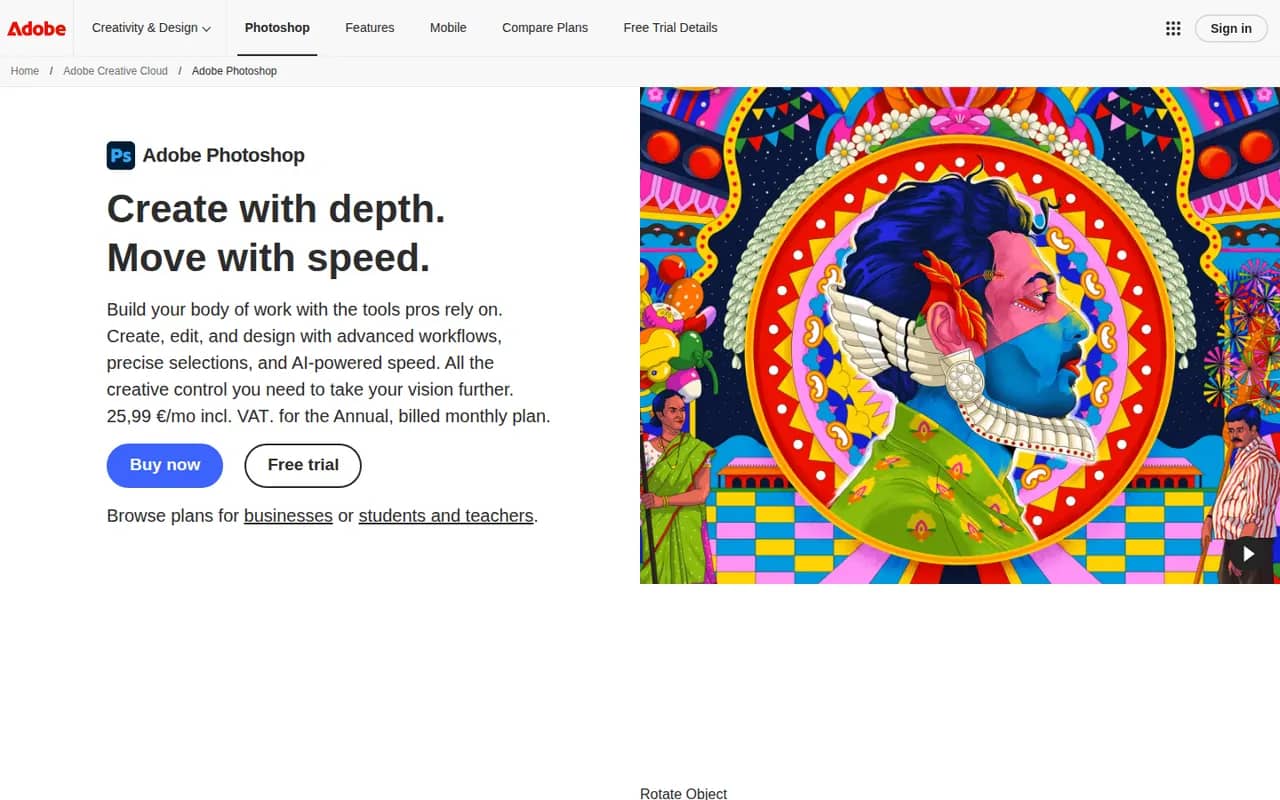
Cost / LicenseFreemiumProprietaryCategoriesAdobe Photoshop is a professional image editor used for retouching, compositing, graphic design and digital painting. It combines layers, masks, adjustment layers, Camera Raw processing and a large plugin ecosystem with Firefly-powered tools such as Generative Fill and object removal. It runs on Windows and macOS, with web, iPad and iPhone versions that sync through Creative Cloud.
12 Adobe Photoshop alternativesPros
- Industry standard for retouching and compositing
- Generative Fill and object removal powered by Firefly
- Vast ecosystem of plugins and tutorials
Cons
- Subscription only, which adds up over time
- Steep learning curve for beginners
- Demanding on hardware with large files
Cost / LicenseFree trialProprietaryCategoriesAdobe Lightroom is a non-destructive photo editor and organizer for processing RAW files, adjusting color and light, and managing large libraries with ratings, keywords and AI-based search. The cloud-based Lightroom syncs edits across desktop, web and mobile, while Lightroom Classic keeps catalogs on the local disk. Presets, masking and AI removal tools serve both enthusiasts and professionals.
9 Adobe Lightroom alternativesPros
- Non-destructive RAW editing with powerful masking
- Library tools with ratings, keywords and AI search
- The cloud version syncs edits across desktop, web and mobile
Cons
- Subscription only, with no perpetual license
- Choosing between Lightroom and Lightroom Classic can be confusing
- Cloud storage adds to the cost for large libraries
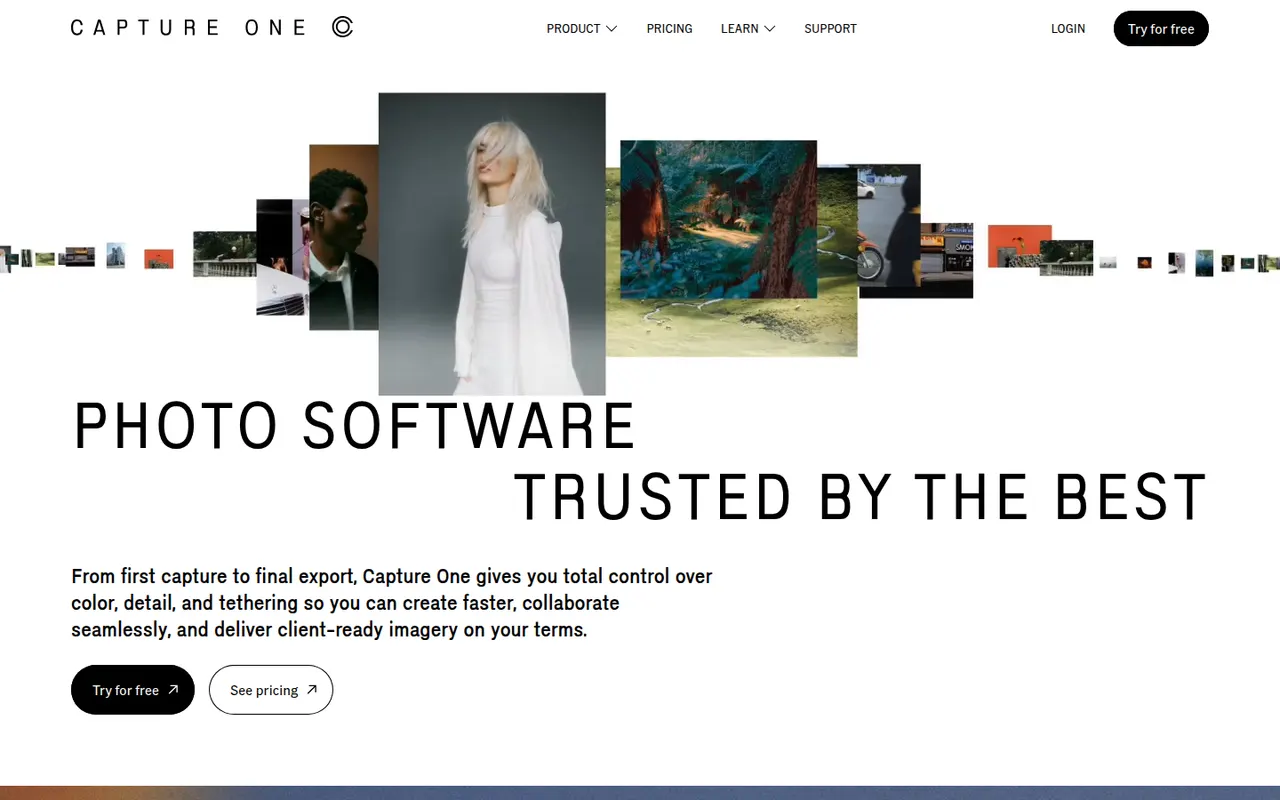
Cost / LicenseFreemiumProprietaryCategoriesCapture One is a photo editing and asset management application known for its RAW color rendering and tethered shooting, used in studio, fashion and commercial photography. It offers layer-based local adjustments, advanced color editing, sessions and catalogs for organizing shoots, and live sharing tools for clients. It runs on Windows and macOS, with an app for iPad and iPhone.
7 Capture One alternativesPros
- Renowned RAW color rendering and advanced color tools
- Fast, reliable tethered shooting for studio work
- Layer-based local adjustments and session workflows
Cons
- Pricing is high for hobbyist photographers
- Steep learning curve for newcomers
- Fewer mobile and cloud features than Lightroom
Cost / LicenseFree trialProprietaryCategoriesPixlr is a family of browser-based image tools, including an advanced layer-based editor, a quick editor for simple adjustments and a template-based designer for social graphics. It adds AI tools for background removal, generative fill and image generation, and is also available as mobile apps. Free use is supported by ads, with Premium plans unlocking more AI credits and tools.
8 Pixlr alternativesPros
- Browser-based editors for quick fixes or layered work
- AI background removal, generative fill and image generation
- Template-based designer for social graphics
Cons
- The free version shows ads
- AI features run on limited credits without Premium
- Less precise than desktop editors for detailed retouching
Cost / LicenseFreemiumProprietaryCategoriesProcreate is a raster painting app built for iPad and Apple Pencil, used by illustrators, comic artists, letterers and hobbyists. It offers many customizable brushes, layers and blend modes, time-lapse recording of each artwork and Animation Assist for simple frame-by-frame animation. It is sold as a one-time purchase, and its developer has committed to keeping generative AI out of the app.
6 Procreate alternativesPros
- Responsive brush engine built for Apple Pencil
- One-time purchase with no subscription
- Time-lapse recording and Animation Assist built in
Cons
- Limited to iPad and iPhone, with no desktop version
- No vector tools for scalable artwork
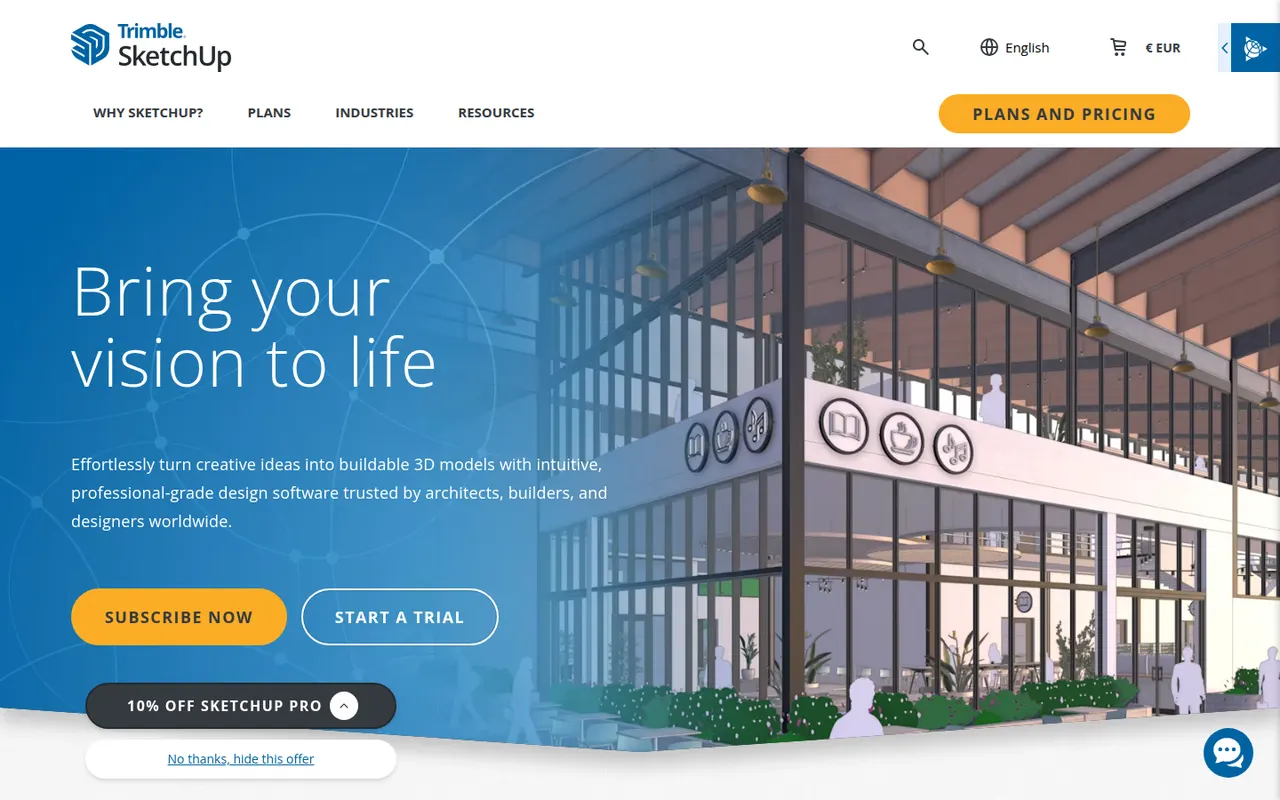
Cost / LicensePaidProprietaryCategoriesPlatformsSketchUp is a 3D modeling tool from Trimble built around simple push-pull geometry, used by architects, interior designers, landscape designers and woodworkers. The 3D Warehouse offers a large library of ready-made models, and the Extension Warehouse adds plugins for rendering, layout and analysis. A free web version exists for personal use; paid plans add the desktop app, LayOut for 2D drawings and the iPad app.
8 SketchUp alternativesPros
- Push-pull modeling is quick to pick up for beginners
- 3D Warehouse offers a vast library of ready-made models
- Extensions add rendering, layout and analysis tools
Cons
- The free web version is limited to personal use
- Struggles with complex curved and organic shapes
- The desktop app and LayOut require a paid subscription
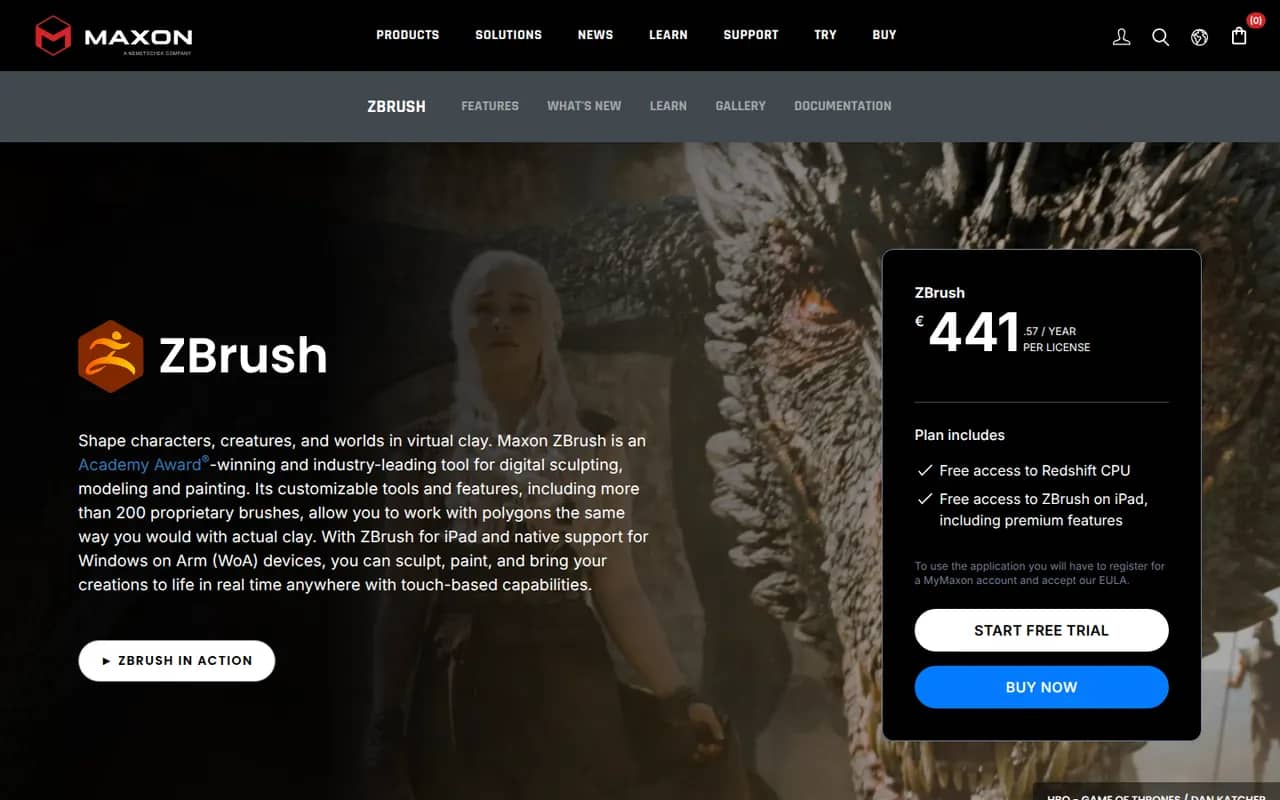
Cost / LicenseFreemiumProprietaryCategoriesZBrush is a digital sculpting and painting application used for characters, creatures, collectibles and 3D-printed figures in film, games and toy design. It handles models with millions of polygons using brush-based sculpting, DynaMesh, ZRemesher retopology and Polypaint for surface color. Created by Pixologic and now owned by Maxon, it runs on Windows and macOS, and an iPad version is also available.
6 ZBrush alternativesPros
- Handles models with millions of polygons smoothly
- DynaMesh and ZRemesher speed up sculpting and retopology
- Reference tool for character and creature sculpting
Cons
- Unconventional interface that takes a long time to master
- Not a full 3D suite, so animation and scene work need other tools
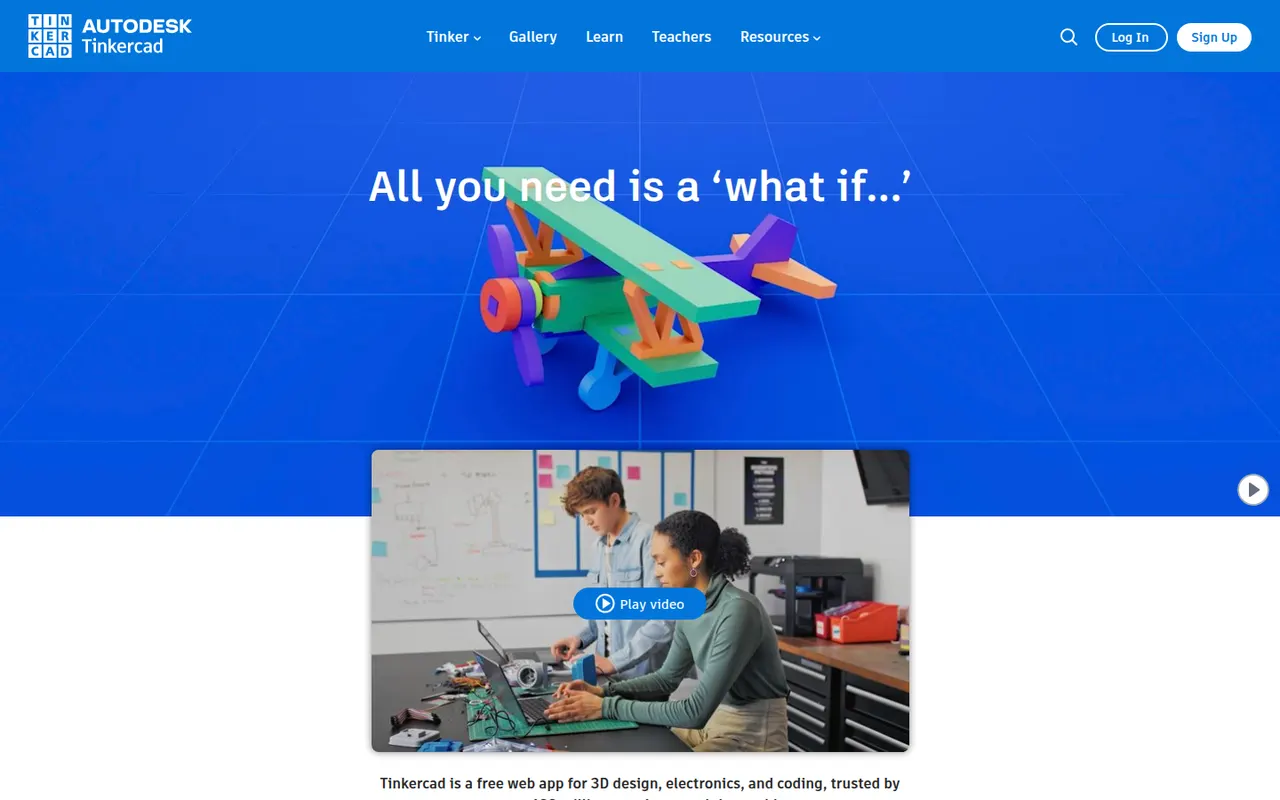
Cost / LicenseFreemiumProprietaryCategoriesTinkercad is a free web app from Autodesk that teaches 3D design by combining basic shapes, making it a common first step into CAD for students, teachers and 3D printing hobbyists. Besides 3D modeling, it includes Circuits for simulating Arduino and electronics projects and Codeblocks for creating designs with block-based code. Classroom tools let teachers manage students, and an iPad app is available.
6 Tinkercad alternativesPros
- Completely free and runs in the browser
- Shape-based modeling is ideal for first steps in 3D design
- Circuits simulates Arduino and electronics projects
Cons
- Too basic for complex or precise engineering models
- Needs an internet connection and an Autodesk account
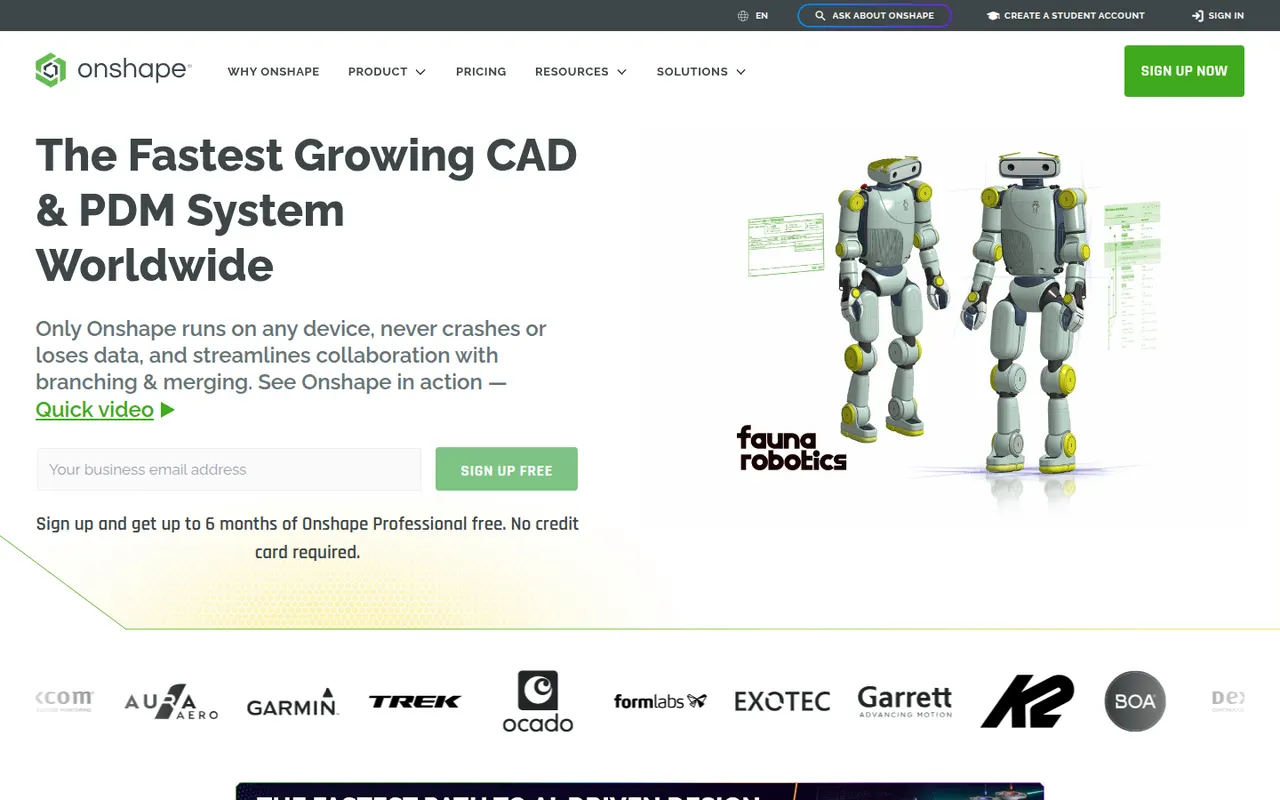
Cost / LicenseFreeProprietaryCategoriesOnshape is a professional 3D CAD system that runs entirely in the browser and on mobile devices, with no software to install and no files to manage. It combines parametric part and assembly modeling with Git-like branching, merging and version history, and lets several engineers edit the same design at once. Developed by PTC, it offers a free plan for hobbyists with public documents and paid plans for companies.
6 Onshape alternativesPros
- Runs entirely in the browser with nothing to install
- Built-in branching, merging and version history for designs
- Several engineers can edit the same model at the same time
Cons
- Documents created on the free plan are public
- Needs a reliable internet connection to work
- Professional plans weigh heavily on small companies' budgets
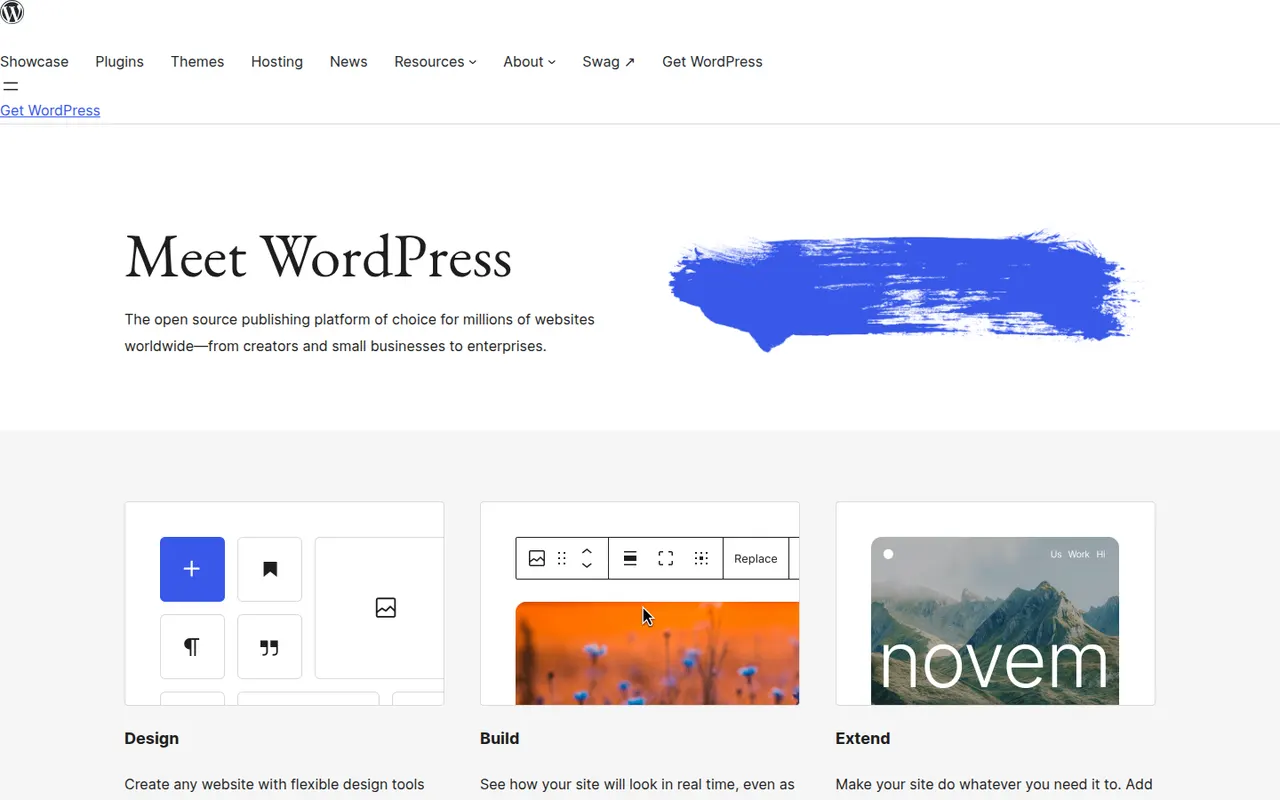
Cost / LicenseFreemiumProprietaryCategoriesWordPress is a free, open source content management system that you install on your own web hosting. Its block editor handles pages and posts, and thousands of themes and plugins add features such as forms, SEO tools or an online store. Because it is self-hosted, you keep full control over your files, your data and your choice of host.
9 WordPress alternativesPros
- Thousands of themes and plugins for almost any need
- Full control over files, data and choice of host
- Free and open source, with a huge community
Cons
- You handle hosting, updates, backups and security yourself
- Plugin sprawl can slow sites and introduce vulnerabilities
- Block editor takes time to master for complex layouts
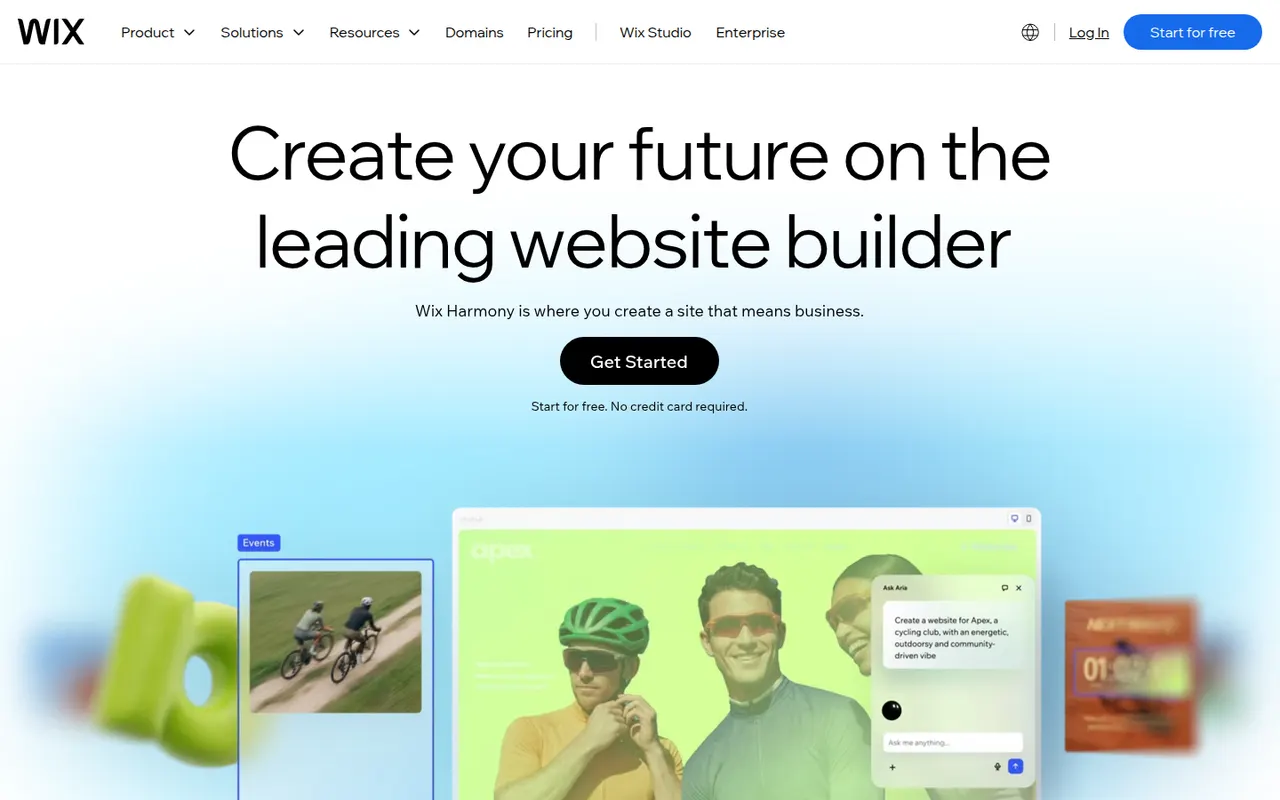
Cost / LicenseFreeOpen sourceCategoriesPlatformsWix is a hosted website builder that lets you design pages by placing elements freely on a canvas or by starting from a template. Hosting, domains, an online store, bookings and blogging are built in, and an AI tool can draft a first version of a site from a few questions. It suits small businesses and individuals who want everything in one place.
12 Wix alternativesPros
- Free-form canvas lets you place elements anywhere
- Online store, bookings and blog built in
- AI tool drafts a first version from a few questions
Cons
- Switching templates later means rebuilding the site
- Free plan shows Wix ads and uses a Wix subdomain
- Sites cannot be exported to another host
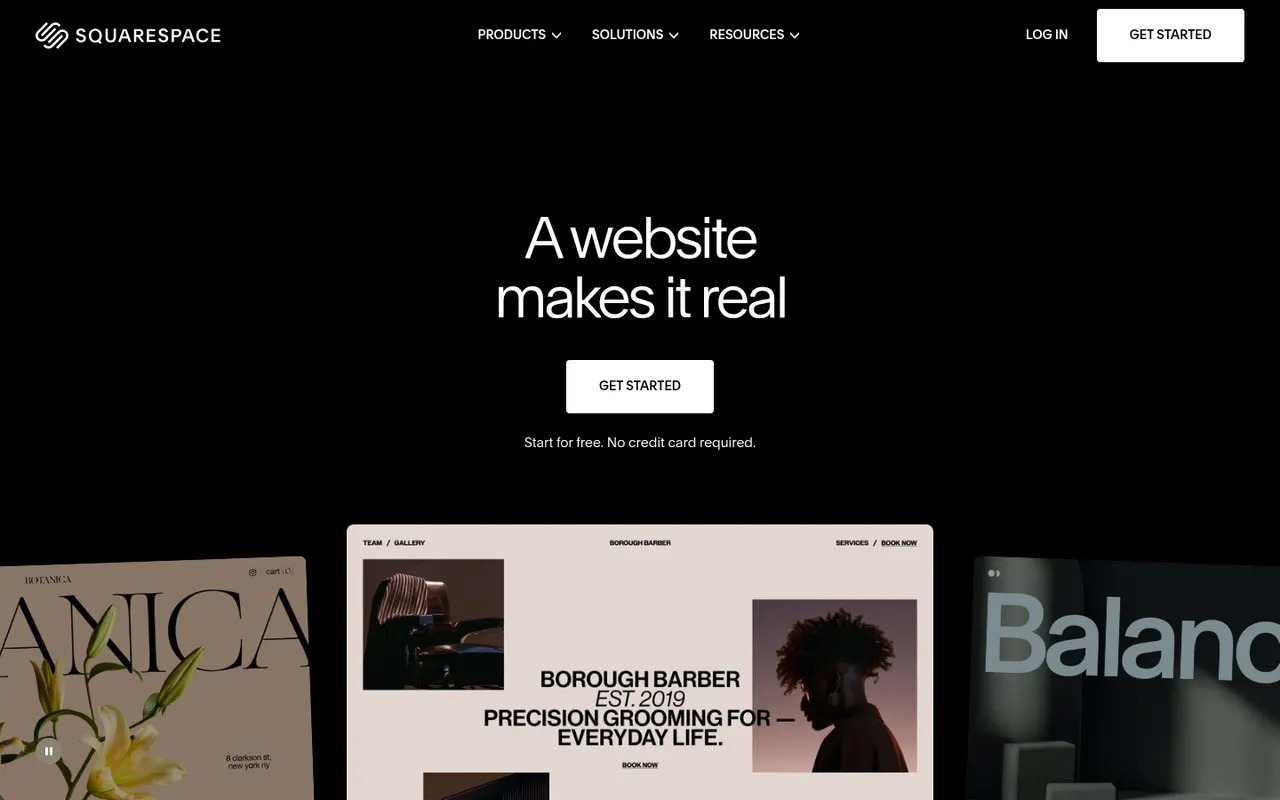
Cost / LicenseFreemiumProprietaryCategoriesSquarespace is a hosted platform for building websites, portfolios and online stores from designer templates. It bundles hosting, domains, e-commerce, email campaigns and appointment scheduling, with a section-based editor that keeps layouts consistent. It appeals to creatives and small businesses who care about design and prefer not to manage plugins.
12 Squarespace alternativesPros
- Polished designer templates with consistent layouts
- Hosting, commerce, email campaigns and scheduling in one place
- No plugins to install or keep updated
Cons
- No free plan beyond the trial
- Less layout freedom than canvas-based builders
- Fewer third-party extensions than WordPress
Cost / LicenseFree trialProprietaryCategoriesWordPress.com is the hosted version of WordPress run by Automattic, so you get the WordPress editor, themes and blogging tools without managing a server. Free sites use a wordpress.com address, while paid plans add custom domains, plugins, e-commerce and more storage. It suits bloggers and small businesses who want WordPress without handling updates, backups and security themselves.
11 WordPress.com alternativesPros
- WordPress without managing servers, updates or backups
- Free plan to start a blog quickly
- Same WordPress editor, themes and blogging tools
Cons
- Installing plugins requires a paid plan
- Free sites show ads and use a wordpress.com address
- Less control over hosting than self-hosted WordPress
Cost / LicenseFreemiumProprietaryCategoriesShopify is a hosted commerce platform for creating an online store, selling on social networks and marketplaces, and taking payments in person with its point-of-sale app. It handles hosting, checkout, inventory and shipping, while a large app store and theme marketplace extend what a store can do. It scales from first-time sellers to large brands on the Shopify Plus tier.
12 Shopify alternativesPros
- Hosting, checkout, payments and security are handled for you
- Huge app store and theme marketplace
- Sells online, on social channels and in person with its POS app
Cons
- Monthly app subscriptions quickly raise the total cost
- Extra transaction fees apply when not using Shopify Payments
- Checkout customization is limited outside Shopify Plus
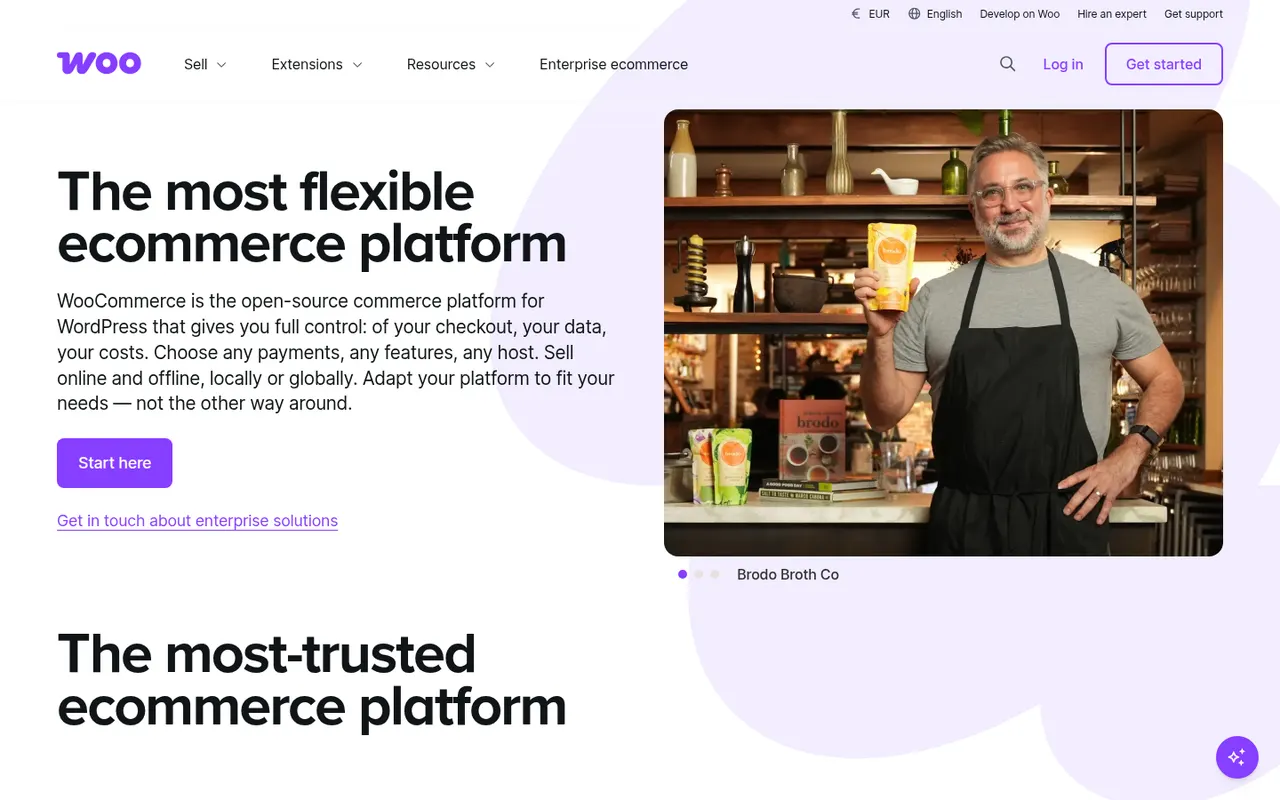
Cost / LicenseFree trialProprietaryCategoriesWooCommerce is a free, open source plugin that adds a full online store to a WordPress site: products, cart, checkout, taxes, shipping and orders. Because it runs on your own hosting, you control the code and data, and a large catalog of free and paid extensions covers payment gateways, subscriptions, bookings and more. It is a natural choice for shops that already use WordPress.
12 WooCommerce alternativesPros
- Free plugin that turns a WordPress site into a full store
- Huge catalog of extensions for payments, subscriptions and bookings
- Full control over code, data and hosting
Cons
- Hosting, security and updates are your responsibility
- Paid extensions add up for features many stores need
- Performance needs tuning as catalogs and traffic grow
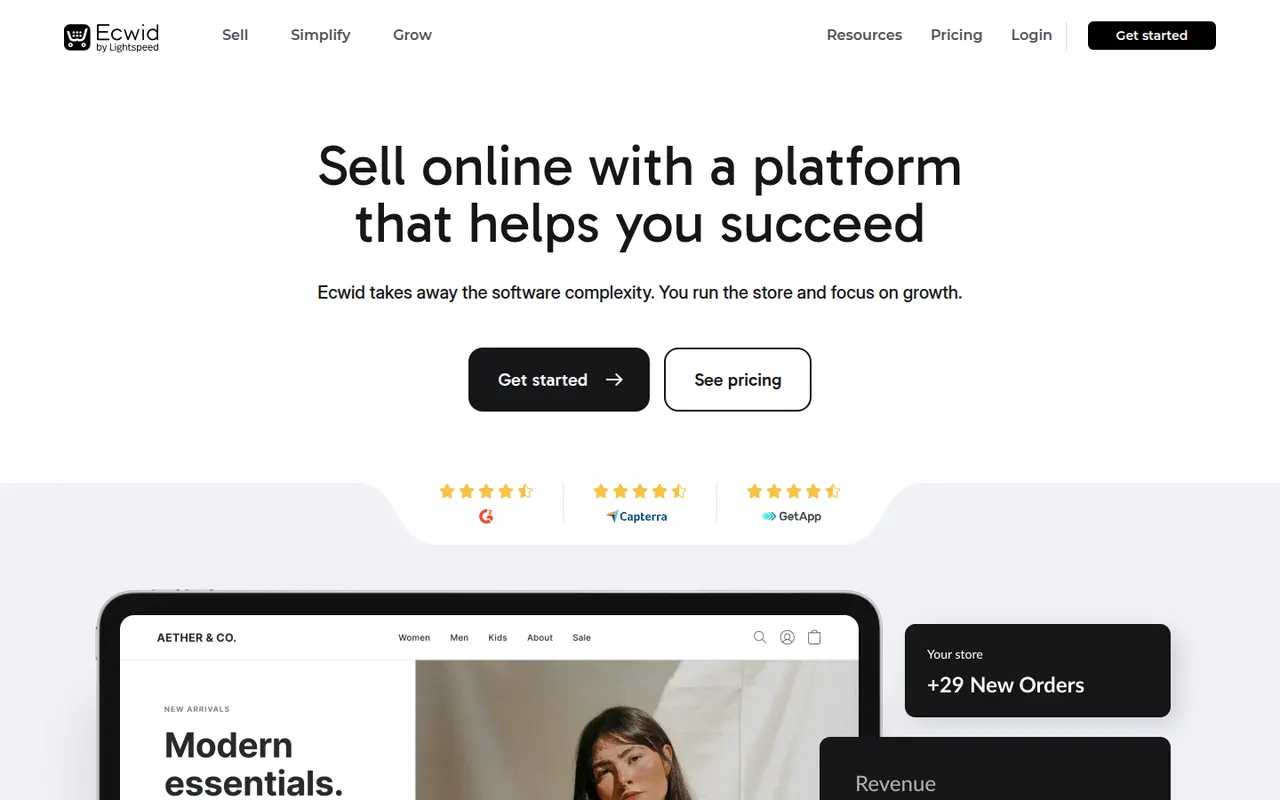
Cost / LicenseFreeOpen sourceCategoriesPlatformsEcwid, now part of Lightspeed, is an e-commerce platform built to be embedded: you manage products in one place and add the store to an existing website, a WordPress site, social networks and marketplaces. It also offers a simple standalone Instant Site and mobile apps to manage orders. It is aimed at small businesses that already have a web presence and want to start selling quickly.
9 Ecwid alternativesPros
- Embeds a store into an existing website, WordPress or social pages
- Manage products once and sell across several channels
- Quick to start, with mobile apps to manage orders
Cons
- Store design options are limited compared with full platforms
- Advanced features and larger catalogs need higher plans
- Instant Site is basic as a standalone website
Cost / LicenseFree trialProprietaryCategoriesMailchimp, owned by Intuit, is an email marketing platform for designing campaigns, building automated customer journeys and organizing an audience with tags and segments. It also offers landing pages, signup forms, SMS in some countries and AI tools for content and send times. Its many integrations, including e-commerce platforms, make it easy to connect to an existing stack.
10 Mailchimp alternativesPros
- Familiar, well-documented platform with many templates
- Large integration library, including e-commerce platforms
- Free plan for getting started with a small list
Cons
- Prices rise steeply as your audience grows
- Unsubscribed contacts can still count toward billing
- Free plan is restrictive, and key features require paid tiers
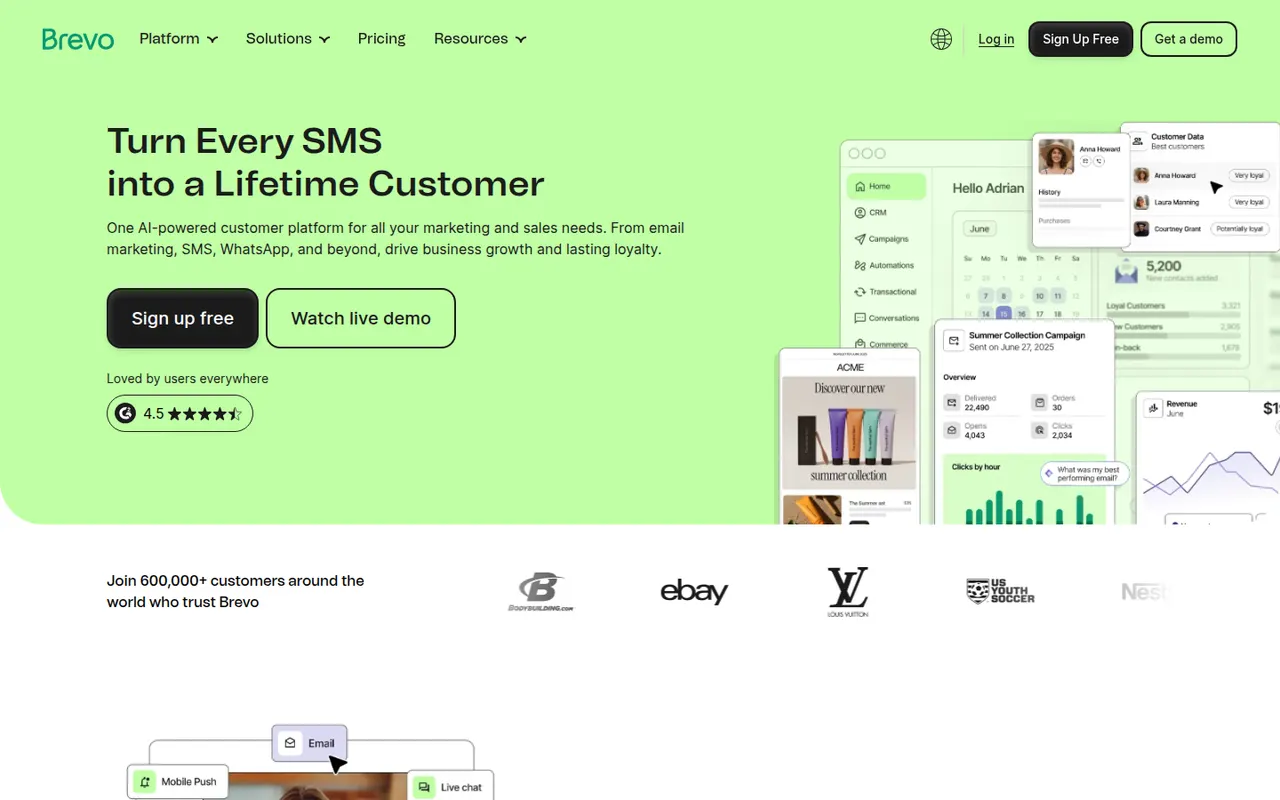
Cost / LicenseFreemiumProprietaryCategoriesBrevo, formerly Sendinblue, is a French marketing platform covering email campaigns, transactional email, SMS, WhatsApp messages and marketing automation, plus a sales CRM and live chat. Its plans are based mainly on the volume of emails sent rather than the number of contacts, which suits large lists that are mailed occasionally. Data is hosted in the EU, a plus for GDPR-conscious teams.
9 Brevo alternativesPros
- Pricing based on emails sent rather than contacts stored
- Email, SMS, WhatsApp and transactional email in one platform
- EU data hosting suits GDPR-conscious teams
Cons
- Free plan has a daily sending limit and Brevo branding
- Automation builder is less advanced than specialist tools
Cost / LicenseFreemiumProprietaryCategoriesKit, previously called ConvertKit, is an email marketing platform designed for creators such as writers, podcasters and course authors. It combines landing pages and forms, visual automations, subscriber tagging and paid newsletters, and lets you sell digital products directly to your list. A recommendations network helps creators grow by promoting each other's newsletters.
12 Kit alternativesPros
- Tag-based subscriber management suited to creators
- Sell digital products and paid newsletters to your list
- Recommendations network helps newsletters grow
Cons
- Email design options are deliberately simple
- Gets expensive as the subscriber count grows
- Advanced automations are reserved for paid plans
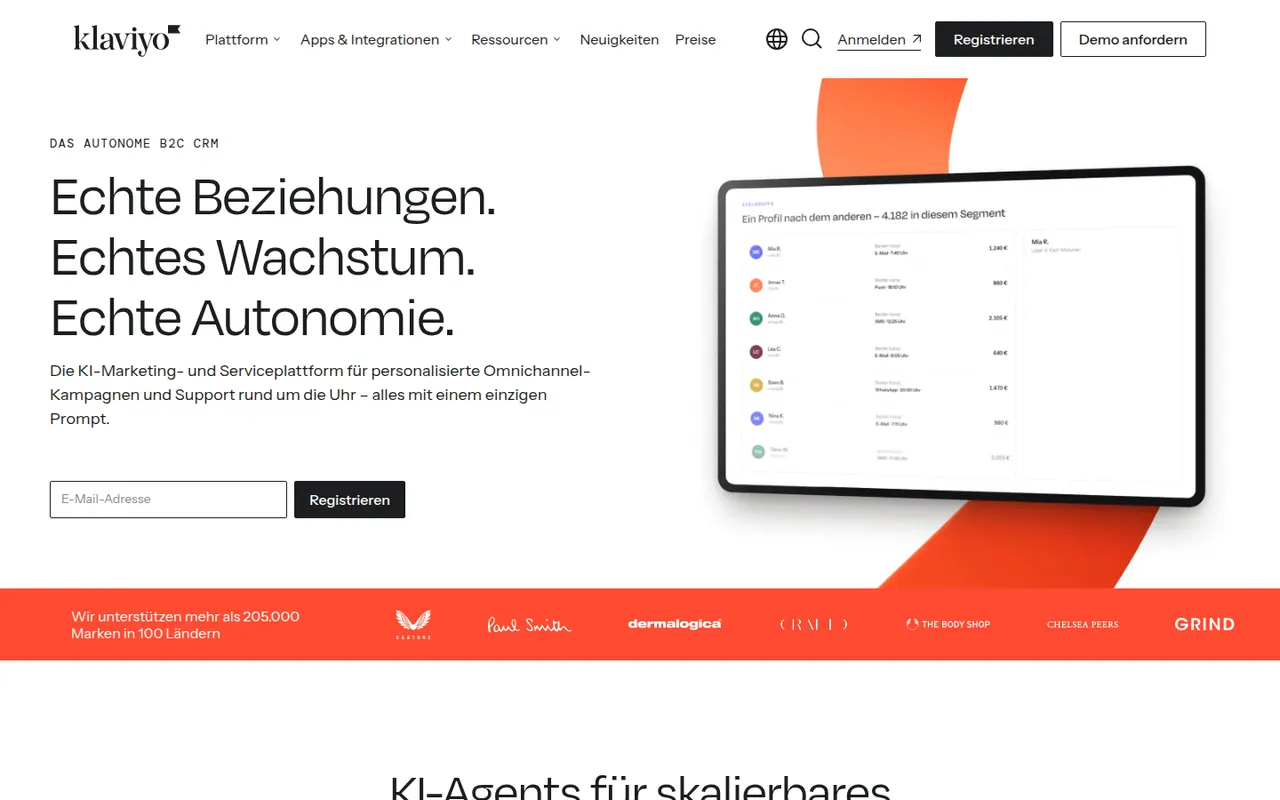
Cost / LicenseFreemiumProprietaryCategoriesKlaviyo is a marketing automation platform for online stores that connects to Shopify, WooCommerce and other platforms to use order and browsing data in email and SMS campaigns. Merchants build flows such as abandoned cart or post-purchase sequences, segment customers by behavior and predicted value, and measure revenue per message. AI features help generate content and segments.
7 Klaviyo alternativesPros
- Uses order and browsing data from Shopify and other platforms
- Prebuilt flows for abandoned carts and post-purchase emails
- Revenue attribution per message and predictive segments
Cons
- Becomes expensive as the number of active profiles grows
- Overkill for businesses that don’t sell online
- Advanced segmentation and reporting take time to master
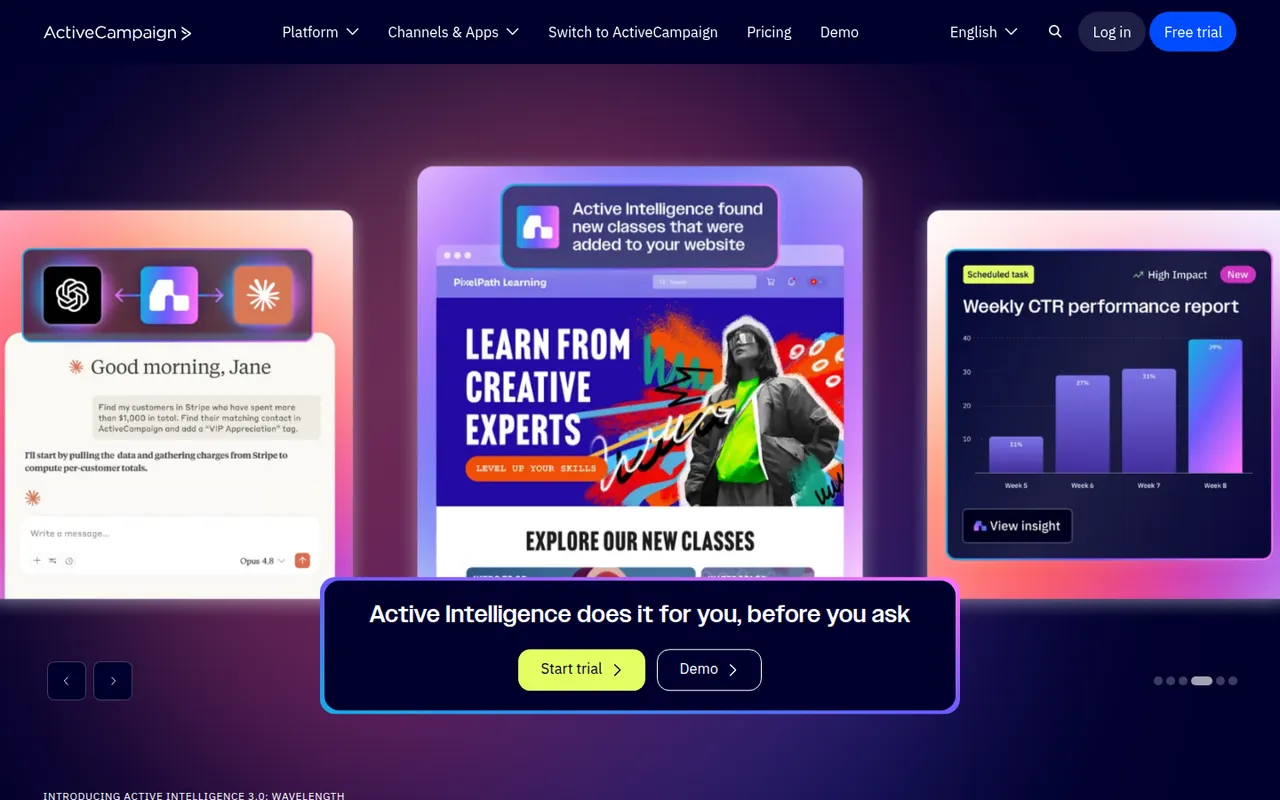
Cost / LicenseFreemiumProprietaryCategoriesActiveCampaign is a customer experience automation platform that combines email marketing, a visual automation builder, lead scoring and a sales CRM with deal pipelines. Automations can branch on behavior, site visits and custom data across email, SMS and connected apps. It is aimed at small and mid-sized businesses that need more advanced automation than basic newsletter tools provide.
8 ActiveCampaign alternativesPros
- Powerful visual automation builder with behavior-based branching
- Built-in CRM with deal pipelines and lead scoring
- Many integrations with e-commerce and business apps
Cons
- Complex automations come with a real learning curve
- Costs rise quickly as the contact list grows
- No free plan beyond the trial
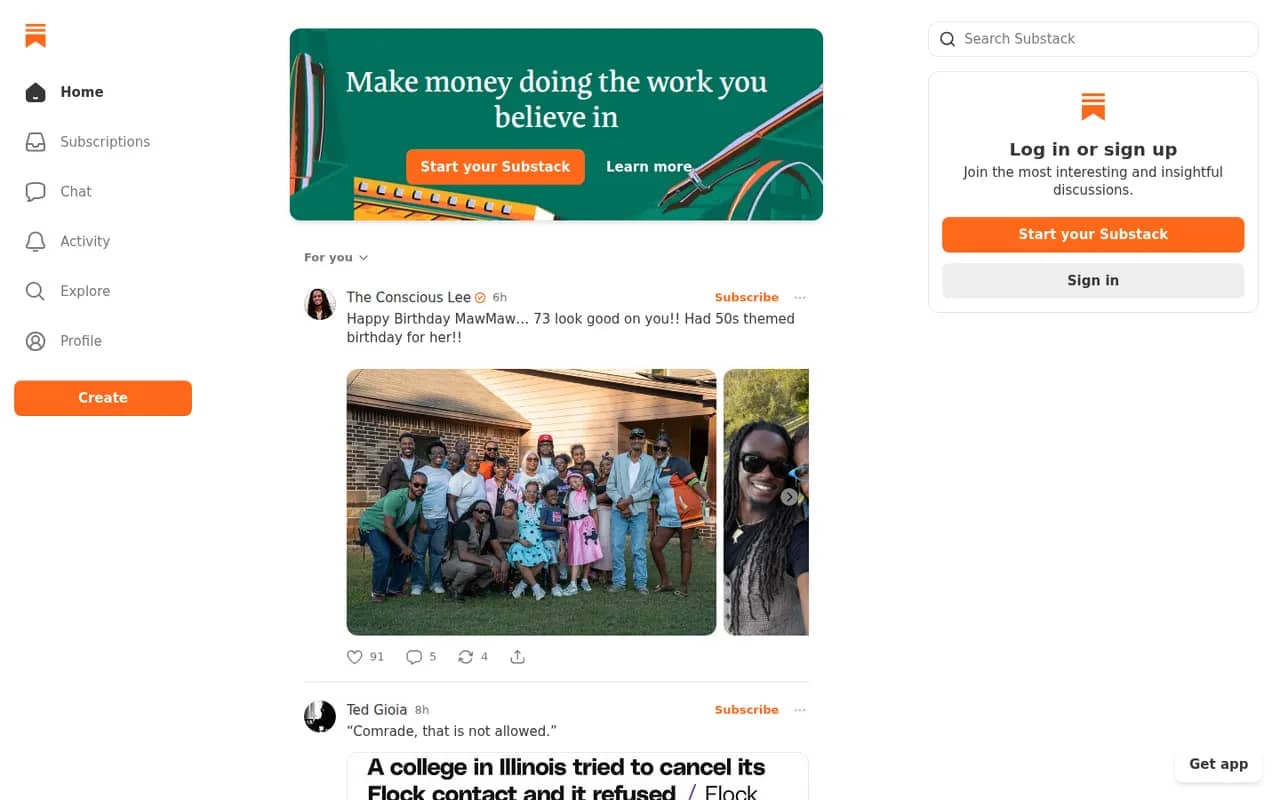
Cost / LicenseFree trialProprietaryCategoriesSubstack lets writers start a newsletter with a web archive, podcast and video hosting, and turn on paid subscriptions when they are ready. Publishing is free: Substack takes a share of subscription revenue instead of charging for a plan. Its reader app, Notes feed and cross-recommendations connect publications into a network that helps writers find readers.
7 Substack alternativesPros
- Free to publish, with no setup or hosting to manage
- Built-in paid subscriptions, podcasts and video
- Notes and cross-recommendations help writers find readers
Cons
- Takes a share of revenue from paid subscriptions
- Limited design and branding customization
- Your audience lives inside Substack’s network rather than your own brand
Cost / LicenseFreeProprietaryCategoriesConstant Contact is a long-established email marketing service aimed at small businesses and nonprofits. It offers a drag-and-drop editor with templates, automated series, list segmentation, SMS, event registration and social posting, backed by phone support. It favors ease of use over advanced automation, which suits teams without a dedicated marketer.
7 Constant Contact alternativesPros
- Easy drag-and-drop editor with many templates
- Phone support for small businesses and nonprofits
- Event registration, SMS and social posting in one tool
Cons
- Automation is basic compared with ActiveCampaign or Klaviyo
- Pricing climbs quickly with list size
- No free plan beyond the trial
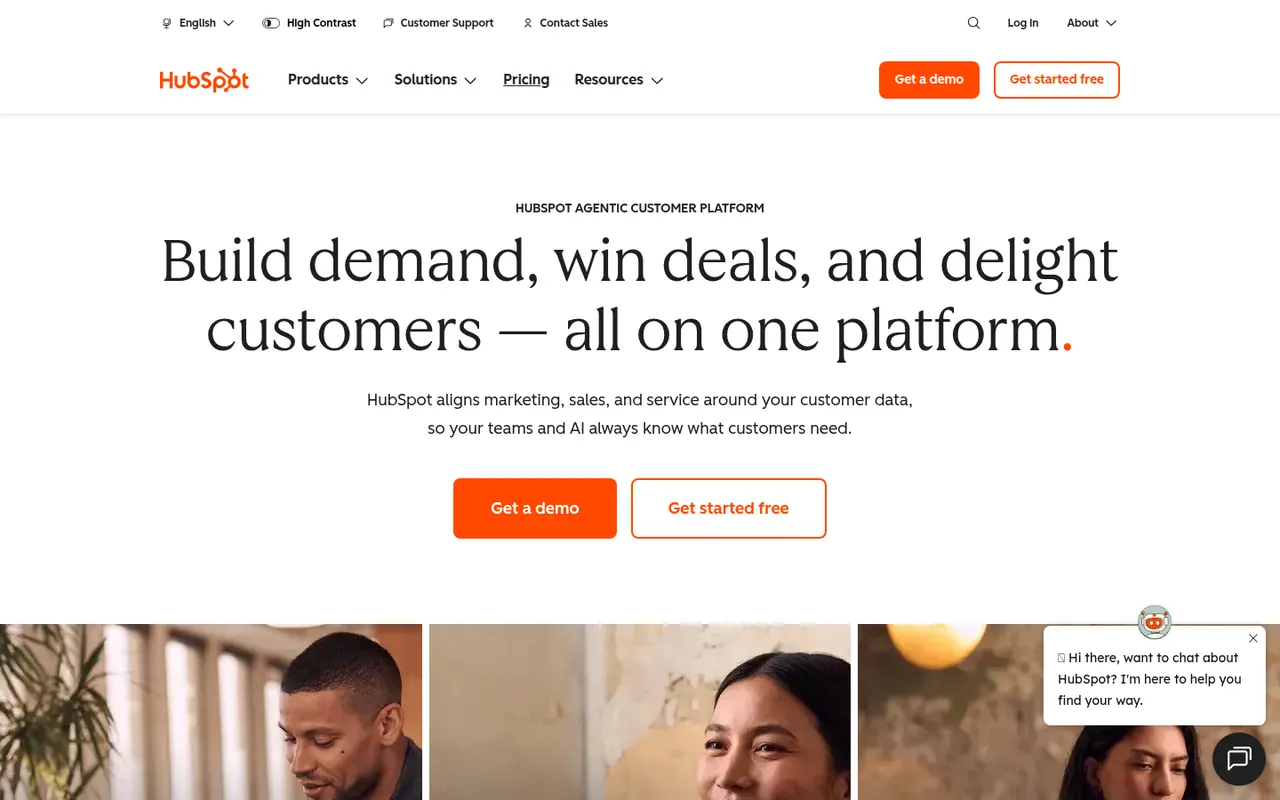
Cost / LicenseFree trialProprietaryCategoriesHubSpot is a customer platform built around a free CRM, with paid hubs for marketing automation, sales engagement, customer service, content management and operations. Contacts, deals, emails and support tickets share one record, and the Breeze AI tools help with writing, research and agents. It suits small and mid-sized companies that want marketing, sales and support in a single system.
12 HubSpot alternativesPros
- Free CRM that covers contacts, deals and basic email tracking
- Marketing, sales and service share one customer record
- Large integration marketplace and extensive free training via HubSpot Academy
Cons
- Costs rise steeply once you need Professional-tier features
- Marketing pricing grows with the number of marketing contacts
- Upper tiers can involve onboarding fees and annual contracts
Cost / LicenseFreemiumProprietarySalesforce is a cloud CRM platform used mainly by mid-sized and large organizations, with Sales Cloud for pipelines and forecasting, Service Cloud for support and many other clouds and add-ons. It is highly customizable through objects, workflows and code, and the AppExchange marketplace adds a wide range of integrations. Agentforce brings AI agents that can act on CRM data.
9 Salesforce alternativesPros
- Customizable down to objects, workflows and code for any sales process
- AppExchange offers integrations for almost every business tool
- Scales from mid-sized teams to the largest global organizations
Cons
- Steep learning curve that often calls for dedicated admins or consultants
- High per-user cost, with many capabilities sold as add-ons
- Overkill for small teams with simple sales processes
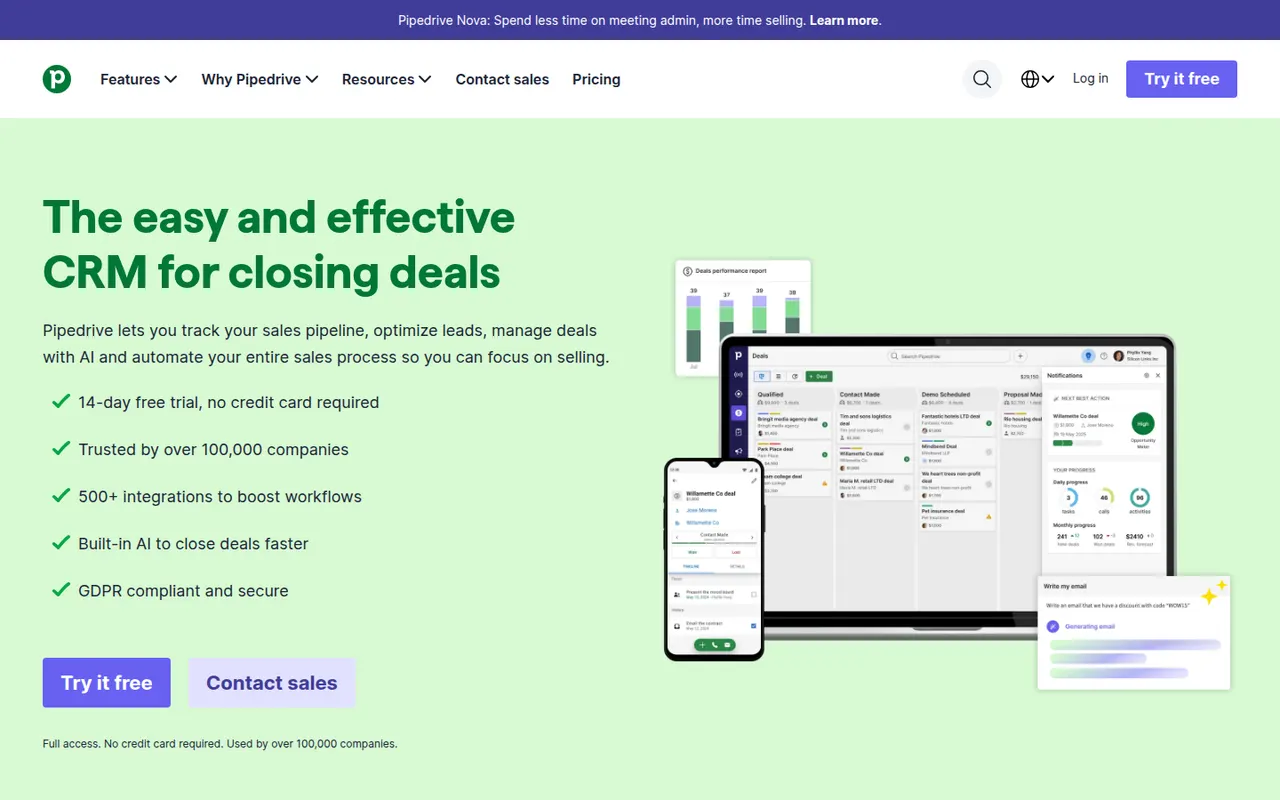
Cost / LicenseFree trialProprietaryCategoriesPipedrive is a sales CRM designed around a visual pipeline where deals move through stages, keeping salespeople focused on the next action for each opportunity. It includes email sync and tracking, activity scheduling, workflow automation, forecasting and an AI sales assistant, with add-ons for lead generation and documents. It targets small and mid-sized sales teams that want a CRM they can adopt quickly.
11 Pipedrive alternativesPros
- Visual pipeline makes it easy to see where every deal stands
- Quick to set up, so small sales teams adopt it fast
- Activity reminders keep salespeople focused on the next action
Cons
- Lead generation and document tools are sold as add-ons
- Little built-in marketing or support compared with all-in-one suites
- Reporting can feel limited for complex, multi-team sales processes
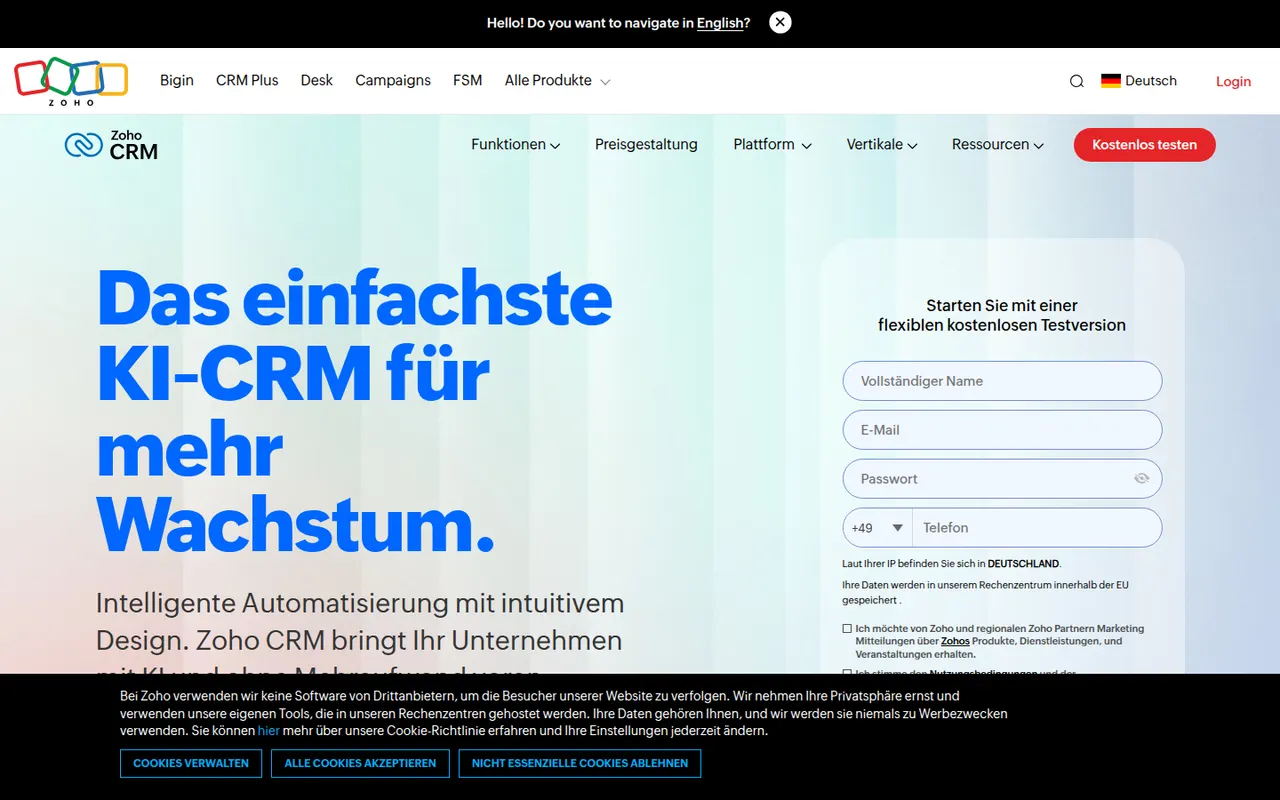
Cost / LicenseFree trialProprietaryCategoriesZoho CRM is a cloud CRM for managing leads, contacts, deals and sales processes, with workflow automation, territory management, forecasting and the Zia AI assistant. It is highly customizable without code and connects natively to the many other Zoho apps for email, support, finance and analytics. A free edition covers very small teams, and paid editions scale to larger organizations.
9 Zoho CRM alternativesPros
- Deep no-code customization of modules, fields and workflows
- Connects natively to the wider Zoho suite for email, support and finance
- Free edition for very small teams, with paid editions that scale up
Cons
- Interface and settings can feel overwhelming at first
- Third-party integrations are less polished than Zoho’s own apps
- Getting the most out of it often means adopting more Zoho apps
Cost / LicenseFreemiumProprietaryCategories