Best apps for iPhone
291 apps
Top iPhone apps ranked by the community
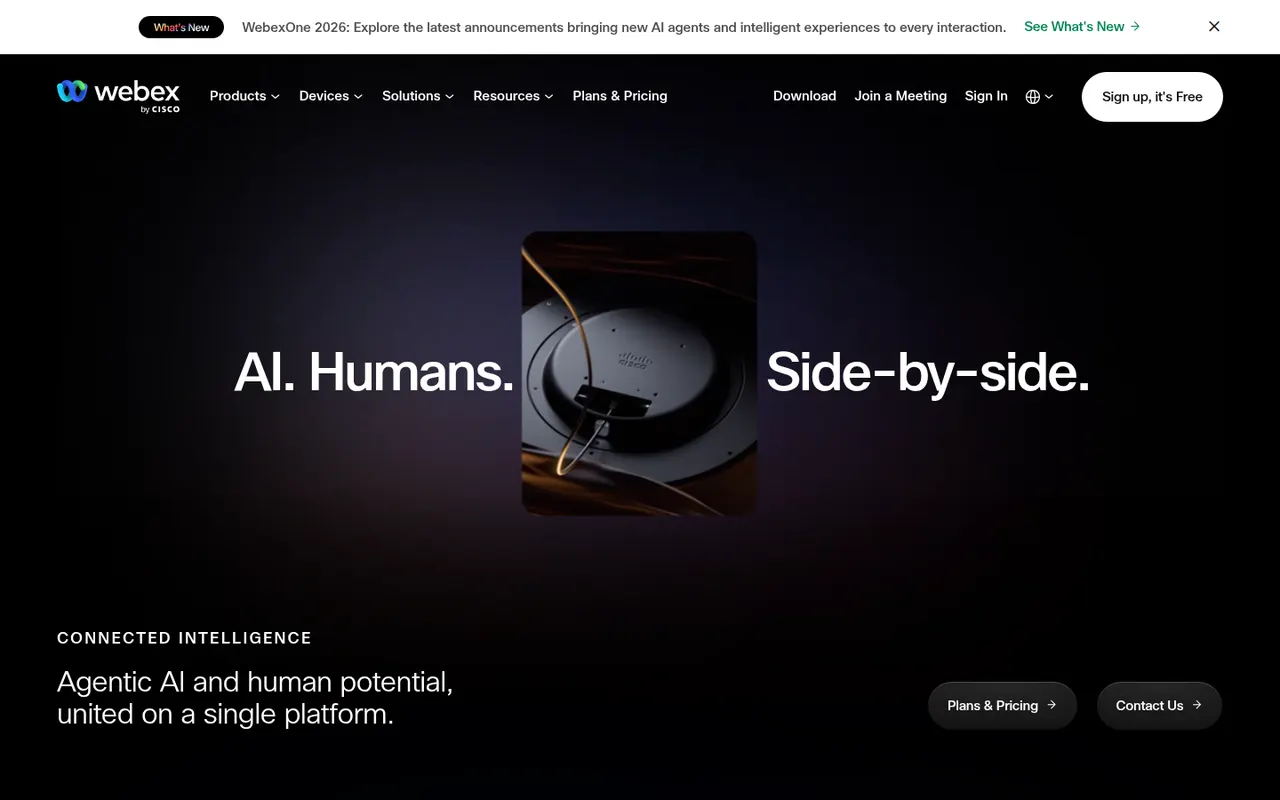
Webex is Cisco's collaboration suite covering video meetings, team messaging, webinars and cloud calling, built with large enterprises and their security requirements in mind. Meetings can be end-to-end encrypted, and an AI Assistant provides summaries, noise removal and real-time translation. Webex also integrates with Cisco's meeting room hardware, and a free plan is available for basic meetings.
8 Webex alternativesPros
- Enterprise-grade security with end-to-end encrypted meetings
- AI Assistant provides summaries and real-time translation
- Integrates with Cisco meeting room hardware
Cons
- Interface can feel complex compared with simpler meeting apps
- Free plan is limited to basic meetings
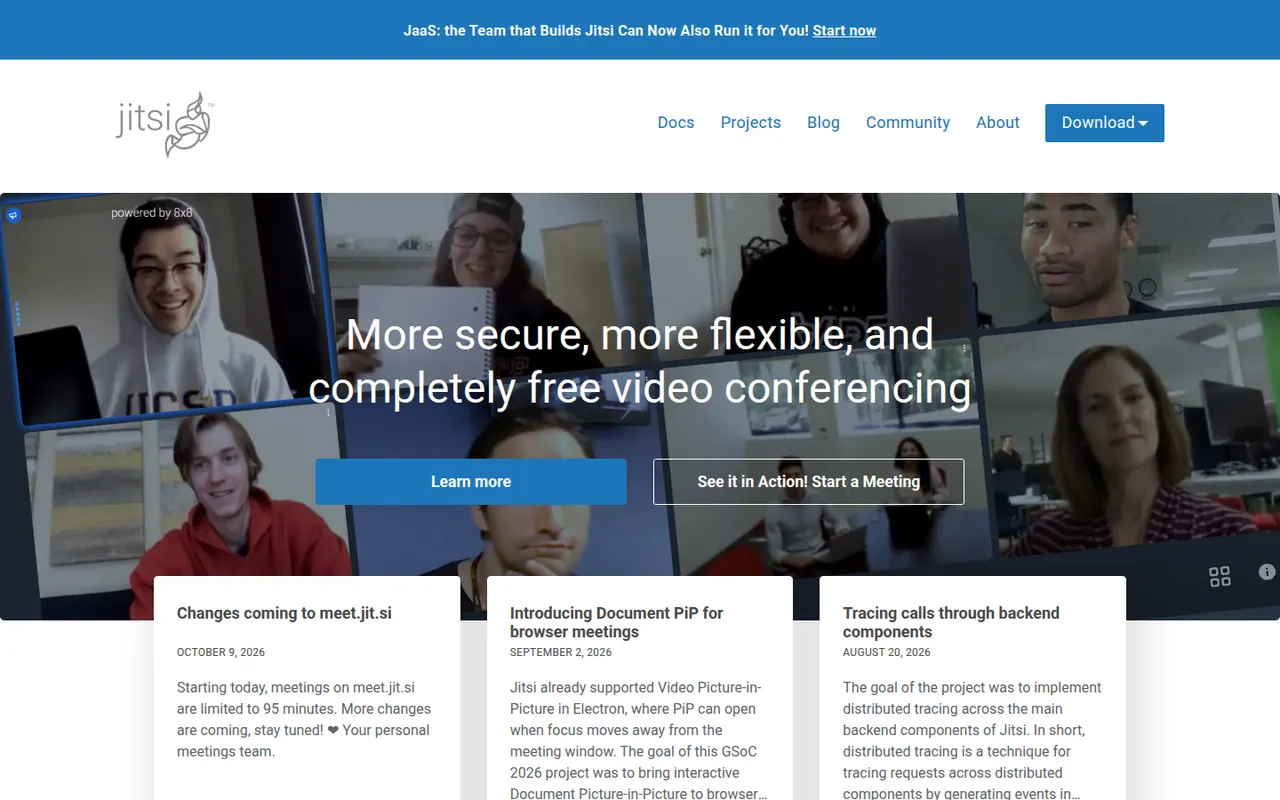
Cost / LicenseFreemiumProprietaryCategoriesJitsi Meet is an open-source video conferencing app that runs in the browser, with mobile and desktop apps as well. Anyone can host meetings for free on the public meet.jit.si service or deploy their own server for full control. It includes screen sharing, chat, breakout rooms, background blur, live streaming to YouTube and optional end-to-end encryption. The project is maintained by 8x8.
9 Jitsi Meet alternativesPros
- Free meetings on meet.jit.si, with guests joining from the browser
- Open source and self-hostable for full control
- Optional end-to-end encryption and live streaming to YouTube
Cons
- Call quality can degrade with many participants
- Fewer admin and scheduling features than commercial suites
- Self-hosting at scale needs tuning and plenty of bandwidth
Cost / LicenseFreeOpen sourceCategoriesWhereby is a Norwegian video meeting service where each host gets a permanent room link that guests open in their browser, with no download or account needed. It offers screen sharing, recording, breakout groups and in-room integrations with tools like Miro and Google Docs, which suits small teams, coaches and online consultations. Developers can also embed Whereby video rooms in their own apps through its API.
8 Whereby alternativesPros
- Permanent room links that guests open without an account
- Nothing to install, since meetings run in the browser
- API to embed video rooms in your own apps
Cons
- Less suited to large meetings or webinars than bigger platforms
- Fewer enterprise admin controls than Zoom or Teams
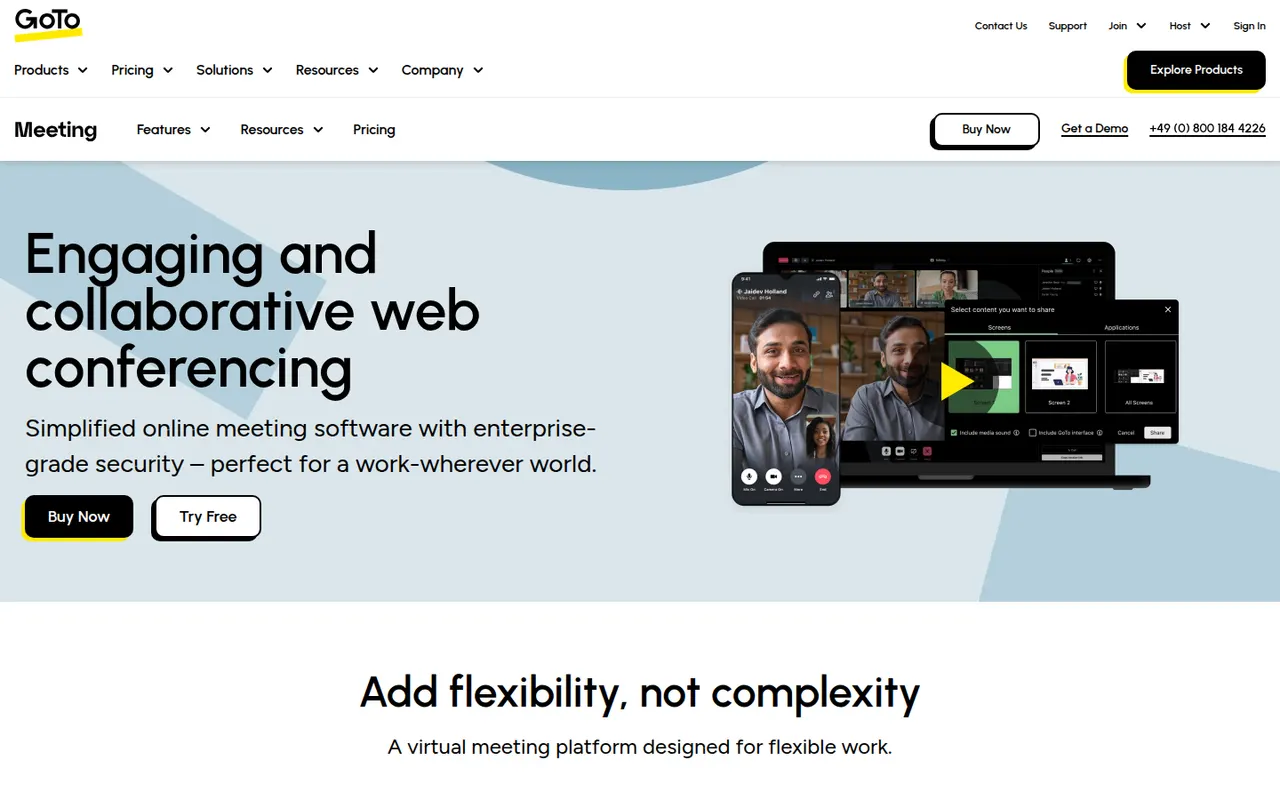
Cost / LicenseFreemiumProprietaryCategoriesGoTo Meeting is a video conferencing service from GoTo, the company formerly known as LogMeIn. It covers business meetings with screen sharing, recording, drawing tools, breakout rooms and calendar integrations, and can be joined from a browser or from desktop and mobile apps. It fits companies already using other GoTo products, such as GoTo Connect for business phone or GoTo Webinar.
8 GoTo Meeting alternativesPros
- Dependable business meetings with drawing tools and recording
- Join from a browser or from desktop and mobile apps
- Fits well alongside GoTo Connect and GoTo Webinar
Cons
- Interface feels dated next to newer meeting apps
- Less widely used than Zoom or Teams, so guests may be unfamiliar
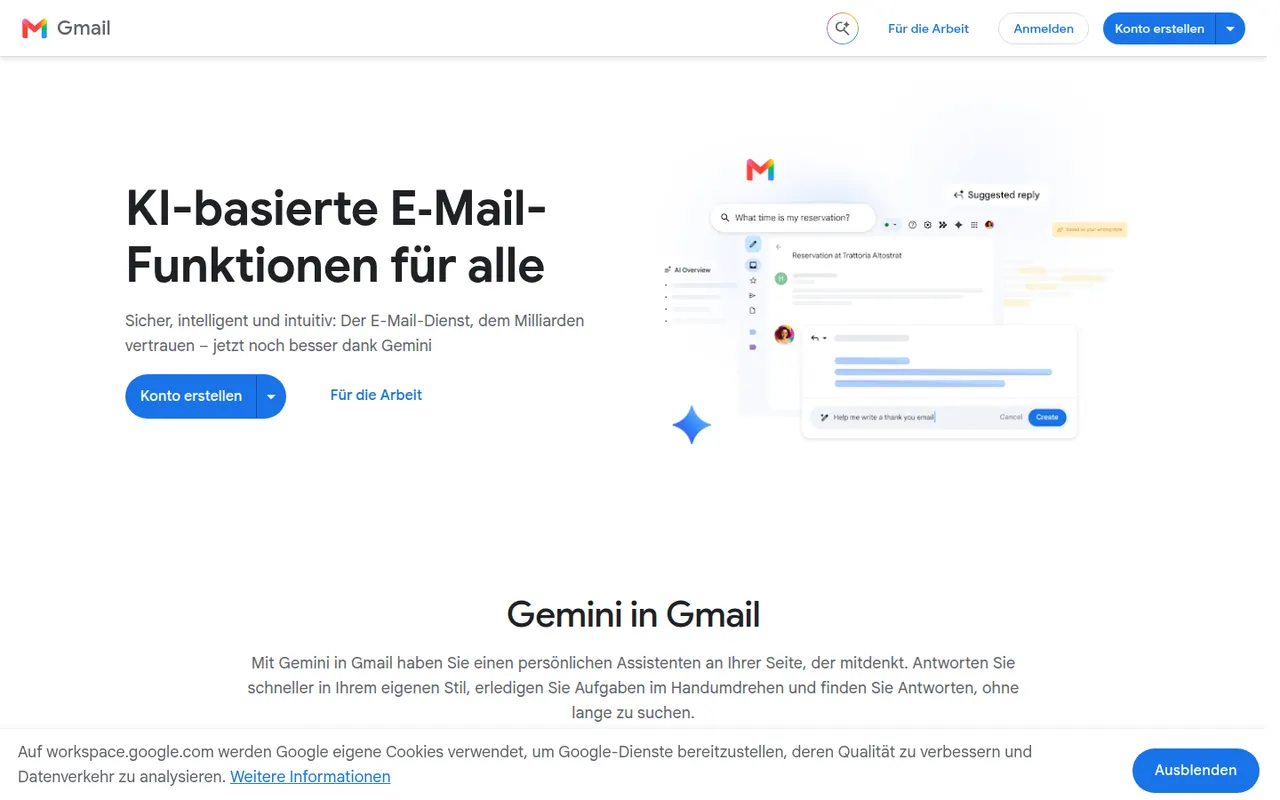
Cost / LicenseFree trialProprietaryCategoriesGmail is Google's email service, used through the web and mobile apps or any IMAP client. It offers automatic spam filtering, labels and inbox categories, fast search, scheduled sending and close links with Calendar, Drive and Meet. Personal accounts are free and share storage with Drive and Photos, while Google Workspace adds custom domains and admin tools; Gemini can draft and summarize emails.
12 Gmail alternativesPros
- Excellent spam filtering and fast search
- Tight links with Google Calendar, Drive and Meet
- Free personal accounts on web, mobile and any IMAP client
Cons
- Free storage is shared with Drive and Photos and fills up quickly
- Google’s data practices raise privacy concerns
- Custom domains require a paid Google Workspace plan
Cost / LicenseFreemiumProprietaryCategoriesMicrosoft Outlook is an email and calendar app available on Windows, Mac, mobile and the web, used with Outlook.com, Exchange and Microsoft 365 accounts as well as Gmail and other IMAP services. It combines mail with calendars, contacts and tasks, supports shared mailboxes and scheduled sending, and integrates with Teams for meetings. Copilot can draft replies and summarize threads on eligible plans.
12 Microsoft Outlook alternativesPros
- Email, calendar, contacts and tasks in one app
- Shared mailboxes and Teams integration for businesses
- Available on Windows, Mac, mobile and the web
Cons
- The move from classic to new Outlook on Windows has been disruptive
- Free Outlook.com accounts show ads
- Copilot features require an eligible paid plan
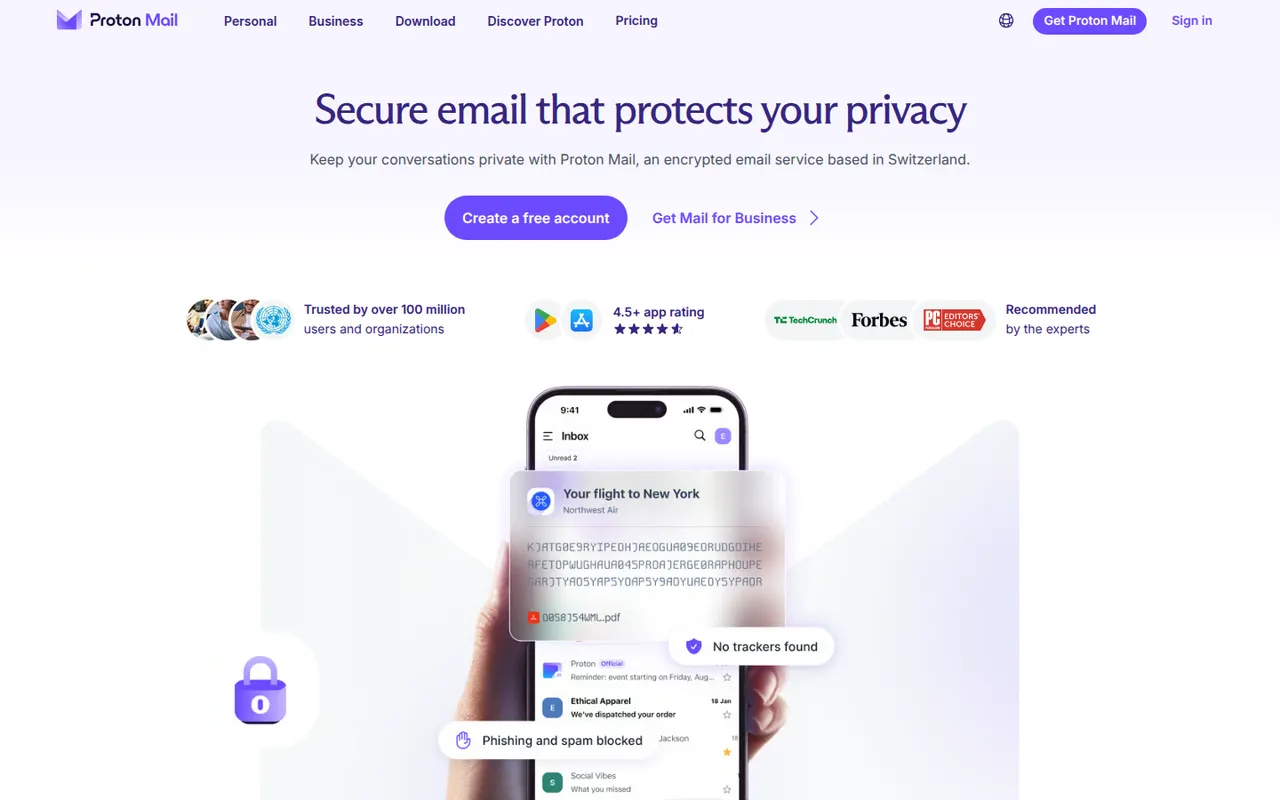
Cost / LicenseFreemiumProprietaryProton Mail is an end-to-end encrypted email service based in Switzerland. Messages between Proton users are encrypted automatically, emails to others can be password-protected, and stored mail uses zero-access encryption so Proton cannot read it. Its apps are open source, paid plans add custom domains and more addresses, and it is part of a suite with Proton Calendar, Drive, VPN and Pass.
9 Proton Mail alternativesPros
- End-to-end and zero-access encryption protect stored mail
- Based in Switzerland, with open source apps
- Part of a suite with Proton Calendar, Drive, VPN and Pass
Cons
- Free plan is tight on storage and addresses
- Using IMAP clients requires Proton Mail Bridge and a paid plan
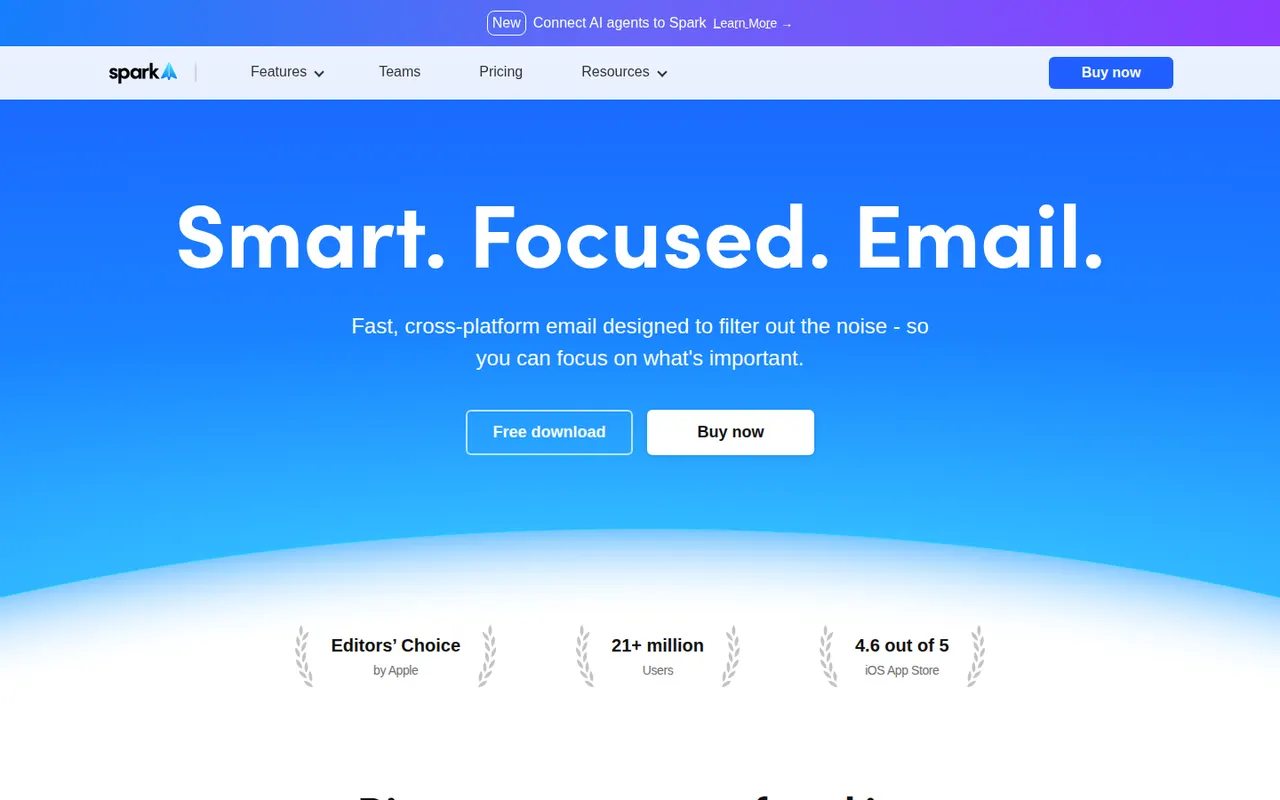
Cost / LicenseFreemiumOpen sourceCategoriesSpark is an email client from Readdle that works with Gmail, Outlook, iCloud and other IMAP accounts on Mac, Windows, iPhone and Android. Its smart inbox separates personal mail, notifications and newsletters, and it supports send later, snoozing, a gatekeeper for new senders and AI writing help. Teams can share email threads, comment on them privately and draft replies together.
11 Spark alternativesPros
- Smart inbox separates personal mail, notifications and newsletters
- Shared threads and private comments for team email
- Gatekeeper screens new senders before they reach the inbox
Cons
- Sync relies on Readdle’s servers, which raises privacy questions
- AI and team features require a paid plan
Cost / LicenseFreemiumProprietaryCategoriesSuperhuman is a premium email client for Gmail and Microsoft accounts, designed around keyboard shortcuts and speed. It offers split inboxes, reminders, scheduled sending, read statuses, snippets and AI features that draft replies and summarize threads. It targets professionals and executives who handle large volumes of email, and is sold as a subscription with no free plan.
8 Superhuman alternativesPros
- Keyboard shortcuts make triaging email very fast
- Split inboxes, reminders and snippets for heavy email users
- AI drafts replies and summarizes long threads
Cons
- Expensive subscription with no free plan
- Only works with Gmail and Microsoft accounts
- Read statuses rely on tracking pixels, a privacy concern
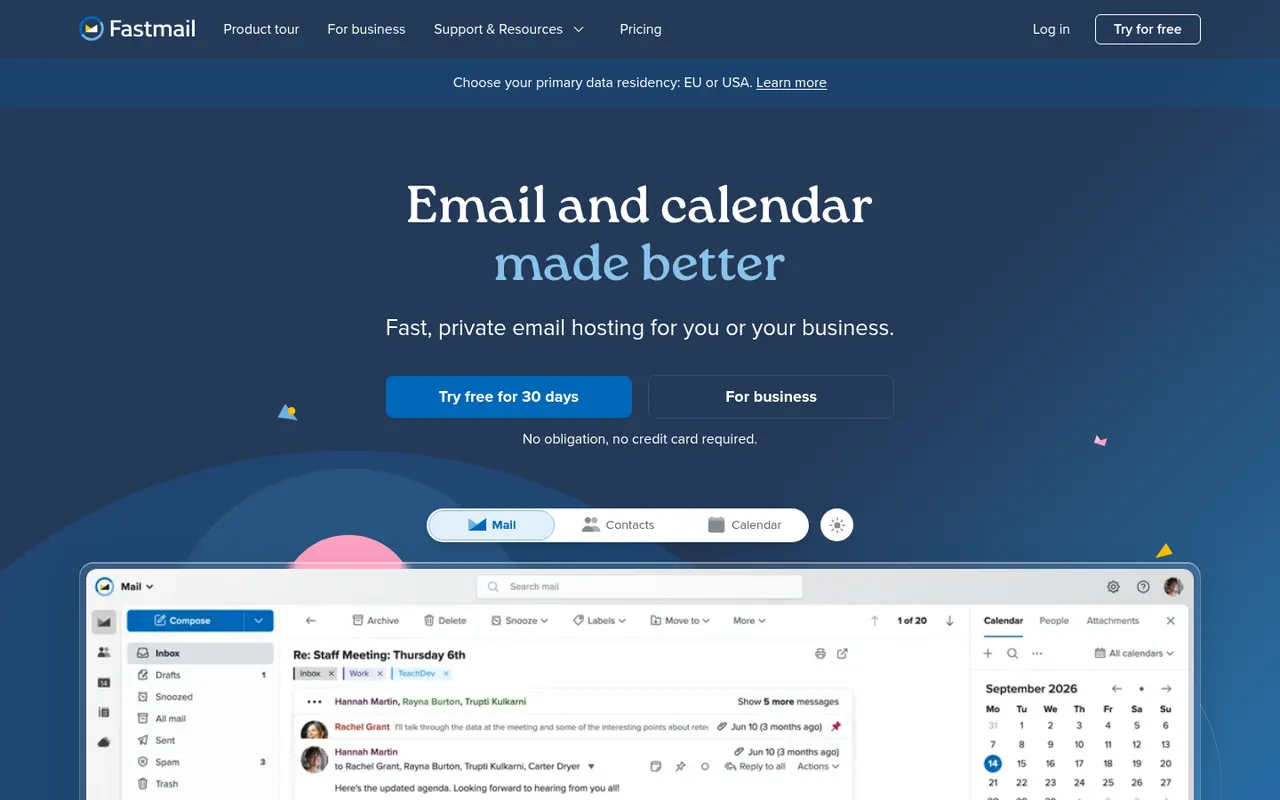
Cost / LicensePaidProprietaryCategoriesFastmail is an independent email provider from Australia that bundles email, calendar and contacts with no ads. It supports custom domains, aliases and Masked Email addresses generated through its 1Password integration, and works with any client via IMAP, CalDAV and CardDAV. Fastmail also led the creation of JMAP, an open standard for faster email sync. It is paid, with a free trial.
9 Fastmail alternativesPros
- Ad-free service funded by subscriptions rather than advertising
- Masked Email addresses through the 1Password integration
- Standard IMAP, CalDAV and CardDAV work with any client
Cons
- No free plan beyond the trial
- No end-to-end encryption like Proton Mail or Tuta
- Fewer collaboration tools than Google Workspace or Microsoft 365
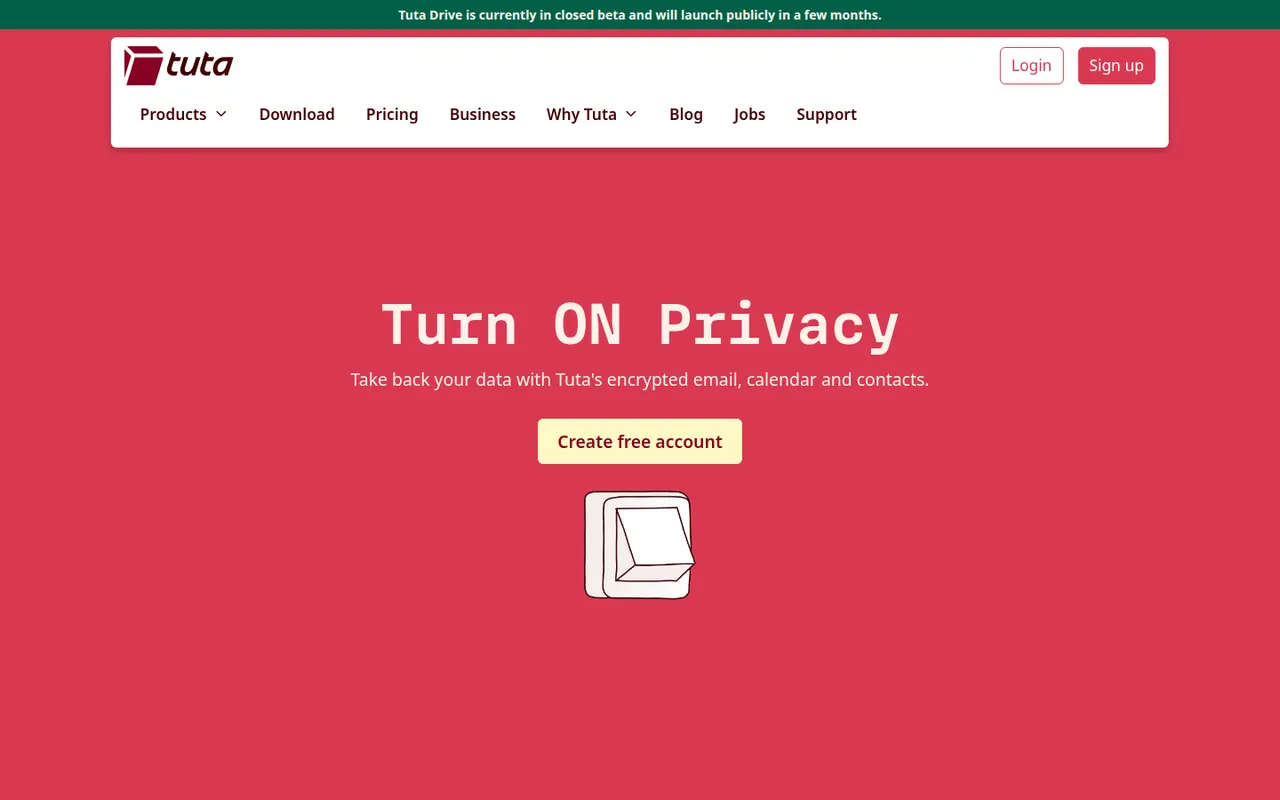
Cost / LicenseFree trialProprietaryCategoriesTuta, formerly Tutanota, is an open-source encrypted email and calendar service based in Germany. It encrypts mailbox contents end to end, including subject lines and contacts, and uses post-quantum cryptography for new accounts. Because it relies on its own encryption, it works through Tuta's apps rather than IMAP clients. A free plan exists, and paid plans add custom domains and more aliases.
7 Tuta alternativesPros
- Encrypts subjects and contacts, not just message bodies
- Post-quantum cryptography for new accounts
- Open source apps and a free plan, with servers in Germany
Cons
- No IMAP support, so you must use Tuta’s own apps
- Free plan is limited in storage and features
- Fewer integrations and features than mainstream providers
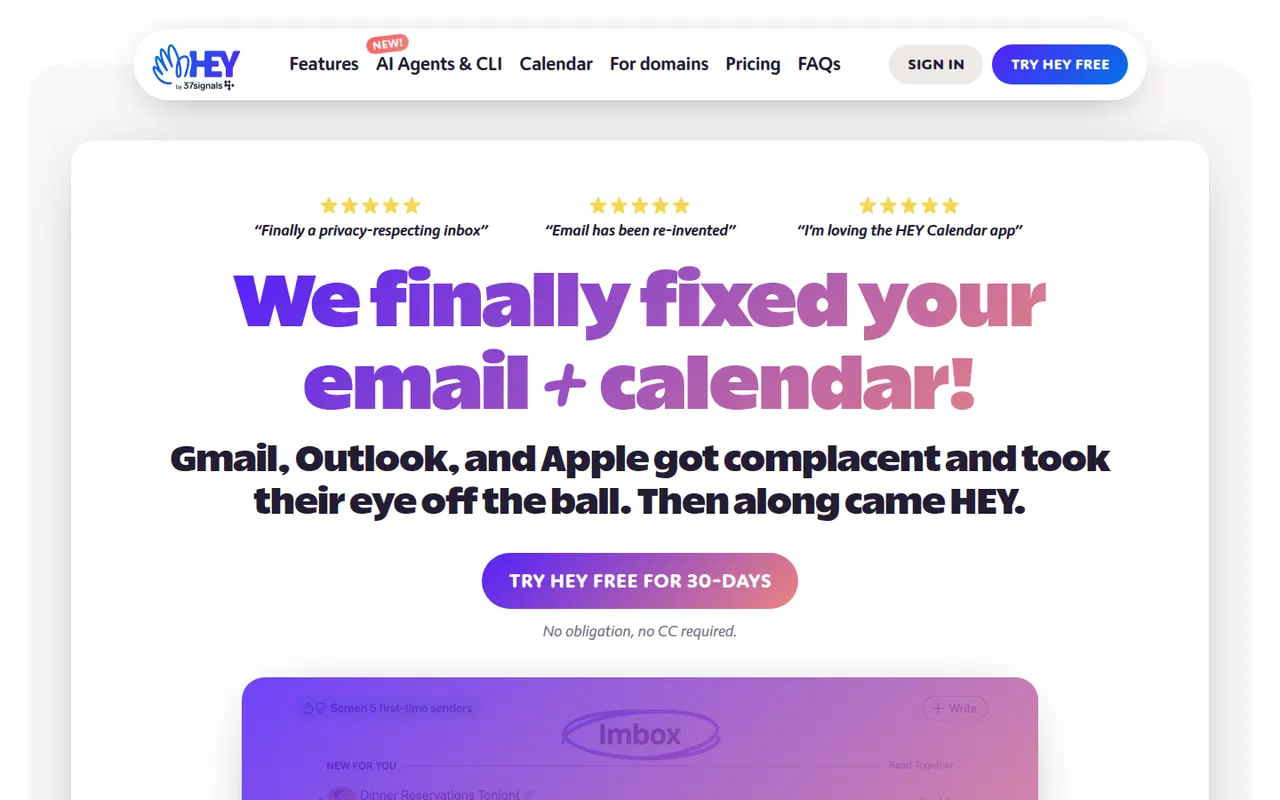
Cost / LicenseFreemiumOpen sourceCategoriesHEY is a paid email service from 37signals, the makers of Basecamp, that rethinks how mail is triaged. First-time senders must be approved in the Screener, newsletters go to The Feed, receipts to the Paper Trail, and spy pixels are blocked automatically. It includes a calendar and supports custom domains for businesses, but works only with HEY addresses rather than existing Gmail or IMAP accounts.
9 HEY alternativesPros
- Screener lets you approve first-time senders before they reach you
- Spy pixels in emails are blocked automatically
- The Feed and Paper Trail set newsletters and receipts aside
Cons
- Works only with HEY addresses, not existing Gmail or IMAP accounts
- Opinionated workflow that doesn’t suit everyone
- No free plan beyond the trial
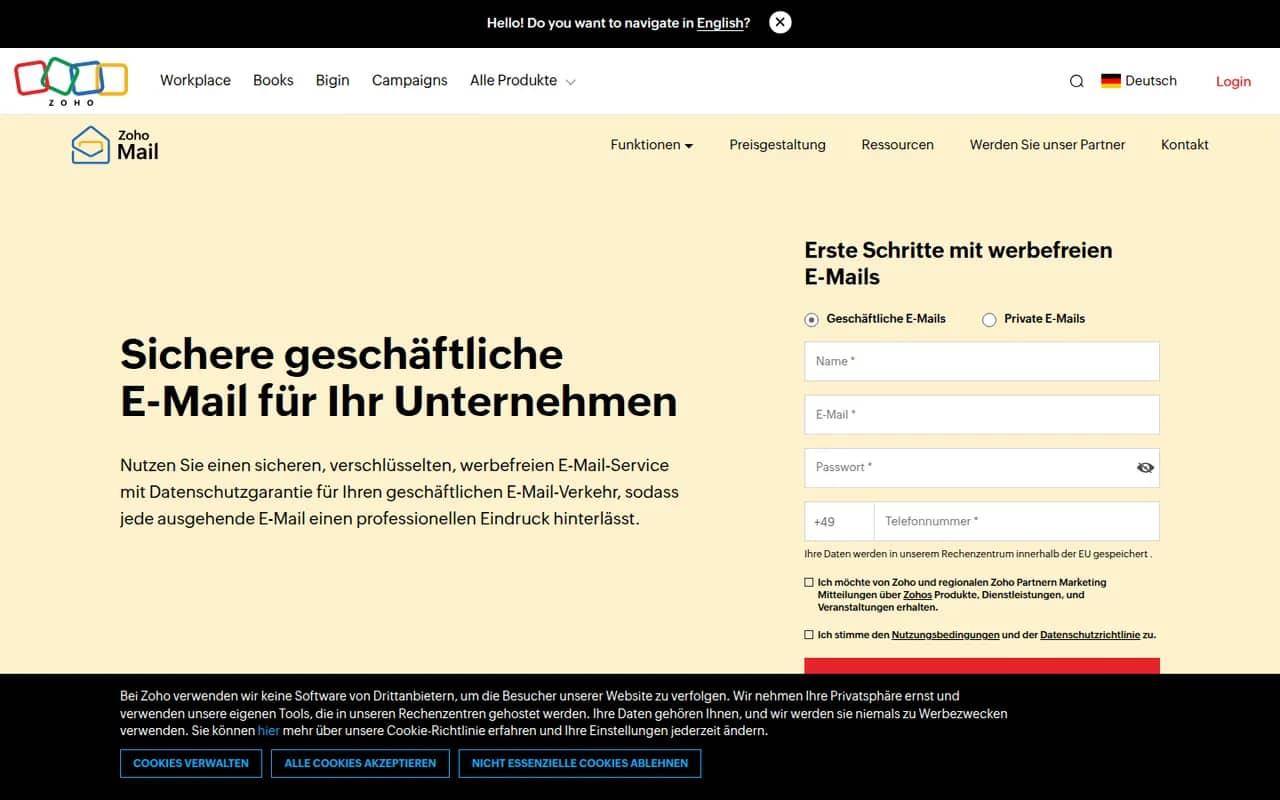
Cost / LicenseFree trialProprietaryCategoriesZoho Mail is an ad-free business email service from Zoho that hosts mailboxes on your own domain, with calendar, contacts, tasks and notes included. Admins get a control panel for users, security policies and retention, and the service integrates with Zoho's office, CRM and collaboration apps through Zoho Workplace. A free plan is available for small teams, with paid plans adding more storage and features.
8 Zoho Mail alternativesPros
- Ad-free business email on your own domain, with a free plan
- Admin console for users, security policies and retention
- Integrates with Zoho’s office, CRM and collaboration apps
Cons
- Free plan lacks IMAP and POP access for desktop clients
- Interface feels less polished than Gmail or Outlook
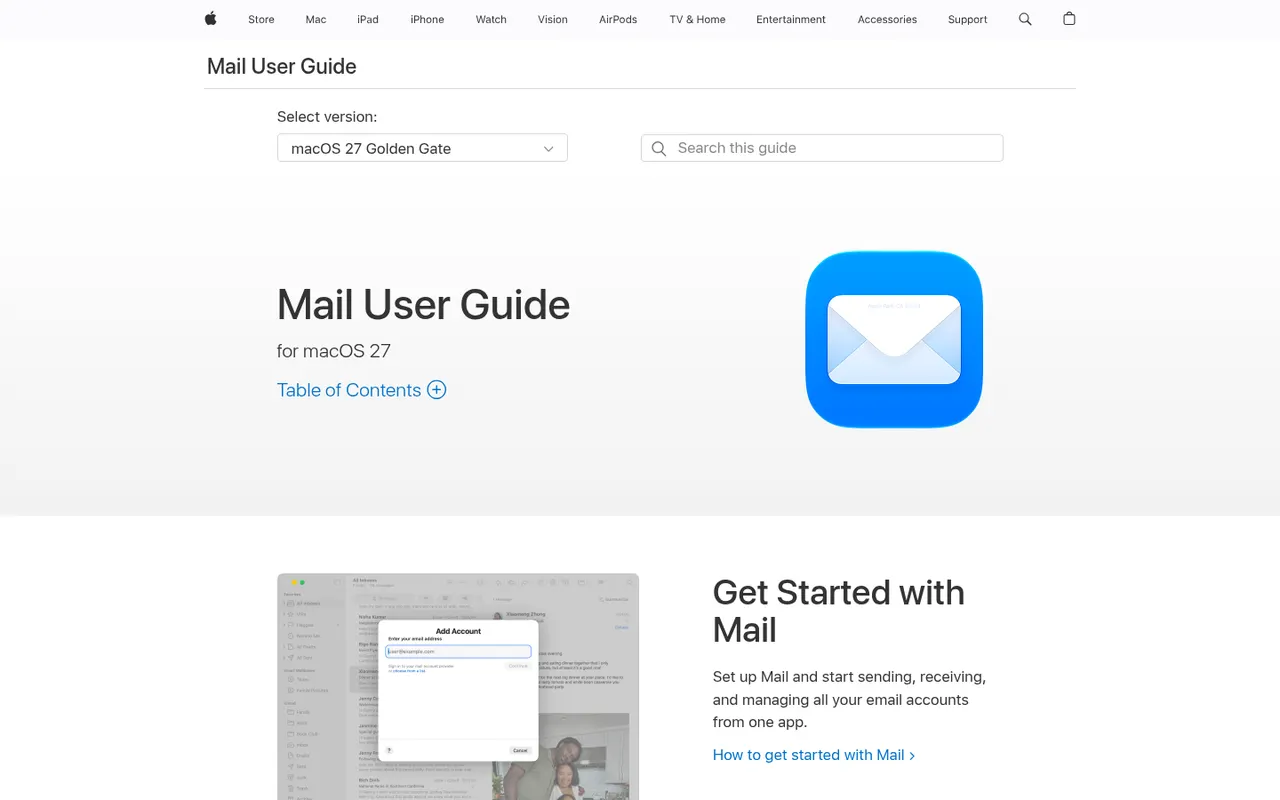
Cost / LicenseFreemiumProprietaryCategoriesApple Mail is the email app included with macOS, iOS and iPadOS, supporting iCloud, Gmail, Exchange and other IMAP accounts in a unified inbox. It offers send later, follow-up reminders, smart search and Mail Privacy Protection, which hides your IP address and stops senders from seeing when you open messages. With iCloud+, Hide My Email creates random addresses that forward to your inbox.
9 Apple Mail alternativesPros
- Free and preinstalled on Mac, iPhone and iPad
- Mail Privacy Protection hides your IP and blocks open tracking
- Unified inbox for iCloud, Gmail, Exchange and IMAP accounts
Cons
- Only available on Apple devices
- Few power-user features or extensions compared with dedicated clients
- Hide My Email requires an iCloud+ subscription
Cost / LicenseFreeProprietaryCategoriesZendesk is a customer service platform that brings email, chat, phone, social and messaging requests into a single ticketing system. It includes a help center for self-service articles, workflow automation, reporting and AI agents that can resolve common questions. A large marketplace of apps connects it to CRMs and e-commerce tools, and it serves support teams from startups to large enterprises.
12 Zendesk alternativesPros
- Mature ticketing that handles email, chat, phone and social at scale
- Large marketplace of apps for CRMs and e-commerce tools
- Help center and AI agents deflect common questions
Cons
- Expensive per agent, especially with AI and add-ons
- Setup and administration take time for complex workflows
- No free plan beyond the trial
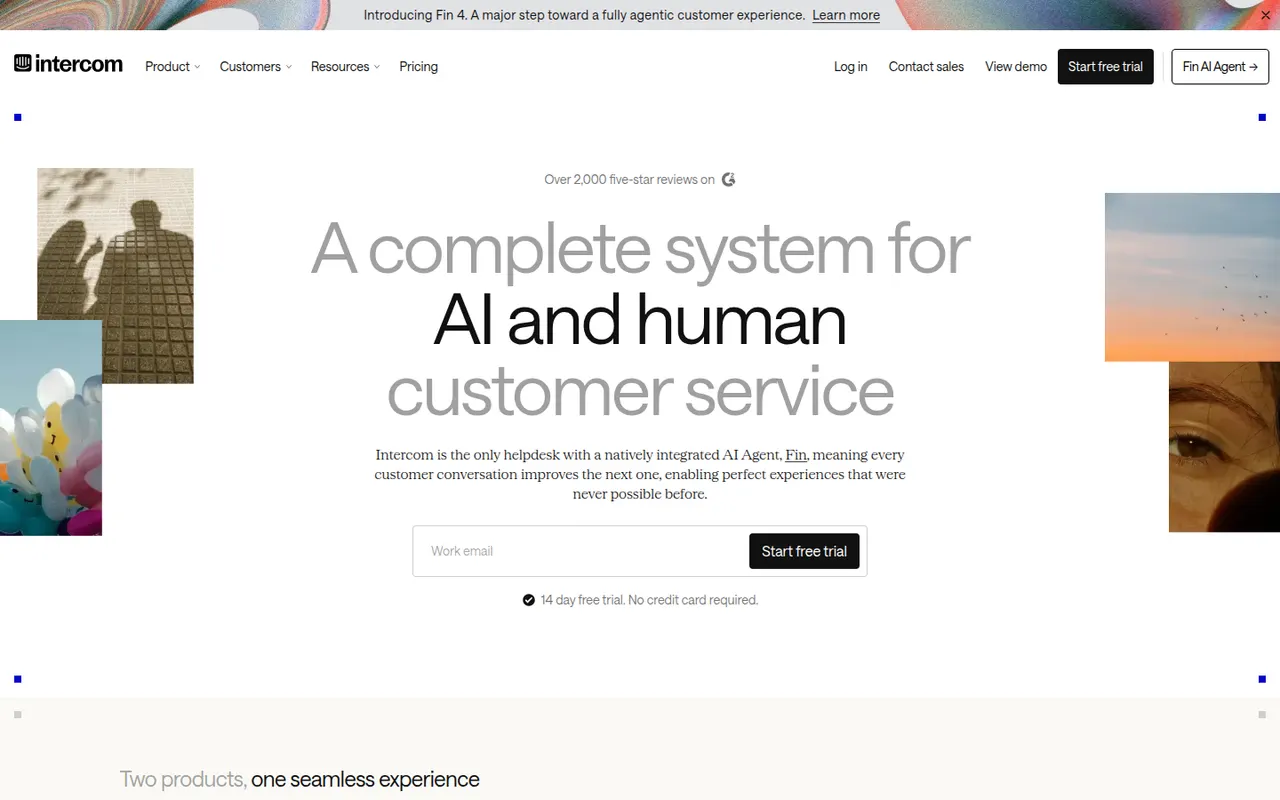
Cost / LicenseFree trialProprietaryCategoriesIntercom is a customer service platform that combines a chat messenger for websites and apps with a shared inbox, ticketing and a help center. Its AI agent, Fin, answers customer questions using your support content and can hand conversations over to human agents; it can also be added to other help desks. Product tours and proactive messages help onboard and engage users.
12 Intercom alternativesPros
- Fin AI agent answers questions from your support content
- Polished messenger for websites and mobile apps
- Product tours and proactive messages help onboard users
Cons
- Expensive, with AI resolutions billed on top of seats
- Pricing structure is complex and hard to predict
- More than a small team needs for basic live chat
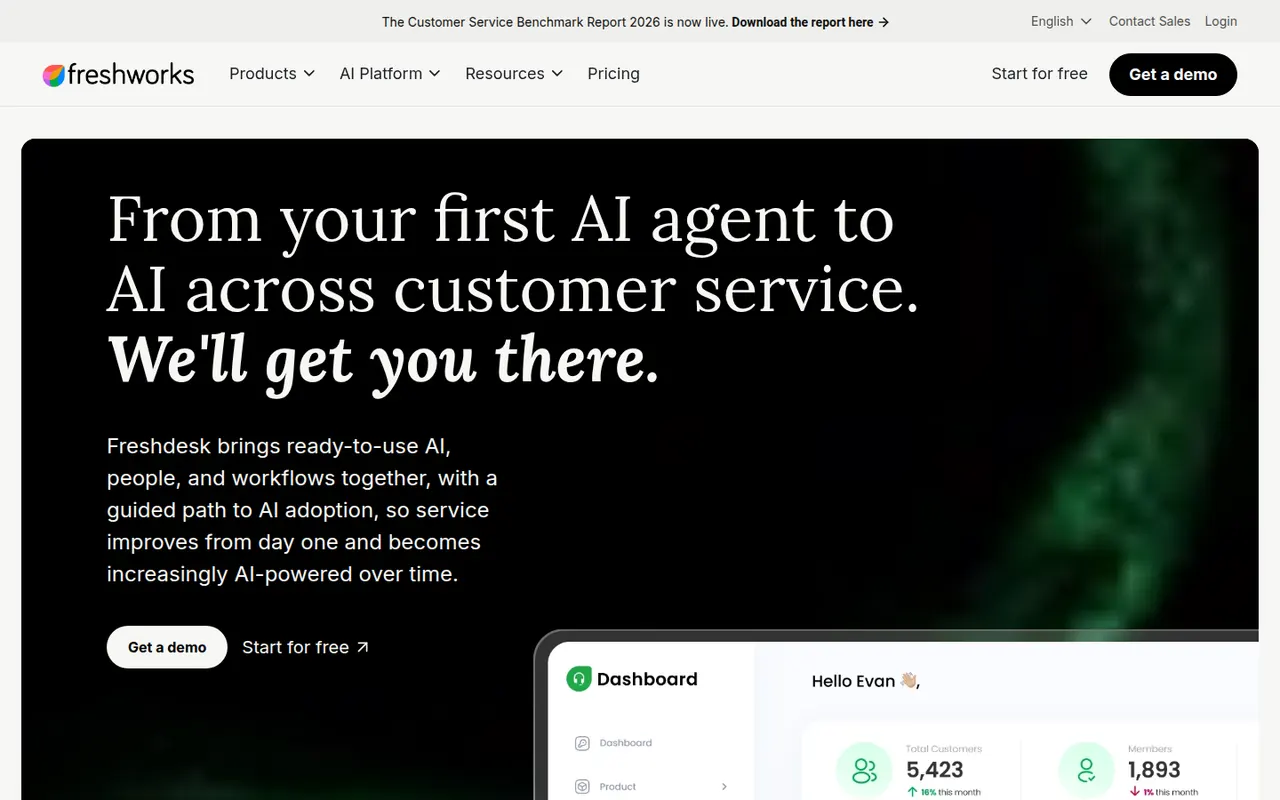
Cost / LicenseFree trialProprietaryCategoriesFreshdesk is a help desk tool from Freshworks that turns emails, web forms, chats, calls and social messages into tickets for support teams. It includes a knowledge base, SLA management, automations, collision detection and reporting, plus Freddy AI for suggested replies and self-service bots. A free plan covers small teams, and it connects with Freshworks' CRM and other business apps.
12 Freshdesk alternativesPros
- Free plan for small teams with core ticketing
- Turns email, forms, chat, calls and social messages into tickets
- SLA rules, collision detection and automations for busy teams
Cons
- AI features and advanced automation cost extra or need top tiers
- Admin settings get complex as workflows grow
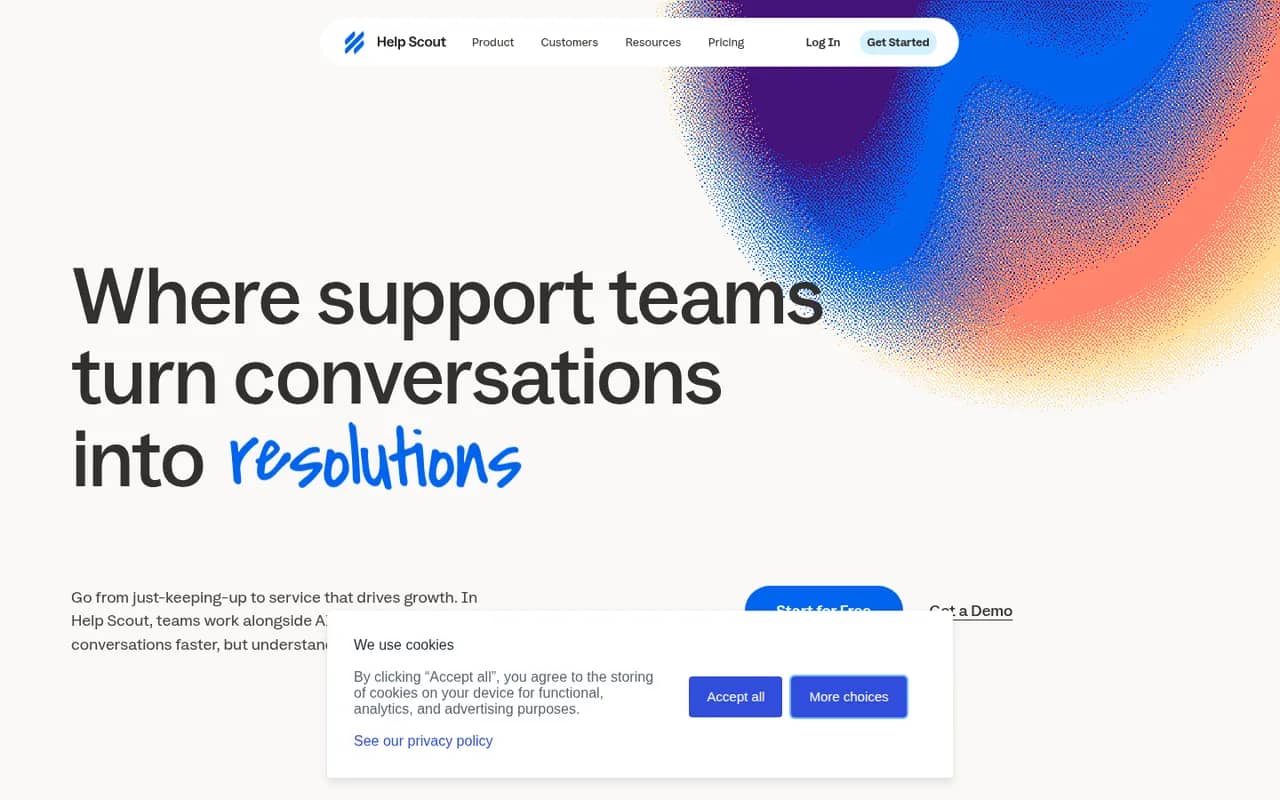
Cost / LicenseFreemiumProprietaryCategoriesHelp Scout is a customer support platform built around a shared inbox that feels like personal email to customers, without ticket numbers or portals. It adds a knowledge base (Docs), the embeddable Beacon widget for live chat and self-service, customer profiles, reporting and AI tools for drafting and summarizing replies. It suits small and mid-sized companies that value a personal tone.
8 Help Scout alternativesPros
- Replies feel like personal email, with no ticket numbers for customers
- Beacon widget combines live chat and help articles on any site
- Clean interface that new agents learn quickly
Cons
- Fewer advanced workflow and reporting options than enterprise help desks
- Free plan is limited, so key features require a paid plan
Cost / LicenseFreemiumProprietaryCategoriesCrisp is a French customer messaging platform that gathers website chat, email, WhatsApp, Instagram, Messenger and other channels into one shared inbox. It includes a chatbot builder, AI answers based on your own content, a knowledge base, email campaigns and a status page. A free plan covers basic live chat, and paid plans add automation, AI features and more channels.
8 Crisp alternativesPros
- Shared inbox for chat, email, WhatsApp, Instagram and Messenger
- Bundles a knowledge base, email campaigns and a status page
- French company with a GDPR-minded approach to customer data
Cons
- Free plan is limited to basic chat, while AI and automation need paid plans
- Reporting is lighter than in help desks built for large enterprises
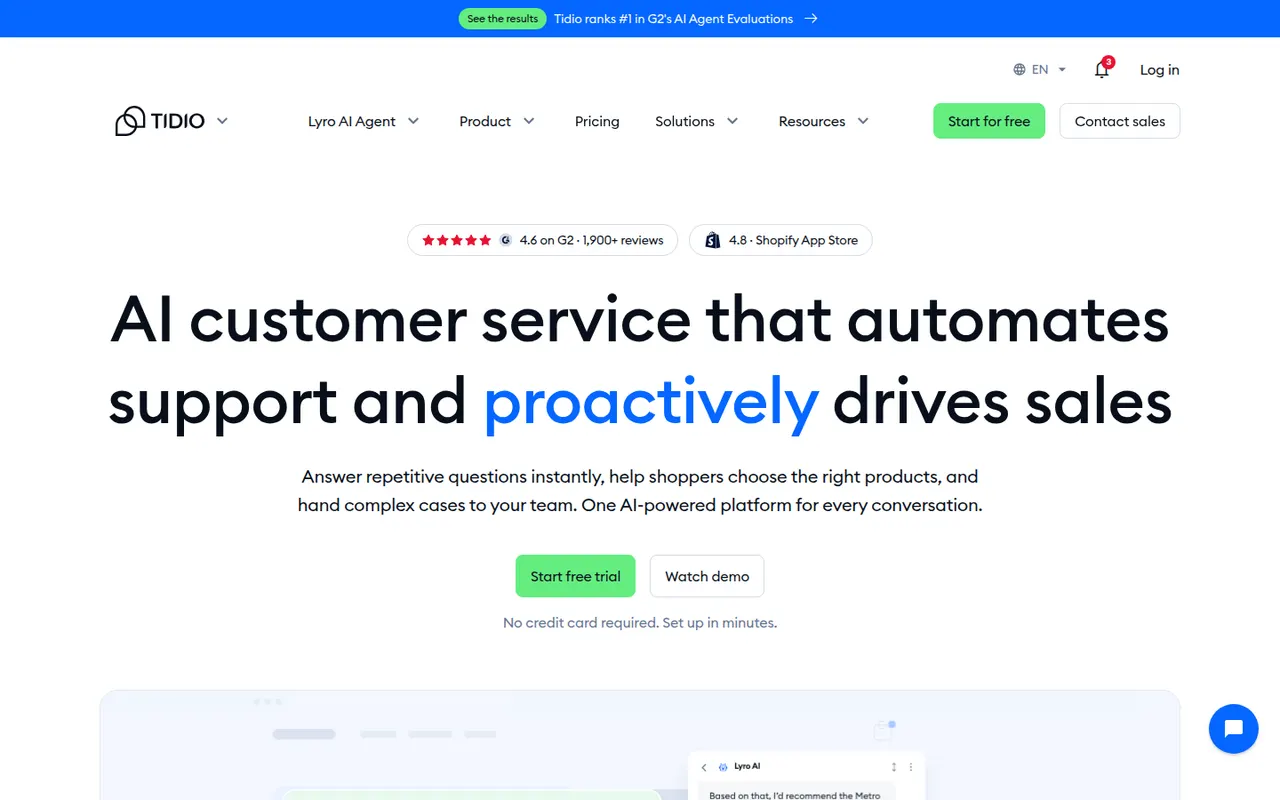
Cost / LicenseFreemiumProprietaryCategoriesTidio is a customer service tool that combines a website live chat widget, a multichannel inbox and ticketing with Lyro, an AI agent that answers common questions from your help content. Visual chatbot flows can greet visitors, recover abandoned carts or collect leads. It integrates with Shopify, WordPress, Wix and other platforms, and mainly targets small businesses and online stores.
8 Tidio alternativesPros
- Easy to install on Shopify, WordPress and Wix stores
- Lyro AI agent answers common questions from your help content
- Visual chatbot flows for lead capture and abandoned carts
Cons
- AI and chatbot usage limits can push costs up quickly
- Free plan becomes tight for a growing store
- Reporting is basic for larger support teams
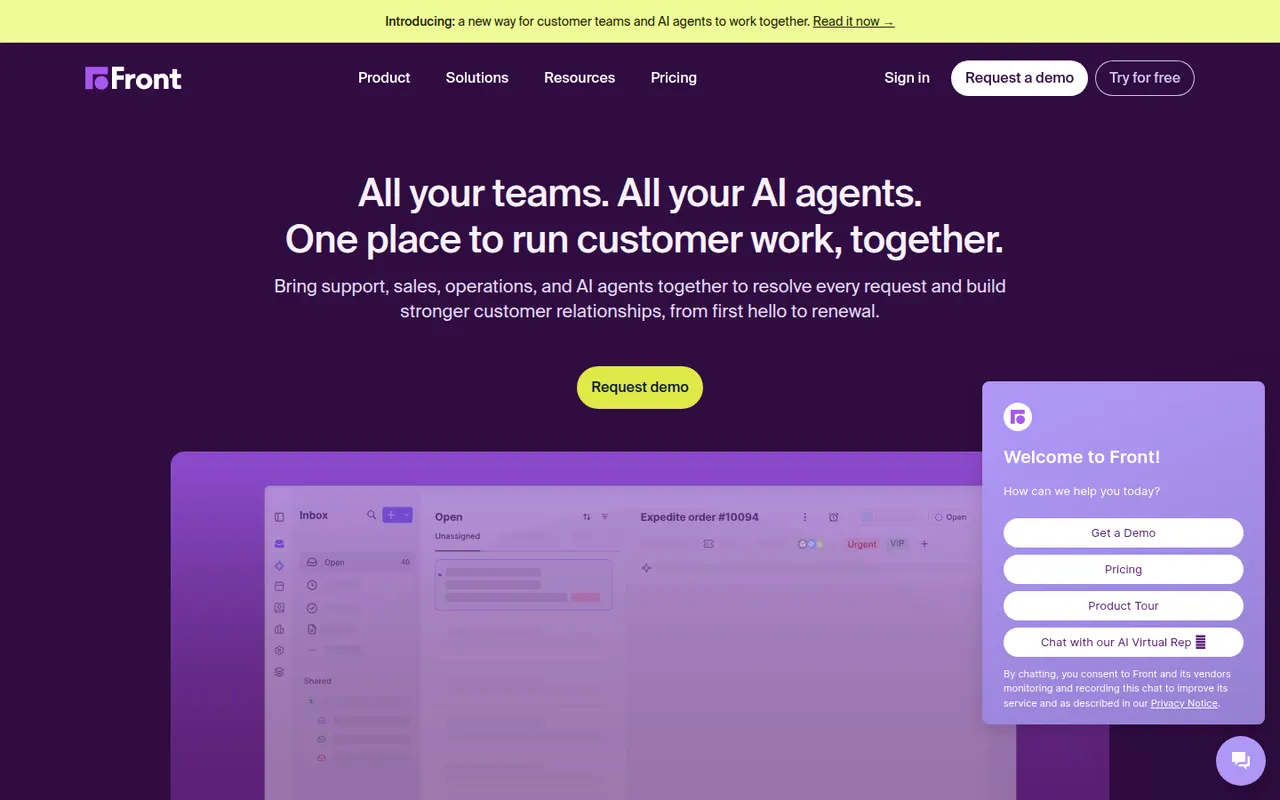
Cost / LicenseFreemiumProprietaryCategoriesFront is a customer operations platform that turns email, SMS, chat, WhatsApp and social messages into a shared inbox teams can work in together. Messages can be assigned, commented on internally and routed with rules, while analytics track response times and workload. Front AI drafts replies and summarizes threads, and the tool serves support, sales and account teams who prefer an email-like workflow.
8 Front alternativesPros
- Email-like shared inbox that feels familiar to new users
- Internal comments and assignment replace forwarding and CCs
- Rules and analytics help balance workload and response times
Cons
- Per-seat pricing adds up quickly for larger teams
- Advanced analytics and automation are reserved for higher plans
- No free plan beyond the trial
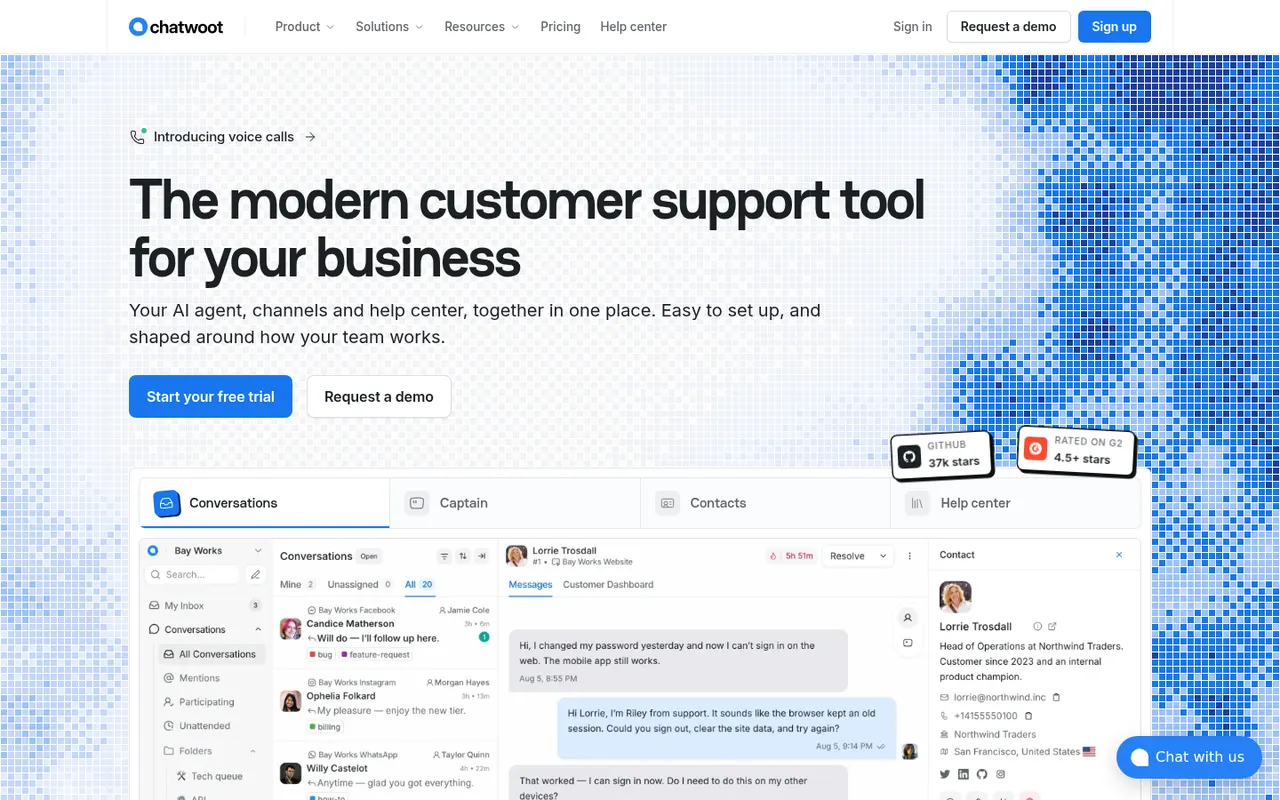
Cost / LicenseFree trialProprietaryChatwoot is an open-source customer engagement platform positioned as an alternative to Intercom and Zendesk. It unifies website live chat, email, WhatsApp, Facebook, Instagram, Telegram and SMS in one shared inbox, with a help center, canned responses, automation rules and an AI assistant called Captain. Teams can self-host it for free or use the paid cloud version.
11 Chatwoot alternativesPros
- Open source and free to self-host, keeping conversations on your servers
- One inbox for chat, email, WhatsApp, social channels and SMS
- Includes a help center, canned responses and automation rules
Cons
- Self-hosting requires maintaining the server, updates and integrations
- Reporting and workflows are less deep than in Zendesk or Intercom
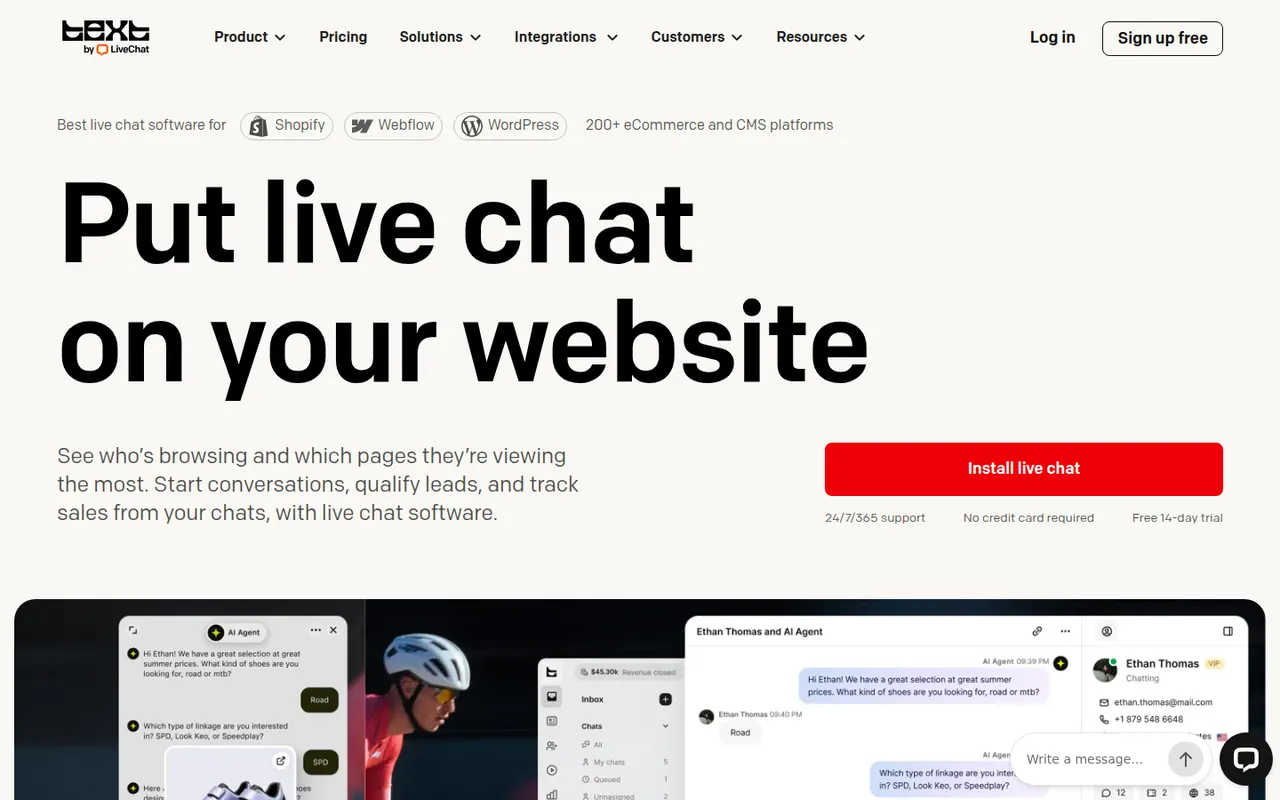
Cost / LicenseFreemiumOpen sourceCategoriesPlatformsLiveChat is a live chat tool that lets support and sales teams talk with website visitors in real time. Agents get canned responses, chat routing, visitor tracking, a preview of messages as they are typed and performance reports, with AI help for writing replies. It is made by Text, the company behind ChatBot, HelpDesk and KnowledgeBase, and connects to many e-commerce and CRM tools.
9 LiveChat alternativesPros
- Message preview shows what visitors type before they send it
- Canned responses, routing and visitor tracking for fast replies
- Many integrations with e-commerce and CRM tools
Cons
- Per-agent pricing becomes expensive as the team grows
- Chatbots and ticketing require separate products from the same company
- No free plan beyond the trial
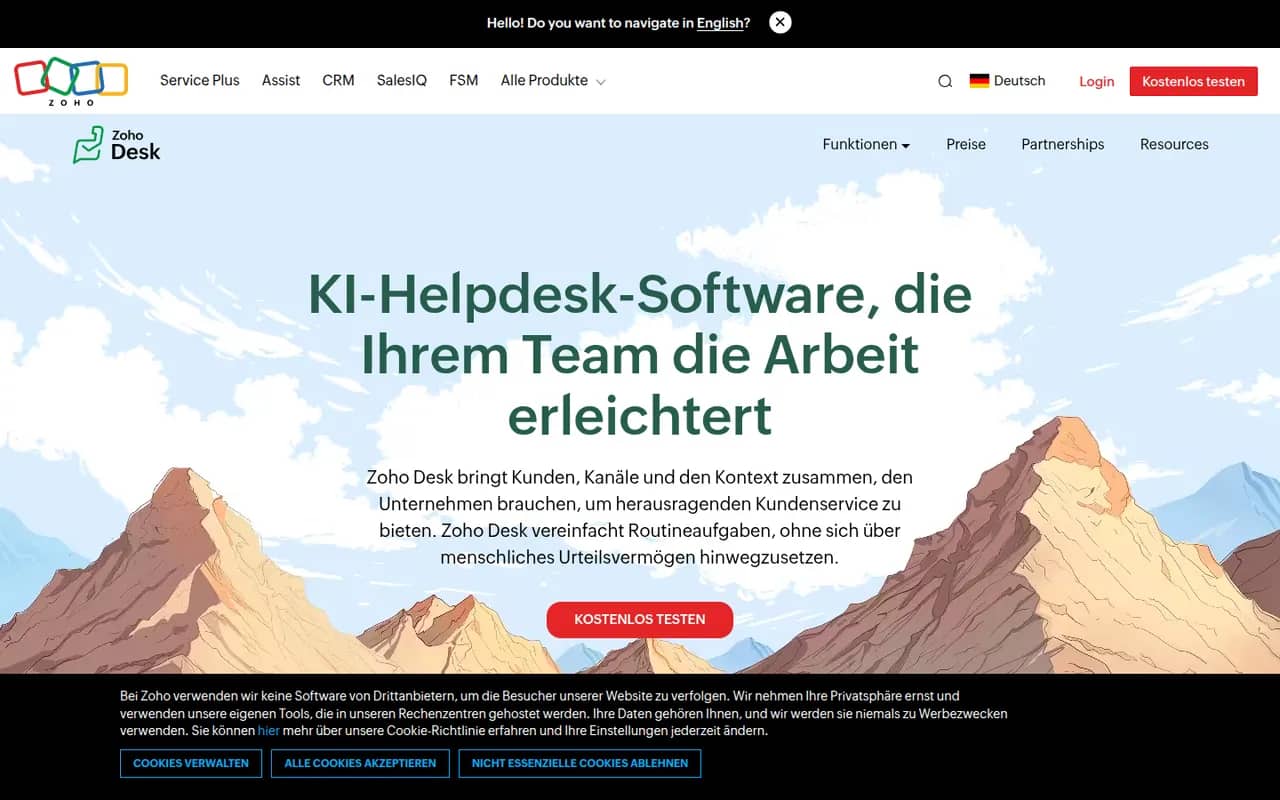
Cost / LicenseFree trialProprietaryCategoriesZoho Desk is a help desk application from Zoho that manages customer requests from email, phone, chat, social media and web forms as tickets. It offers a self-service knowledge base, SLA rules, workflow automation, analytics and Zia, an AI assistant that suggests answers and detects customer sentiment. It integrates tightly with Zoho CRM and has a free plan for small teams.
10 Zoho Desk alternativesPros
- Tight integration with Zoho CRM shows customer context on tickets
- Zia suggests answers and detects customer sentiment
- Free plan for small teams, with paid tiers for SLAs and automation
Cons
- Interface feels busy, with many settings to learn
- Works best when you already use other Zoho apps
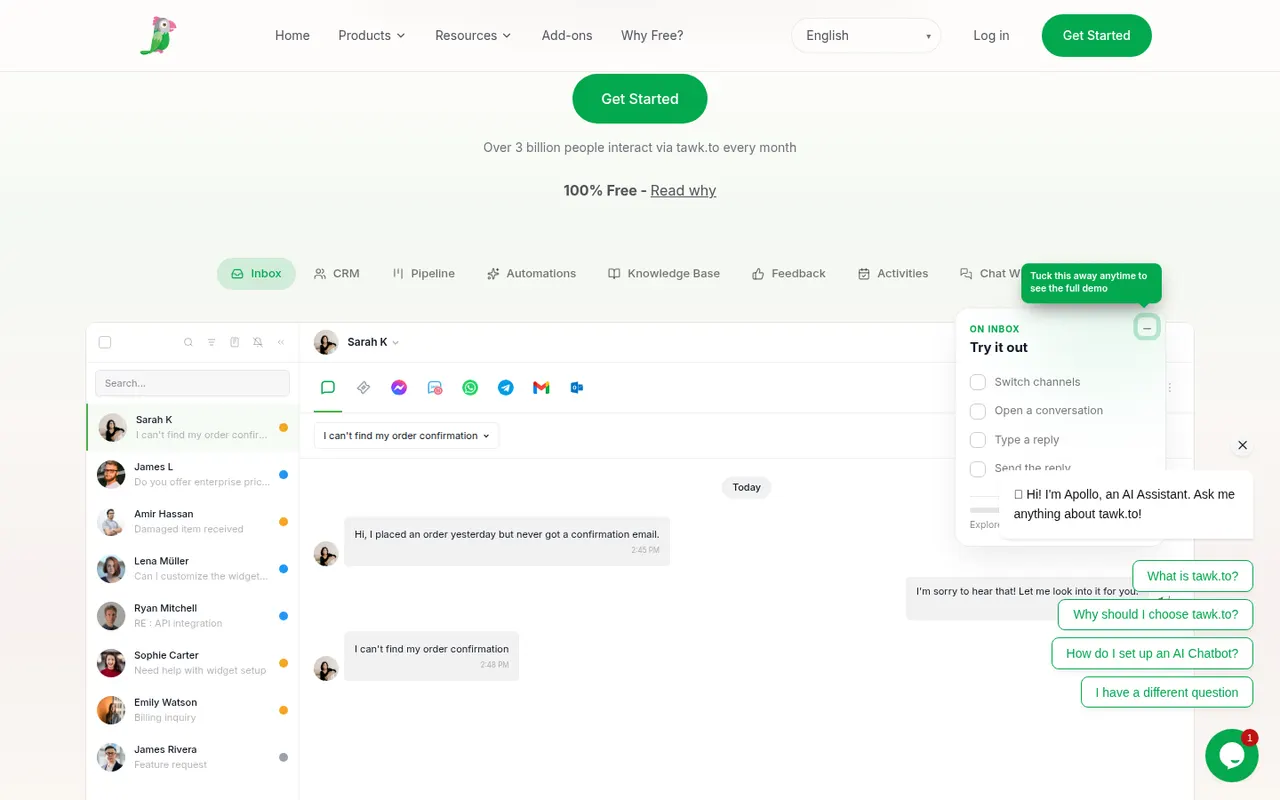
Cost / LicenseFreemiumProprietaryCategoriestawk.to is a free live chat platform that lets businesses add a chat widget to their website and answer visitors from the web, desktop or mobile apps, with no limit on agents. It also includes ticketing, a knowledge base and real-time visitor monitoring. The company earns money through optional paid add-ons, such as removing its branding, AI assistance or hiring agents to staff the chat.
8 tawk.to alternativesPros
- Free live chat with no limit on the number of agents
- Includes ticketing, a knowledge base and visitor monitoring
- Web, desktop and mobile apps to answer from anywhere
Cons
- Removing tawk.to branding requires a paid add-on
- Interface and reporting feel basic next to premium tools
- AI assistance is sold as a paid extra
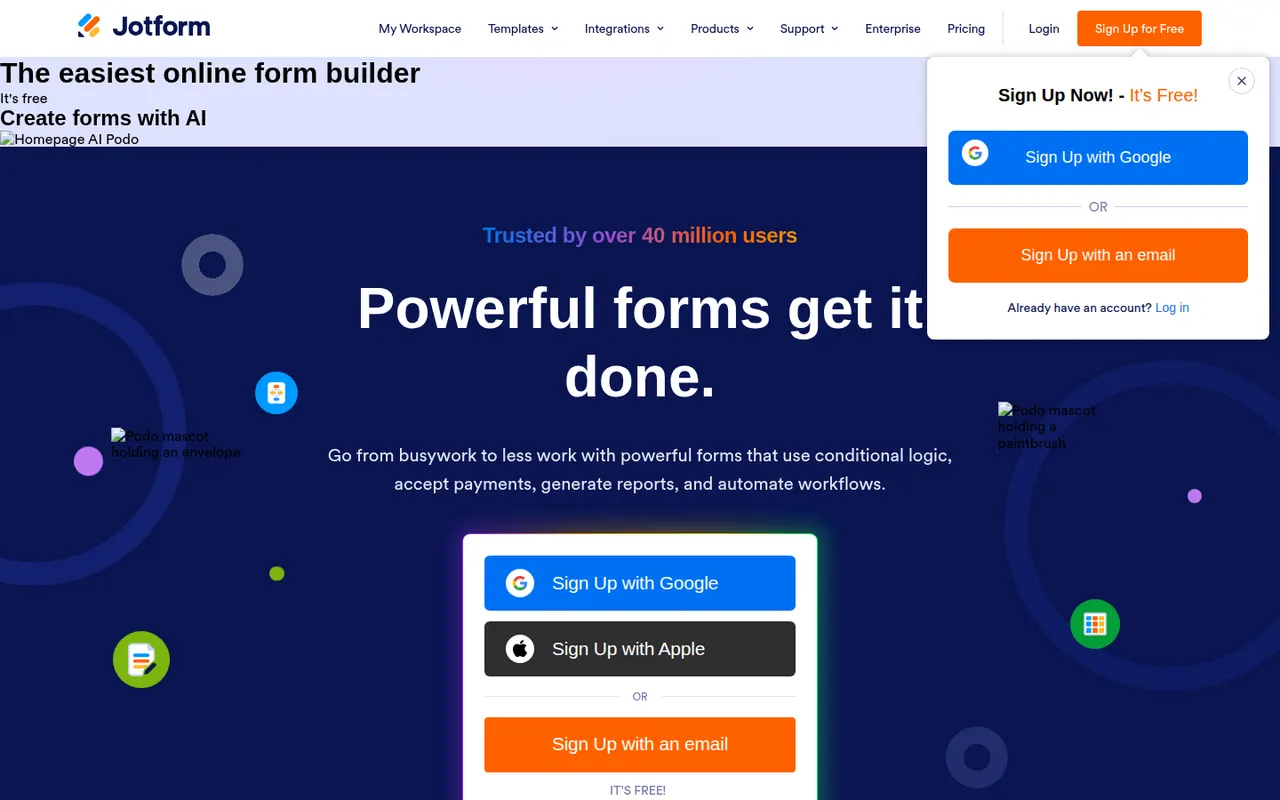
Cost / LicenseFreemiumProprietaryCategoriesJotform is an online form builder with a large template library, a drag-and-drop editor, conditional logic and integrations with many payment gateways. Its mobile apps can collect data offline, and the wider suite adds Jotform Tables, an app builder, PDF generation and e-signatures through Jotform Sign. A free plan covers basic use, and HIPAA-compliant options are available for healthcare.
10 Jotform alternativesPros
- Huge template library and a drag-and-drop editor that is easy to learn
- Many payment gateways, plus e-signatures through Jotform Sign
- Mobile apps can collect submissions offline
Cons
- Free plan caps forms and monthly submissions fairly tightly
- Interface can feel cluttered given how many options and products it bundles
- Forms on the free plan display Jotform branding
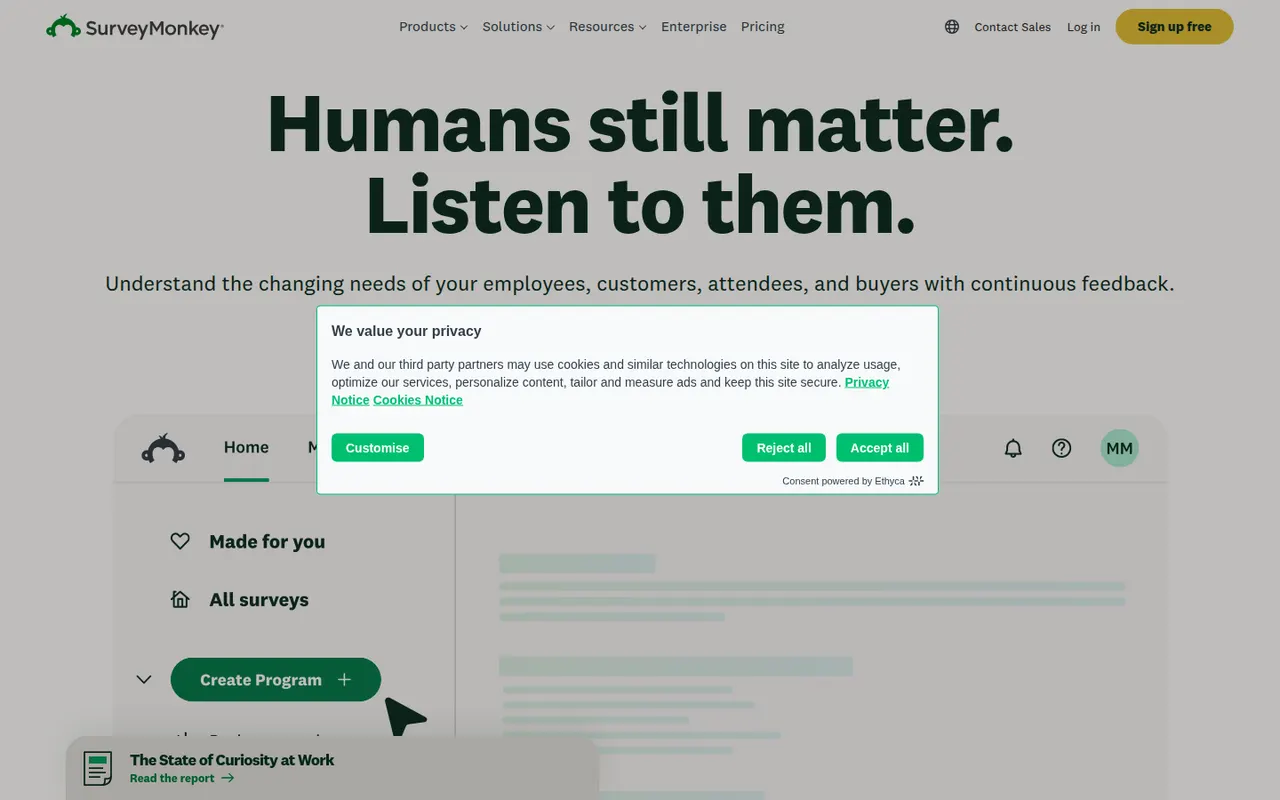
Cost / LicenseFreemiumProprietaryCategoriesSurveyMonkey is an online survey platform used for customer feedback, employee engagement, event planning and market research. It offers survey templates, a question bank, skip logic, AI-assisted survey creation and analysis dashboards, and can supply paid respondents through its audience panel. A free Basic plan has limited features, alongside paid individual and team plans.
9 SurveyMonkey alternativesPros
- Large question bank and templates speed up survey creation
- Built-in audience panel can supply paid respondents
- Analysis dashboards and AI help make results easy to read
Cons
- Free Basic plan is very restricted, notably for results and exports
- Paid plans are expensive compared with many form builders
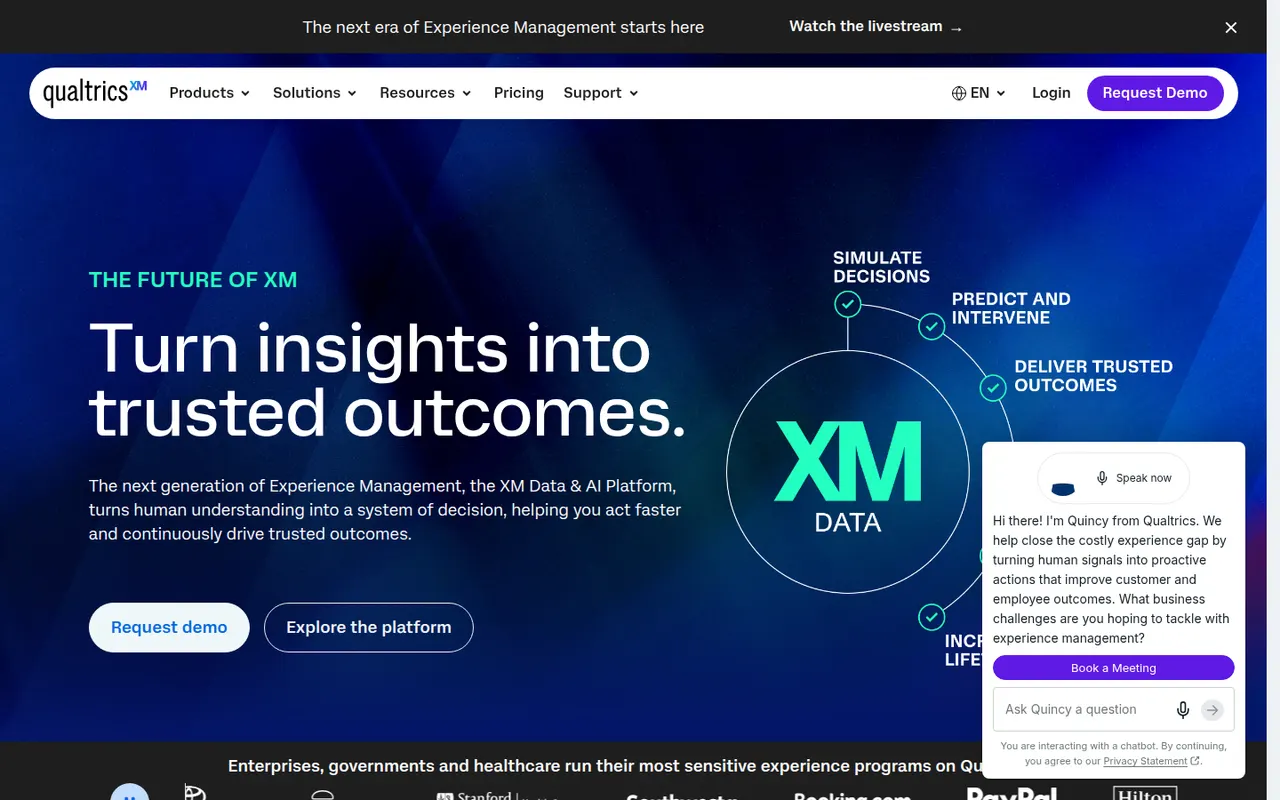
Cost / LicenseFreemiumProprietaryCategoriesQualtrics is an experience management (XM) platform used by large companies and universities to run advanced surveys and analyze customer, employee and market feedback. It offers complex survey logic, panel management, statistical analysis, text analytics and AI-generated insights, with dashboards for different teams. It is sold mainly through custom enterprise contracts, and a basic free account is also offered.
7 Qualtrics alternativesPros
- Very deep survey logic, panel management and statistical analysis
- Text analytics and AI insights help process large volumes of feedback
- Dashboards tailored to customer, employee and market research teams
Cons
- Custom enterprise contracts with no public pricing, costly for small teams
- Steep learning curve given the breadth of features
- Free account is very limited compared with paid plans
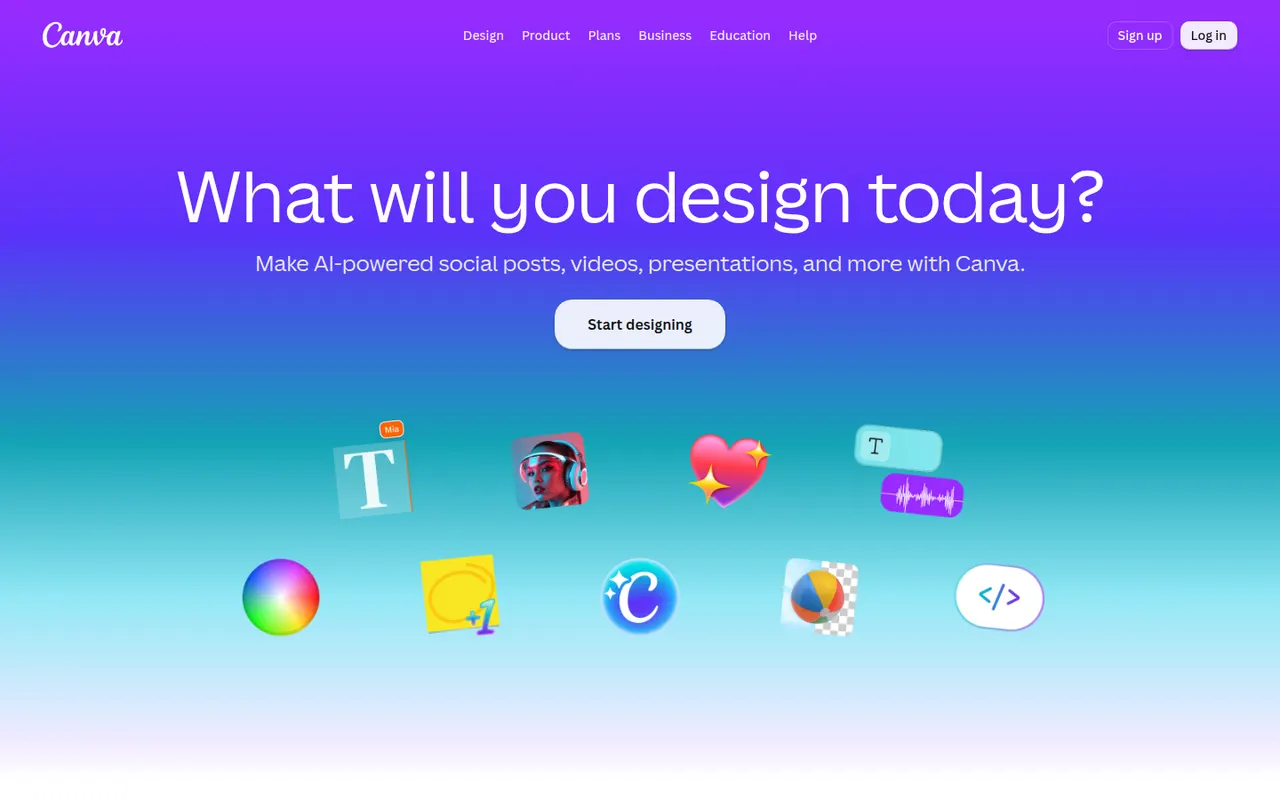
Cost / LicenseFreemiumProprietaryCategoriesCanva is an online design editor built around drag-and-drop templates for social media graphics, presentations, posters, videos and documents. It targets non-designers and marketing teams, with a large stock library, brand kits, real-time collaboration and Magic Studio AI tools for creating and editing images and text. It runs in the browser and as desktop and mobile apps.
12 Canva alternativesPros
- Huge template library makes design accessible to non-designers
- Real-time collaboration and brand kits for marketing teams
- Available on web, desktop and mobile, with Magic Studio AI tools
Cons
- Many templates, assets and AI features sit behind the Pro plan
- Popular templates can make designs look like everyone else’s
- Limited precision for print production or advanced vector work
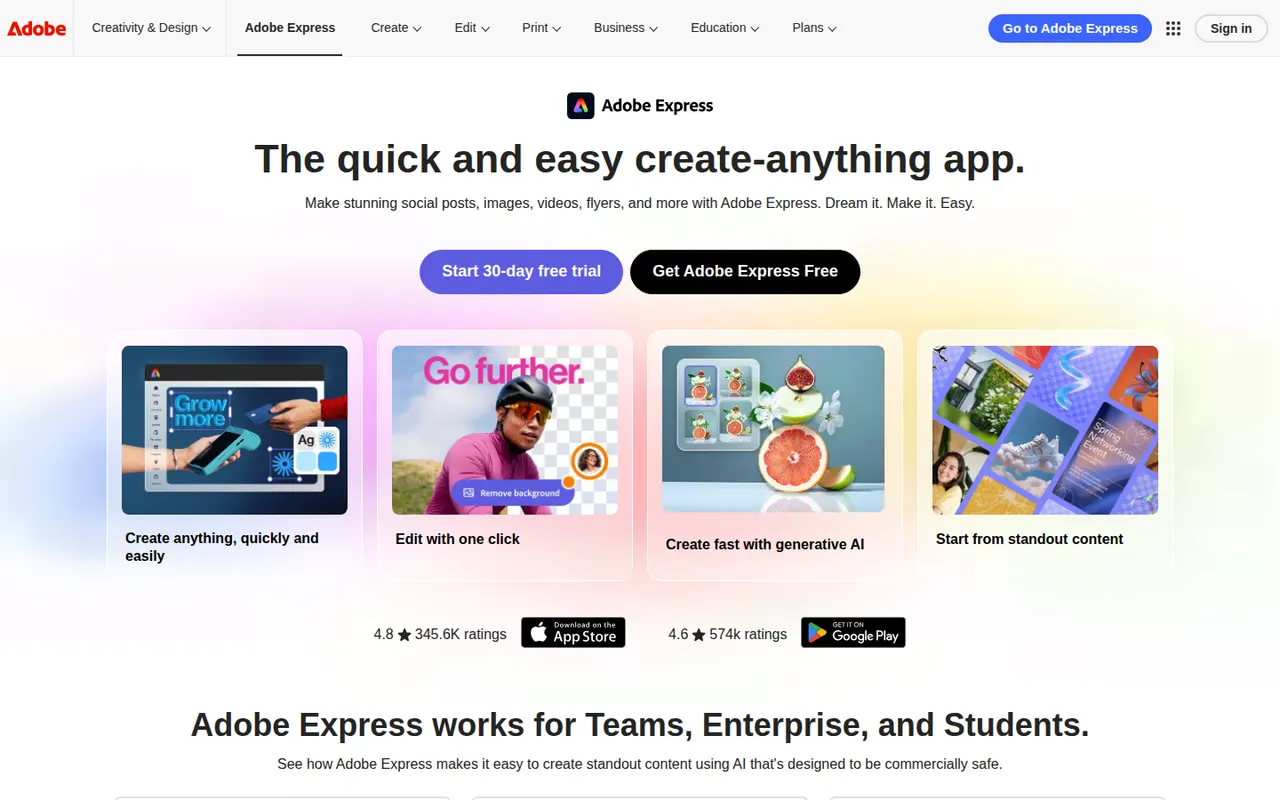
Cost / LicenseFreemiumProprietaryCategoriesAdobe Express is a web and mobile design app for producing social media posts, flyers, logos, short videos and simple web pages from templates. It includes Adobe Stock assets, Adobe Fonts, brand kits, one-click background removal and Firefly generative AI. It is aimed at small businesses, students and marketers who need quick results without a full Creative Cloud workflow.
11 Adobe Express alternativesPros
- Templates plus Adobe Stock and Adobe Fonts for quick, polished results
- One-click background removal and Firefly generative AI
- Brand kits and mobile apps keep content consistent on the go
Cons
- Premium templates, assets and generative credits require a paid plan
- Less precise than Creative Cloud apps for detailed design work
Cost / LicenseFreemiumProprietaryCategories