Apps with Real-time collaboration
56 apps
Top Real-time collaboration apps ranked by the community
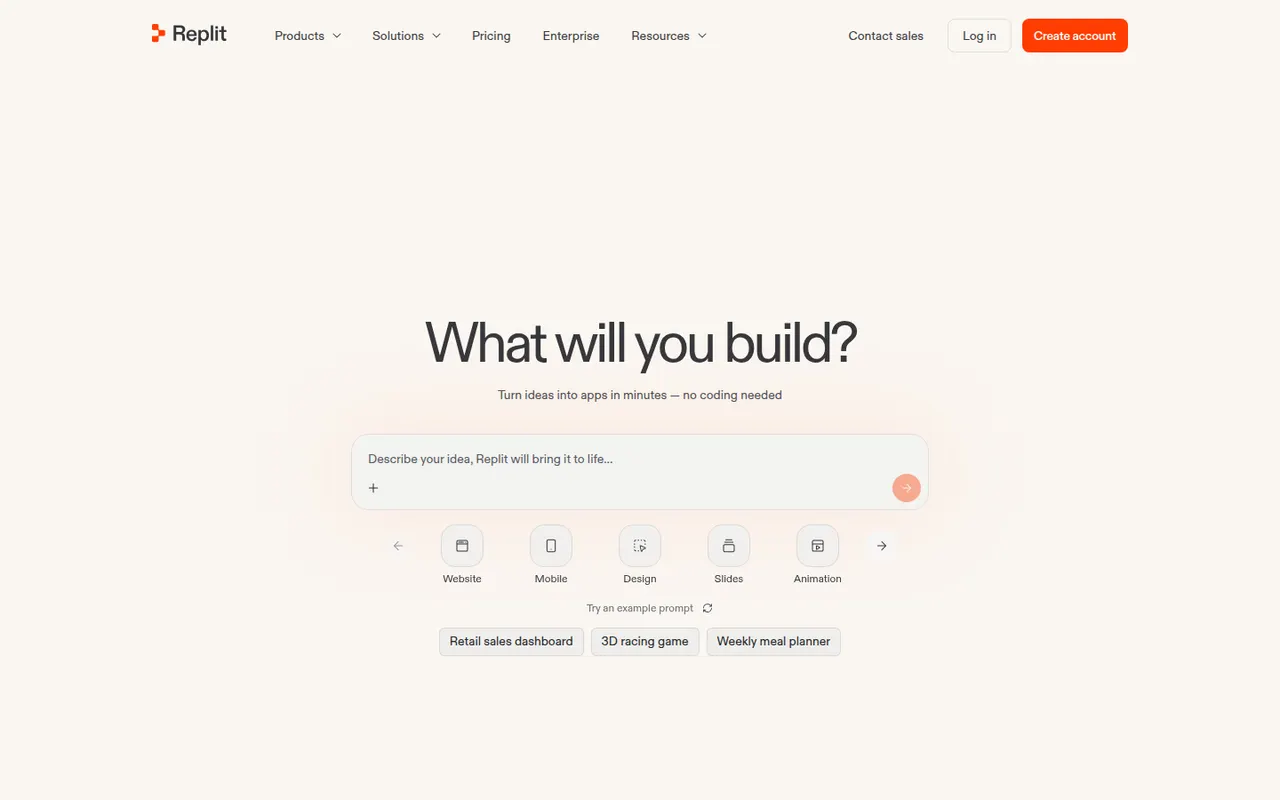
Replit is a cloud development environment where an AI agent can build, run and host applications, with collaboration and built-in databases.
9 Replit alternativesPros
- Code, run and host apps without any local setup
- AI agent builds and deploys apps from a description
- Real-time multiplayer editing for collaboration
Cons
- Agent usage costs can be hard to predict
- Hosting and databases tie projects to Replit's platform
- Free plan resources are limited for serious projects
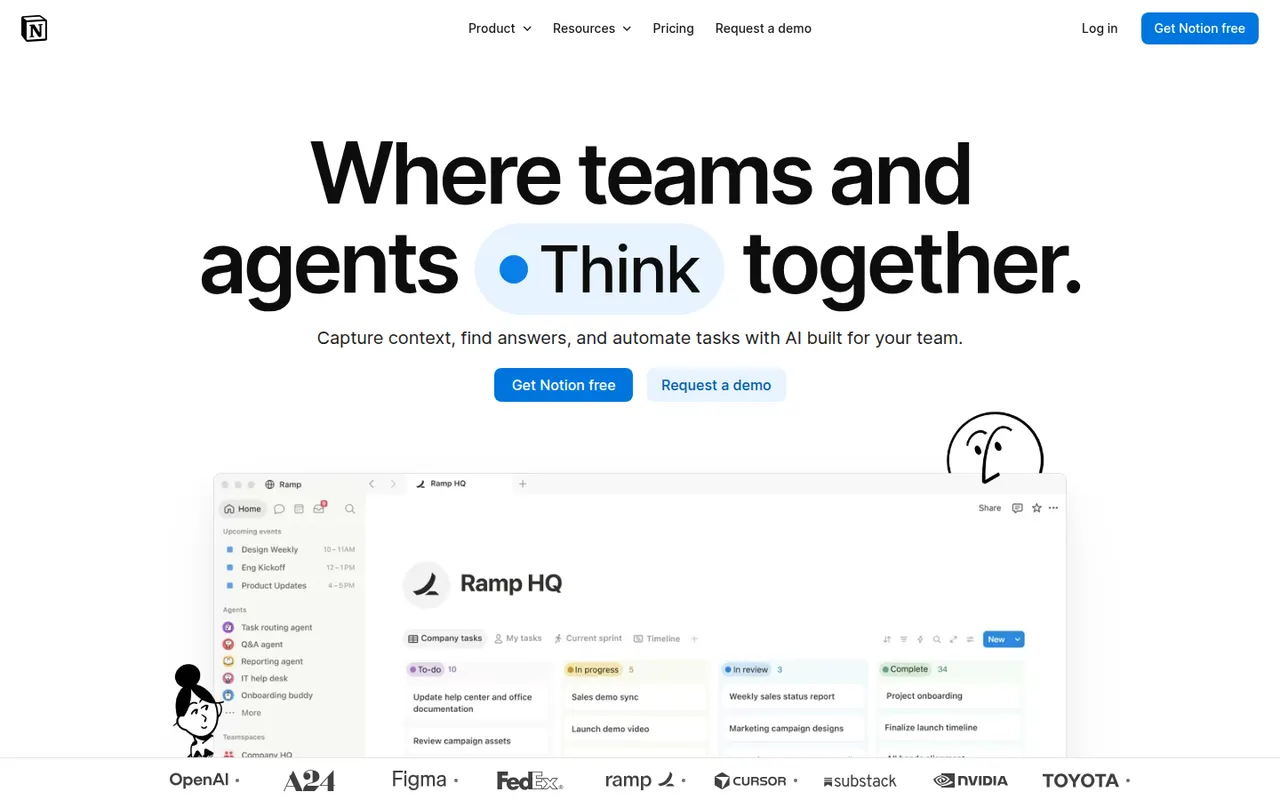
Cost / LicenseFreemiumProprietaryCategoriesNotion combines notes, documents, databases and project management in a flexible block-based workspace, with an integrated AI assistant.
17 Notion alternativesPros
- Docs, wikis and databases combined in one flexible workspace
- Large template gallery for roadmaps, trackers and wikis
- Real-time collaboration with comments, mentions and an API
Cons
- Databases and relations take time to master
- Offline access is limited compared with local-first apps
- Large workspaces can feel slow to load
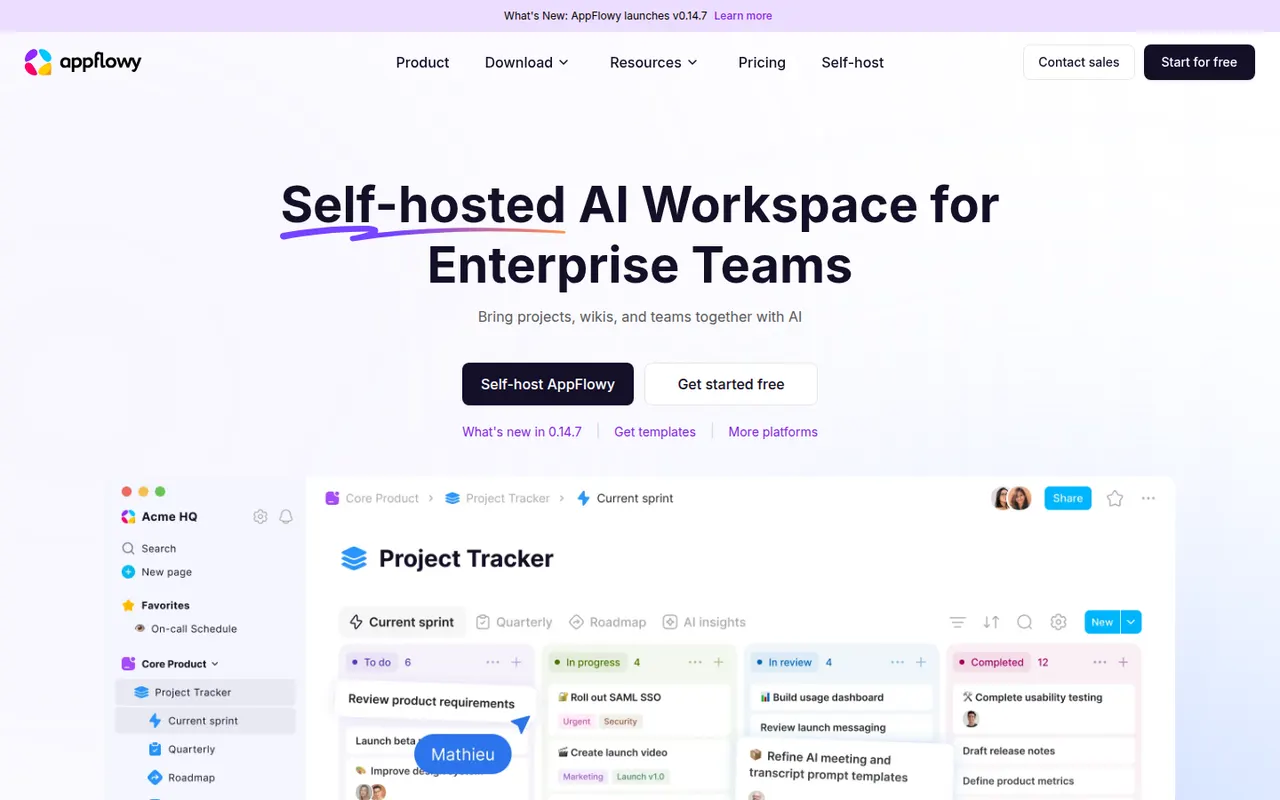
Cost / LicenseFreemiumProprietaryCategoriesAppFlowy is an open source workspace for docs, databases and kanban boards that you can self-host, with AI features and offline support.
7 AppFlowy alternativesPros
- Open source Notion alternative that you can self-host
- Docs, databases and kanban boards in one workspace
- Offline support with apps on desktop and mobile
Cons
- Fewer templates and integrations than Notion
- Some features still feel less polished than in mature rivals
- Advanced AI features are reserved for paid plans
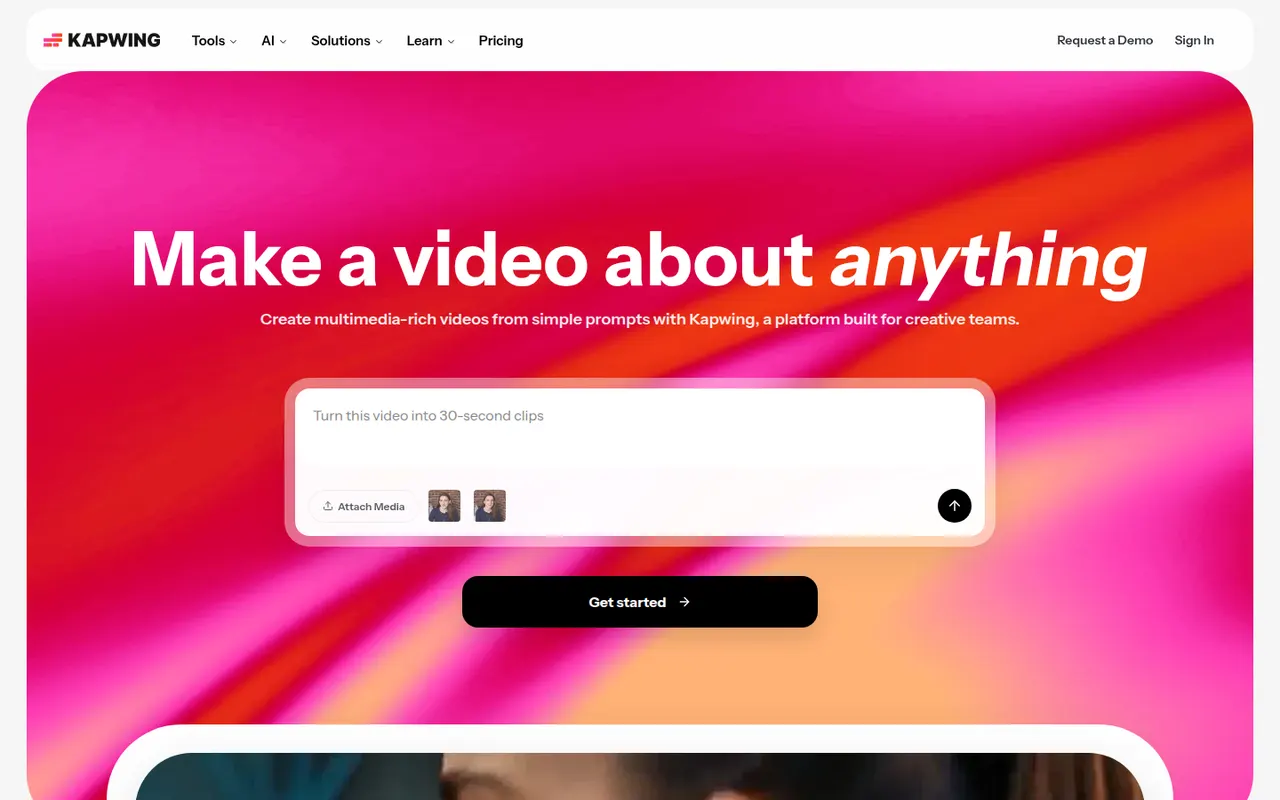
Cost / LicenseFreemiumOpen sourceCategoriesKapwing is a browser-based video editor built for teams that produce content together in real time. It includes transcript-based editing, automatic subtitles and translation, silence removal, a clip maker for repurposing long videos, and templates for social formats. It requires no installation and offers a free plan with export limits.
9 Kapwing alternativesPros
- Real-time collaborative editing in the browser
- Automatic subtitles, translation and silence removal
- Clip maker repurposes long videos into social shorts
Cons
- Free plan exports are limited
- Browser editing struggles with long or heavy projects
- Fewer advanced controls than desktop editors
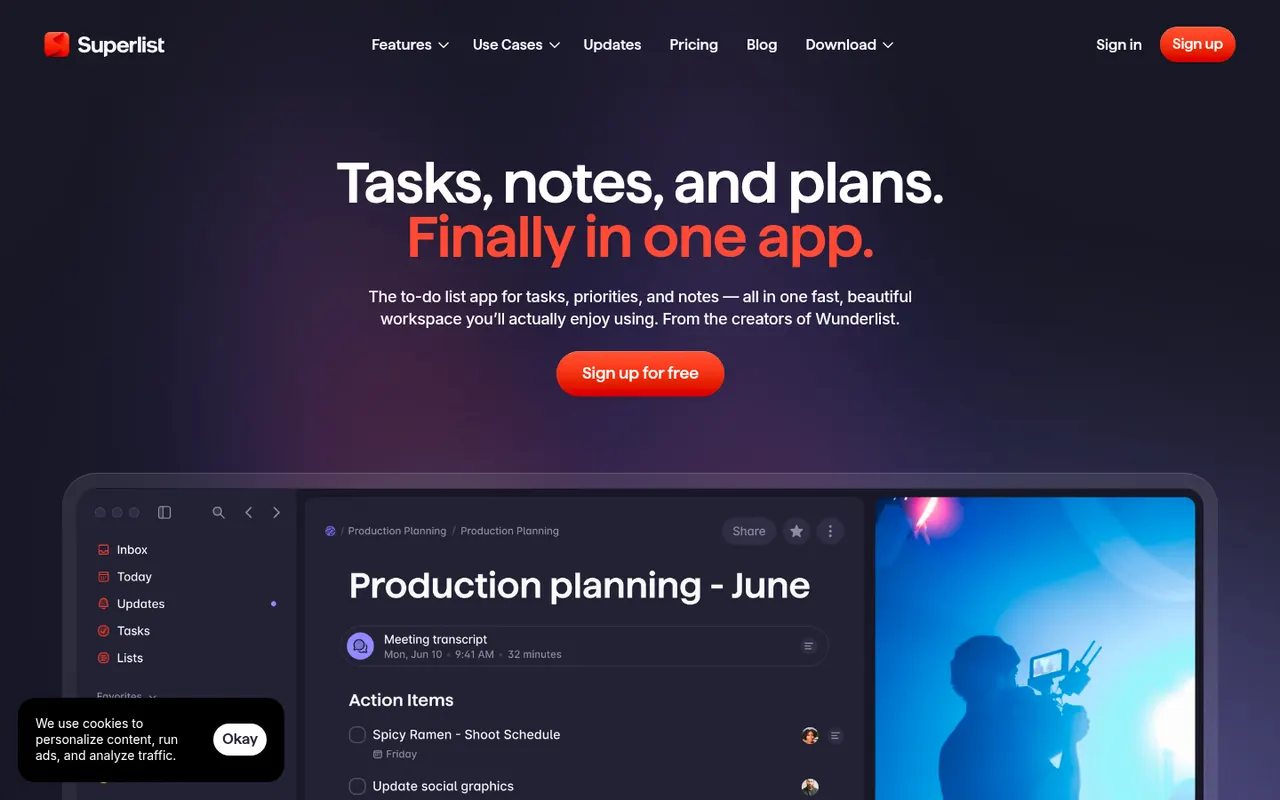
Cost / LicenseFreemiumProprietaryCategoriesPlatformsSuperlist is a task and notes app co-founded by Wunderlist creator Christian Reber, where each list doubles as a document mixing text, headings and checkable tasks. Lists can be shared for real-time collaboration, tasks can be pulled in from Slack and Gmail, and AI features can draft a list from a short prompt.
9 Superlist alternativesPros
- Lists double as documents mixing notes and tasks
- Real-time collaboration on shared lists
- Pulls tasks in from Slack and Gmail
Cons
- Younger app with fewer advanced features than established rivals
- Smaller integration catalog than established task managers
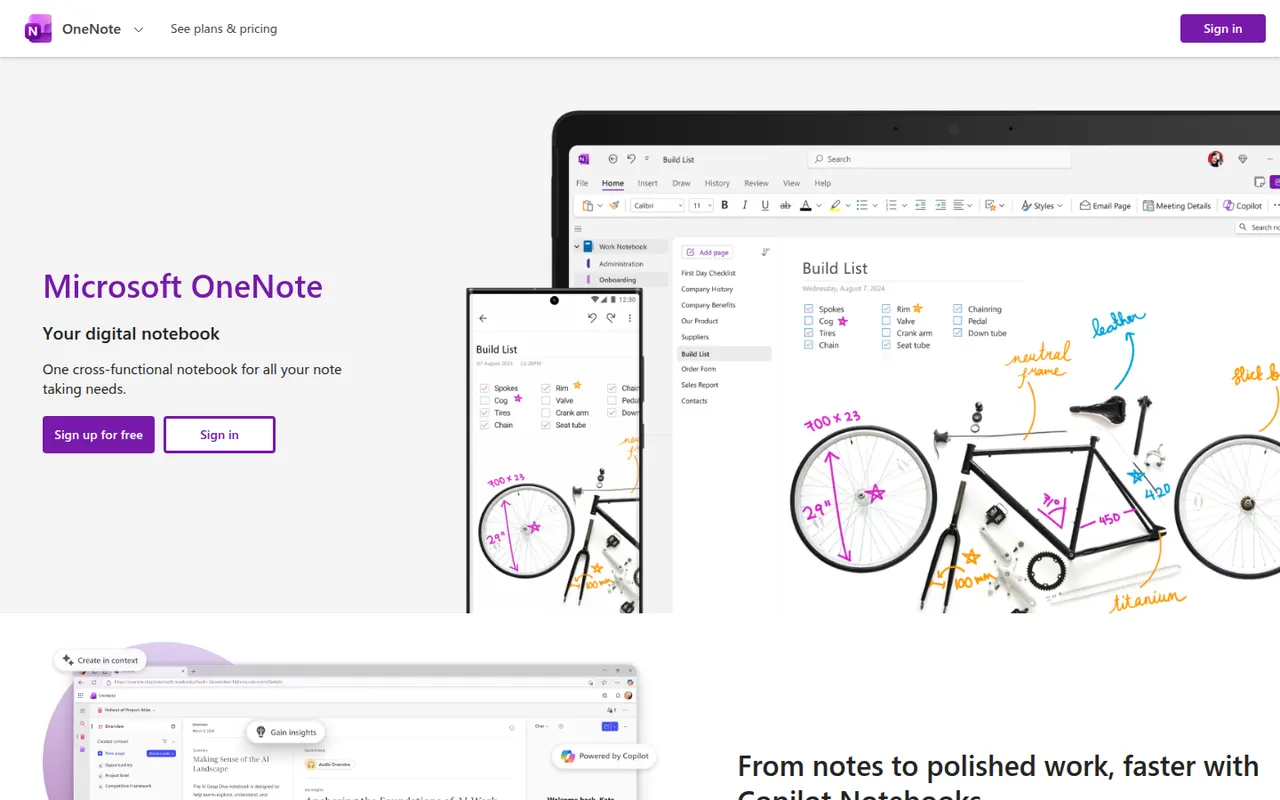
Cost / LicenseFreemiumProprietaryCategoriesMicrosoft OneNote is a free digital notebook that organizes notes into notebooks, sections and pages, where text, images, drawings and handwriting can be placed anywhere on the page. It syncs through OneDrive, supports shared notebooks for classes and teams, and works closely with Outlook, Teams and the rest of Microsoft 365.
9 Microsoft OneNote alternativesPros
- Freeform pages for text, drawings and handwriting anywhere
- Free, with OneDrive sync on all major platforms
- Works closely with Outlook, Teams and Microsoft 365
Cons
- The freeform layout gets messy and is hard to export
- Sync can lag or conflict with large notebooks
- No native app for Linux desktops
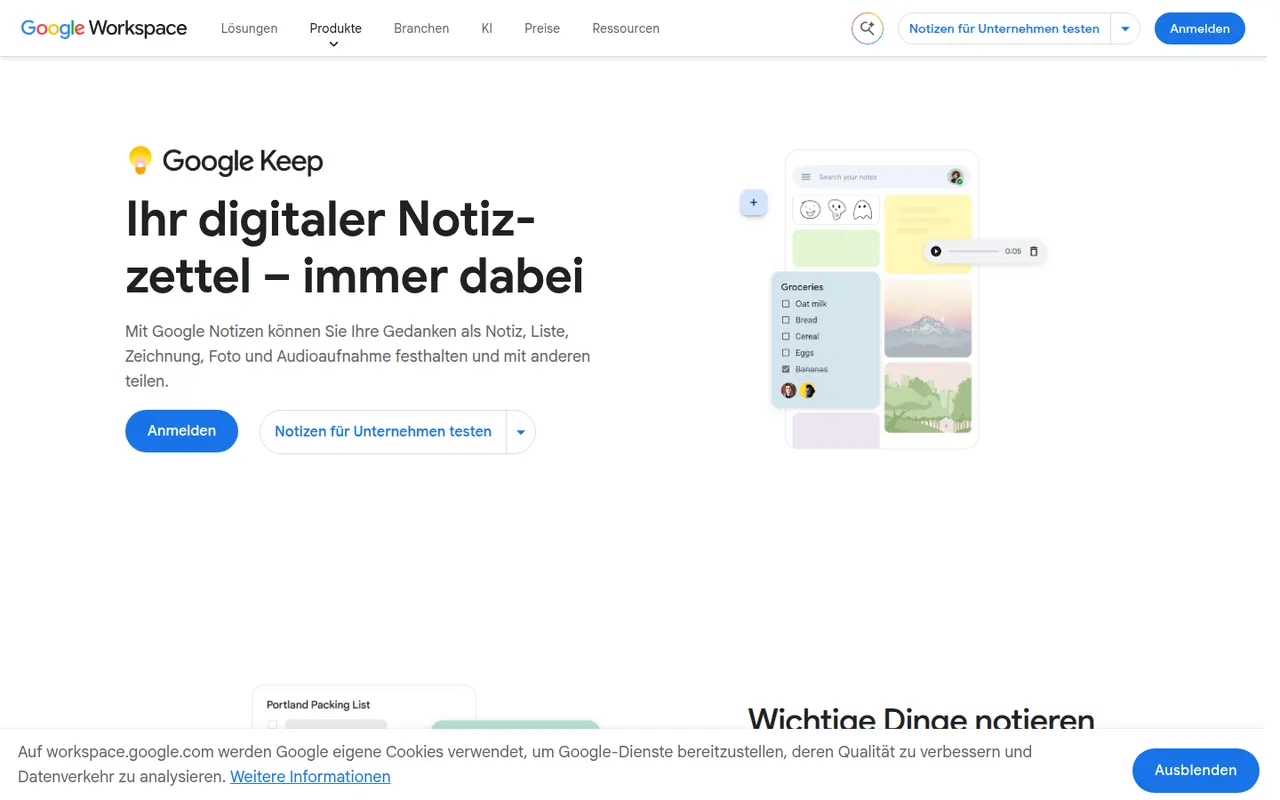
Cost / LicenseFreeProprietaryCategoriesGoogle Keep is a free note app for quick thoughts, checklists, voice memos and photos, shown as colorful cards that can be pinned, labeled and shared. Reminders can be tied to a time or a place, text can be extracted from images, and notes are available from Gmail, Google Docs and Android devices.
8 Google Keep alternativesPros
- Fast capture of notes, checklists, voice memos and photos
- Reminders tied to a time or a place
- Integrated with Gmail, Google Docs and Android
Cons
- No desktop app outside the browser
- Limited formatting makes it a poor fit for long documents
- Organization relies on labels only, with no folders or nesting
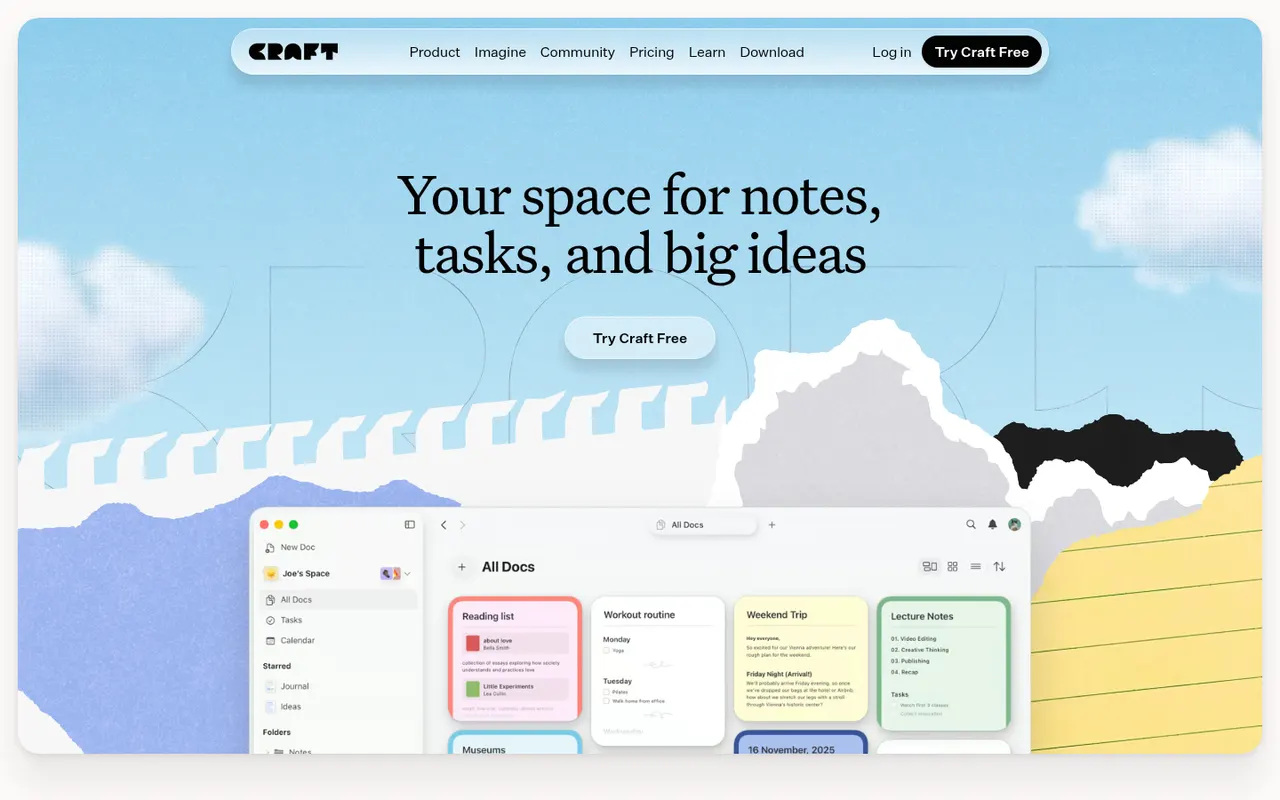
Cost / LicenseFreeProprietaryPlatformsCraft is a document and note-taking app with a native, polished design on Mac, iPhone and iPad, also available on Windows and the web. Notes are built from blocks and nested pages with backlinks, can be shared as public web pages or edited together in real time, and include AI writing help, tasks and daily notes.
12 Craft alternativesPros
- Polished native design on Mac, iPhone and iPad
- Block-based pages can be shared as public web pages
- Real-time collaboration plus built-in AI writing help
Cons
- The experience is best on Apple devices, other platforms feel secondary
- Advanced features and AI usage are reserved for paid plans
- Less suited to large databases than Notion-style tools
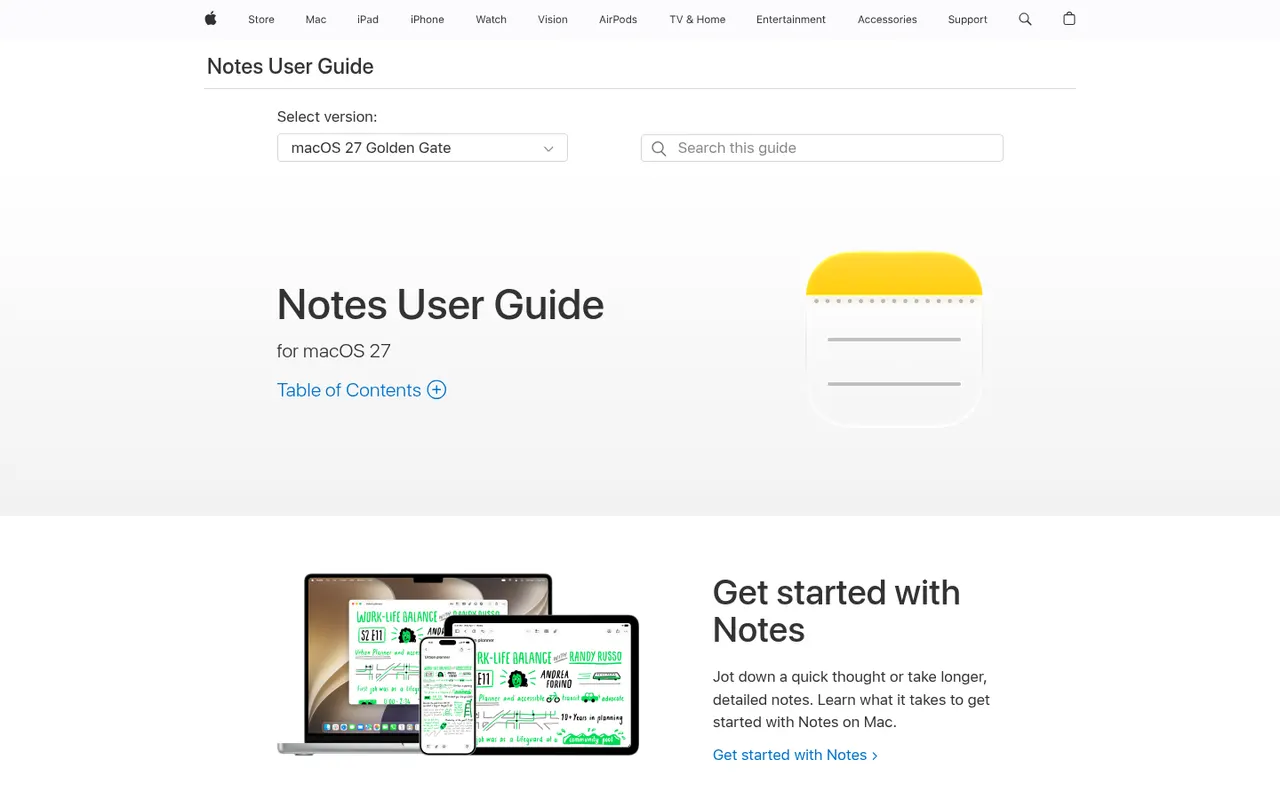
Cost / LicenseFreemiumProprietaryApple Notes is the free notes app included with iPhone, iPad and Mac, synced through iCloud and also reachable on the web at iCloud.com. It handles checklists, tables, Apple Pencil sketches, document scanning and searchable text in images, plus shared notes and folders, tags, smart folders and locked notes.
9 Apple Notes alternativesPros
- Free and built into every iPhone, iPad and Mac
- Document scanning, Pencil sketches and text search inside images
- Shared notes and folders with real-time collaboration
Cons
- No native apps for Windows or Android, only iCloud.com
- Fewer organization options than dedicated knowledge tools
Cost / LicenseFreeProprietaryCategoriesMiro is a visual collaboration platform built around an infinite whiteboard where teams run workshops, brainstorms, retrospectives and planning sessions with sticky notes, diagrams and mind maps. It offers thousands of community templates, AI features for clustering and summarizing content, and integrations with Jira, Slack, Teams and Zoom.
12 Miro alternativesPros
- Huge library of community templates for workshops and planning
- Integrations with Jira, Slack, Teams and Zoom
- Apps on the web, desktop and mobile
Cons
- Free plan limits the number of editable boards
- Large boards can become slow and cluttered
- Per-seat pricing adds up for big teams
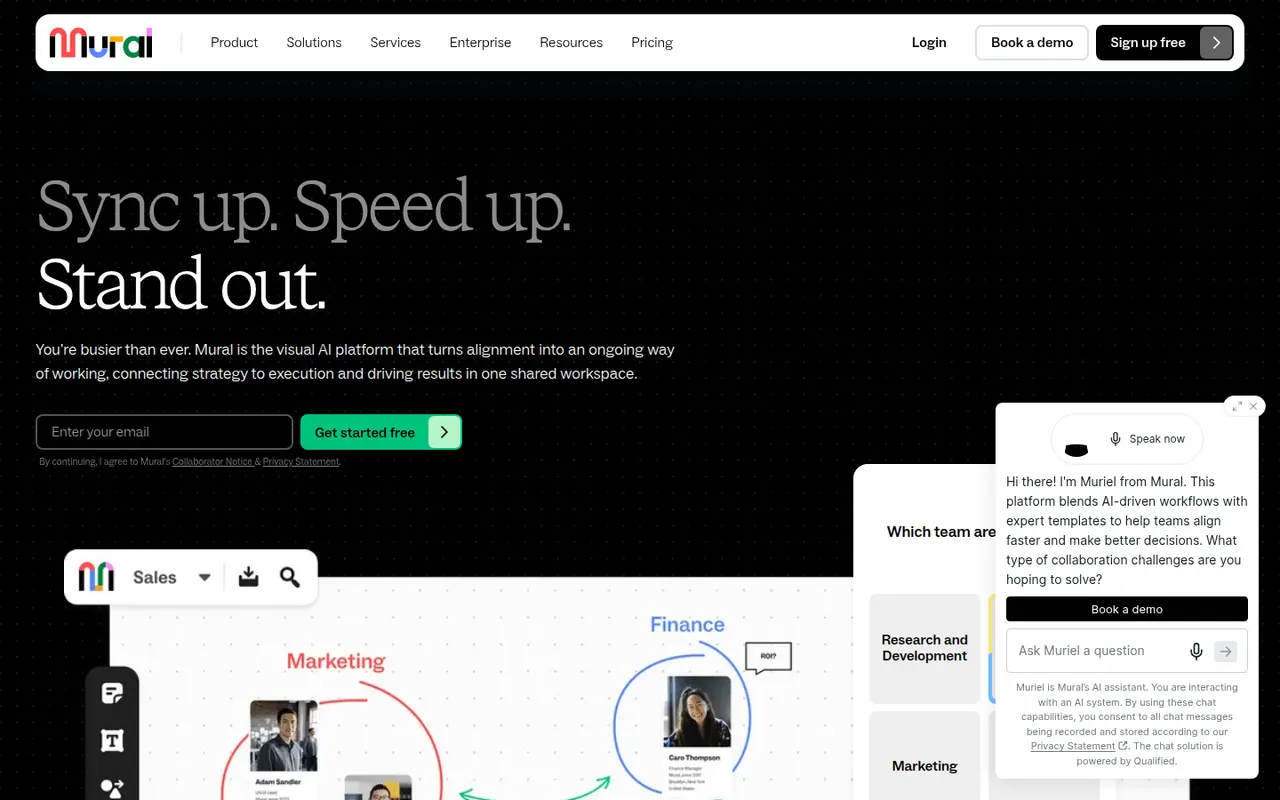
Cost / LicenseFreemiumProprietaryCategoriesMural is a digital whiteboard for collaborative workshops and meetings, with facilitation tools such as a timer, voting, private mode and the ability to bring all participants to the same spot. It is aimed at enterprise teams running design thinking, agile ceremonies and strategy sessions, supported by templates, AI assistance and integrations with Microsoft Teams, Zoom and Webex.
9 Mural alternativesPros
- Facilitation tools: timer, voting, private mode and summoning participants
- Templates for design thinking and agile ceremonies
- Integrations with Microsoft Teams, Zoom and Webex
Cons
- Geared toward enterprises, with pricing to match
- Free plan limits the number of boards
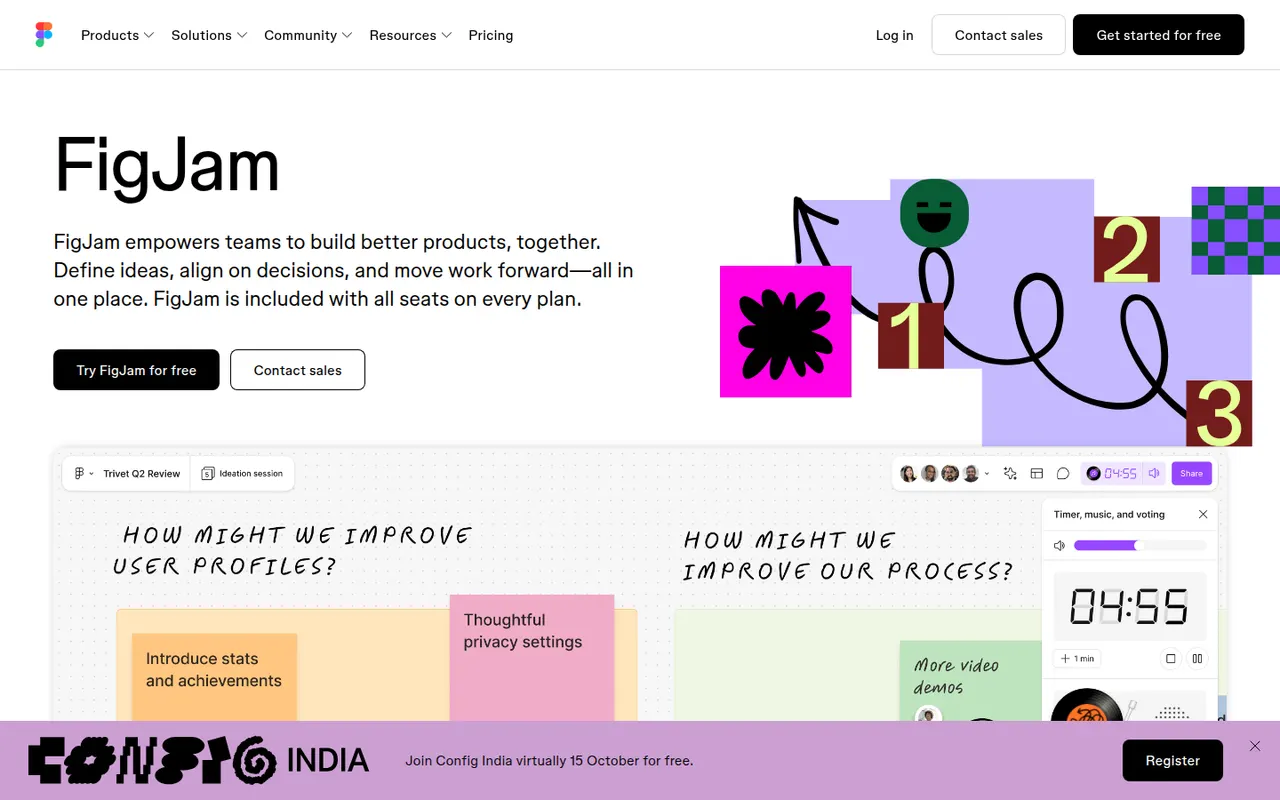
Cost / LicenseFreemiumProprietaryCategoriesFigJam is the collaborative whiteboard from Figma, used for brainstorming, user flows, retrospectives and diagrams alongside design files. It offers sticky notes, stamps, voting, timers, widgets and plugins, AI that can generate boards or diagrams from a prompt, and shares accounts and libraries with Figma, which keeps product and design teams in one tool.
12 FigJam alternativesPros
- Shares accounts and libraries with Figma design files
- Playful facilitation tools such as stamps, voting and timers
- AI can generate boards and diagrams from a prompt
Cons
- Most valuable for teams already using Figma
- Free plan limits how many boards you can keep
- Fewer advanced diagramming features than dedicated tools
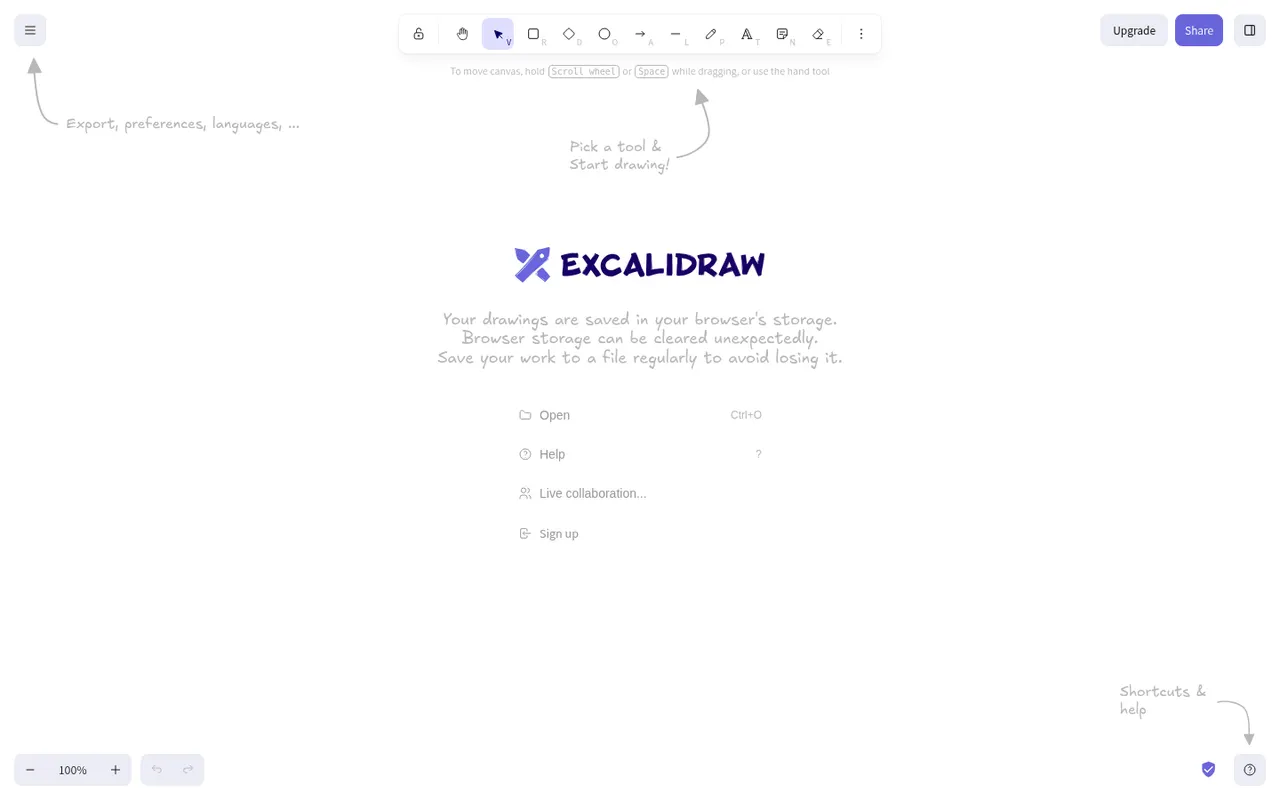
Cost / LicenseFreemiumProprietaryCategoriesExcalidraw is an open source virtual whiteboard that produces diagrams and sketches with a hand-drawn look. It runs in the browser without an account, works offline, offers end-to-end encrypted live collaboration and shareable links, and has a large community library of shapes. Excalidraw+ adds cloud workspaces and team features, and the editor can be embedded as a React component.
11 Excalidraw alternativesPros
- Hand-drawn style that makes sketches feel approachable
- Works in the browser offline and without an account
- End-to-end encrypted live collaboration
Cons
- Hand-drawn look is less suited to formal diagrams
- Cloud workspaces and team features require Excalidraw+
- Fewer diagramming features than dedicated tools
Cost / LicenseFreemiumOpen sourceCategoriesPlatformstldraw is a free online whiteboard at tldraw.com with an infinite canvas, clean drawing tools, sticky notes, arrows and real-time multiplayer collaboration. The same technology is offered as an SDK that developers embed in their own apps to build canvas-based products, with its code public on GitHub under tldraw's own source-available license and commercial terms.
7 tldraw alternativesPros
- Free whiteboard with clean, responsive drawing tools
- Real-time multiplayer collaboration through shared links
- SDK lets developers build canvas features into their own apps
Cons
- Source-available license, with commercial terms for the SDK in production
- Fewer templates and integrations than full whiteboard suites
Cost / LicenseFreeSource availableCategoriesPlatformsMicrosoft Whiteboard is a freeform digital canvas for sketching, brainstorming and teaching together, with pen and touch input, sticky notes, templates and reactions. It is built into Microsoft Teams meetings, saves boards to OneDrive, and is free with a Microsoft account on the web, Windows, iOS and Android.
8 Microsoft Whiteboard alternativesPros
- Free with a Microsoft account on web, Windows and mobile
- Built into Microsoft Teams meetings
- Natural pen and touch input for sketching
Cons
- Fewer templates and integrations than Miro or Mural
- No native Mac app, only the web version
- Best suited to teams in the Microsoft ecosystem
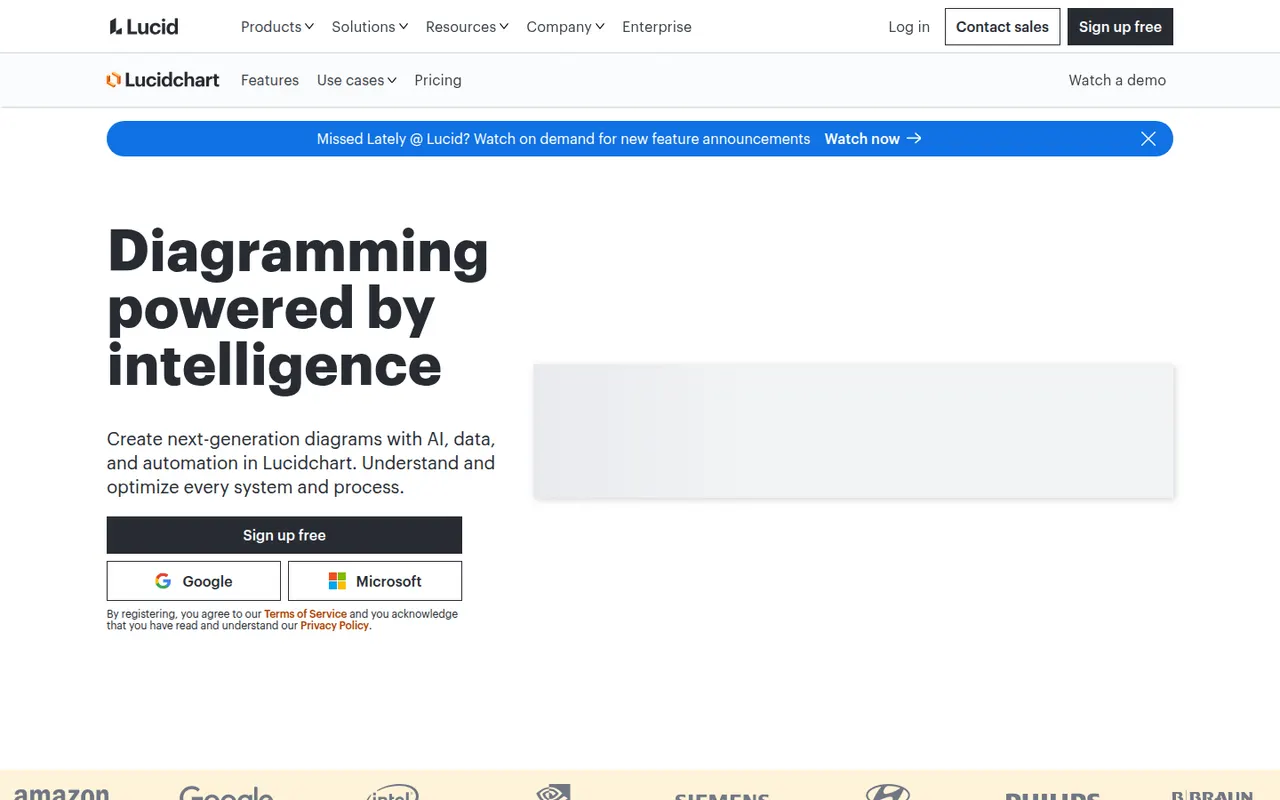
Cost / LicenseFreeProprietaryCategoriesLucidchart is a browser-based diagramming tool from Lucid Software for flowcharts, org charts, network and cloud architecture diagrams, ERDs and process maps. Teams edit diagrams together in real time, link shapes to live data, import Visio files and generate diagrams with AI, with integrations for Google Workspace, Microsoft 365, Atlassian and Slack.
10 Lucidchart alternativesPros
- Broad shape libraries for flowcharts, ERDs and cloud architecture
- Imports Visio files and links shapes to live data
- Integrates with Google Workspace, Microsoft 365, Atlassian and Slack
Cons
- Free plan caps the number of documents and shapes
- Team plans get expensive as seats are added
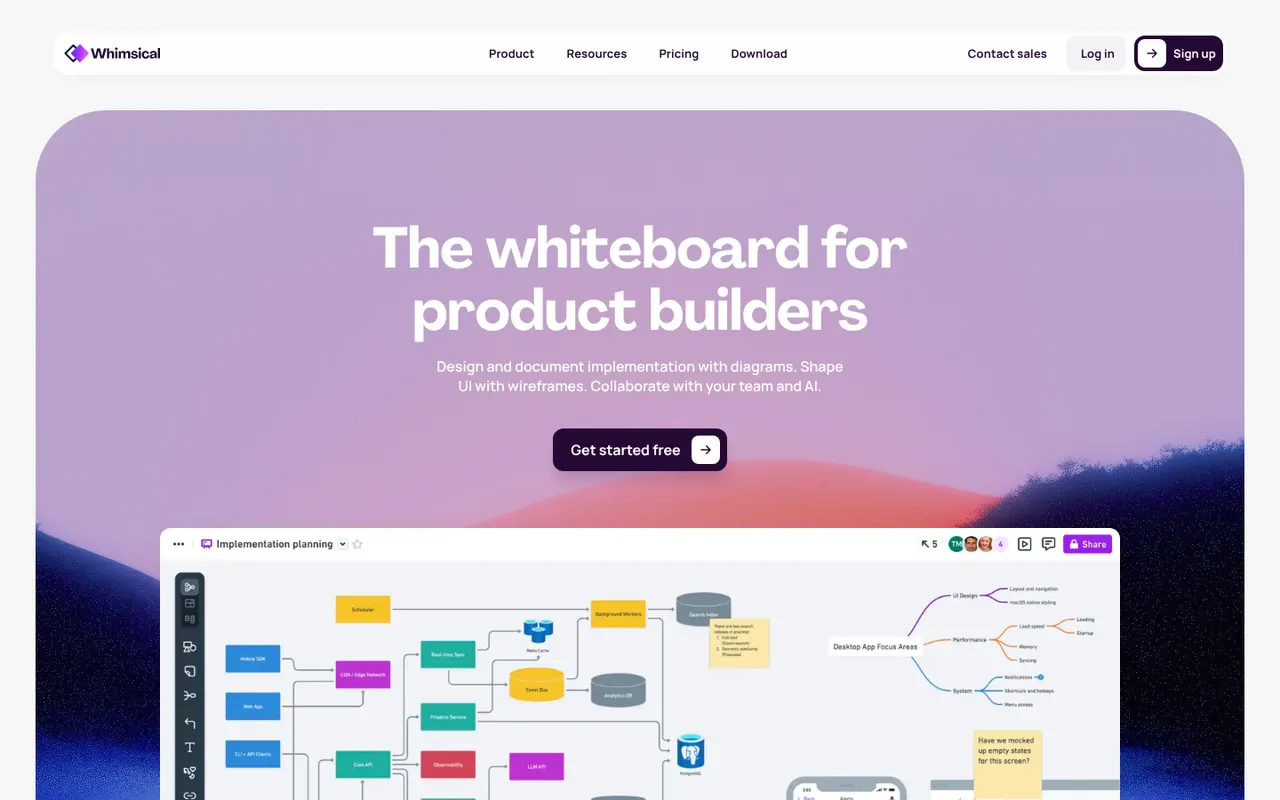
Cost / LicenseFreemiumProprietaryCategoriesWhimsical is a visual workspace that combines flowcharts, wireframes, mind maps, sticky-note boards and docs in one place. Its deliberately simple editor with smart connectors and keyboard shortcuts makes diagrams quick to produce, AI can generate flowcharts or mind maps from a prompt, and boards can be shared with teammates for real-time editing.
12 Whimsical alternativesPros
- Flowcharts, wireframes, mind maps and docs in one place
- Smart connectors and shortcuts make diagrams fast to draw
- Clean, simple editor that is quick to pick up
Cons
- Deliberate simplicity limits styling and advanced diagram options
- Free plan caps how much content you can create
Cost / LicenseFreemiumProprietaryCategoriesPlatformsMicrosoft Visio is a diagramming application for flowcharts, floor plans, network diagrams, org charts and engineering schematics, with large stencil libraries and support for standards such as BPMN and UML. The full desktop app runs on Windows, a lighter web version is included with many Microsoft 365 business plans, and diagrams can be co-authored and linked to Excel data.
8 Microsoft Visio alternativesPros
- Extensive stencil libraries with BPMN and UML support
- Diagrams can be linked to Excel data
- Web version included with many Microsoft 365 business plans
Cons
- Full desktop app runs only on Windows
- Expensive for occasional use, with no free plan
- Interface feels heavy compared with modern web tools
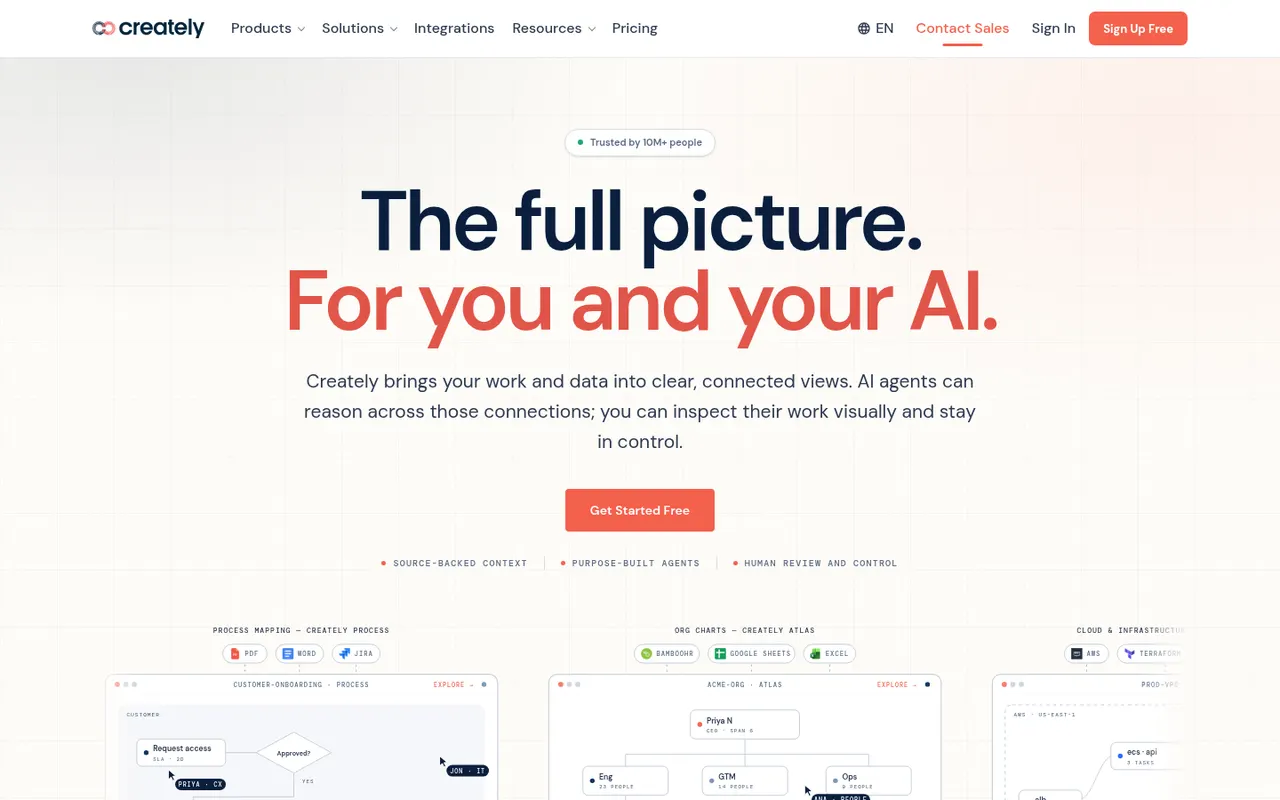
Cost / LicensePaidProprietaryCategoriesCreately is an online visual workspace from Cinergix for diagrams, mind maps, process maps and planning boards on an infinite canvas. Shapes can carry data fields and be reused across views, which turns diagrams into lightweight databases, and it comes with a large template library and real-time collaboration.
8 Creately alternativesPros
- Shapes can hold data fields, turning diagrams into lightweight databases
- Large template library for diagrams and planning boards
- Real-time collaboration on an infinite canvas
Cons
- Free plan is restrictive for regular use
- Data-driven features add complexity to simple diagrams
- Available only in the browser
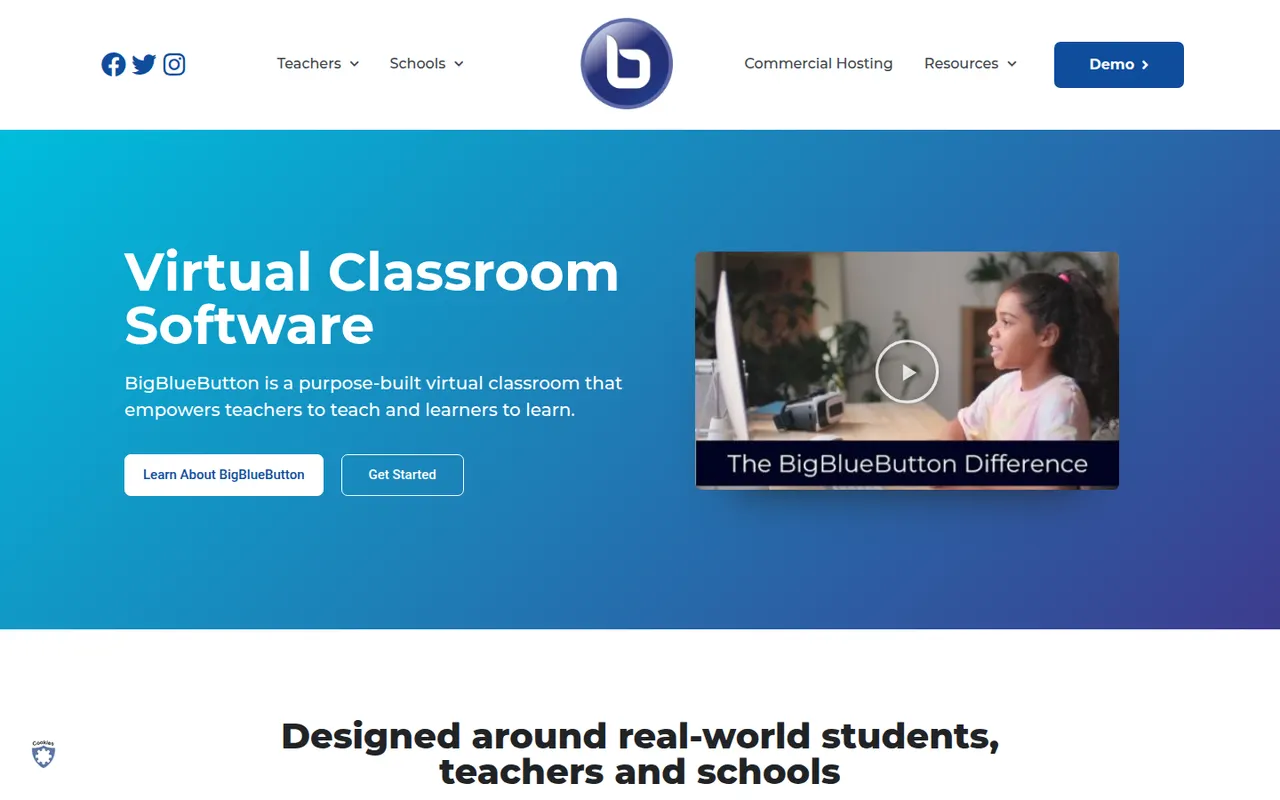
Cost / LicenseFreemiumProprietaryCategoriesPlatformsBigBlueButton is an open-source web conferencing system designed for online teaching. It includes a multi-user whiteboard, shared notes, polls, breakout rooms, screen sharing and recordings that can be replayed later. Schools and universities typically self-host it or use a hosting provider, and it plugs into learning management systems such as Moodle, Canvas and Sakai.
8 BigBlueButton alternativesPros
- Designed for teaching, with whiteboard, polls and breakout rooms
- Integrates with Moodle, Canvas and other learning platforms
- Free and open source, with recordings that can be replayed later
Cons
- Self-hosting requires a dedicated server and admin skills
- Interface feels dated next to Zoom or Teams
- Less suited to business meetings than to online classes
Cost / LicenseFreeOpen sourceCategoriesPlatformsCanva is an online design editor built around drag-and-drop templates for social media graphics, presentations, posters, videos and documents. It targets non-designers and marketing teams, with a large stock library, brand kits, real-time collaboration and Magic Studio AI tools for creating and editing images and text. It runs in the browser and as desktop and mobile apps.
12 Canva alternativesPros
- Huge template library makes design accessible to non-designers
- Real-time collaboration and brand kits for marketing teams
- Available on web, desktop and mobile, with Magic Studio AI tools
Cons
- Many templates, assets and AI features sit behind the Pro plan
- Popular templates can make designs look like everyone else’s
- Limited precision for print production or advanced vector work
Cost / LicenseFreemiumProprietaryCategoriesFigma is a design platform for user interfaces, websites and apps where teams edit the same file in real time from the browser or the desktop app. It covers vector design, interactive prototypes, shared component libraries and variables for design systems, and Dev Mode for developer handoff. Plugins, FigJam whiteboards and AI features extend it for product and design teams.
12 Figma alternativesPros
- Real-time multiplayer editing in the browser or desktop app
- Components and variables make design systems manageable
- Huge ecosystem of plugins and community files
Cons
- Paid seats add up quickly for growing teams
- Most work requires an internet connection
- Large files can become slow and memory-hungry
Cost / LicenseFreemiumProprietaryCategoriesSketch is a vector design app built exclusively for macOS, used to create user interfaces, icons and interactive prototypes. Files can stay local or live in shared workspaces with real-time collaboration, and a web app lets teammates and developers browse designs, comment and inspect specs without a Mac. Symbols, shared libraries and a long-standing plugin ecosystem support design-system work.
10 Sketch alternativesPros
- Fast native Mac app that also works offline
- Long-standing plugin ecosystem and shared libraries
- Web app lets teammates without a Mac comment and inspect specs
Cons
- Editing requires a Mac, which limits mixed-platform teams
- No free plan beyond the trial
Cost / LicenseFree trialProprietaryCategoriesPlatformsPenpot is an open source alternative to Figma for designing interfaces and prototypes in the browser. Its data model is based on SVG, CSS and HTML, so developers can inspect designs and copy usable code, while teams work with components, design tokens and real-time collaboration. It is available as a hosted cloud service or can be self-hosted with Docker to keep full control over data.
10 Penpot alternativesPros
- Open source and self-hostable for full control over data
- Built on SVG, CSS and HTML, so developers get usable code
- Components, design tokens and real-time collaboration
Cons
- Performance can lag on large, complex files
- Smaller plugin ecosystem and fewer community resources than Figma
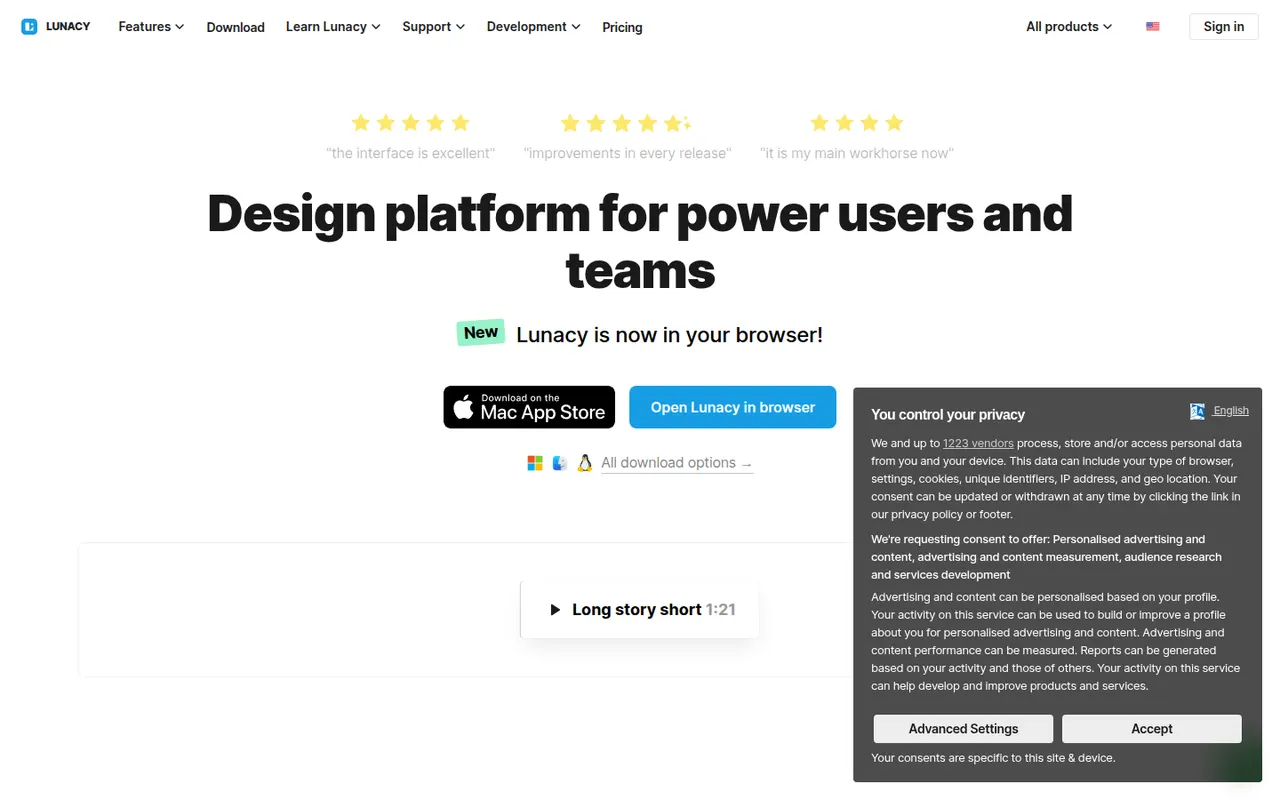
Cost / LicenseFreemiumOpen sourceCategoriesPlatformsLunacy is a vector design app from Icons8 for creating interfaces, prototypes and graphics on Windows, macOS and Linux. It works offline, opens Sketch files natively and includes Icons8 libraries of icons, photos and illustrations, along with AI helpers such as background removal. Cloud documents allow real-time collaboration; most features are free, with a paid plan for extended cloud features.
7 Lunacy alternativesPros
- Works offline on Windows, macOS and Linux
- Opens Sketch files natively, no Mac required
- Built-in Icons8 libraries of icons, photos and illustrations
Cons
- Smaller plugin ecosystem and community than Figma
- Less widely used, so fewer shared resources and tutorials
- Extended cloud features require a paid plan
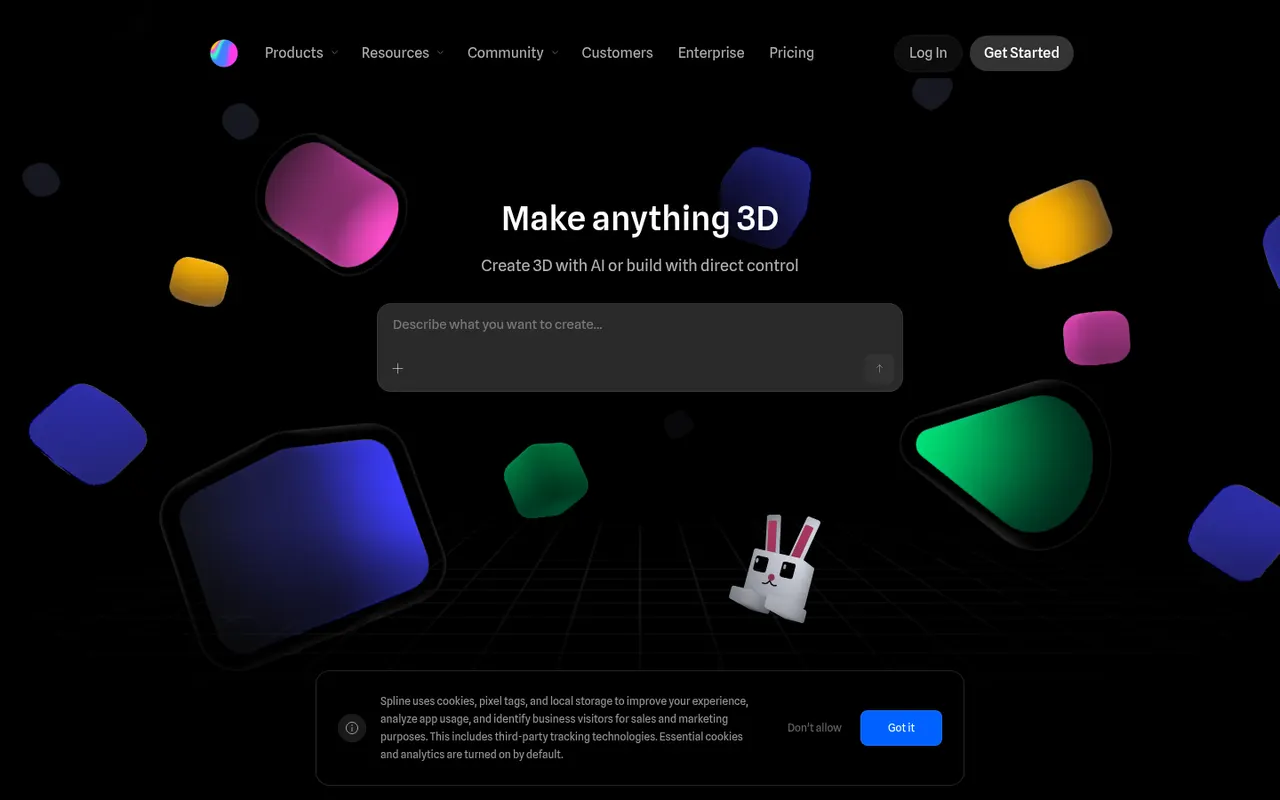
Cost / LicenseFreemiumProprietaryCategoriesSpline is a collaborative 3D design tool that runs in the browser, aimed at designers who want to create interactive 3D scenes, animations and interface elements without learning traditional 3D software. Scenes can react to hover, scroll and clicks, and can be exported as embeddable web code, images or videos, or used in Framer, Webflow and React projects. Teams edit files together in real time.
8 Spline alternativesPros
- Lets designers create 3D scenes without traditional 3D software
- Interactive states respond to hover, scroll and clicks
- Exports to web embeds, Framer, Webflow and React projects
Cons
- Complex scenes can weigh down web pages and slow loading
- Less capable than full 3D suites for detailed modeling
- Advanced exports and team features require a paid plan
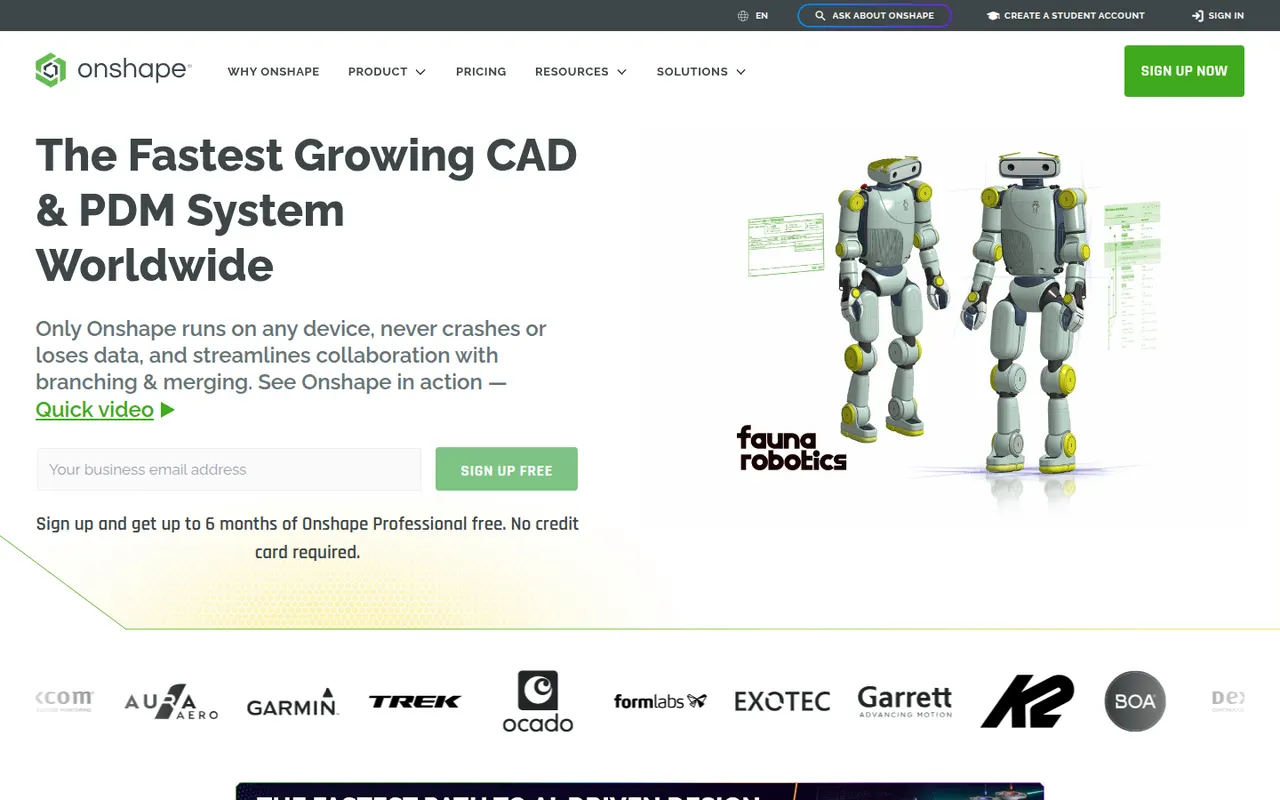
Cost / LicenseFreemiumProprietaryPlatformsOnshape is a professional 3D CAD system that runs entirely in the browser and on mobile devices, with no software to install and no files to manage. It combines parametric part and assembly modeling with Git-like branching, merging and version history, and lets several engineers edit the same design at once. Developed by PTC, it offers a free plan for hobbyists with public documents and paid plans for companies.
6 Onshape alternativesPros
- Runs entirely in the browser with nothing to install
- Built-in branching, merging and version history for designs
- Several engineers can edit the same model at the same time
Cons
- Documents created on the free plan are public
- Needs a reliable internet connection to work
- Professional plans weigh heavily on small companies' budgets
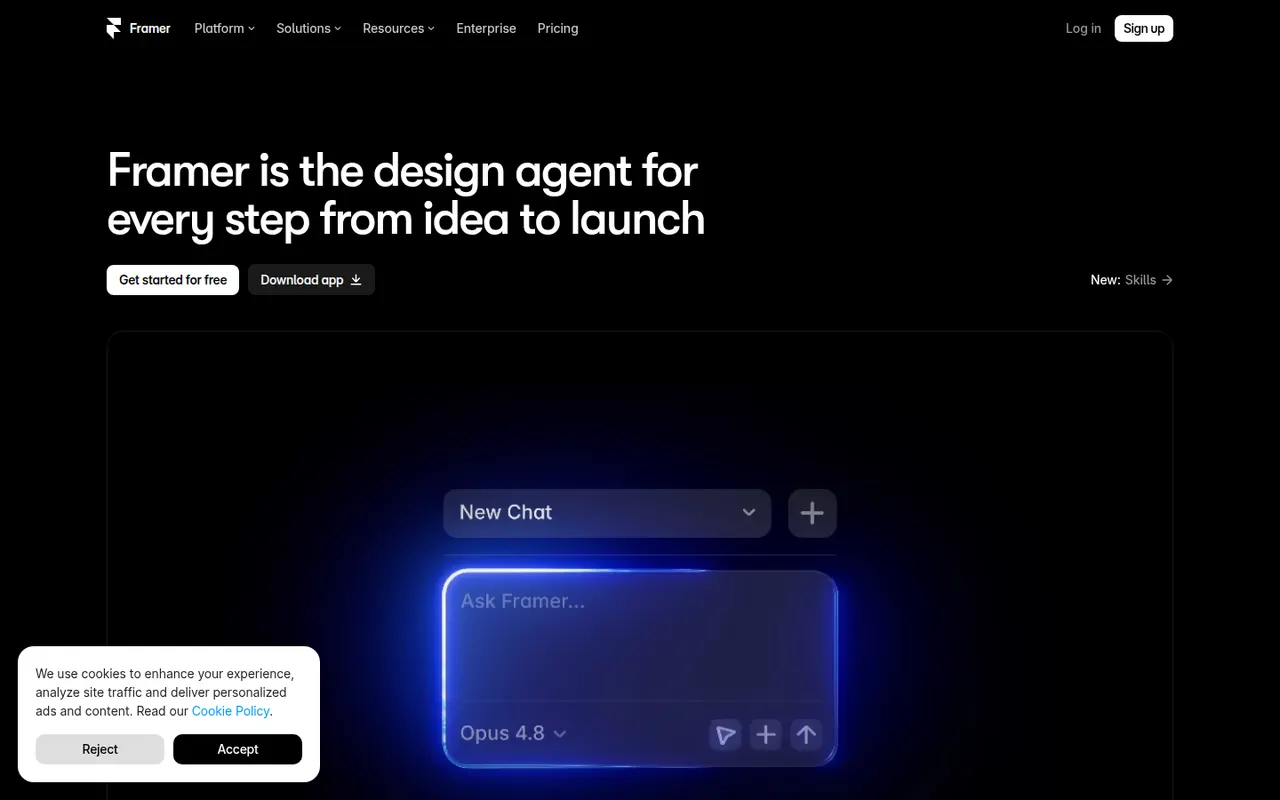
Cost / LicenseFreemiumProprietaryCategoriesFramer is a website builder that works like a design tool: you lay out pages on a canvas, add animations and effects, then publish directly with hosting included. It offers a CMS, localization, built-in analytics and AI features that can generate a starting layout from a prompt. Designers and startups use it for landing pages, portfolios and marketing sites.
12 Framer alternativesPros
- Design-tool canvas with fine control over layout and animation
- Publishing and hosting included in one step
- Built-in CMS, localization and analytics
Cons
- Paid plans get costly as sites grow
- Learning curve for people new to design tools
- Sites stay hosted on Framer, with no official code export
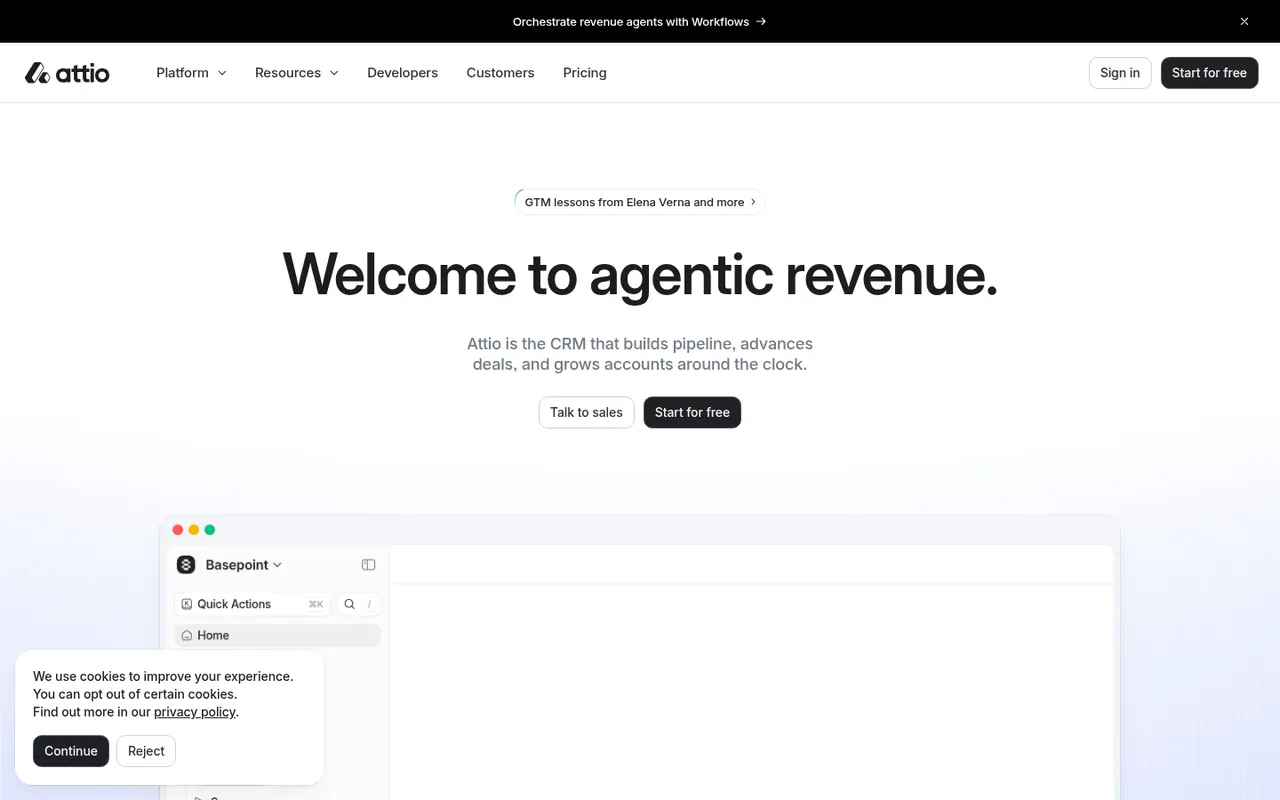
Cost / LicenseFreemiumProprietaryCategoriesAttio is a modern CRM that builds itself from your email and calendar, then lets you model any kind of relationship data with custom objects, attributes and views. It offers real-time collaboration, workflow automation, reporting and an API, and is aimed at startups, investors and teams that find traditional CRMs rigid.
11 Attio alternativesPros
- Builds itself automatically from your email and calendar
- Custom objects and views adapt to almost any data model
- Modern, fast interface with real-time collaboration
Cons
- Its flexibility means more setup than an opinionated CRM
- Advanced features and higher limits require paid plans
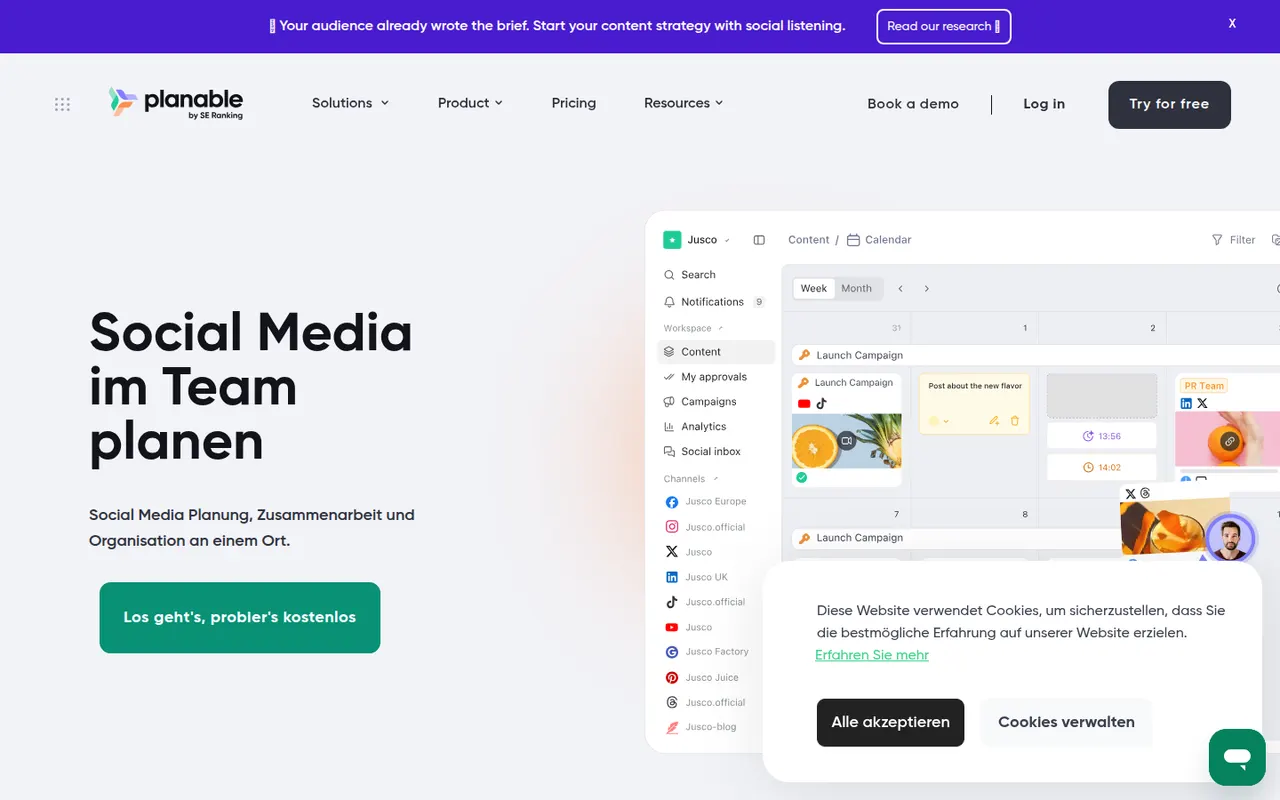
Cost / LicenseFreemiumProprietaryCategoriesPlatformsPlanable is a collaboration tool where marketing teams and agencies draft social media posts, preview them as they will appear on each network and gather feedback and approvals from colleagues or clients. Posts can be commented on in context, moved through multi-level approval and then scheduled. It also handles other content such as blog posts and emails, and suits teams whose review cycles slow down publishing.
8 Planable alternativesPros
- Realistic previews show posts as they will appear on each network
- In-context comments and multi-level approvals
- Also handles blog posts and emails
Cons
- Lighter on analytics and engagement than full social suites
- The free plan caps the number of posts
Cost / LicenseFreemiumProprietaryCategoriesPlatforms