Best apps for Windows
276 apps
Top Windows apps ranked by the community
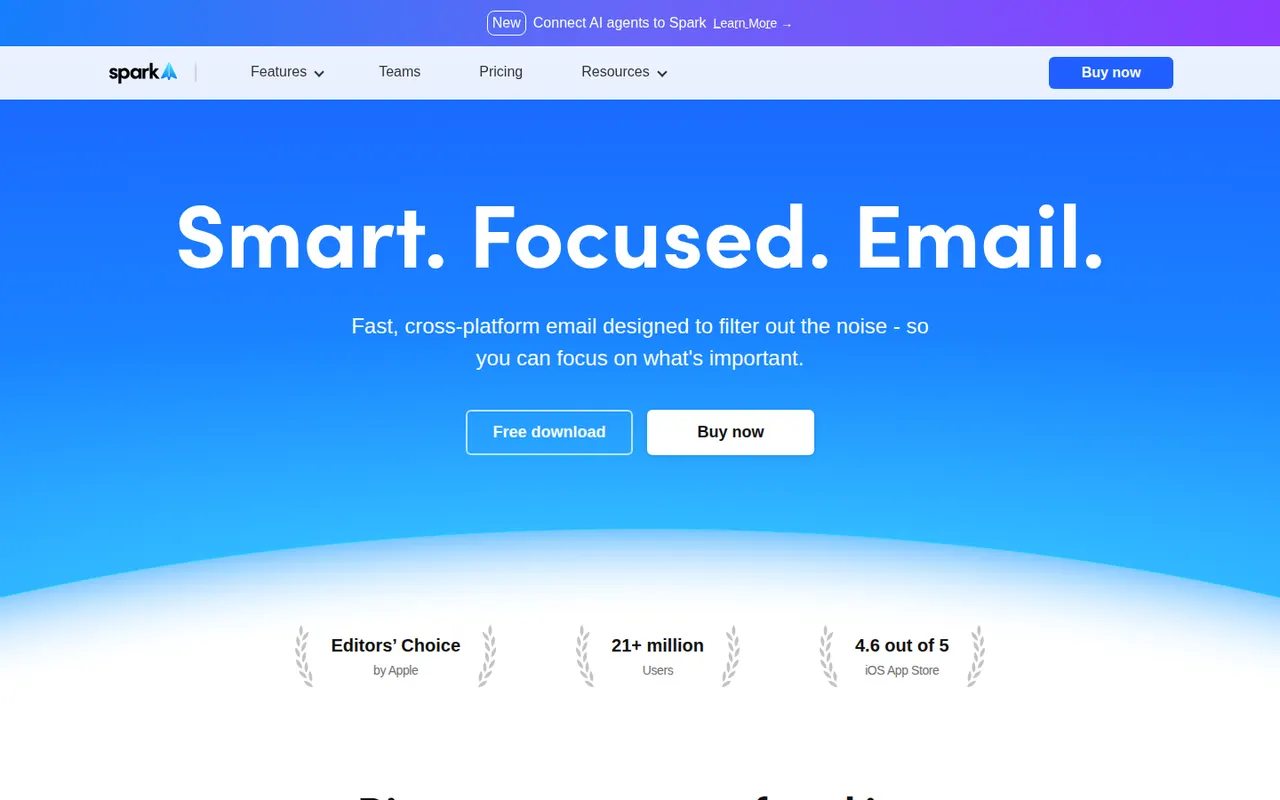
Spark is an email client from Readdle that works with Gmail, Outlook, iCloud and other IMAP accounts on Mac, Windows, iPhone and Android. Its smart inbox separates personal mail, notifications and newsletters, and it supports send later, snoozing, a gatekeeper for new senders and AI writing help. Teams can share email threads, comment on them privately and draft replies together.
11 Spark alternativesPros
- Smart inbox separates personal mail, notifications and newsletters
- Shared threads and private comments for team email
- Gatekeeper screens new senders before they reach the inbox
Cons
- Sync relies on Readdle’s servers, which raises privacy questions
- AI and team features require a paid plan
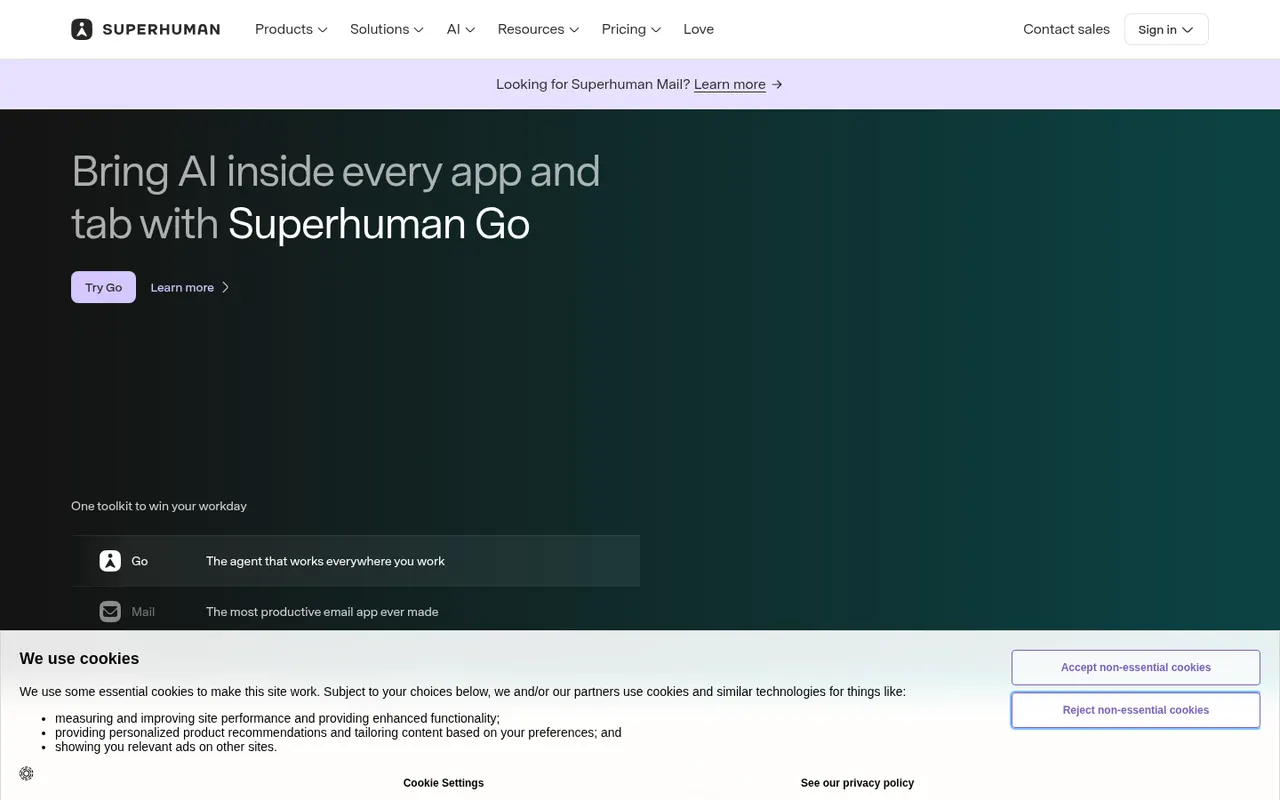
Cost / LicenseFreemiumProprietaryCategoriesSuperhuman is a premium email client for Gmail and Microsoft accounts, designed around keyboard shortcuts and speed. It offers split inboxes, reminders, scheduled sending, read statuses, snippets and AI features that draft replies and summarize threads. It targets professionals and executives who handle large volumes of email, and is sold as a subscription with no free plan.
8 Superhuman alternativesPros
- Keyboard shortcuts make triaging email very fast
- Split inboxes, reminders and snippets for heavy email users
- AI drafts replies and summarizes long threads
Cons
- Expensive subscription with no free plan
- Only works with Gmail and Microsoft accounts
- Read statuses rely on tracking pixels, a privacy concern
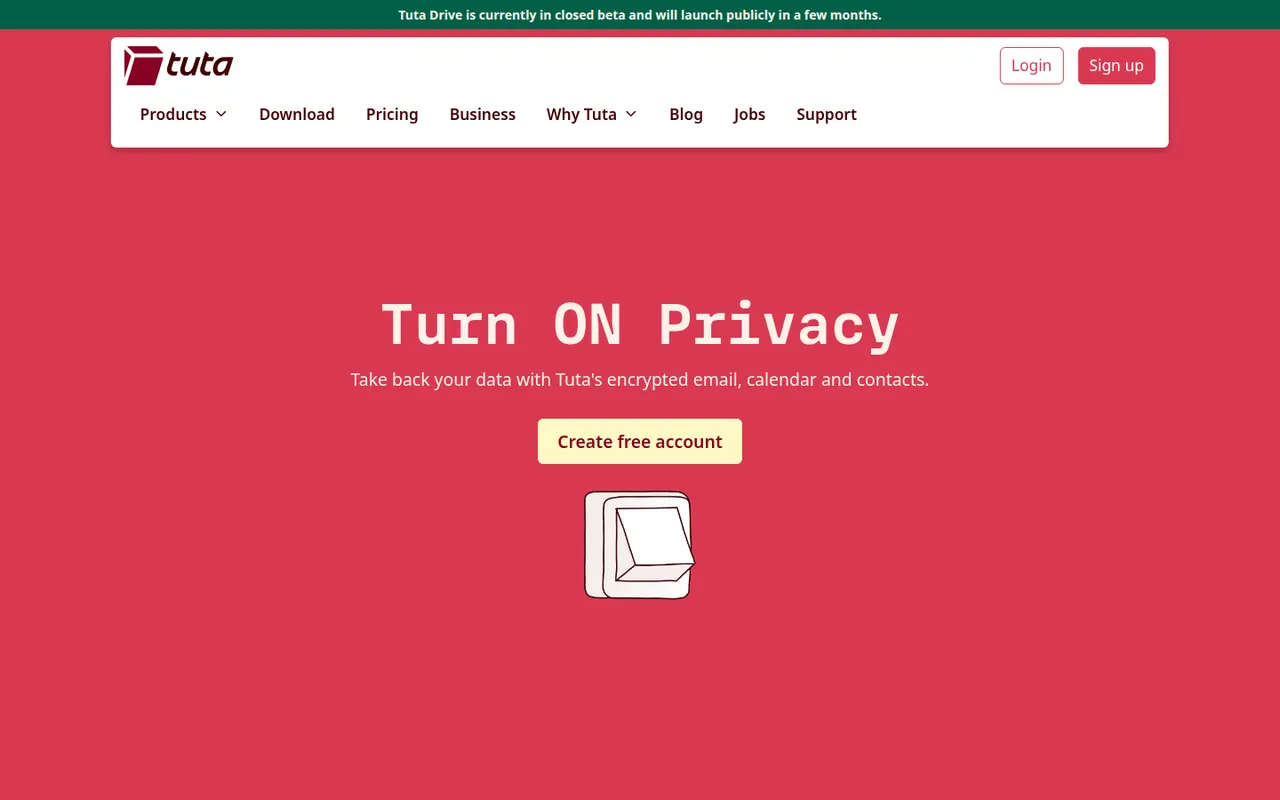
Cost / LicensePaidProprietaryCategoriesTuta, formerly Tutanota, is an open-source encrypted email and calendar service based in Germany. It encrypts mailbox contents end to end, including subject lines and contacts, and uses post-quantum cryptography for new accounts. Because it relies on its own encryption, it works through Tuta's apps rather than IMAP clients. A free plan exists, and paid plans add custom domains and more aliases.
7 Tuta alternativesPros
- Encrypts subjects and contacts, not just message bodies
- Post-quantum cryptography for new accounts
- Open source apps and a free plan, with servers in Germany
Cons
- No IMAP support, so you must use Tuta’s own apps
- Free plan is limited in storage and features
- Fewer integrations and features than mainstream providers
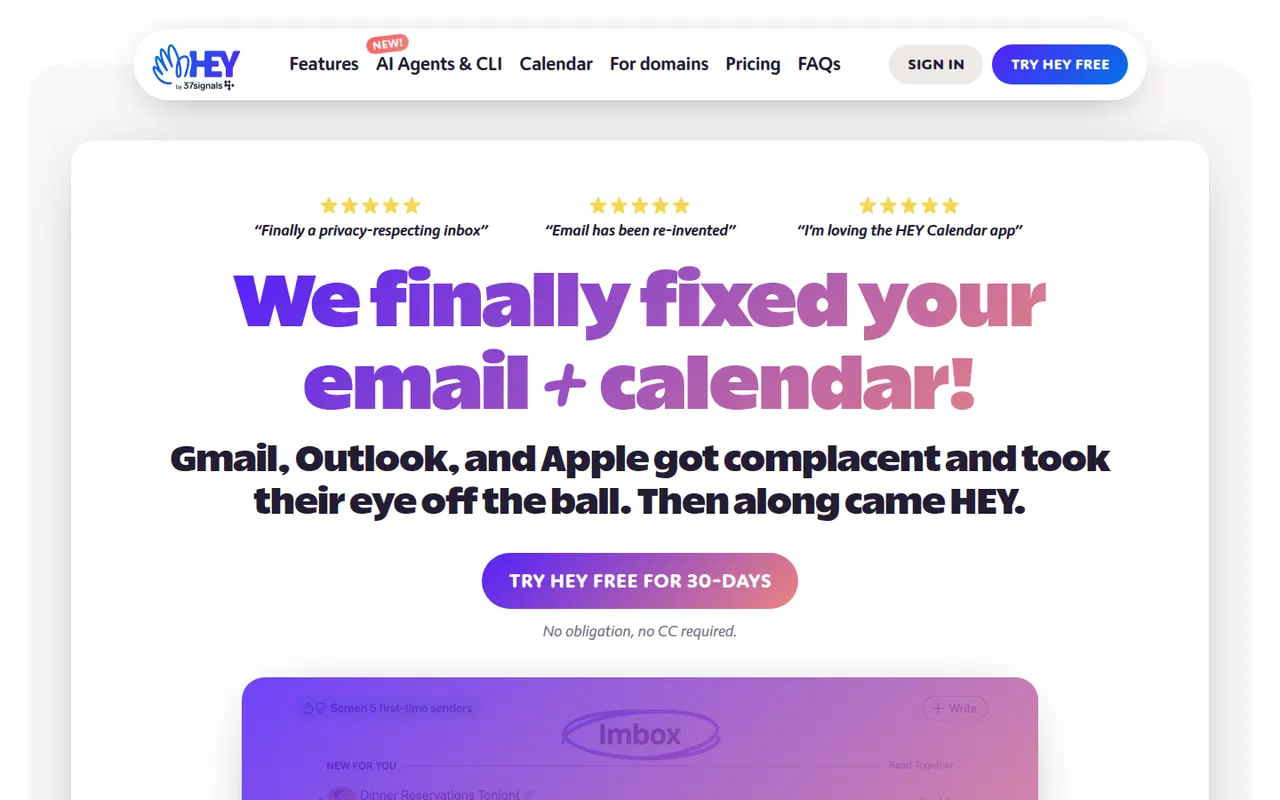
Cost / LicenseFreemiumOpen sourceCategoriesHEY is a paid email service from 37signals, the makers of Basecamp, that rethinks how mail is triaged. First-time senders must be approved in the Screener, newsletters go to The Feed, receipts to the Paper Trail, and spy pixels are blocked automatically. It includes a calendar and supports custom domains for businesses, but works only with HEY addresses rather than existing Gmail or IMAP accounts.
9 HEY alternativesPros
- Screener lets you approve first-time senders before they reach you
- Spy pixels in emails are blocked automatically
- The Feed and Paper Trail set newsletters and receipts aside
Cons
- Works only with HEY addresses, not existing Gmail or IMAP accounts
- Opinionated workflow that doesn’t suit everyone
- No free plan beyond the trial
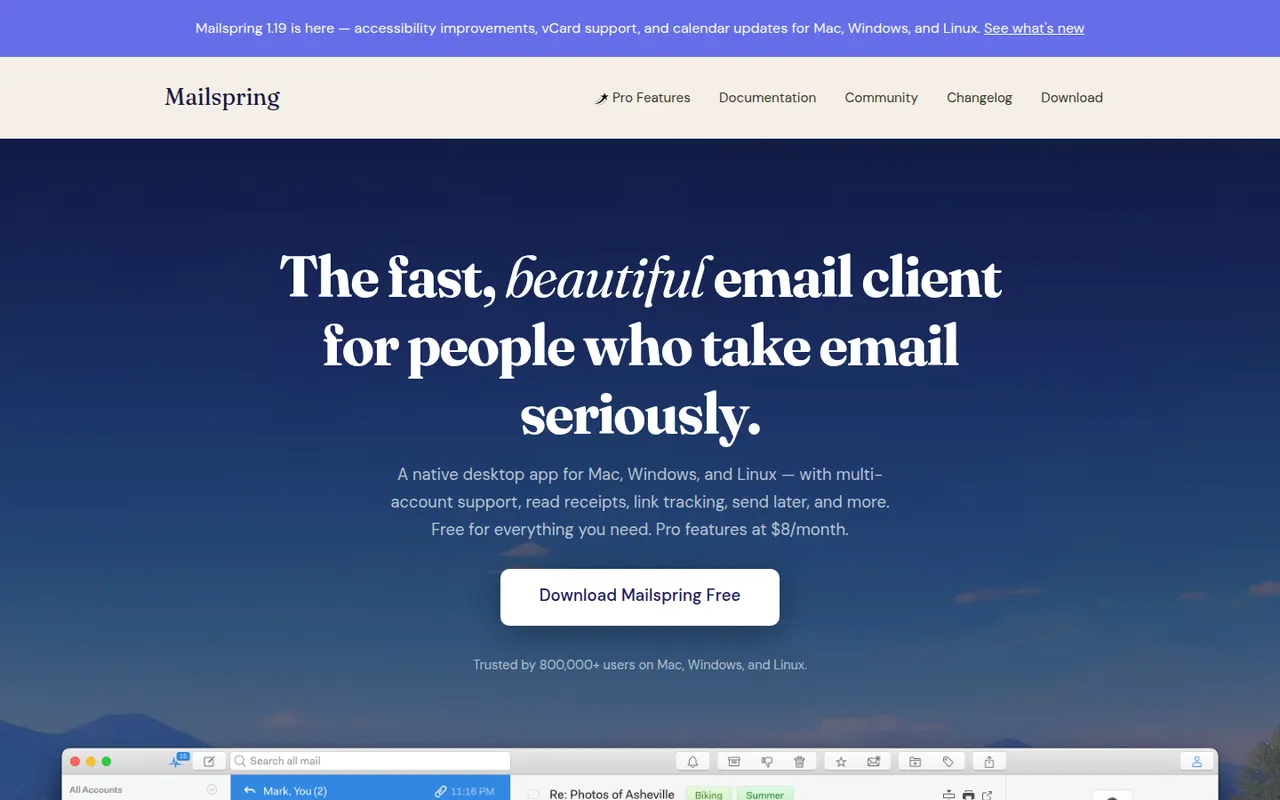
Cost / LicenseFree trialProprietaryCategoriesMailspring is a free, open-source desktop email client for Windows, macOS and Linux that works with Gmail, Office 365, iCloud and any IMAP account. It offers a unified inbox, fast search, themes and templates, and runs its mail sync engine locally rather than in the cloud. An optional Pro subscription adds read receipts, link tracking, send later and reminders.
7 Mailspring alternativesPros
- Free and open source on Windows, Mac and Linux
- Sync engine runs locally rather than through a cloud service
- Unified inbox, themes and templates in a clean interface
Cons
- Send later, reminders and read receipts require Pro
- A Mailspring ID account is required even for the free version
- No mobile apps to go with the desktop client
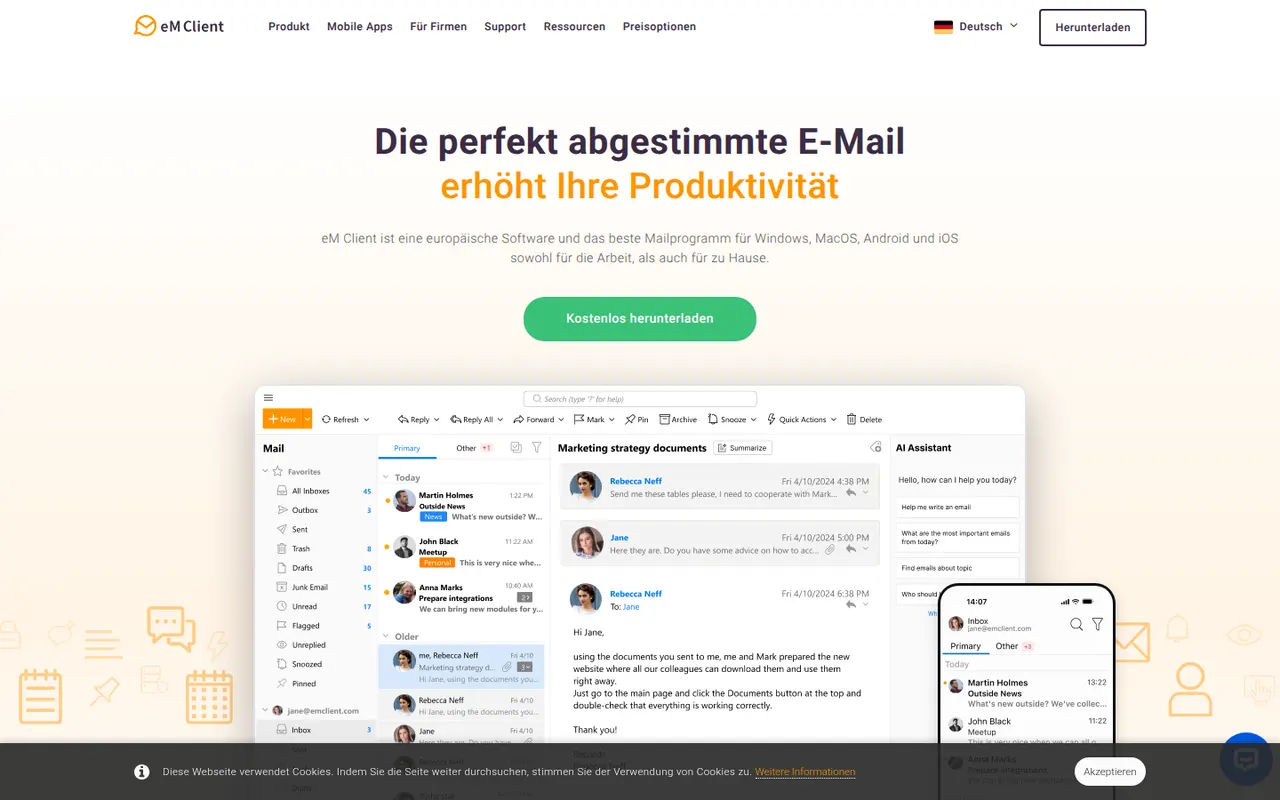
Cost / LicenseFreemiumOpen sourceCategorieseM Client is a desktop email client for Windows and macOS that brings email, calendar, tasks, contacts and notes together in one app. It works with Gmail, Exchange, Microsoft 365, iCloud and IMAP accounts, and includes built-in PGP encryption, snoozing, send later and quick templates. A free version is available for personal use with a limited number of accounts, and the Pro license unlocks the rest.
7 eM Client alternativesPros
- Email, calendar, tasks, contacts and notes in one desktop app
- Built-in PGP encryption without extra plugins
- Works with Gmail, Exchange, Microsoft 365, iCloud and IMAP
Cons
- Free version is for personal use with a limited number of accounts
- No Linux version, only Windows and Mac
- Interface can feel dense because of its many features
Cost / LicenseFreemiumProprietaryCategoriesCrisp is a French customer messaging platform that gathers website chat, email, WhatsApp, Instagram, Messenger and other channels into one shared inbox. It includes a chatbot builder, AI answers based on your own content, a knowledge base, email campaigns and a status page. A free plan covers basic live chat, and paid plans add automation, AI features and more channels.
8 Crisp alternativesPros
- Shared inbox for chat, email, WhatsApp, Instagram and Messenger
- Bundles a knowledge base, email campaigns and a status page
- French company with a GDPR-minded approach to customer data
Cons
- Free plan is limited to basic chat, while AI and automation need paid plans
- Reporting is lighter than in help desks built for large enterprises
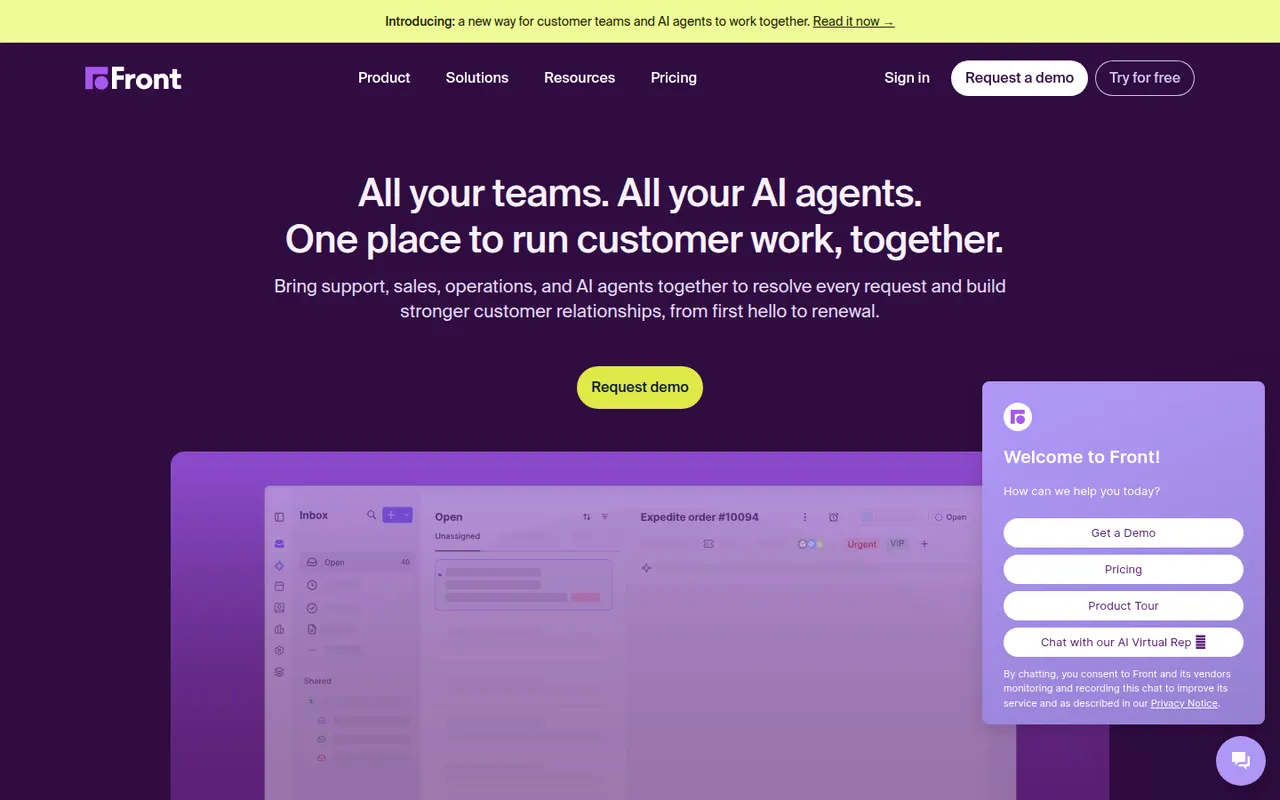
Cost / LicenseFreemiumProprietaryCategoriesFront is a customer operations platform that turns email, SMS, chat, WhatsApp and social messages into a shared inbox teams can work in together. Messages can be assigned, commented on internally and routed with rules, while analytics track response times and workload. Front AI drafts replies and summarizes threads, and the tool serves support, sales and account teams who prefer an email-like workflow.
8 Front alternativesPros
- Email-like shared inbox that feels familiar to new users
- Internal comments and assignment replace forwarding and CCs
- Rules and analytics help balance workload and response times
Cons
- Per-seat pricing adds up quickly for larger teams
- Advanced analytics and automation are reserved for higher plans
- No free plan beyond the trial
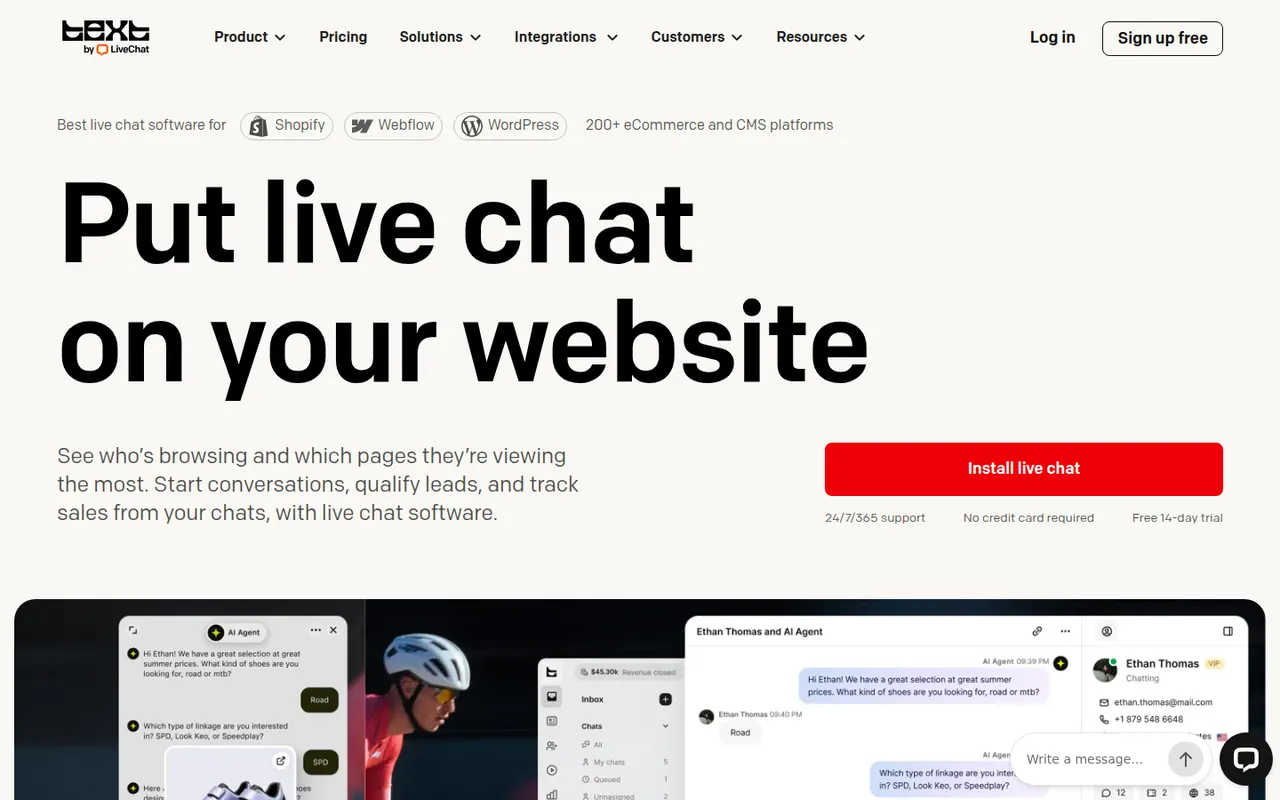
Cost / LicenseFree trialProprietaryLiveChat is a live chat tool that lets support and sales teams talk with website visitors in real time. Agents get canned responses, chat routing, visitor tracking, a preview of messages as they are typed and performance reports, with AI help for writing replies. It is made by Text, the company behind ChatBot, HelpDesk and KnowledgeBase, and connects to many e-commerce and CRM tools.
9 LiveChat alternativesPros
- Message preview shows what visitors type before they send it
- Canned responses, routing and visitor tracking for fast replies
- Many integrations with e-commerce and CRM tools
Cons
- Per-agent pricing becomes expensive as the team grows
- Chatbots and ticketing require separate products from the same company
- No free plan beyond the trial
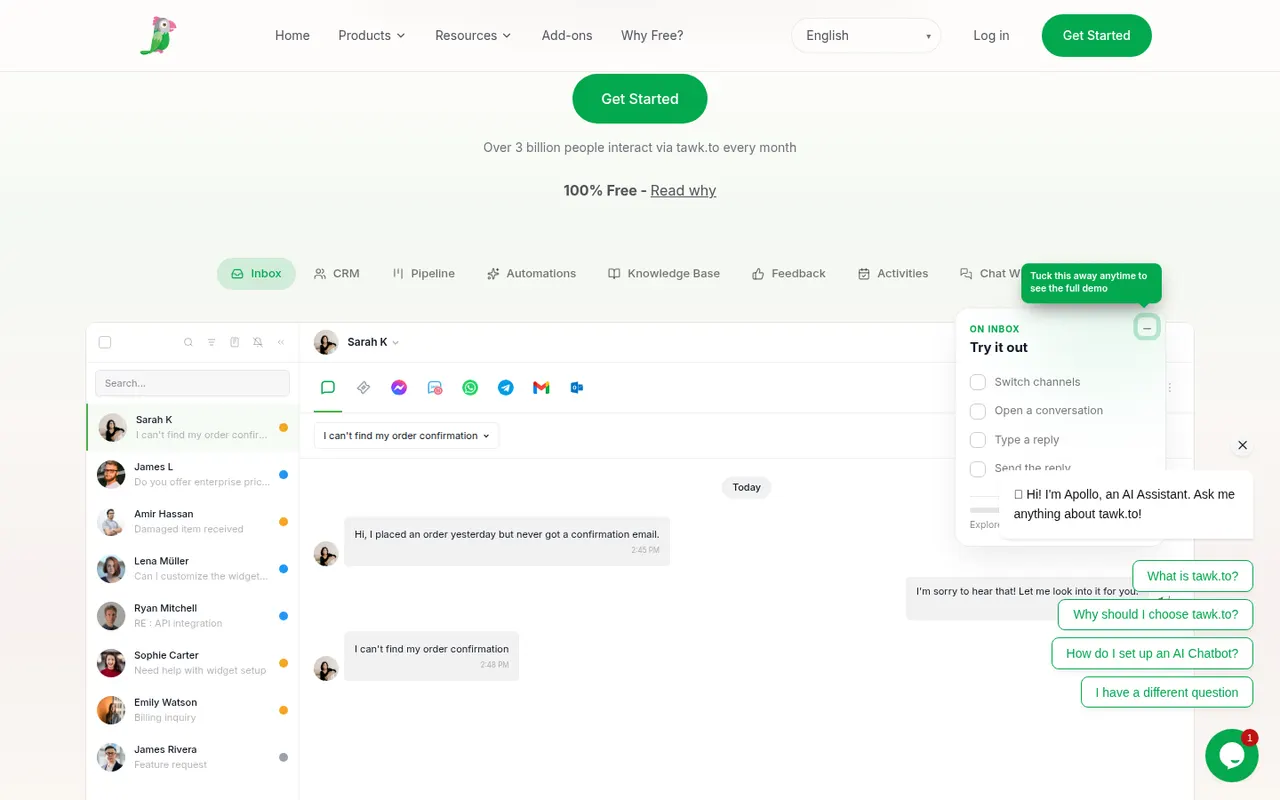
Cost / LicenseFree trialProprietaryCategoriestawk.to is a free live chat platform that lets businesses add a chat widget to their website and answer visitors from the web, desktop or mobile apps, with no limit on agents. It also includes ticketing, a knowledge base and real-time visitor monitoring. The company earns money through optional paid add-ons, such as removing its branding, AI assistance or hiring agents to staff the chat.
8 tawk.to alternativesPros
- Free live chat with no limit on the number of agents
- Includes ticketing, a knowledge base and visitor monitoring
- Web, desktop and mobile apps to answer from anywhere
Cons
- Removing tawk.to branding requires a paid add-on
- Interface and reporting feel basic next to premium tools
- AI assistance is sold as a paid extra
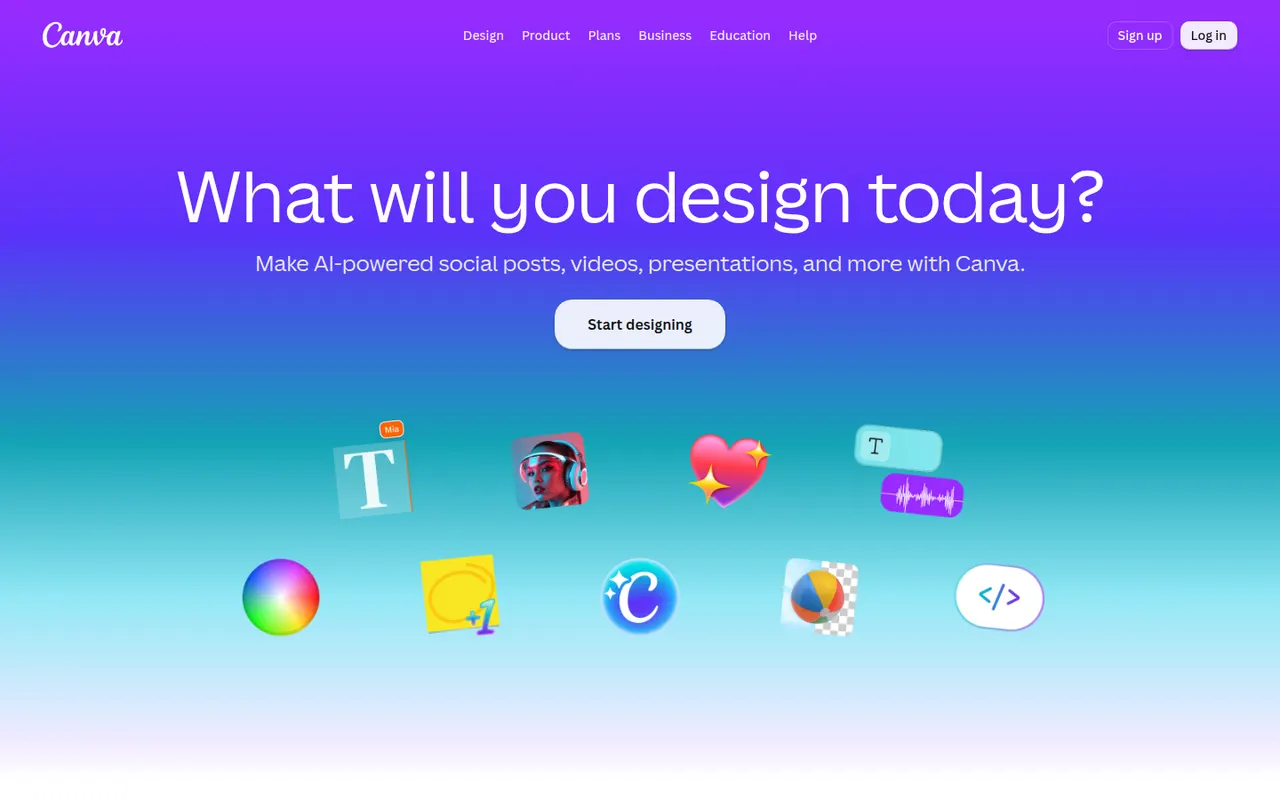
Cost / LicenseFreemiumProprietaryCategoriesCanva is an online design editor built around drag-and-drop templates for social media graphics, presentations, posters, videos and documents. It targets non-designers and marketing teams, with a large stock library, brand kits, real-time collaboration and Magic Studio AI tools for creating and editing images and text. It runs in the browser and as desktop and mobile apps.
12 Canva alternativesPros
- Huge template library makes design accessible to non-designers
- Real-time collaboration and brand kits for marketing teams
- Available on web, desktop and mobile, with Magic Studio AI tools
Cons
- Many templates, assets and AI features sit behind the Pro plan
- Popular templates can make designs look like everyone else’s
- Limited precision for print production or advanced vector work
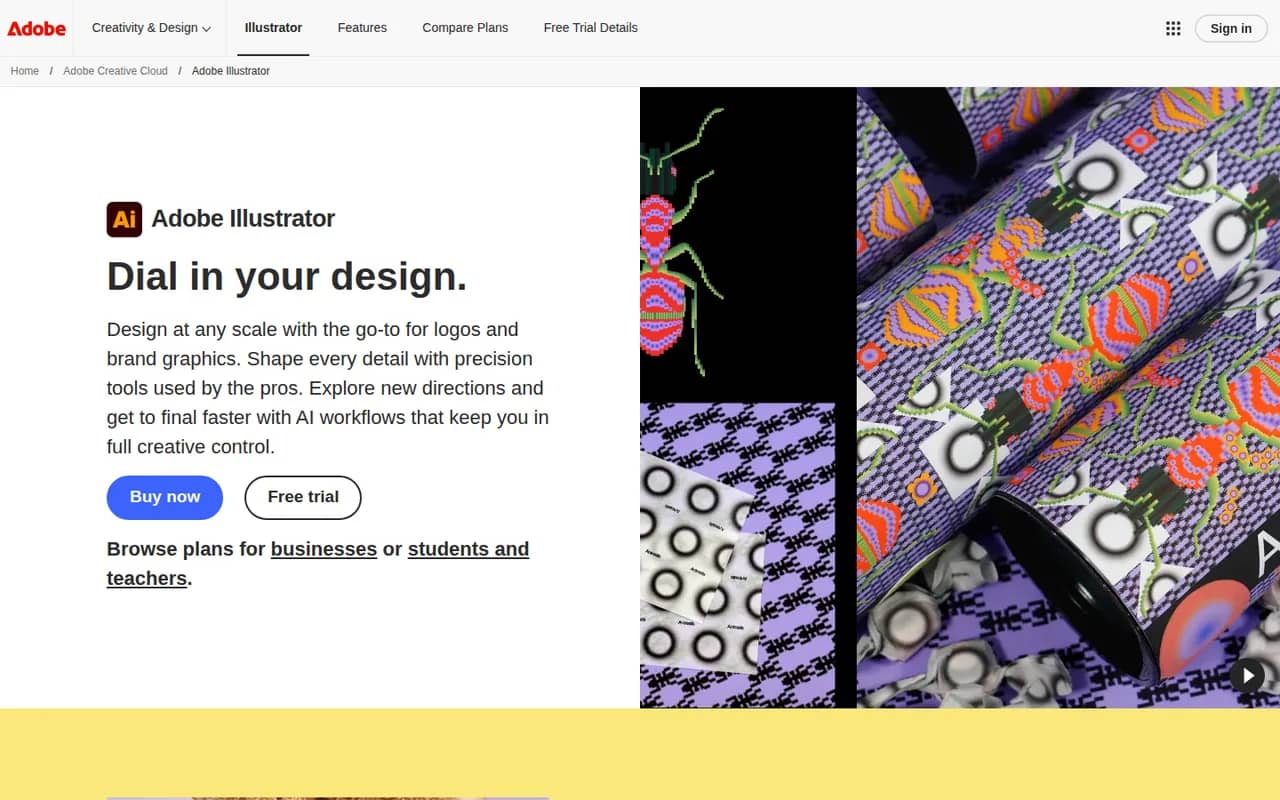
Cost / LicenseFreemiumProprietaryCategoriesAdobe Illustrator is a desktop vector editor used by designers to create logos, icons, typography, illustrations and print artwork that scale to any size. It offers precise pen and shape tools, multiple artboards, many plugins and tight integration with Photoshop, InDesign and other Creative Cloud apps, plus Firefly features such as text-to-vector generation. An iPad version is also available.
11 Adobe Illustrator alternativesPros
- Industry-standard vector tools for logos, icons and print artwork
- Tight integration with Photoshop, InDesign and Creative Cloud
- Large plugin ecosystem and Firefly text-to-vector generation
Cons
- Subscription-only, with no perpetual license
- Steep learning curve, especially the pen tool
- Can be resource-heavy on large, complex files
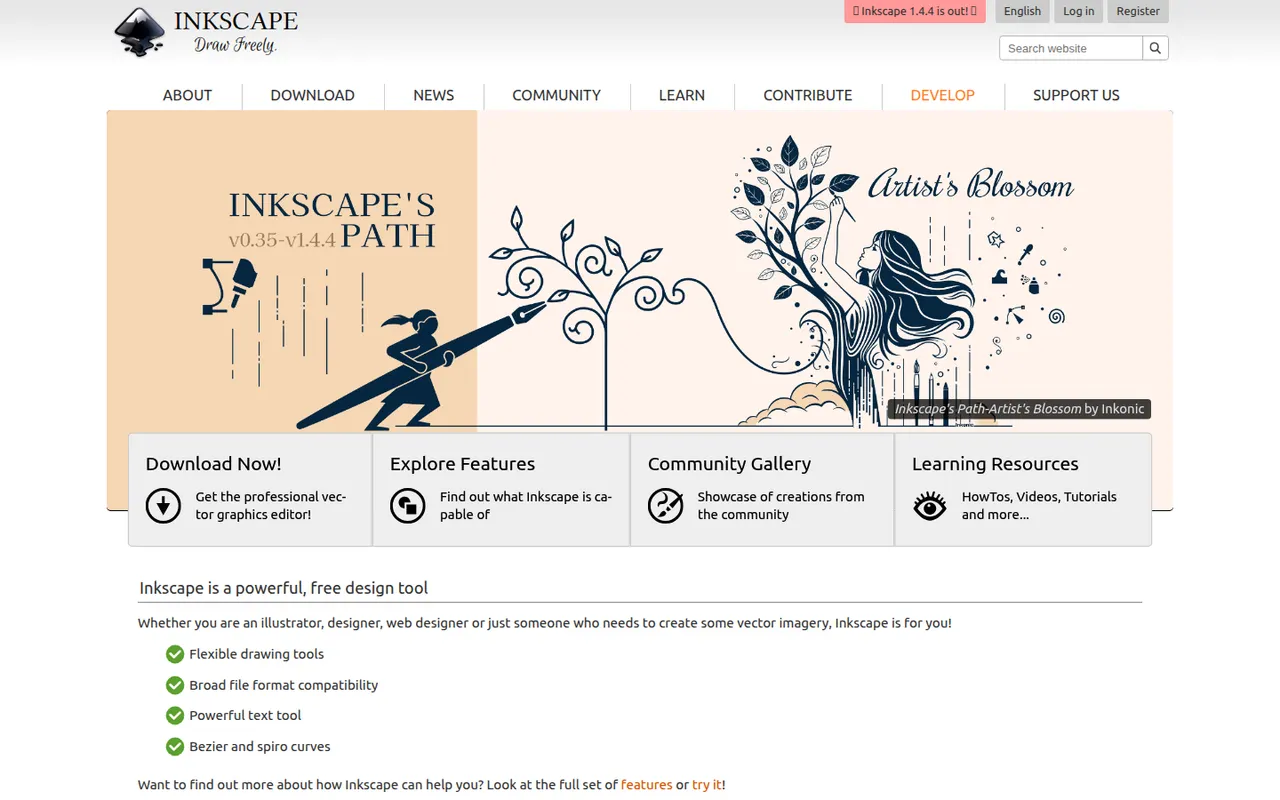
Cost / LicenseFree trialProprietaryCategoriesInkscape is a free, open source vector drawing program for Windows, macOS and Linux that uses SVG as its native format. Illustrators, hobbyists and web designers use it for logos, diagrams, icons, cutting-machine files and print layouts. It provides Bezier and calligraphy tools, path operations, text on path, many extensions and import/export for PDF, EPS and AI files.
10 Inkscape alternativesPros
- Free and open source on Windows, macOS and Linux
- Native SVG format, ideal for web graphics and cutting machines
- Powerful path operations and a large set of extensions
Cons
- Can feel slow with large or complex documents
- Interface is less polished than commercial vector editors
- Limited CMYK support for professional print workflows
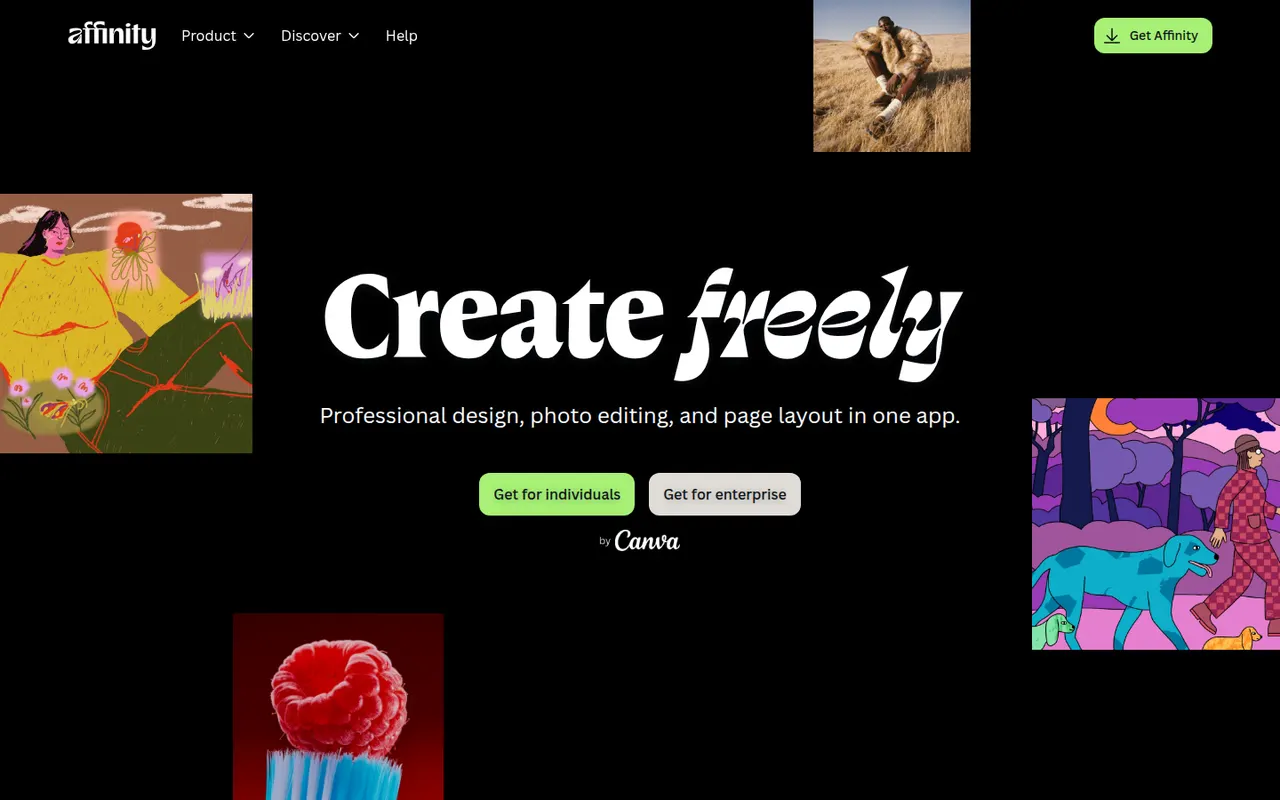
Cost / LicenseFreeOpen sourceCategoriesAffinity is a professional creative app from Canva that merges the former Affinity Designer, Photo and Publisher into one program with vector, pixel and layout workspaces. It is free to download for Windows and macOS, while its optional Canva AI tools require a paid Canva plan. It suits designers who want an alternative to Adobe subscriptions and can import PSD, PDF and IDML files.
12 Affinity alternativesPros
- Free download combining vector, pixel and layout workspaces in one app
- Imports PSD, PDF and IDML files from Adobe workflows
- Professional tools without a mandatory subscription
Cons
- Canva AI tools require a paid Canva plan
- Smaller plugin and training ecosystem than Adobe’s
- Imported Adobe files can need manual adjustments
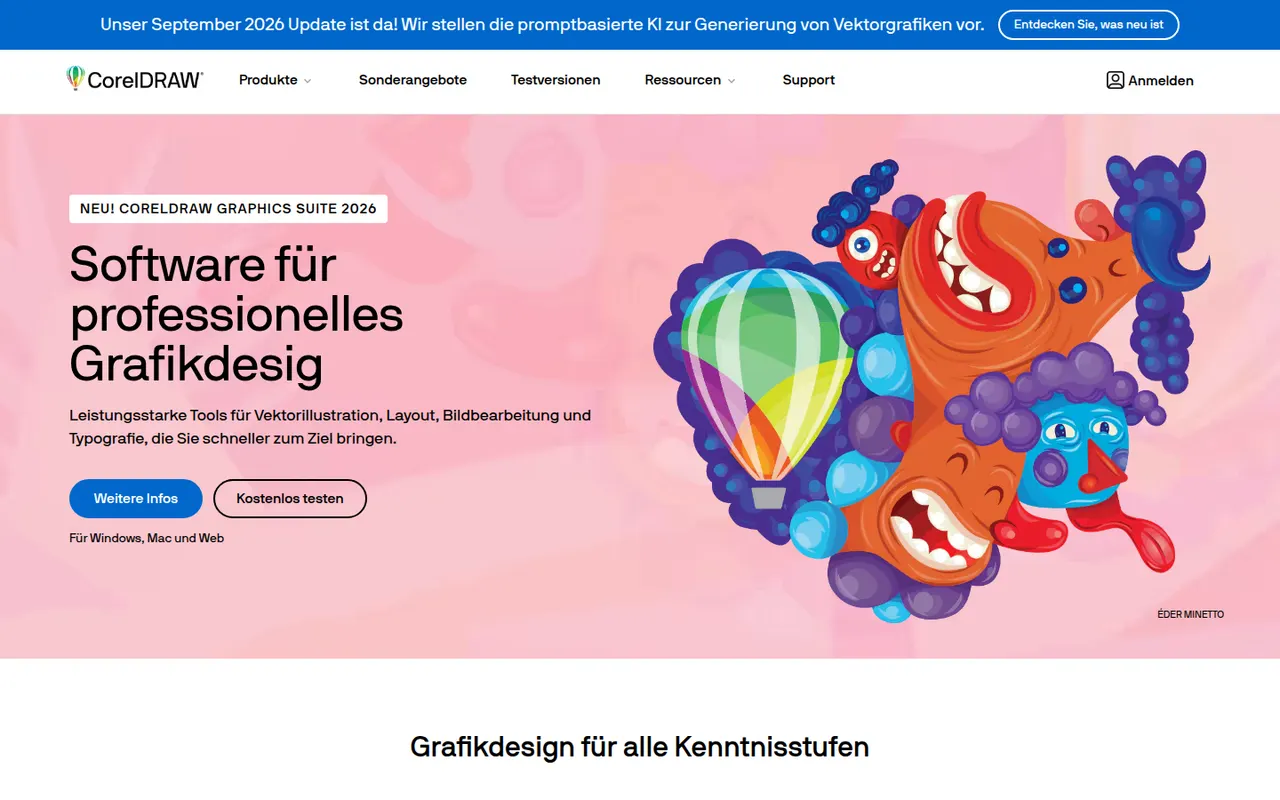
Cost / LicenseFreemiumProprietaryCategoriesCorelDRAW Graphics Suite is a long-running vector design package for Windows and macOS, common in sign making, apparel printing, engraving and print shops. Alongside the CorelDRAW drawing and layout app, it bundles Corel PHOTO-PAINT for bitmap editing and a browser-based companion app. It is offered as a subscription or a one-time license, and a free trial is available.
7 CorelDRAW alternativesPros
- Long-standing favorite in sign making, apparel printing and engraving
- Bundles Corel PHOTO-PAINT for bitmap editing
- Choice between a subscription and a one-time license
Cons
- Less common in agencies, which can complicate file exchange with Adobe users
- Expensive for hobbyists and occasional users
- Dense interface with a learning curve for newcomers
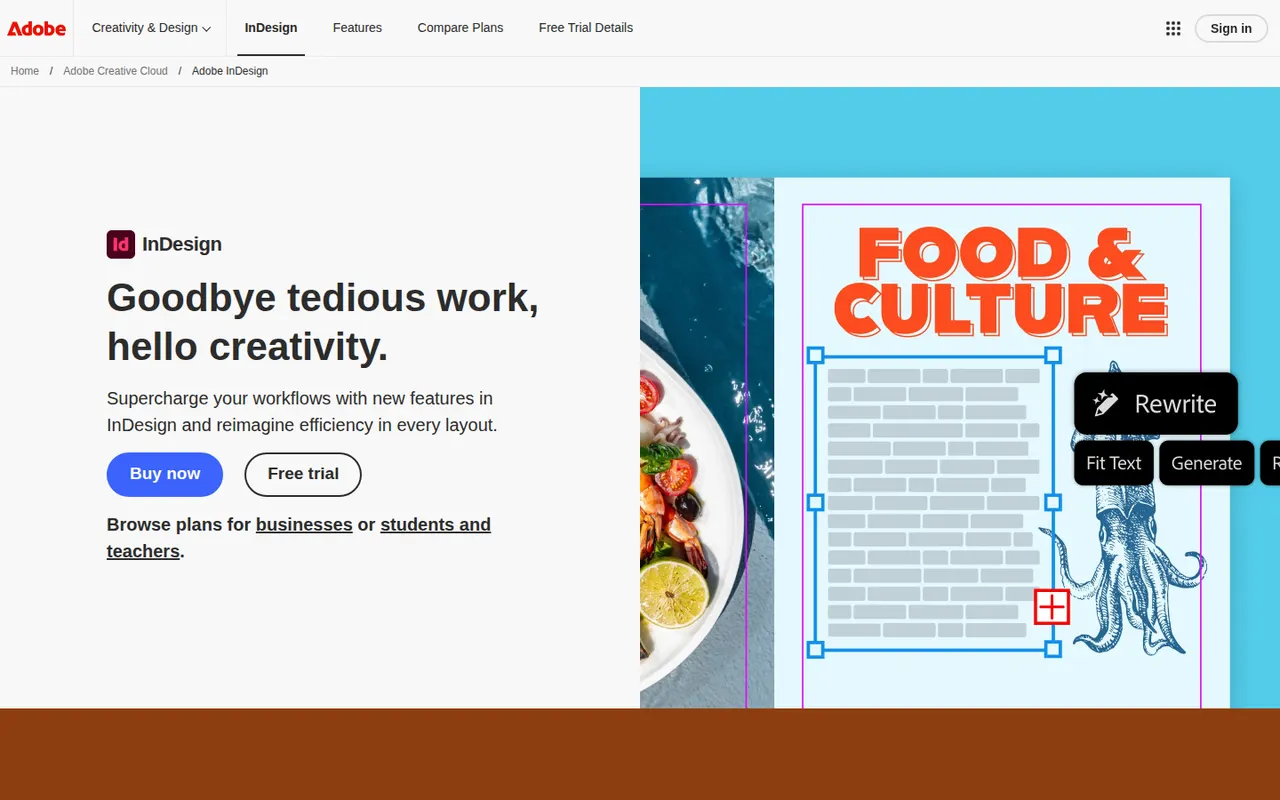
Cost / LicenseFree trialProprietaryCategoriesAdobe InDesign is a desktop publishing application for laying out magazines, books, brochures, reports, interactive PDFs and ebooks. It handles parent pages, multi-column text threading, advanced typography, styles and print preflight, and integrates with Illustrator, Photoshop and Adobe Fonts. Publishers, agencies and in-house design teams use it for long or complex multi-page documents.
6 Adobe InDesign alternativesPros
- Industry standard for magazines, books and long documents
- Advanced typography, styles and multi-column text threading
- Print preflight and smooth handoff with Illustrator and Photoshop
Cons
- Subscription-only, which is costly for occasional use
- Steep learning curve for newcomers to page layout
- Overkill for simple flyers or one-page designs
Cost / LicenseFree trialProprietaryCategoriesScribus is a free, open source page layout program for Windows, macOS and Linux, used to design newsletters, brochures, posters, magazines and books. It supports CMYK and spot colors, ICC color management, PDF/X export for professional printing and Python scripting. Nonprofits, schools and small publishers use it to produce print-ready files without paid software.
6 Scribus alternativesPros
- Free, open source page layout for Windows, macOS and Linux
- CMYK, spot colors and PDF/X export for professional printing
- Python scripting to automate repetitive layout tasks
Cons
- Interface feels dated and less intuitive than InDesign
- Fewer templates and tutorials than commercial layout software
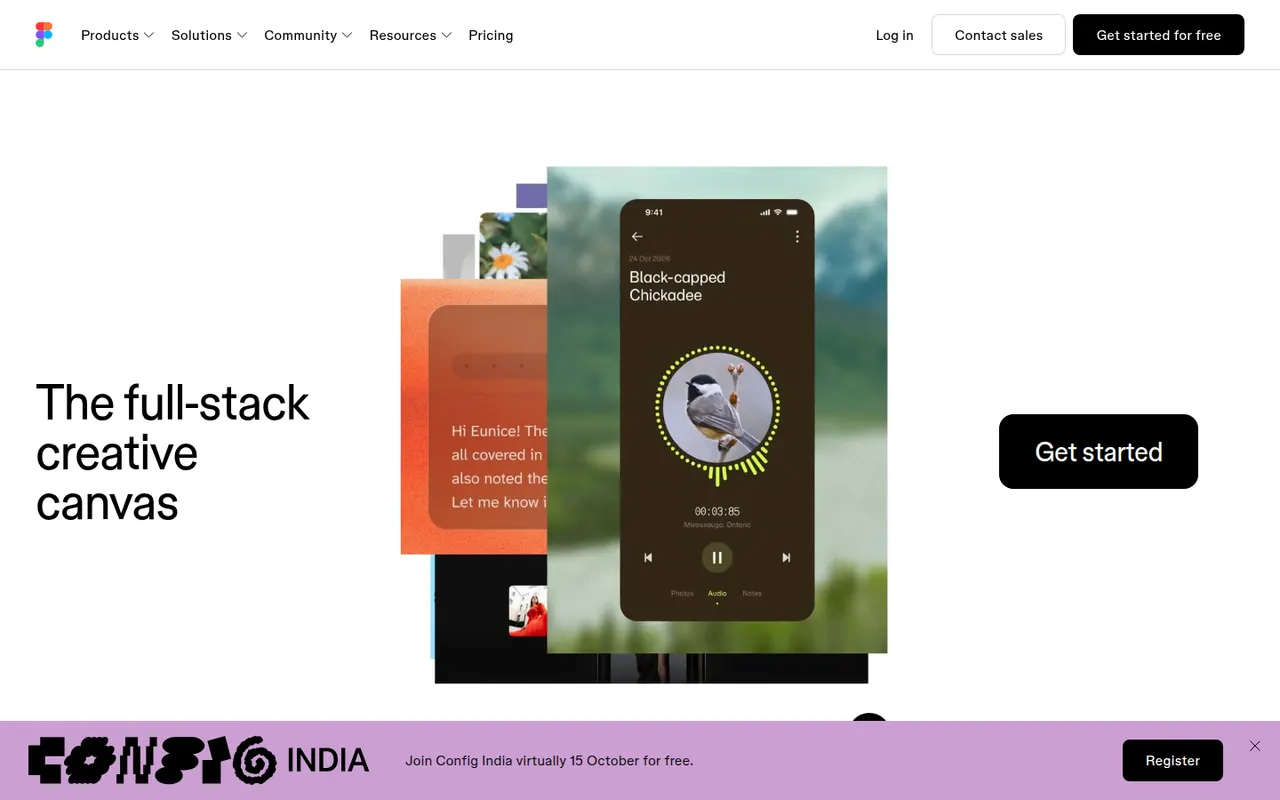
Cost / LicenseFreeOpen sourceCategoriesFigma is a design platform for user interfaces, websites and apps where teams edit the same file in real time from the browser or the desktop app. It covers vector design, interactive prototypes, shared component libraries and variables for design systems, and Dev Mode for developer handoff. Plugins, FigJam whiteboards and AI features extend it for product and design teams.
12 Figma alternativesPros
- Real-time multiplayer editing in the browser or desktop app
- Components and variables make design systems manageable
- Huge ecosystem of plugins and community files
Cons
- Paid seats add up quickly for growing teams
- Most work requires an internet connection
- Large files can become slow and memory-hungry
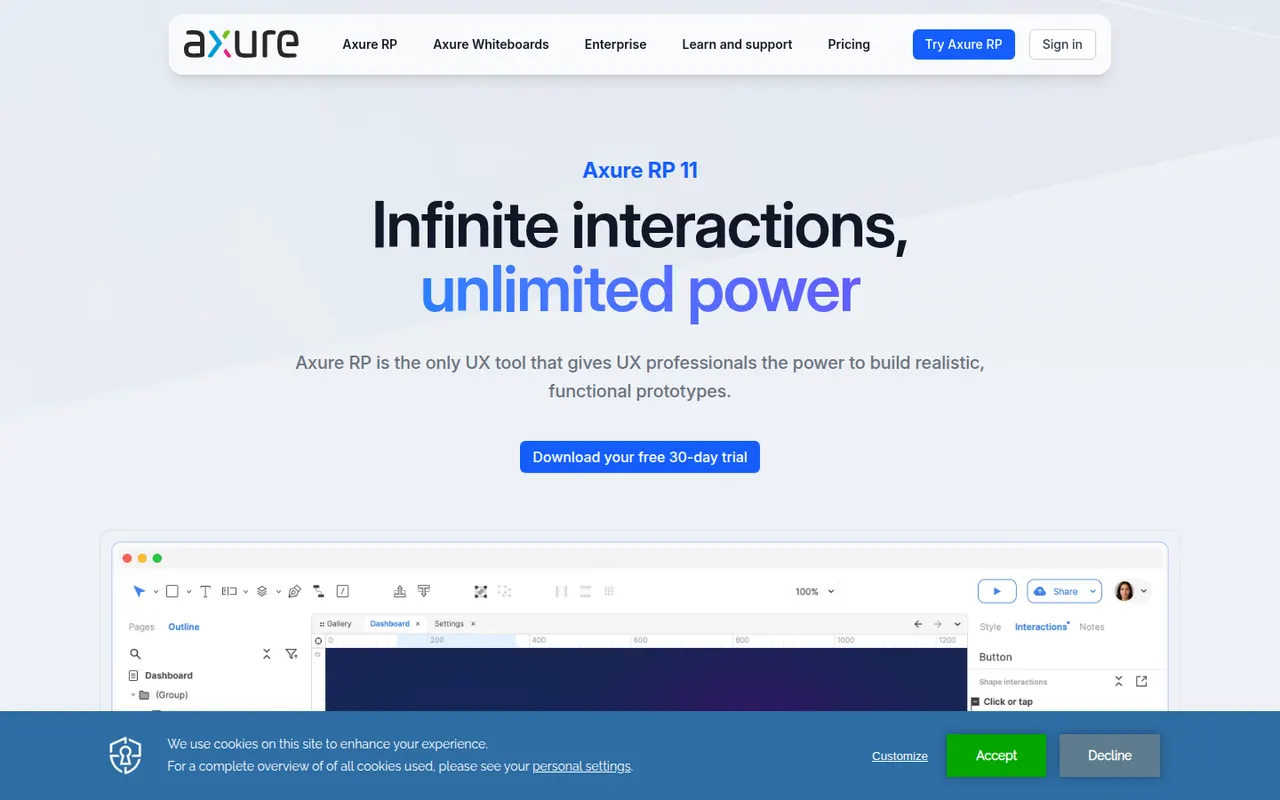
Cost / LicenseFreemiumProprietaryCategoriesAxure RP is a desktop application for Windows and macOS used by UX designers and business analysts to build highly functional prototypes. It supports conditional logic, variables, dynamic panels, repeaters and form inputs, so prototypes can simulate real application behavior without code. Projects are shared through Axure Cloud for review, comments and developer inspection.
9 Axure RP alternativesPros
- Conditional logic, variables and repeaters for realistic prototypes
- Simulates real application behavior without writing code
- Axure Cloud handles review, comments and developer inspection
Cons
- Steep learning curve compared with simpler design tools
- Less suited to polished visual design than Figma or Sketch
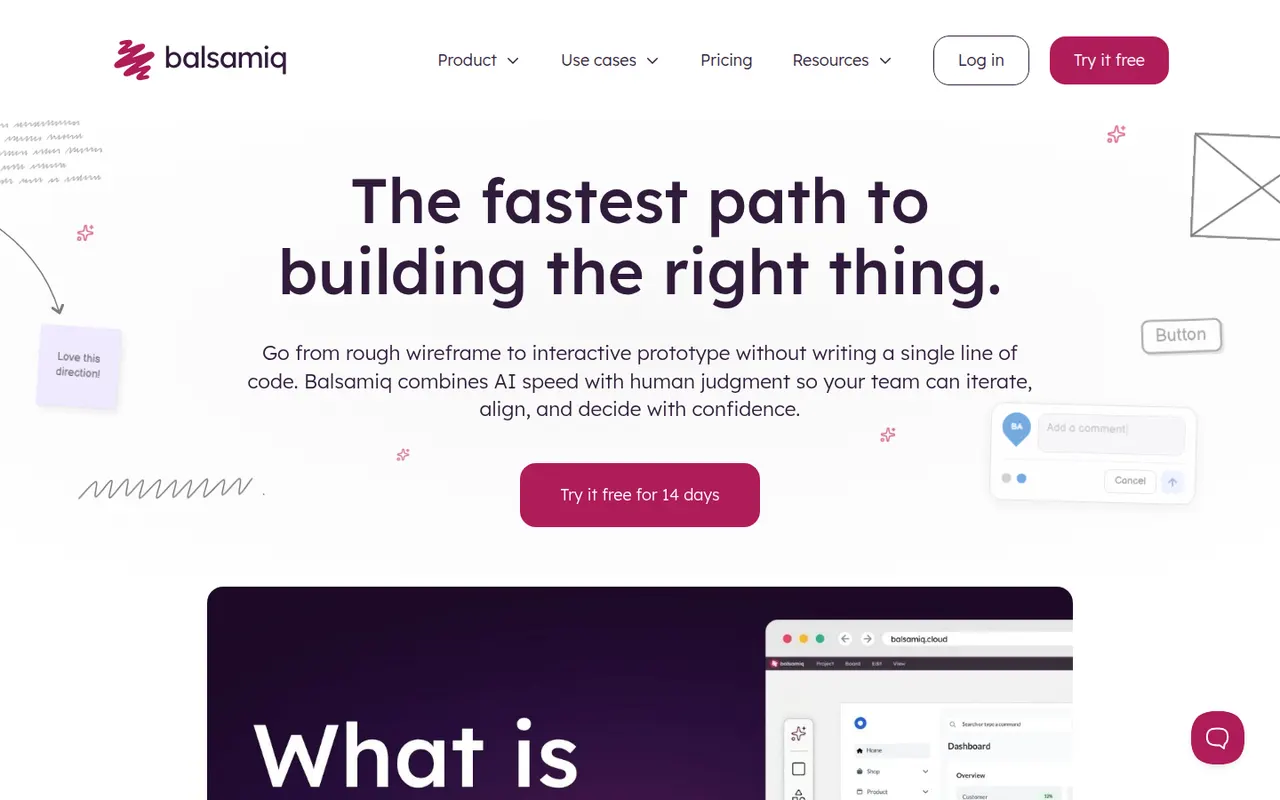
Cost / LicenseFree trialProprietaryCategoriesBalsamiq is a wireframing tool that deliberately keeps mockups rough and sketch-like, so discussions focus on structure and flow rather than visual polish. It offers a drag-and-drop library of UI controls, links between screens for simple click-through prototypes and comments for feedback. It is available as a web app and a desktop app for Windows and macOS, with integrations for Confluence, Jira and Google Drive.
8 Balsamiq alternativesPros
- Sketch style keeps discussions on structure, not visual polish
- Very easy to learn, even for non-designers
- Integrations with Confluence, Jira and Google Drive
Cons
- Not suited to high-fidelity designs or detailed prototypes
- No free plan once the trial ends
Cost / LicenseFree trialProprietaryCategoriesLunacy is a vector design app from Icons8 for creating interfaces, prototypes and graphics on Windows, macOS and Linux. It works offline, opens Sketch files natively and includes Icons8 libraries of icons, photos and illustrations, along with AI helpers such as background removal. Cloud documents allow real-time collaboration; most features are free, with a paid plan for extended cloud features.
7 Lunacy alternativesPros
- Works offline on Windows, macOS and Linux
- Opens Sketch files natively, no Mac required
- Built-in Icons8 libraries of icons, photos and illustrations
Cons
- Smaller plugin ecosystem and community than Figma
- Less widely used, so fewer shared resources and tutorials
- Extended cloud features require a paid plan
Cost / LicenseFreemiumProprietaryCategoriesProtoPie is a prototyping tool for building realistic interactions without writing code, using triggers, responses, variables and formulas. Prototypes can use device sensors and connect several screens or hardware, which makes it useful for mobile, automotive and IoT interfaces. Designs can be imported from Figma, Sketch or Adobe XD and previewed on phones with the ProtoPie Player app.
8 ProtoPie alternativesPros
- Realistic interactions built with variables, formulas and conditions
- Uses device sensors and connects multiple screens or hardware
- Imports designs from Figma, Sketch and Adobe XD
Cons
- The logic-based approach takes time to learn
- Not a full design tool, so visuals are usually made elsewhere
Cost / LicenseFreemiumProprietaryCategoriesAdobe XD is a vector-based tool for designing and prototyping websites and mobile apps, with repeat grids, components with states, auto-animate transitions and shareable links for review and developer specs. Adobe put it in maintenance mode in 2023: it is no longer sold as a standalone app and gets no new features, so it mainly serves Creative Cloud users with existing projects.
8 Adobe XD alternativesPros
- Repeat grids and auto-animate speed up UI and prototype work
- Fits alongside Creative Cloud apps like Photoshop and Illustrator
- Shareable links for review comments and developer specs
Cons
- In maintenance mode, with no new features planned
- No longer sold as a standalone app
- Less collaborative than browser-based tools like Figma
Cost / LicensePaidProprietaryCategoriesAdobe Photoshop is a professional image editor used for retouching, compositing, graphic design and digital painting. It combines layers, masks, adjustment layers, Camera Raw processing and a large plugin ecosystem with Firefly-powered tools such as Generative Fill and object removal. It runs on Windows and macOS, with web, iPad and iPhone versions that sync through Creative Cloud.
12 Adobe Photoshop alternativesPros
- Industry standard for retouching and compositing
- Generative Fill and object removal powered by Firefly
- Vast ecosystem of plugins and tutorials
Cons
- Subscription only, which adds up over time
- Steep learning curve for beginners
- Demanding on hardware with large files
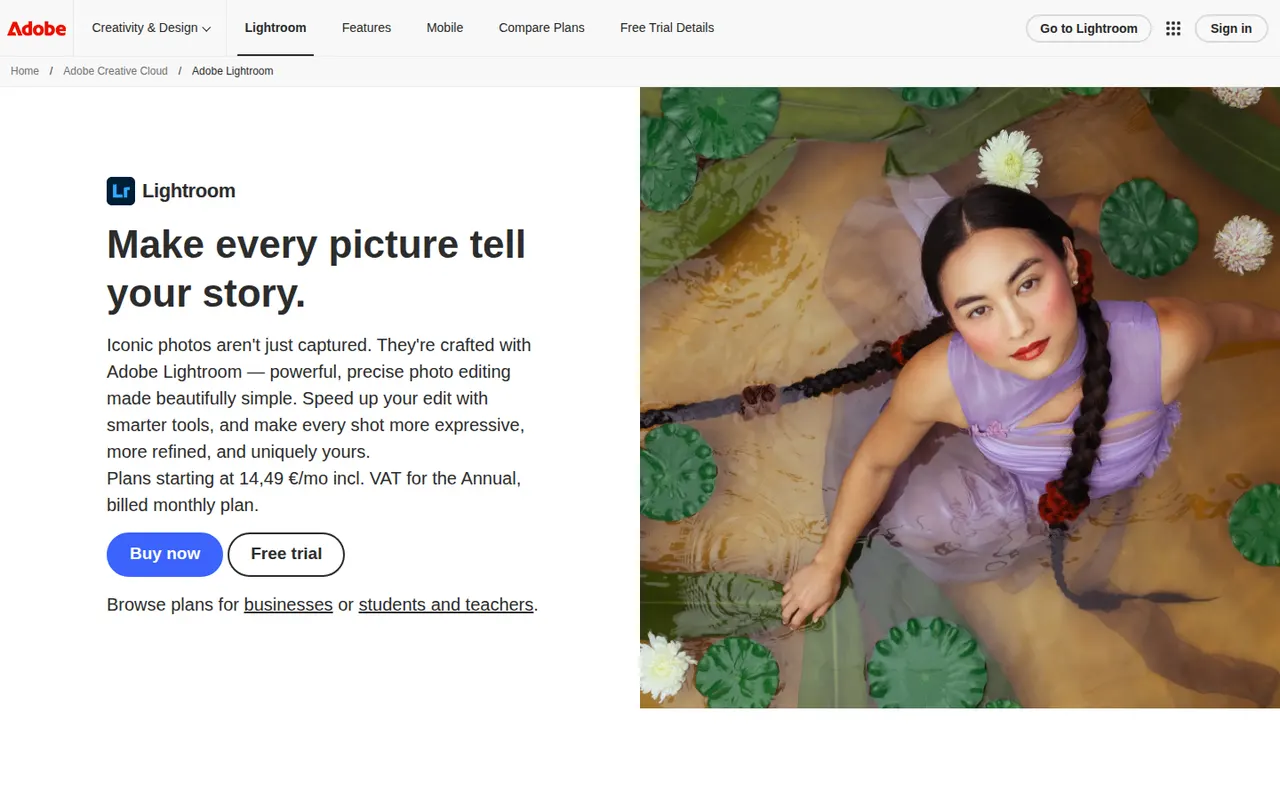
Cost / LicenseFree trialProprietaryCategoriesAdobe Lightroom is a non-destructive photo editor and organizer for processing RAW files, adjusting color and light, and managing large libraries with ratings, keywords and AI-based search. The cloud-based Lightroom syncs edits across desktop, web and mobile, while Lightroom Classic keeps catalogs on the local disk. Presets, masking and AI removal tools serve both enthusiasts and professionals.
9 Adobe Lightroom alternativesPros
- Non-destructive RAW editing with powerful masking
- Library tools with ratings, keywords and AI search
- The cloud version syncs edits across desktop, web and mobile
Cons
- Subscription only, with no perpetual license
- Choosing between Lightroom and Lightroom Classic can be confusing
- Cloud storage adds to the cost for large libraries
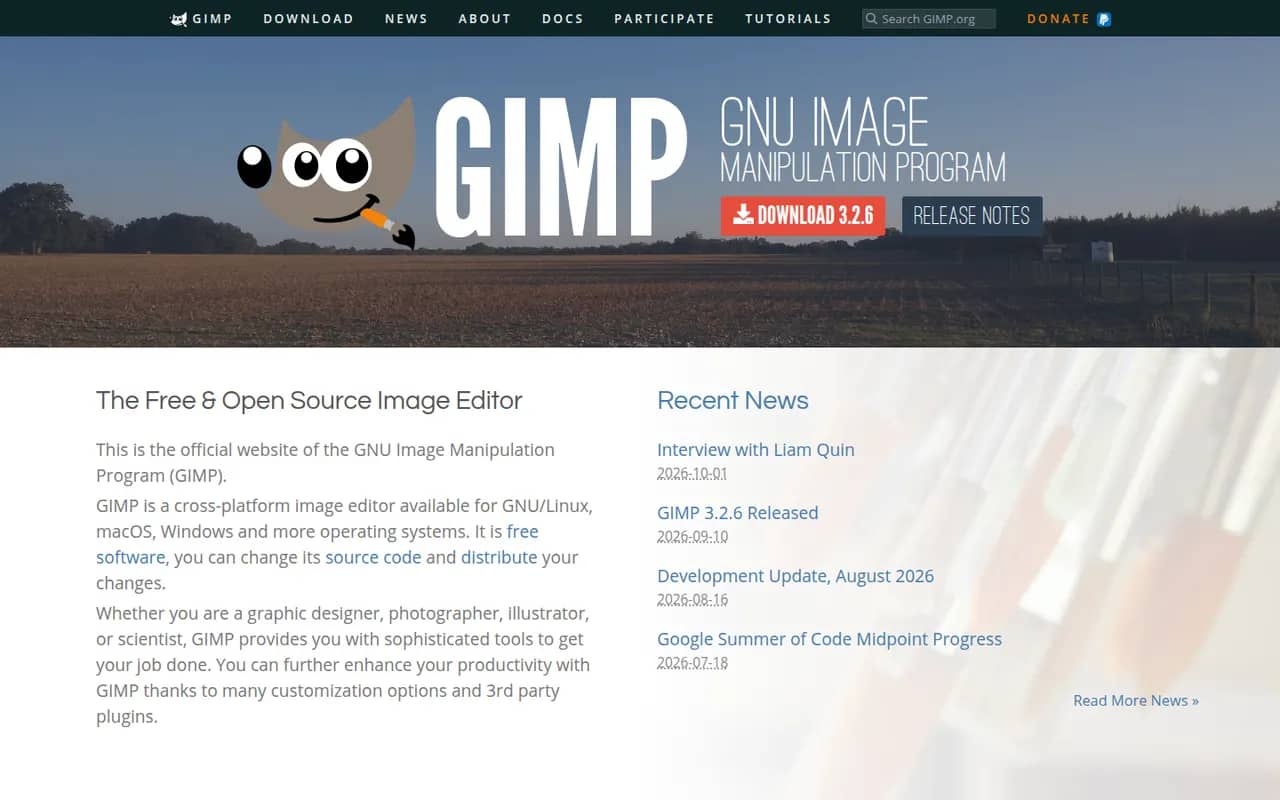
Cost / LicenseFreemiumProprietaryCategoriesGIMP (GNU Image Manipulation Program) is a free, open source image editor used for photo retouching, image composition and digital artwork. It offers layers, masks, selection tools, a wide range of filters and scripts and plugins in Python or Script-Fu. GIMP 3.0 added non-destructive filters and a refreshed interface, and it is a common Photoshop alternative for people who want to avoid subscriptions.
12 GIMP alternativesPros
- Free, open source and available on Windows, macOS and Linux
- Layers, masks, filters and scripting in Python or Script-Fu
- Non-destructive filters since version 3.0
Cons
- Interface and workflows differ from Photoshop, which slows switchers
- Fewer AI and generative tools than commercial editors
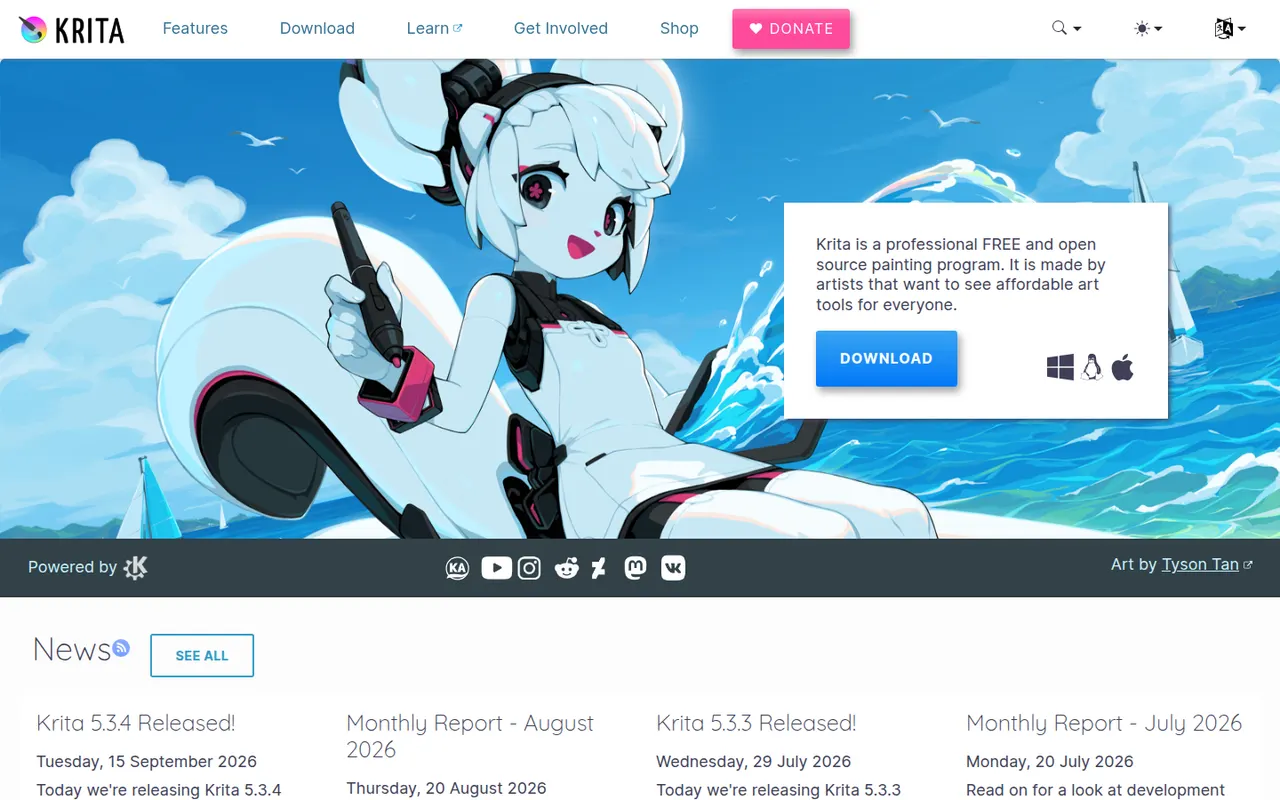
Cost / LicenseFreeOpen sourceCategoriesKrita is a free, open source digital painting program developed by the KDE community for illustrators, comic artists, concept artists and texture painters. It offers customizable brush engines, a brush stabilizer, layers and masks, a wrap-around mode for seamless textures and frame-by-frame 2D animation. It runs on Windows, macOS and Linux, with a version for Android tablets and Chromebooks.
8 Krita alternativesPros
- Free, open source painting app with powerful brush engines
- Brush stabilizer and wrap-around mode for seamless textures
- Frame-by-frame 2D animation built in
Cons
- Not designed for photo editing
- Can be demanding on hardware with large canvases
- No version available for iPad
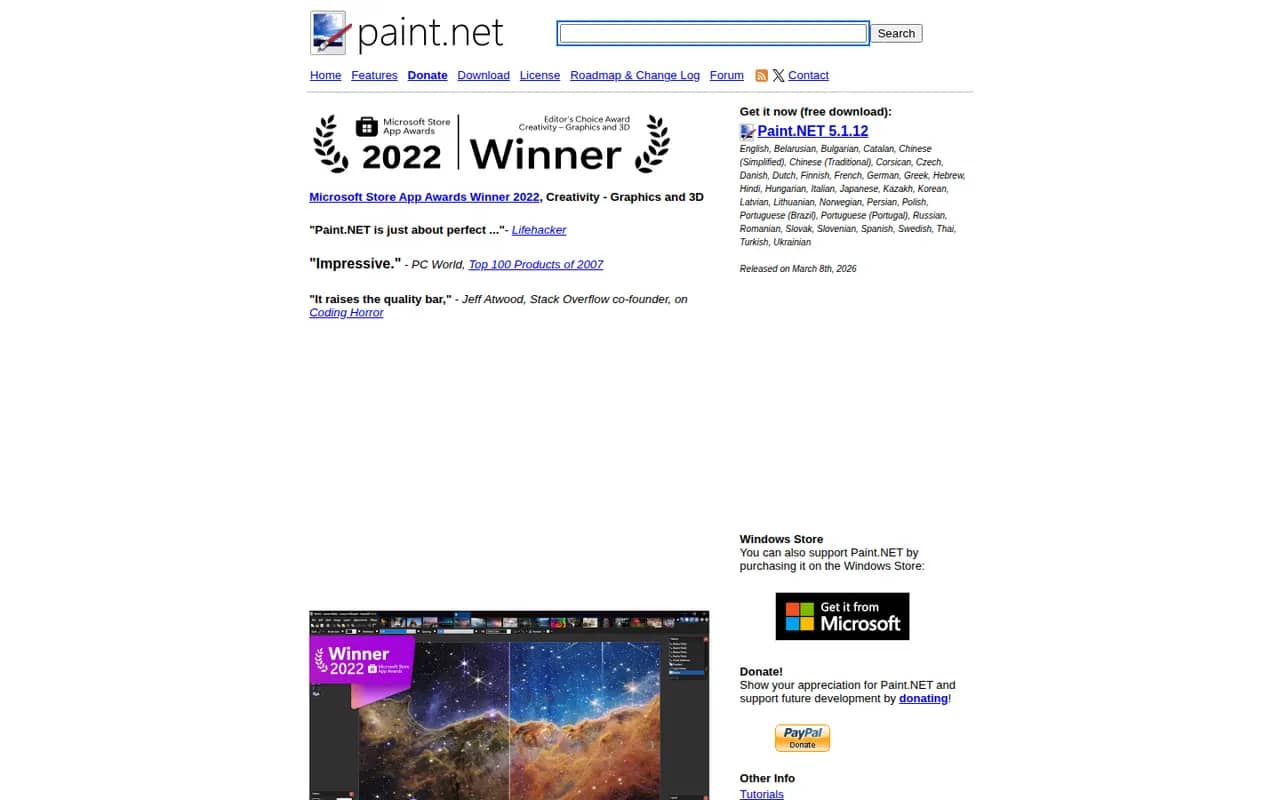
Cost / LicenseFreeOpen sourceCategoriesPaint.NET is a free image editor for Windows that began as a student project to replace Microsoft Paint and grew into a capable photo editing tool. It supports layers, blend modes, unlimited history and a wide set of effects and adjustments, and a large community library of plugins adds new effects and file formats. It is appreciated for its fast startup and simple interface.
6 Paint.NET alternativesPros
- Free, quick to start and simple to use
- Layers, blend modes and unlimited history
- Large library of community plugins
Cons
- Available only on Windows
- Lacks the advanced tools of professional editors
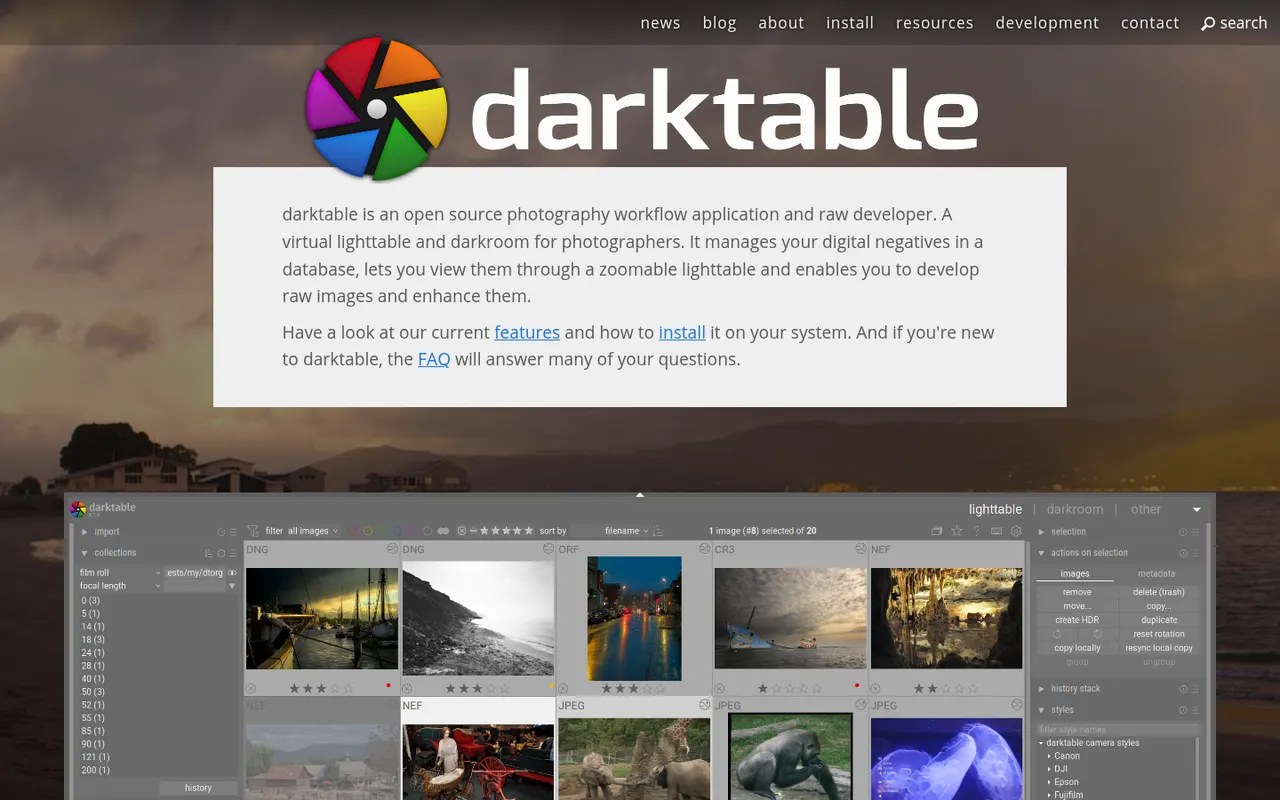
Cost / LicenseFreeProprietaryCategoriesPlatformsdarktable is a free, open source photography workflow application that acts as a virtual light table and darkroom for RAW files. It offers non-destructive editing with a scene-referred pipeline, parametric and drawn masks, color calibration tools, tethered shooting and a tagged image library. It runs on Linux, Windows and macOS and suits photographers who want advanced RAW processing without a subscription.
6 darktable alternativesPros
- Free, open source RAW processing with no subscription
- Scene-referred pipeline with advanced masks and color calibration
- Runs on Linux, Windows and macOS, with tethered shooting
Cons
- Steep learning curve and a dense interface
- No mobile apps or cloud sync
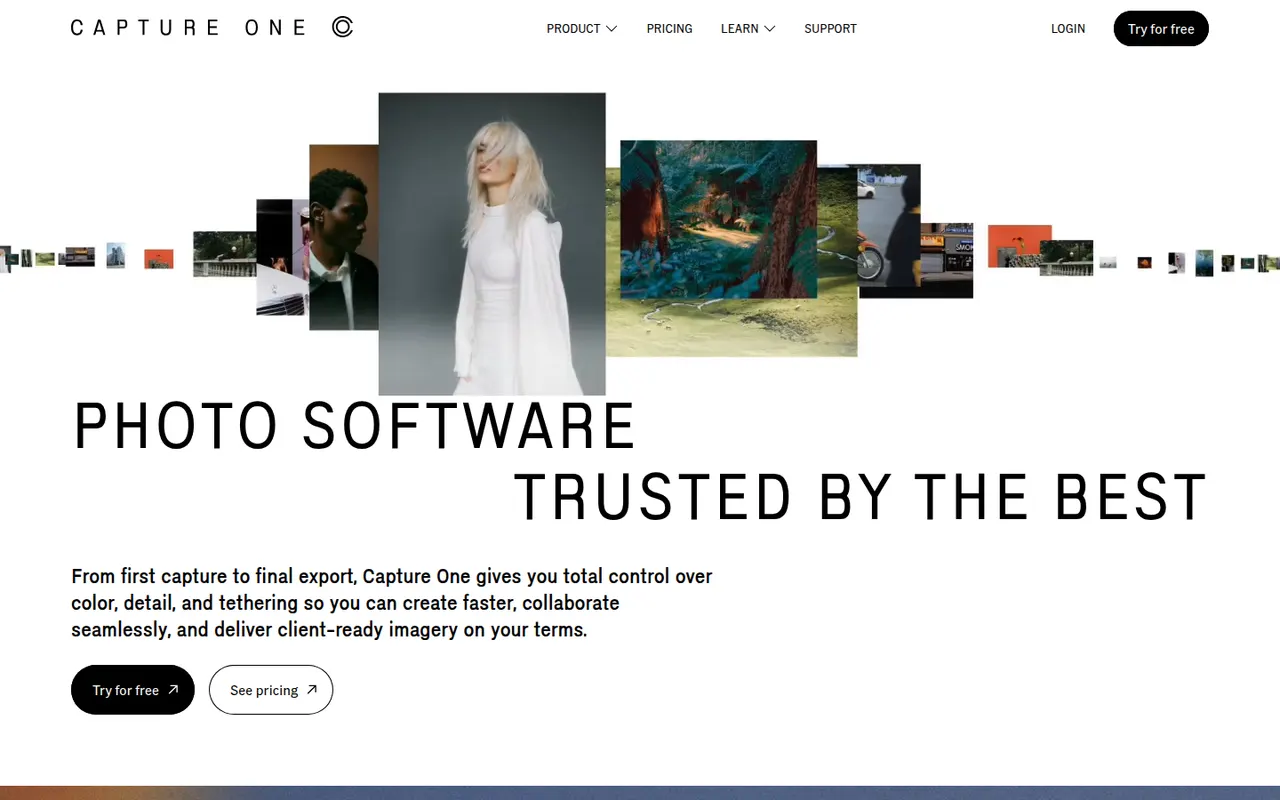
Cost / LicenseFreeOpen sourceCategoriesCapture One is a photo editing and asset management application known for its RAW color rendering and tethered shooting, used in studio, fashion and commercial photography. It offers layer-based local adjustments, advanced color editing, sessions and catalogs for organizing shoots, and live sharing tools for clients. It runs on Windows and macOS, with an app for iPad and iPhone.
7 Capture One alternativesPros
- Renowned RAW color rendering and advanced color tools
- Fast, reliable tethered shooting for studio work
- Layer-based local adjustments and session workflows
Cons
- Pricing is high for hobbyist photographers
- Steep learning curve for newcomers
- Fewer mobile and cloud features than Lightroom
Cost / LicenseFree trialProprietaryCategories